Graduation Computer Setup Essentials
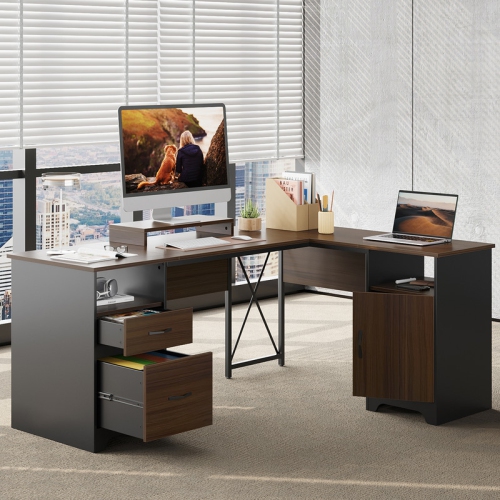
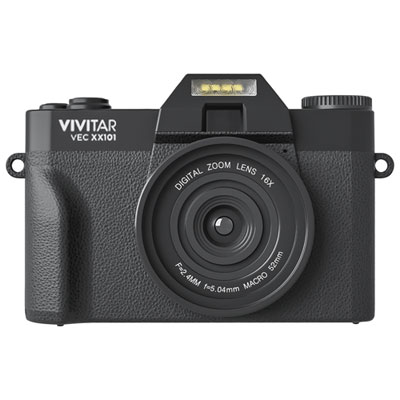
Graduation Computer Setup Essentials make it easy to create a productive and comfortable workspace for the next chapter. Explore a wide selection of computers, monitors, keyboards, mice, desks, chairs, and accessories designed to support every task, from online research to video calls. Whether setting up a home office or preparing for campus life, find everything needed to stay organized and connected with Graduation Computer Setup Essentials.

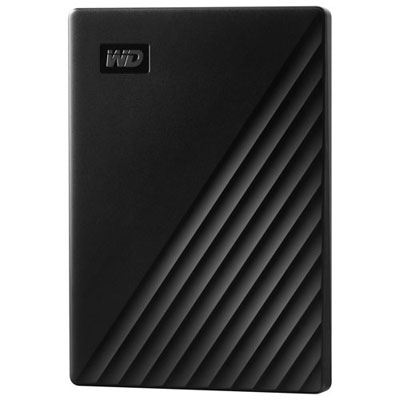
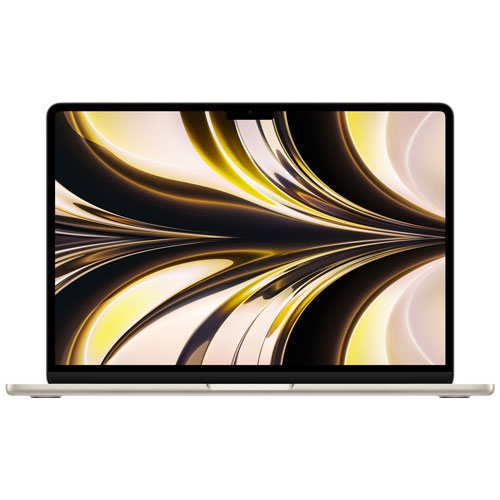
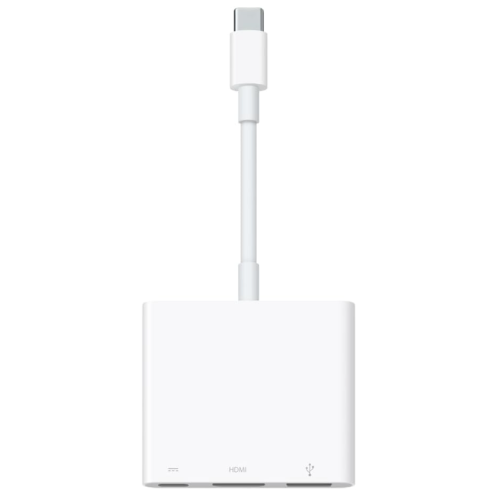

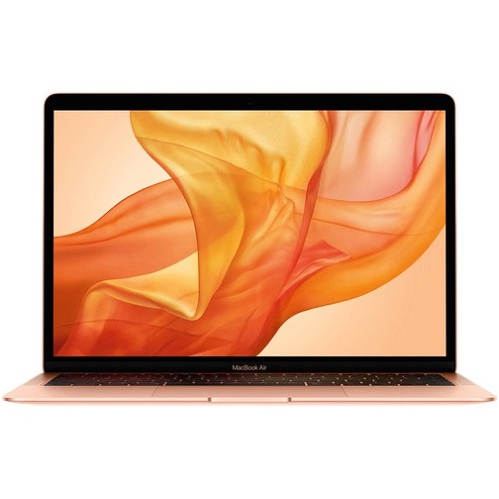
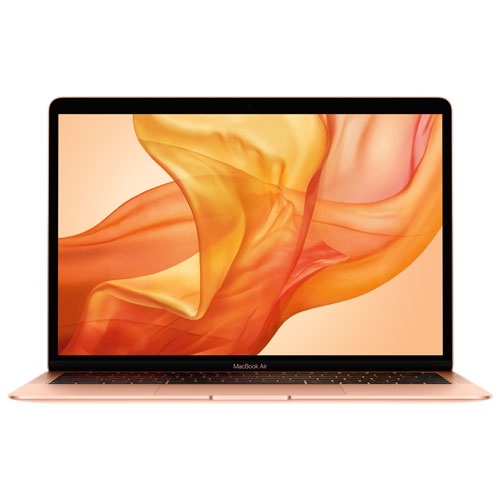



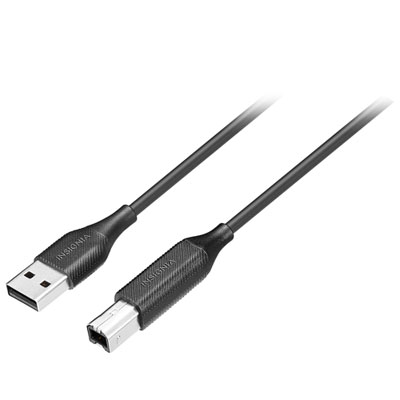
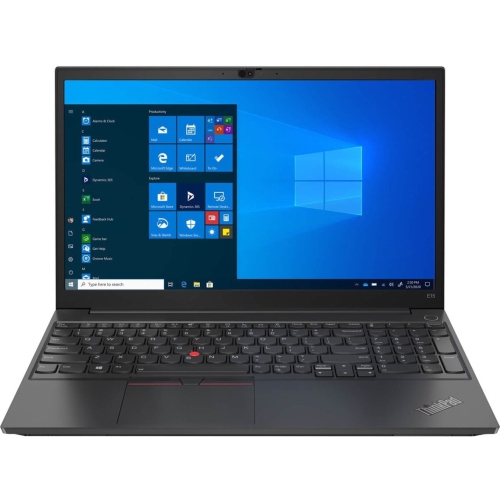

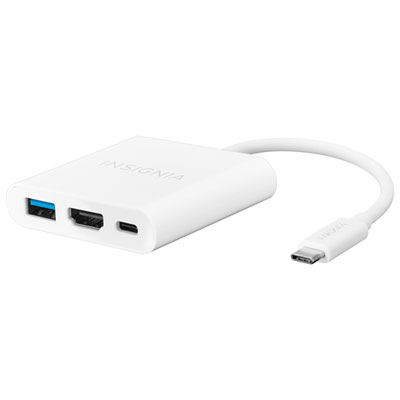
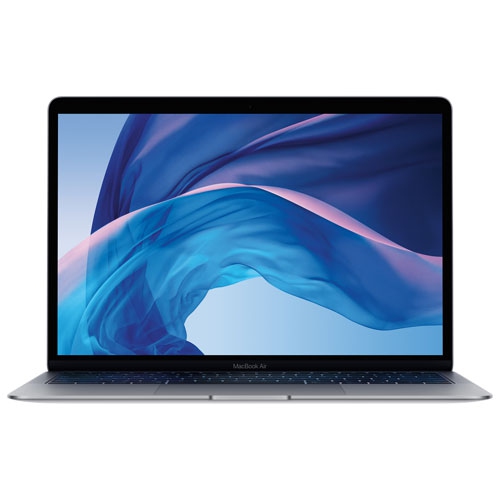
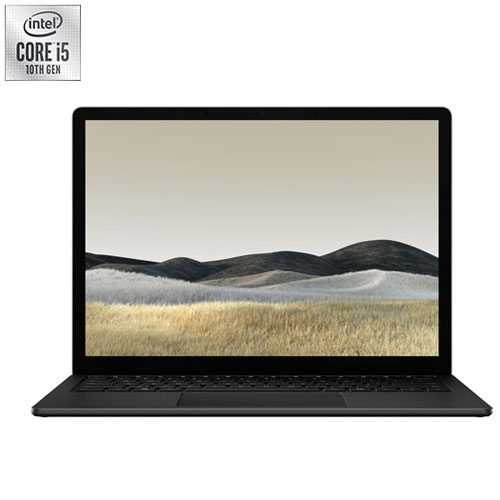
A practical workspace for study, work, and creative pursuits
Graduation is a time of both celebration and preparation, and the right computer setup essentials are a practical way to mark this milestone. Parents, relatives, and friends often choose these products as gifts because they offer real value and daily usefulness—items that will be appreciated long after the confetti has settled. For those setting up a workspace from scratch, it’s important to consider the unique needs of the graduate. A compact setup may suit a small dorm room, while a more elaborate arrangement could be ideal for someone pursuing graphic design, engineering, or gaming. Features like adjustable lighting, multiple charging ports, and cable management solutions can help keep the area tidy and inviting. As routines shift from classroom to remote work or hybrid learning, having the right tools on hand—such as external storage for important files, webcams for video calls, and surge protectors to safeguard electronics—helps graduates stay ready for whatever comes next. Whether you’re shopping for yourself or searching for a memorable gift, these essentials can turn any space into a hub for learning, creativity, and achievement. For even more inspiration and ideas on how to build the perfect digital workspace for graduation, visit the Graduation Digital Workspace Setup page.
FAQ
What are the essential components for a graduation computer setup?
A graduation computer setup typically includes a reliable laptop or desktop, a comfortable desk and chair, an external monitor, a keyboard and mouse, and accessories like headphones or speakers. These essentials help create an efficient workspace for post-graduation tasks such as job searching, further studies, or remote work.
How do I choose the right computer for my needs after graduation?
Consider your primary activities—such as professional work, creative projects, or gaming—and select a computer with suitable processing power, memory, and storage. For portability, opt for a lightweight laptop; for performance-intensive tasks, a desktop may be preferable.
What accessories can enhance my graduation computer setup?
Popular accessories include wireless keyboards and mice for flexibility, ergonomic chairs for comfort during long sessions, external monitors for multitasking, and webcams or microphones for virtual meetings. Cable management tools and desk organizers can also help keep your workspace tidy.
Why is an external monitor beneficial in a home office setup?
An external monitor provides additional screen space, making it easier to multitask between documents, applications, or video calls. This can boost productivity and reduce eye strain compared to working solely on a laptop screen.
How can I optimize my workspace for productivity after graduation?
Arrange your desk to minimize distractions and maximize comfort. Use adjustable chairs and monitor stands to maintain good posture. Incorporate adequate lighting and organize cables to keep your area clutter-free. Adding personal touches like plants or photos can also make your workspace more inviting.
Top selling and popular products
-
 Your price for this item is $1500
 -
 Your price for this item is $699.77
 -
 Your price for this item is $649.77
 -
 Your price for this item is $549.77
 -
 Your price for this item is $649.77
 -
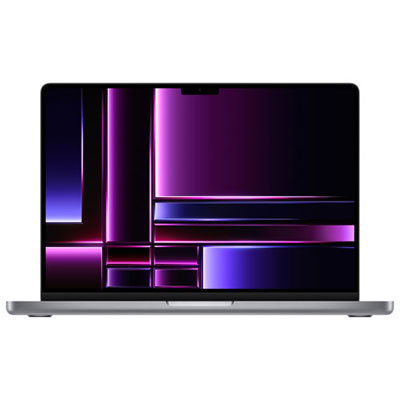 Your price for this item is $2299.97
 -
 Your price for this item is $649.77
 -
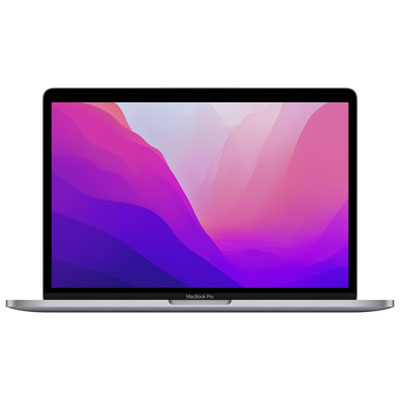 Your price for this item is $1599.97