Graphics Cards for Local AI
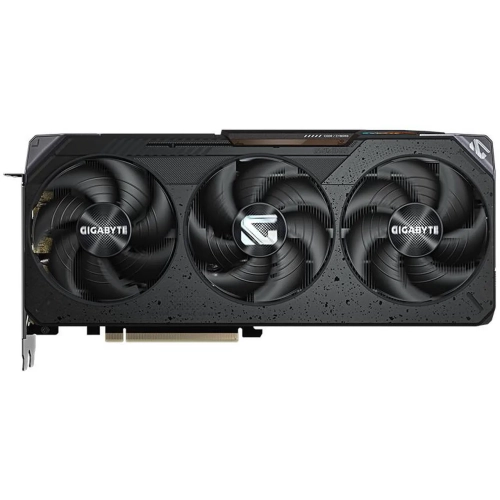
Choosing a GPU for AI starts with your models, software and desktop setup. Explore standalone graphics cards for local AI experimentation, comparing dedicated graphics memory, computing capability and software support. Match your choice to your preferred AI runtime—the software that runs your models—and check your desktop’s expansion, power and cooling requirements before upgrading.
































FAQ
Some gaming graphics cards can also be used with local AI software. Check whether your chosen application supports the GPU architecture and acceleration backend, then review its driver and runtime requirements. Gaming features or an AI label alone do not confirm compatibility.
Dedicated GPU memory, often called VRAM, is memory on the graphics card used for GPU workloads. System RAM supports the CPU and running programs. Some AI applications can divide work between them, but they are not interchangeable, and using system RAM does not simply add to the card’s VRAM.
Review the AI application’s supported operating systems, GPU architectures, graphics drivers and runtime builds. For a CUDA-based workflow, confirm that the application’s CUDA-enabled build supports the exact NVIDIA GPU generation you are considering. Check the software developer’s current requirements rather than relying only on the card’s product description.
Inference means using an existing model to produce an output, such as a text response or image. Training adjusts a model’s weights using data, while fine-tuning adapts an existing model. These tasks have different computing and memory requirements, so compare graphics cards against the workflow you intend to use.
Quantization represents model values at lower numerical precision, which can reduce memory requirements. The model format and quantization method must be supported by your AI software. Allow for context and runtime overhead when checking VRAM requirements, rather than using only the size of the model's download file.
Top selling and popular products
Discover more categories related to Graphics Cards for Local AI
Some products may be subject to Environmental Handling Fees (EHF) depending on your province. Learn more about EHFs.