Best External SSDs for Macbook Pro
Find the best external SSDs for MacBook Pro, ranked by user review ratings to help you compare top-rated options. Whether you need extra space for creative projects, a portable drive for large files, or storage for backups, explore options with the capacity, transfer speeds, and connectivity to suit your workflow.
What to look for in external SSDs for MacBook Pro
1. Connection Compatibility
2. Transfer Speeds
3. Storage Capacity and Format
4. Portability and Durability
-
1
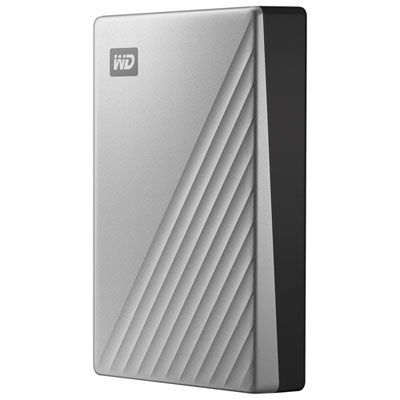
WD My Passport Ultra 4TB USB-C Portable External Hard Drive for Mac (WDBPMV0040BSL-WESN) - Silver
About this product
A sleek silver portable hard drive offering 4TB storage and fast USB-C connectivity for Mac users.
What customers like
(554)$364.99 Your price for this item is $364.99 -
2
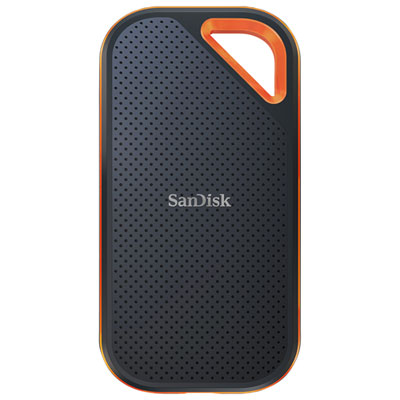
SanDisk Extreme Pro 1TB External Solid State Drive (SDSSDE81-1T00-G25)
About this product
A high-performance 1TB external SSD with NVMe technology and 2000 MB/s read/write speeds for fast transfers.
What customers like
(481)$349.99 Your price for this item is $349.99 -
3

Samsung T7 1TB USB 3.2 External Solid State Drive (MU-PC1T0T/AM) - Grey - English
About this product
A lightweight grey external SSD offering 1TB storage and ultra-fast USB 3.2 data transfer speeds.
What customers like
(4,823)$374.99 Your price for this item is $374.99 -
4
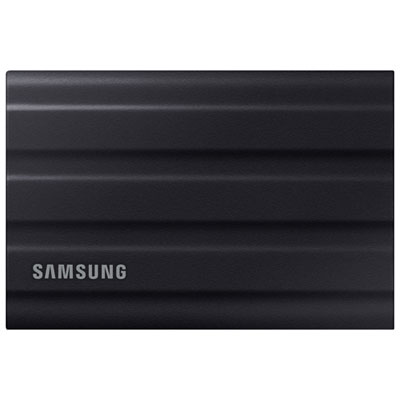
Samsung T7 Shield 2TB USB 3.2 External Solid State Drive (MU-PE2T0S/AM) - Black
About this product
A rugged black SSD offering 2TB storage, fast USB 3.2 speeds, and advanced data protection features.
What customers like
(2,468)$779.99 Your price for this item is $779.99 -
5
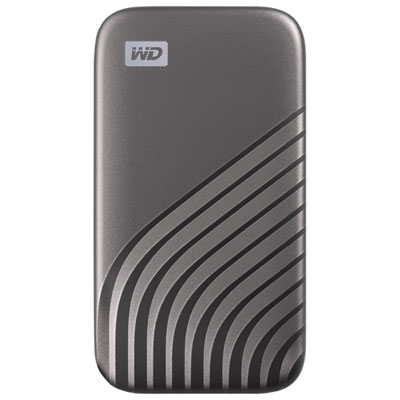
WD My Passport 1TB External Solid State Drive (WDBAGF0010BGY-WESN) - Grey
About this product
A grey external SSD offering 1TB storage, 1050MB/s transfer speed, and 256-bit hardware encryption.
What customers like
(61)$304.99 Your price for this item is $304.99 -
6
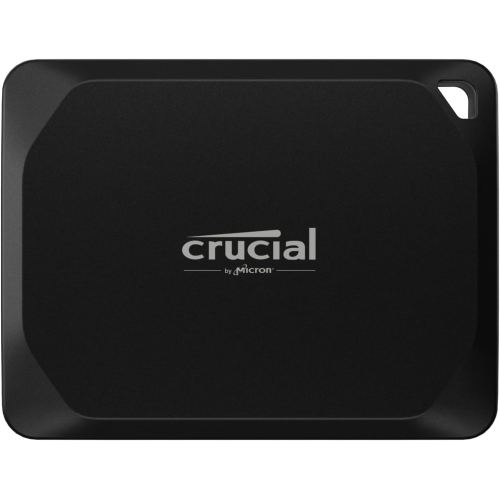
CRUCIAL X10 Pro 1Tb Portable SSD
About this product
A portable SSD offering 1TB of fast, reliable storage for computers and tablets.
(18)$553.68Your price for this item is $553.68SAVE $10 -
7
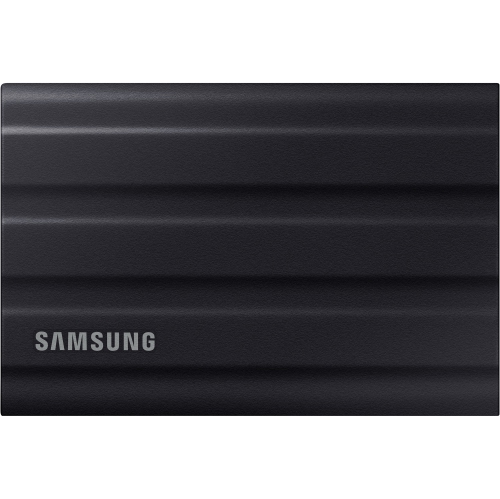
SAMSUNG T7 Shield 2Tb USB 3.2 Gen 2 External Solid State Drive Mu-Pe2T0S/am (Black)
About this product
A rugged black external SSD with fast USB 3.2 Gen 2 speeds, water and dust resistance, and broad compatibility.
$808.68Your price for this item is $808.68SAVE $10 -
8
![CRUCIAL X10 Pro 2Tb Portable SSD Ct2000X10Prossd9 [Video Game]](https://multimedia.bbycastatic.ca/multimedia/products/500x500/179/17977/17977182.png)
CRUCIAL X10 Pro 2Tb Portable SSD Ct2000X10Prossd9 [Video Game]
About this product
A high-speed 2TB portable SSD offering reliable storage for gaming, backups, and file transfers.
What customers like
(220)$734.68Your price for this item is $734.68SAVE $10 -
9
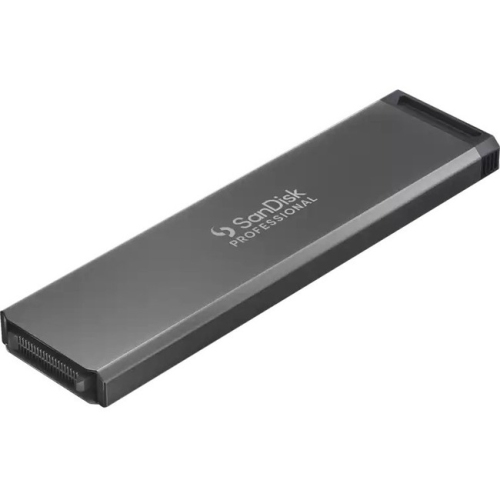
WD Sdpm1Ns-002T-GBand Pro-Blade SSD Mag From Sandisk Professional (Sdpm1Ns-002T-GBand)
About this product
A portable 2TB NVMe SSD offering up to 2000 MB/s read speeds for desktop PC use.
(3)$613.68Your price for this item is $613.68SAVE $10
FAQ
Check that the SSD supports your version of macOS and connects through a port available on your MacBook Pro. Confirm whether it uses USB or Thunderbolt, and whether a compatible data cable is included. Some drives also include software whose macOS compatibility should be checked separately.
APFS is generally a suitable choice for an SSD used exclusively with modern versions of macOS. For a drive shared with Windows computers, exFAT is a common option. You can view or change the format in Disk Utility, but formatting erases existing files, so copy anything you want to keep first.
Yes. A compatible external SSD can serve as a Time Machine backup destination. Connect the drive, open Time Machine settings in macOS and follow the prompts to add it. Time Machine may require the drive to be erased or reformatted during setup.
No. USB-C describes the connector shape, while USB and Thunderbolt are different connection standards that can use that shape. A USB-C connector alone does not confirm Thunderbolt support. Check the specifications of your MacBook Pro, SSD and cable to confirm that they support the required connection.
Yes, provided both computers support the drive’s connection and file format. An exFAT-formatted SSD allows macOS and Windows to read and write files without additional file-system software. APFS is designed for Apple systems and is not natively supported by Windows.
Top selling and popular products
Discover more categories related to Best External SSDs for Macbook Pro
Some products may be subject to Environmental Handling Fees (EHF) depending on your province. Learn more about EHFs.