External SSDs for Mac
External SSD for Mac offers a reliable way to expand your storage and enhance your workflow. Whether you need extra space for large files, quick access to creative projects, or a portable backup solution, these drives are designed to integrate seamlessly with your Mac devices. Explore a range of options tailored to fit your needs, from compact designs for easy transport to high-capacity models ideal for demanding tasks. Find the perfect External SSD for Mac to keep your data secure and your performance smooth.
Sort
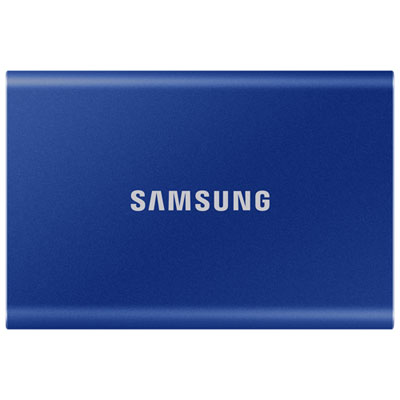
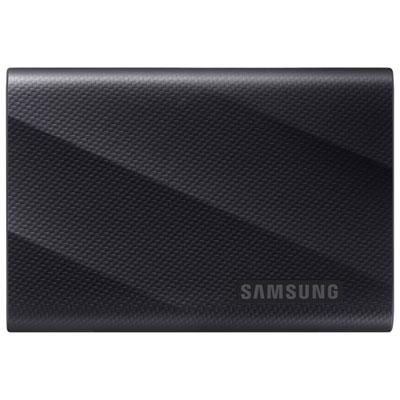
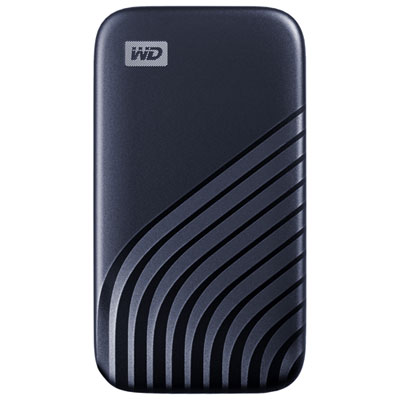
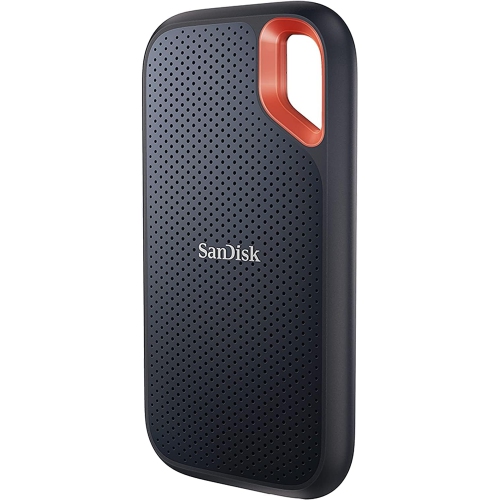
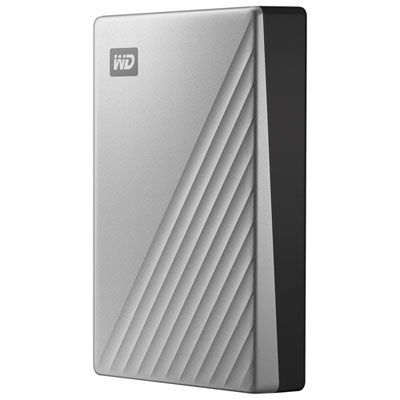
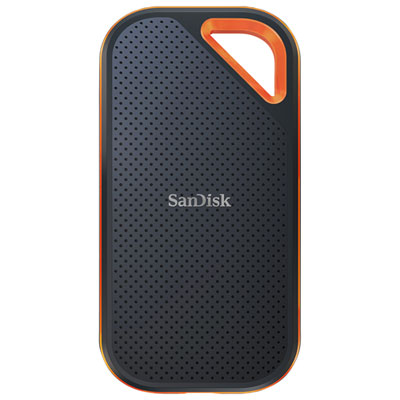
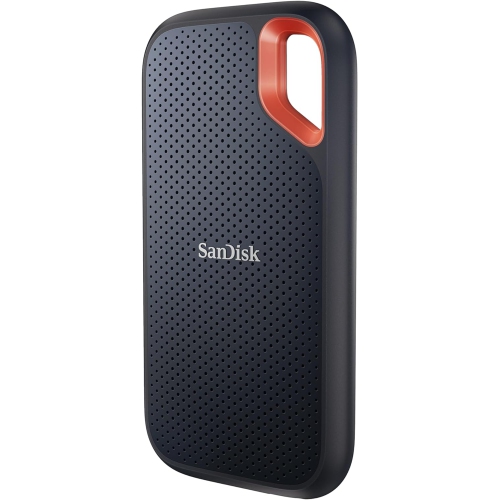
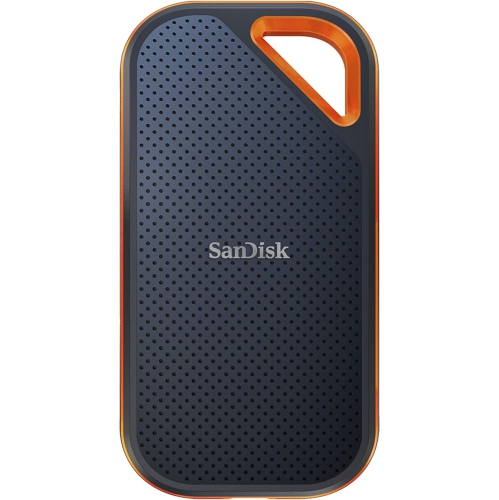
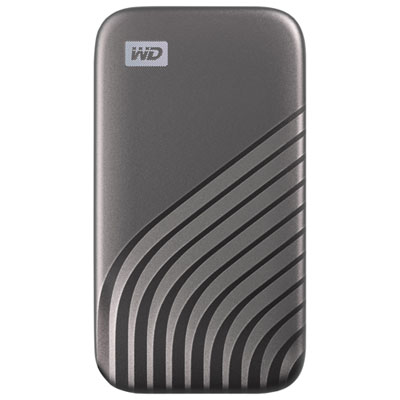
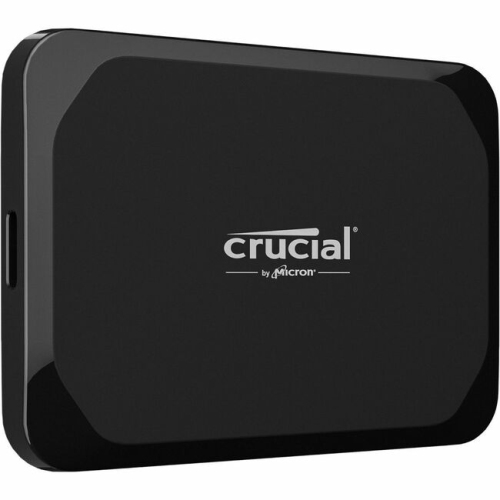
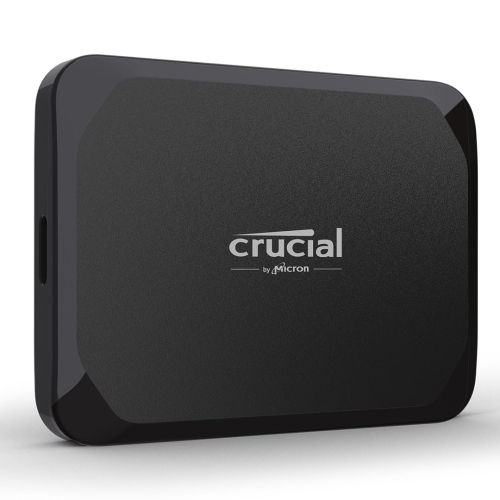
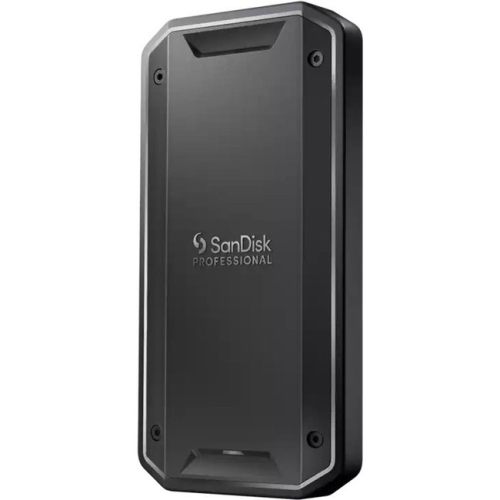
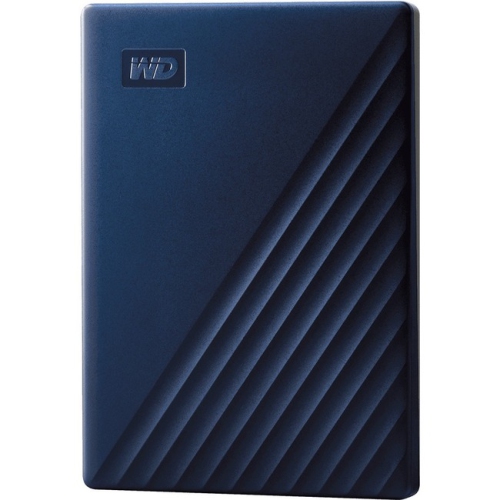
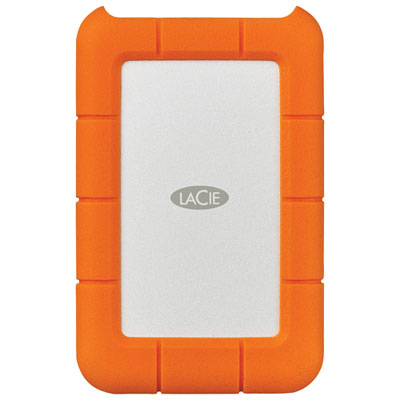
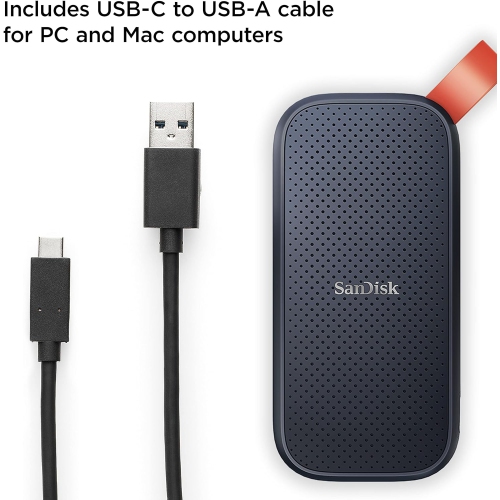
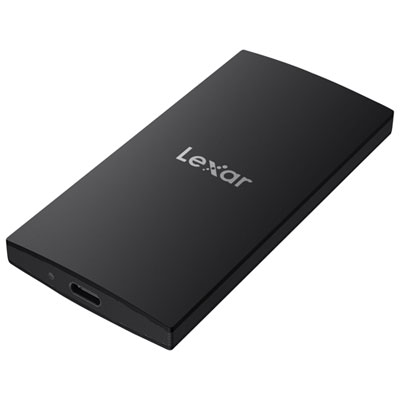
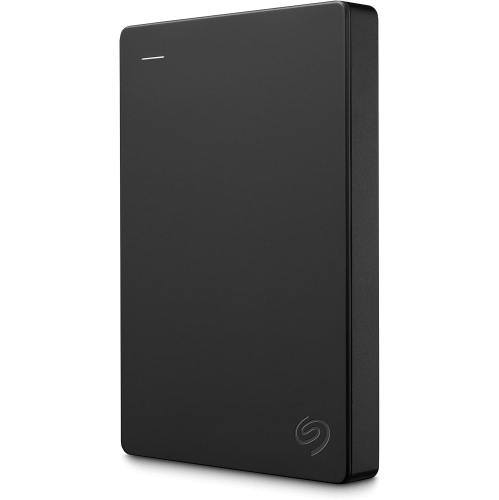
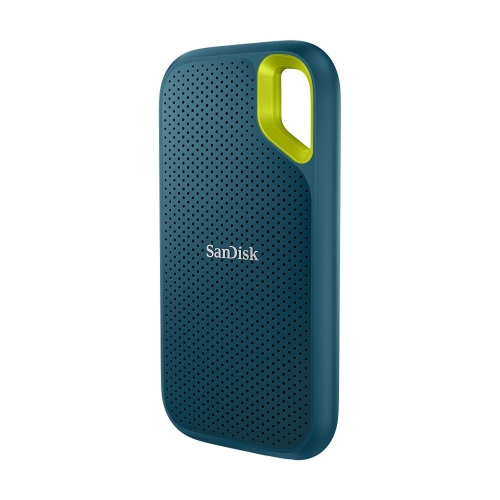
Fast, portable storage for creative work and backups
When considering an external SSD for your Mac, it’s helpful to think about the variety of ways these drives can enhance your daily routine, whether you’re a creative professional, a student, or simply someone who values speed and reliability. External SSDs are prized for their rapid data transfer rates, making them an ideal companion for those who work with large files—think photographers offloading high-res RAW images, videographers editing 4K or 8K footage on the go, or designers juggling hefty project folders. The plug-and-play nature of these drives means you can quickly expand your Mac’s storage capacity without the need for complicated installations or technical know-how. With spring in the air and the urge to refresh your workspace or streamline your workflow, now is an excellent time to consider how an external SSD can fit into your setup. Imagine sitting by a sunlit window, your MacBook humming quietly, and your portable SSD seamlessly handling backups, transfers, and edits—everything running smoothly, no matter where you set up shop.
External SSDs for Mac are also a thoughtful gift idea, especially for students heading into a new semester, professionals launching a creative project, or anyone who wants to safeguard precious memories and important documents. The compact size and durability of modern SSDs make them easy to slip into a backpack or briefcase, perfect for those who find themselves working from coffee shops, libraries, or while travelling between cities. With features like macOS compatibility, password protection, and shock resistance, these devices offer peace of mind alongside performance. Whether you’re backing up family photos, transferring music libraries, or archiving client work, an external SSD provides the flexibility and reliability that Mac users appreciate. For those who rely on Time Machine for backups, an SSD can make the process faster and more efficient—no more waiting around for files to copy, even during the busiest times of year.
Choosing the right external SSD involves considering factors such as storage capacity, connection type (USB-C or Thunderbolt for maximum speed), and the kind of work you’ll be doing. If you’re editing videos or managing large databases, look for drives with higher read/write speeds and robust build quality. For everyday file transfers or backups, a more compact model might be the perfect fit. No matter your needs, there’s a wide selection of options designed specifically for Mac, ensuring full compatibility and a seamless user experience. For a closer look at the full range of choices, including detailed specs and customer reviews, visit the Solid State Drives for MAC page. Here, you’ll find everything you need to make an informed decision and discover how an external SSD can help you get the most out of your Mac throughout the year.
External SSDs for Mac are also a thoughtful gift idea, especially for students heading into a new semester, professionals launching a creative project, or anyone who wants to safeguard precious memories and important documents. The compact size and durability of modern SSDs make them easy to slip into a backpack or briefcase, perfect for those who find themselves working from coffee shops, libraries, or while travelling between cities. With features like macOS compatibility, password protection, and shock resistance, these devices offer peace of mind alongside performance. Whether you’re backing up family photos, transferring music libraries, or archiving client work, an external SSD provides the flexibility and reliability that Mac users appreciate. For those who rely on Time Machine for backups, an SSD can make the process faster and more efficient—no more waiting around for files to copy, even during the busiest times of year.
Choosing the right external SSD involves considering factors such as storage capacity, connection type (USB-C or Thunderbolt for maximum speed), and the kind of work you’ll be doing. If you’re editing videos or managing large databases, look for drives with higher read/write speeds and robust build quality. For everyday file transfers or backups, a more compact model might be the perfect fit. No matter your needs, there’s a wide selection of options designed specifically for Mac, ensuring full compatibility and a seamless user experience. For a closer look at the full range of choices, including detailed specs and customer reviews, visit the Solid State Drives for MAC page. Here, you’ll find everything you need to make an informed decision and discover how an external SSD can help you get the most out of your Mac throughout the year.
Top selling and popular products
-
 Your price for this item is $374.99
 -
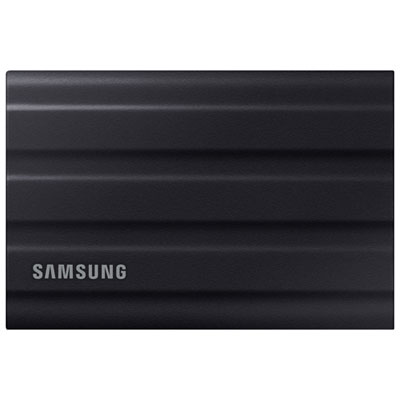 Your price for this item is $779.99
 -
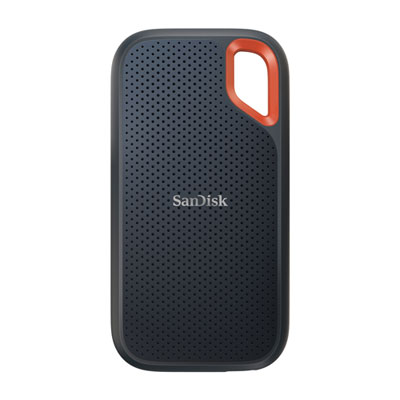 Your price for this item is $499.99
 -
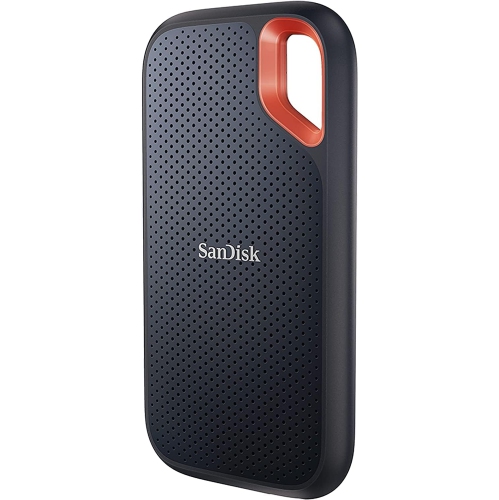 Your price for this item is $347.45
 -
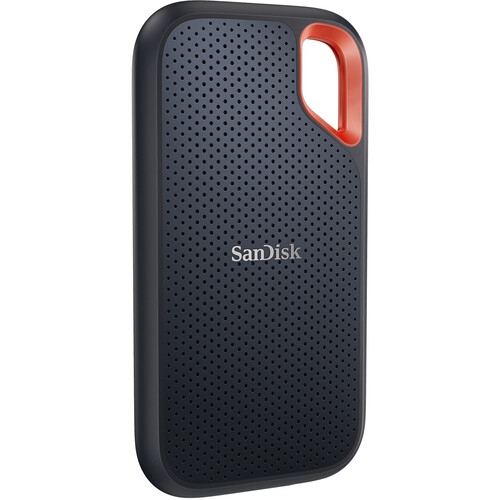 Your price for this item is $528.95
 -
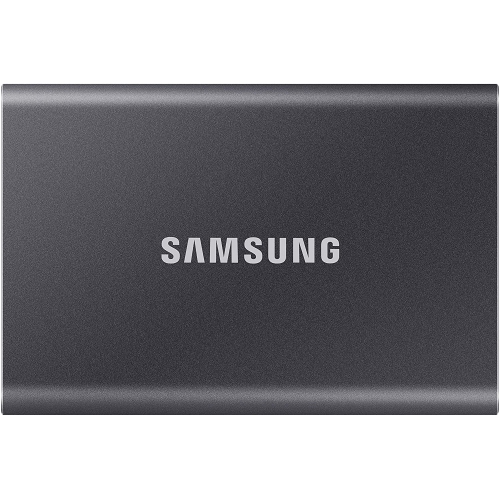 Your price for this item is $241.47
 -
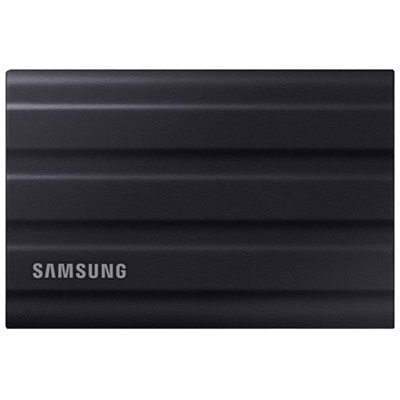 Your price for this item is $1249.99
 -
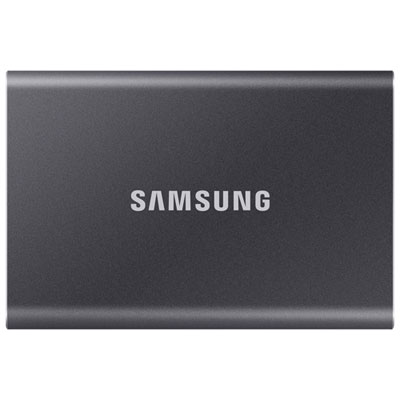 Your price for this item is $1489.95
Discover more categories related to External SSDs for Mac
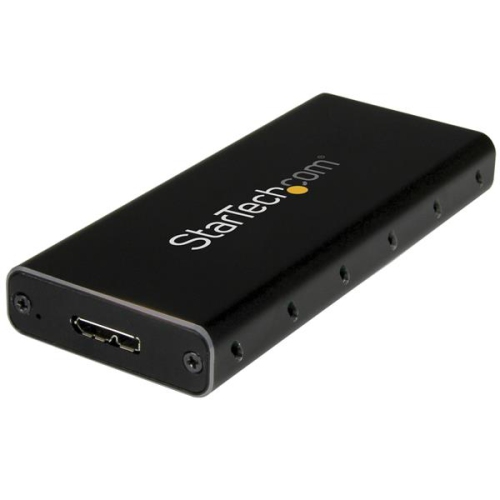
Top Collections:
Pokemon Centers, Best Budget Office Chairs, Budget 4K TVs, Kindle Devices, Best Laptops for Writers, Canon G7X Cameras, Apple iPhones 16, iPhone 15 Apple, Laptops for Business Work, Xiaomi Phones
Some products may be subject to Environmental Handling Fees
(EHF) depending on your province.
Learn more about EHFs.