Micro HDMI Cables
Looking to enhance your home entertainment setup or connect your devices to larger screens with ease? Explore our collection of Micro HDMI cables, designed to deliver high-quality audio and video signals from your portable devices to TVs, monitors, projectors, and more. These compact yet powerful cables ensure seamless transmission of data for a crisp and clear viewing experience. Whether you're a tech enthusiast, gamer, or professional in need of reliable connectivity solutions, our range of Micro HDMI cables has you covered.
Sort


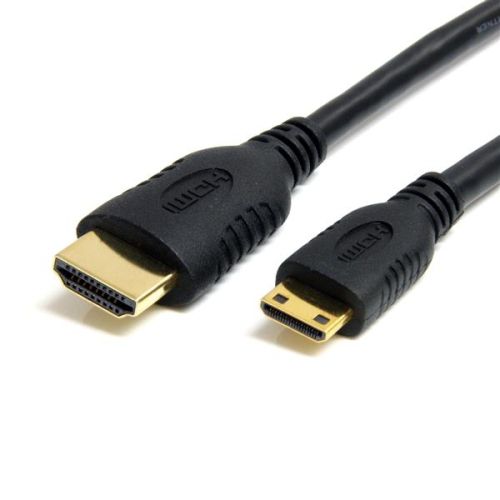
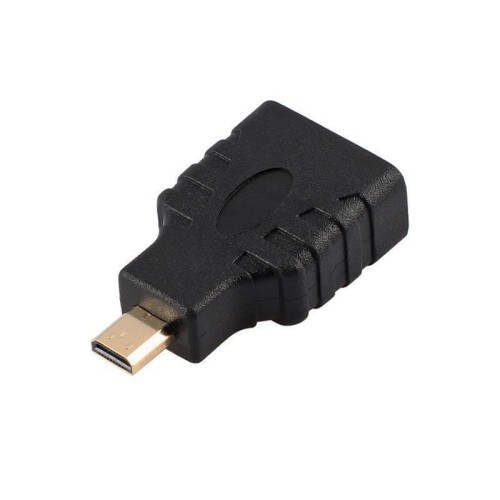
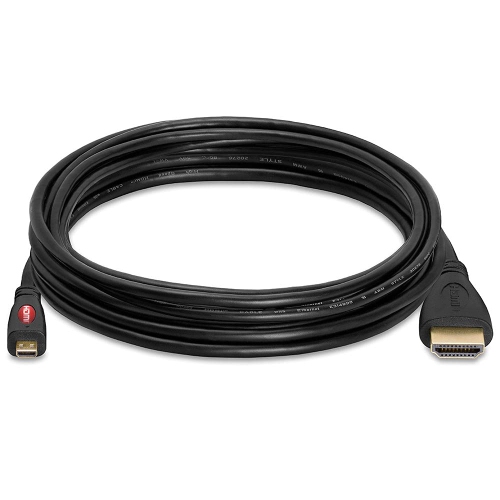
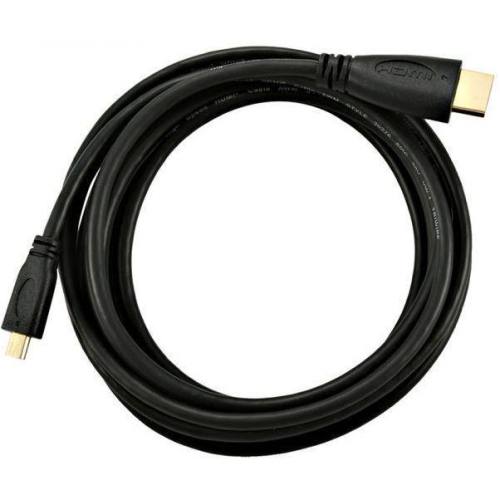
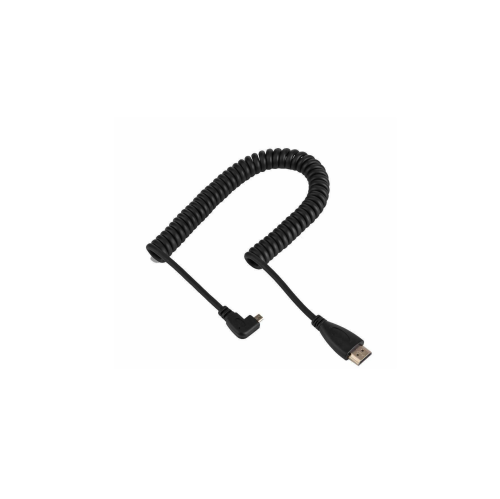
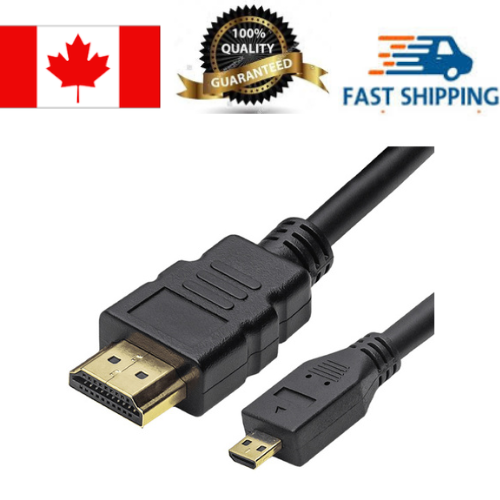
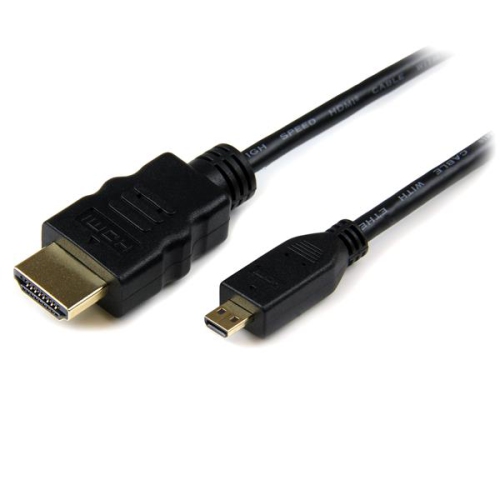
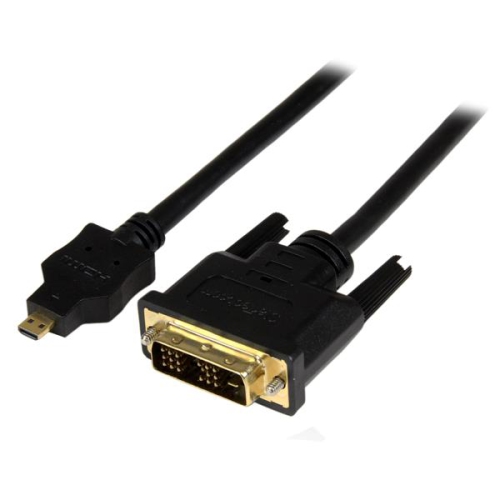
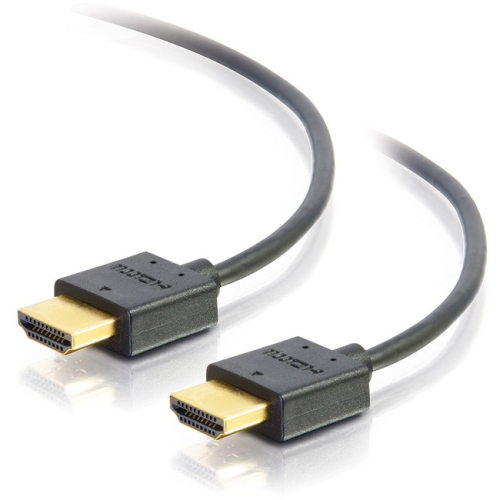
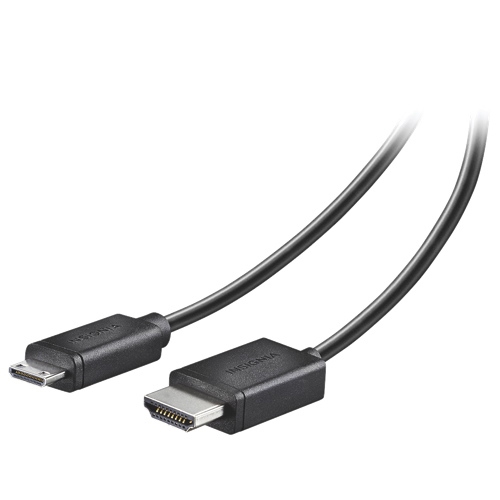
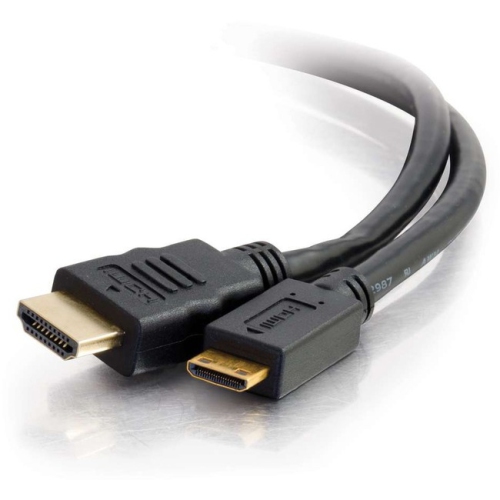

![V-MAX [5 Pack] 1.8M Micro HDMI to HDMI Cable - High-Definition Connectivity for Devices](https://multimedia.bbycastatic.ca/multimedia/products/500x500/175/17552/17552788.jpeg)



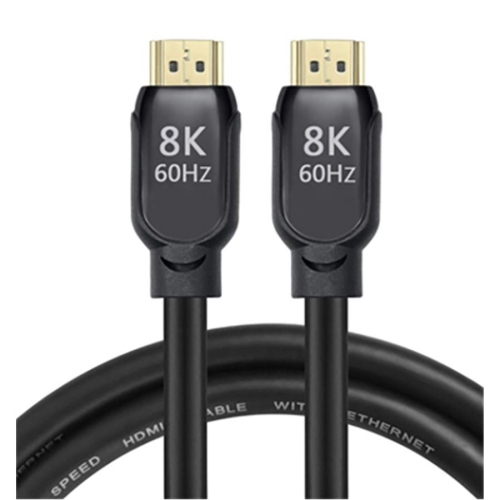
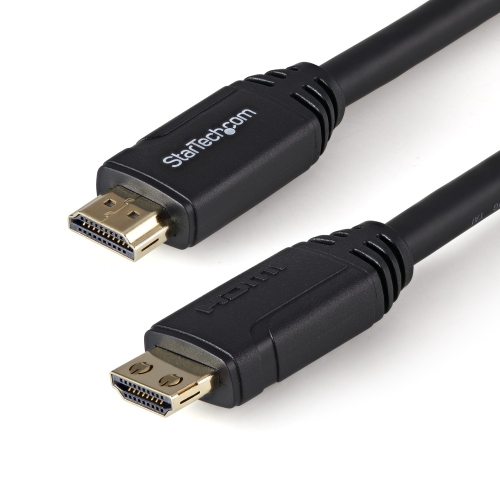
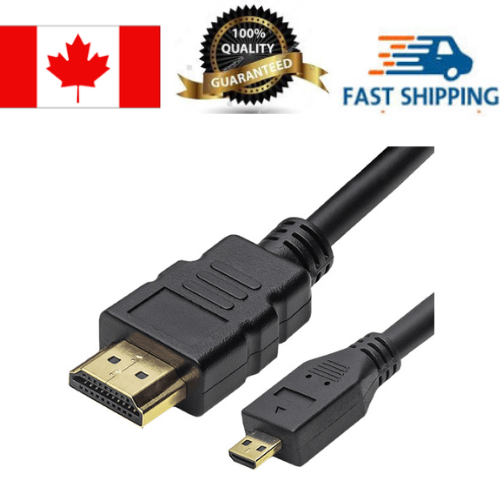
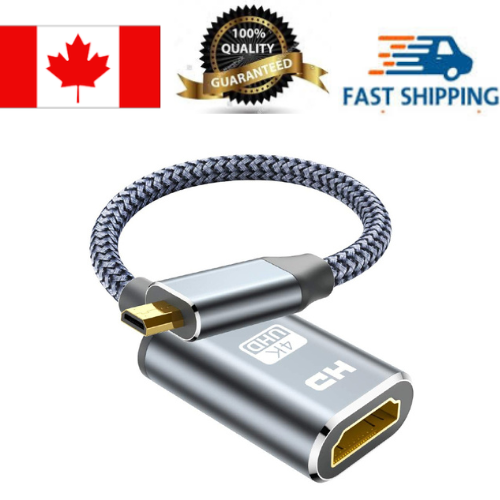
![V-MAX [3 Pack] 1.8M Micro HDMI to HDMI Cable - High-Definition Connectivity for Devices](https://multimedia.bbycastatic.ca/multimedia/products/500x500/175/17552/17552789.jpeg)

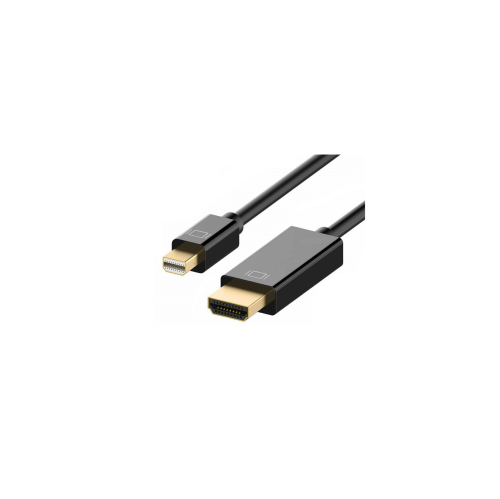
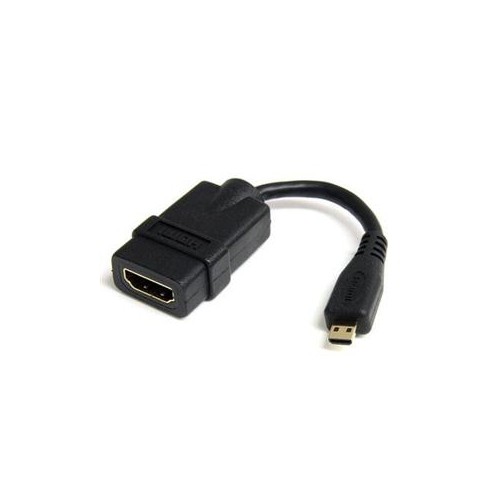
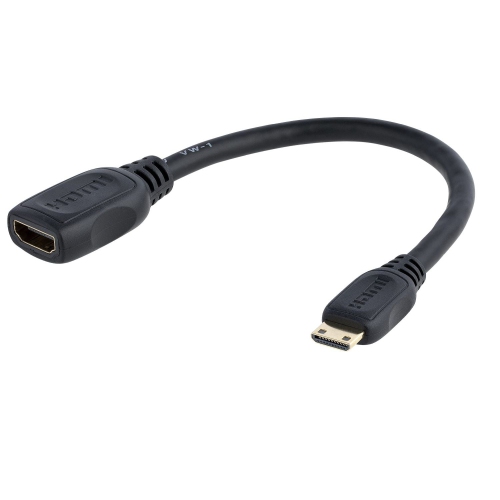
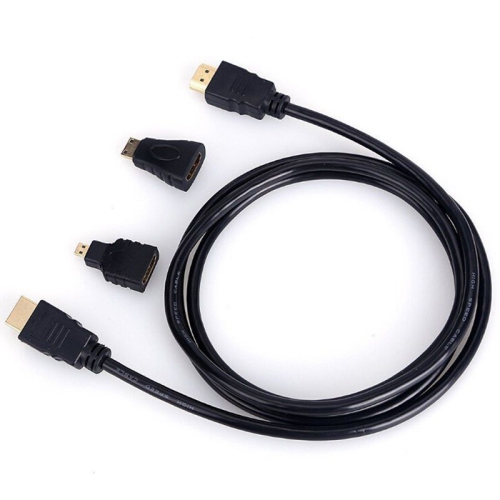
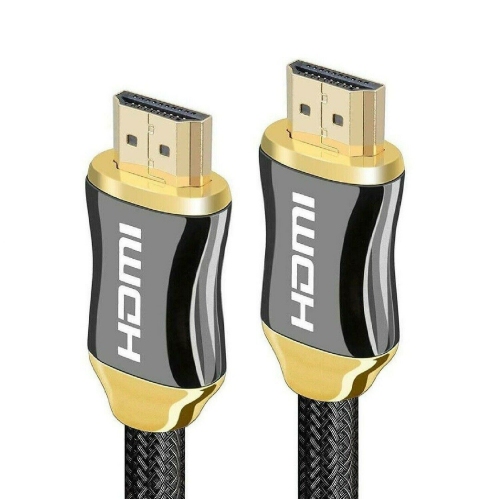
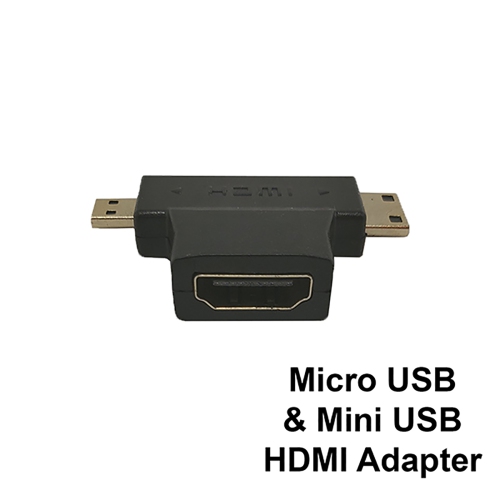
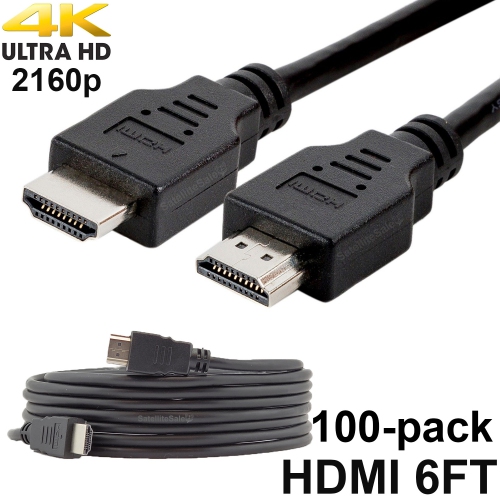
A direct connection from compact devices to bigger screens
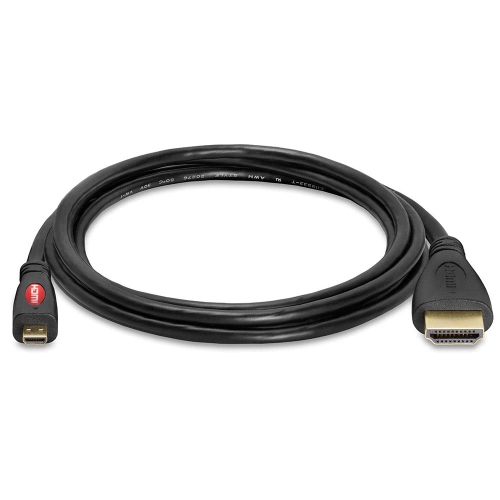
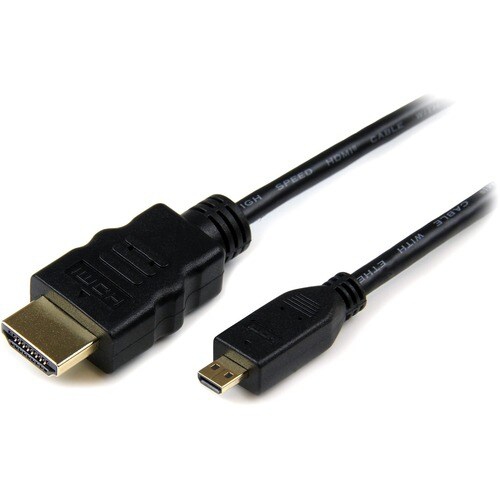
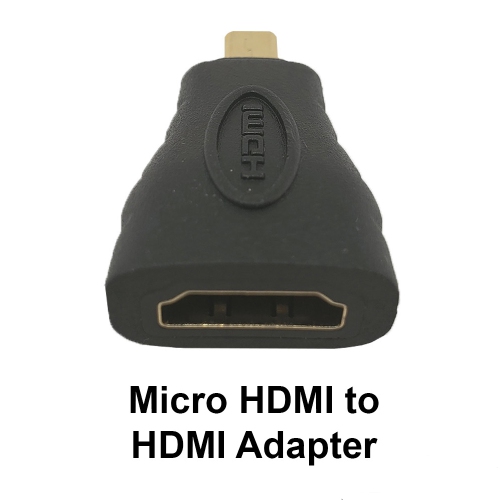
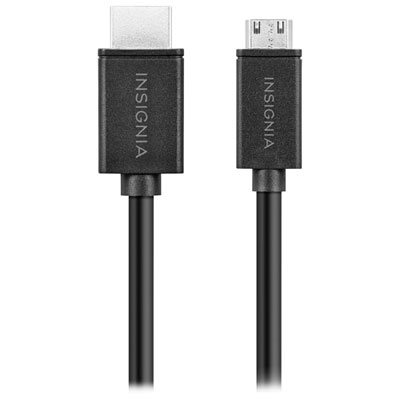
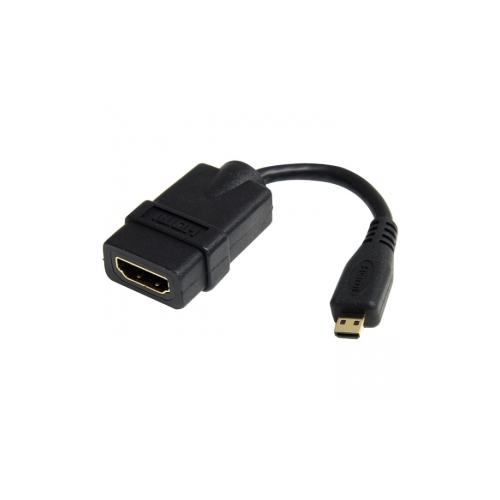
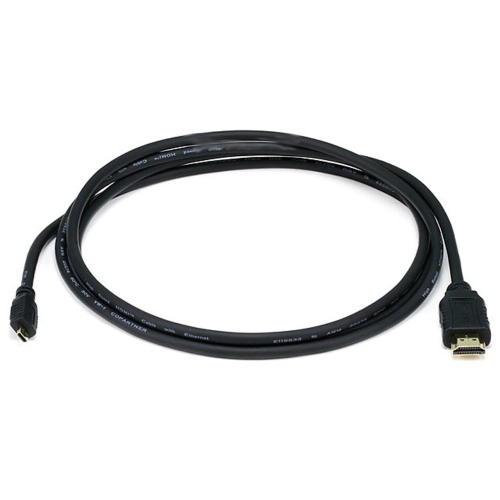
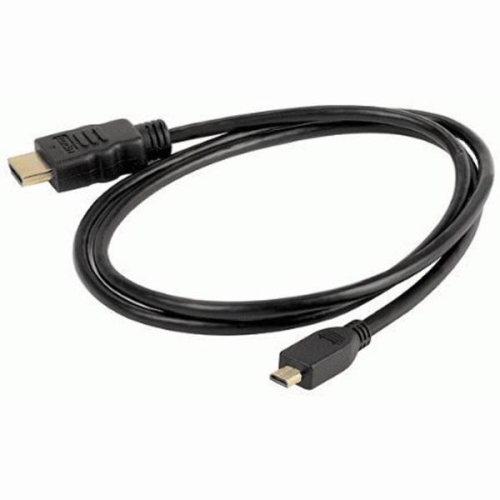
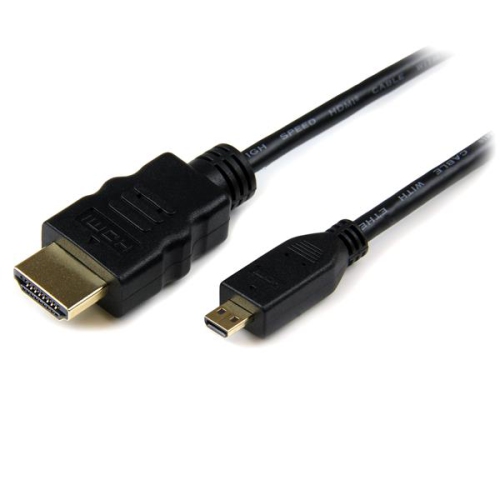
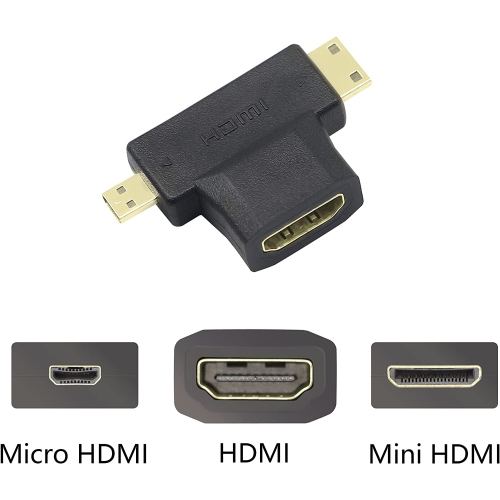
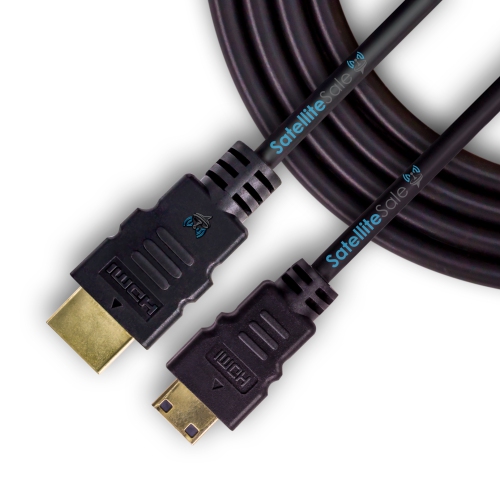
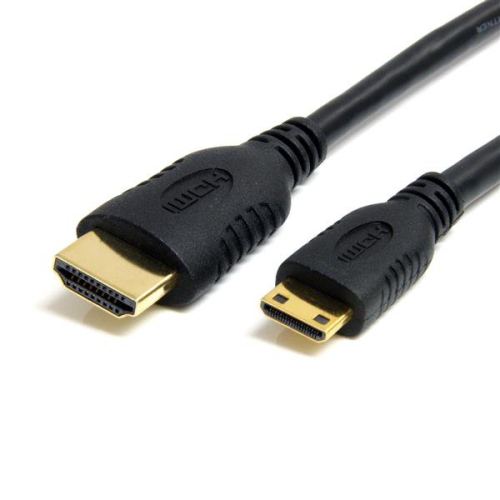
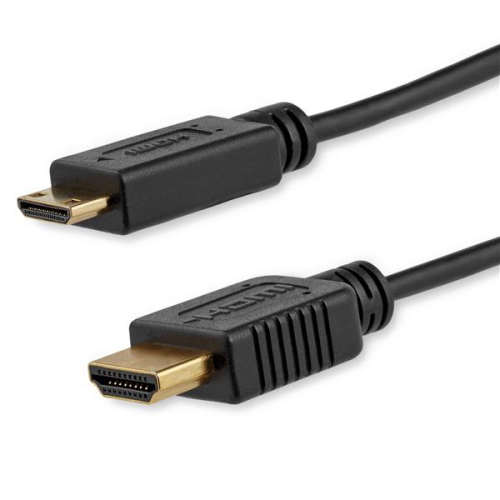
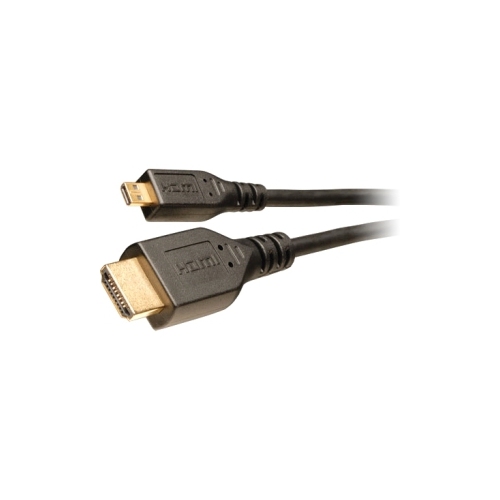
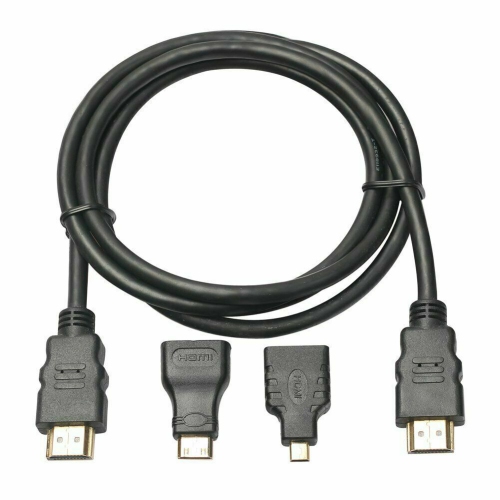
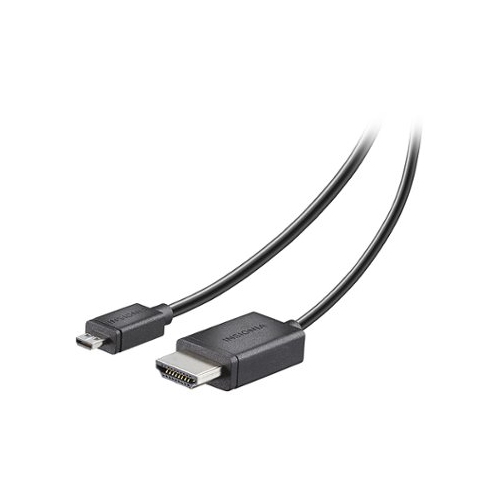
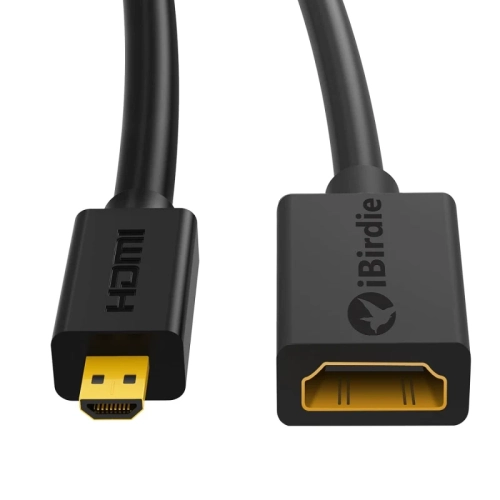
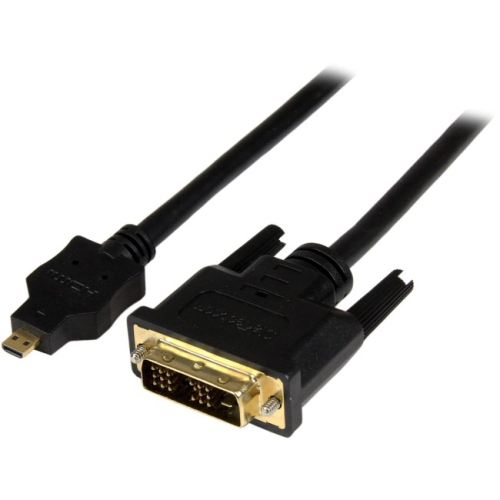
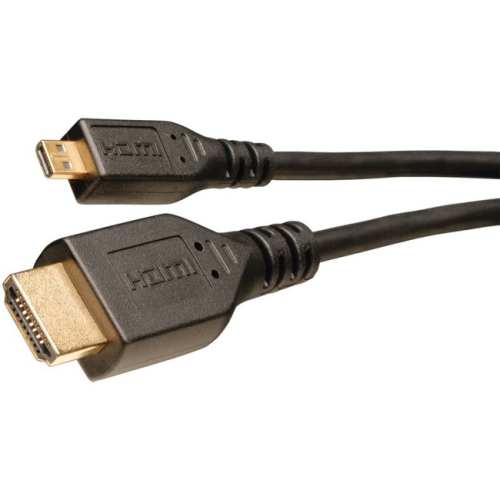
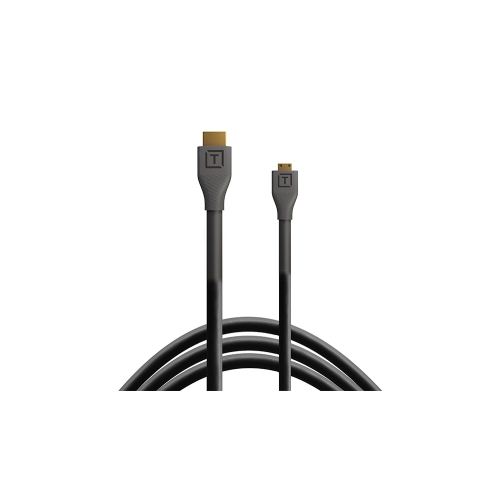
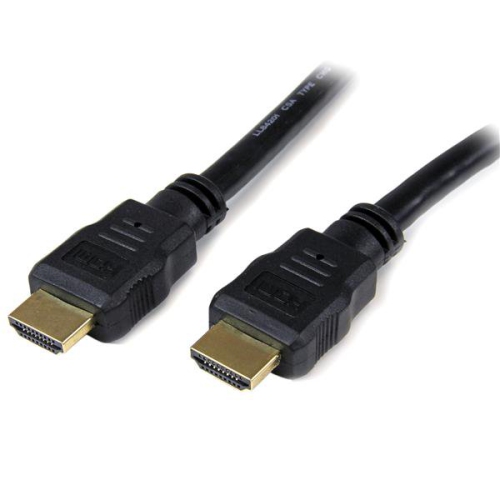
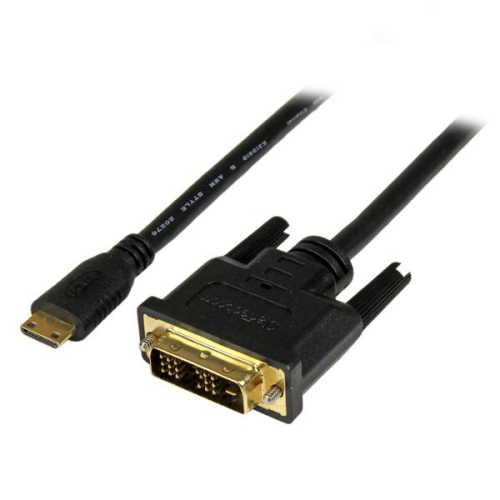
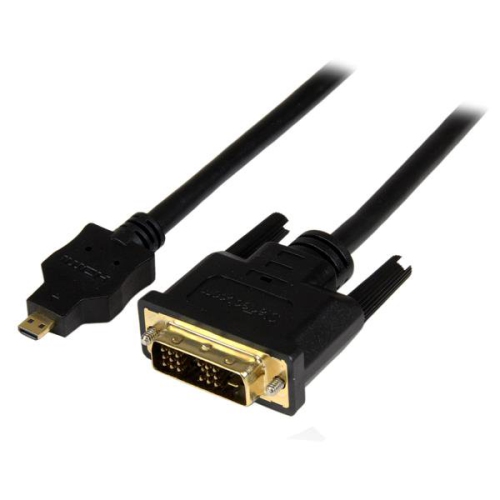
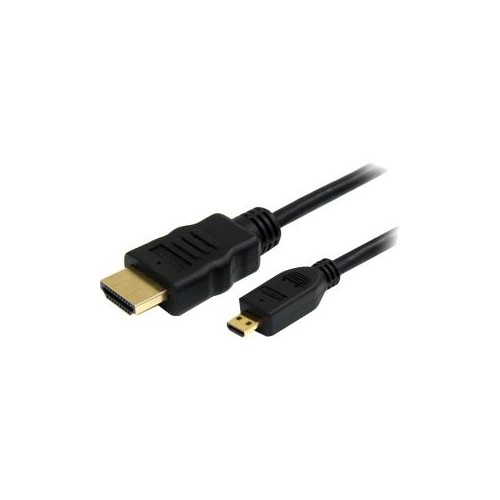
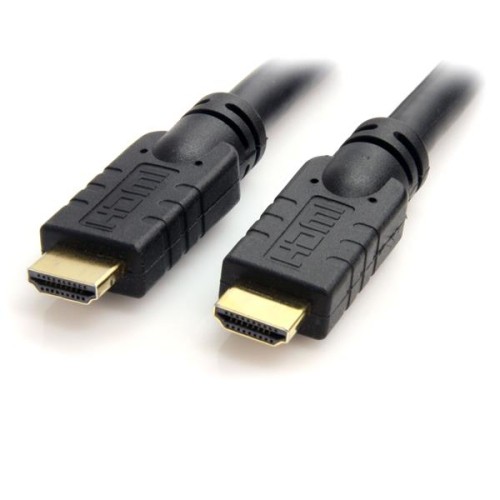
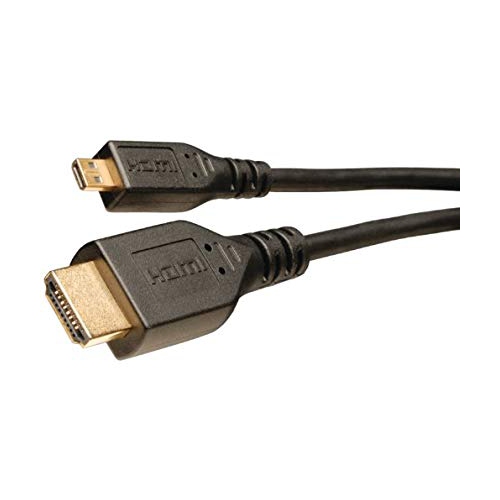
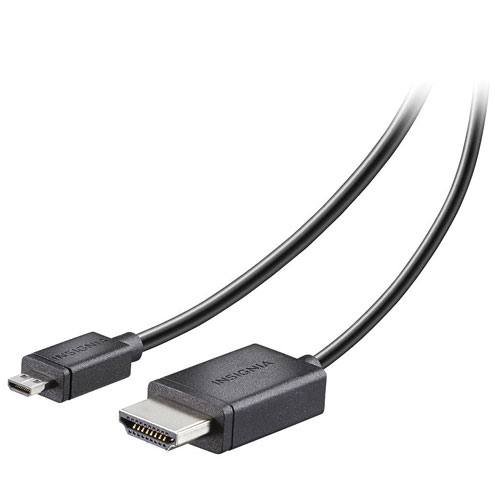
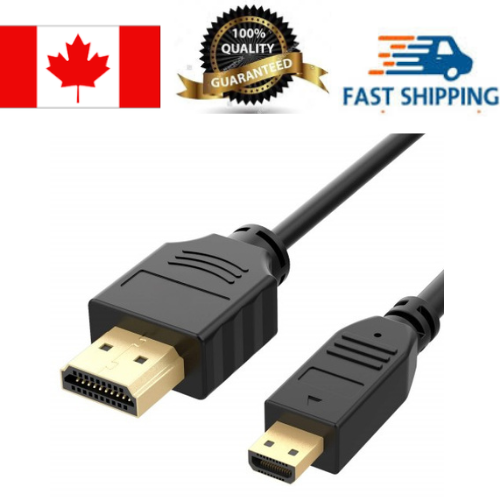
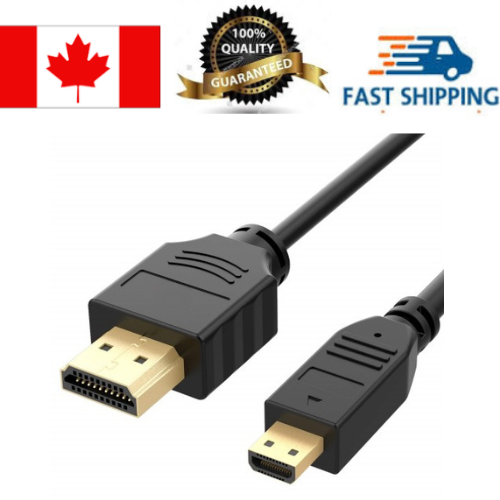
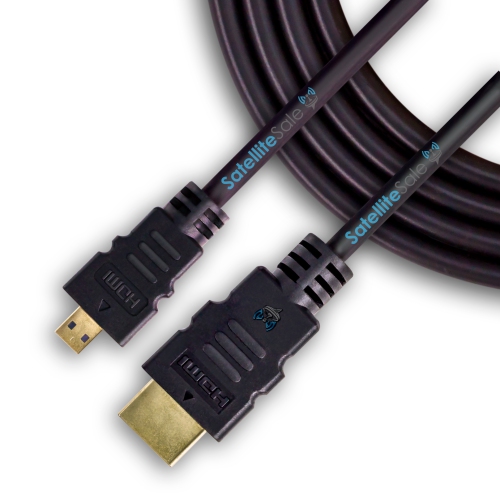
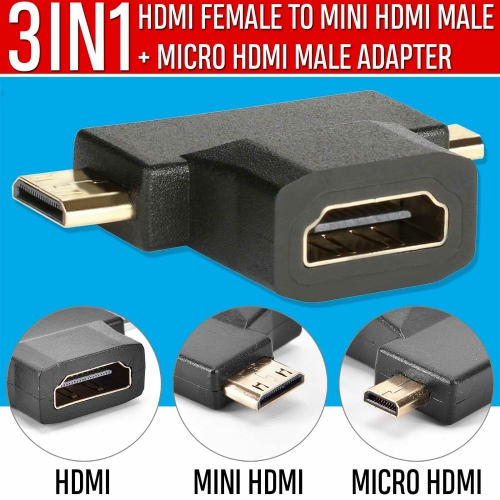
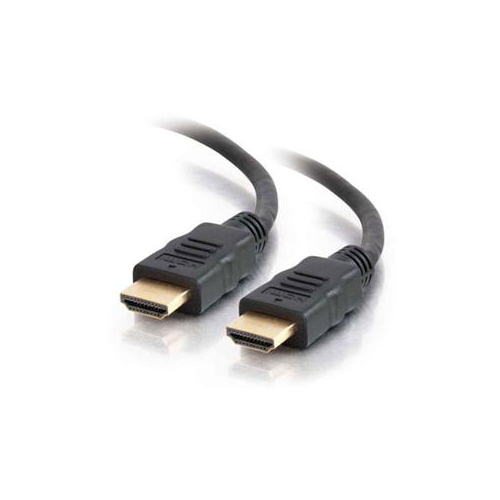
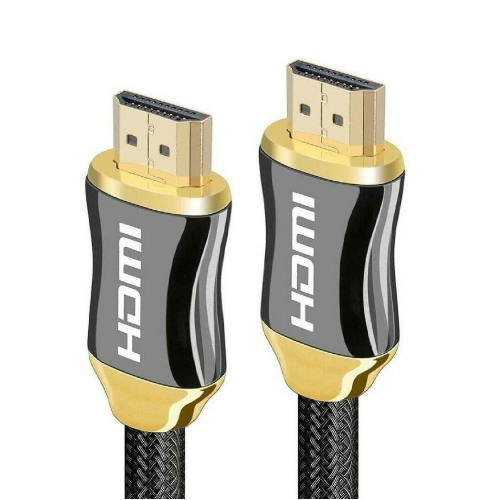
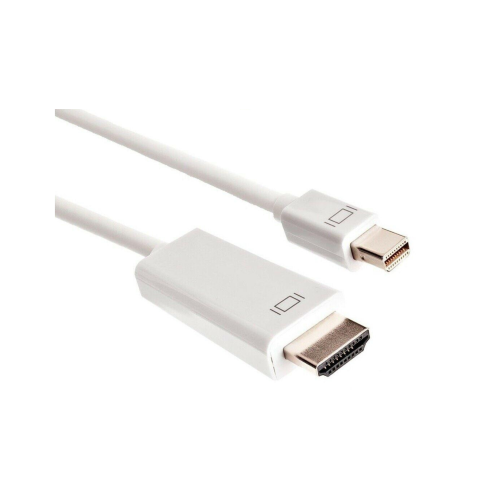
Micro HDMI cables carry digital video and audio from compatible compact devices to a TV, monitor, projector, or other HDMI-equipped display. A typical micro HDMI to HDMI cable has a small Type D connector at one end and a full-size Type A connector at the other, making it useful for connecting a camera or compact computer to a larger screen without a separate adapter. For a photographer reviewing fine detail, a presenter sharing footage, or a hobbyist setting up a small desktop computer, that direct connection keeps the arrangement straightforward. The connector shape matters: micro HDMI is different from mini HDMI, and neither is interchangeable with micro USB. Although these small ports can look similar at a glance, they serve different connections and should never be forced into place. Devices with a Type C mini HDMI output instead require mini HDMI to HDMI cables. Micro HDMI connections appear on some digital cameras, action cameras, portable devices, and single-board computers, but compatibility depends on the exact device rather than its size or general category. A matching port is only part of the picture, since the source also determines what can appear on the connected display. A camera may support image playback, live video output, or both, while another device may offer screen mirroring or an extended desktop. Some camera outputs include shooting information unless a clean video output setting is supported and enabled. For sharing travel footage on a living-room TV or reviewing a presentation on a meeting-room display, the cable provides a physical signal path rather than adding capabilities to the source. HDMI can carry sound along with the picture when both connected devices support it, reducing the need for a separate audio lead. A monitor without built-in speakers may still need another audio solution, even when the video connection works normally.
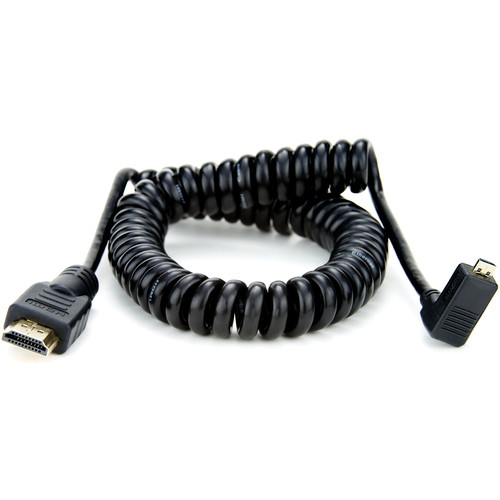
Picture quality and motion depend on the capabilities of the complete connection, including the source output, cable, and display input. The term micro HDMI describes the connector size, not a guaranteed resolution or refresh rate. Depending on its stated specifications, a cable may support Full HD at 1080p, 4K at 30Hz, or 4K at 60Hz; the small plug alone does not establish which signals it can carry. A higher refresh rate can make desktop movement and compatible video look smoother, but a cable cannot raise the output beyond what the source or screen supports. HDR, colour depth, and audio format support also depend on the equipment and the cable’s bandwidth rating. Clear resolution and refresh-rate specifications are therefore more useful than a broad description such as “4K compatible.” Length is another practical consideration, especially when the source has a small, exposed port. A short cable can keep a camera monitor setup tidy, with less slack hanging from a bracket or catching on nearby equipment. A longer cable gives a portable device room to sit safely on a table while reaching a wall-mounted TV or a display across a desk. The most comfortable fit allows some slack at each end without leaving a large coil underfoot or pulling sideways on the micro HDMI socket. Longer runs place greater demands on signal performance, so the supported resolution should be checked at the actual cable length being considered. Connector housings also affect fit: a bulky plug may interfere with a camera cage, protective case, or adjacent socket even when the connector itself is correct. Right-angle designs can help route a cable neatly in a confined space, although their orientation needs to suit the device’s port position. For video calls or streaming through a computer, a camera’s micro HDMI output normally connects through a compatible HDMI capture device rather than directly into a laptop’s HDMI port, which is usually an output. That distinction matters when planning a desk setup around a camera rather than a built-in webcam.
Construction influences how a micro HDMI cable feels in everyday use and how well it handles repeated setup and storage. A flexible outer jacket is helpful around a lightweight camera, where a stiff cable can tug at the body or make positioning awkward. Braided jackets can offer abrasion resistance, while smooth jackets may slide more easily through desk openings and pack neatly beside other accessories; neither finish alone proves signal quality. Internal shielding helps protect the signal from electrical interference, and well-made connector housings provide a secure grip for connecting and disconnecting. Gold-plated contacts can resist corrosion, but plating does not increase resolution or replace a suitable bandwidth rating. Reinforced strain relief at the plug helps manage bending where the cable meets the connector, an area that often sees repeated movement. Even with sturdy construction, a micro HDMI port benefits from careful handling because its compact size leaves less room for rough use. Supporting the cable near a camera rig, leaving a gentle curve rather than a sharp bend, and keeping tension off the socket can reduce unnecessary stress. Disconnecting by the connector housing instead of pulling the cord protects both the cable and the device. For storage, a loose coil secured with a soft reusable tie helps prevent tight kinks, while a separate pouch keeps the small plug from catching against heavier accessories in a bag. Dust and debris should be kept out of the connector, and any exterior cleaning should be done with the cable disconnected, using a soft, dry cloth. These details are particularly useful for cables that move between a home workspace, a classroom, and a presentation room. Micro HDMI cables can also make practical accessories for photographers, video creators, and electronics hobbyists who already own compatible equipment. As a gift, the most useful choice matches the recipient’s exact port type, intended display connection, and working distance. Whether the connection is for sharing family videos, checking focus on a larger screen, or running a compact computer at a desk, a well-matched cable supports a tidy, dependable setup without unnecessary adapters.
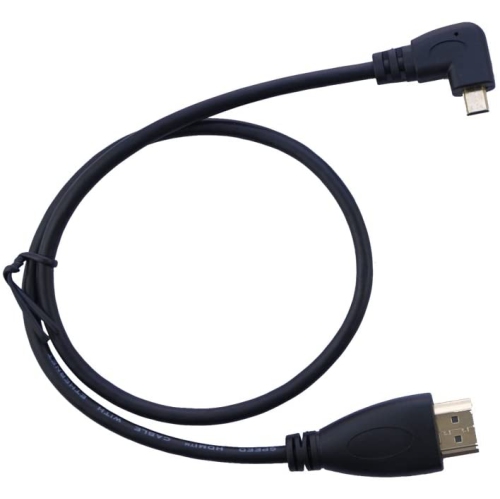
Picture quality and motion depend on the capabilities of the complete connection, including the source output, cable, and display input. The term micro HDMI describes the connector size, not a guaranteed resolution or refresh rate. Depending on its stated specifications, a cable may support Full HD at 1080p, 4K at 30Hz, or 4K at 60Hz; the small plug alone does not establish which signals it can carry. A higher refresh rate can make desktop movement and compatible video look smoother, but a cable cannot raise the output beyond what the source or screen supports. HDR, colour depth, and audio format support also depend on the equipment and the cable’s bandwidth rating. Clear resolution and refresh-rate specifications are therefore more useful than a broad description such as “4K compatible.” Length is another practical consideration, especially when the source has a small, exposed port. A short cable can keep a camera monitor setup tidy, with less slack hanging from a bracket or catching on nearby equipment. A longer cable gives a portable device room to sit safely on a table while reaching a wall-mounted TV or a display across a desk. The most comfortable fit allows some slack at each end without leaving a large coil underfoot or pulling sideways on the micro HDMI socket. Longer runs place greater demands on signal performance, so the supported resolution should be checked at the actual cable length being considered. Connector housings also affect fit: a bulky plug may interfere with a camera cage, protective case, or adjacent socket even when the connector itself is correct. Right-angle designs can help route a cable neatly in a confined space, although their orientation needs to suit the device’s port position. For video calls or streaming through a computer, a camera’s micro HDMI output normally connects through a compatible HDMI capture device rather than directly into a laptop’s HDMI port, which is usually an output. That distinction matters when planning a desk setup around a camera rather than a built-in webcam.
Construction influences how a micro HDMI cable feels in everyday use and how well it handles repeated setup and storage. A flexible outer jacket is helpful around a lightweight camera, where a stiff cable can tug at the body or make positioning awkward. Braided jackets can offer abrasion resistance, while smooth jackets may slide more easily through desk openings and pack neatly beside other accessories; neither finish alone proves signal quality. Internal shielding helps protect the signal from electrical interference, and well-made connector housings provide a secure grip for connecting and disconnecting. Gold-plated contacts can resist corrosion, but plating does not increase resolution or replace a suitable bandwidth rating. Reinforced strain relief at the plug helps manage bending where the cable meets the connector, an area that often sees repeated movement. Even with sturdy construction, a micro HDMI port benefits from careful handling because its compact size leaves less room for rough use. Supporting the cable near a camera rig, leaving a gentle curve rather than a sharp bend, and keeping tension off the socket can reduce unnecessary stress. Disconnecting by the connector housing instead of pulling the cord protects both the cable and the device. For storage, a loose coil secured with a soft reusable tie helps prevent tight kinks, while a separate pouch keeps the small plug from catching against heavier accessories in a bag. Dust and debris should be kept out of the connector, and any exterior cleaning should be done with the cable disconnected, using a soft, dry cloth. These details are particularly useful for cables that move between a home workspace, a classroom, and a presentation room. Micro HDMI cables can also make practical accessories for photographers, video creators, and electronics hobbyists who already own compatible equipment. As a gift, the most useful choice matches the recipient’s exact port type, intended display connection, and working distance. Whether the connection is for sharing family videos, checking focus on a larger screen, or running a compact computer at a desk, a well-matched cable supports a tidy, dependable setup without unnecessary adapters.
Top selling and popular products
-
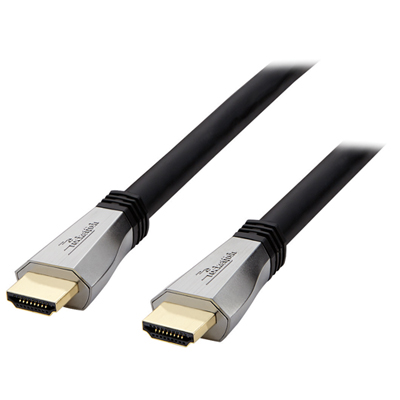 Your price for this item is $119.99
 -
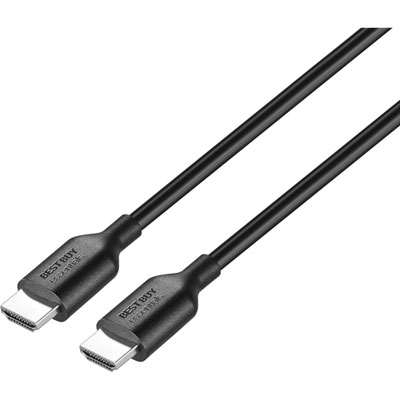 Your price for this item is $9.99
 -
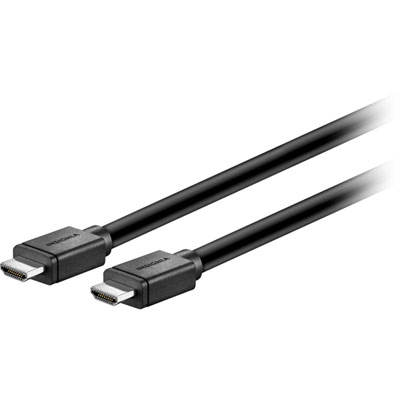 Your price for this item is $129.99
 -
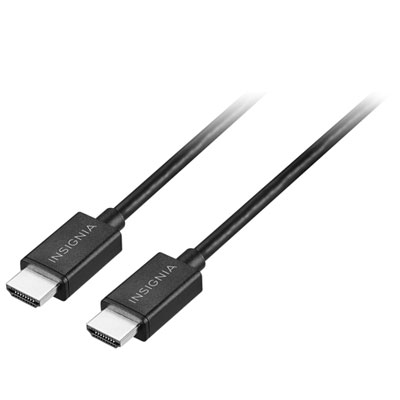 Your price for this item is $19.99
 -
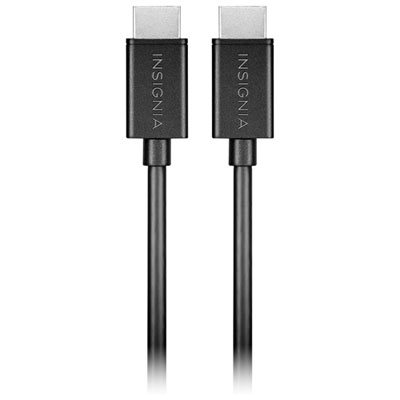 Your price for this item is $29.99
 -
![BDA / POWER A HDMI Cable Ps5 10 Ft [Power A]](https://multimedia.bbycastatic.ca/multimedia/products/500x500/176/17616/17616431.jpeg) Your price for this item is $59.99
Your price for this item is $59.99 -
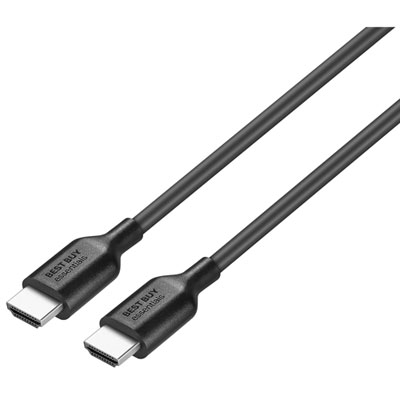 Your price for this item is $19.99
 -
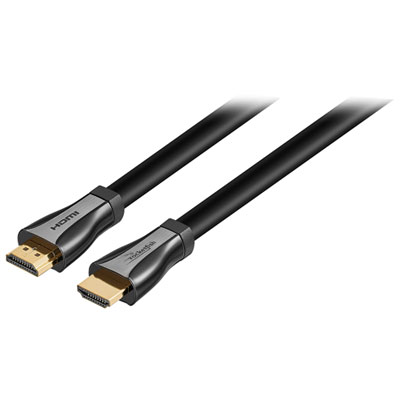 Your price for this item is $119.99
Discover more categories related to Micro HDMI Cables
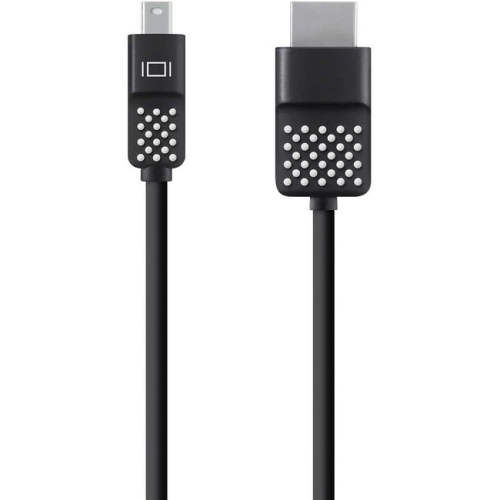
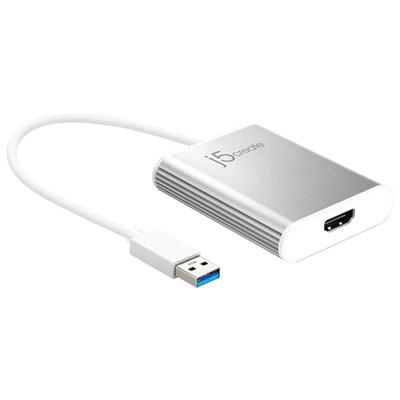

Top Collections:
Pokemon Centers, Kindle Devices, Best Budget Office Chairs, Apple iPhones 16, Best Laptops for Writers, iPhone 15 Apple, Canon G7X Cameras, Refurbished Apple Laptops, Alarm Clock, Motorola Razr Phones
Some products may be subject to Environmental Handling Fees
(EHF) depending on your province.
Learn more about EHFs.