Headphone Jack Adapters
Headphone jack adapters make it easy to connect your favourite headphones and audio devices to a wide range of electronics. Whether you’re looking to enhance your music experience, join virtual meetings, or enjoy movies on the go, these versatile accessories help bridge the gap between different audio ports. Explore a variety of headphone jack adapters designed to keep you connected wherever life takes you.
Wired listening depends on more than a matching plug
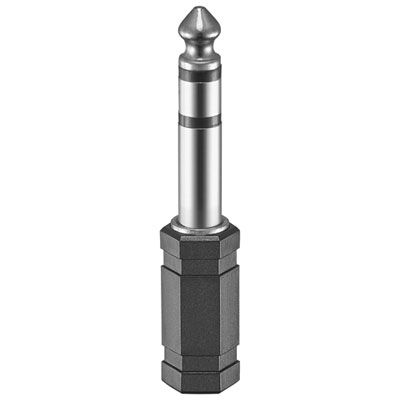
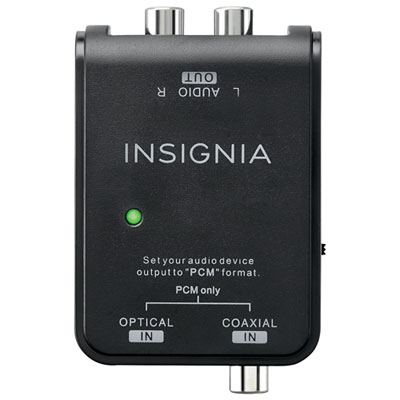
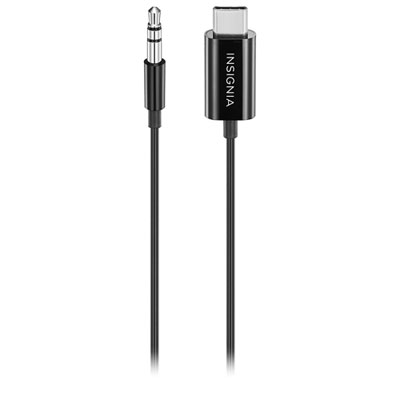
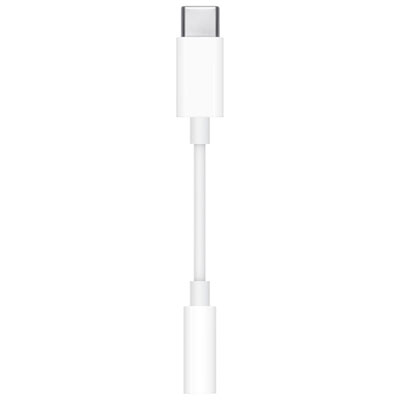
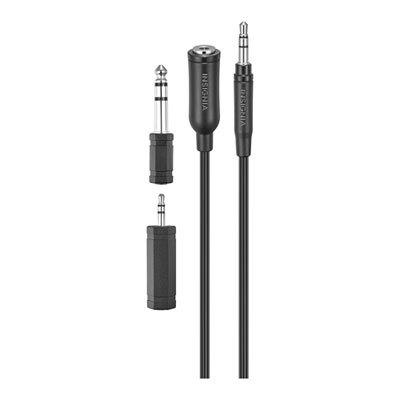
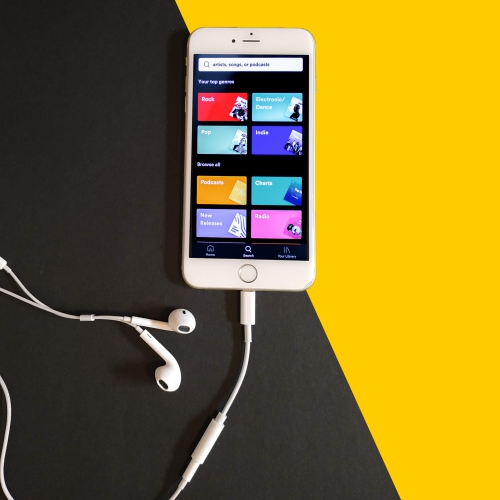
Headphone jack adapters connect wired headphones, earphones, or compatible audio equipment to a device with a different socket size or connector type. They can bridge the gap between a familiar pair of headphones and a phone without a dedicated headphone jack, or make everyday headphones usable with the larger socket on an amplifier or digital piano. The main types include USB-C to 3.5mm adapters, Lightning to 3.5mm adapters, and adapters that join 3.5mm and 6.35mm connections. The latter size is also called a 1/4-inch connection and is common on studio and musical equipment. Each serves a different purpose, so the starting point is the port on the device and the plug on the headphones—not simply whether an adapter looks close enough to fit. A typical USB-C headphone adapter has a USB-C plug for the source device and a 3.5mm socket for wired headphones. Many contain a digital-to-analogue converter, or DAC, which turns the device’s digital audio into the analogue signal headphones use. Passive USB-C adapters depend on the source device supporting analogue audio through its USB-C port, a feature that is not universal. Even with an adapter that has a built-in DAC, checking the stated device and operating system compatibility matters. Lightning headphone adapters serve devices equipped with a Lightning port, while a 3.5mm-to-6.35mm adapter usually changes the physical connection without converting a digital signal. For these size adapters, pay attention to which end is a plug and which is a socket: the adapter needed to connect small-plug headphones to a piano is the opposite of the one needed to connect large-plug headphones to a laptop’s 3.5mm jack. Getting that simple detail right makes the difference between a useful accessory and something that stays in a drawer. For commuting, studying, or watching a film without disturbing someone nearby, the appeal is straightforward: keep using wired headphones that fit well and sound familiar, even when the connection on the source device has changed.
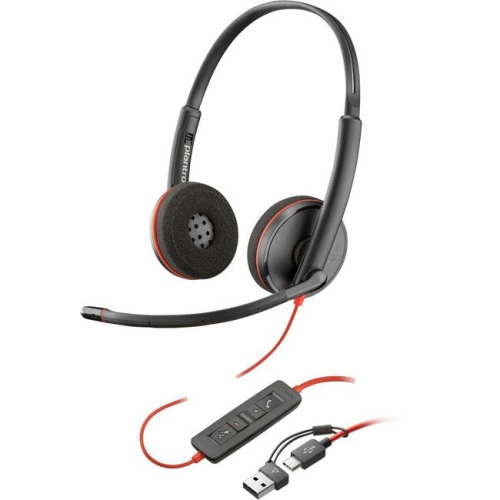
The details become especially important when headphones also have a microphone. A 3.5mm connection can carry different signals depending on its contact layout. TRS plugs have three contacts and are commonly used for stereo headphones, while TRRS plugs have four contacts and often carry stereo sound plus a microphone signal. A socket that accepts a plug physically does not necessarily support every function attached to it. For work calls, online classes, gaming, or voice chats, look for explicit support for microphone input rather than assuming that an adapter offering audio playback will also handle speech. Inline volume buttons, call controls, and mute functions can have their own compatibility limits, too. If a computer has separate headphone and microphone sockets but the headset uses one combined plug, a headset splitter may be the appropriate connection; the reverse arrangement requires a different adapter. The Headset Adapters selection is relevant when both listening and microphone connections are part of the setup. A headphone-sharing splitter serves another purpose, dividing one headphone output between two pairs of headphones, and should not be confused with a microphone splitter or a charging-and-audio adapter. For phones or tablets with a single port available for both power and sound, an adapter with separate charging and headphone connections can make longer listening sessions more convenient. Picture a train journey with a downloaded film, or an evening lecture playing while the battery needs a top-up: keeping both cables connected removes an interruption. Check that simultaneous charging and audio playback are supported for the intended device, along with any stated charging-power limits. A second USB-C socket may be reserved for charging rather than supporting another audio accessory or data connection. These distinctions are worth checking before purchase, particularly if the adapter will move between a phone, a tablet, and a work computer. Similar-looking ports do not guarantee identical audio features across those devices.
Sound quality, comfort, and the way an adapter fits into daily life are also useful purchase considerations. A basic size adapter does not add amplification, and a compact digital headphone adapter has limits on the power it can supply. High-impedance headphones, or headphones with low sensitivity, may need more output than a small phone adapter provides to reach a satisfying listening level with enough headroom. In that situation, a compatible external DAC and headphone amplifier may be more suitable than another simple connector. For everyday earphones and many portable headphones, a compatible compact adapter can be a practical solution, but the headphones’ requirements and the adapter’s output specifications should guide the choice. Build and shape matter just as much when the accessory travels. A short flexible cable can reduce leverage on a device’s port compared with a rigid adapter that projects from its side, although either style can be damaged if the attached cable is pulled. A slim connector housing may fit more easily through the opening in a protective phone case; a bulky one may require the case to come off. Reinforced cable ends and a secure, properly seated connection are useful details for an adapter that gets packed and unpacked daily. At a desk or keyboard, allowing a little cable slack helps prevent an accidental tug when a chair moves back. During the cooler months, keeping a small adapter in a zipped pouch with wired earphones makes it easier to find among gloves, charging cables, and other bag essentials. These accessories can also be thoughtful, practical gifts for students, commuters, musicians, and anyone who prefers wired listening, provided the recipient’s device port and headphone connection are known. Someone practising piano quietly after dinner needs a different connection from someone joining calls on a laptop. The most useful headphone jack adapter is the one that matches those ordinary routines: the correct connectors, the required audio and microphone support, enough output for the headphones, and a shape that fits comfortably into the setup.
The details become especially important when headphones also have a microphone. A 3.5mm connection can carry different signals depending on its contact layout. TRS plugs have three contacts and are commonly used for stereo headphones, while TRRS plugs have four contacts and often carry stereo sound plus a microphone signal. A socket that accepts a plug physically does not necessarily support every function attached to it. For work calls, online classes, gaming, or voice chats, look for explicit support for microphone input rather than assuming that an adapter offering audio playback will also handle speech. Inline volume buttons, call controls, and mute functions can have their own compatibility limits, too. If a computer has separate headphone and microphone sockets but the headset uses one combined plug, a headset splitter may be the appropriate connection; the reverse arrangement requires a different adapter. The Headset Adapters selection is relevant when both listening and microphone connections are part of the setup. A headphone-sharing splitter serves another purpose, dividing one headphone output between two pairs of headphones, and should not be confused with a microphone splitter or a charging-and-audio adapter. For phones or tablets with a single port available for both power and sound, an adapter with separate charging and headphone connections can make longer listening sessions more convenient. Picture a train journey with a downloaded film, or an evening lecture playing while the battery needs a top-up: keeping both cables connected removes an interruption. Check that simultaneous charging and audio playback are supported for the intended device, along with any stated charging-power limits. A second USB-C socket may be reserved for charging rather than supporting another audio accessory or data connection. These distinctions are worth checking before purchase, particularly if the adapter will move between a phone, a tablet, and a work computer. Similar-looking ports do not guarantee identical audio features across those devices.
Sound quality, comfort, and the way an adapter fits into daily life are also useful purchase considerations. A basic size adapter does not add amplification, and a compact digital headphone adapter has limits on the power it can supply. High-impedance headphones, or headphones with low sensitivity, may need more output than a small phone adapter provides to reach a satisfying listening level with enough headroom. In that situation, a compatible external DAC and headphone amplifier may be more suitable than another simple connector. For everyday earphones and many portable headphones, a compatible compact adapter can be a practical solution, but the headphones’ requirements and the adapter’s output specifications should guide the choice. Build and shape matter just as much when the accessory travels. A short flexible cable can reduce leverage on a device’s port compared with a rigid adapter that projects from its side, although either style can be damaged if the attached cable is pulled. A slim connector housing may fit more easily through the opening in a protective phone case; a bulky one may require the case to come off. Reinforced cable ends and a secure, properly seated connection are useful details for an adapter that gets packed and unpacked daily. At a desk or keyboard, allowing a little cable slack helps prevent an accidental tug when a chair moves back. During the cooler months, keeping a small adapter in a zipped pouch with wired earphones makes it easier to find among gloves, charging cables, and other bag essentials. These accessories can also be thoughtful, practical gifts for students, commuters, musicians, and anyone who prefers wired listening, provided the recipient’s device port and headphone connection are known. Someone practising piano quietly after dinner needs a different connection from someone joining calls on a laptop. The most useful headphone jack adapter is the one that matches those ordinary routines: the correct connectors, the required audio and microphone support, enough output for the headphones, and a shape that fits comfortably into the setup.
Top selling and popular products
-
 Your price for this item is $10
 -
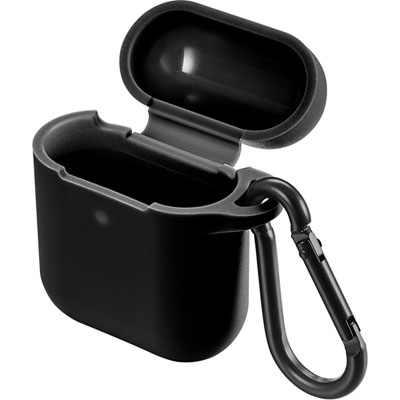 Your price for this item is $19.97
 -
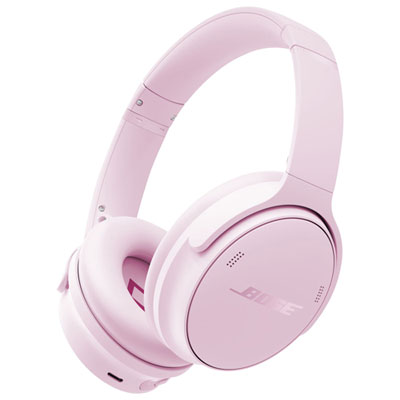 Your price for this item is $479.99
 -
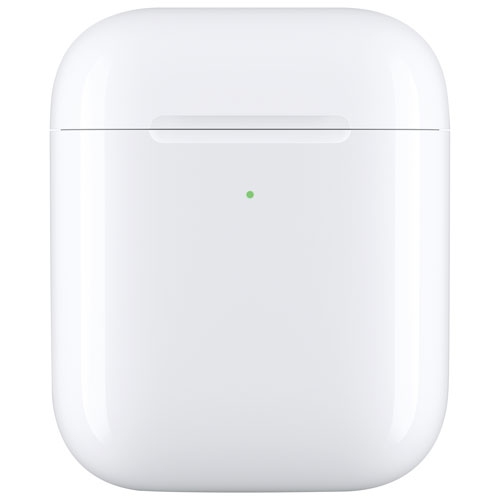 Your price for this item is $69.99
 -
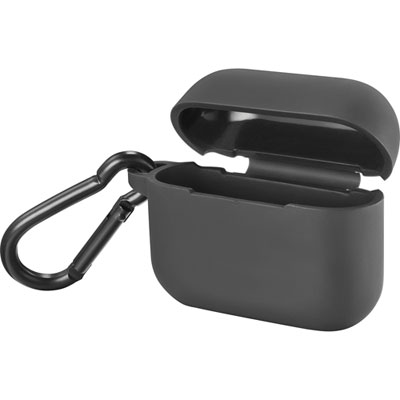 Your price for this item is $4.99
 -
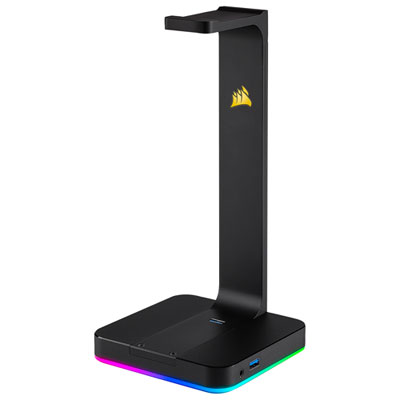 Your price for this item is $124.99
 -
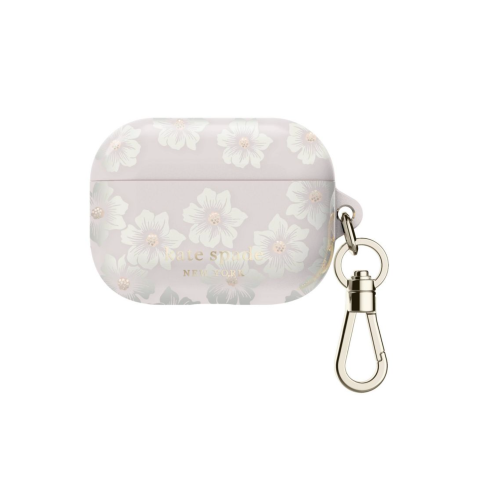 Your price for this item is $98.99
 -
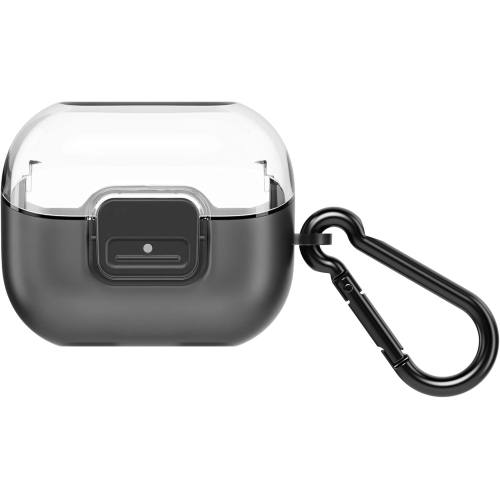 Your price for this item is $49.99
Discover more categories related to Headphone Jack Adapters

Top Collections:
Pokemon Centers, Kindle Devices, Best Budget Office Chairs, Apple iPhones 16, Best Laptops for Writers, iPhone 15 Apple, Canon G7X Cameras, Refurbished Apple Laptops, Alarm Clock, Motorola Razr Phones
Some products may be subject to Environmental Handling Fees
(EHF) depending on your province.
Learn more about EHFs.