High Yield HP 910XL Ink Cartridges
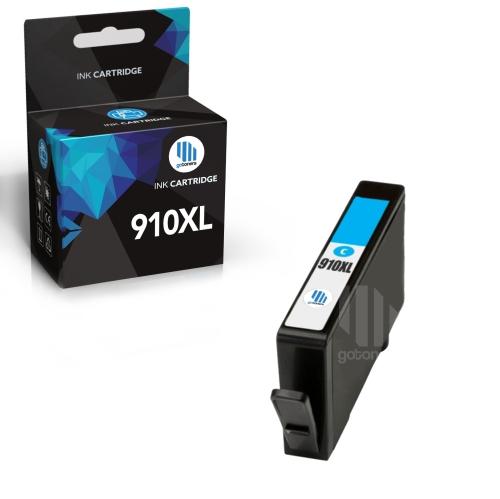
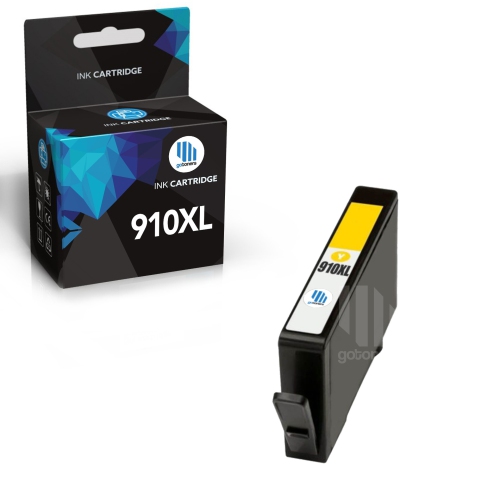
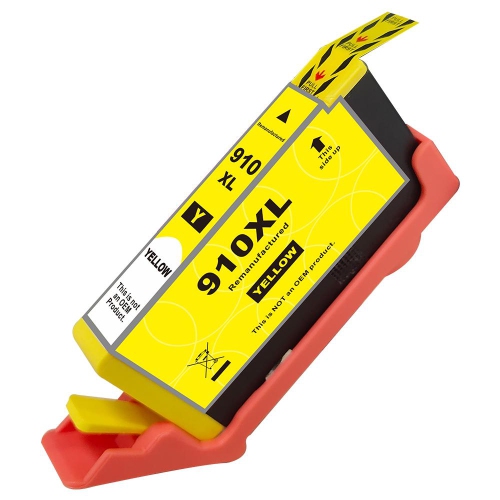
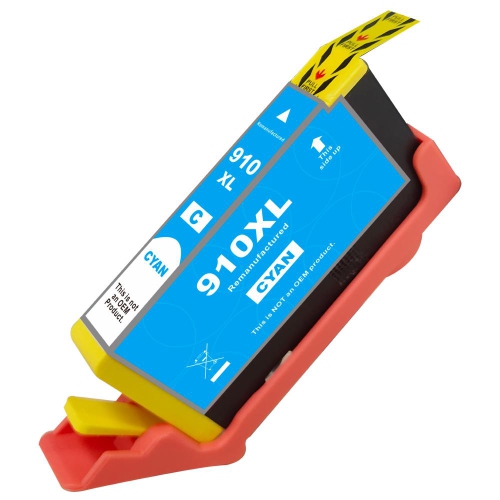
Find high-yield HP 910XL ink cartridges for your compatible HP printer. Browse cartridge options and compare ink colour, estimated page yield, and printer compatibility to choose the right replacement for your everyday printing needs.
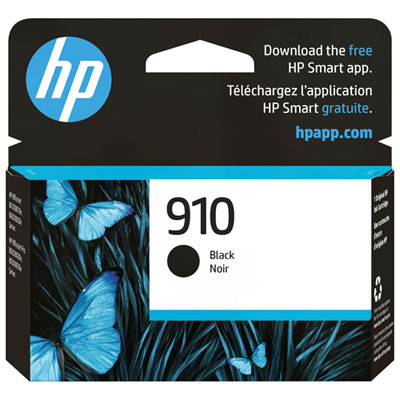
![BESTONER [New Chip] 1 Set Compatible Replacement for HP 910 Xl Ink Cartridges 910Xl High Yield - Officejet 8010E 8012 8013 8014 8015E 8017 8018 8020](https://multimedia.bbycastatic.ca/multimedia/products/500x500/172/17257/17257732.jpeg)
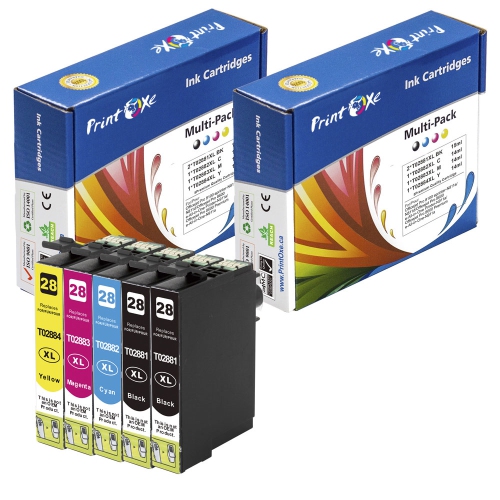
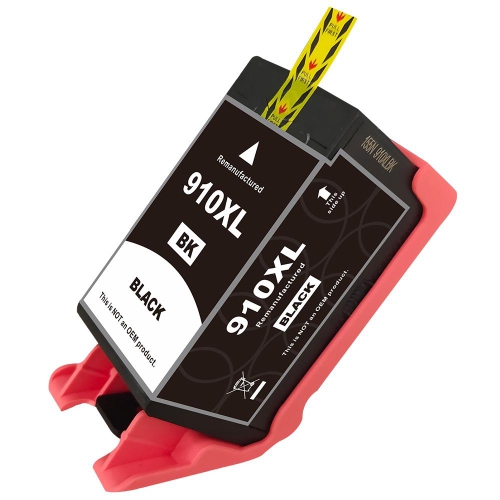
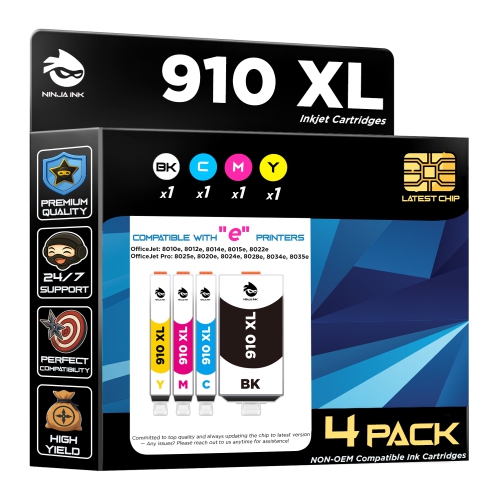
![BESTONER [New Chip] 2 Compatible Replacement for HP 910 Xl Ink Cartridges 910Xl High Yield - Officejet 8010E 8012 8013 8014 8015E 8017 8018 8020](https://multimedia.bbycastatic.ca/multimedia/products/500x500/172/17257/17257731.jpeg)
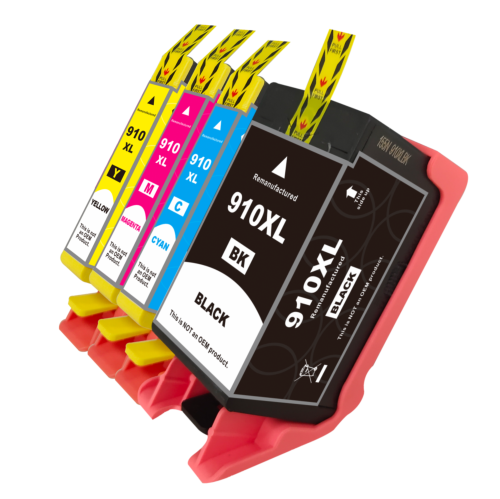


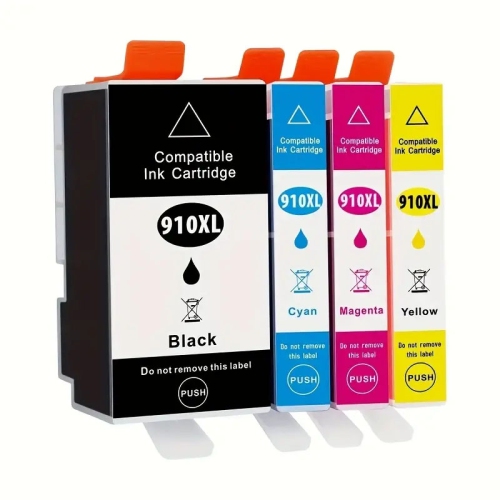
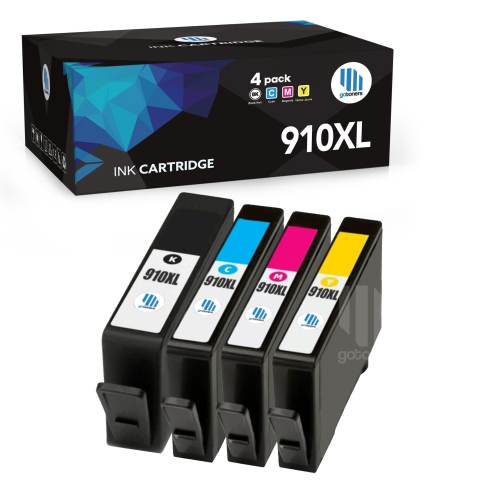
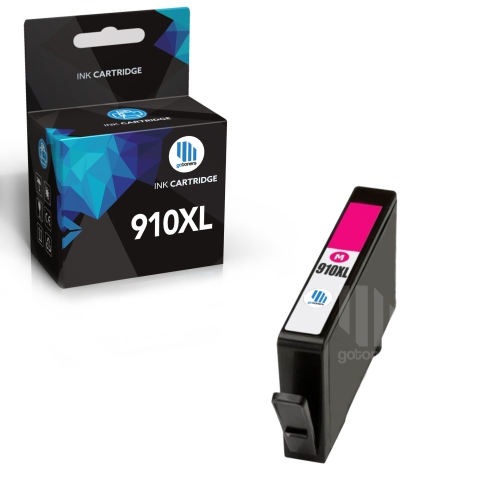
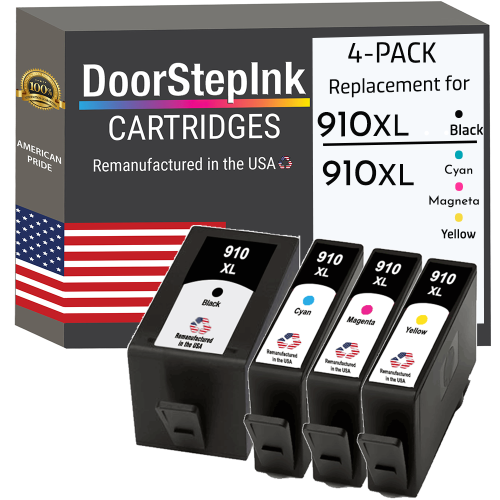
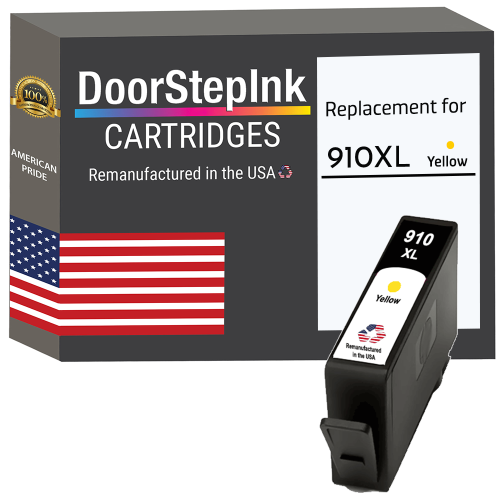
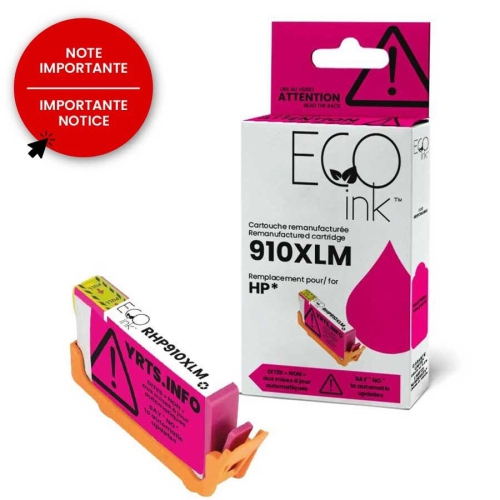
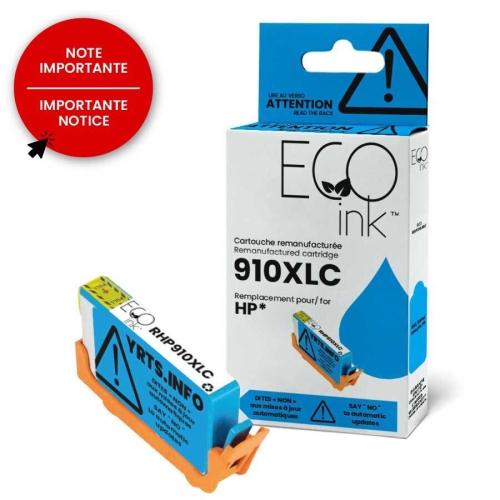
FAQ
Check your printer’s manual, cartridge access area or manufacturer support page for the supported cartridge numbers. Match your exact printer model with the cartridge’s compatibility list, as printers with similar names may use different ink cartridges.
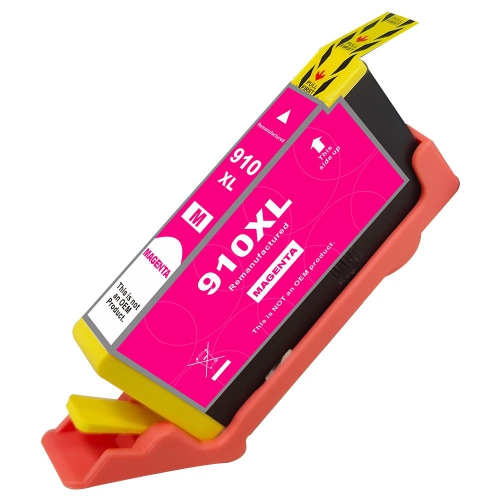
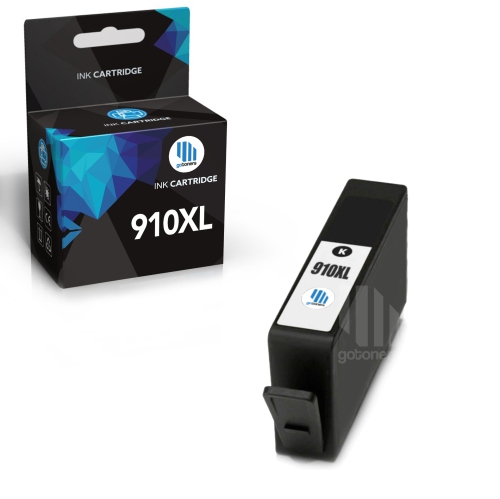
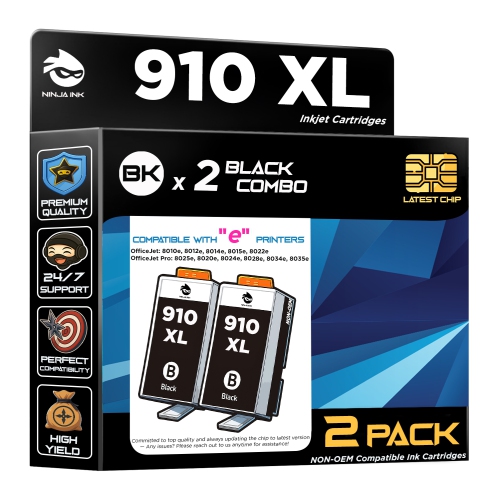
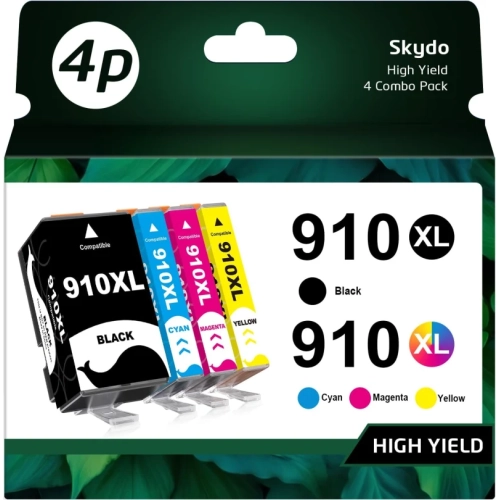
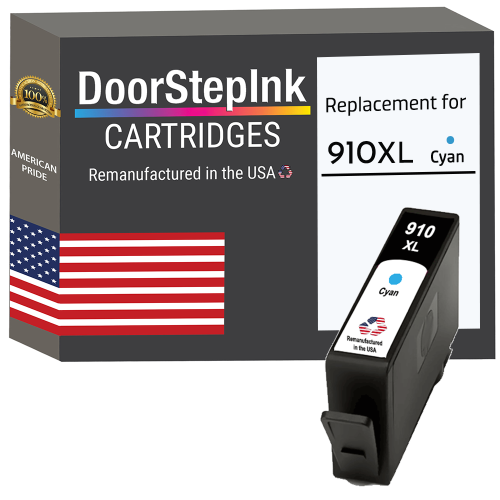
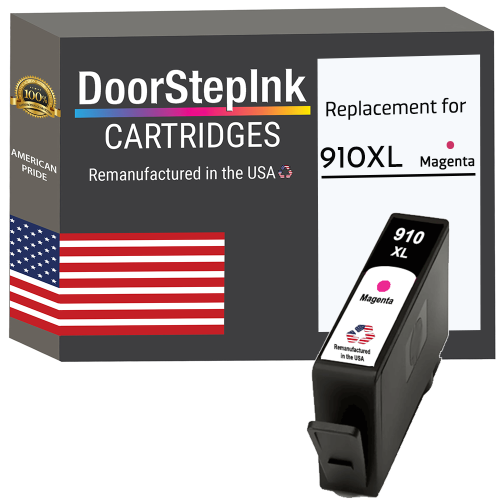
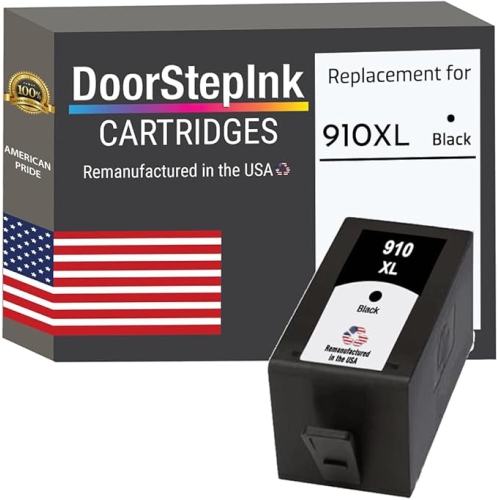
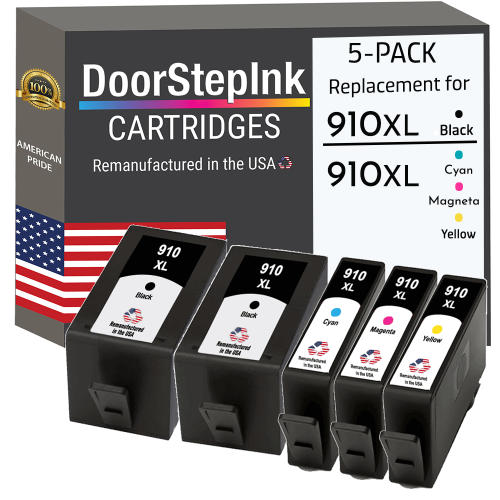
The HP 910XL cartridge family includes black, cyan, magenta and yellow. Each colour uses a separate cartridge, allowing you to replace individual colours as needed.
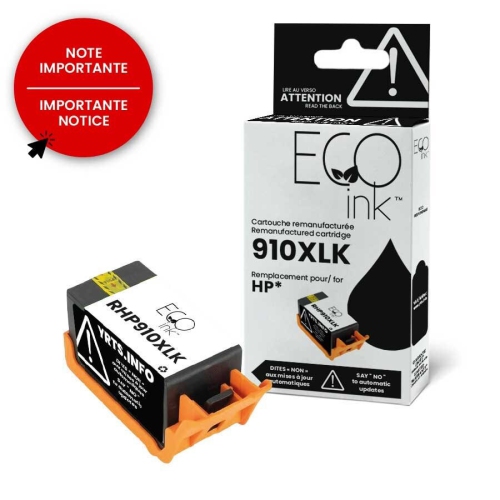
Original cartridges are made by the printer manufacturer. Compatible cartridges are newly made by a third-party manufacturer for specified printers. Remanufactured cartridges are previously used cartridges that have been cleaned, refilled and prepared for reuse. Check the cartridge type and exact printer compatibility when choosing.
Open your printer’s cartridge access door and wait for the cartridge carriage to stop moving. Remove the cartridge you are replacing, unpack the new one and remove its protective packaging as directed. Insert it into the matching colour slot, close the access door and follow any prompts on the printer. Refer to your printer’s manual for model-specific steps.
Depending on your printer, you can view estimated ink levels through its control panel, HP printer software or the HP app. Look for an ink, supplies or cartridge status menu. These readings are estimates and may not be available for every cartridge type.
Top selling and popular products
Discover more categories related to High Yield HP 910XL Ink Cartridges

Some products may be subject to Environmental Handling Fees (EHF) depending on your province. Learn more about EHFs.