HP 910XL Ink
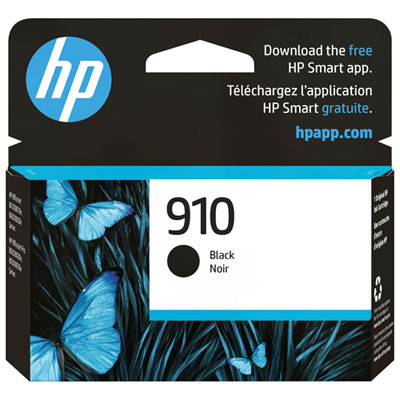
HP 910XL Ink delivers reliable performance for your printing needs, making it a popular choice for both home and office environments. Designed to help you keep up with everyday tasks, HP 910XL Ink provides consistent results, whether you're printing documents, photos, or presentations. Explore a range of options to find the HP 910XL Ink that fits your printer and enjoy smooth, hassle-free printing every time.
Sort
![BESTONER [New Chip] 1 Set Compatible Replacement for HP 910 Xl Ink Cartridges 910Xl High Yield - Officejet 8010E 8012 8013 8014 8015E 8017 8018 8020](https://multimedia.bbycastatic.ca/multimedia/products/500x500/172/17257/17257732.jpeg)
![BESTONER [New Chip] 2 Compatible Replacement for HP 910 Xl Ink Cartridges 910Xl High Yield - Officejet 8010E 8012 8013 8014 8015E 8017 8018 8020](https://multimedia.bbycastatic.ca/multimedia/products/500x500/172/17257/17257731.jpeg)

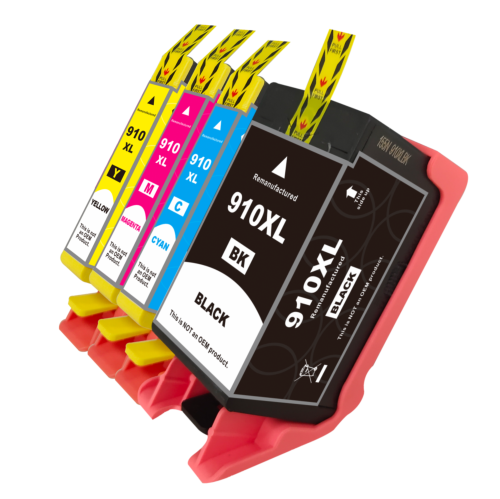
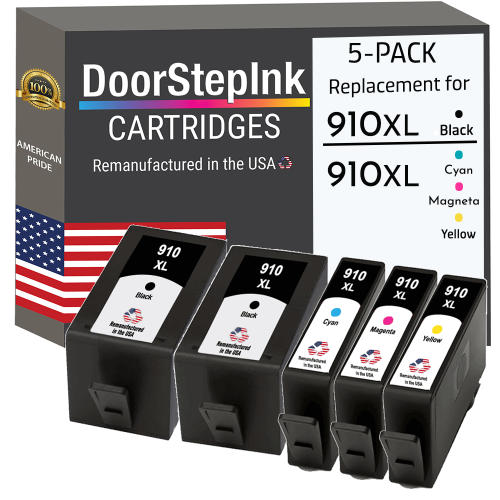
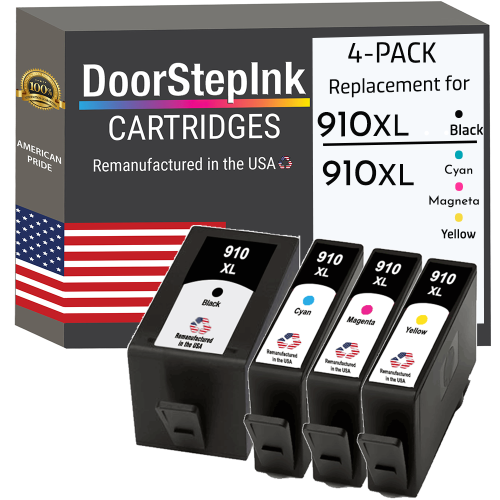
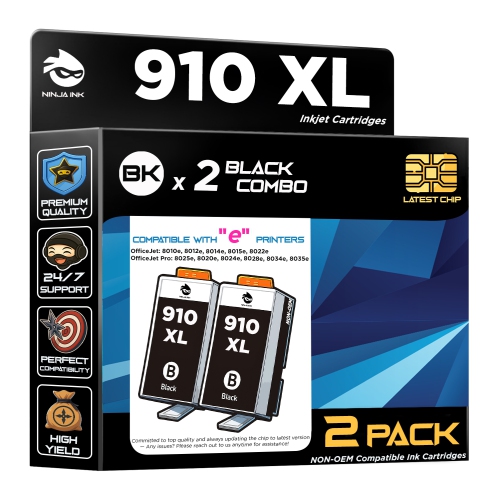
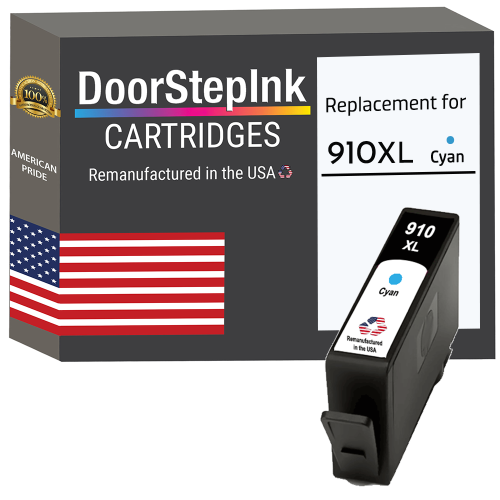
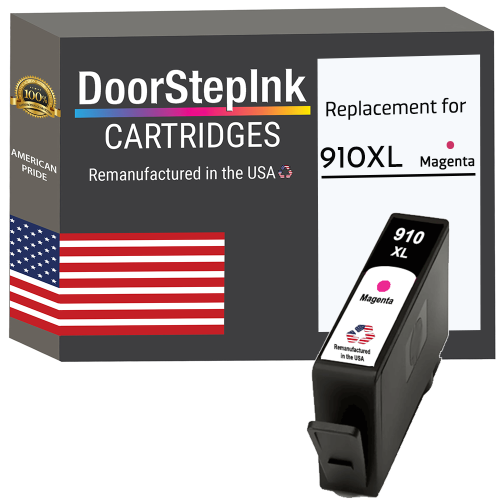
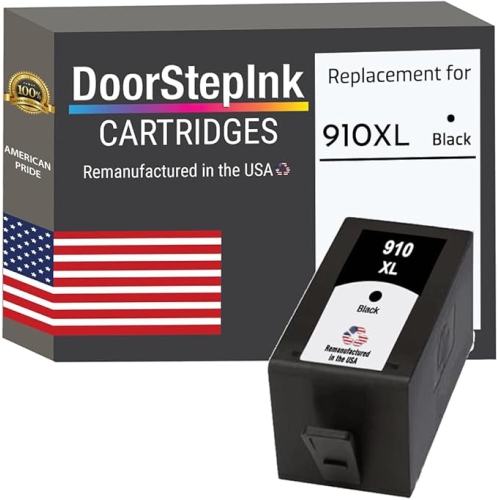
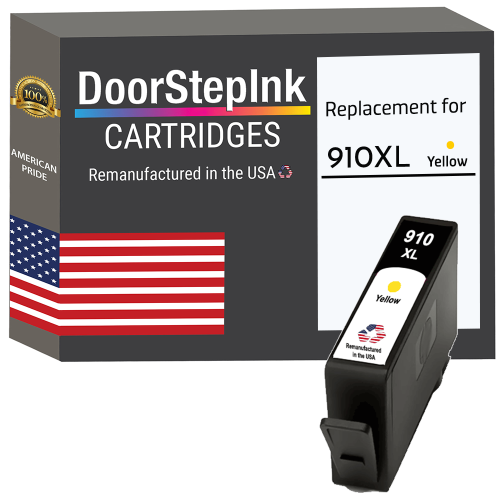
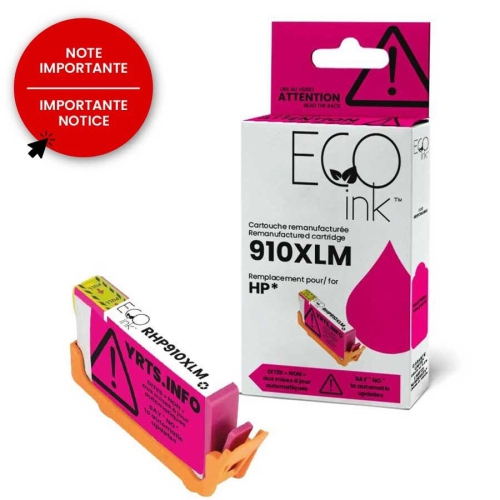
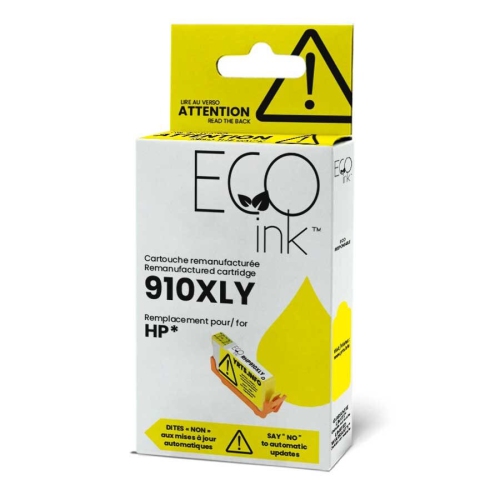
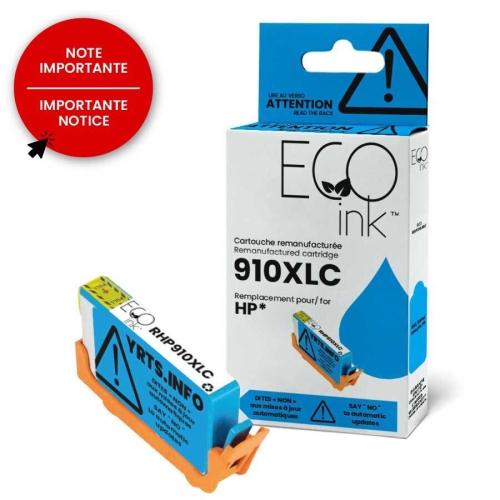
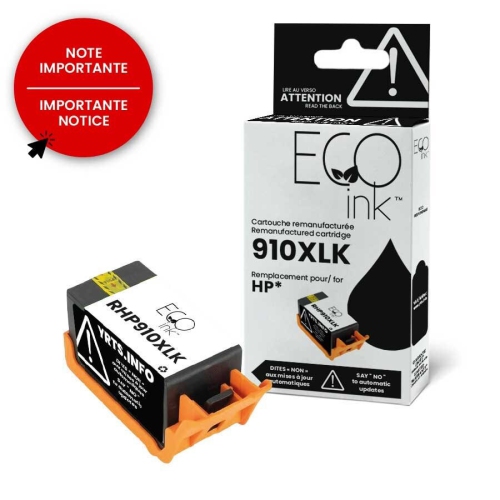
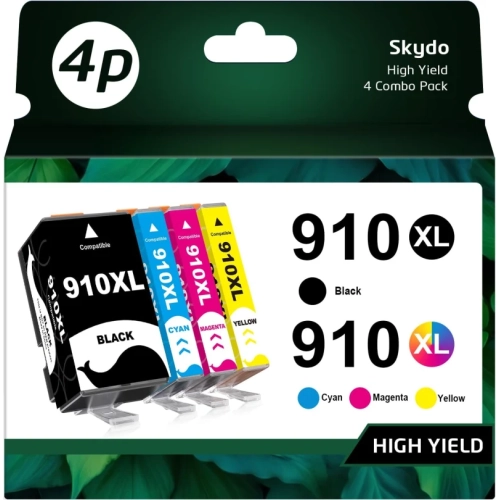

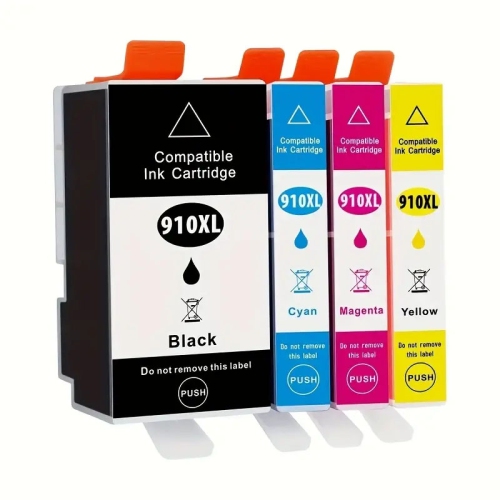
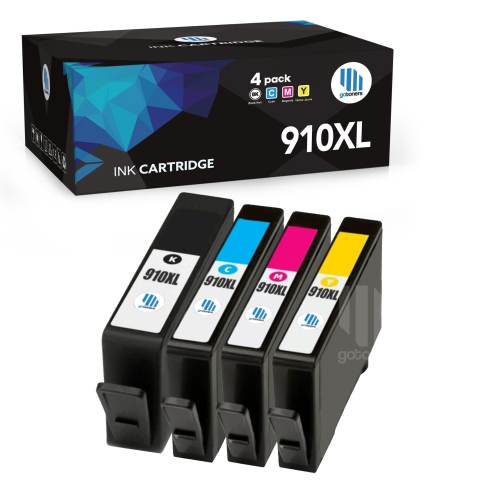
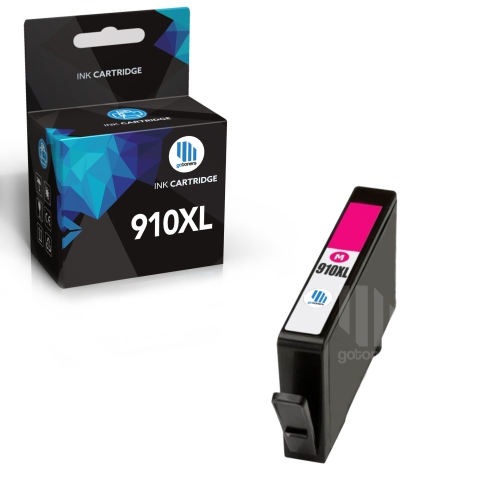
Printer compatibility matters when replacing high-yield cartridges
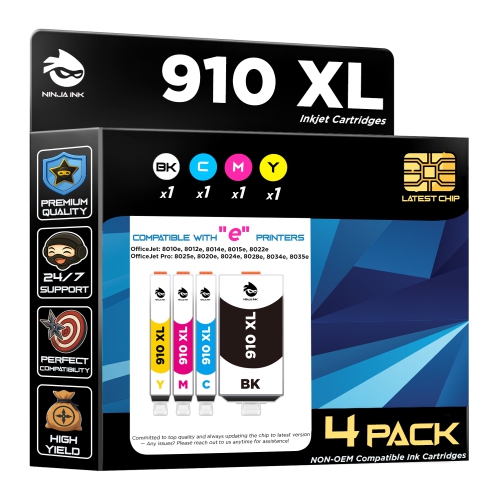
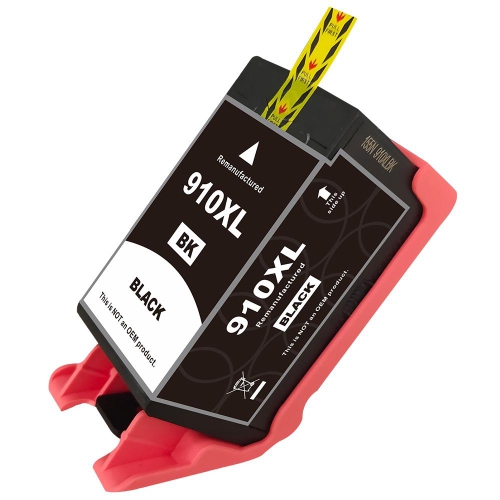
HP 910XL Ink is designed for everyday printing with compatible HP OfficeJet and OfficeJet Pro printers, making it a practical choice for home offices, family workspaces, students and small businesses. The most important step before ordering is checking the exact printer model and cartridge type listed in the printer’s manual, on the existing cartridge or in the device settings. HP 910XL cartridges are compatible with HP OfficeJet 8010 series printers and HP OfficeJet Pro 8020 and 8030 series printers, including models such as the OfficeJet 8020, 8022, 8025, 8028 and 8035. Compatibility can vary within a printer family, so confirming the model number helps prevent the inconvenience of receiving a cartridge that will not fit or be recognized. Black cartridges use pigment-based thermal inkjet technology and can produce approximately 720 to 825 pages, depending on the amount of ink used on each page, the type of documents printed and other printer settings. That capacity can be useful for people who print invoices, school assignments, shipping labels, reports, recipes, forms and other documents throughout the week. A high-yield cartridge may also suit a busy household where several people share one printer, since it can reduce the frequency of cartridge changes during periods of heavier printing. For a home office, keeping a spare black cartridge nearby can help maintain a steady routine when a deadline arrives, especially during the cooler months when more work, planning and study may take place indoors. Before buying, consider whether the printer needs black ink, a particular colour or a complete set. Colour cartridges are available in cyan, magenta and yellow, either individually or in multi-cartridge packs, giving shoppers the flexibility to replace only the colour that is empty or replenish several colours at once. Individual cartridges can make sense when one colour is used more often than the others, while a multi-pack may be convenient when the printer displays low-ink warnings for several colours together. Page yield is an estimate rather than a guarantee, and pages containing photographs, large graphics, bold charts or full-colour backgrounds generally use more ink than simple text. Printer settings such as draft, normal and best quality can also affect how quickly a cartridge is consumed.
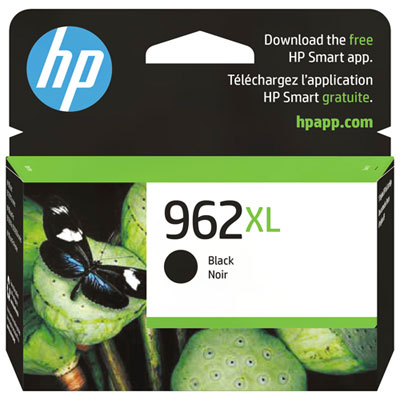
Ink cartridges are useful purchases for anyone who relies on a printer as part of a regular routine, and they can make thoughtful practical gifts for students moving into a new term, family members setting up a workspace or someone managing paperwork from home. A small supply of the correct cartridges can be especially helpful for a recipient who already owns a compatible printer, since it supports tasks that are easy to overlook until the ink warning appears. When selecting a cartridge, compare the colour, yield and compatibility details rather than choosing solely by appearance or price. Check whether the printer requires black pigment-based ink, colour ink or both, and note whether the cartridge is a standard-yield or high-yield option. It is also worth considering how often the printer is used: occasional users may prefer to purchase individual cartridges as needed, while frequent users may appreciate the convenience of keeping black and colour replacements available. Store unopened cartridges in their original packaging and follow the printer’s installation instructions when replacing one. Handling the cartridge by its edges helps keep the contacts and ink nozzles clean, while allowing the printer to complete its alignment or cleaning process can support consistent results. If printed pages show streaks, faded sections or missing colours, the printer’s maintenance menu may offer alignment and printhead-cleaning options; repeated cleaning cycles can use additional ink, so they should be used according to the printer’s instructions. Those comparing other high-yield ink options may also wish to browse HP 962XL to review a different cartridge family, while remembering that cartridges are not interchangeable simply because they look similar. The cartridge number must match the printer’s approved supplies. For dependable results, verify the full printer model, select the required black or colour cartridge, review the stated page yield and choose the quantity that fits the household’s printing habits. This simple check can make it easier to keep documents, schoolwork, business records and personal projects moving without an unexpected interruption.
Ink cartridges are useful purchases for anyone who relies on a printer as part of a regular routine, and they can make thoughtful practical gifts for students moving into a new term, family members setting up a workspace or someone managing paperwork from home. A small supply of the correct cartridges can be especially helpful for a recipient who already owns a compatible printer, since it supports tasks that are easy to overlook until the ink warning appears. When selecting a cartridge, compare the colour, yield and compatibility details rather than choosing solely by appearance or price. Check whether the printer requires black pigment-based ink, colour ink or both, and note whether the cartridge is a standard-yield or high-yield option. It is also worth considering how often the printer is used: occasional users may prefer to purchase individual cartridges as needed, while frequent users may appreciate the convenience of keeping black and colour replacements available. Store unopened cartridges in their original packaging and follow the printer’s installation instructions when replacing one. Handling the cartridge by its edges helps keep the contacts and ink nozzles clean, while allowing the printer to complete its alignment or cleaning process can support consistent results. If printed pages show streaks, faded sections or missing colours, the printer’s maintenance menu may offer alignment and printhead-cleaning options; repeated cleaning cycles can use additional ink, so they should be used according to the printer’s instructions. Those comparing other high-yield ink options may also wish to browse HP 962XL to review a different cartridge family, while remembering that cartridges are not interchangeable simply because they look similar. The cartridge number must match the printer’s approved supplies. For dependable results, verify the full printer model, select the required black or colour cartridge, review the stated page yield and choose the quantity that fits the household’s printing habits. This simple check can make it easier to keep documents, schoolwork, business records and personal projects moving without an unexpected interruption.
Top selling and popular products
-
 Your price for this item is $109.99
 -
 Your price for this item is $40.99
 -
 Your price for this item is $101.99
 -
 Your price for this item is $129.99
 -
 Your price for this item is $109.99
 -
 Your price for this item is $89.99
 -
 Your price for this item is $90.99
 -
 Your price for this item is $57.99
Discover more categories related to HP 910XL Ink
Top Collections:
Pokemon Centers, Kindle Devices, Best Budget Office Chairs, Apple iPhones 16, Canon G7X Cameras, iPhone 15 Apple, Alarm Clock, Refurbished Apple Laptops, Flip Phones, Best Laptops for Writers
Some products may be subject to Environmental Handling Fees
(EHF) depending on your province.
Learn more about EHFs.