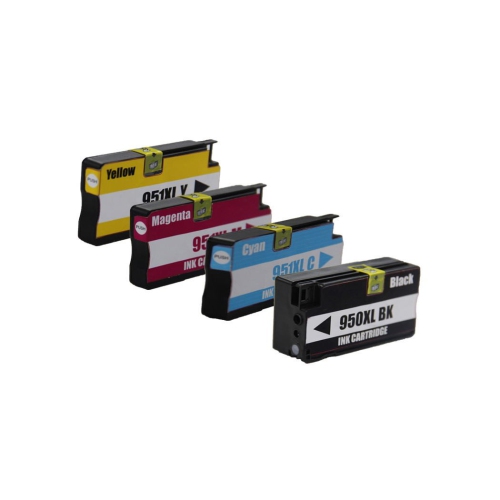
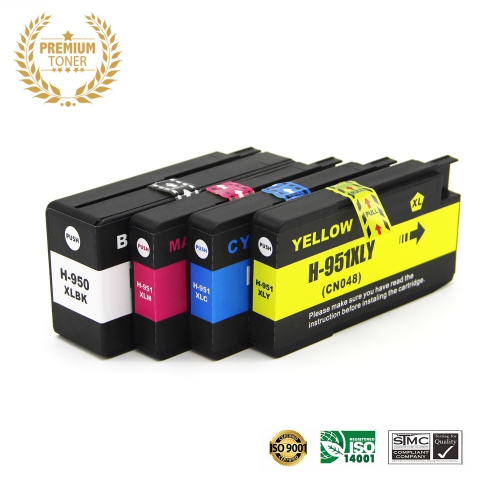
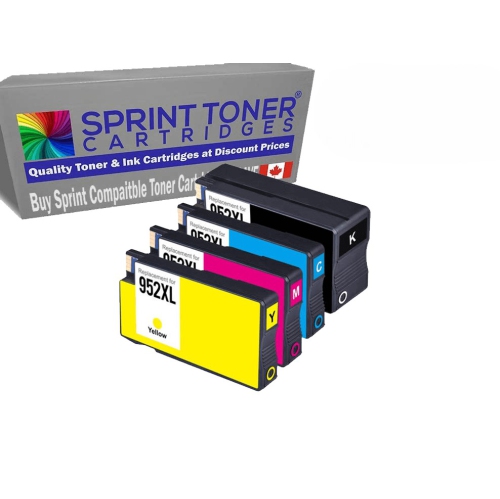
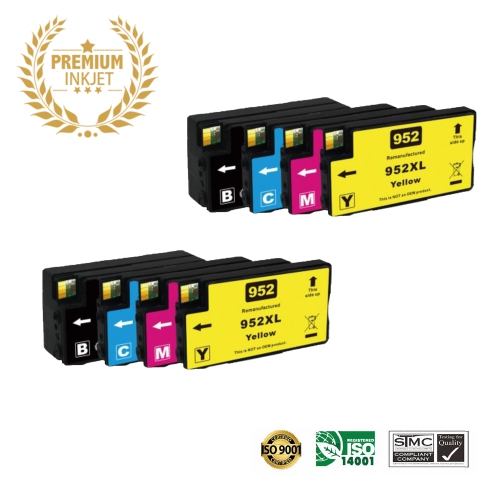
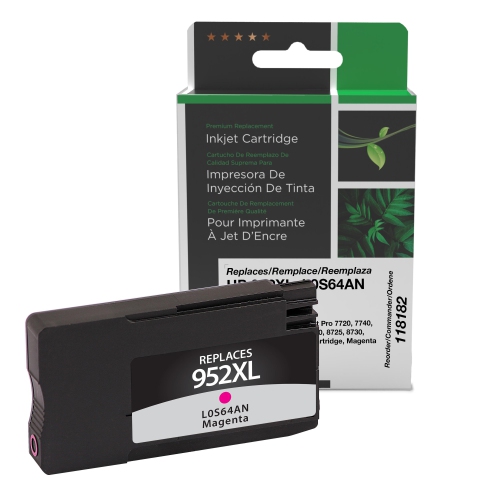
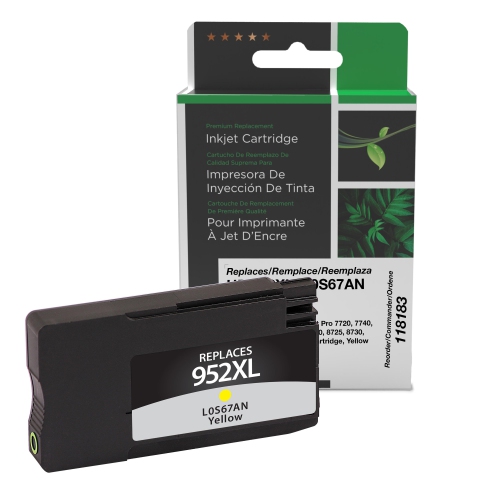
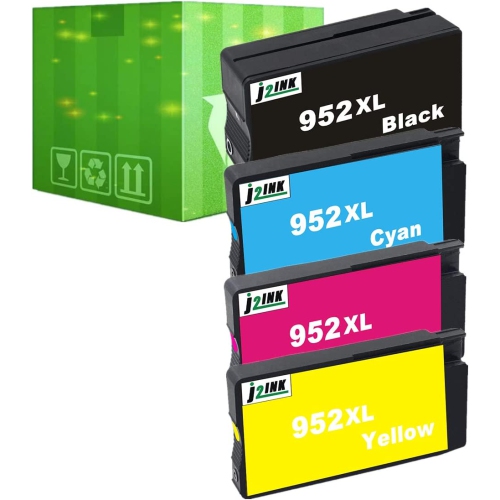
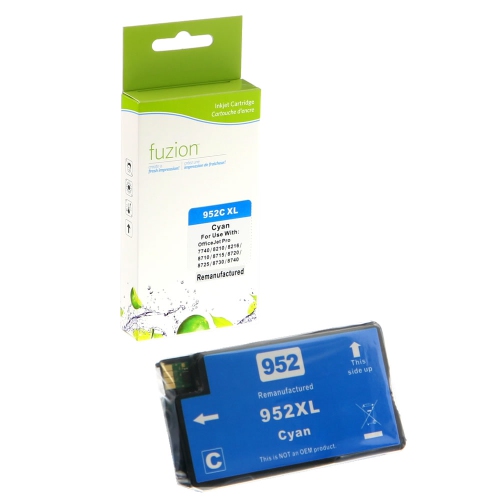
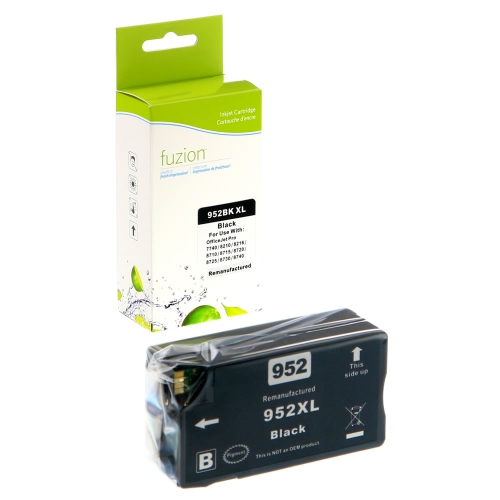
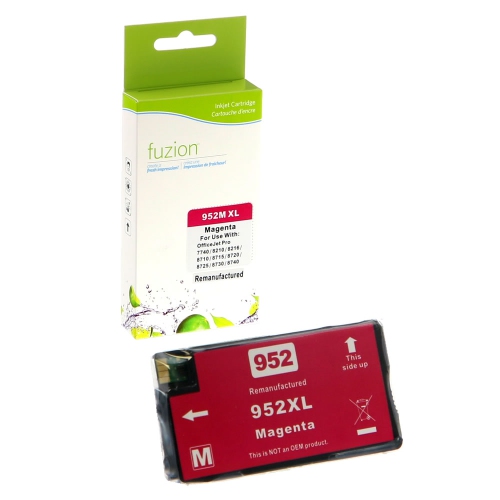
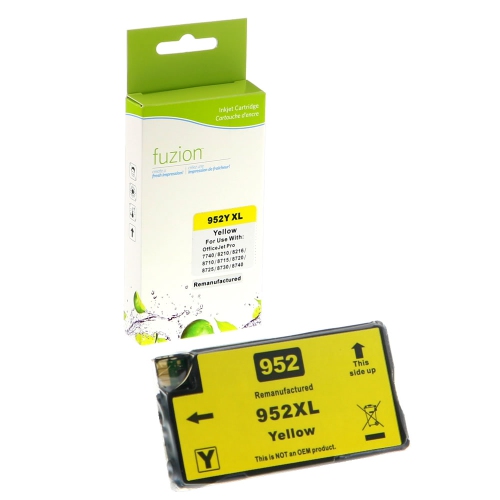
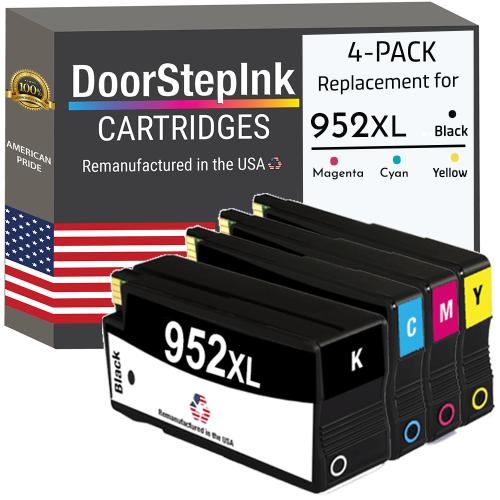
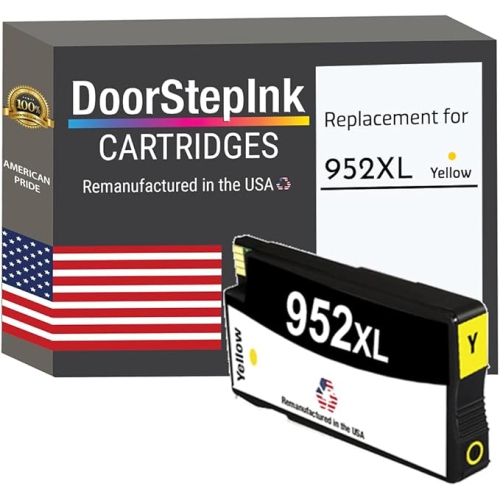
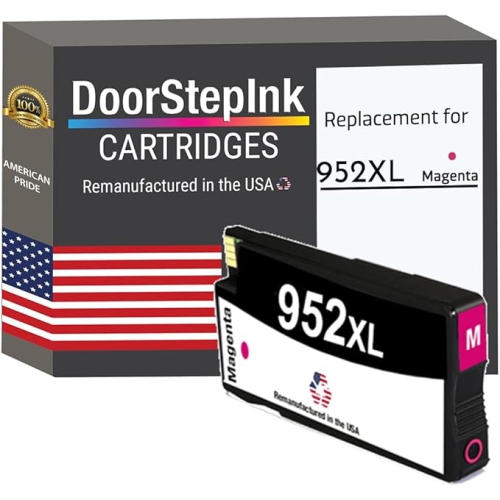
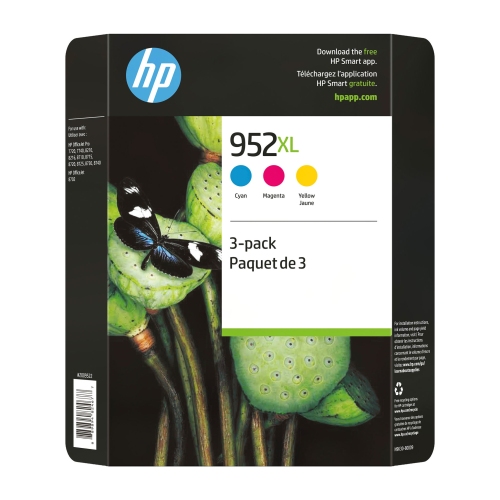
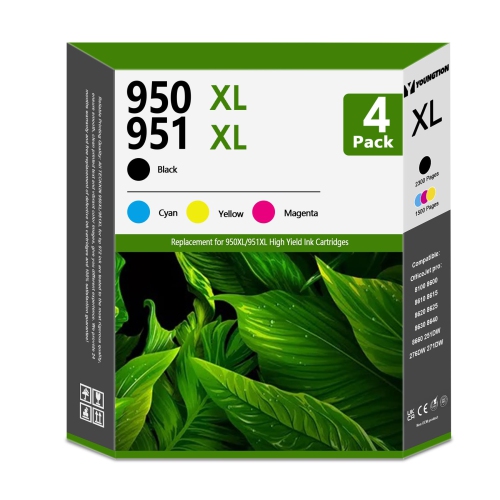
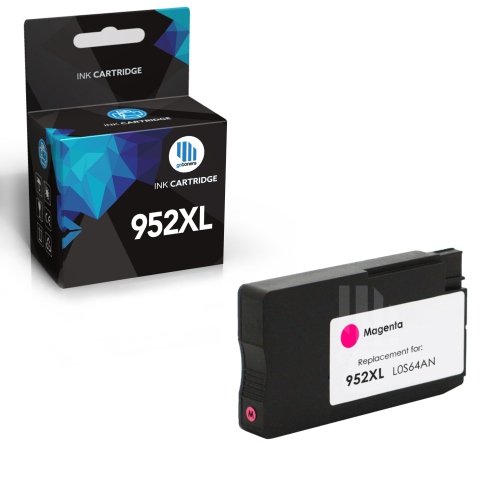
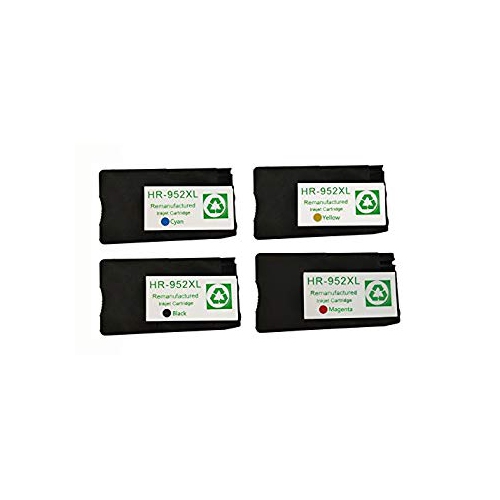
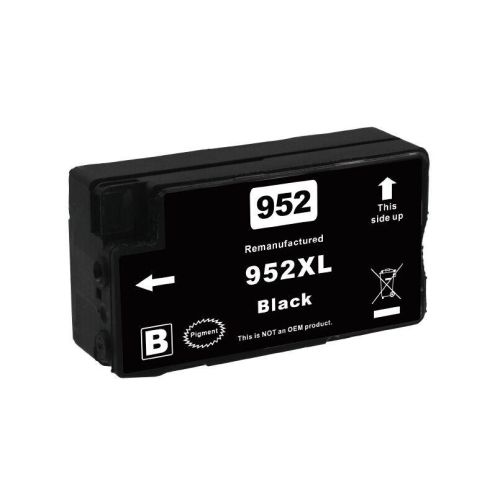
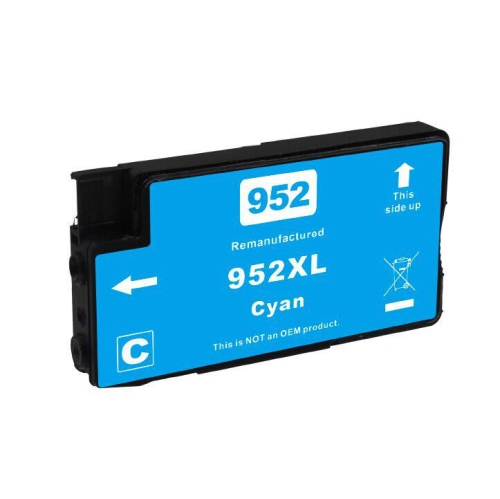
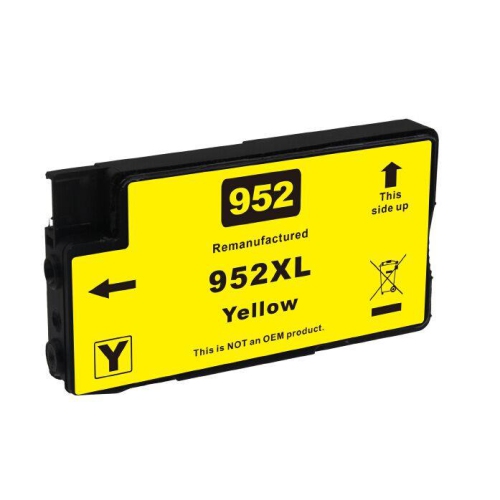
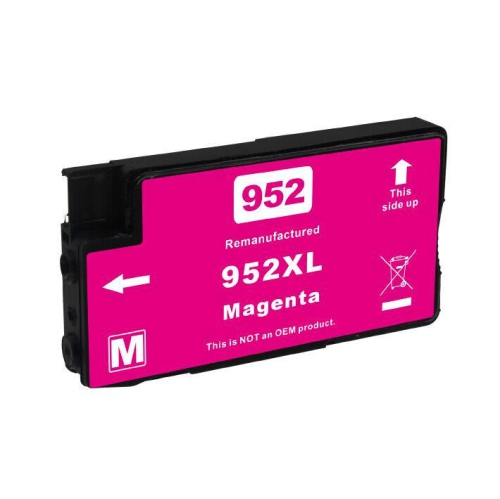
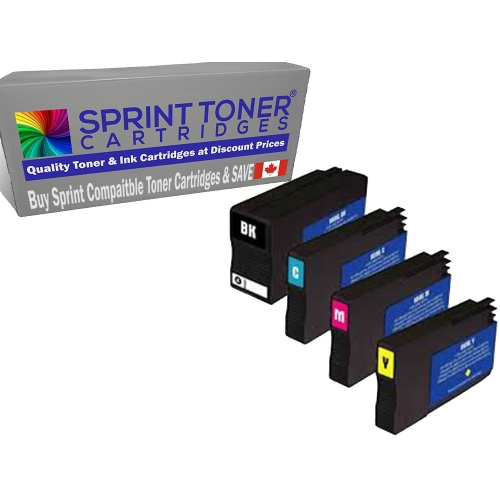
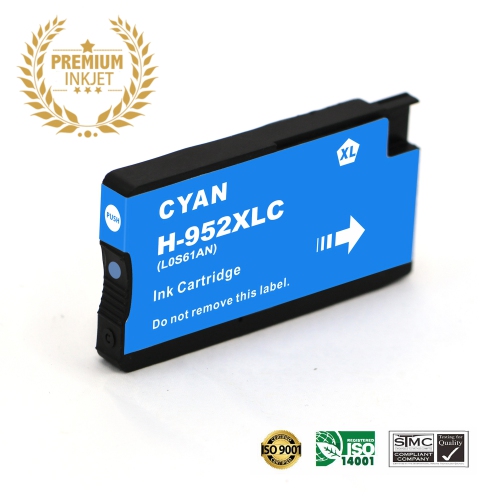
HP 952XL High Yield Ink Cartridges

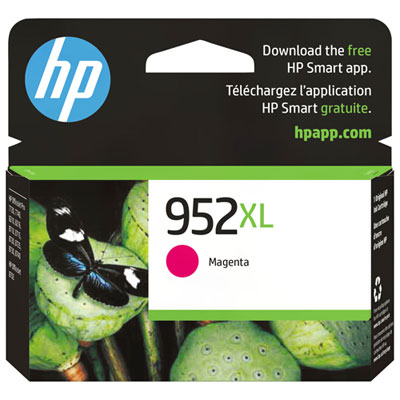
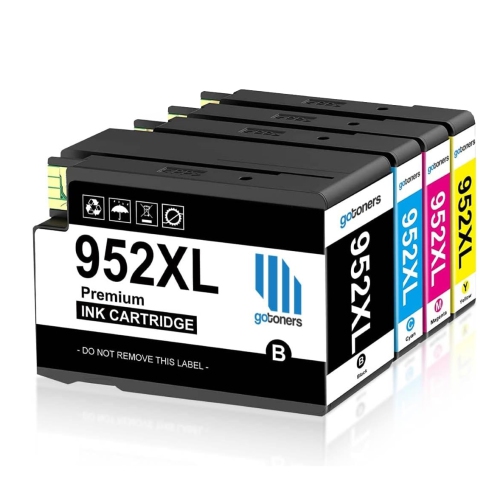
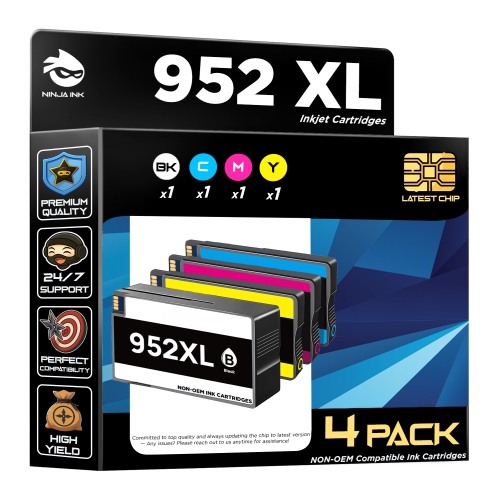
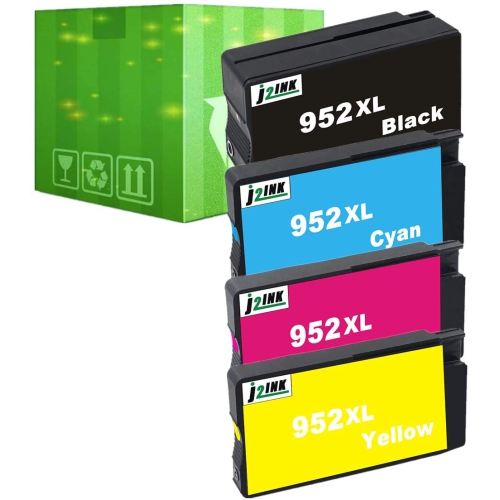
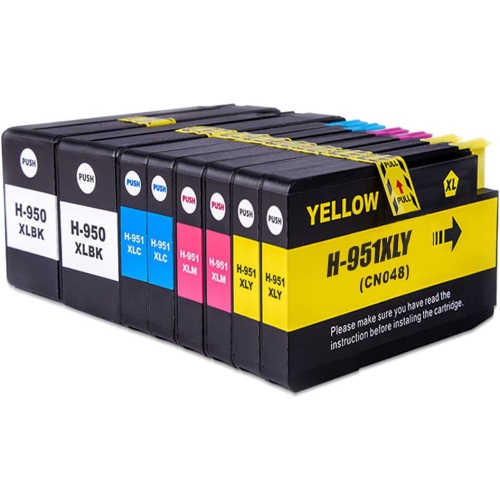
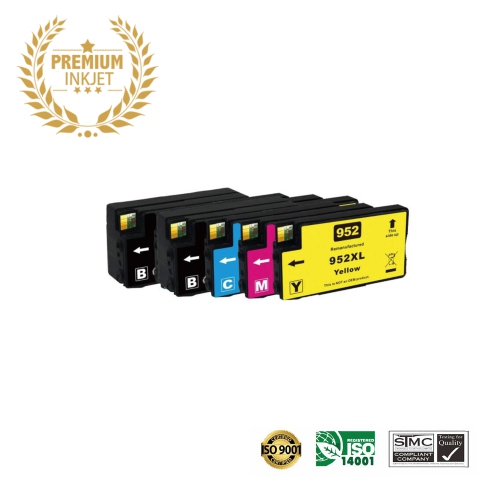
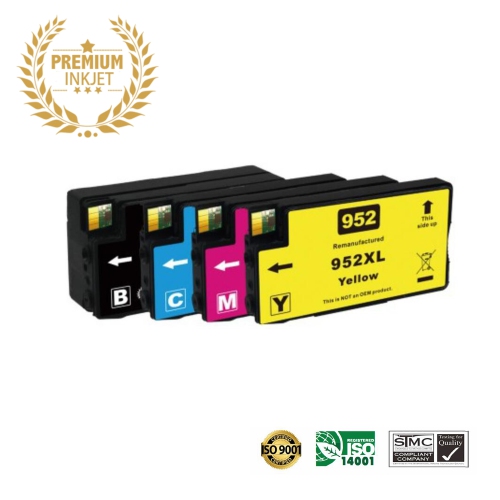
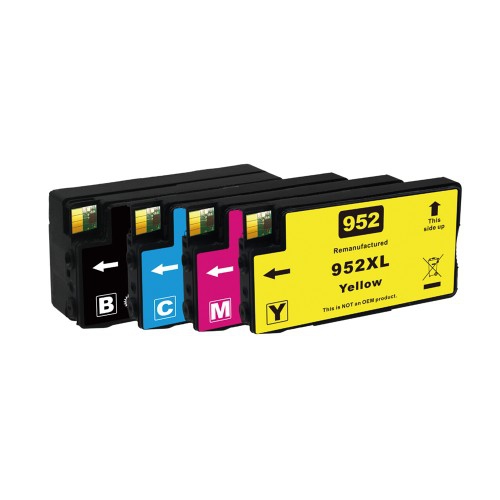
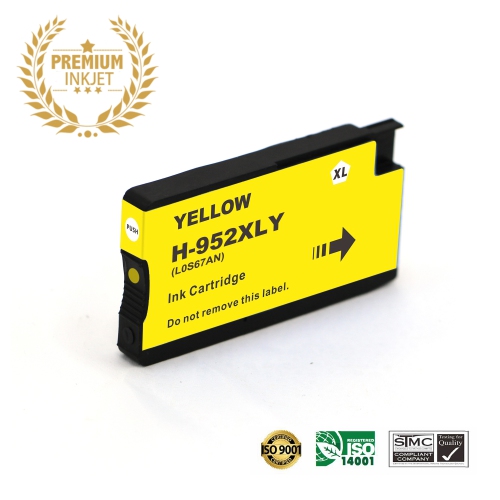
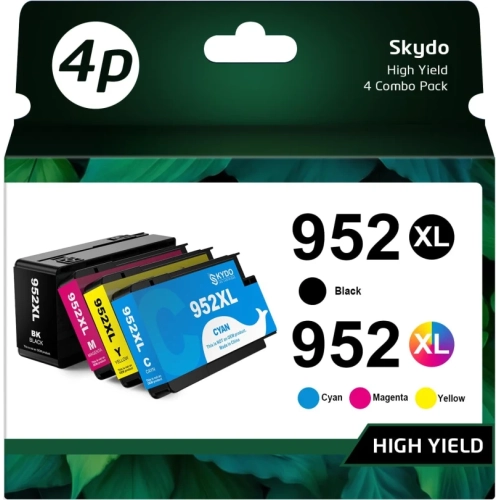
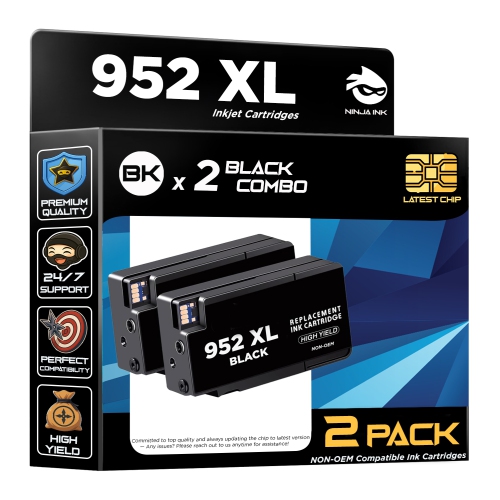
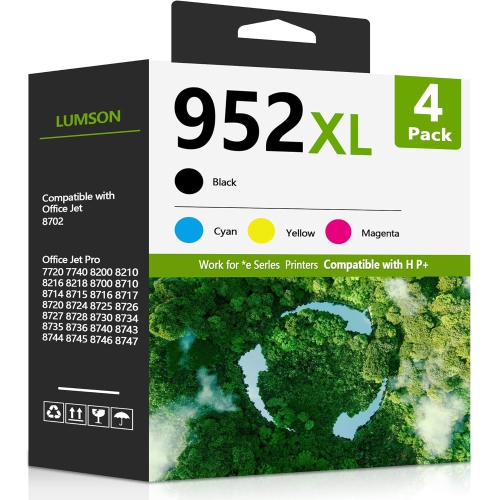
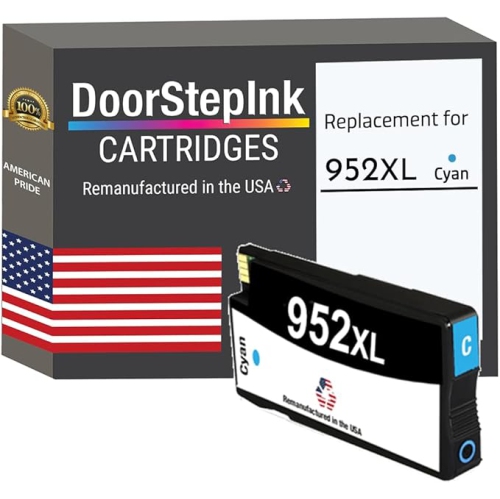
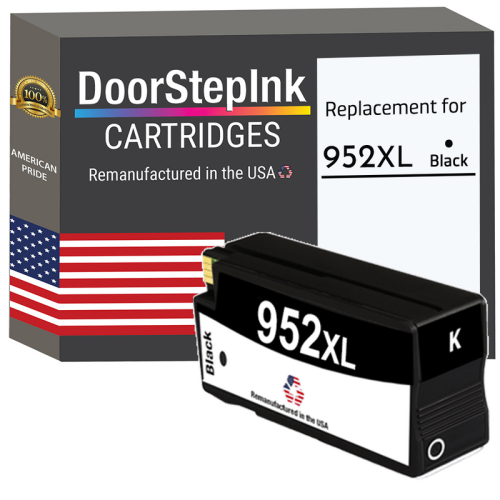
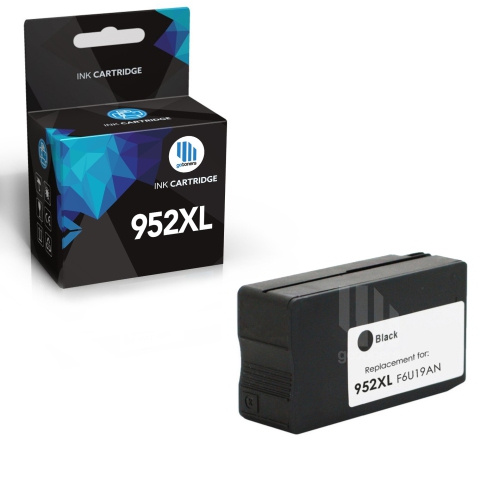
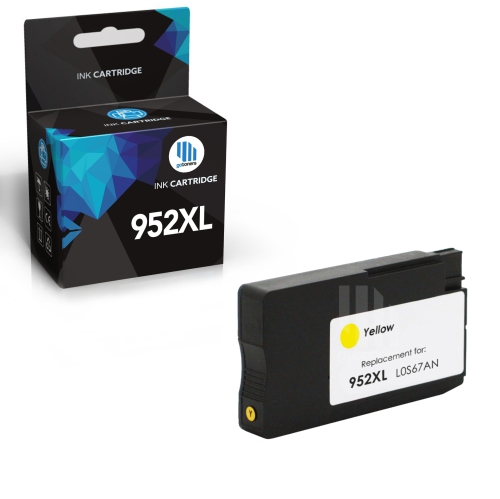
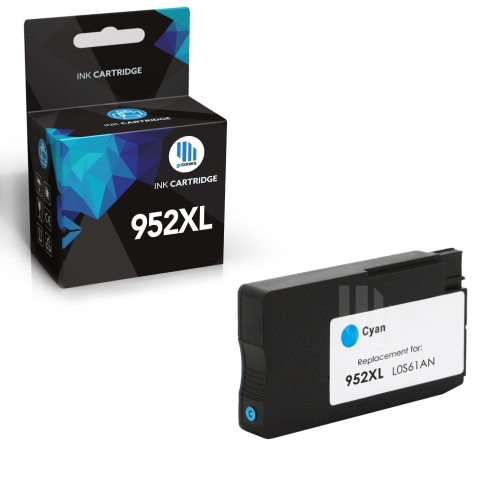
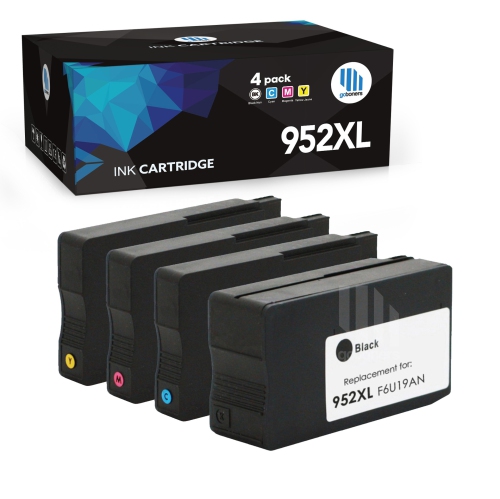
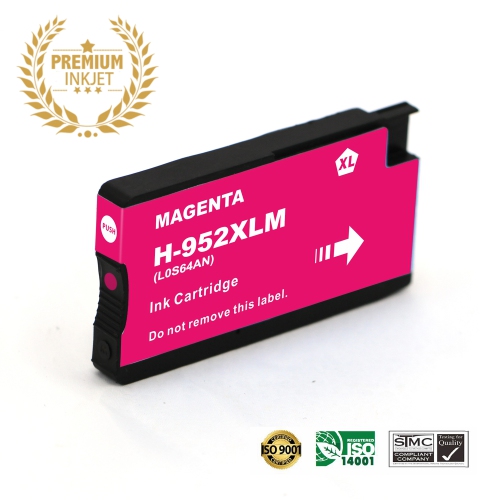
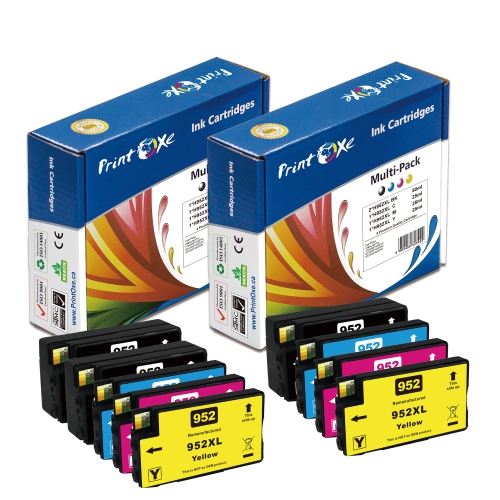
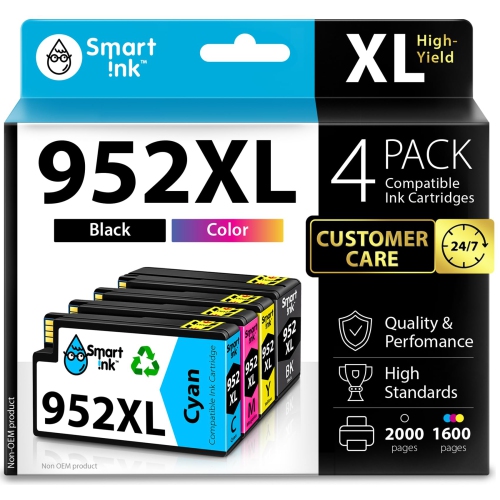
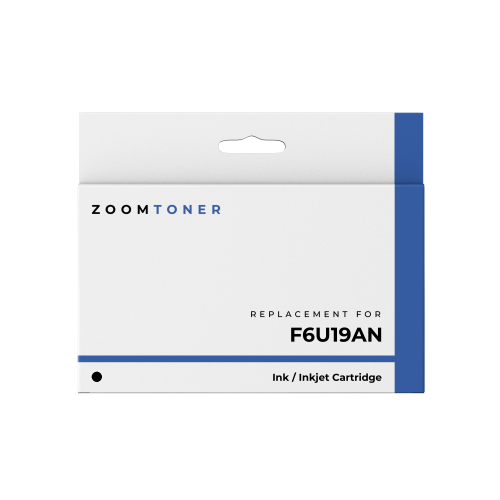
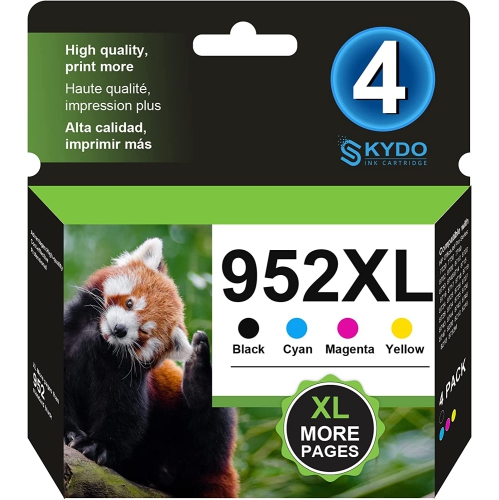
Shop HP 952XL high yield ink cartridges to replace ink in your compatible HP printer. Browse replacement cartridges for your printing needs, and check each listing’s colour, pack contents, and printer compatibility before choosing. High yield cartridges are designed to print more pages than standard-capacity versions, helping you replace ink less often.

Read More

Sort

More pages between cartridge changes for everyday printing

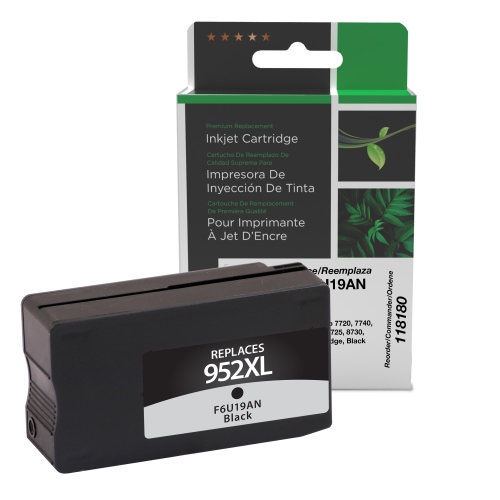
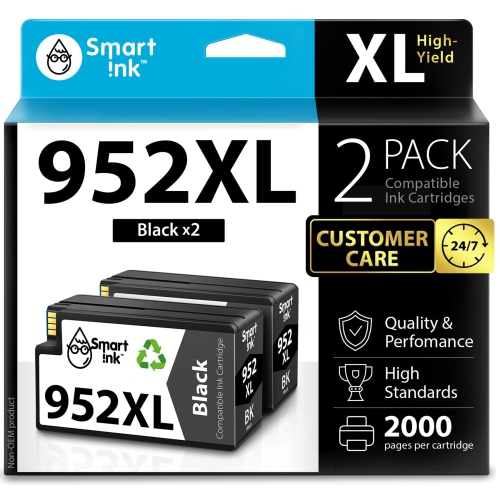
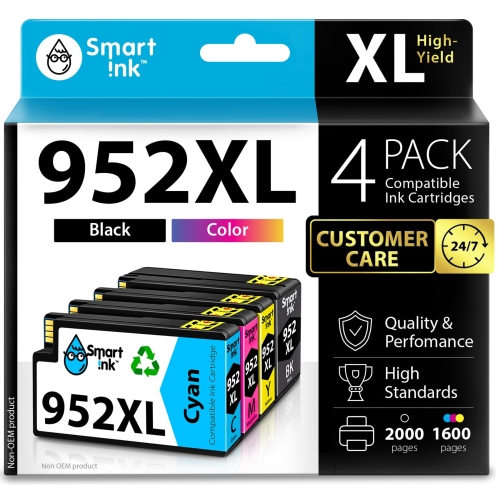
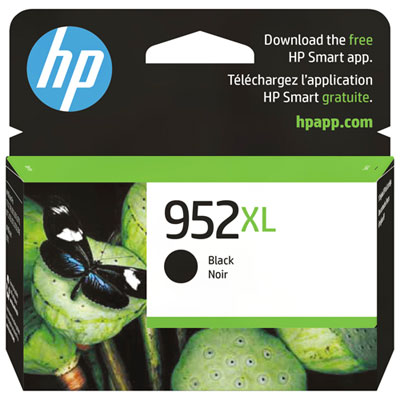
High-yield ink cartridges are designed for compatible inkjet printers that handle regular document printing, from invoices and meeting notes to school assignments and client presentations. They contain more ink than the corresponding standard-yield cartridges, allowing more pages to be printed between replacements without requiring a larger printer. In this cartridge family, published yields are approximately 2,000 pages for high-yield black and 1,450 pages for each high-yield cyan, magenta, and yellow cartridge. These figures are based on standardized testing, rather than a guarantee for every print job. Actual results depend on page coverage, print settings, the mix of text and images, and ink used during printer maintenance. A page with a few paragraphs of text uses ink differently from a full-page colour chart or a presentation with solid backgrounds. For a home office printing contracts throughout the day, a larger ink supply can mean fewer interruptions during a busy run of paperwork. For a family sharing a printer, it can support a steady mix of reading assignments, forms, and illustrated projects. Black ink is particularly useful for crisp text, fine lines, and legible tables, while cyan, magenta, and yellow work together to reproduce colour graphics and images. Shoppers whose printing centres on text-heavy documents can explore HP 952XL Black Ink Cartridges for the black-ink side of their printing needs. Colour remains useful even in an otherwise document-focused workspace: a highlighted deadline, a clearly differentiated graph, or a colour-coded floor plan can make information easier to follow. The most suitable cartridge choice reflects both the printer’s requirements and the kinds of pages it produces most often. A small business preparing batches of invoices may use black much faster than the other colours, while a tutor producing illustrated worksheets may draw more evenly from the full set. High yield describes ink capacity and expected output; it does not, by itself, indicate sharper printing or a different level of image quality.

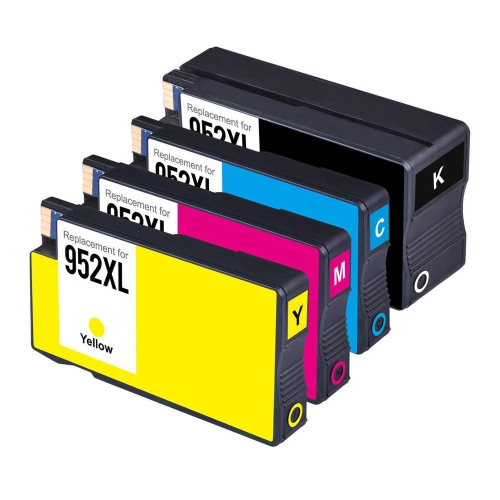
Compatibility is the essential fit consideration for any replacement ink cartridge. A cartridge must match the printer’s supported cartridge family, colour position, and regional requirements, not simply resemble the one already installed. Similar-looking printers can use different supplies, and a shared series name does not establish compatibility across every model. Checking the full printer model against the cartridge’s compatibility information helps prevent a mismatch, particularly in an office where several printers sit near one another. The cartridge reference printed on an existing supply or listed in the printer’s documentation provides another useful point of comparison. An XL designation generally identifies a higher-yield version within a cartridge family, rather than a cartridge intended for a physically larger printer. Where the printer supports both capacities, standard- and high-yield cartridges fit their corresponding positions in the same machine. Each cartridge combines a moulded housing, an ink reservoir, seals, and an interface that connects with the printer’s ink-delivery system. Those components need to fit correctly so the printer can recognize the supply and draw ink as intended. In a separate-colour system, black, cyan, magenta, and yellow occupy their own positions, allowing a depleted colour to be replaced individually. This is useful when a recurring task uses one colour heavily, such as handouts with a blue banner or reports with yellow highlighting. Package contents also deserve attention: a multipack does not necessarily contain high-yield cartridges in every colour. Some combinations pair high-yield black with standard-yield colour cartridges, so the capacity designation for each included cartridge matters more than the pack’s overall name. Distinguishing original-manufacturer supplies from third-party compatible or remanufactured cartridges also helps clarify what is being selected, since recognition, stated yield, and support terms can differ. For shared workplaces, keeping an accurate record of each printer’s model and cartridge family makes routine replacement simpler and reduces confusion when another person takes over the task.

Print quality and dependable use involve more than the amount of ink inside the cartridge. Ink formulation, paper surface, document settings, and the condition of the printer all influence the finished page. Everyday office paper is well suited to routine correspondence and drafts, while paper designed for inkjet printing can help colour graphics and small text appear more defined. Heavier paper is not automatically suitable; its weight, coating, and size still need to fall within the printer’s supported specifications. For a presentation handed to a client, matching the paper setting to the loaded sheets helps the printer apply ink appropriately. A draft setting can suit internal notes, whereas a higher-quality setting may better serve detailed charts or documents where fine text needs particular clarity. Resistance to smudging, moisture, and fading varies with the ink-and-paper combination, so important records should be handled and stored according to their intended use rather than treated as inherently waterproof. Freshly printed pages may need time to dry before highlighting, stacking tightly, or sliding into protective sleeves, especially when they contain dense colour. Unopened cartridges are best kept in their original sealed packaging, away from direct sunlight, until they are needed. During installation, follow the printer’s directions, remove only the specified protective materials, and avoid touching electrical contacts or ink outlets. A cartridge should settle into its designated position without being forced. If output develops streaks or missing lines, the printer’s diagnostic page can help distinguish a low-ink issue from a printhead or alignment problem. Repeated cleaning cycles use ink, so following the manufacturer’s troubleshooting sequence is preferable to running them unnecessarily. High-yield cartridges are especially practical for people with a consistent printing workload, including remote workers, teachers, administrators, and households managing frequent paperwork. Occasional users may find that capacity matters less than keeping the printer ready to produce a clean page when needed. Matching cartridge capacity to normal printing habits, maintaining the printer, and using appropriate paper supports reliable results across both everyday documents and more polished work.
Read More

FAQ

Some products may be subject to Environmental Handling Fees (EHF) depending on your province. Learn more about EHFs.