Home Camera Recording Systems
Home camera recording systems help you monitor your property and review saved footage. When comparing security camera systems, consider which areas need coverage, where video is stored, how you’ll access recordings and what installation involves to find a setup that fits your home.


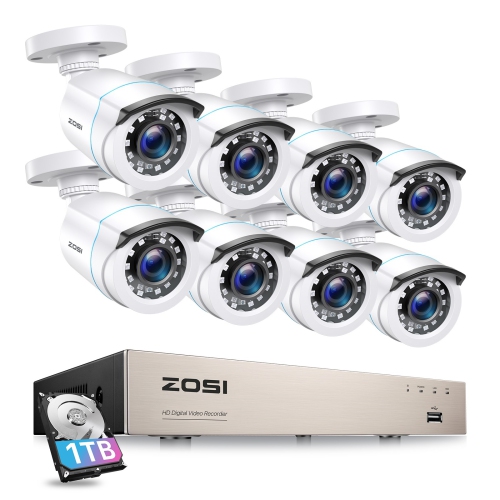
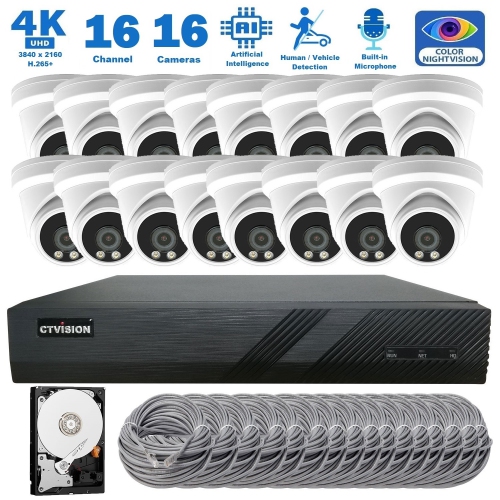
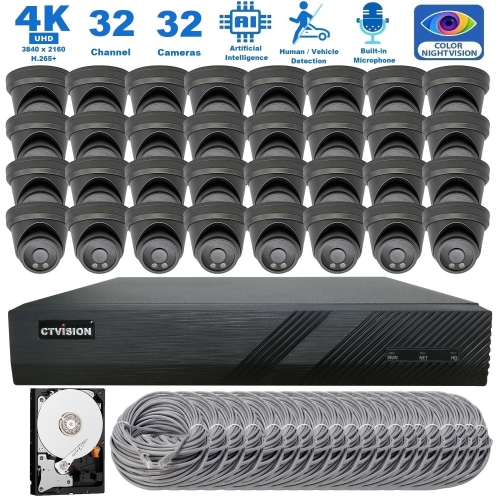
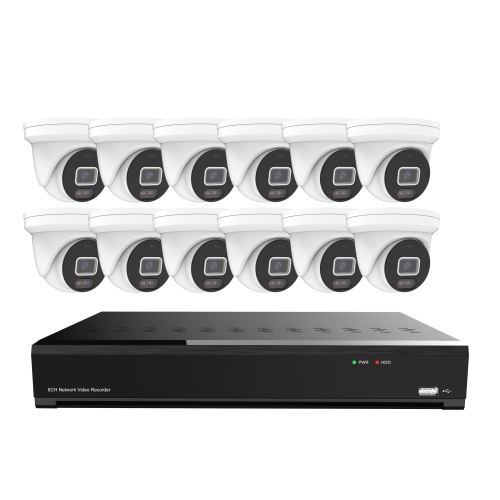
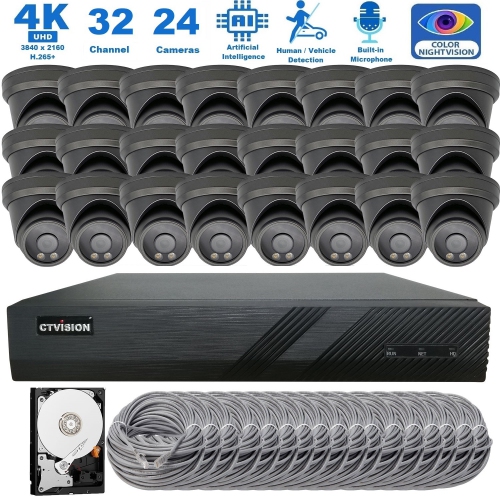
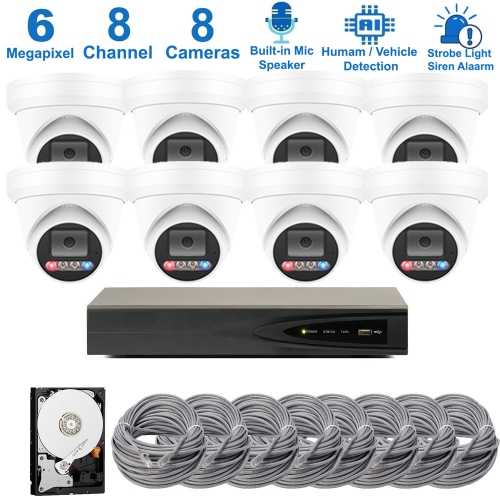
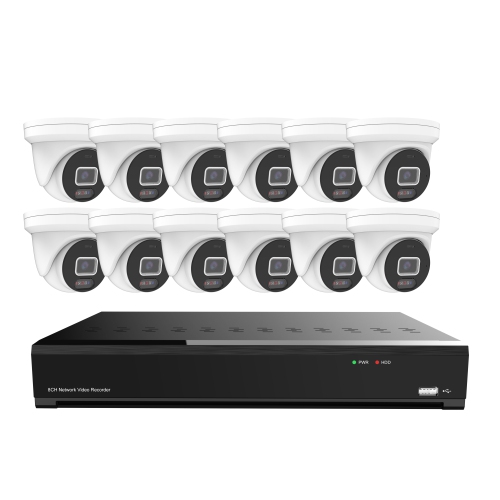
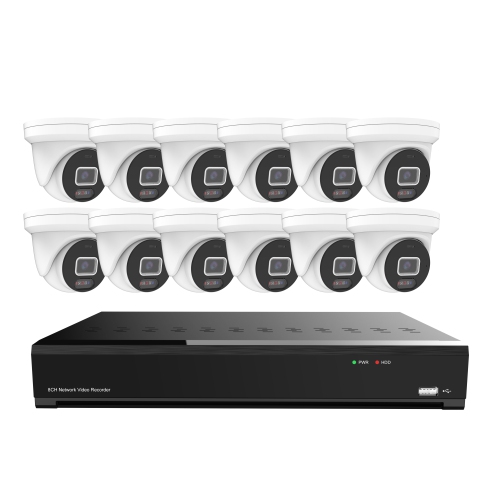

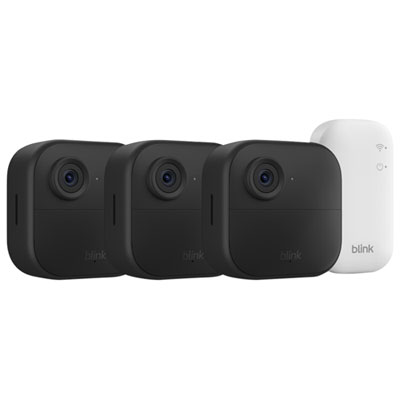
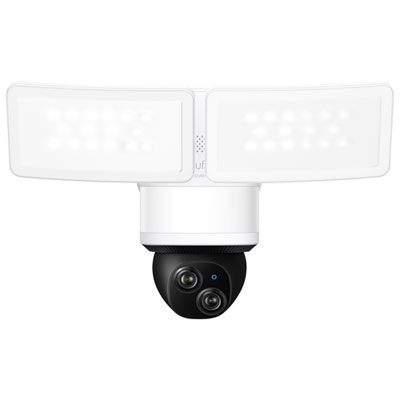
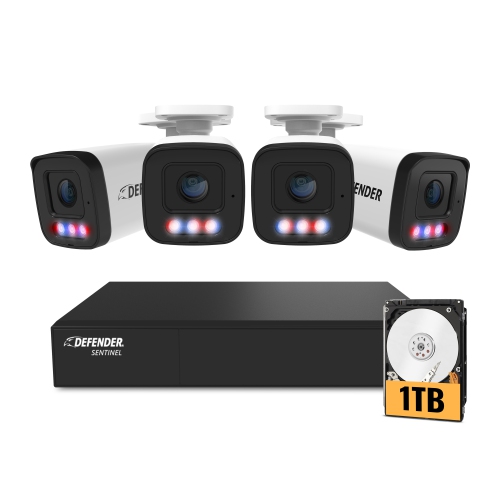
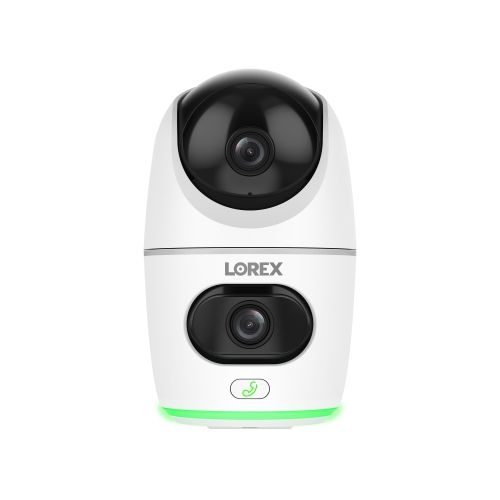
FAQ
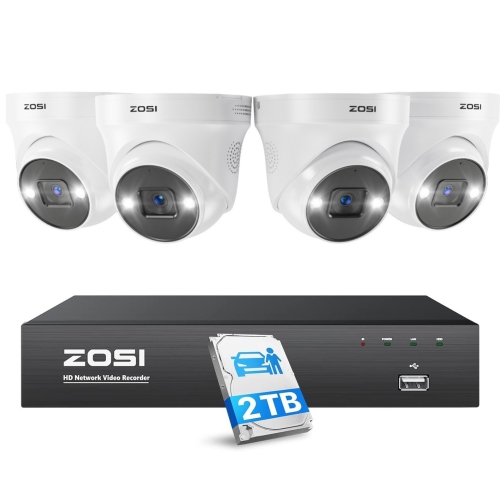
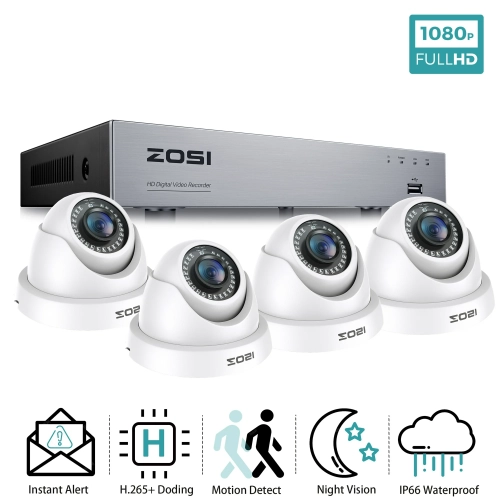
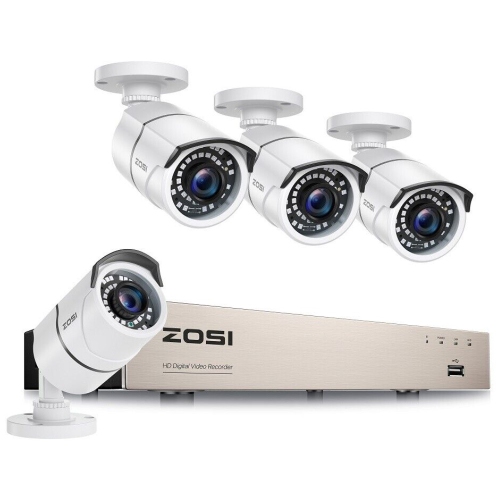
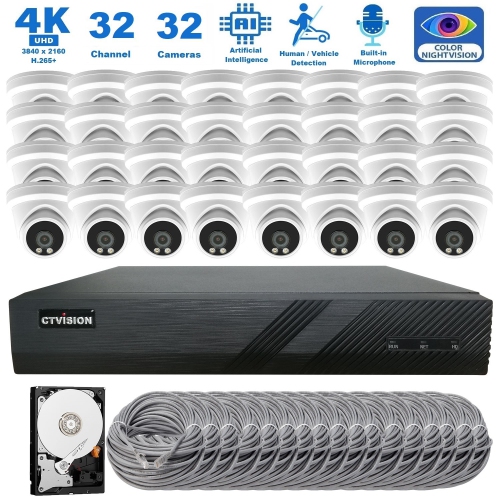
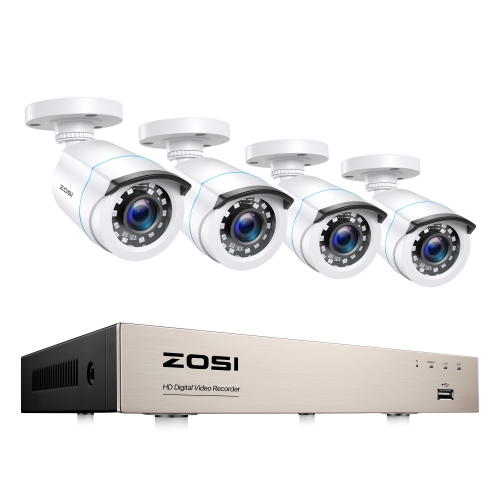
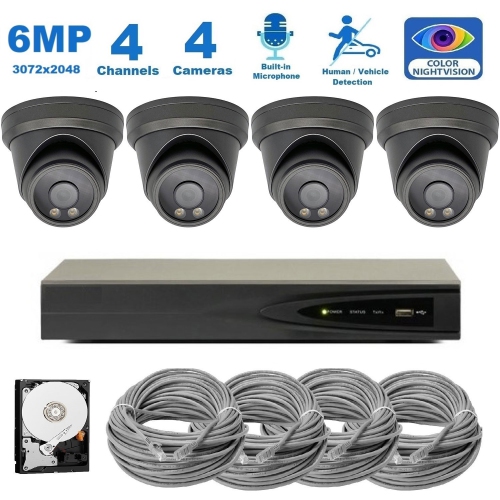
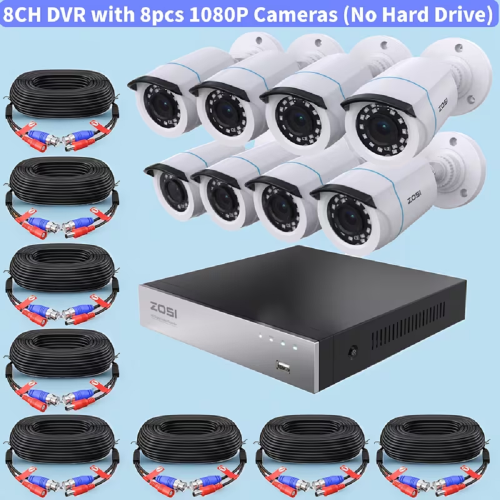
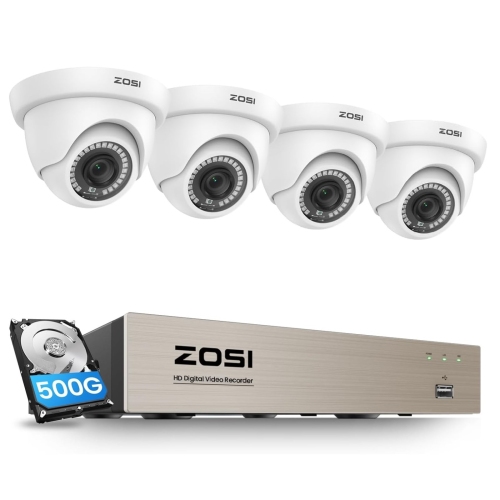
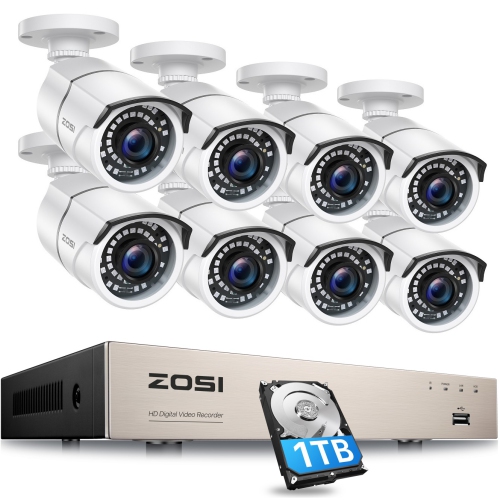
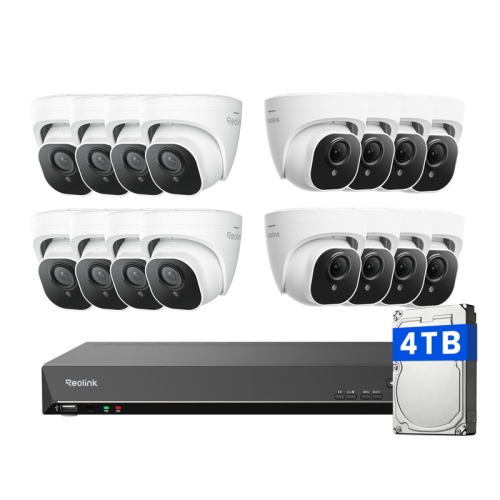
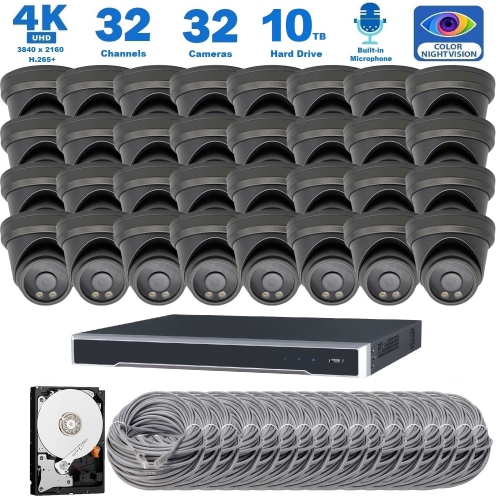
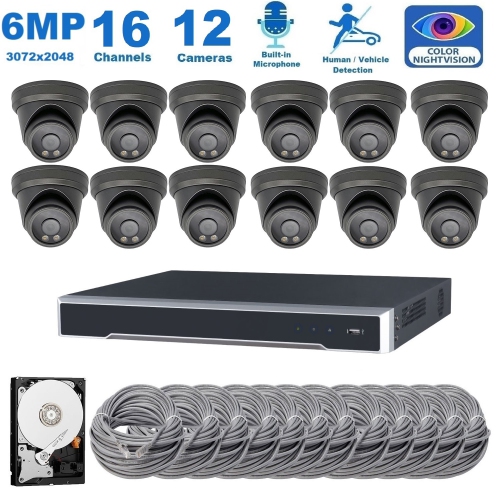
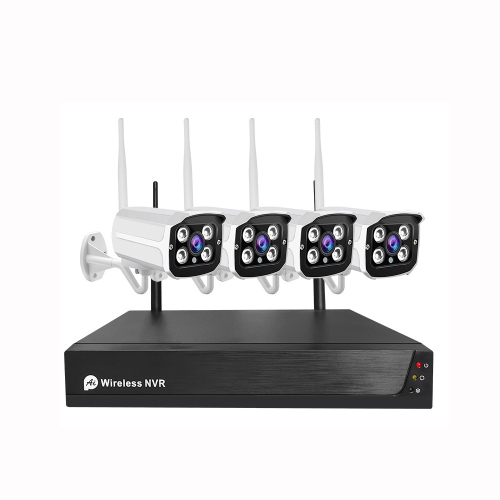
A digital video recorder (DVR) typically works with analogue cameras connected by coaxial cables and processes video at the recorder. A network video recorder (NVR) works with IP cameras that process video before sending it over a network. Camera compatibility depends on the recorder’s supported connections and formats.
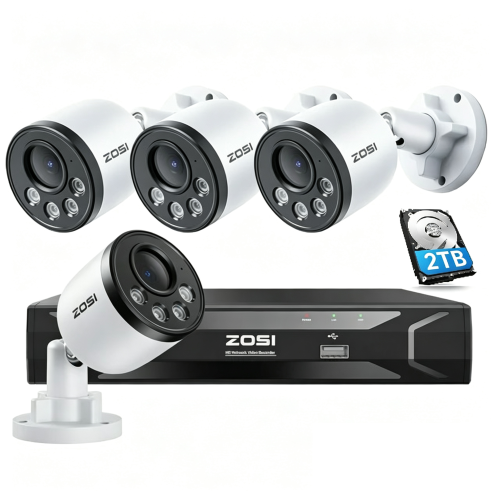
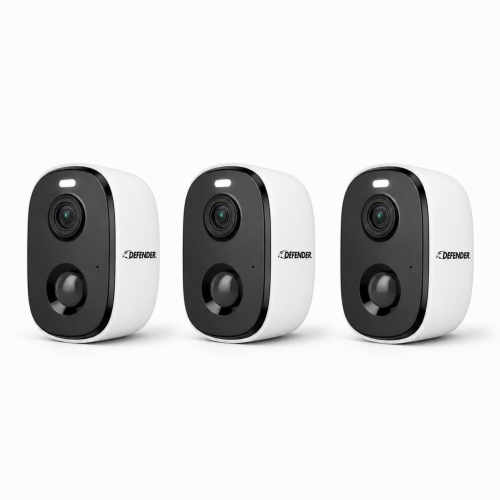
Depending on the system, footage may be stored on a recorder’s hard drive, a memory card in the camera, compatible network storage, or a cloud service. Some systems support both local and cloud recording. Check which storage methods are supported and whether cloud recording requires a subscription.
Common recording modes include continuous recording, scheduled recording, and event-based recording. Continuous recording captures footage throughout the selected period, while scheduled recording follows times you set. Event-based recording saves clips when a supported trigger, such as motion, occurs.
Some systems can record to local storage without an active internet connection, although initial setup requirements vary. Internet access is generally needed for cloud storage, remote viewing, and app notifications. A local network connection may still be required for cameras to communicate with the recorder.
Depending on the system, you can review recordings through a connected monitor, desktop software, a web browser, or a mobile app. Playback tools may let you search by date, time, camera, or event. Supported systems can also export selected clips to a USB drive or download them to a compatible device.
Top selling and popular products
Discover more categories related to Home Camera Recording Systems
Some products may be subject to Environmental Handling Fees (EHF) depending on your province. Learn more about EHFs.