Back To School Mobile Workstations
Back-to-school mobile workstations bring portable computing power to demanding coursework, from engineering projects to design assignments. Explore workstation laptops with your course software in mind, comparing processor performance, memory, graphics, and storage alongside screen size and weight to find a fit for both class and study sessions.








FAQ
A mobile workstation is a laptop designed for professional applications such as computer-aided design, 3D modelling, engineering software and media production. This category often includes dedicated graphics, configurable memory and storage, and certifications for particular software applications.
Mobile workstations are commonly associated with architecture, engineering, animation, film production and industrial design programs. Course requirements vary, so check your department’s hardware and software specifications before choosing a computer.
Check the required operating system, processor architecture, memory, graphics hardware and storage listed by each software publisher. Some courses require applications available only for a particular operating system, while certain professional applications also specify certified graphics hardware or drivers.
Integrated graphics are built into the processor and typically share system memory. Dedicated graphics use a separate graphics processor and usually have their own video memory. Design, animation and engineering applications may specify a particular graphics type or video memory requirement.
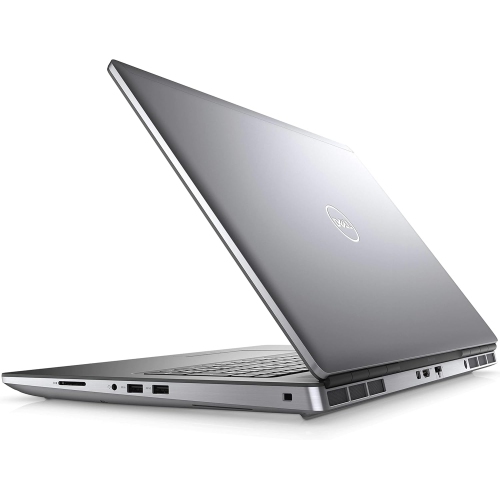
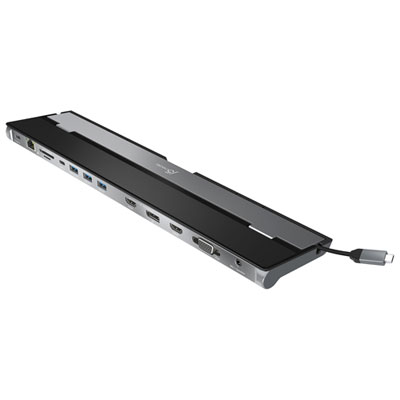
Depending on the model, mobile workstations may include USB-A, USB-C, Thunderbolt, HDMI, Ethernet, audio connections and memory card readers, along with Wi-Fi and Bluetooth. Check the connections required by your classroom displays, external drives, peripherals and docking station, as USB-C capabilities can vary.
Top selling and popular products
Discover more categories related to Back To School Mobile Workstations
Some products may be subject to Environmental Handling Fees (EHF) depending on your province. Learn more about EHFs.