Back To School Laptop Docking Stations for Student Workstations
Back-to-school laptop docking stations help students connect their laptops to monitors, keyboards, and other peripherals for a more organised workstation. Compare options by laptop compatibility, available ports, display support, and charging capabilities to find a dock that suits your study setup at home or in residence.







FAQ
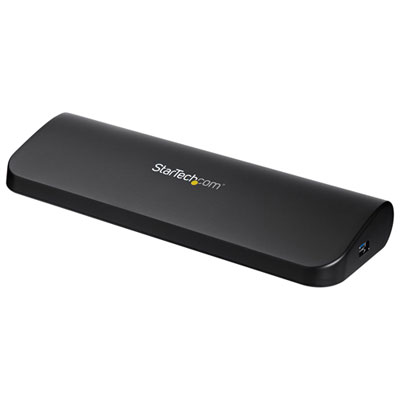
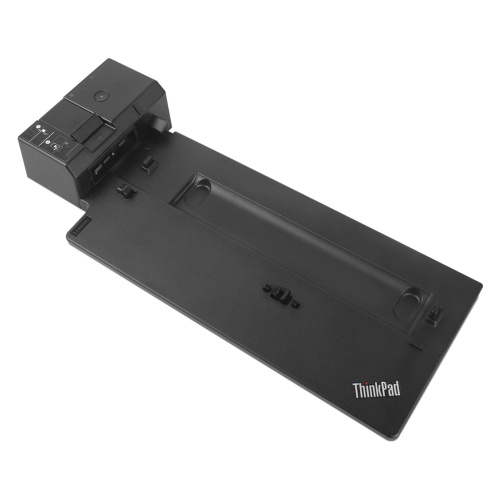
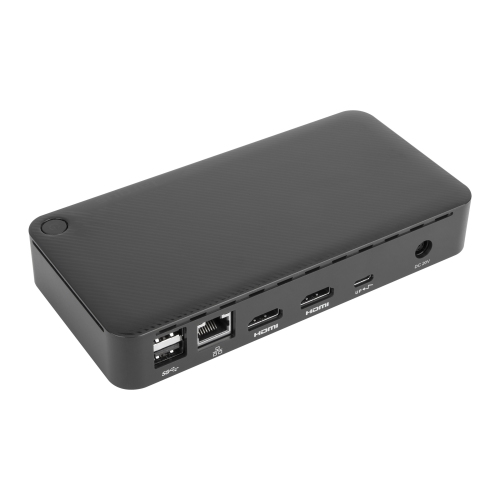
A laptop docking station connects your laptop to desk accessories such as a monitor, keyboard, mouse and Ethernet cable through a single connection. It lets you keep those accessories connected at your study desk while taking your laptop to classes or the library.
Check your laptop’s port specifications, operating system and support for external displays. USB-C ports do not all support the same features, so confirm whether yours supports video output, charging or Thunderbolt. Compare these details with the docking station’s compatibility requirements, including any required software.
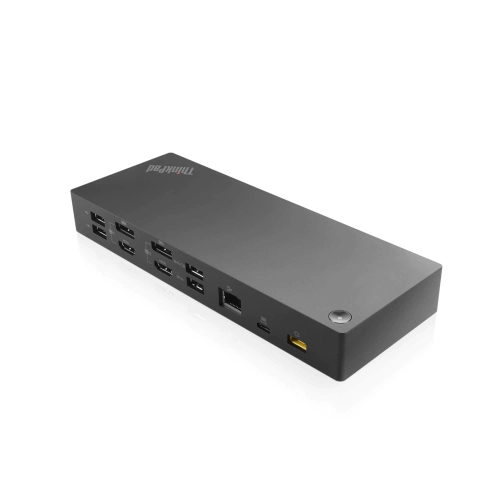
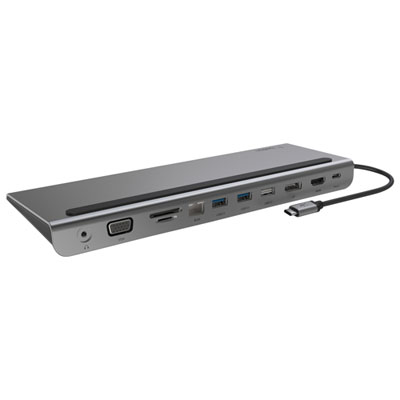
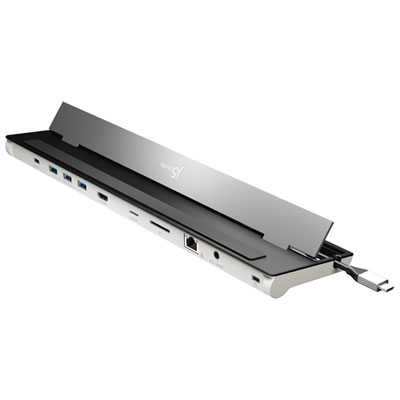
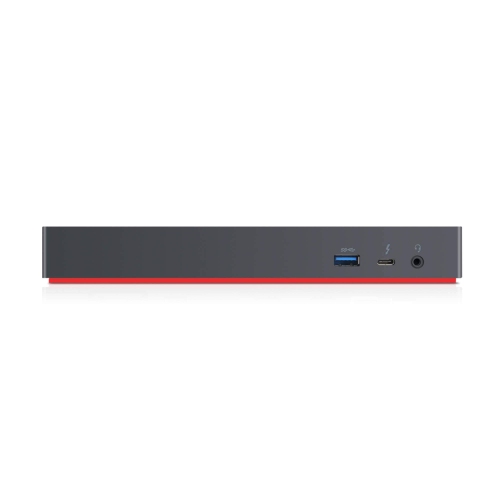
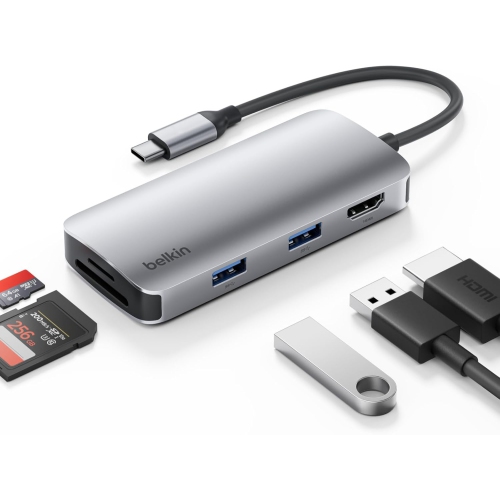
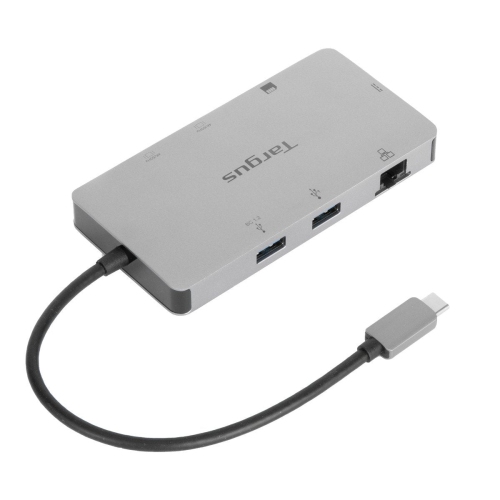
Choose connections that match your study accessories. HDMI or DisplayPort can connect an external monitor, USB-A and USB-C ports accommodate peripherals, and Ethernet provides a wired network connection. An audio jack or memory card reader may also be useful for coursework involving headsets, photography or media files.
Some docking stations support multiple monitors, but the available setup depends on your laptop, operating system and the dock’s display technology. Check how many external displays your laptop supports and whether the dock supports extended desktops rather than only mirroring the same content across screens. Some setups require additional drivers.
A USB hub typically adds connections for peripherals, although some models also include video output, Ethernet and charging. A docking station generally brings several workstation connections together and may include its own power supply to charge a compatible laptop. Features overlap, so compare the actual ports, charging support and display compatibility rather than relying on the product name alone.
Top selling and popular products
Discover more categories related to Back To School Laptop Docking Stations for Student Workstations
Some products may be subject to Environmental Handling Fees (EHF) depending on your province. Learn more about EHFs.