Computer Desks Under $200
Computer Desks Under $200 offer an affordable way to create a comfortable and organized workspace at home or in the office. Explore a wide selection of styles and sizes designed to fit your needs without exceeding your budget. Whether setting up for work, study, or gaming, finding the right desk is easy with options that combine practicality and value. Shop Computer Desks Under $200 to discover solutions that help you stay productive and keep your space looking great.
Sort

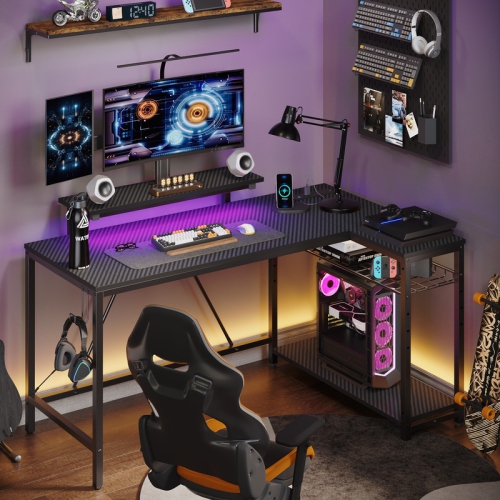
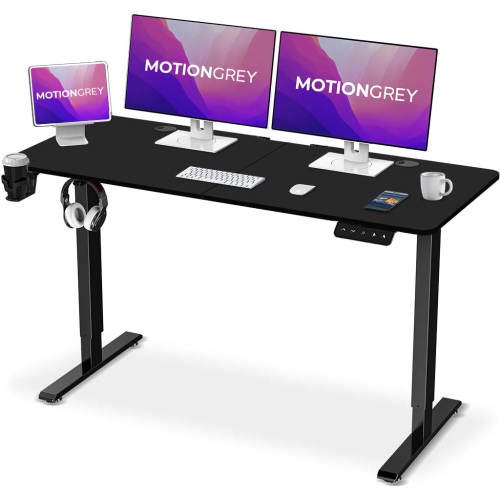
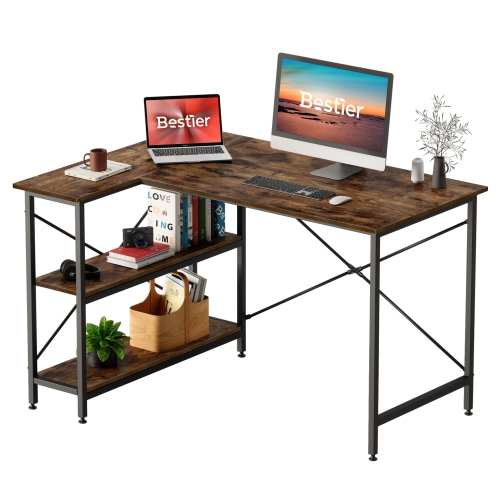
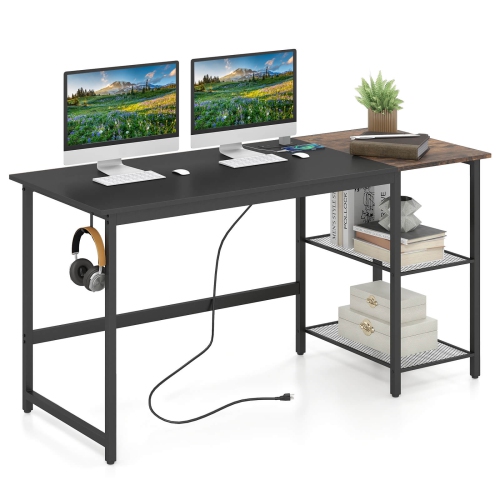
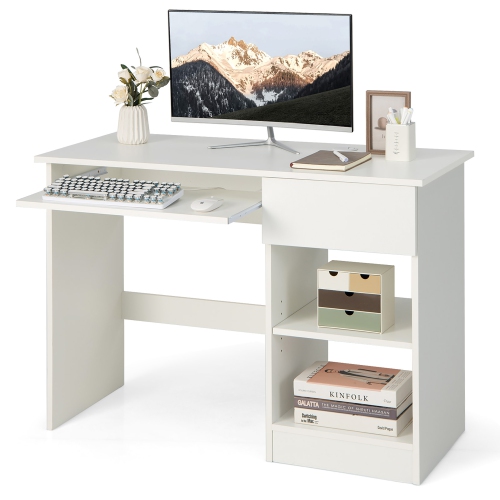
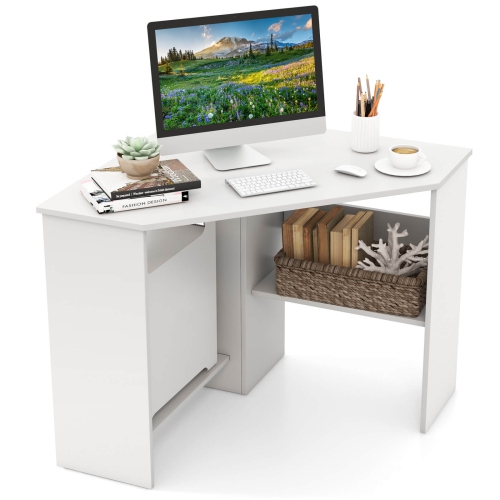
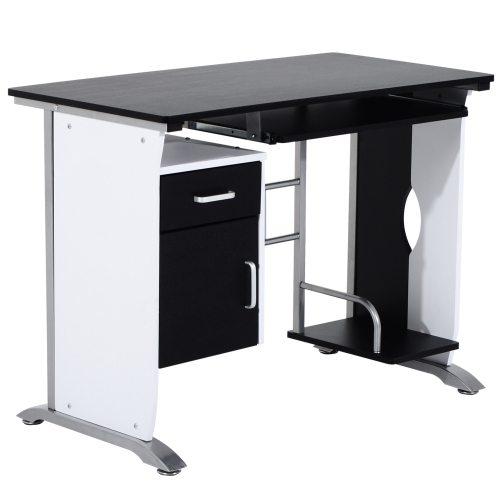
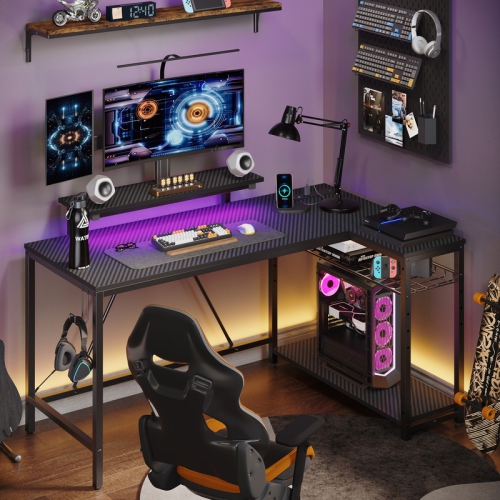

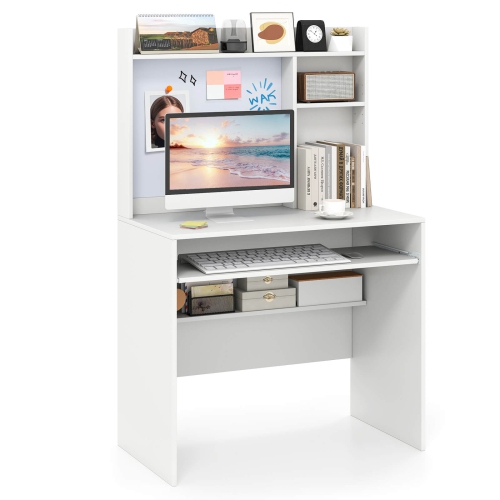
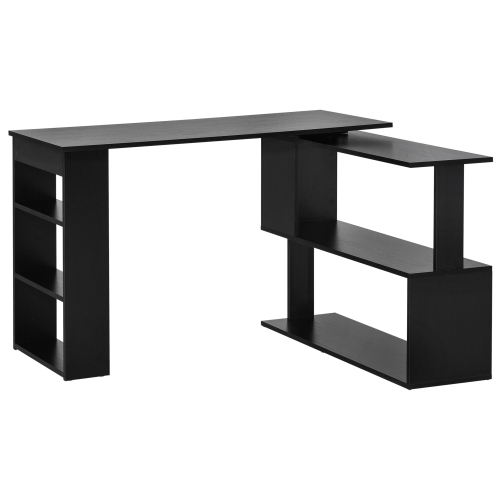
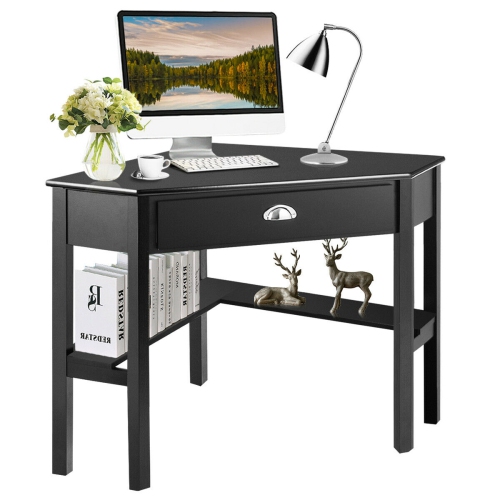
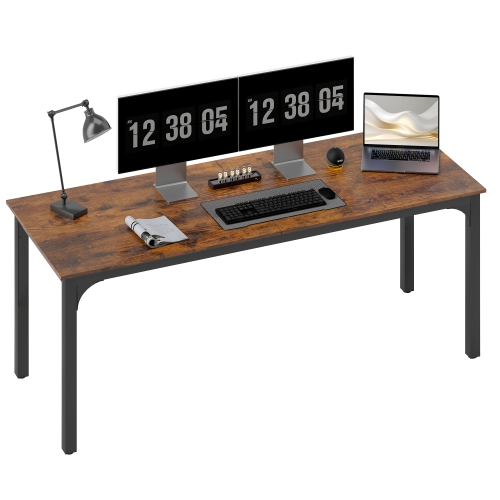
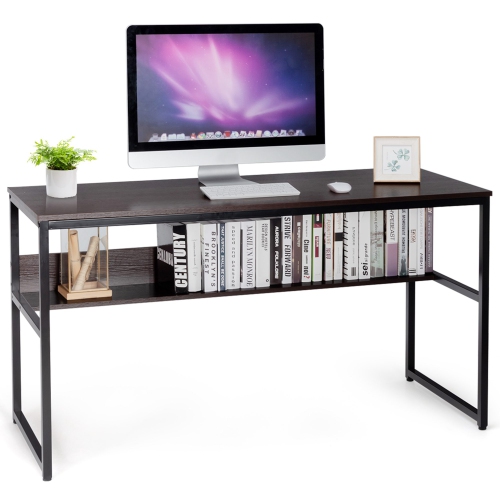
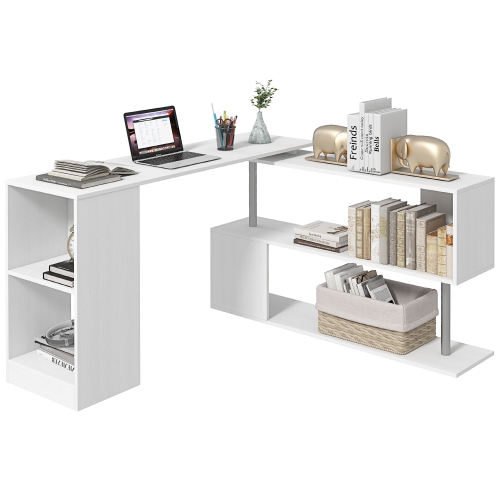
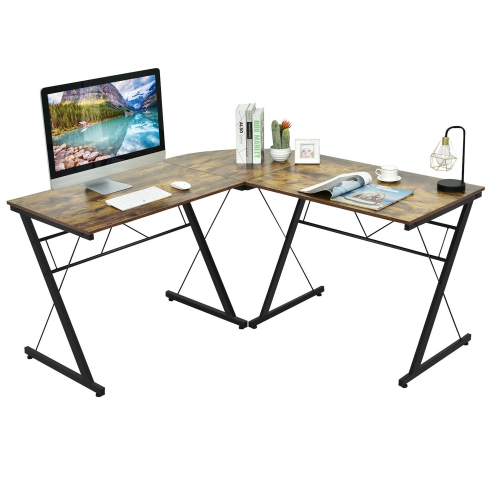

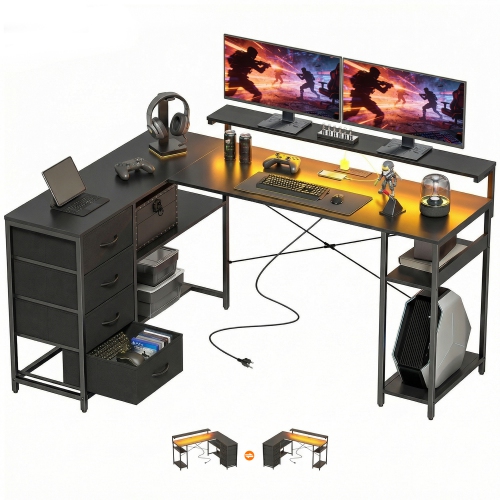
The right desk fits more than just your room
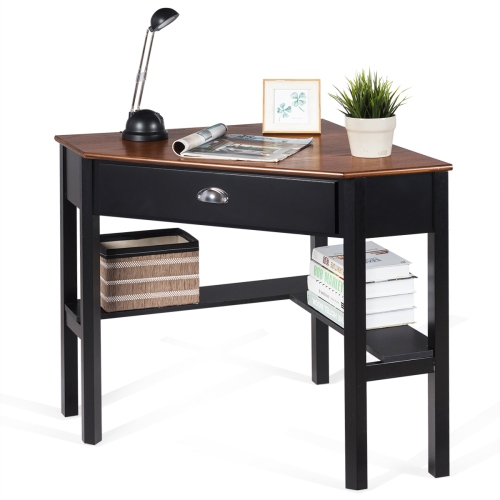
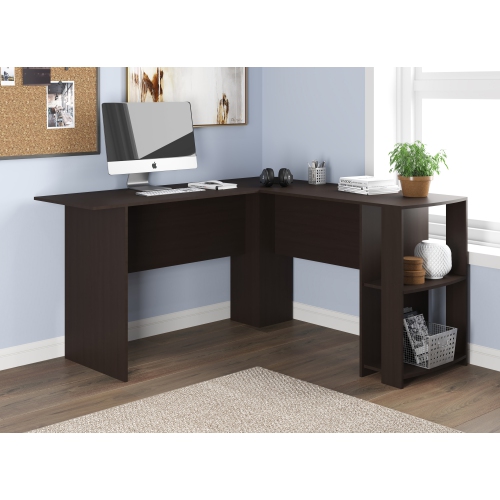
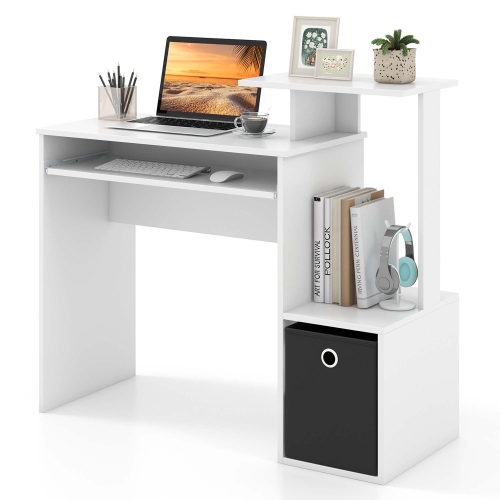
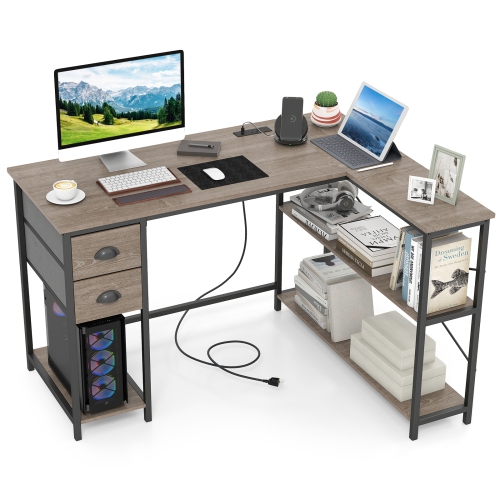
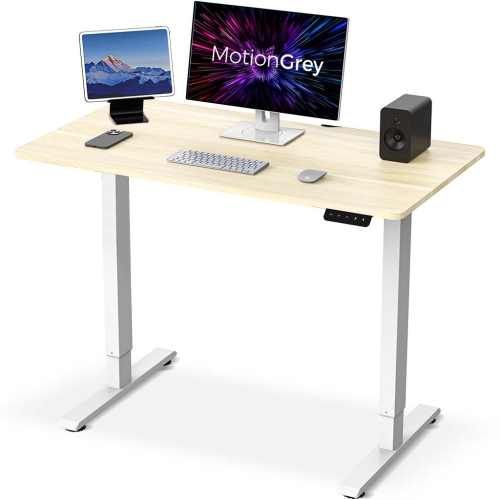
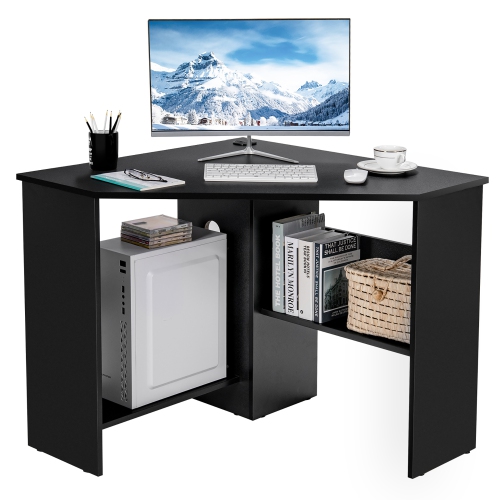
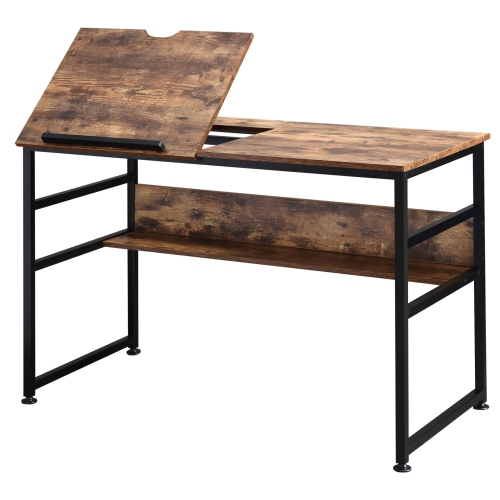
Computer desks create a dedicated place for everyday tasks, from answering emails and attending video calls to completing assignments or settling into a gaming session. Compact computer desks suit smaller rooms, while wider rectangular desktops and L-shaped layouts can provide more space for equipment and paperwork. The most useful fit depends on both the room and what needs to sit on the work surface. A laptop setup may need little more than space for a mouse, notebook, and lamp; a desktop computer with two monitors needs enough width for the screens and enough depth to keep the keyboard comfortably in front of them. Monitor bases can take up a surprising amount of room, particularly when speakers or a microphone share the desktop. A corner layout can separate screen-based tasks from writing, although its footprint still needs to leave room for a chair and a clear route through the space. Desk height, legroom, and the position of support bars all affect how naturally someone can sit at the work surface. An office chair should be able to move close enough for relaxed typing without its armrests catching on an apron or drawer. Room measurements are most helpful when they account for baseboards, nearby doors, drawer clearance, and the space needed to pull the chair back. In a bedroom, a desk that fits neatly beside a bed still needs enough clearance for comfortable movement between the two. For a tower computer, a dedicated compartment must accommodate the case without restricting ventilation or access to ports. Printers and other larger accessories may be better placed on a separate shelf or stand, leaving the main work surface open. Together, these practical details help distinguish a desk that simply fits against a wall from one that supports a comfortable, organized setup.
Materials and construction influence how a computer desk looks, feels, and stands up to repeated use. Engineered wood desktops with laminate or similar surface finishes can provide a smooth area for typing and writing, with colours and wood-look patterns that work across many room styles. Solid wood brings natural grain and variation, though care requirements depend on the finish. Metal frames can create an open appearance, while panel-style sides may give a desk a more enclosed, furniture-like presence. Glass surfaces have a lighter visual profile but tend to show fingerprints and benefit from regular cleaning with a suitable product. Across materials, stable construction matters: secure joints, properly fitted hardware, and a level position help limit movement during typing or other routine tasks. Stated weight limits are especially important for setups with multiple monitors, speakers, or other heavier equipment. A monitor arm also introduces a separate compatibility consideration, since its clamp needs an appropriate desktop edge, sufficient clearance underneath, and a surface approved for that mounting method. Storage changes the way the desk functions throughout the day. Drawers keep pens, charging cables, and personal paperwork close at hand, while open shelves make frequently used accessories easier to reach. Storage built beneath the desktop can reduce knee space, so its placement matters as much as its capacity. Cable openings, trays, or clips can help route cords away from feet and chair wheels, although power adapters still need adequate clearance and ventilation. Day-to-day care is usually straightforward when it follows the desk manufacturer’s directions. A soft cloth, prompt attention to spills, and protection beneath drinks help preserve the surface. Excess moisture and harsh cleaners can damage some finishes, particularly around exposed edges or joins. A desk mat can reduce wear beneath a keyboard and mouse, while lifting equipment rather than dragging it helps prevent scratches. Checking assembly hardware periodically can also help maintain stability, especially after a move or a change in equipment.
Different households use computer desks in different ways, and the layout often works best when it reflects the person sitting there. A student may need a clear patch of desktop for an open textbook beside a laptop, plus a drawer for supplies that would otherwise spread across the room. Someone working from home may value space for an external keyboard, a monitor positioned straight ahead, and a headset within easy reach. For gaming, mouse movement, monitor placement, and accessible connections can matter more than decorative extras. A shared household desk benefits from a simple arrangement that is easy to reset between users, with separate storage for school materials, work documents, and everyday stationery. Even a compact desk can feel purposeful when the essentials have a place and the desktop is not expected to hold every accessory at once. Appearance plays a role, particularly when the workspace sits in a living room or an open area rather than a separate office. Wood-look finishes can complement existing shelving, dark frames can coordinate with electronics, and lighter surfaces can create visual continuity with pale walls or cabinetry. For a workspace with a bright, coordinated look, the White Desks Under $200 collection centres on a versatile finish that pairs with both light and dark furnishings. A desk can also make a practical gift for someone setting up a study area or a first home office, provided its dimensions and storage suit the recipient’s space. Personal touches such as a task lamp, a favourite photo, or a small organizer can make the area inviting without crowding the work surface. With the right proportions and a layout suited to daily routines, a computer desk becomes a useful part of the home: a place to focus, keep essential equipment together, and leave the dining table free for its intended purpose.
Top selling and popular products
-
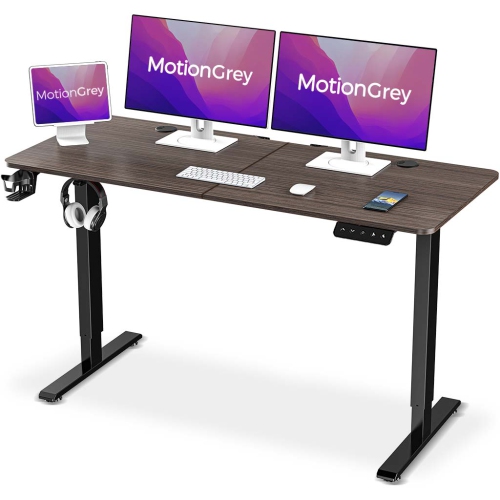 Your price for this item is $97.99
-
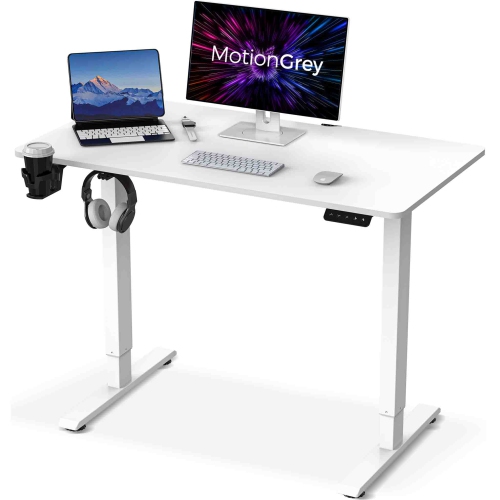 Your price for this item is $89.99
-
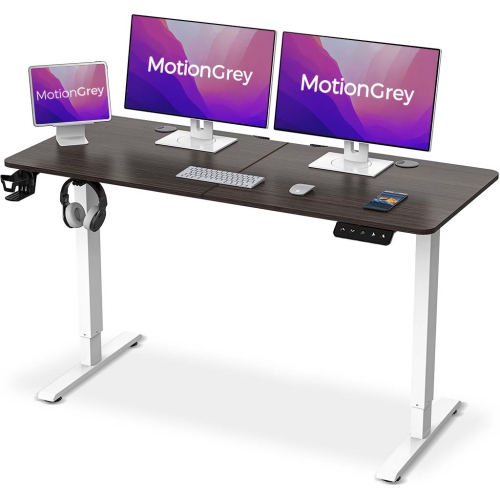 Your price for this item is $84.99
-
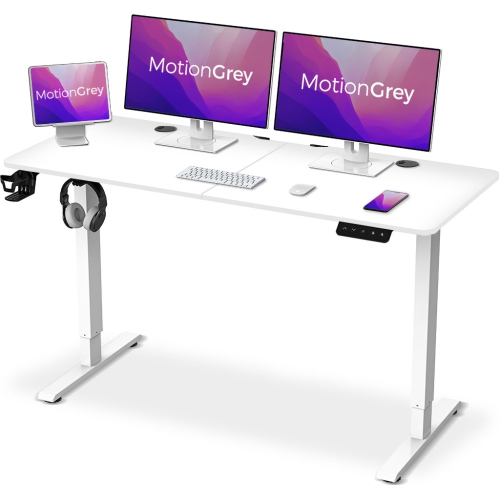 Your price for this item is $97.99
-
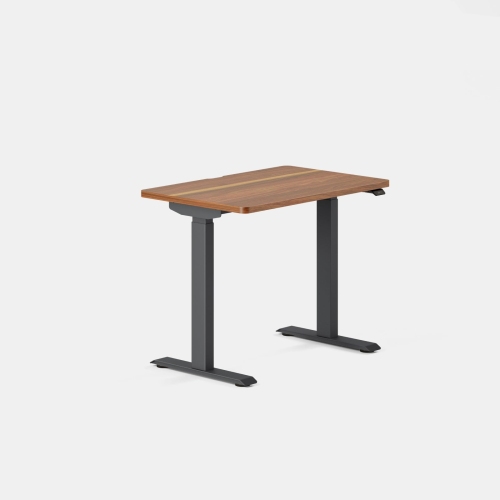 Your price for this item is $649
-
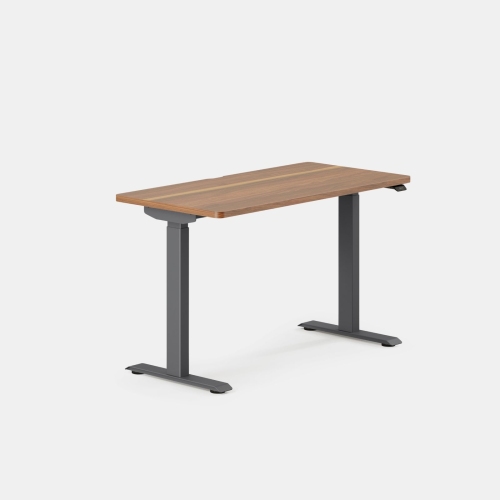 Your price for this item is $749
-
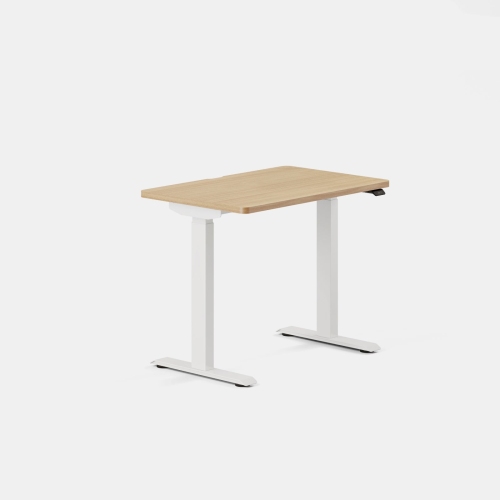 Your price for this item is $649
-
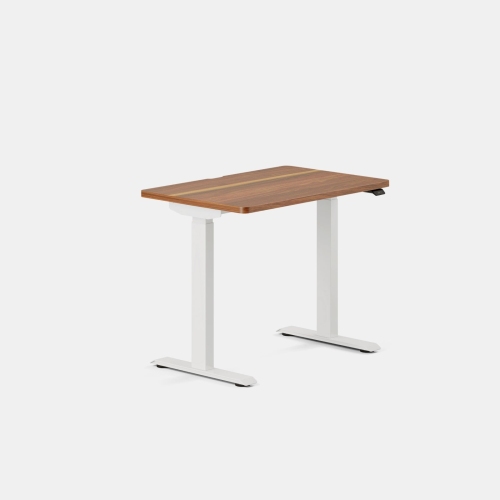 Your price for this item is $649
Discover more categories related to Computer Desks Under $200
Top Collections:
Best Black Friday Deals This Year, Best Black Friday Deals On Electronics, Kindle Devices, Pokemon Centers, Best Black Friday Deals On Apple Products, Best Cameras for Sports Photography, Dyson Airwrap, Pokémon 30th Celebration Cards, Apple iPhone 17 Pro, Canon G7X Cameras
Some products may be subject to Environmental Handling Fees
(EHF) depending on your province.
Learn more about EHFs.