Computer Geek Tools
For those who eat, sleep, and breathe technology, our collection of Computer Geek Tools is a paradise waiting to be explored. From cutting-edge gadgets to must-have accessories, this selection is curated to elevate your tech game to the next level. Whether you're a coding whiz, a gaming enthusiast, or simply love all things tech-related, these tools are designed to enhance your digital experience and make your inner geek jump for joy. Dive into our assortment of innovative and practical products that cater to every tech-savvy individual's needs and desires.
Sort
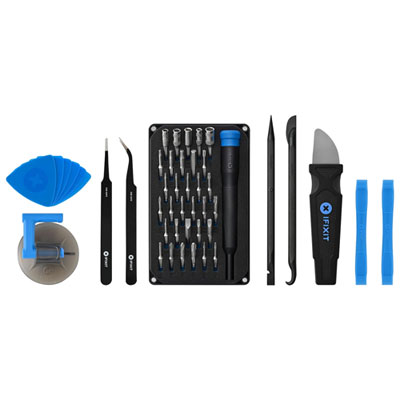
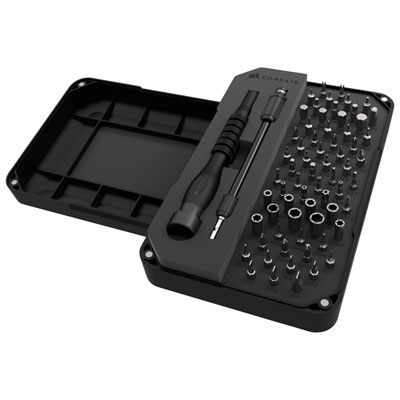
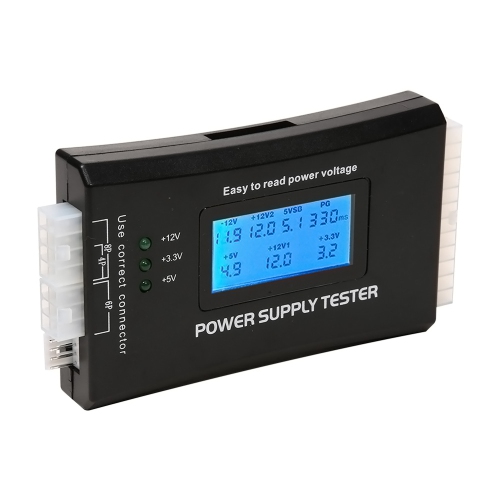
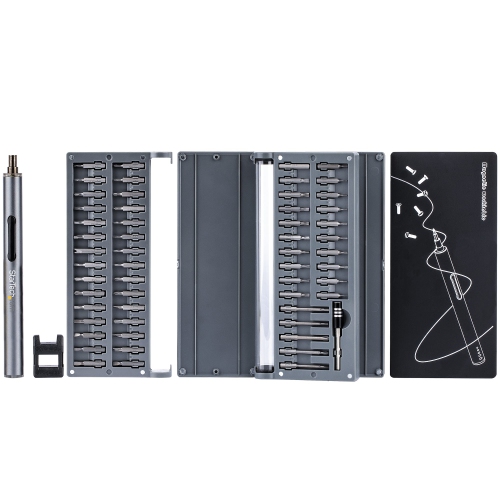

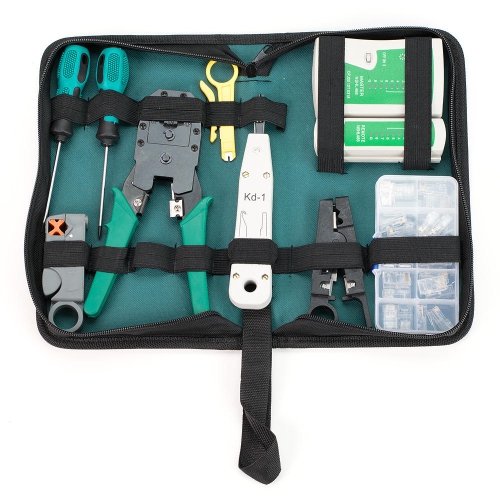
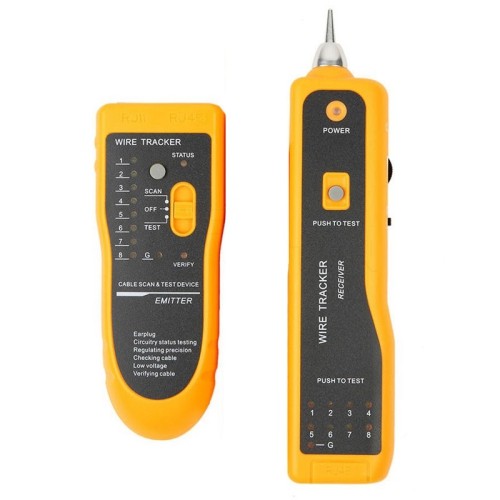
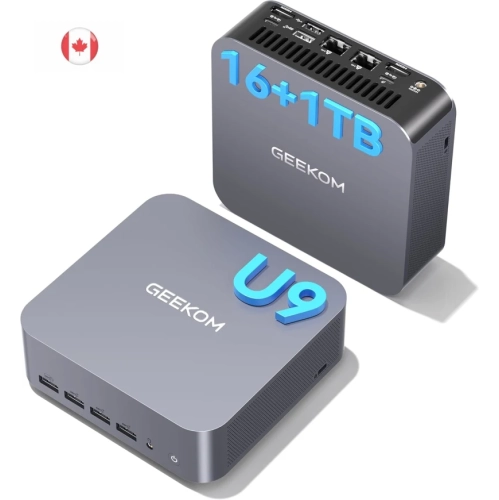
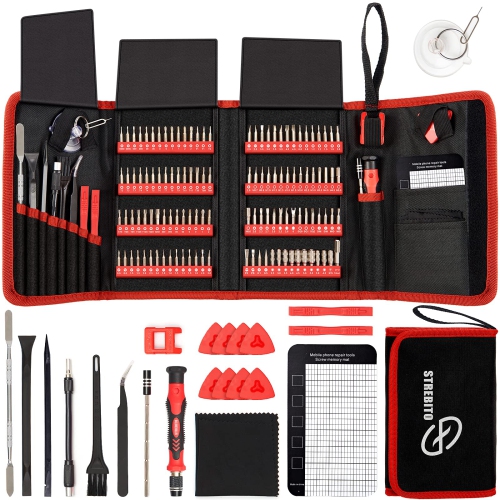
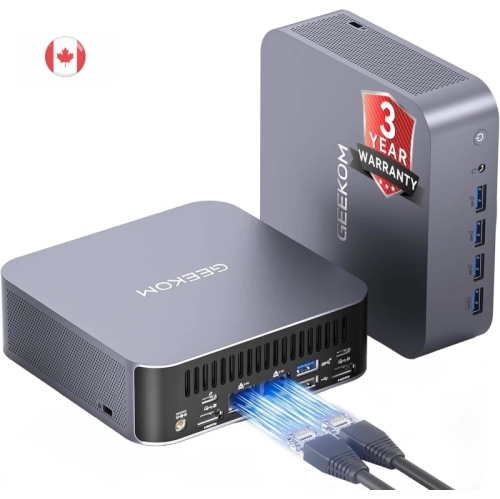
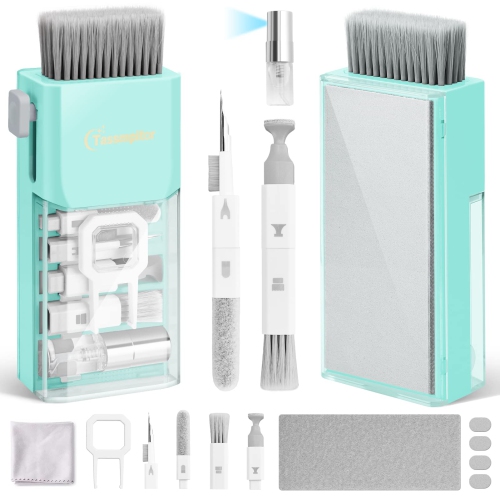
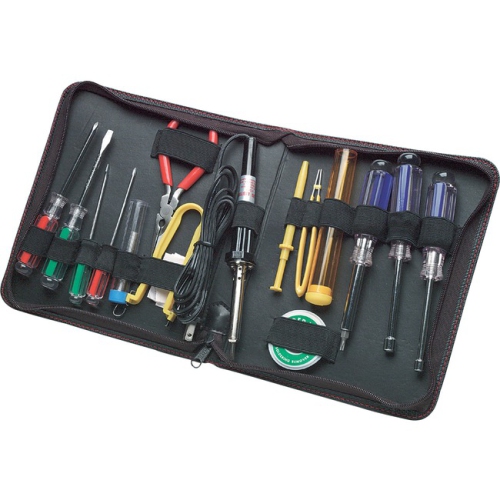
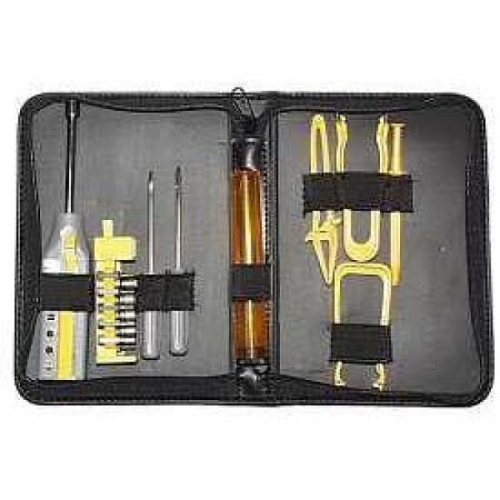

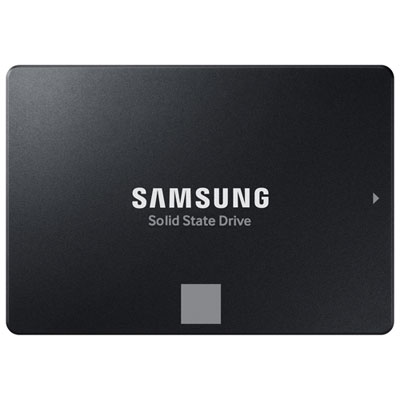
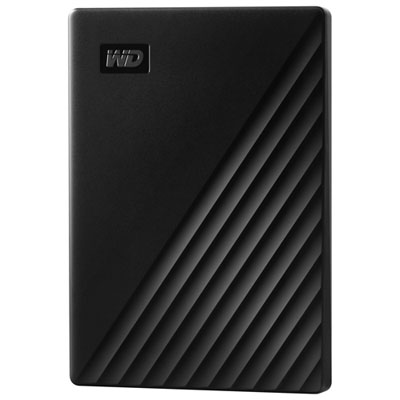
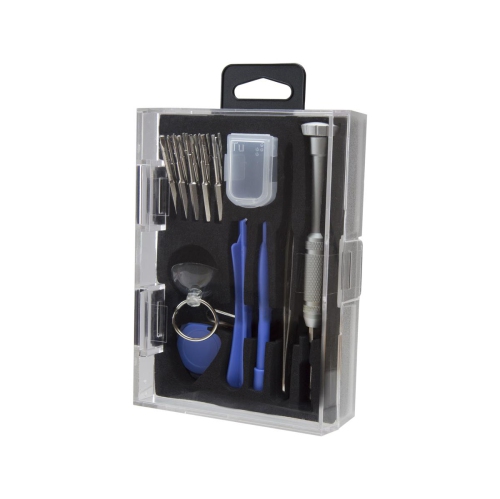
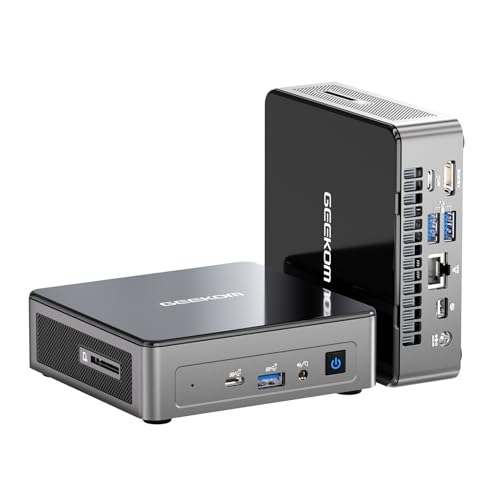
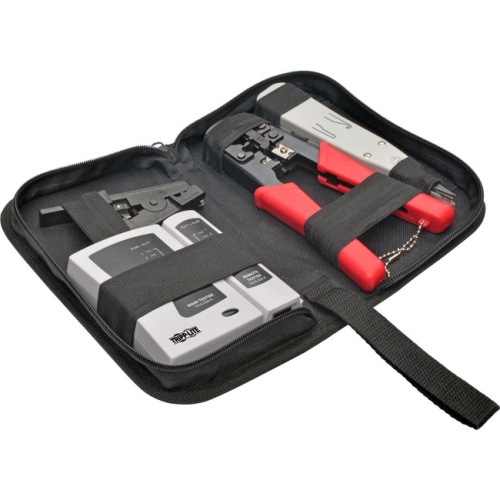

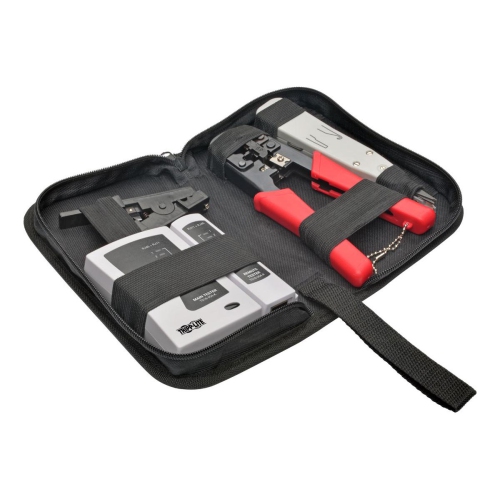

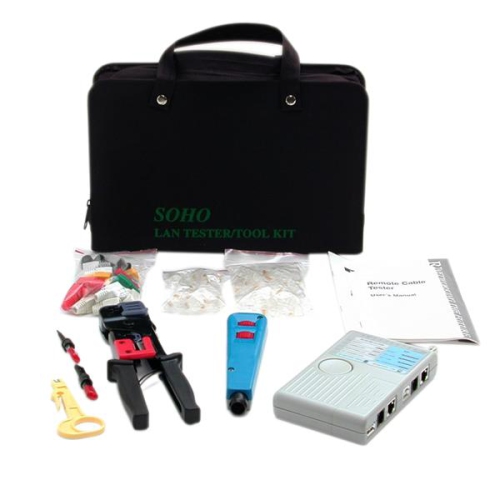
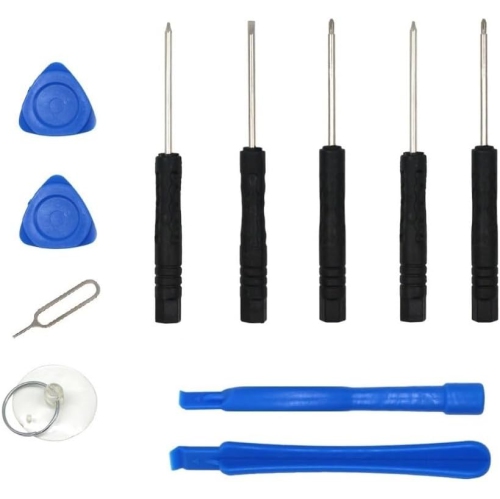
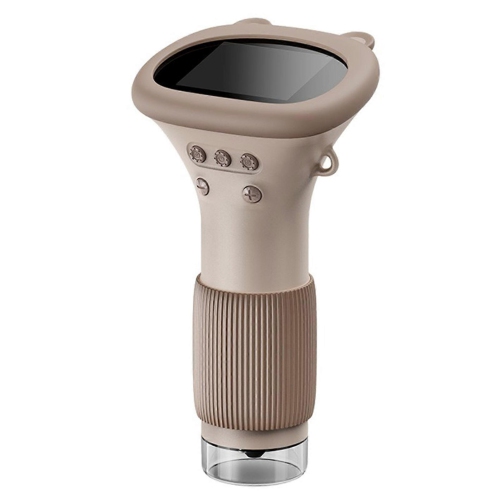

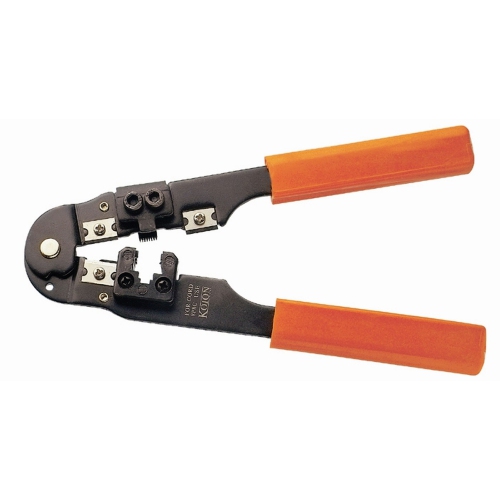

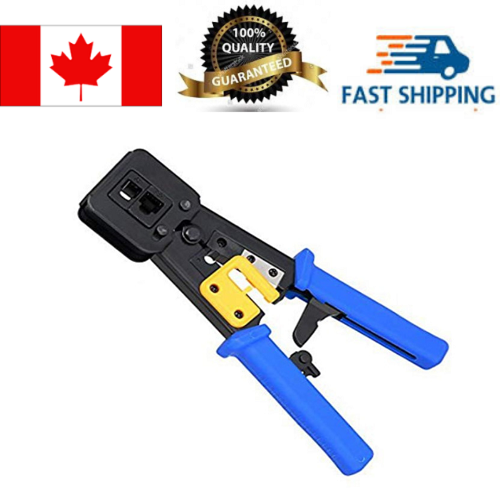
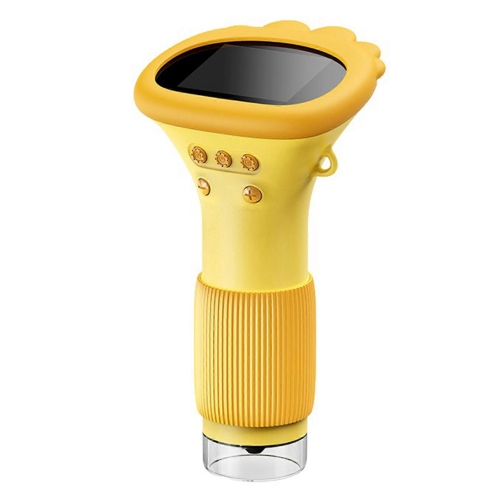



Practical tools for repairs, upgrades and device troubleshooting
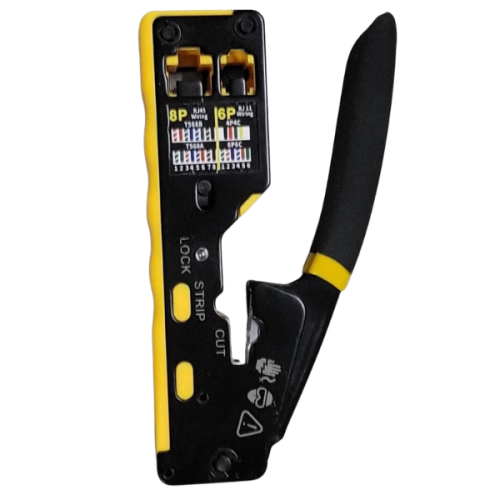
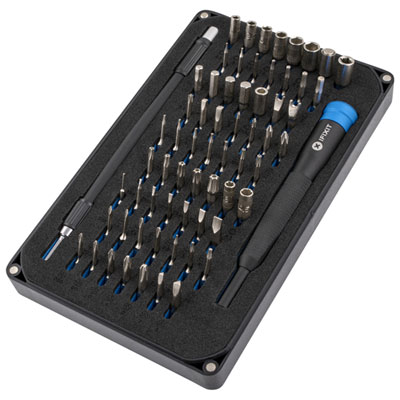
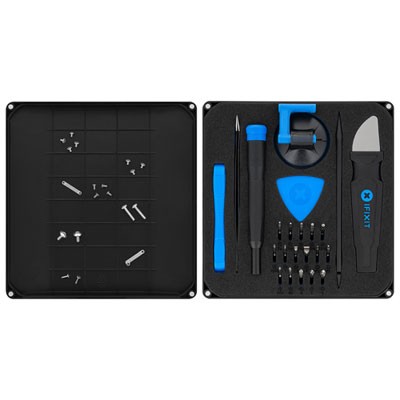
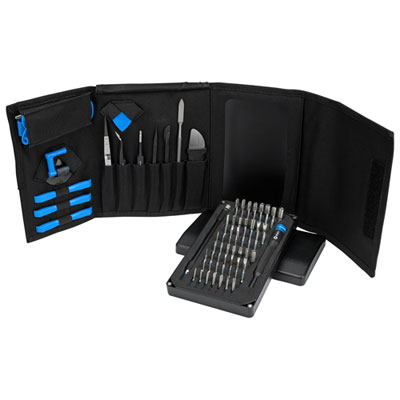
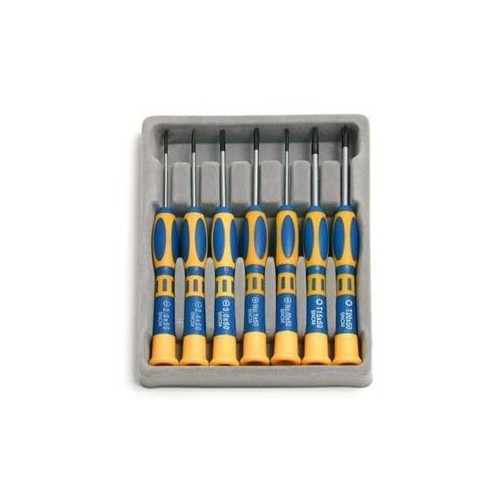
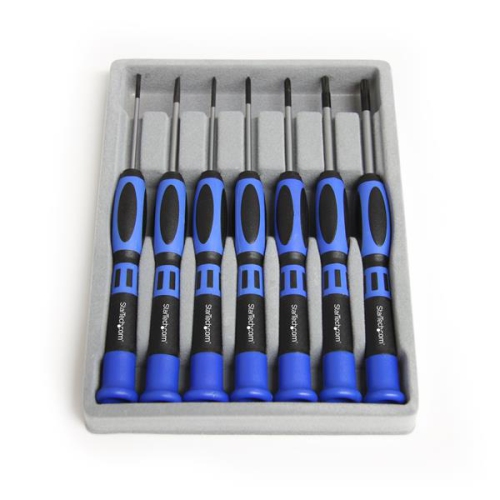
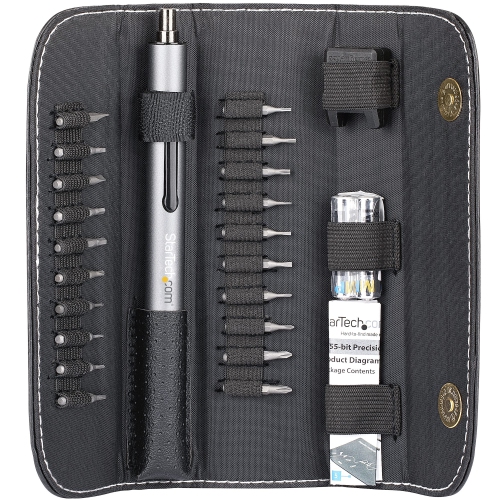
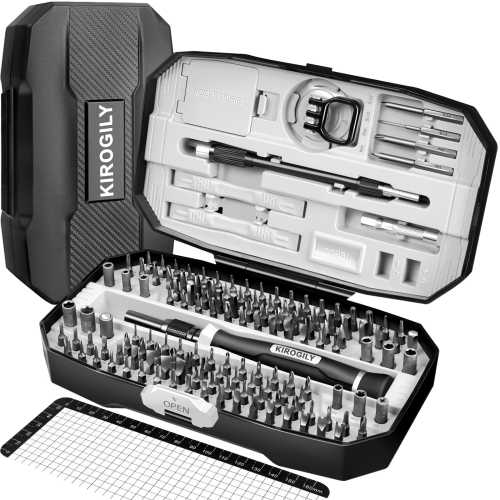
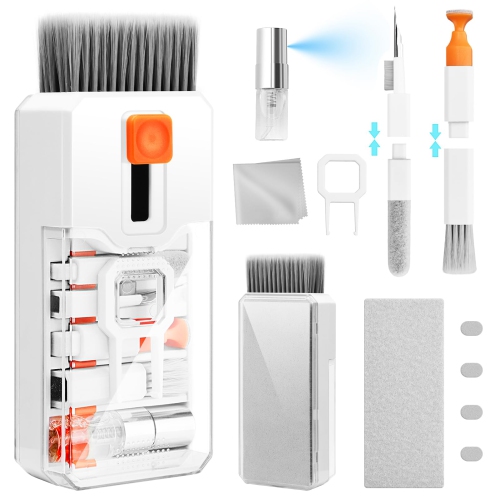
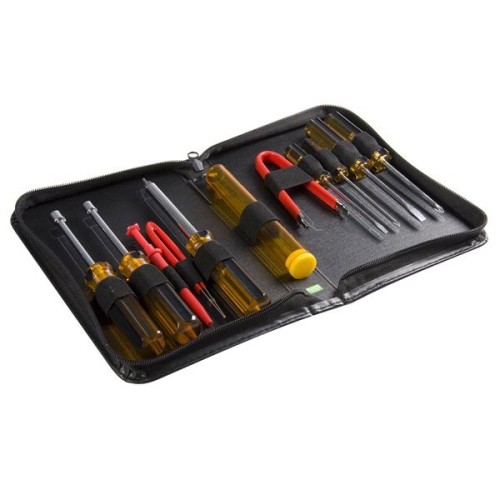
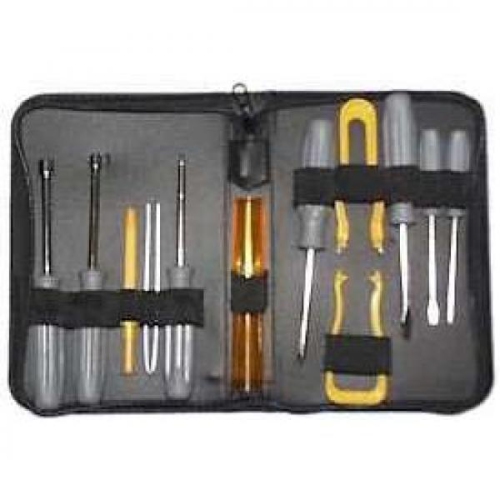
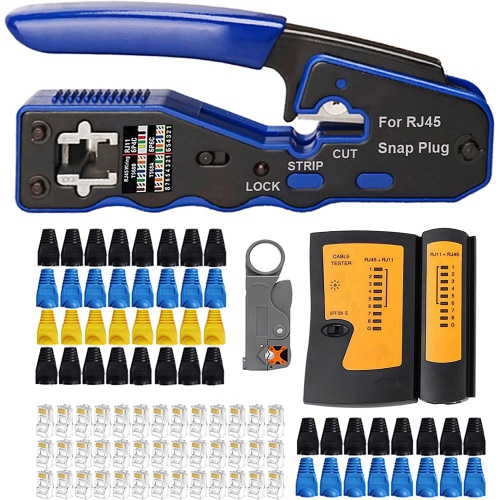
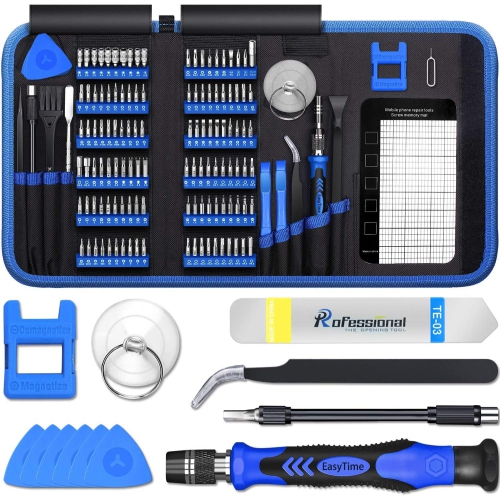
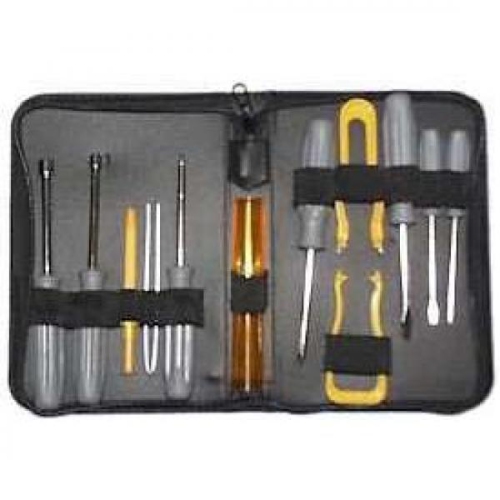
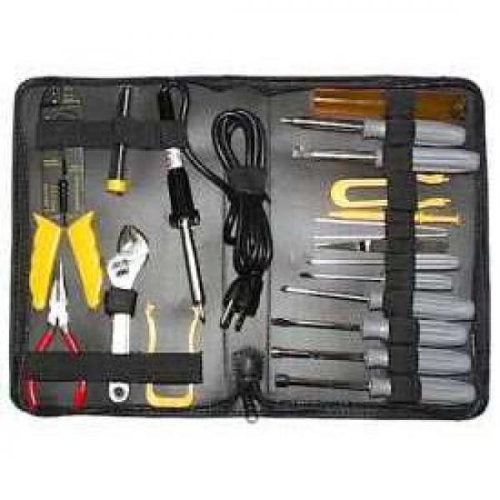
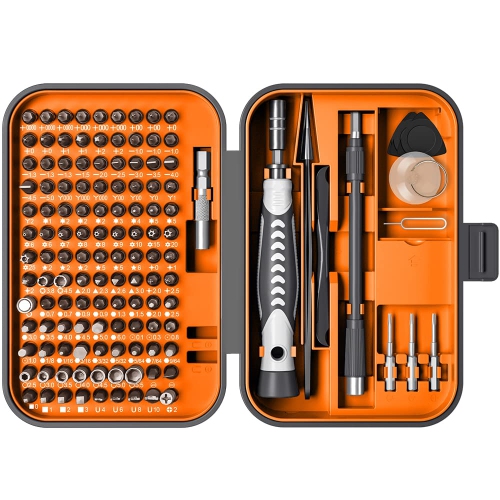
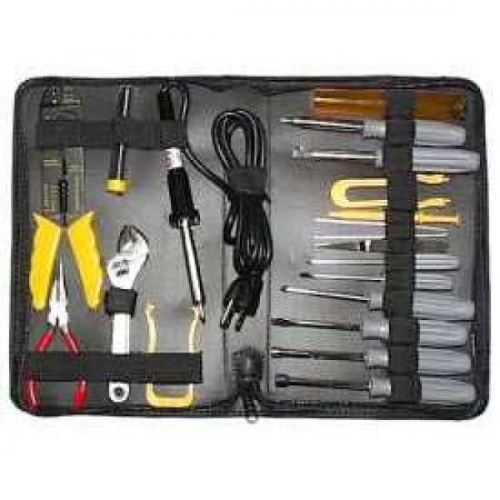
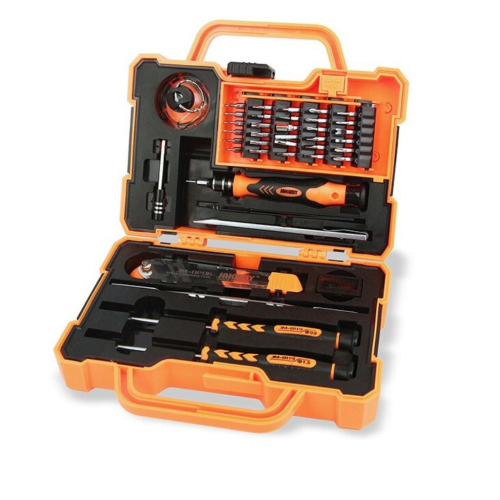
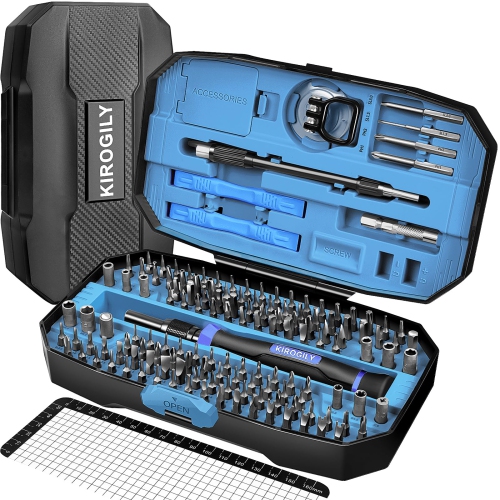
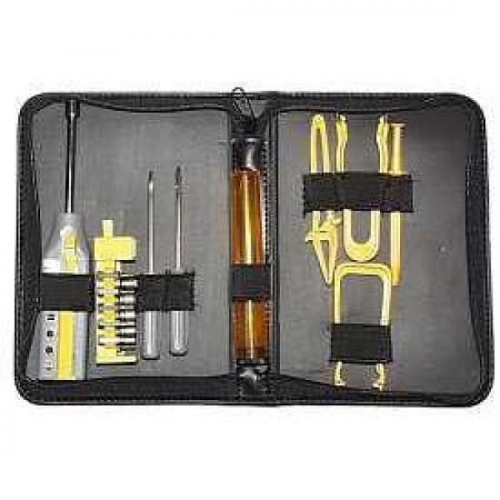
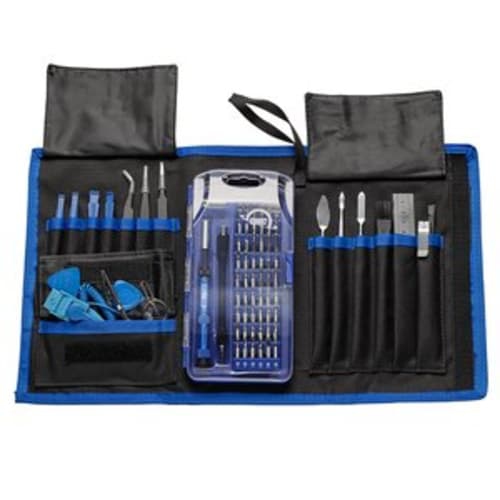
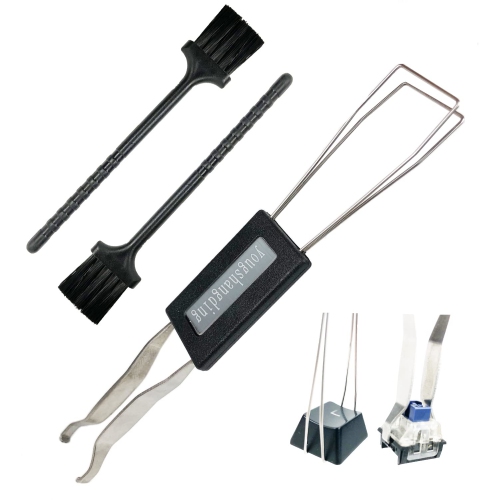
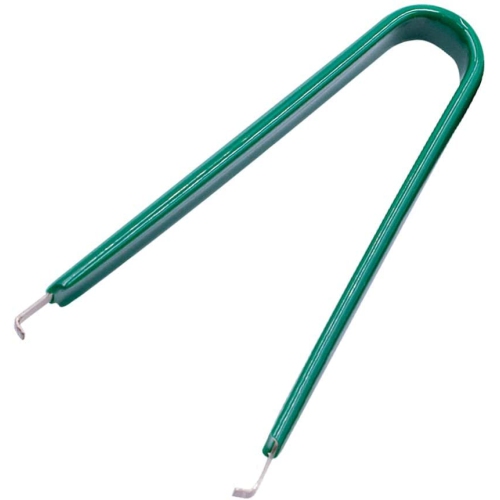
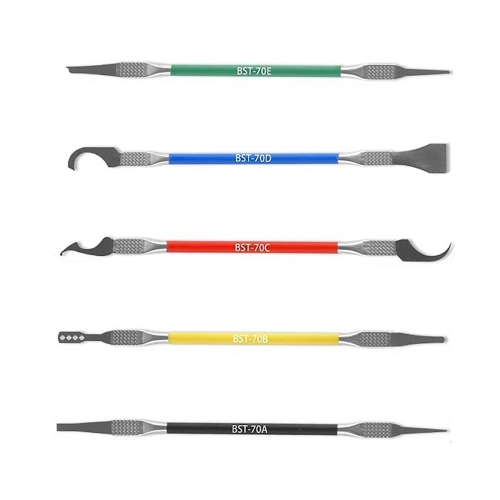
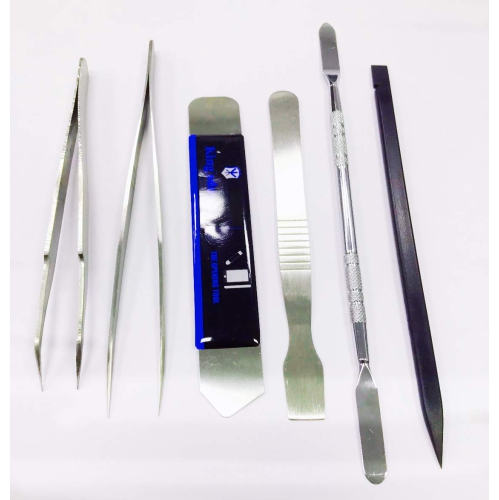
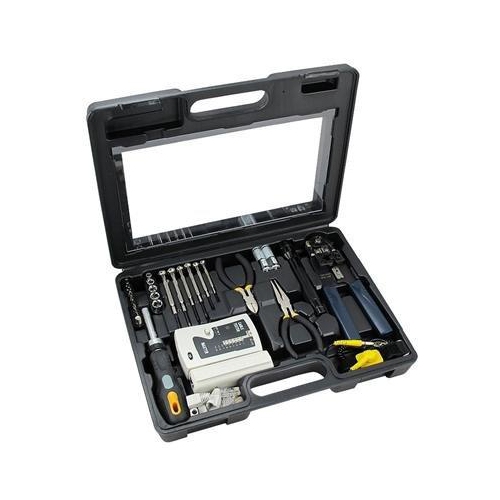
Computer geek tools bring together the practical equipment used to build, maintain, diagnose, upgrade and organize computers and connected devices. A well-chosen toolkit can make the difference between a smooth repair and a frustrating afternoon spent searching for the right bit, adapter or cable. Precision driver sets are a useful starting point, particularly those with interchangeable Phillips, Torx, Hex and flat-head bits for the different fasteners found in desktop PCs, laptops, game consoles, peripherals and other electronics. Magnetic tips can help position tiny screws in narrow spaces, while a compact case keeps bits and accessories together when work moves from a home office to a classroom, studio or service bench. Nylon spudgers, pry tools and opening picks are designed to help separate panels and bezels with less risk of scratching surfaces, and fine-tip tweezers can make it easier to handle jumpers, connectors and small screws. An anti-static wrist strap or grounding accessory is also worth considering when working inside a computer, since static discharge can damage sensitive components even when there is no visible spark. For cleaning, compressed air or an electric duster can help clear dust from fans, vents, heat sinks and keyboards; use short bursts, keep fans from spinning freely during cleaning and follow the care instructions for the device. These tools are useful for experienced PC builders, home technicians, students learning hardware repair and anyone who enjoys understanding how their technology works. They can also be thoughtful gifts for a computer enthusiast, especially when selected as a practical addition to an existing workbench rather than as a novelty item. During the warmer months and into the cooler months, when people may spend more time on indoor projects, a capable computer tool set can support everything from a careful memory upgrade to routine cleaning before a busy season of school, work or gaming.
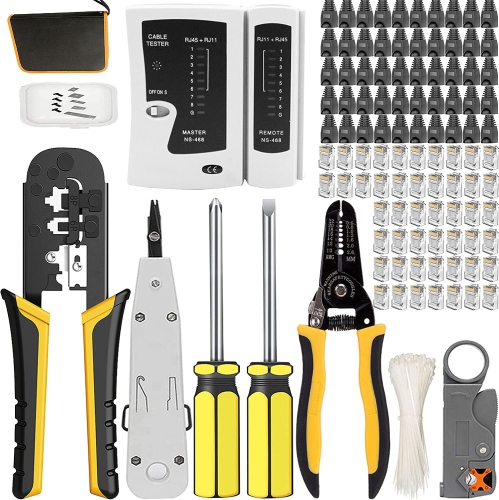
The right combination depends on the kind of equipment being serviced and the level of troubleshooting involved. Desktop builders often benefit from a broad selection of drivers, cable-management accessories, precision pliers, a parts tray and a flashlight that illuminates cramped spaces inside a case. Laptop and small-electronics work calls for slimmer pry tools, ESD-safe tweezers and bits that fit very small screws without stripping their heads. Anyone working with storage should consider USB-to-SATA or USB-to-NVMe adapters, drive enclosures and other interfaces that allow a compatible drive to be accessed, copied or tested from another computer. A bootable USB flash drive can hold operating-system installers, hardware diagnostics and recovery environments, giving users a way to troubleshoot startup problems when the usual desktop is unavailable. It is important to create recovery media using trusted software, keep important files backed up separately and label each drive clearly so that the correct utility is easy to find. Network-focused tools serve a different purpose: a cable tester can check Ethernet wiring and pinout continuity, while a tone generator and probe can help trace cables through a home, office or equipment cabinet. A multimeter may be useful for users who understand basic electrical testing and can follow the manufacturer’s safety instructions, but it should not be used casually around live power supplies or unfamiliar circuitry. When comparing options, look at bit quality, handle comfort, case design, compatibility with the devices you own, adapter standards, storage capacity and whether replacement accessories are readily available. A portable kit is convenient for occasional repairs and travel, while a larger organized set makes sense for frequent builders, technicians and IT students. For a broader selection of practical workplace and troubleshooting equipment, explore Tools for IT Professionals.
Computer geek tools are most useful when they match a clear task and are easy to reach when that task appears. A home user might keep a precision driver, pry tool, cleaning accessory and spare cable near a desk for small fixes, while a PC enthusiast may create a dedicated bench with a magnetic parts tray, anti-static protection, cable testers and adapters for different storage formats. An IT professional may need portable diagnostic media, network testing equipment and tools that can be carried between workstations without taking up much room. For students, these accessories can turn a computer science, electronics or repair interest into hands-on practice, helping them learn how components fit together and how to approach faults methodically. For a gift, consider the recipient’s equipment and experience: someone who works on modern laptops may appreciate compact precision tools, while a desktop builder may get more use from full-size drivers, component-handling accessories and cable-management tools. Check connector types and drive compatibility before buying adapters, and choose insulated or ESD-rated accessories where the application calls for them. It is also wise to keep a backup of important data before opening a device, disconnect power and batteries whenever possible, document cable locations and avoid forcing panels or connectors that do not release easily. A good toolkit does not replace careful research or professional service for complex repairs, but it can make routine maintenance more organized and less intimidating. With the right tools nearby, a dusty fan, loose cable, failed drive or stubborn panel becomes a manageable project rather than a reason to abandon the device.
The right combination depends on the kind of equipment being serviced and the level of troubleshooting involved. Desktop builders often benefit from a broad selection of drivers, cable-management accessories, precision pliers, a parts tray and a flashlight that illuminates cramped spaces inside a case. Laptop and small-electronics work calls for slimmer pry tools, ESD-safe tweezers and bits that fit very small screws without stripping their heads. Anyone working with storage should consider USB-to-SATA or USB-to-NVMe adapters, drive enclosures and other interfaces that allow a compatible drive to be accessed, copied or tested from another computer. A bootable USB flash drive can hold operating-system installers, hardware diagnostics and recovery environments, giving users a way to troubleshoot startup problems when the usual desktop is unavailable. It is important to create recovery media using trusted software, keep important files backed up separately and label each drive clearly so that the correct utility is easy to find. Network-focused tools serve a different purpose: a cable tester can check Ethernet wiring and pinout continuity, while a tone generator and probe can help trace cables through a home, office or equipment cabinet. A multimeter may be useful for users who understand basic electrical testing and can follow the manufacturer’s safety instructions, but it should not be used casually around live power supplies or unfamiliar circuitry. When comparing options, look at bit quality, handle comfort, case design, compatibility with the devices you own, adapter standards, storage capacity and whether replacement accessories are readily available. A portable kit is convenient for occasional repairs and travel, while a larger organized set makes sense for frequent builders, technicians and IT students. For a broader selection of practical workplace and troubleshooting equipment, explore Tools for IT Professionals.
Computer geek tools are most useful when they match a clear task and are easy to reach when that task appears. A home user might keep a precision driver, pry tool, cleaning accessory and spare cable near a desk for small fixes, while a PC enthusiast may create a dedicated bench with a magnetic parts tray, anti-static protection, cable testers and adapters for different storage formats. An IT professional may need portable diagnostic media, network testing equipment and tools that can be carried between workstations without taking up much room. For students, these accessories can turn a computer science, electronics or repair interest into hands-on practice, helping them learn how components fit together and how to approach faults methodically. For a gift, consider the recipient’s equipment and experience: someone who works on modern laptops may appreciate compact precision tools, while a desktop builder may get more use from full-size drivers, component-handling accessories and cable-management tools. Check connector types and drive compatibility before buying adapters, and choose insulated or ESD-rated accessories where the application calls for them. It is also wise to keep a backup of important data before opening a device, disconnect power and batteries whenever possible, document cable locations and avoid forcing panels or connectors that do not release easily. A good toolkit does not replace careful research or professional service for complex repairs, but it can make routine maintenance more organized and less intimidating. With the right tools nearby, a dusty fan, loose cable, failed drive or stubborn panel becomes a manageable project rather than a reason to abandon the device.
Top selling and popular products
-
 Your price for this item is $299.99
 -
 Your price for this item is $199.99
 -
 Your price for this item is $59.99
 -
 Your price for this item is $699.99
 -
 Your price for this item is $1599.99
 -
 Your price for this item is $79.99
 -
 Your price for this item is $79.99
 -
 Your price for this item is $299.99
Discover more categories related to Computer Geek Tools

Top Collections:
Pokemon Centers, Kindle Devices, Best Budget Office Chairs, Apple iPhones 16, Best Laptops for Writers, iPhone 15 Apple, Canon G7X Cameras, Refurbished Apple Laptops, Alarm Clock, Motorola Razr Phones
Some products may be subject to Environmental Handling Fees
(EHF) depending on your province.
Learn more about EHFs.