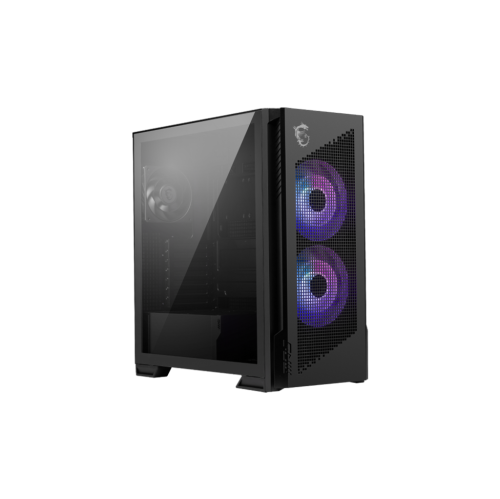
Tools for PC Building
Building your own PC is an exciting journey that combines creativity with technology, allowing you to customize a system tailored to your needs. Essential tools for PC building help streamline the process, ensuring each component fits perfectly and functions seamlessly. From precision screwdrivers to cable management solutions, having the right equipment at your fingertips can make all the difference in creating a powerful and efficient setup. Whether you're a seasoned builder or embarking on your first project, equipping yourself with high-quality tools can enhance your experience and lead to a successful build. Dive into the world of PC building with confidence, knowing you have everything you need to bring your vision to life.
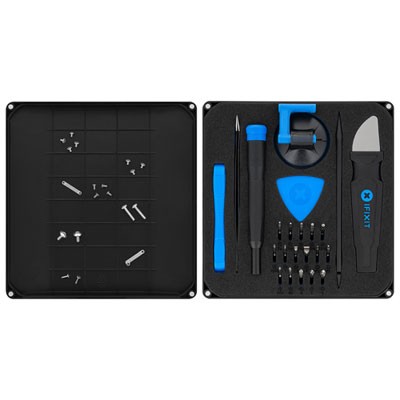
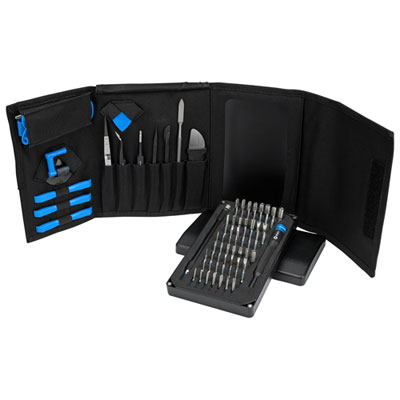
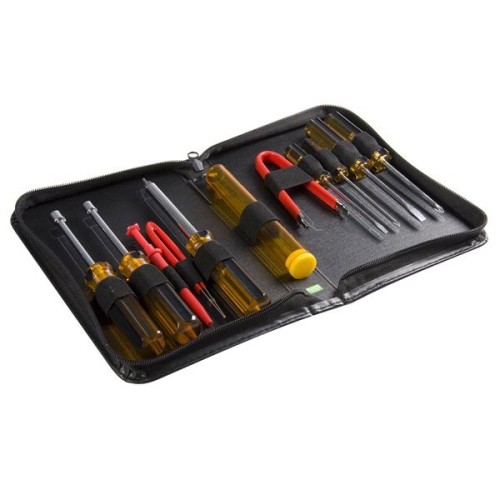
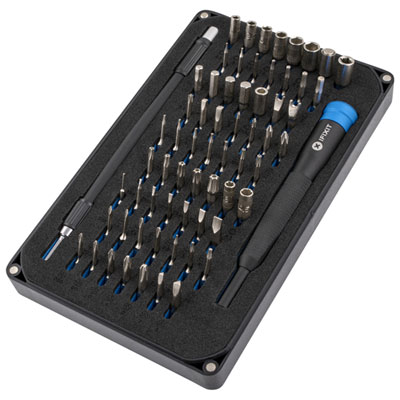
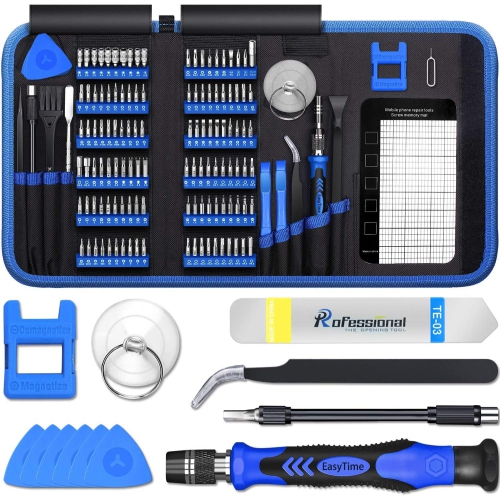
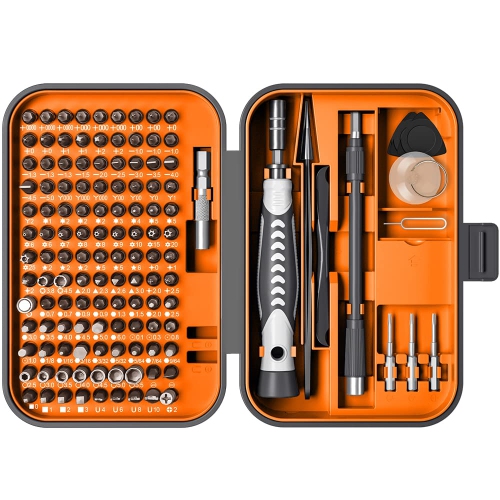
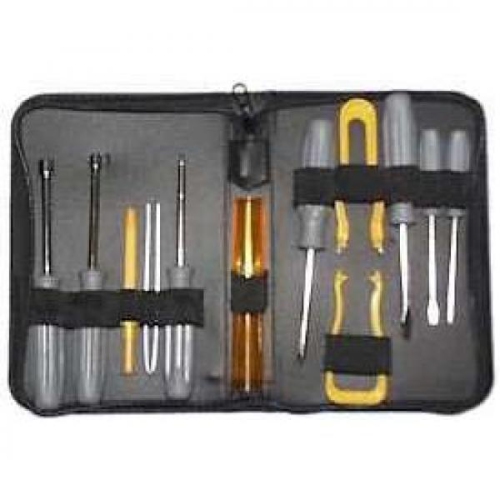
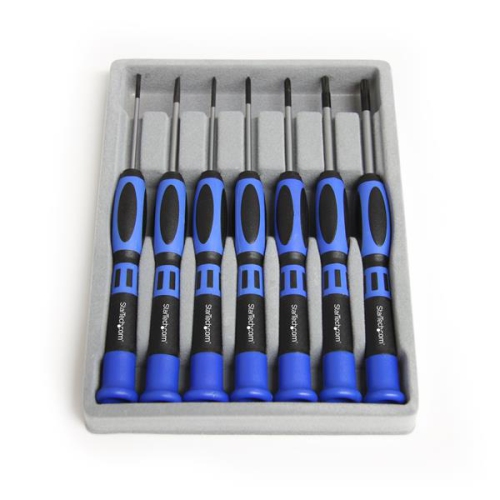
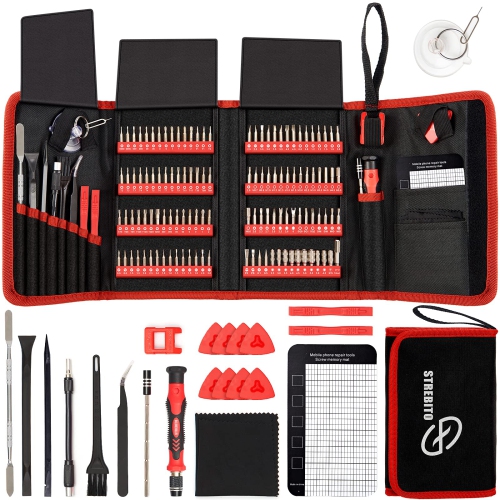
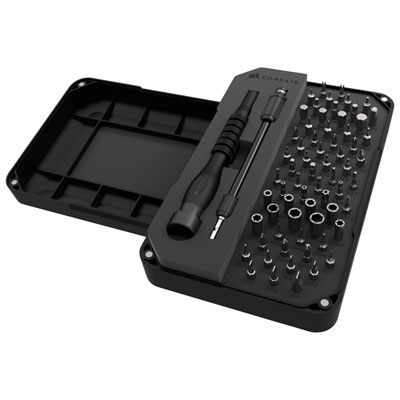
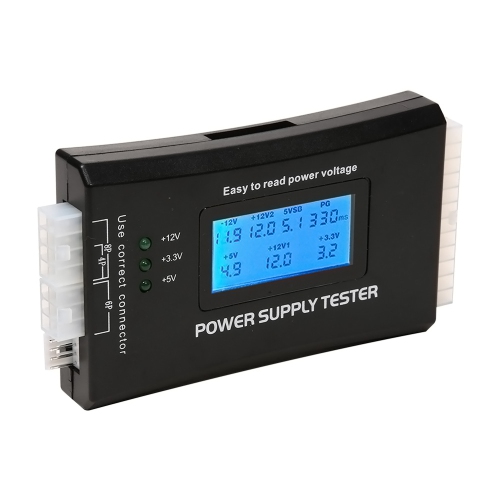
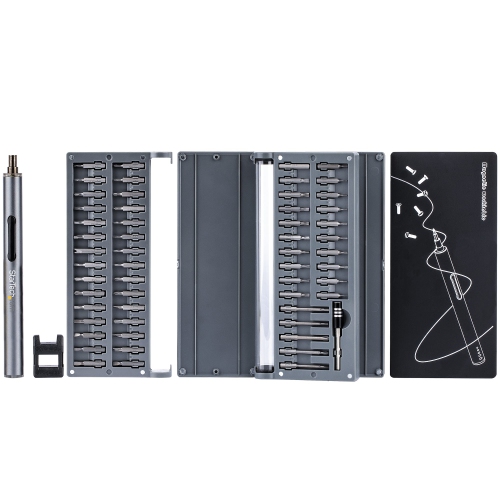
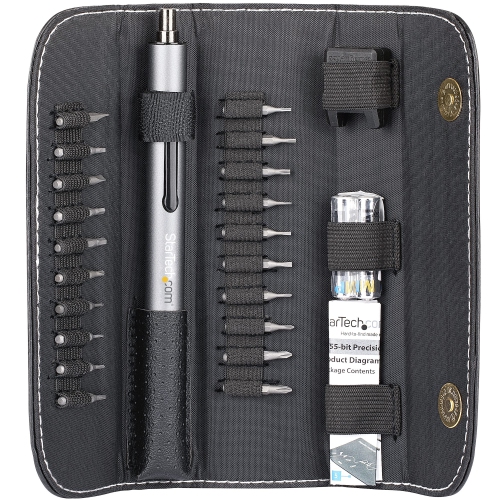
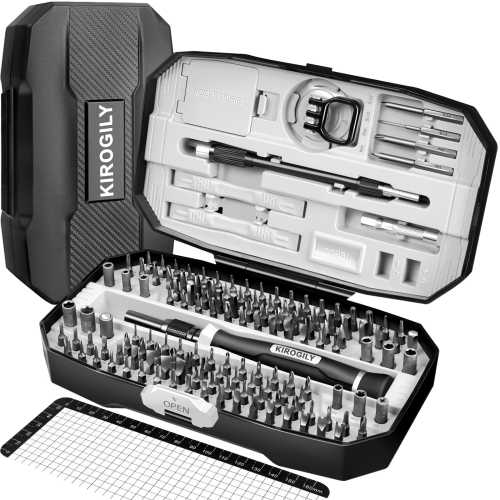
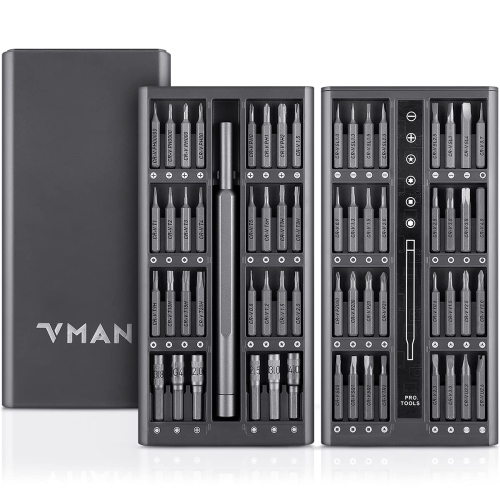
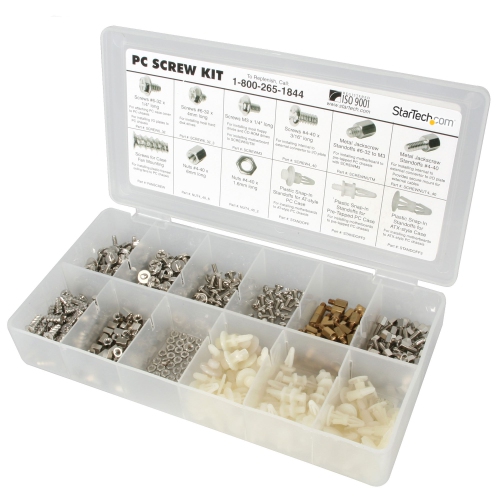
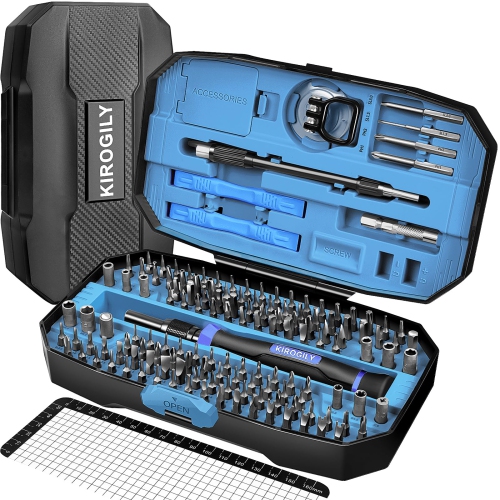
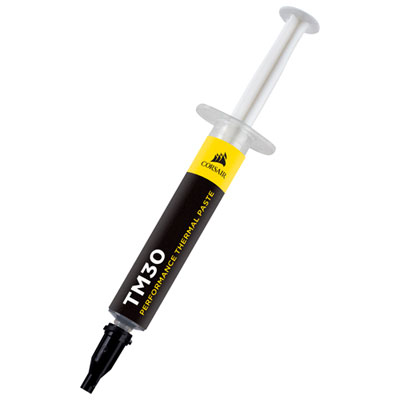
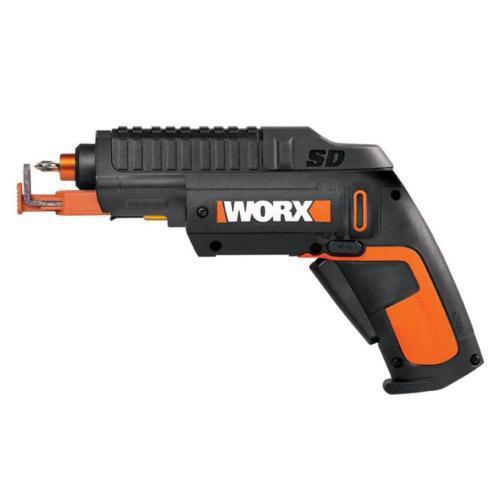
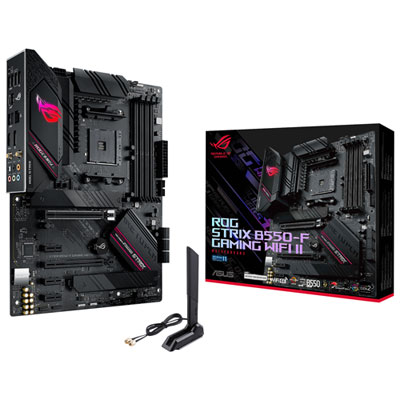
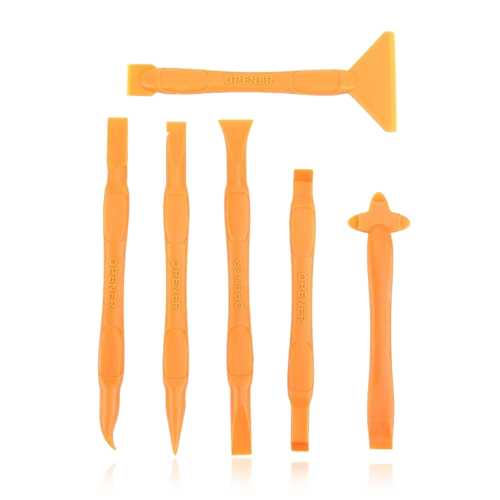
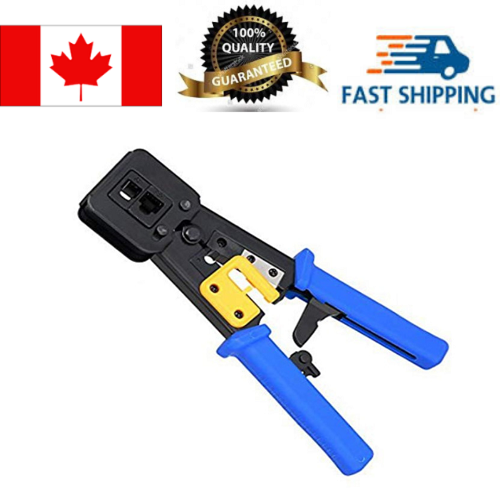
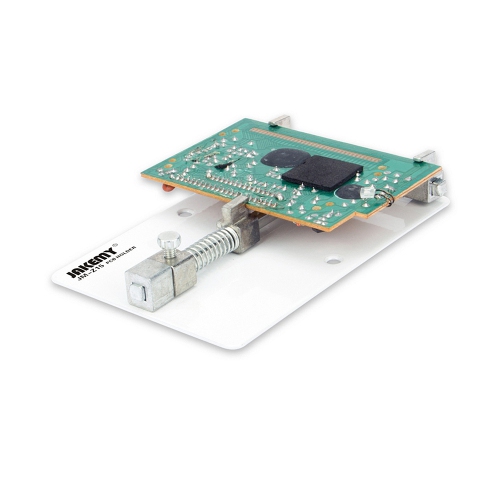
Practical tools for smoother PC assembly and maintenance
Cable management tools are also worth considering when choosing equipment for PC building. Reusable hook-and-loop straps are easy to adjust when components are added later, while traditional zip ties can secure groups of cables firmly along the back of the case. Flush cutters or sharp scissors help trim excess material cleanly, leaving fewer rough edges around the case interior. When comparing these accessories, consider the size and layout of the computer case, the number of fans and storage drives being installed, and whether the cables need to be moved during future upgrades. Wider straps can be helpful for thick power cables, while narrower ties may suit smaller groups of front-panel or fan wires. Cable combs and routing accessories can help keep parallel cables tidy, but they are optional rather than essential. The most important goal is a clear, practical layout that keeps cables away from fans, leaves room for airflow, and allows the side panel to close without pressure. A non-magnetic tray or small container can hold screws, motherboard standoffs, washers, and spare fasteners while work is underway. Builders may also appreciate an anti-static wrist strap for added peace of mind, particularly when working in a dry room or handling components outside the case. It should be used as part of a sensible setup: work on a clean, non-carpeted surface, handle components by their edges, and avoid touching exposed contacts. A grounding accessory is not a substitute for careful handling, but it can help new builders feel more confident as they learn the process. An adjustable desk lamp, soft cloth, and a canister or blower designed for electronics can round out the workspace, provided that cleaning equipment is used according to the component manufacturer’s recommendations. Together, these practical additions can reduce interruptions, protect small parts from being misplaced, and make a long assembly session easier on the hands and eyes.
Some PC-building tools support setup and troubleshooting after the physical assembly is complete. A USB flash drive with enough capacity for operating system installation media, commonly 8 GB or more depending on the software requirements, can be prepared in advance for initial setup or certain firmware updates. Choose a drive that is easy to identify and keep it separate from everyday storage so important installation files are not accidentally overwritten. Thermal paste may also be useful when a cooler is being installed, removed, or repositioned. Many new coolers include paste already applied, so standalone paste is not always necessary for a first build; however, it can be convenient for maintenance or a future cooler replacement. Check the cooling hardware instructions before applying it, since the recommended amount and application method can vary. Other helpful items include precision tweezers for retrieving a dropped screw, angled connectors for tight spaces, a magnetic pickup tool for accessible metal fasteners, and a small parts organizer for storing spare screws and adapters between upgrades. The best choices depend on the type of PC being assembled. A compact computer may benefit from a short screwdriver and angled tools, while a full-size tower can offer more room but still has awkward corners around the power supply shroud and motherboard tray. First-time builders may prefer a straightforward kit containing the most frequently used screwdriver sizes, a parts tray, cable straps, and basic lighting. Experienced builders may value interchangeable bits, durable cutters, spare thermal paste, and storage for tools that travel between workspaces. PC-building tools can also make a useful gift for someone preparing a first custom computer, refreshing an older system, or learning hands-on electronics skills. By matching the tool collection to the case design, component layout, and intended level of maintenance, shoppers can choose practical accessories that remain useful from the first screw through future upgrades.
Top selling and popular products
-
 Your price for this item is $180.75
 -
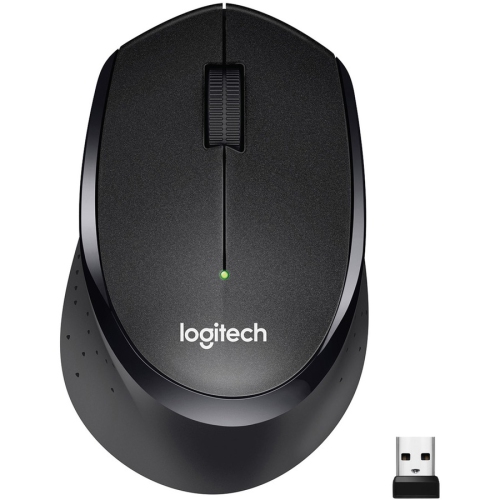 Your price for this item is $24.99
 -
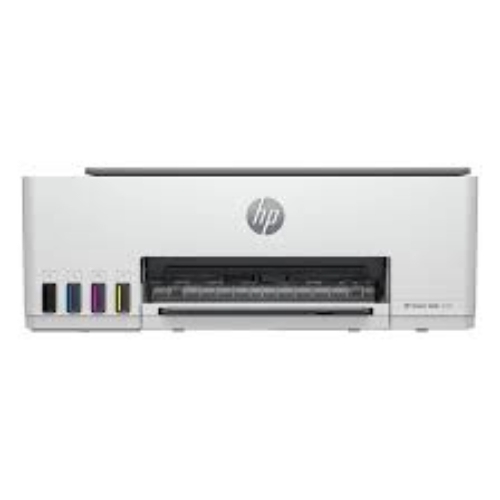 Your price for this item is $400
 -
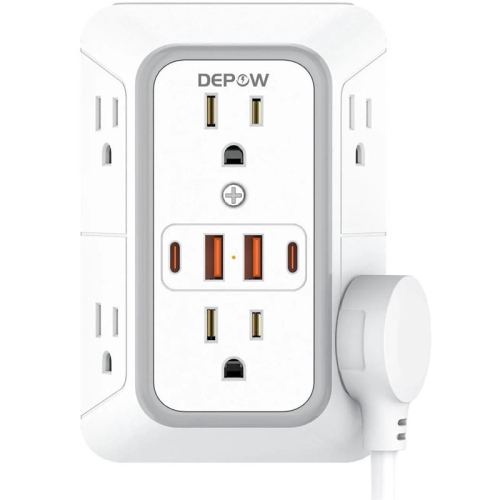 Your price for this item is $14.98
 -
 Your price for this item is $106.68
 -
 Your price for this item is $379.97
 -
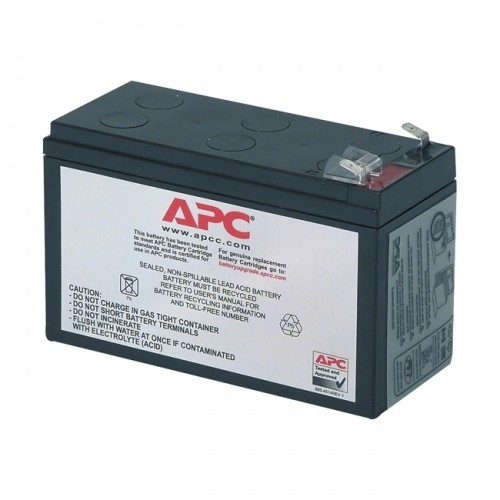 Your price for this item is $110.37
 -
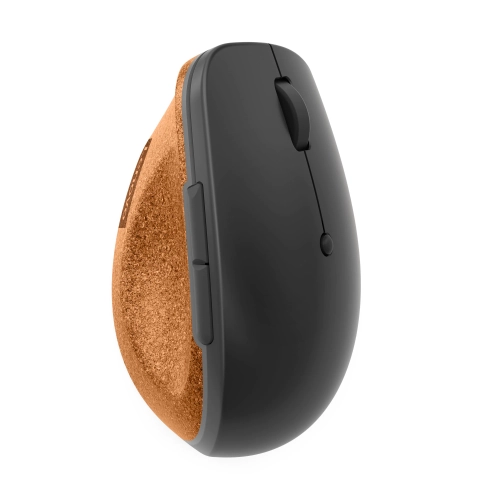 Your price for this item is $75.58