Corner Desks for Two Monitors
Maximize your workspace and enhance productivity with a corner desk for two monitors. Ideal for home offices, gaming setups, or study areas, these desks are designed to help you make the most of your available space while comfortably accommodating dual monitor displays. Whether you're working, creating, or gaming, a corner desk for two monitors offers a practical solution for staying organized and efficient. Explore a range of styles and finishes to find the perfect fit for your room and workflow needs.
Sort


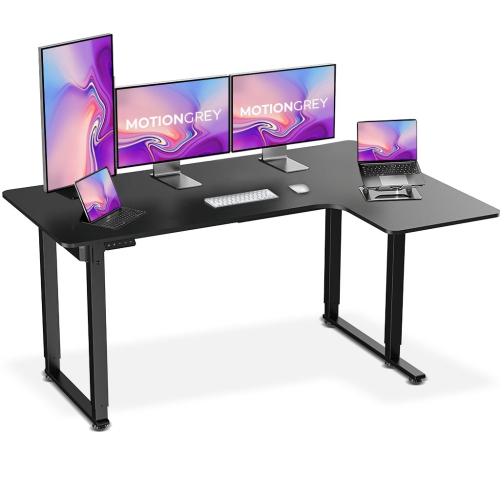
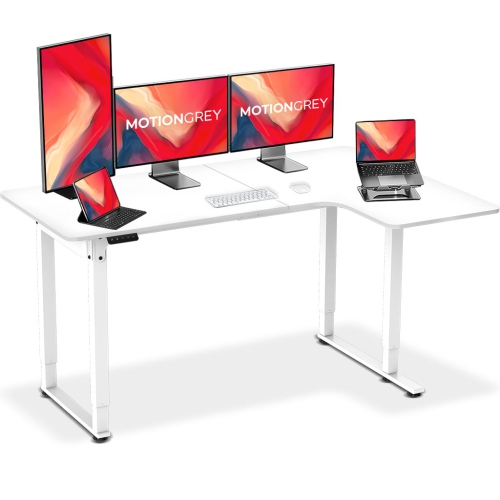
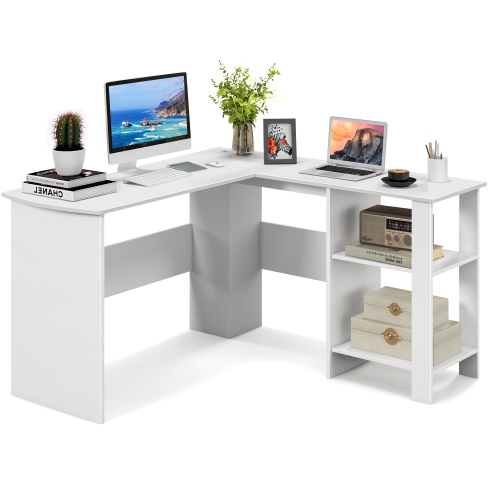
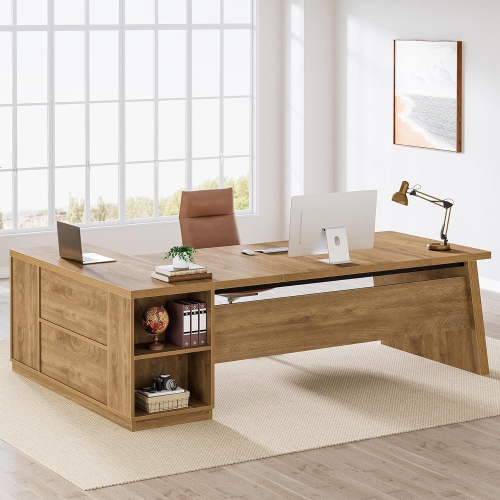

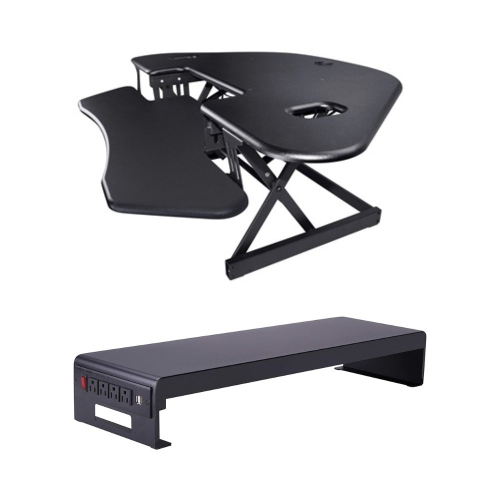
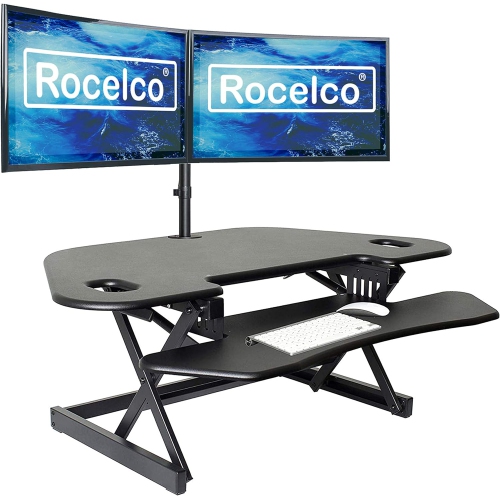
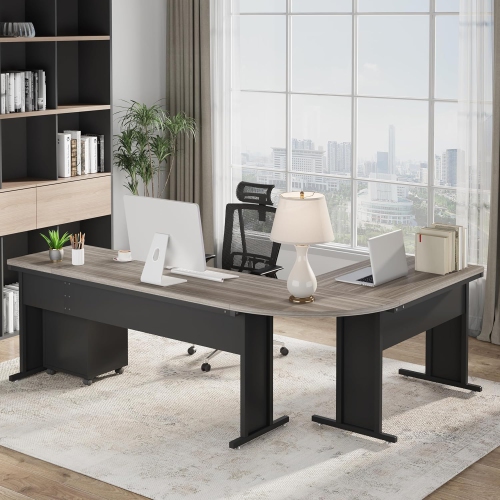

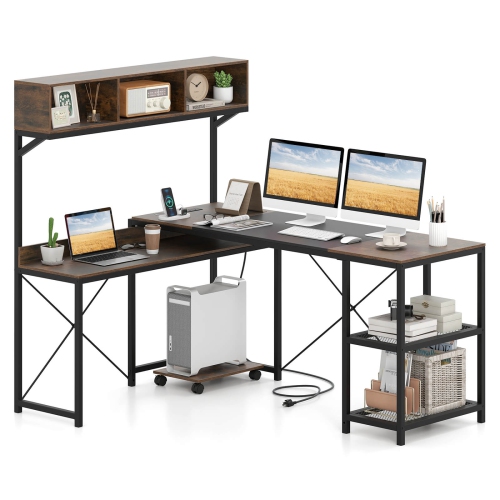
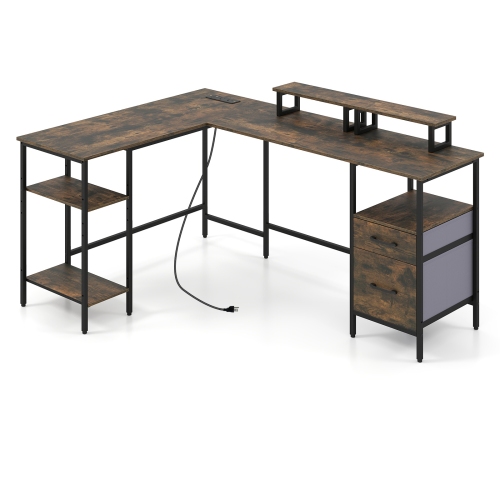
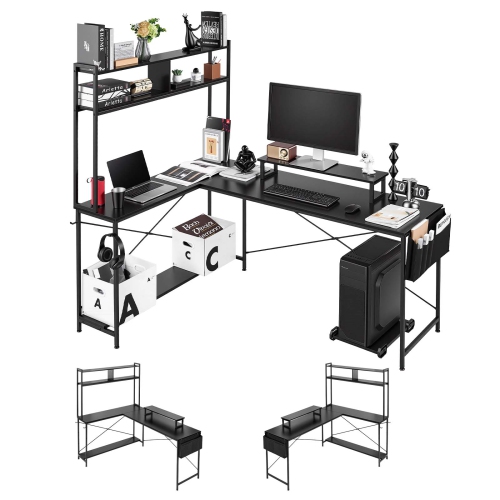
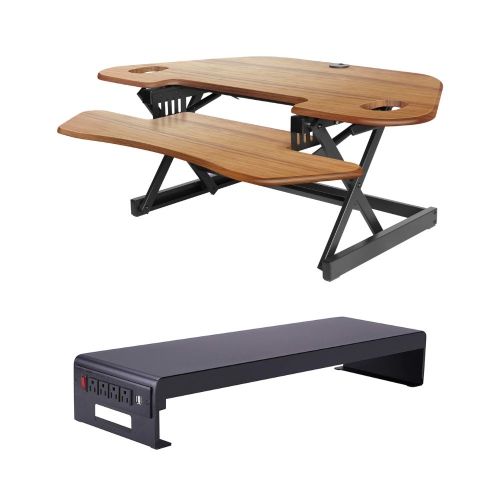
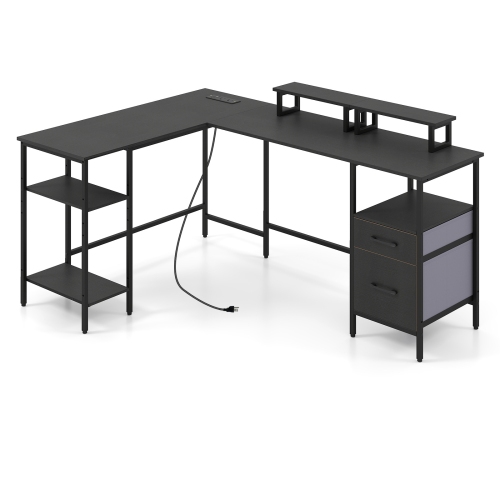
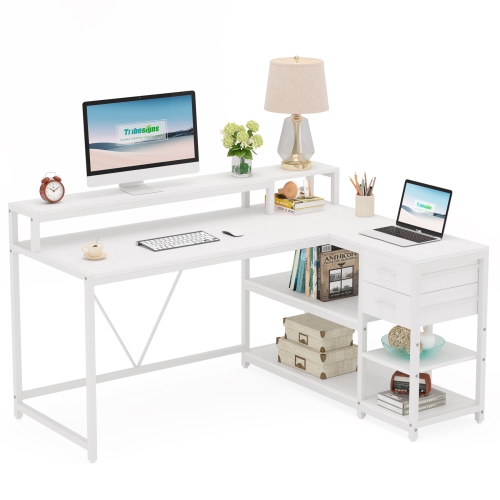
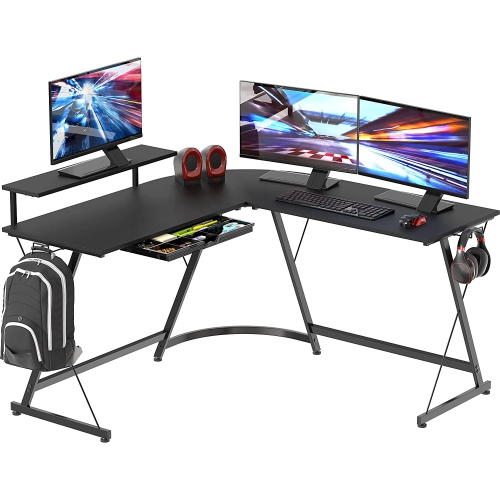
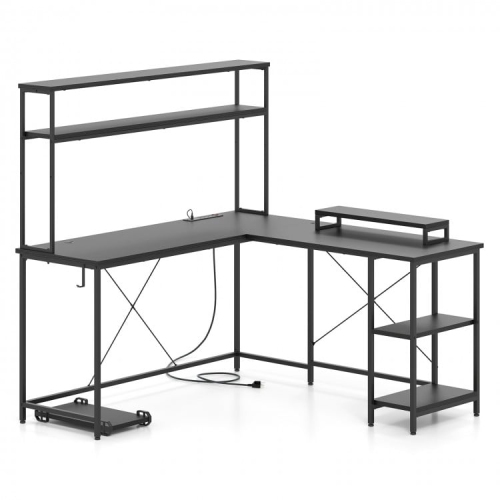
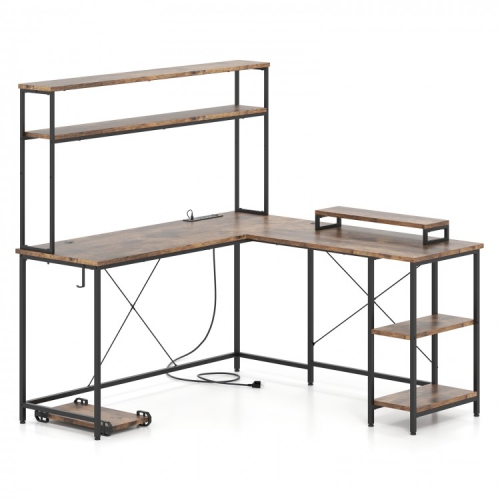
Two screens need more than a generous footprint
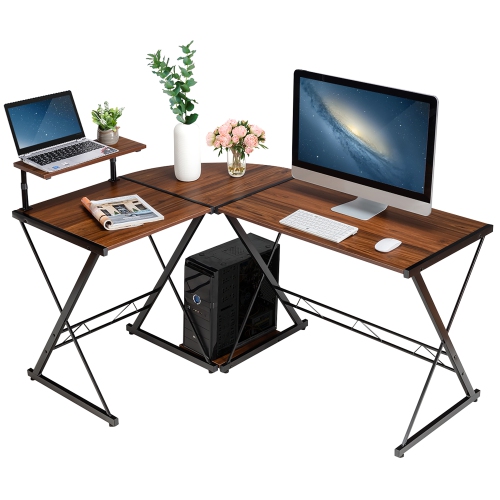
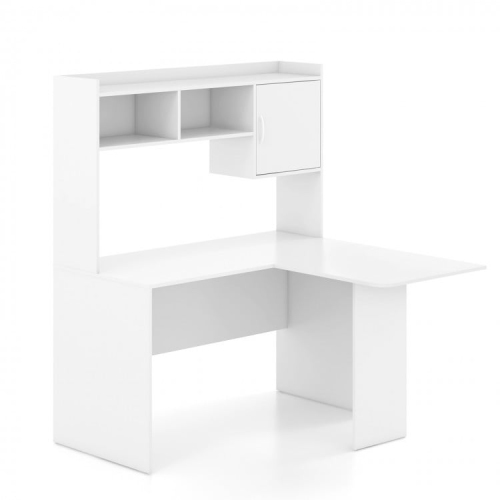
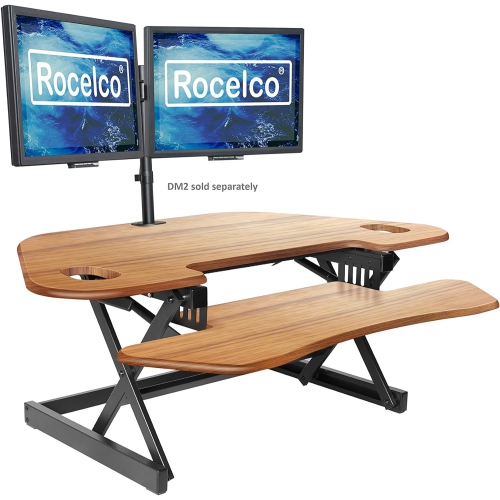
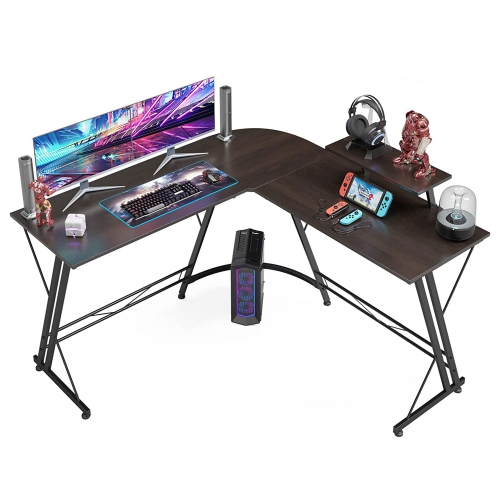
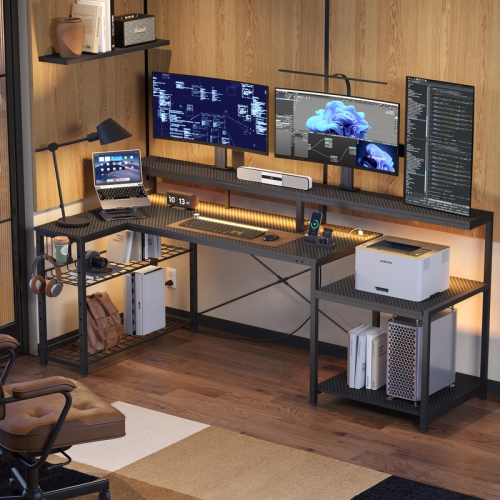
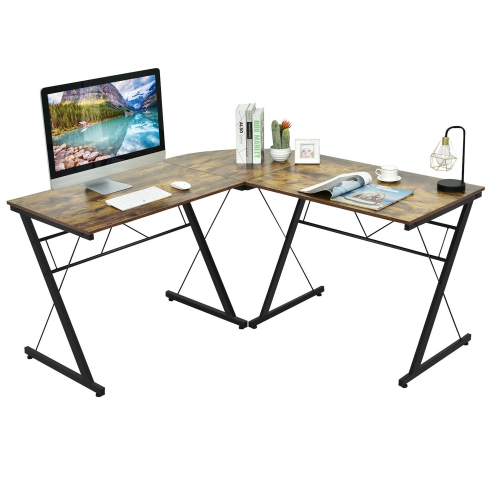
Corner desks for two monitors bring a dual-screen workstation into a room’s corner while keeping space available for a keyboard, mouse, and everyday essentials. The right fit depends on the desk’s usable width and depth, the size and base shape of both monitors, and the clearance needed for comfortable seating. An L-shaped desk offers two connected work surfaces, making it possible to position both screens along one side or arrange them around the inside corner. A diagonal corner desk places the main work surface across the corner, which can suit a compact room, although its front edge and rear depth need to accommodate the monitor stands. The overall desk dimensions do not tell the whole story: a generous footprint can still have a shallow desktop, a narrow seating opening, or shelving that limits screen placement. Two monitors with wide, splayed feet may need more surface space than displays mounted on a compatible dual-monitor arm. Screen size matters, but so do the stand dimensions, the angle between displays, and the space left in front for typing. When one screen handles most tasks, placing it directly ahead with the second screen angled beside it can reduce repeated twisting. When both screens receive equal attention, a balanced arrangement around the centre of the seating position may feel more natural. Enough depth allows the screens to sit at a comfortable viewing distance without pushing the keyboard against the front edge. Room fit also includes baseboards, nearby doors, drawers that need to open, and space to roll a chair back. A left-hand or right-hand return changes how the desk meets the room, while a reversible design can offer flexibility when furniture moves. Window placement is worth considering, too: screens positioned to limit reflections are easier to read without rearranging the entire workstation. Beneath the desktop, clear knee space and room for the chair’s armrests help make the corner genuinely usable rather than simply filled.
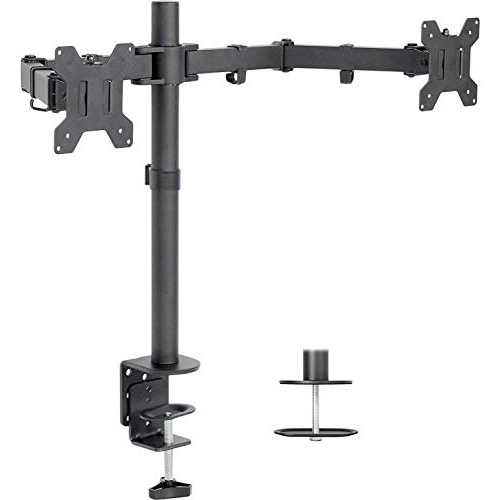
Materials and construction affect how a two-monitor corner desk feels during daily use, particularly when typing, adjusting a screen, or leaning into a task. Metal frames can provide a firm supporting structure, while desktop surfaces may include solid wood, wood veneer, laminate, or finished engineered wood. Solid wood has natural variation in grain and colour, and its care requirements depend on the finish. Veneer provides a real-wood surface over a core, while laminate offers a consistent appearance and a surface that is generally straightforward to wipe clean. Thickness alone does not establish strength; the frame layout, joints, supports, and stated load limits all matter. With two monitors, the total load may also include a computer, speakers, books, and other equipment. A monitor arm introduces another consideration because its clamp concentrates force on a small section of the desktop. Compatibility depends on the desk material, permitted mounting method, desktop thickness, and clearance beneath the back edge. An apron, rear panel, cable tray, or bevelled edge can prevent a clamp from sitting correctly, even when the desktop appears spacious. Grommet-mounted arms require a suitable opening and approval for that mounting arrangement, and any arm must also match the monitors’ mounting pattern, size, and weight requirements. For screens kept on their original stands, a stable surface and enough room for the full base remain essential. Adjustable feet can help a desk sit evenly on an uneven floor, but they do not replace proper assembly or secure connections. Cable management adds practical value by keeping display leads, charging cables, and power cords away from feet and chair wheels. Rear openings and under-desk trays can make connections easier to organize, provided cables retain enough slack for screen movement or height adjustment. Designs with built-in power connections can reduce the distance to accessible outlets, though cord routing still needs attention. A computer placed beneath the return also needs ventilation space and access to its controls, without taking over the area intended for legs.
A dual-monitor corner desk can support very different routines within the same footprint. Someone working with spreadsheets may keep a reference document open on one screen and a report on the other, while a student might pair lecture notes with an assignment. Creative work can place editing tools on one display and a larger preview on the second; a gaming setup may reserve the extra screen for chat or streaming controls. In each case, the most useful desk leaves room for the activities that happen away from the screens. A notebook beside the keyboard, a clear patch for sorting paperwork, or space to move a mouse freely can matter as much as the monitor arrangement. The return can separate these tasks, but its usefulness depends on what sits above and below it. Drawers offer enclosed storage for small supplies, while open shelves make frequently used materials easy to reach. Either can reduce legroom or restrict where a computer fits, so storage placement deserves as much attention as storage quantity. A raised monitor shelf can free desktop space, although its height must suit the screens and the seated user rather than forcing an upward gaze. A keyboard tray also needs enough width and depth for its intended use, along with clearance for knees. For rooms where a longer return or a broader workstation is part of the plan, L-shaped desks for multiple monitors offer another relevant layout to consider. Finish and frame style help the desk sit comfortably alongside existing furniture, whether that means a wood-look surface beside bookcases or a simple frame in a shared living space. Ongoing care is usually uncomplicated: follow the manufacturer’s cleaning directions, remove dust with a soft cloth, wipe spills promptly, and avoid leaving moisture around seams or exposed edges. Desk mats and coasters can help protect frequently used areas, while checking accessible fasteners as directed can address loosening from regular movement. A well-matched corner desk supports both monitors without sacrificing the everyday working space that makes the setup comfortable and practical.
Top selling and popular products
-
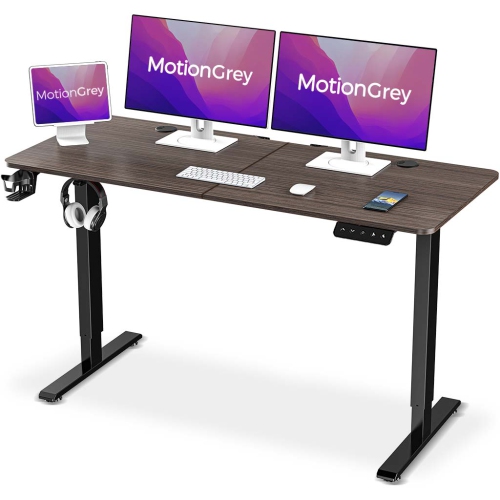 Your price for this item is $97.99
-
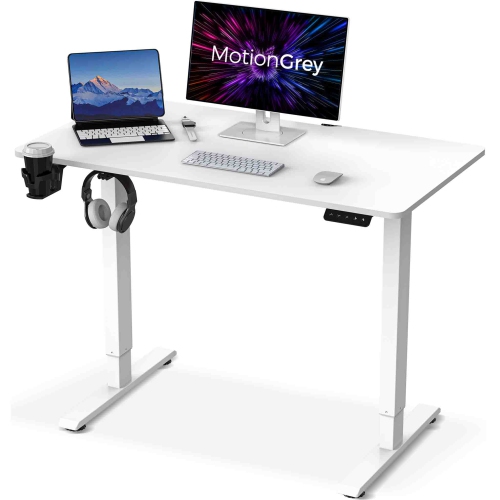 Your price for this item is $89.99
-
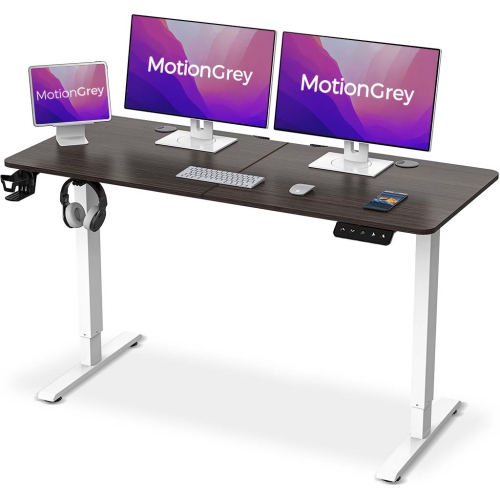 Your price for this item is $84.99
-
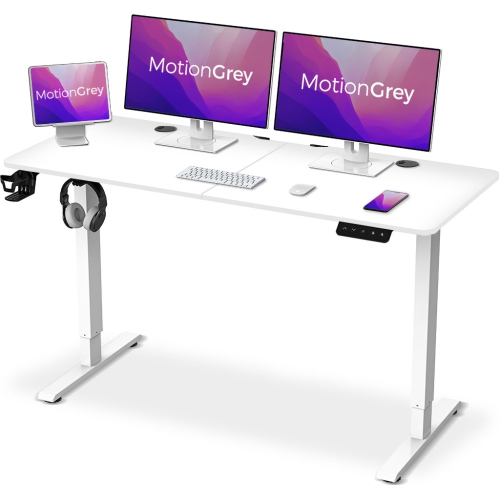 Your price for this item is $97.99
-
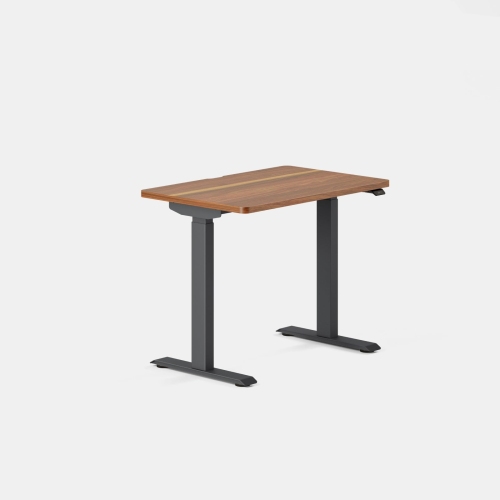 Your price for this item is $649
-
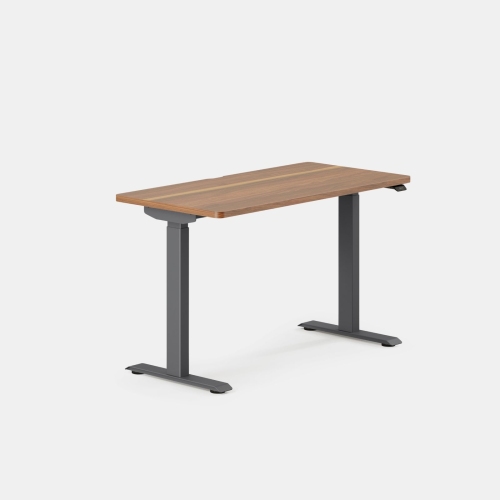 Your price for this item is $749
-
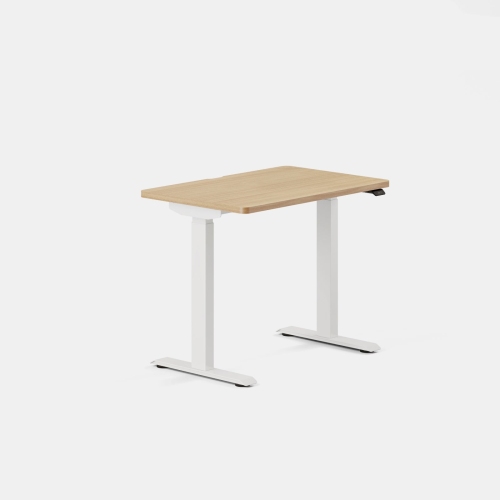 Your price for this item is $649
-
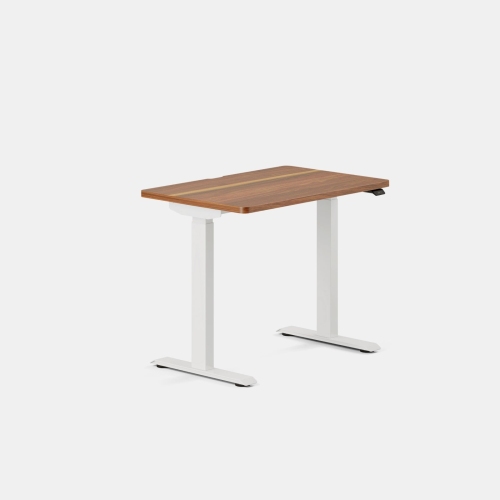 Your price for this item is $649
Discover more categories related to Corner Desks for Two Monitors
Top Collections:
Best Black Friday Deals This Year, Best Black Friday Deals On Electronics, Kindle Devices, Pokemon Centers, Best Black Friday Deals On Apple Products, Best Cameras for Sports Photography, Dyson Airwrap, Pokémon 30th Celebration Cards, Apple iPhone 17 Pro, Canon G7X Cameras
Some products may be subject to Environmental Handling Fees
(EHF) depending on your province.
Learn more about EHFs.