Desks for Two Monitors
If you have a computer with two monitors, you can use them both for work or play. But in order to get the most out of your setup, you need a desk that can accommodate two monitors. Having a desk with the right size and features can make all the difference in how productive you are when using two monitors. Here are some great options available.
Sort
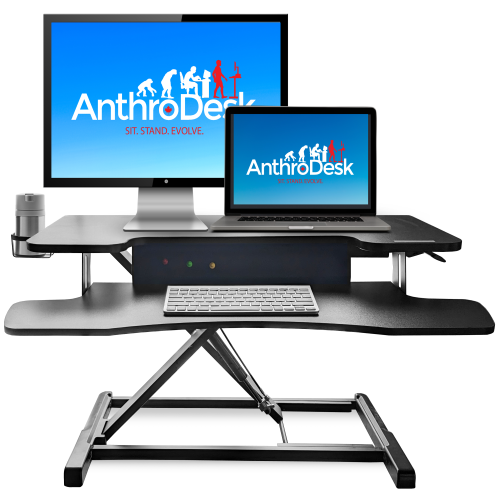


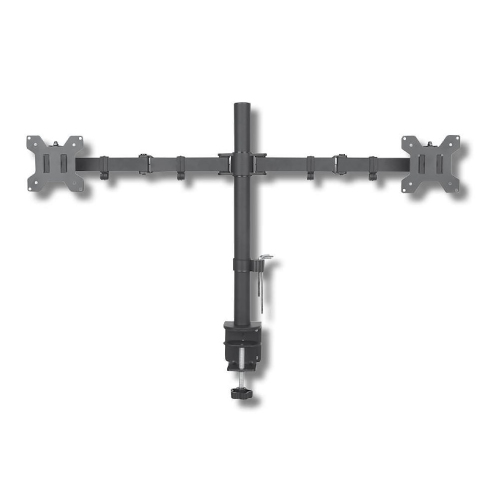
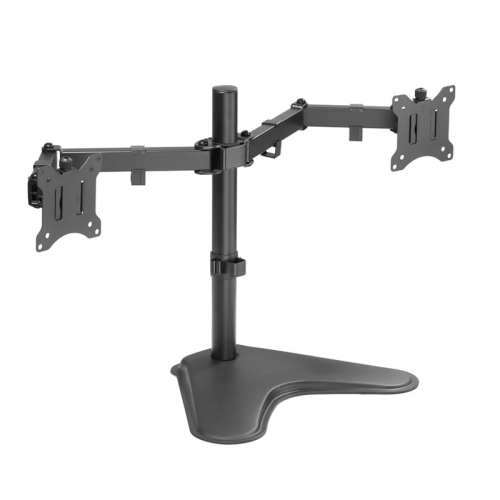
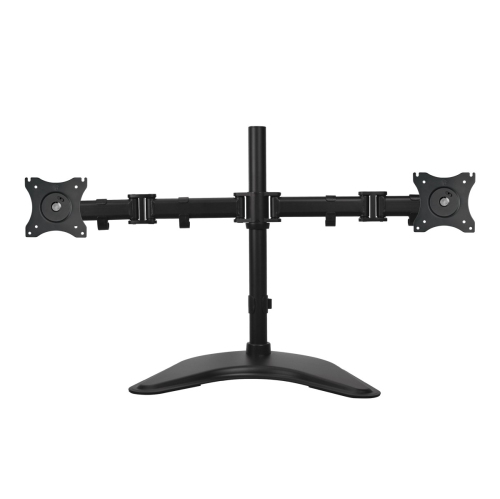





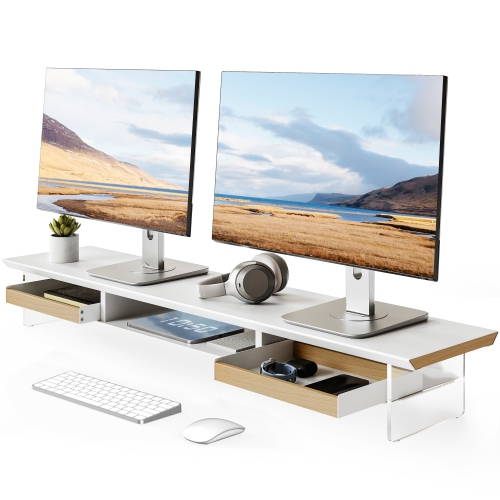

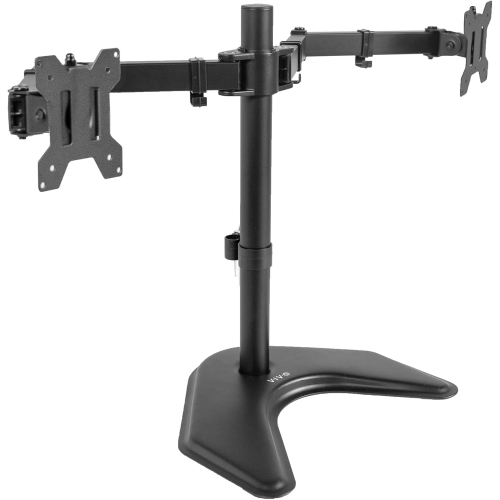
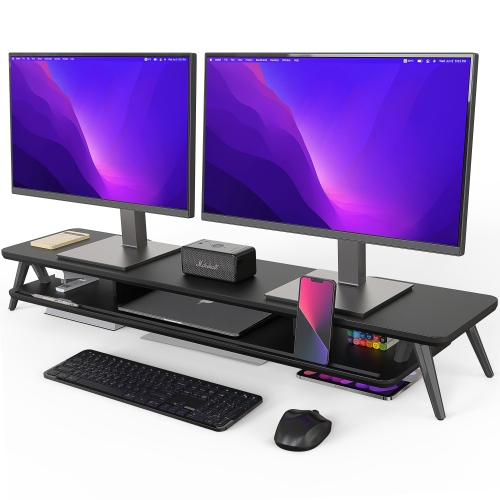
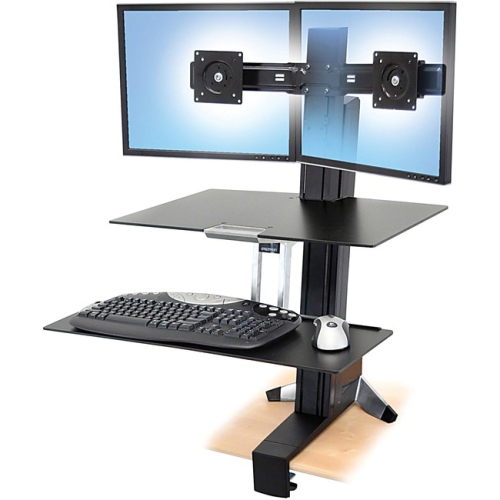
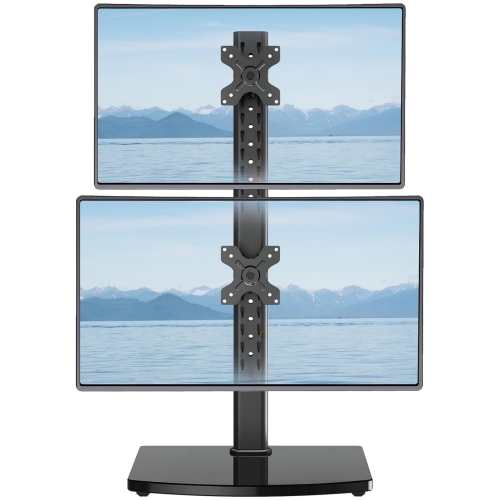
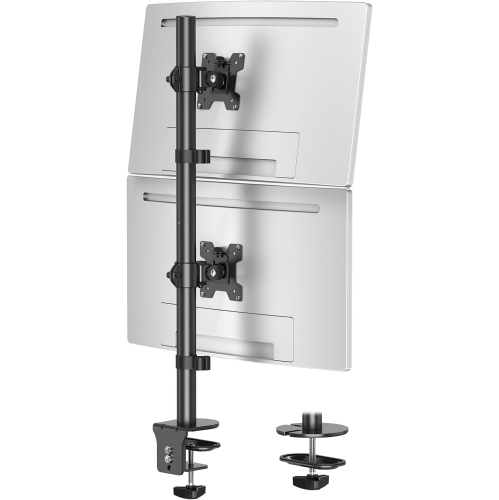
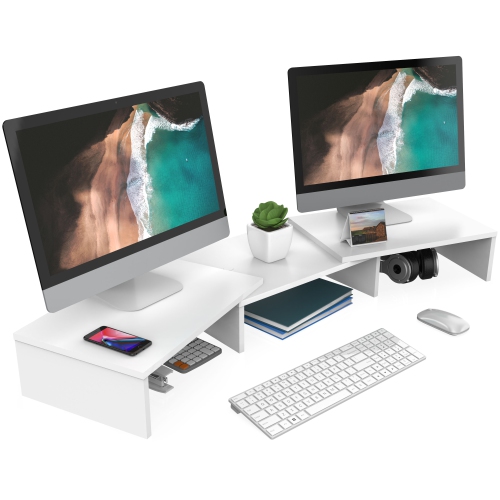
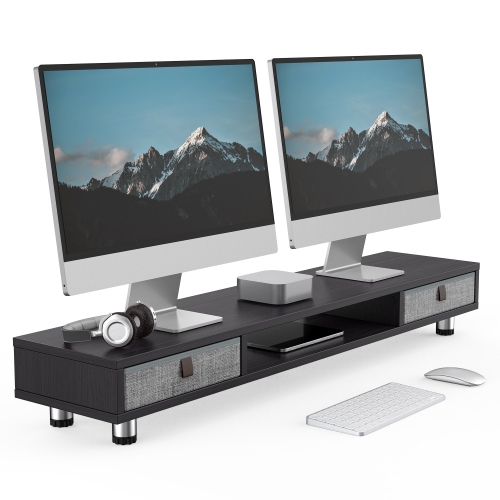
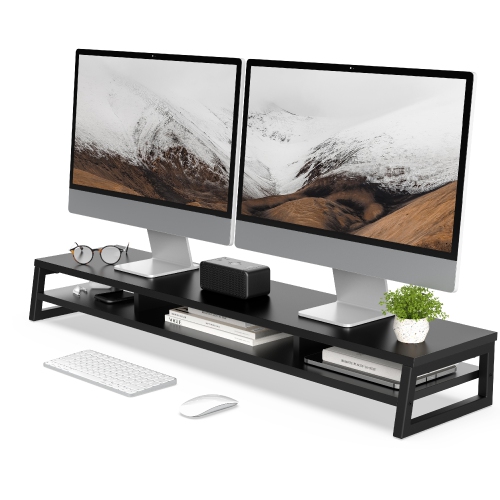
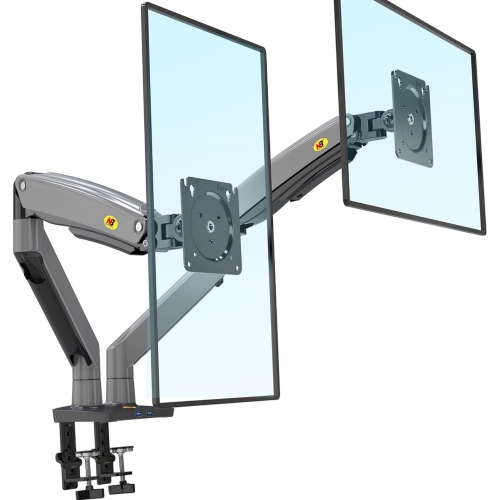
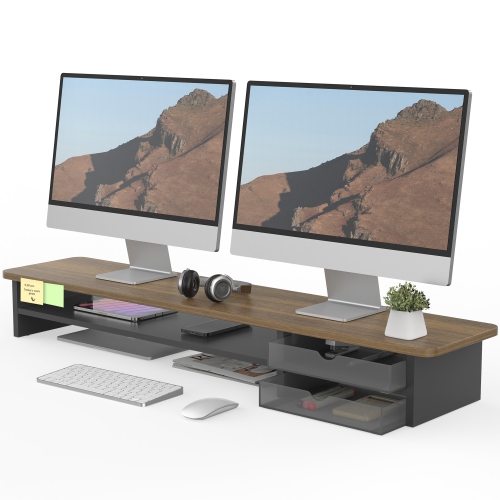
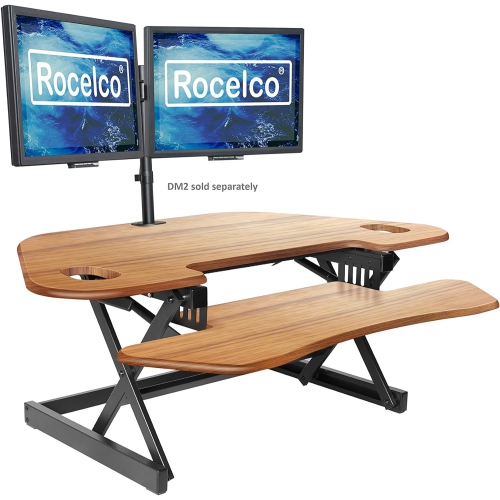
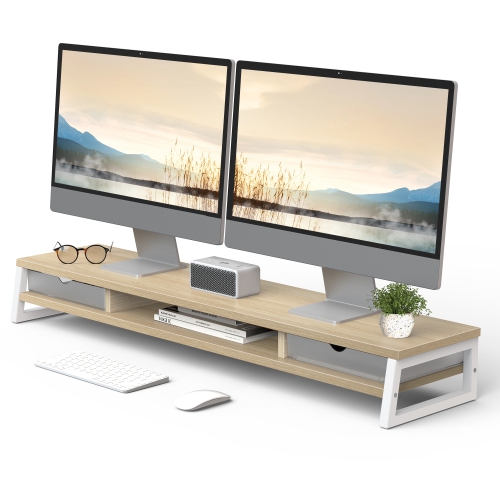
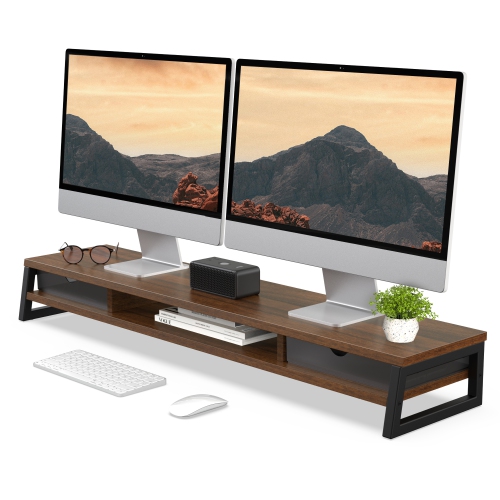
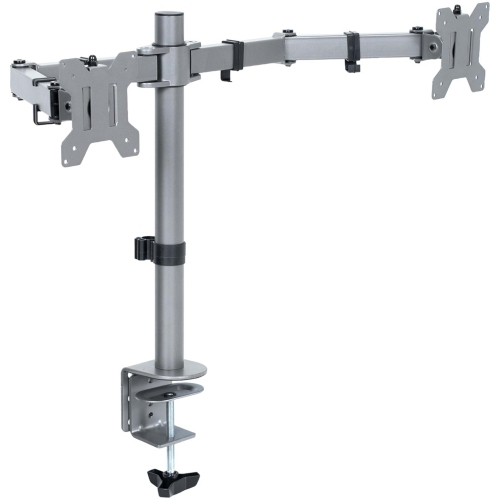
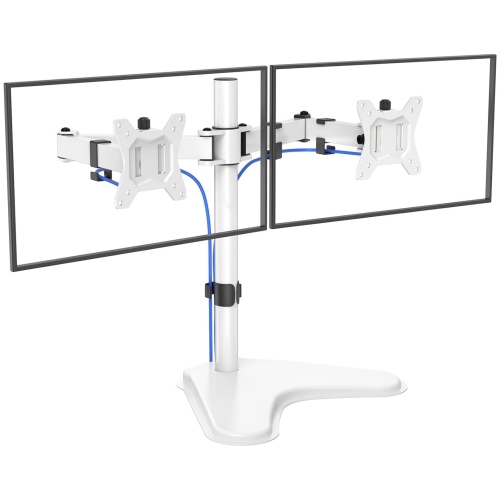
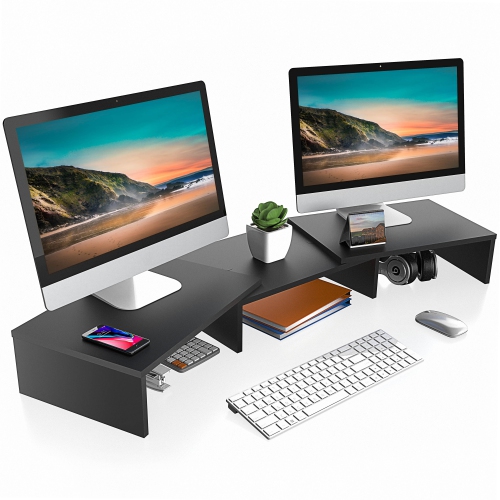
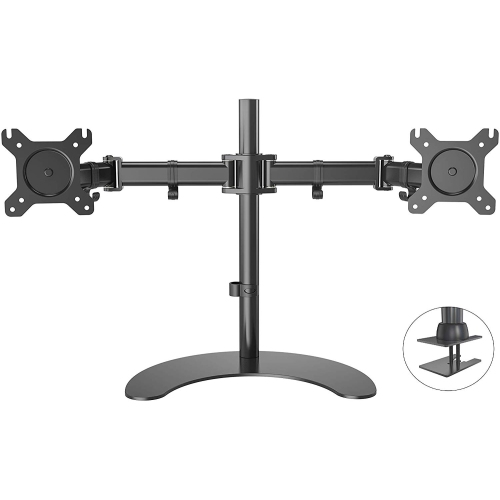
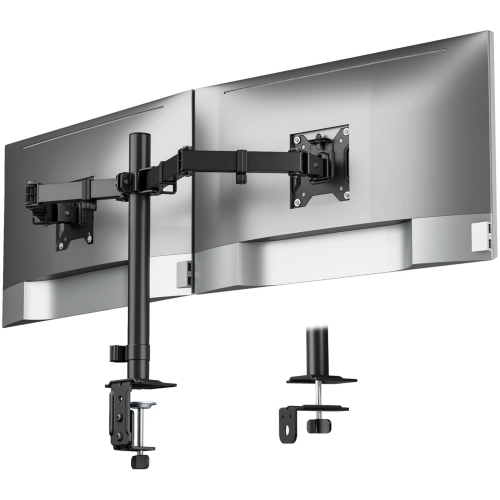
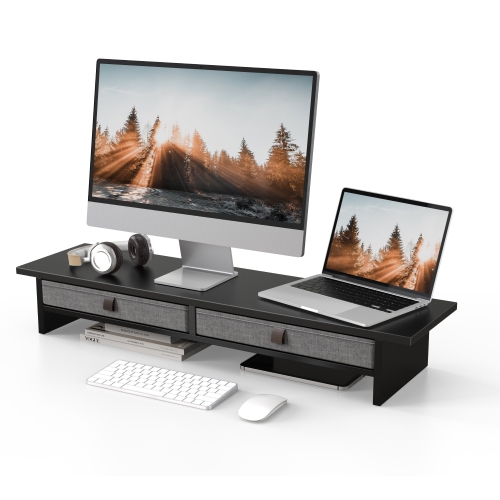
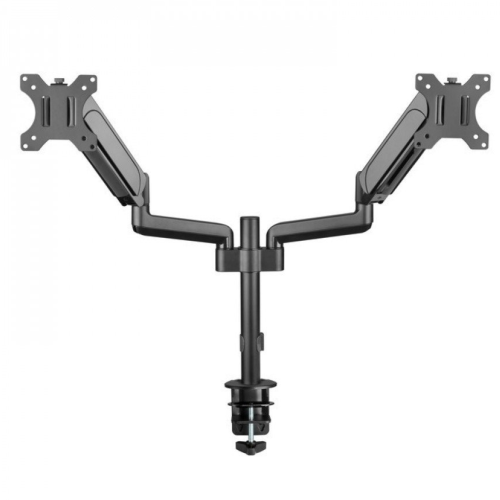
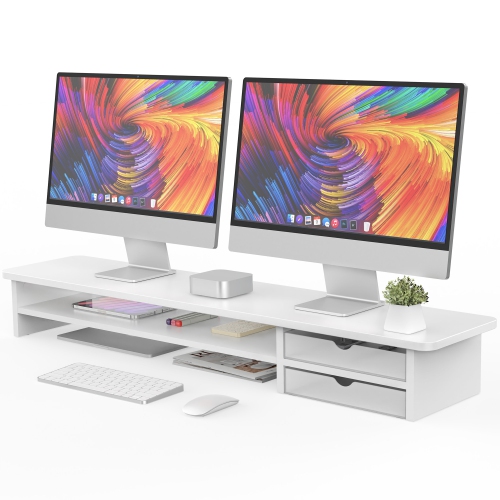
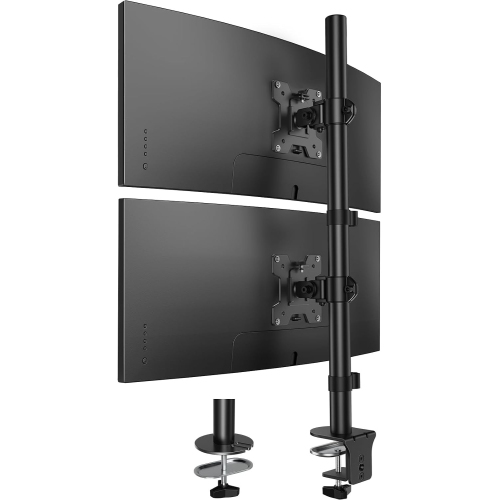


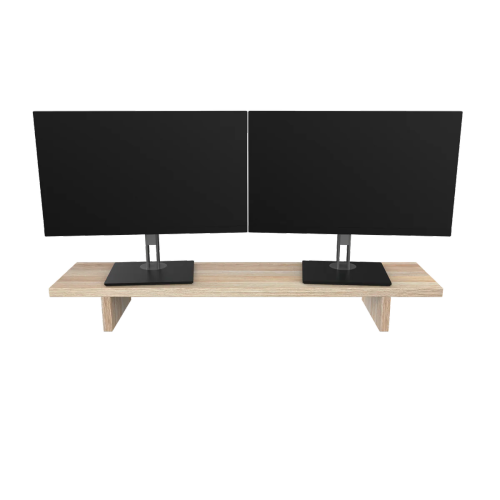
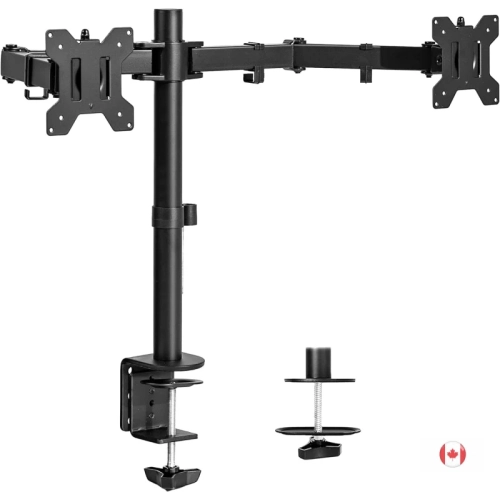
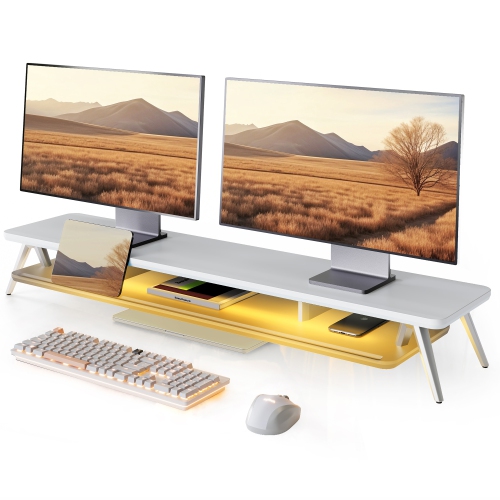
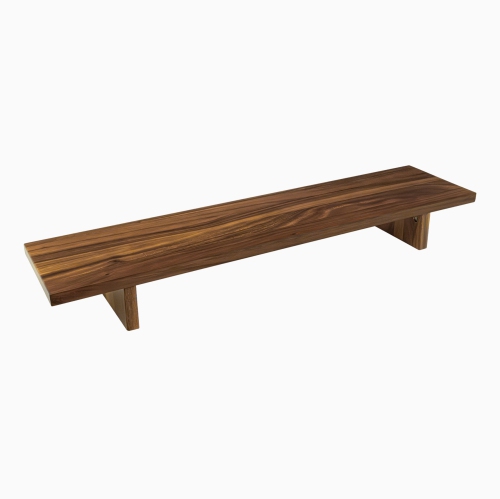
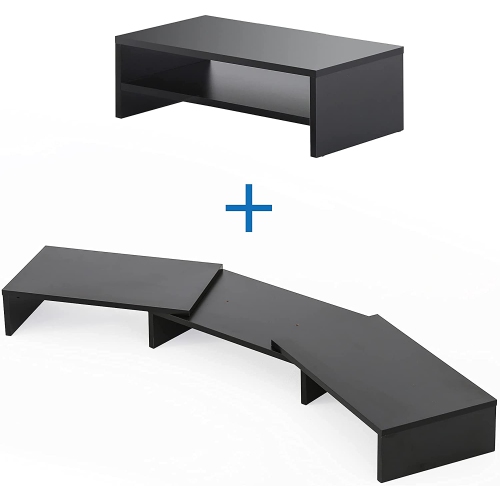
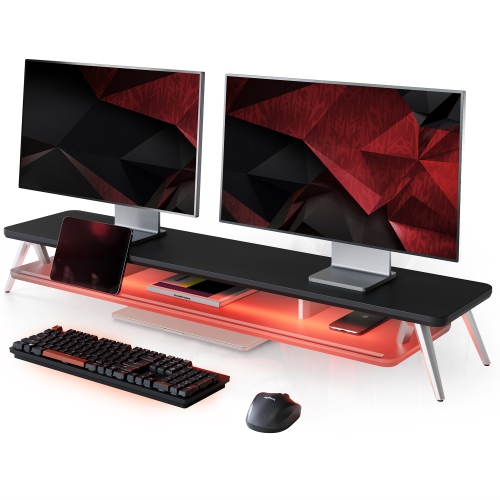
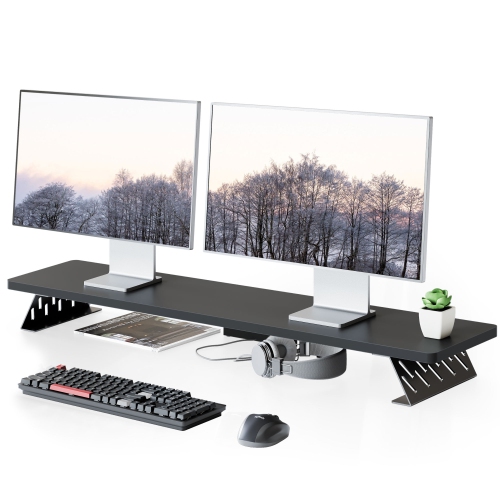
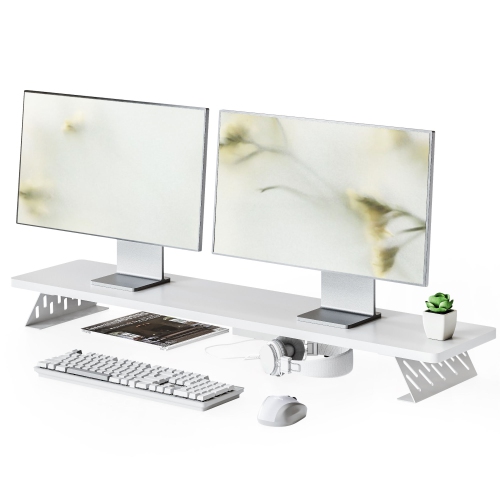
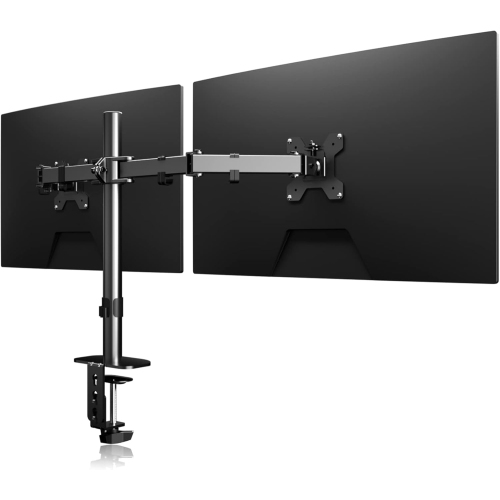
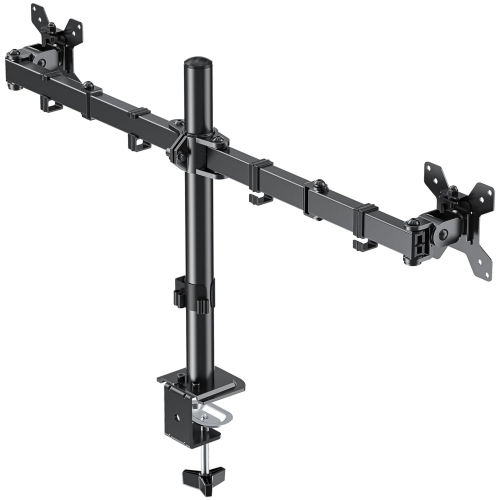
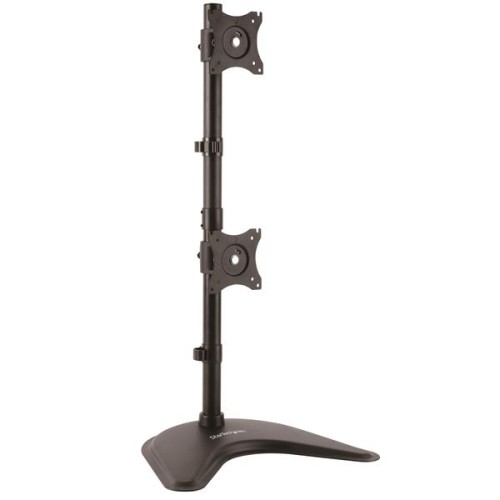
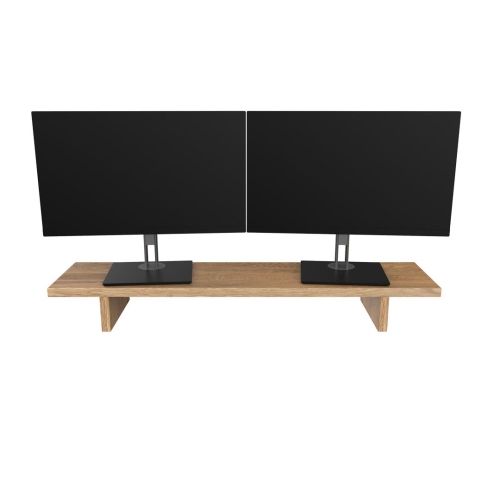

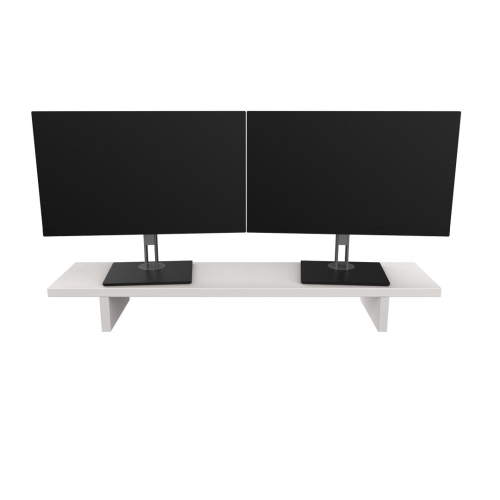
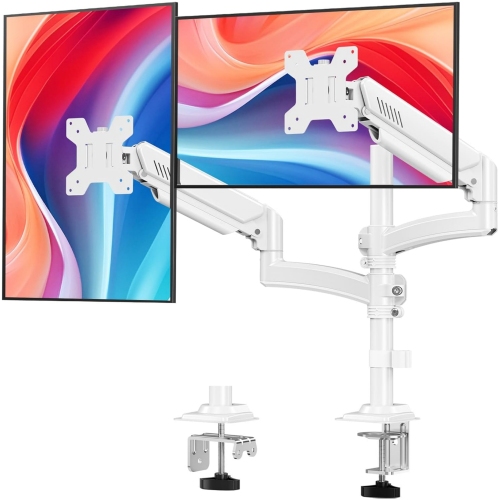
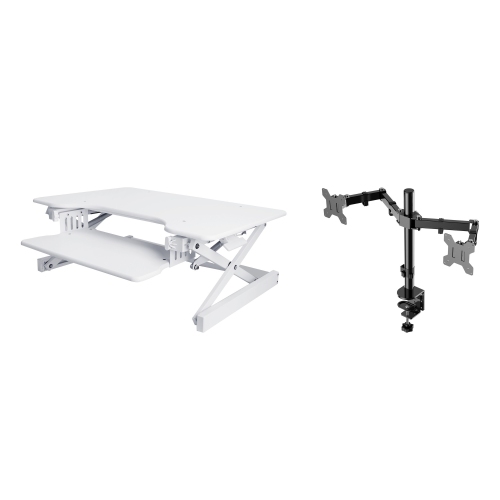
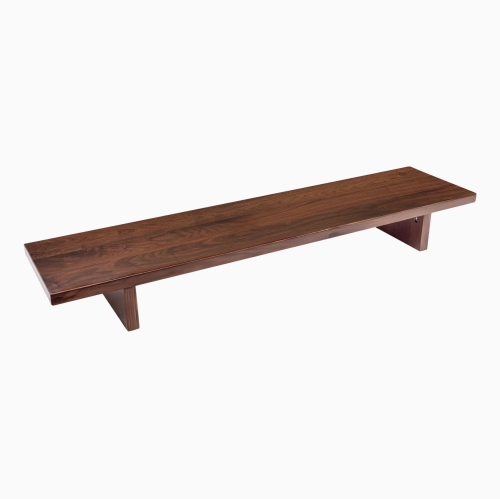
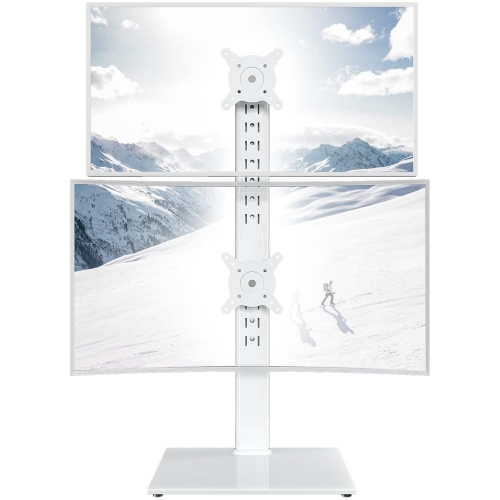
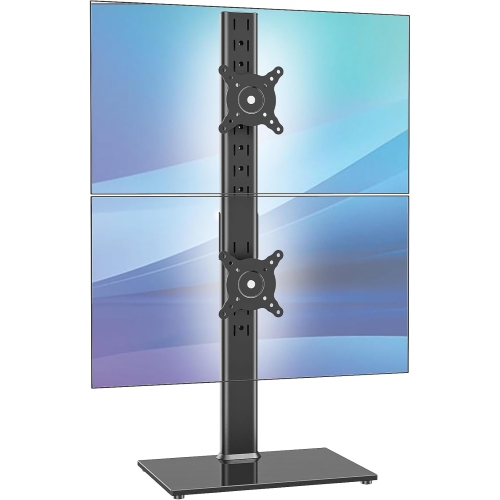
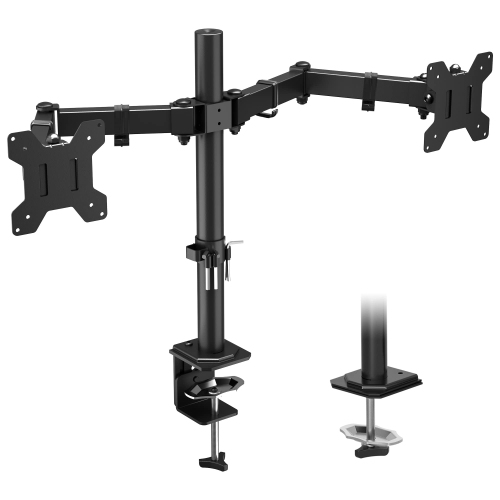
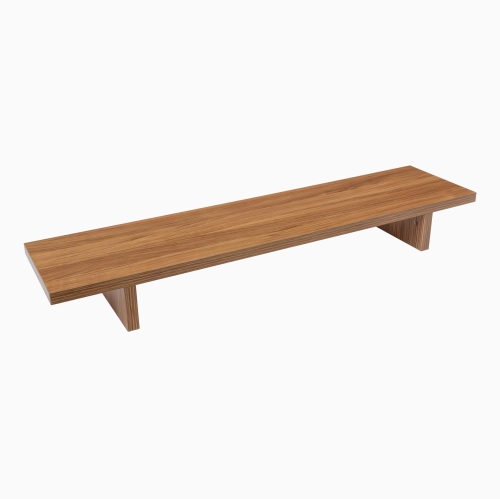

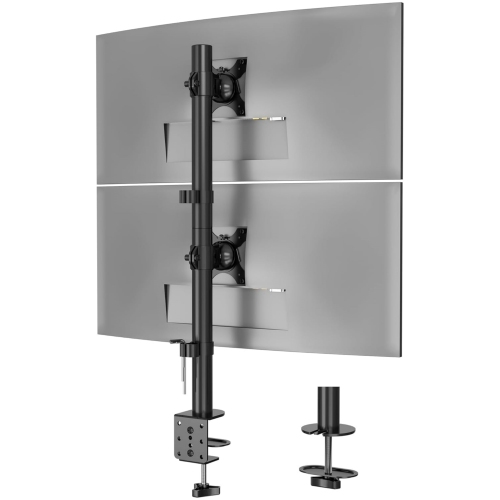
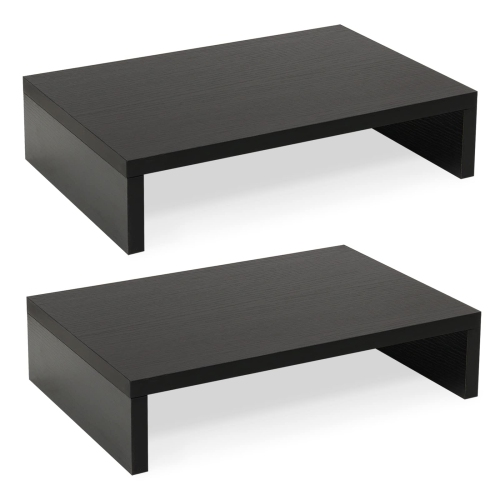

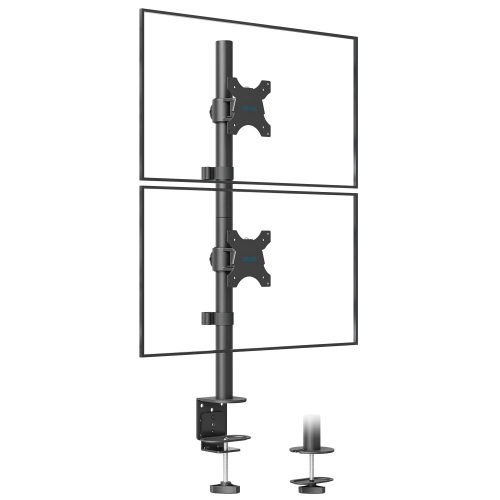
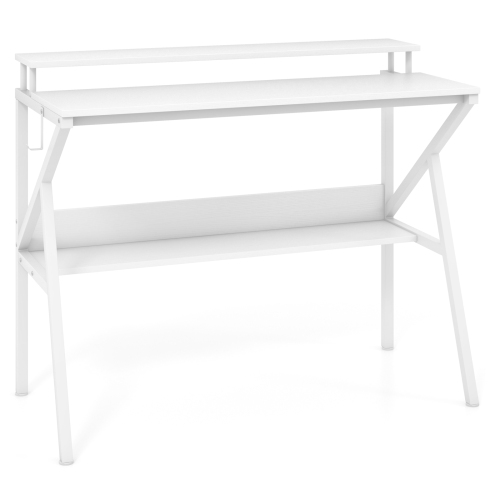
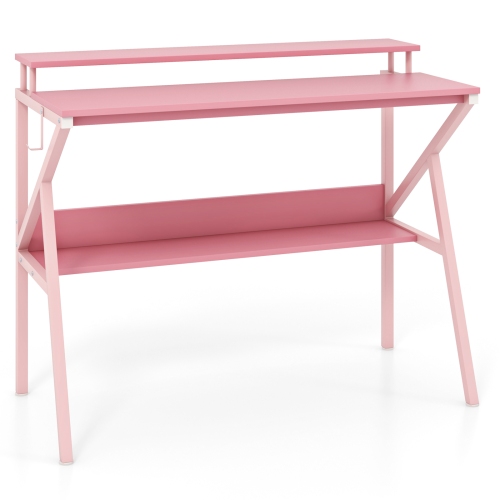
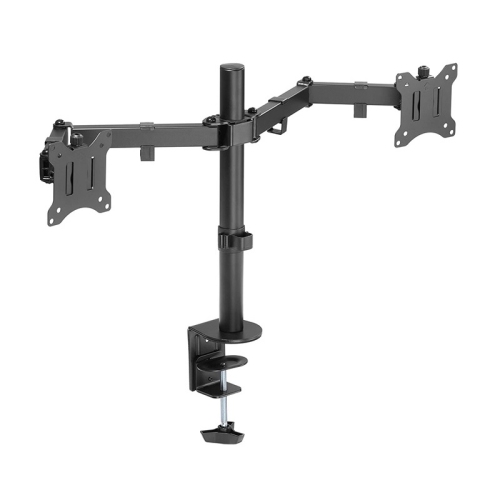
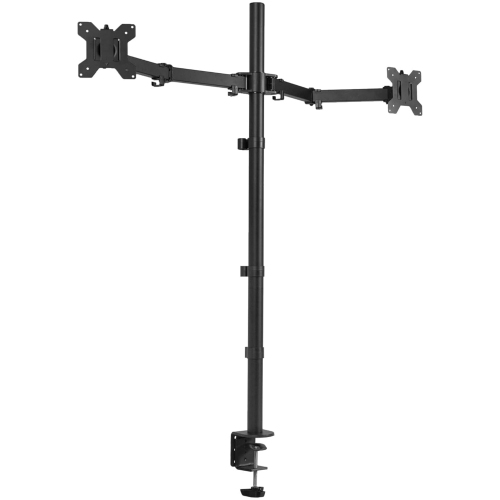
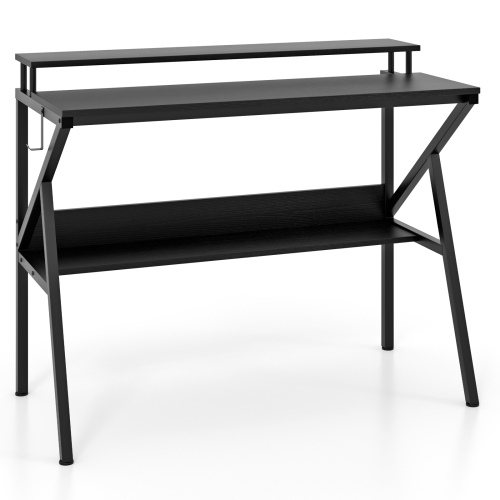



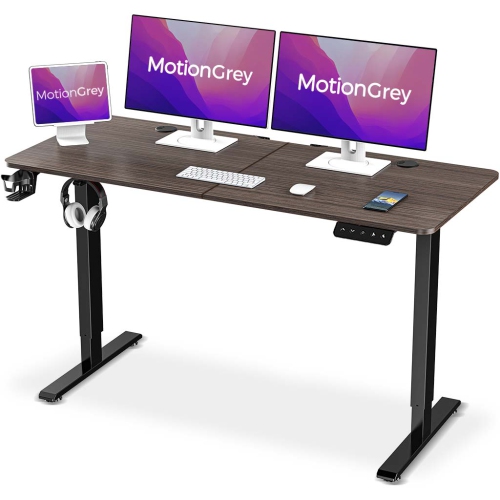
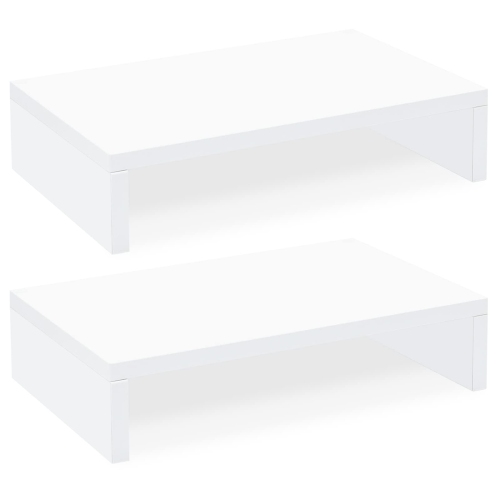
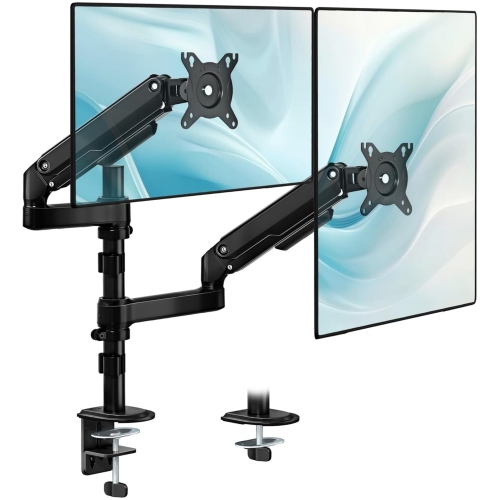
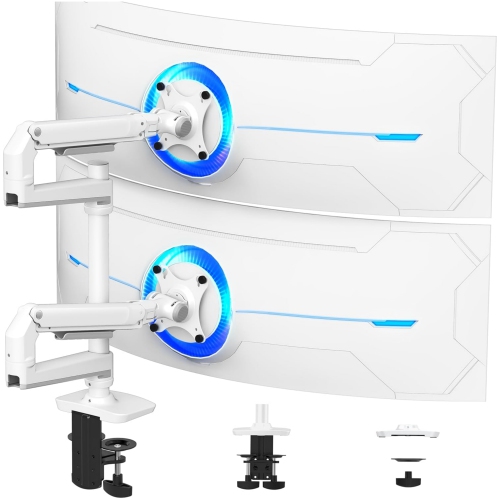
A comfortable setup goes beyond fitting two screens
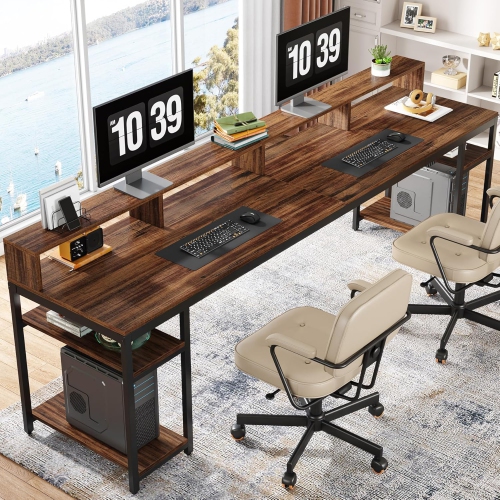
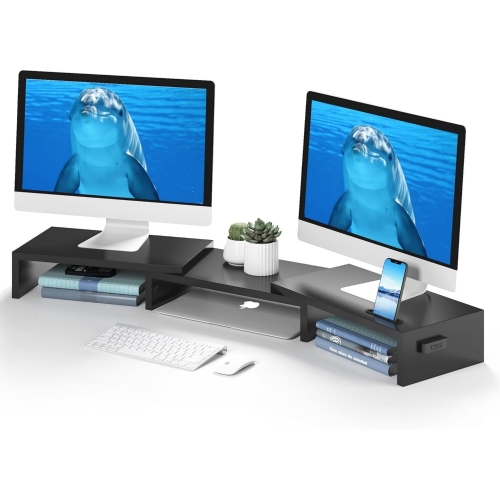
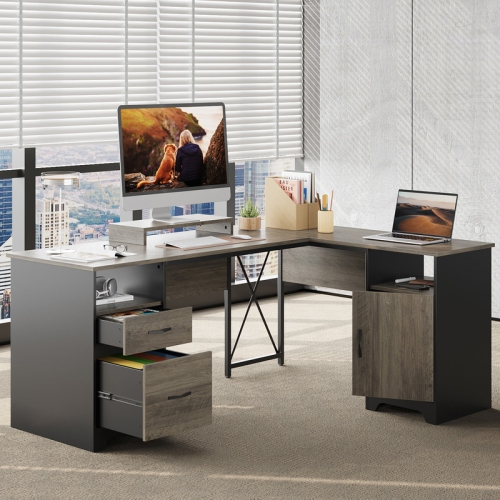
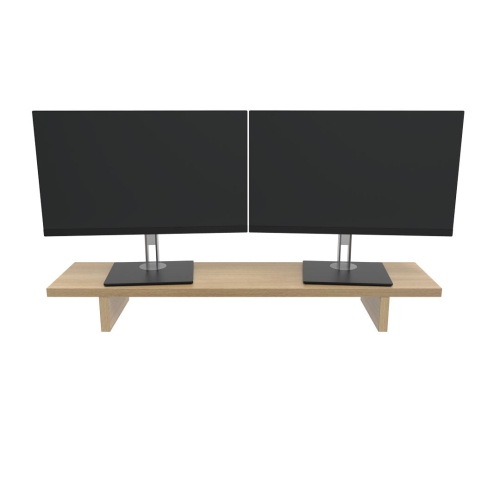
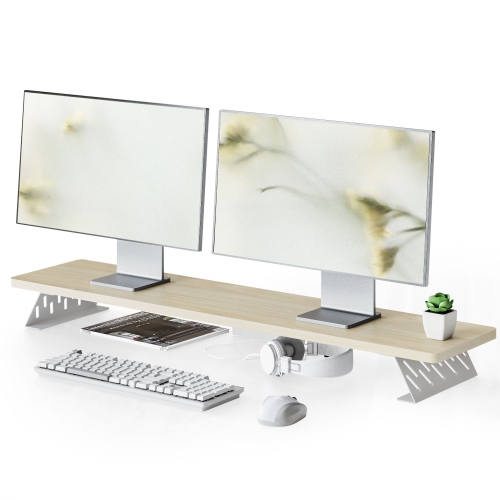
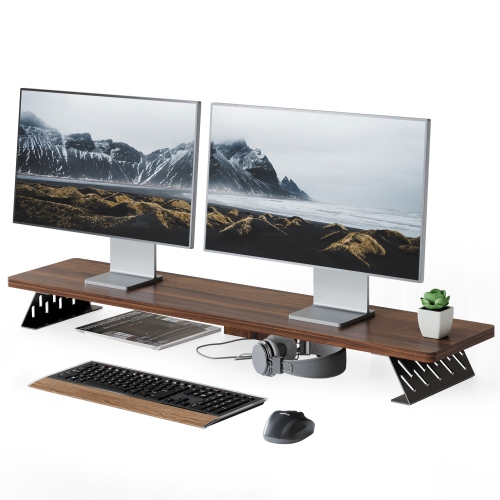
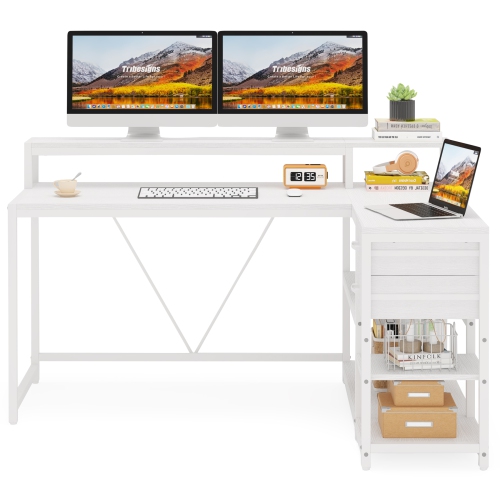
Desks for two monitors give a pair of screens a stable home while leaving space for the keyboard, mouse, and everyday tasks that happen away from a display. A useful starting point for a dual-monitor desk is a work surface about 55 to 60 inches wide and 24 to 30 inches deep, although the right fit depends on screen size, stand dimensions, and how the workspace is used. Two compact displays on narrow bases take up less room than larger screens with wide, angled feet. Measure the full footprint of both monitors in their intended positions, not just the screens themselves, and allow room for a mouse to move without brushing a stand. Depth matters just as much as width: a shallow desktop can leave the keyboard close to the front edge or bring the screens uncomfortably near the face. For many setups, a depth closer to 30 inches offers more flexibility for positioning displays at a comfortable viewing distance, often around an arm’s length, with adjustments for text size and individual needs. A work surface with enough space in front of the screens also makes it easier to keep shoulders relaxed and elbows near the body. People who spend most of their time on one display may prefer that screen directly ahead, with the second angled beside it. Those who use both equally may place the meeting point between them near the centre of the desk. This arrangement suits work that involves comparing documents, keeping a video call beside notes, editing images alongside reference material, or studying with a lesson on one screen and an assignment on the other. A laptop used as an additional display needs its own space, particularly if its keyboard remains in use. Allowing for a notebook, headphones, or a small task light helps turn a desk that technically fits two monitors into one that feels comfortable throughout the day.
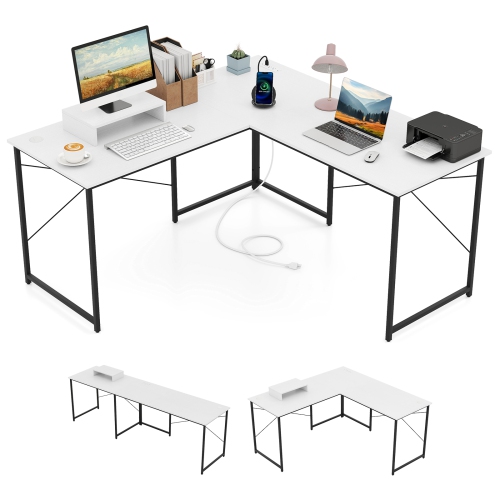
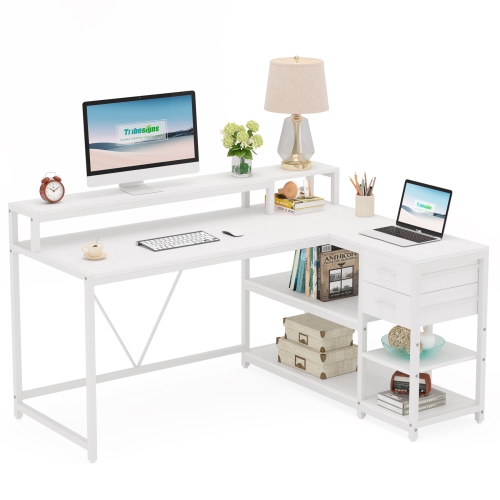
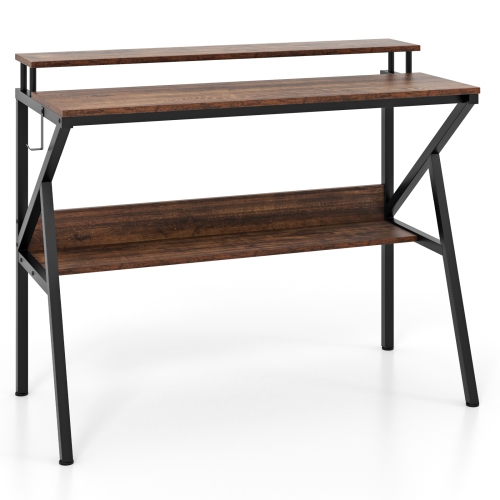
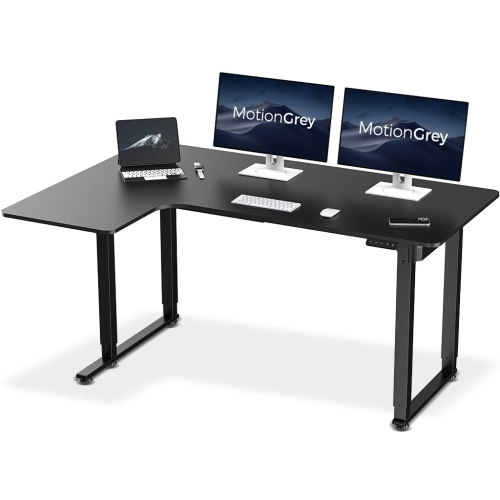
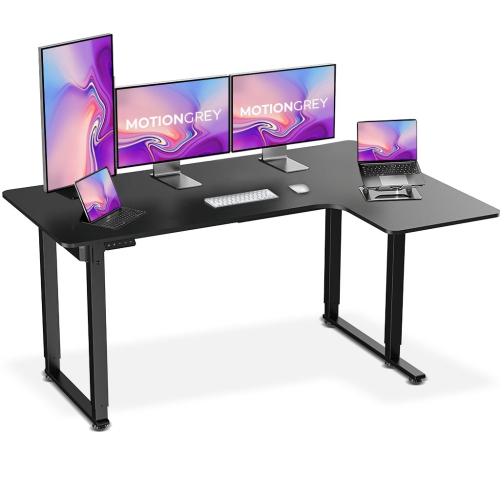
The shape and construction of a desk affect how well that space works in a room. A straight desk offers a simple layout along a wall and keeps both monitors on one continuous surface. An L-shaped design provides a separate area for paperwork, a laptop, or other equipment without crowding the main keyboard position. In a room where two walls meet, corner desks for two monitors can make practical use of that junction, but the usable depth and legroom at the seated position matter more than the overall dimensions alone. A curved or angled corner can offer a different working position from a tight right angle, so the chair should be able to slide in without knees meeting a support panel or drawer unit. Doorways, closet access, floor vents, and nearby furniture also affect placement. Leaving enough room to pull the chair back is especially important in a bedroom or shared living area. Materials bring different strengths and care needs. Solid wood has natural grain variation and may develop marks or changes in colour with use. Wood veneer provides a real wood surface over a supporting core, while laminate and other finished engineered-wood surfaces offer a range of appearances and are often straightforward to wipe clean. The finish, edge treatment, and construction quality influence durability as much as the material name. Metal frames can provide firm support, though stability also depends on bracing, joints, and how evenly the feet meet the floor. Glass surfaces need particular attention to their stated load limits and compatibility with any mounting hardware. For all materials, the desk’s weight capacity should accommodate both monitors, their supports, and any other equipment resting on the desktop. A desktop computer tower, books, and storage organizers can add considerably to that load. A sturdy surface with well-supported edges is particularly valuable when typing, adjusting a screen, or using a monitor arm.
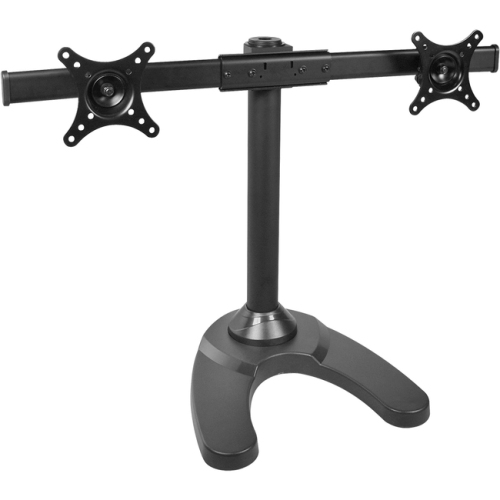
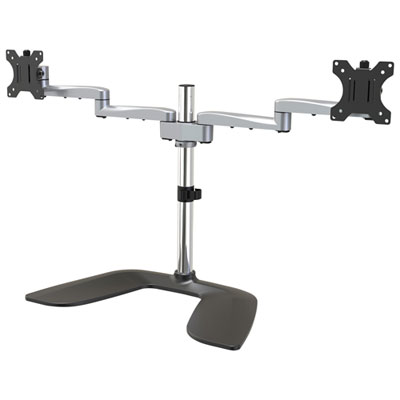
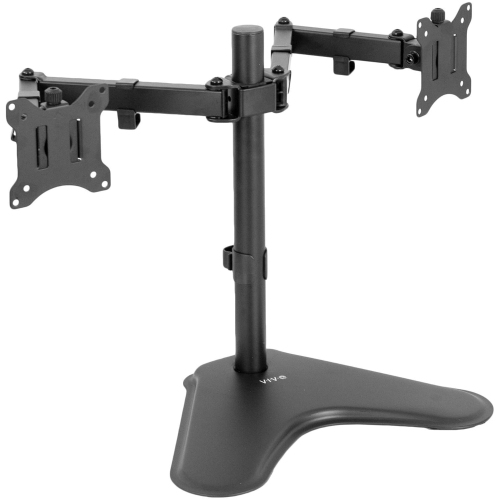
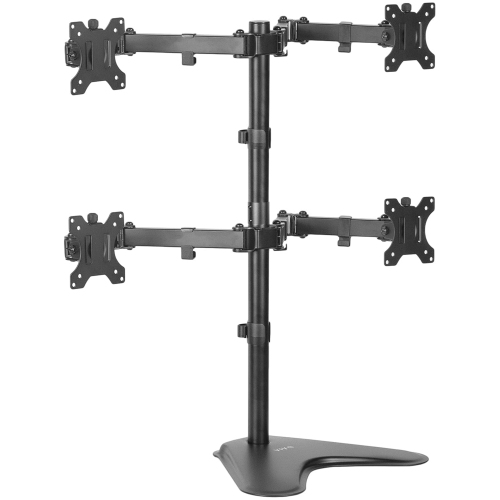
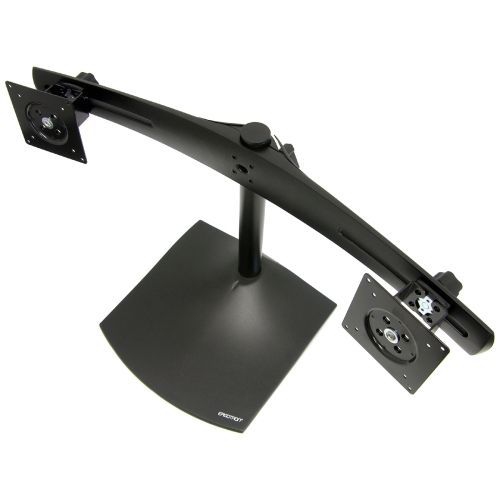
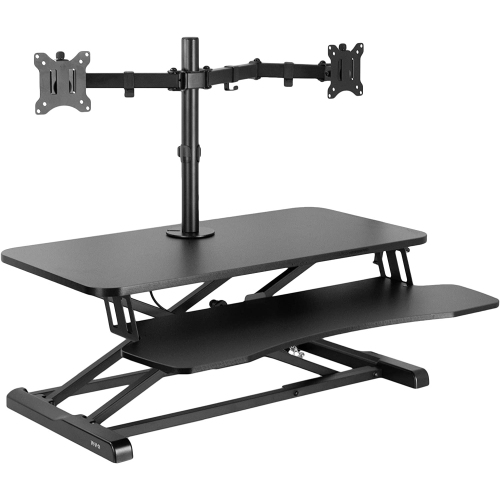
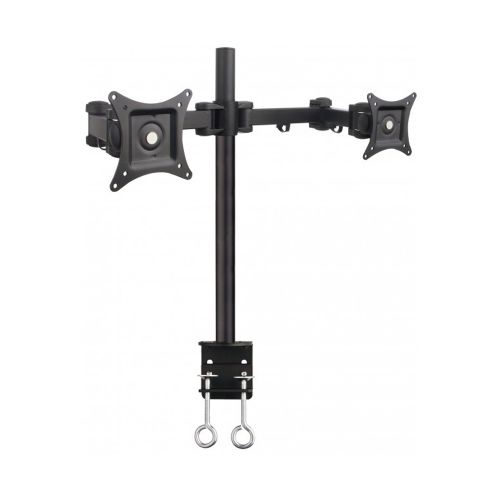
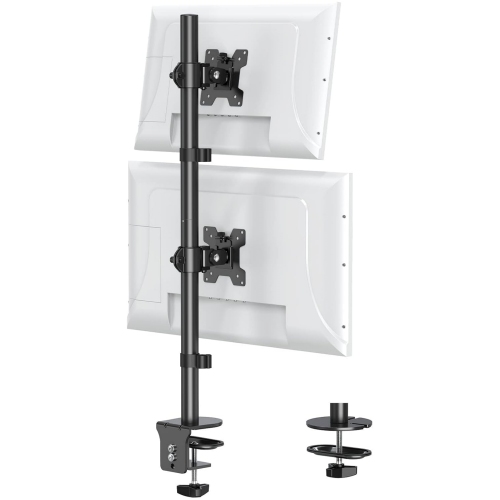
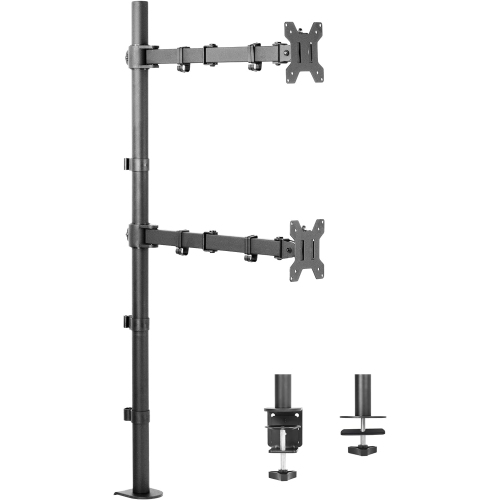
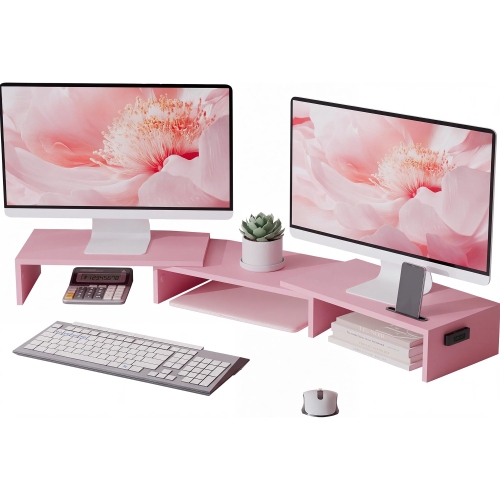
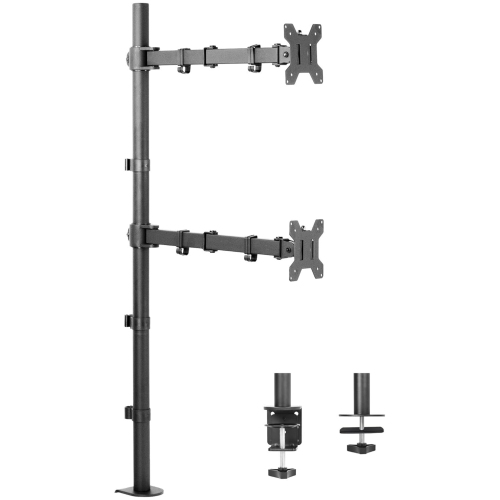
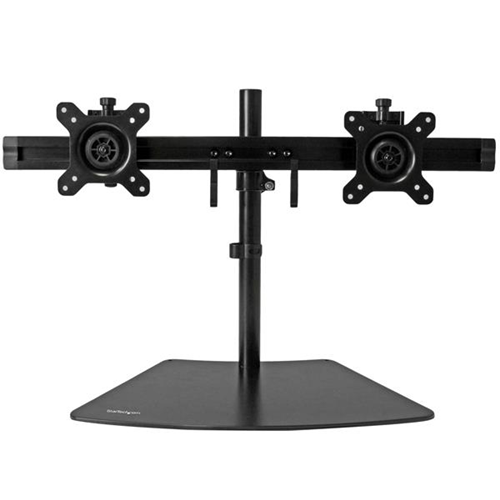
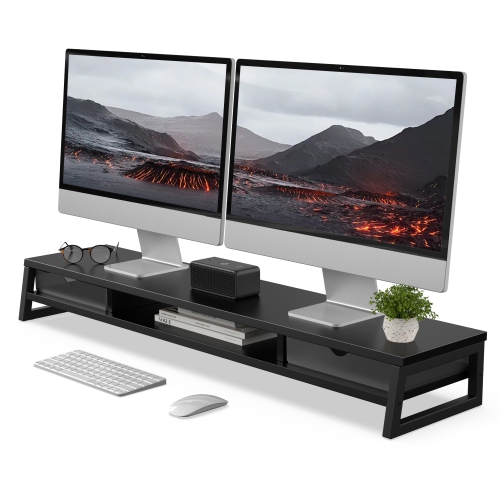
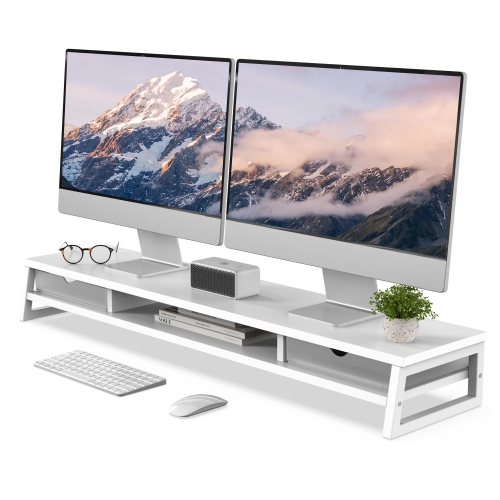
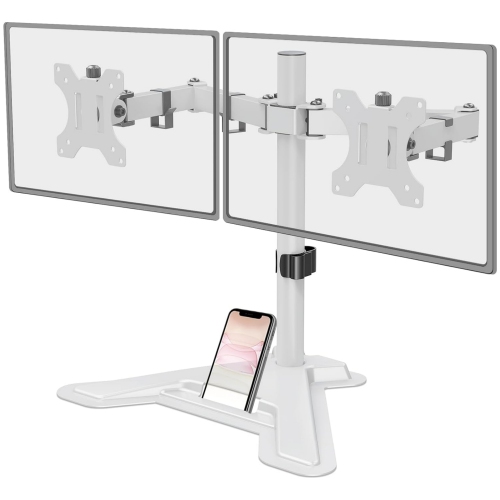
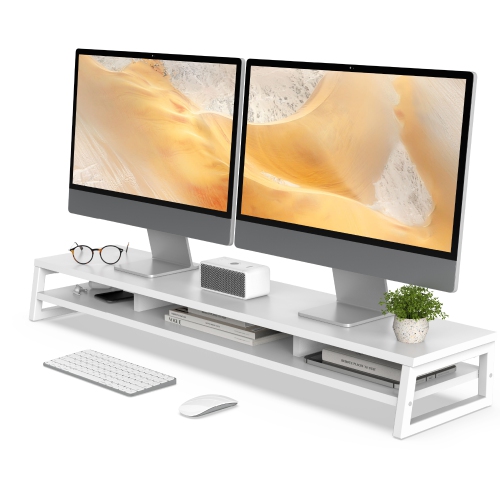
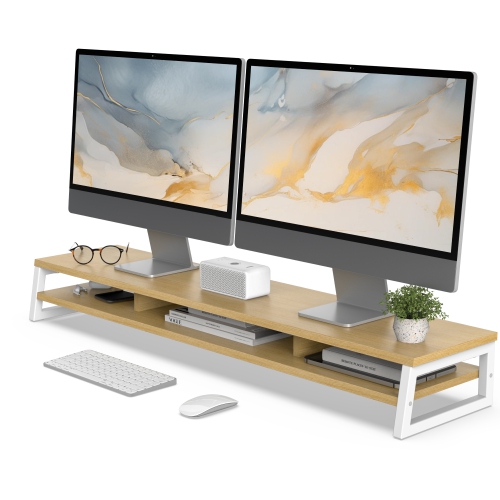
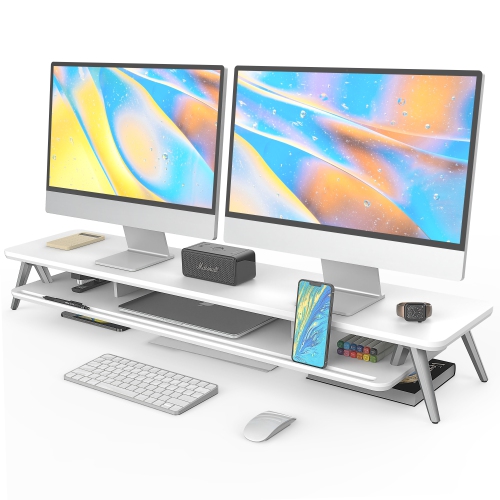
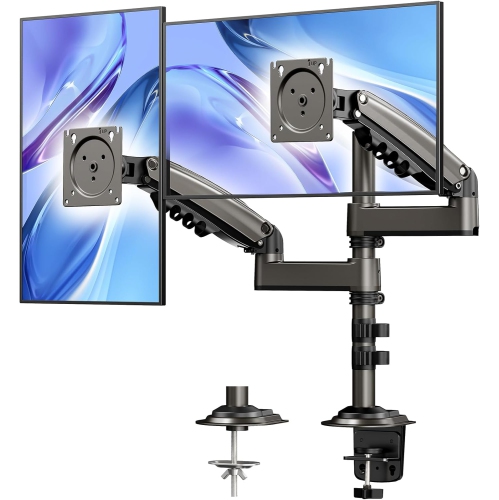
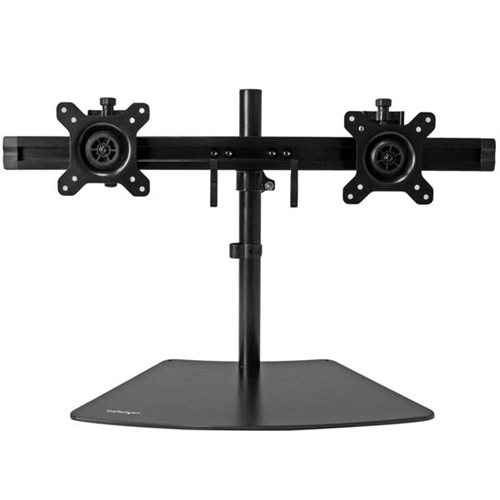
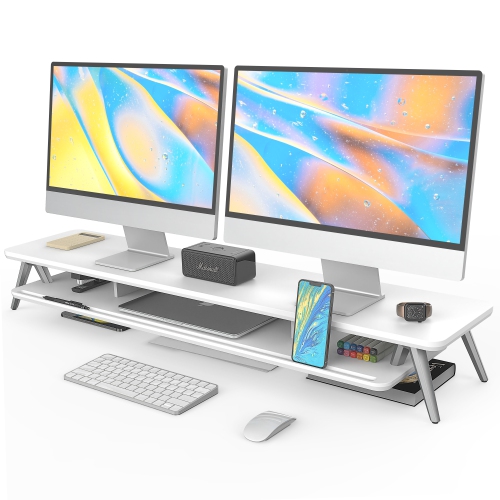
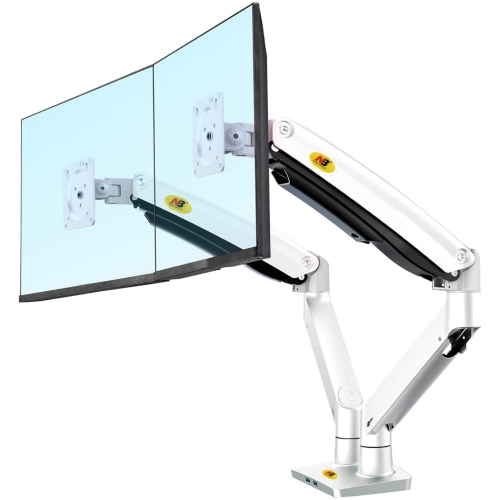
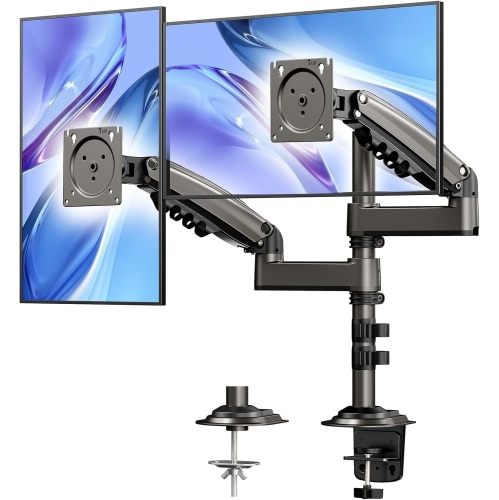
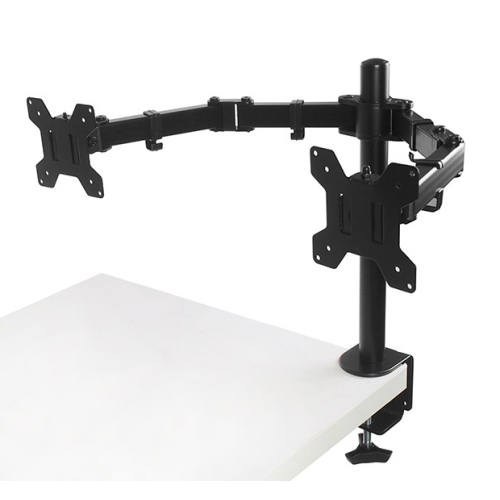
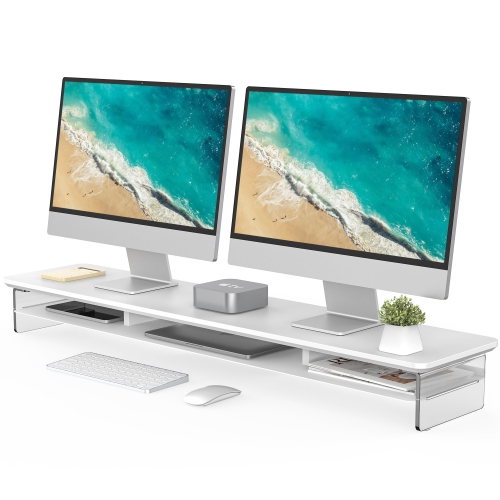
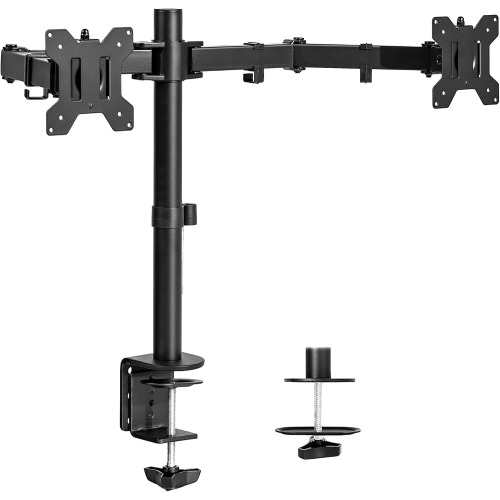
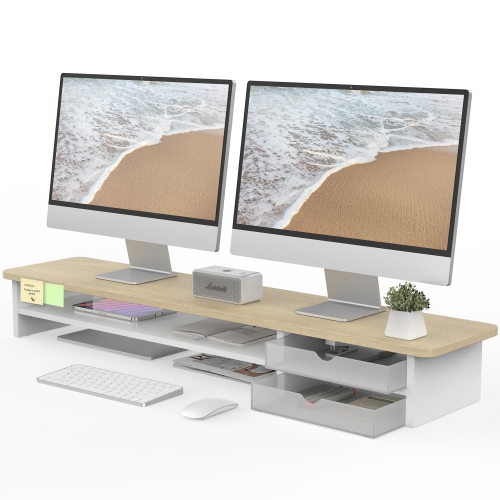
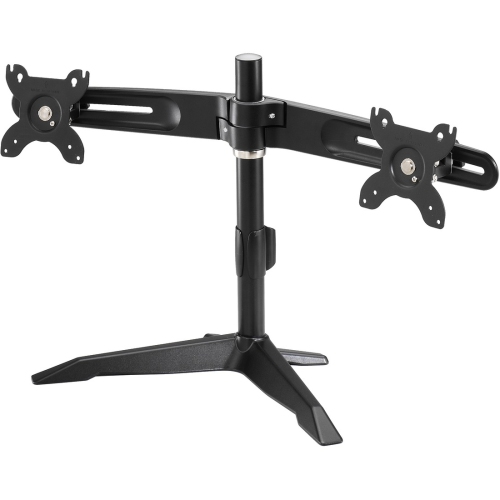
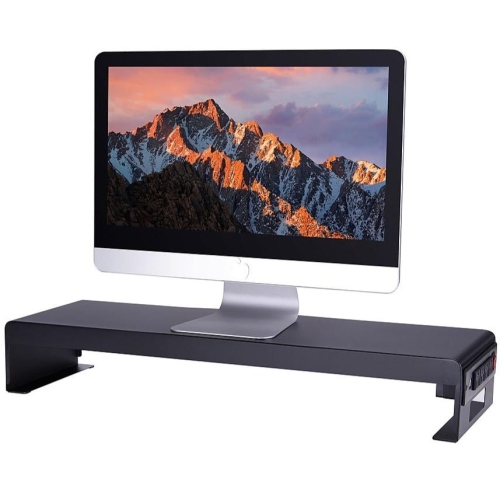
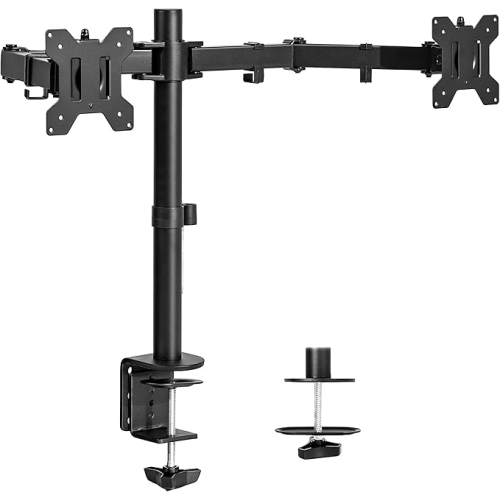
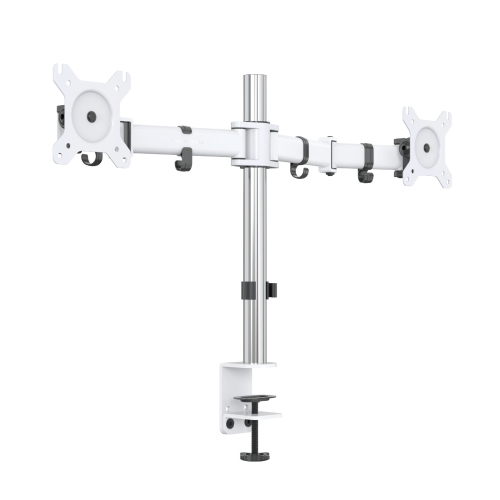
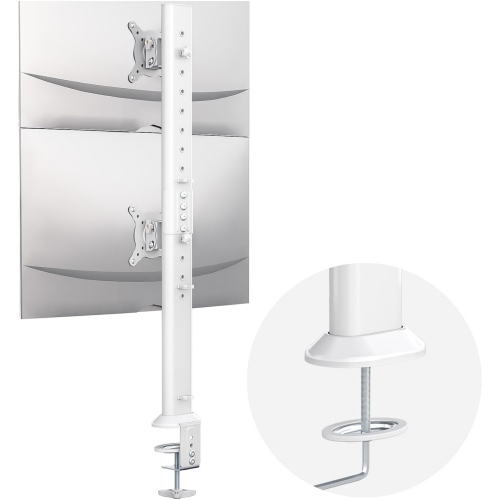
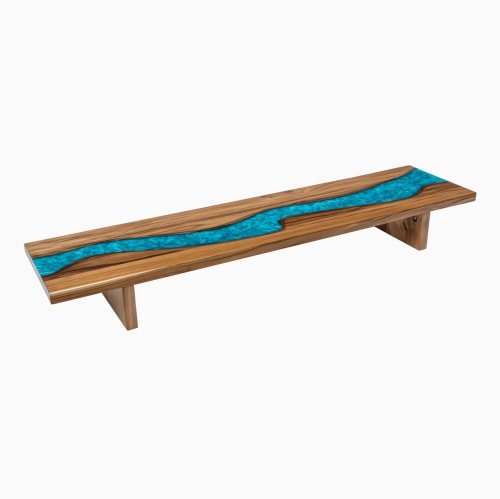
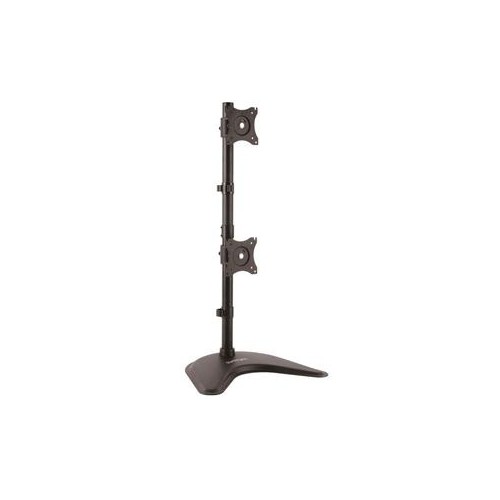
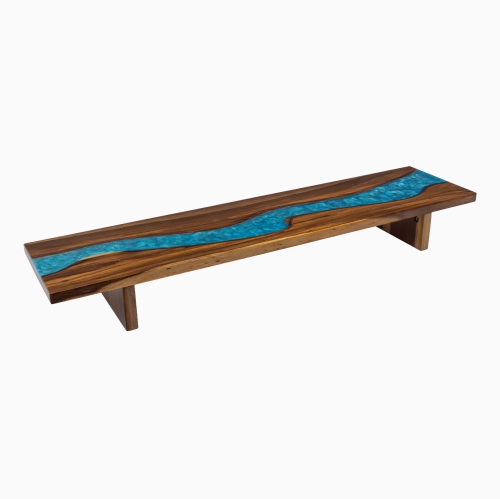
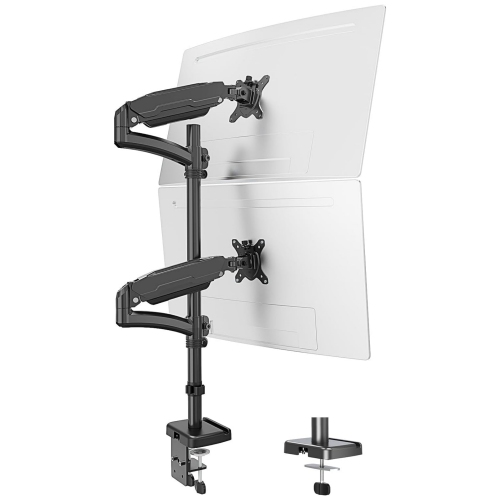
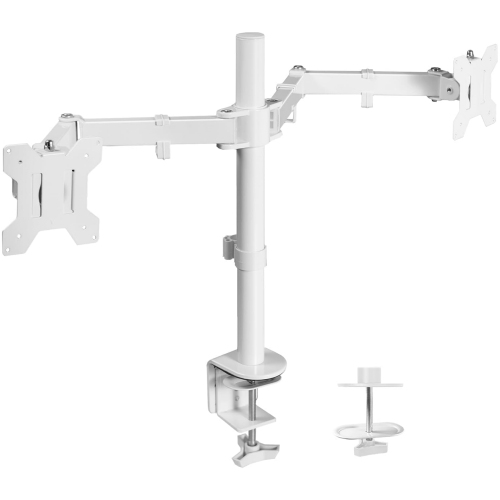
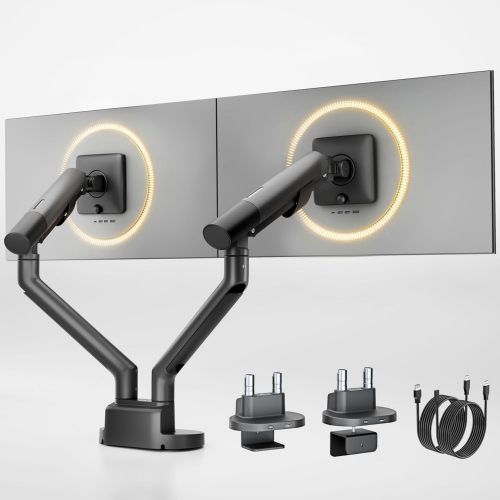
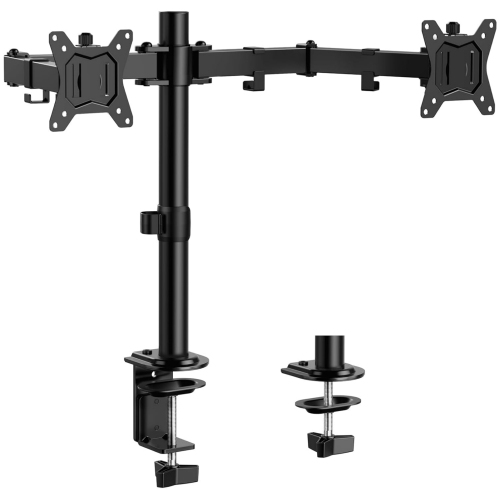
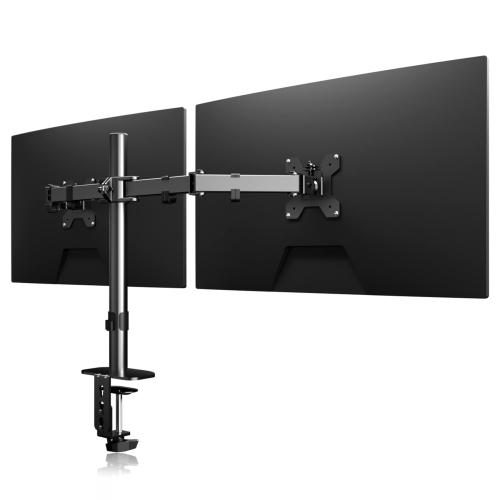
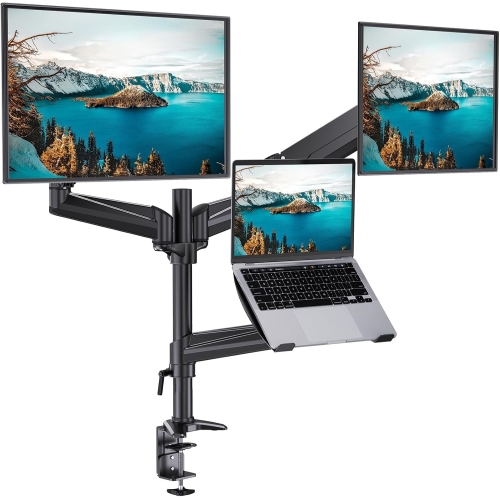
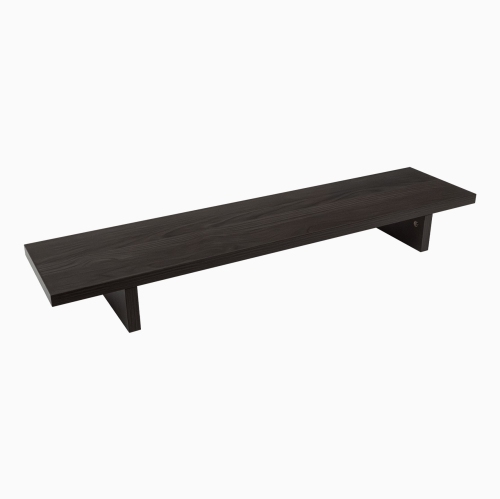
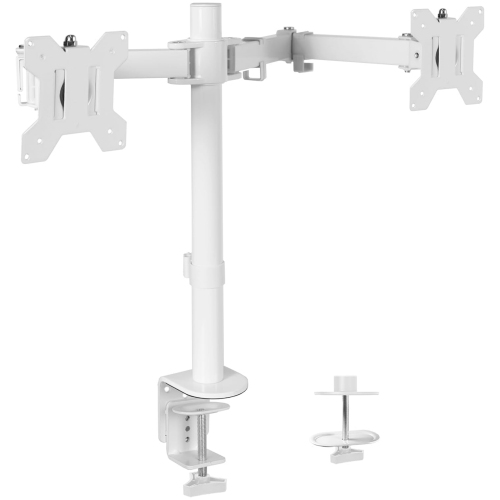
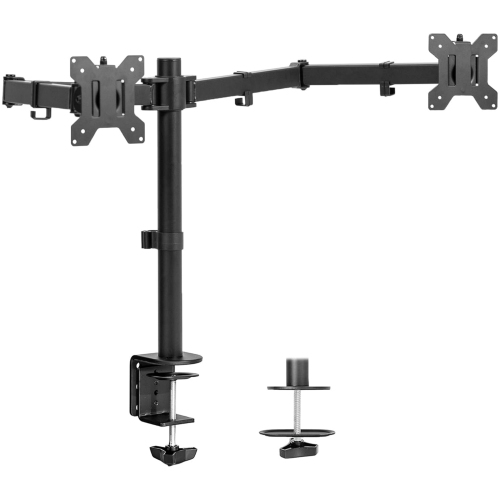
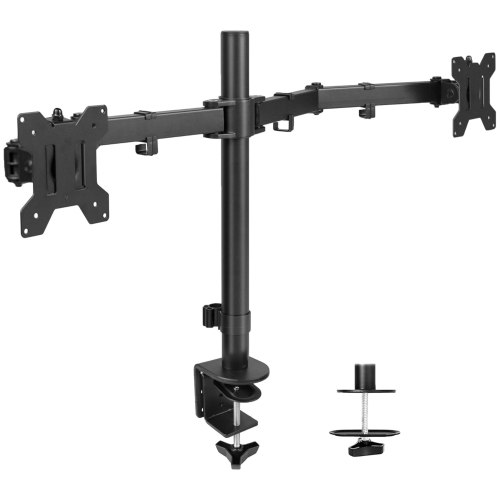
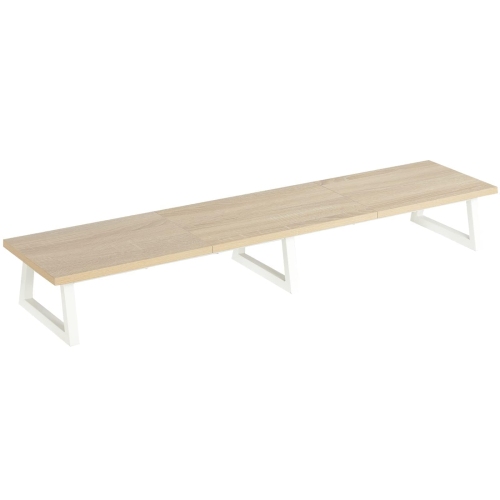
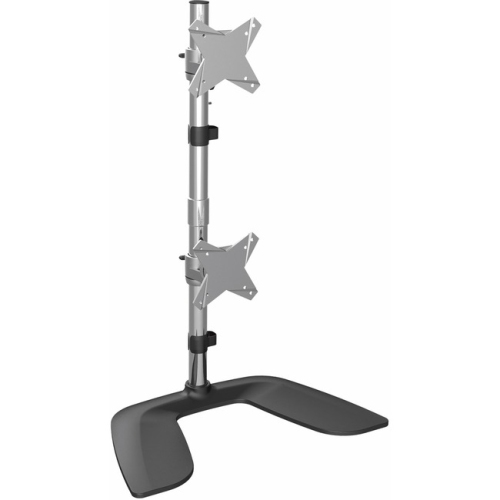
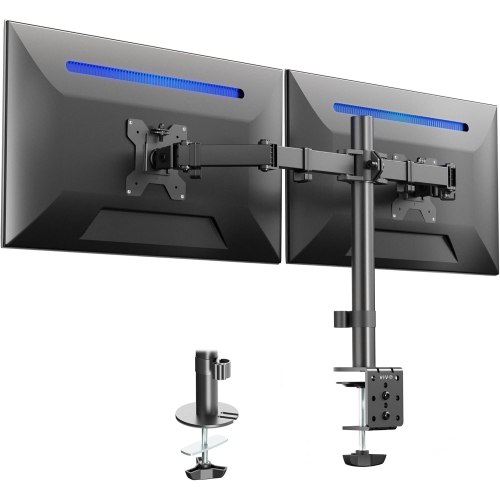
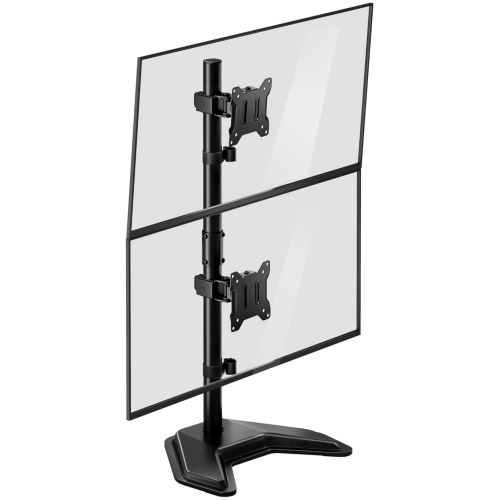
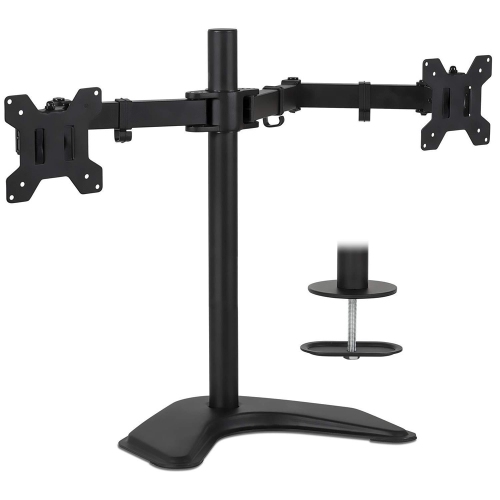
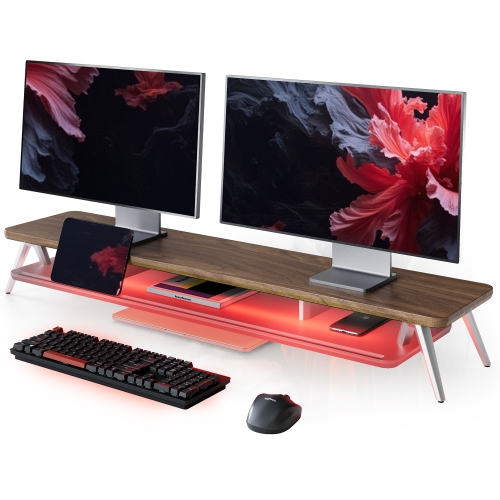
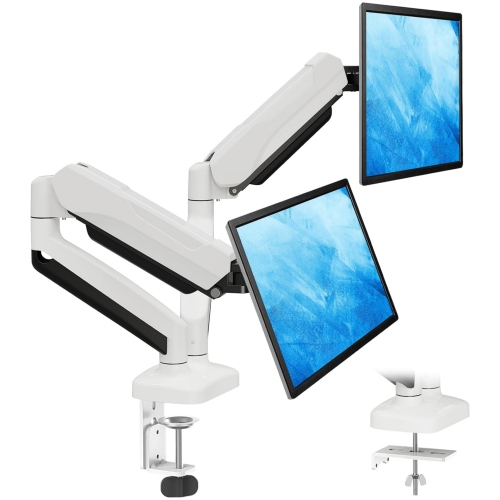
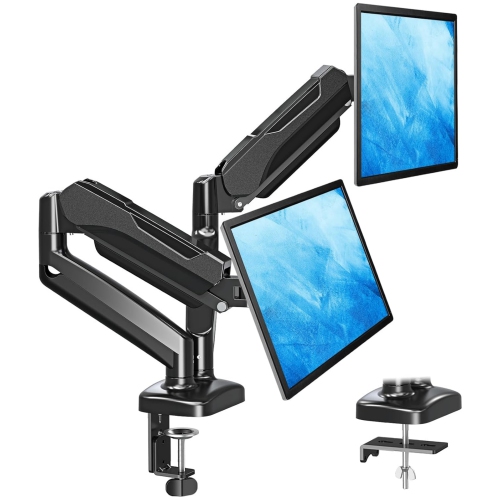
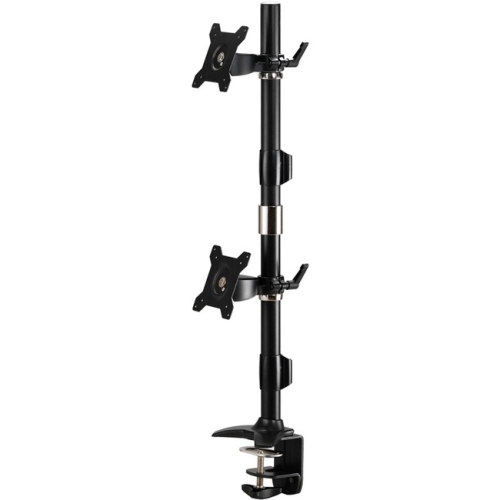
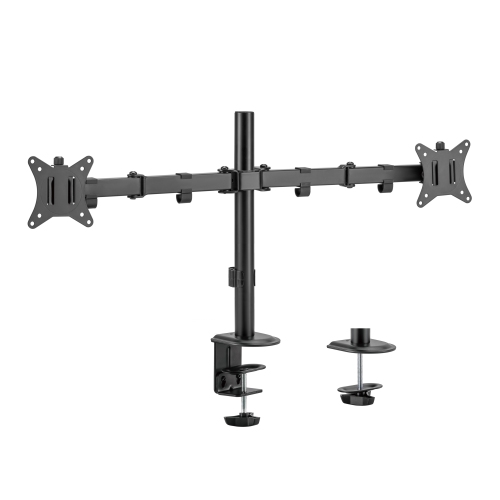
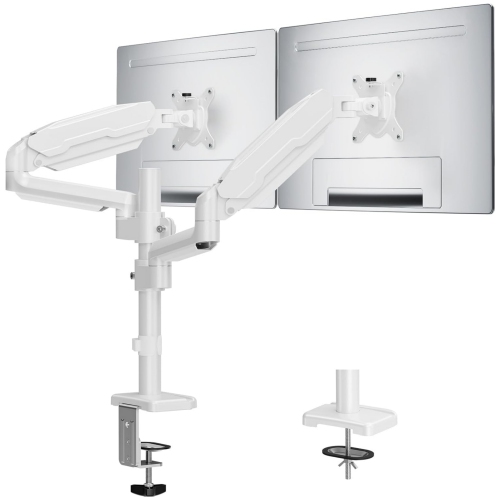
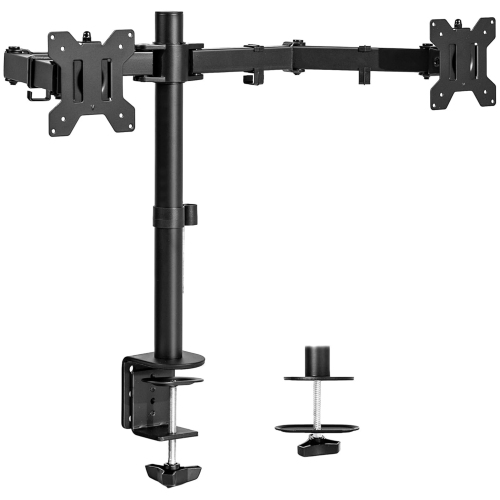
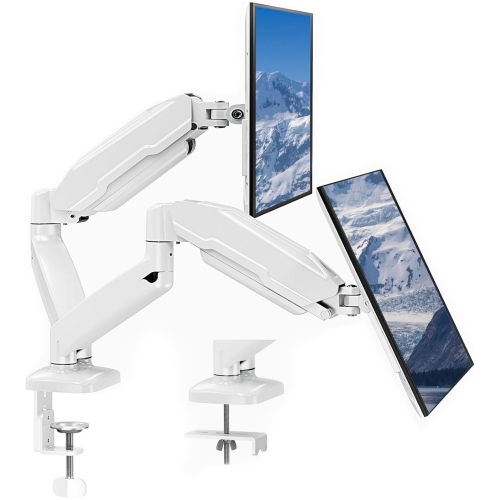
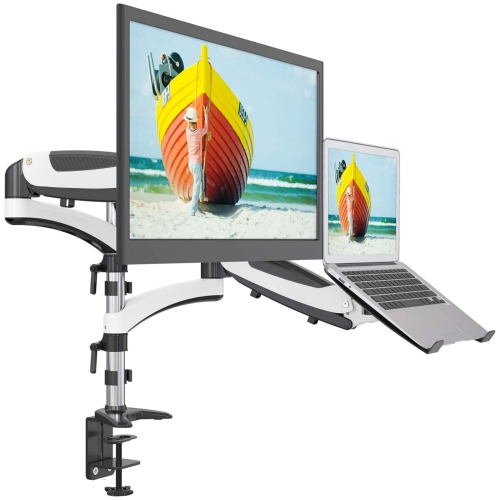
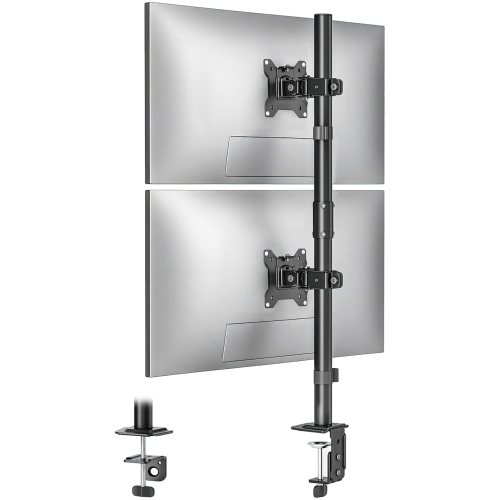
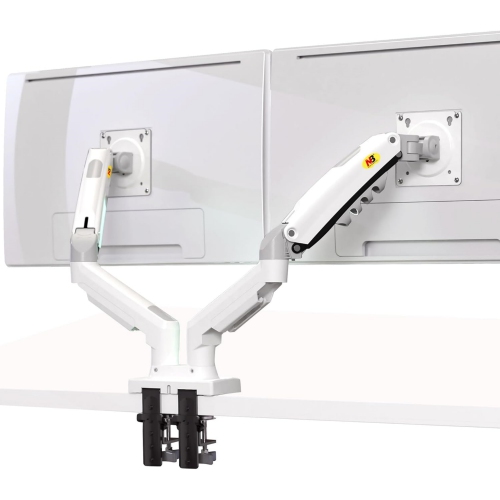
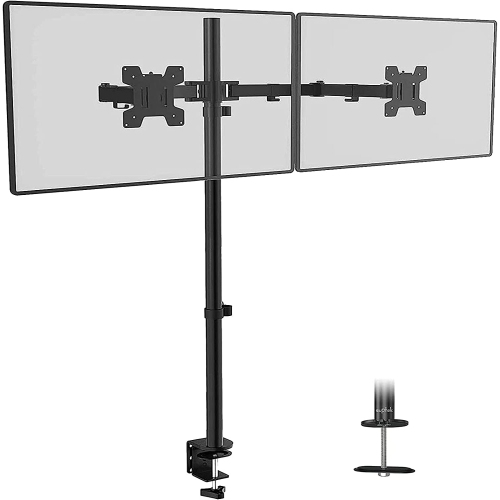
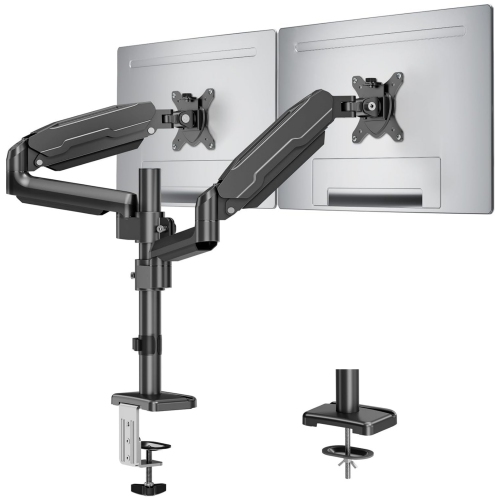
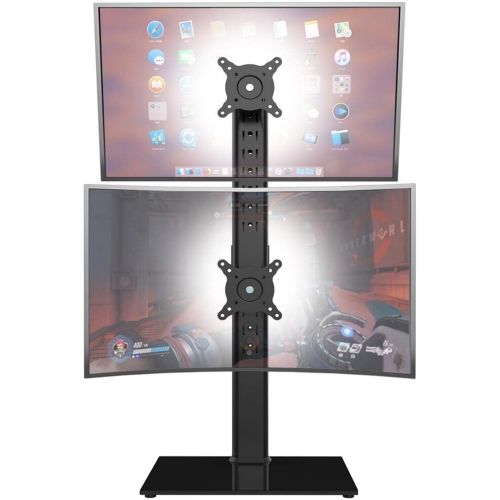
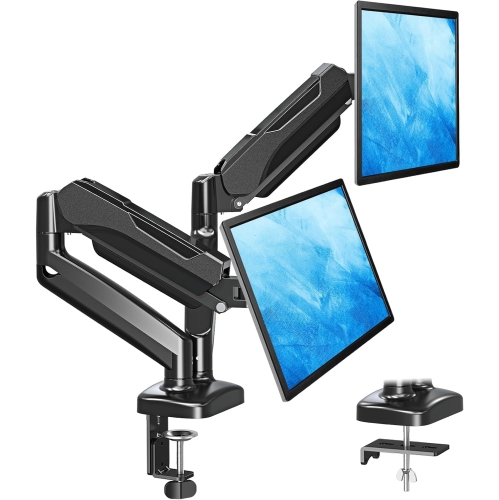
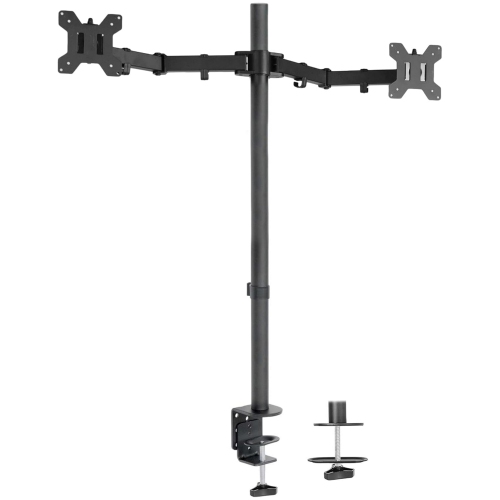
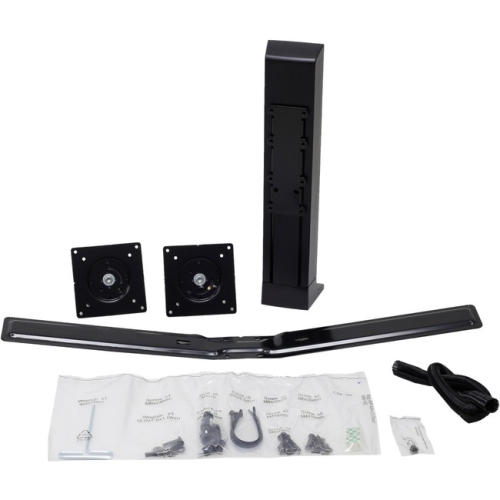
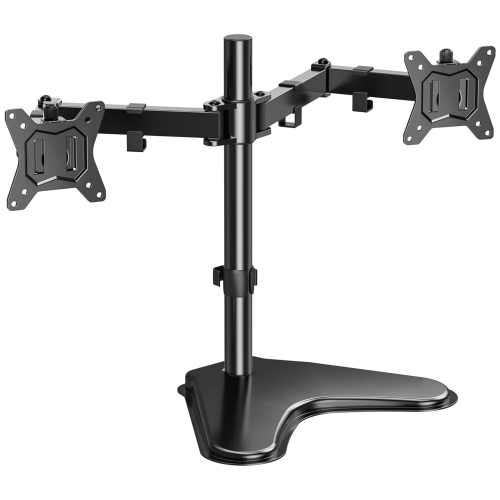
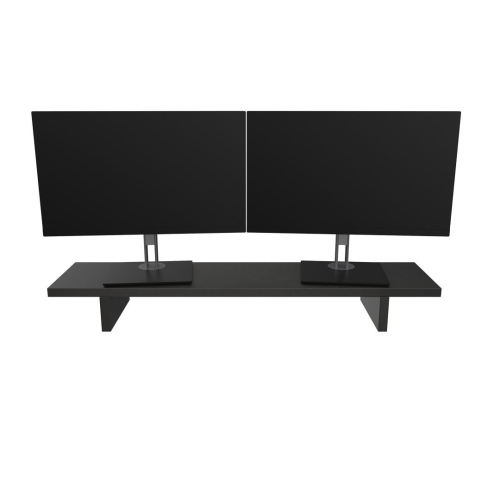
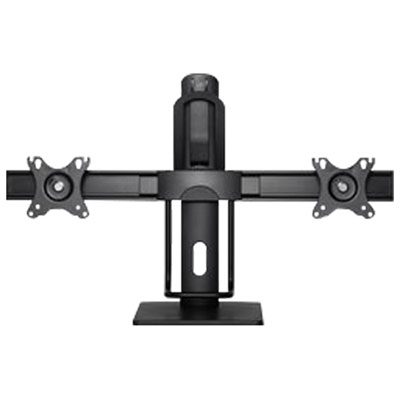
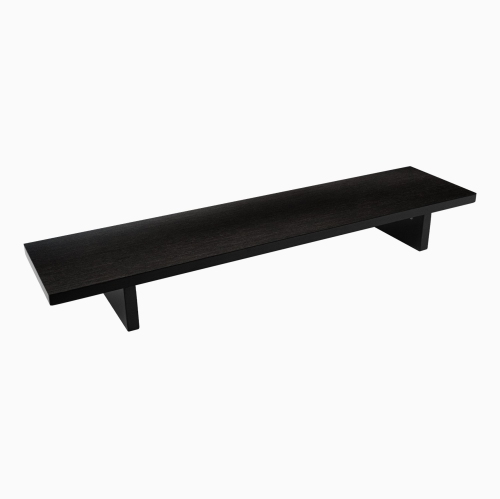
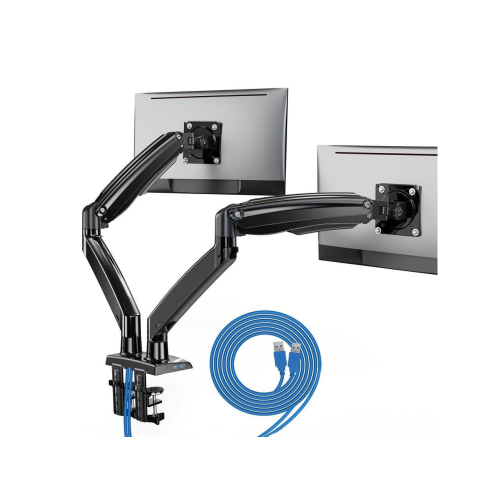
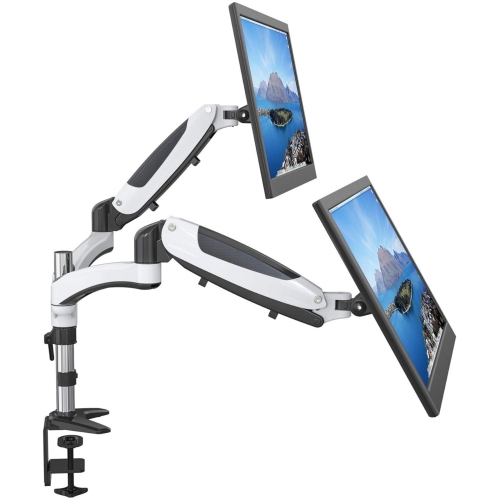
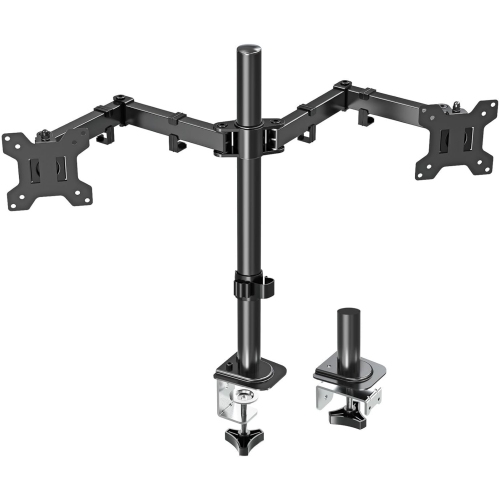
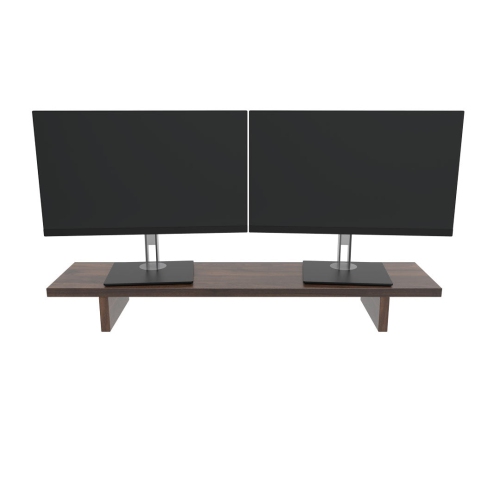
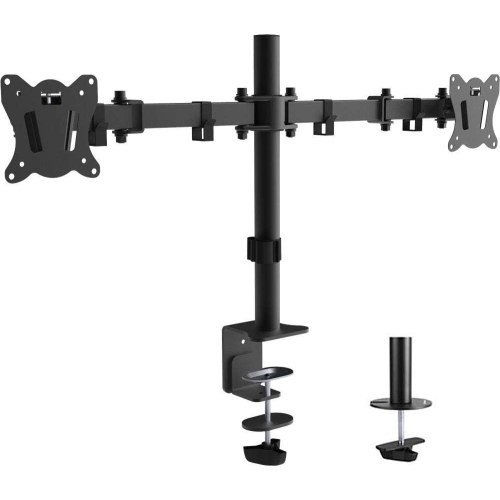
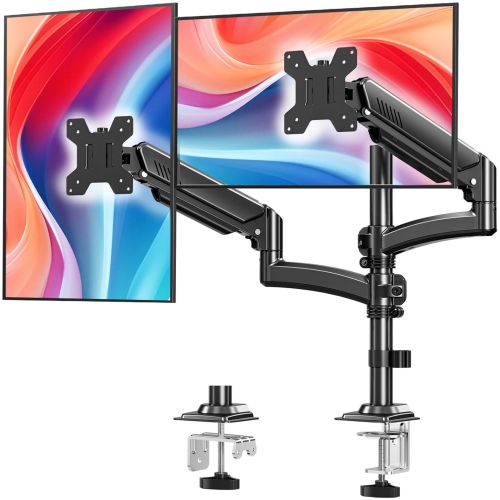
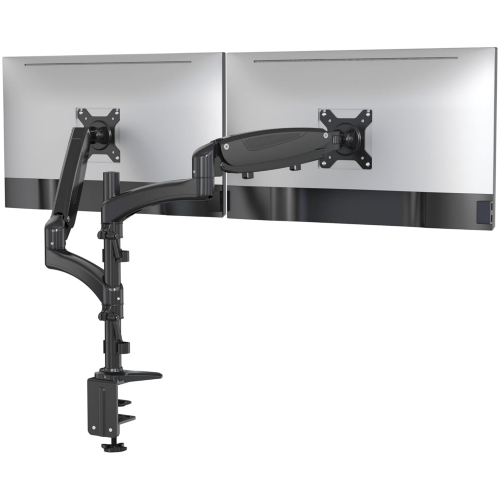
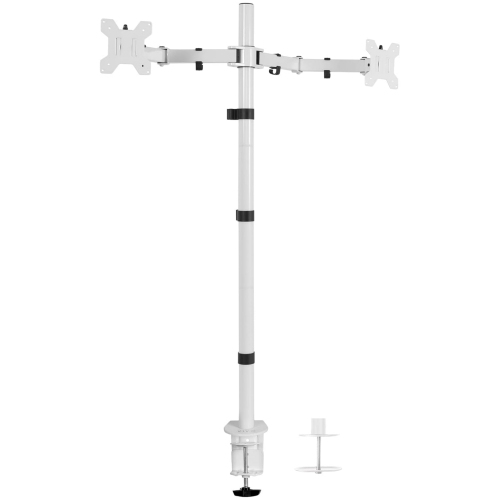
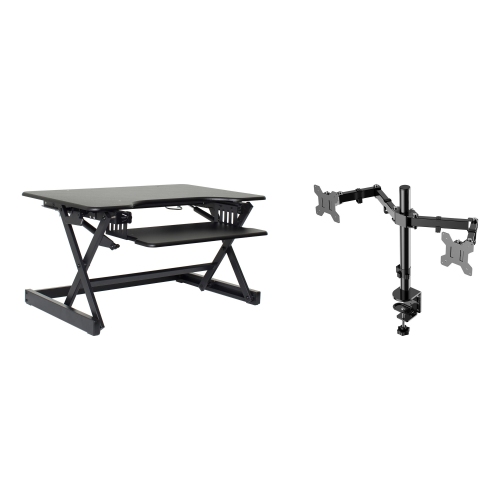
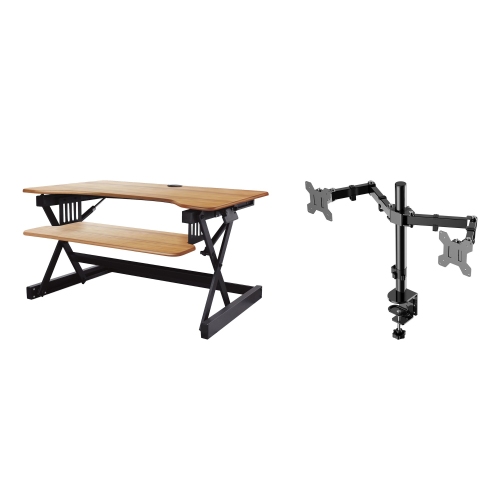
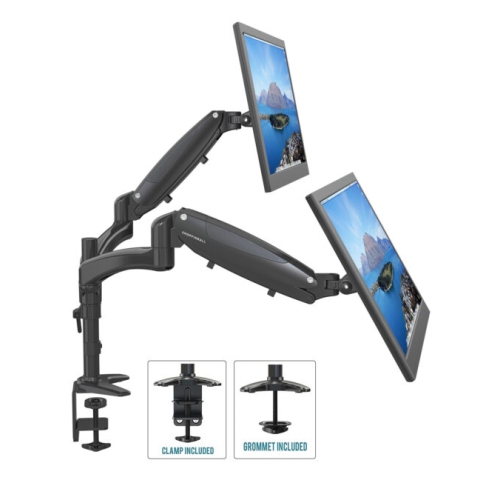
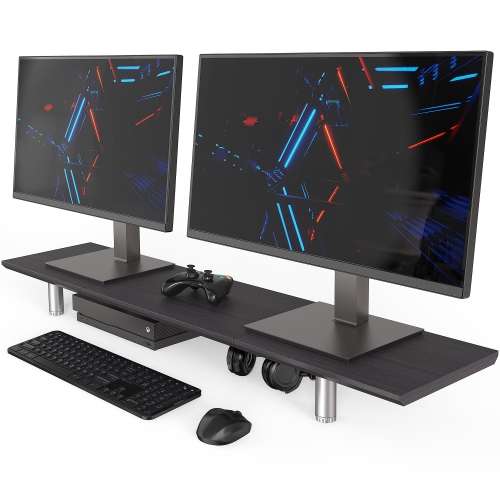
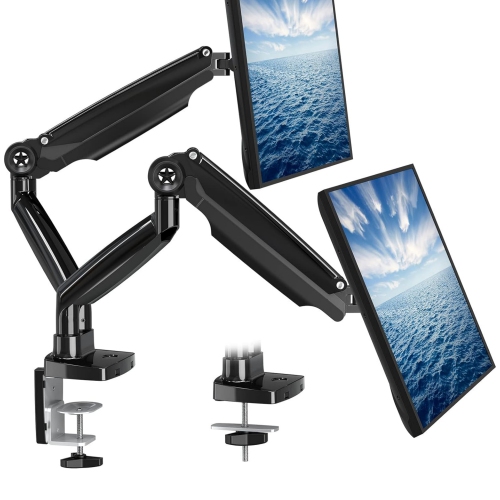
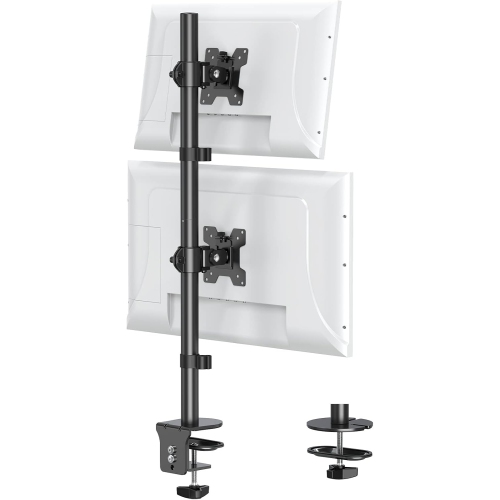
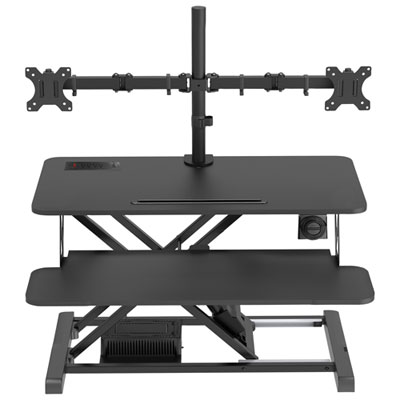
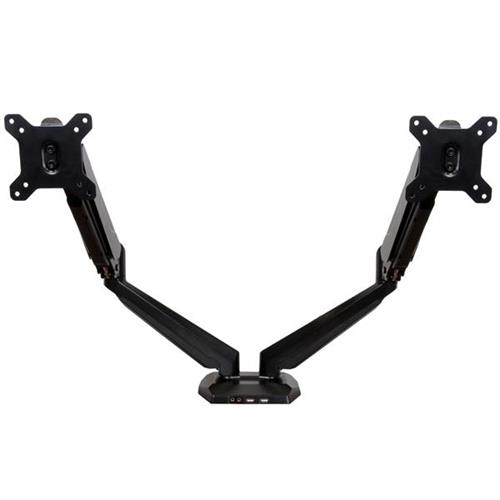
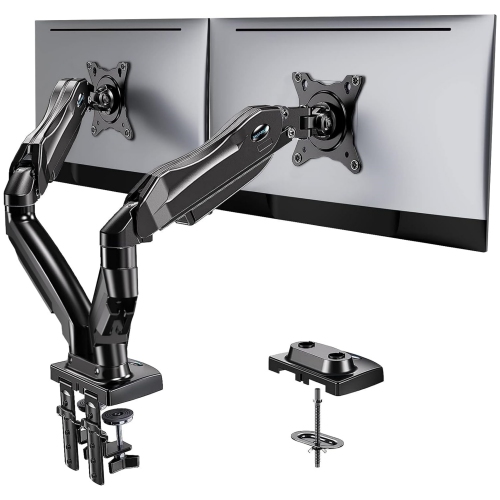
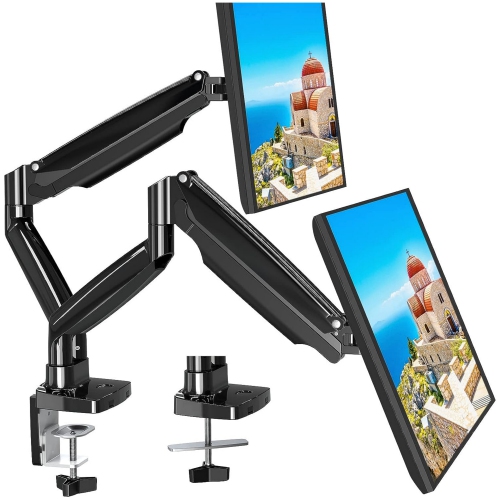
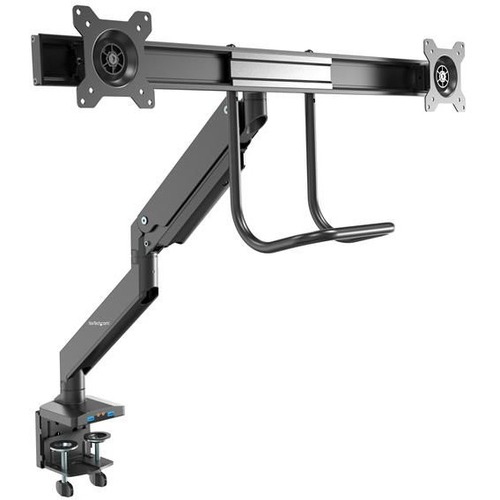
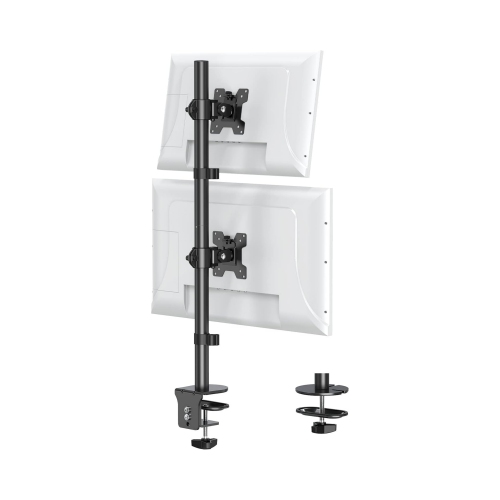
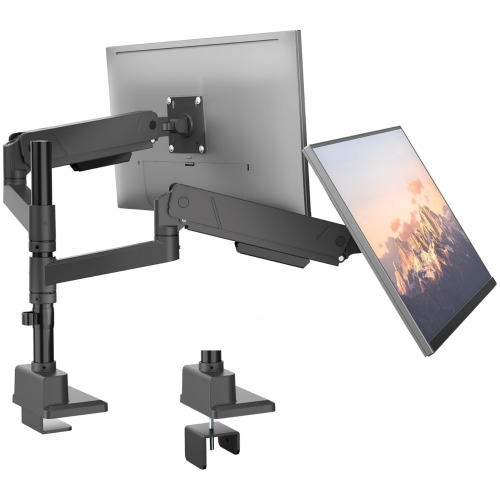
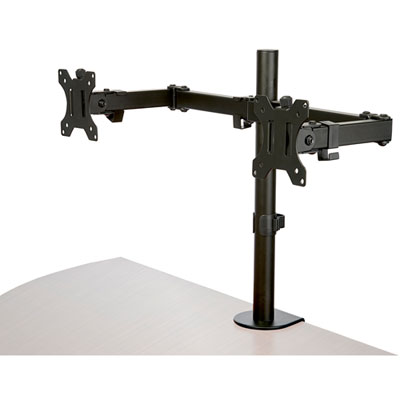
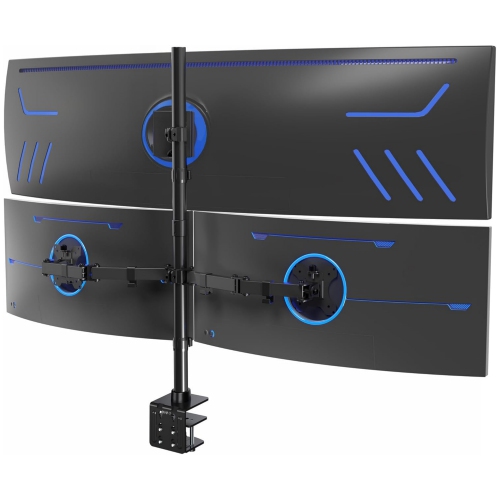
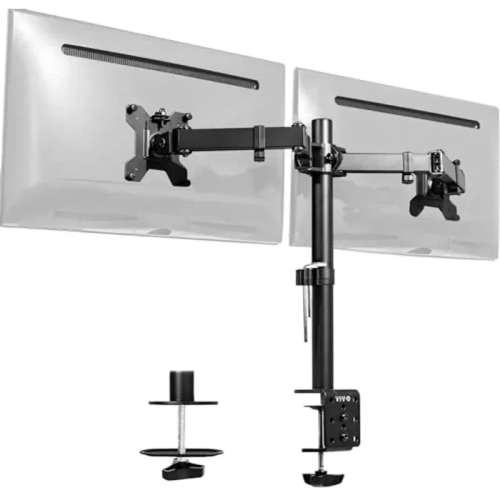
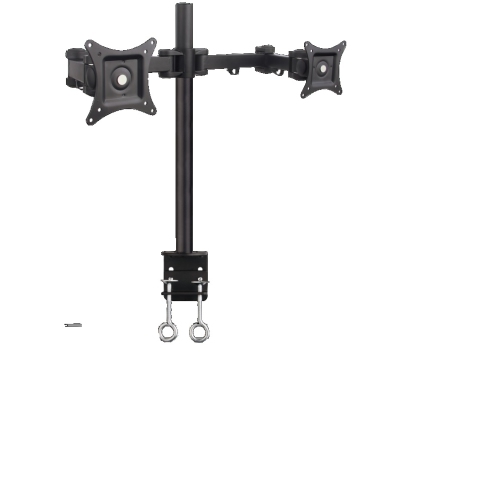
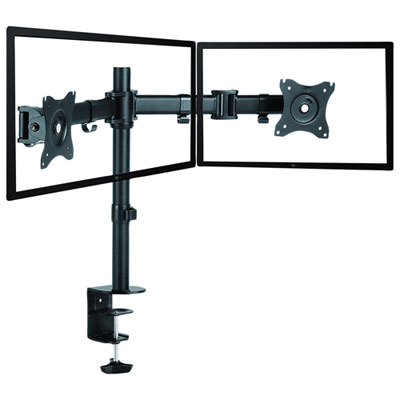
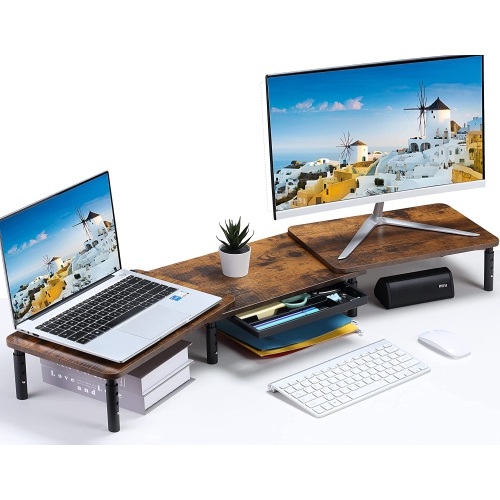
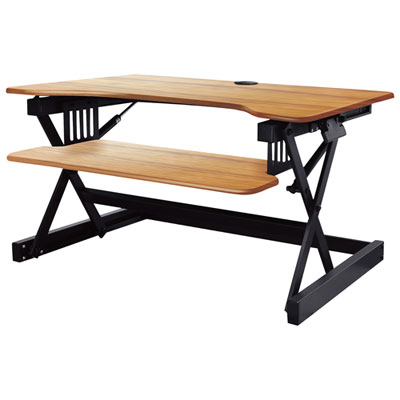
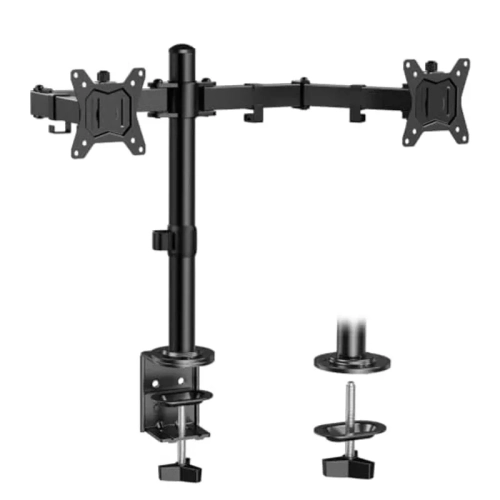
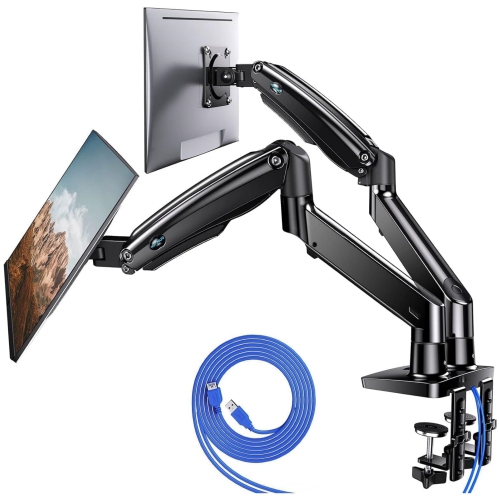
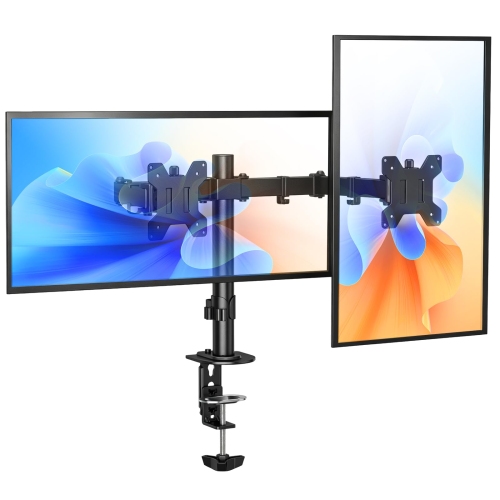
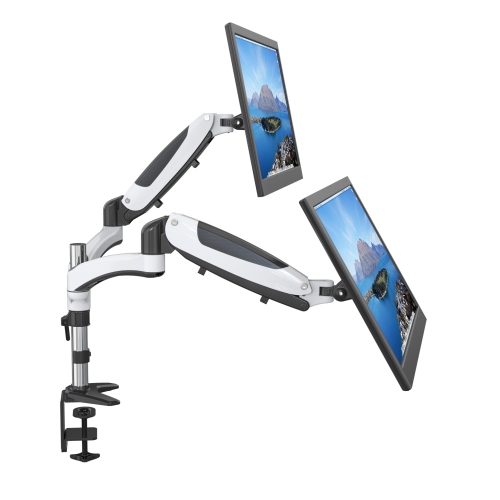
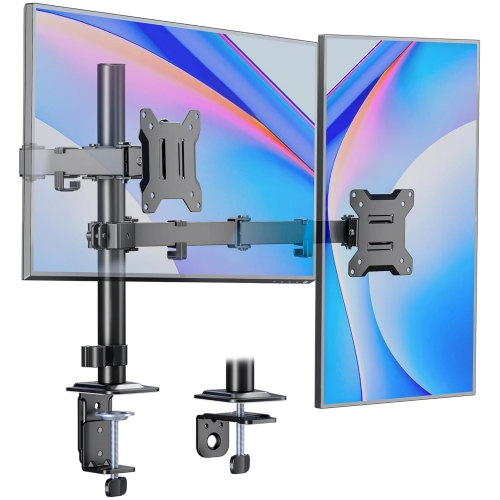
Monitor arms and adjustable desks introduce a few additional considerations that can make a dual-screen workspace easier to live with. An arm can free the area occupied by monitor bases, but its clamp needs a compatible desktop thickness and enough clearance beneath the rear edge. A rear apron, drawer, shelf, or cable tray may block that connection, and some hollow-core or glass desktops are unsuitable unless the desk and mount manufacturers explicitly allow the installation. The mount must also match each monitor’s mounting pattern, size limits, and weight. Screens held farther out from an arm’s attachment point can place extra leverage on the desktop, so checking both sets of specifications matters. A monitor shelf offers another way to raise screens, provided its dimensions and load rating suit both displays without forcing them too close together. Sit-stand desks allow changes in working position, but the height range should suit the person using the desk rather than simply offering a large range on paper. At a comfortable keyboard height, shoulders can stay relaxed and wrists can remain in a neutral position. The monitors may need separate height adjustment to keep their upper viewing area around eye level. Cables need enough slack for the desk’s full movement without snagging, pulling on ports, or hanging where feet can catch them. Cable channels, trays, and accessible outlets help keep connections organized, while a tower stored beside the desk needs suitable airflow and clearance. Day-to-day care is usually simple: remove dust with a soft cloth, wipe spills promptly, and follow the surface manufacturer’s cleaning directions. A coaster and desk mat can help limit moisture rings and surface wear. For students, remote workers, creative hobbyists, or someone receiving a desk as a gift, the most useful fit is one that matches the room, equipment, and working habits. Comfortable legroom, reachable storage, and enough clear space to set down a notebook can matter as much as the ability to hold two screens.
Top selling and popular products
-
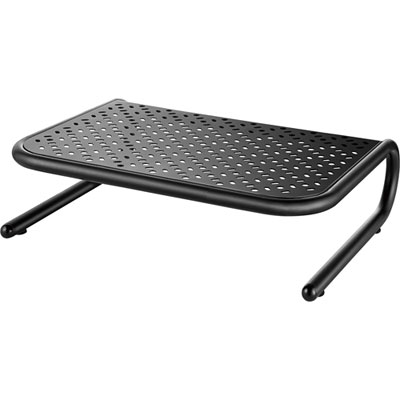 Your price for this item is $34.95
-
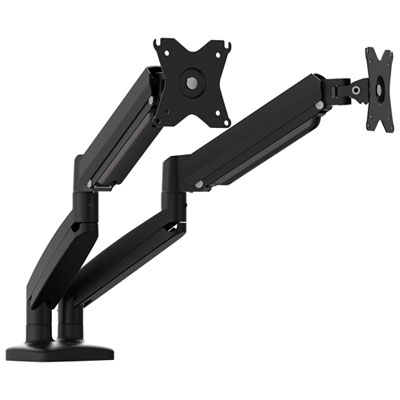 Your price for this item is $149.99
-
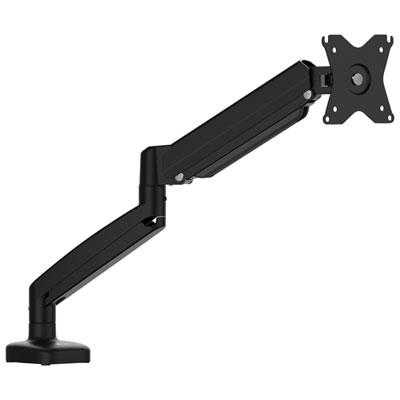 Your price for this item is $79.99
-
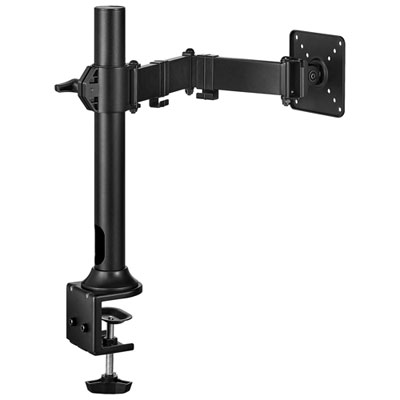 Your price for this item is $69.99
-
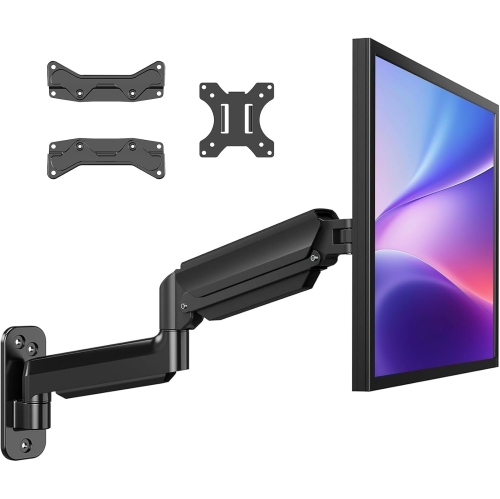 Your price for this item is $71.99
-
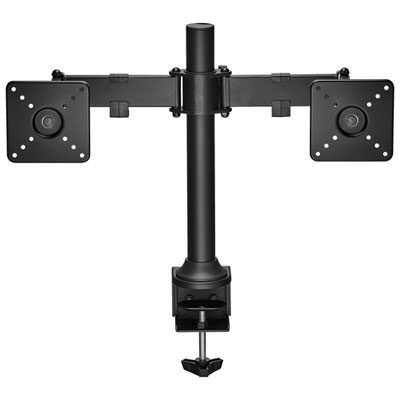 Your price for this item is $79.99
-
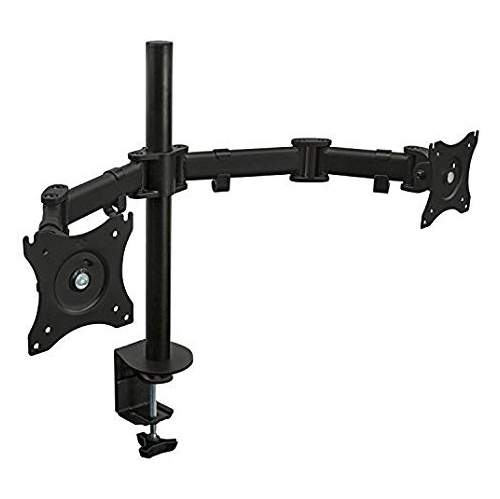 Your price for this item is $99.99
-
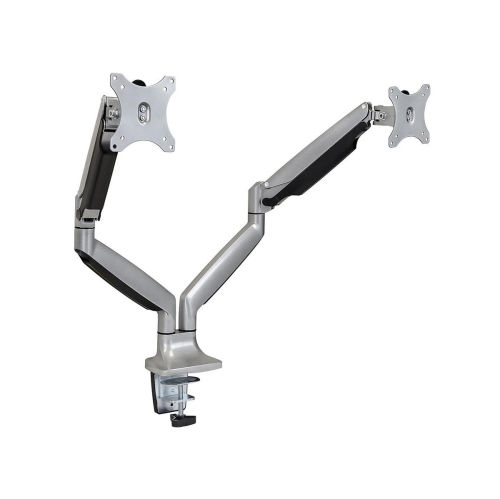 Your price for this item is $238.99
Discover more categories related to Desks for Two Monitors

Top Collections:
Best Black Friday Deals This Year, Best Black Friday Deals On Electronics, Kindle Devices, Pokemon Centers, Best Black Friday Deals On Apple Products, Best Cameras for Sports Photography, Dyson Airwrap, Pokémon 30th Celebration Cards, Apple iPhone 17 Pro, Canon G7X Cameras
Some products may be subject to Environmental Handling Fees
(EHF) depending on your province.
Learn more about EHFs.