Cycling Computers
Cycling computers are devices that measure and record data about your cycling activities, such as speed, distance, and altitude. These devices are designed to be used while cycling and can be attached to the handlebars or a wristband. Here are some great options available.
Sort
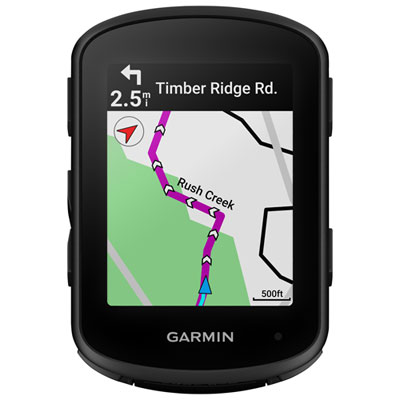
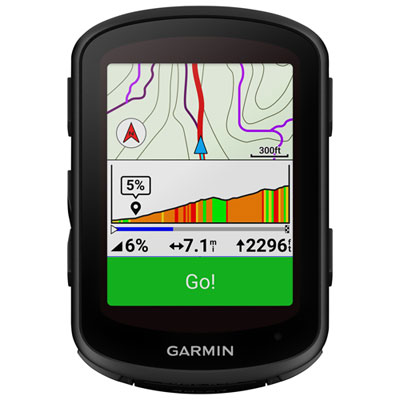
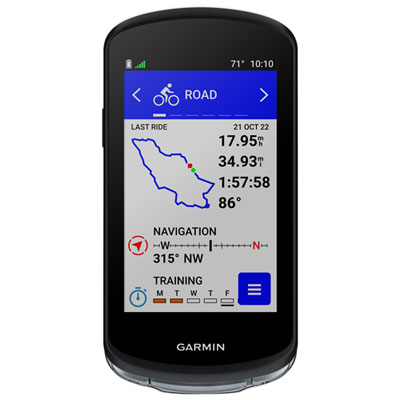
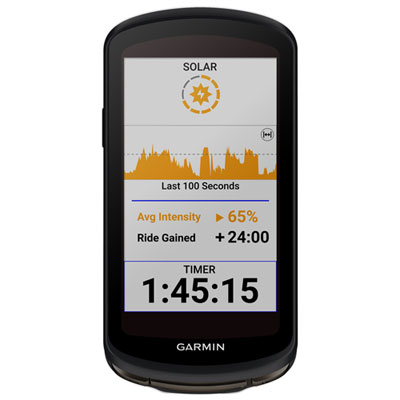
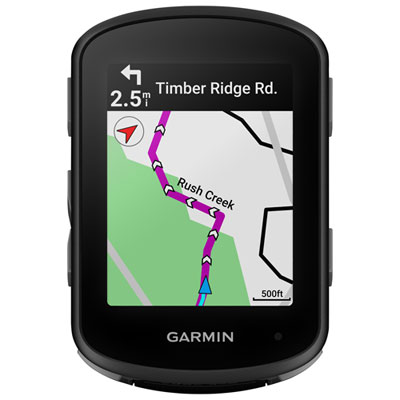
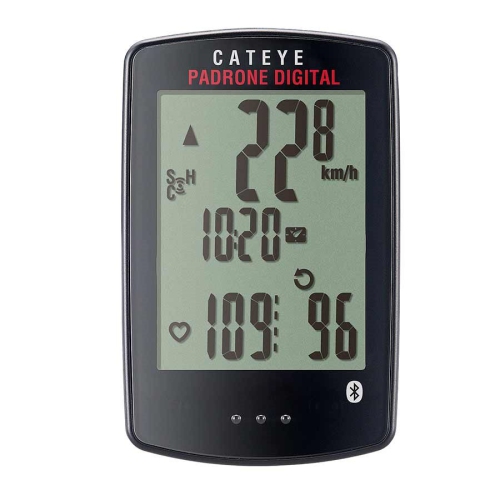

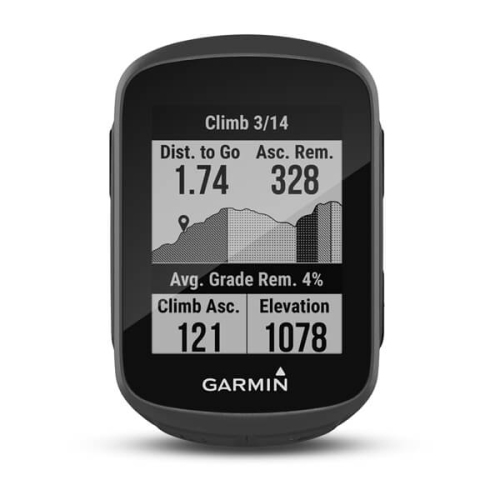
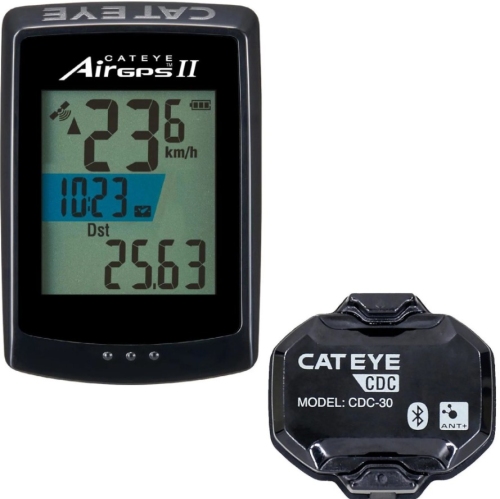
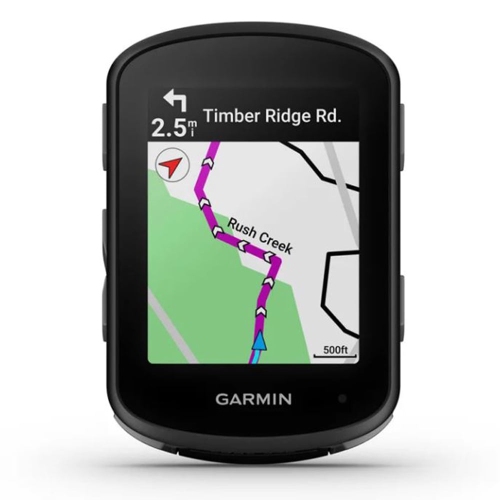
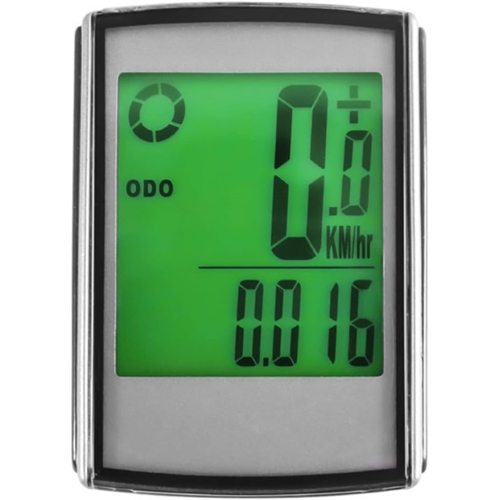
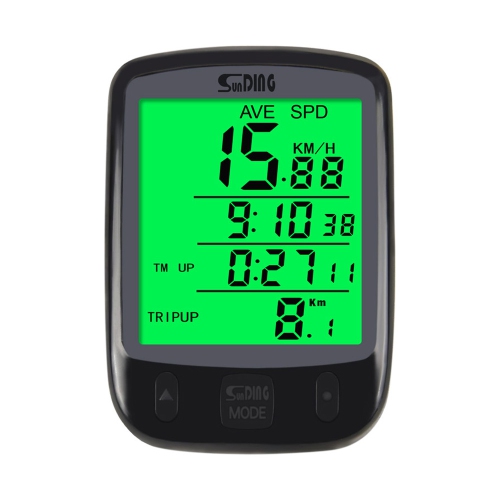
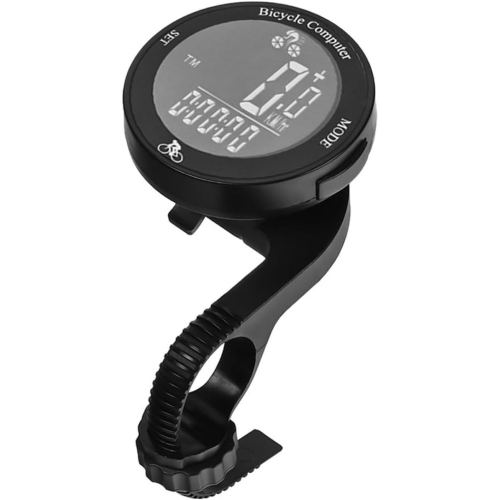
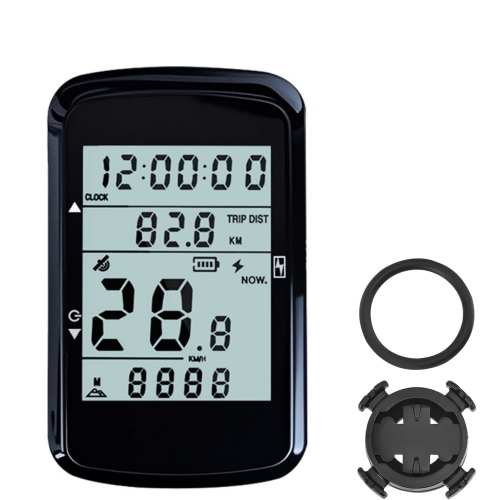
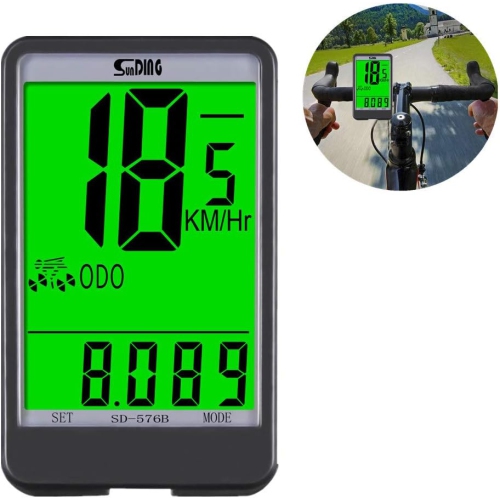
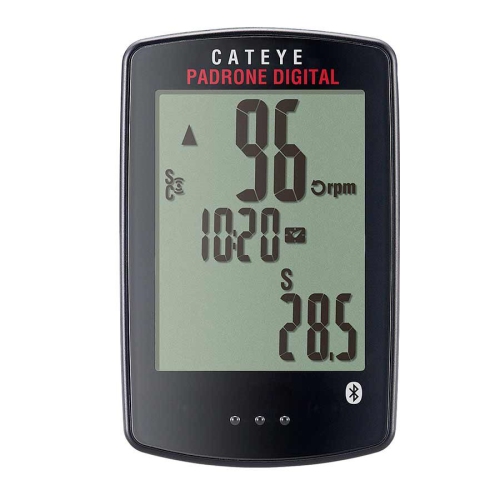
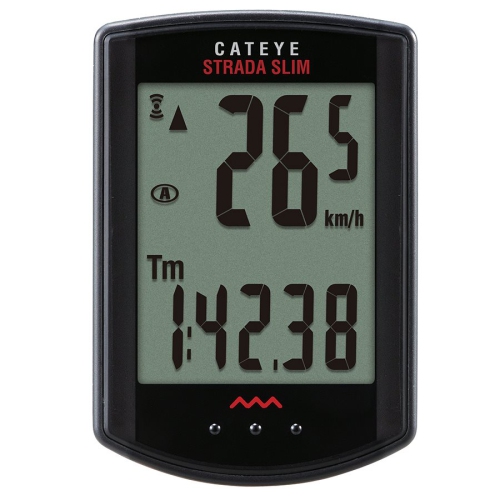
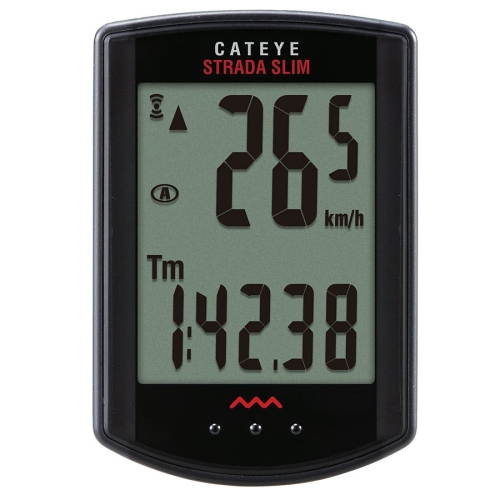
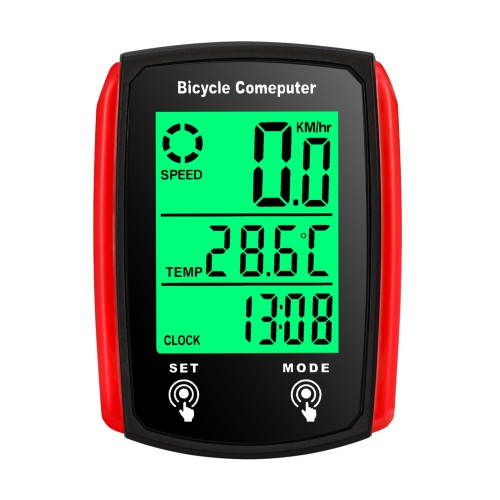
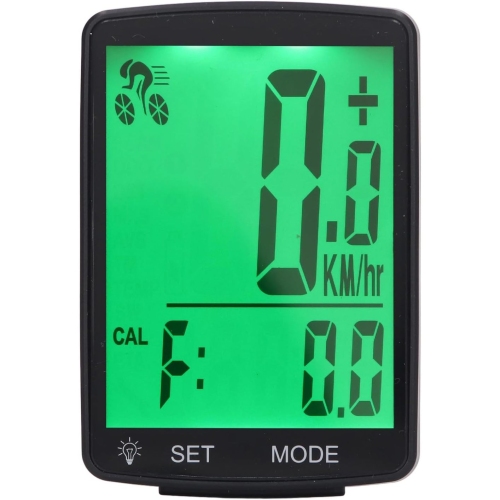
From basic speed readings to on-screen route guidance
Cycling computers are compact, bicycle-mounted devices that display ride information such as speed, distance, and elapsed time, helping riders follow their progress without taking a phone out of a pocket. They range from straightforward speedometers to GPS-enabled units with route navigation, detailed ride recording, and connections to training sensors. The main distinction is how they gather information: a wheel-sensor computer calculates speed and distance from wheel rotations, while a GPS cycling computer uses satellite positioning to track movement and location. Some GPS models can also use a separate speed sensor. Basic wired computers connect a wheel sensor to the display with a cable; wireless versions transmit sensor readings without that cable. Neither arrangement necessarily includes GPS, so wireless connectivity and satellite navigation are separate features. For a short commute or a relaxed ride along a familiar path, a clear display of speed, trip distance, and riding time may cover everything needed. Riders exploring unfamiliar roads or linking together gravel routes may place greater value on navigation, saved courses, and a visible route line. Those following a structured training plan may want power, heart rate, cadence, and lap information on the same screen. A dedicated cycling computer keeps these details in a consistent position on the handlebar or stem, leaving a phone stored away for other uses. Its usefulness depends less on the number of features than on how well those features suit the ride. A simple screen with large digits can be easier to glance at than a crowded page of small data fields. Conversely, a rider working through timed intervals may appreciate several customizable screens and a clearly marked lap button. Cycling computers can also make thoughtful gifts for commuters, recreational cyclists, and riders preparing for longer events, provided the mounting system and functions match their bicycle and riding habits. For someone who enjoys tracking familiar loops, even basic ride totals can add useful context to time spent on the bike.
GPS functionality adds another layer of choice because recording a route is not the same as providing navigation. Some computers save a track for review after the ride but offer limited directions on the screen. Others display a breadcrumb trail, showing a line to follow without a detailed street map underneath. More capable navigation systems may include full maps, turn prompts, route recalculation, and searchable destinations, although these functions vary by model. For riders whose priority is route tracking and navigation, bicycle computers with GPS bring those capabilities into focus. Map coverage, route-import options, and offline access deserve attention, especially when a ride extends beyond reliable phone reception. Satellite positioning does not itself require cellular service, but connected features such as live location sharing or certain route searches may need a paired phone and a data connection. Battery endurance also depends on use rather than a single headline figure. Screen brightness, navigation, satellite settings, connected sensors, and phone-linked functions can all affect the time between charges. A rider spending several hours away from a charging point benefits from a battery rating that leaves a comfortable margin beyond the planned outing. Simpler computers often use replaceable coin-cell batteries, while many GPS units have rechargeable batteries; the exact power source and charging connection should be checked before choosing. Sensor compatibility matters just as much for training. A cadence sensor measures pedalling rate, a heart rate sensor tracks cardiovascular effort, and a power meter measures cycling output in watts. A cycling computer generally needs compatible external sensors to display these measurements; GPS alone cannot supply them. Bluetooth and ANT+ are common wireless connection methods, but support for the relevant sensor type must also match. Riders who already own sensors, an indoor trainer, electronic shifting equipment, or a rear-facing cycling radar should confirm compatibility with each accessory rather than relying only on the presence of a wireless logo. Ride-file export and app compatibility can also influence how easily activities fit into an existing training log. Some connected services require an account or a separate subscription, even when basic ride recording works independently.
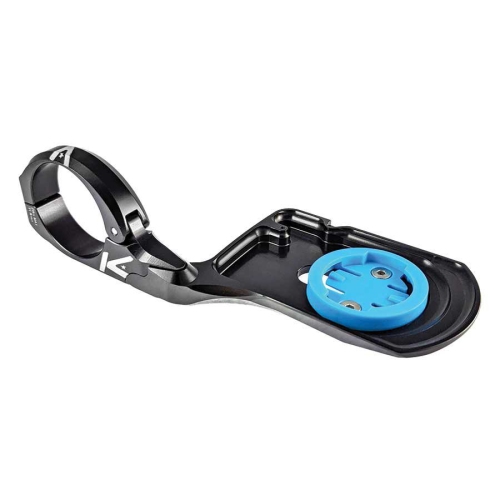
Physical fit and everyday handling are equally important, whether the computer is used for neighbourhood errands or long-distance rides. Most cycling computers have lightweight moulded housings, commonly made from plastic, with screen materials and protective finishes that differ between models. Housing construction, button quality, port covers, and a secure mounting interface all contribute to durability. A water-resistance rating describes tested protection under specific conditions, not unlimited protection against immersion or pressure washing. The mount should suit the handlebar diameter or stem arrangement and leave enough room for lights, a bell, cables, and handlebar bags. An out-front mount positions the display ahead of the bar, while a stem-mounted setup keeps it closer to the bicycle's centre line; the better fit depends on cockpit space and viewing preference. Mount interfaces are not universal, and an adapter may be necessary when moving between systems. A retention tether can provide extra security where supported, particularly on rough surfaces. Screen size should be considered alongside digit size, contrast, and the number of fields displayed. A larger colour map can make junctions easier to interpret, while a smaller monochrome screen may be perfectly suited to speed and distance. Touchscreens allow direct menu selection, whereas physical buttons provide a tactile way to change pages or mark laps. Setting up routes and data screens before starting helps keep attention on the path ahead, and detailed adjustments are best made while stopped. Initial setup can include entering the wheel circumference for sensor-based distance readings, pairing accessories, and choosing kilometres and kilometres per hour. Accurate wheel sizing is especially important when distance is calculated from rotations. For routine care, wipe the housing and screen with a soft cloth, follow the manufacturer's cleaning directions, and keep charging contacts free of debris. Avoid abrasive cleaners, and allow damp connections to dry before charging. Periodically check the mount, sensor alignment, cable routing on wired systems, and battery condition. These small maintenance habits help keep readings dependable and the display securely positioned, so the computer remains a practical part of the bicycle rather than another device demanding attention.
GPS functionality adds another layer of choice because recording a route is not the same as providing navigation. Some computers save a track for review after the ride but offer limited directions on the screen. Others display a breadcrumb trail, showing a line to follow without a detailed street map underneath. More capable navigation systems may include full maps, turn prompts, route recalculation, and searchable destinations, although these functions vary by model. For riders whose priority is route tracking and navigation, bicycle computers with GPS bring those capabilities into focus. Map coverage, route-import options, and offline access deserve attention, especially when a ride extends beyond reliable phone reception. Satellite positioning does not itself require cellular service, but connected features such as live location sharing or certain route searches may need a paired phone and a data connection. Battery endurance also depends on use rather than a single headline figure. Screen brightness, navigation, satellite settings, connected sensors, and phone-linked functions can all affect the time between charges. A rider spending several hours away from a charging point benefits from a battery rating that leaves a comfortable margin beyond the planned outing. Simpler computers often use replaceable coin-cell batteries, while many GPS units have rechargeable batteries; the exact power source and charging connection should be checked before choosing. Sensor compatibility matters just as much for training. A cadence sensor measures pedalling rate, a heart rate sensor tracks cardiovascular effort, and a power meter measures cycling output in watts. A cycling computer generally needs compatible external sensors to display these measurements; GPS alone cannot supply them. Bluetooth and ANT+ are common wireless connection methods, but support for the relevant sensor type must also match. Riders who already own sensors, an indoor trainer, electronic shifting equipment, or a rear-facing cycling radar should confirm compatibility with each accessory rather than relying only on the presence of a wireless logo. Ride-file export and app compatibility can also influence how easily activities fit into an existing training log. Some connected services require an account or a separate subscription, even when basic ride recording works independently.
Physical fit and everyday handling are equally important, whether the computer is used for neighbourhood errands or long-distance rides. Most cycling computers have lightweight moulded housings, commonly made from plastic, with screen materials and protective finishes that differ between models. Housing construction, button quality, port covers, and a secure mounting interface all contribute to durability. A water-resistance rating describes tested protection under specific conditions, not unlimited protection against immersion or pressure washing. The mount should suit the handlebar diameter or stem arrangement and leave enough room for lights, a bell, cables, and handlebar bags. An out-front mount positions the display ahead of the bar, while a stem-mounted setup keeps it closer to the bicycle's centre line; the better fit depends on cockpit space and viewing preference. Mount interfaces are not universal, and an adapter may be necessary when moving between systems. A retention tether can provide extra security where supported, particularly on rough surfaces. Screen size should be considered alongside digit size, contrast, and the number of fields displayed. A larger colour map can make junctions easier to interpret, while a smaller monochrome screen may be perfectly suited to speed and distance. Touchscreens allow direct menu selection, whereas physical buttons provide a tactile way to change pages or mark laps. Setting up routes and data screens before starting helps keep attention on the path ahead, and detailed adjustments are best made while stopped. Initial setup can include entering the wheel circumference for sensor-based distance readings, pairing accessories, and choosing kilometres and kilometres per hour. Accurate wheel sizing is especially important when distance is calculated from rotations. For routine care, wipe the housing and screen with a soft cloth, follow the manufacturer's cleaning directions, and keep charging contacts free of debris. Avoid abrasive cleaners, and allow damp connections to dry before charging. Periodically check the mount, sensor alignment, cable routing on wired systems, and battery condition. These small maintenance habits help keep readings dependable and the display securely positioned, so the computer remains a practical part of the bicycle rather than another device demanding attention.
Top selling and popular products
-
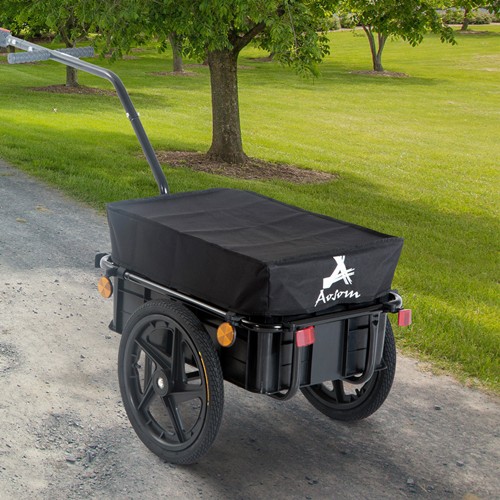 Your price for this item is $155.44
 -
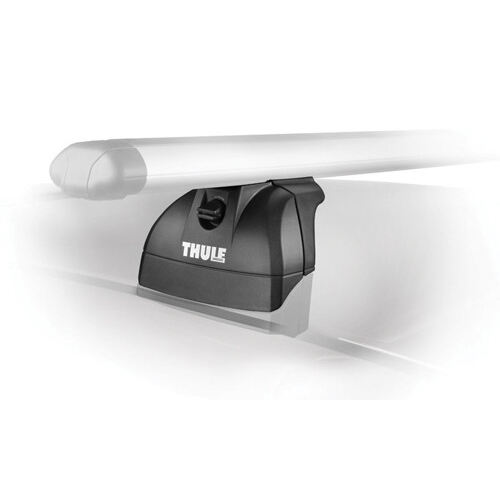 Your price for this item is $285
 -
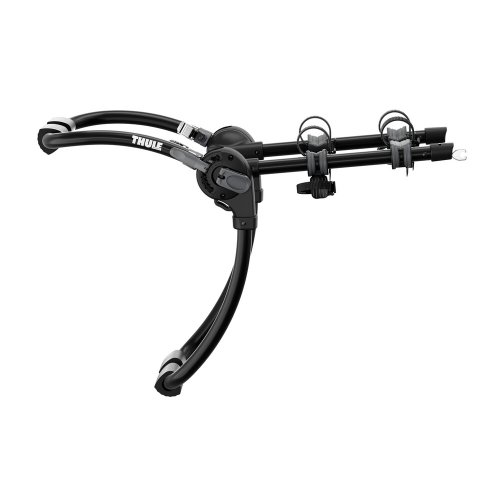 Your price for this item is $499
 -
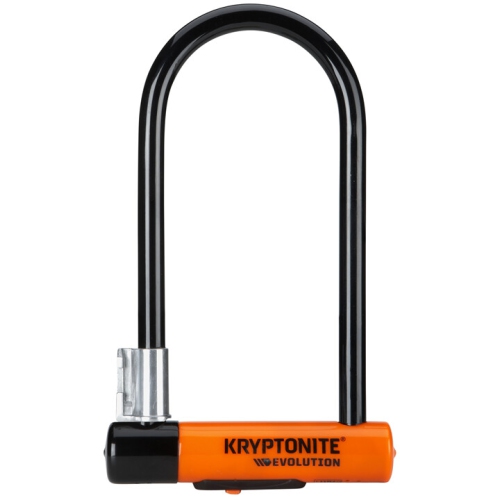 Your price for this item is $209.99
 -
 Your price for this item is $199.99
 -
 Your price for this item is $134.99
 -
 Your price for this item is $96.99
 -
 Your price for this item is $120.99
Discover more categories related to Cycling Computers
Top Collections:
Pokemon Centers, Kindle Devices, Best Budget Office Chairs, Apple iPhones 16, Canon G7X Cameras, iPhone 15 Apple, Alarm Clock, Refurbished Apple Laptops, Flip Phones, Best Laptops for Writers
Some products may be subject to Environmental Handling Fees
(EHF) depending on your province.
Learn more about EHFs.