Ergonomic Computer Desks
Upgrade your workspace with our collection of ergonomic computer desks. Designed to provide maximum comfort and support, these desks are perfect for long hours of work or gaming sessions. Whether you're a professional looking to optimize productivity or a gamer seeking the ultimate gaming setup, our range of ergonomic computer desks offers a variety of styles, sizes, and features to suit your needs.
Sort
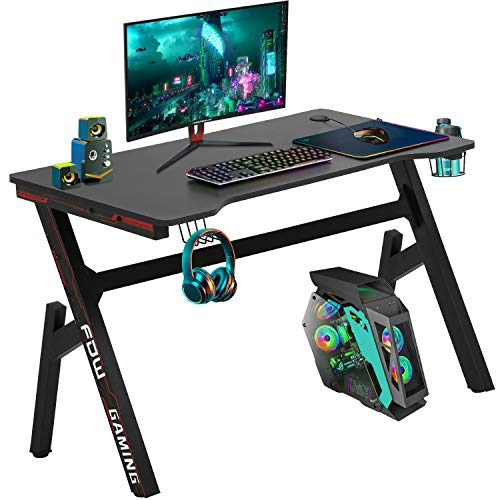

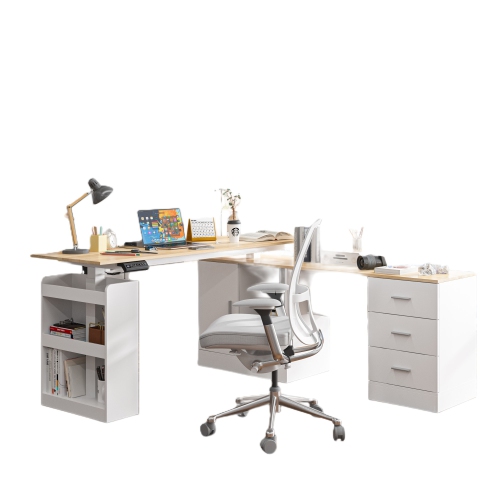
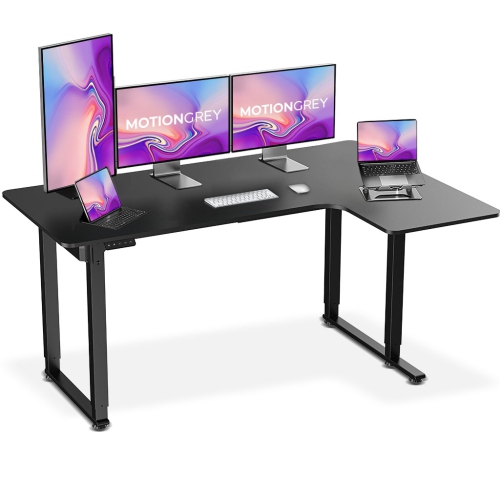
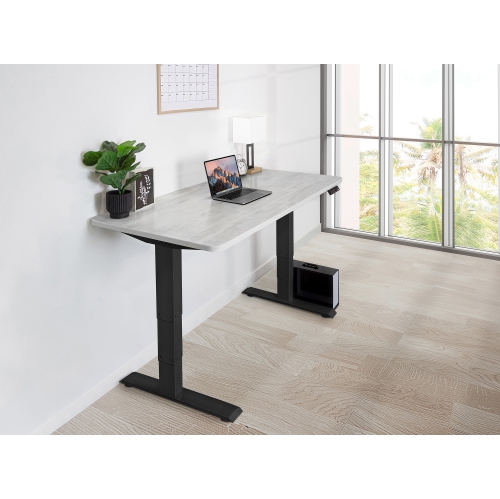
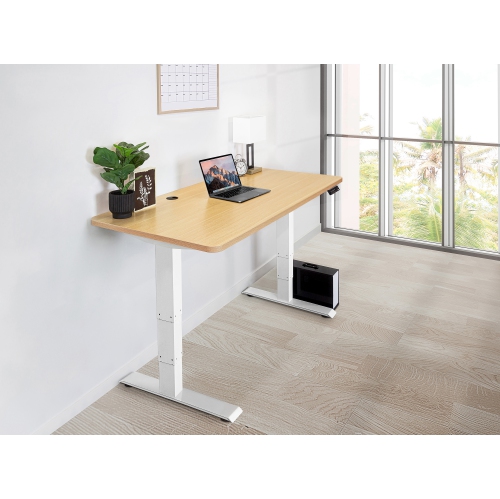
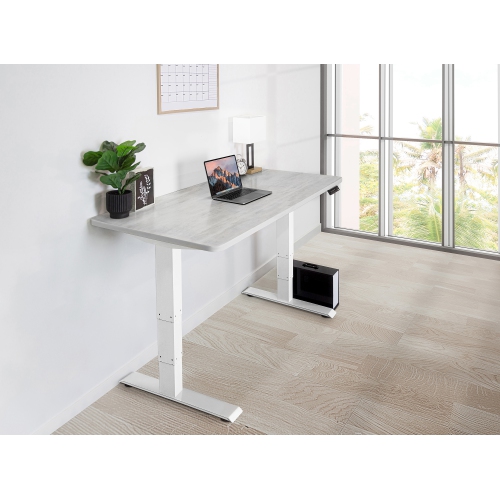

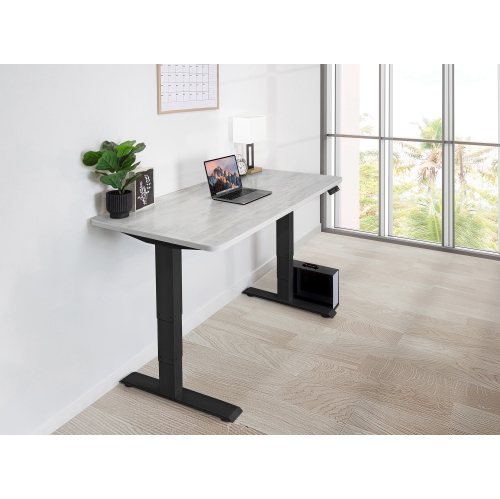
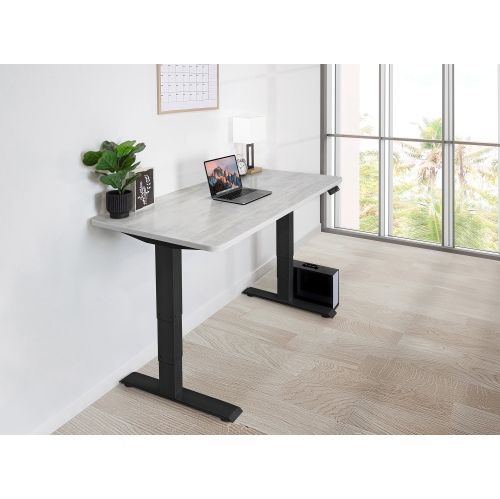
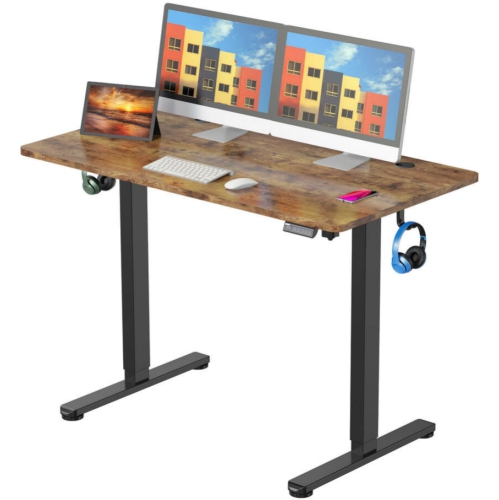
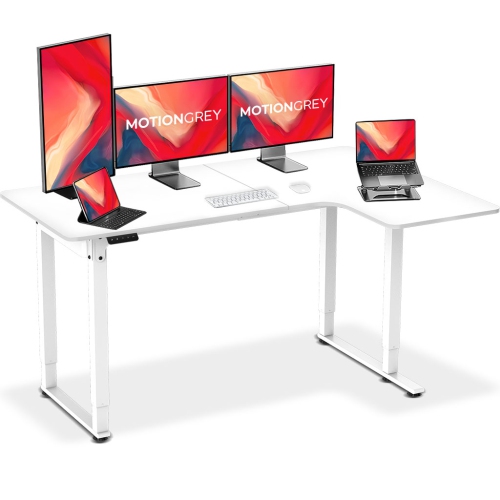
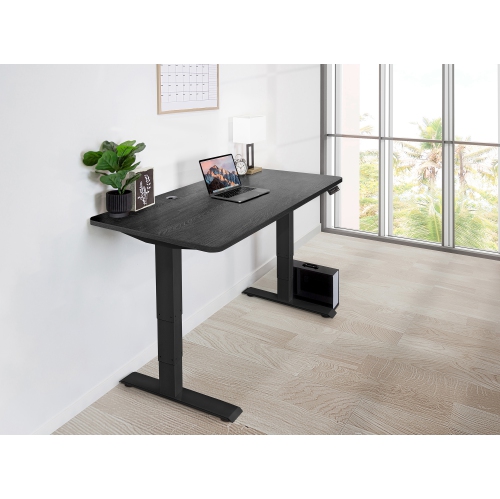

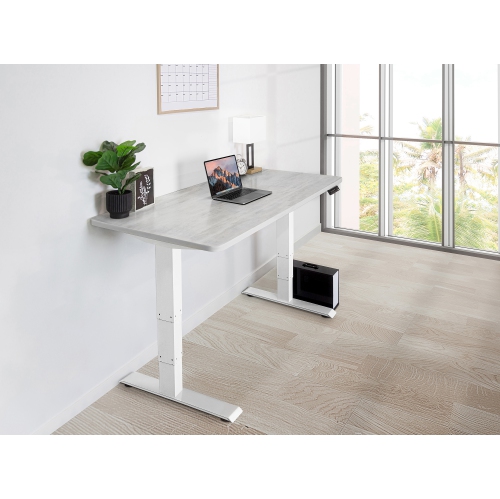
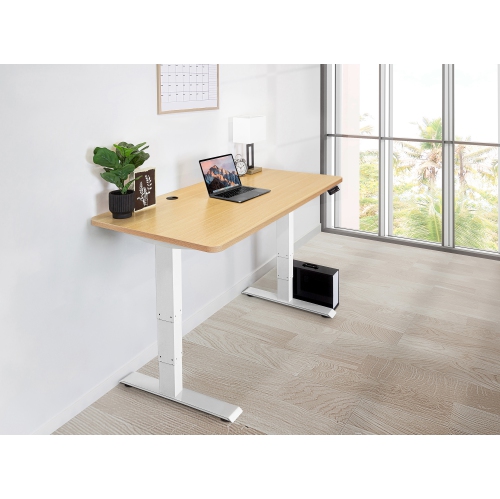

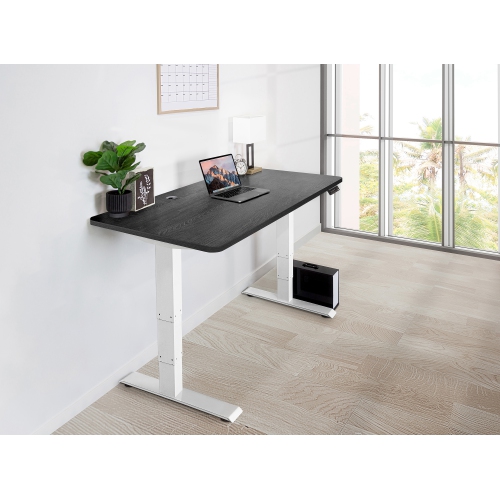
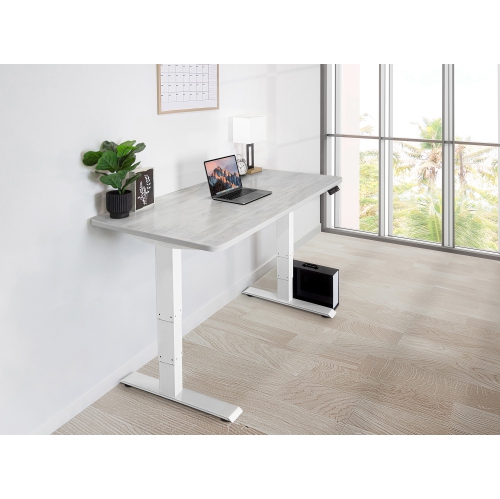
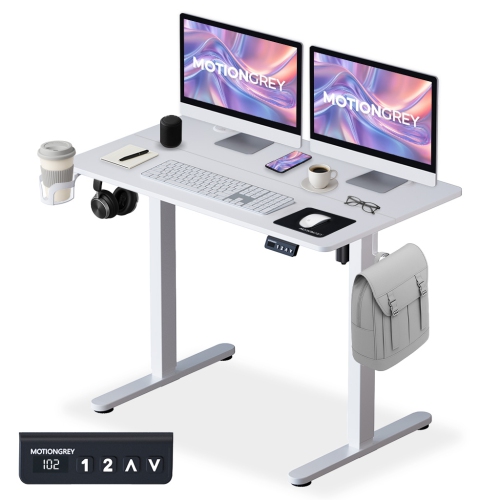
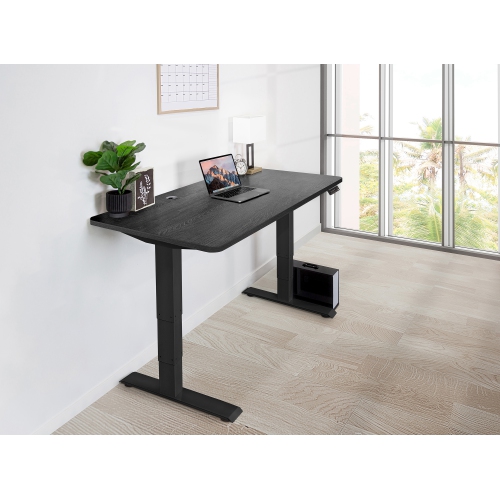
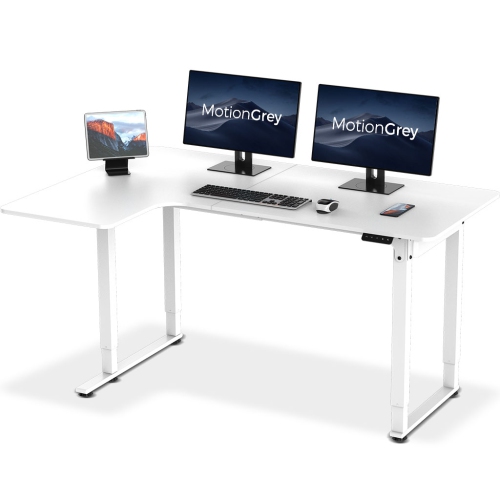

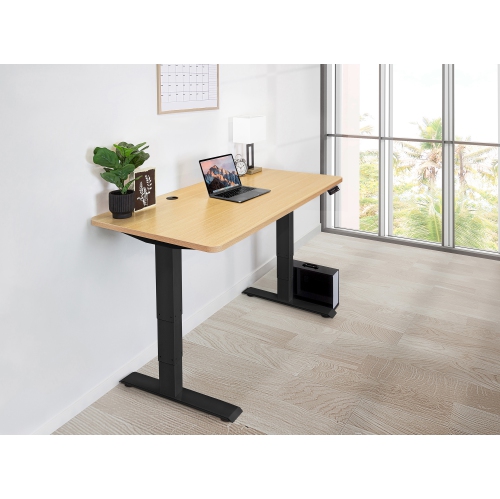
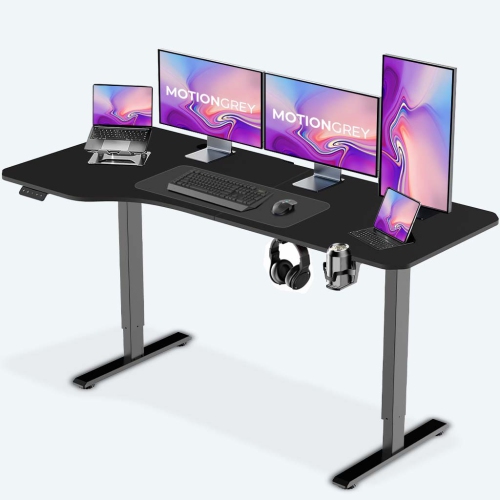
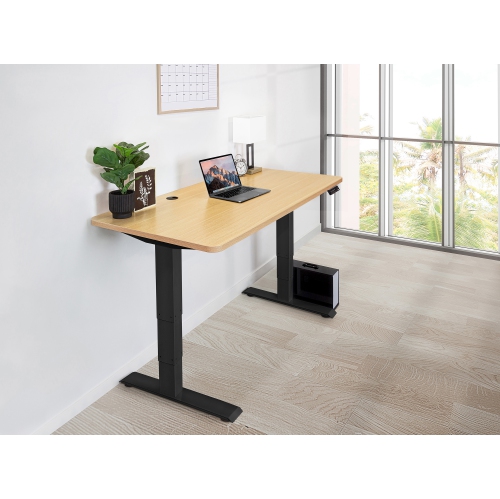
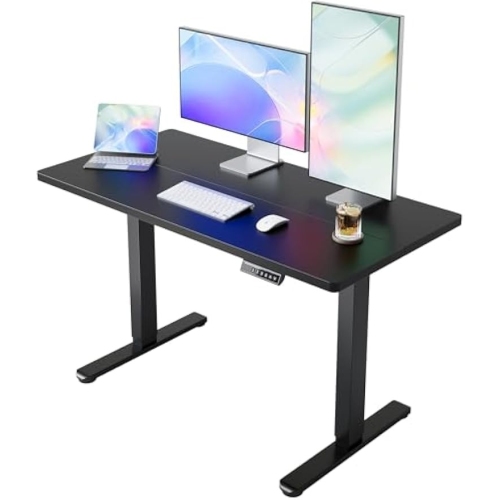

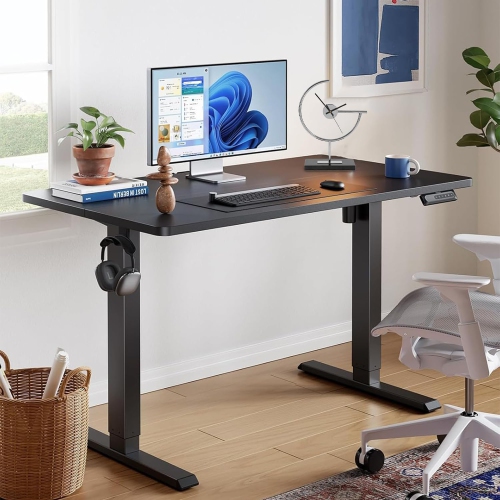
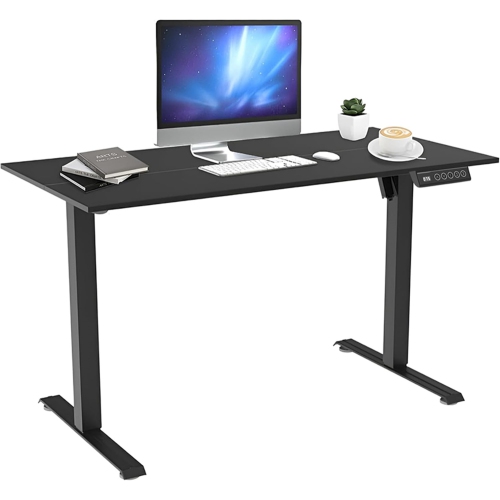
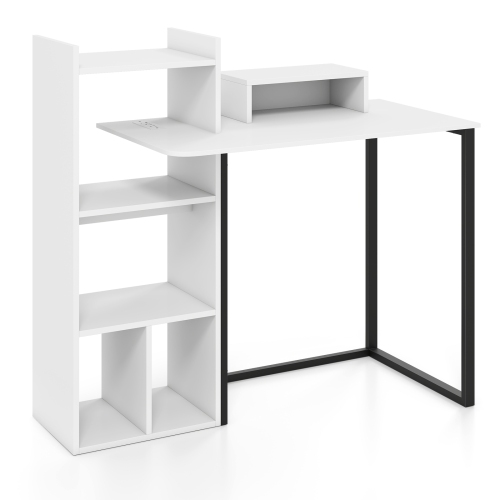
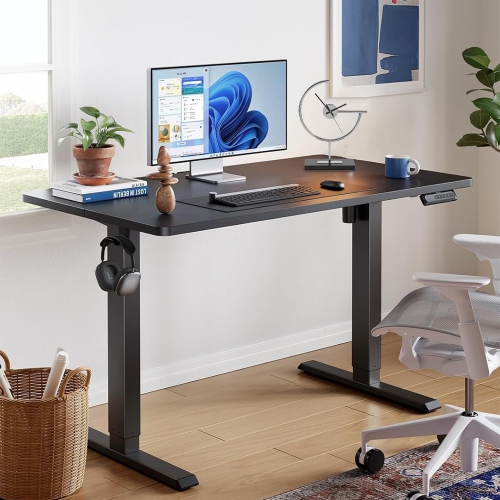
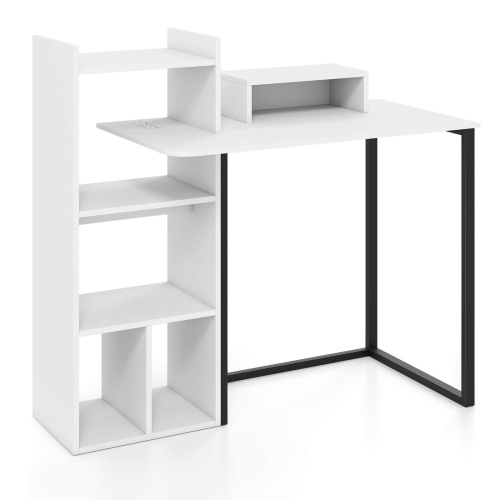
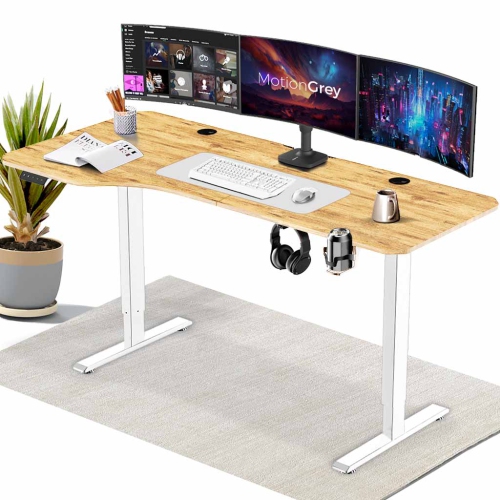
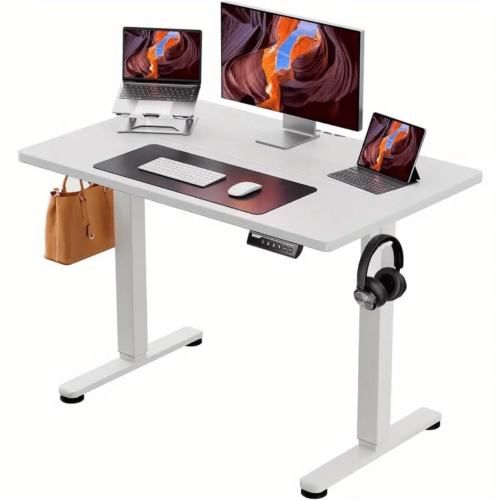
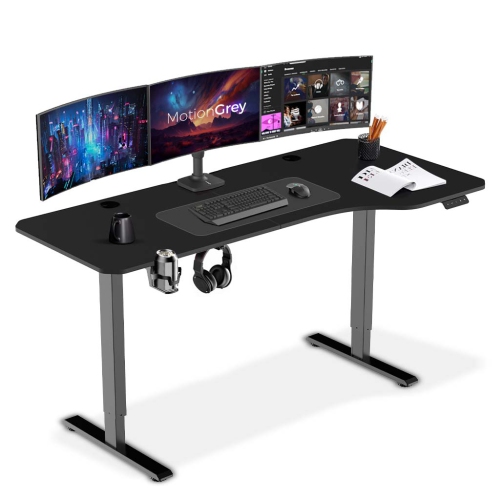
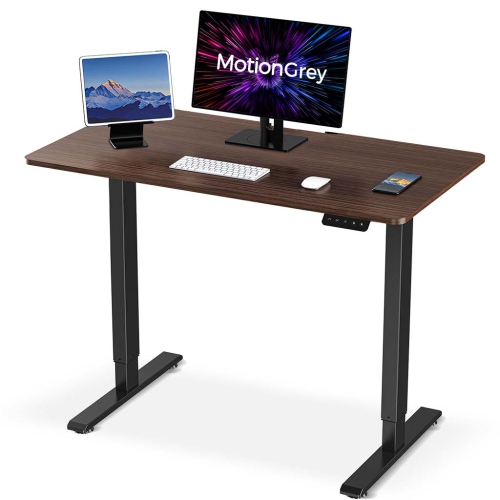
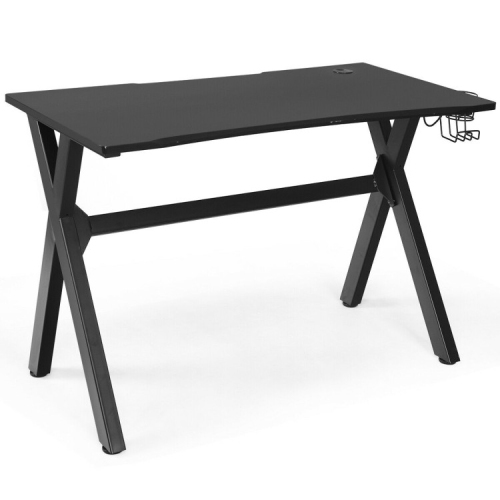
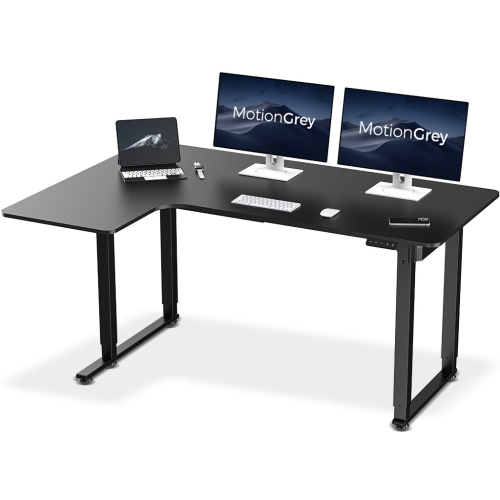
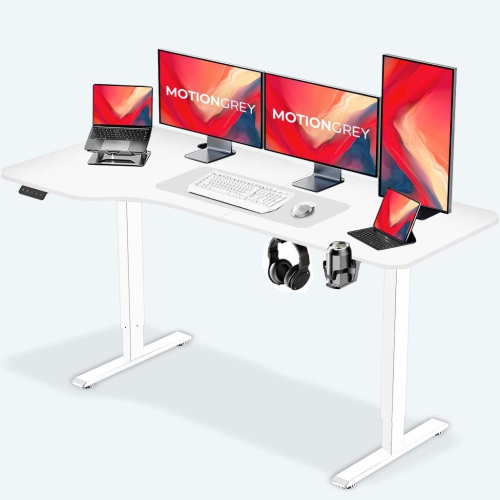
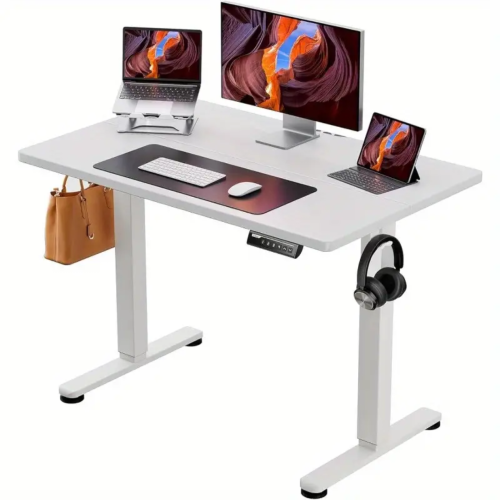
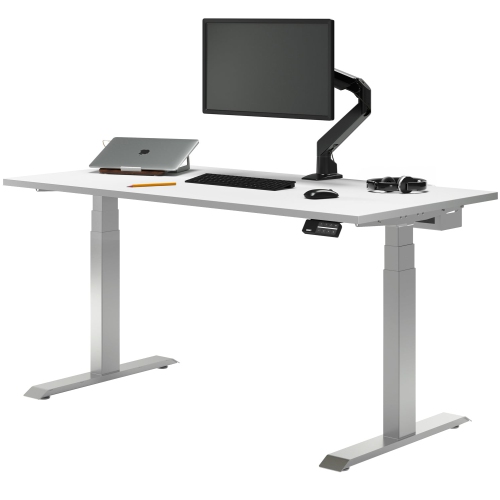
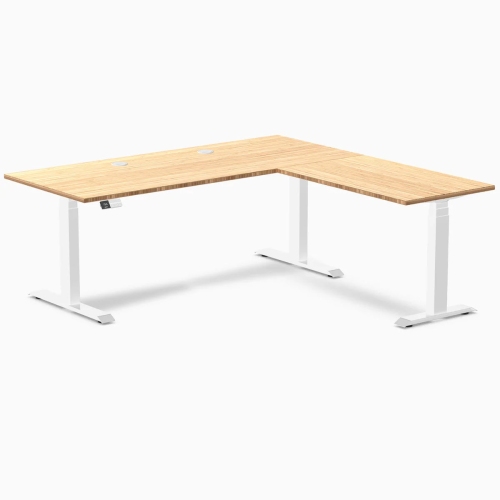
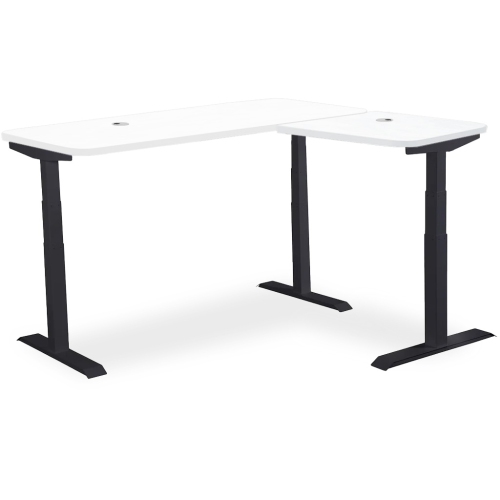
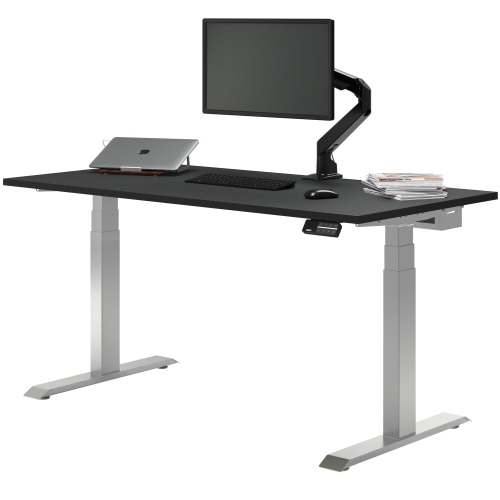
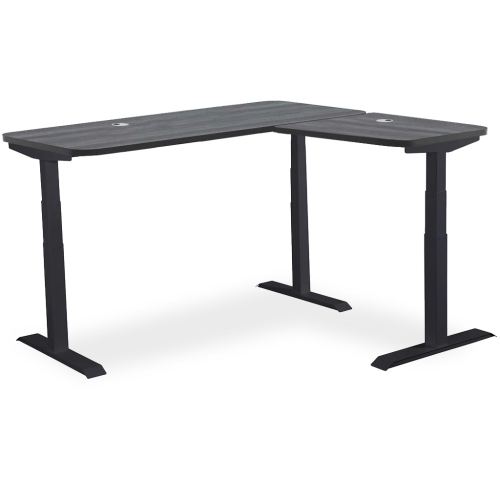
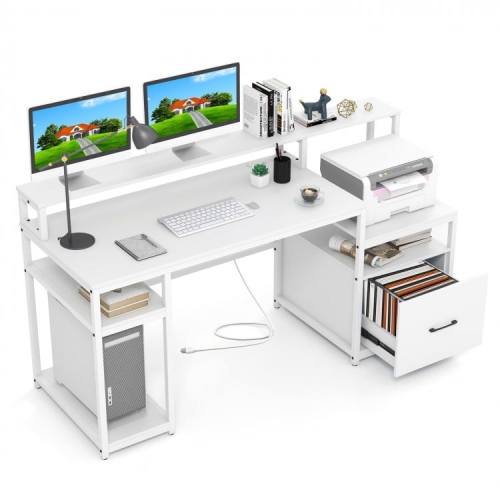
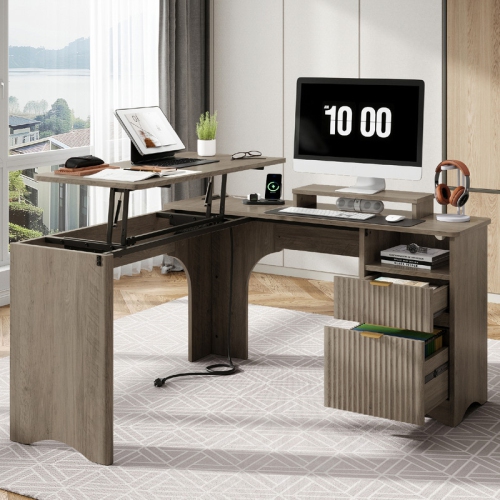
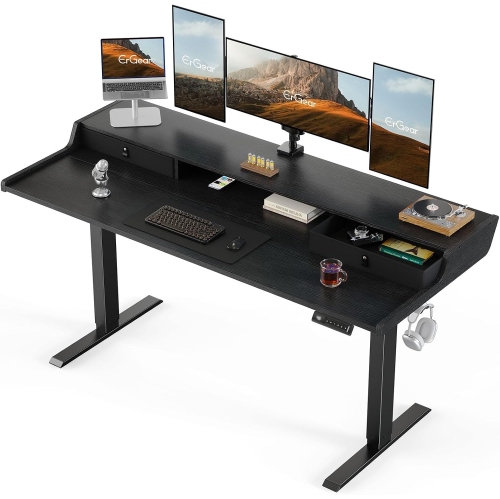
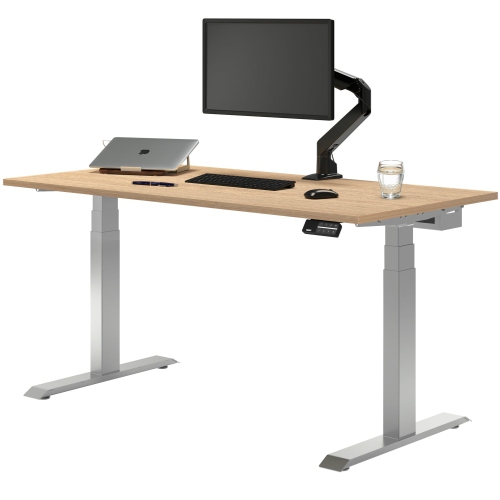
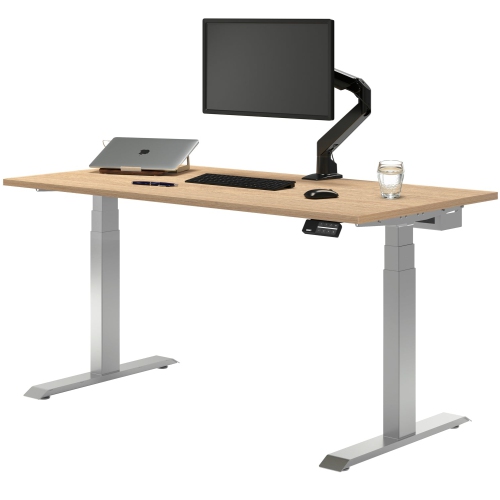
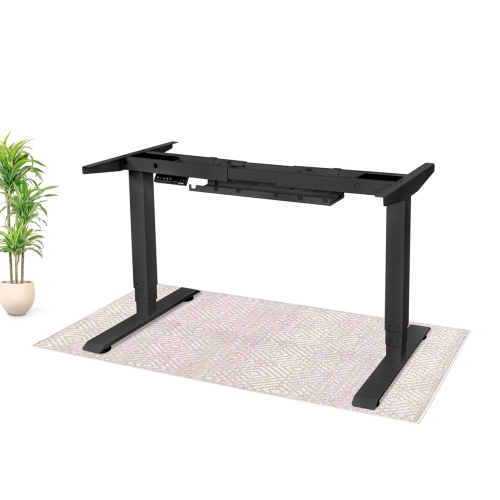
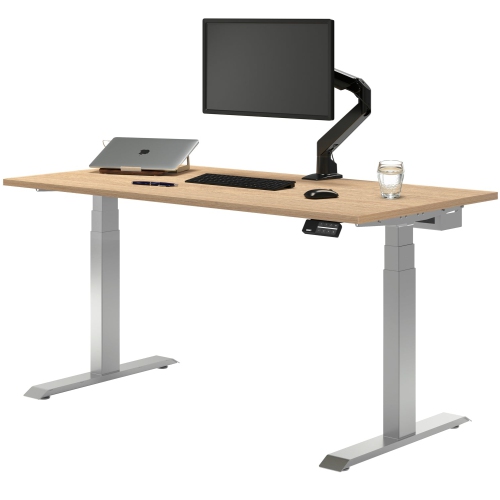
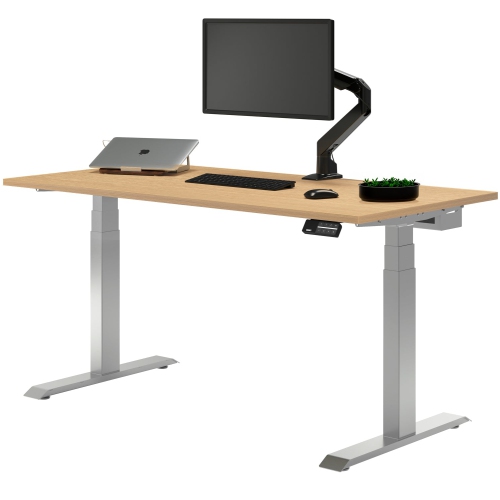
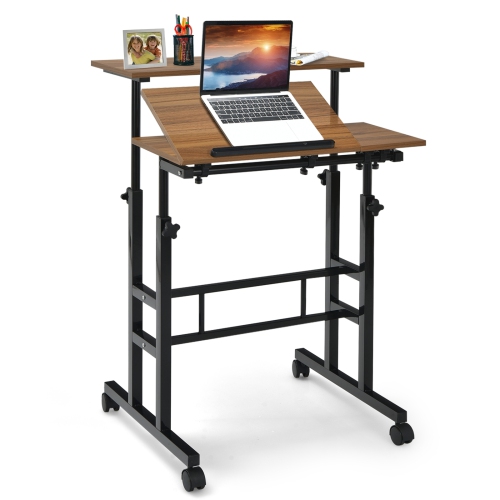
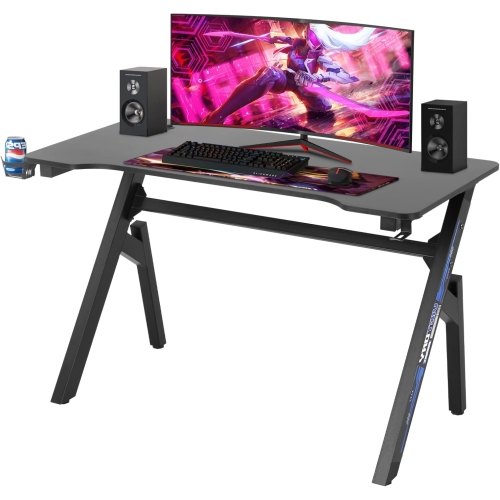
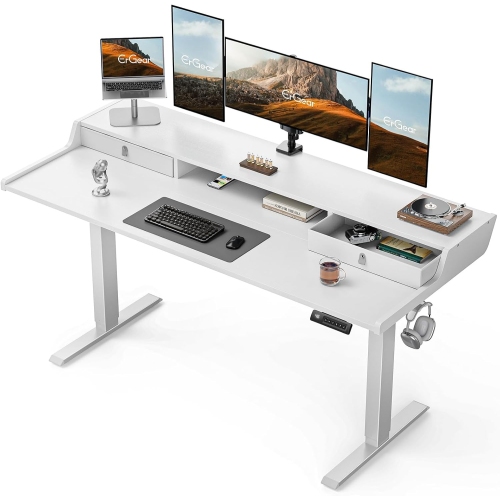

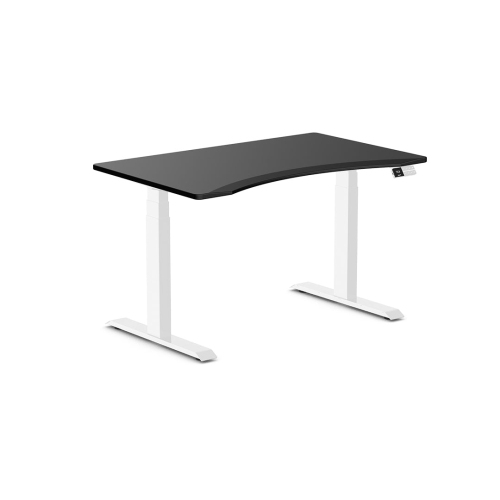
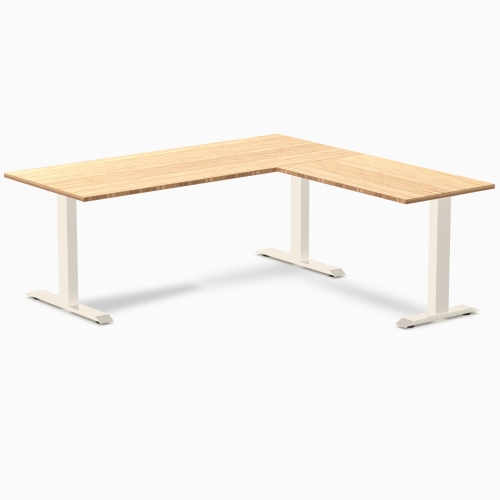

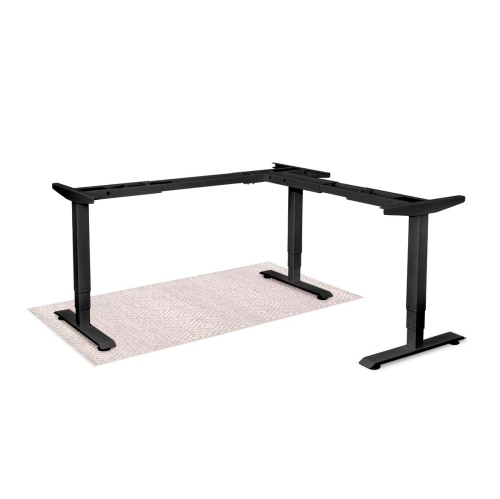
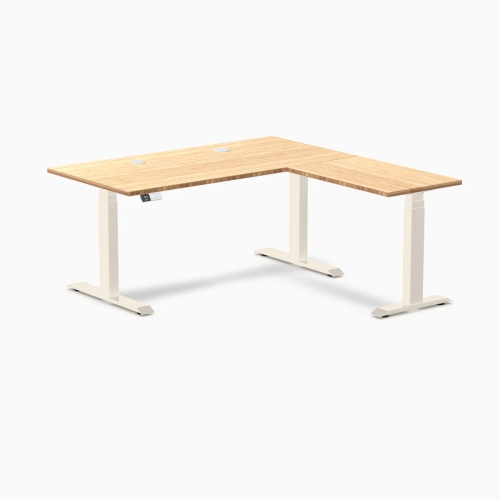
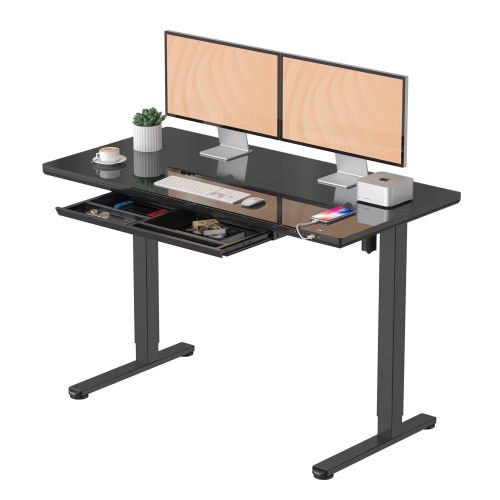
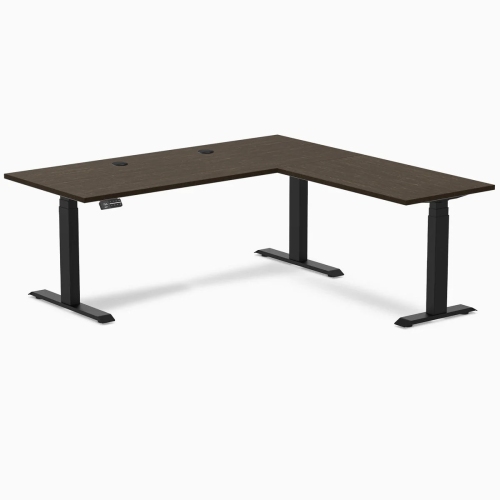
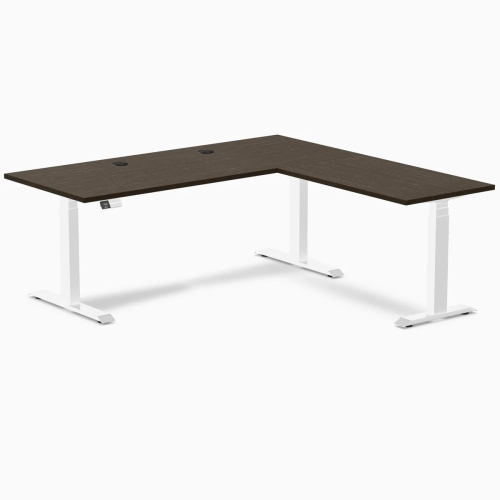
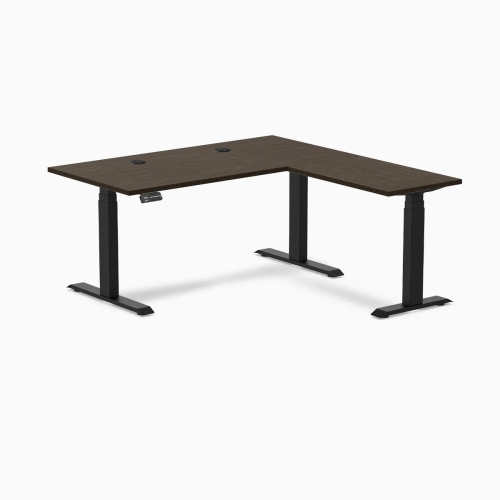
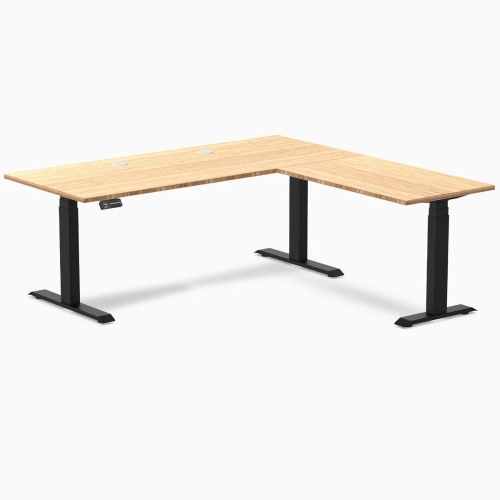
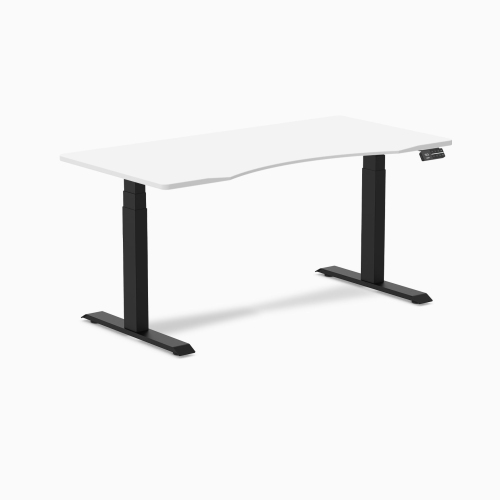
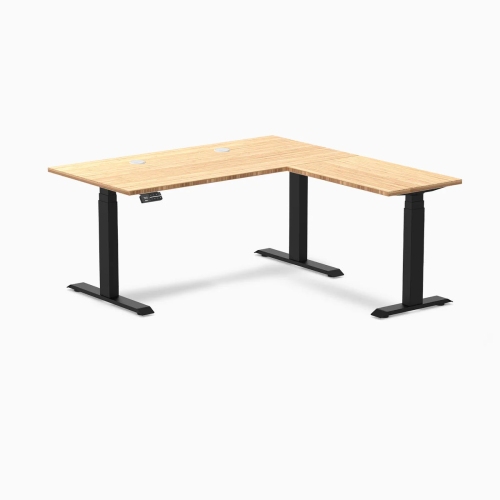
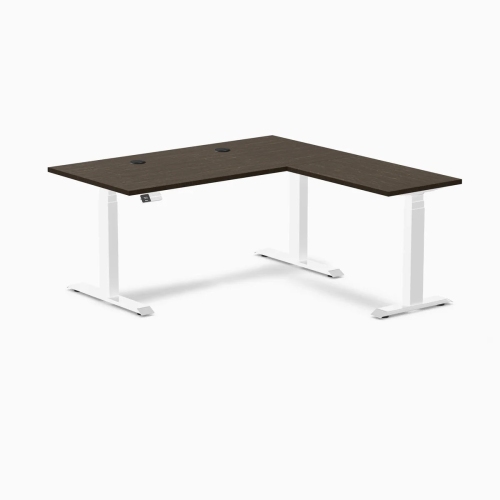
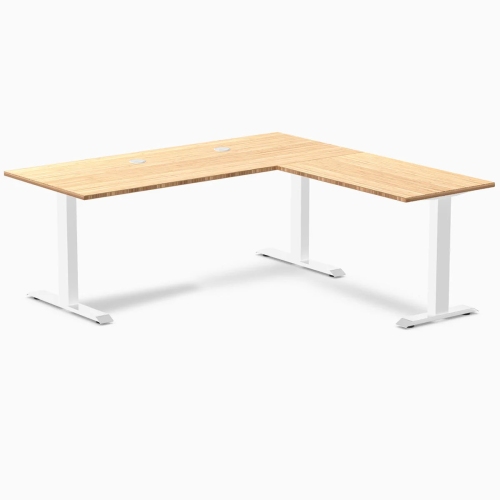
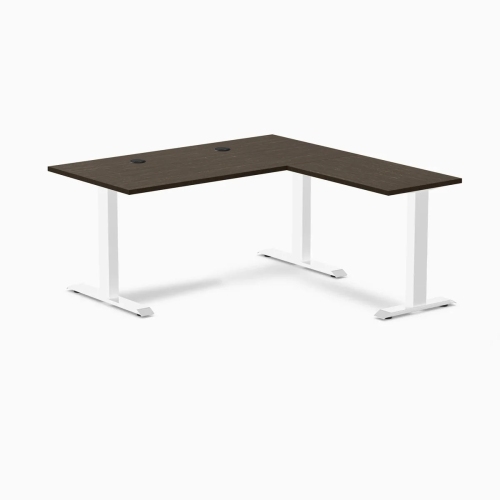
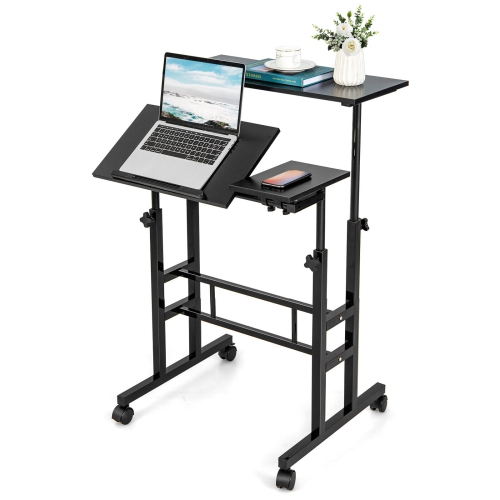
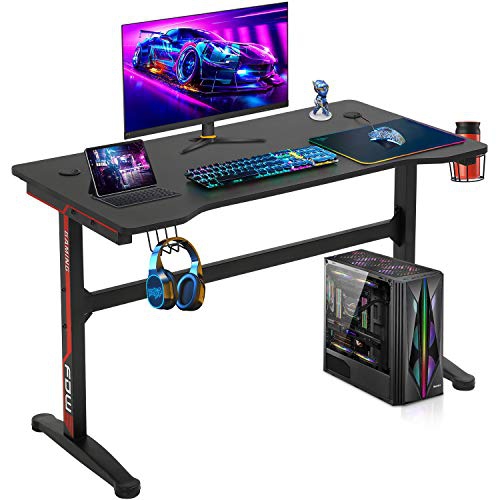
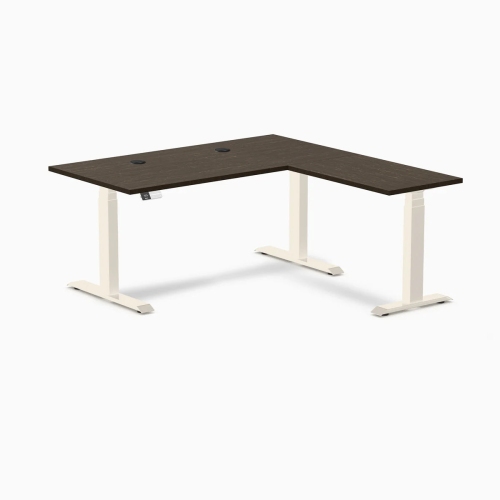
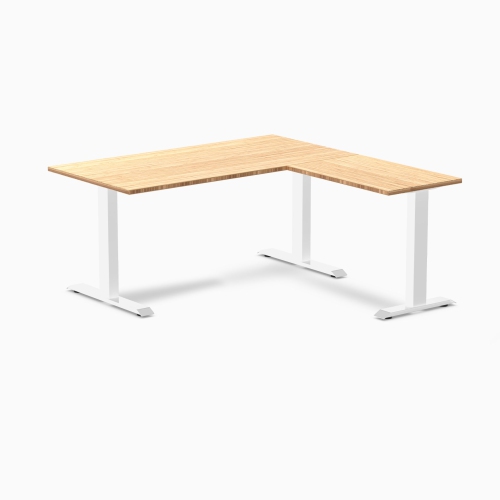
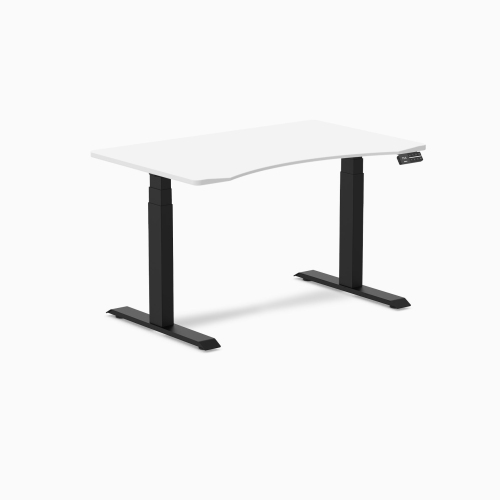
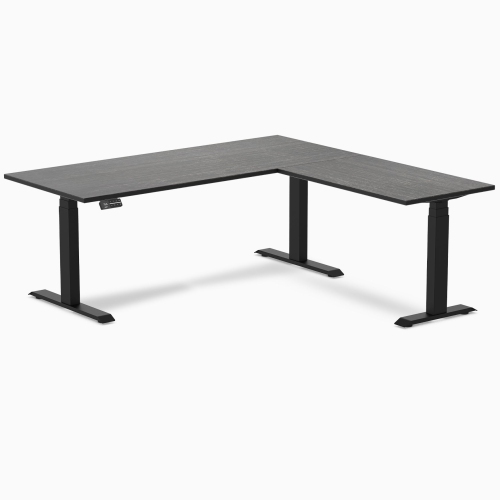
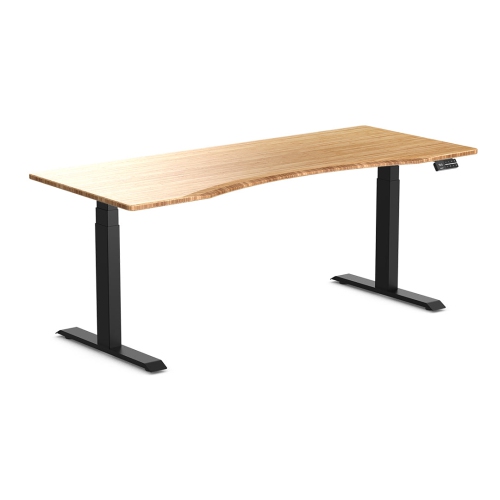

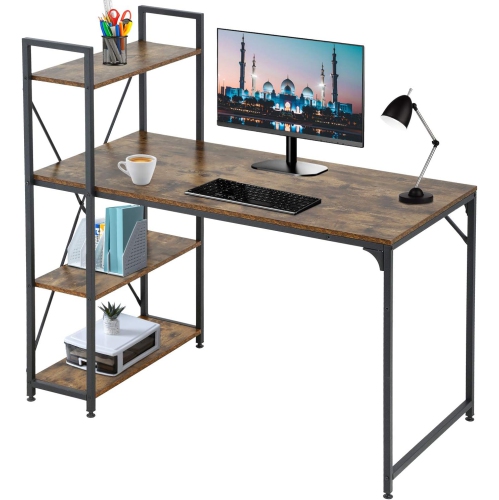
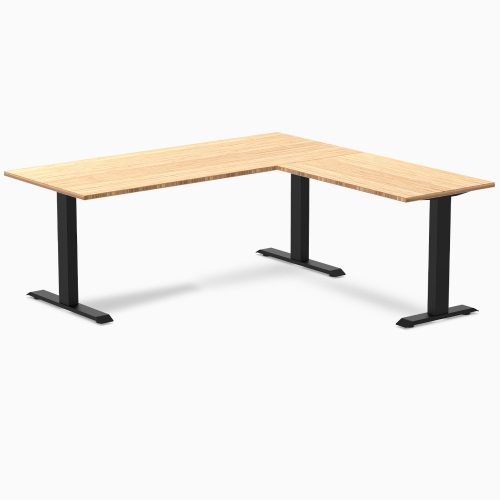
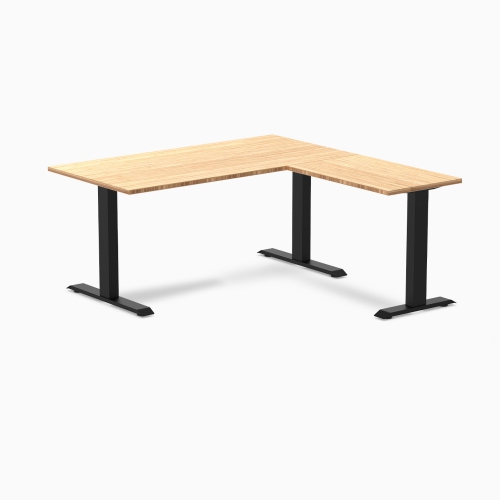
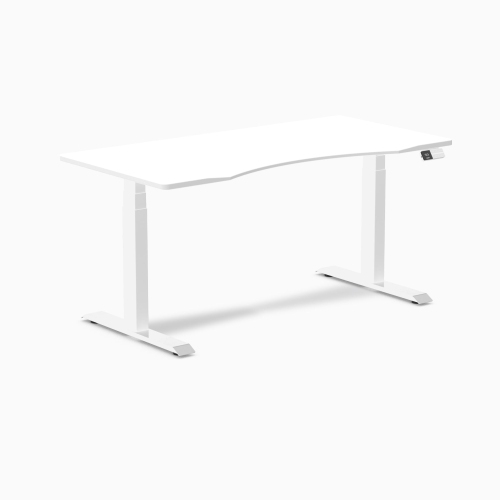
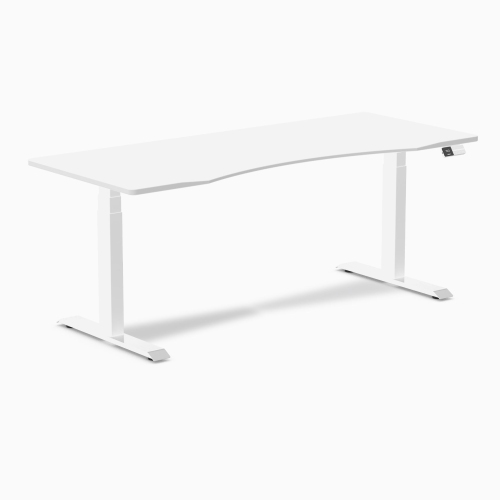
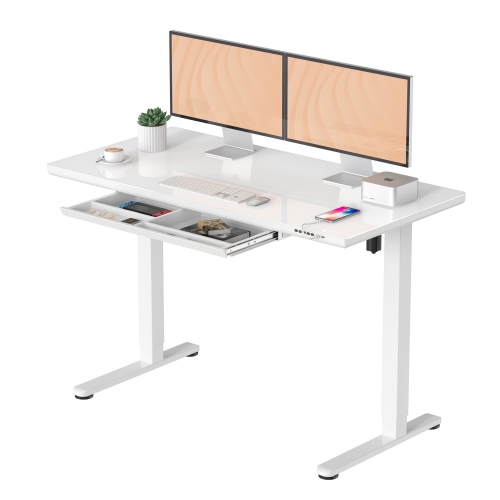
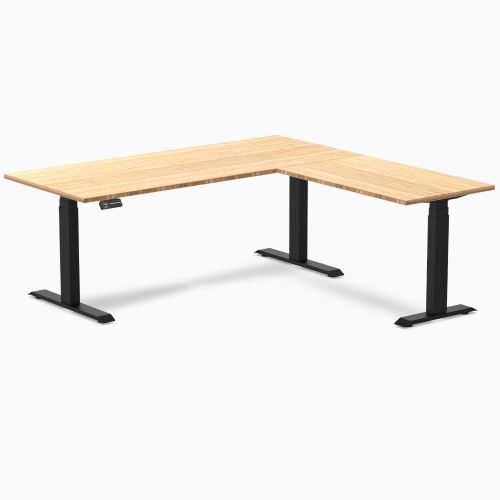
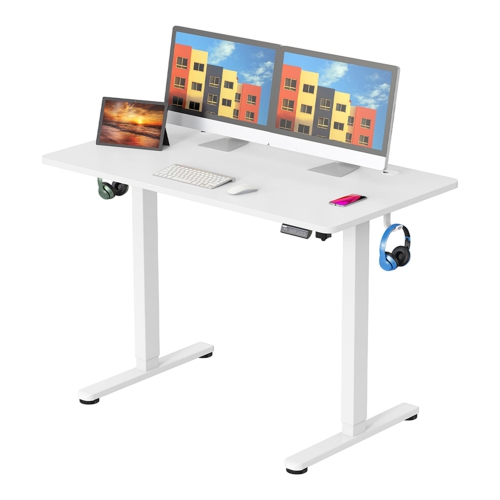
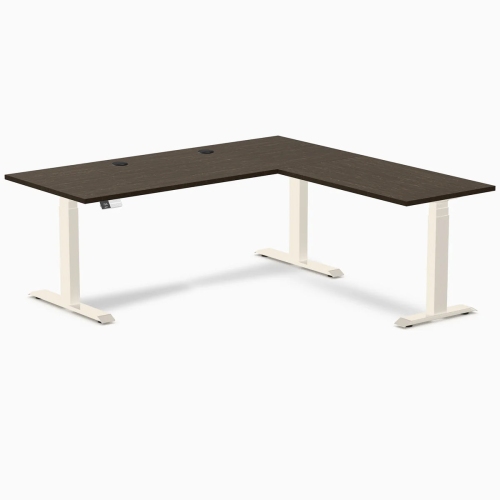
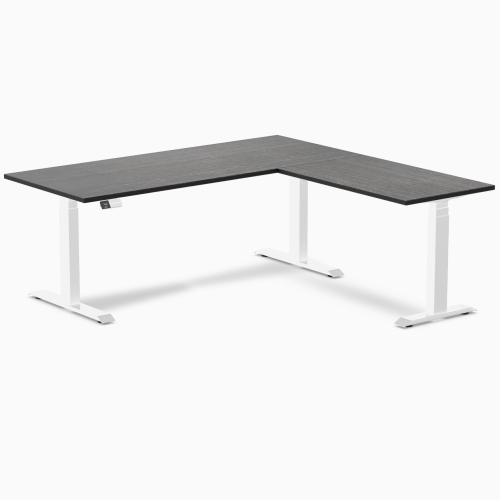
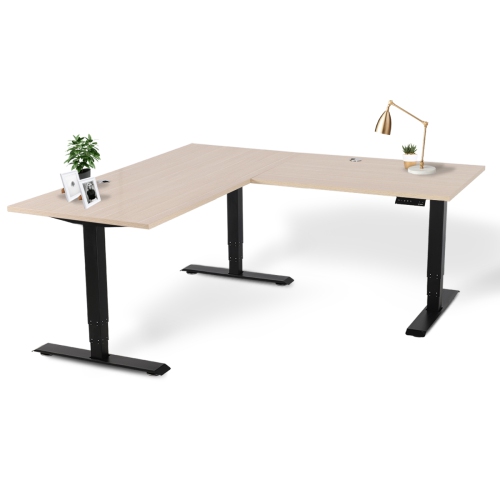
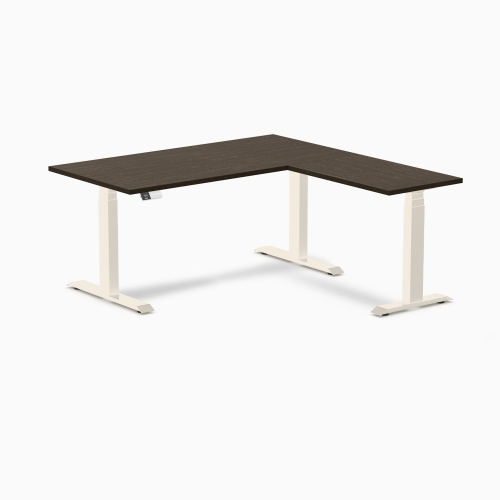
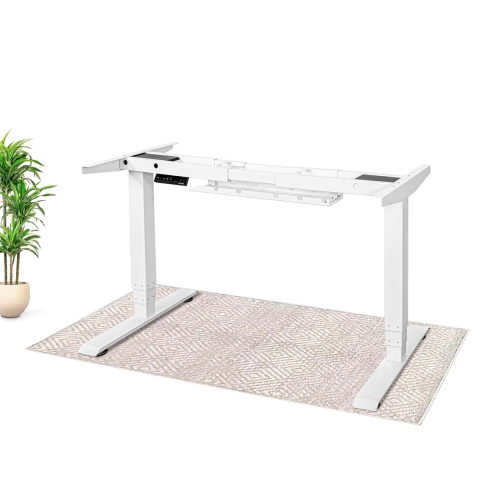
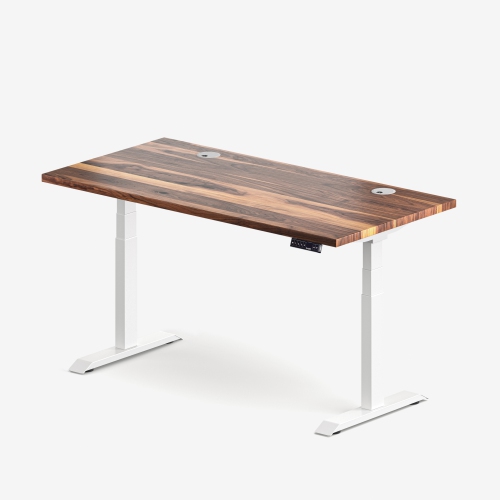
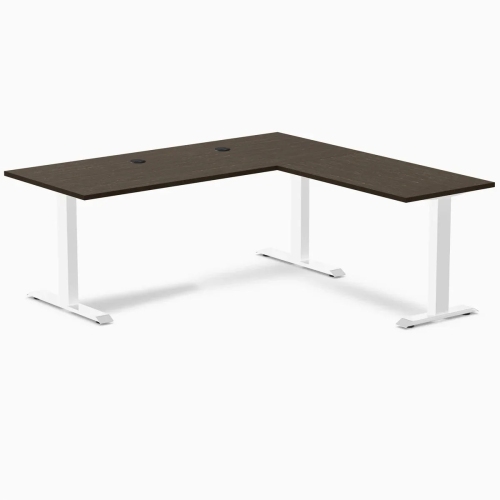
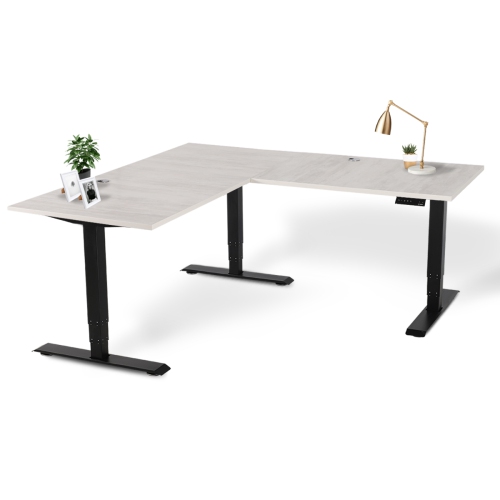
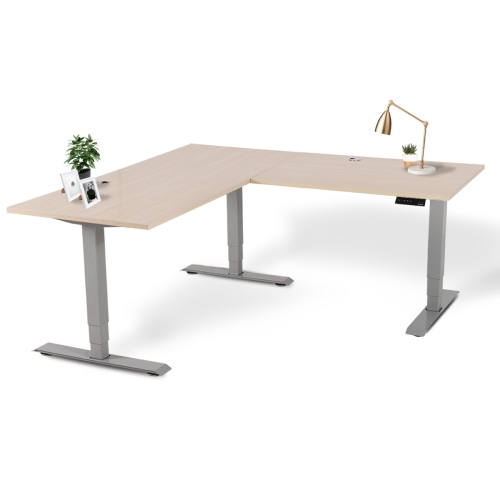
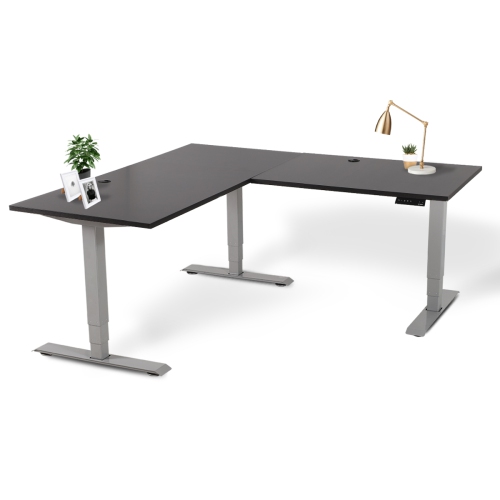
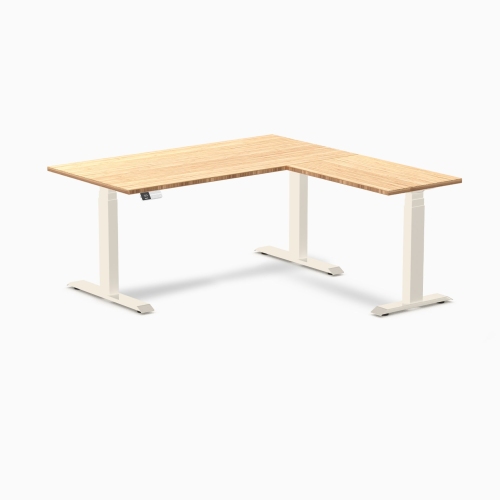
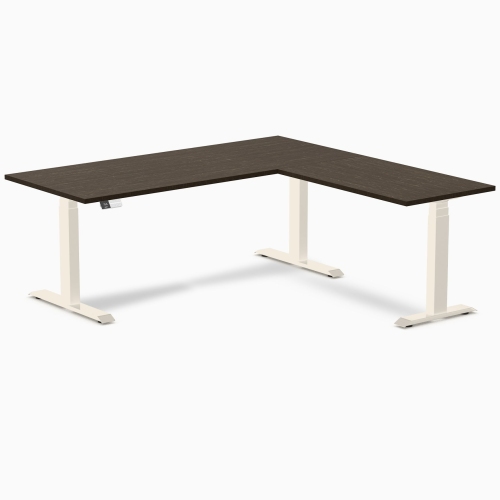
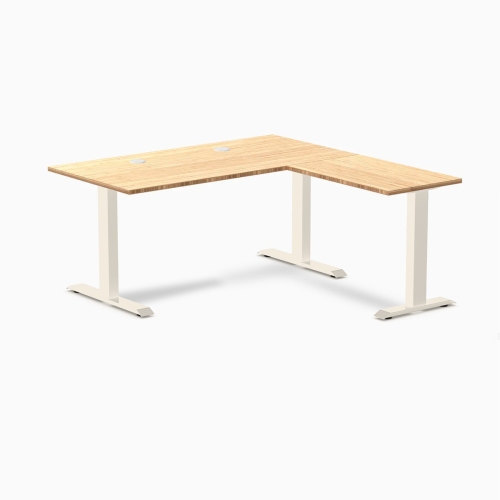
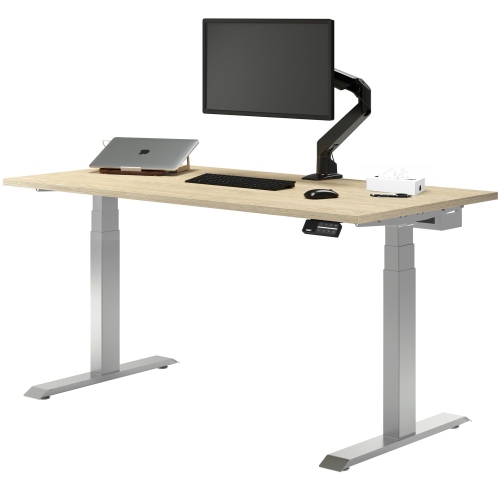
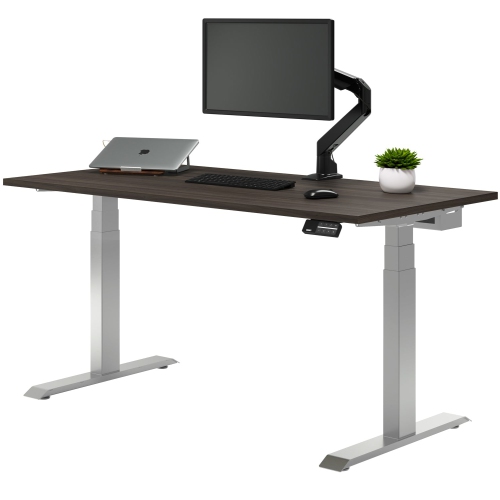
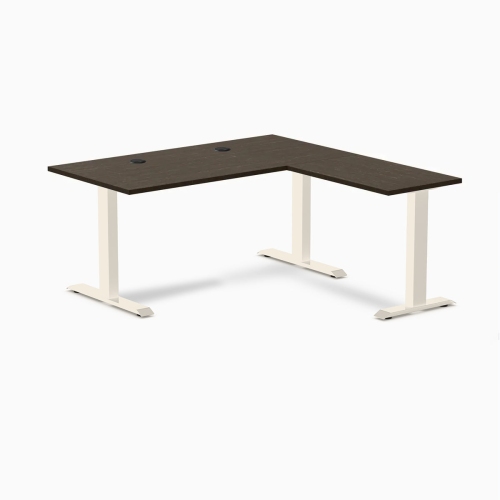
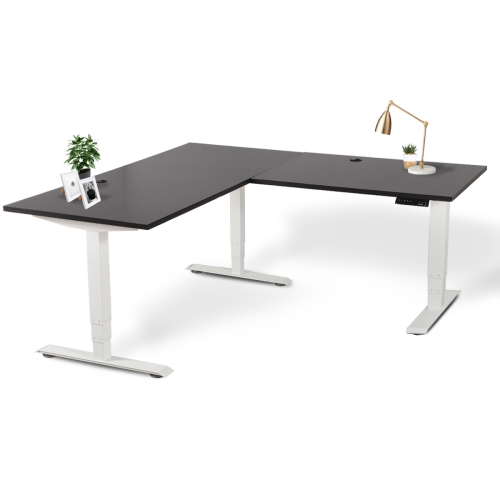
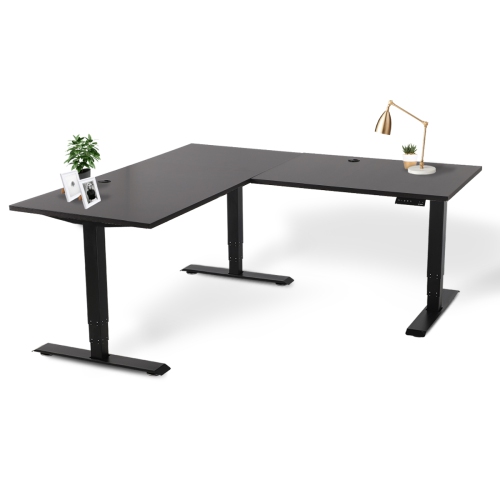
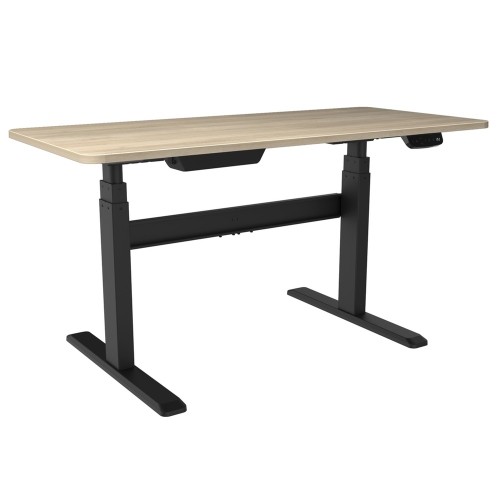
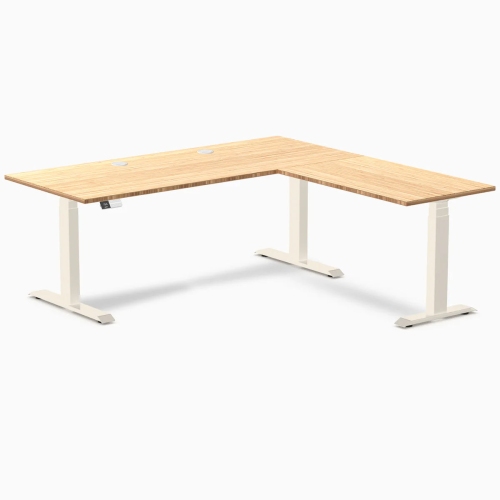
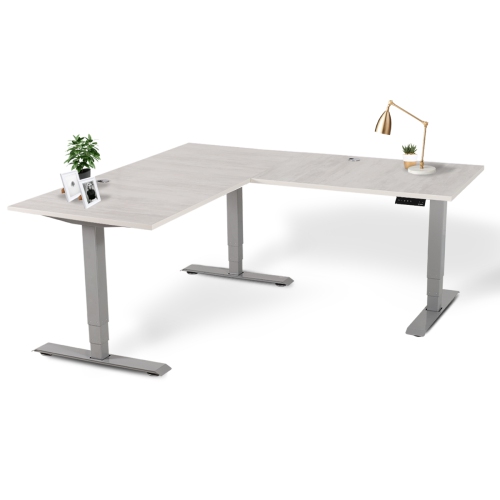
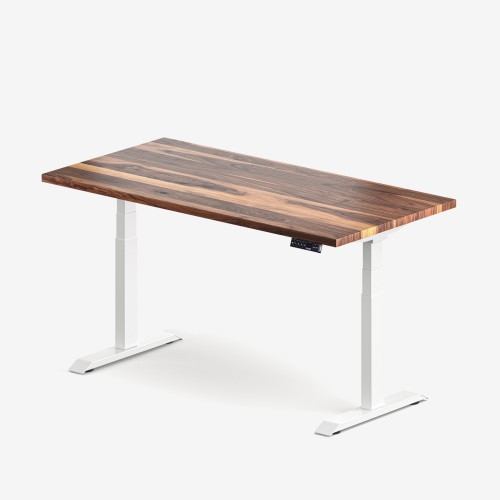
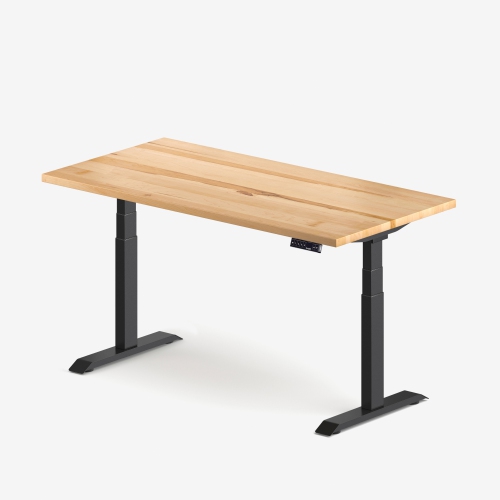
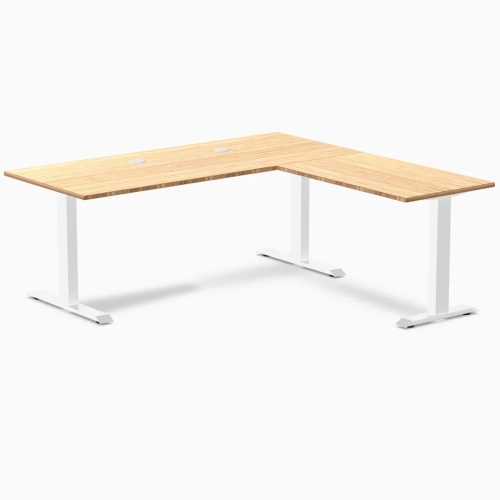
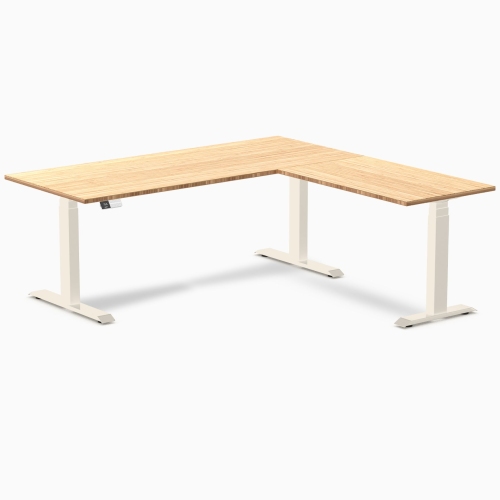
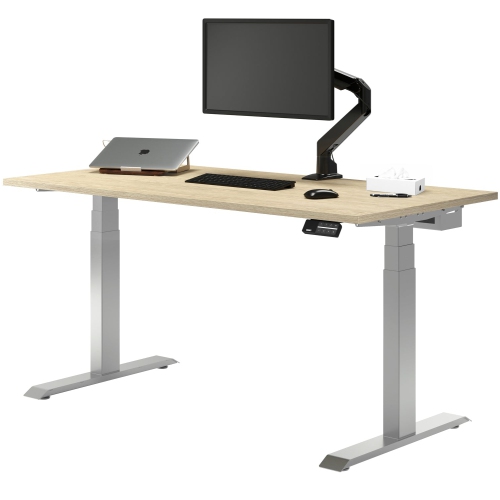
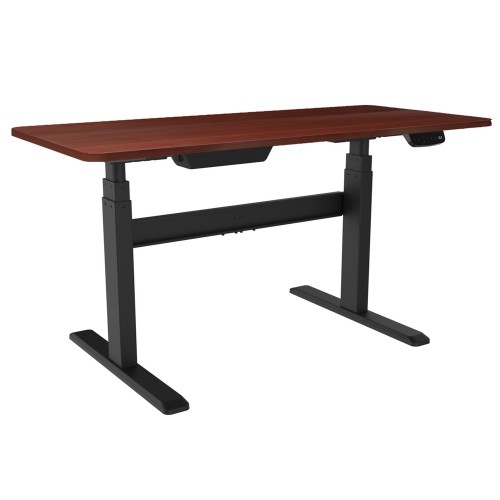
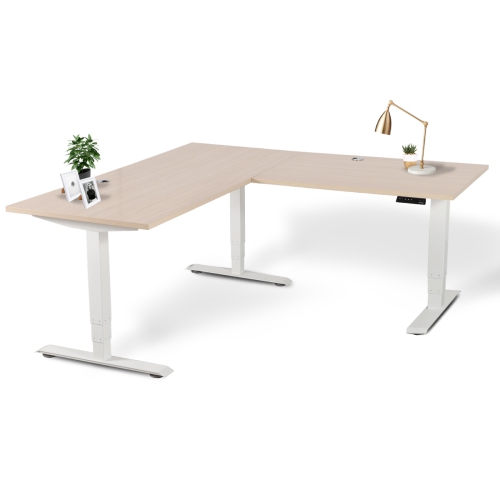
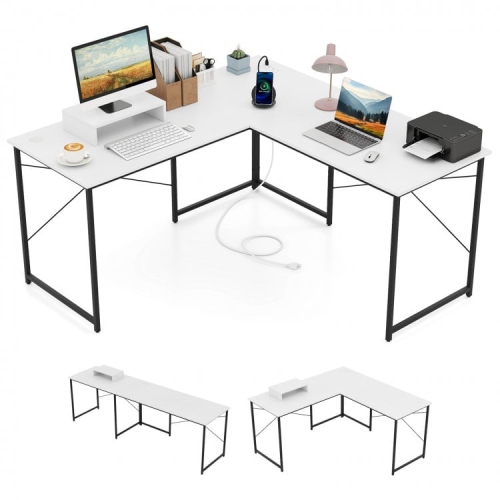
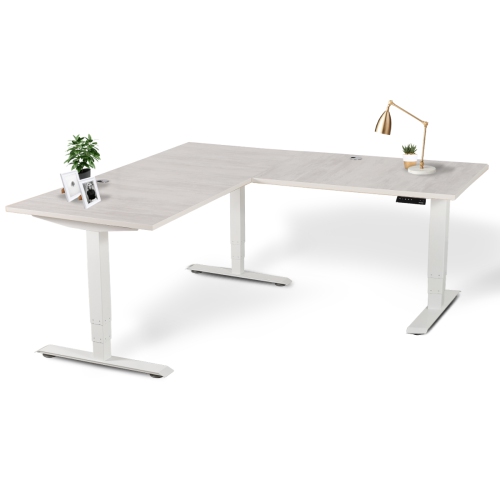
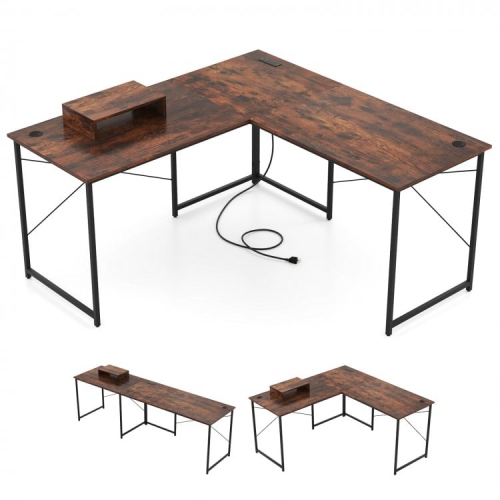
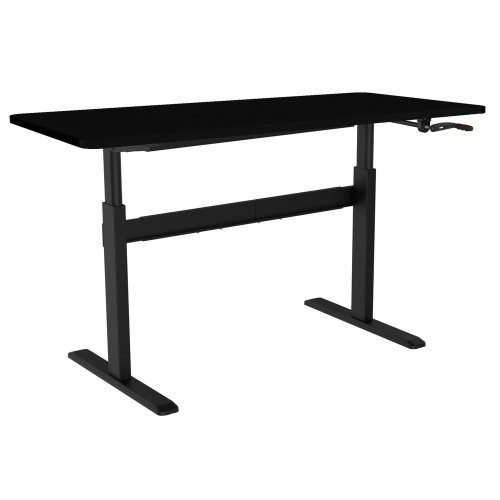
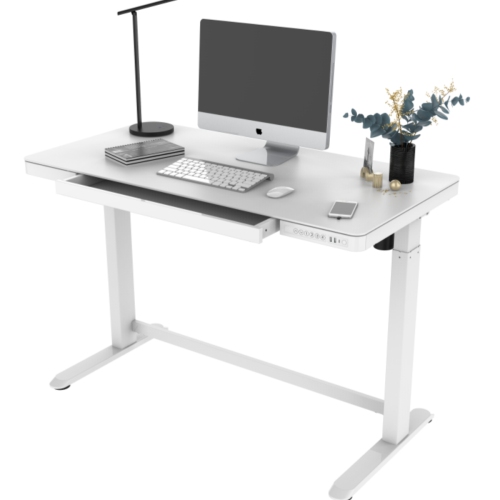
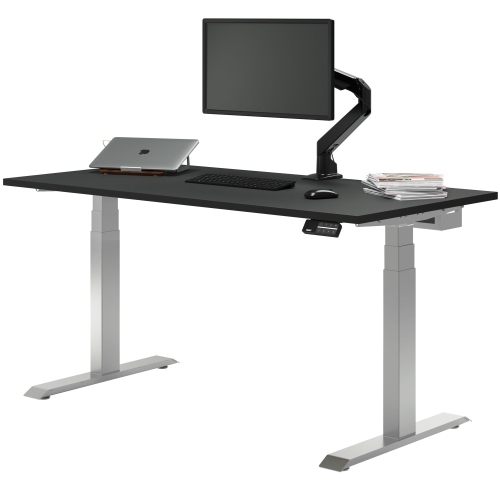
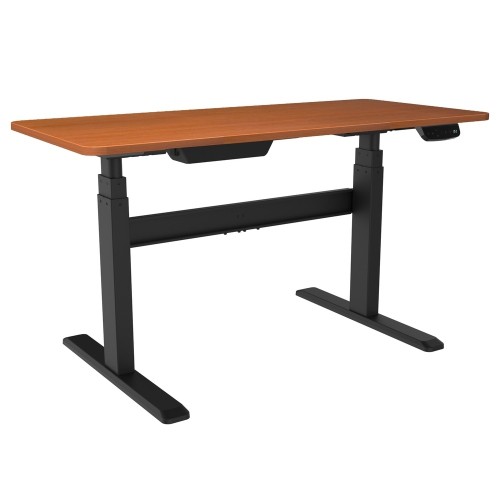
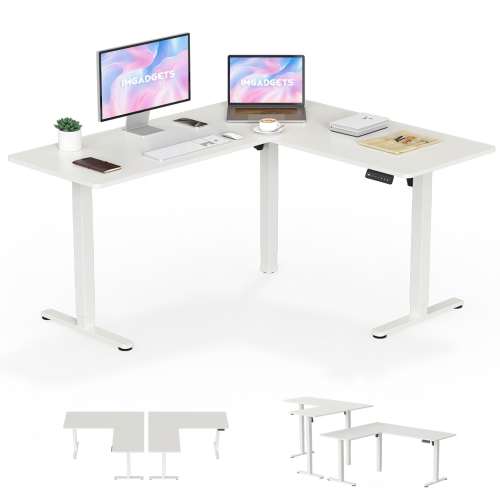
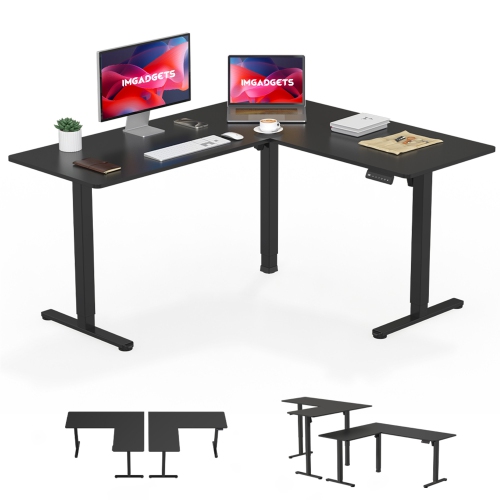
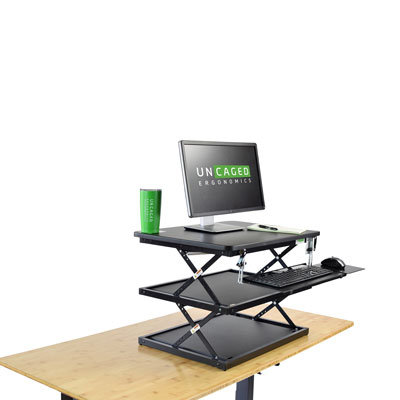
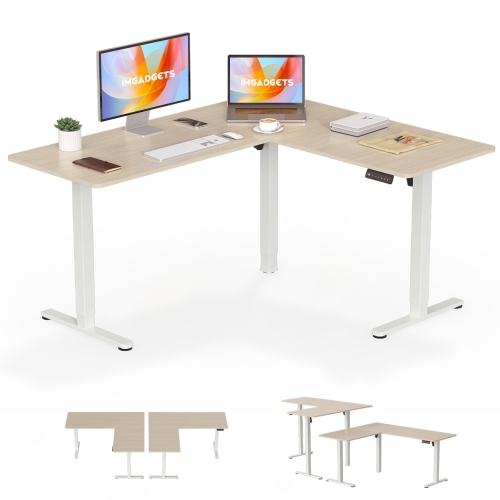
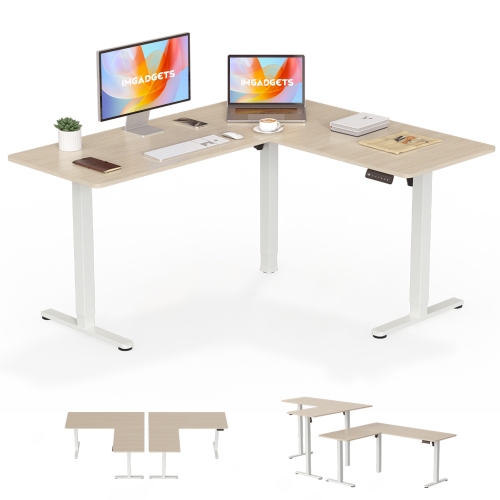
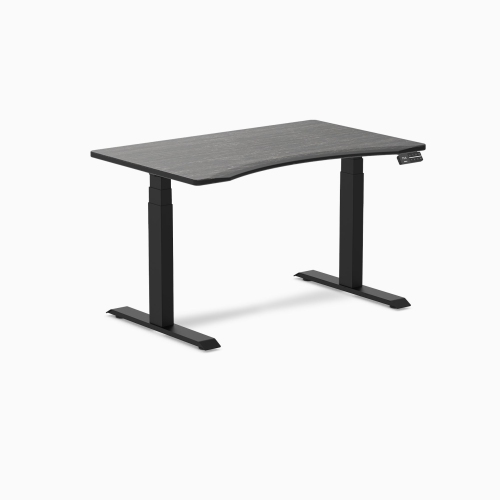
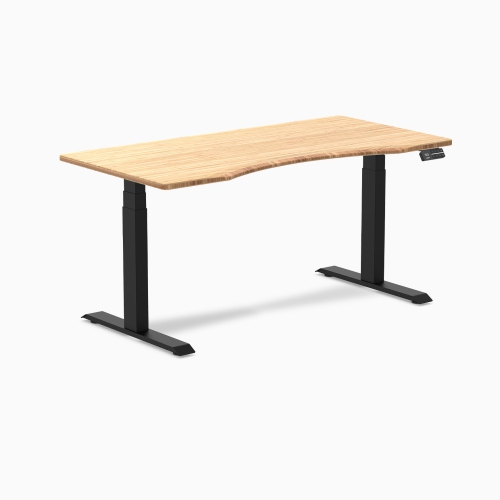
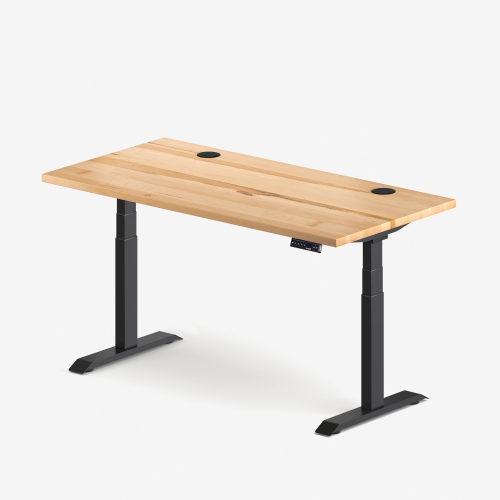
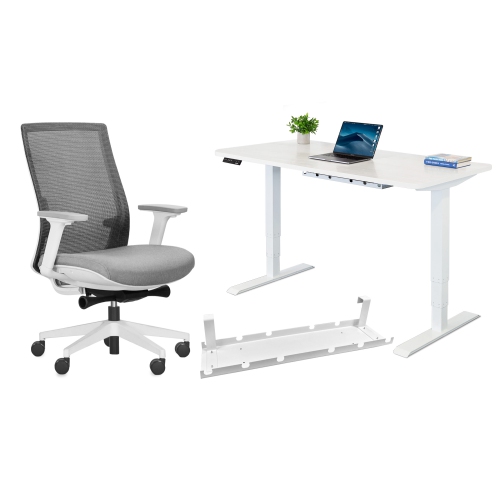
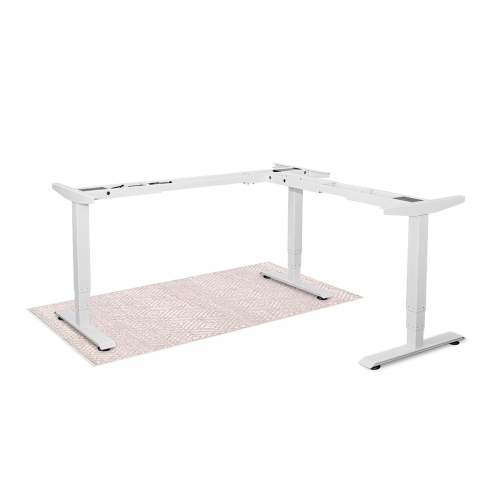
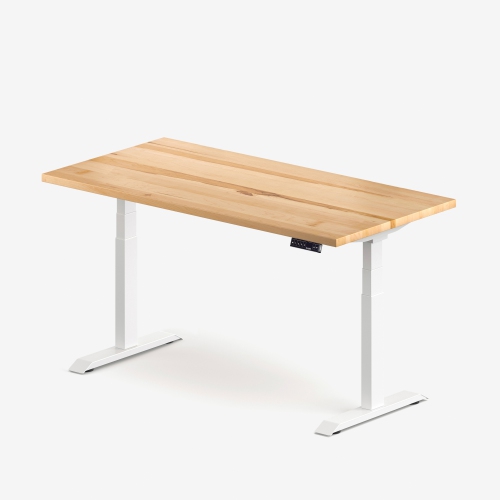

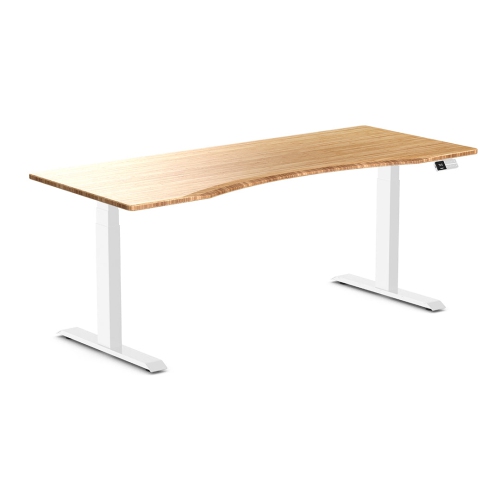
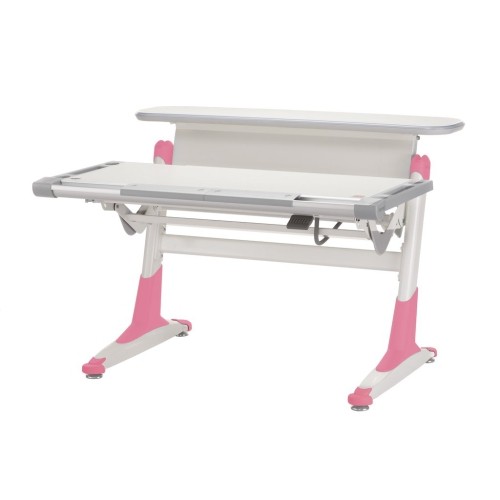
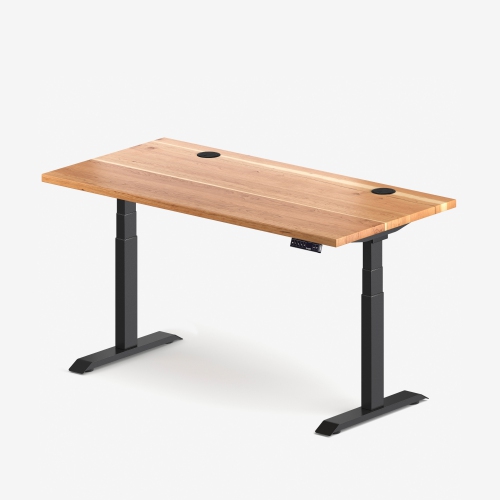
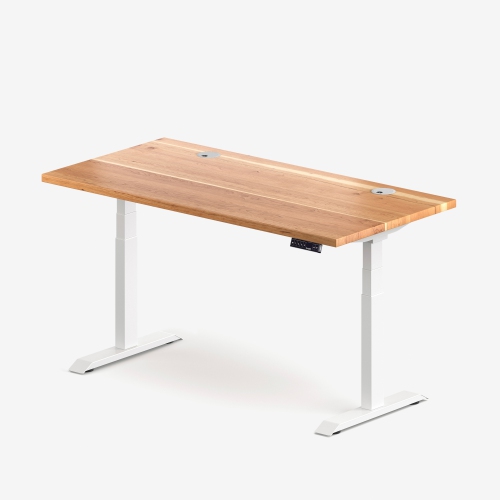
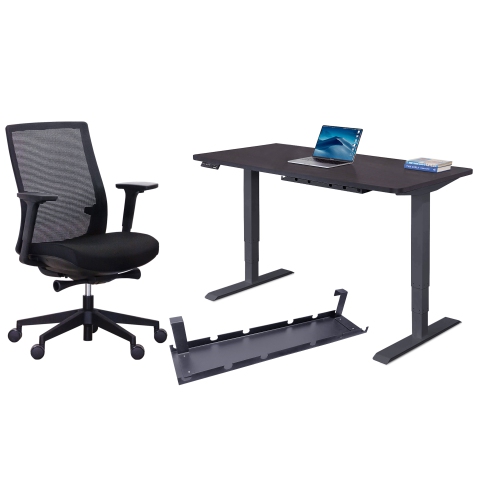
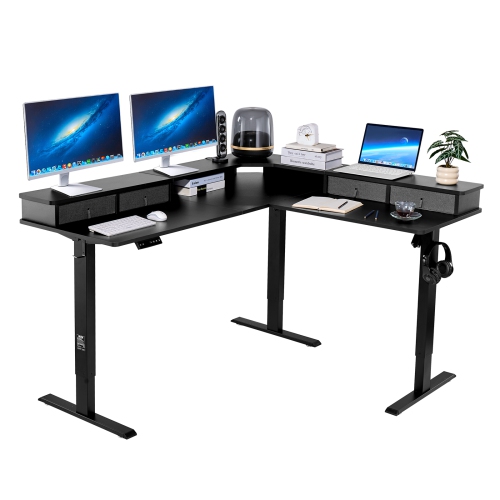
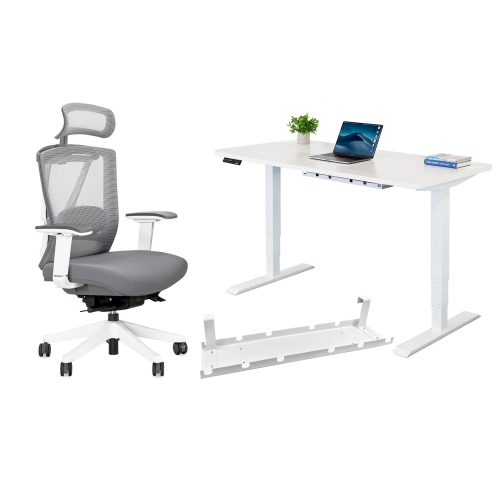
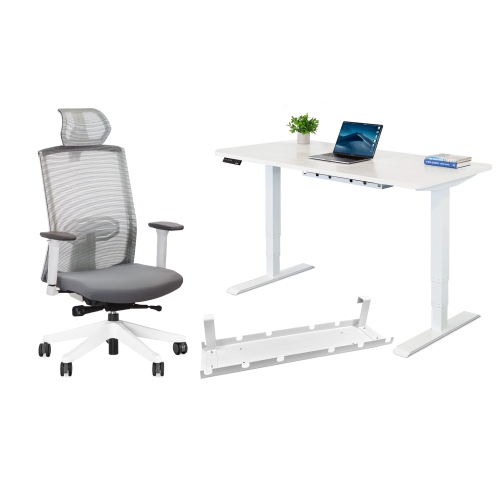
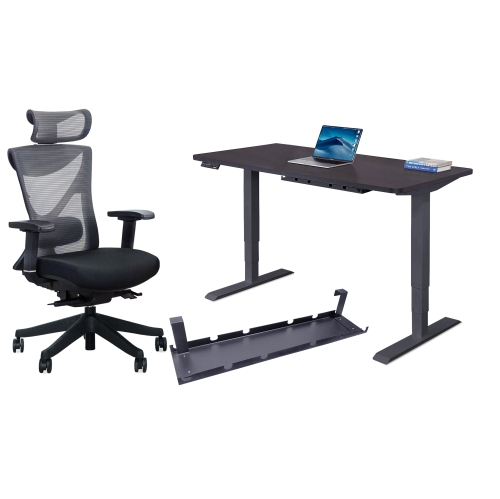
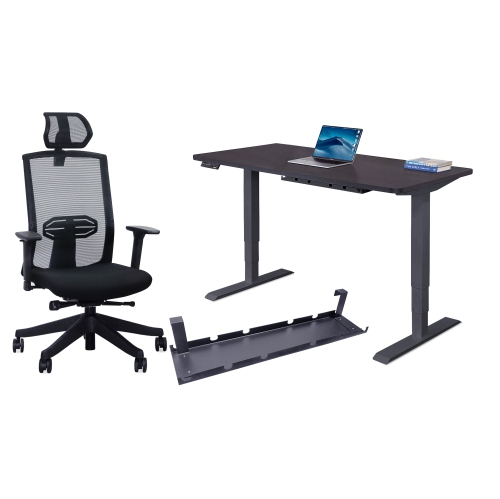
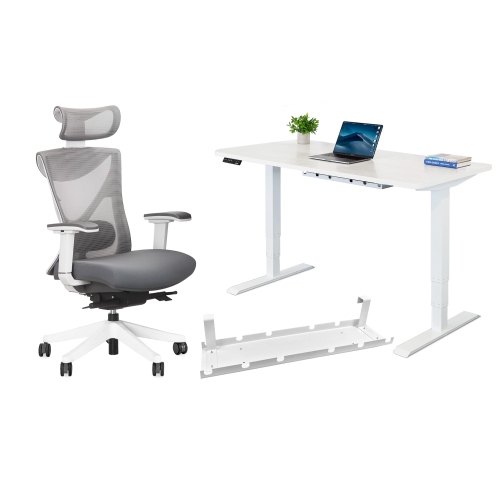
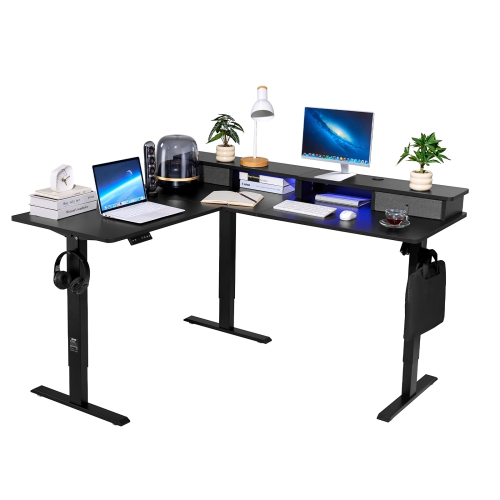
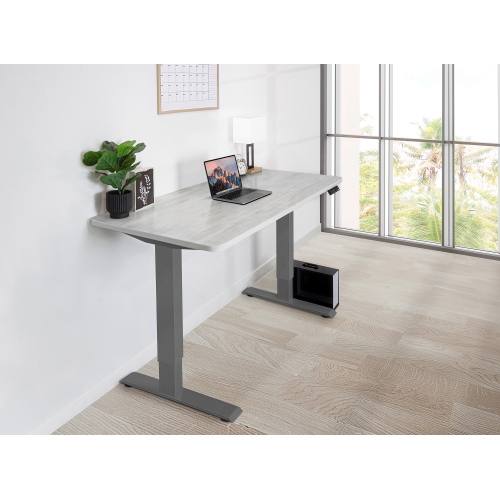
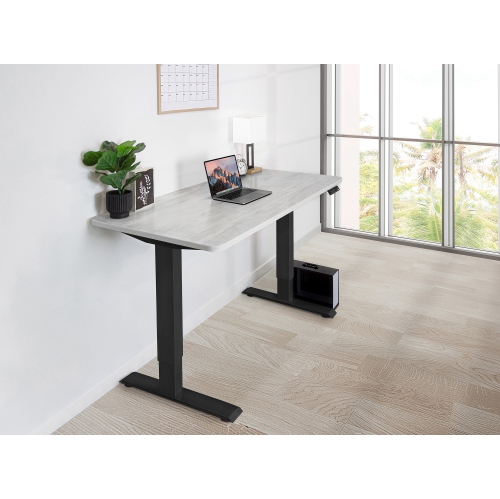
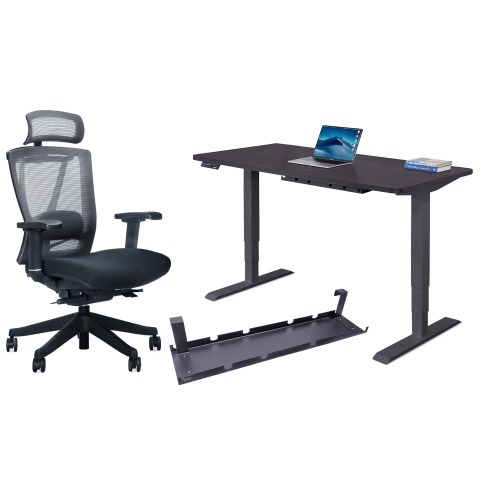
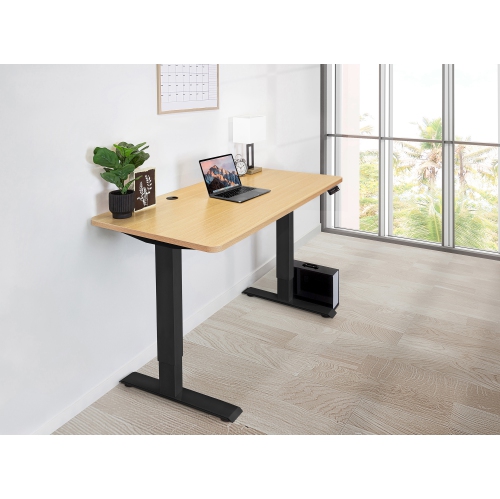
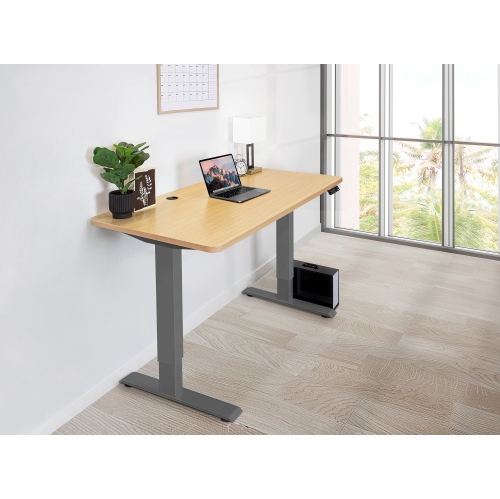
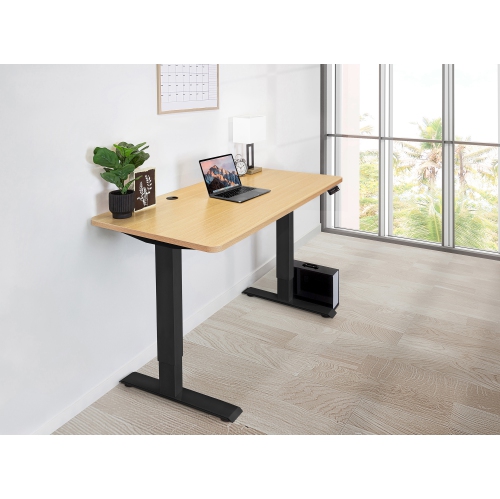
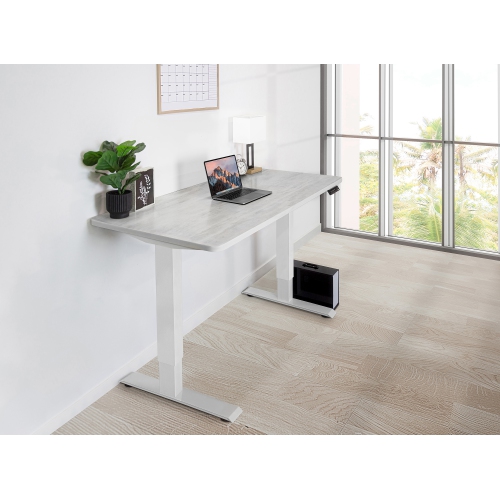
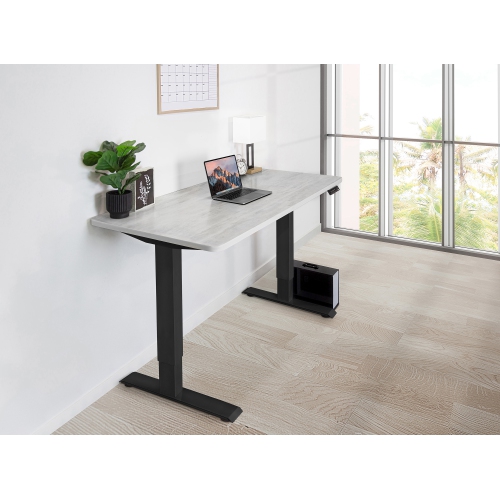
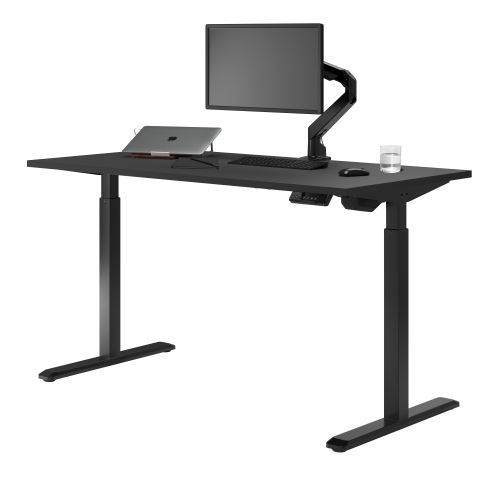
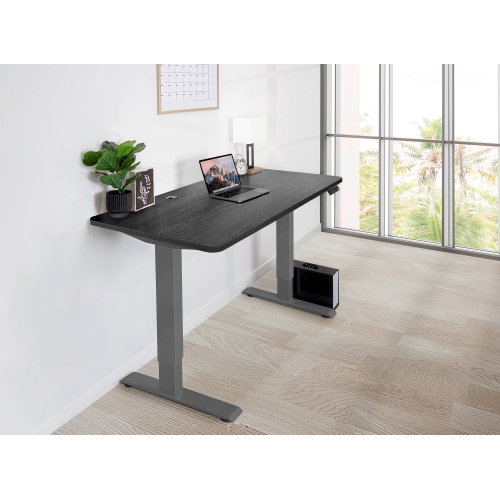
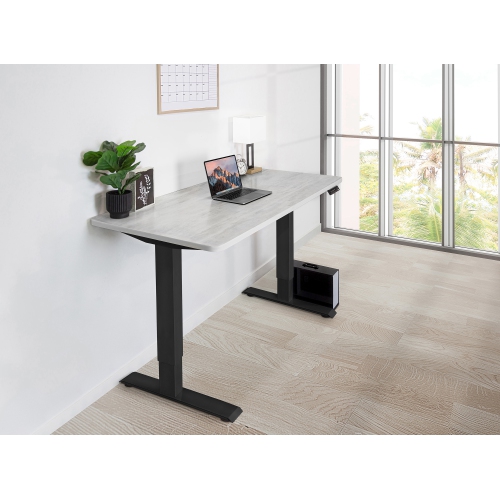
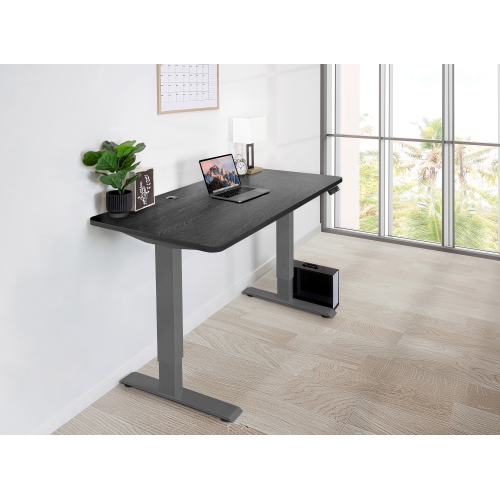
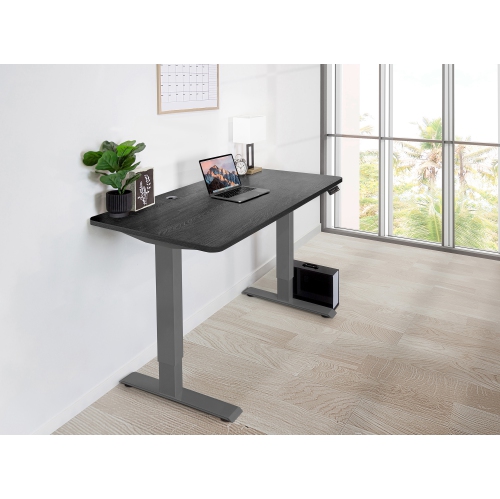
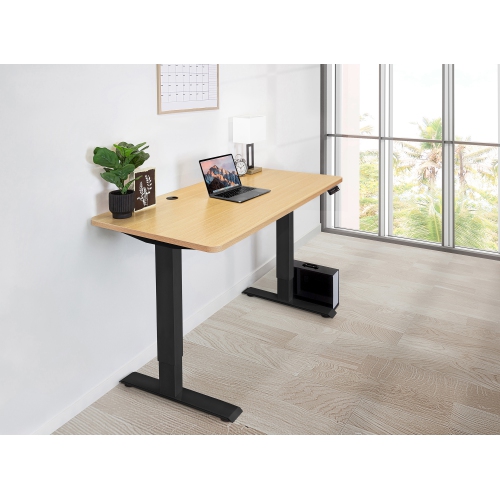
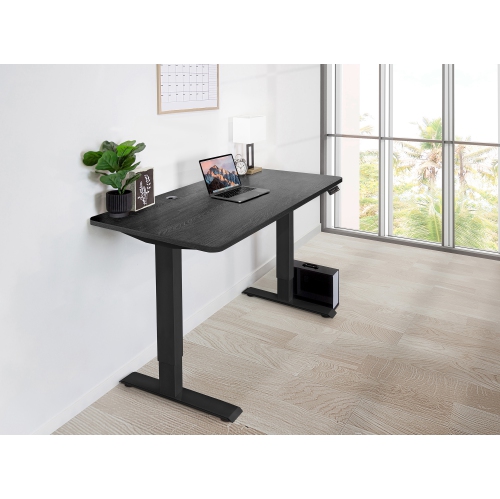
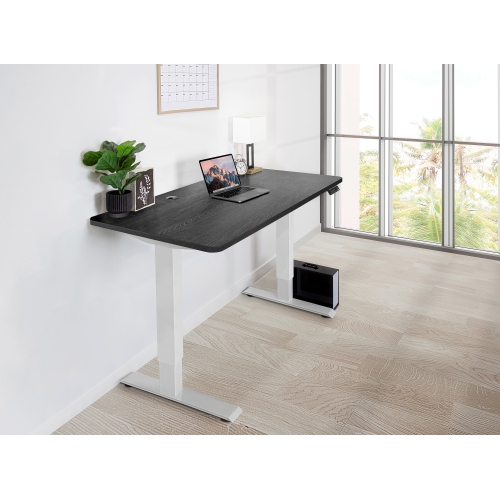

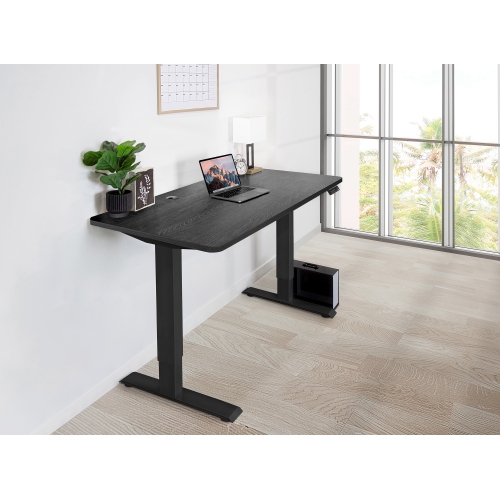
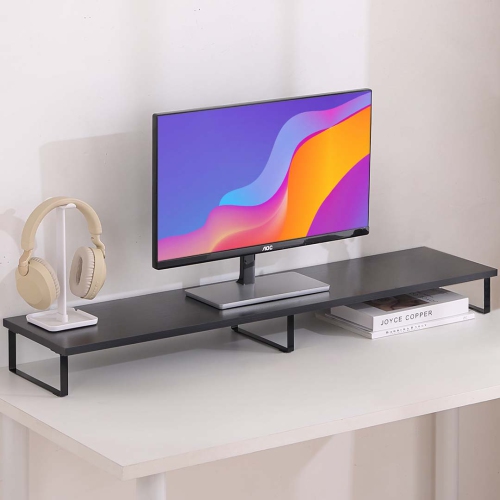
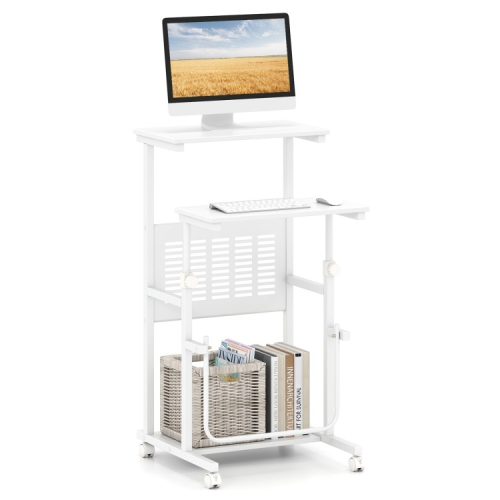
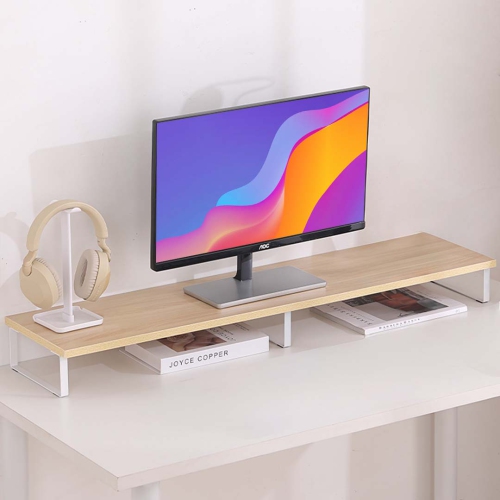
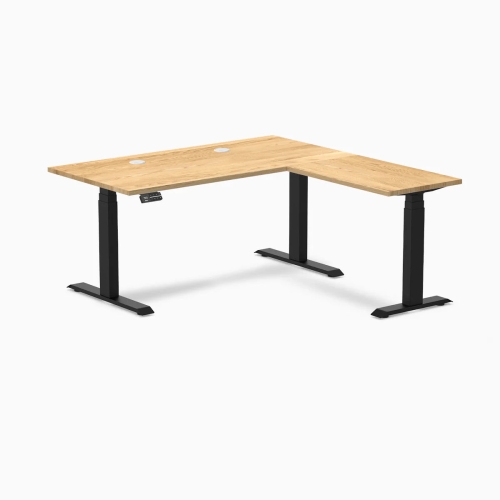
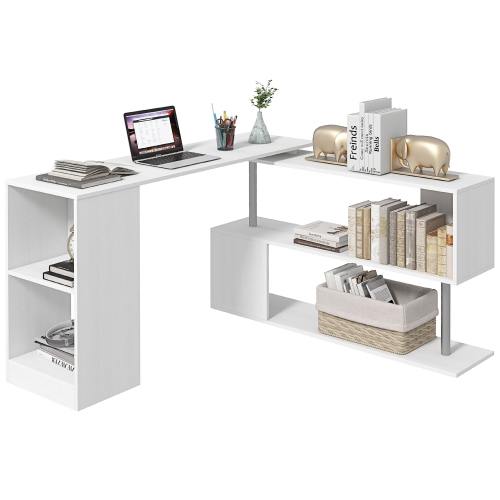
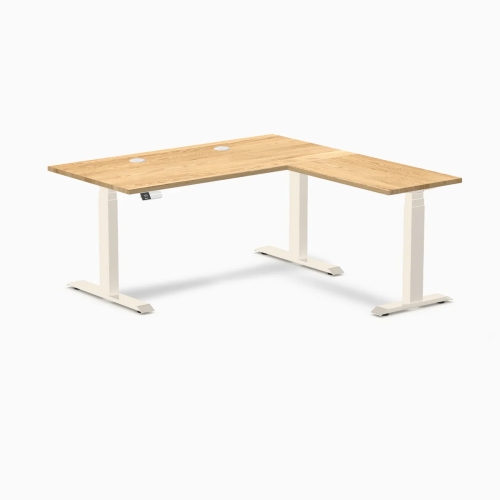
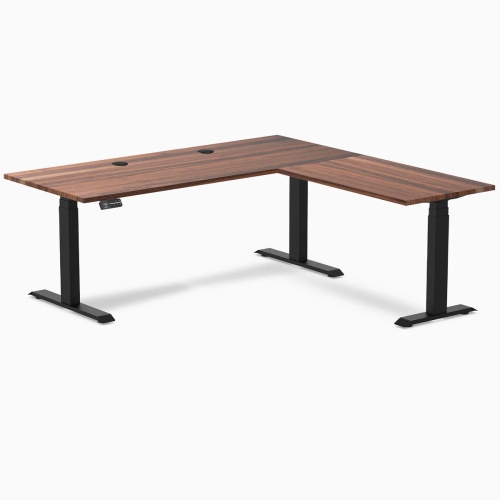
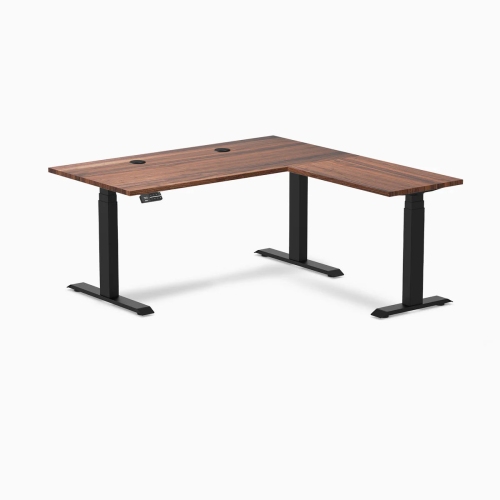
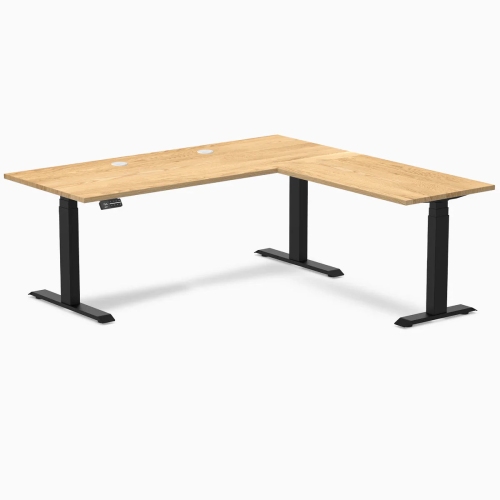
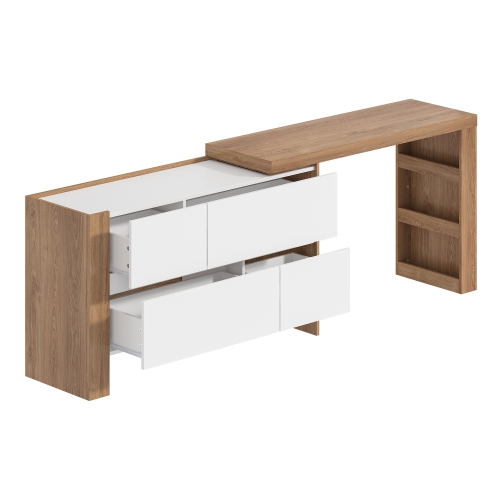
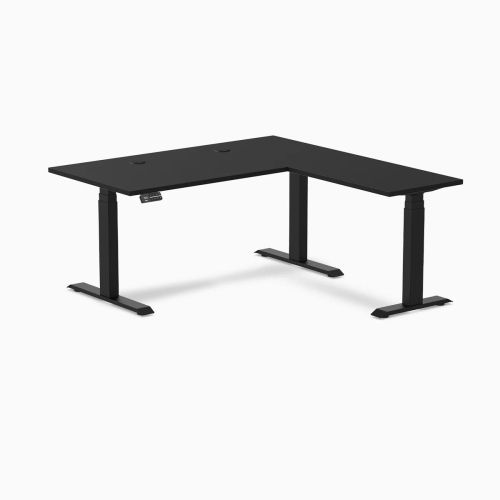
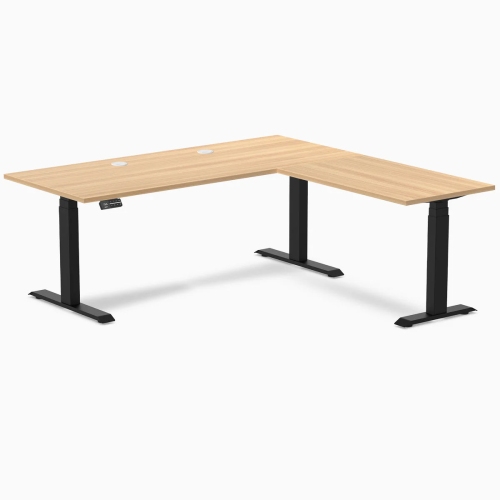
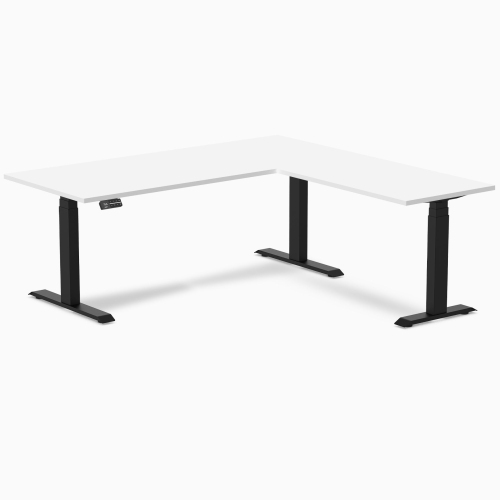
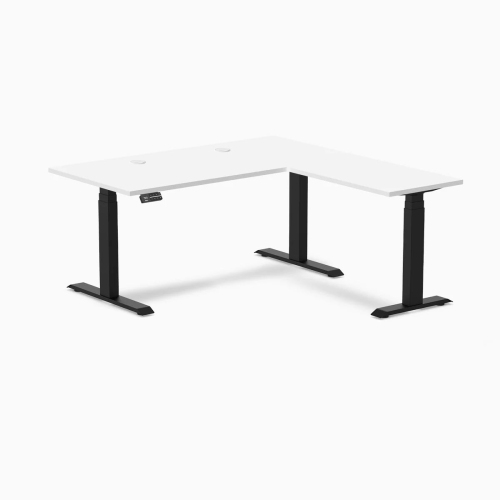
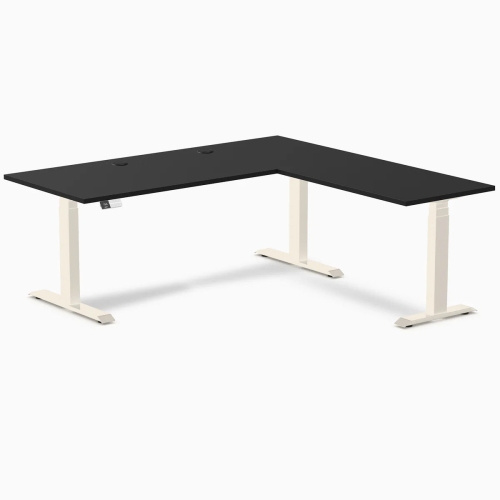
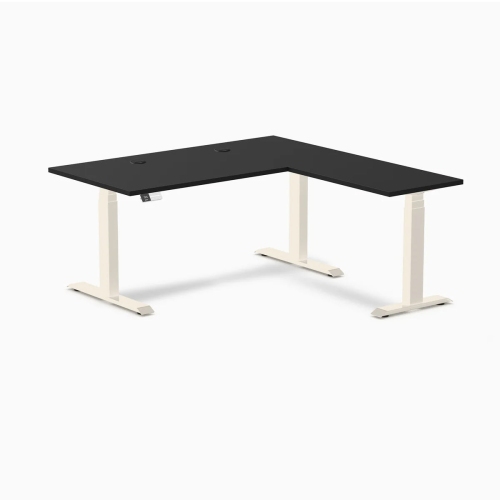
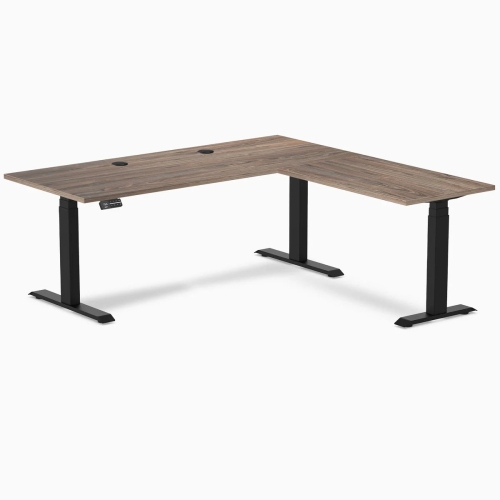
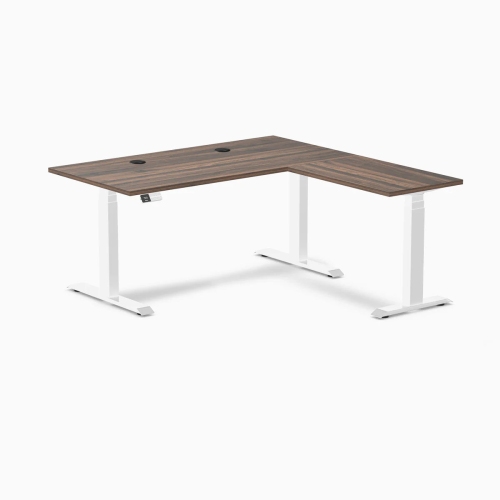
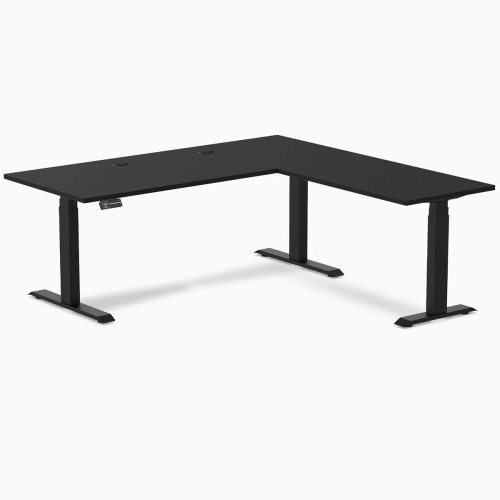
Comfortable workstations for changing routines and shared spaces
Ergonomic computer desks are designed to make everyday computer use feel more comfortable, organized, and adaptable, whether the desk supports a home office, a gaming setup, a student workstation, or a shared family computer area. A well-chosen desk gives your monitor, keyboard, mouse, and accessories a sensible amount of space while helping you maintain a more natural posture during long periods of work or study. Think of the difference between sitting at a kitchen table with a laptop balanced beside a coffee mug and settling into a dedicated workspace where everything has a proper place. With an ergonomic computer desk, the screen can be positioned at a practical viewing height, the keyboard can sit where your elbows rest comfortably, and frequently used items can remain close at hand instead of creating a cluttered stretch across the desktop. Browse the selection of Ergonomic Desks to find options suited to different room sizes, routines, and workstation preferences. These desks may be a thoughtful gift for someone starting a new job, setting up a study space, refreshing a gaming room, or spending more time at home during the cooler months. They can also make a useful addition to a guest room or multipurpose space, particularly when a clean, dedicated work surface is needed without taking over the entire room.
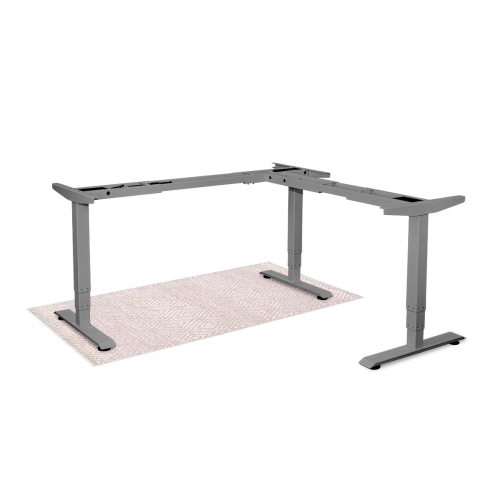
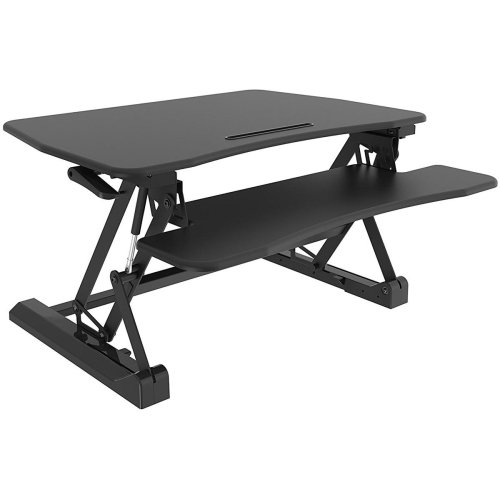
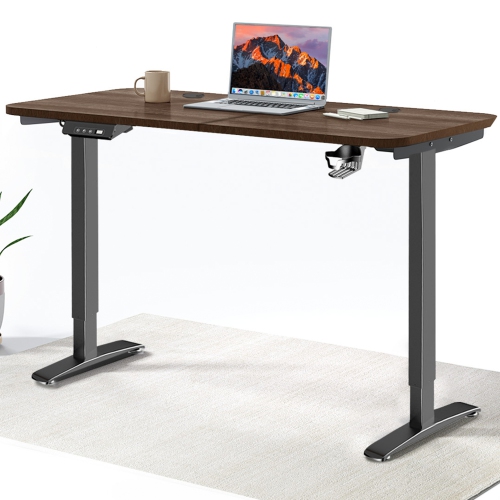
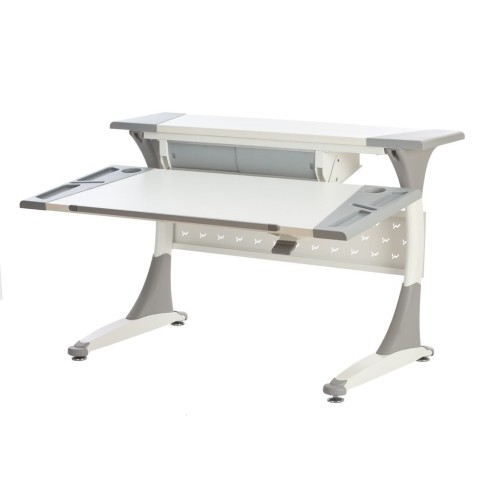
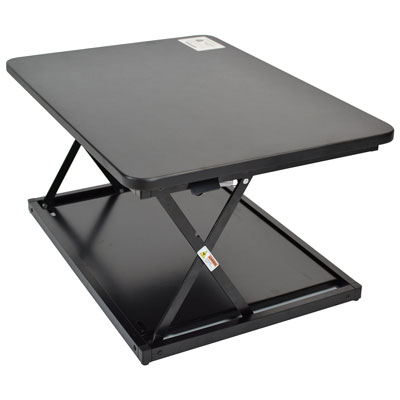
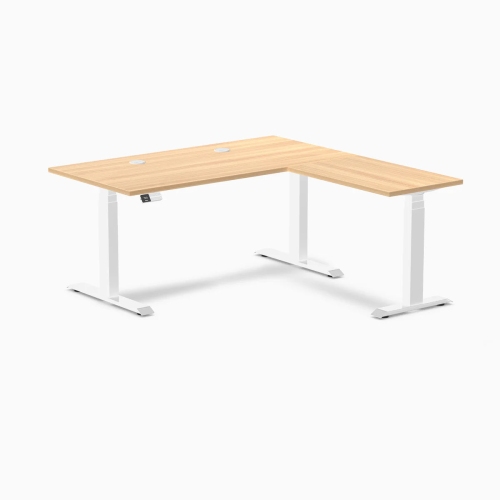
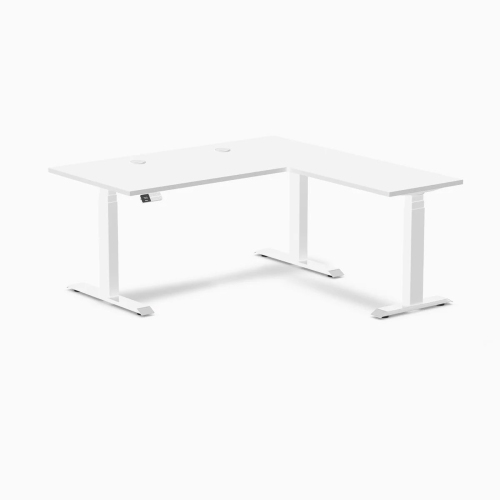
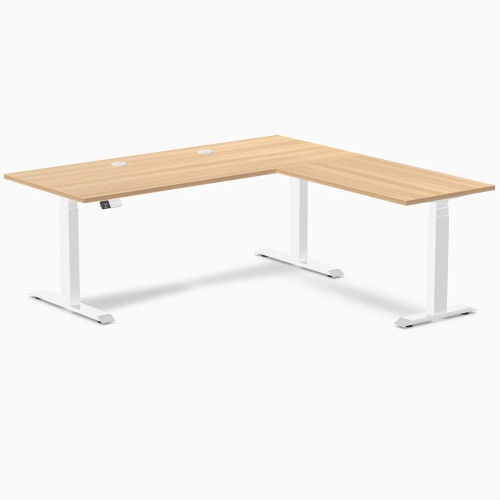
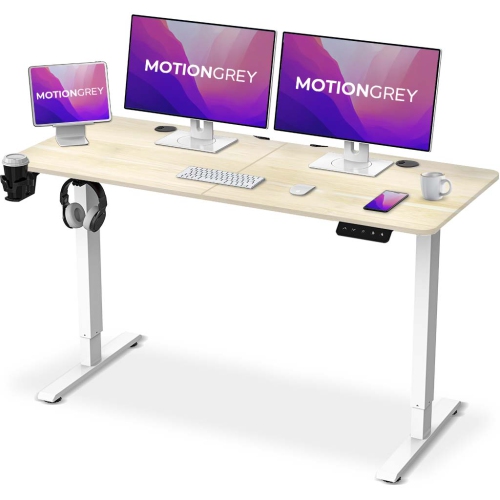
The right style depends on how you work and how much flexibility you want throughout the day. Electric sit-stand desks use a motorized lift system to move the work surface between seated and standing heights with the press of a button. Many include digital memory presets, making it easier to return to preferred positions without repeated adjustments. A dual-motor design may offer smooth, balanced lifting across a larger desktop, while a single-motor model can suit a more compact setup or a simpler budget. Fixed-height ergonomic computer desks provide a traditional workstation with a stable surface and may include features such as a pull-out keyboard tray, monitor shelf, cable-management openings, drawers, or storage compartments. A keyboard tray can help keep the keyboard lower than the desktop, which may be useful when the monitor and other equipment need to remain elevated. Desktop risers and manual converters sit on top of an existing desk, creating a standing work surface without replacing the furniture underneath. They can be a practical choice for a small apartment, a temporary office, or anyone who wants to try alternating between sitting and standing while keeping their current desk. When comparing options, consider the width and depth of the work surface, the total weight of your monitor and accessories, the available floor space, and whether the desk will need to move between users. Leave enough room for a chair to slide in comfortably, and measure doorways, stairs, and the intended corner before delivery. A spacious desktop may be ideal for two monitors, speakers, notebooks, and a lamp, while a compact model can keep a narrow bedroom or apartment office feeling open.
Ergonomic positioning is just as important as the desk’s appearance and adjustment system. When seated, aim to keep your elbows bent at a relaxed angle of about 90 degrees while typing, with your shoulders loose rather than lifted towards your ears. The top of the monitor should generally sit at or slightly below eye level, and the screen is often most comfortable when placed about an arm’s length away. Your feet should rest flat on the floor, with your knees forming an angle of roughly 90 to 100 degrees; a footrest can help when the desk or chair height leaves your feet unsupported. If you alternate between sitting and standing, adjust the desk so your wrists remain neutral and your elbows stay close to your sides in both positions. A small shift in height can make a noticeable difference: the screen that felt too low while seated may be perfectly placed when standing, while a keyboard that sits comfortably for one person may need to move for another. This is especially helpful in shared workspaces where household members have different heights and equipment. Look for sturdy construction, a stable base, smooth height adjustment, rounded edges, and enough clearance for your legs. Cable-management features can keep charging cords and display cables from tangling underfoot, while a matte or textured surface may help reduce distracting reflections from windows and overhead lighting. As routines change from late summer into fall and more indoor time becomes part of the day, an ergonomic computer desk can create a consistent place for focused work, online classes, creative projects, gaming, or managing household tasks. Choose a size, configuration, and adjustment range that fits the person using it, the equipment they rely on, and the room where it will become part of everyday life.
The right style depends on how you work and how much flexibility you want throughout the day. Electric sit-stand desks use a motorized lift system to move the work surface between seated and standing heights with the press of a button. Many include digital memory presets, making it easier to return to preferred positions without repeated adjustments. A dual-motor design may offer smooth, balanced lifting across a larger desktop, while a single-motor model can suit a more compact setup or a simpler budget. Fixed-height ergonomic computer desks provide a traditional workstation with a stable surface and may include features such as a pull-out keyboard tray, monitor shelf, cable-management openings, drawers, or storage compartments. A keyboard tray can help keep the keyboard lower than the desktop, which may be useful when the monitor and other equipment need to remain elevated. Desktop risers and manual converters sit on top of an existing desk, creating a standing work surface without replacing the furniture underneath. They can be a practical choice for a small apartment, a temporary office, or anyone who wants to try alternating between sitting and standing while keeping their current desk. When comparing options, consider the width and depth of the work surface, the total weight of your monitor and accessories, the available floor space, and whether the desk will need to move between users. Leave enough room for a chair to slide in comfortably, and measure doorways, stairs, and the intended corner before delivery. A spacious desktop may be ideal for two monitors, speakers, notebooks, and a lamp, while a compact model can keep a narrow bedroom or apartment office feeling open.
Ergonomic positioning is just as important as the desk’s appearance and adjustment system. When seated, aim to keep your elbows bent at a relaxed angle of about 90 degrees while typing, with your shoulders loose rather than lifted towards your ears. The top of the monitor should generally sit at or slightly below eye level, and the screen is often most comfortable when placed about an arm’s length away. Your feet should rest flat on the floor, with your knees forming an angle of roughly 90 to 100 degrees; a footrest can help when the desk or chair height leaves your feet unsupported. If you alternate between sitting and standing, adjust the desk so your wrists remain neutral and your elbows stay close to your sides in both positions. A small shift in height can make a noticeable difference: the screen that felt too low while seated may be perfectly placed when standing, while a keyboard that sits comfortably for one person may need to move for another. This is especially helpful in shared workspaces where household members have different heights and equipment. Look for sturdy construction, a stable base, smooth height adjustment, rounded edges, and enough clearance for your legs. Cable-management features can keep charging cords and display cables from tangling underfoot, while a matte or textured surface may help reduce distracting reflections from windows and overhead lighting. As routines change from late summer into fall and more indoor time becomes part of the day, an ergonomic computer desk can create a consistent place for focused work, online classes, creative projects, gaming, or managing household tasks. Choose a size, configuration, and adjustment range that fits the person using it, the equipment they rely on, and the room where it will become part of everyday life.
Top selling and popular products
-
 Your price for this item is $304.99
 -
 Your price for this item is $142.92
 -
 Your price for this item is $248.99
 -
 Your price for this item is $133.91
 -
 Your price for this item is $158.99
 -
 Your price for this item is $142.94
 -
 Your price for this item is $119.99
 -
 Your price for this item is $133.91
Discover more categories related to Ergonomic Computer Desks
Top Collections:
Pokemon Centers, Best Cameras for Sports Photography, Kindle Devices, Samsung Galaxy Phones, Canon G7X Cameras, Pokémon 30th Celebration Cards, Refurbished Apple Laptops, iPhone 15 Apple, Laptops for Students, Budget Smartphones
Some products may be subject to Environmental Handling Fees
(EHF) depending on your province.
Learn more about EHFs.