Ergonomic Home Office Desks
Upgrade your workspace with an ergonomic home office desk designed to enhance comfort and productivity. Whether you're working remotely, studying, or tackling creative projects, the right desk can make a significant difference in your daily routine. Explore a wide selection of ergonomic home office desks that blend style and functionality, helping you create an efficient and inviting environment for all your tasks. Find the perfect fit to support your workflow and elevate your home office setup.
Sort

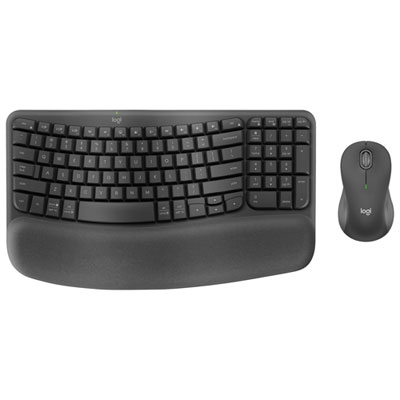
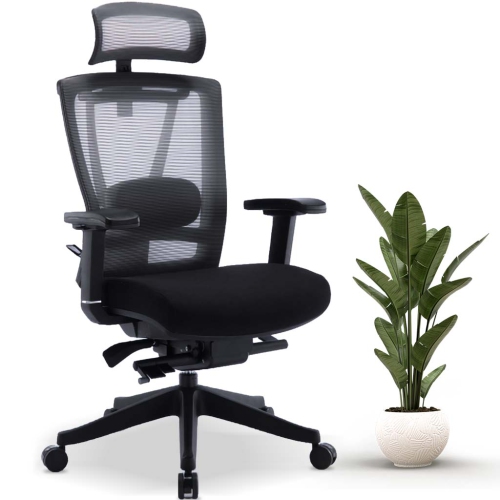
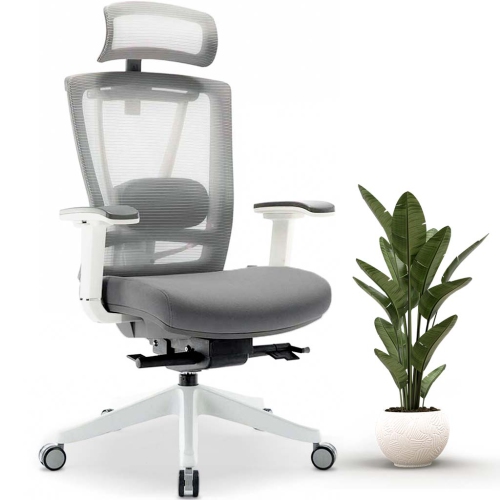
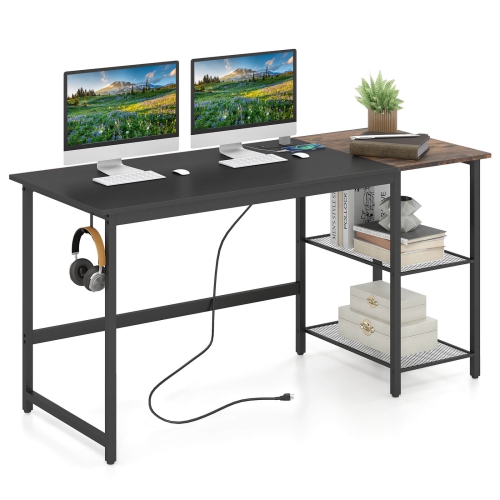
Desk comfort depends on more than adjustable height
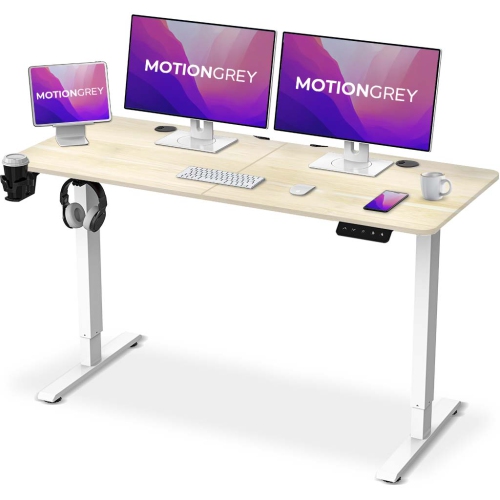
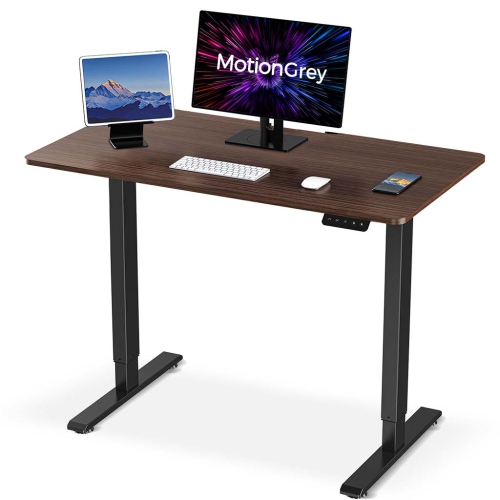
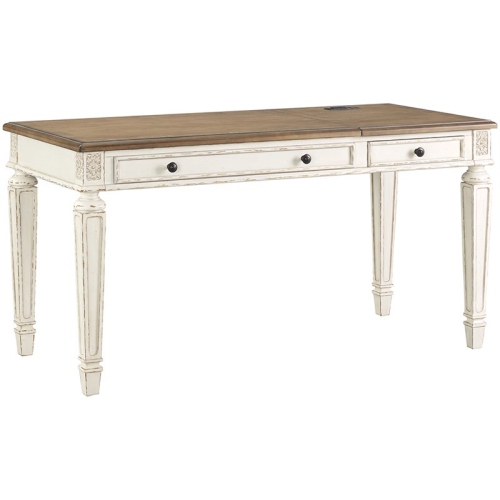
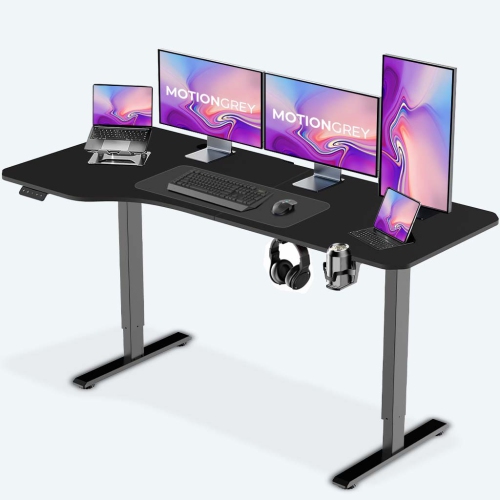
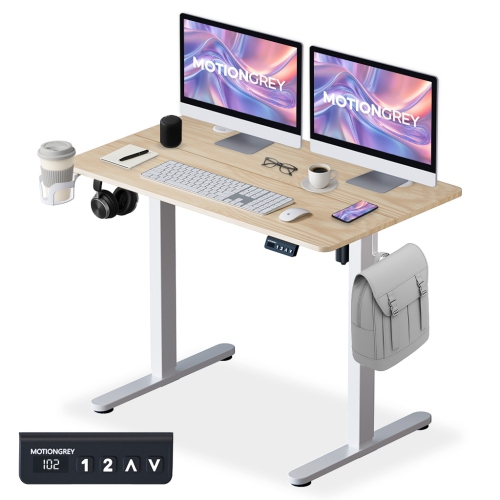
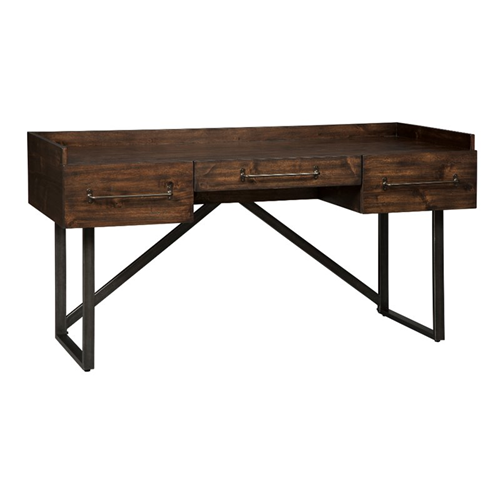
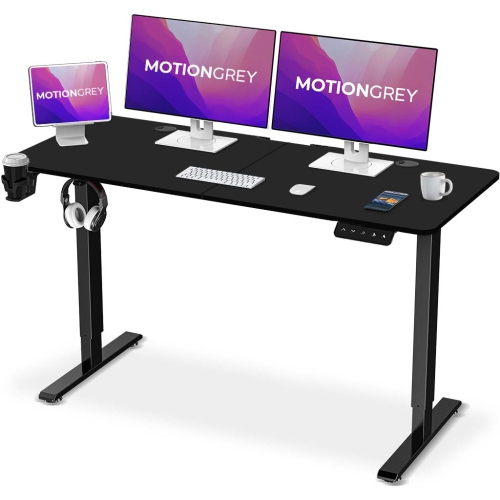
Ergonomic home office desks provide a work surface that can be matched to the person using it, the equipment on it, and the space around it. A comfortable setup brings the keyboard and mouse within easy reach, leaves room for the legs, and positions the screen so that reading does not require leaning forward or tilting the head. Height-adjustable desks add flexibility by allowing the desktop to move between seated and standing positions, while a well-proportioned fixed-height desk can also support comfortable work when paired with a suitable chair and monitor placement. The important distinction is fit: a desk described as ergonomic still needs to suit its user’s height, reach, and daily tasks. For typing, elbows generally rest at about a 90-degree angle or slightly more open, with shoulders relaxed and wrists in a neutral position rather than bent upward. The top of the screen typically sits at or slightly below eye level, although viewing needs and eyewear can affect the most comfortable position. A laptop used on its own can make it difficult to achieve both screen height and keyboard height at once; a separate keyboard and mouse allow the laptop screen to sit higher without raising the hands. Desktop depth matters here as much as width. Enough space between the screen and the front edge helps prevent a crowded arrangement where the keyboard is pushed against the body or the monitor feels too close. Someone working mainly with a laptop and notebook may need a different surface from someone reviewing spreadsheets across two monitors while keeping reference documents open nearby. Ergonomic home office desks are therefore about more than a lifting mechanism or a curved edge. Their usefulness comes from how well the surface, frame, controls, and surrounding furniture work together through ordinary tasks, from answering a few emails to spending several hours on focused project work.
Sit-stand designs offer different ways to adjust the work surface. Electric mechanisms move the desktop using powered controls, and programmable presets, where included, can make it easier to return to familiar seated and standing heights. Manual crank mechanisms provide another adjustment method, with the trade-off of requiring more physical effort when changing positions. The usable height range matters more than the mechanism alone: the lowest setting needs to work for seated typing, and the highest setting needs to suit standing work without lifting the shoulders. Standing is an alternative posture, not a requirement to remain upright throughout the day; comfortable desk use can include sitting, standing, and taking movement breaks. Frame construction, lifting capacity, and desktop dimensions also influence how a desk handles daily use. The stated load rating needs to account for everything supported by the desk, including screens, monitor arms, speakers, and other equipment, following the manufacturer’s definition of capacity. A broad surface carrying two monitors places different demands on the frame than a compact surface holding a lightweight laptop. Stability at the intended working height is especially relevant when typing or adjusting a screen. Materials contribute to both appearance and upkeep. Solid wood brings natural grain and variation, while engineered wood with a laminate or other protective finish offers a consistent surface with its own care requirements. Metal frames, including powder-coated designs, provide structural support, but overall durability depends on the complete construction, secure connections, and use within the stated limits. Rounded desktop edges can feel more comfortable against the forearms, while a smooth surface makes writing and moving a mouse easier. Features such as cable trays, routing openings, and accessible controls can help keep the working area organized. Where an anti-collision function is included, it should be treated as an additional feature rather than a substitute for keeping the desk’s travel path clear of furniture, objects, children, and pets.
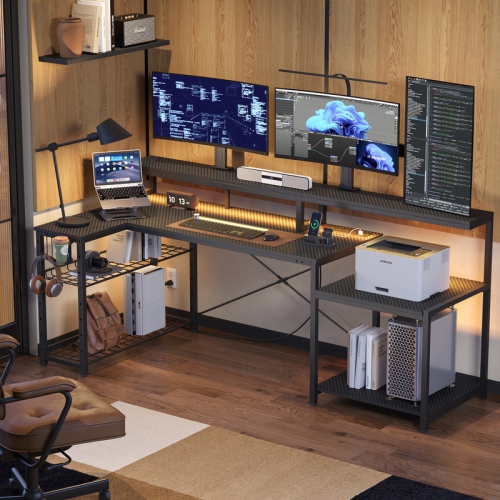
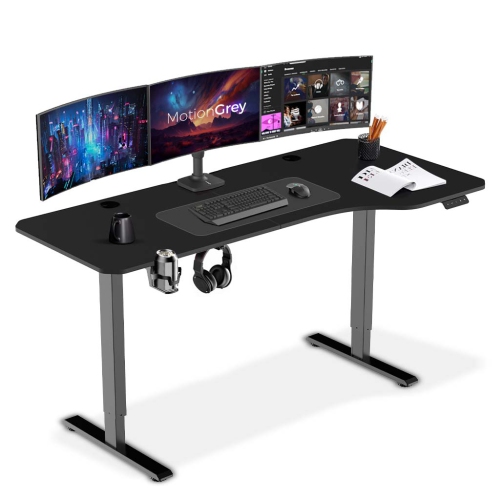
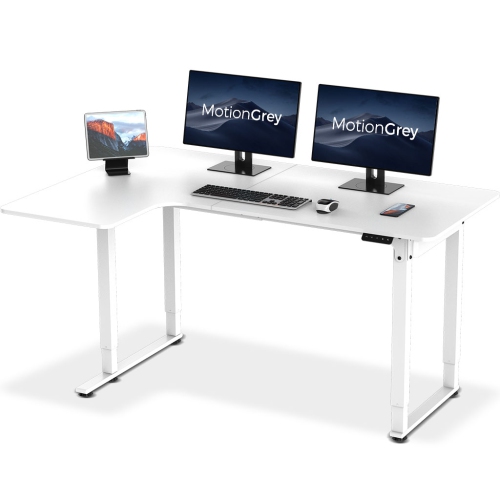
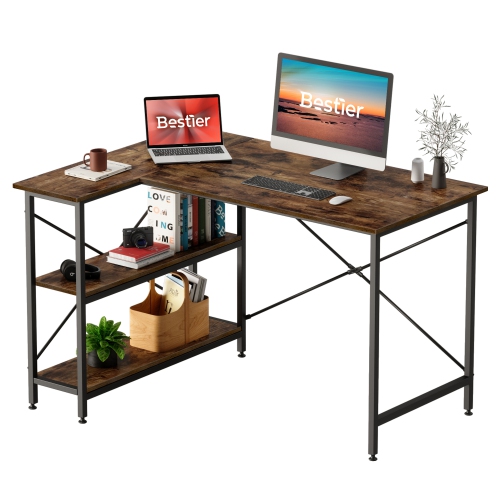
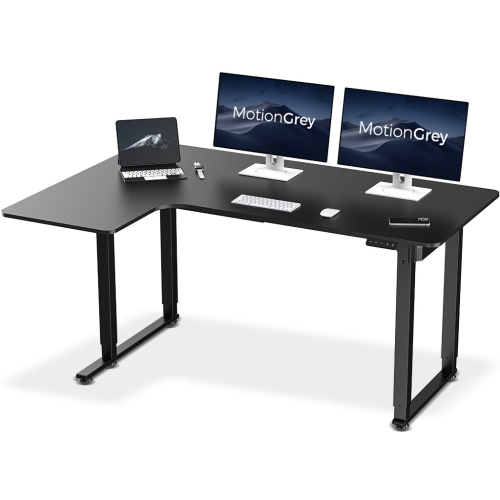
Room layout determines how easily an ergonomic desk fits into home life. A compact rectangular surface can define a work area along a bedroom wall, while an L-shaped layout can separate computer tasks from paperwork or provide room for creative work. The larger footprint also needs enough clearance for the chair, nearby doors, and everyday movement through the room. Open space beneath the desk is valuable for changing leg position; drawers, support bars, and storage units should not force the knees sideways or prevent the chair from moving close enough to the keyboard. For shared rooms, adjustable height can accommodate different users, provided the range suits each person. A desk used for video calls may need room for a camera and task light, while one used for studying may benefit more from a clear writing area beside the computer. Related Ergonomic Computer Desks can serve similar needs, with the right fit depending on the balance of screen work, writing, and available floor space. Accessories need to fit the desk’s construction as well as the task. A clamp-mounted monitor arm requires suitable desktop thickness, edge clearance, and a surface approved to support the attachment; a keyboard tray needs room without reducing leg clearance. On a moving desk, power and display cables need sufficient slack throughout the full height range, without hanging where they could catch. Regular care helps preserve both the finish and the adjustment system. A soft cloth and cleaning method approved for the surface are preferable to abrasive pads or excess moisture, and spills should be wiped up promptly. Assembly hardware and moving components should be checked as directed by the manufacturer. For remote workers, students, and people managing household paperwork, the most practical ergonomic home office desk is one that supports their actual routine: enough space to work comfortably, adjustments that are easy to use, and construction suited to the equipment it will hold.
Sit-stand designs offer different ways to adjust the work surface. Electric mechanisms move the desktop using powered controls, and programmable presets, where included, can make it easier to return to familiar seated and standing heights. Manual crank mechanisms provide another adjustment method, with the trade-off of requiring more physical effort when changing positions. The usable height range matters more than the mechanism alone: the lowest setting needs to work for seated typing, and the highest setting needs to suit standing work without lifting the shoulders. Standing is an alternative posture, not a requirement to remain upright throughout the day; comfortable desk use can include sitting, standing, and taking movement breaks. Frame construction, lifting capacity, and desktop dimensions also influence how a desk handles daily use. The stated load rating needs to account for everything supported by the desk, including screens, monitor arms, speakers, and other equipment, following the manufacturer’s definition of capacity. A broad surface carrying two monitors places different demands on the frame than a compact surface holding a lightweight laptop. Stability at the intended working height is especially relevant when typing or adjusting a screen. Materials contribute to both appearance and upkeep. Solid wood brings natural grain and variation, while engineered wood with a laminate or other protective finish offers a consistent surface with its own care requirements. Metal frames, including powder-coated designs, provide structural support, but overall durability depends on the complete construction, secure connections, and use within the stated limits. Rounded desktop edges can feel more comfortable against the forearms, while a smooth surface makes writing and moving a mouse easier. Features such as cable trays, routing openings, and accessible controls can help keep the working area organized. Where an anti-collision function is included, it should be treated as an additional feature rather than a substitute for keeping the desk’s travel path clear of furniture, objects, children, and pets.
Room layout determines how easily an ergonomic desk fits into home life. A compact rectangular surface can define a work area along a bedroom wall, while an L-shaped layout can separate computer tasks from paperwork or provide room for creative work. The larger footprint also needs enough clearance for the chair, nearby doors, and everyday movement through the room. Open space beneath the desk is valuable for changing leg position; drawers, support bars, and storage units should not force the knees sideways or prevent the chair from moving close enough to the keyboard. For shared rooms, adjustable height can accommodate different users, provided the range suits each person. A desk used for video calls may need room for a camera and task light, while one used for studying may benefit more from a clear writing area beside the computer. Related Ergonomic Computer Desks can serve similar needs, with the right fit depending on the balance of screen work, writing, and available floor space. Accessories need to fit the desk’s construction as well as the task. A clamp-mounted monitor arm requires suitable desktop thickness, edge clearance, and a surface approved to support the attachment; a keyboard tray needs room without reducing leg clearance. On a moving desk, power and display cables need sufficient slack throughout the full height range, without hanging where they could catch. Regular care helps preserve both the finish and the adjustment system. A soft cloth and cleaning method approved for the surface are preferable to abrasive pads or excess moisture, and spills should be wiped up promptly. Assembly hardware and moving components should be checked as directed by the manufacturer. For remote workers, students, and people managing household paperwork, the most practical ergonomic home office desk is one that supports their actual routine: enough space to work comfortably, adjustments that are easy to use, and construction suited to the equipment it will hold.
Top selling and popular products
-
 Your price for this item is $304.99
 -
 Your price for this item is $142.92
 -
 Your price for this item is $248.99
 -
 Your price for this item is $133.91
 -
 Your price for this item is $158.99
 -
 Your price for this item is $142.94
 -
 Your price for this item is $119.99
 -
 Your price for this item is $133.91
Discover more categories related to Ergonomic Home Office Desks

Top Collections:
Pokemon Centers, Best Cameras for Sports Photography, Kindle Devices, Samsung Galaxy Phones, Canon G7X Cameras, Pokémon 30th Celebration Cards, Refurbished Apple Laptops, iPhone 15 Apple, Laptops for Students, Budget Smartphones
Some products may be subject to Environmental Handling Fees
(EHF) depending on your province.
Learn more about EHFs.