Ergonomic Furniture for Back Pain
Ergonomic furniture for back pain offers practical solutions designed to help support comfort during daily activities at home or in the office. Whether setting up a workspace or enhancing your living area, these options are crafted with attention to posture and ease of use. Explore a wide selection of ergonomic furniture for back pain to find seating, desks, and accessories that can help make your space more inviting and supportive throughout the day.
Sort
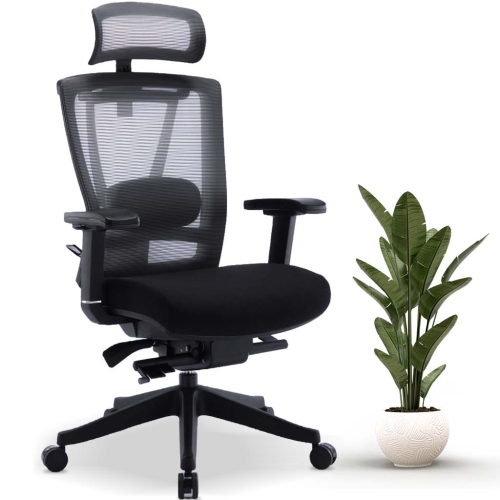
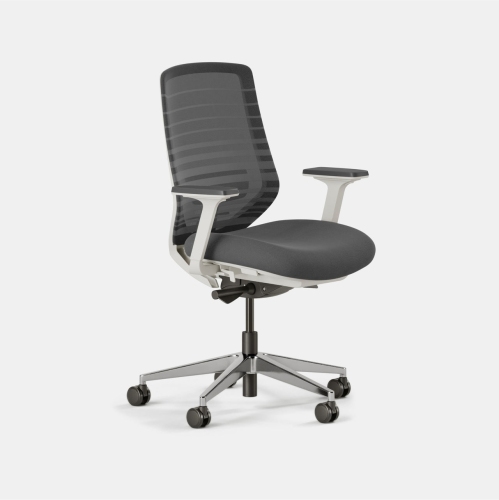
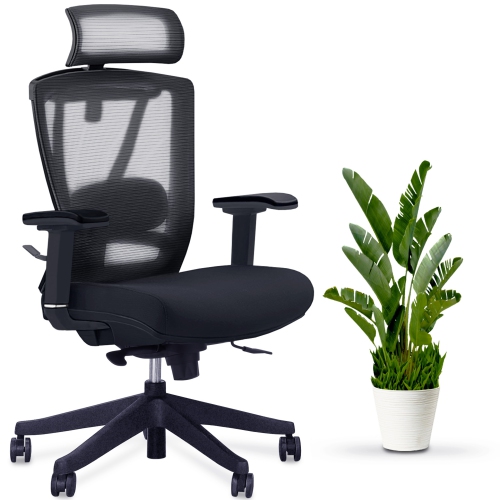
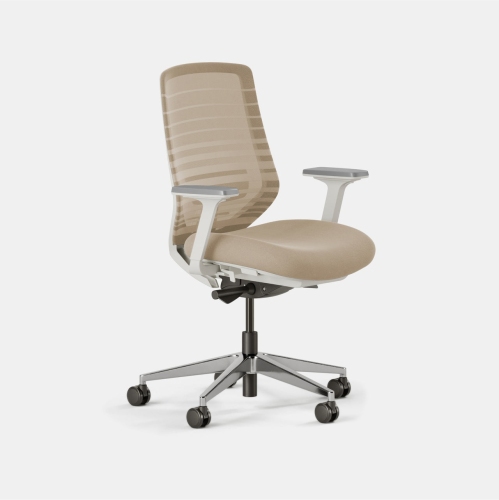
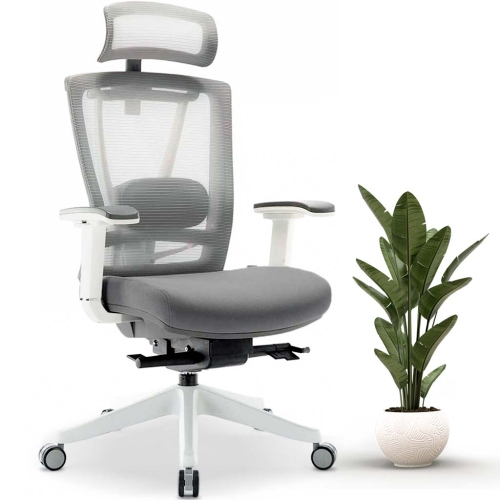
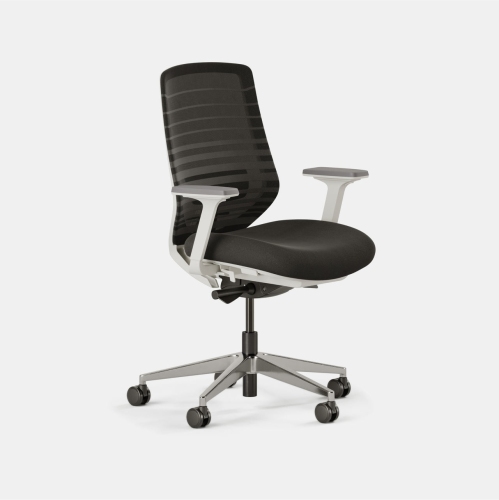
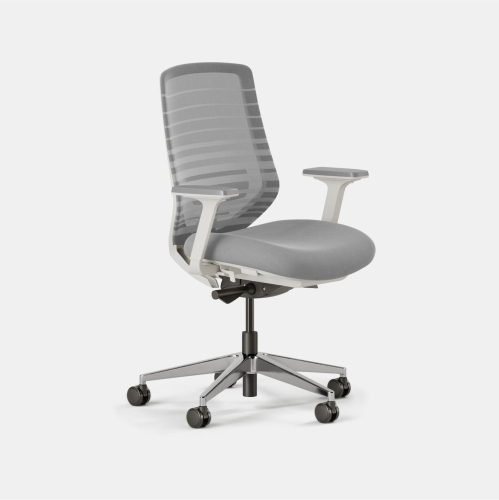
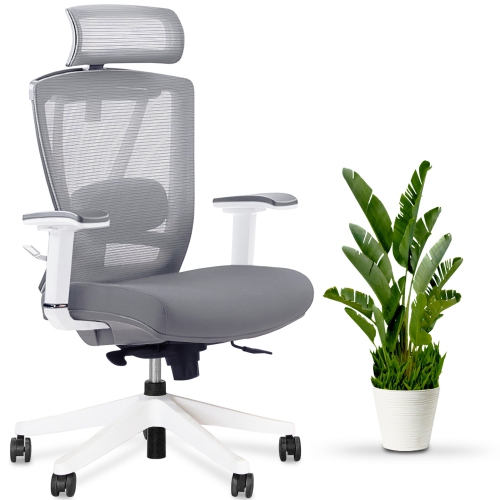
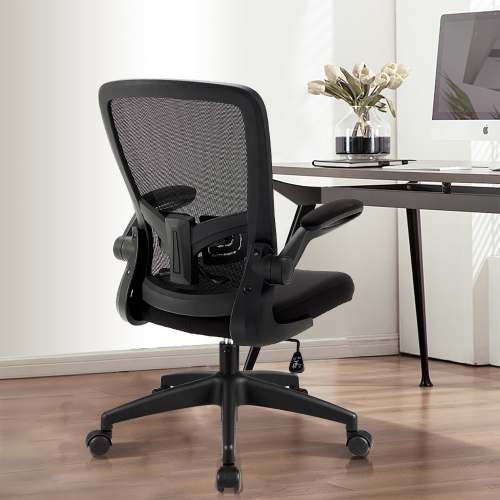
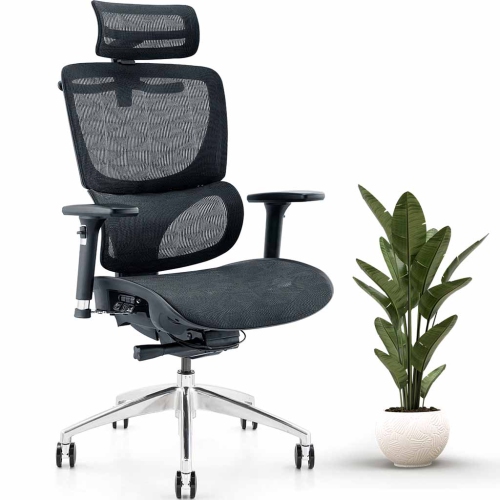
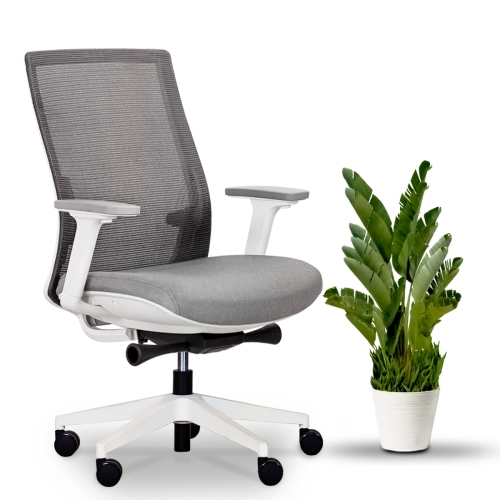
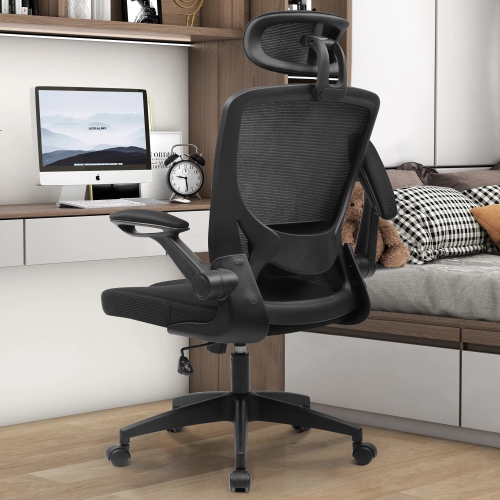
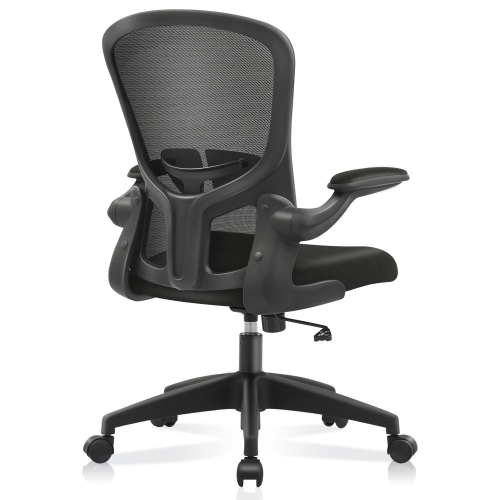

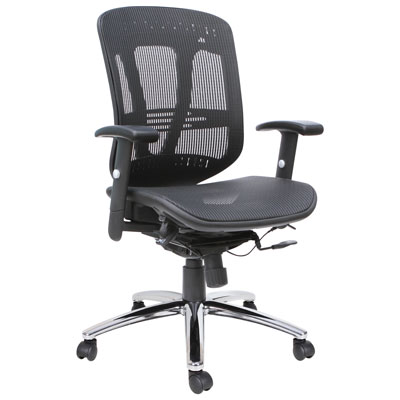
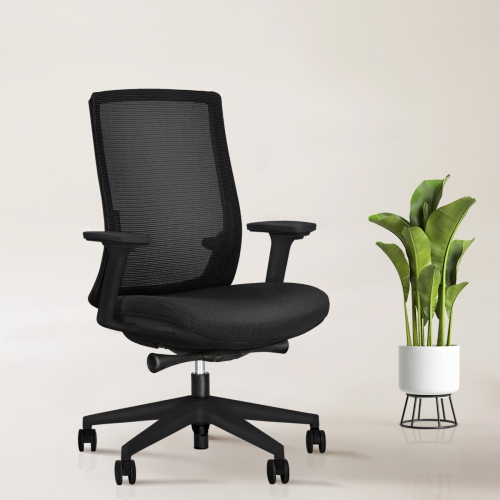
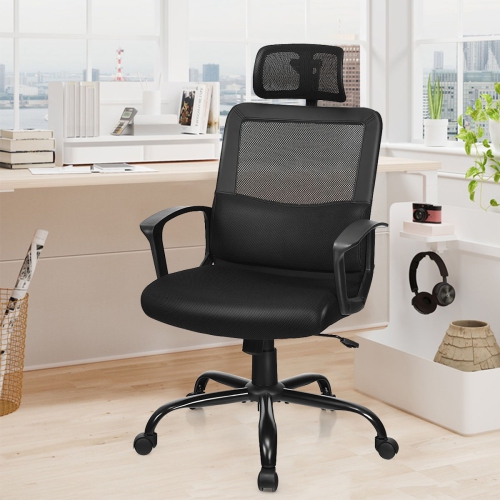
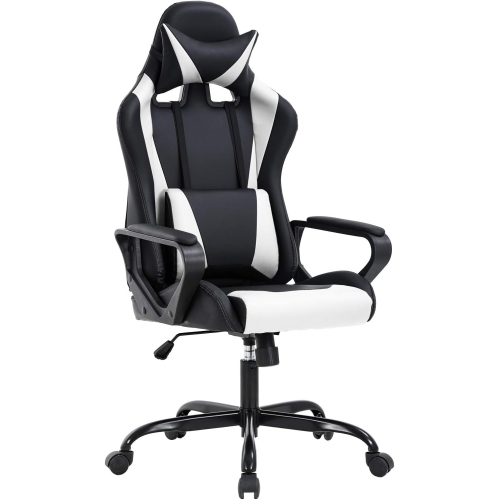
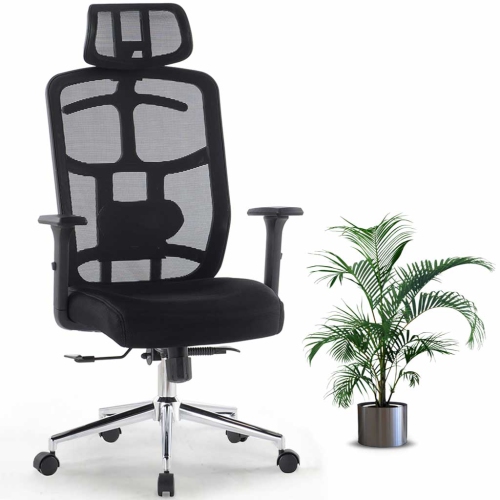

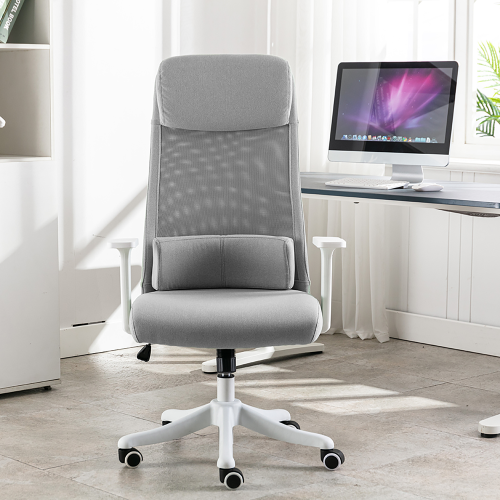
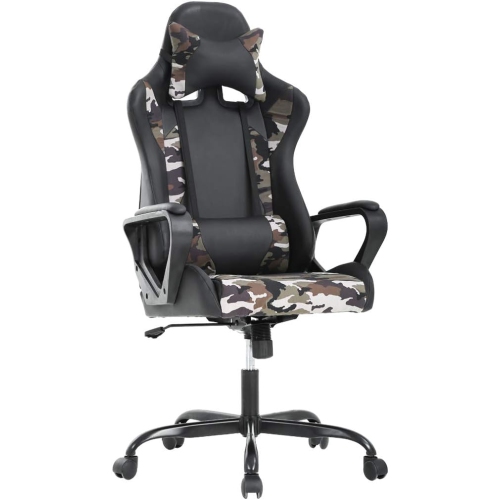
Comfort starts with furniture that fits your body
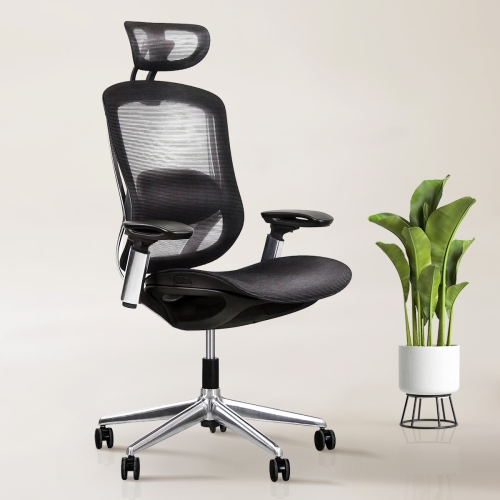
Ergonomic furniture for back pain includes adjustable office chairs, sit-stand desks, and supportive seating accessories that help a workspace fit the person using it. These furnishings can help reduce strain associated with reaching, slouching, or sitting in a position that does not suit the body, but they are not a treatment for an underlying back condition. Comfort depends on how the chair, desk, and everyday tasks work together. An adjustable office chair offers more opportunities to find a comfortable position than a seat with a fixed height and backrest. Seat height should allow the feet to rest securely on the floor or a footrest, while seat depth should support the thighs without pressing against the backs of the knees. A small gap between the front edge of the seat and the knees leaves room to move. Lumbar support is intended to follow the inward curve of the lower back; height and depth adjustments can make it easier to position that support where it feels comfortable rather than intrusive. For someone who spends much of the day typing, armrests that adjust low enough to let the shoulders relax can be more useful than thick padding alone. Armrests also need to clear the desk so the chair can move close to the keyboard. A reclining backrest with adjustable tension allows changes in sitting position, while a locking function can provide stability at a preferred angle. Headrests may suit people who lean back between tasks, although their height and angle need to match the user. A chair that feels supportive during a brief seated task may feel different through several hours of work, making adjustability, usable seat dimensions, and freedom to shift position important considerations. The aim is comfortable support across different activities, not holding the body rigidly in a single supposedly perfect posture.
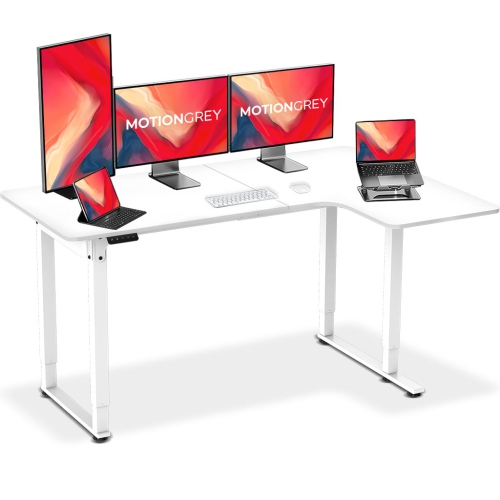
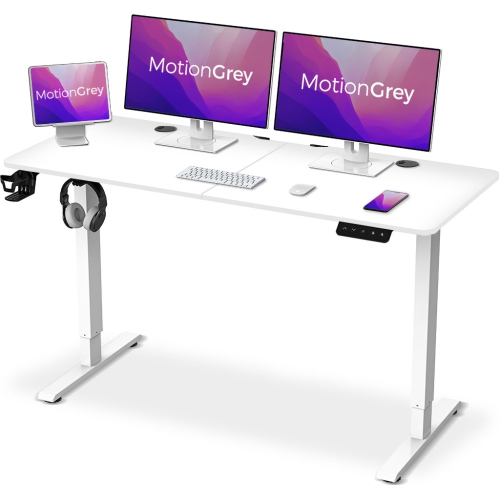
Height-adjustable desks complement supportive seating by allowing a workspace to accommodate both seated and standing tasks. Alternating positions can break up long stretches of sitting, although standing all day is not a substitute for movement and may introduce its own discomfort. A suitable desk height lets the forearms reach the work surface without lifting the shoulders or bending forward. For a person working from a laptop at the kitchen table, the challenge is often the relationship between the screen and keyboard: raising the screen improves viewing height but also raises the keys. A separate keyboard and mouse, paired with a laptop stand or monitor arm, can make that arrangement easier to adjust. These accessories work alongside ergonomic furniture rather than replacing a well-fitted chair and desk. Desktop depth matters, too, especially when a large monitor, paperwork, and a keyboard all share the same surface. Enough room to position the screen at a comfortable viewing distance can reduce the tendency to lean towards it. Clear space beneath the desk allows the legs to move without navigating drawers, support bars, or stored equipment. In a shared home office, a broad adjustment range and programmable height settings can make transitions between users less cumbersome. Electric lift systems offer convenient height changes, while manual mechanisms may suit spaces where adjustments are less frequent. Stability at standing height, the desk’s stated weight capacity, and cable length all deserve attention when monitors and other equipment move with the surface. A footrest can provide support when the chair must sit higher to match a fixed desk, and a standing mat can add cushioning during standing tasks. Neither accessory should obstruct the chair’s movement or create a trip hazard. For study, remote work, gaming, or creative projects, a coordinated setup leaves frequently used equipment within easy reach and makes changing position a normal part of the day.
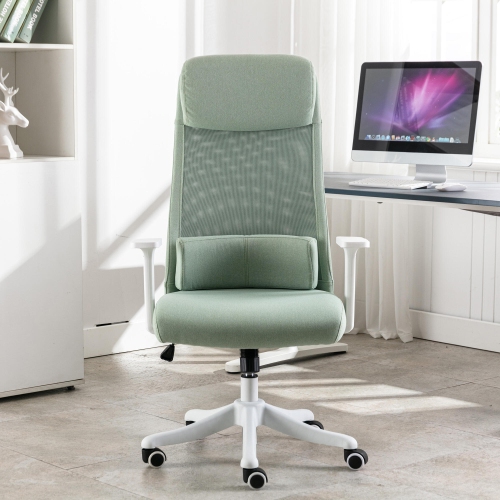
Materials and construction influence how ergonomic furniture feels, wears, and fits into a home. Mesh chair backs allow airflow and have a flexible feel, while upholstered backs and padded seats provide a softer contact surface. Firmness is personal: a deeply cushioned seat is not necessarily more supportive, and cushioning that compresses too much can change the effective seat height. Fabric upholstery offers a textured finish, while leather and faux leather require care suited to their particular surface. Cleaning directions matter, especially in a workspace shared with children or pets; an unsuitable cleaning solution can affect upholstery, finishes, or moving components. Wood and wood-look desktops bring different textures to a room, while metal frames provide structural support. For frequently adjusted furniture, the quality of lift mechanisms, fasteners, armrest assemblies, and chair bases matters as much as appearance. Published dimensions and weight limits help establish whether a piece suits the intended user, but capacity alone does not indicate fit. A tall person may need greater seat depth and a higher backrest, while a shorter person may benefit from a lower minimum seat height and a shallower seat. Castors should suit the flooring, and a compatible chair mat may help protect the surface and support smoother movement. Manufacturer-directed checks of fasteners and adjustment mechanisms can help keep furniture functioning as intended. For a shared workspace or a thoughtful home-office gift, personal measurements and preferences are more useful than choosing by style alone. The broader Ergonomic Furniture collection brings together options for building a workspace around those individual needs. Furniture that supports comfortable movement, provides accessible adjustments, and suits the tasks performed is a practical foundation for everyday use. Persistent, worsening, or unexplained back pain warrants advice from a qualified healthcare professional, particularly when discomfort continues despite changes to the workspace. Supportive furniture is most useful as part of an arrangement that also leaves room for regular breaks and changes of position.
Top selling and popular products
-
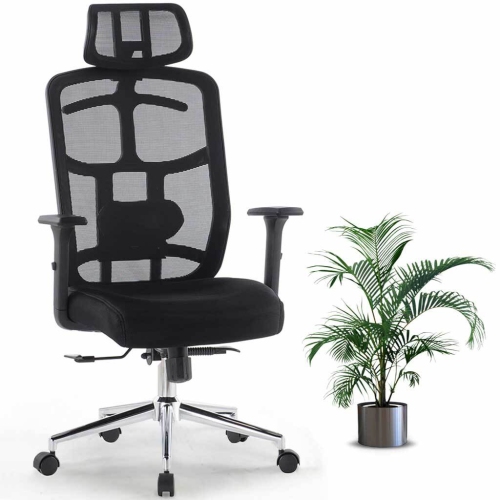 Your price for this item is $129.99
-
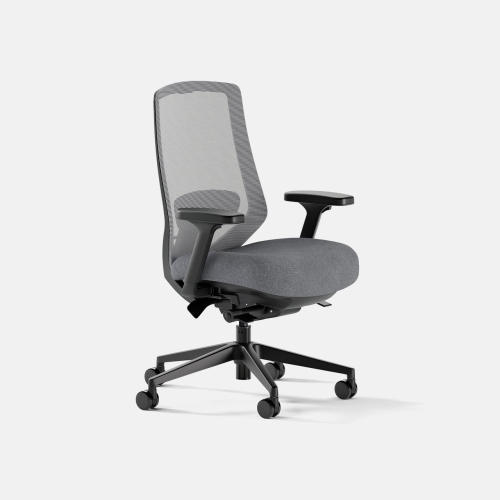 Your price for this item is $539.1
-
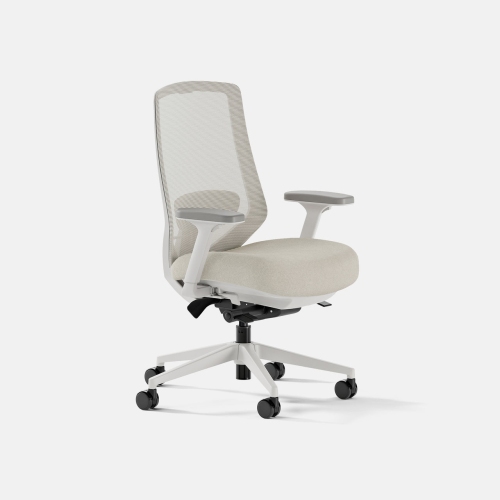 Your price for this item is $539.1
-
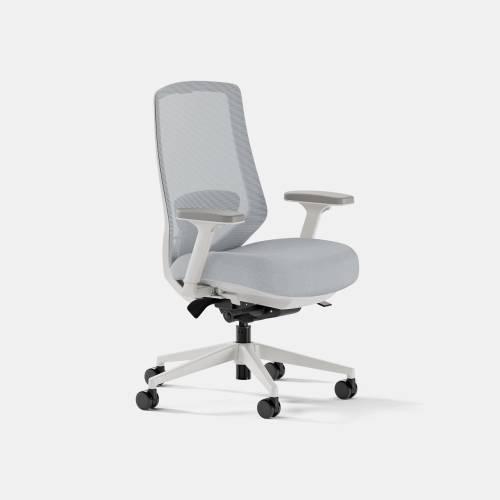 Your price for this item is $539.1
-
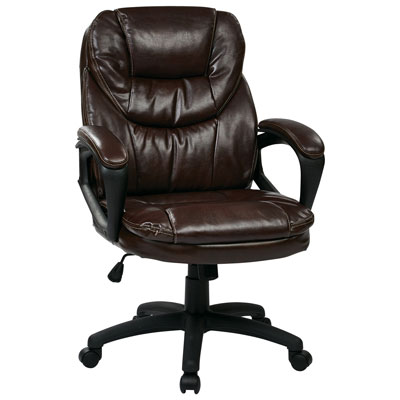 Your price for this item is $459.99
-
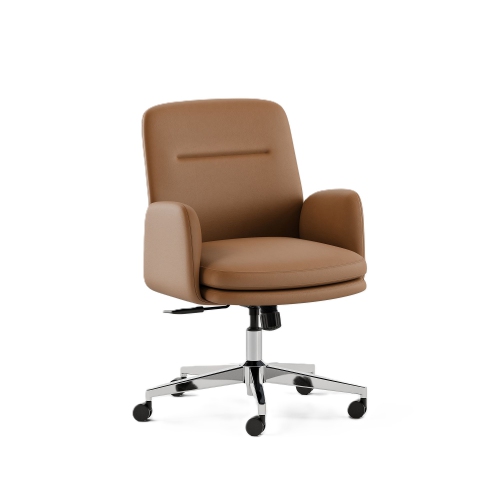 Your price for this item is $343.2
-
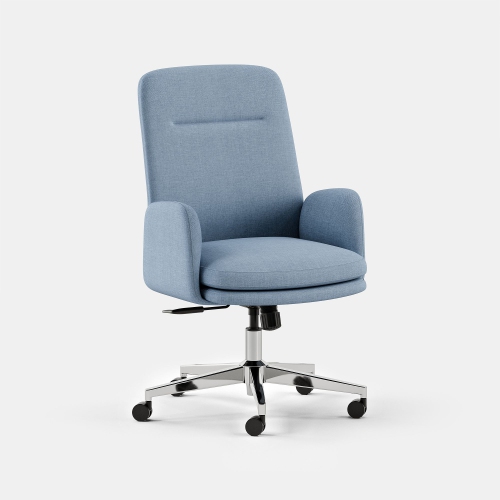 Your price for this item is $343.2
-
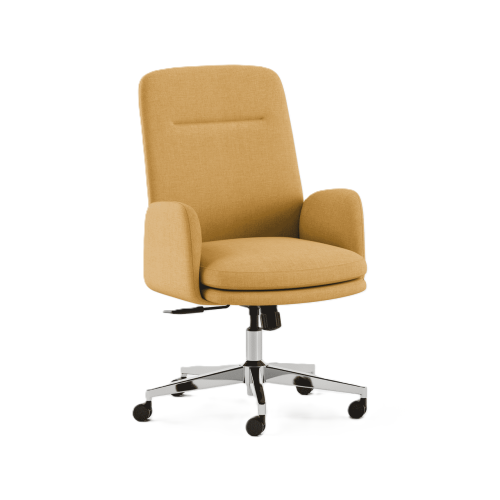 Your price for this item is $343.2
Discover more categories related to Ergonomic Furniture for Back Pain
Top Collections:
Best Black Friday Deals This Year, Best Black Friday Deals On Electronics, Kindle Devices, Best Black Friday Deals On Apple Products, Best Budget Office Chairs, Best Cameras for Sports Photography, Dyson Airwrap, Canon G7X Cameras, Best Laptops for Writers, Samsung Galaxy Phones
Some products may be subject to Environmental Handling Fees
(EHF) depending on your province.
Learn more about EHFs.