Ergonomic Office Chairs for Home Office
Ergonomic office chairs for home office are designed to help you create a comfortable and productive workspace. Whether you're working remotely, managing daily tasks, or setting up a dedicated study area, the right chair can make a significant difference in your daily routine. Explore a wide selection of styles and designs that fit seamlessly into any home office setup, offering both functionality and modern appeal. Find the perfect match to support your workday and upgrade your home office.
Sort
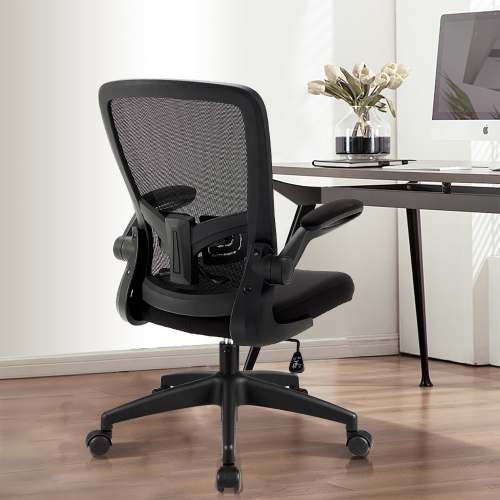
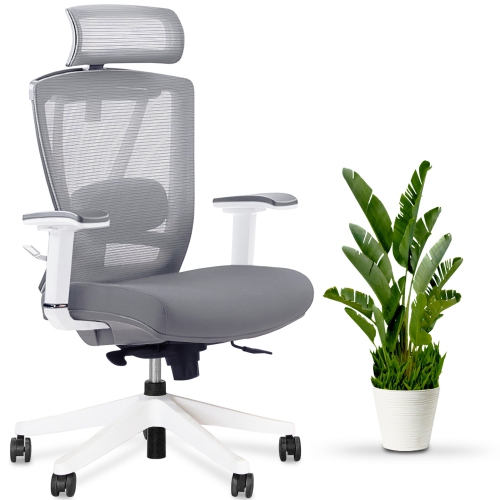
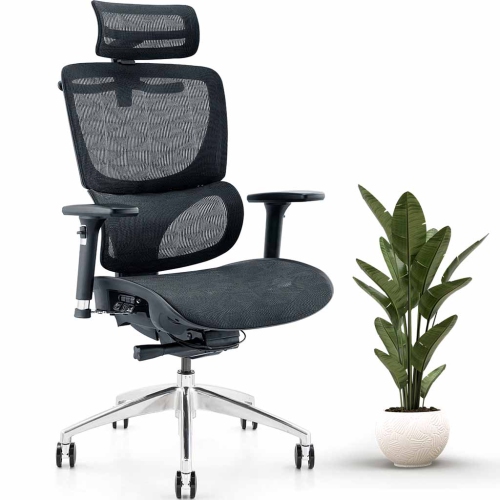
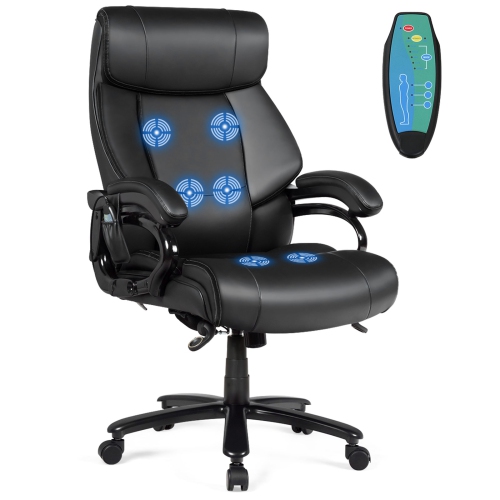

Why chair fit matters more than extra levers
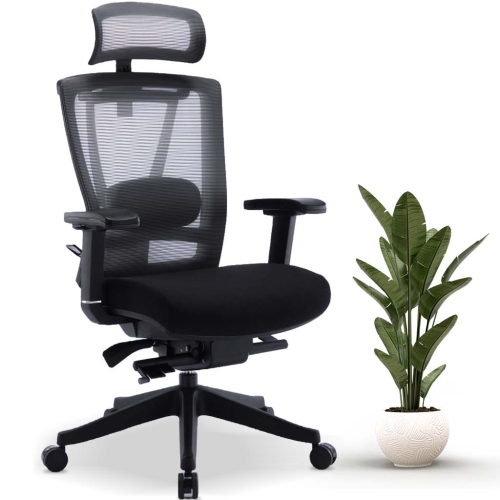
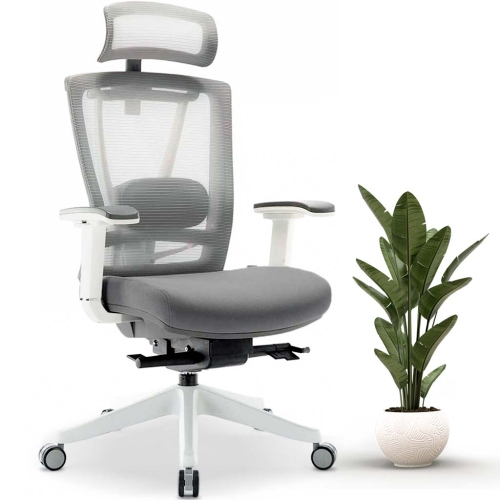
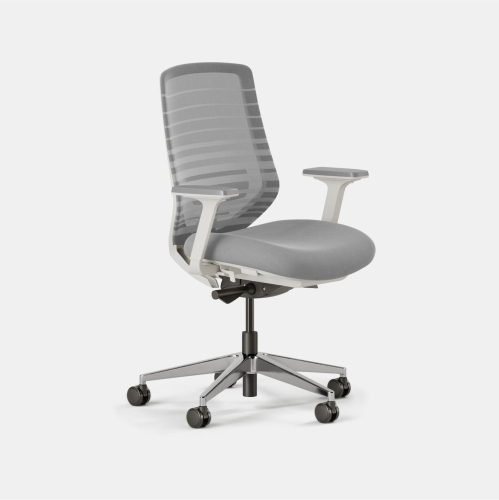
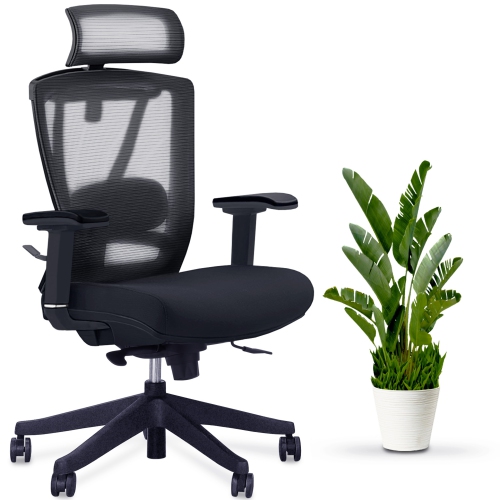
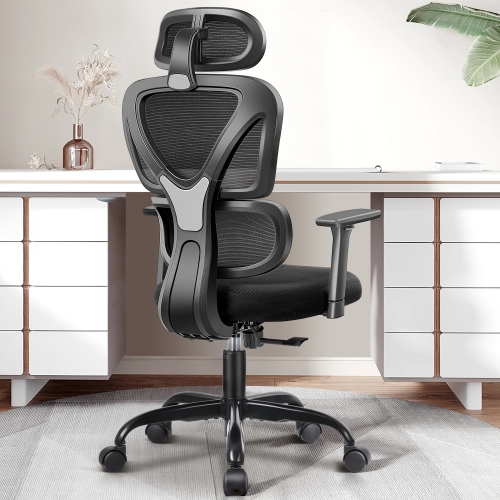
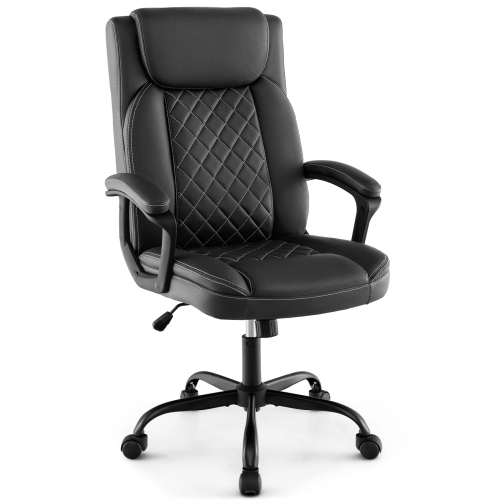
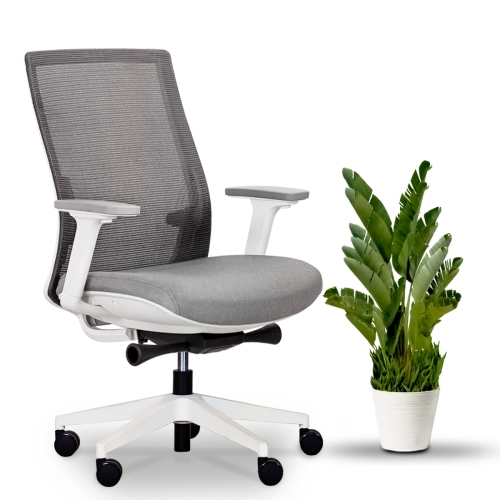
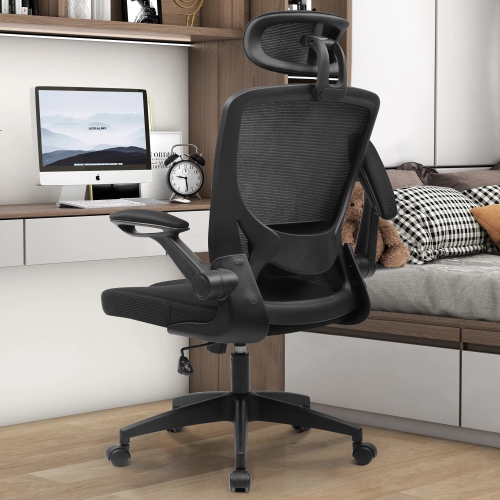
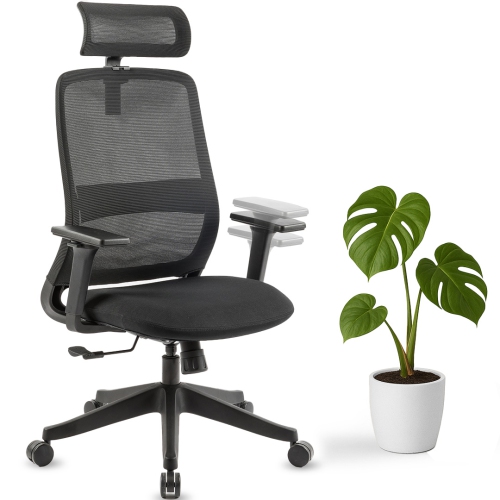
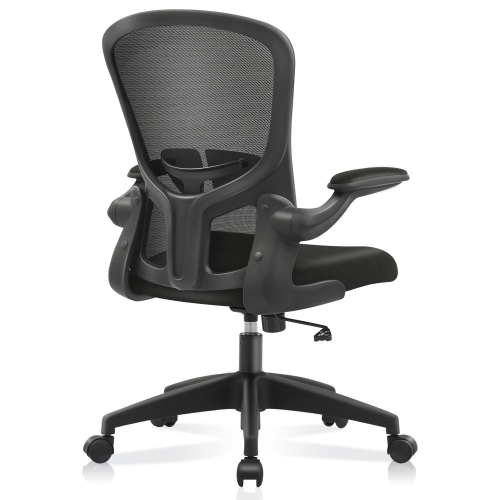
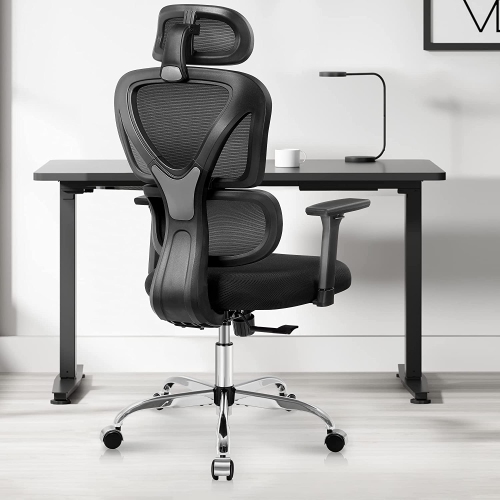
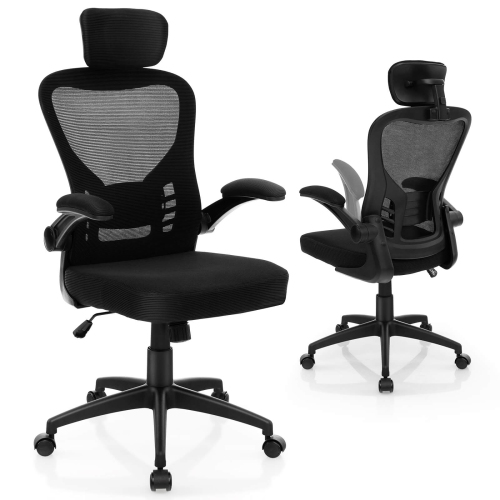
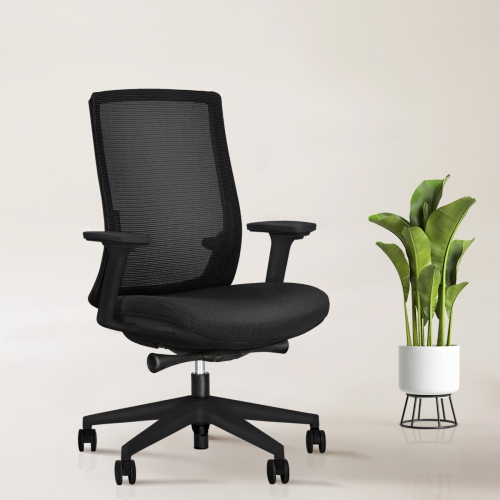
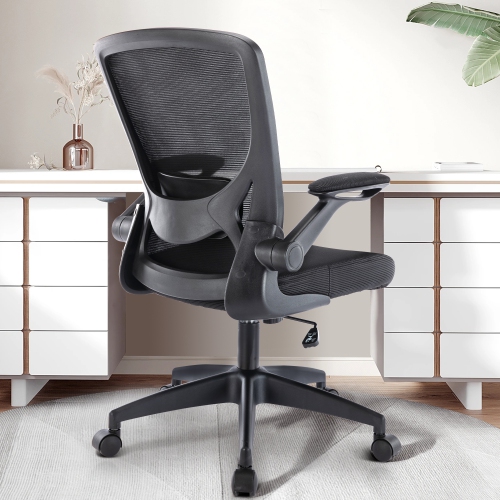
Ergonomic office chairs for home office use are designed to make seated work more adaptable to different bodies, desk heights, and daily routines. A suitable chair supports the lower back, allows the feet to rest securely, and keeps the arms comfortably positioned for typing or using a mouse. The most useful features depend on body proportions, the length of each sitting session, and the tasks taking place at the desk. Someone answering occasional emails may need fewer adjustments than a remote professional moving between detailed spreadsheet work, video meetings, and reading throughout the day. Features commonly associated with Ergonomic Desk Chairs for Home Offices include adjustable seat height, lumbar support, and reclining backrests, although the combination varies by design. Seat height should allow the shoulders to stay relaxed at the keyboard without leaving the feet dangling; a footrest can help when the desk requires a higher seating position. Seat depth matters just as much. There should be a small gap between the front edge of the cushion and the backs of the knees while the back remains supported. A seat that is too deep can encourage a shorter person to perch forward, while one that is too shallow may leave a taller person without enough thigh support. Adjustable armrests can support the forearms without pushing the shoulders upward, and their width affects how naturally the elbows sit beside the body. Height-adjustable lumbar support offers more flexibility than a fixed curve because the small of the back sits at a different height for each person. A headrest may be comfortable during reclined breaks, but its position should not force the head forward during upright work. For a desk shared by several household members, accessible controls and a broad adjustment range make it easier to restore a comfortable setup between users. The value of an ergonomic design lies in how well its adjustments fit the person using it, rather than in the number of levers beneath the seat.
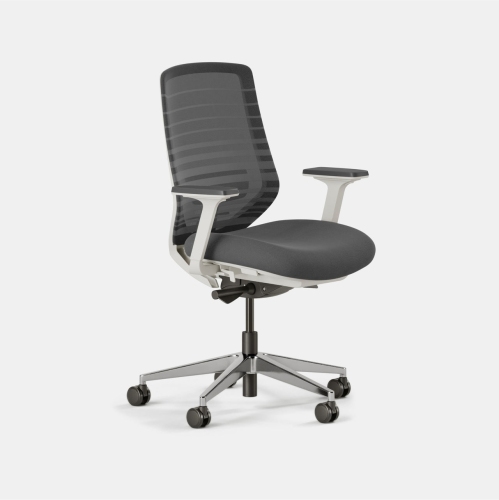
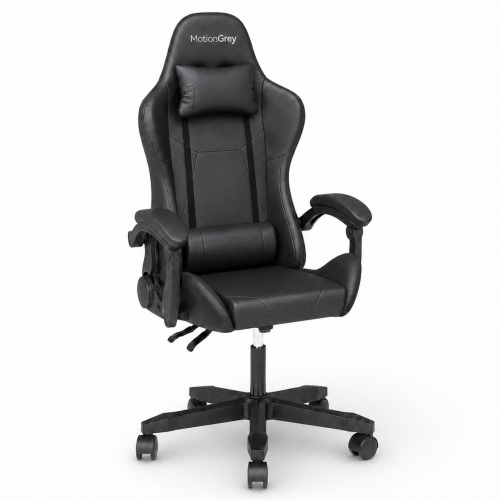
Materials influence the feel of a home office chair as much as its shape. Mesh backrests provide an open, lightly flexible surface, while upholstered backs can feel more cushioned and structured. Tension and construction vary, so a mesh surface may feel firm rather than soft, and its surrounding frame should not press uncomfortably against the body. Fabric upholstery offers a textured finish that can blend easily with a bedroom desk or living room workspace. Leather and synthetic leather provide a smoother surface, though their cleaning requirements and long-term wear characteristics differ. Cushioning also deserves attention: initial softness does not always translate into comfortable support over several hours. A seat needs enough resilience to distribute pressure without compressing so far that the structure beneath becomes noticeable. A gently rounded front edge can reduce concentrated pressure behind the thighs, particularly when the seat depth is well matched to the user. Backrest height, seat width, and the space between the armrests should be considered alongside the chair’s stated weight capacity, since that rating alone does not describe its fit. Durability depends on the frame, base, upholstery, casters, and adjustment mechanisms working together through repeated use. Smooth-operating levers, a stable base, and upholstery secured neatly around the seat are useful construction details to assess. Recline controls can include adjustable tension or locking positions; their purpose is to let the backrest respond comfortably to the user rather than tip too freely or resist every movement. A locking position can be useful for focused keyboard work, while a supported recline may suit reading or a phone conversation. Assembly requirements also differ, and clear access to fasteners makes periodic checks more straightforward. For frequent home office use, the practical combination is a supportive seat, adjustments that remain easy to operate, and materials suited to everyday contact with clothing, desk edges, and the occasional spill.
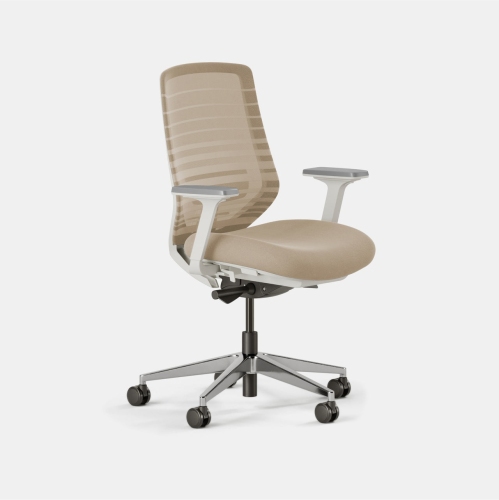
The right chair also needs to work within the room around it. A substantial backrest and wide base may suit a dedicated office, while a compact chair with arms that lower or flip up can be easier to tuck beneath a desk in a multipurpose space. Overall dimensions tell only part of the story: clearance beneath the desktop, the width of the desk opening, and room to roll back all affect everyday use. Armrests that collide with the work surface can keep the chair too far away, leaving the user reaching toward the keyboard. Casters should be appropriate for the flooring, and a compatible chair mat can help protect the surface and support smoother movement where needed. Thick rugs and uneven floor transitions may make rolling less predictable. Swivel movement can make it easier to reach nearby storage, although frequently used supplies are best kept close enough to avoid repeated twisting. Visual details matter in a home setting, too. A neutral colour can sit quietly beside other furniture, while a more distinctive finish can help define a dedicated workspace without changing the chair’s functional requirements. Care is usually straightforward when it follows the upholstery instructions: remove dust from mesh and seams, blot spills promptly, and use only cleaning methods approved for the material. Household solvents and abrasive tools can damage finishes or upholstery, even when the surface appears easy to wipe. Periodic checks of accessible screws, casters, and moving parts can help identify looseness or debris before they interfere with normal operation. For remote employees, students, and anyone managing household tasks at a computer, a well-fitted chair provides a useful foundation, but it works best alongside an appropriately positioned screen and keyboard. Changing tasks, standing periodically, and taking movement breaks remain important even with a highly adjustable seat. Comfortable home office seating supports those shifts throughout the day, from settling in for concentrated work to leaning back briefly between calls, without requiring the body to stay in one fixed position.
Top selling and popular products
-
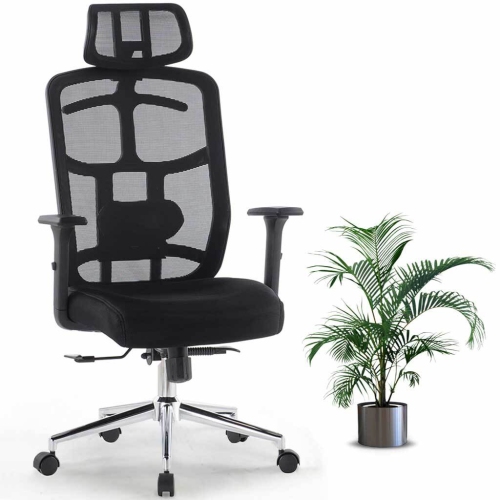 Your price for this item is $126.99
-
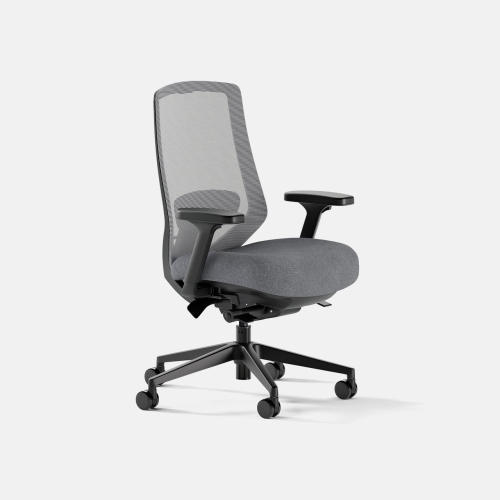 Your price for this item is $599
-
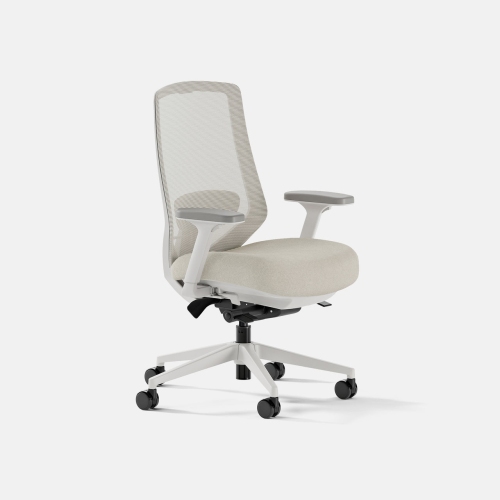 Your price for this item is $599
-
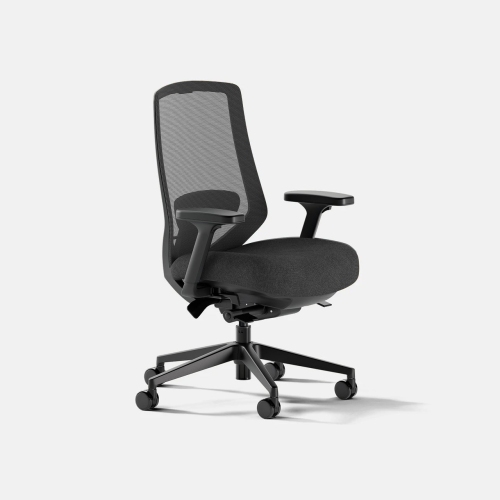 Your price for this item is $599
-
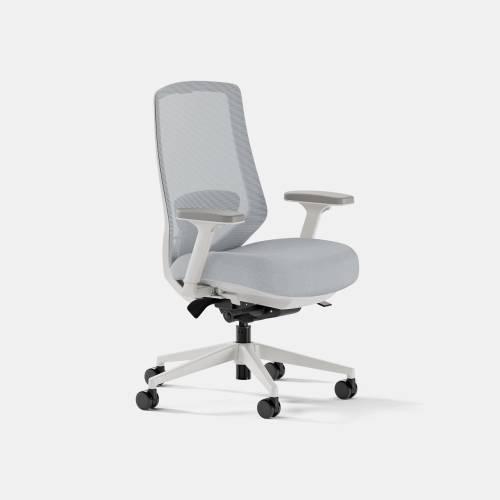 Your price for this item is $599
-
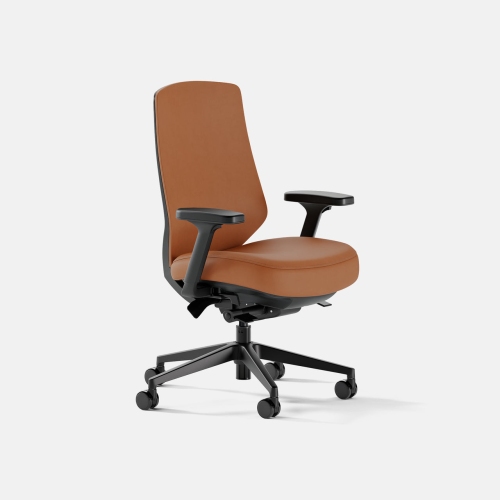 Your price for this item is $649
-
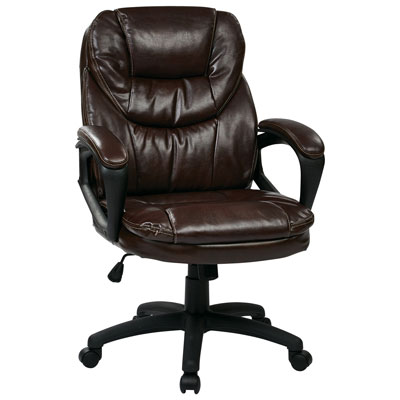 Your price for this item is $459.99
-
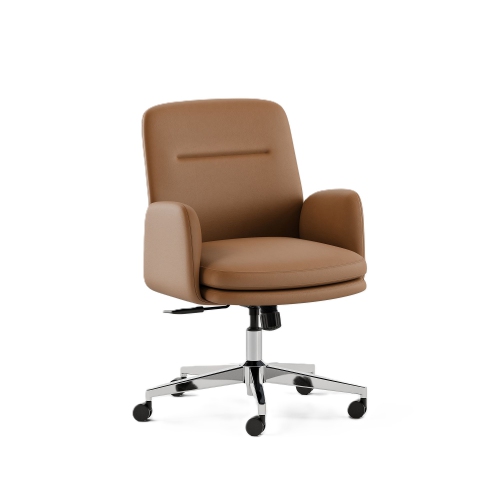 Your price for this item is $429
Discover more categories related to Ergonomic Office Chairs for Home Office
Top Collections:
Best Black Friday Deals This Year, Best Black Friday Deals On Electronics, Kindle Devices, Pokemon Centers, Best Black Friday Deals On Apple Products, Best Cameras for Sports Photography, Dyson Airwrap, Pokémon 30th Celebration Cards, Apple iPhone 17 Pro, Canon G7X Cameras
Some products may be subject to Environmental Handling Fees
(EHF) depending on your province.
Learn more about EHFs.