Gaming Chairs for Streamers
Elevate your streaming setup with gaming chairs for streamers designed to keep you comfortable during long sessions. Whether you're building a professional studio or upgrading your home gaming space, the right chair can make all the difference in focus and performance. Discover a wide selection of styles and designs to match your unique personality and streaming environment. Find the perfect fit to support your streaming ambitions and enhance every moment in front of the camera.
Sort
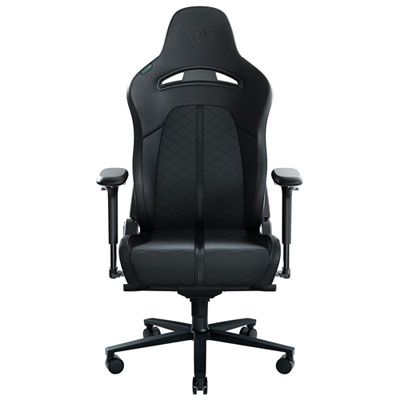
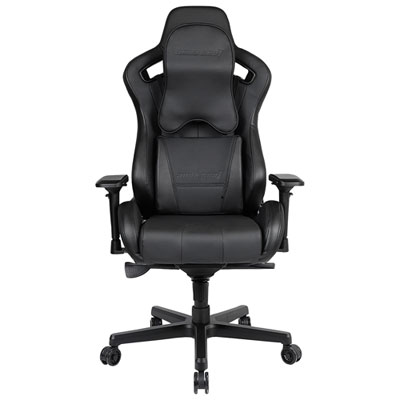
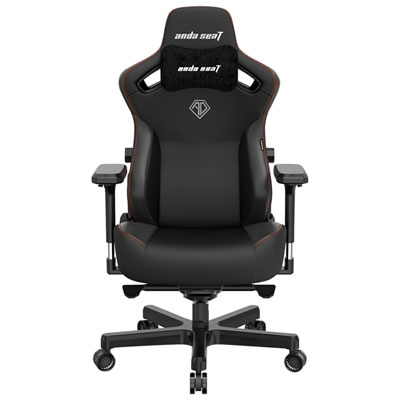
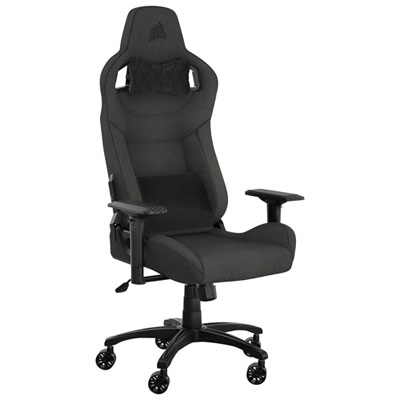
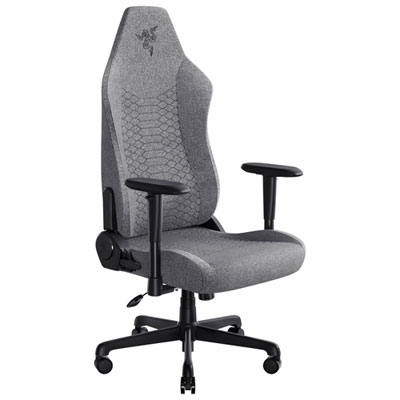
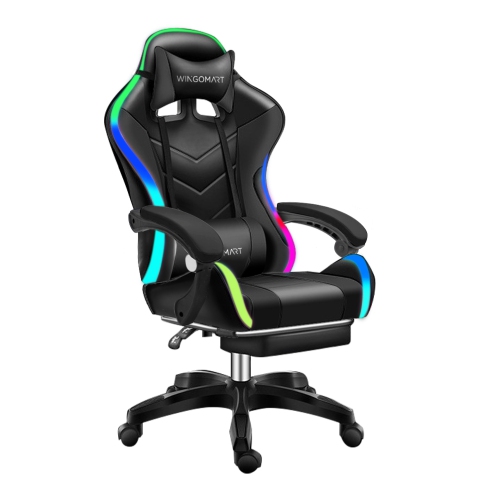
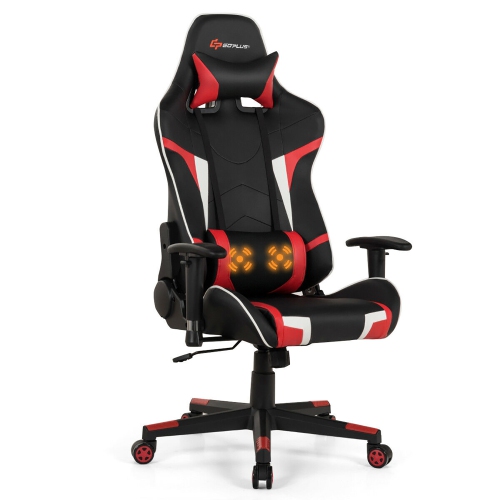
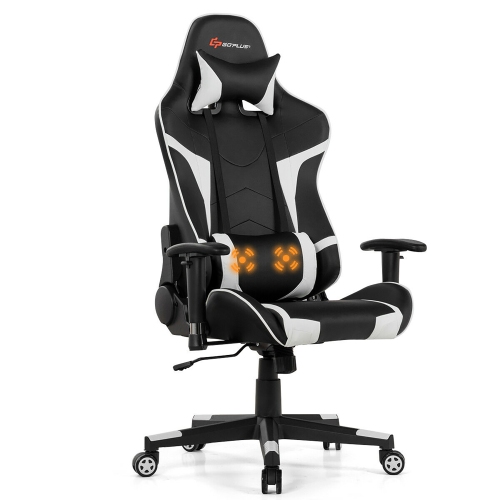
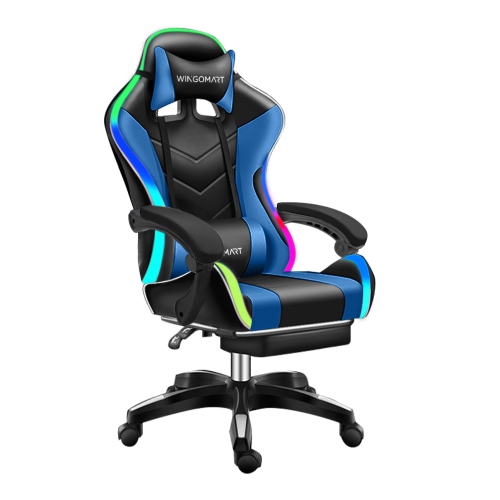
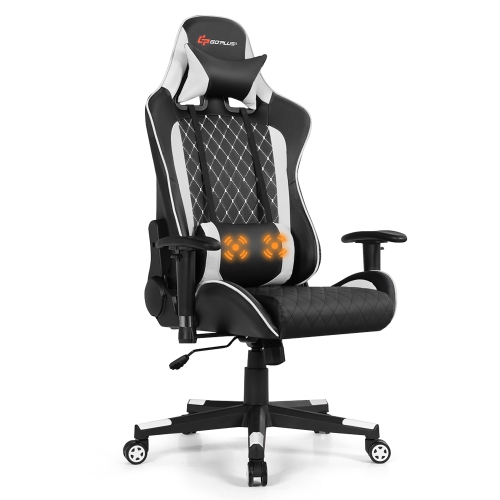
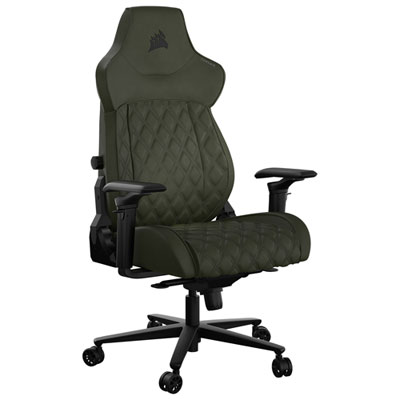
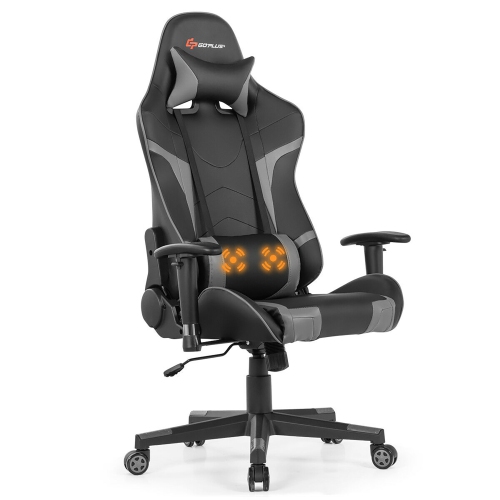
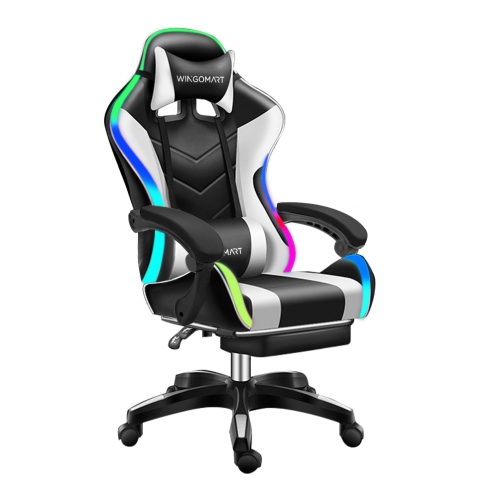
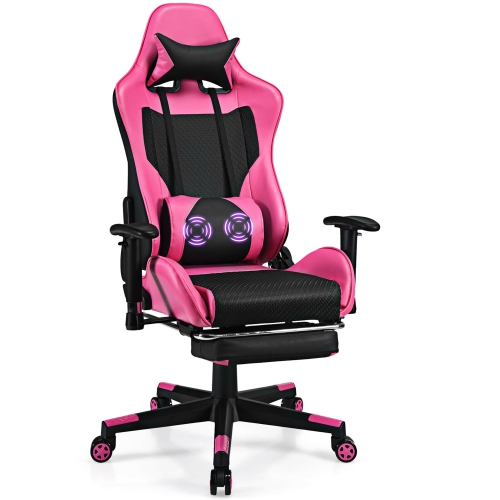
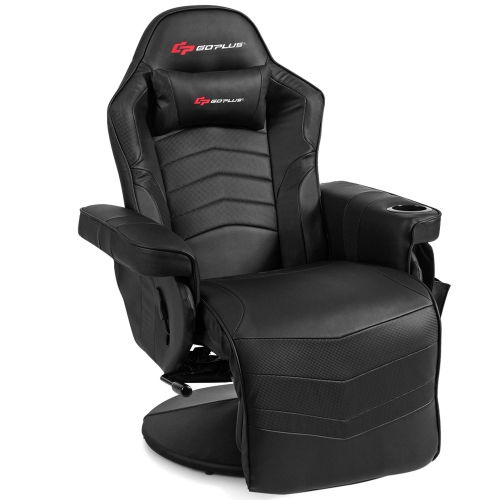
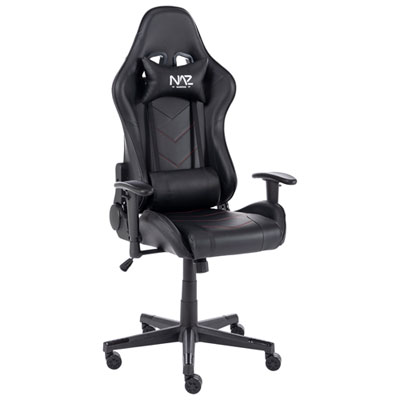
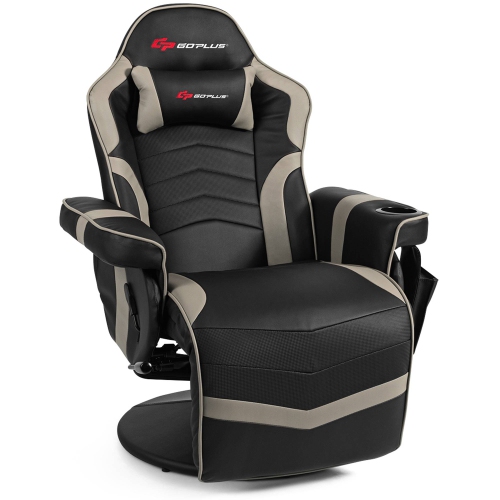
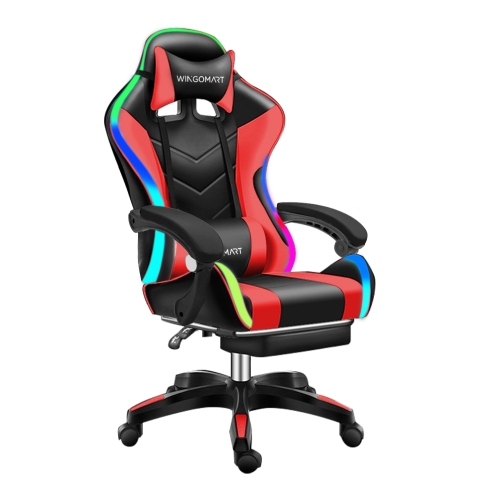
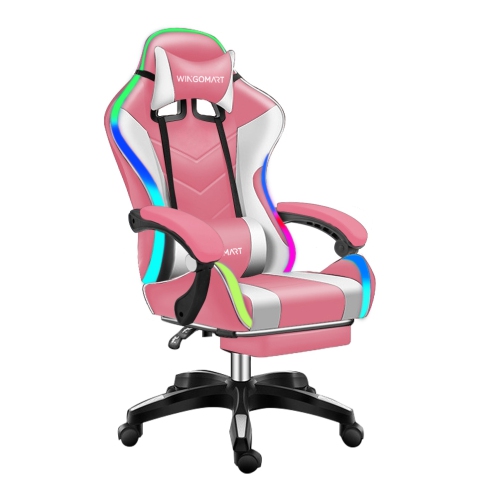
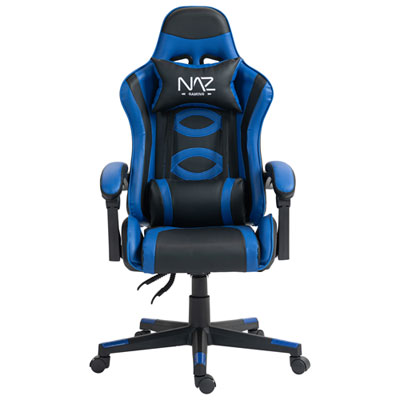
Supportive features for longer broadcasts and flexible setups
Gaming Chairs for Streamers are designed for the particular demands of creating content from a desk. Streaming can involve long sessions of gaming, chatting, editing clips, monitoring comments, and adjusting lighting or audio between matches, so a chair needs to support more than a quick play session. A well-chosen chair can help create a comfortable, organised broadcast space while complementing the rest of your gaming setup. Look for a supportive backrest with adjustable lumbar support, as the lower back can gradually fatigue when you remain seated for several hours. Lumbar adjustment lets you position support where it feels most natural instead of relying on a fixed cushion that may sit too high or too low. A headrest or head pillow can also make a noticeable difference during breaks, loading screens, and longer conversations with viewers. Tilt and recline functions provide another way to change your posture throughout a broadcast, helping you move between focused gameplay, relaxed discussion, and watching content on a second monitor. Seat height matters as well: your feet should rest securely on the floor, with your knees at a comfortable angle and your desk positioned so your shoulders remain relaxed. If you are comparing different designs, pay attention to the range of adjustment rather than simply counting features. A chair that fits your height, desk, and preferred playing position will generally be more useful than one with controls you cannot comfortably reach. Streamers who use a microphone on a boom arm, a camera, or a large monitor may also appreciate a chair with a stable base and smooth, controlled movement. Quiet casters can help reduce rolling, squeaking, or tapping sounds that might otherwise be picked up by a sensitive microphone, especially when a chair is moved during a live broadcast. A solid five-wheel base can provide steady support while allowing you to move between your desk, lighting controls, and nearby equipment without standing up.
Armrests deserve close attention because they influence the position of your wrists, elbows, and shoulders while you play. Adjustable armrests can be raised or lowered to meet the desk, moved closer to your body, or positioned to suit a keyboard-and-mouse layout or a controller. More advanced 4D or 6D armrests may offer adjustments for height, width, depth, and angle, which can be useful for streamers who switch regularly between genres or devices. When your forearms are supported without forcing your shoulders upward, it becomes easier to maintain a relaxed posture through a ranked match or a lengthy conversation with viewers. The chair’s upholstery is another important consideration, particularly in a room with strong studio lights, warm computer components, or limited airflow. Breathable mesh and fabric can help reduce the warm, enclosed feeling that some people experience during extended sessions, while leatherette-style surfaces offer a smooth appearance and are simple to wipe clean. Consider what your room feels like during the cooler months, how much direct light reaches your desk, and whether you tend to wear headphones, a hoodie, or other layers while streaming. Padding should feel supportive rather than excessively soft; a seat that compresses too much can become uncomfortable over time, while a firmer cushion may provide more consistent support. Check the seat width and depth, weight capacity, and overall dimensions before choosing, particularly if the chair will sit in a compact bedroom, office, or shared living area. It is also worth measuring the clearance beneath your desk and checking whether the armrests can slide underneath when the chair is not in use. A chair with a broad range of adjustments can accommodate changes to your setup as you add a monitor, replace a desk, or move from a console to a PC. For a coordinated space with a contemporary look, browse Modern Gaming Chairs alongside other features that suit your room and streaming style.
These chairs can be useful for full-time creators, casual streamers, esports players, remote workers who game after hours, and anyone who spends substantial time at a computer. A streamer may use one chair for live broadcasts, video editing, voice recording, and community management, making everyday comfort just as relevant as gaming performance. Families may also consider a gaming chair as a practical gift for a teenager, university student, or new content creator building a first dedicated setup. It can be a thoughtful choice for someone who has been broadcasting from a dining chair, a basic office chair, or a seat that leaves them shifting constantly during play. Before giving one as a gift, check the recipient’s desk height, room dimensions, colour preferences, and approximate body size so the chair is suitable rather than simply eye-catching. For a shared gaming room, features such as easy-clean upholstery, a manageable footprint, and a quiet base may be especially valuable. For a creator who records late in the evening, reduced caster noise and a chair that does not creak with every movement can make it easier to keep a microphone channel clean. Think about the complete setup: the monitor should be placed at a comfortable viewing height, the keyboard and mouse should be within easy reach, and the chair should allow the user to sit close enough to the desk without pressing against it. Small adjustments can add up during a long broadcast, from setting the lumbar support against the curve of the lower back to angling the armrests beneath the forearms and choosing a recline position for between-game breaks. Taking a moment to reset posture, stand, stretch, and change position remains helpful even with a highly adjustable chair. With the right combination of support, breathable materials, stable movement, and flexible controls, Gaming Chairs for Streamers can make a dedicated broadcast area feel more comfortable and intentional through long sessions, spontaneous chats, and everyday play.
Armrests deserve close attention because they influence the position of your wrists, elbows, and shoulders while you play. Adjustable armrests can be raised or lowered to meet the desk, moved closer to your body, or positioned to suit a keyboard-and-mouse layout or a controller. More advanced 4D or 6D armrests may offer adjustments for height, width, depth, and angle, which can be useful for streamers who switch regularly between genres or devices. When your forearms are supported without forcing your shoulders upward, it becomes easier to maintain a relaxed posture through a ranked match or a lengthy conversation with viewers. The chair’s upholstery is another important consideration, particularly in a room with strong studio lights, warm computer components, or limited airflow. Breathable mesh and fabric can help reduce the warm, enclosed feeling that some people experience during extended sessions, while leatherette-style surfaces offer a smooth appearance and are simple to wipe clean. Consider what your room feels like during the cooler months, how much direct light reaches your desk, and whether you tend to wear headphones, a hoodie, or other layers while streaming. Padding should feel supportive rather than excessively soft; a seat that compresses too much can become uncomfortable over time, while a firmer cushion may provide more consistent support. Check the seat width and depth, weight capacity, and overall dimensions before choosing, particularly if the chair will sit in a compact bedroom, office, or shared living area. It is also worth measuring the clearance beneath your desk and checking whether the armrests can slide underneath when the chair is not in use. A chair with a broad range of adjustments can accommodate changes to your setup as you add a monitor, replace a desk, or move from a console to a PC. For a coordinated space with a contemporary look, browse Modern Gaming Chairs alongside other features that suit your room and streaming style.
These chairs can be useful for full-time creators, casual streamers, esports players, remote workers who game after hours, and anyone who spends substantial time at a computer. A streamer may use one chair for live broadcasts, video editing, voice recording, and community management, making everyday comfort just as relevant as gaming performance. Families may also consider a gaming chair as a practical gift for a teenager, university student, or new content creator building a first dedicated setup. It can be a thoughtful choice for someone who has been broadcasting from a dining chair, a basic office chair, or a seat that leaves them shifting constantly during play. Before giving one as a gift, check the recipient’s desk height, room dimensions, colour preferences, and approximate body size so the chair is suitable rather than simply eye-catching. For a shared gaming room, features such as easy-clean upholstery, a manageable footprint, and a quiet base may be especially valuable. For a creator who records late in the evening, reduced caster noise and a chair that does not creak with every movement can make it easier to keep a microphone channel clean. Think about the complete setup: the monitor should be placed at a comfortable viewing height, the keyboard and mouse should be within easy reach, and the chair should allow the user to sit close enough to the desk without pressing against it. Small adjustments can add up during a long broadcast, from setting the lumbar support against the curve of the lower back to angling the armrests beneath the forearms and choosing a recline position for between-game breaks. Taking a moment to reset posture, stand, stretch, and change position remains helpful even with a highly adjustable chair. With the right combination of support, breathable materials, stable movement, and flexible controls, Gaming Chairs for Streamers can make a dedicated broadcast area feel more comfortable and intentional through long sessions, spontaneous chats, and everyday play.
Top selling and popular products
-
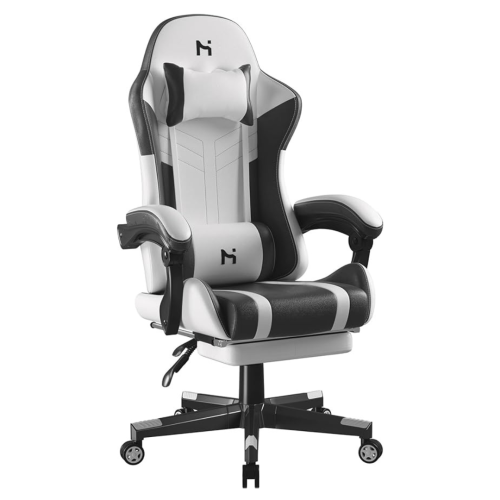 Your price for this item is $285
 -
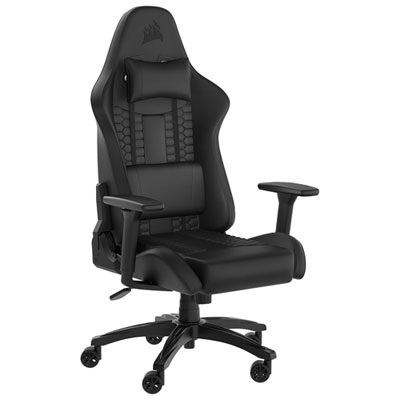 Your price for this item is $229.99
 -
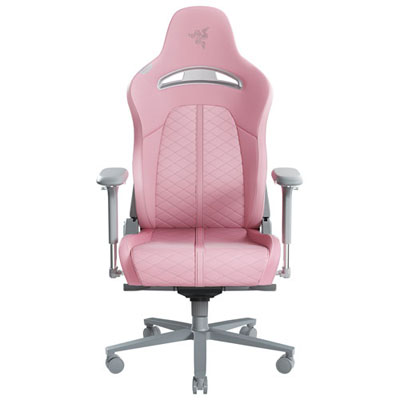 Your price for this item is $579.98
 -
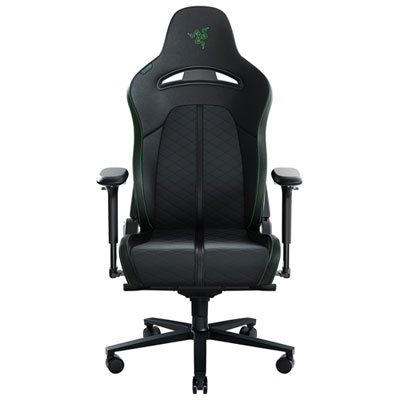 Your price for this item is $399.99
 -
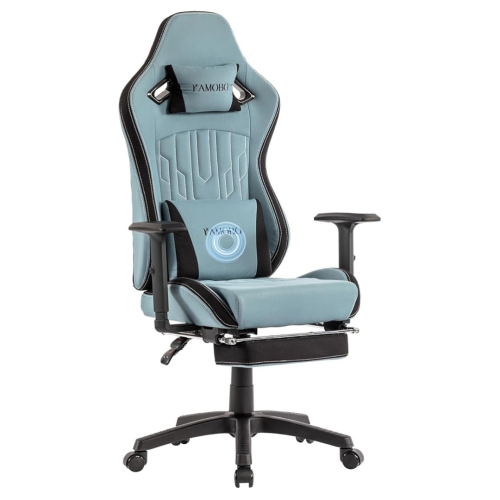 Your price for this item is $280
 -
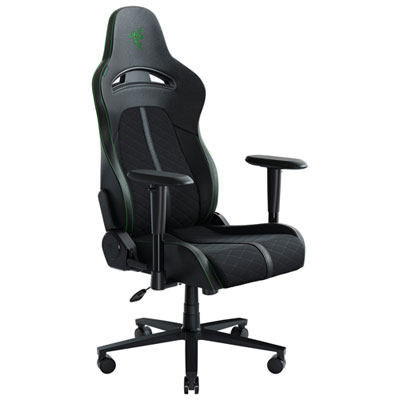 Your price for this item is $329.99
 -
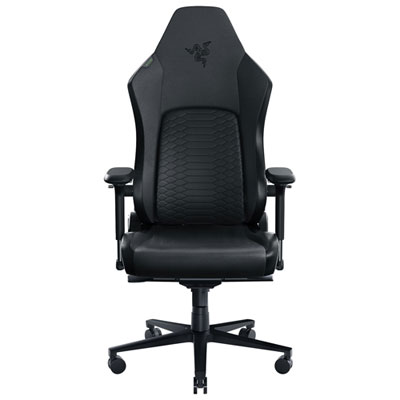 Your price for this item is $899.99
 -
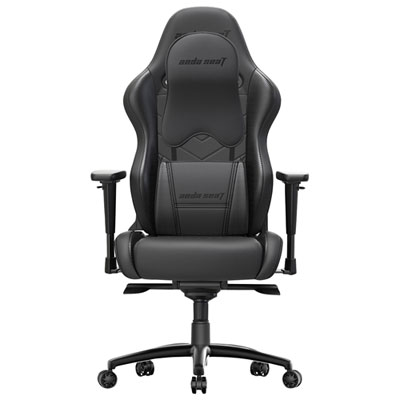 Your price for this item is $549.99
Discover more categories related to Gaming Chairs for Streamers
Top Collections:
Pokemon Centers, Kindle Devices, Best Budget Office Chairs, Apple iPhones 16, Best Laptops for Writers, iPhone 15 Apple, Canon G7X Cameras, Refurbished Apple Laptops, Alarm Clock, Motorola Razr Phones
Some products may be subject to Environmental Handling Fees
(EHF) depending on your province.
Learn more about EHFs.