Modern Gaming Chairs
If you're a gamer, you know that the right chair can make all the difference. Whether you're playing on your computer, console, or both, a good gaming chair can help you stay comfortable and focused as you play. The best gaming chairs are made from high-quality materials and have features that make them ideal for long gaming sessions. Here are some of the best options available.
Sort

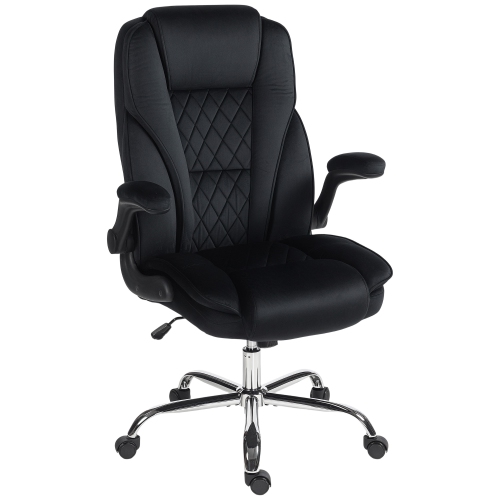
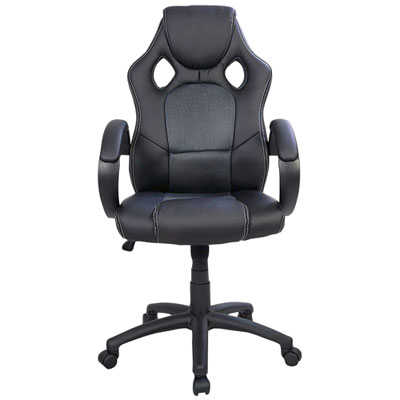
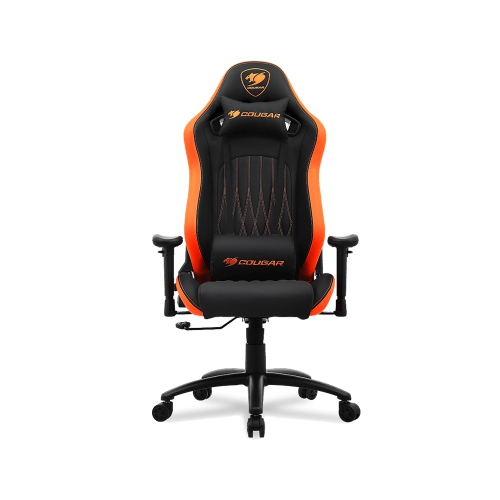
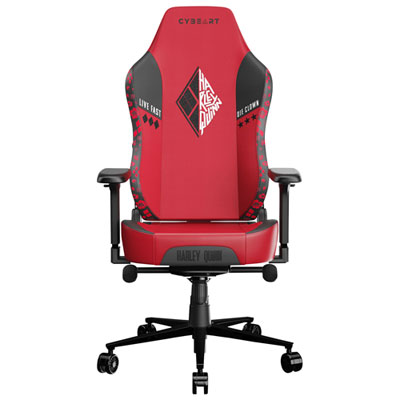

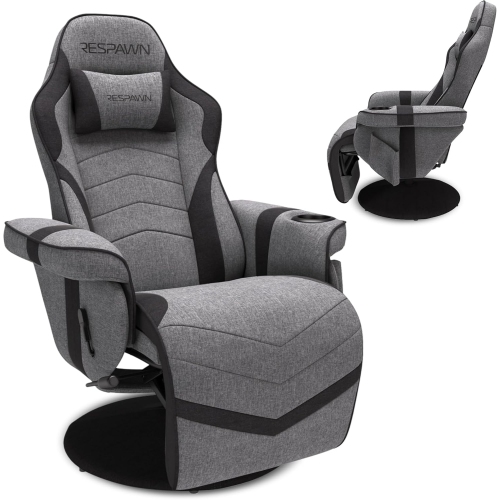
Why chair fit matters more than looks alone
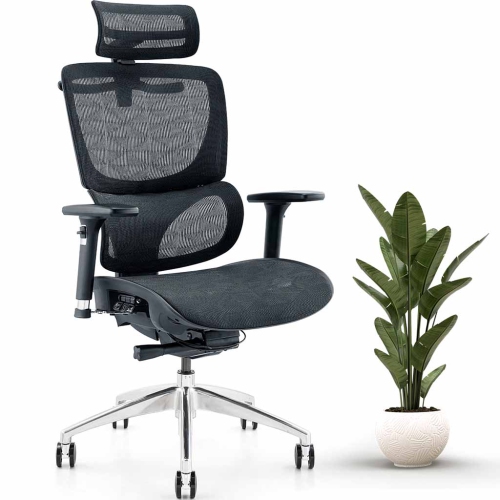
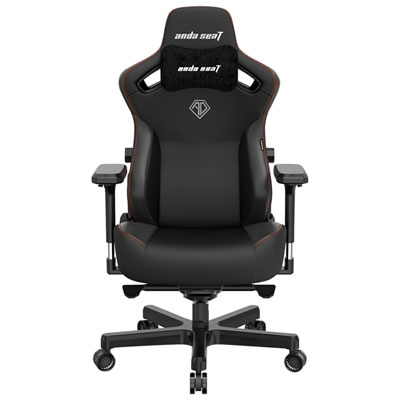
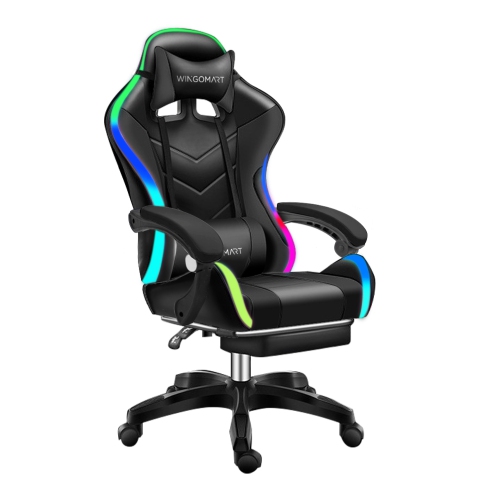
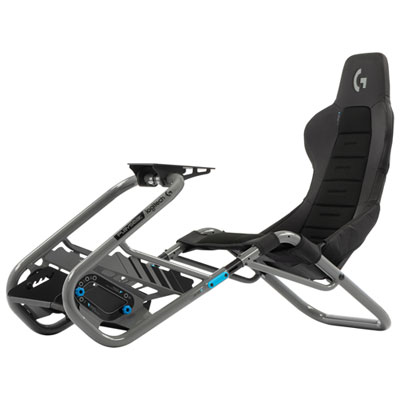
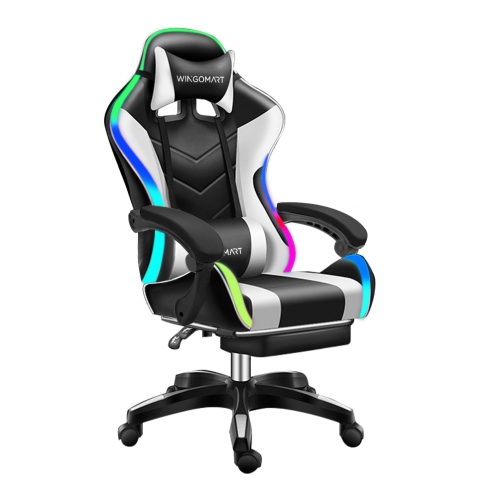
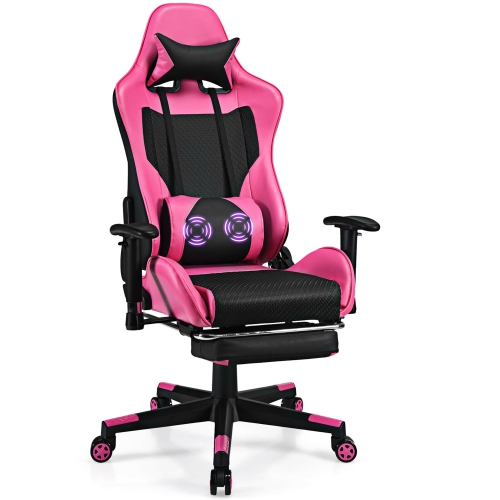
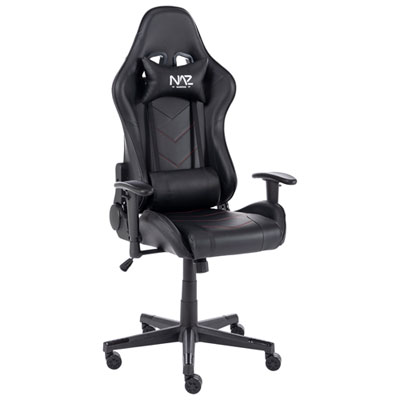
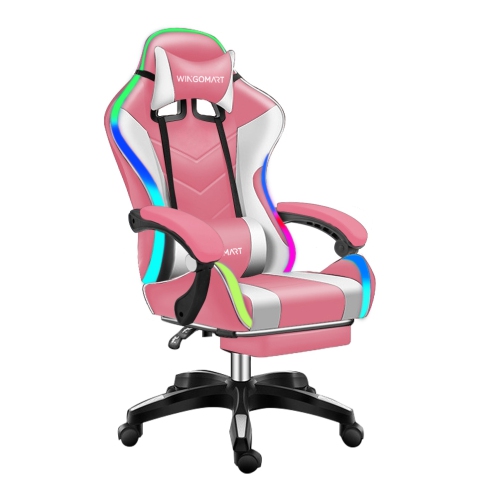
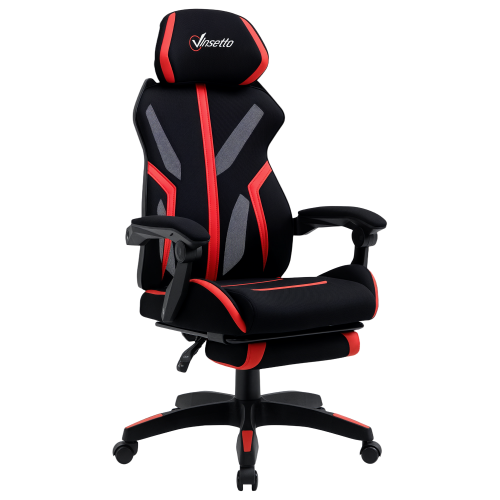
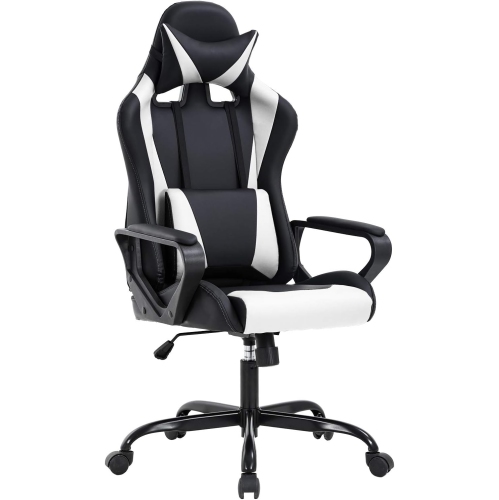
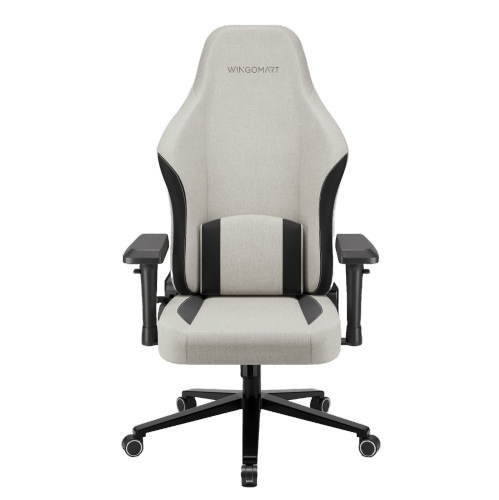
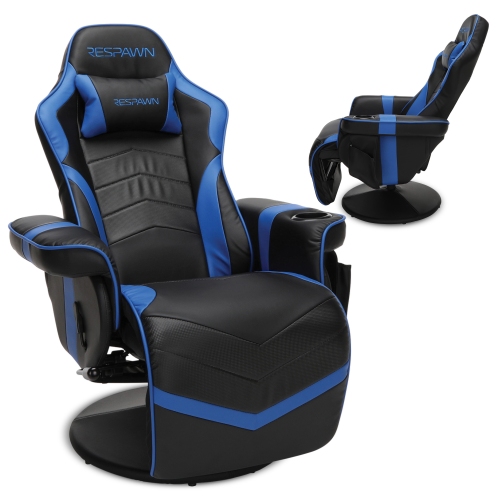
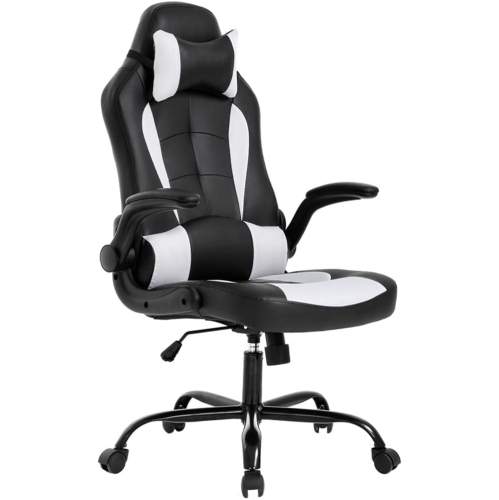
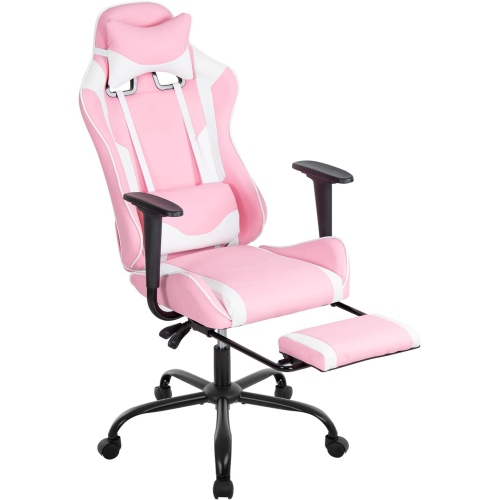
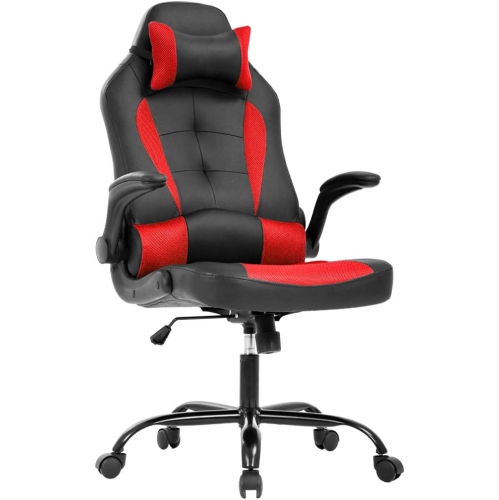
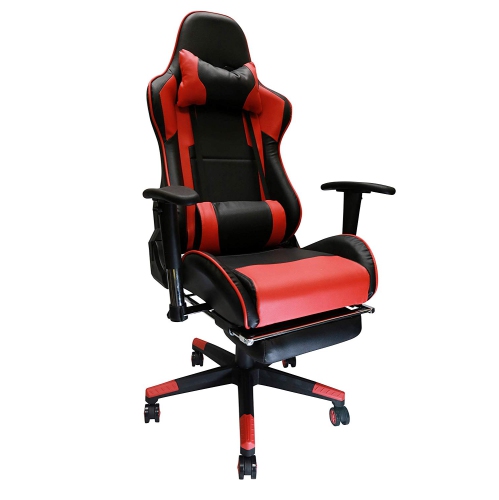
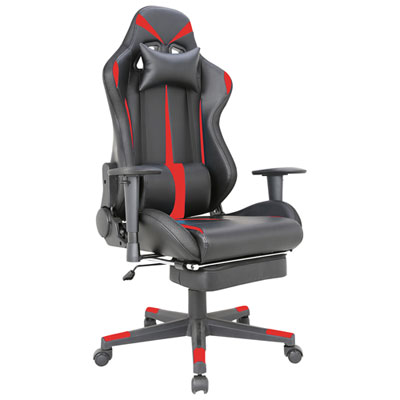
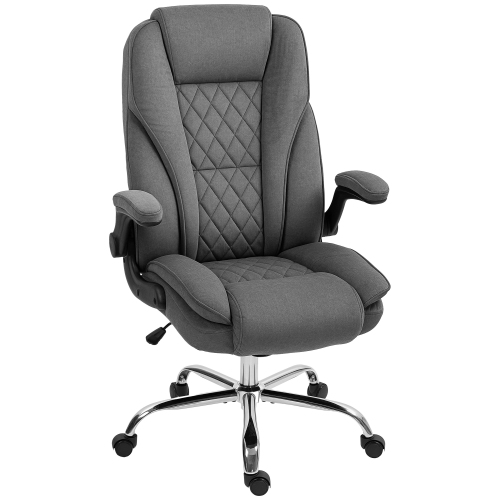
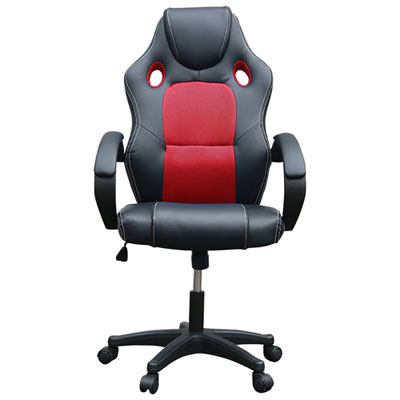
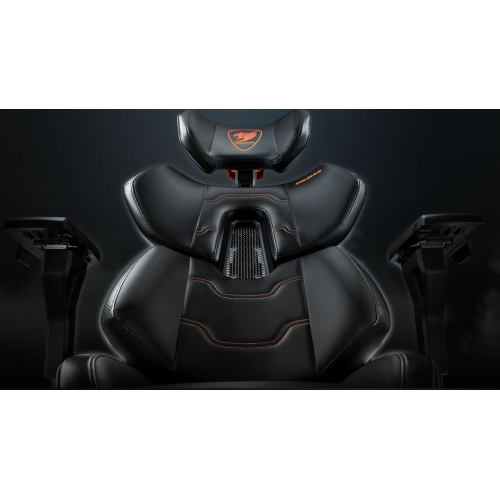
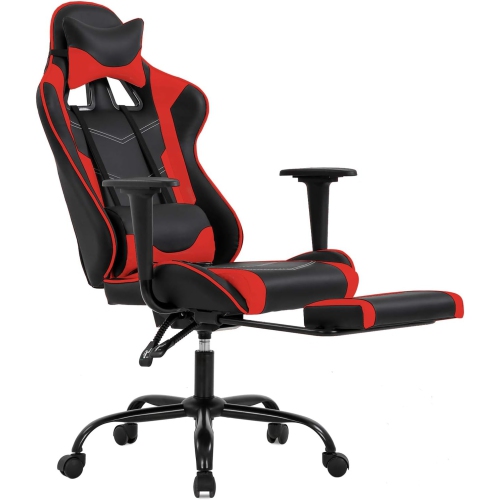
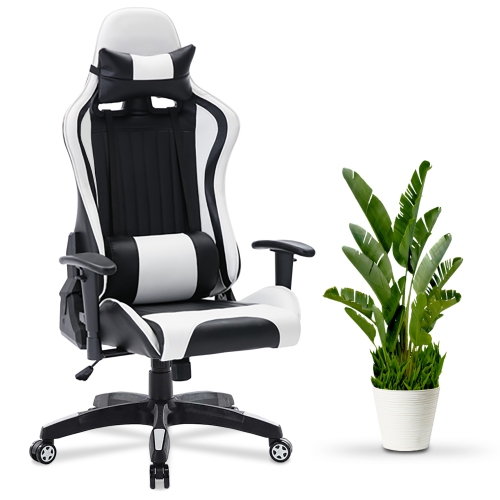
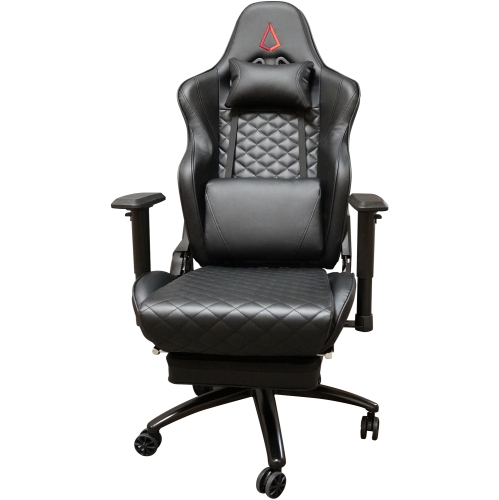
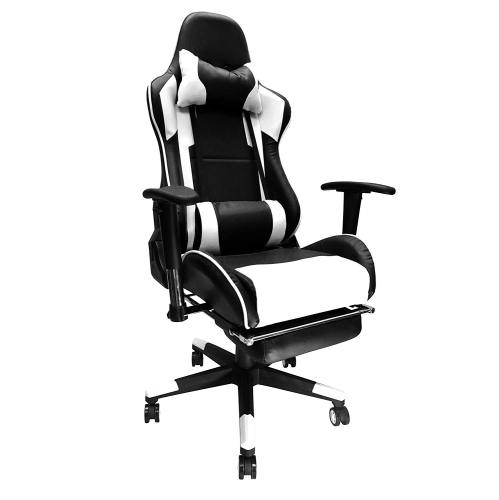
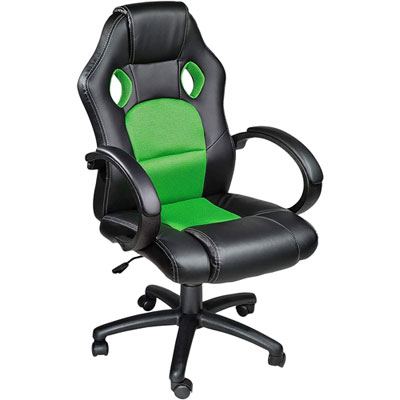
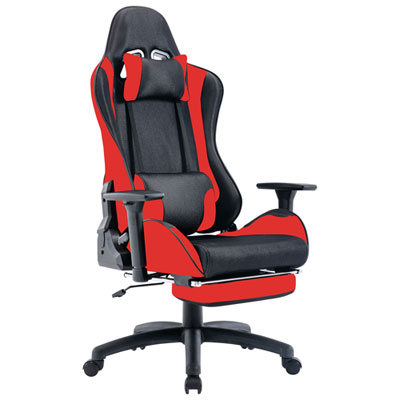
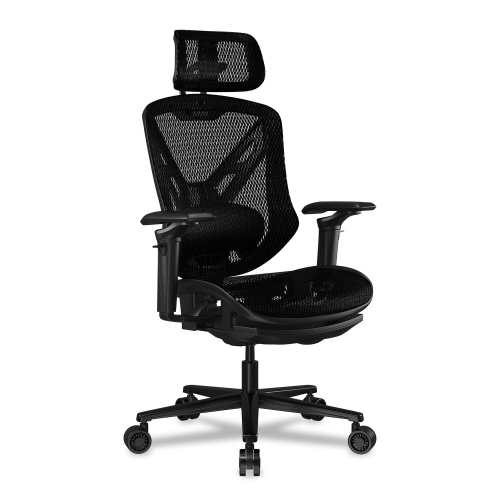
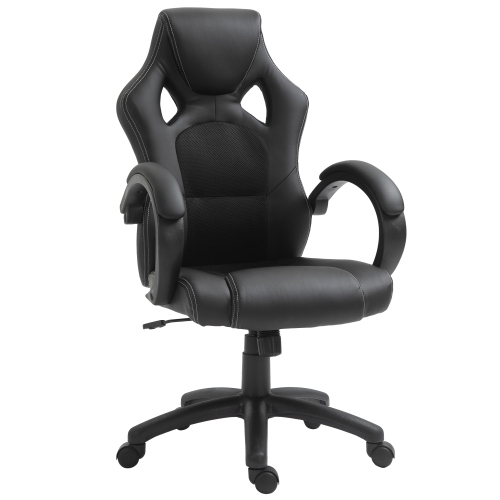
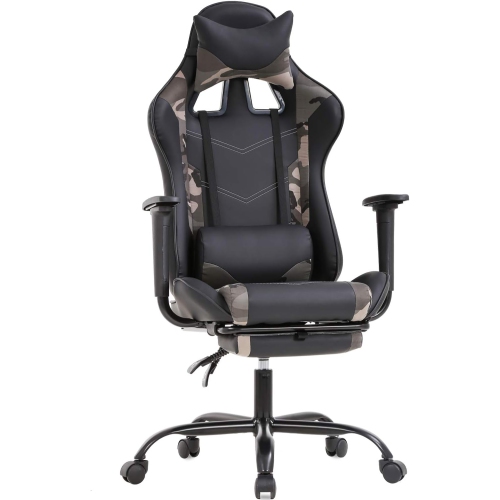
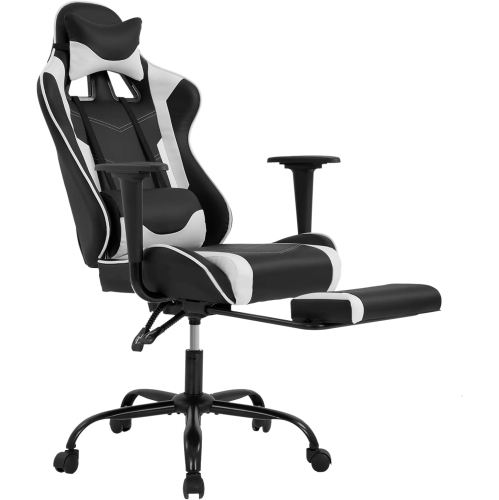
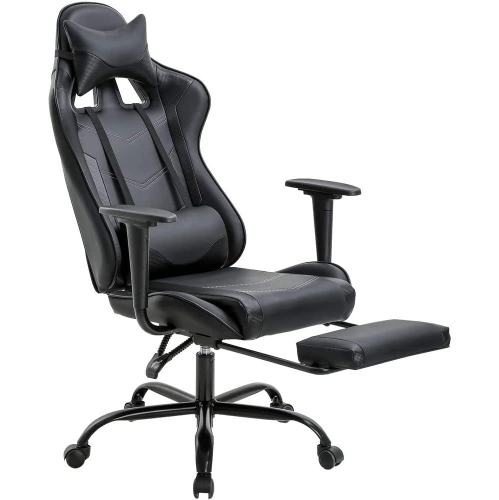
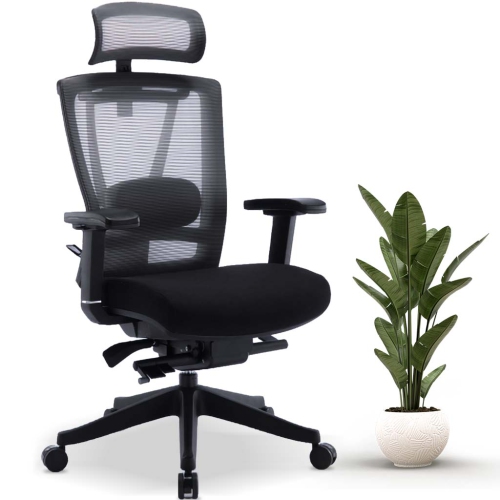
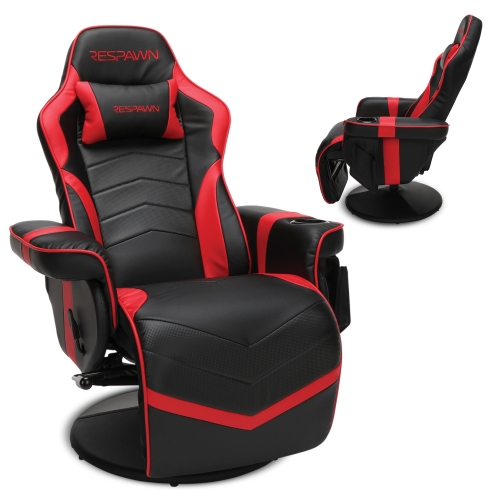
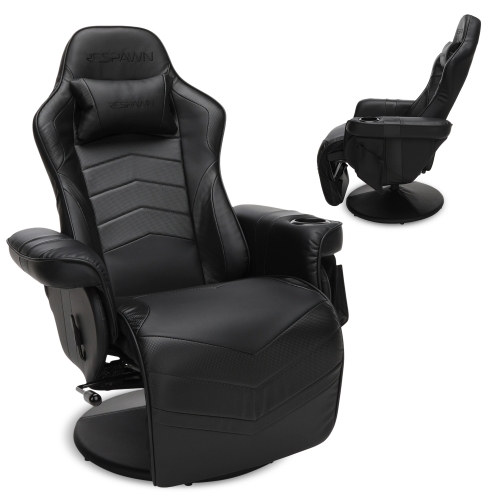
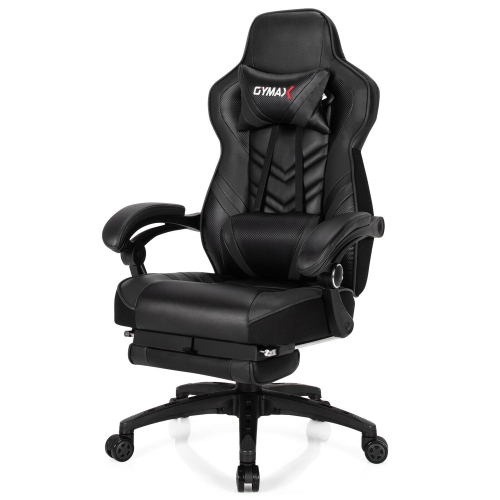
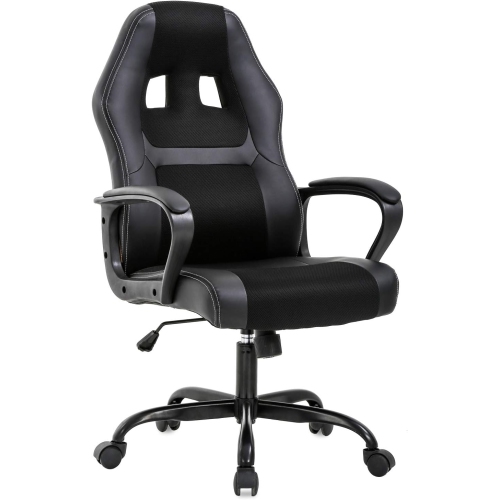
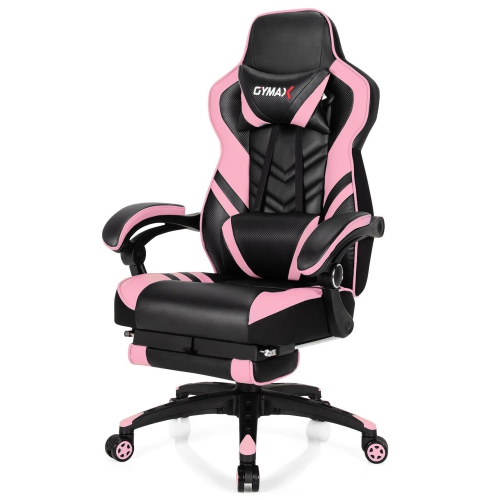
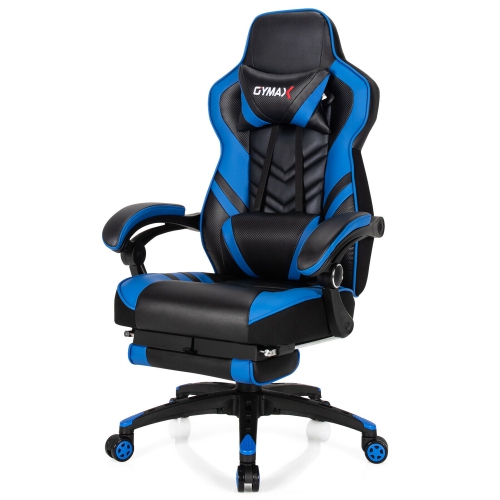
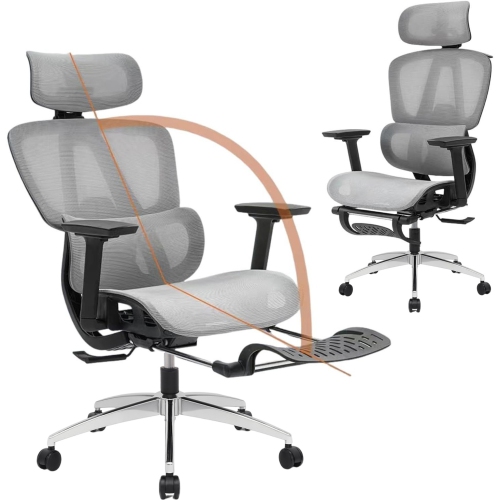
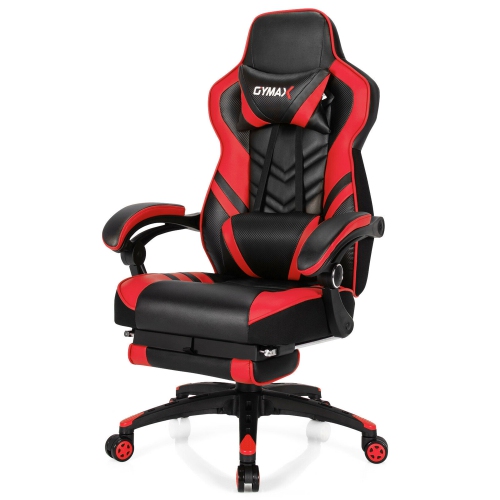
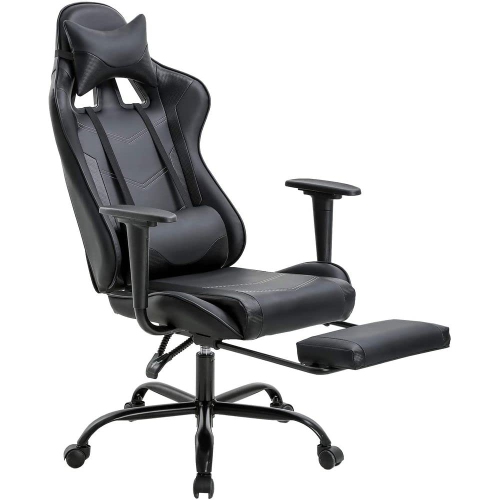
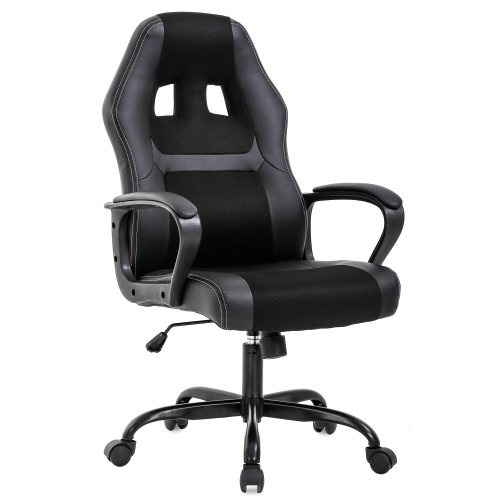
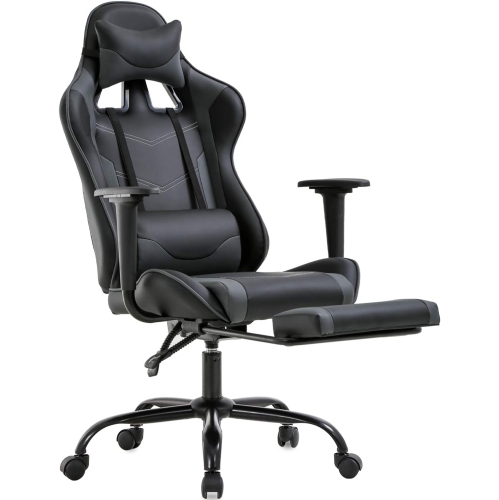
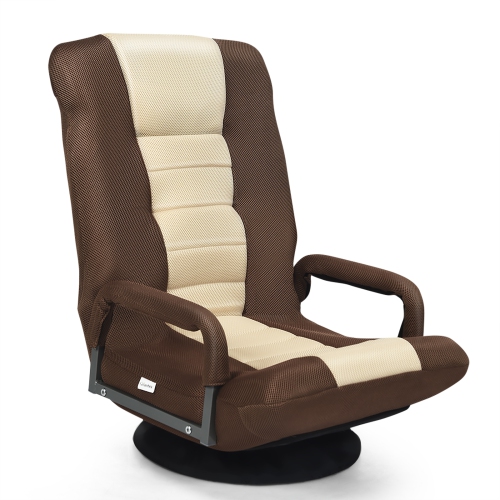
Modern gaming chairs combine adjustable seating with contemporary design, creating a place for focused play, everyday computer use, and time away from the keyboard. Their appearance ranges from sculpted, racing-inspired shapes with pronounced side panels to understated profiles that sit comfortably beside a living room desk. A high back, supportive seat, and coordinated upholstery can give a gaming setup a finished look without relying on bright colours or oversized details. Black, grey, and neutral fabric finishes blend easily with office furniture, while contrast stitching and coloured panels bring more personality to a dedicated gaming space. Behind that styling, fit makes the biggest difference to how a chair feels. Seat height should suit both the person and the desk, allowing feet to rest on the floor or a footrest while keeping the keyboard within easy reach. Seat depth matters just as much: a cushion that extends too far forward can press behind the knees, while one that is too shallow may leave the thighs insufficiently supported. Raised seat edges can feel snug and secure for some users but restrictive for others, particularly when changing position. Published seat dimensions, overall measurements, and weight capacity provide more useful context than appearance alone. Backrest height and headrest placement also deserve attention, since a neck cushion that fits a taller person may sit awkwardly behind a shorter person’s head. Lumbar support may come from a removable cushion, an adjustable built-in section, or a backrest shaped to support the lower back. These approaches feel different, and more pronounced support is not automatically more comfortable. The strongest match is a chair whose contours and adjustment range suit the user’s proportions and preferred sitting position. For a shared household computer, a broad adjustment range can be especially practical, allowing different users to reset the seat, armrests, and back support rather than adapt themselves to a single fixed position.
Materials influence the feel, appearance, and upkeep of modern gaming chairs as much as their shape does. Fabric upholstery offers a textured finish that works well alongside upholstered furniture, although crumbs, dust, and spills can settle into its weave. Mesh allows airflow through an open surface and often creates a lighter visual profile; its tension and supporting frame affect whether the seat or back feels flexible or firm. Leatherette provides a smooth, wipeable surface with a tailored look, but its coating needs appropriate care to help prevent premature wear. Genuine leather, where used, has its own care requirements and should be cleaned according to the manufacturer’s directions rather than treated like synthetic upholstery. Cushioning varies too. High-density or moulded foam can provide a more structured feel, while softer padding may feel inviting at first but compress differently during longer periods of sitting. Foam density alone does not establish overall comfort or quality, and upholstery thickness does not reveal the construction underneath. A stable base, sound frame, well-finished seams, and adjustment mechanisms that operate smoothly all contribute to everyday durability. Armrest surfaces are another frequent contact point, particularly for someone who leans on them while getting up. Their padding, attachment, and range of movement affect both comfort and long-term use. Casters should suit the flooring, and a compatible chair mat can help protect the surface and make movement easier where appropriate. Care is usually straightforward when it follows the material’s requirements: vacuum fabric with a suitable attachment, remove dust from mesh, and wipe compatible surfaces with a soft cloth and an approved cleaner. Prompt attention to spills helps limit staining, while avoiding harsh chemicals protects finishes and coatings. Periodic checks of accessible fasteners, following the assembly instructions, can help keep the chair steady. Armrests are not steps or lifting handles, and reclining mechanisms should only be used within their stated limits. These small habits matter in a chair that may move, swivel, and carry weight through hours of daily use.
Adjustability gives modern gaming chairs their versatility across different activities. Height-adjustable armrests can support the forearms without forcing the shoulders upward, while models with additional movement may let the pads slide forward, shift sideways, or pivot inward. Labels such as 2D, 3D, and 4D describe different adjustment directions, but the exact movements vary by design. For keyboard and mouse play, armrests that approach desk height without catching beneath the desktop can help keep controls close. During a controller-based game, inward-pivoting pads may provide a comfortable resting position for the elbows. Recline adjusts the angle between the seat and backrest, whereas tilt allows the chair to rock or move through a sitting range; some mechanisms coordinate seat and back movement, and others operate differently. Tilt tension changes the resistance to that movement, while locking positions provide a steadier feel when desired. These features support changes in posture, but no chair removes the need to stand, stretch, and take regular breaks. Room layout is part of the fit as well. A tall backrest needs clearance behind it when reclined, a wide base needs space beneath the desk, and projecting armrests can prevent a chair from tucking away neatly. In a compact bedroom setup, those details may matter more than an extra-deep recline. In a combined work and gaming space, restrained styling and easy-to-reach controls can make the same chair useful for video calls, studying, and evening play. Gamers, students, remote workers, and people who spend time editing photos or creating digital projects may all appreciate that flexibility. As a gift, a gaming chair is most thoughtful when the recipient’s height, seating preferences, desk measurements, and available floor space are known; seating is personal enough that a favourite colour is only part of the decision. For a broader view of seating styles and features, Top Gaming Chairs brings another perspective to the same setup. A well-matched modern gaming chair balances appearance with usable adjustments, suitable materials, and proportions that make everyday movement feel natural.
Materials influence the feel, appearance, and upkeep of modern gaming chairs as much as their shape does. Fabric upholstery offers a textured finish that works well alongside upholstered furniture, although crumbs, dust, and spills can settle into its weave. Mesh allows airflow through an open surface and often creates a lighter visual profile; its tension and supporting frame affect whether the seat or back feels flexible or firm. Leatherette provides a smooth, wipeable surface with a tailored look, but its coating needs appropriate care to help prevent premature wear. Genuine leather, where used, has its own care requirements and should be cleaned according to the manufacturer’s directions rather than treated like synthetic upholstery. Cushioning varies too. High-density or moulded foam can provide a more structured feel, while softer padding may feel inviting at first but compress differently during longer periods of sitting. Foam density alone does not establish overall comfort or quality, and upholstery thickness does not reveal the construction underneath. A stable base, sound frame, well-finished seams, and adjustment mechanisms that operate smoothly all contribute to everyday durability. Armrest surfaces are another frequent contact point, particularly for someone who leans on them while getting up. Their padding, attachment, and range of movement affect both comfort and long-term use. Casters should suit the flooring, and a compatible chair mat can help protect the surface and make movement easier where appropriate. Care is usually straightforward when it follows the material’s requirements: vacuum fabric with a suitable attachment, remove dust from mesh, and wipe compatible surfaces with a soft cloth and an approved cleaner. Prompt attention to spills helps limit staining, while avoiding harsh chemicals protects finishes and coatings. Periodic checks of accessible fasteners, following the assembly instructions, can help keep the chair steady. Armrests are not steps or lifting handles, and reclining mechanisms should only be used within their stated limits. These small habits matter in a chair that may move, swivel, and carry weight through hours of daily use.
Adjustability gives modern gaming chairs their versatility across different activities. Height-adjustable armrests can support the forearms without forcing the shoulders upward, while models with additional movement may let the pads slide forward, shift sideways, or pivot inward. Labels such as 2D, 3D, and 4D describe different adjustment directions, but the exact movements vary by design. For keyboard and mouse play, armrests that approach desk height without catching beneath the desktop can help keep controls close. During a controller-based game, inward-pivoting pads may provide a comfortable resting position for the elbows. Recline adjusts the angle between the seat and backrest, whereas tilt allows the chair to rock or move through a sitting range; some mechanisms coordinate seat and back movement, and others operate differently. Tilt tension changes the resistance to that movement, while locking positions provide a steadier feel when desired. These features support changes in posture, but no chair removes the need to stand, stretch, and take regular breaks. Room layout is part of the fit as well. A tall backrest needs clearance behind it when reclined, a wide base needs space beneath the desk, and projecting armrests can prevent a chair from tucking away neatly. In a compact bedroom setup, those details may matter more than an extra-deep recline. In a combined work and gaming space, restrained styling and easy-to-reach controls can make the same chair useful for video calls, studying, and evening play. Gamers, students, remote workers, and people who spend time editing photos or creating digital projects may all appreciate that flexibility. As a gift, a gaming chair is most thoughtful when the recipient’s height, seating preferences, desk measurements, and available floor space are known; seating is personal enough that a favourite colour is only part of the decision. For a broader view of seating styles and features, Top Gaming Chairs brings another perspective to the same setup. A well-matched modern gaming chair balances appearance with usable adjustments, suitable materials, and proportions that make everyday movement feel natural.
Top selling and popular products
-
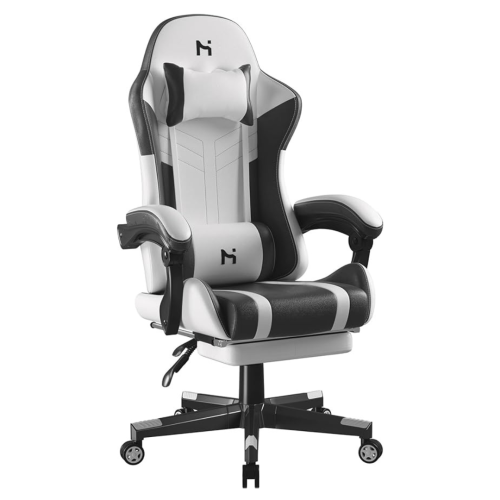 Your price for this item is $285
 -
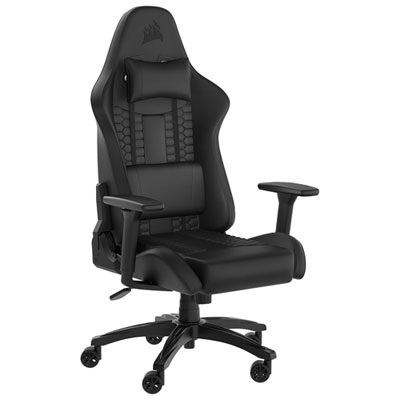 Your price for this item is $229.99
 -
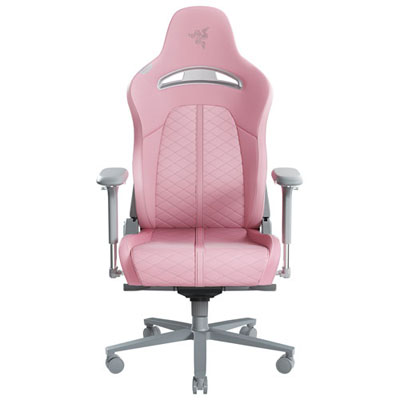 Your price for this item is $579.98
 -
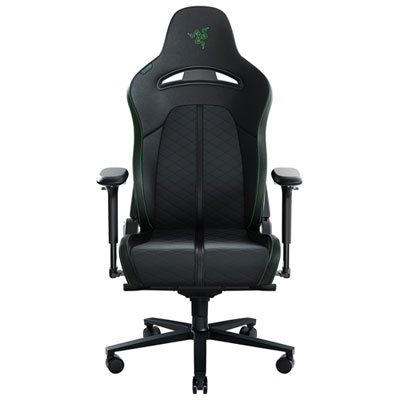 Your price for this item is $399.99
 -
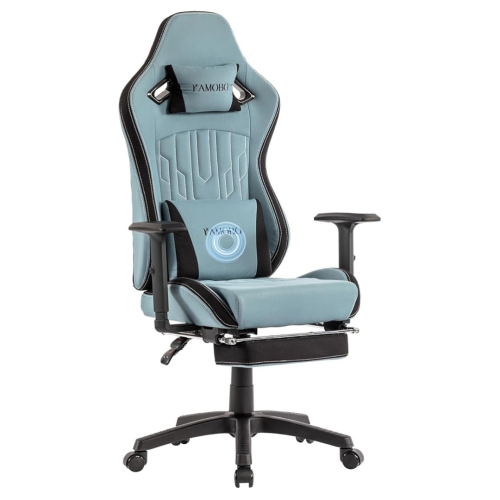 Your price for this item is $280
 -
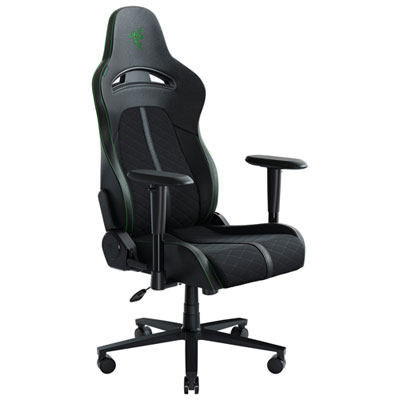 Your price for this item is $329.99
 -
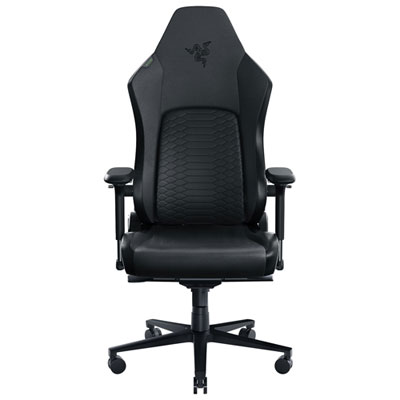 Your price for this item is $899.99
 -
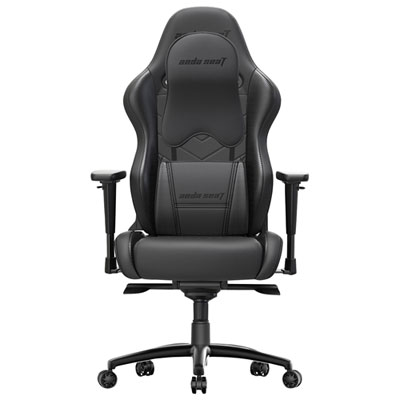 Your price for this item is $549.99
Discover more categories related to Modern Gaming Chairs
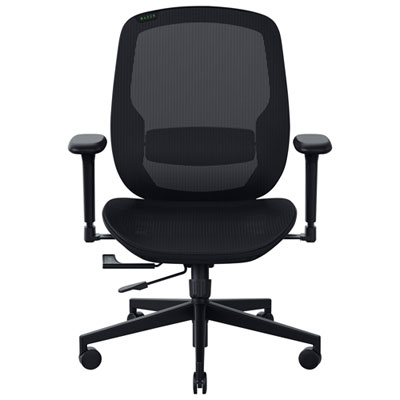
Top Collections:
Pokemon Centers, Kindle Devices, Best Budget Office Chairs, Apple iPhones 16, Best Laptops for Writers, iPhone 15 Apple, Canon G7X Cameras, Refurbished Apple Laptops, Alarm Clock, Motorola Razr Phones
Some products may be subject to Environmental Handling Fees
(EHF) depending on your province.
Learn more about EHFs.