Gaming Desk Accessories
Enhance your gaming setup with our collection of top-notch gaming desk accessories. Elevate your gaming experience to new heights with these must-have essentials designed to maximize comfort, organization, and style. From ergonomic gaming chairs and adjustable monitor stands to cable management solutions and RGB lighting, our selection of gaming desk accessories has everything you need to create the ultimate gaming oasis. Whether you're a casual gamer or a hardcore enthusiast, these high-quality accessories will take your gameplay to the next level. Get ready to level up your gaming station with Best Buy's extensive range of gaming desk accessories.
Sort






![CONTROLLER GEAR : Star Wars Squadrons Wireless Controller And Pro Charging Stand Bundle [Xbox Series X Accessory]](https://multimedia.bbycastatic.ca/multimedia/products/500x500/198/19881/19881713.jpeg)

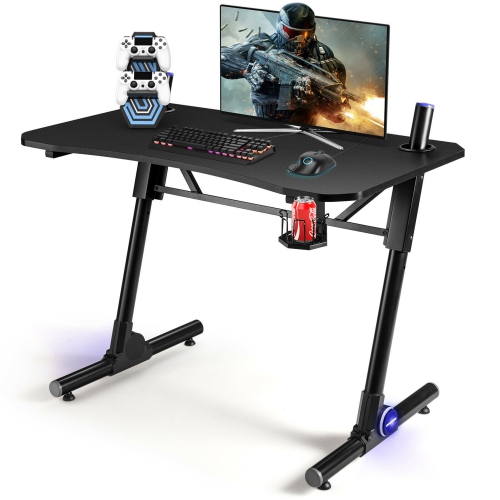
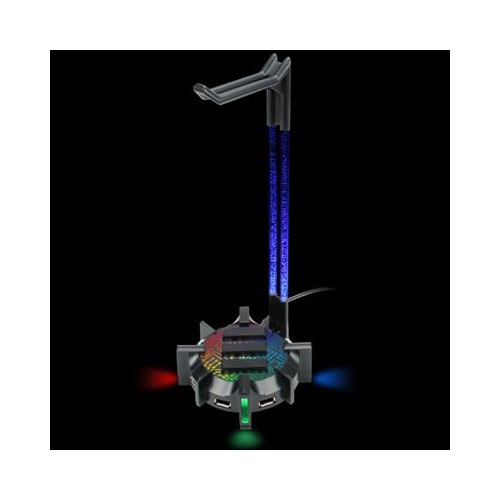
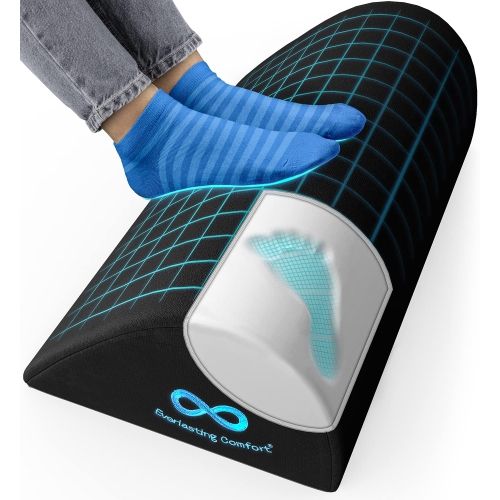
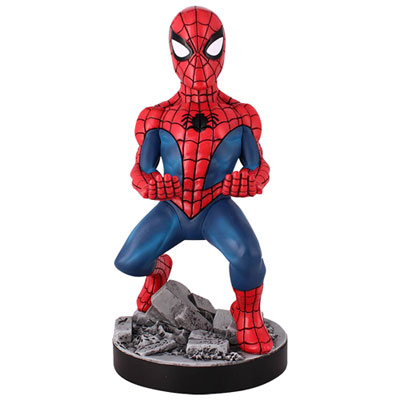
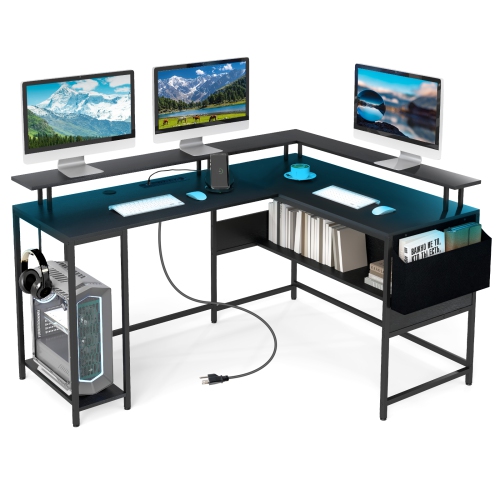
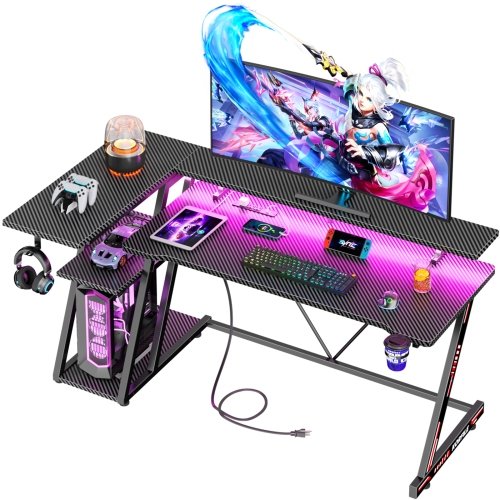
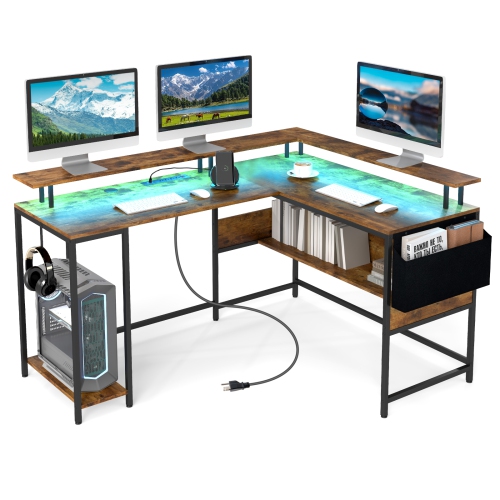
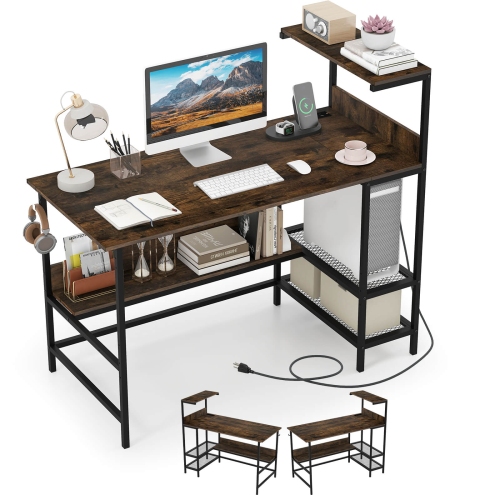
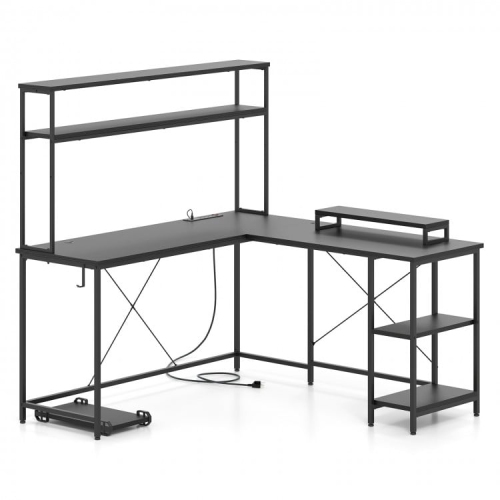
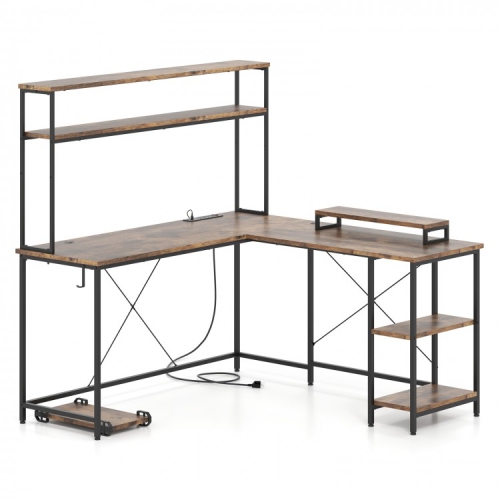
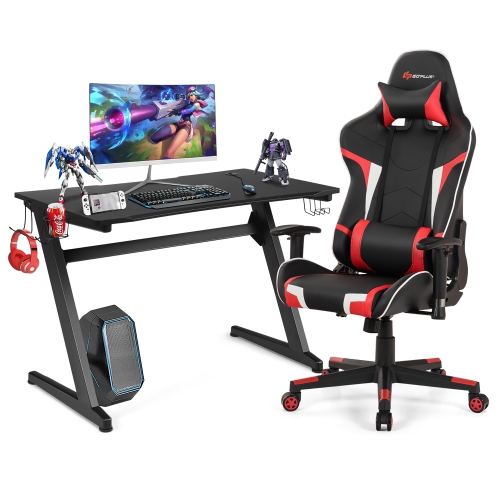
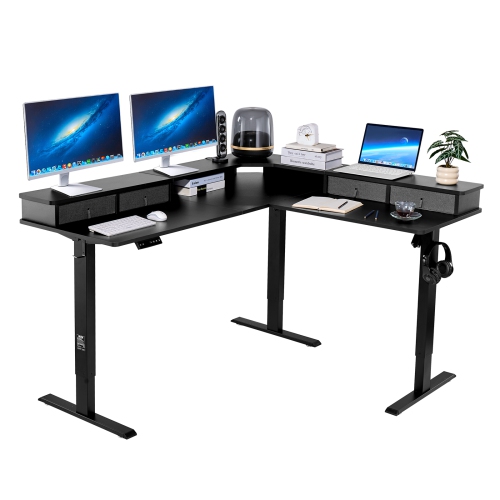
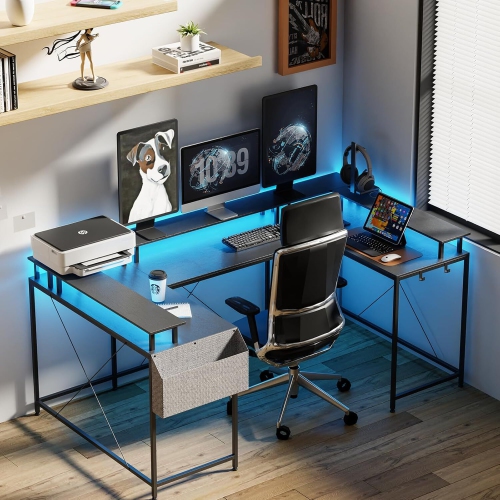
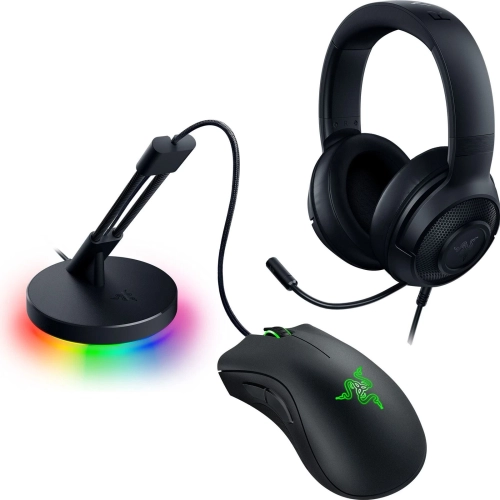
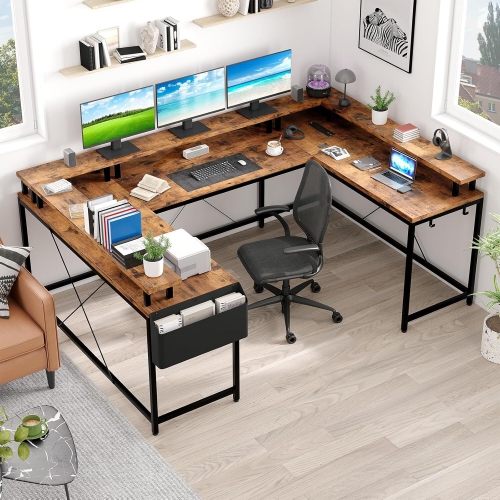
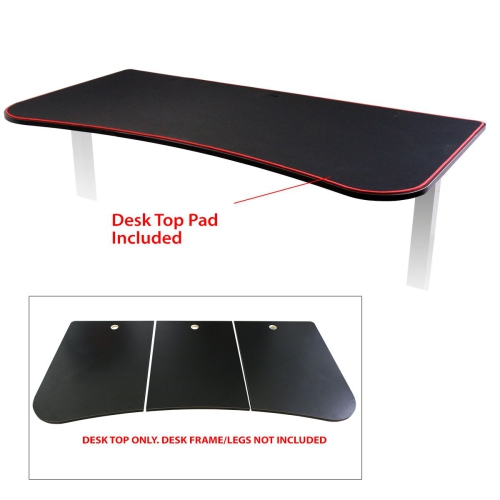
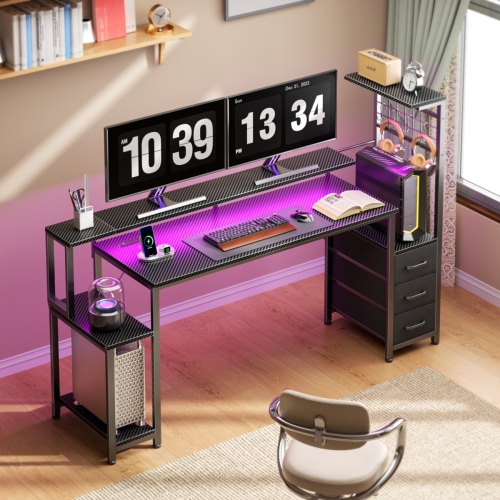
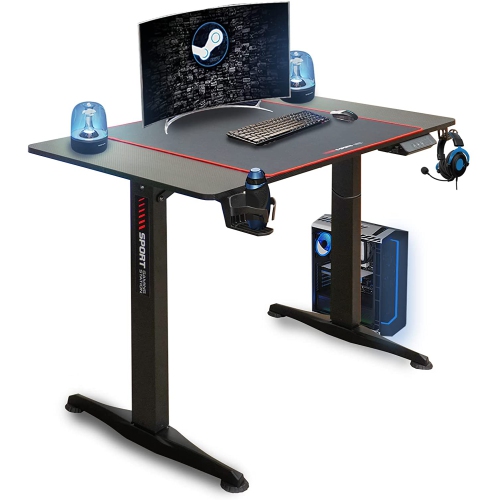
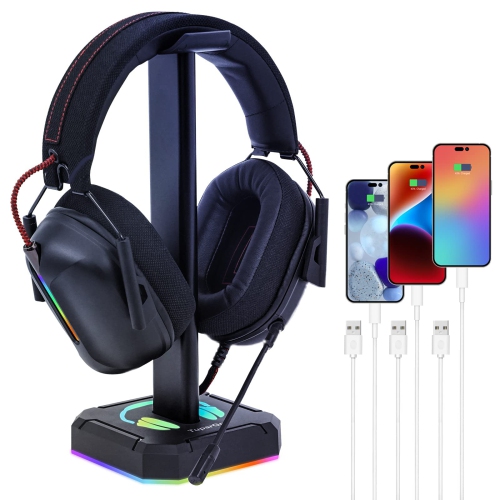
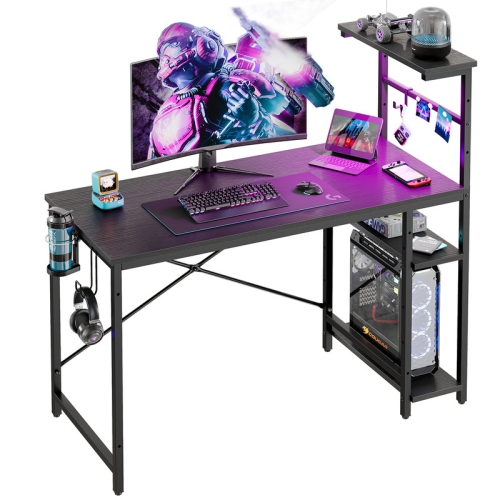
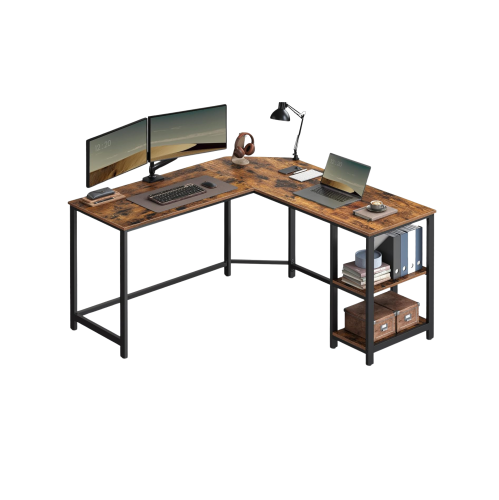
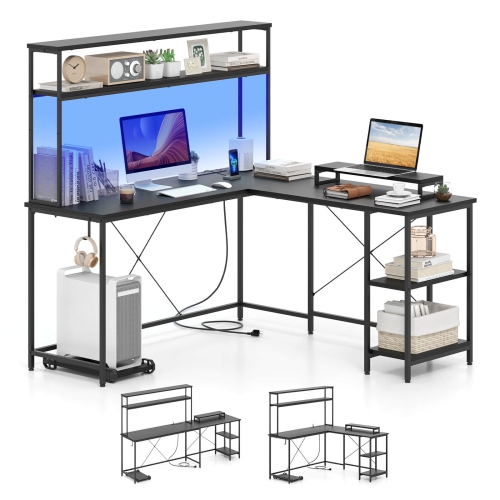
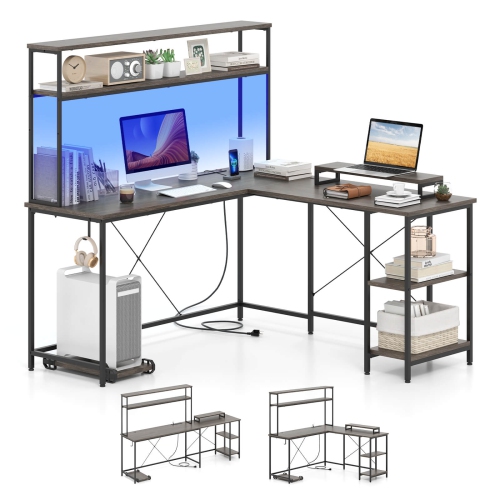
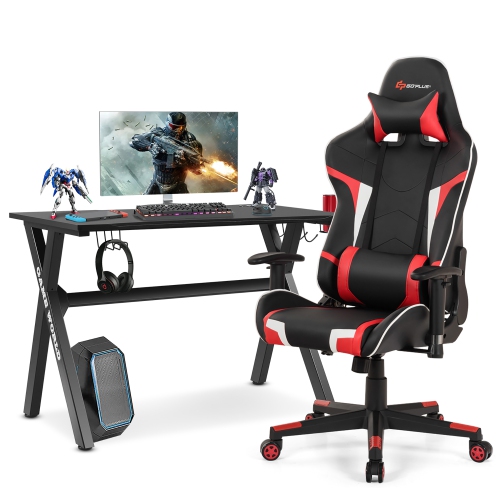
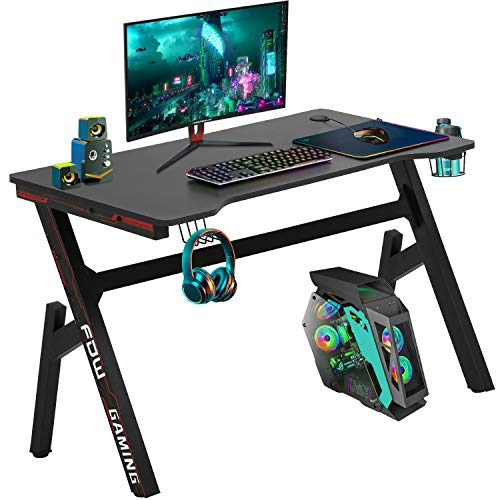
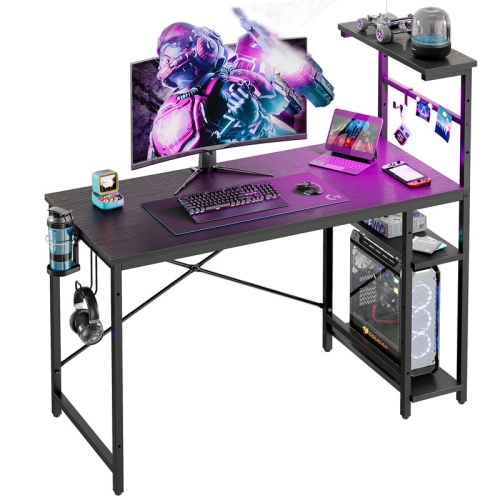
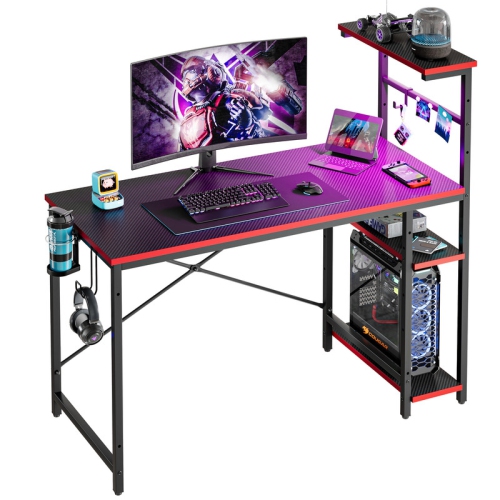
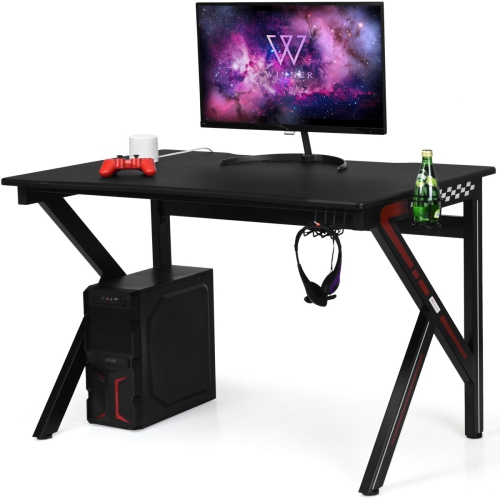
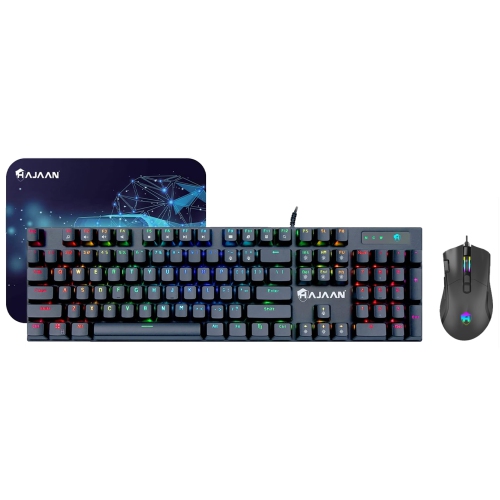
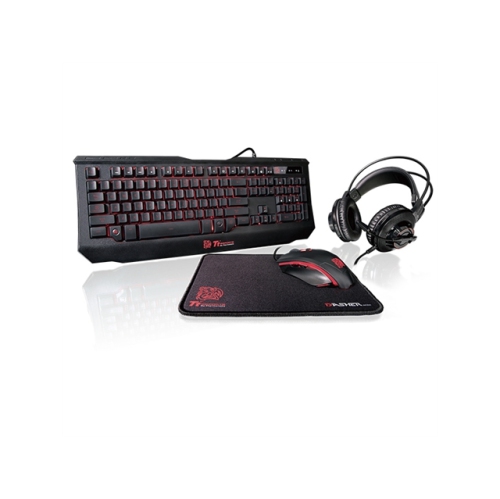
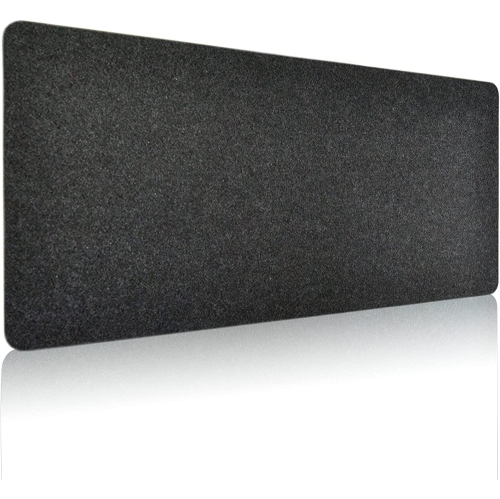
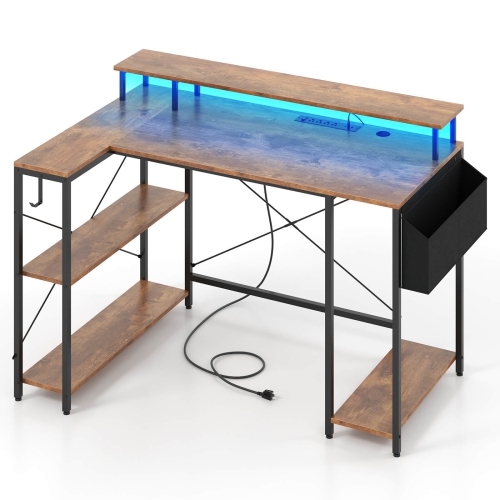
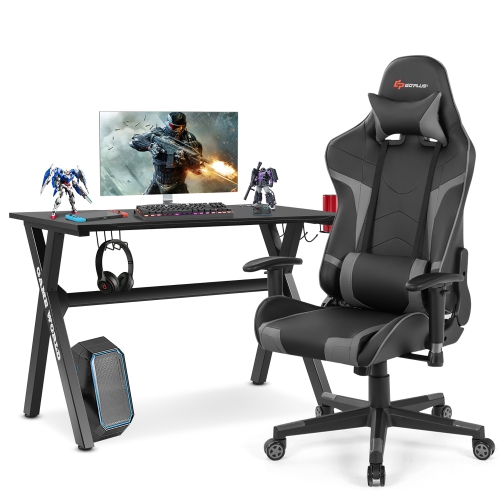
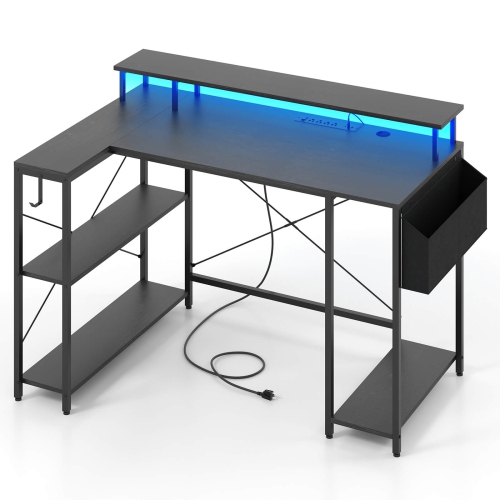
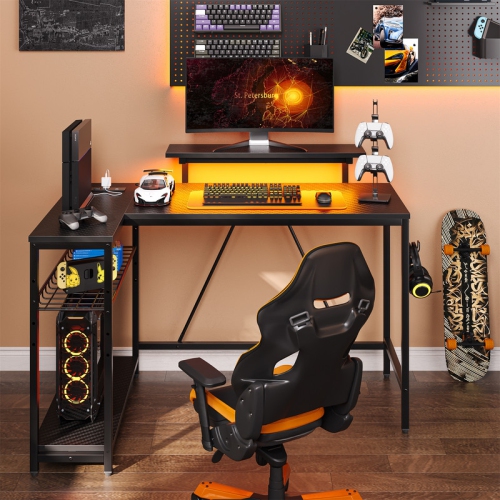
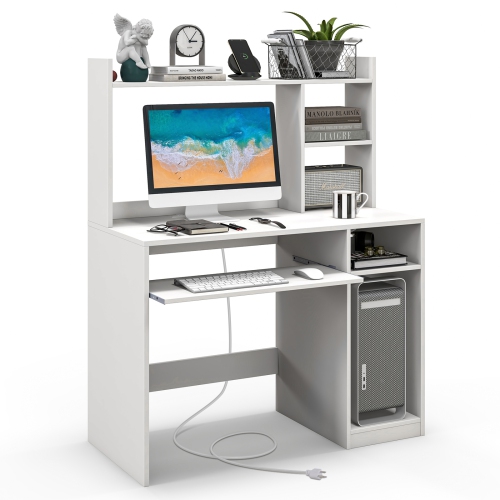
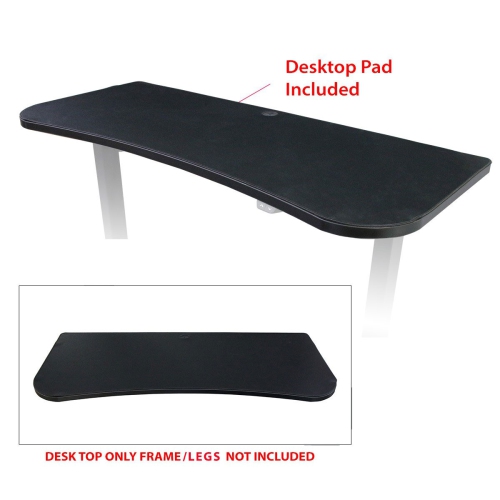
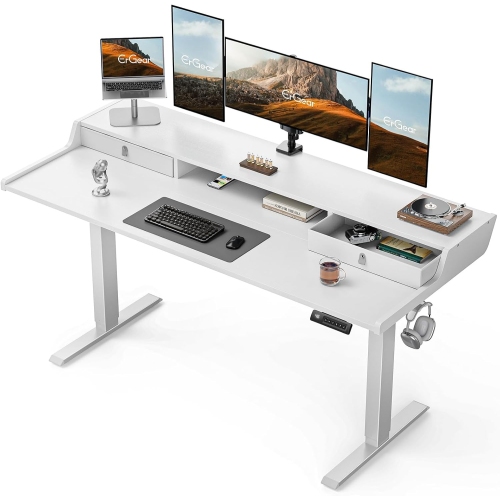
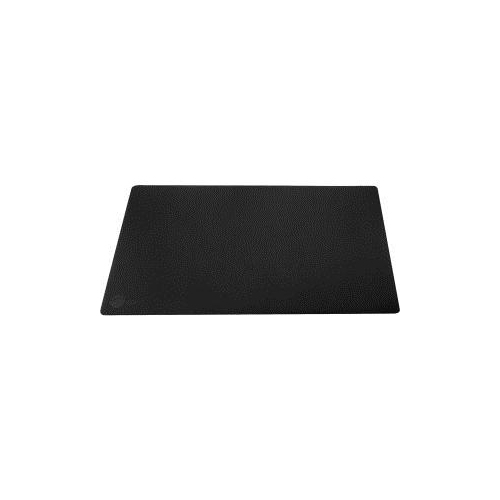



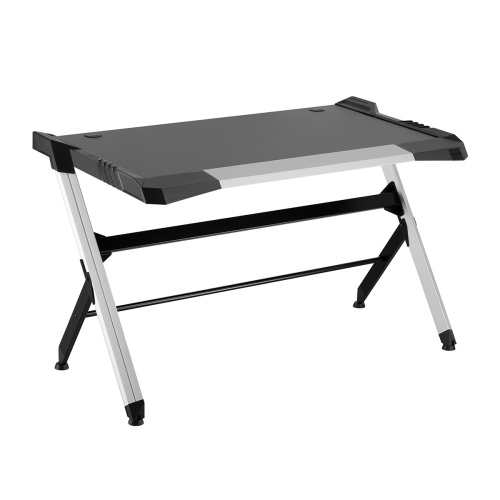
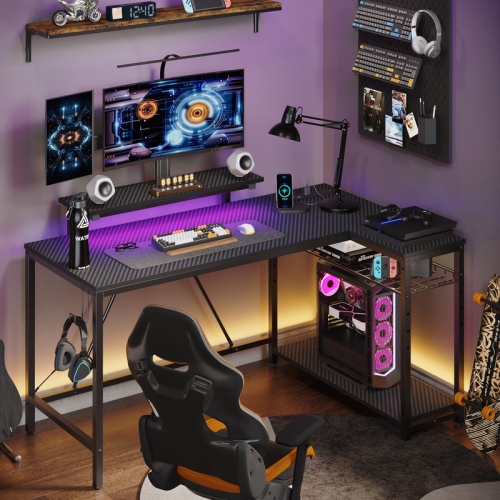
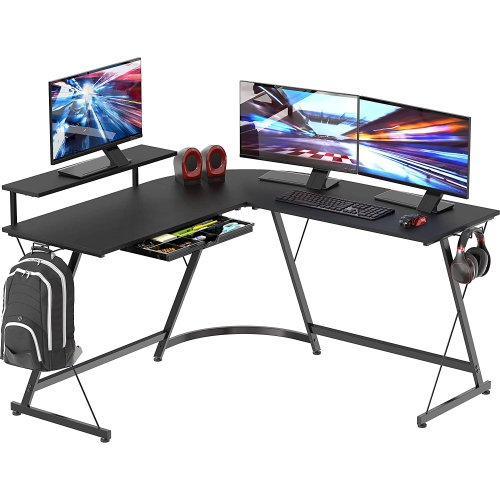
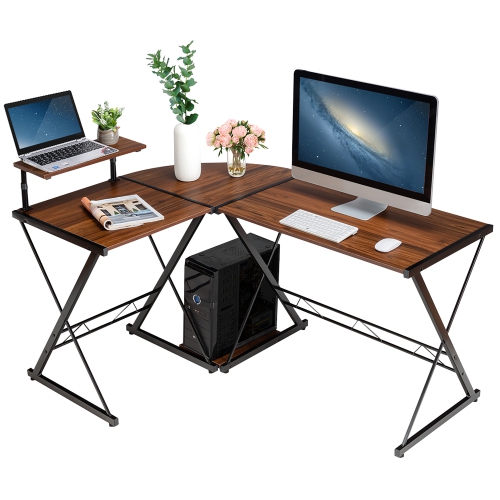
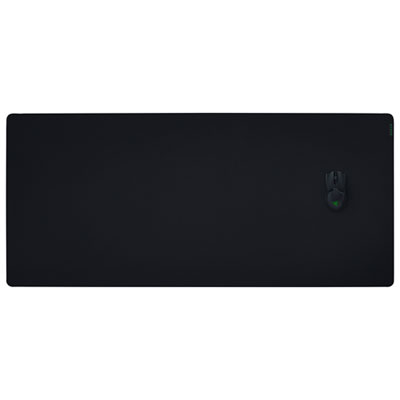
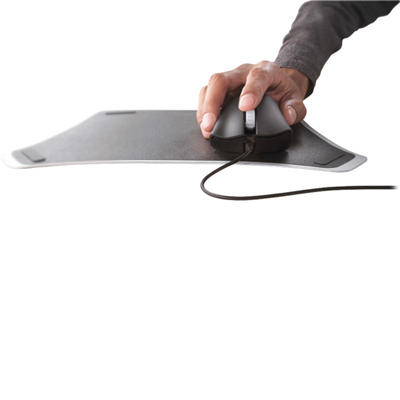
More room for mouse movements without the clutter
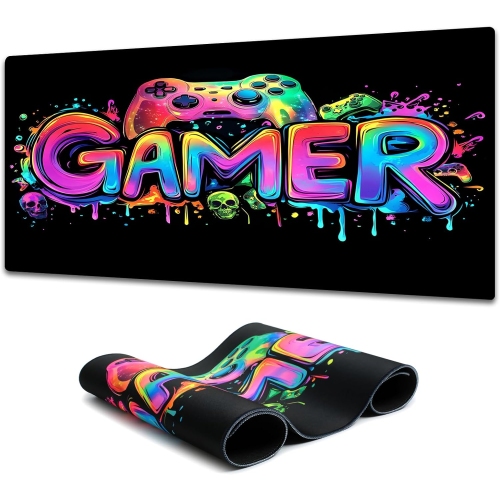
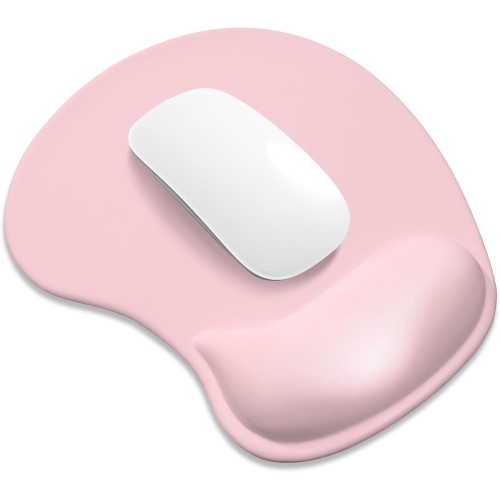
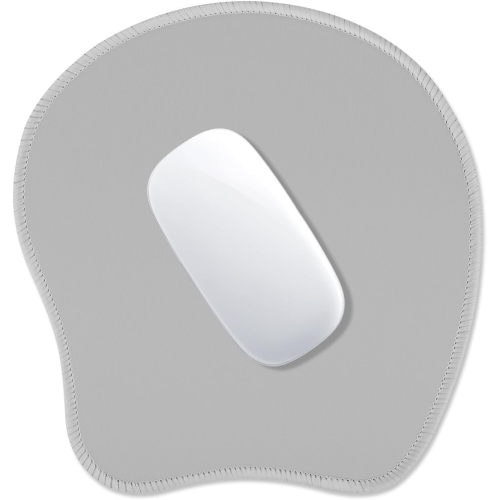
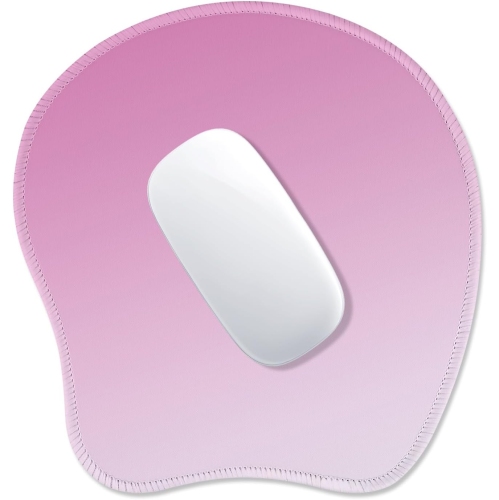
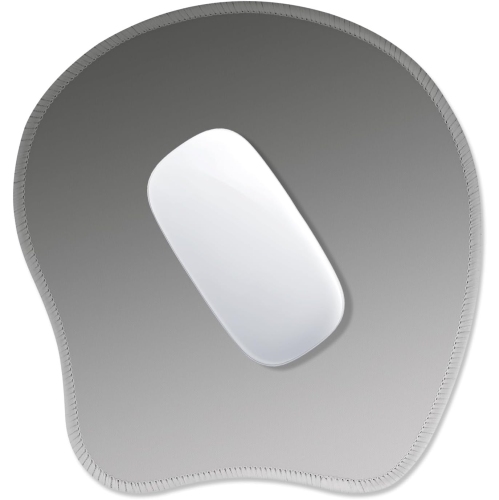
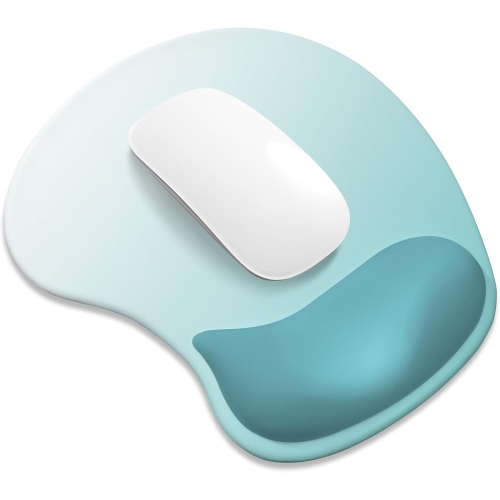
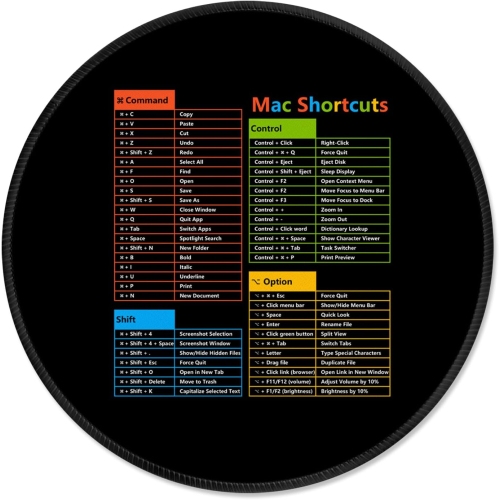
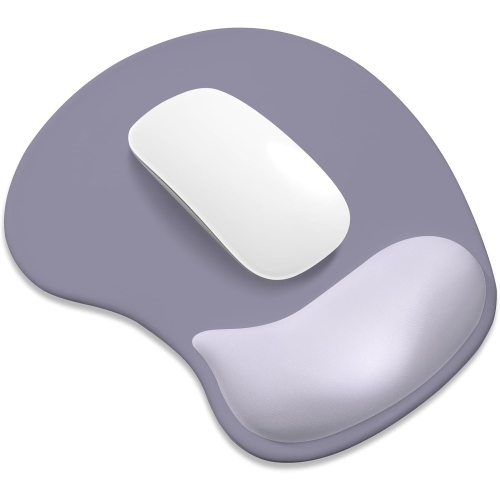
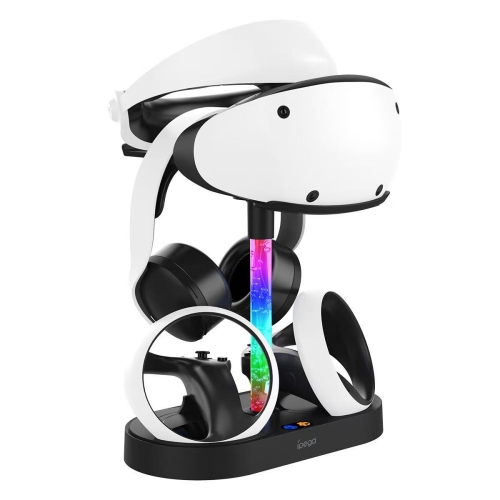
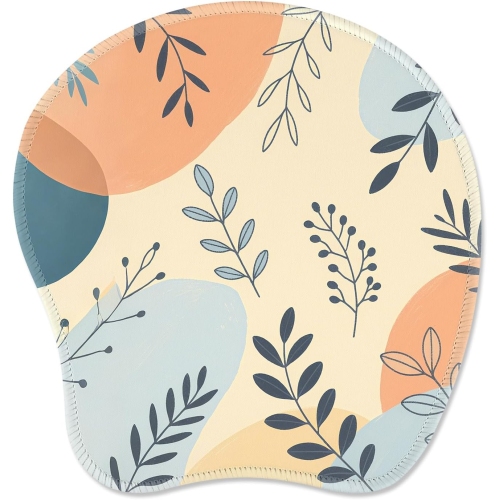
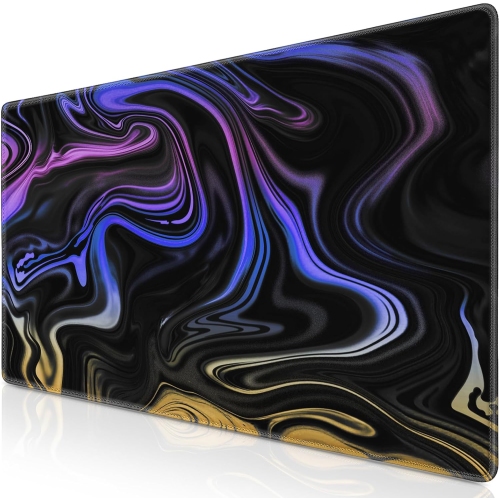
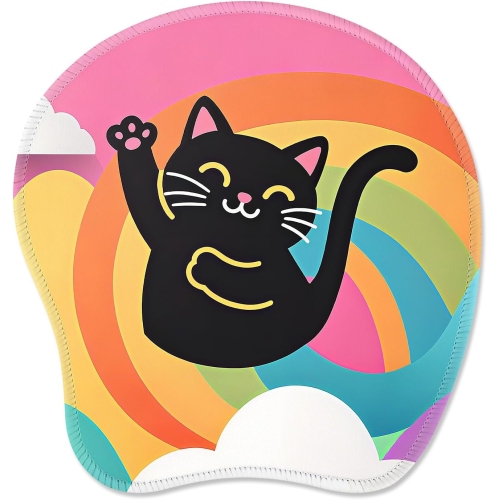
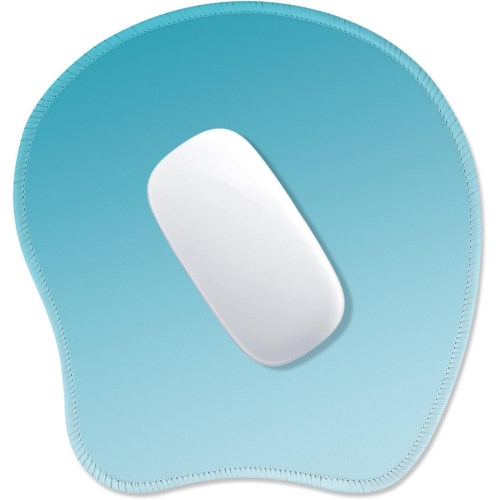
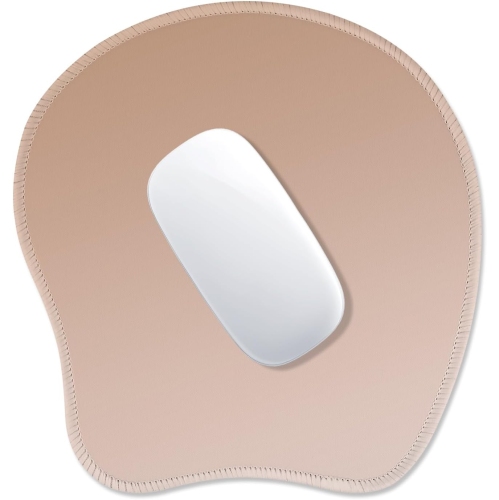
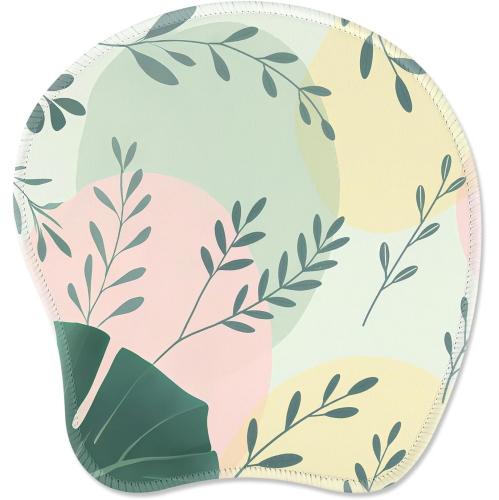
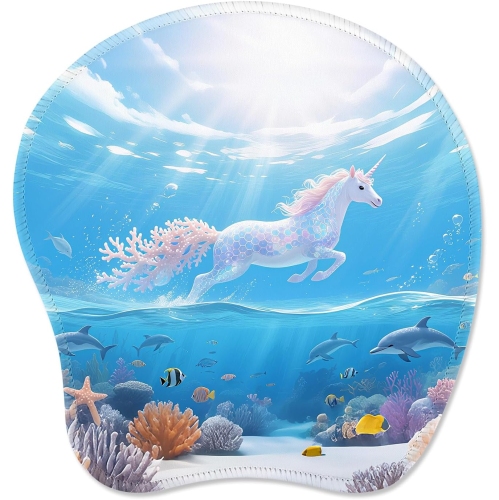
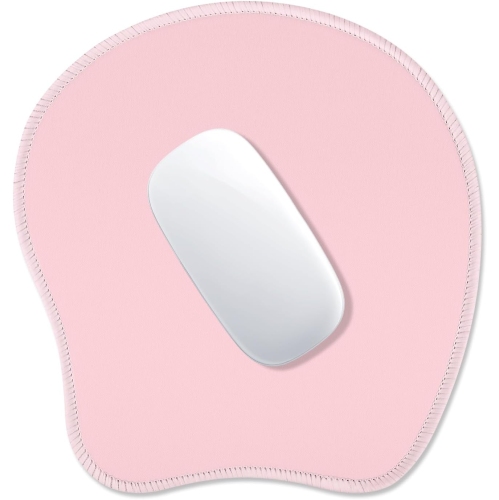
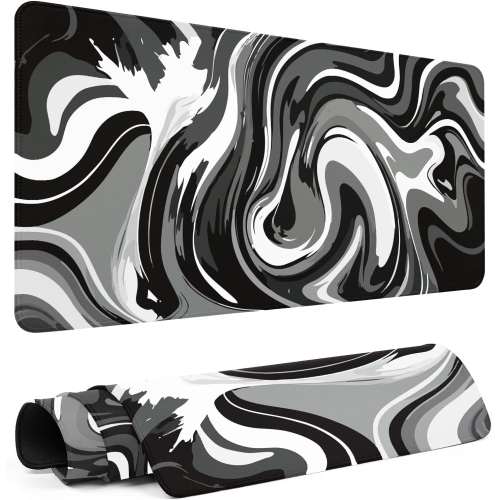
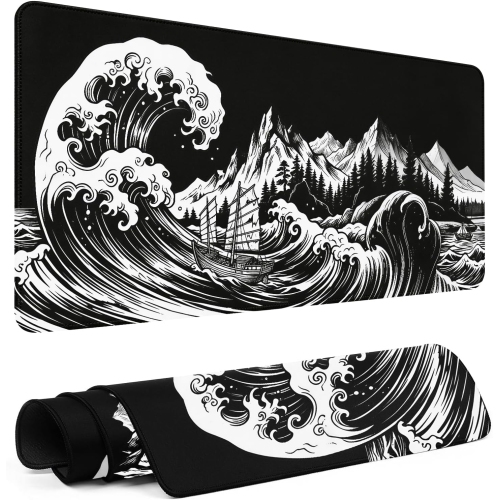
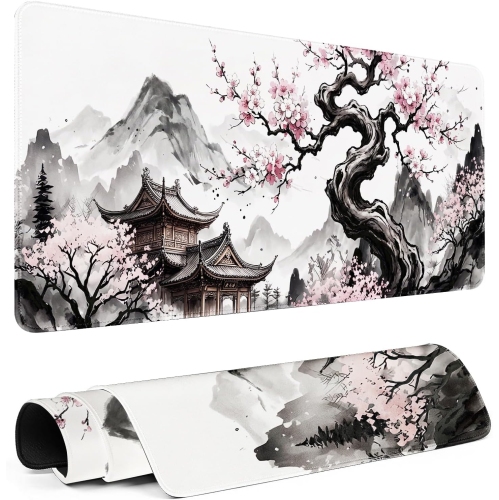
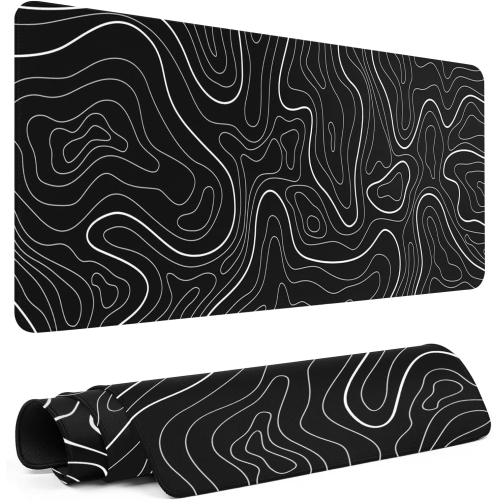
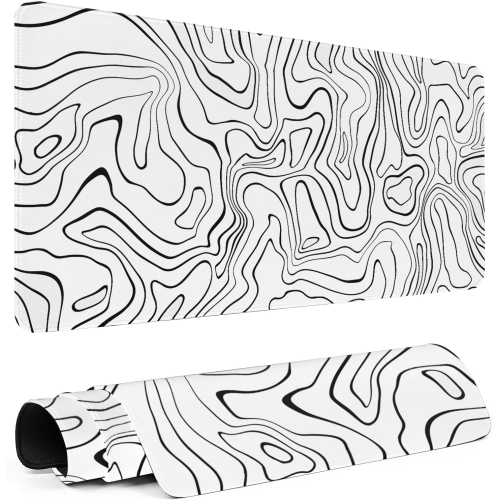
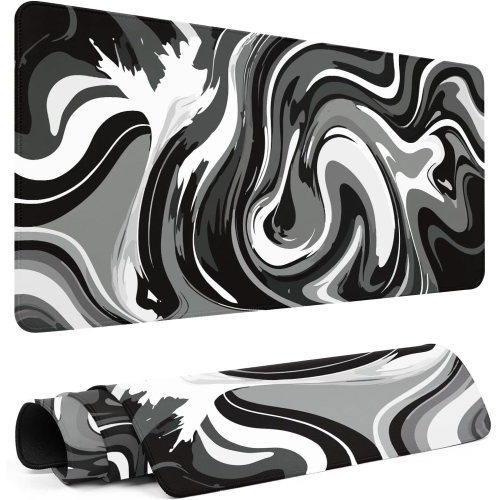
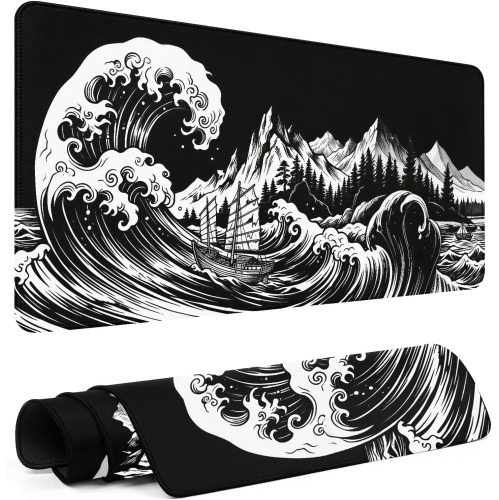
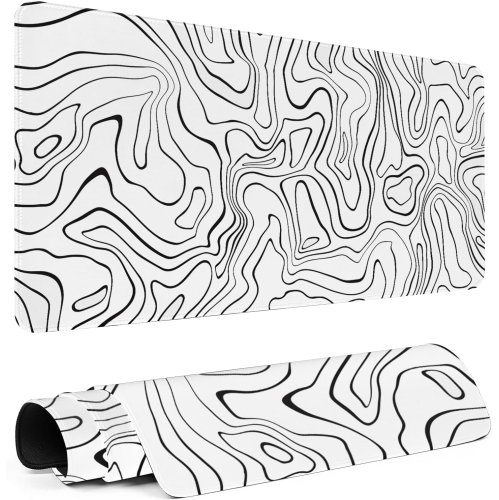
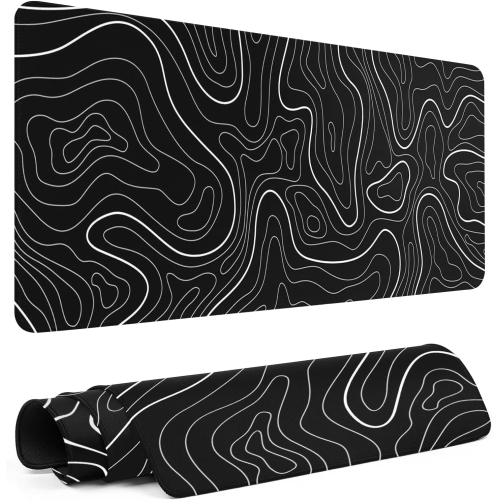
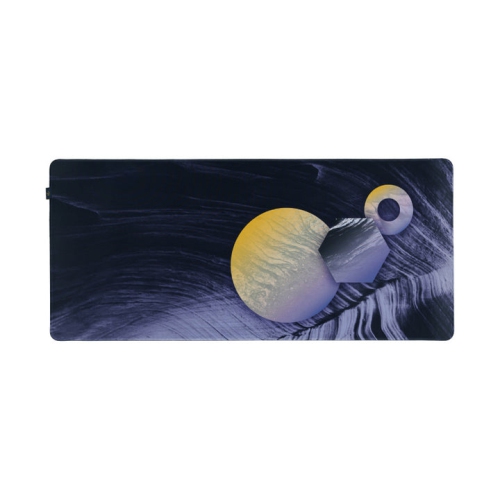
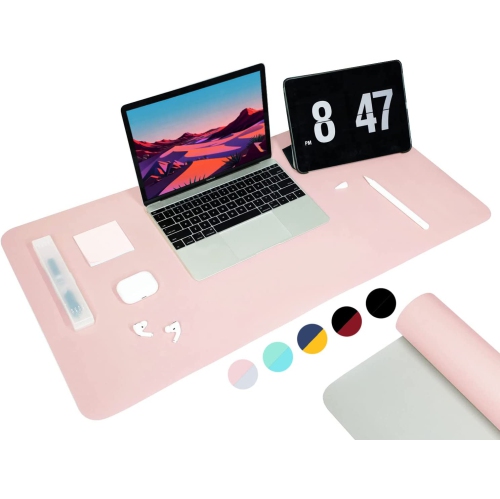
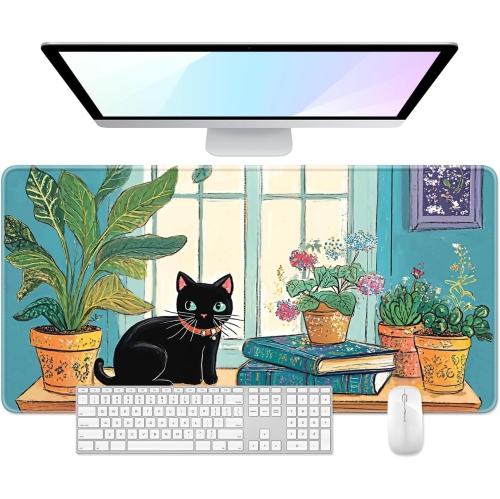
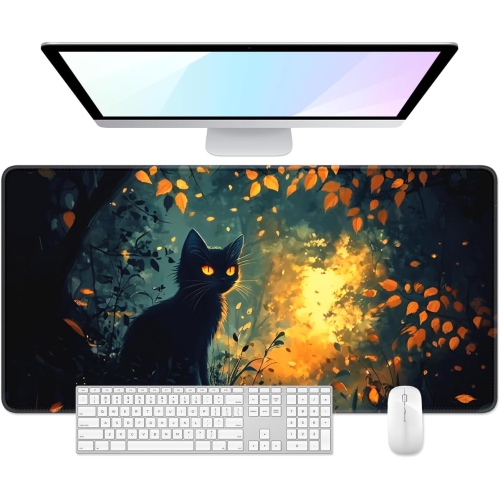
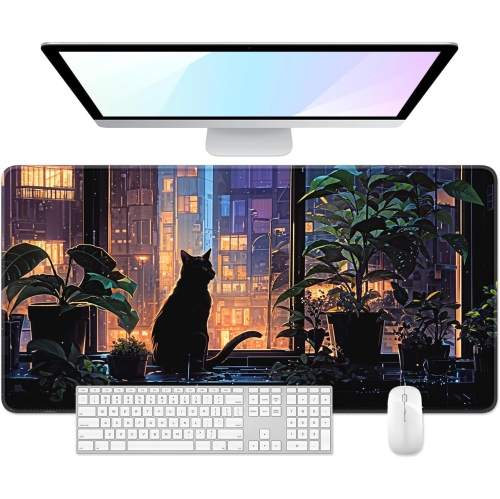
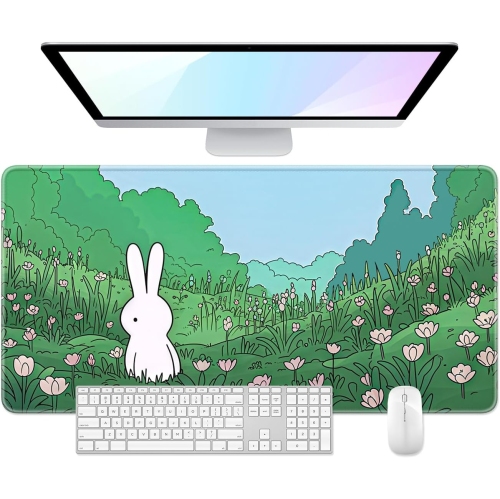
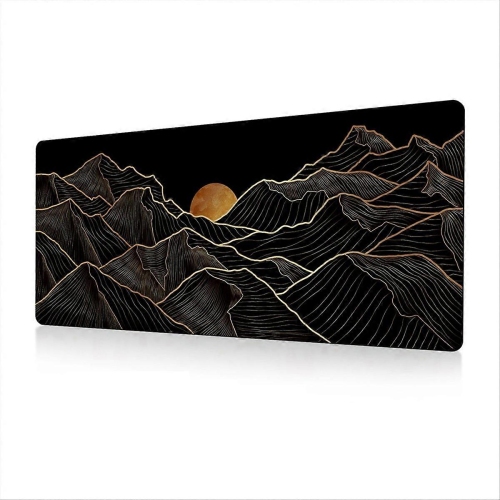
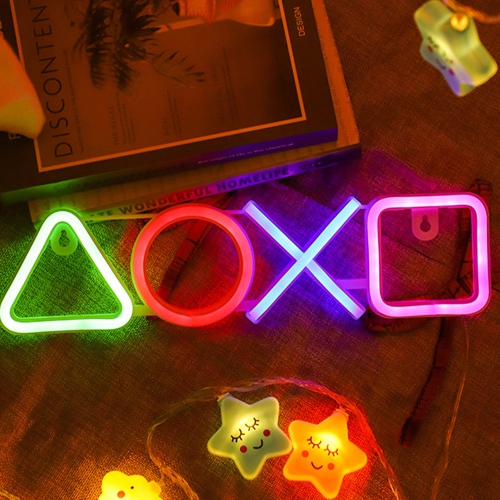
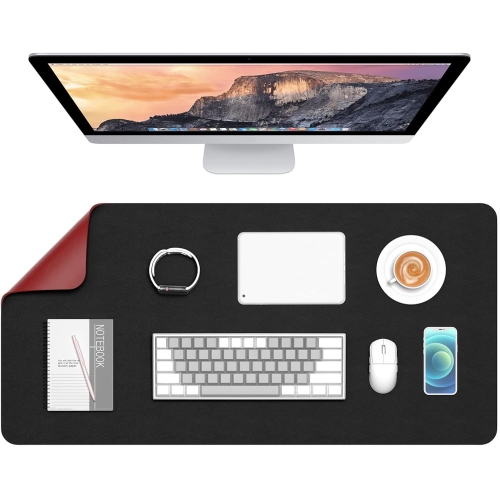
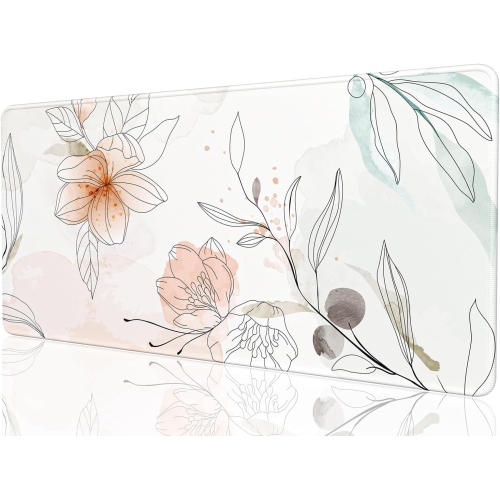
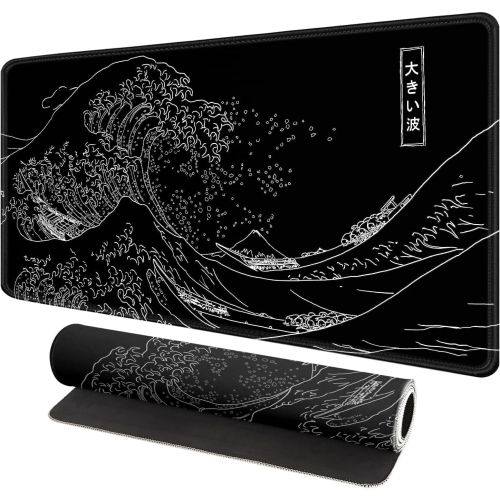
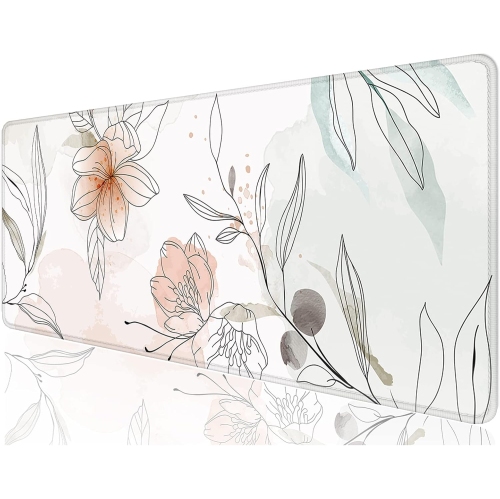
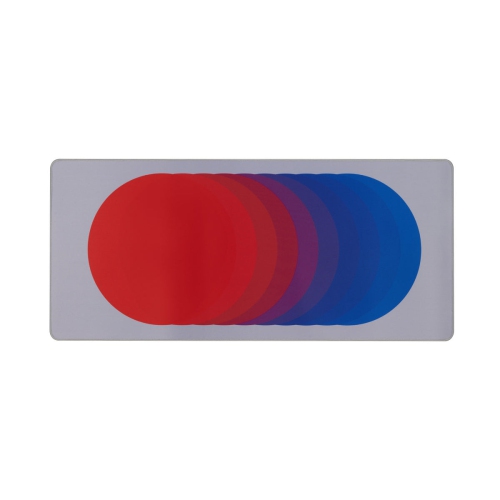
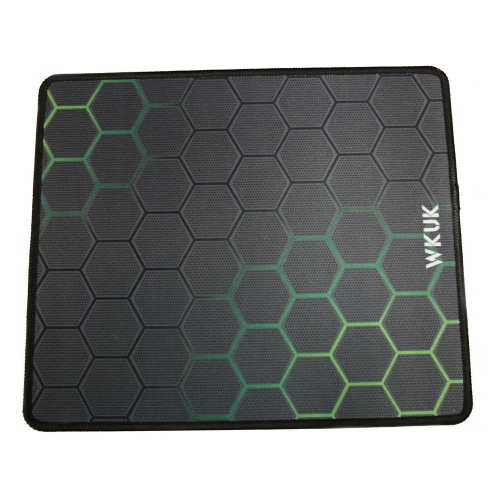
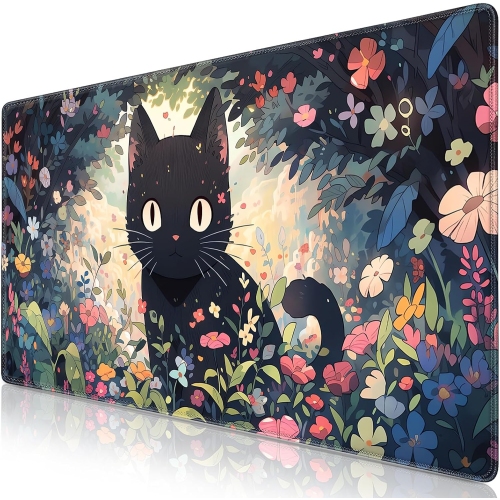
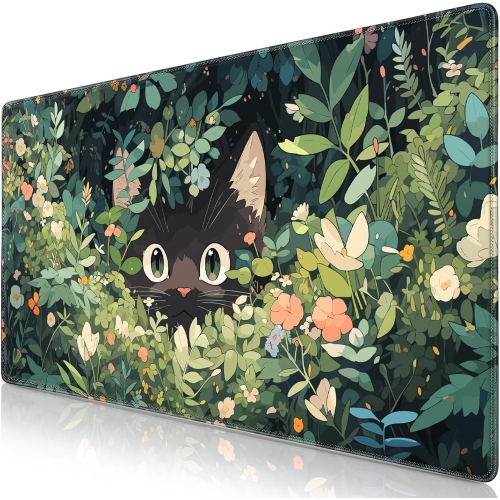
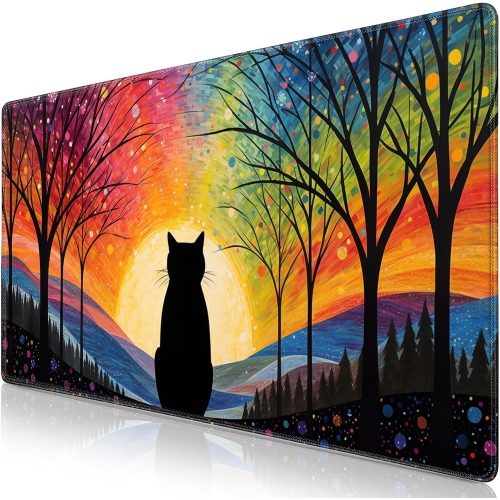
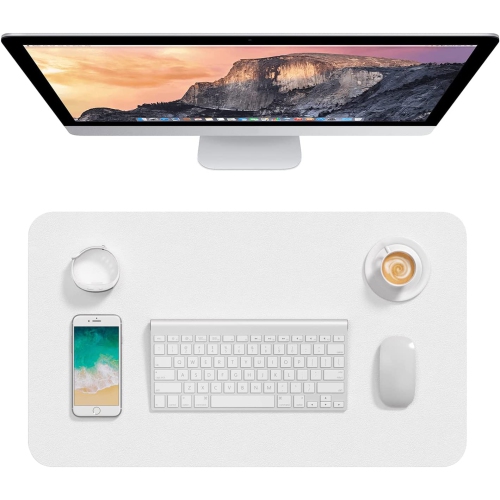
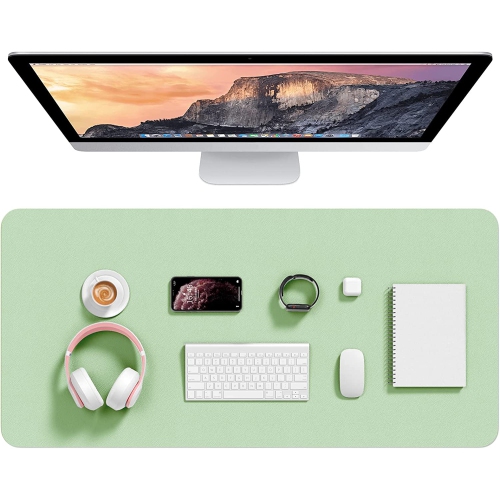
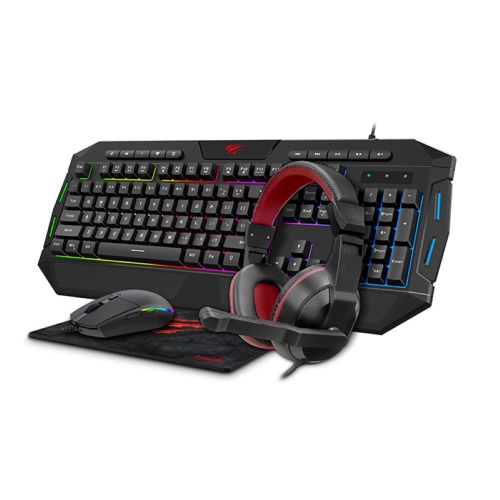
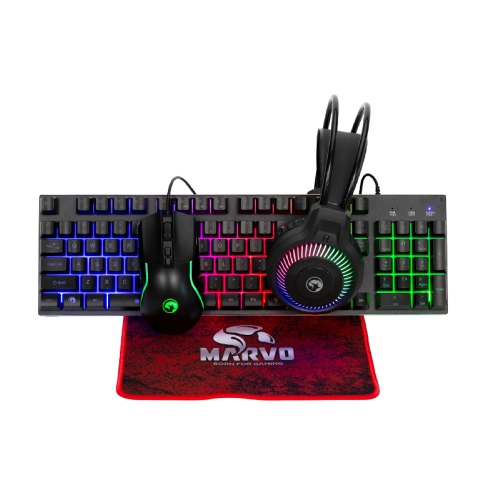
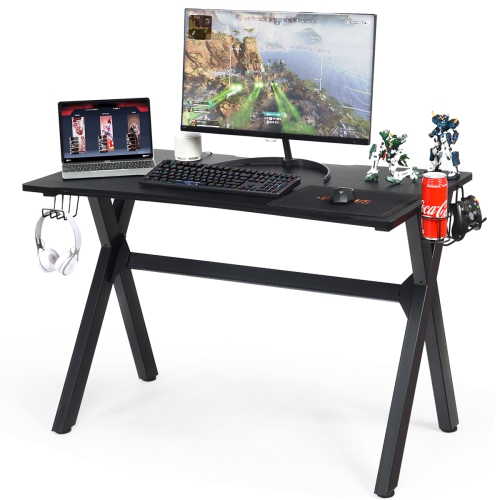
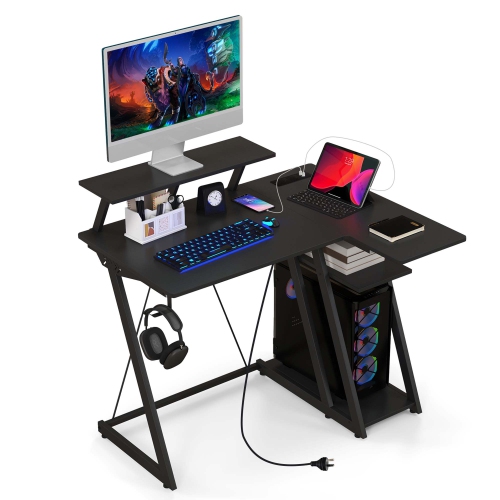
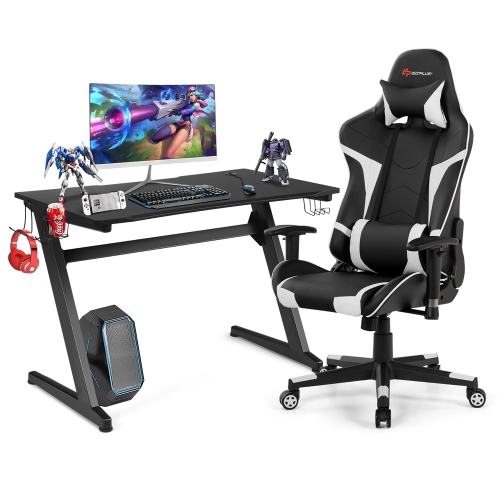
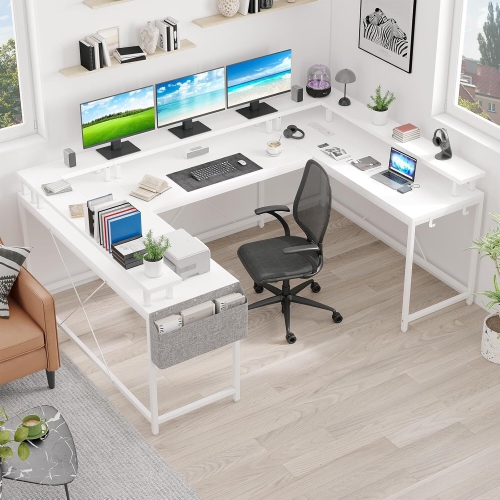
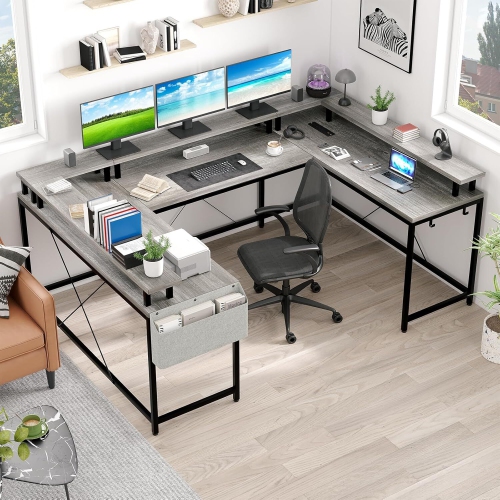
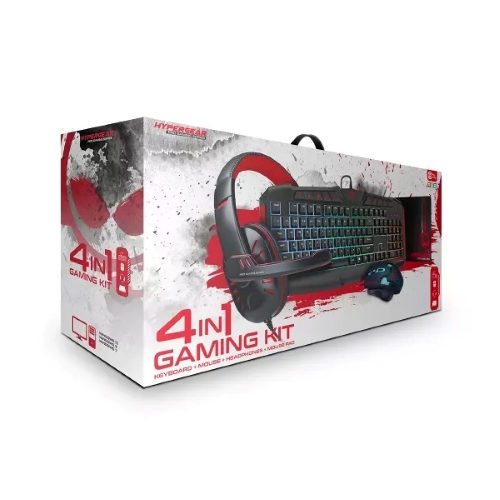
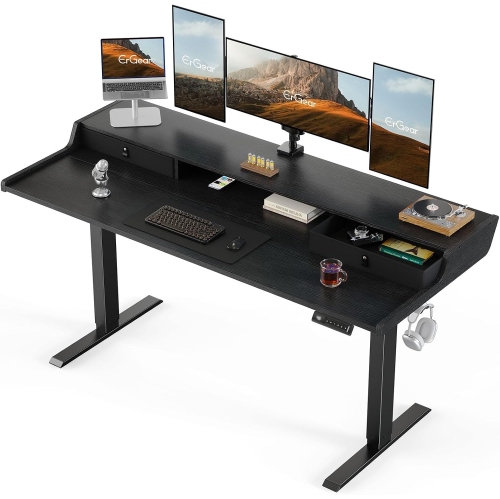
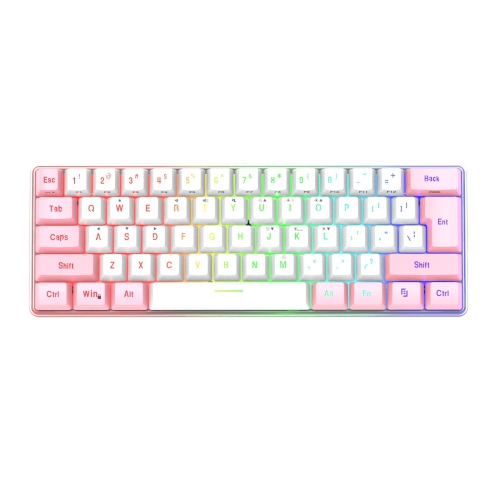
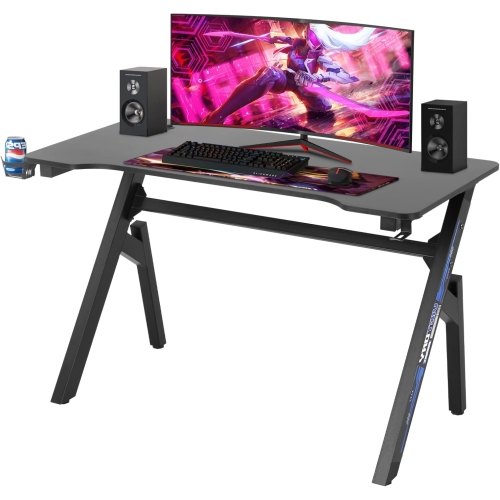
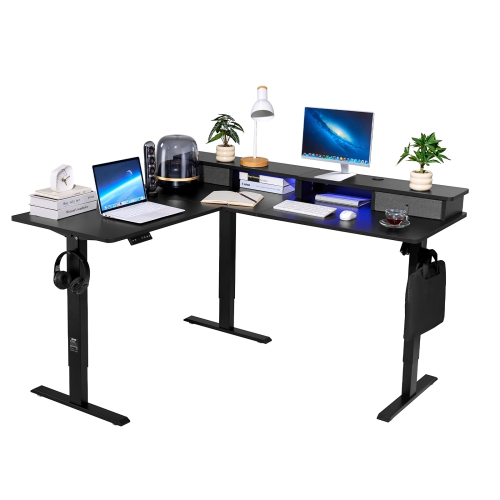
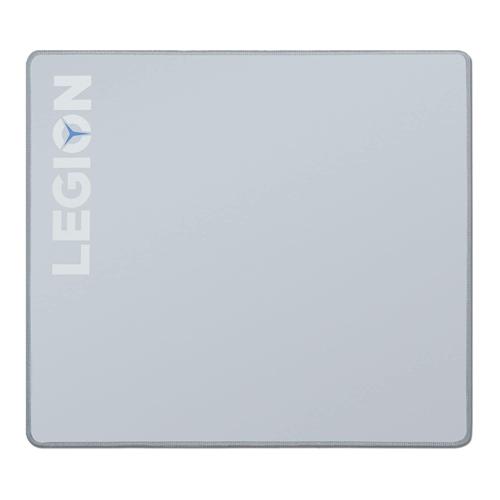
Gaming desk accessories bring order, comfort, and personality to the space around a keyboard, mouse, and monitor. Desk mats, headset holders, monitor mounts, cable organizers, and accent lighting each serve a different purpose, from keeping a mouse cable clear of a fast swipe to giving a headset a dedicated place between sessions. The most useful combination depends on how the desk is used and how much room remains after the main hardware is in place. For someone who plays competitive shooters, an uninterrupted area for broad mouse movements may matter more than display space for collectibles. A player who enjoys strategy games might prefer a layout that leaves room for notes, while a streaming setup needs to accommodate a microphone without blocking the screen or crowding the keyboard. Extended gaming mouse pads can create a continuous surface beneath both the keyboard and mouse, with enough coverage to soften contact with the desktop. Cloth surfaces typically offer a softer feel and varying levels of glide, while firmer surfaces can feel faster under the mouse; the right texture comes down to control, sensor compatibility, and personal preference. A non-slip backing helps the mat stay put, and neatly finished edges can make repeated contact with forearms more comfortable. Thickness also affects the feel: a cushioned mat offers a softer resting surface, while a thinner one creates less of a raised edge. Dimensions deserve attention, especially on shallow desks where a large mat could overlap a monitor base or cover a cable opening. Colour and pattern can tie the setup together, but surface consistency, flatness, and ease of cleaning matter just as much in daily use. For a desk shared between gaming and schoolwork, a mat that leaves space for a notebook can be more practical than one that covers nearly the entire surface. These details help accessories fit the way a person actually plays rather than simply filling an empty corner.
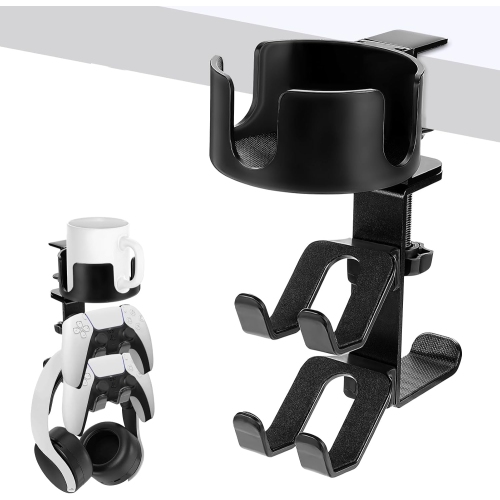
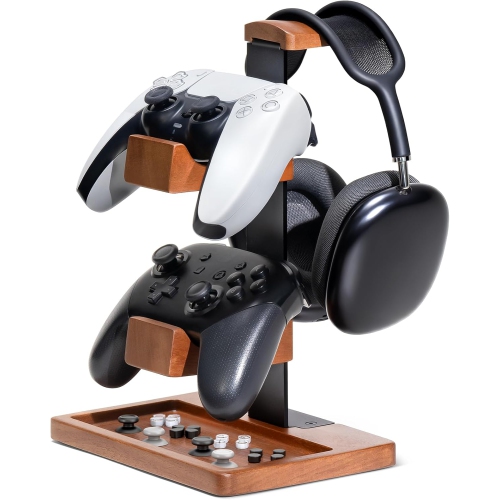
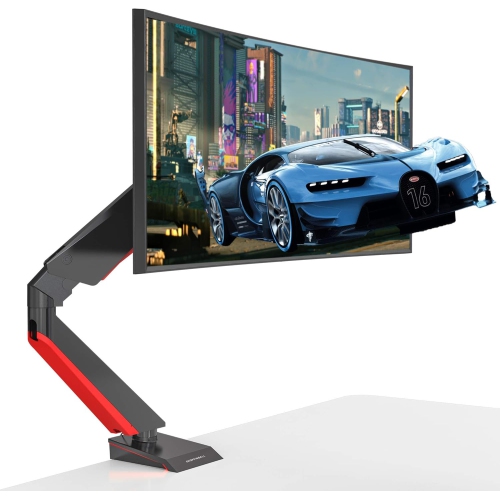
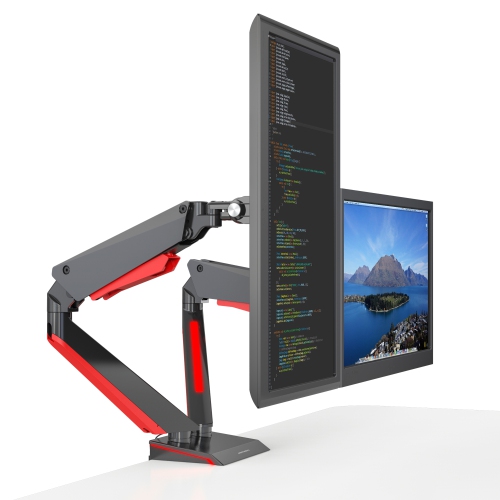
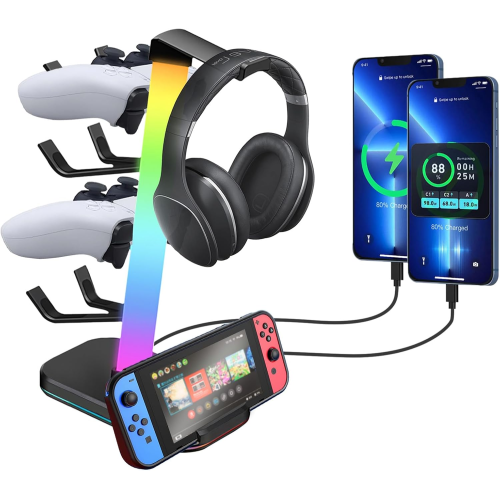
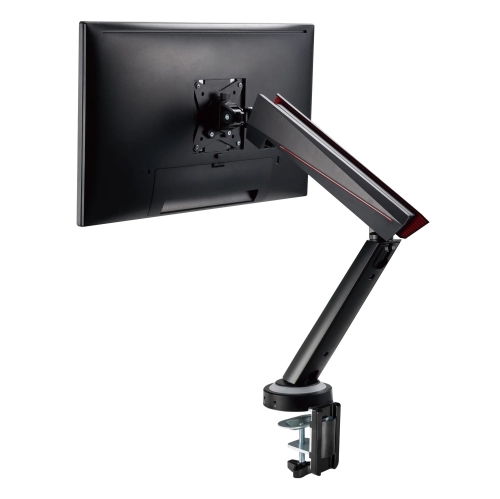
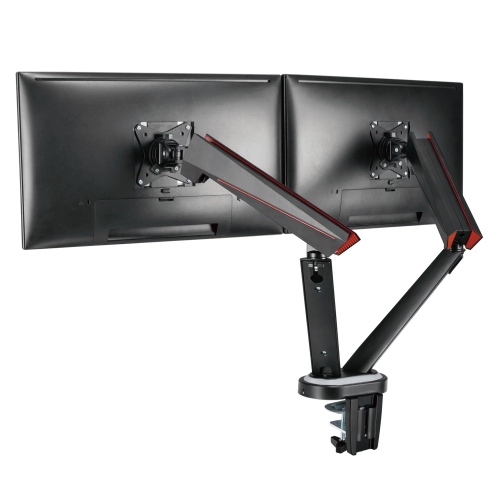
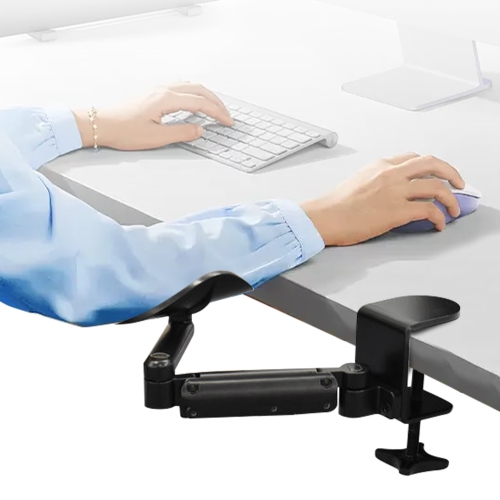
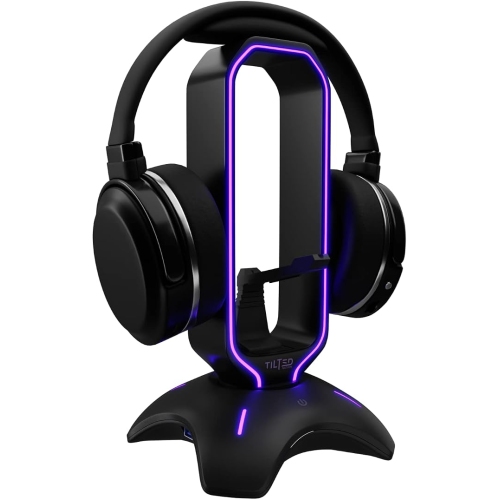
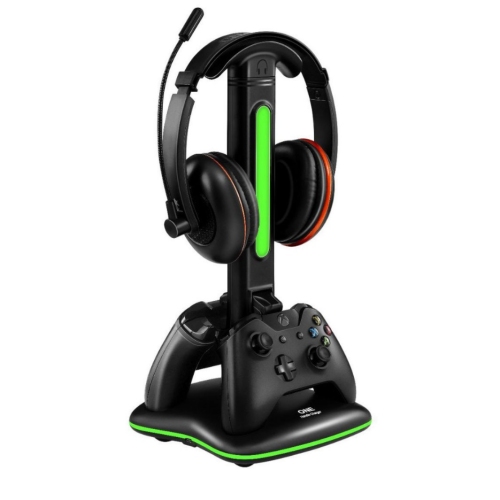
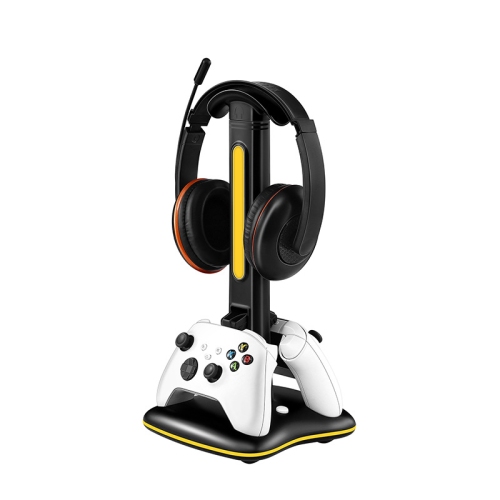
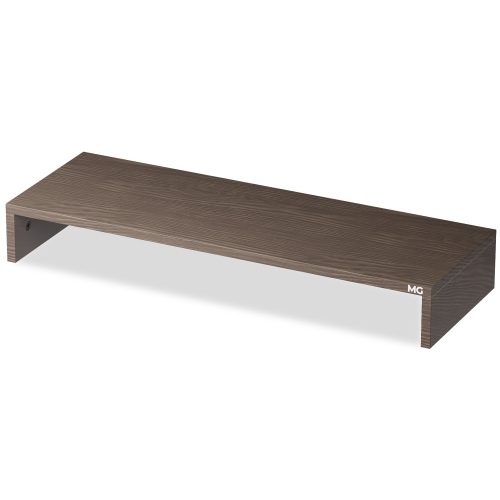
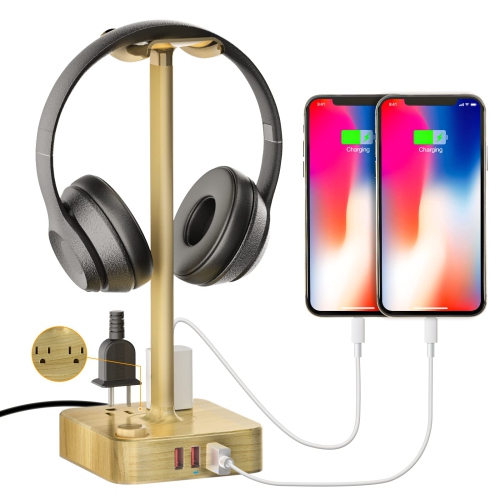
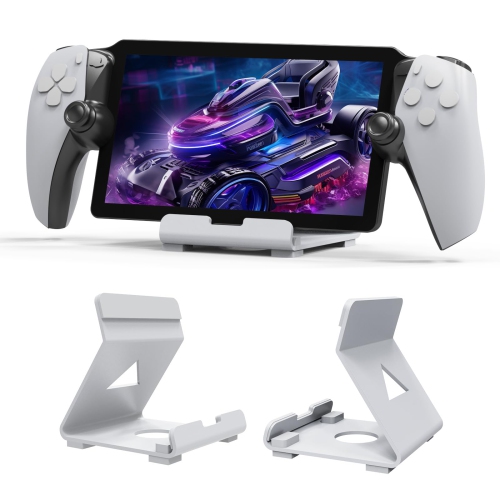
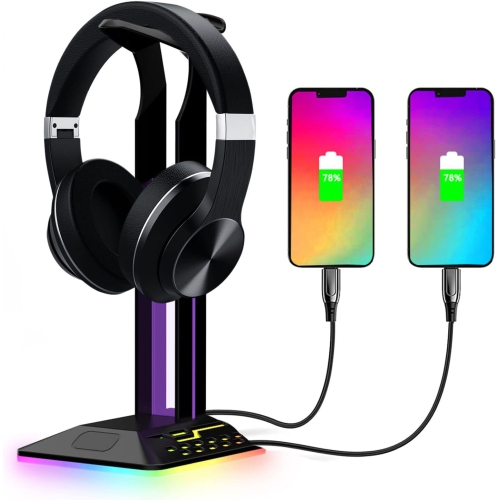
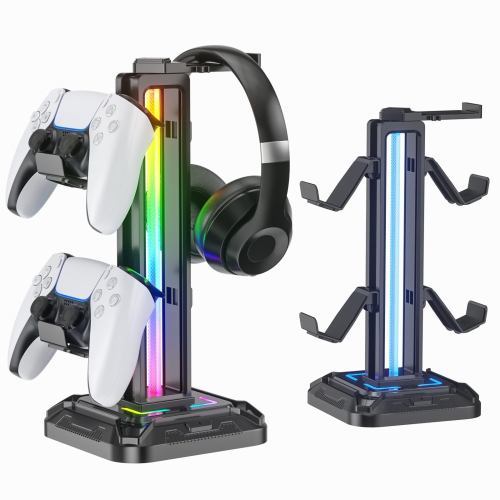
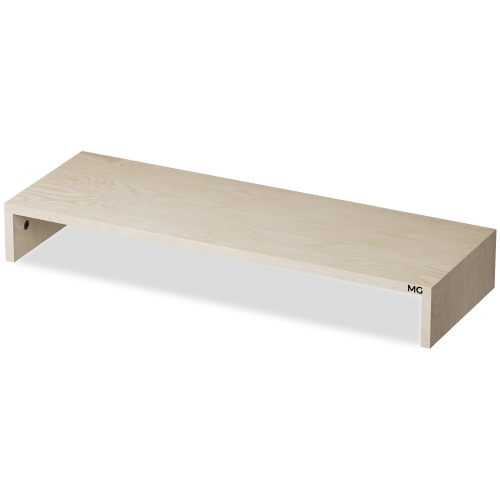
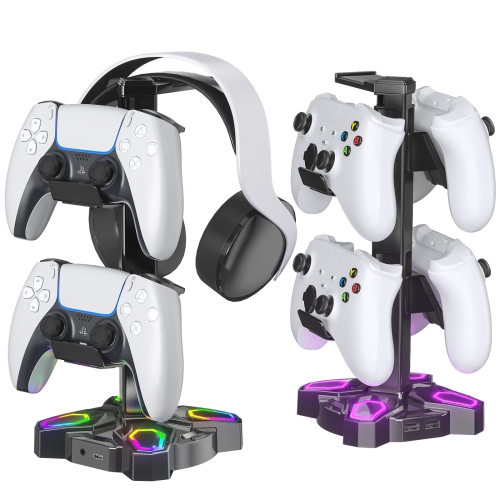
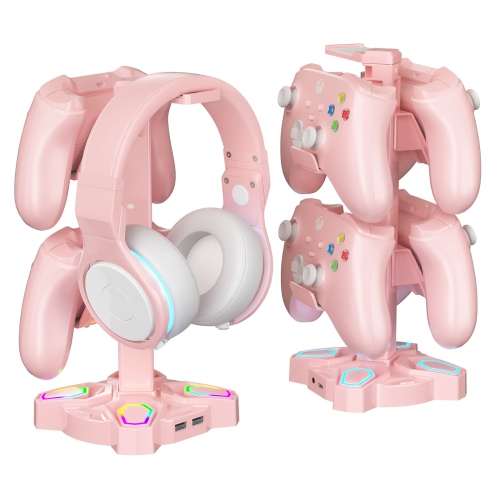
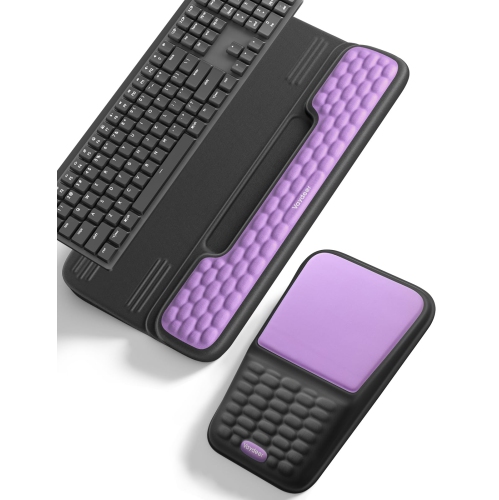
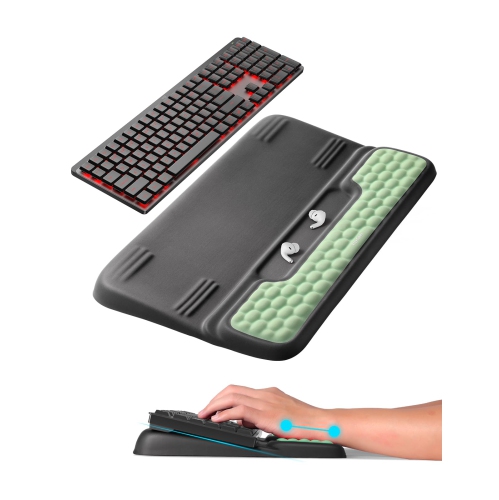
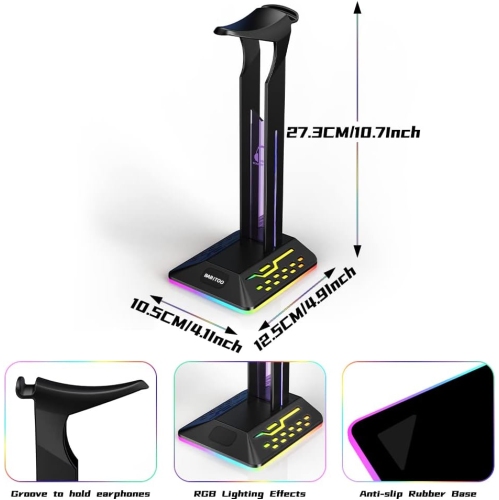
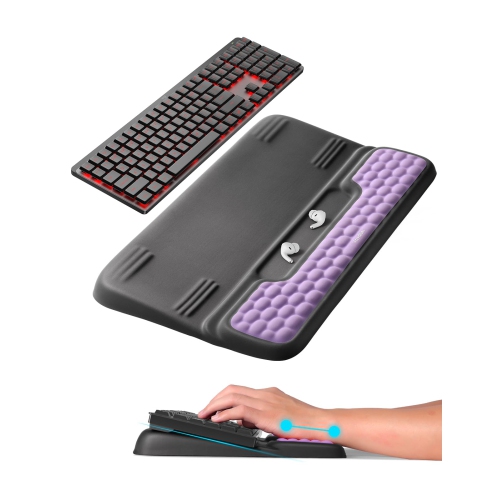
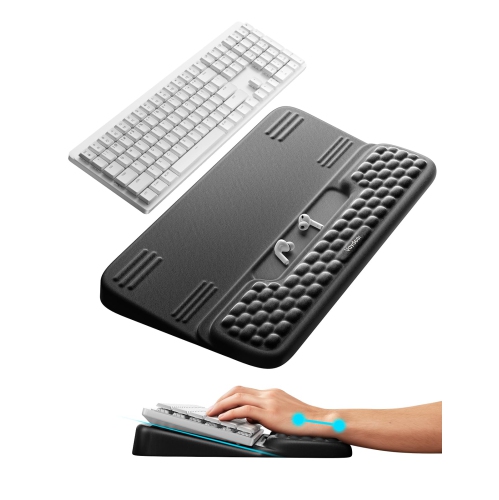
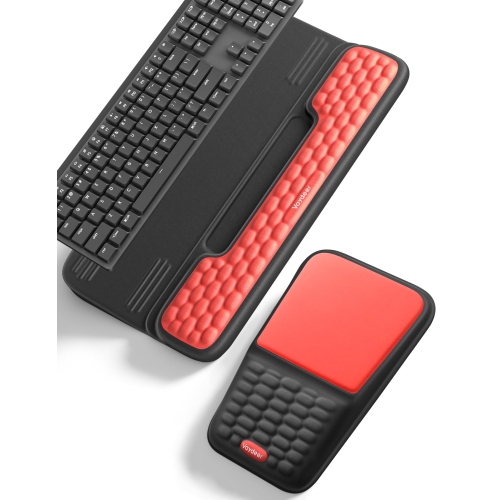
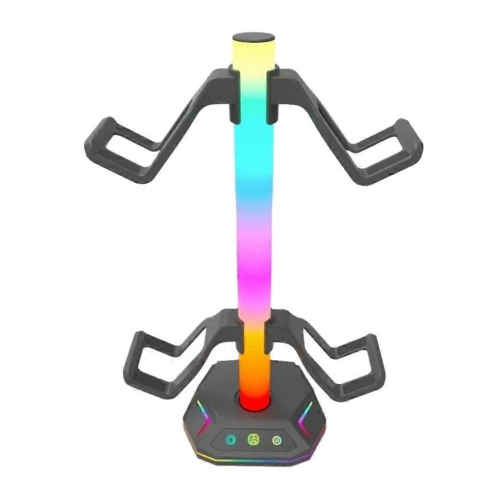
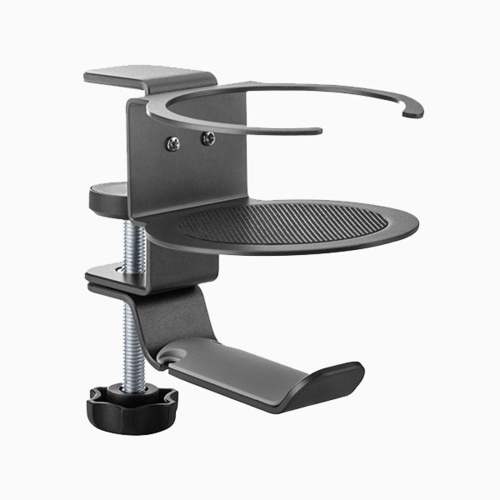
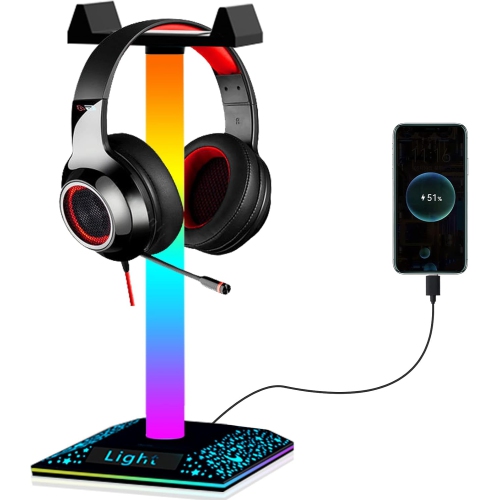
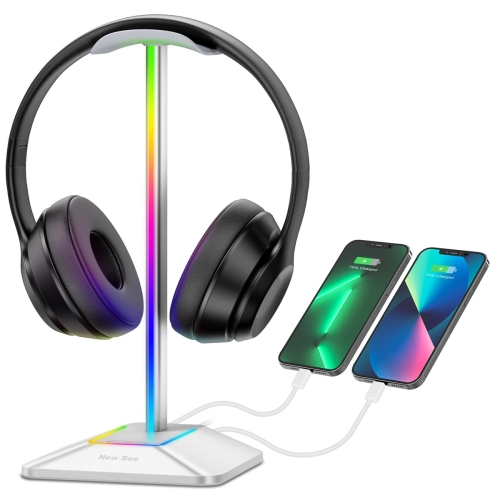
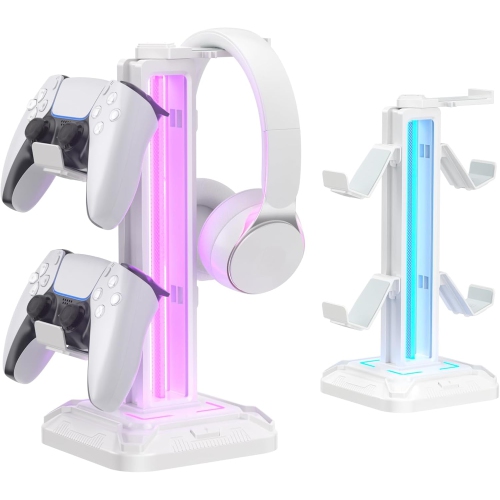
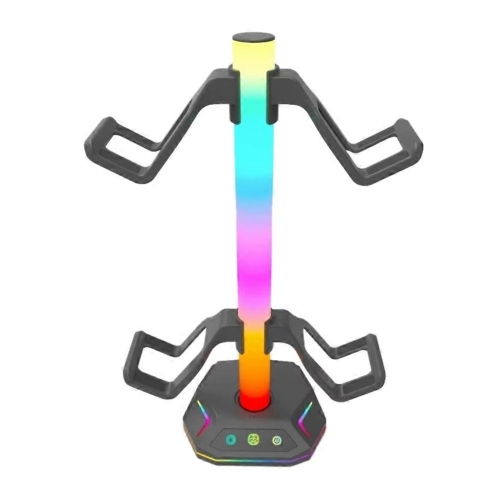
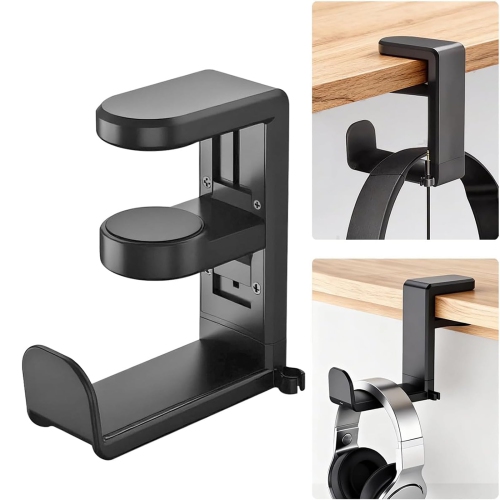
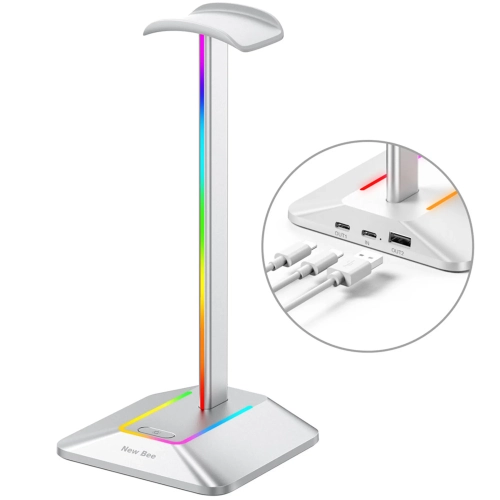
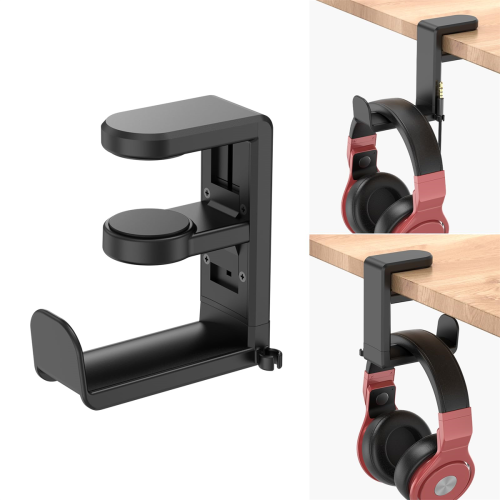
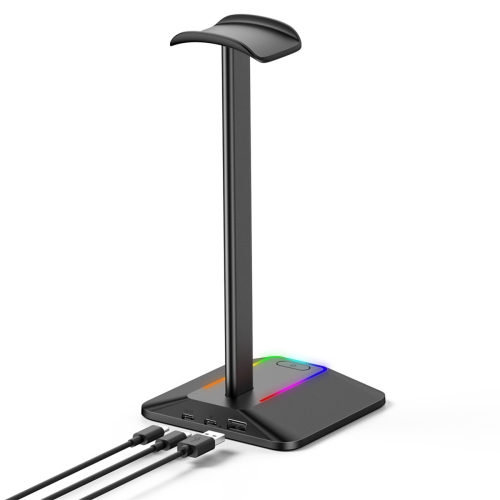
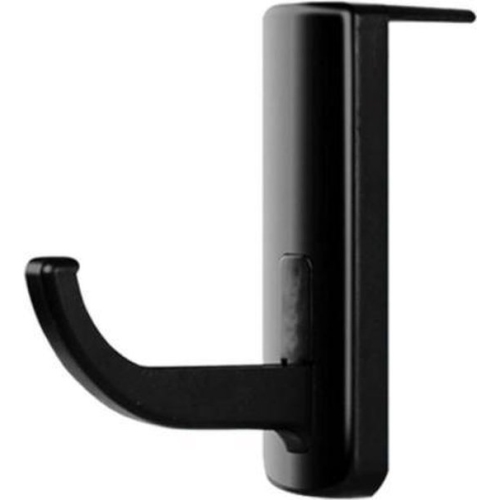
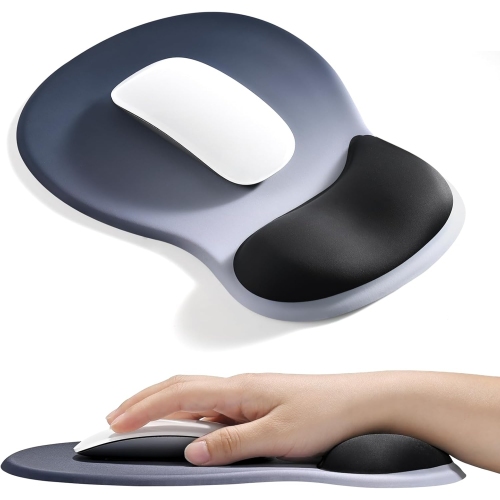
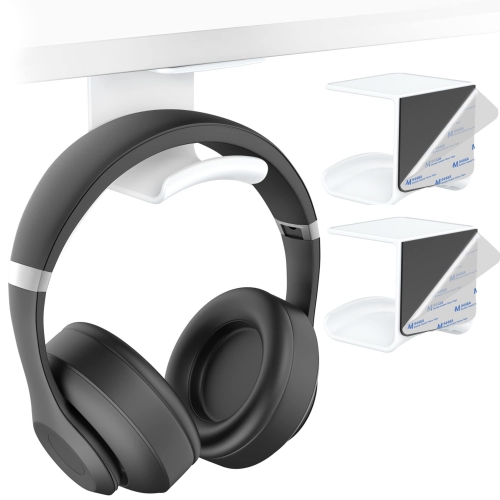
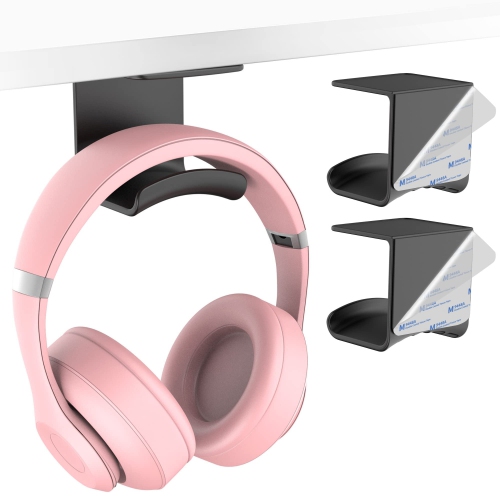
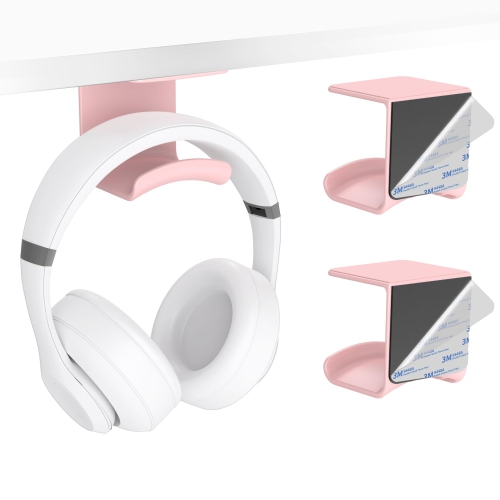
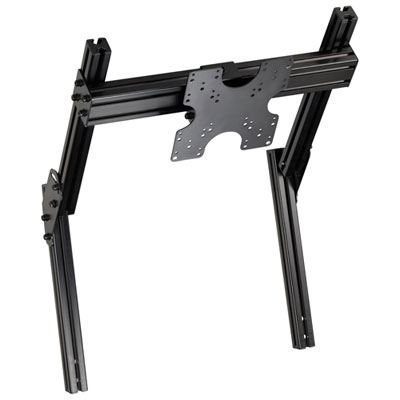
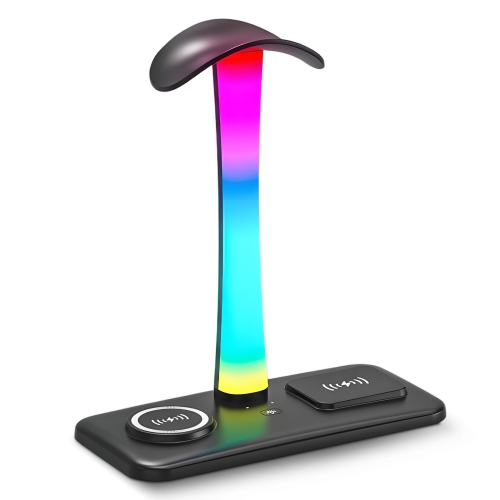
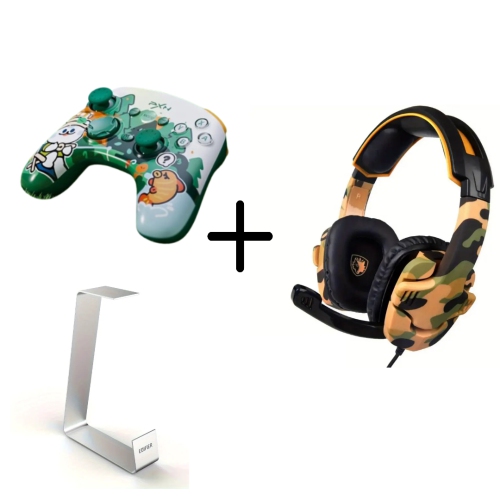
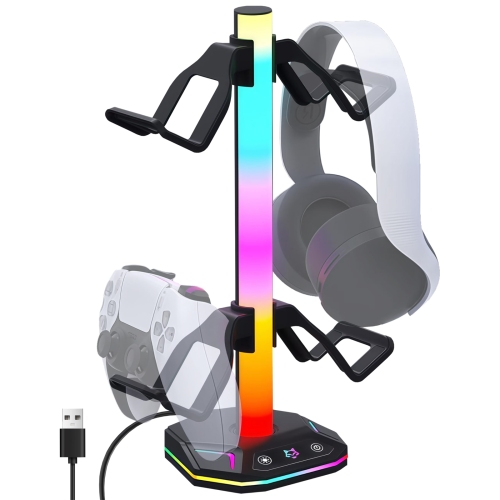
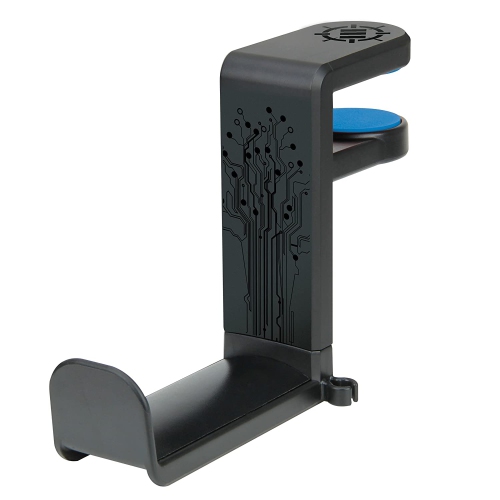
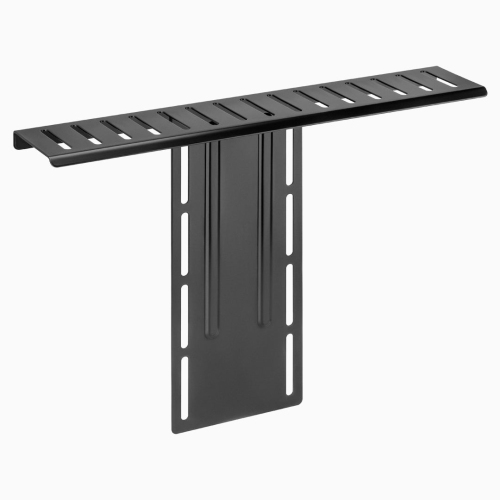
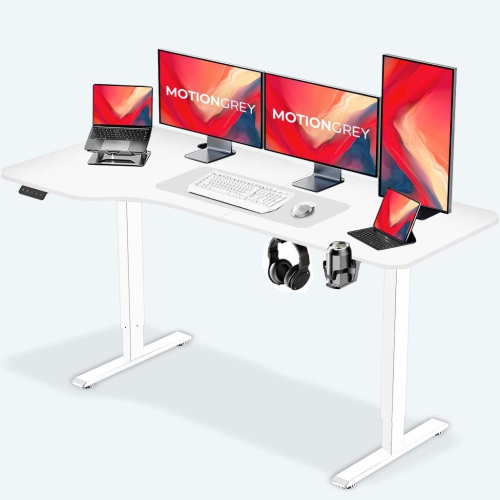
Monitor arms, risers, and other positioning accessories can open up usable desk space while making it easier to arrange screens around a comfortable seated position. An adjustable arm allows changes to screen height, distance, and angle, but compatibility involves more than the monitor’s diagonal measurement. The mounting pattern, screen weight, and arm’s supported range all need to match, and the desktop must be suitable for the attachment method. Clamp mounts require adequate clearance beneath the rear edge; a deep apron, shelving, or an unusually shaped edge may interfere with the fit. Glass and hollow-core desktops can also have mounting restrictions, so the desk manufacturer’s guidance matters. A freestanding riser avoids clamping, though its footprint and load capacity still need to suit the display. With two monitors, independent adjustment can help keep the main gaming screen centred while placing chat, music, or streaming controls to one side. Headset stands and under-desk hangers address a smaller but familiar problem: headphones occupying the mouse area or slipping off the edge of the desk. Broad, smooth supports distribute contact across the headband, while a stable base or securely fitted clamp helps keep the holder in place. Clearance is important beneath a desk, where a hanging headset should not brush against knees or catch on a chair arm. Controller holders and small storage trays can keep frequently used gear within reach without turning the desktop into a collection of loose cables and charging leads. Wrist rests add another point of contact, with foam, gel, and firmer constructions offering different sensations and levels of support. Their height should work with the keyboard or mouse rather than forcing the wrist upward, and a smooth cover should feel comfortable against bare skin. Accessories can support a more comfortable arrangement, but they do not replace a well-adjusted chair, sensible screen placement, or regular movement. For spaces that also handle office tasks or studying, Computer Desk Accessories offer related ways to organize everyday essentials alongside gaming gear.
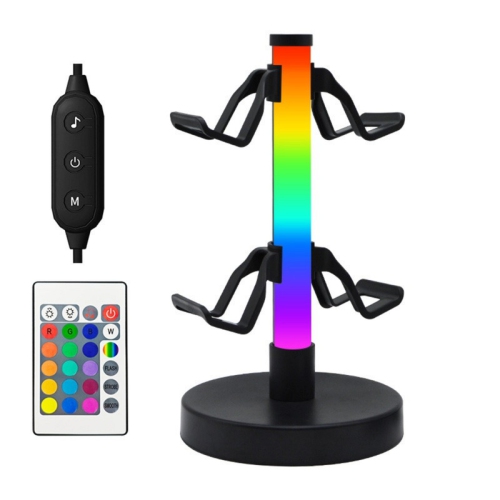
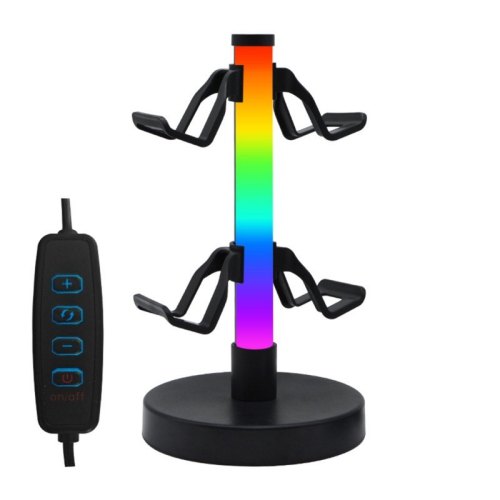
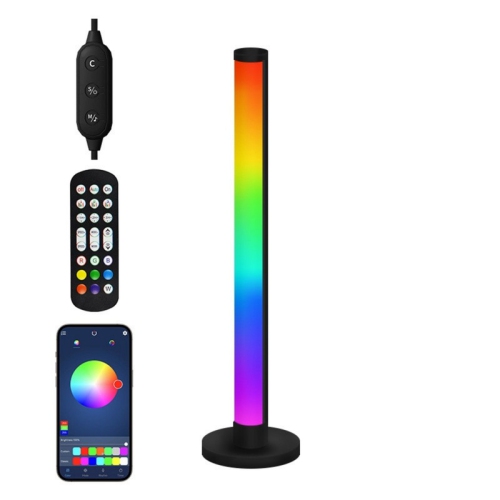
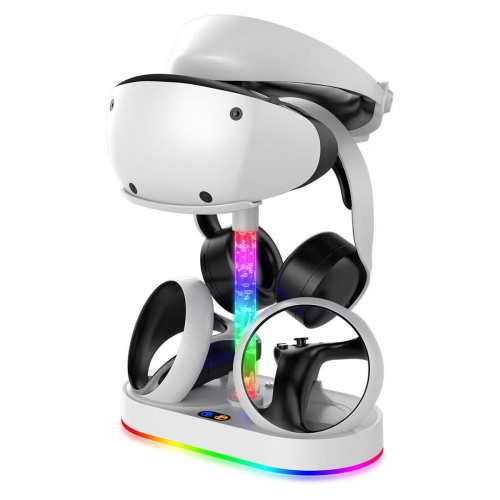
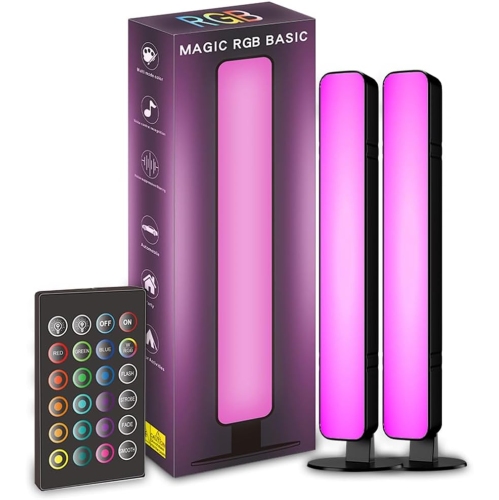
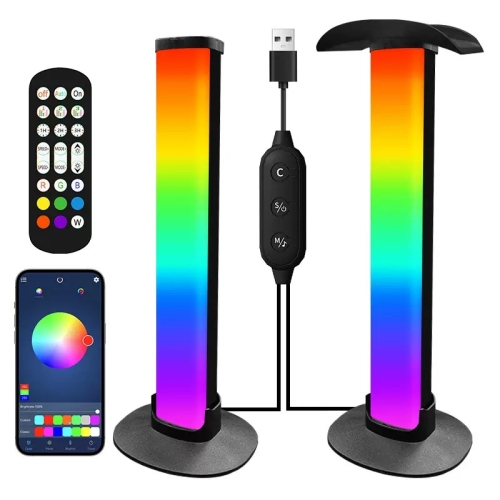
Cable management often makes the biggest visual difference without adding much to the visible desktop. Trays beneath the desk can support compatible power bars and excess cable length, sleeves gather several leads into one route, and reusable ties allow adjustments when hardware changes. Small cable clips keep charging ends from disappearing behind the desk, particularly when a controller or headset is disconnected every day. A tidy arrangement still needs enough slack for a monitor arm to move freely and for a height-adjustable desk to travel through its full range without pulling on ports. Cables should not be pinched by clamps, stretched across legroom, or bundled over ventilation openings. Powered accessories add their own connection requirements: USB hubs, charging stands, and desk lighting may need particular ports, a separate power supply, or software support for certain features. Charging and data capabilities vary, so a hub’s connector shape alone does not confirm what it can do. RGB lighting brings adjustable colour to the setup, while a desk lamp provides more focused light for reading or writing beside the screen. Placement behind a display or along a rear edge can create a subtle glow without putting exposed lights directly in the player’s line of sight; brightness controls are useful when reflections appear on the screen. Materials and upkeep also influence how accessories hold up over time. Metal supports can provide rigidity, moulded plastics offer lighter constructions, and fabric surfaces benefit from care suited to their coating and backing. Manufacturer-approved cleaning methods help preserve finishes, adhesives, and stitched edges, while liquids should stay away from powered connections. For gifting, useful accessories are those that suit the recipient’s desk dimensions, preferred colours, and existing equipment. A compact setup, a shared family desk, and a dedicated streaming station each call for different proportions and mounting options. A cohesive gaming space does not need every type of accessory; it needs pieces that keep everyday actions simple, from reaching for a controller to moving the mouse without catching a cable.
Monitor arms, risers, and other positioning accessories can open up usable desk space while making it easier to arrange screens around a comfortable seated position. An adjustable arm allows changes to screen height, distance, and angle, but compatibility involves more than the monitor’s diagonal measurement. The mounting pattern, screen weight, and arm’s supported range all need to match, and the desktop must be suitable for the attachment method. Clamp mounts require adequate clearance beneath the rear edge; a deep apron, shelving, or an unusually shaped edge may interfere with the fit. Glass and hollow-core desktops can also have mounting restrictions, so the desk manufacturer’s guidance matters. A freestanding riser avoids clamping, though its footprint and load capacity still need to suit the display. With two monitors, independent adjustment can help keep the main gaming screen centred while placing chat, music, or streaming controls to one side. Headset stands and under-desk hangers address a smaller but familiar problem: headphones occupying the mouse area or slipping off the edge of the desk. Broad, smooth supports distribute contact across the headband, while a stable base or securely fitted clamp helps keep the holder in place. Clearance is important beneath a desk, where a hanging headset should not brush against knees or catch on a chair arm. Controller holders and small storage trays can keep frequently used gear within reach without turning the desktop into a collection of loose cables and charging leads. Wrist rests add another point of contact, with foam, gel, and firmer constructions offering different sensations and levels of support. Their height should work with the keyboard or mouse rather than forcing the wrist upward, and a smooth cover should feel comfortable against bare skin. Accessories can support a more comfortable arrangement, but they do not replace a well-adjusted chair, sensible screen placement, or regular movement. For spaces that also handle office tasks or studying, Computer Desk Accessories offer related ways to organize everyday essentials alongside gaming gear.
Cable management often makes the biggest visual difference without adding much to the visible desktop. Trays beneath the desk can support compatible power bars and excess cable length, sleeves gather several leads into one route, and reusable ties allow adjustments when hardware changes. Small cable clips keep charging ends from disappearing behind the desk, particularly when a controller or headset is disconnected every day. A tidy arrangement still needs enough slack for a monitor arm to move freely and for a height-adjustable desk to travel through its full range without pulling on ports. Cables should not be pinched by clamps, stretched across legroom, or bundled over ventilation openings. Powered accessories add their own connection requirements: USB hubs, charging stands, and desk lighting may need particular ports, a separate power supply, or software support for certain features. Charging and data capabilities vary, so a hub’s connector shape alone does not confirm what it can do. RGB lighting brings adjustable colour to the setup, while a desk lamp provides more focused light for reading or writing beside the screen. Placement behind a display or along a rear edge can create a subtle glow without putting exposed lights directly in the player’s line of sight; brightness controls are useful when reflections appear on the screen. Materials and upkeep also influence how accessories hold up over time. Metal supports can provide rigidity, moulded plastics offer lighter constructions, and fabric surfaces benefit from care suited to their coating and backing. Manufacturer-approved cleaning methods help preserve finishes, adhesives, and stitched edges, while liquids should stay away from powered connections. For gifting, useful accessories are those that suit the recipient’s desk dimensions, preferred colours, and existing equipment. A compact setup, a shared family desk, and a dedicated streaming station each call for different proportions and mounting options. A cohesive gaming space does not need every type of accessory; it needs pieces that keep everyday actions simple, from reaching for a controller to moving the mouse without catching a cable.
Top selling and popular products
-
 Your price for this item is $9.99
 -
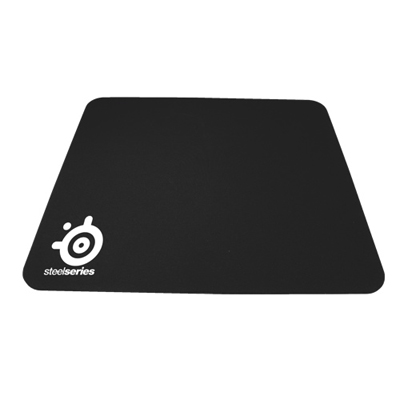 Your price for this item is $14.99
 -
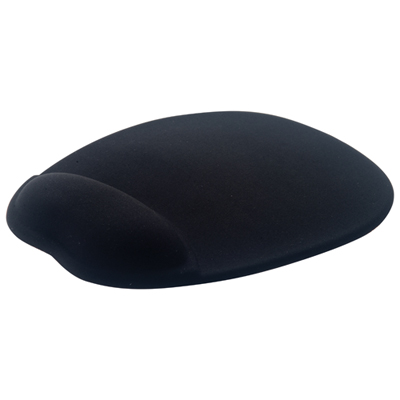 Your price for this item is $19.99
 -
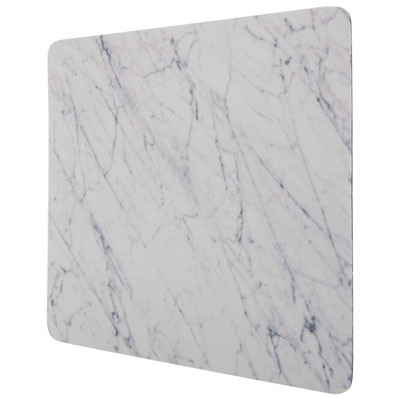 Your price for this item is $9.99
 -
 Your price for this item is $7.99
 -
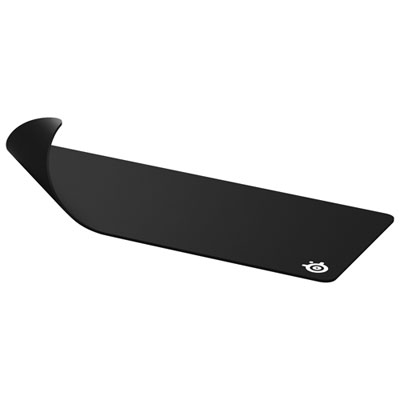 Your price for this item is $49.99
 -
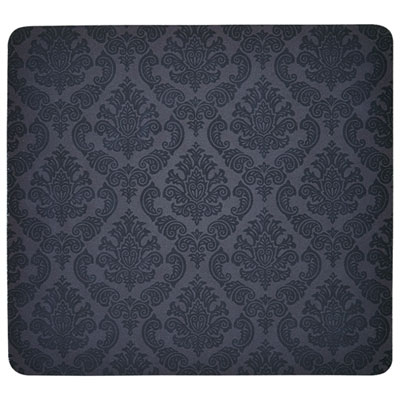 Your price for this item is $7.99
 -
 Your price for this item is $19.99
Discover more categories related to Gaming Desk Accessories

Top Collections:
Pokemon Centers, Best Cameras for Sports Photography, Kindle Devices, Samsung Galaxy Phones, Canon G7X Cameras, Pokémon 30th Celebration Cards, Refurbished Apple Laptops, iPhone 15 Apple, Laptops for Students, Budget Smartphones
Some products may be subject to Environmental Handling Fees
(EHF) depending on your province.
Learn more about EHFs.