Mobile Desks
Transform any space into a productive workstation with our versatile collection of mobile desks. Whether you're working from home, studying, or simply need a portable solution for your on-the-go lifestyle, our mobile desks are designed to enhance your productivity and comfort. Explore our range of mobile desks today to find the perfect fit for your needs.
Sort

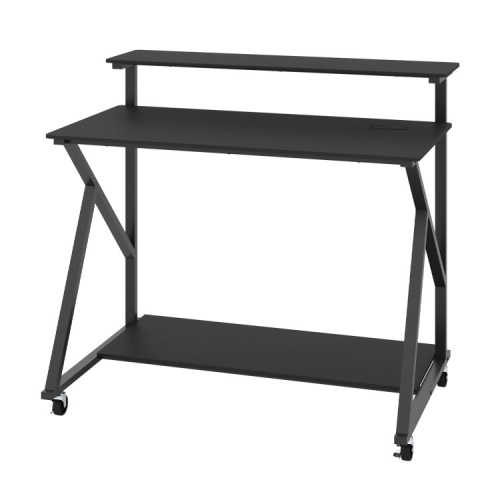
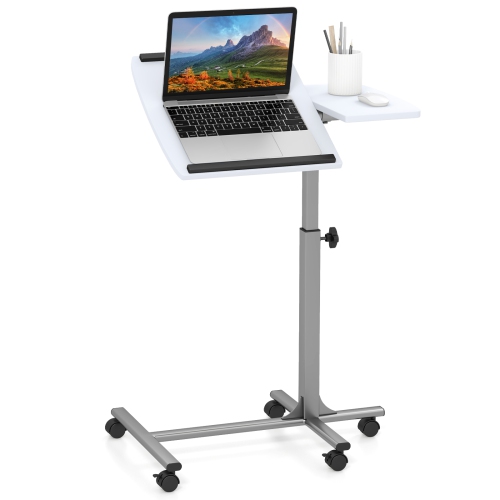
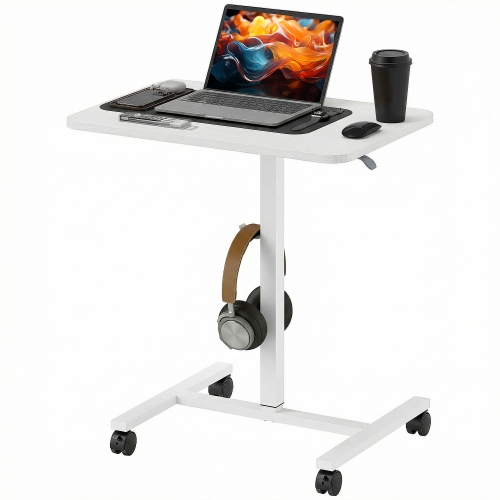
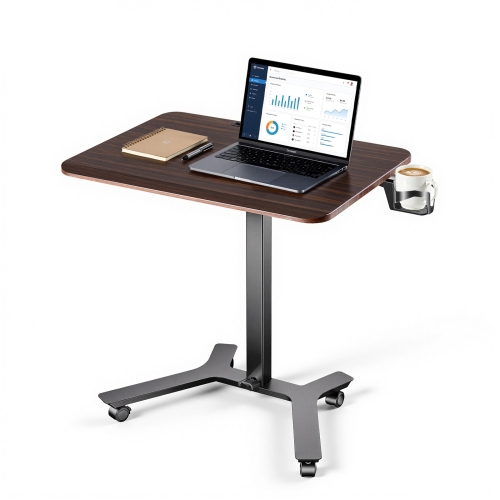
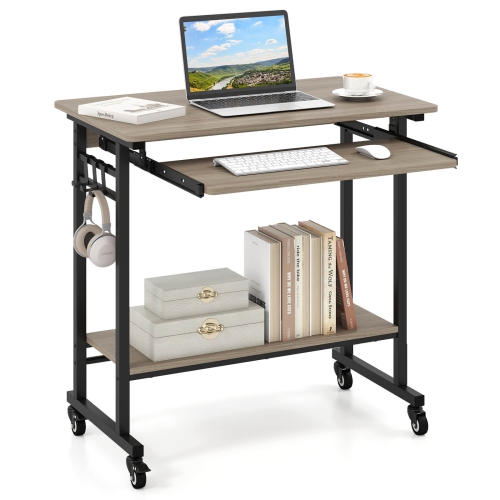
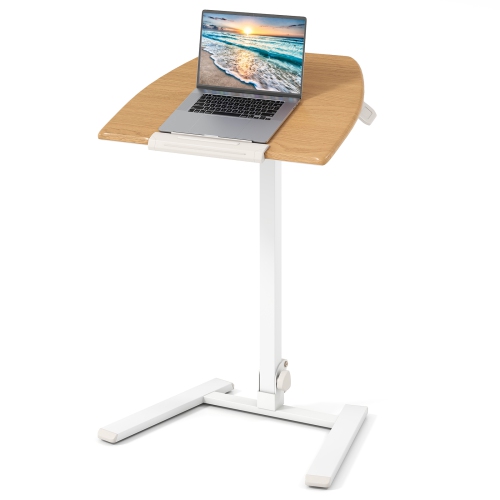
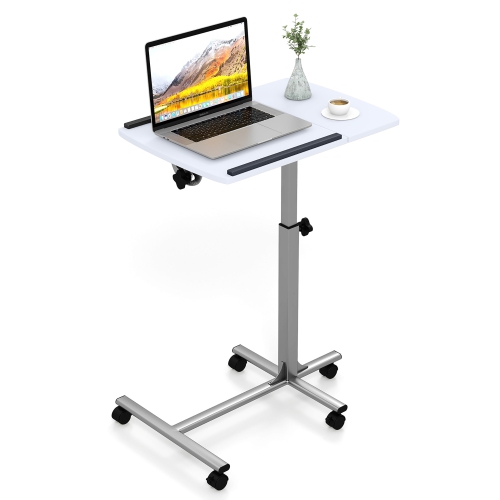
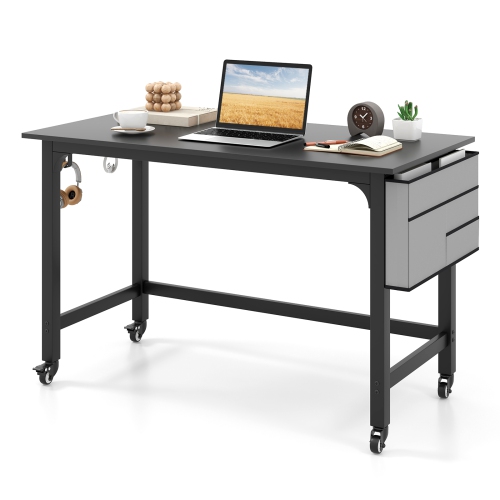


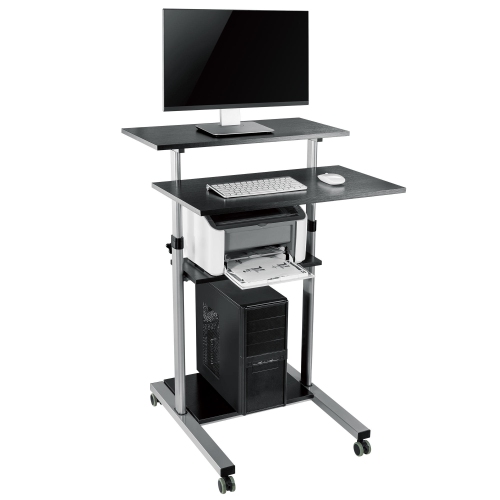
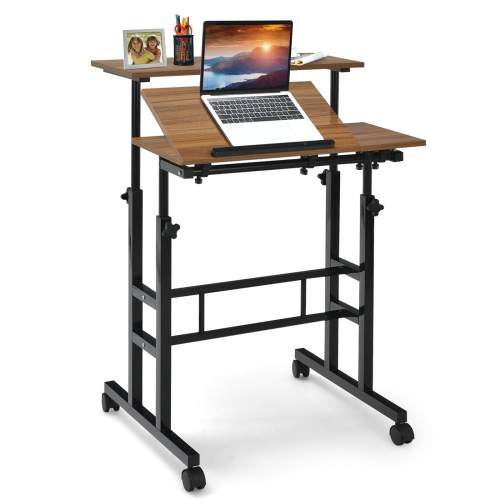
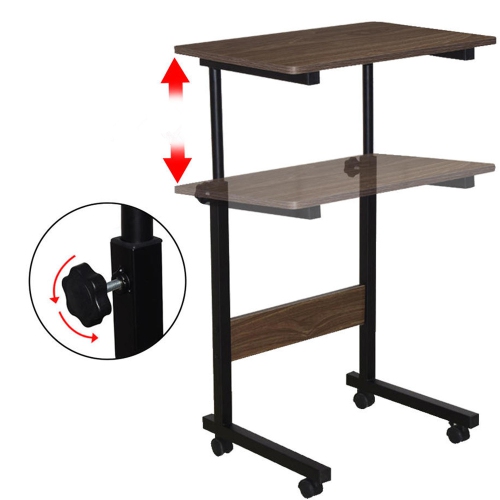
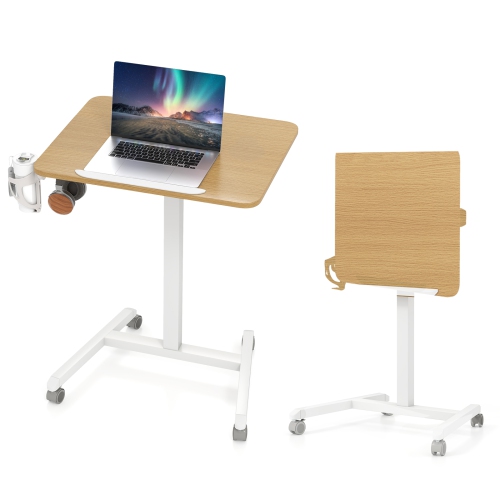
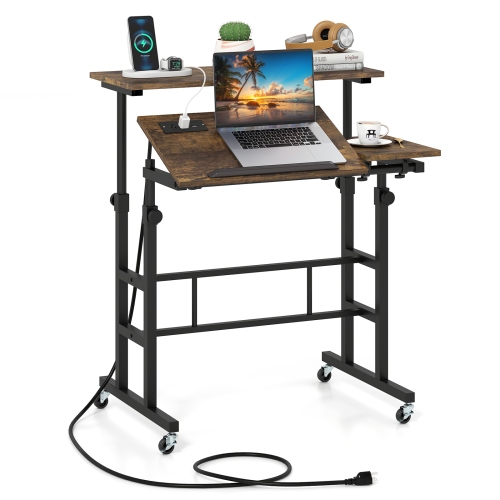
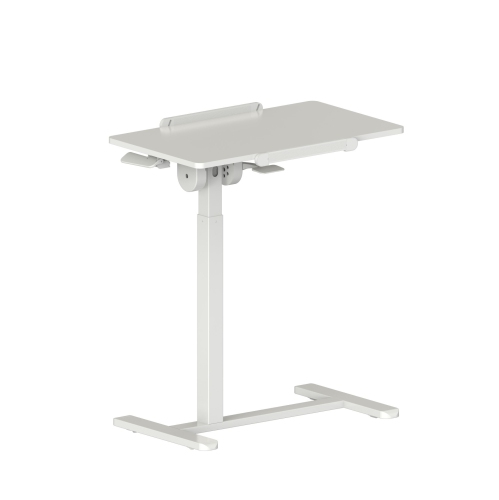
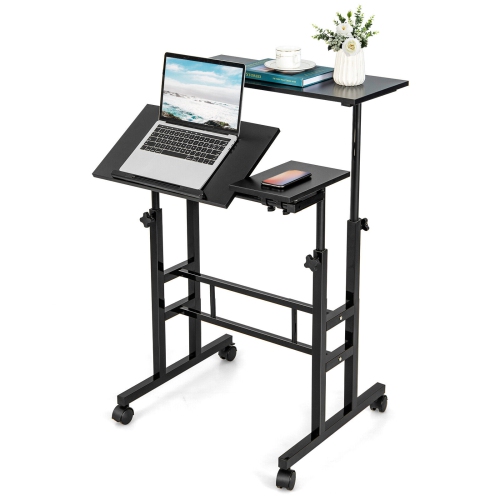
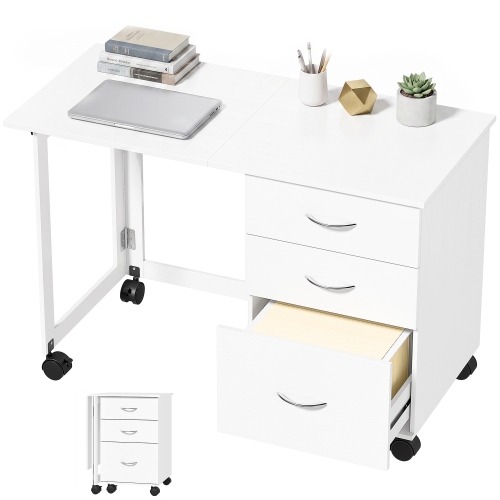

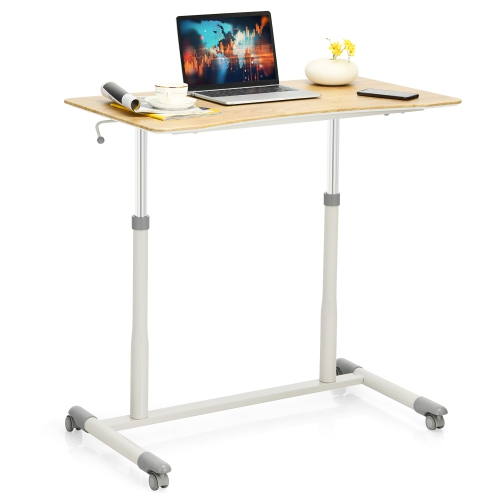

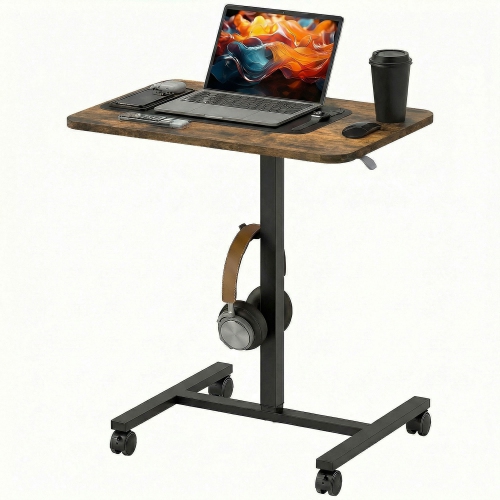
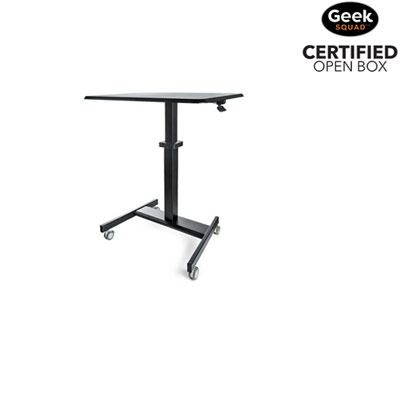
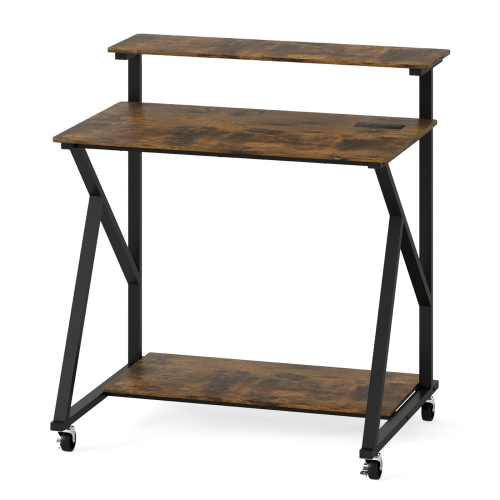
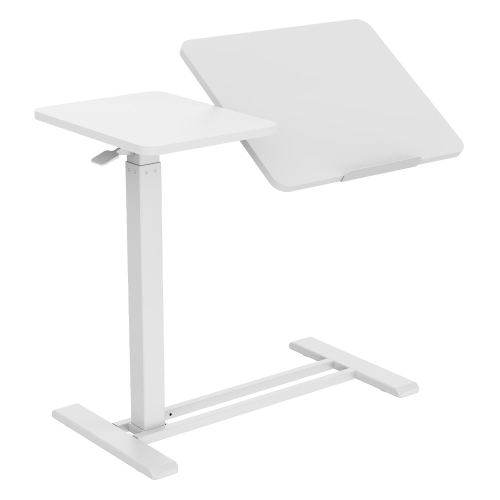
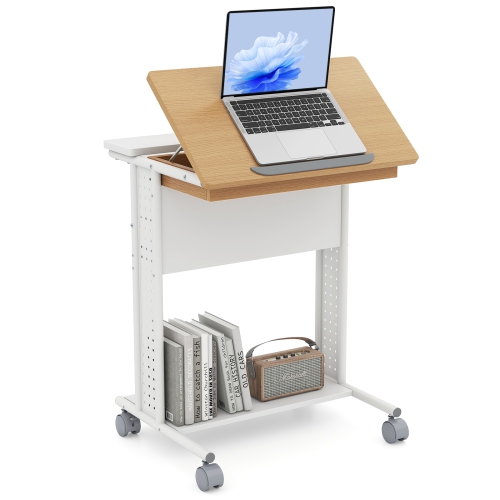
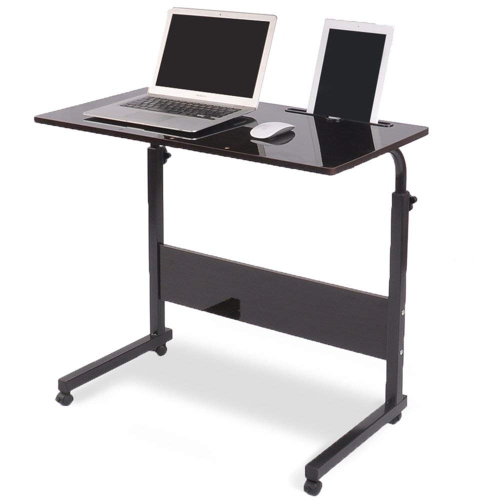
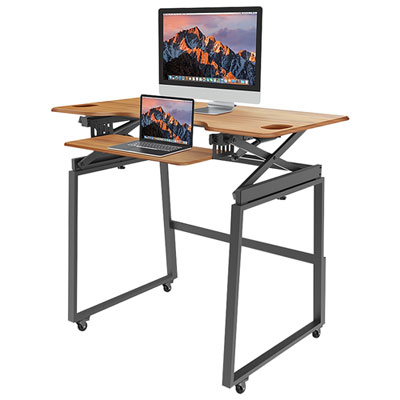
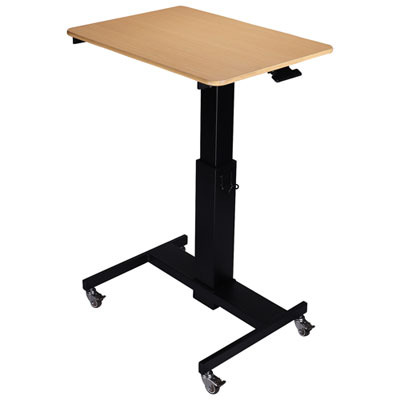
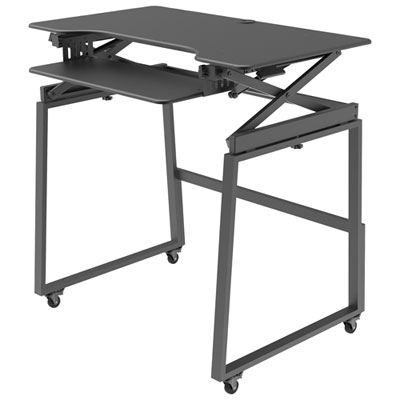
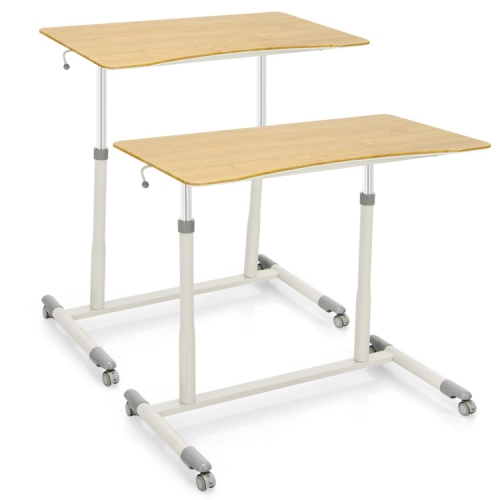
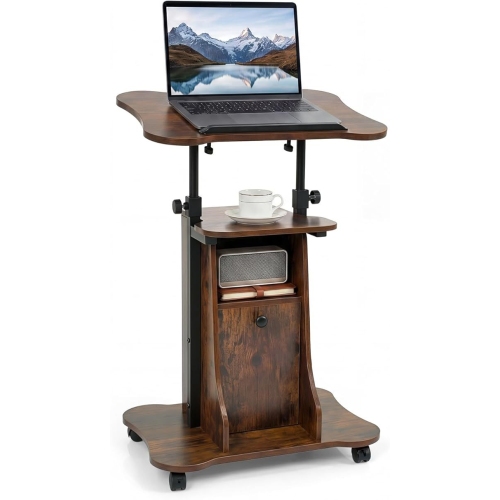
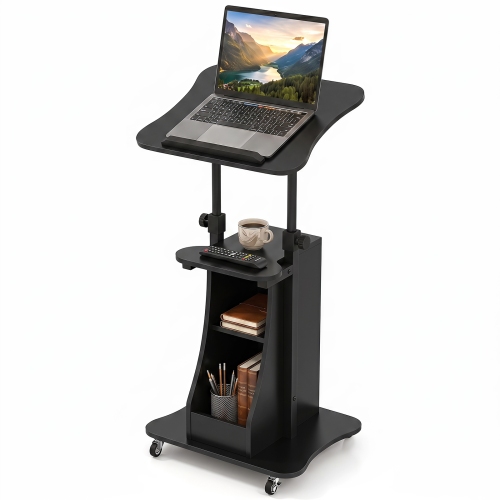
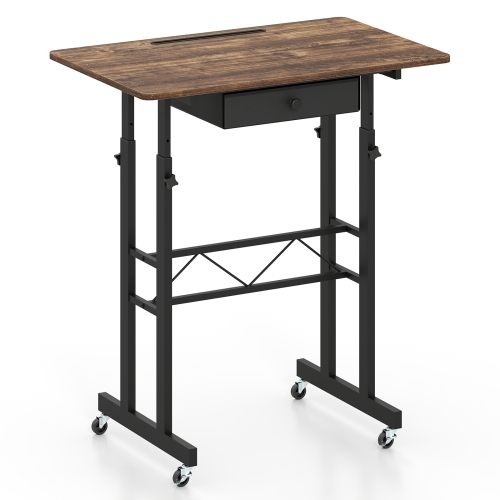
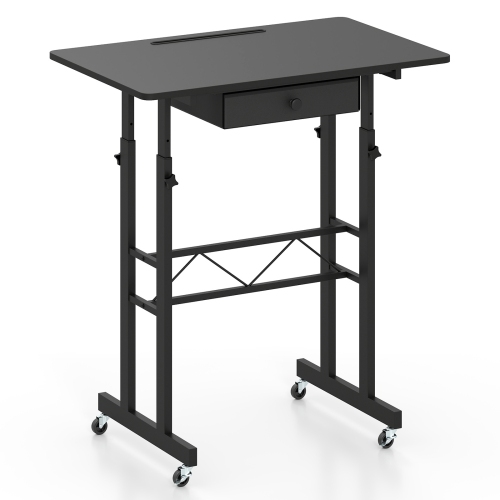
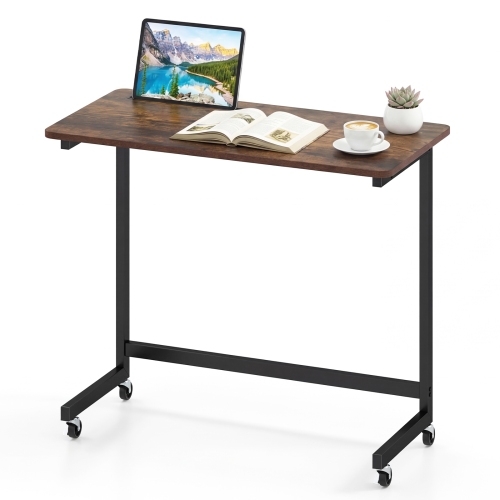
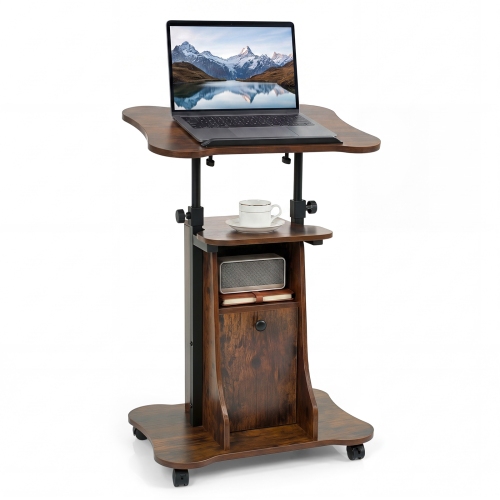
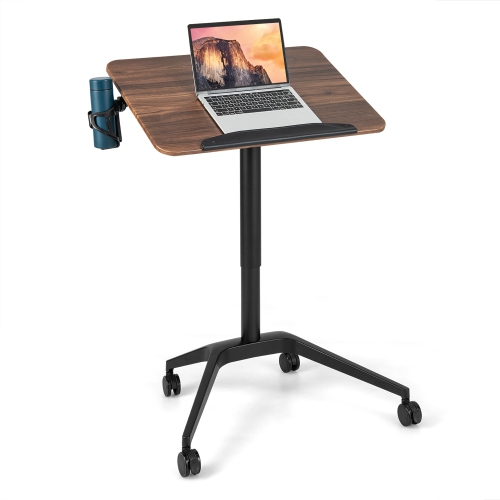
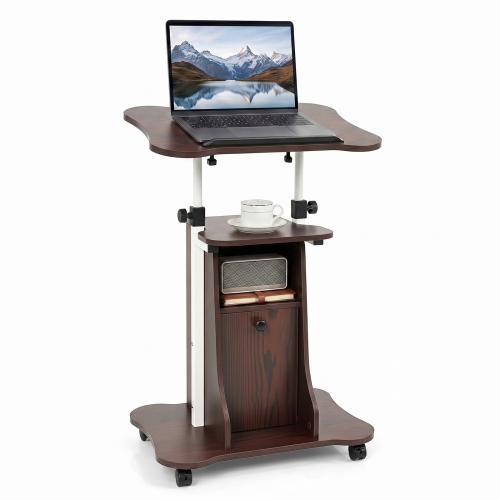
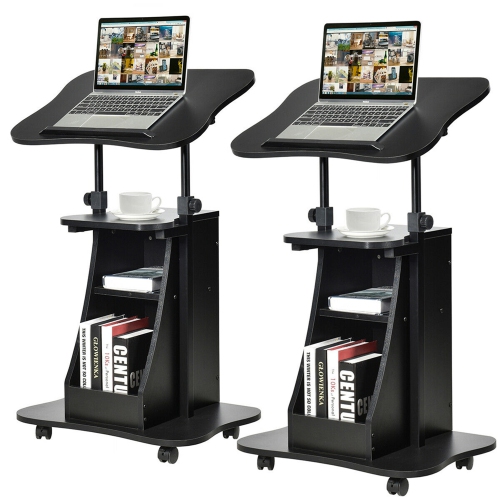

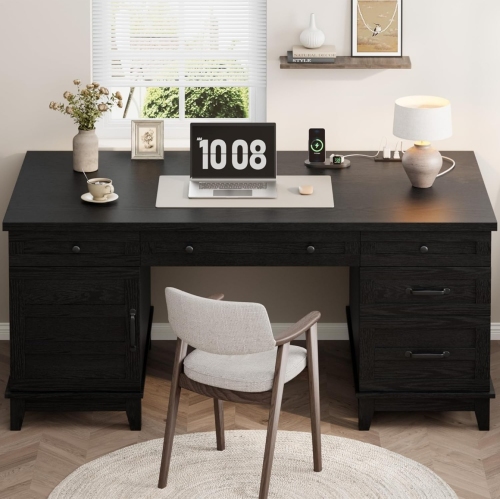
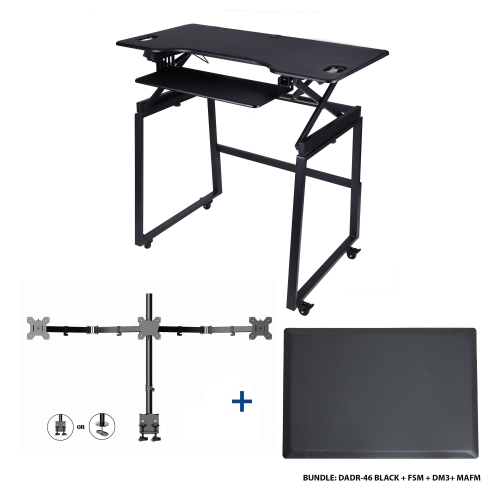
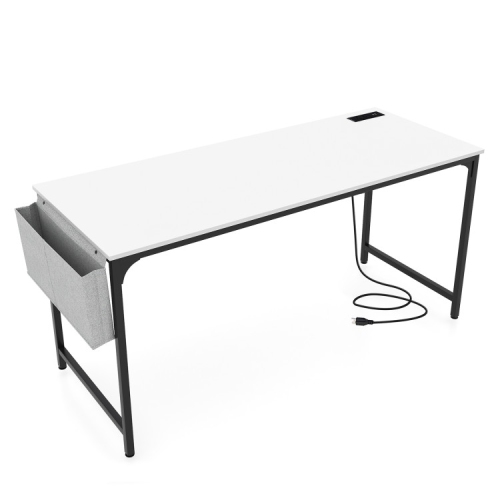
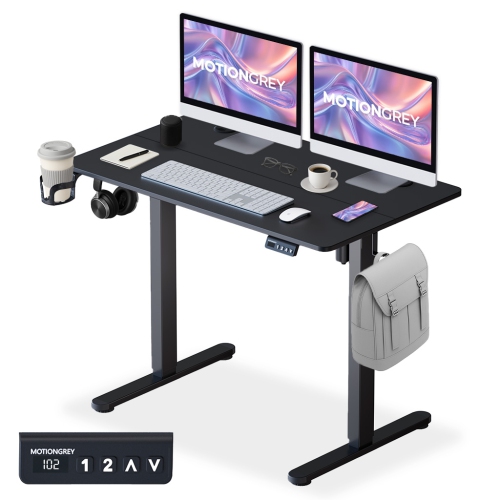
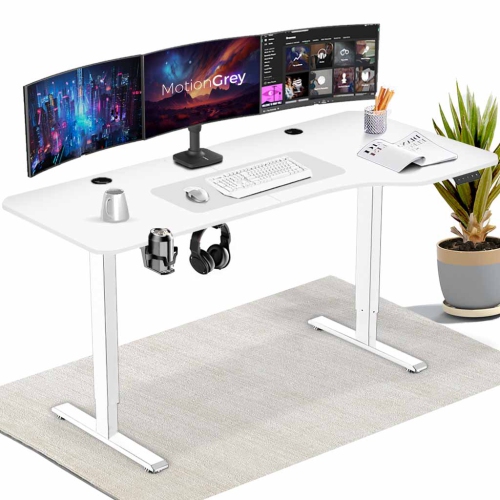
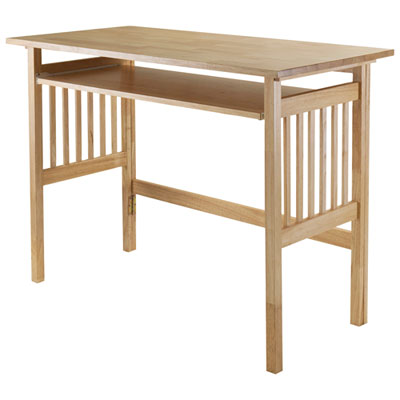
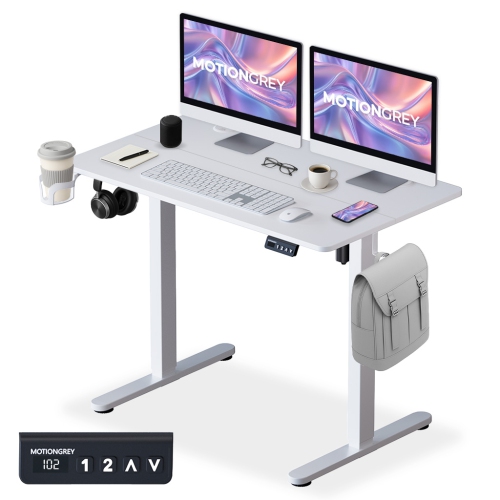
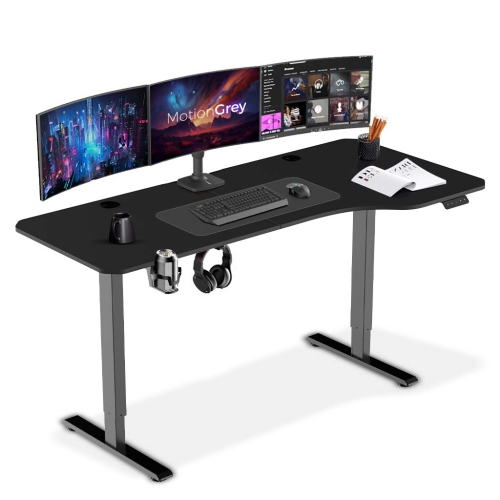
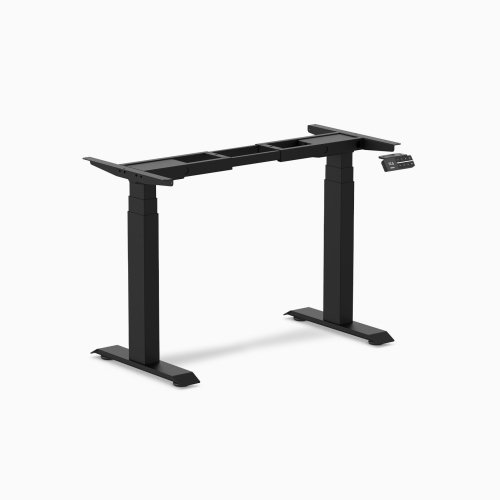
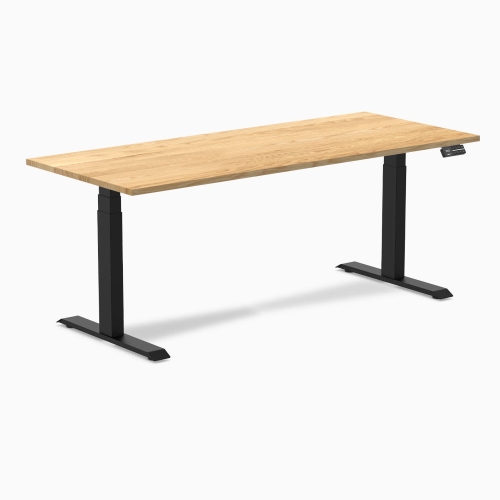
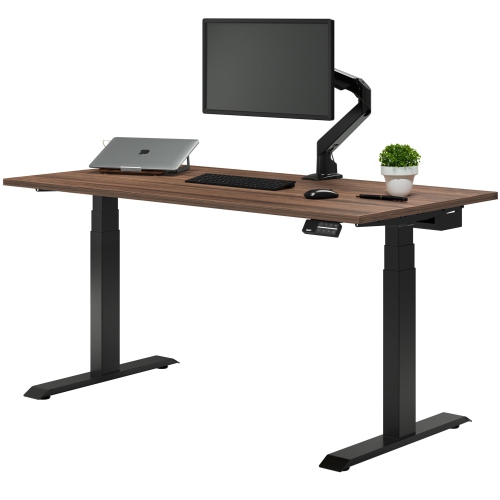
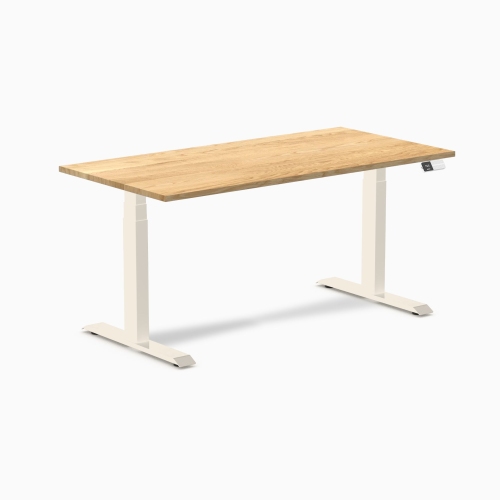
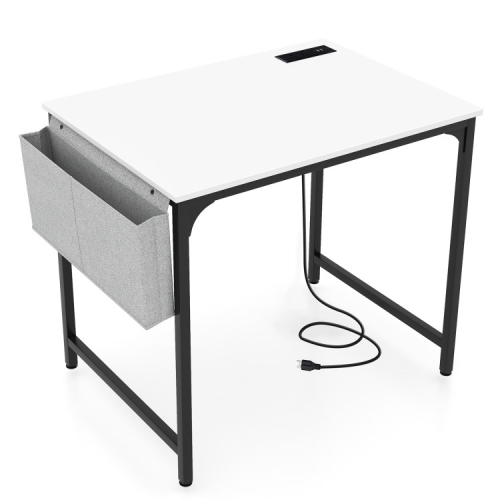
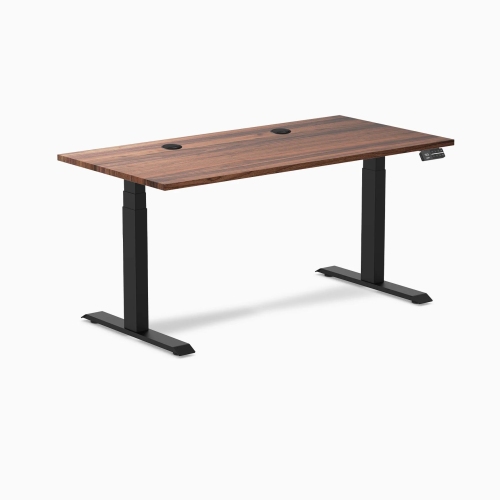
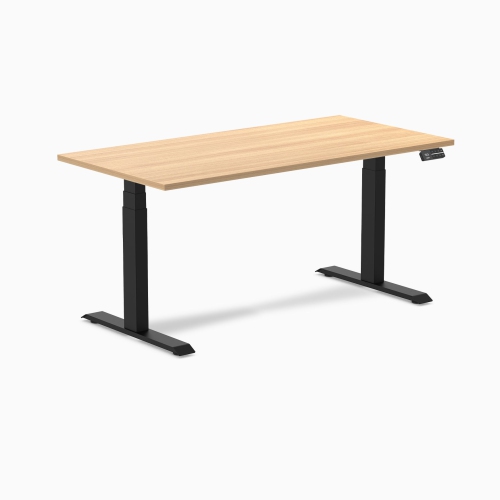
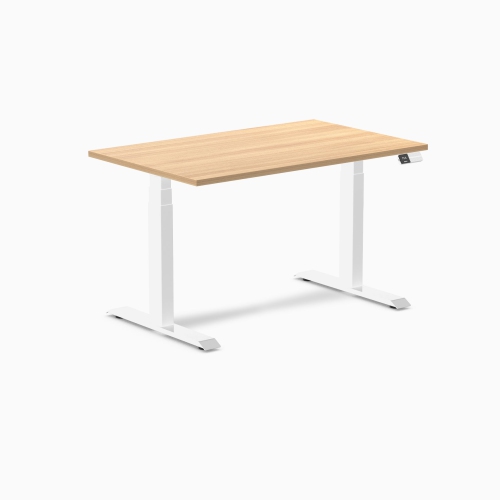
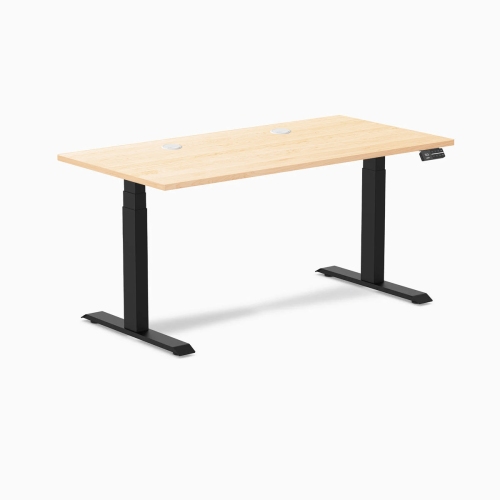
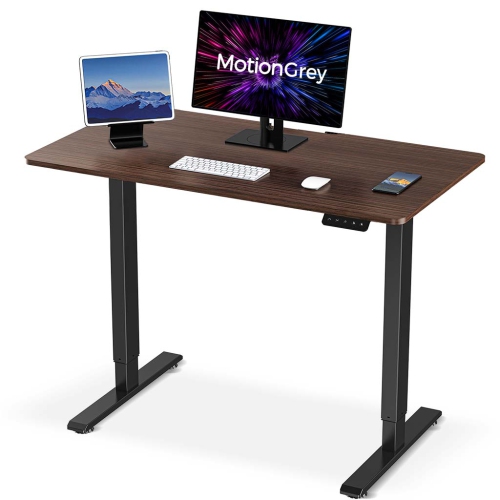
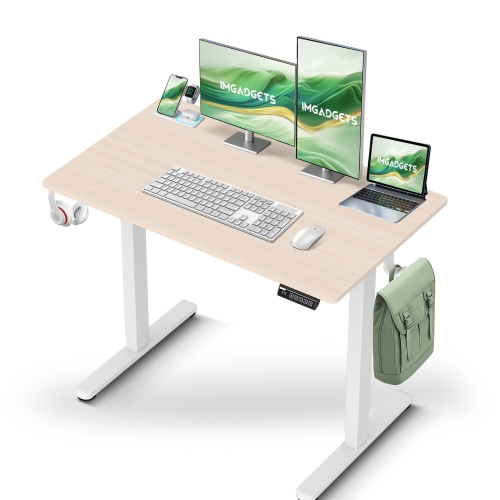


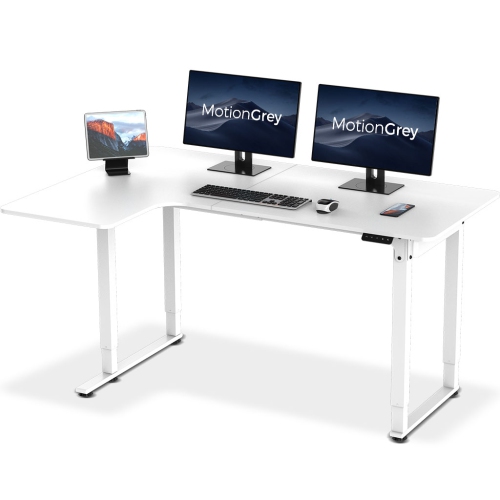
A rolling workspace for rooms with multiple roles
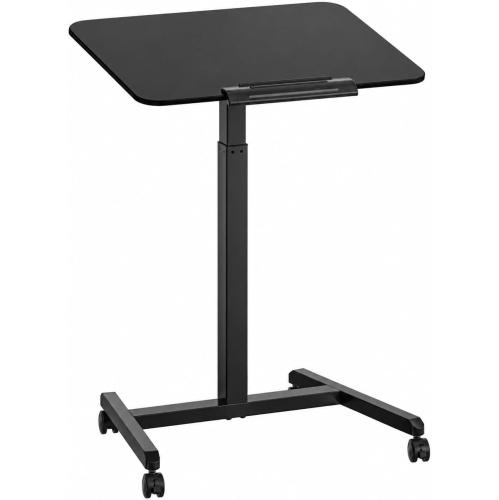
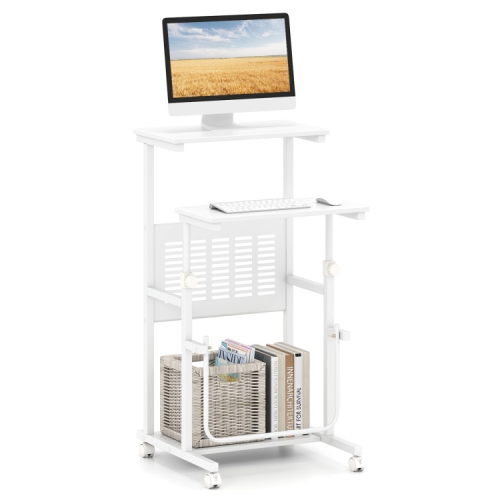
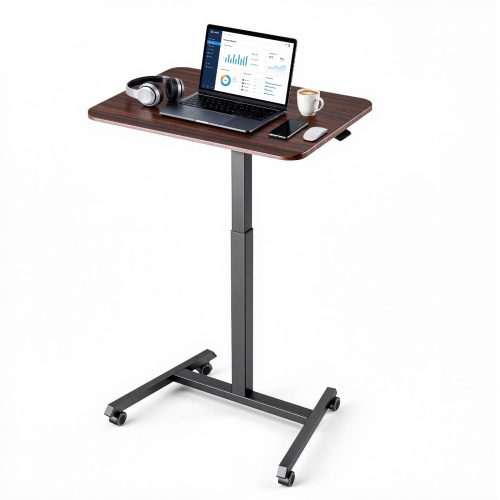
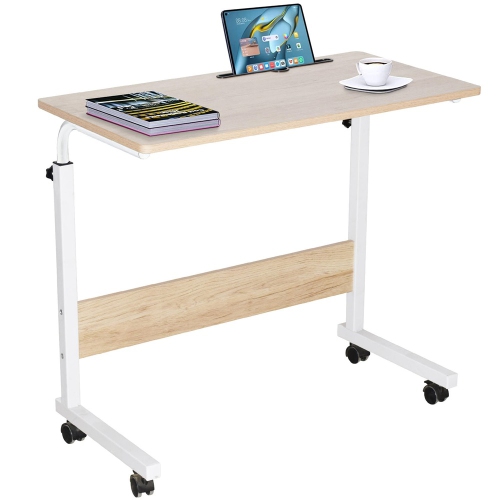
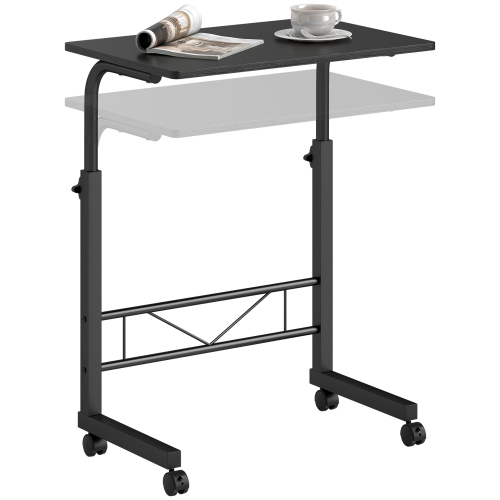
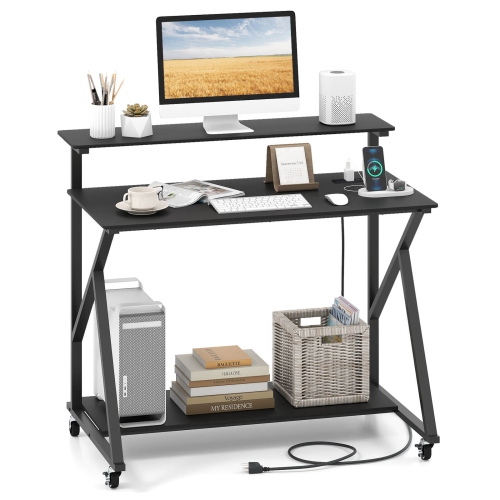
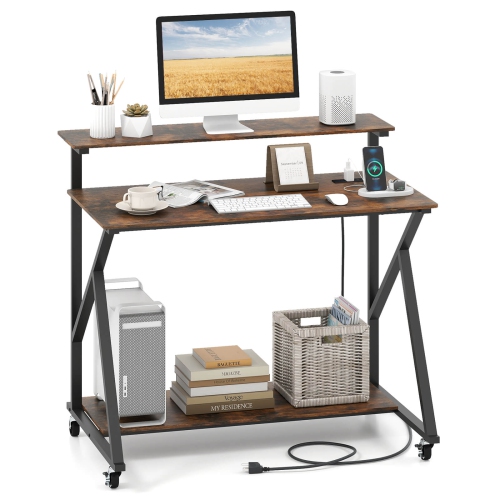
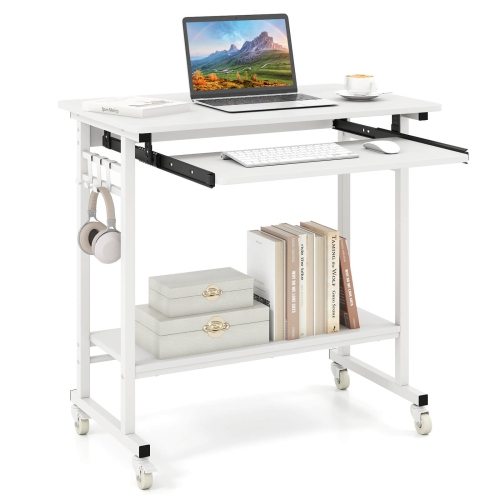
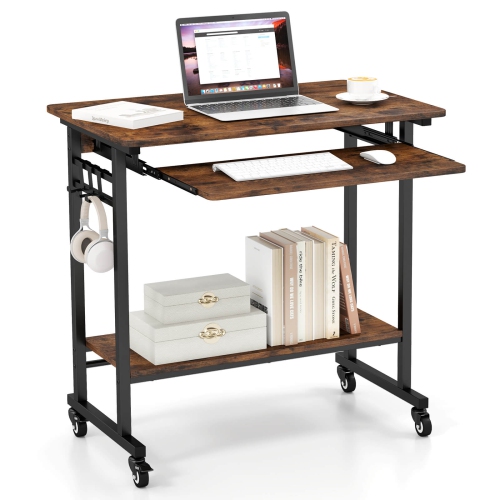
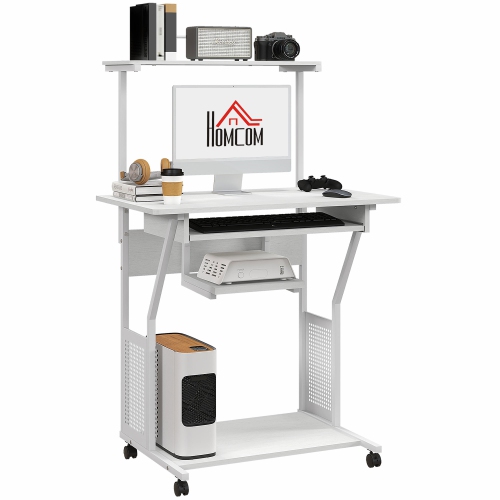
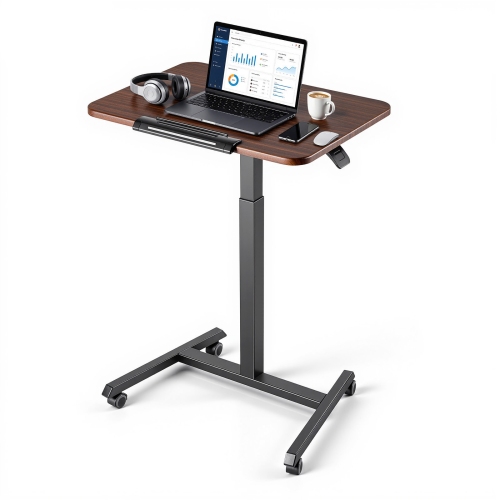
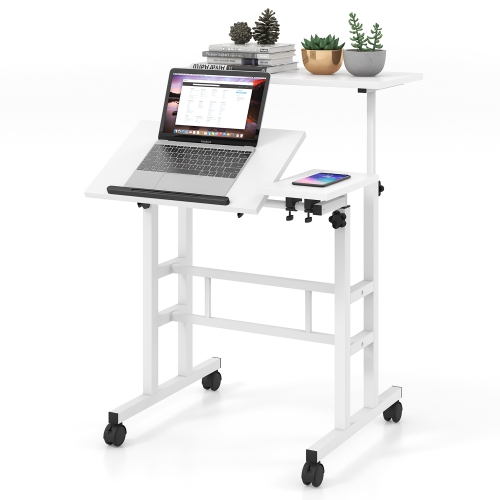
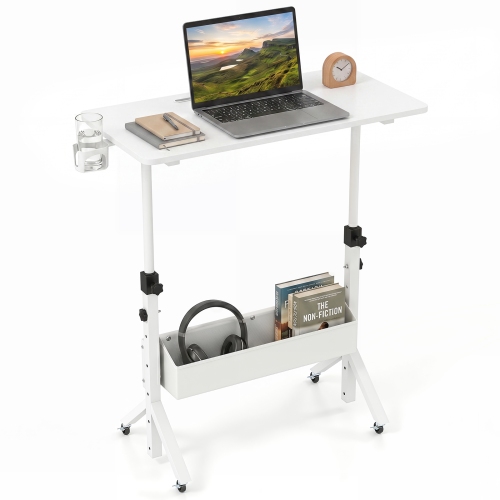
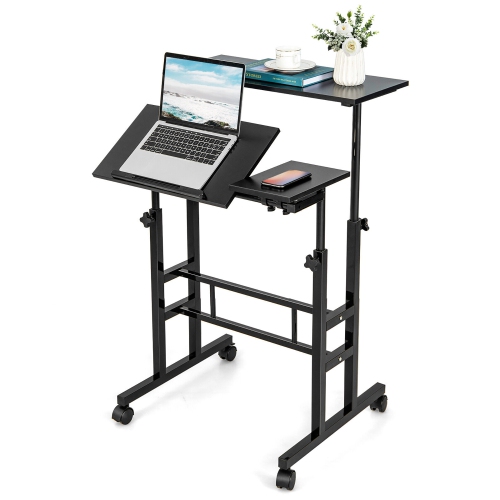
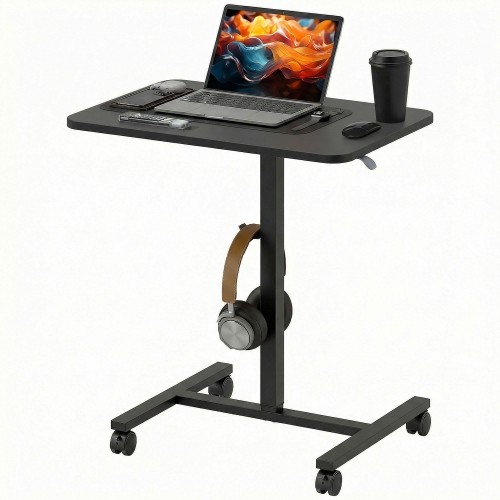
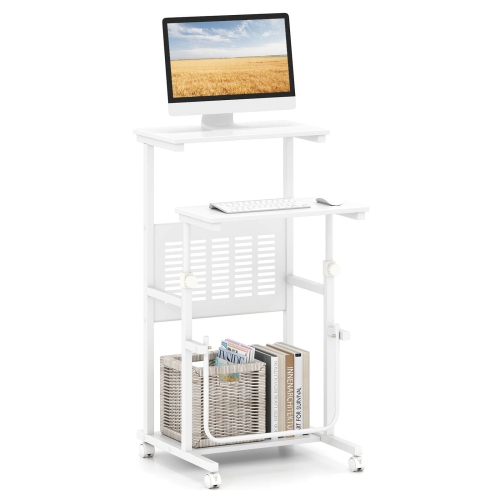
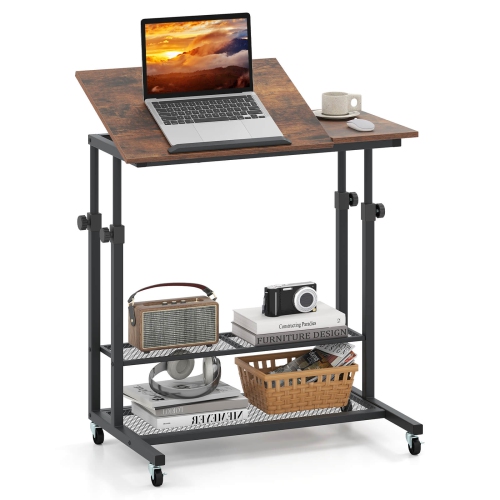
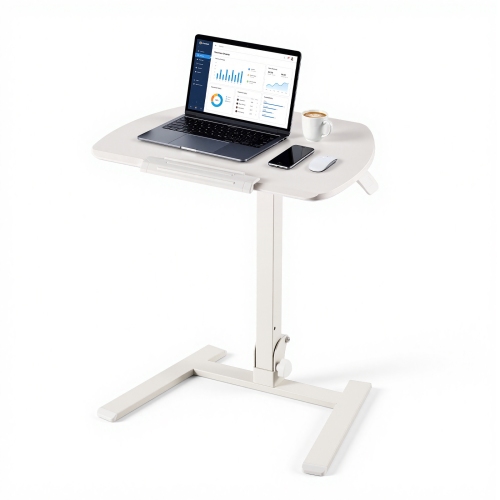
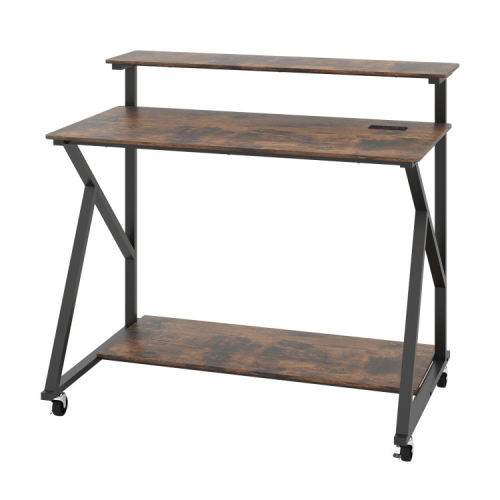
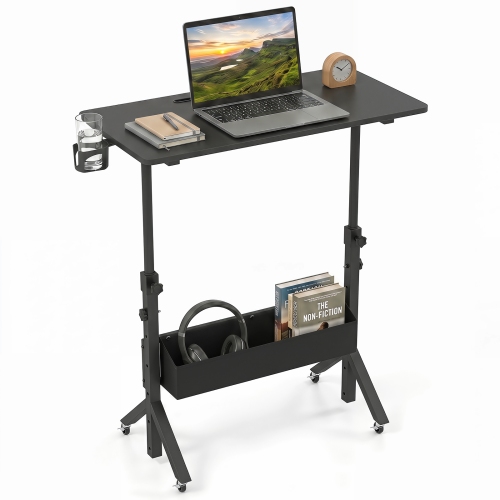
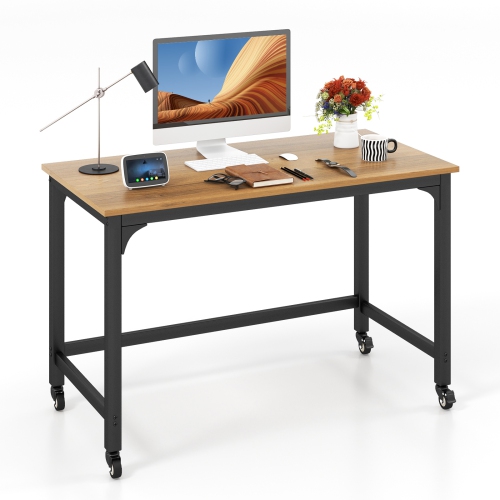
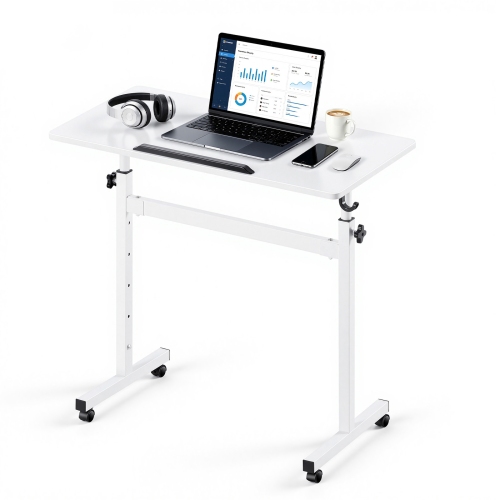
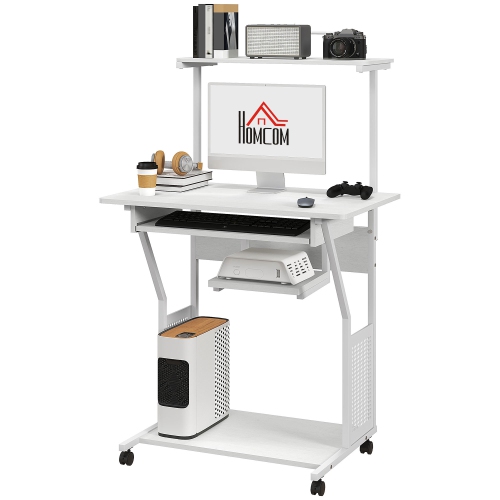
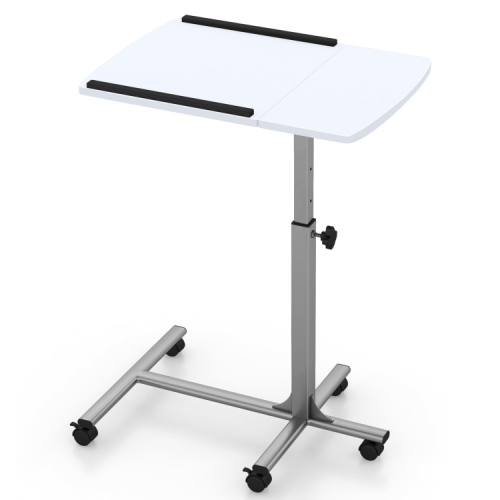
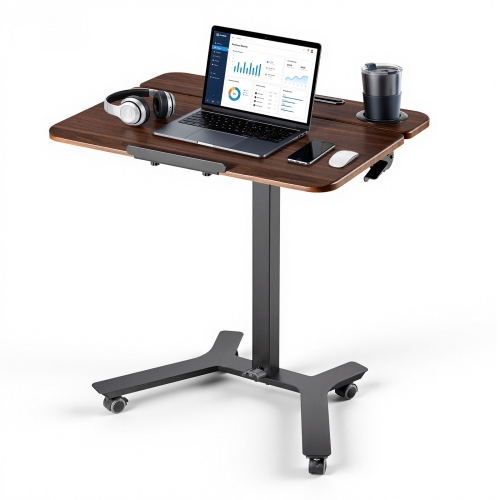
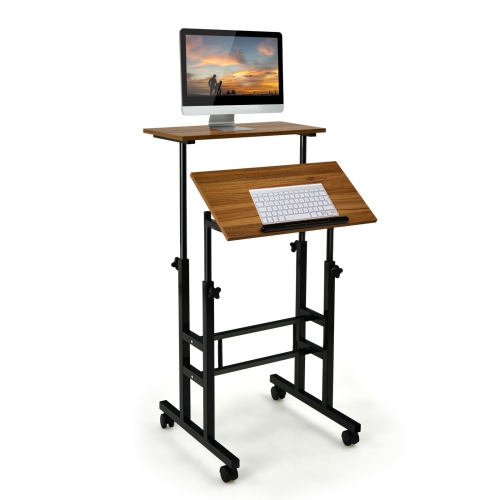
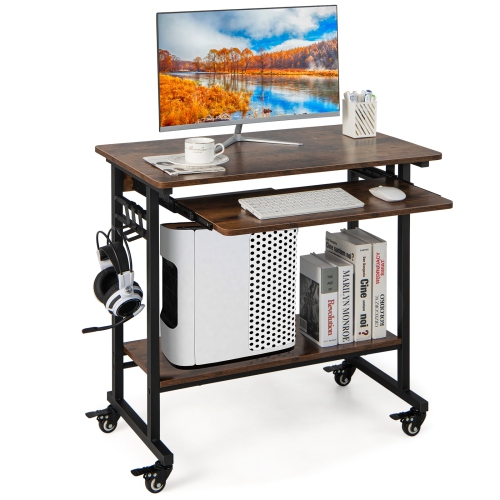
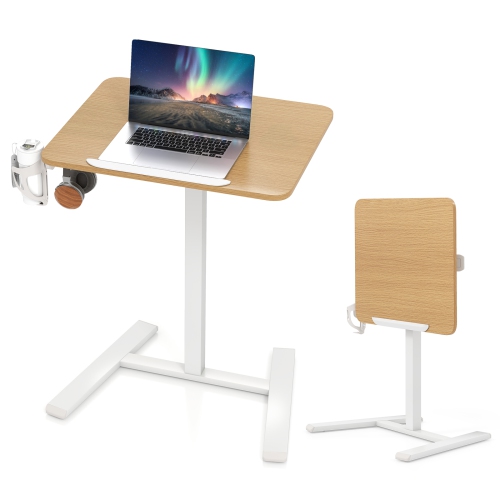
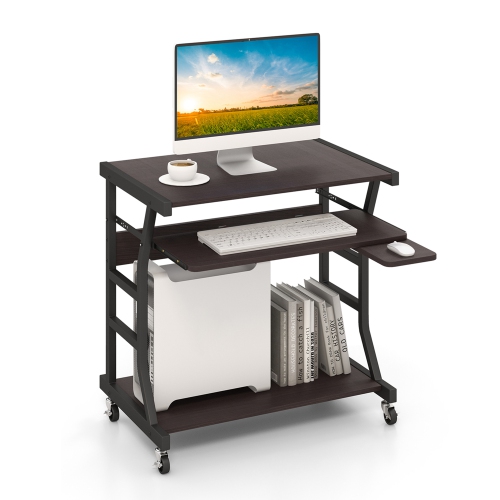
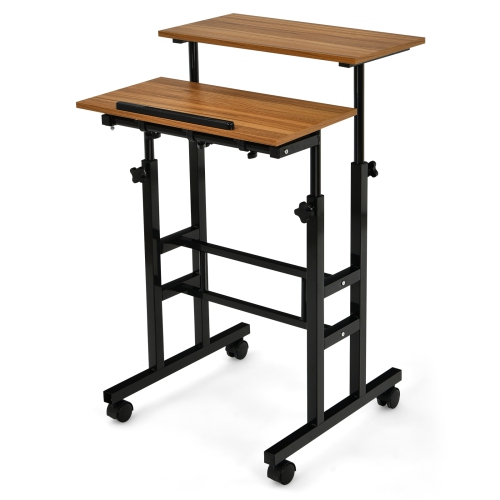
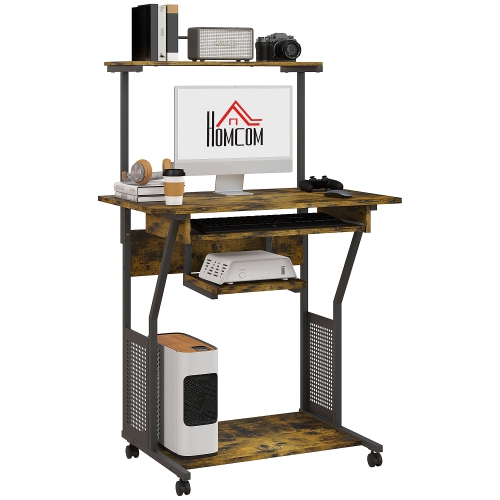
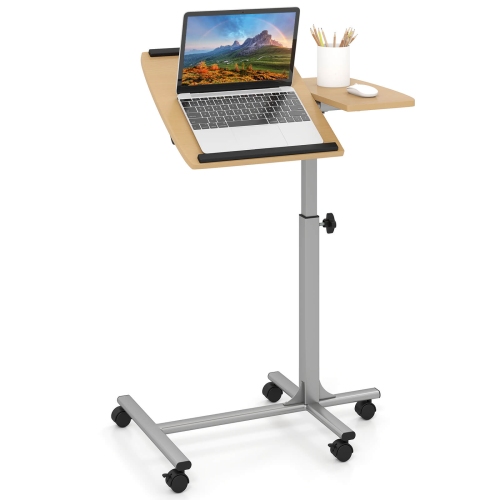
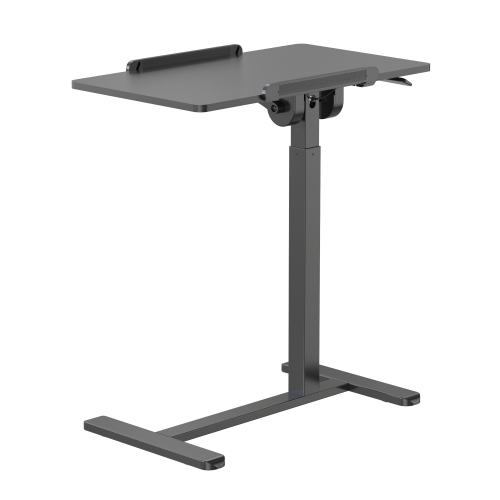
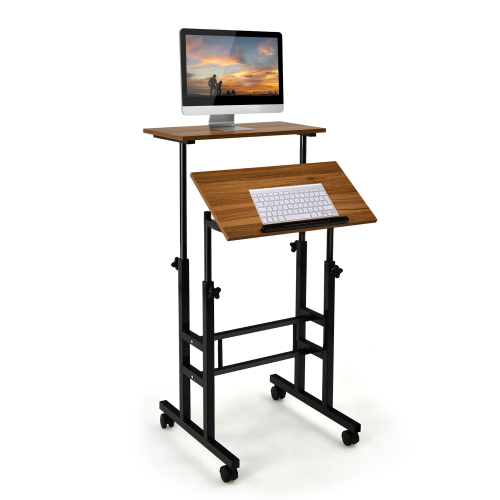
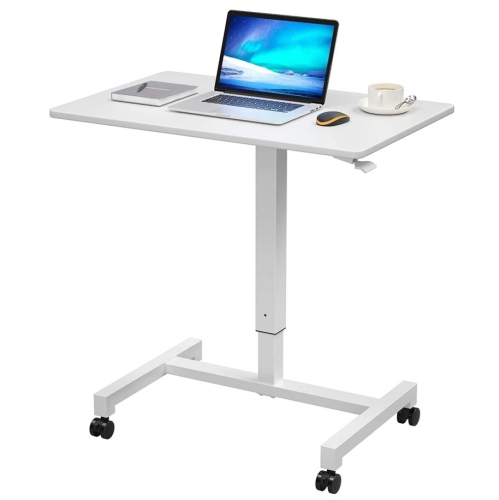
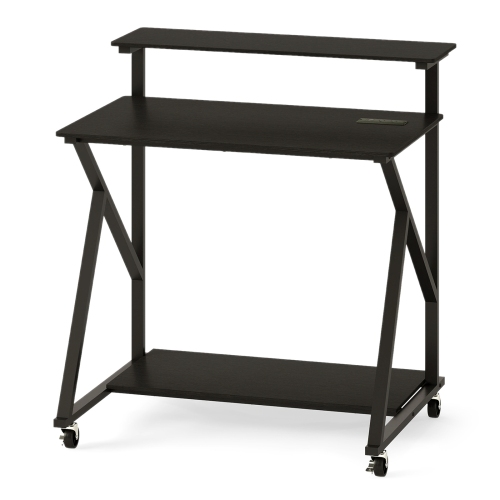
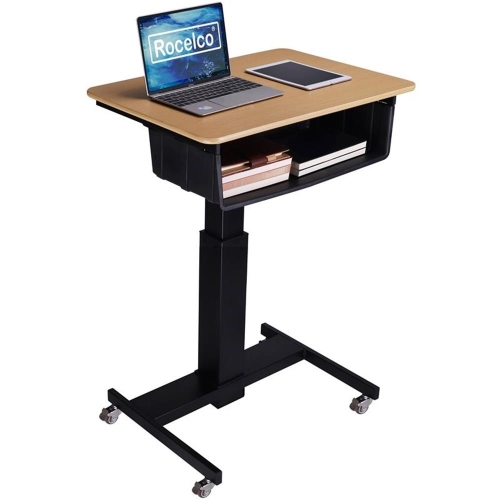
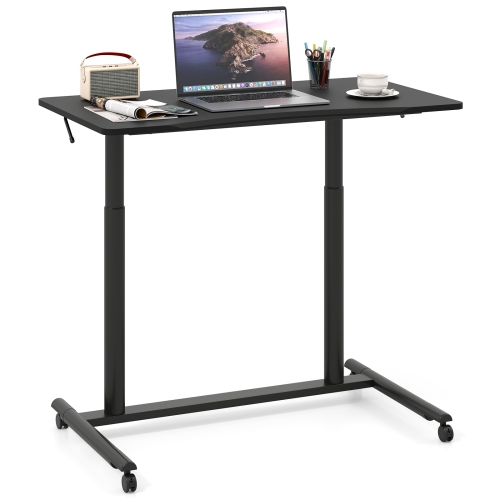
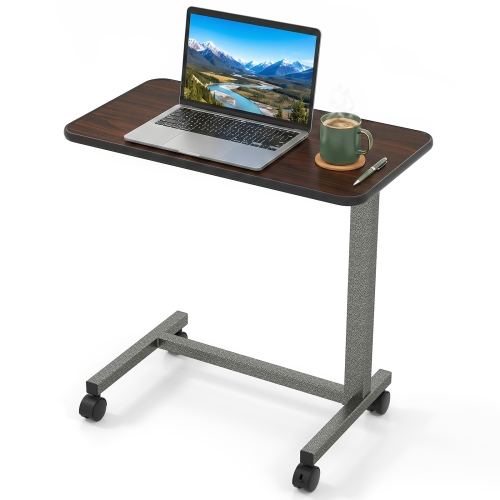
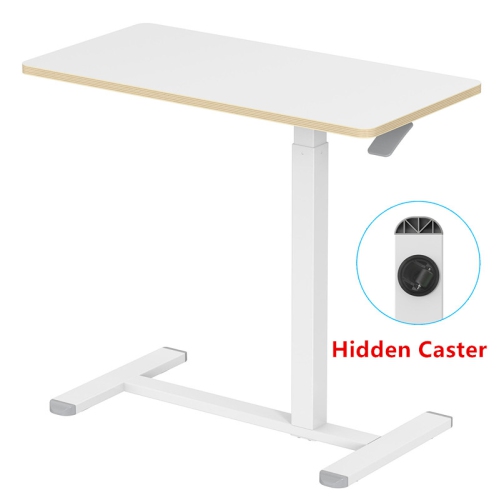
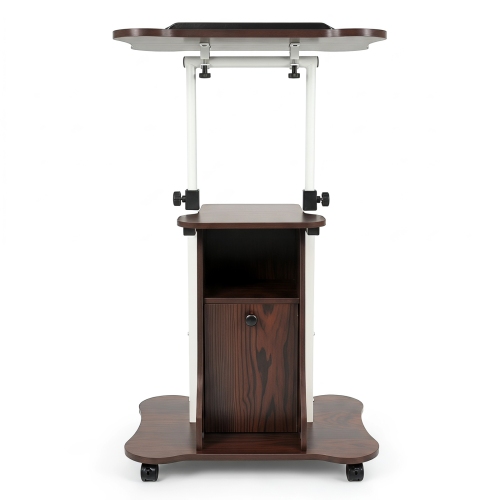
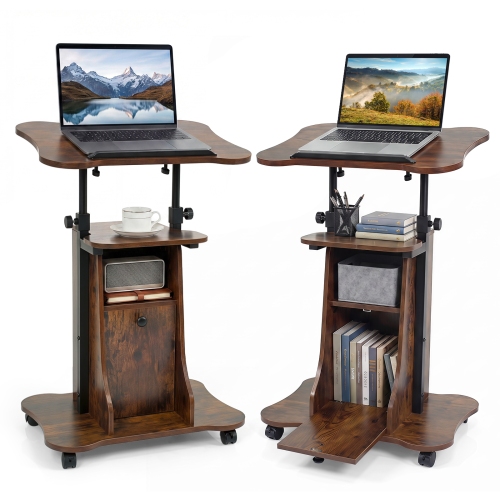
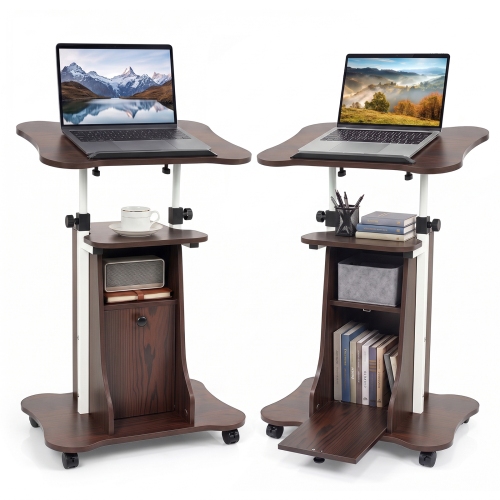
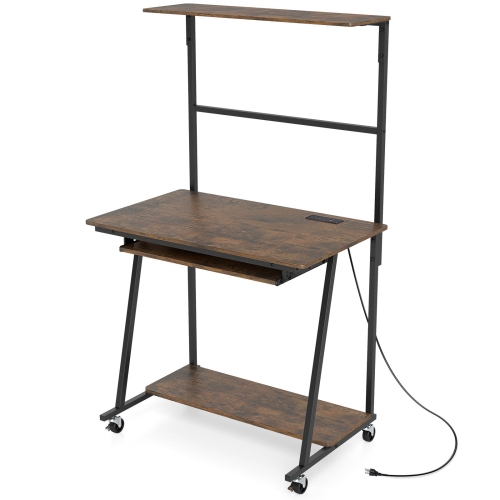
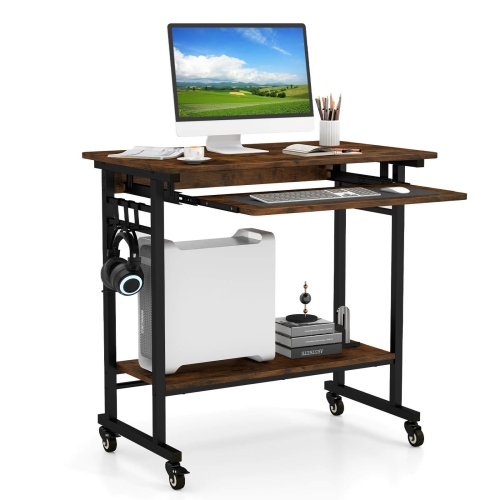
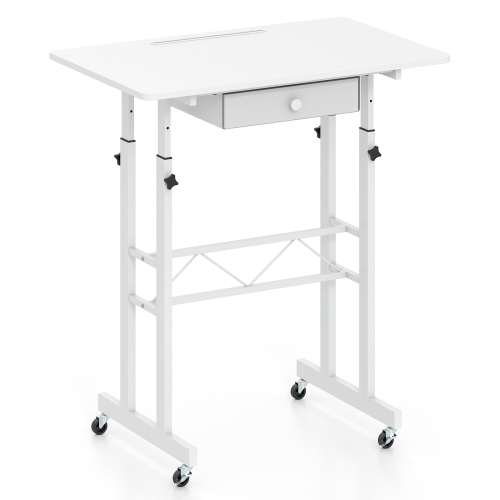
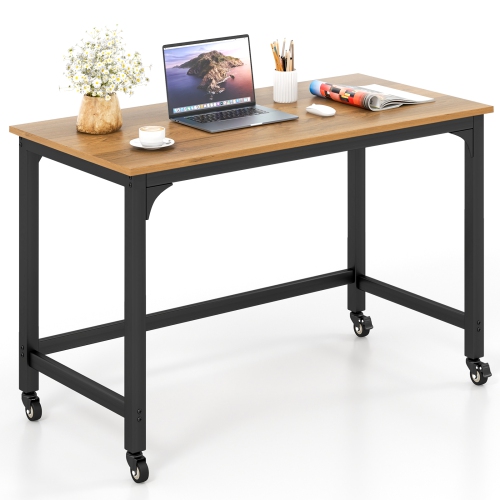
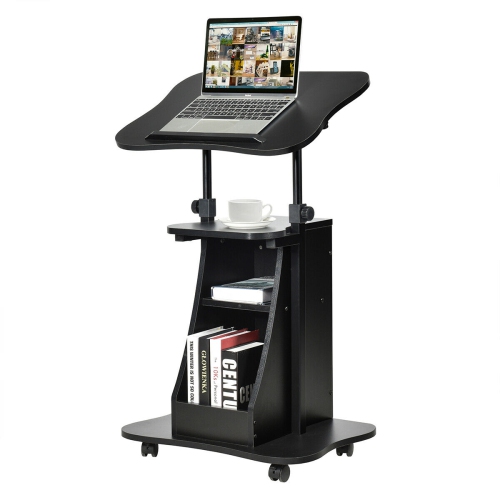
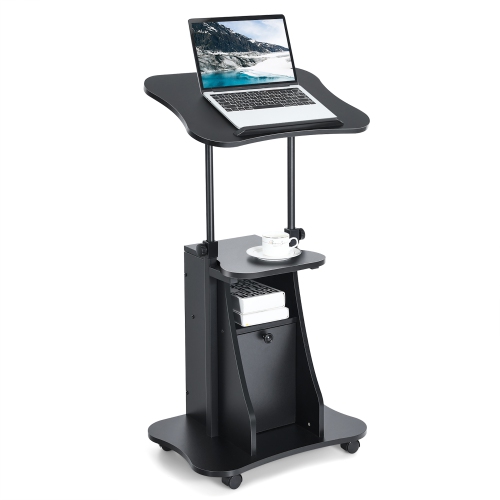
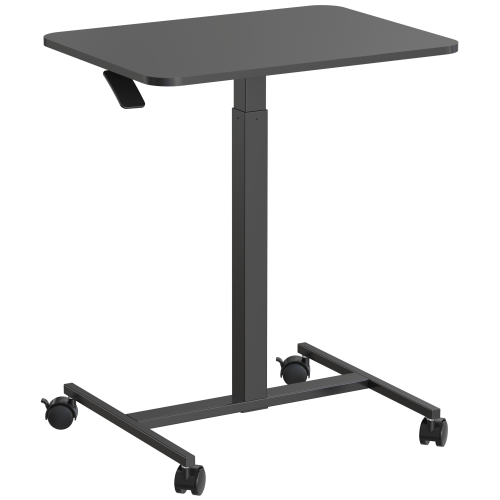
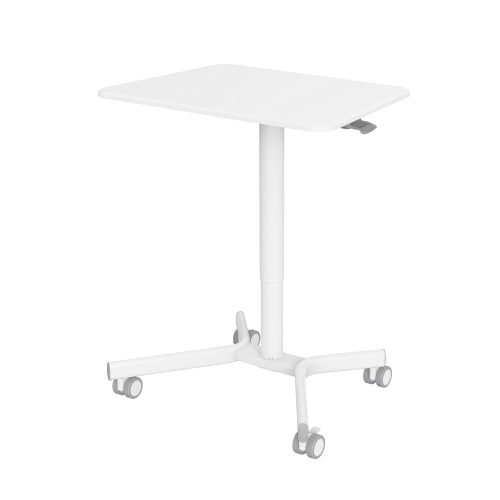
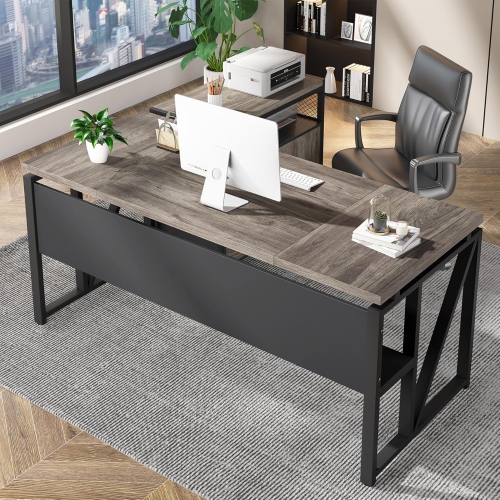
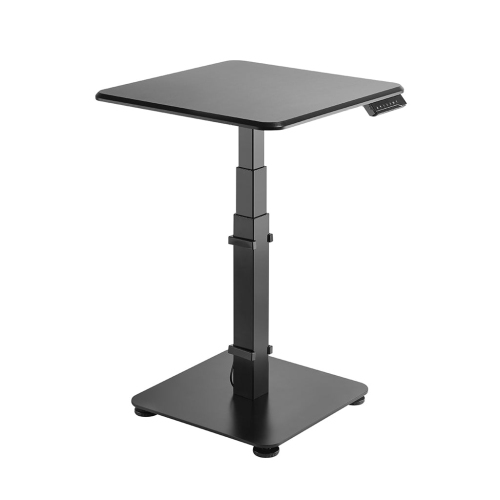
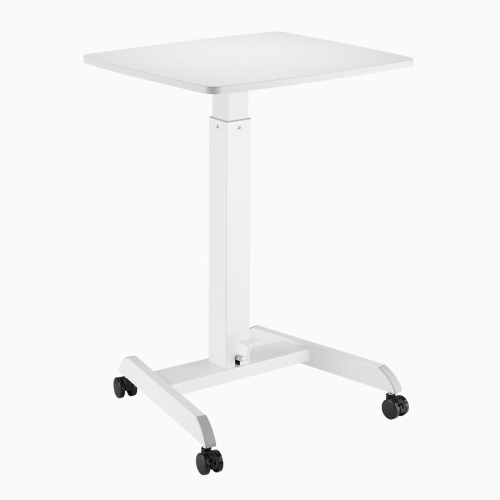
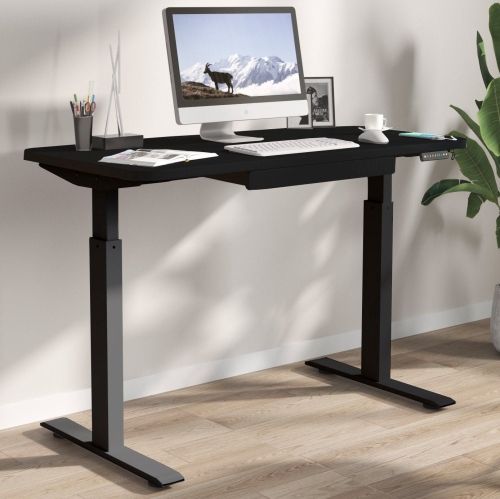
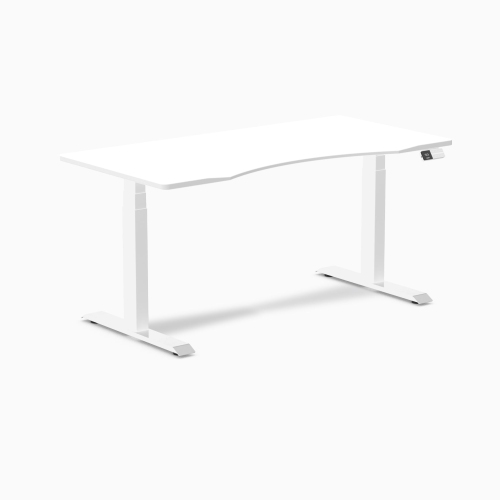
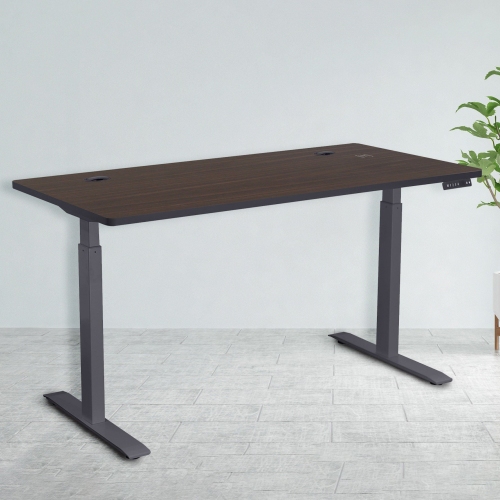
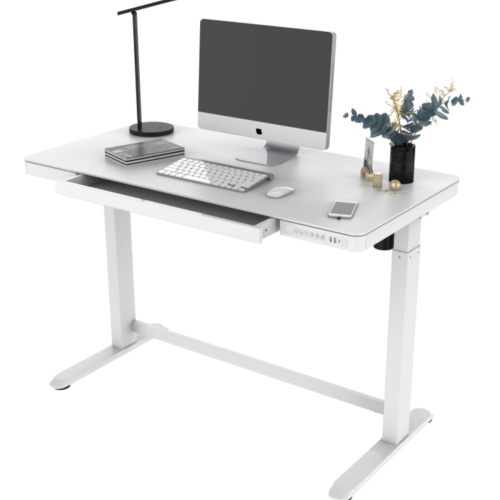
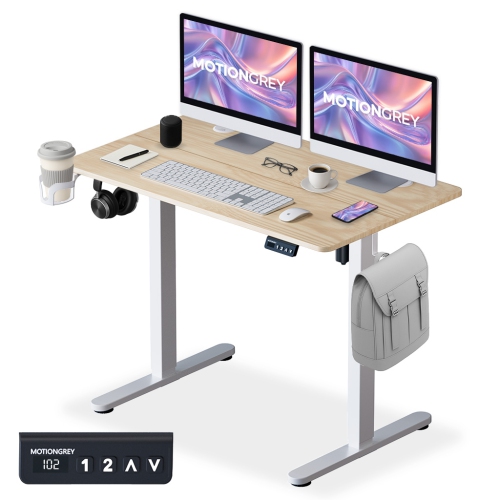
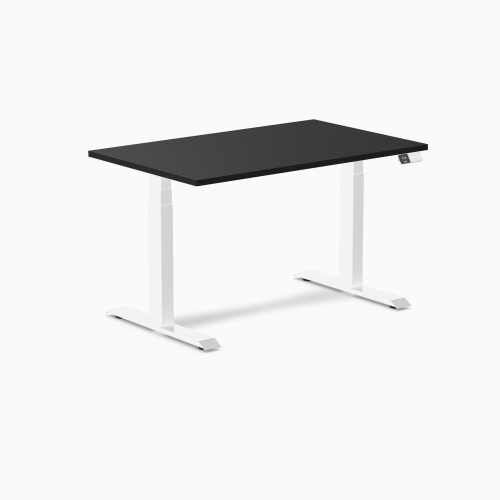
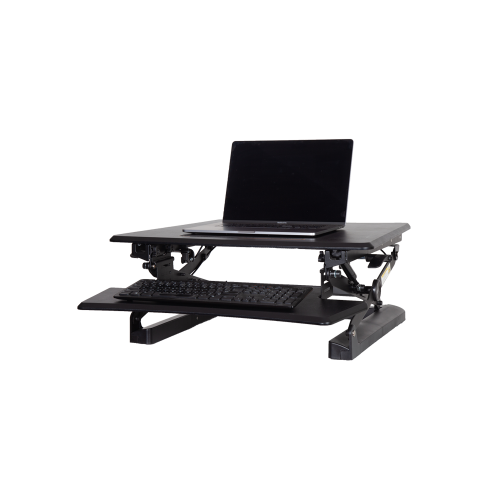
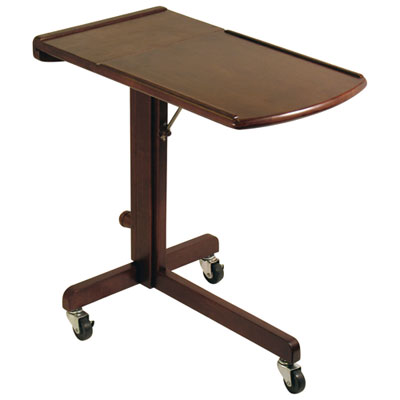
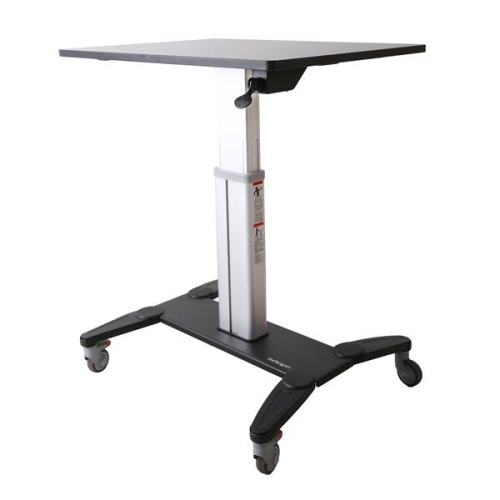
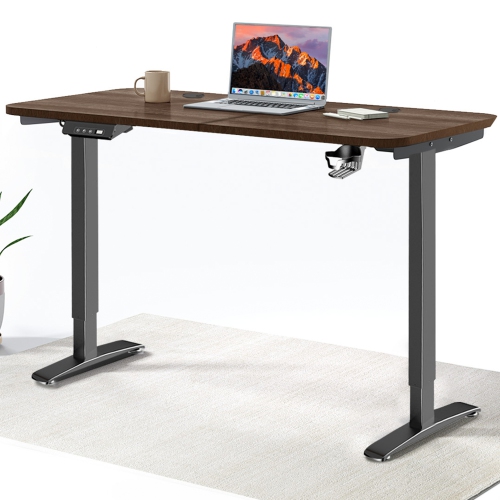
Mobile desks are movable work surfaces, typically fitted with wheels or casters, that let a workspace shift between rooms or positions without the lifting required by a conventional desk. They can make a spare corner useful for laptop work, bring a writing surface closer to a chair, or create a temporary workstation that rolls aside when the floor space is needed. A compact rolling laptop desk suits everyday tasks such as answering messages, studying, or joining video calls, while a wider mobile computer desk can provide room for a monitor, keyboard, mouse, and reference materials. Multi-tier designs may separate equipment across shelves, helping keep the main surface clear, although the shelf layout needs to suit the equipment being used. Mobility and height adjustment are separate features: a desk can roll without changing height, and a sit-stand desk is not necessarily designed to move. For someone who wants both functions, a mobile height-adjustable desk needs a suitable adjustment range as well as a wheeled base built to support its intended load. Seated use calls for enough clearance beneath the surface for knees and thighs, while standing use requires a desktop that reaches a comfortable working height without raised shoulders or bent wrists. This flexibility can be useful in shared homes, where people of different heights use the same workstation, or in rooms that serve more than one purpose. A student might roll a desk beside a bookshelf for an afternoon of coursework, while someone working from home might move a compact workstation away from a dining area after finishing a call. The most suitable shape depends on those everyday routines. A narrow top can be easy to tuck away, but a deeper surface provides more separation between the screen and the user. Open bases can offer generous legroom, while lower shelves add storage but may limit foot placement. Neither layout is automatically better; the useful balance is enough workspace and support without making the desk awkward to move or uncomfortable to sit at.
The size and construction of a mobile desk affect how it feels both in motion and once parked. Desktop width matters, but the full footprint includes the base, projecting feet, caster assemblies, and any handles or side storage. Doorways, chair clearance, and the route between rooms can be just as important as the space where the desk normally sits. A frame that fits neatly beside a sofa may still be difficult to manoeuvre around a tight hallway turn. Casters also deserve attention because flooring changes how easily a loaded desk travels. Wheel diameter, tread material, and the desk’s total weight influence movement across hard flooring, rugs, and carpet; small wheels may catch at thresholds or sink into deeper pile. Locking casters help hold a desk in position for typing and writing, though brake designs differ and may lock wheel rotation, swivelling, or both. A stable frame remains important even when the brakes are engaged, particularly with taller setups or monitor arms that place weight above or beyond the desktop. Stated load capacity should cover everything carried by the desk, including screens, computers, accessories, and shelf contents. Desktop capacity and shelf capacity may be listed separately, and lifting or moving limits can differ from stationary limits. Materials contribute to both durability and handling. Steel frames can provide firm support, while aluminium construction may reduce weight, depending on the design. Solid wood surfaces bring natural grain and can develop marks with use; laminate and other coated surfaces offer a consistent finish that is generally straightforward to wipe clean. Particleboard and medium-density fibreboard are common beneath finished surfaces, where sealed edges help protect the core from everyday moisture. Surface thickness, frame joints, and attachment points all influence sturdiness, so appearance alone does not tell the whole story. Rounded corners can be helpful along busy walking routes, and a smooth, securely finished edge makes extended typing or writing more comfortable.
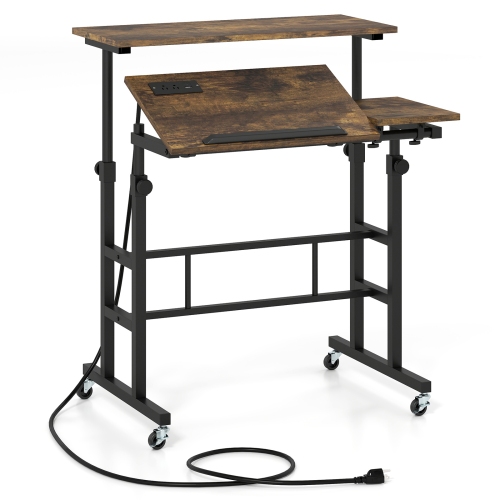
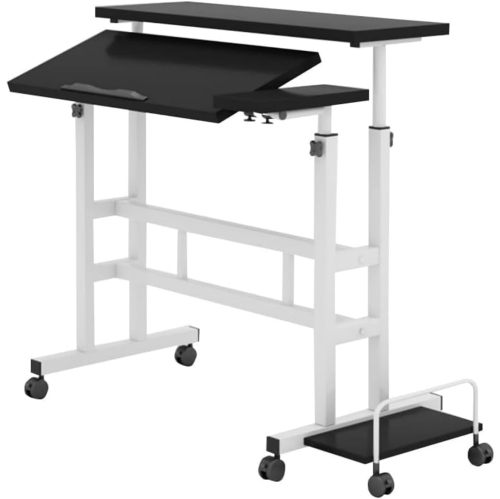
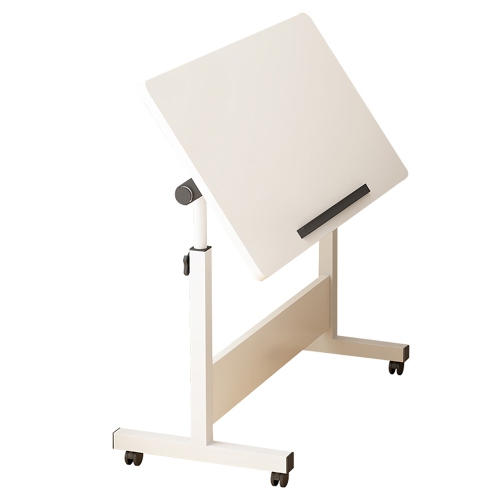
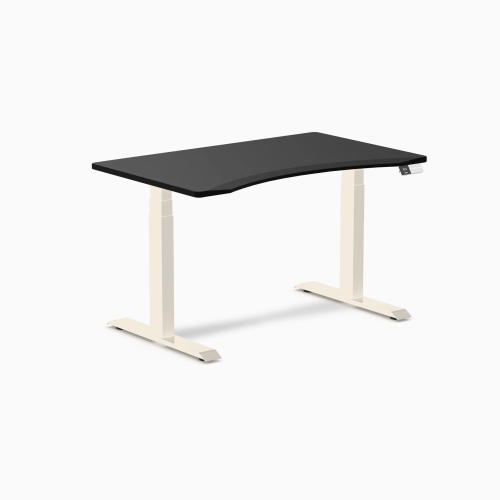
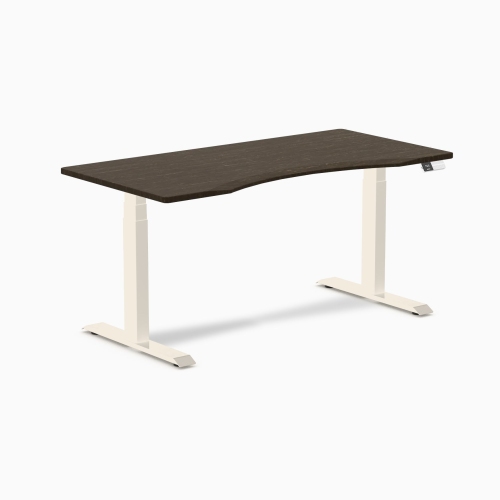
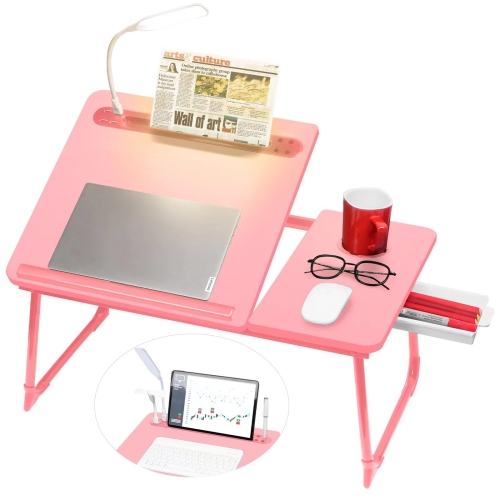
Daily comfort comes from the relationship between the desktop, seating, equipment, and available space. A laptop may fit easily on a small mobile desk, but adding an external keyboard and mouse requires more usable depth and width. For longer sessions, a raised screen paired with separate input devices can make it easier to position the display and hands independently. Monitor shelves can free part of the main surface, provided their height and dimensions suit the screen and leave a comfortable viewing position. Tilting tops can support reading, sketching, or working from printed notes, while a retaining lip helps keep materials from sliding; its placement should not press into forearms during keyboard use. Split desktops offer separate zones for a laptop and mouse, although each section needs enough space for the intended task. Height-adjustment mechanisms also shape the experience. Manual knobs, cranks, pneumatic lifts, and powered controls work differently, with varying effort, adjustment increments, and load requirements. Powered designs need access to an outlet, and any mobile setup needs cable slack that allows adjustment without pulling plugs or trapping cords. Cable clips and trays can keep leads clear of wheels, but cords should be disconnected or safely managed before the desk moves. Loose equipment and drinks are best removed first, and a loaded workstation should be moved only as its manufacturer permits. Once positioned, engage the available brakes and check that the surface feels steady before working. Routine care is usually simple: wipe spills promptly, use a soft cloth and a cleaner suitable for the finish, and avoid leaving moisture around seams or exposed edges. Periodic checks of fasteners, caster fittings, and adjustment locks help identify loosening parts, while removing hair and debris from wheels helps them roll freely. For spaces where mobility is optional rather than essential, the broader range of Work Desks offers another way to match surface area, storage, and layout to daily tasks. A mobile design earns its place when it provides a comfortable workstation where needed and moves out of the way without turning each change of position into a furniture-moving project.
Top selling and popular products
-
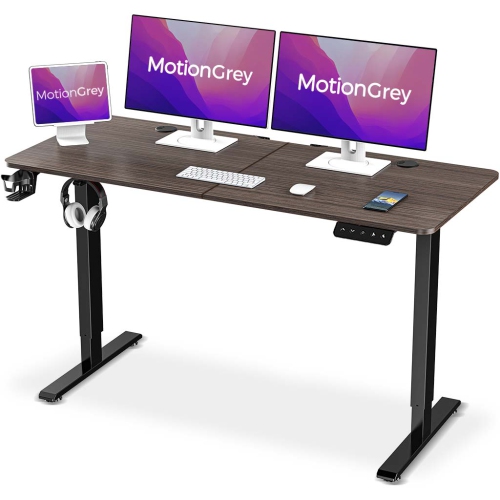 Your price for this item is $133.96
-
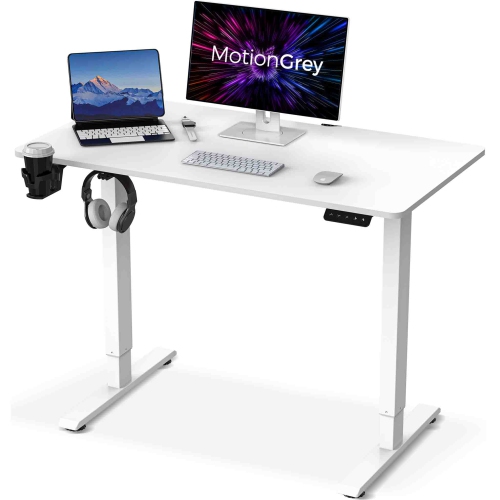 Your price for this item is $122.92
-
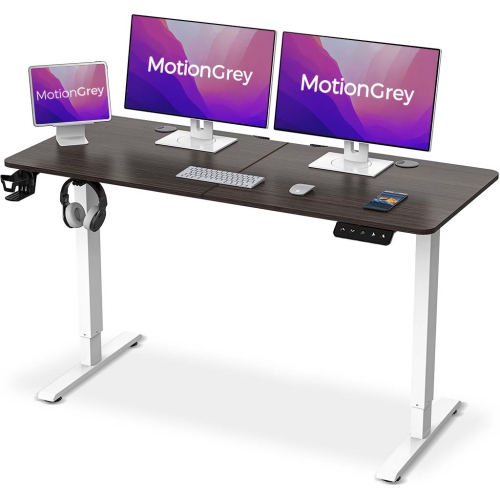 Your price for this item is $132.99
-
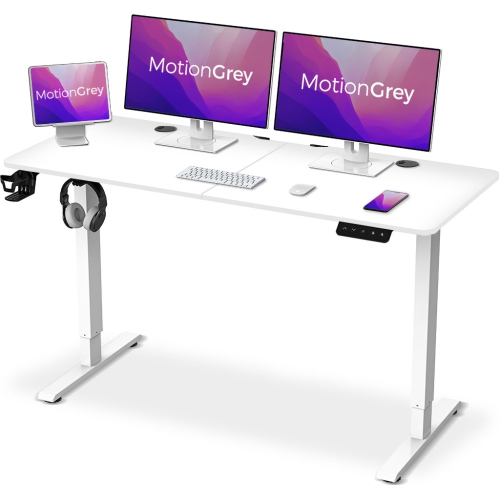 Your price for this item is $149.99
-
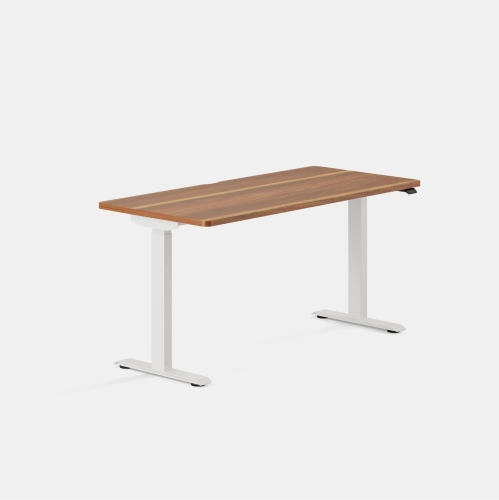 Your price for this item is $679.2
-
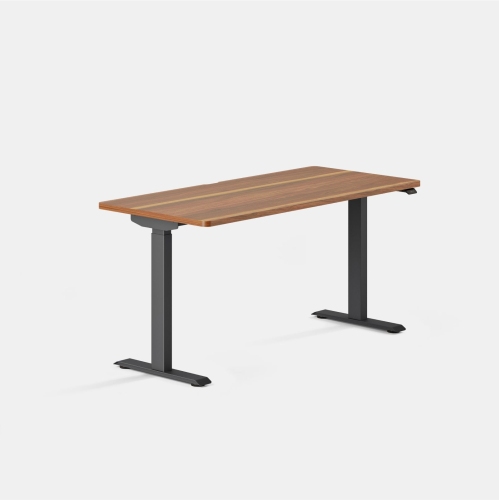 Your price for this item is $679.2
-
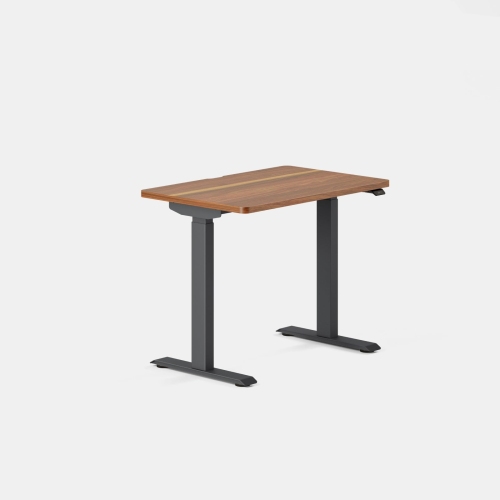 Your price for this item is $519.2
-
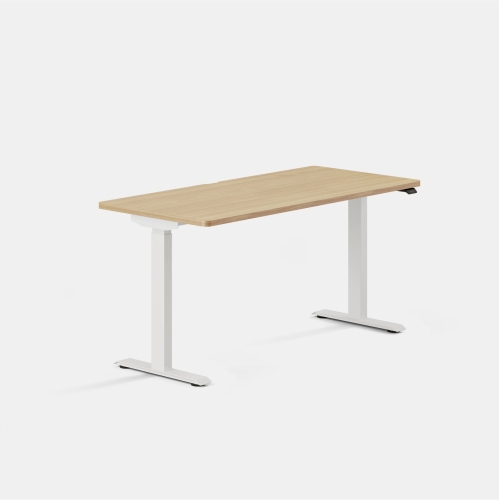 Your price for this item is $679.2
Discover more categories related to Mobile Desks
Top Collections:
Best Black Friday Deals This Year, Best Black Friday Deals On Electronics, Kindle Devices, Dyson Airwrap, Best Cameras for Sports Photography, Best Budget Office Chairs, Canon G7X Cameras, PS5 Pro Consoles, Best Black Friday Deals On Apple Products, XBOX One S Consoles
Some products may be subject to Environmental Handling Fees
(EHF) depending on your province.
Learn more about EHFs.