Modern Wood Computer Desks
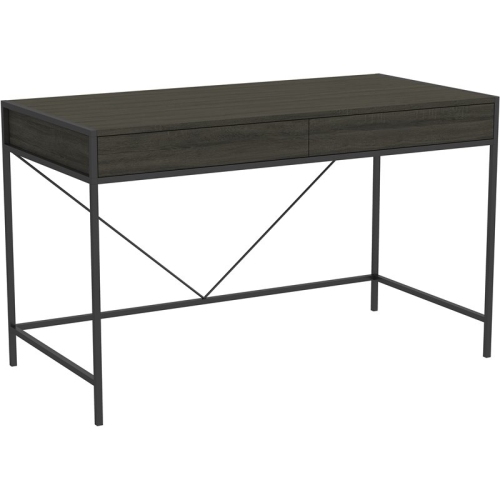
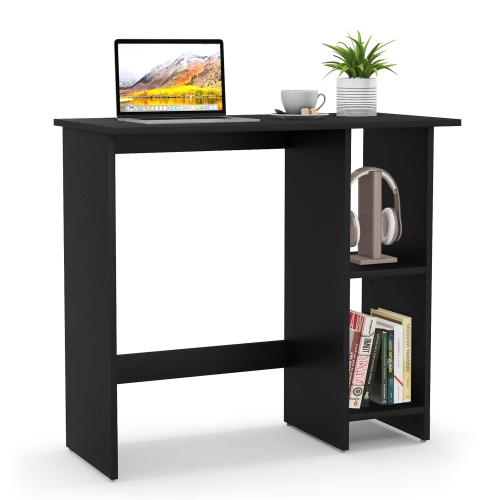
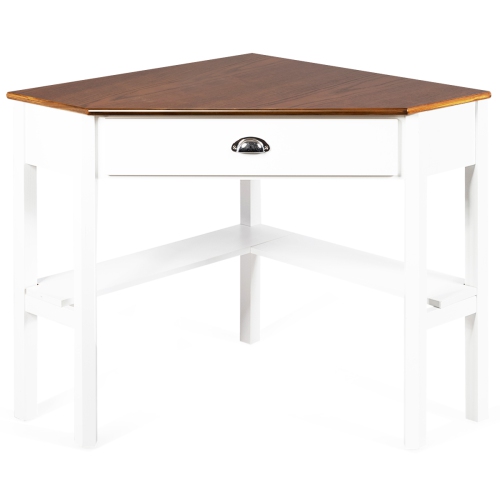
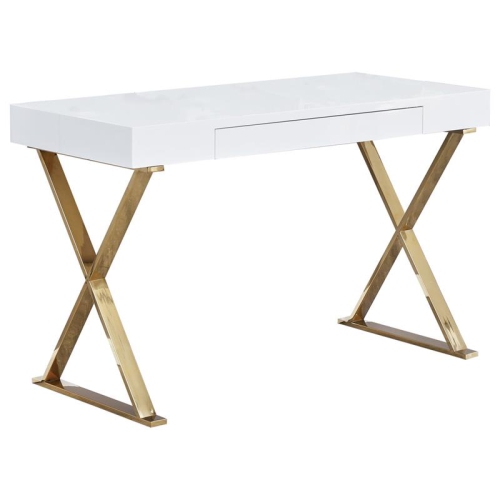
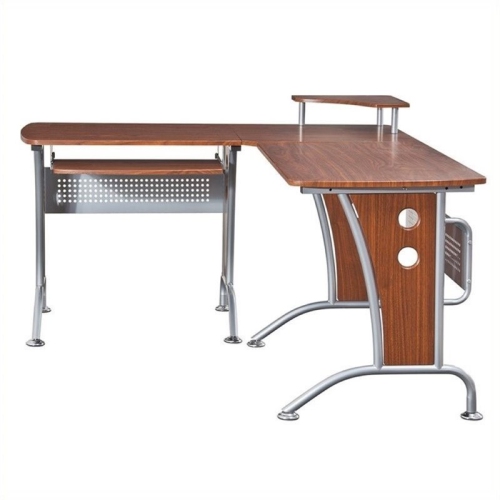
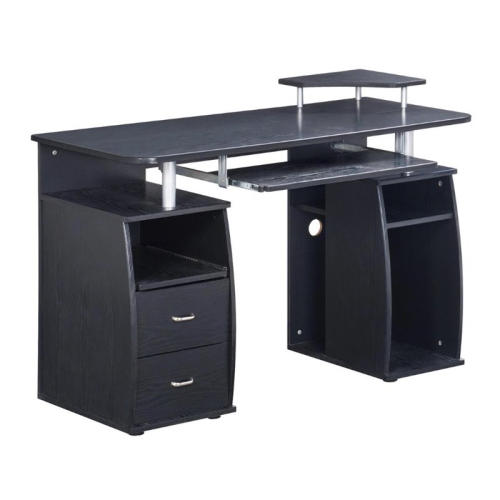
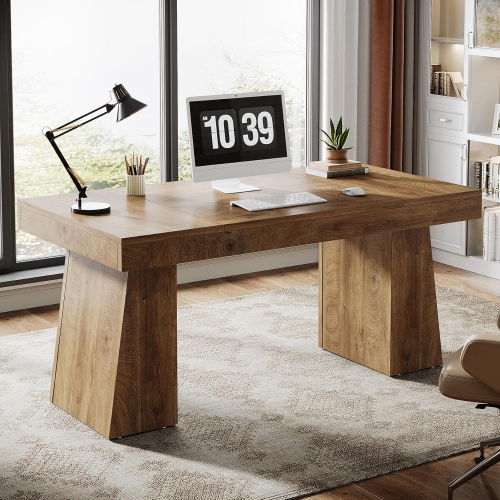
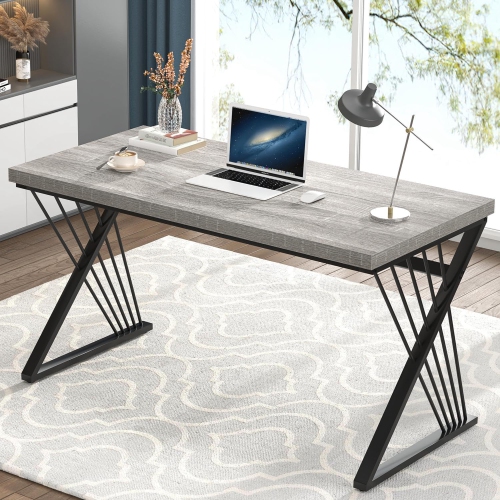
A modern wood computer desk is a great addition to almost any home office. These desks provide a sleek and stylish look that will fit in with almost any decor, and they also add storage space for your electronics and other items. Here are some of the modern wood computer desks.
Sort

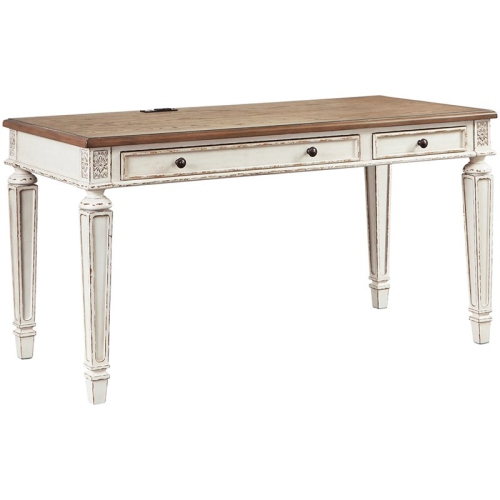
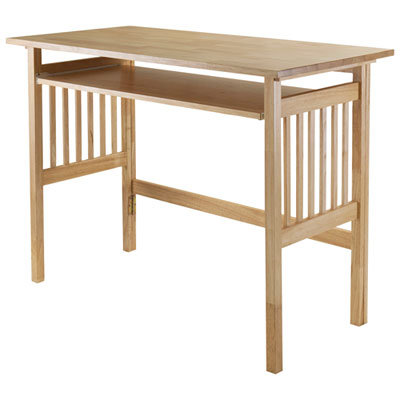
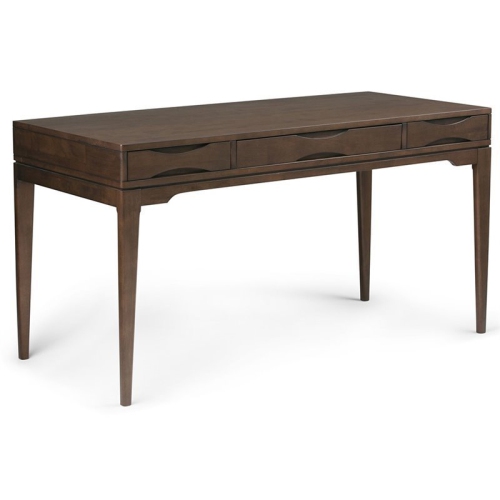
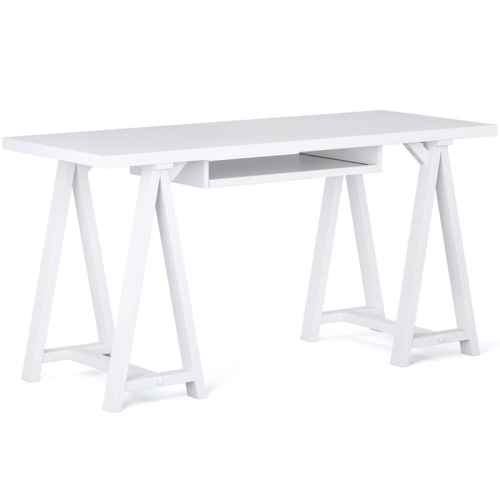
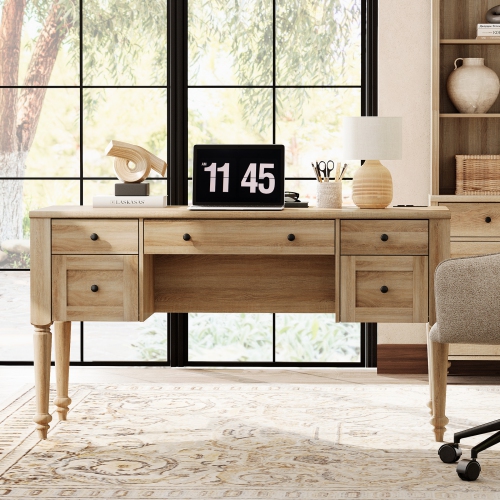
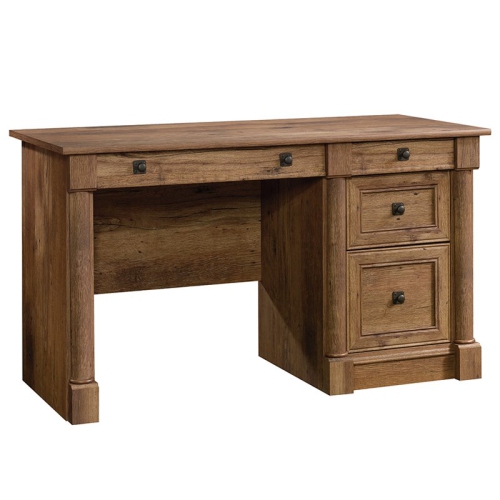
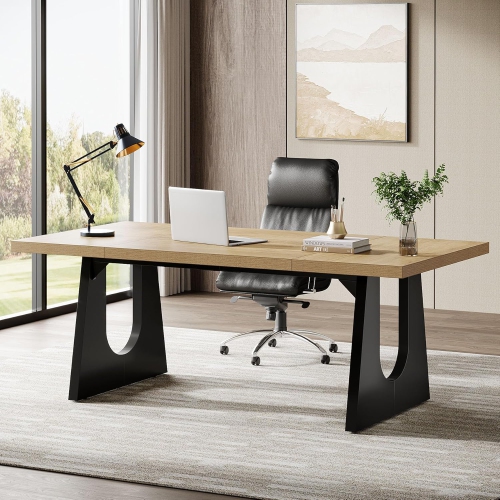
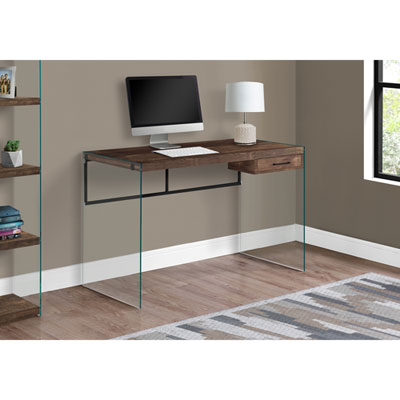
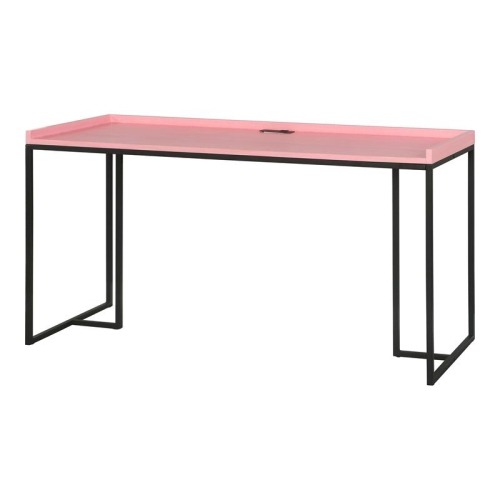
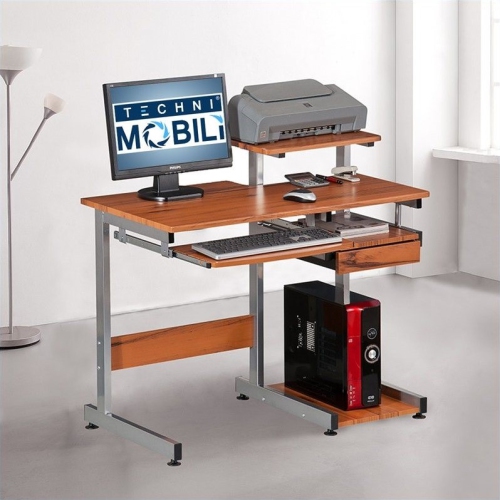
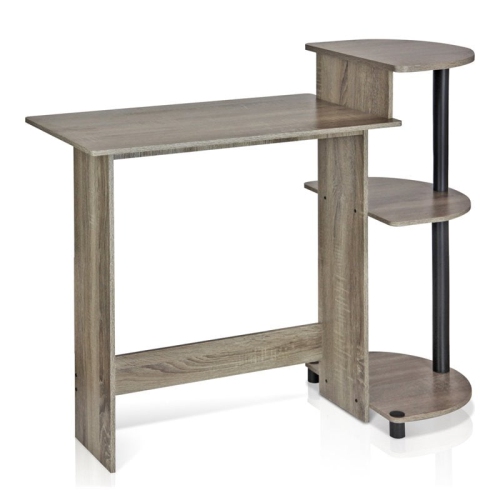
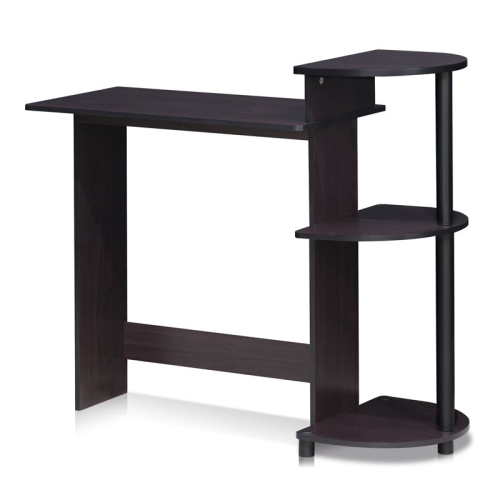
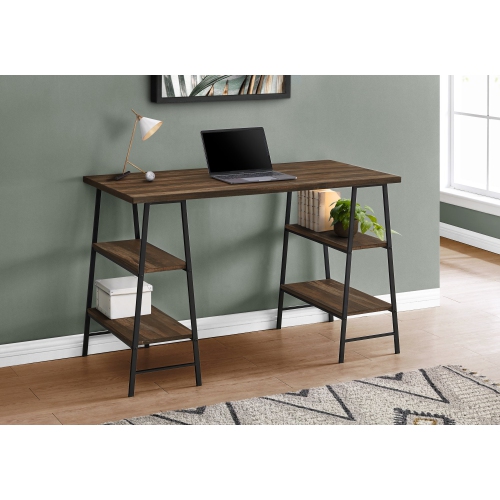
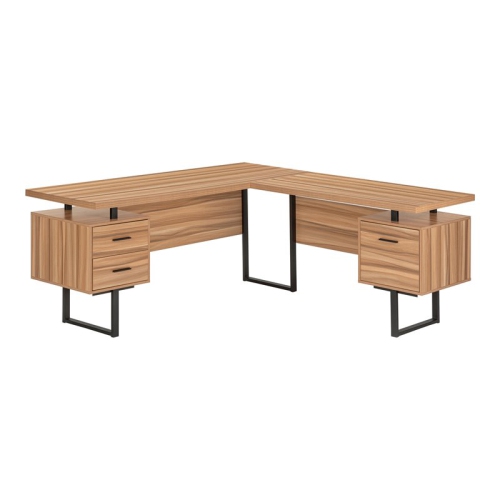
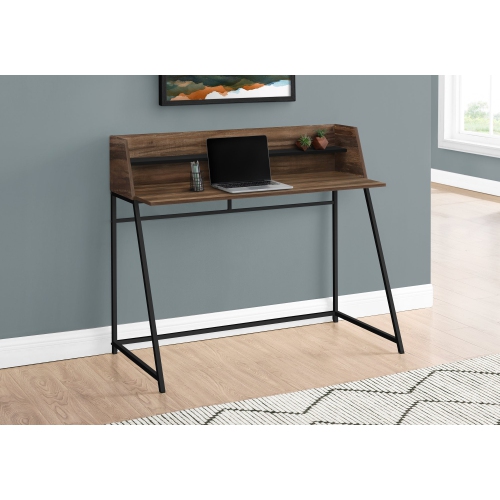
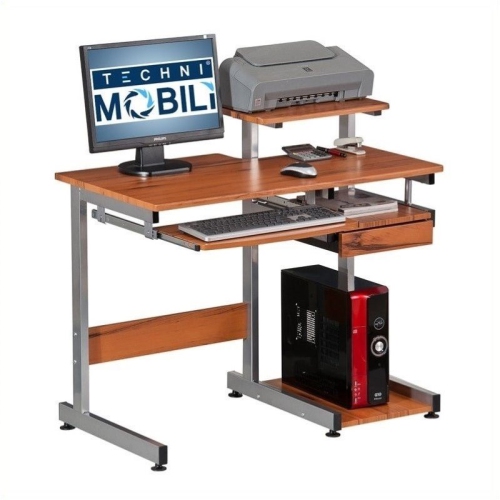
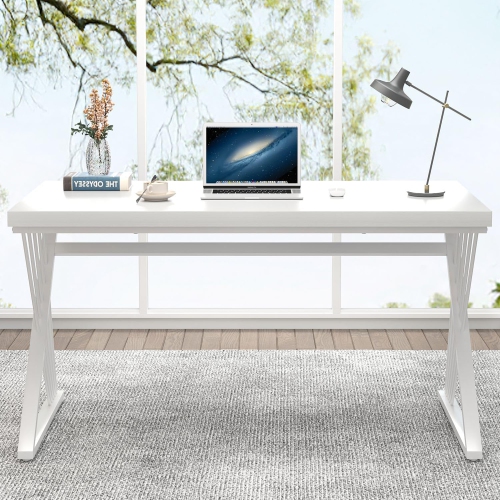
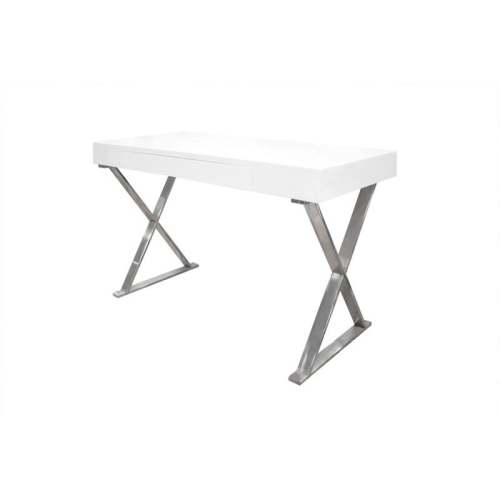
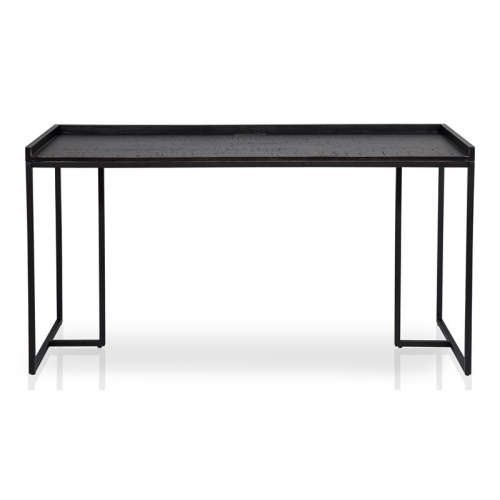
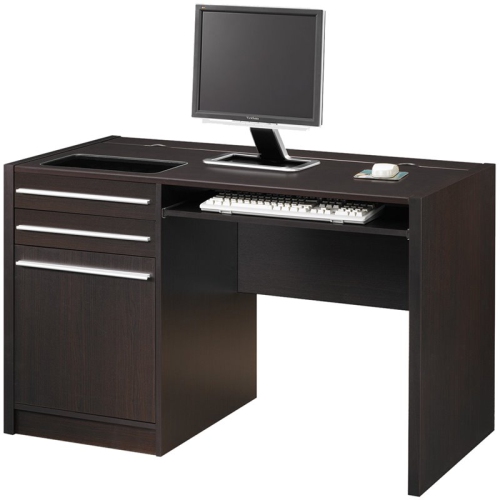
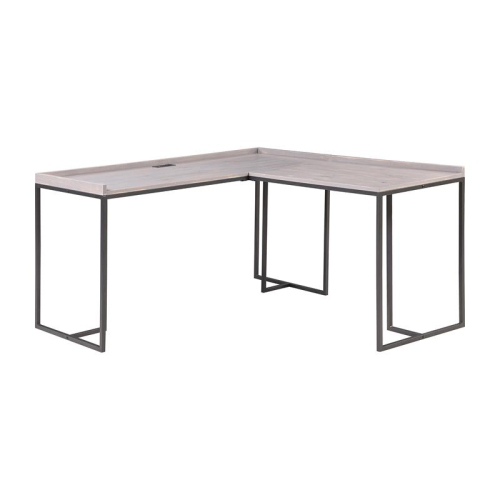
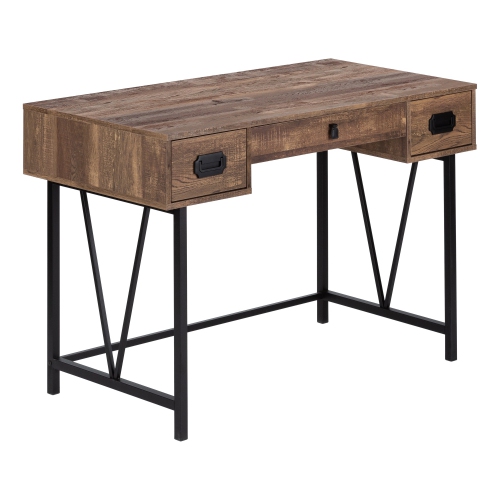
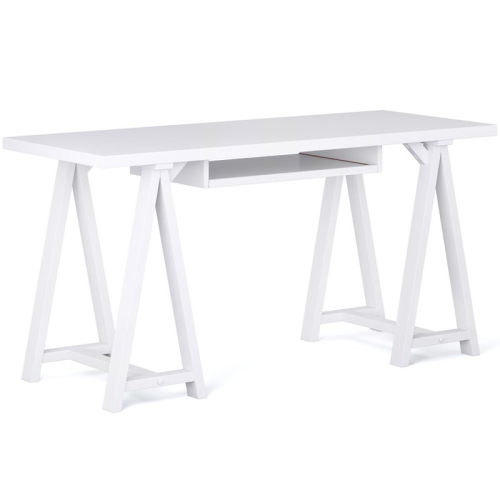
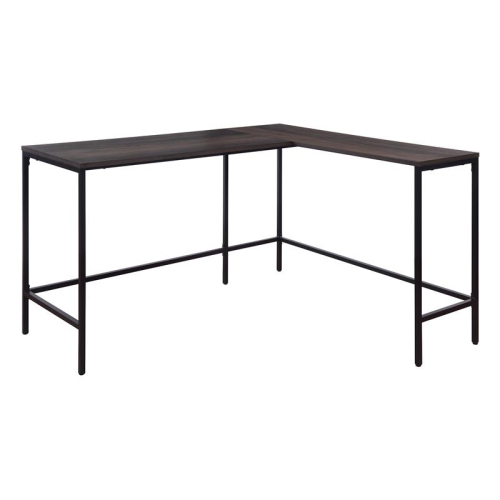

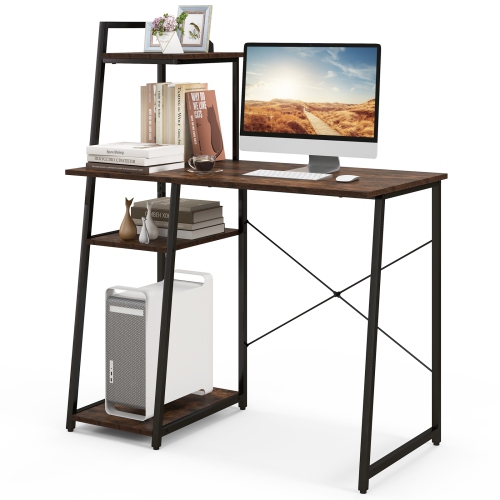
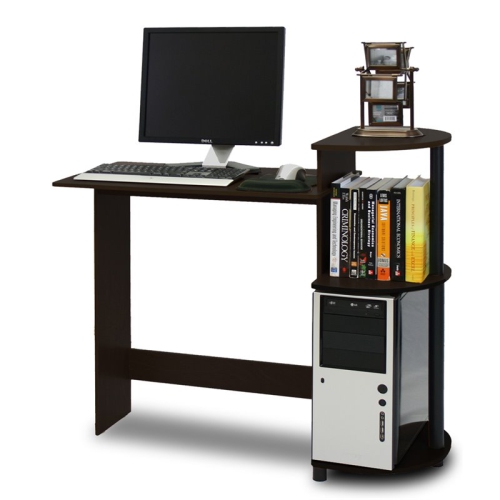
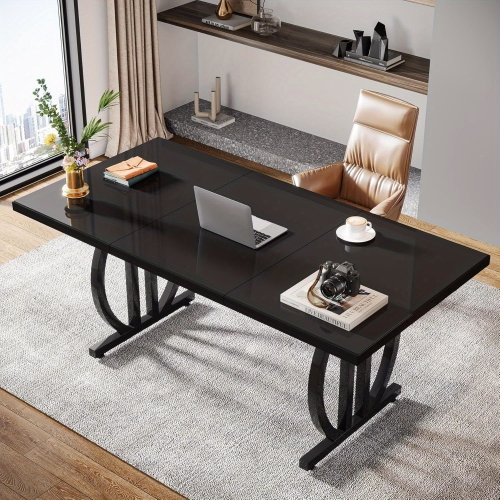
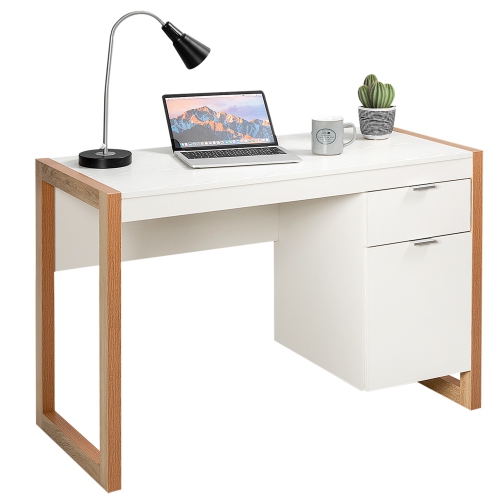
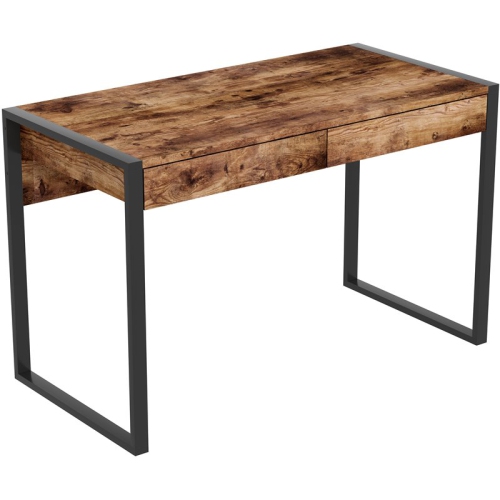
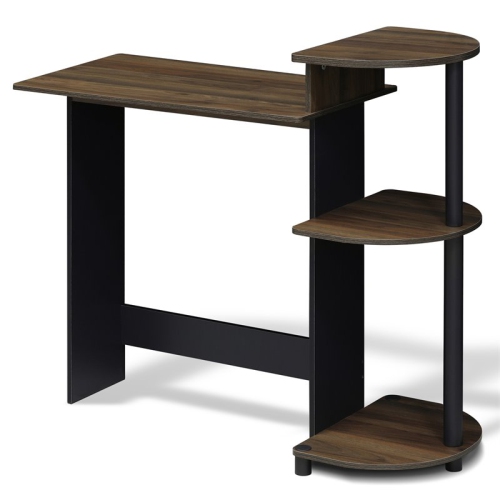
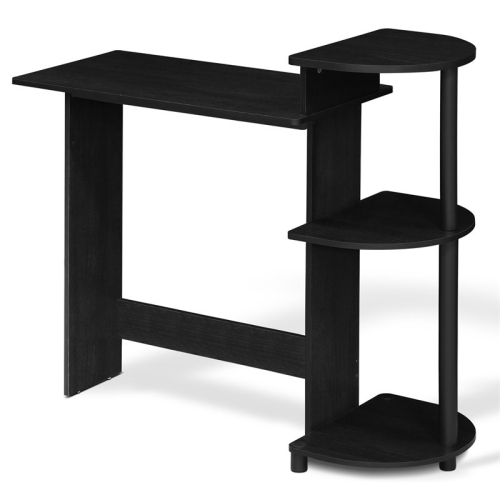
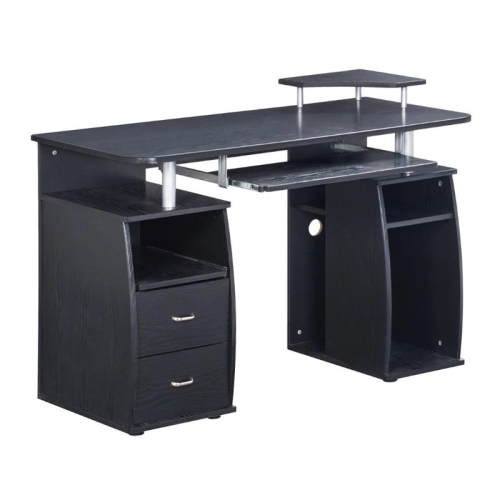
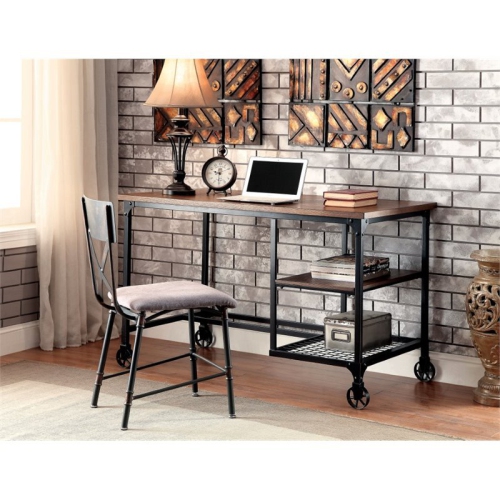
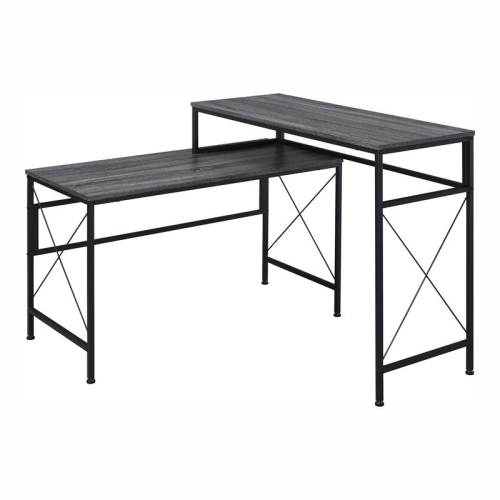
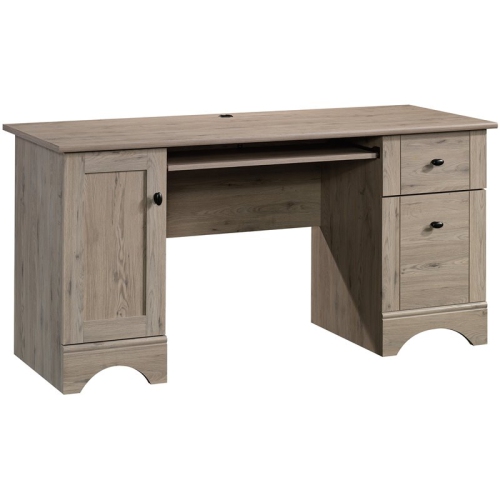
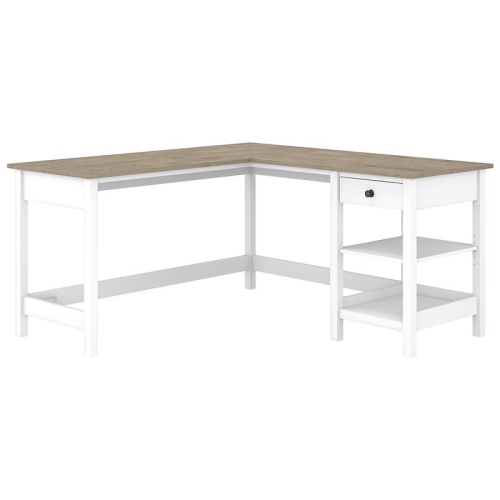
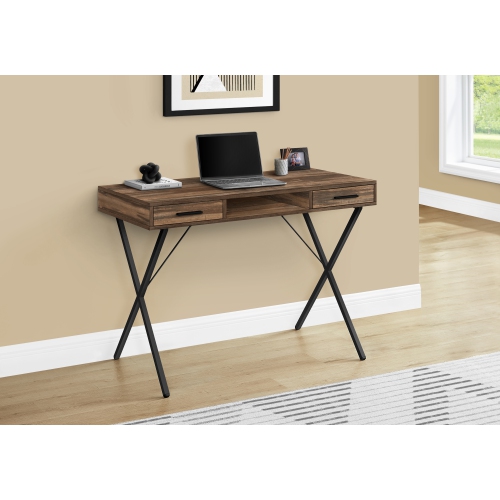
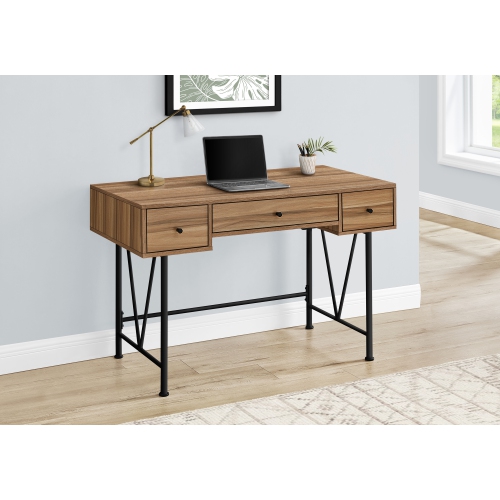
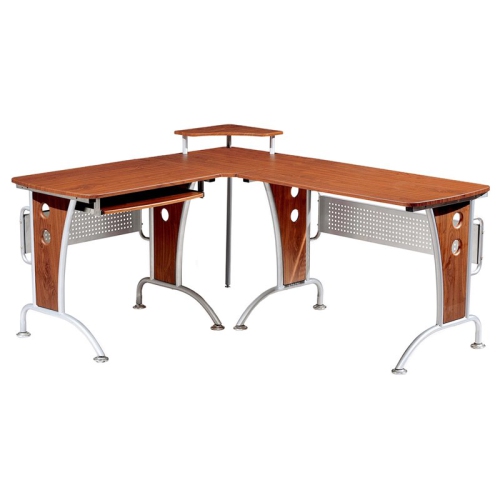
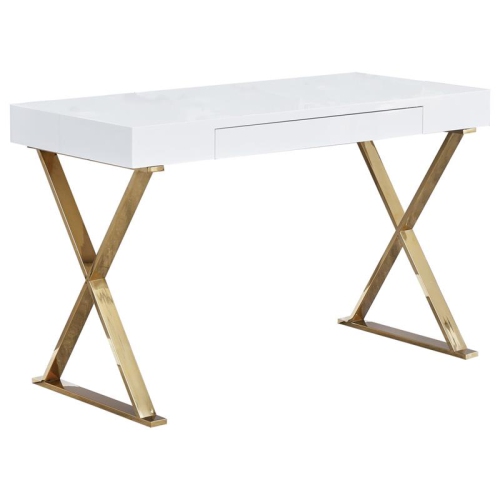
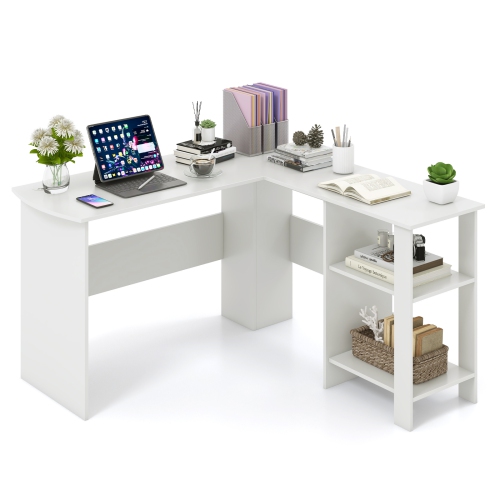
Finishes, storage, and ergonomics for a more comfortable workspace
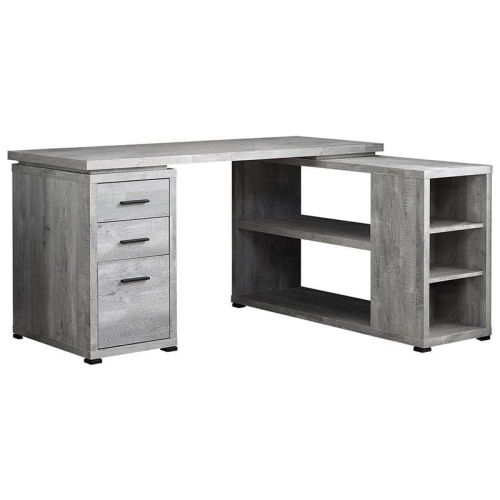
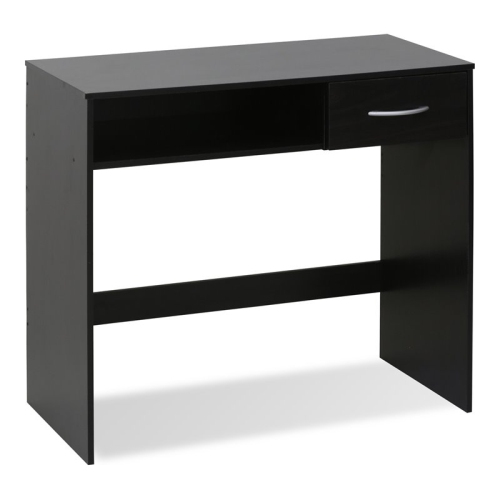
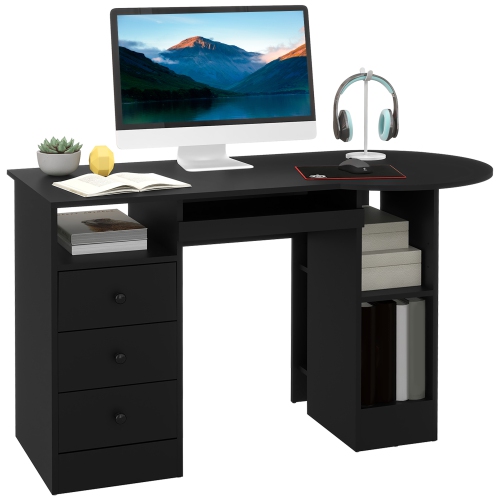
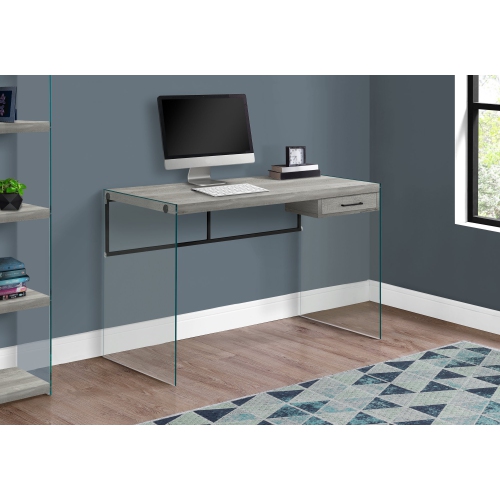
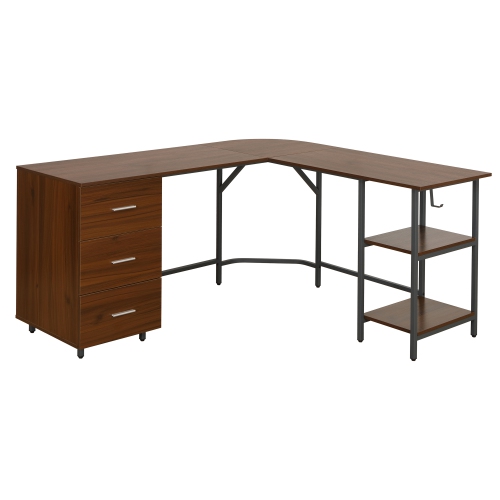
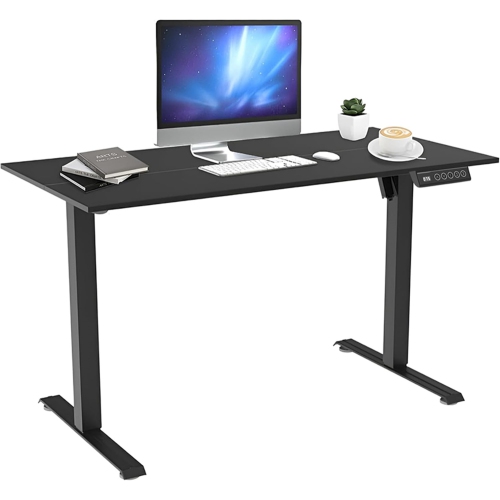
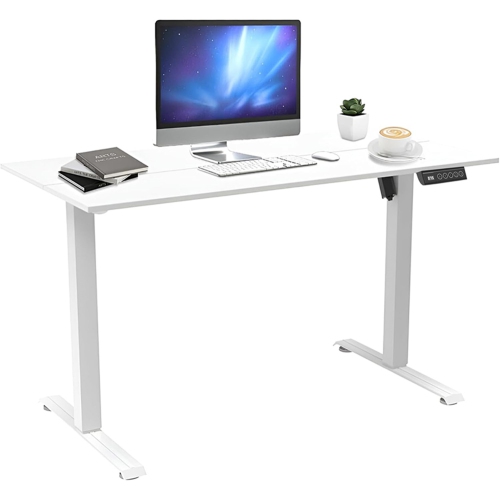
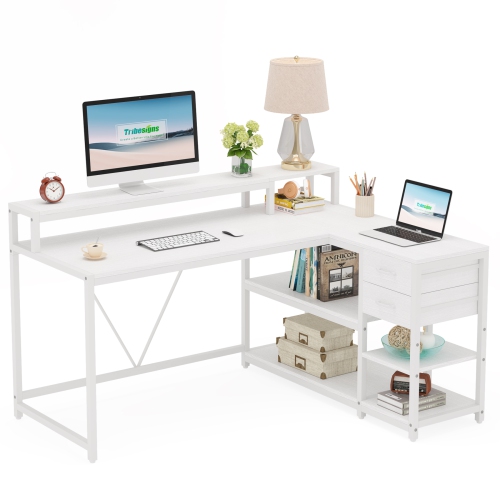
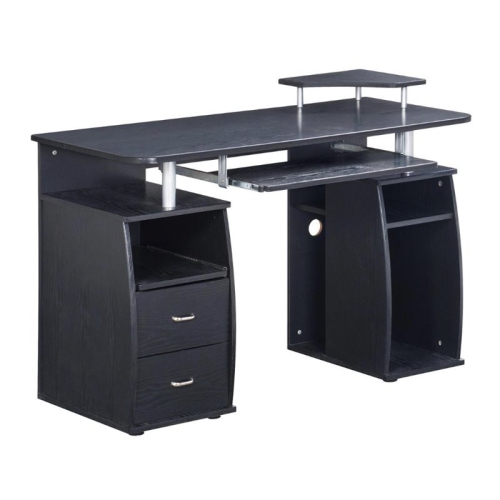
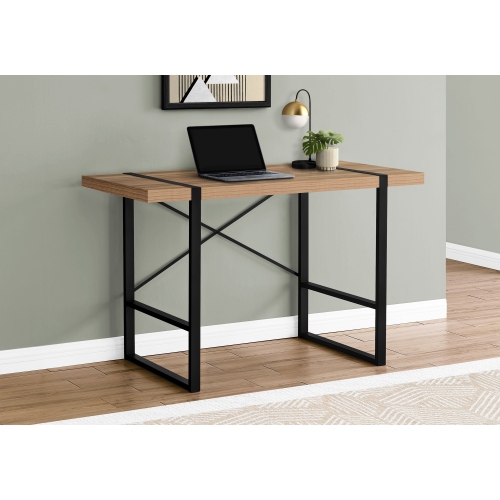
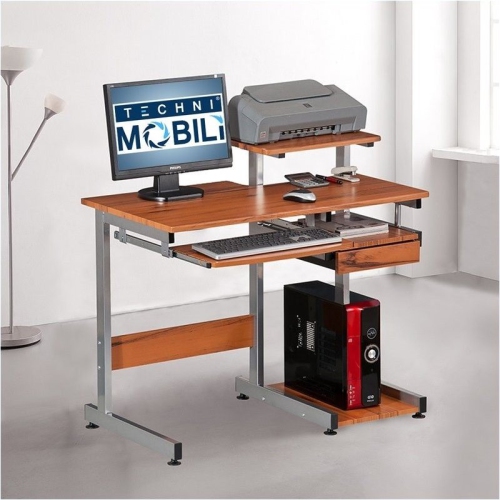
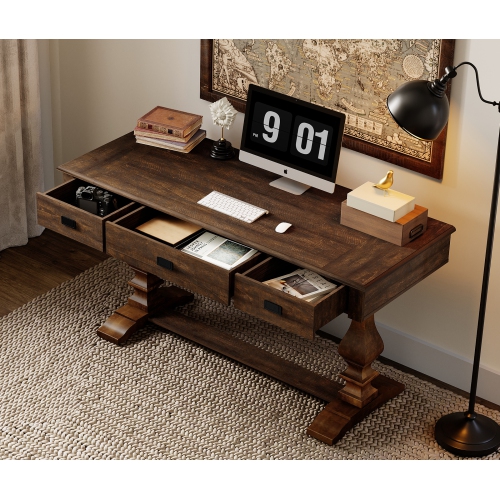
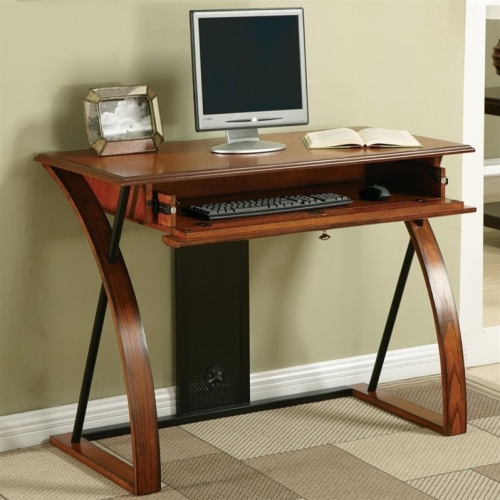
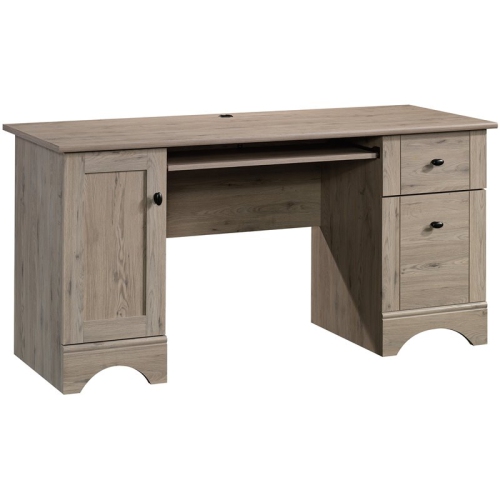
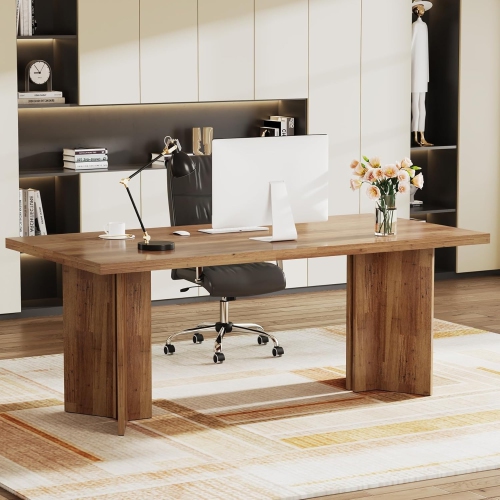
Modern wood computer desks bring together the warmth of natural-looking grain and the clean, purposeful lines that suit contemporary rooms. They can make a home office feel more inviting without looking overly formal, while also fitting neatly into bedrooms, living areas, student spaces, and multipurpose rooms. Depending on the design, a modern wood computer desk may feature a slim rectangular top, angled or tapered legs, discreet drawers, open shelving, a built-in file cabinet, or a frame that lets you alternate between sitting and standing. Finishes inspired by walnut, oak, ash, and other wood tones range from pale and understated to deep and dramatic, making it easier to coordinate with flooring, bookshelves, accent chairs, and other furniture. Some desks use solid wood components, while others combine wood surfaces or veneers with metal frames and engineered materials. The right choice depends on how you plan to work and how much visual weight you want in the room. A compact writing-style desk can be a practical landing spot for a laptop, notebook, and lamp, especially in an apartment or shared living space. A larger executive configuration may provide room for two monitors, speakers, a full-size keyboard, documents, and a charging station without leaving the surface feeling crowded. For a room where every square inch matters, look for streamlined proportions, drawers that make use of vertical space, or a wall-mounted design that keeps the floor area open. Browse the selection of Wood Computer Desks to compare different shapes, finishes, storage layouts, and workstation features in one place.
When choosing a modern wood computer desk, begin with the available area rather than the desk dimensions alone. Measure the wall or corner where it will sit, then allow enough clearance for a chair to slide back comfortably and for drawers or cabinet doors to open fully. It is also worth checking the route into the room, including stairways, elevators, doorways, and narrow hallways, if the desk arrives as a larger assembled piece. Consider the equipment that needs to live on the surface every day. A laptop requires less depth than a desktop computer with a monitor, keyboard, and mouse, while multiple displays may call for a wider top and a sturdy frame. If you use a monitor arm, microphone, desk lamp, or other clamp-mounted accessory, confirm that the rear edge can accommodate it. Cable management can make a considerable difference to the finished appearance: integrated grommets, rear channels, cable trays, and openings for power cords help keep wires from hanging in a loose bundle behind the desk. Built-in power hubs with AC outlets or USB ports can also make it easier to charge a phone, connect peripherals, and keep commonly used devices within reach, although the desk should still be placed near a suitable wall outlet. A keyboard tray may free up desktop space, while a raised shelf can position a monitor at a more comfortable height. For a flexible workstation, an adjustable-height desk allows you to move between sitting and standing during a long workday. Check the lifting range, weight capacity, stability at higher settings, and control layout, particularly if you plan to use heavier monitors or accessories. A desk should support an ergonomic arrangement in which your screen is near eye level, your elbows can rest comfortably at roughly a right angle, and your feet remain supported. A separate monitor stand, adjustable chair, or footrest may help fine-tune the setup after the desk is in place.
Modern wood computer desks are suited to a wide range of users, from remote workers and freelancers to students, gamers, creative professionals, and anyone who needs a dependable place for everyday computing. A student may use a smaller desk for online classes, reading, and written assignments, with a drawer for stationery and headphones. Someone working from home may prefer a broad surface that leaves room for a notebook beside a monitor, along with storage for files and office supplies. For gaming or media use, depth and stability become especially important, as the setup may include a large display, keyboard, mouse, speakers, and a console or computer tower. A modern wood finish can soften the technical appearance of this equipment and help the workspace blend into a living room or bedroom when it is not in use. In a family home, drawers and shelves can give children or teens a defined place for homework, while a compact profile may work well in a guest room that serves several purposes. These desks can also be thoughtful gifts for someone setting up a first apartment, beginning post-secondary studies, moving into a new home, or creating a dedicated work area during the cooler months. Focus on the recipient’s available space, preferred style, computer type, and storage habits before selecting one. Daily comfort matters just as much as appearance, so pay attention to legroom, desk height, edge design, surface texture, and the chair that will be used with it. Wood-look surfaces are generally easy to coordinate, but care instructions can vary; follow the manufacturer’s guidance for cleaning, avoid leaving spills or damp items sitting on the surface, and use a mat beneath hot equipment or accessories that could scratch the finish. A few simple habits—routing cables neatly, keeping the most-used items within arm’s reach, and leaving some open surface area—can make a desk feel calmer and more useful. Whether placed beneath a bright window, against a quiet hallway wall, or in a corner framed by books and artwork, a modern wood computer desk can turn an ordinary part of the home into a comfortable, organised workstation.
When choosing a modern wood computer desk, begin with the available area rather than the desk dimensions alone. Measure the wall or corner where it will sit, then allow enough clearance for a chair to slide back comfortably and for drawers or cabinet doors to open fully. It is also worth checking the route into the room, including stairways, elevators, doorways, and narrow hallways, if the desk arrives as a larger assembled piece. Consider the equipment that needs to live on the surface every day. A laptop requires less depth than a desktop computer with a monitor, keyboard, and mouse, while multiple displays may call for a wider top and a sturdy frame. If you use a monitor arm, microphone, desk lamp, or other clamp-mounted accessory, confirm that the rear edge can accommodate it. Cable management can make a considerable difference to the finished appearance: integrated grommets, rear channels, cable trays, and openings for power cords help keep wires from hanging in a loose bundle behind the desk. Built-in power hubs with AC outlets or USB ports can also make it easier to charge a phone, connect peripherals, and keep commonly used devices within reach, although the desk should still be placed near a suitable wall outlet. A keyboard tray may free up desktop space, while a raised shelf can position a monitor at a more comfortable height. For a flexible workstation, an adjustable-height desk allows you to move between sitting and standing during a long workday. Check the lifting range, weight capacity, stability at higher settings, and control layout, particularly if you plan to use heavier monitors or accessories. A desk should support an ergonomic arrangement in which your screen is near eye level, your elbows can rest comfortably at roughly a right angle, and your feet remain supported. A separate monitor stand, adjustable chair, or footrest may help fine-tune the setup after the desk is in place.
Modern wood computer desks are suited to a wide range of users, from remote workers and freelancers to students, gamers, creative professionals, and anyone who needs a dependable place for everyday computing. A student may use a smaller desk for online classes, reading, and written assignments, with a drawer for stationery and headphones. Someone working from home may prefer a broad surface that leaves room for a notebook beside a monitor, along with storage for files and office supplies. For gaming or media use, depth and stability become especially important, as the setup may include a large display, keyboard, mouse, speakers, and a console or computer tower. A modern wood finish can soften the technical appearance of this equipment and help the workspace blend into a living room or bedroom when it is not in use. In a family home, drawers and shelves can give children or teens a defined place for homework, while a compact profile may work well in a guest room that serves several purposes. These desks can also be thoughtful gifts for someone setting up a first apartment, beginning post-secondary studies, moving into a new home, or creating a dedicated work area during the cooler months. Focus on the recipient’s available space, preferred style, computer type, and storage habits before selecting one. Daily comfort matters just as much as appearance, so pay attention to legroom, desk height, edge design, surface texture, and the chair that will be used with it. Wood-look surfaces are generally easy to coordinate, but care instructions can vary; follow the manufacturer’s guidance for cleaning, avoid leaving spills or damp items sitting on the surface, and use a mat beneath hot equipment or accessories that could scratch the finish. A few simple habits—routing cables neatly, keeping the most-used items within arm’s reach, and leaving some open surface area—can make a desk feel calmer and more useful. Whether placed beneath a bright window, against a quiet hallway wall, or in a corner framed by books and artwork, a modern wood computer desk can turn an ordinary part of the home into a comfortable, organised workstation.
Top selling and popular products
-
 Your price for this item is $304.99
 -
 Your price for this item is $93.99
 -
 Your price for this item is $248.99
 -
 Your price for this item is $83.99
 -
 Your price for this item is $108.99
 -
 Your price for this item is $94.99
 -
 Your price for this item is $74.97
 -
 Your price for this item is $83.95
Discover more categories related to Modern Wood Computer Desks
Top Collections:
Pokemon Centers, Kindle Devices, Best Budget Office Chairs, Apple iPhones 16, Best Laptops for Writers, iPhone 15 Apple, Canon G7X Cameras, Refurbished Apple Laptops, Alarm Clock, Motorola Razr Phones
Some products may be subject to Environmental Handling Fees
(EHF) depending on your province.
Learn more about EHFs.