Wood Computer Desks
If you're looking for a desk that will last for years, consider a wood desk. Wood desks are built to last and are available in many different styles, each with its own advantages. These desks are also easy to maintain, which means you'll be able to keep them looking good for years to come. Here are some of the best options available.
Sort
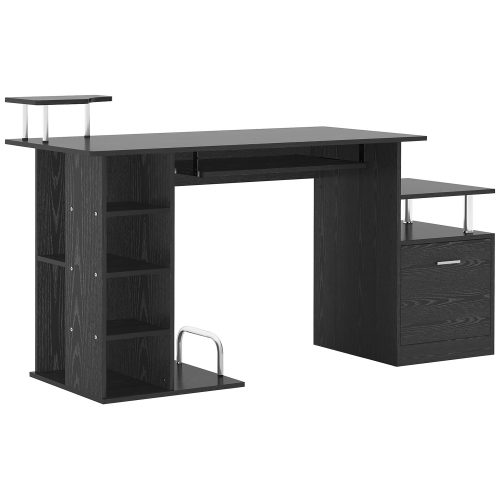
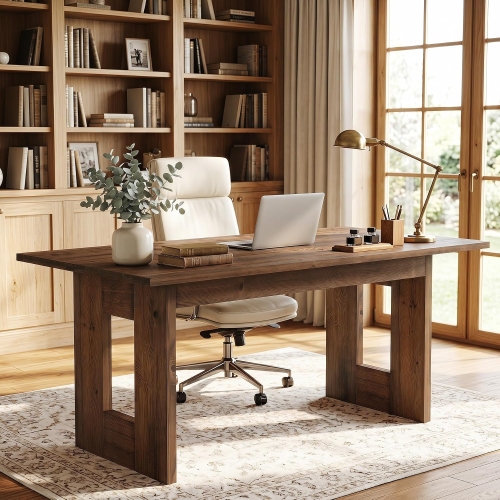
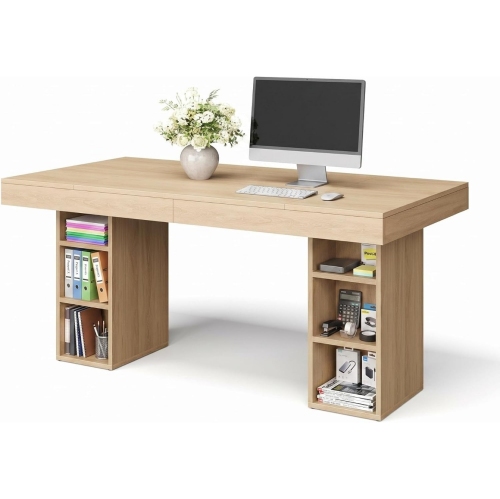
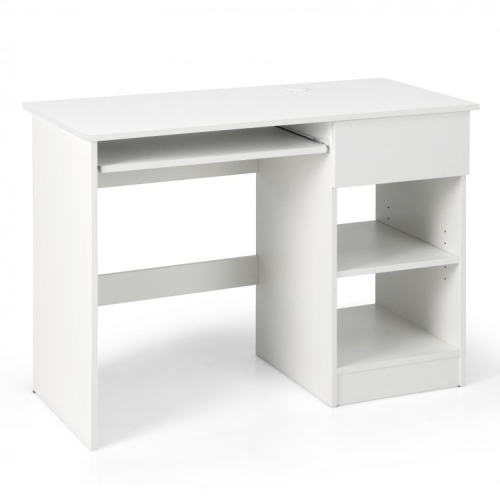
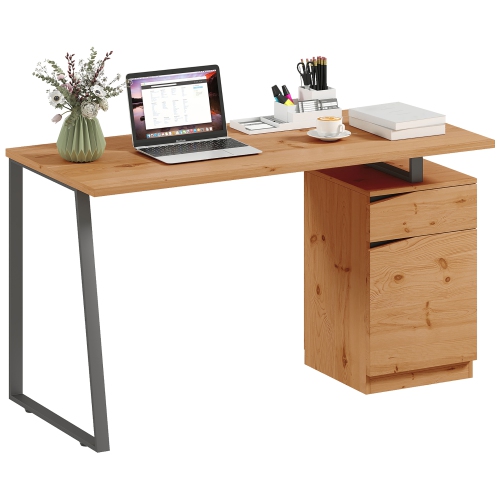
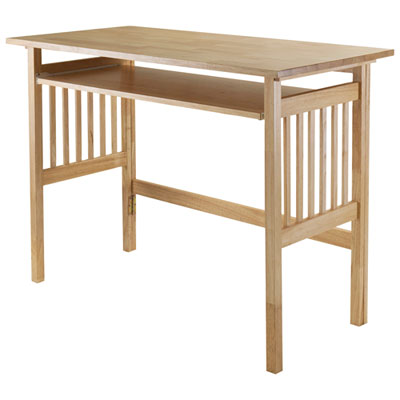
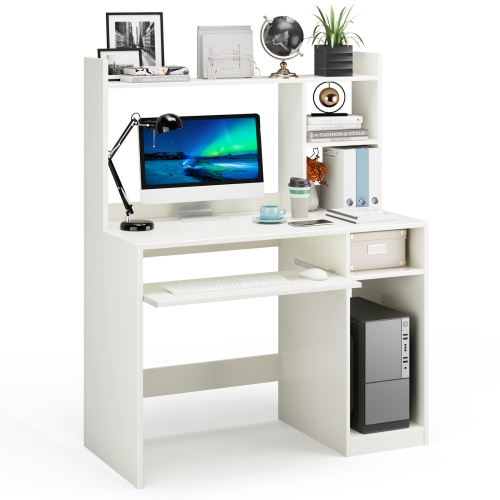
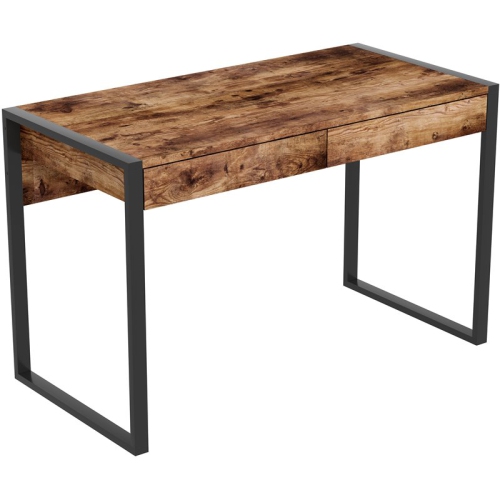
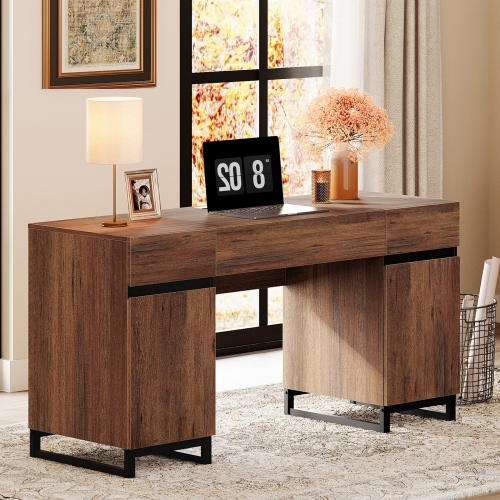
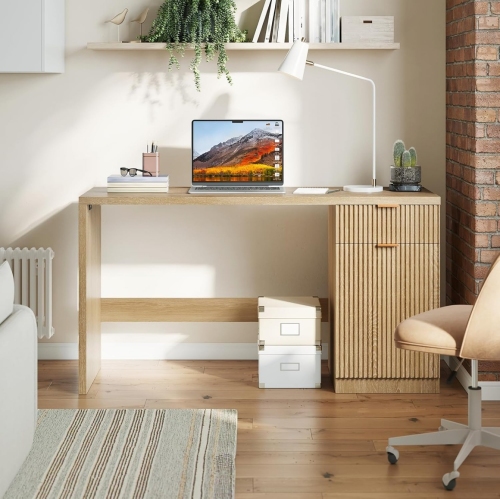
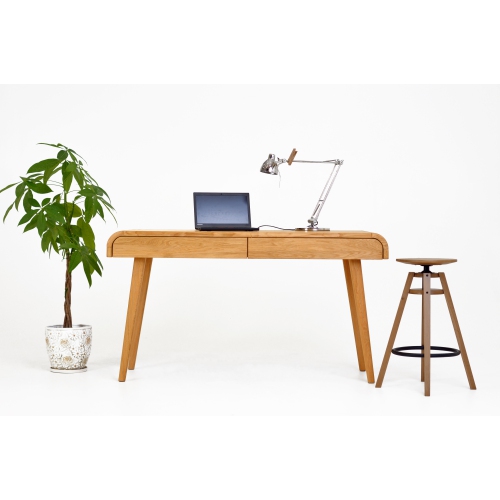
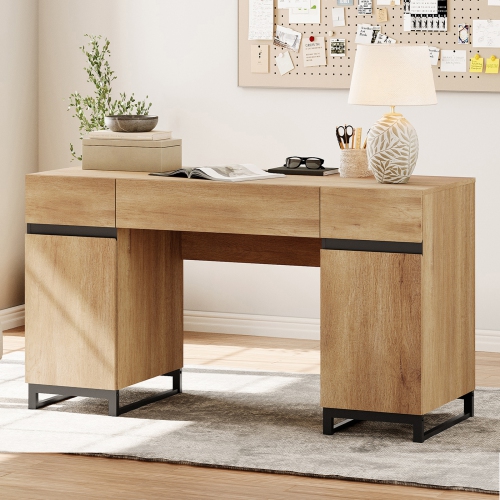
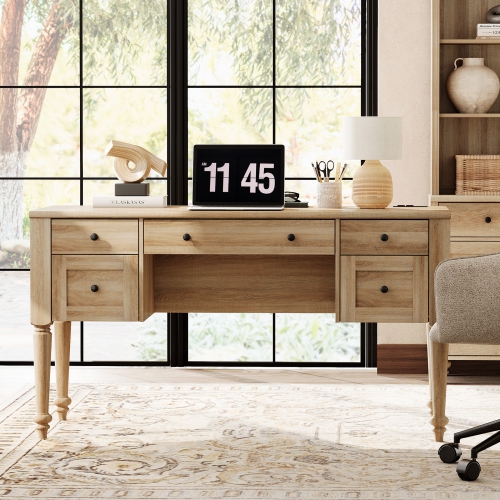
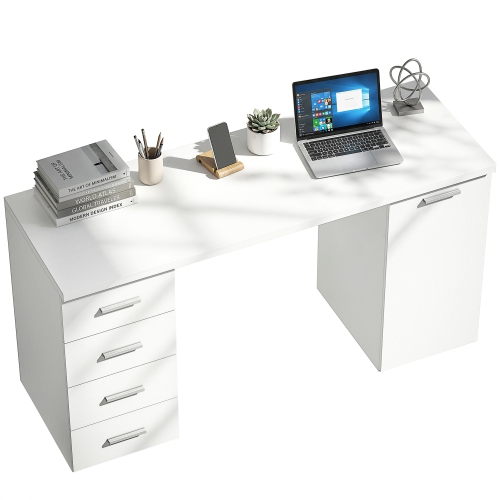
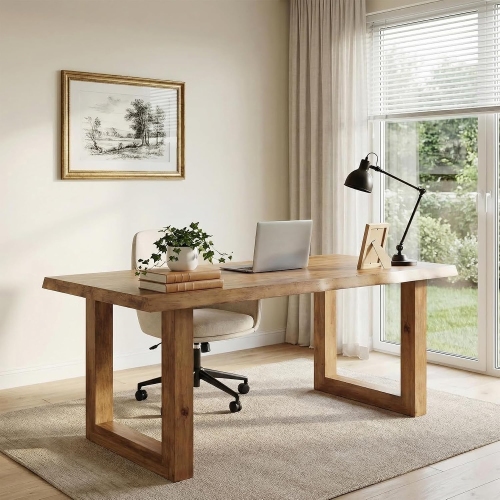


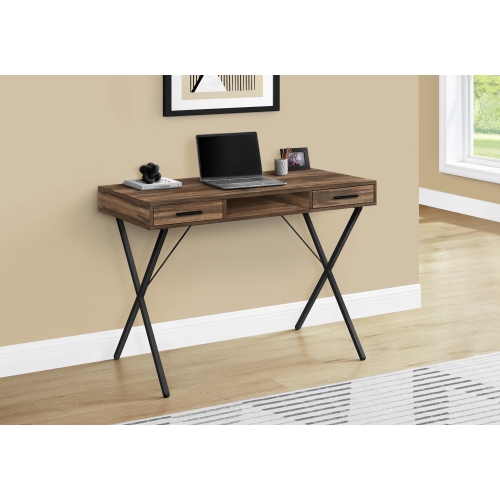
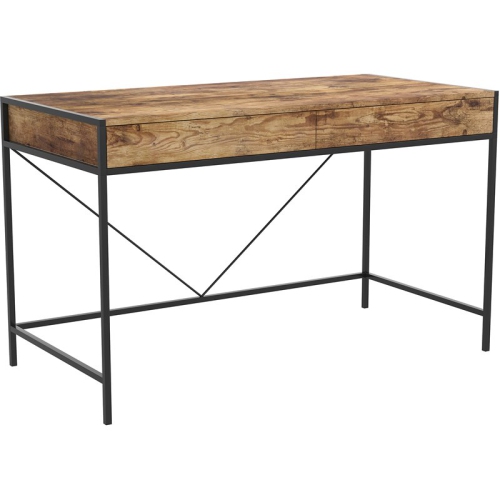
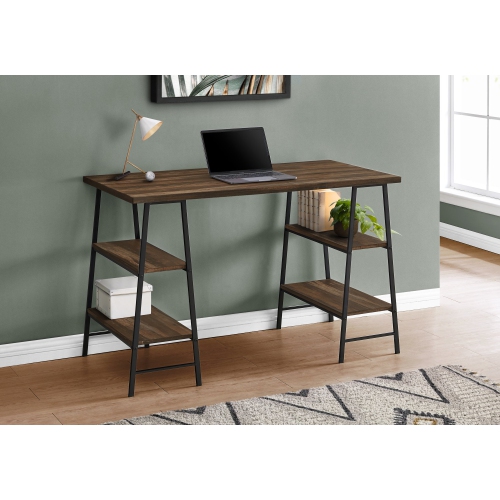
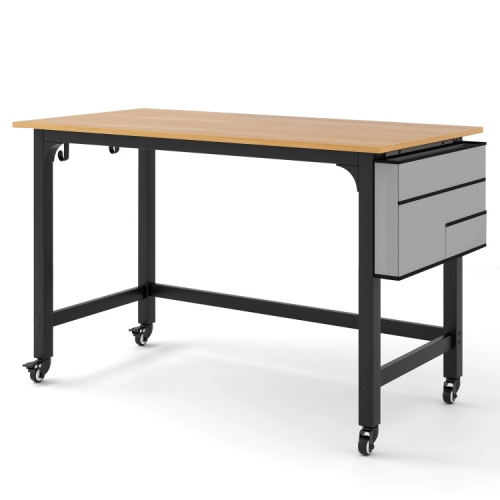

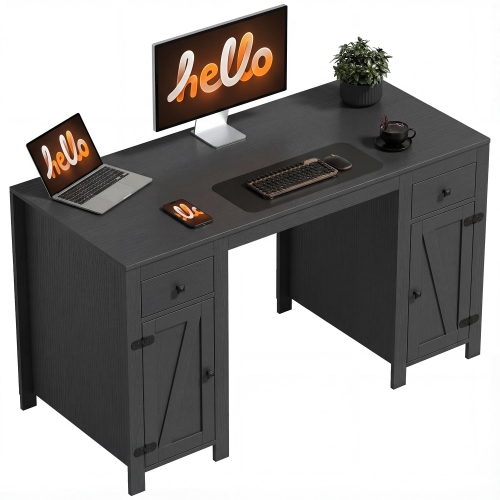
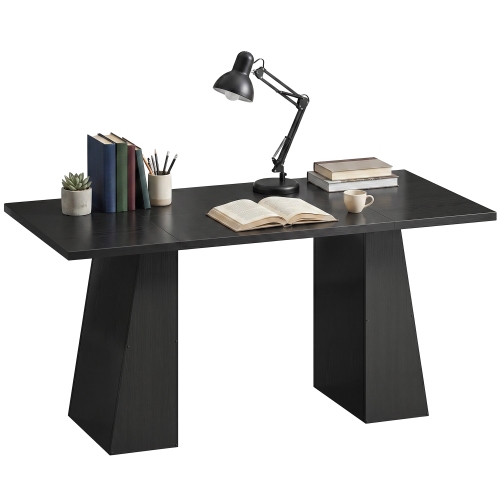
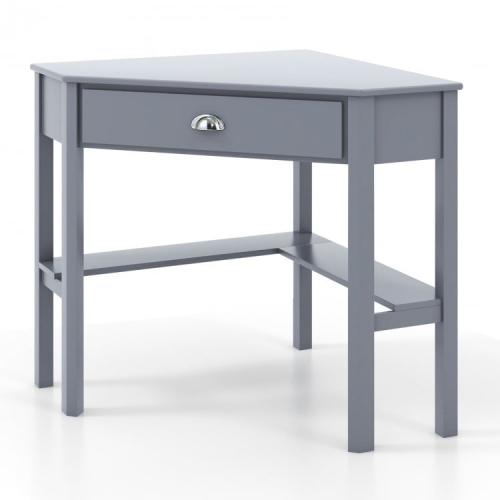
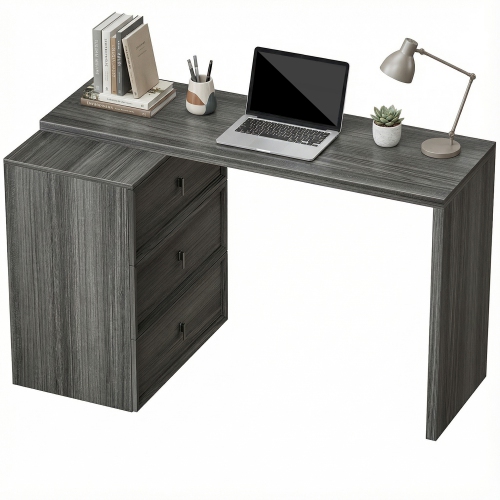
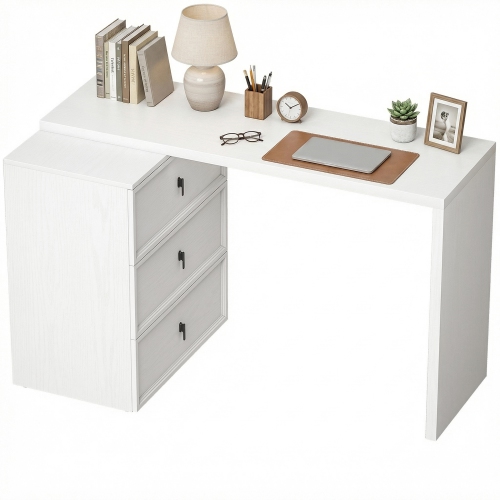
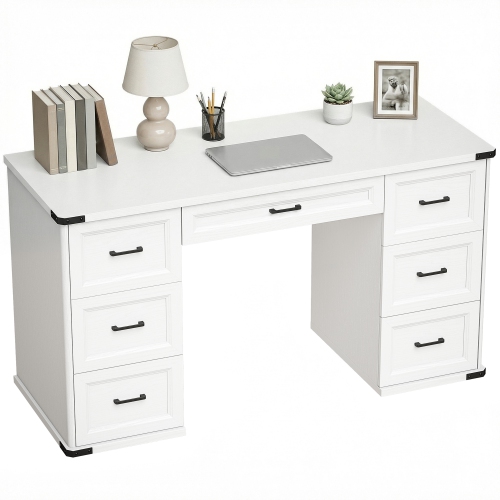
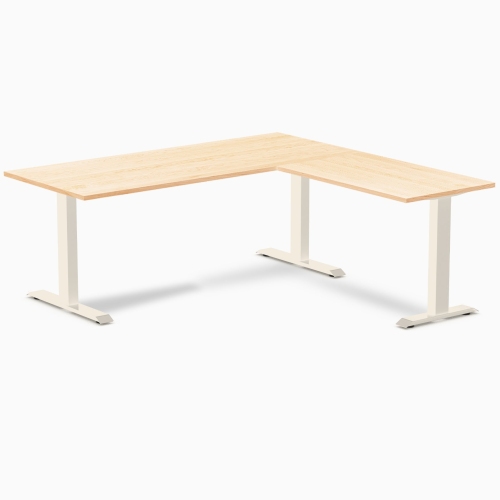
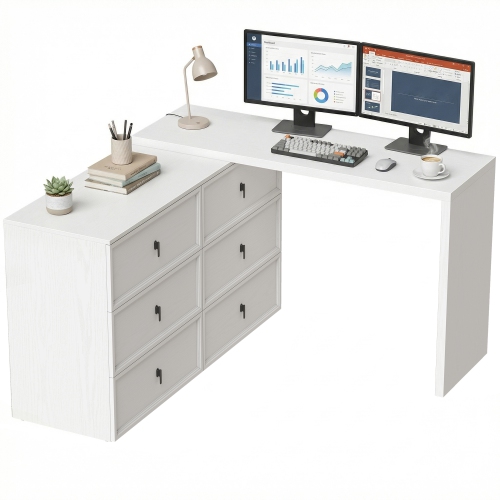
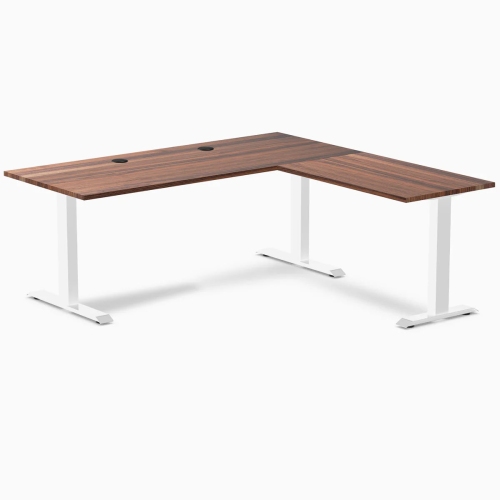
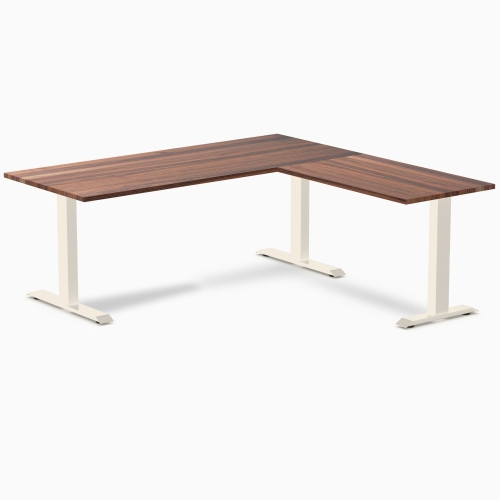
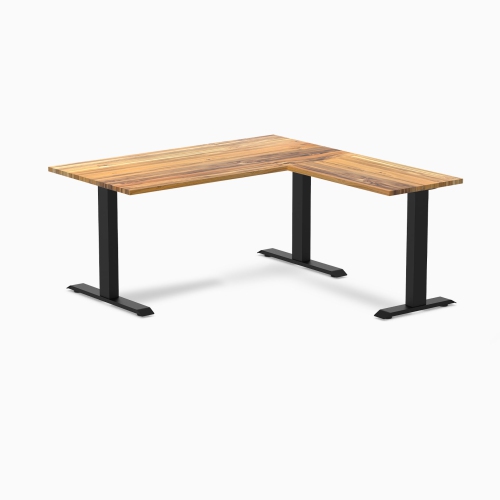
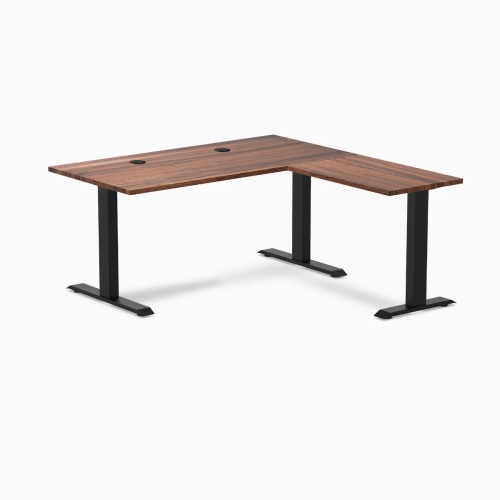

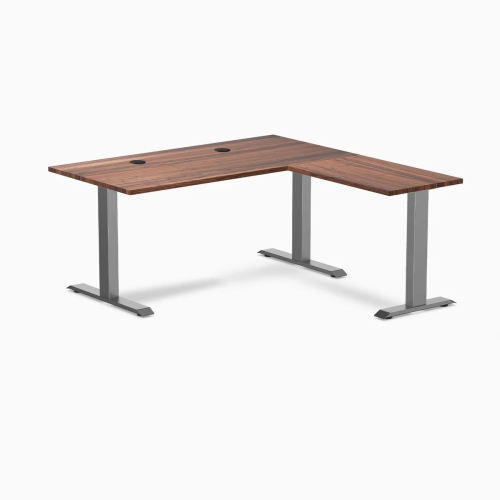
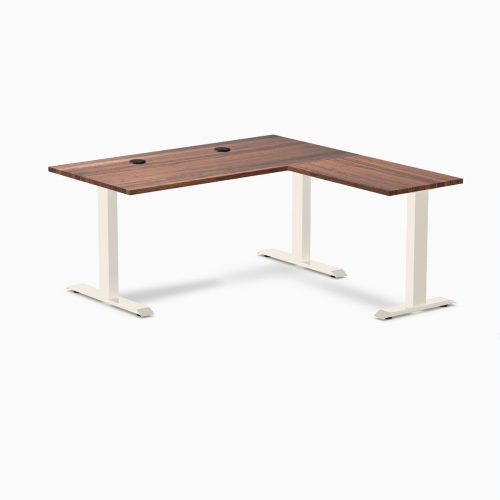
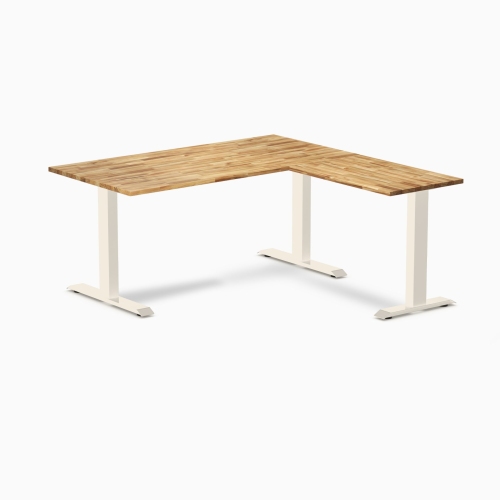
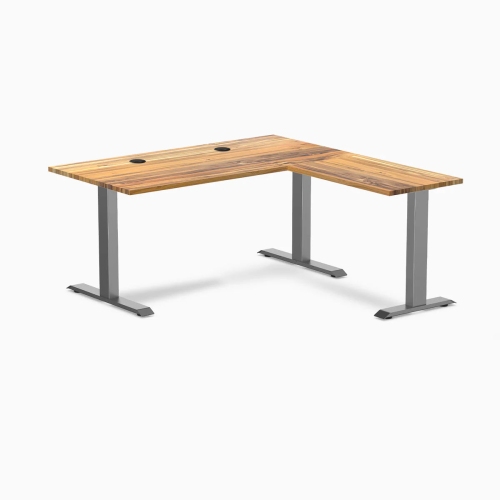
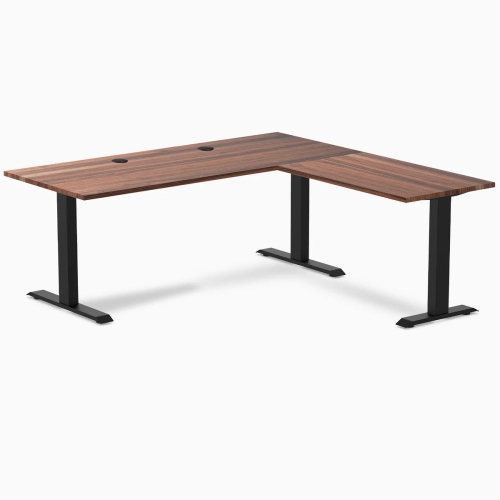
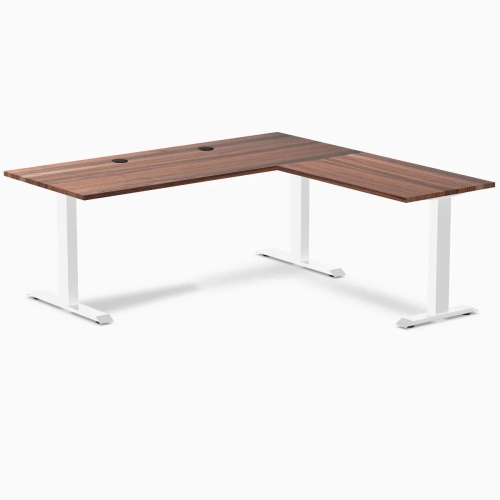
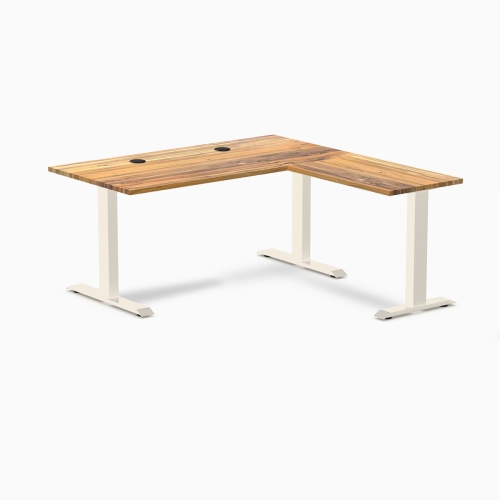

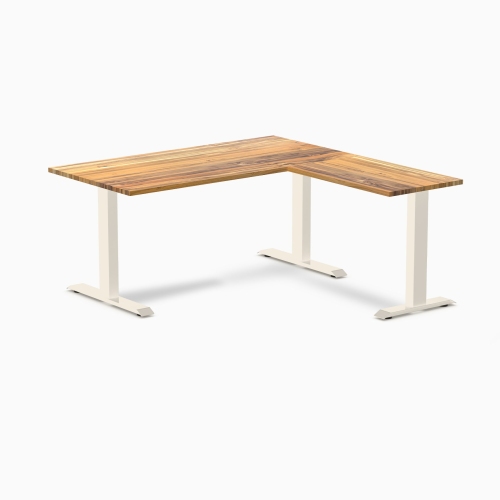
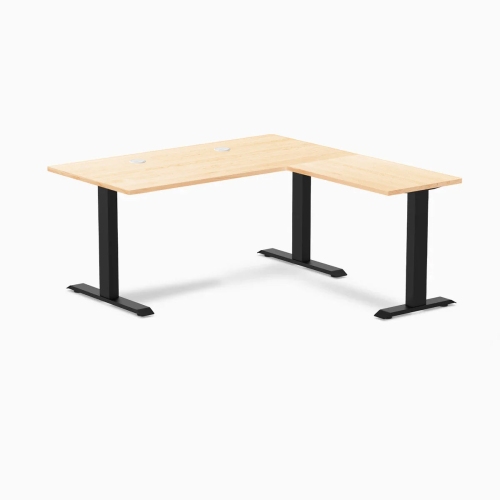
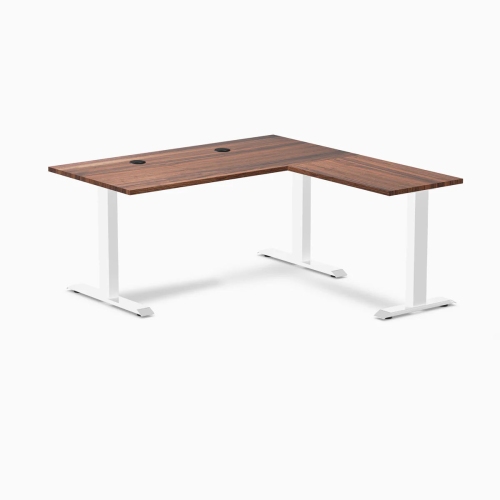
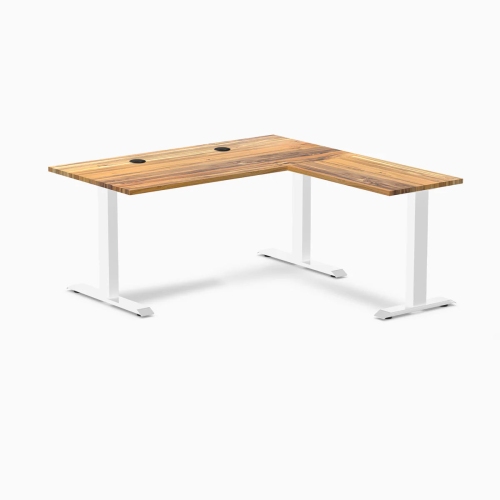
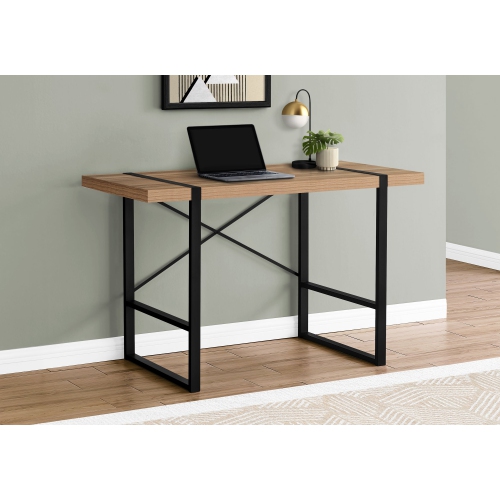
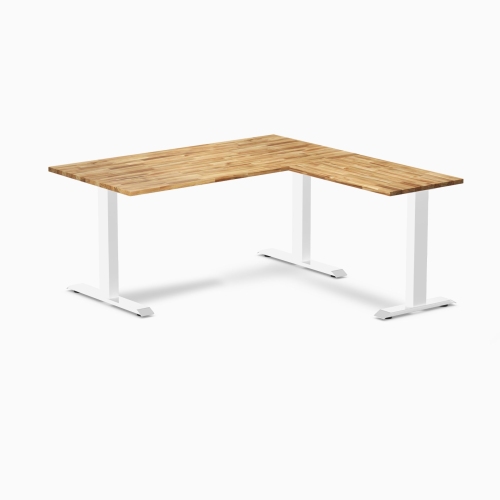
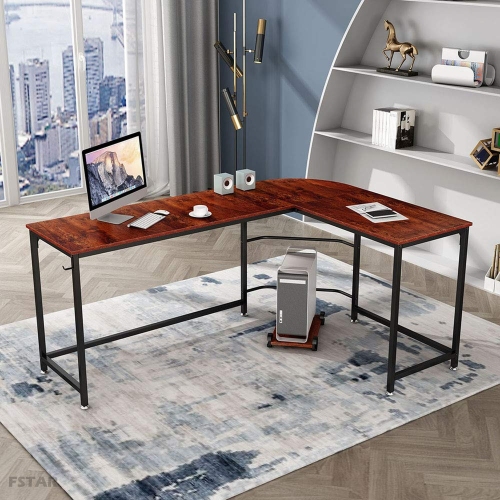
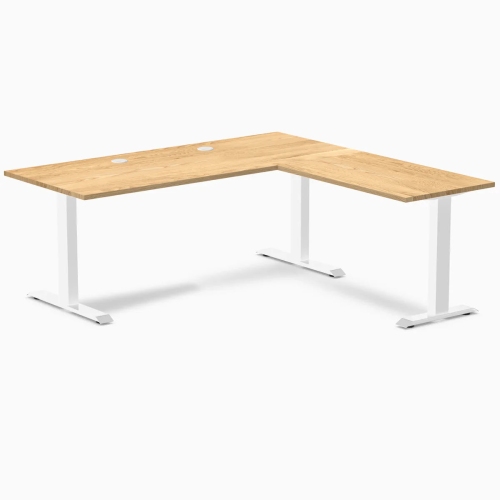
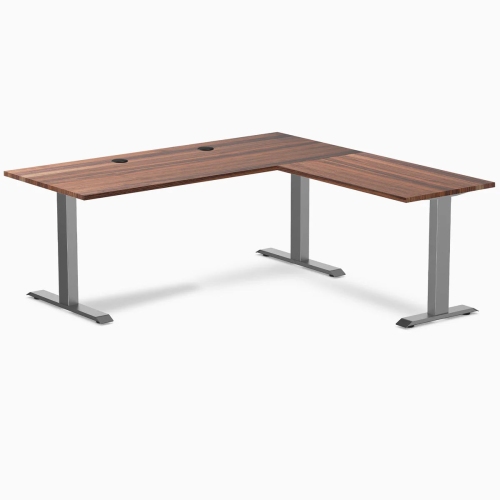
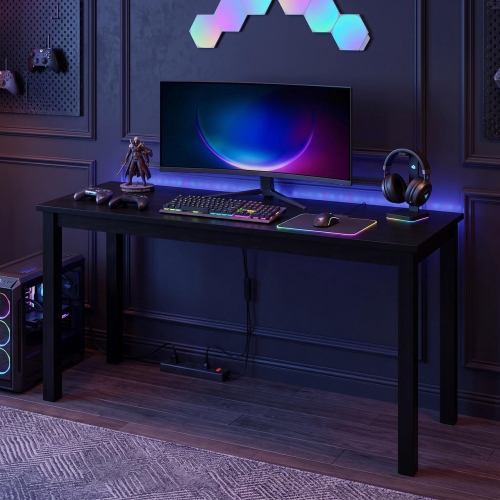
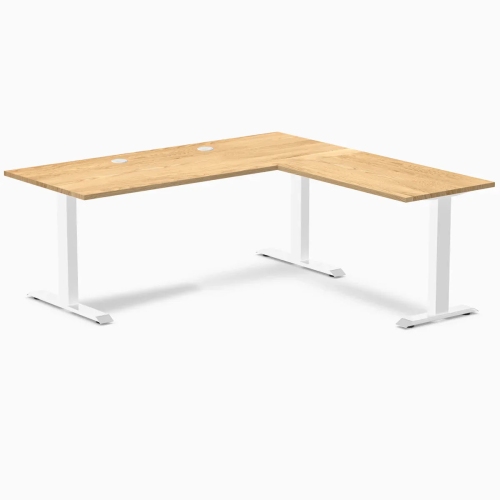
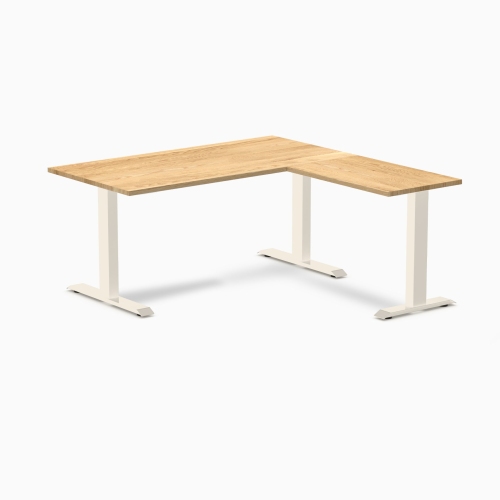
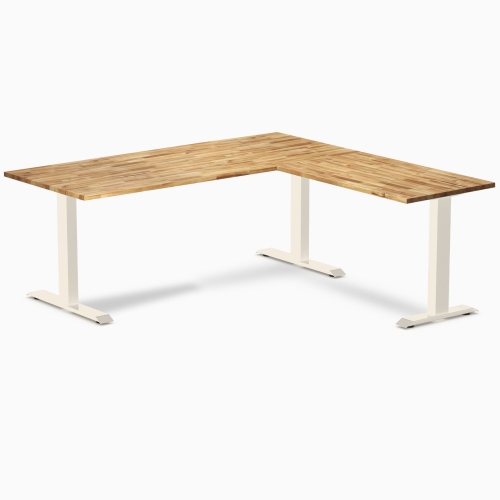
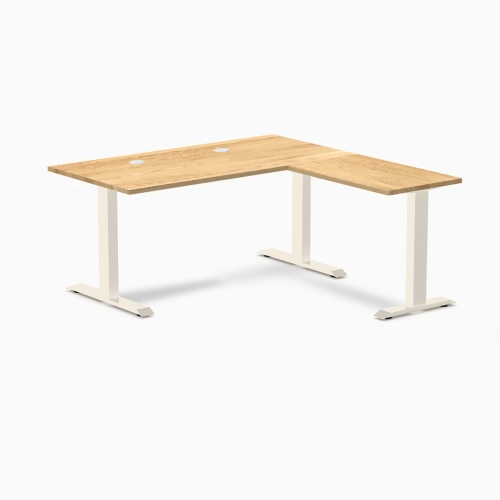
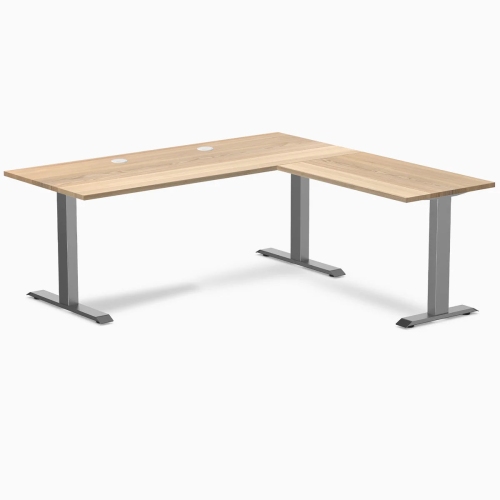
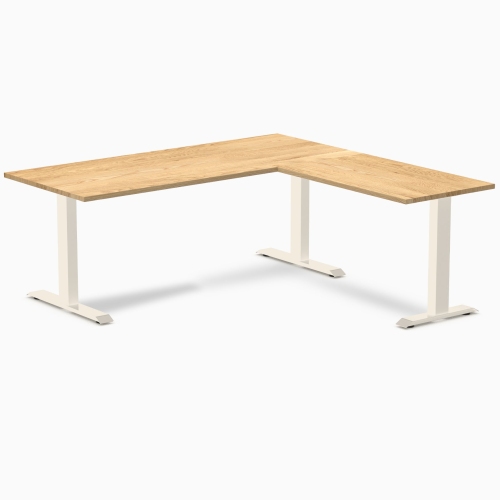
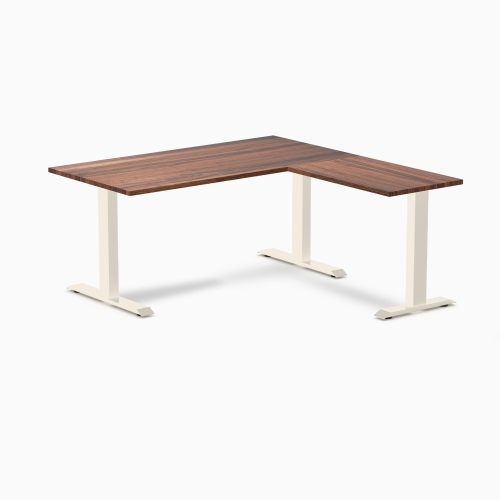
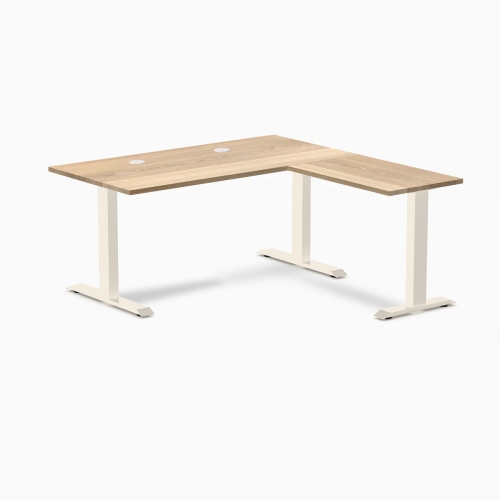
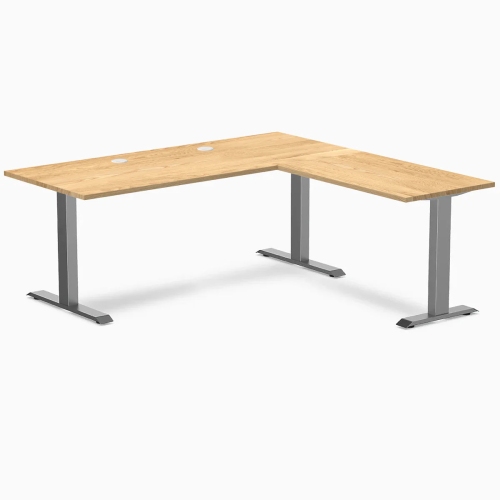
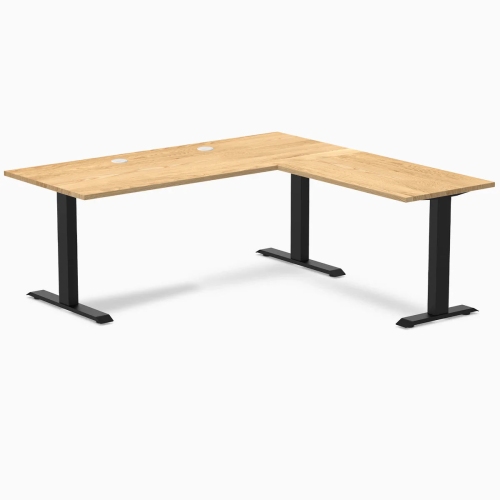
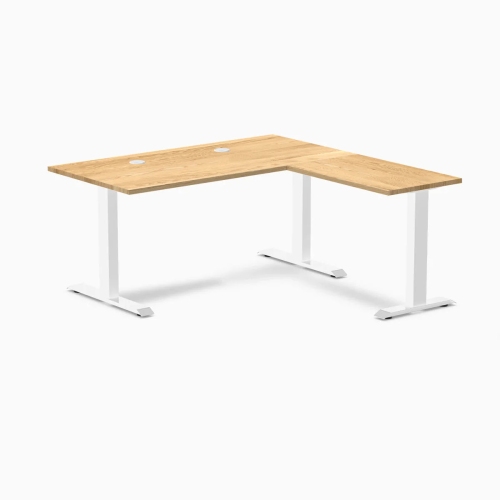
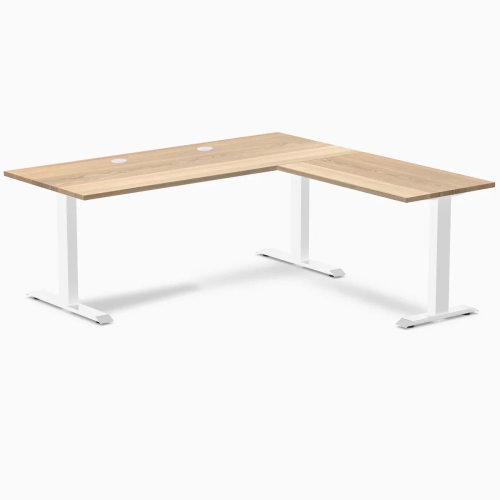
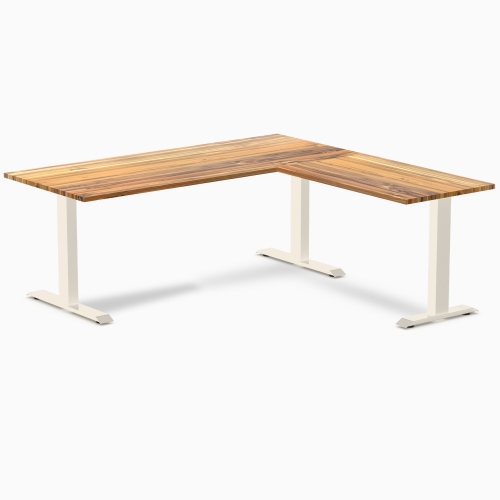
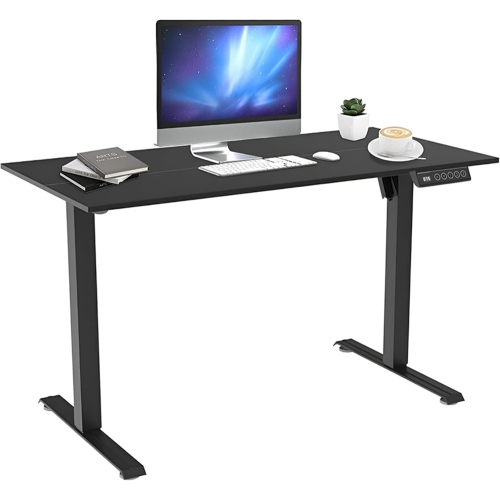
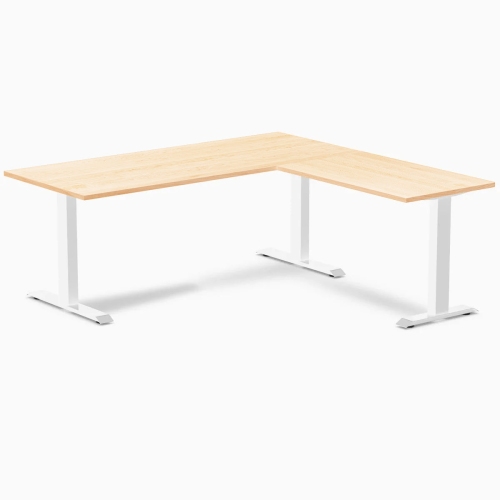
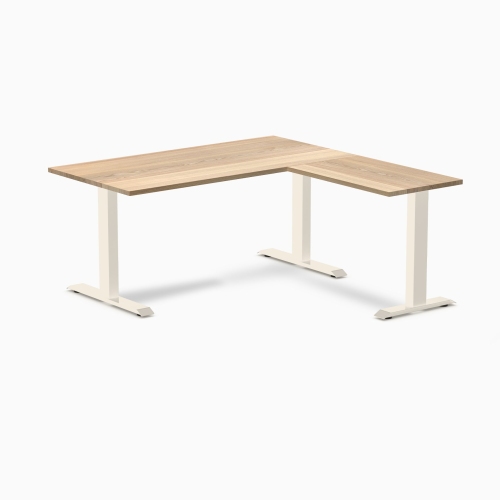
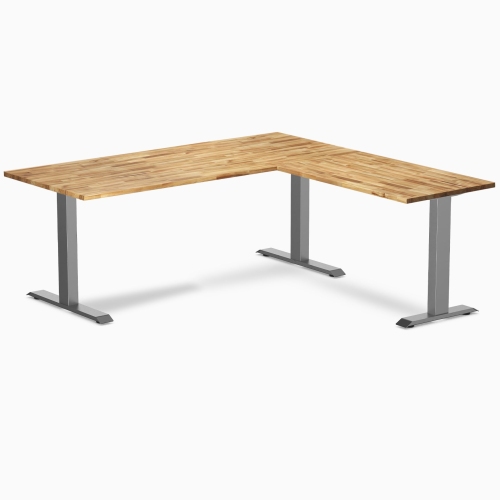
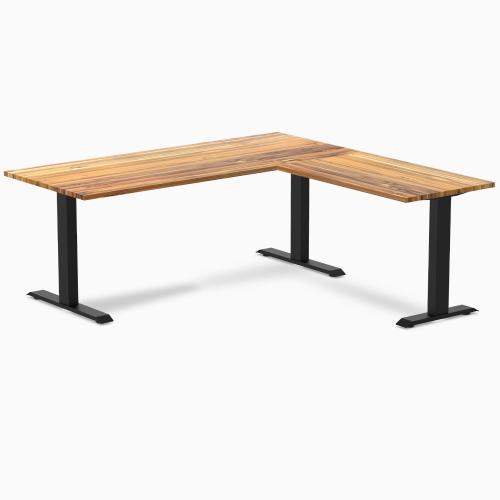
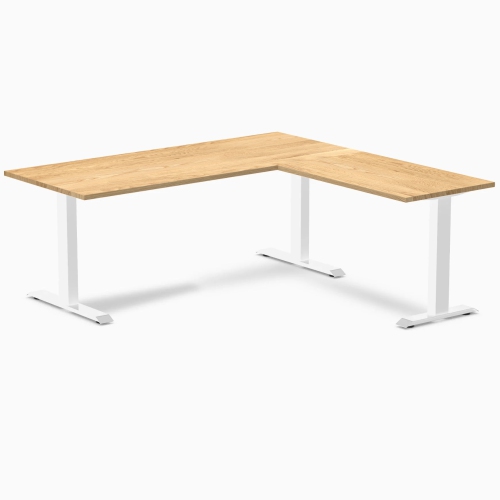
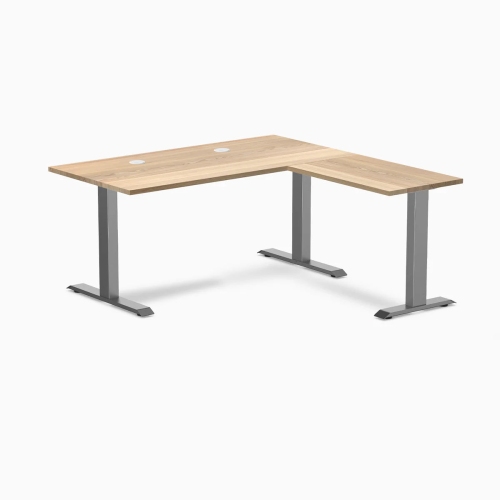
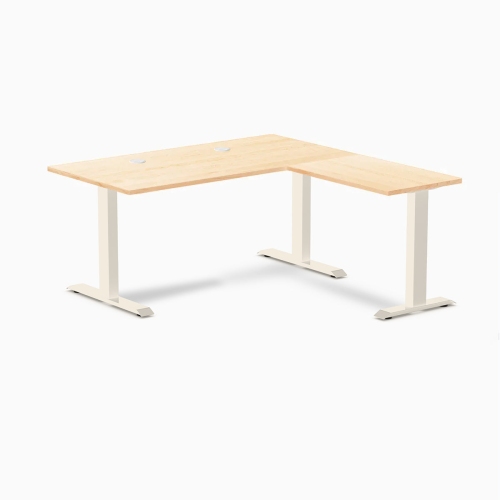
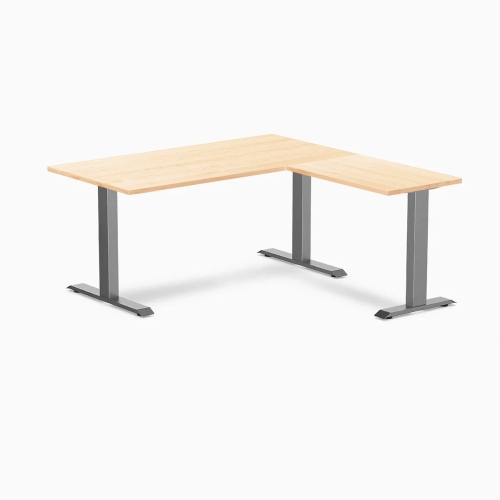
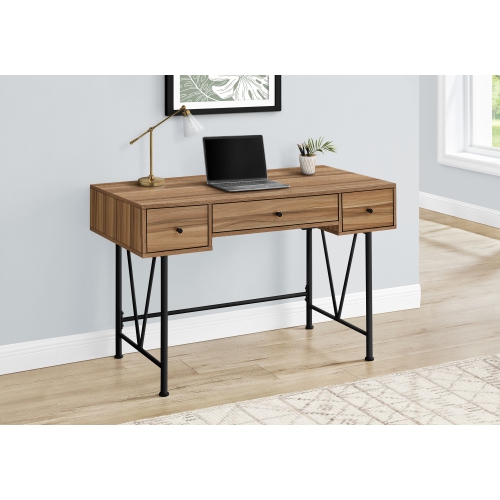

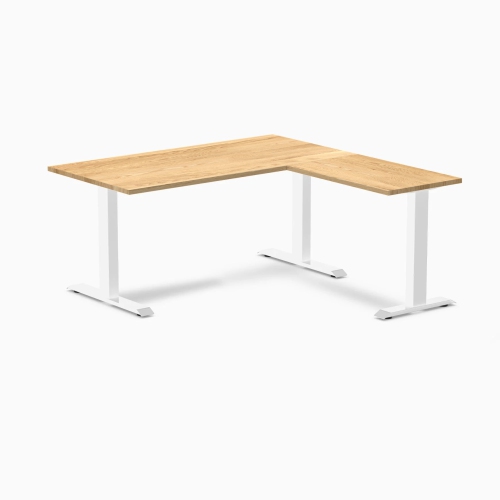
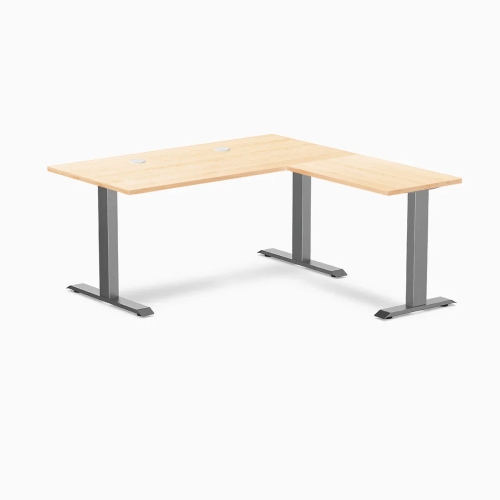
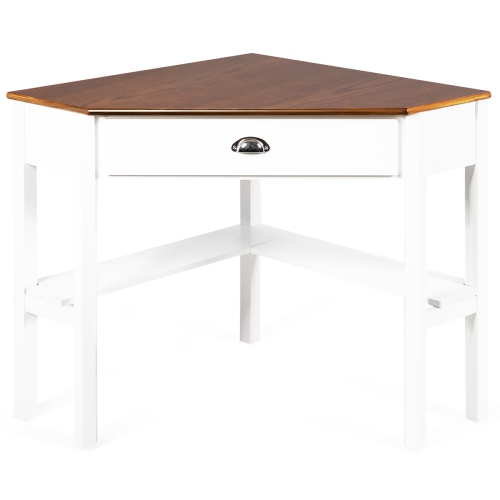
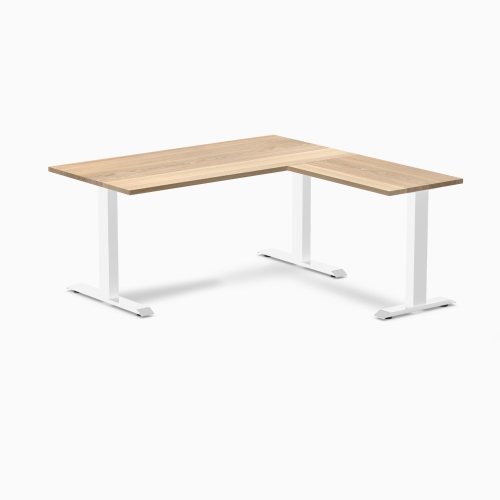
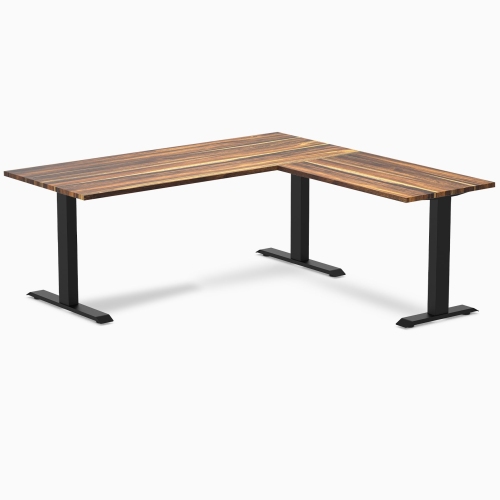
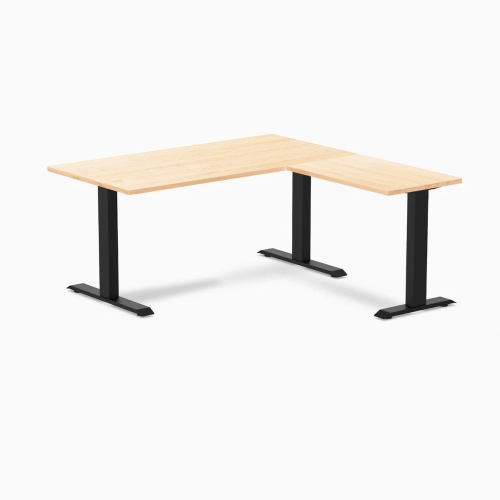
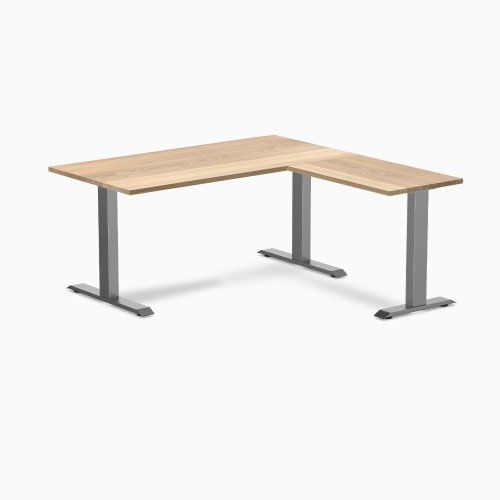
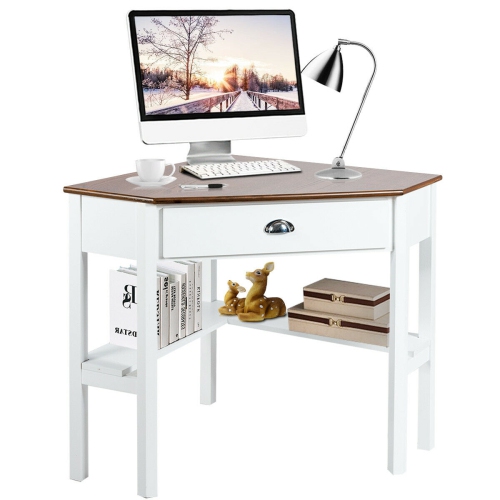
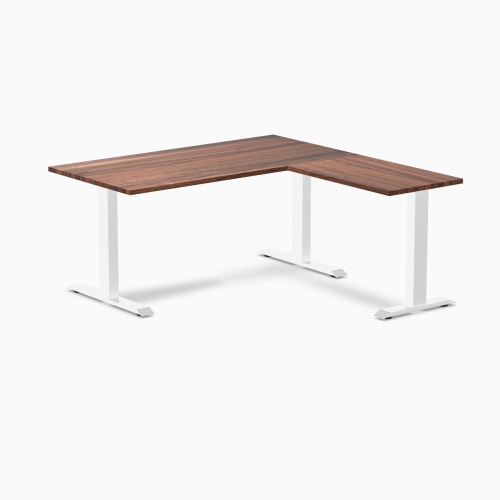
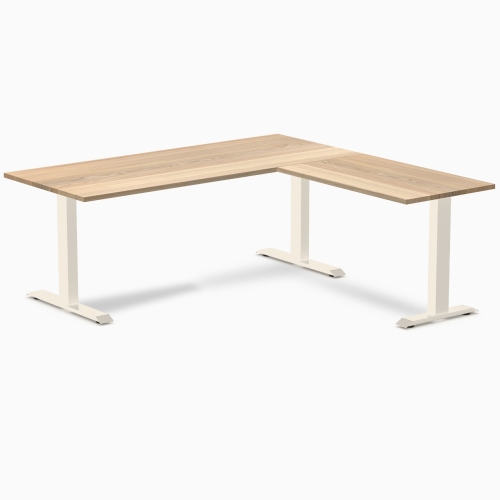
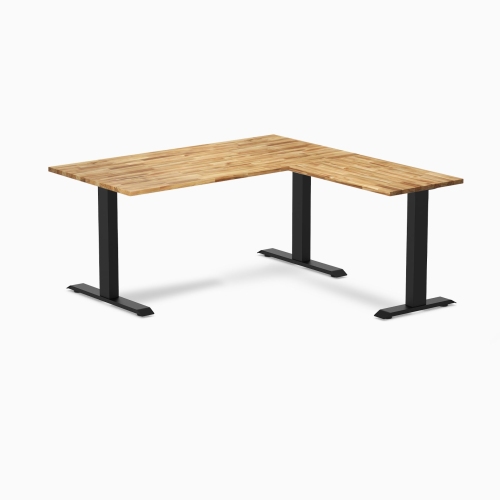
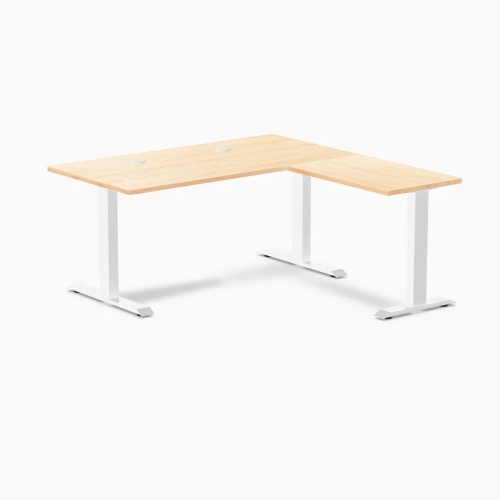
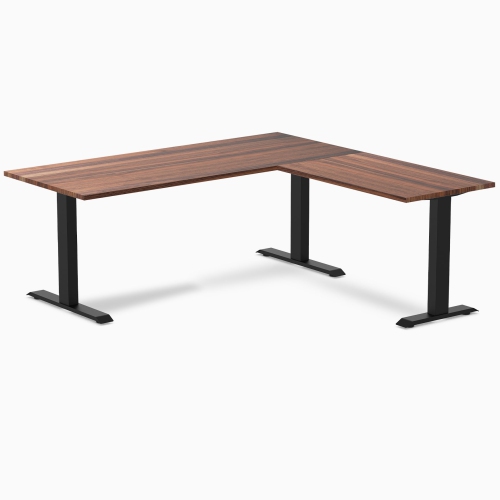
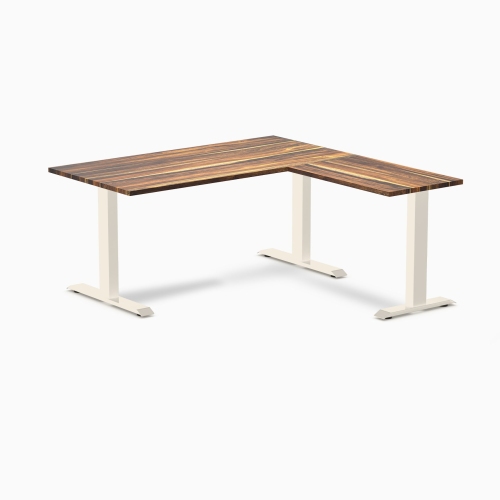
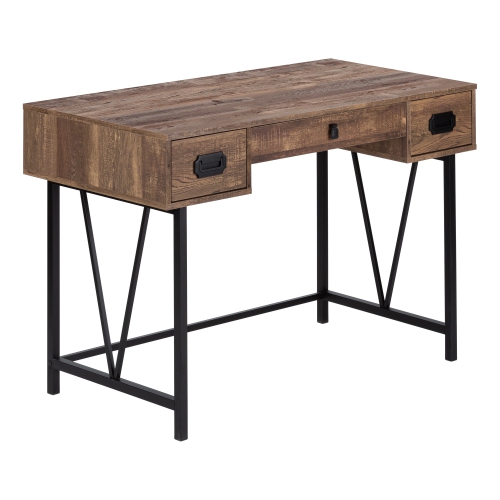
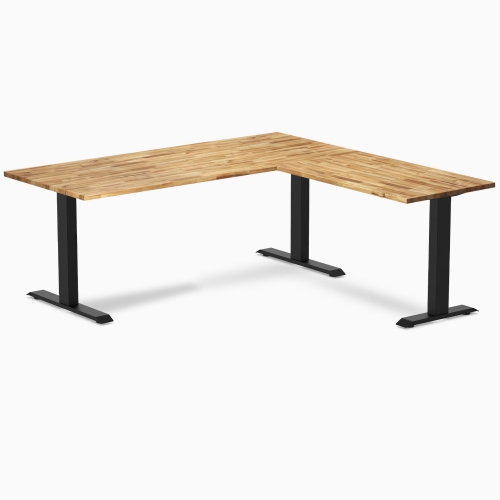
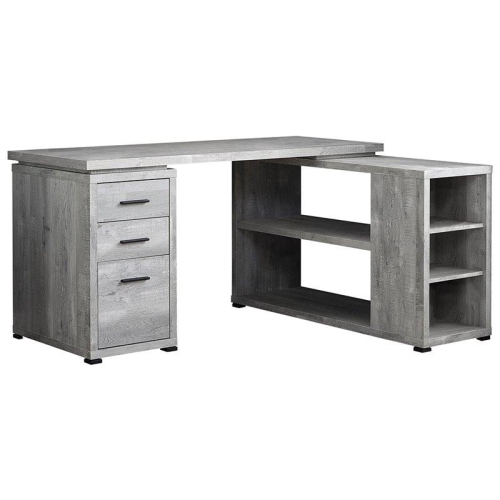
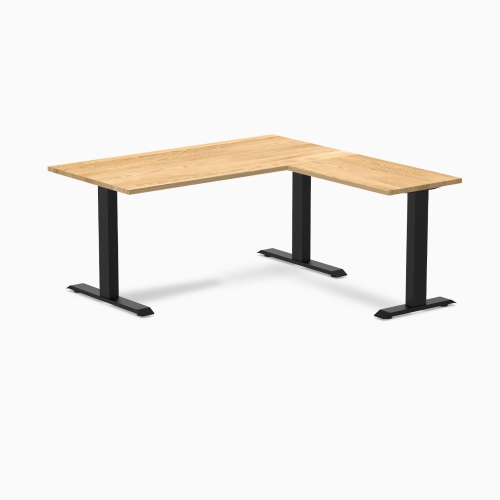
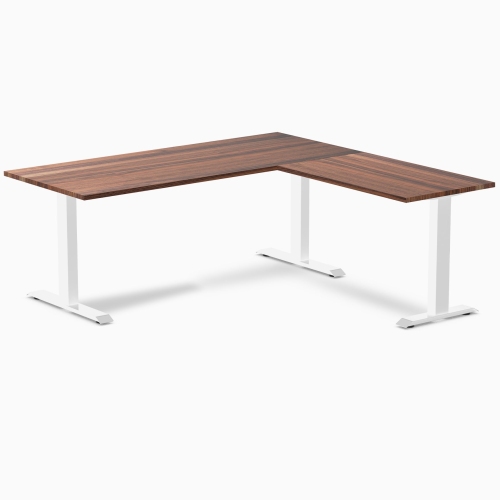
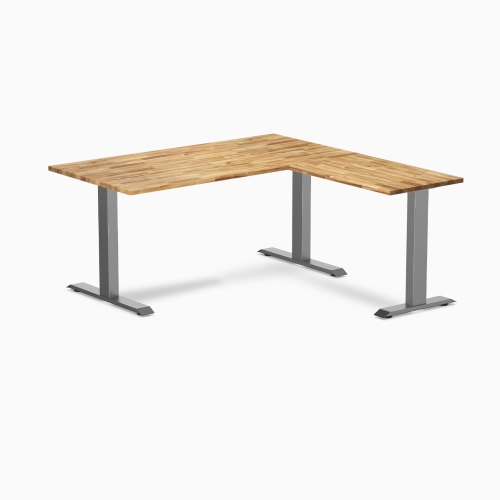
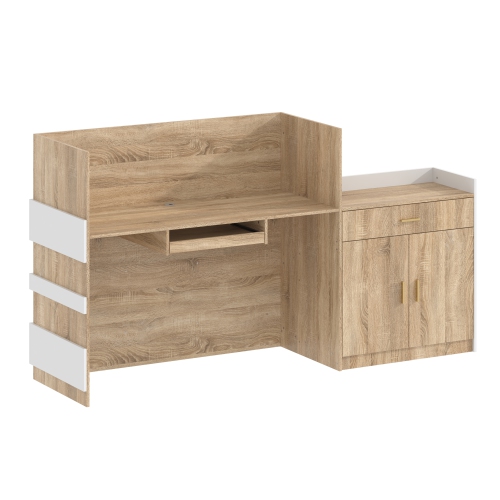
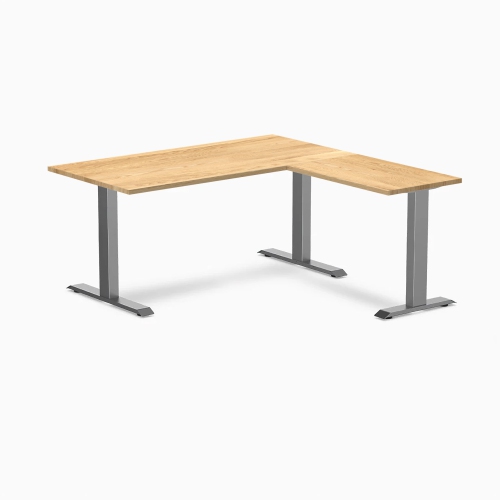
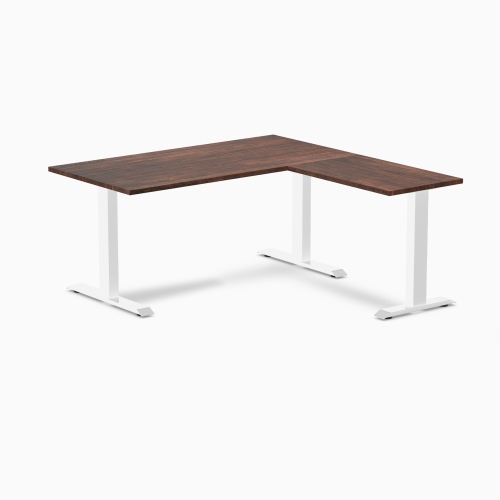
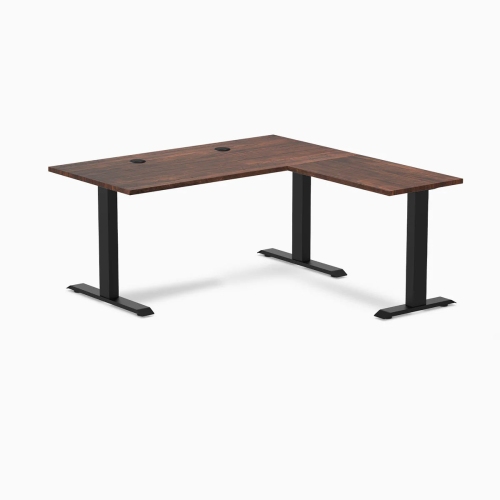
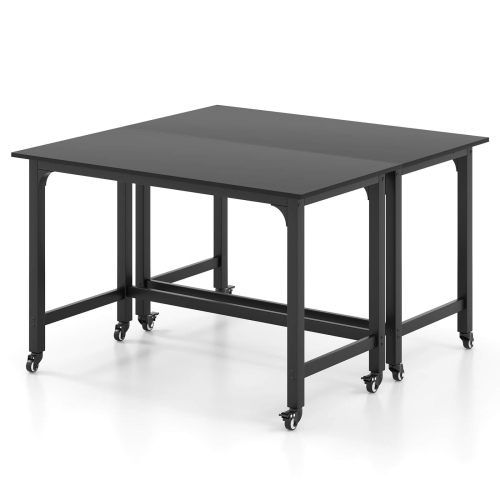
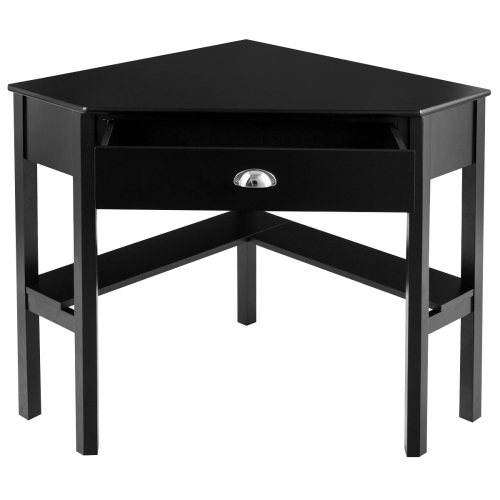
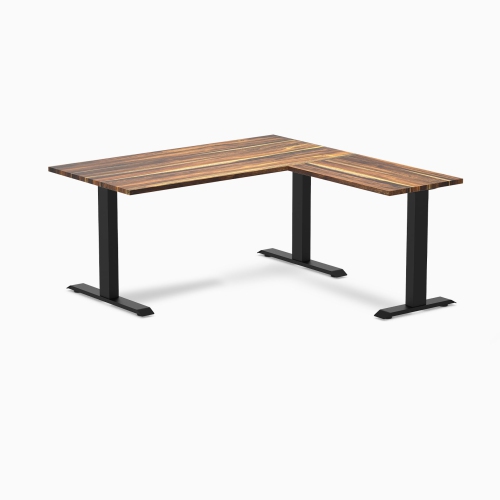
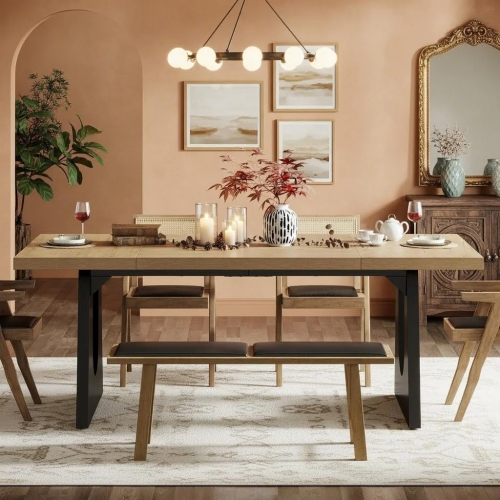
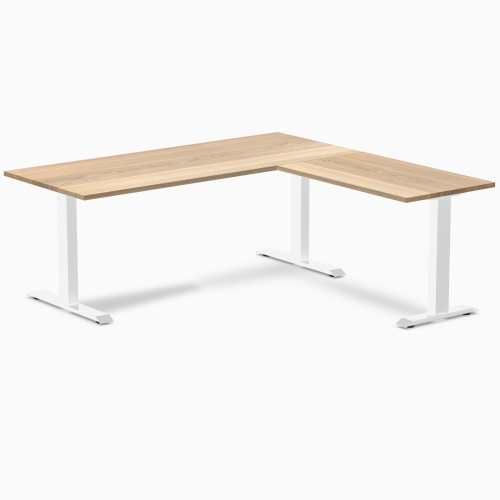
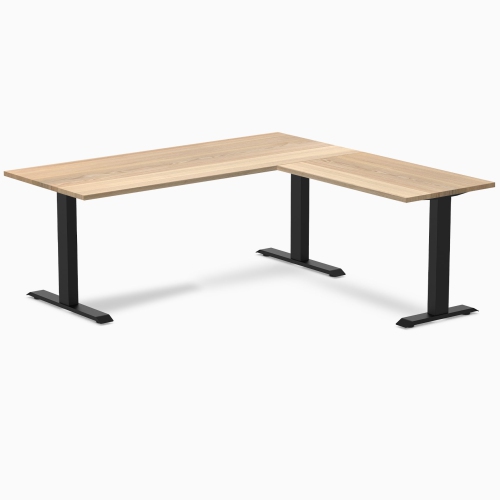
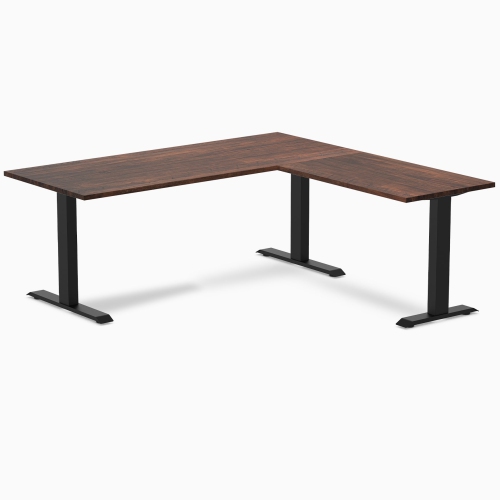
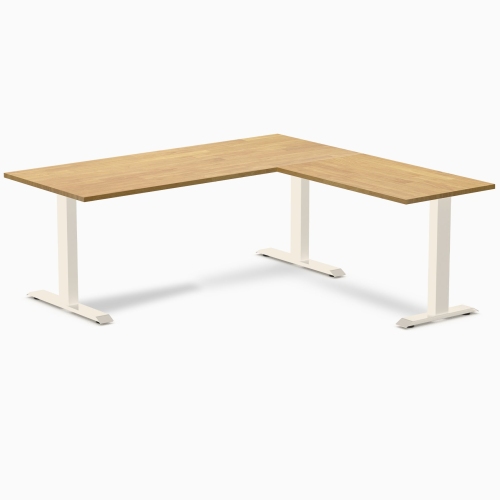
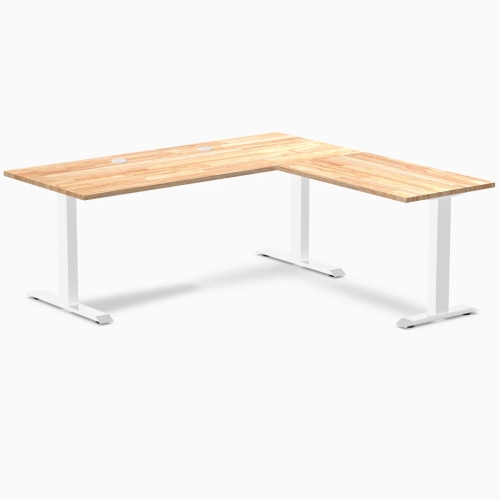
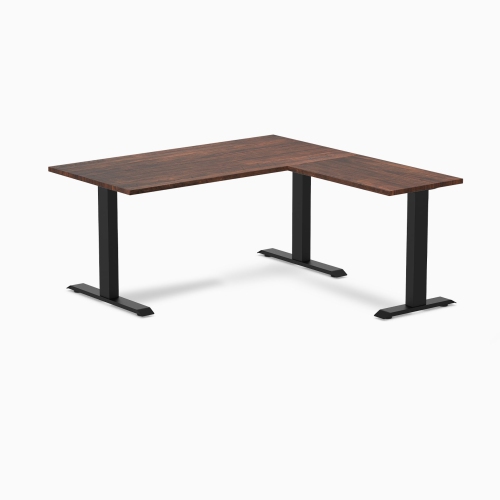
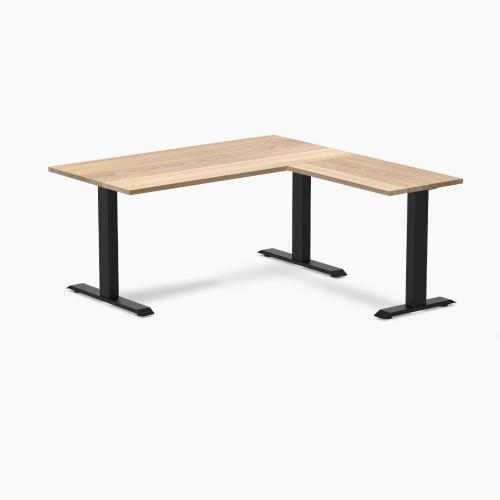
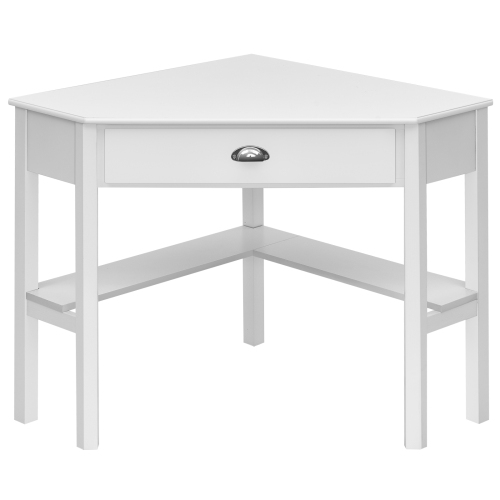
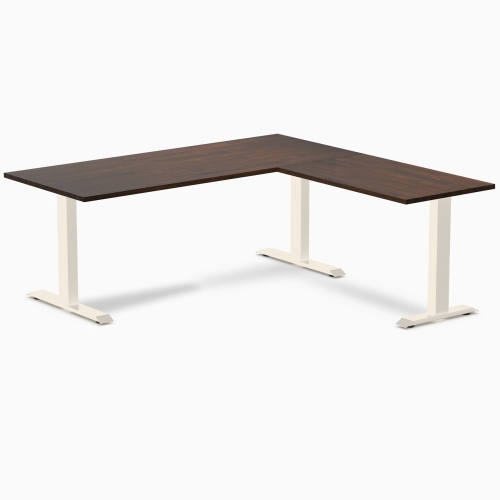
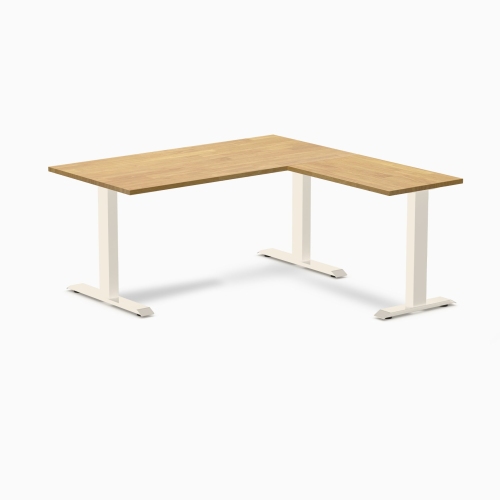
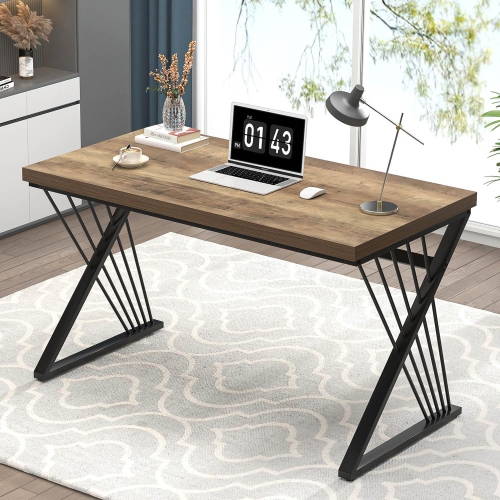
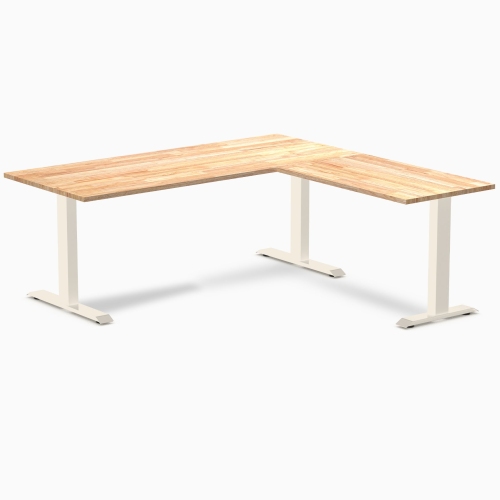
A desk’s appeal goes deeper than wood grain
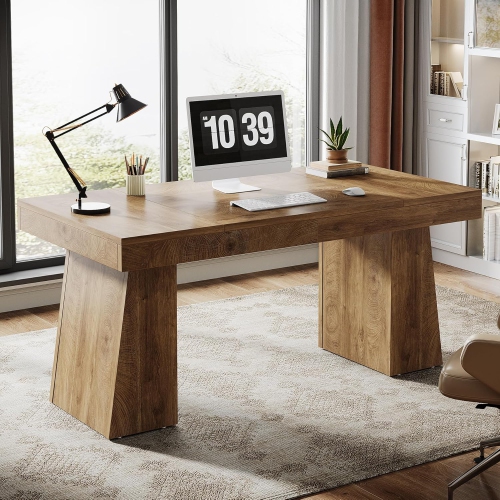
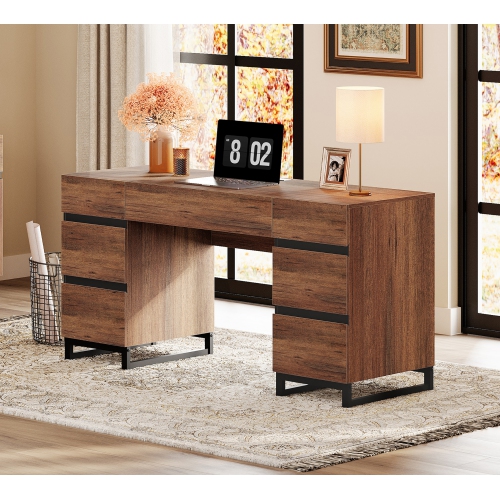
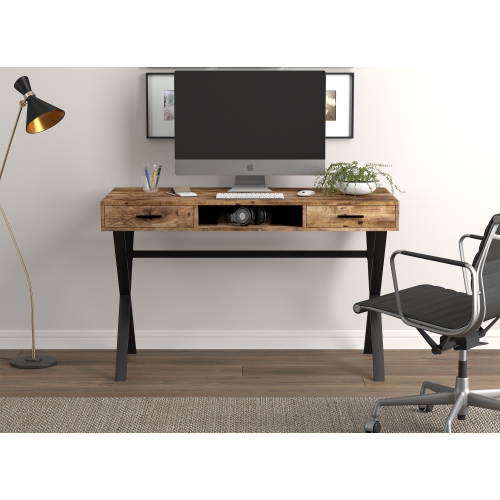
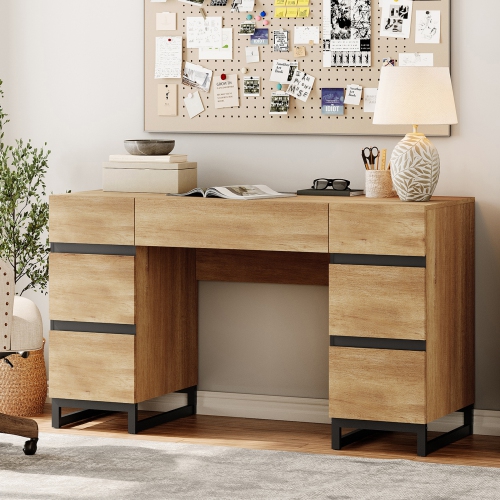
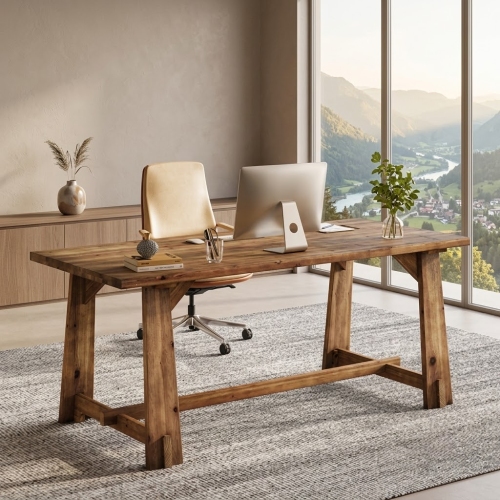
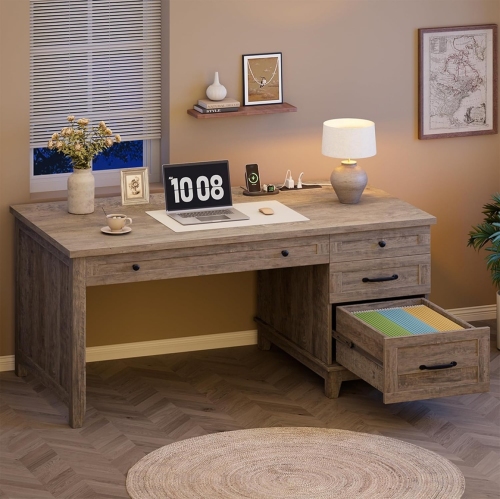
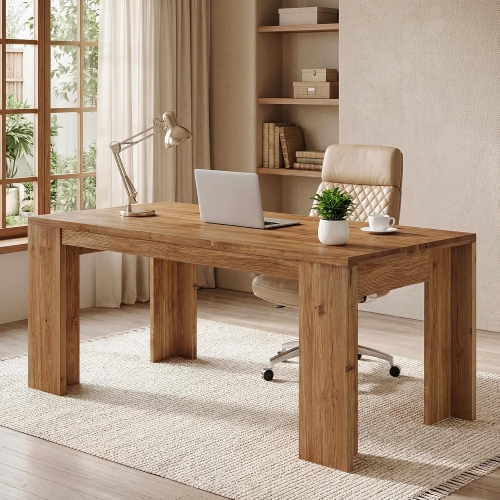
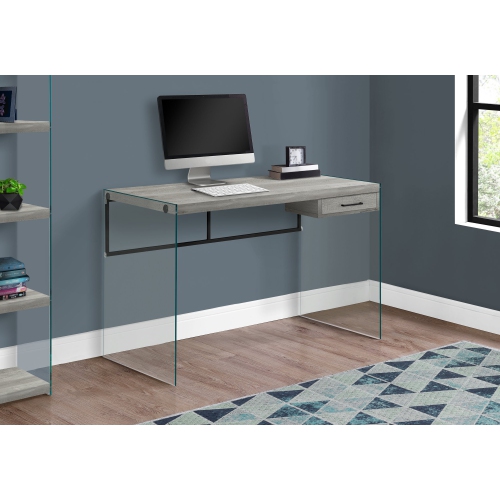
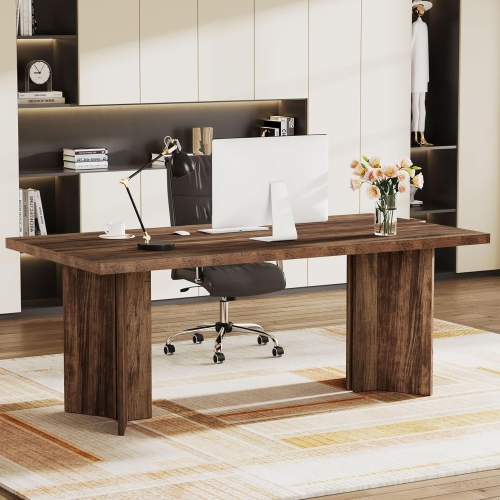
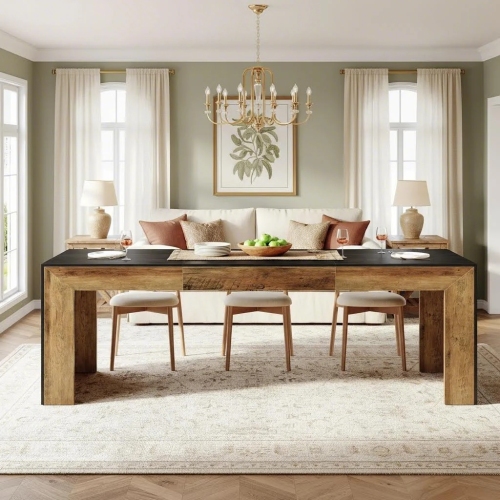
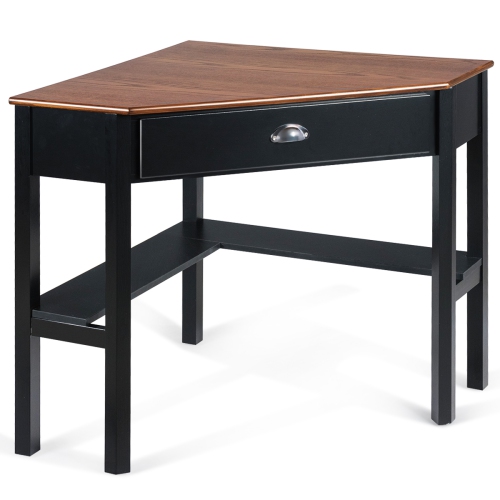
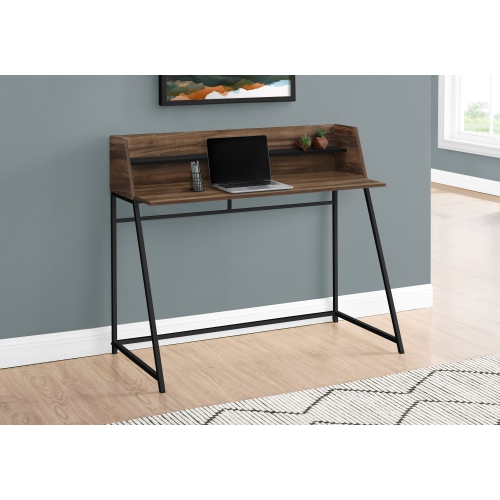
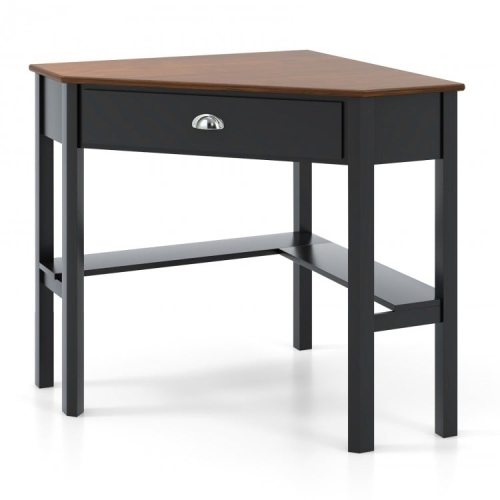
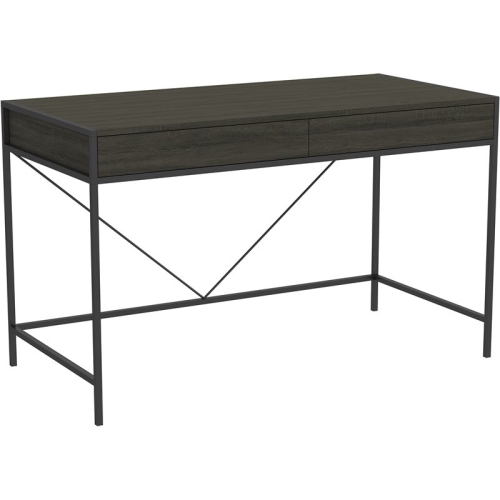
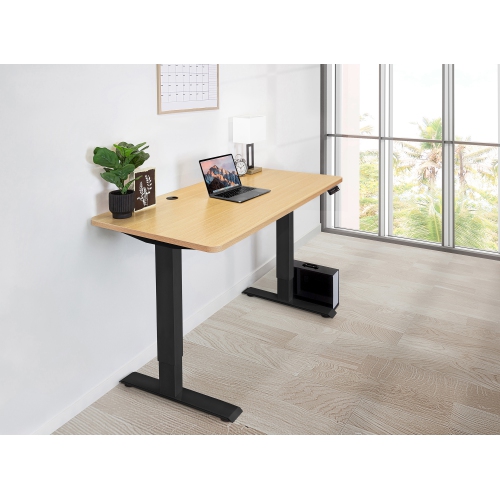
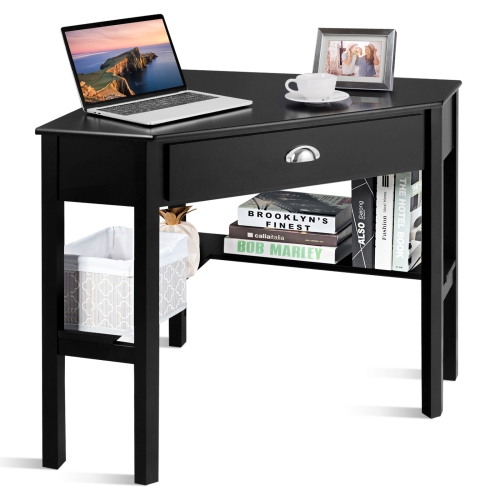
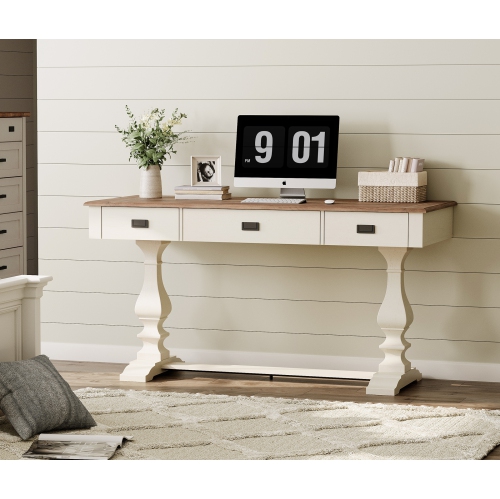
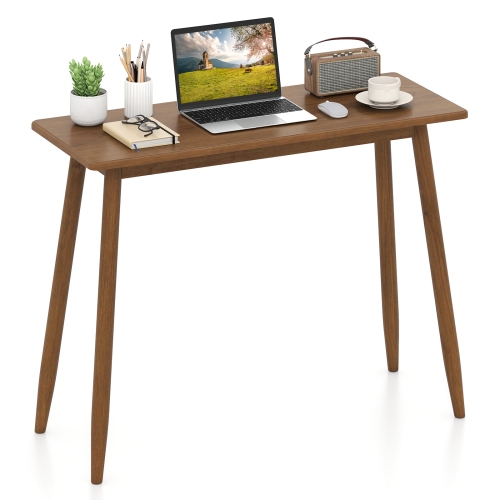
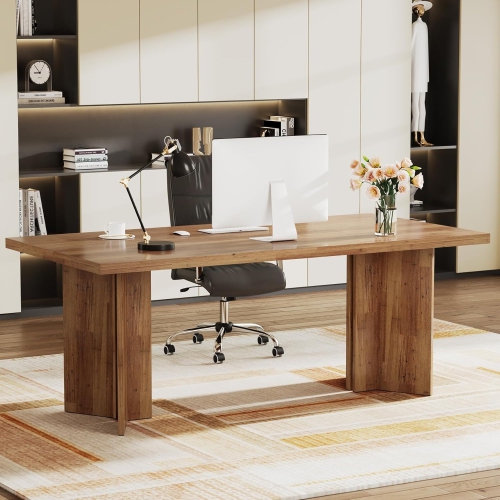
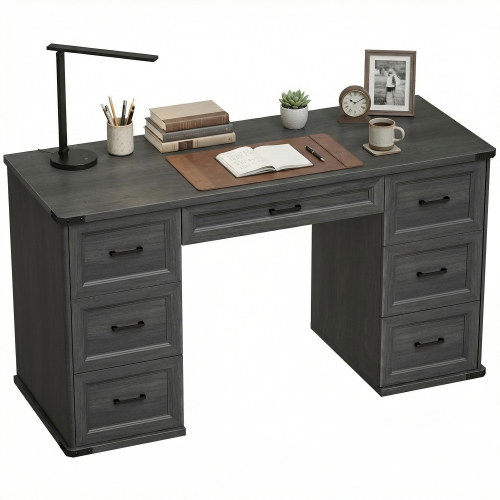
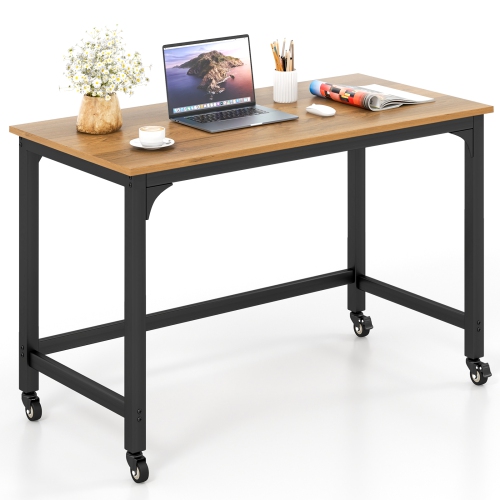
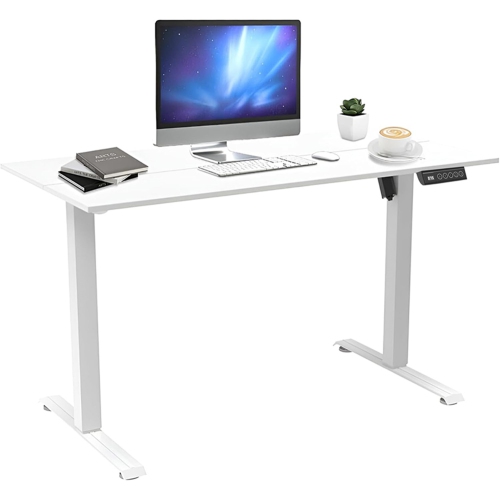
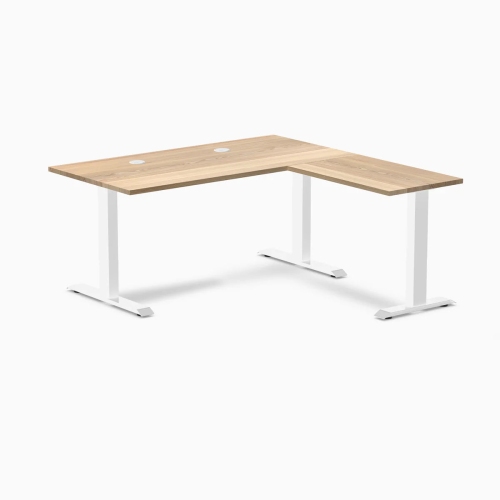
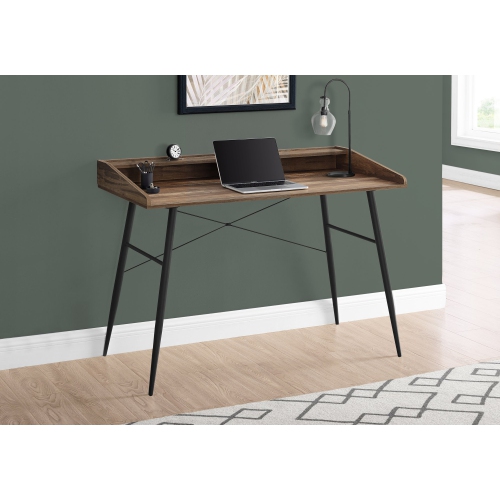
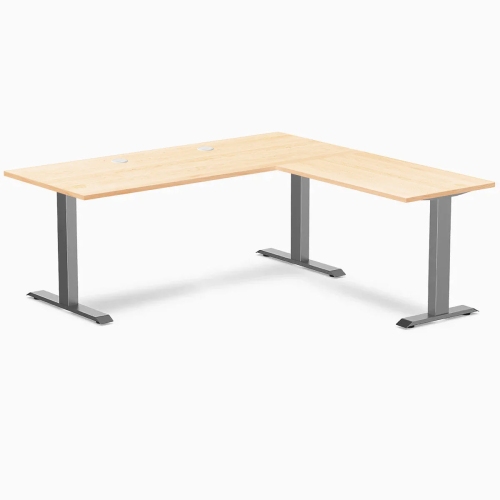
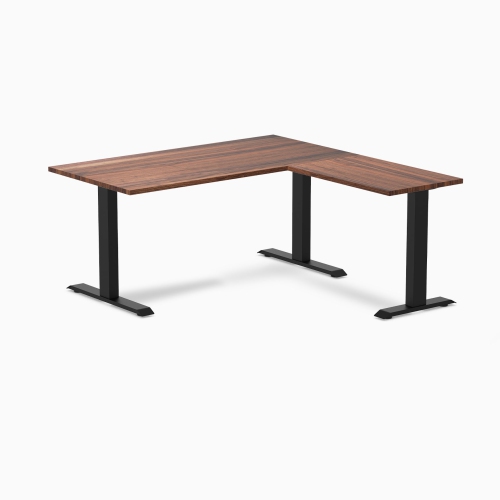
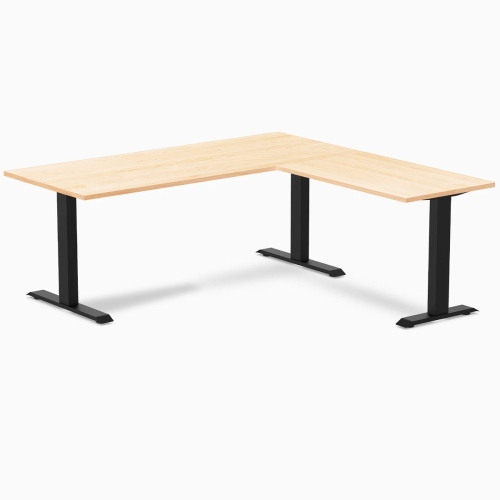
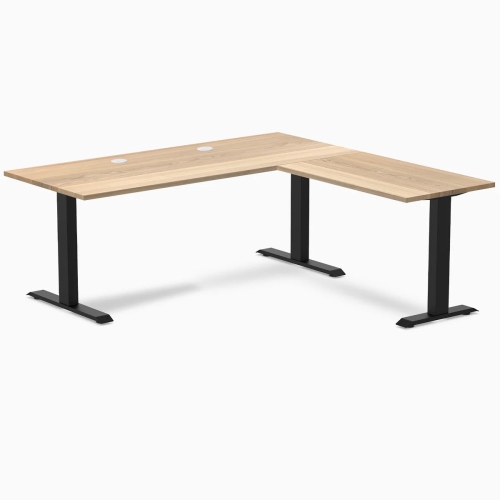
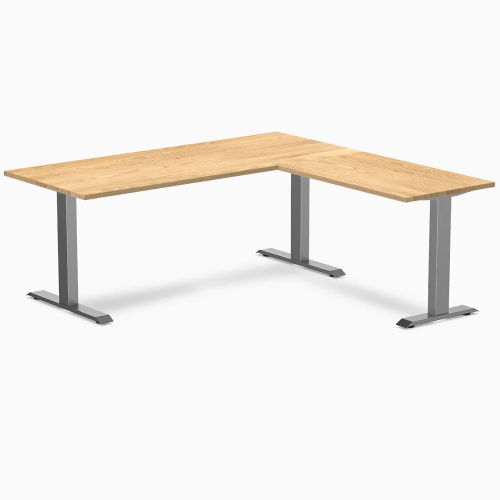
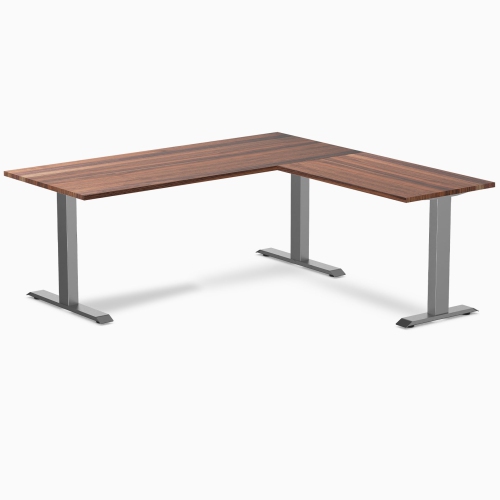
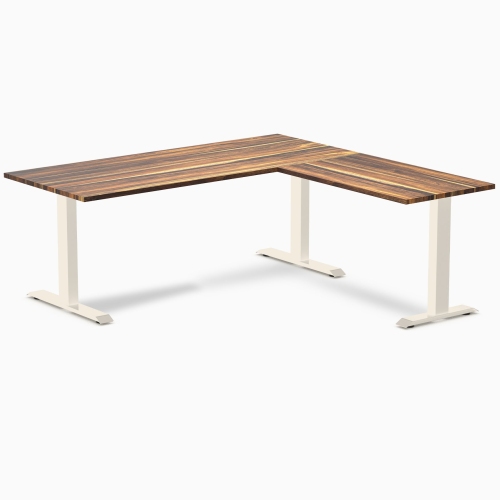
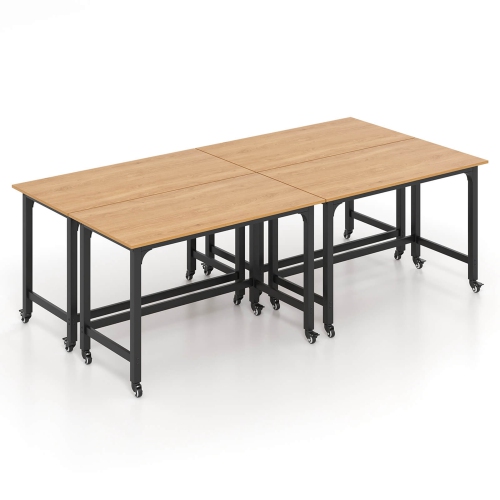
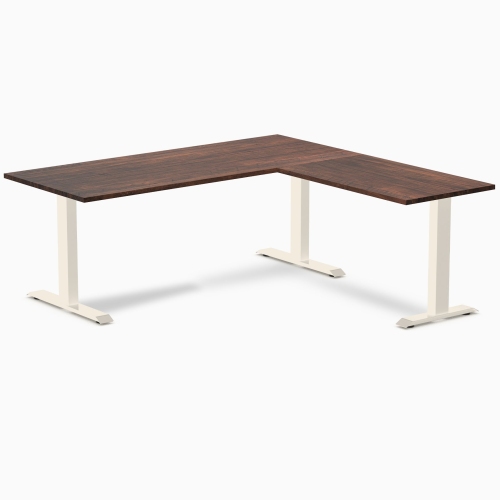
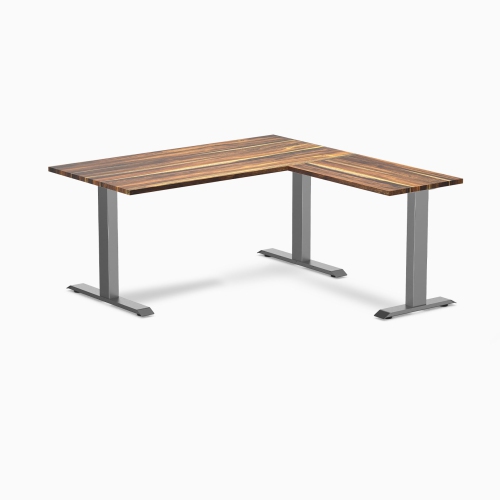
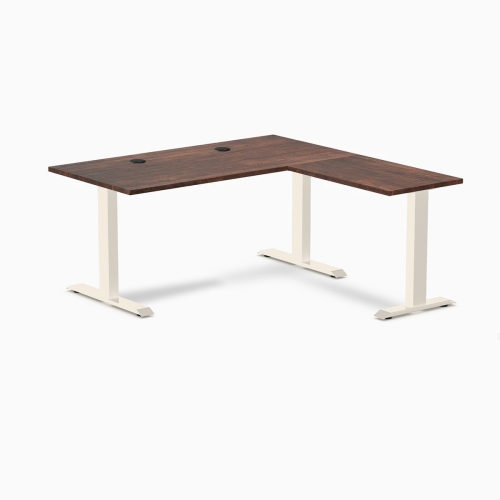
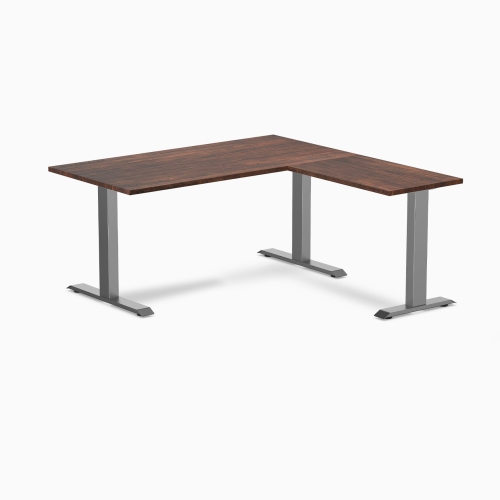
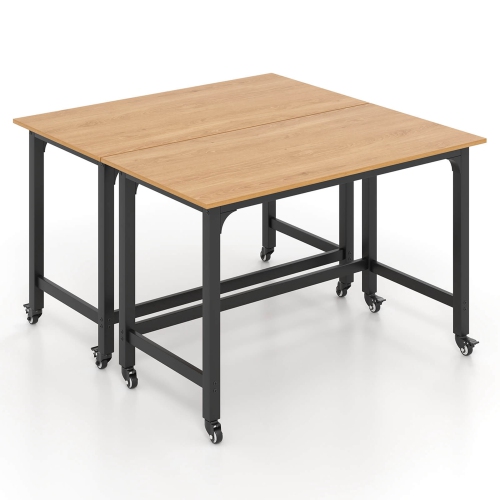
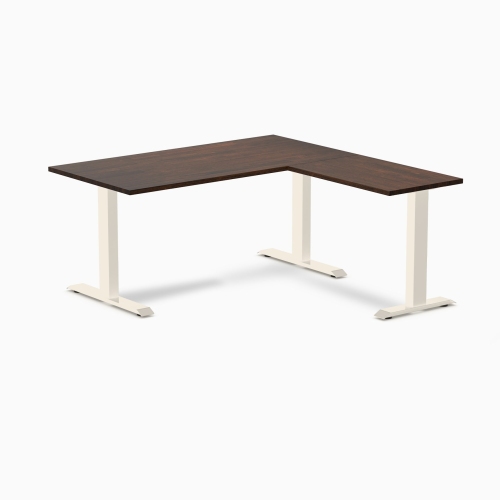
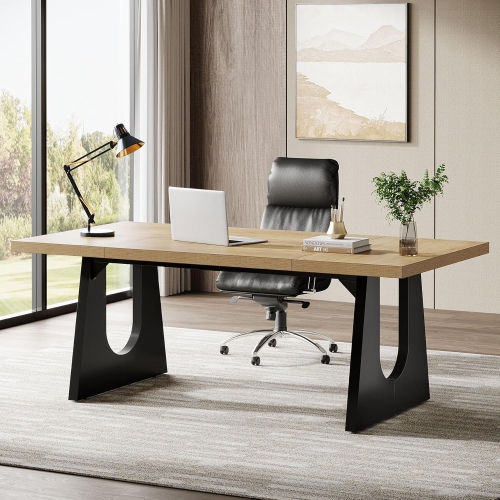
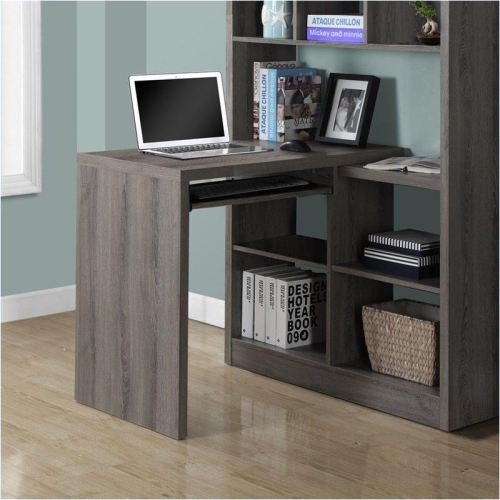
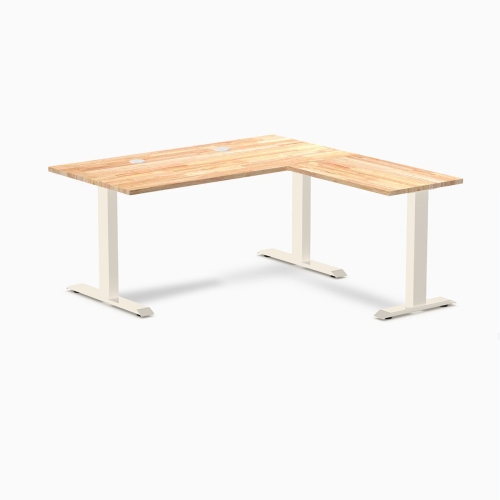
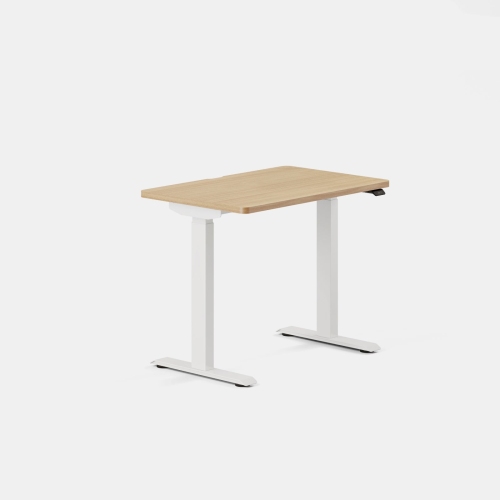
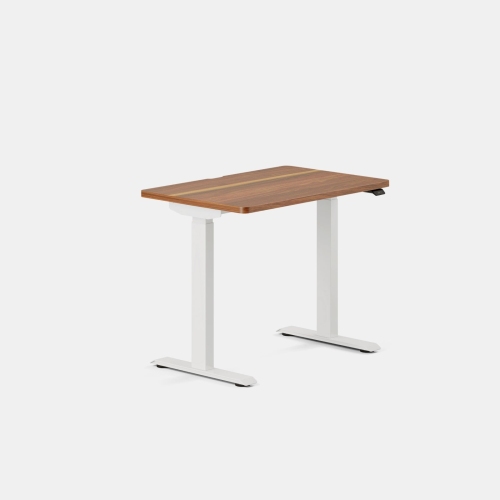
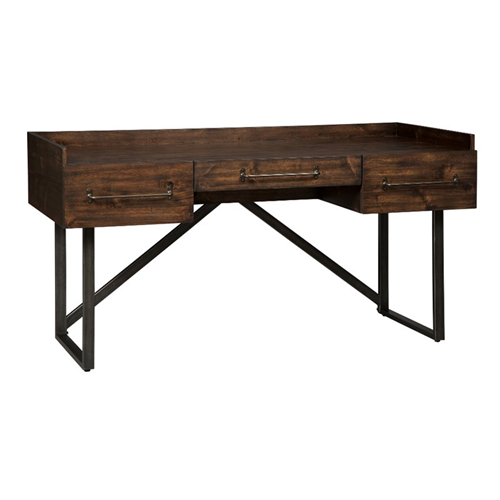
Wood computer desks bring a dedicated work surface and the warmth of wood grain to home offices, bedrooms, living areas, and study spaces. They range from compact desks for a laptop and notebook to wider workstations with room for multiple monitors, paperwork, and everyday accessories. The term covers several types of construction, including solid wood, wood veneer over a supporting core, and engineered wood with a wood-look finish. Each has different characteristics, so the material description matters as much as the appearance. Solid wood has natural variations in grain and colour, and some finishes can be repaired or refinished when wear develops. Wood veneer uses a thin layer of real wood over another material, giving the surface a natural grain pattern without making the entire desktop solid wood. Engineered wood desks may have laminate or other decorative surfaces that create a consistent appearance; their resistance to scratches, moisture, and heat depends on the surface and construction. A thicker-looking desktop is not necessarily solid wood, and the frame beneath it contributes substantially to stability. Wood legs can create a coordinated furniture look, while metal legs or cross-bracing may provide support with a lighter visual profile. Pale wood tones suit understated interiors, medium brown finishes add warmth, and darker finishes can give a workspace a more traditional character. Visible grain, rounded corners, straight edges, and the shape of the legs all influence how a desk sits alongside other furniture. A desk in an open living area might echo the finish of nearby shelving, while one in a bedroom may coordinate with a dresser without matching it exactly. For students, remote workers, and anyone managing household paperwork, the appeal is practical as well as visual: a wood computer desk can keep a working area distinct while still feeling like part of the home.
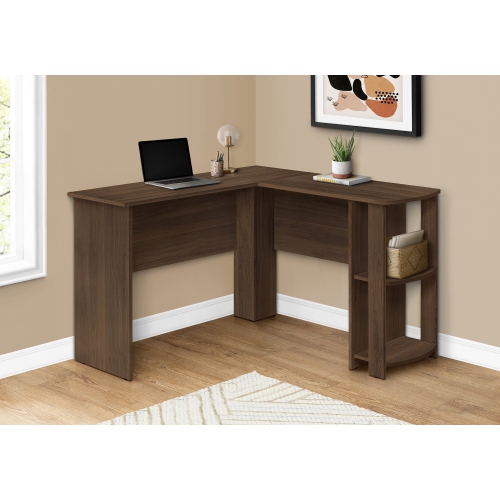
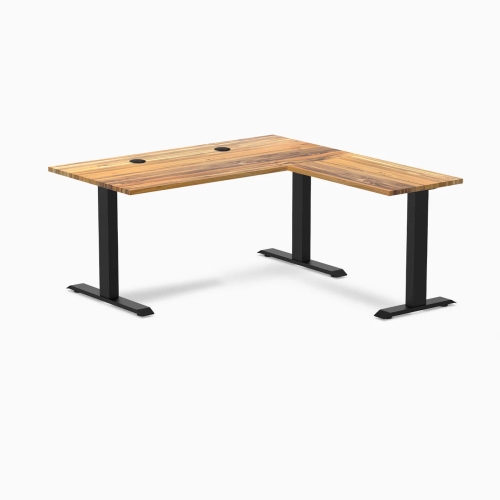
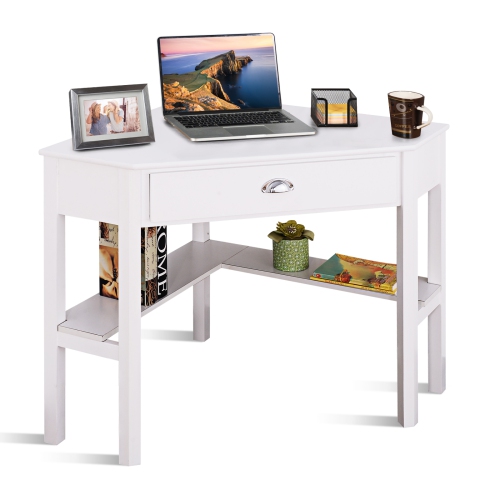
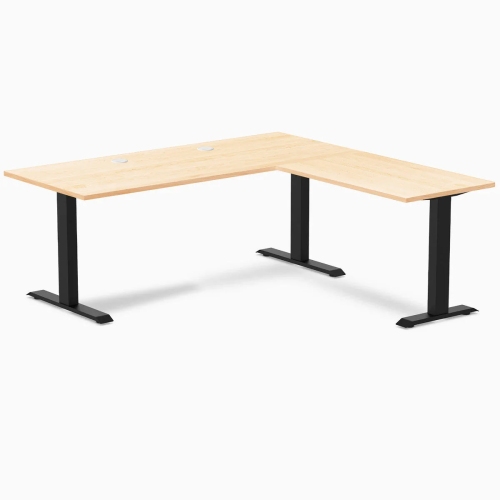
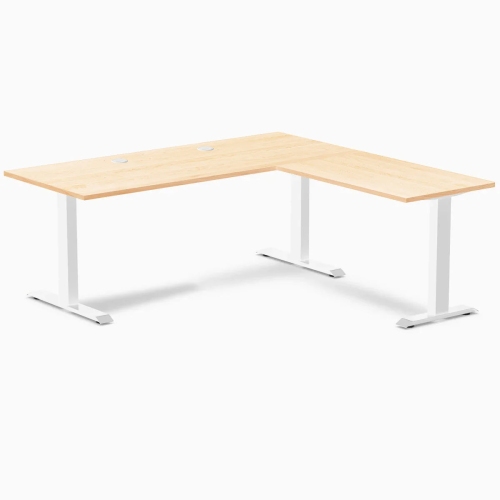
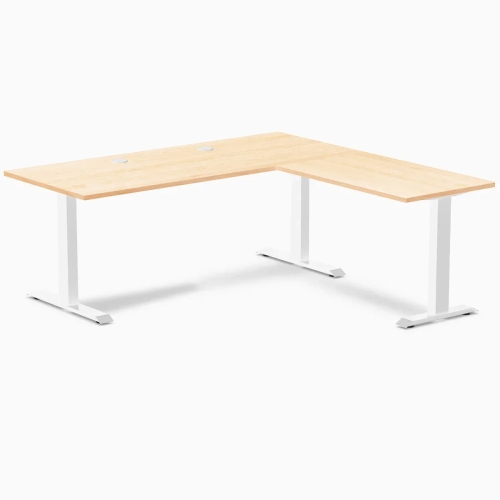
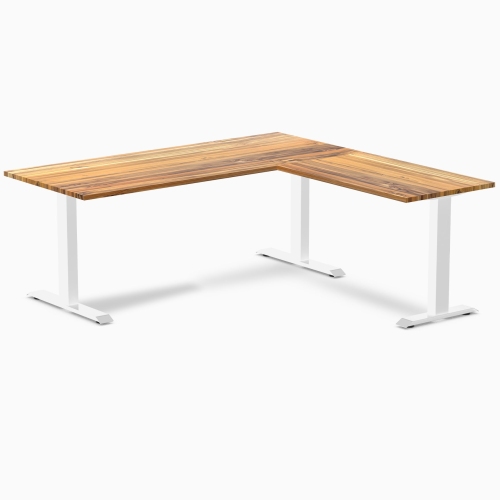
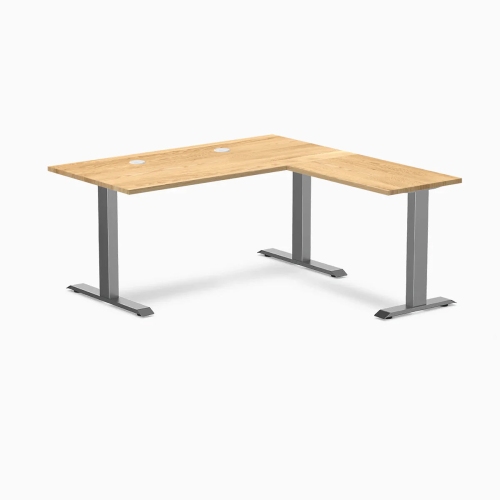
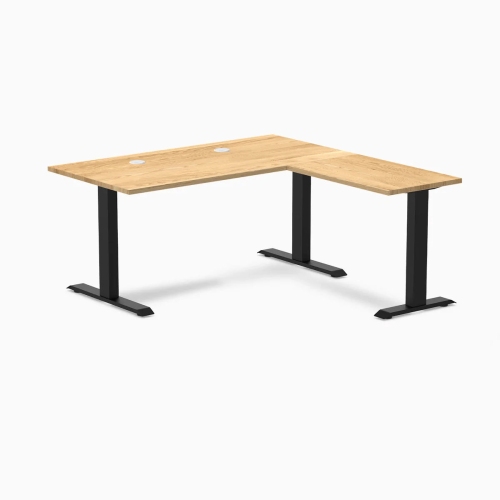
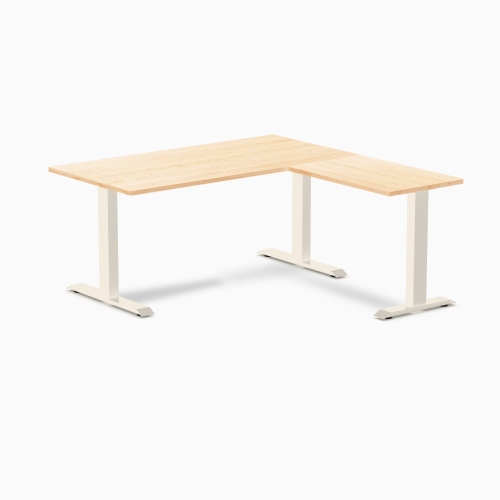
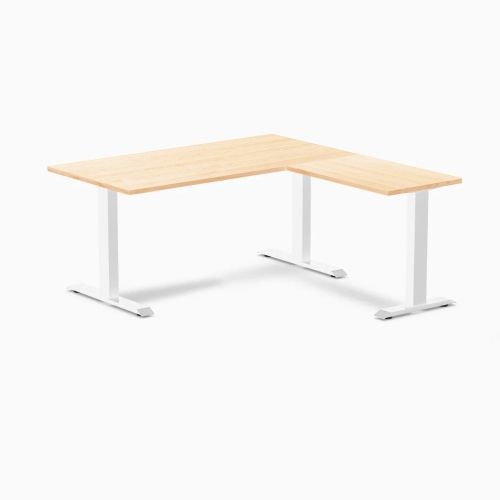
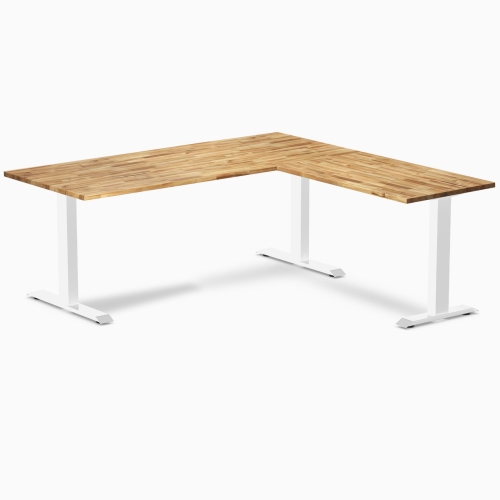
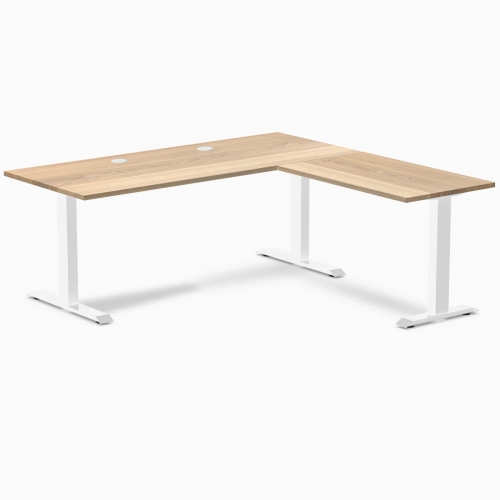
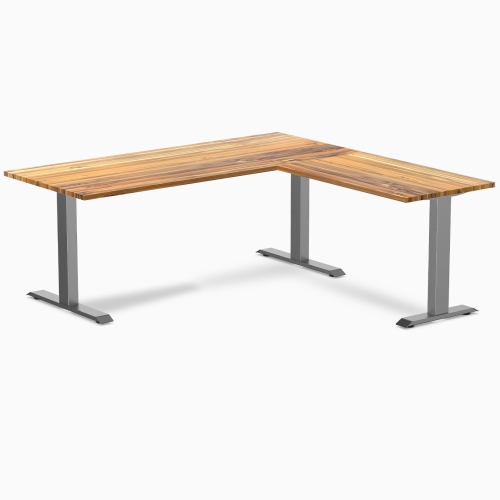
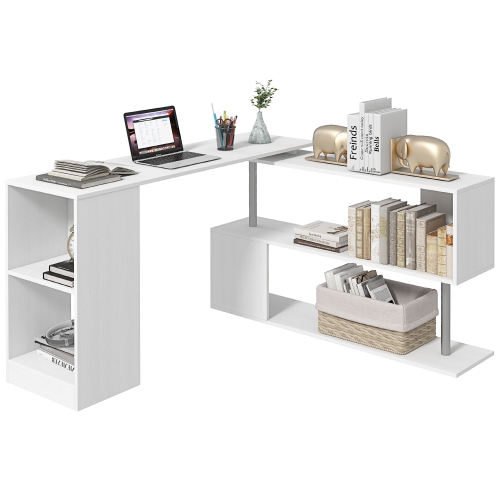
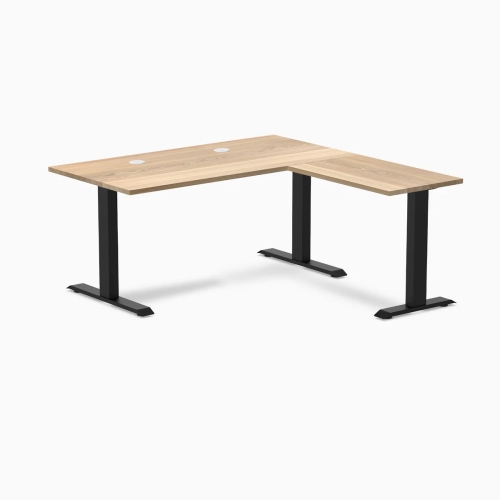
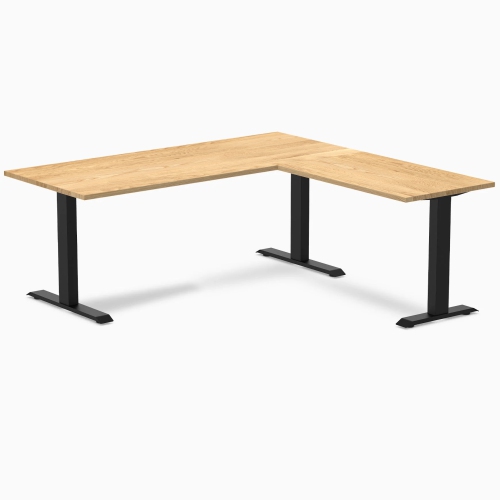
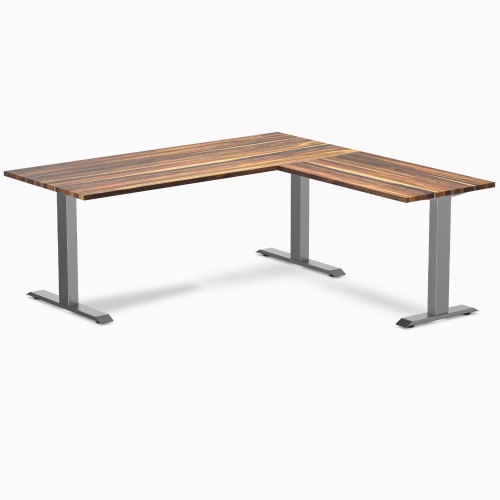
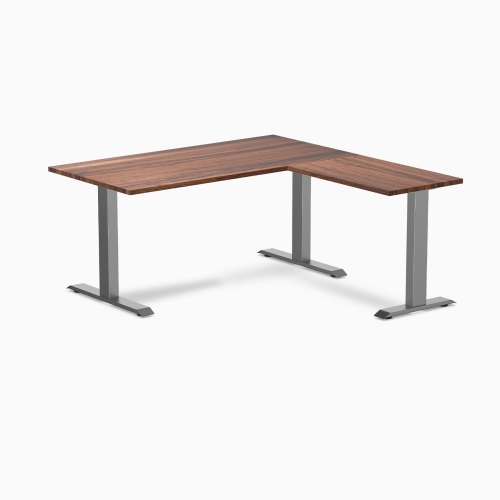
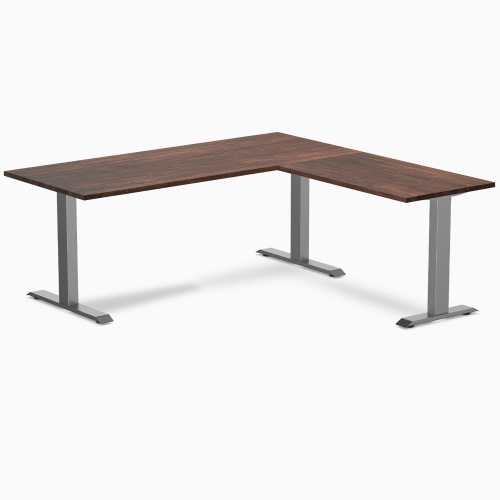
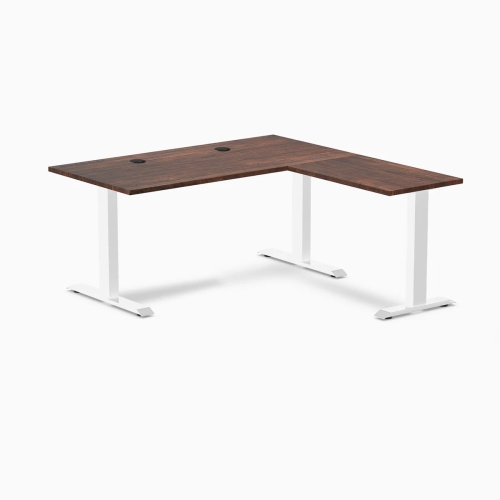
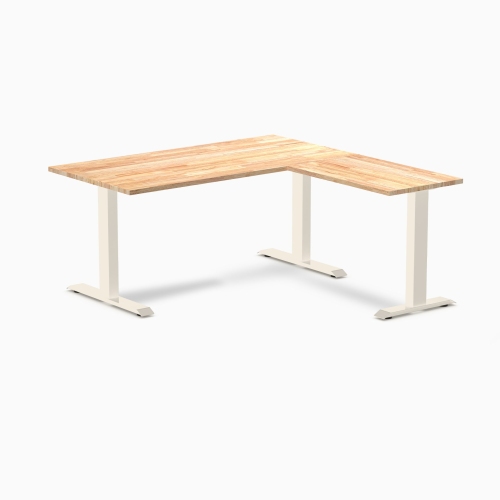
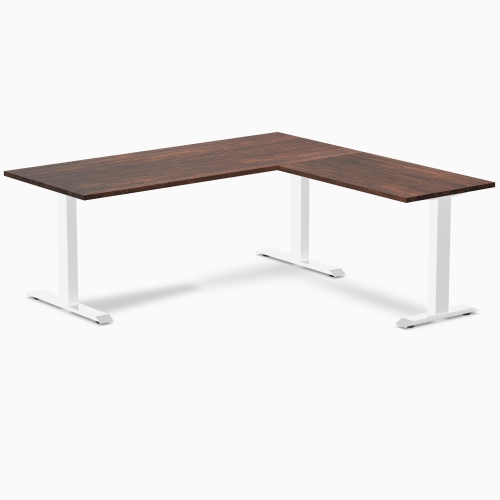
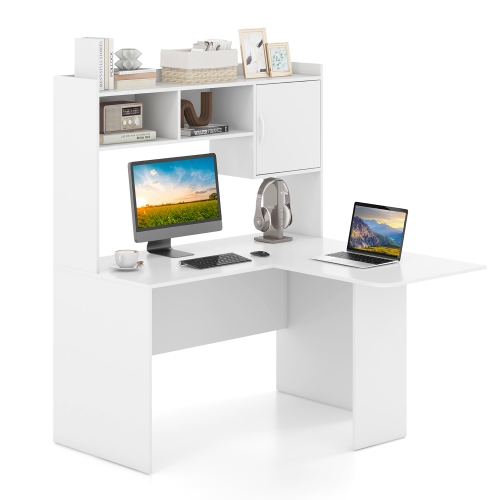
The right fit depends on both the room and the equipment that will stay on the desktop. Width determines whether a laptop, separate keyboard, monitor, and writing pad can sit comfortably together, but depth is just as important. A shallow desk may accommodate a laptop neatly yet leave little space between a large monitor and the person using it. A deeper surface can provide more flexibility for screen placement, a keyboard, and forearm support without pushing everything to the front edge. Monitor stands, speakers, desk lamps, and charging accessories also occupy space that is easy to overlook when picturing an empty desktop. Underneath, clear legroom matters more than the overall footprint alone. A drawer pedestal, centre drawer, or support bar may reduce the usable space for knees, chair arms, or a footrest. Desk height works together with chair adjustment: shoulders should feel relaxed, feet should have support, and the keyboard should be reachable without lifting the arms or leaning forward. A keyboard tray can free up the main surface, though its width and clearance need to suit the keyboard, mouse, and seated position. In a small room, the space behind the chair is part of the desk’s footprint in daily use, especially where someone needs to walk past. Straight desks work well along walls, while L-shaped layouts can separate computer tasks from reading, writing, or drawing. For a layout that uses the meeting point of two walls, Wood Corner Computer Desks offer another configuration to consider. Corner placement still requires attention to outlets, screen position, and access beneath the work surface. A generous desktop is most useful when its full area is easy to reach; an awkwardly positioned extension can become a place for clutter rather than a comfortable working area.
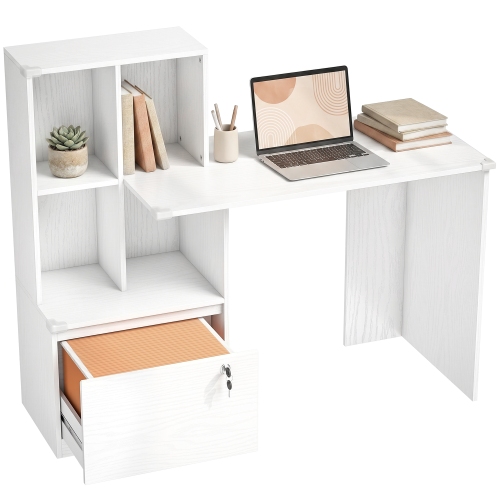
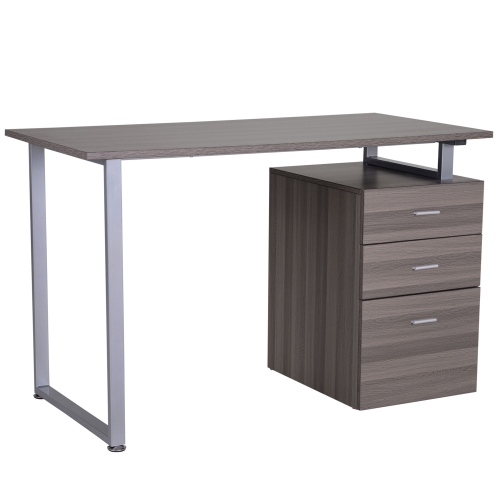
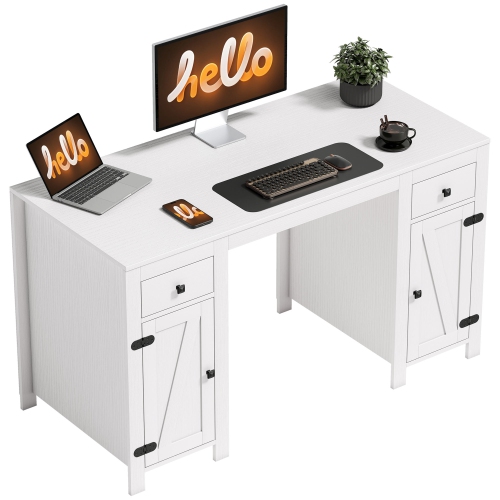
Storage and construction details shape how a wood computer desk performs after the first few days of use. Open shelves can keep books and frequently used supplies close at hand, while drawers give stationery, cables, and personal paperwork a place out of sight. Drawers intended for hanging files need the appropriate dimensions and supports; a deep drawer alone does not necessarily serve that purpose. A desktop computer also needs suitable space, with ventilation openings kept clear and cables able to reach their connections without being stretched. Built-in cable openings, rear gaps, and under-desk trays can help route leads away from the main surface, although access to wall outlets remains important. For a shared family workspace, separate storage areas can make it easier to switch between homework, video calls, and household tasks without clearing every accessory away. Stability is especially noticeable when typing, writing by hand, or using a monitor mounted on an arm. Published weight limits, frame design, and properly secured hardware all matter, and monitor clamps require a compatible desktop edge, thickness, and material. Assembly requirements deserve attention too, particularly when a finished desk must fit through a narrow doorway or be moved upstairs. Once in place, routine care helps preserve the finish. A soft cloth removes dust, and spills should be wiped up promptly rather than left around seams, edges, or hardware openings. Coasters and desk mats can reduce direct contact with drinks, pen marks, and everyday abrasion, provided their backing is suitable for the surface. Cleaning products should follow the manufacturer’s care directions, since a finish suitable for one desk may react differently on another. Moving the desk by lifting rather than dragging helps protect joints and legs, while occasional hardware checks can address loosening from regular use. With proportions suited to the room, enough working space, and practical storage, a wood computer desk can support everything from focused study sessions to a full day of computer-based work without making the room feel dominated by office furniture.
Top selling and popular products
-
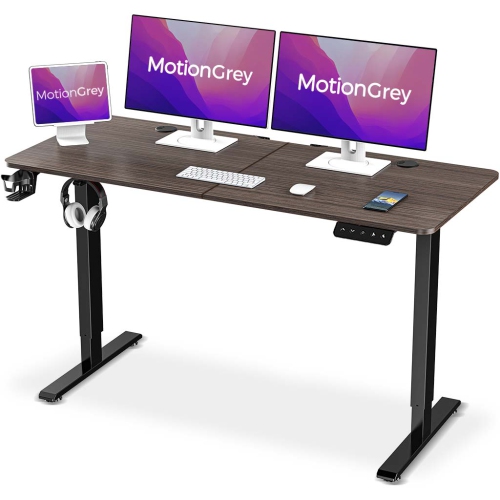 Your price for this item is $97.99
-
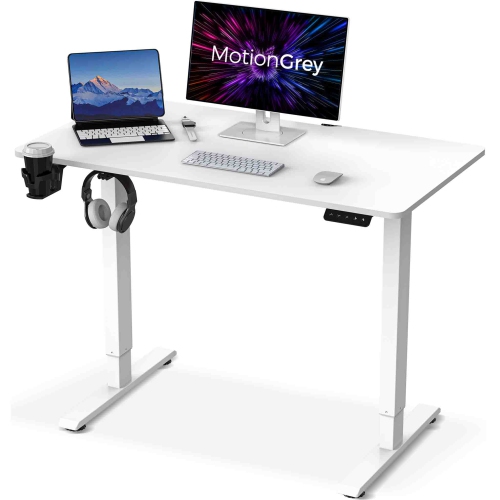 Your price for this item is $89.99
-
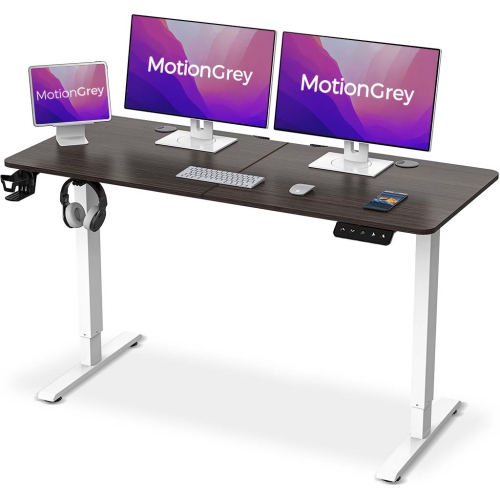 Your price for this item is $84.99
-
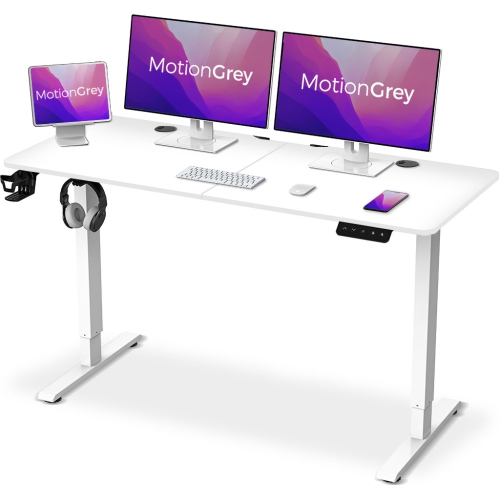 Your price for this item is $97.99
-
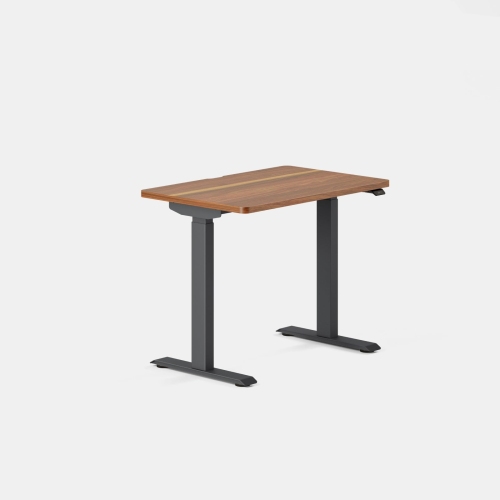 Your price for this item is $649
-
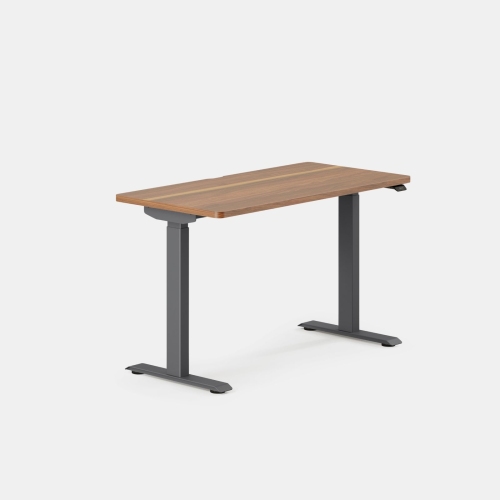 Your price for this item is $749
-
 Your price for this item is $649
-
 Your price for this item is $649
Discover more categories related to Wood Computer Desks
Top Collections:
Best Black Friday Deals This Year, Best Black Friday Deals On Electronics, Kindle Devices, Pokemon Centers, Best Black Friday Deals On Apple Products, Best Cameras for Sports Photography, Dyson Airwrap, Pokémon 30th Celebration Cards, Apple iPhone 17 Pro, Canon G7X Cameras
Some products may be subject to Environmental Handling Fees
(EHF) depending on your province.
Learn more about EHFs.