Antivirus Software for Remote Work
Antivirus Software for Remote Work is essential for maintaining security and peace of mind while working from home or on the go. With more professionals connecting to networks outside the office, choosing the right protection helps safeguard sensitive data and ensures smooth, uninterrupted productivity. Explore a wide selection of antivirus solutions designed to support your remote work setup and keep your devices protected wherever your workspace may be.
Sort
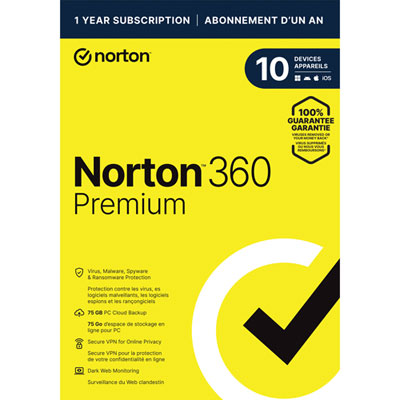
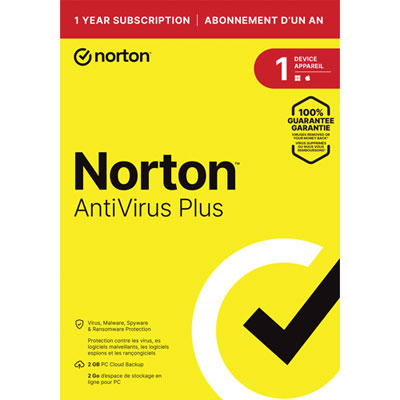
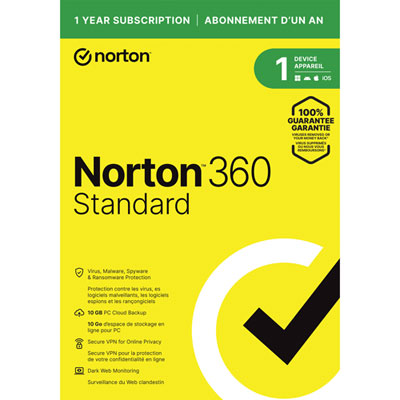
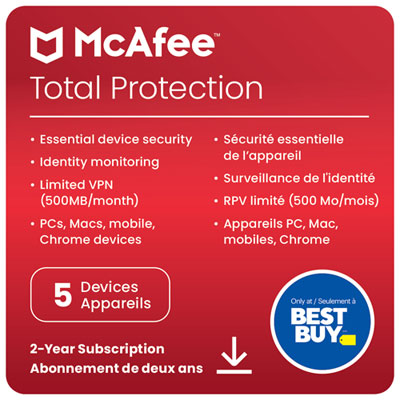
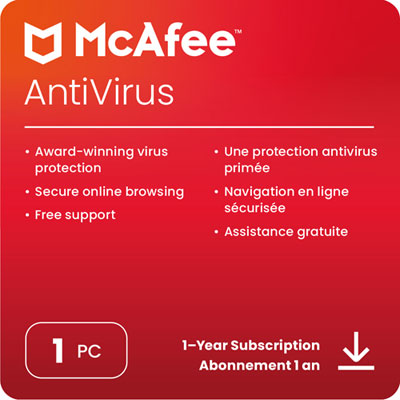
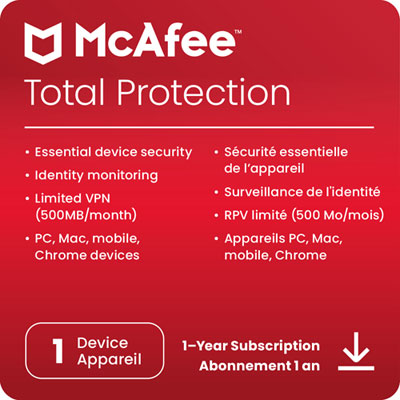

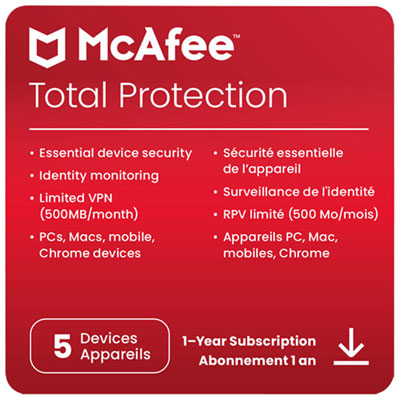
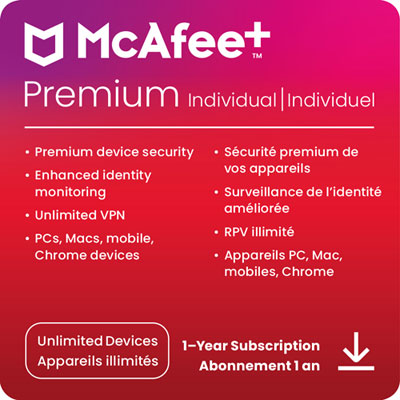
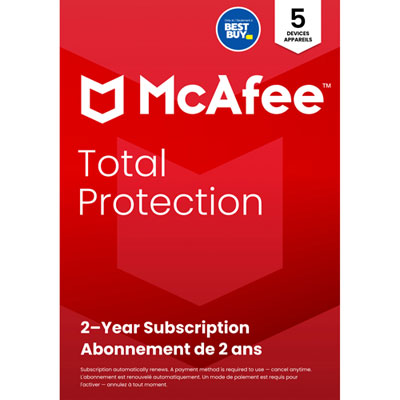
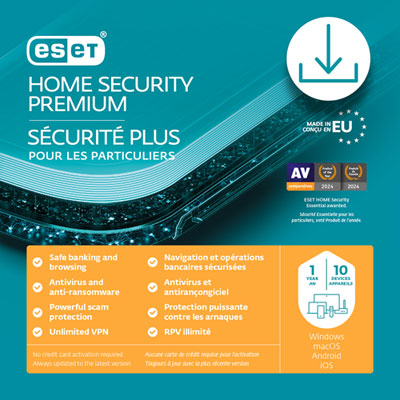


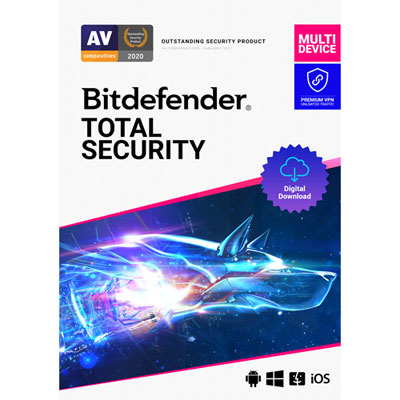
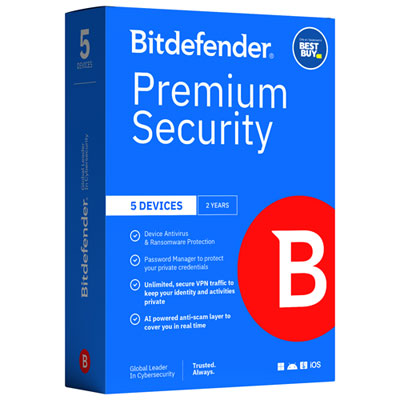
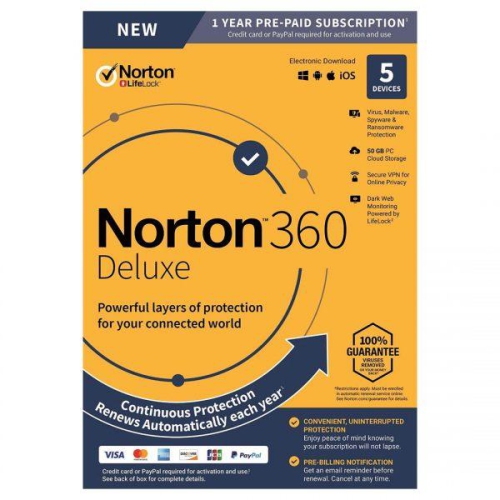
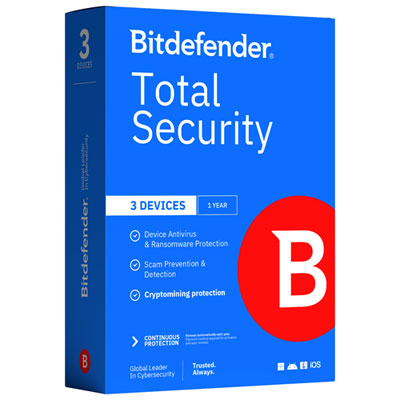
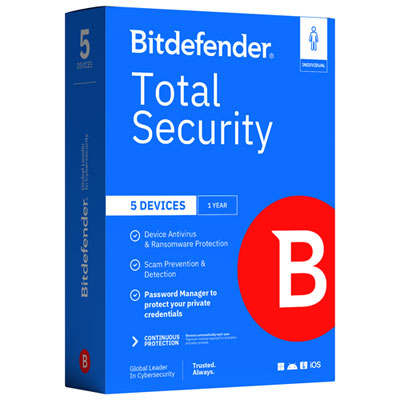
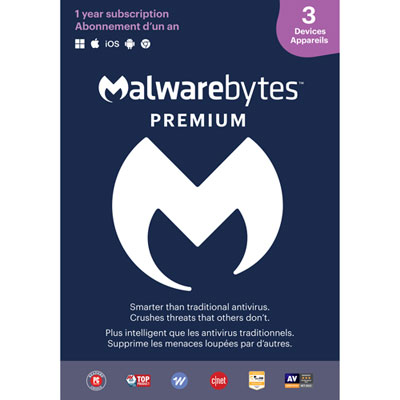
Malware protection with everyday work performance in mind
Antivirus software for remote work helps protect the computers used for everyday tasks such as opening client attachments, accessing shared documents, joining video meetings, and signing in to workplace accounts. Its core purpose is to detect, block, and remove malicious software, including viruses, spyware, and other threats that can expose information or interrupt a working day. For someone working from a home office, a shared kitchen table, or a workspace outside the home, useful protection combines dependable malware detection with a manageable effect on computer performance. Real-time scanning checks files as they are opened or downloaded, while scheduled scans examine stored content for threats that might otherwise go unnoticed. Some software also monitors suspicious behaviour, such as an unfamiliar application suddenly trying to modify large numbers of documents. That can be particularly relevant to ransomware, which may encrypt files and prevent access to important work. Web protection and phishing detection, where included, can help flag fraudulent websites or suspicious links before a routine task turns into a security problem. A message that appears to contain an updated invoice, for example, may instead direct a worker to a false sign-in page or a harmful download. These features add useful safeguards, but no antivirus can guarantee that every threat will be caught or replace careful handling of sensitive information. Independent test results can provide helpful context on malware detection, false alarms, and performance impact when comparing software. The strongest fit for remote work depends on how the device is used: a freelance designer exchanging large files has different practical needs from an administrator handling spreadsheets and email throughout the day. Both benefit from protection that remains active without demanding constant attention. Antivirus software is also only one layer of security. Operating system updates, strong account credentials, multi-factor authentication, and separate backups remain important, especially when a personal computer holds both household files and work documents.
Compatibility, device coverage, and day-to-day usability shape how well antivirus software fits a remote working routine. A licence may cover one computer or several devices, and support can differ between desktop, laptop, and mobile operating systems. Coverage across multiple platforms does not necessarily mean that every platform receives the same features, so the supported systems and feature details matter as much as the device count. For a worker using a laptop at home and a second computer for occasional tasks, multi-device protection can simplify administration, provided the licence permits the intended use. Commercial-use rights also matter for freelancers and other people using personally owned equipment to earn income. Software designed for household use may have different terms from software intended for business devices. On employer-managed computers, security software needs to meet workplace requirements; adding a separate antivirus without approval may interfere with existing protection or remote support tools. Running more than one active antivirus engine can also cause conflicts rather than improve security. Performance is another practical consideration. During a video call with screen sharing, background file transfers, and several applications open, scanning activity should not make the computer noticeably harder to use. Published system requirements indicate basic compatibility, while independent performance testing can offer a clearer picture of everyday impact. Adjustable scan schedules and notification controls can help limit interruptions during presentations or concentrated work, without requiring protection to be switched off. Automatic software and threat-detection updates help the application respond to new threats, although some update methods and cloud-assisted checks require an internet connection. Clear alerts, accessible support, and straightforward quarantine controls are valuable when a legitimate document is flagged unexpectedly. Quarantine typically isolates a suspected file so it cannot run normally, allowing the alert to be reviewed before further action. For remote workers without an IT specialist nearby, understandable explanations and reliable support can make a meaningful difference to keeping work moving.
Security suites for remote work may combine antivirus protection with tools for safer browsing, account management, and file protection, but the included features vary. An integrated virtual private network, or VPN, encrypts traffic between a device and the VPN server, which can be useful when connecting through public Wi-Fi. It does not make a fraudulent website trustworthy, prevent every form of tracking, or replace an employer’s required remote-access connection. Connection limits, supported devices, and compatibility with workplace services are relevant details for people who regularly work away from home. Password management tools can help keep unique credentials organized, while breach alerts may notify users when monitored account information appears in a known data breach. Neither feature replaces multi-factor authentication or the need to act on a suspicious sign-in. Backup deserves separate attention because protecting files from malware and retaining usable copies are different jobs. Some suites include cloud backup, while others focus on threat detection alone. Storage allowances, file-type restrictions, and restoration options determine whether an included backup feature suits the documents being protected. Ransomware rollback, where offered, may help reverse certain unwanted file changes, but its scope and requirements differ, and it should not be treated as a substitute for separate, tested backups. For a small remote team, centralized management can be more useful than a collection of individually managed installations. A management dashboard may show which devices need attention, whether protection is active, and when threats have been detected. Permission controls and remote deployment can also help a business maintain consistent settings across dispersed computers, depending on the software. Teams with these needs may find Antivirus Software for Business relevant when comparing protection for multiple workers. Client confidentiality, workplace policies, and the handling of diagnostic data also deserve attention when selecting software for professional use. Whether the goal is protecting a single work laptop or supporting several remote staff members, the most suitable antivirus balances effective threat detection, compatible features, clear administration, and dependable everyday operation.
Compatibility, device coverage, and day-to-day usability shape how well antivirus software fits a remote working routine. A licence may cover one computer or several devices, and support can differ between desktop, laptop, and mobile operating systems. Coverage across multiple platforms does not necessarily mean that every platform receives the same features, so the supported systems and feature details matter as much as the device count. For a worker using a laptop at home and a second computer for occasional tasks, multi-device protection can simplify administration, provided the licence permits the intended use. Commercial-use rights also matter for freelancers and other people using personally owned equipment to earn income. Software designed for household use may have different terms from software intended for business devices. On employer-managed computers, security software needs to meet workplace requirements; adding a separate antivirus without approval may interfere with existing protection or remote support tools. Running more than one active antivirus engine can also cause conflicts rather than improve security. Performance is another practical consideration. During a video call with screen sharing, background file transfers, and several applications open, scanning activity should not make the computer noticeably harder to use. Published system requirements indicate basic compatibility, while independent performance testing can offer a clearer picture of everyday impact. Adjustable scan schedules and notification controls can help limit interruptions during presentations or concentrated work, without requiring protection to be switched off. Automatic software and threat-detection updates help the application respond to new threats, although some update methods and cloud-assisted checks require an internet connection. Clear alerts, accessible support, and straightforward quarantine controls are valuable when a legitimate document is flagged unexpectedly. Quarantine typically isolates a suspected file so it cannot run normally, allowing the alert to be reviewed before further action. For remote workers without an IT specialist nearby, understandable explanations and reliable support can make a meaningful difference to keeping work moving.
Security suites for remote work may combine antivirus protection with tools for safer browsing, account management, and file protection, but the included features vary. An integrated virtual private network, or VPN, encrypts traffic between a device and the VPN server, which can be useful when connecting through public Wi-Fi. It does not make a fraudulent website trustworthy, prevent every form of tracking, or replace an employer’s required remote-access connection. Connection limits, supported devices, and compatibility with workplace services are relevant details for people who regularly work away from home. Password management tools can help keep unique credentials organized, while breach alerts may notify users when monitored account information appears in a known data breach. Neither feature replaces multi-factor authentication or the need to act on a suspicious sign-in. Backup deserves separate attention because protecting files from malware and retaining usable copies are different jobs. Some suites include cloud backup, while others focus on threat detection alone. Storage allowances, file-type restrictions, and restoration options determine whether an included backup feature suits the documents being protected. Ransomware rollback, where offered, may help reverse certain unwanted file changes, but its scope and requirements differ, and it should not be treated as a substitute for separate, tested backups. For a small remote team, centralized management can be more useful than a collection of individually managed installations. A management dashboard may show which devices need attention, whether protection is active, and when threats have been detected. Permission controls and remote deployment can also help a business maintain consistent settings across dispersed computers, depending on the software. Teams with these needs may find Antivirus Software for Business relevant when comparing protection for multiple workers. Client confidentiality, workplace policies, and the handling of diagnostic data also deserve attention when selecting software for professional use. Whether the goal is protecting a single work laptop or supporting several remote staff members, the most suitable antivirus balances effective threat detection, compatible features, clear administration, and dependable everyday operation.
Top selling and popular products
-
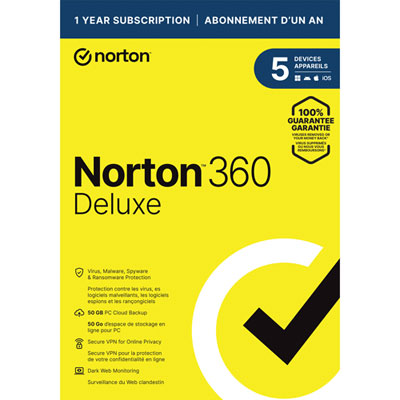 Your price for this item is $89.99
 -
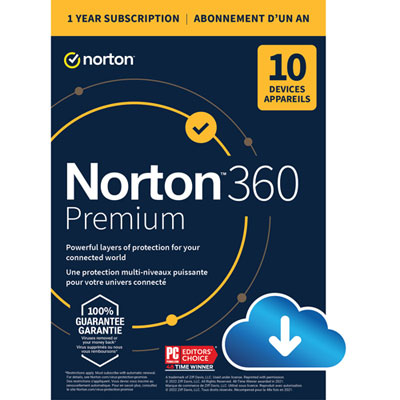 Your price for this item is $99.99
 -
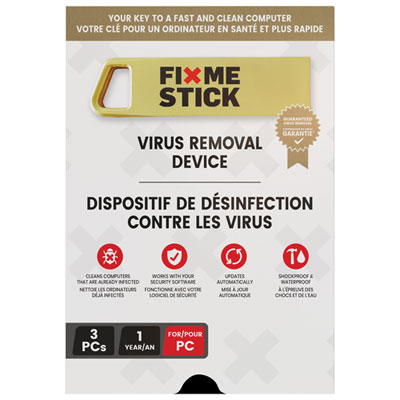 Your price for this item is $89.99
 -
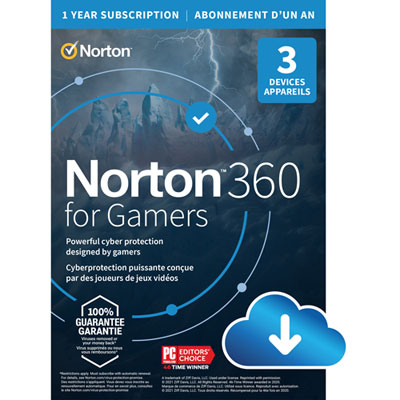 Your price for this item is $89.99
 -
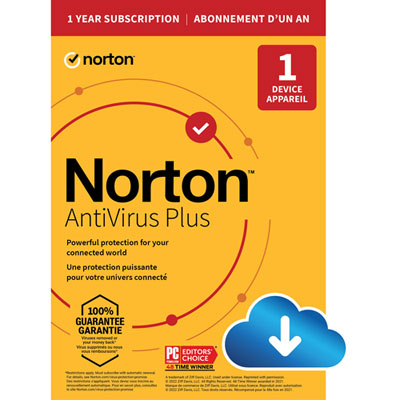 Your price for this item is $14.99
 -
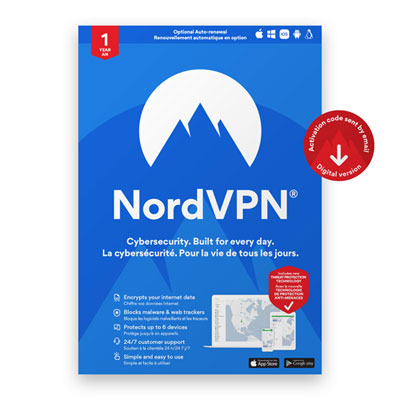 Your price for this item is $49.99
 -
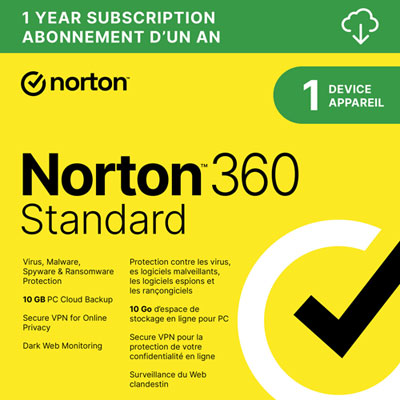 Your price for this item is $69.99
 -
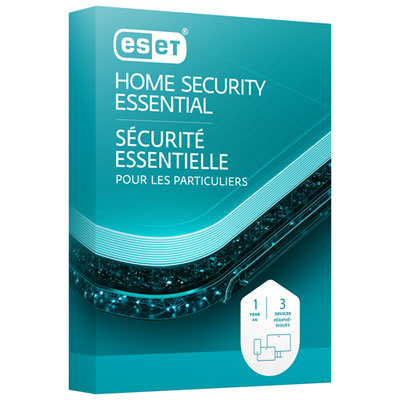 Your price for this item is $59.95
Discover more categories related to Antivirus Software for Remote Work
Top Collections:
Pokemon Centers, Kindle Devices, Best Budget Office Chairs, Apple iPhones 16, Best Laptops for Writers, iPhone 15 Apple, Canon G7X Cameras, Refurbished Apple Laptops, Alarm Clock, Motorola Razr Phones
Some products may be subject to Environmental Handling Fees
(EHF) depending on your province.
Learn more about EHFs.