Visual Timers for Teachers
Visual Timers for Teachers are essential tools designed to help manage classroom routines, transitions, and activities with ease. These timers provide a clear and engaging way for students to understand time limits and stay focused on tasks. Ideal for group work, individual assignments, or timed classroom activities, visual timers support effective classroom management and help create a structured learning environment. Discover a wide selection of Visual Timers for Teachers to find the perfect fit for your educational needs.
Sort
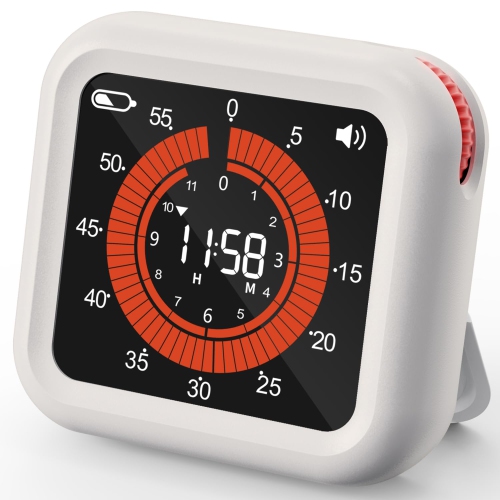
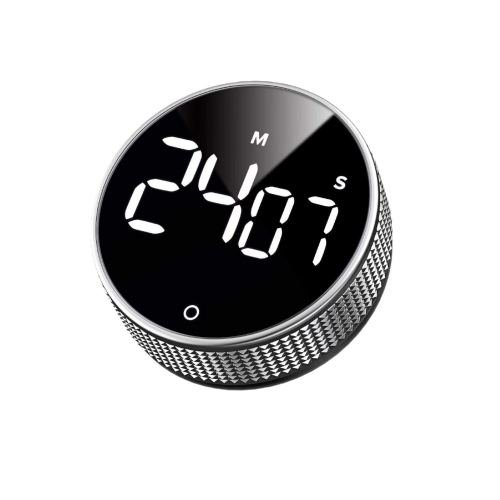
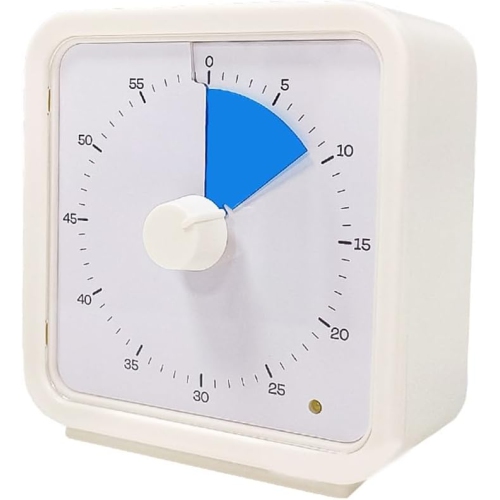
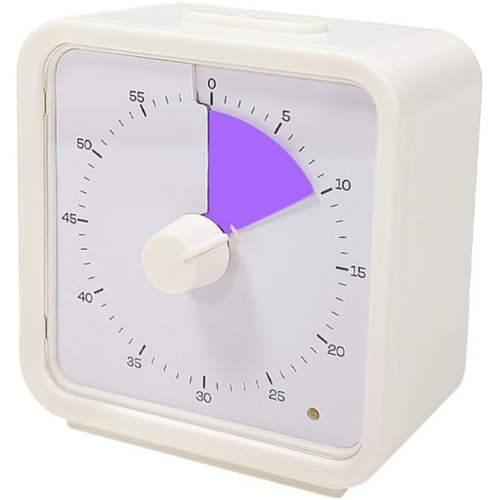
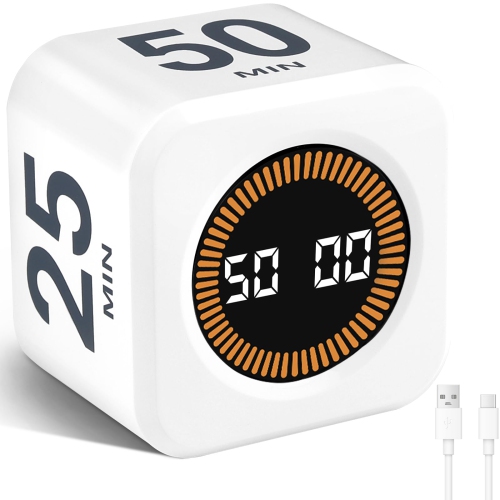
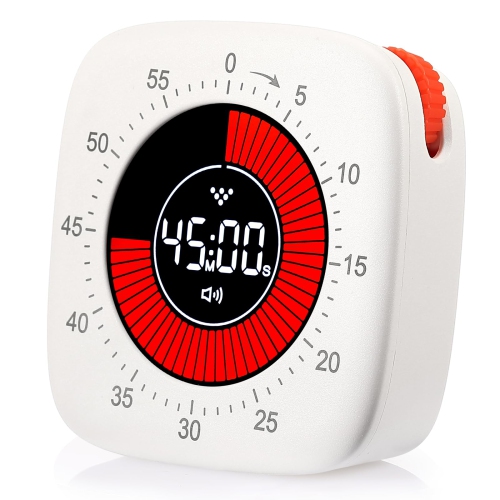

How visible countdowns help students pace classroom activities
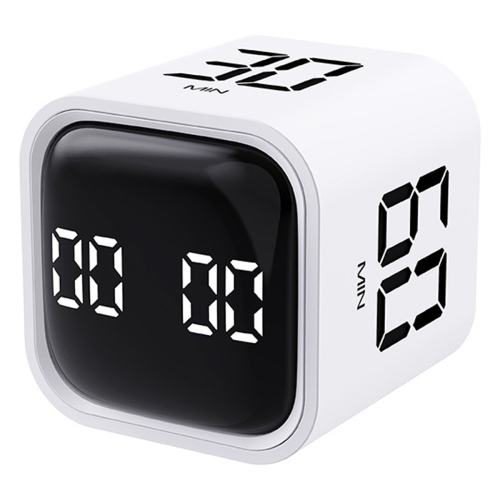
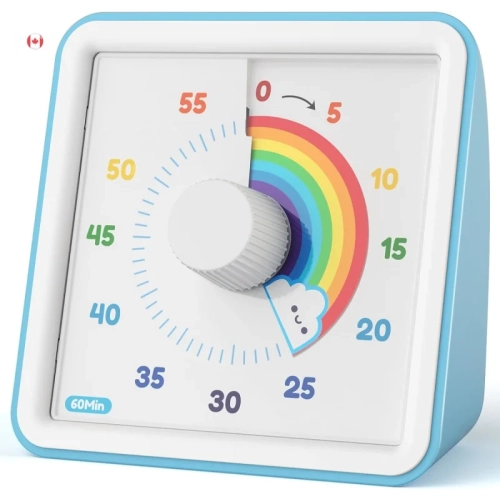
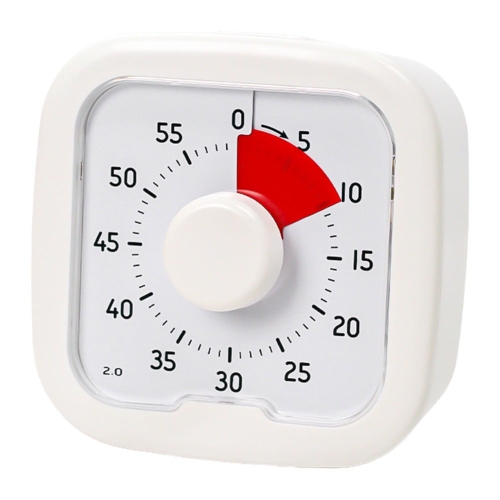
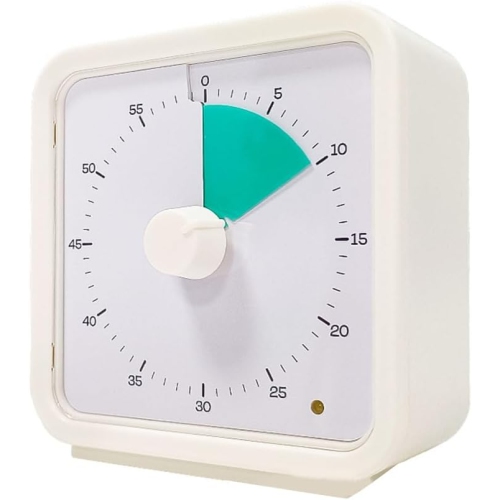
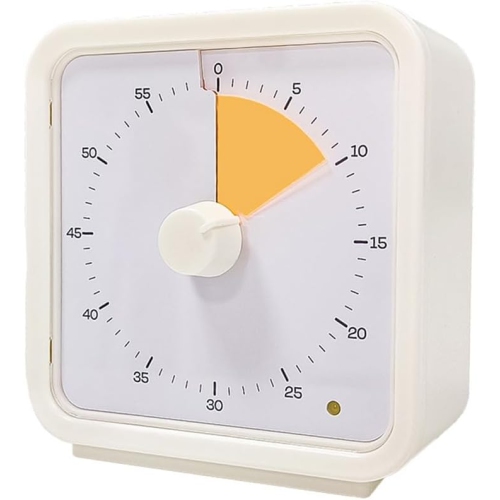
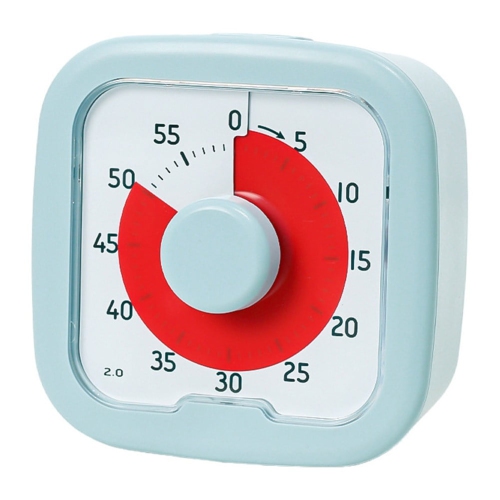
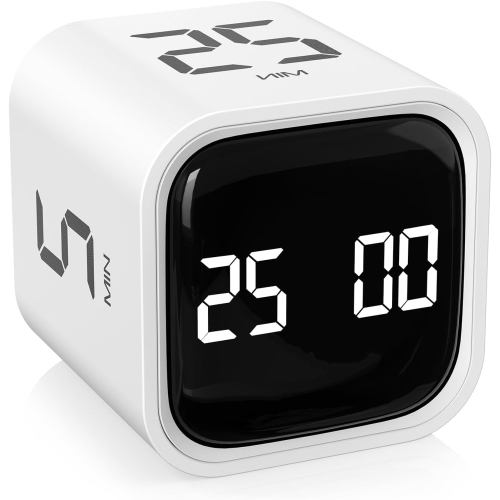
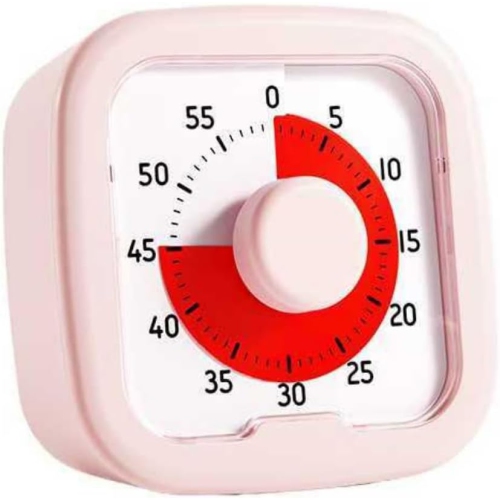
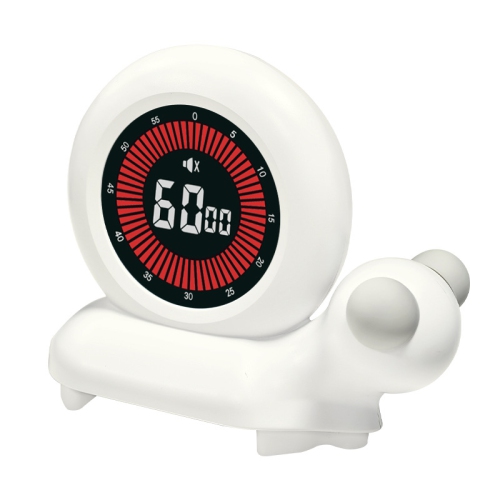
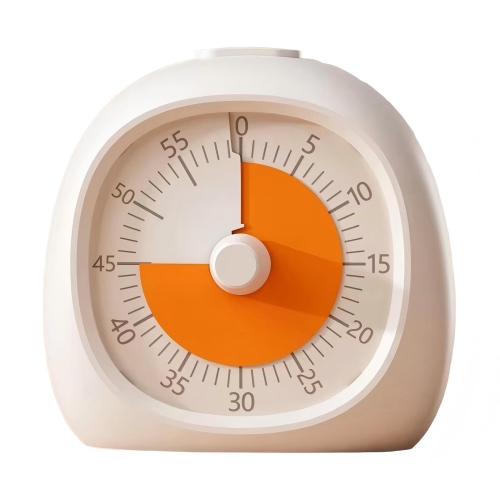
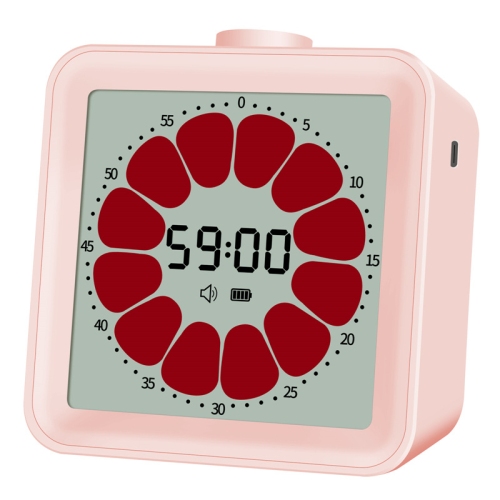
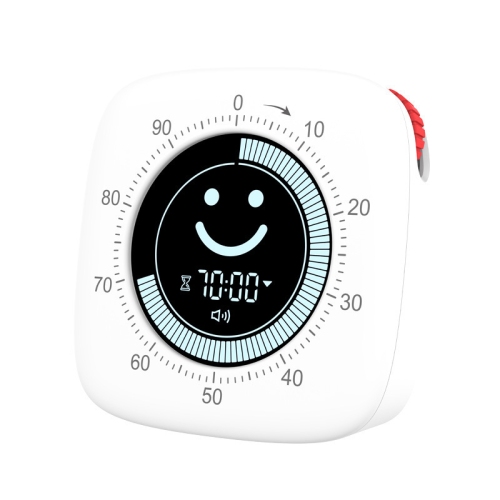
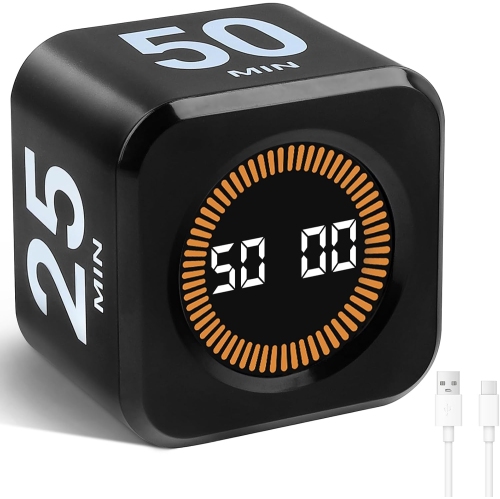
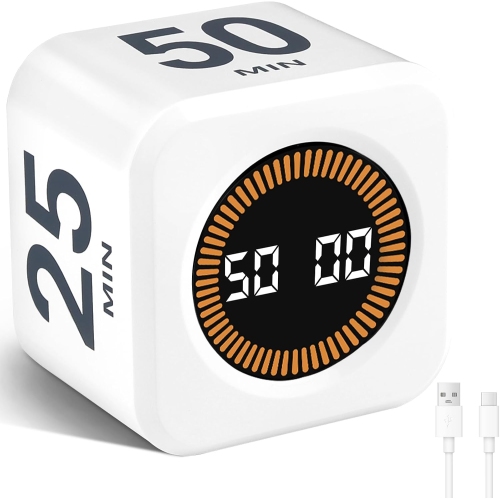
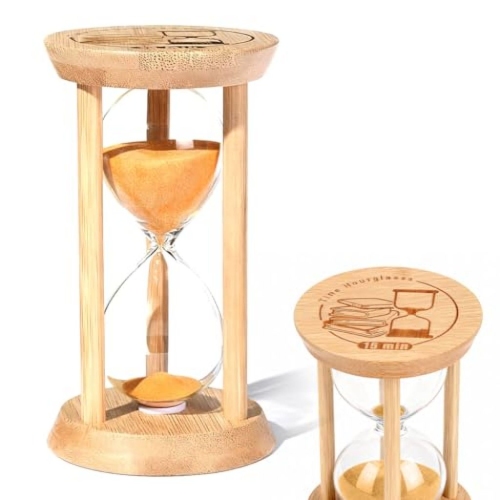
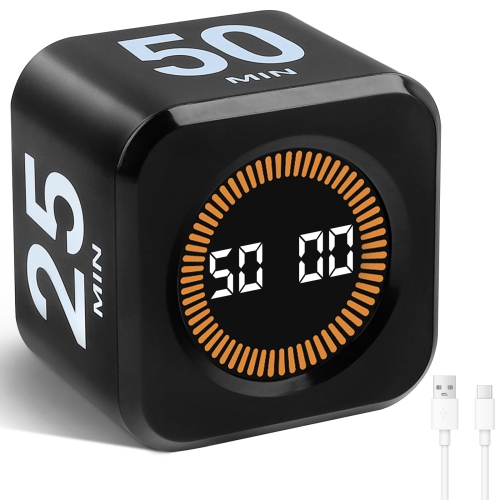
Visual timers for teachers make the passage of time visible, giving students a shared reference for how long an activity will last and when it is approaching its end. Unlike a clock that requires students to interpret hands or calculate the difference between two times, a visual countdown represents the remaining time through a shrinking coloured disc, a diminishing bar, a changing light display, or another clear graphic. Some designs also show numerals, pairing a familiar countdown with a visual cue. This can be useful during independent reading, writing practice, learning stations, presentations, and classroom transitions. A teacher might set a short interval for putting away art supplies, then use a longer countdown for a group assignment. Students can glance at the display rather than repeatedly asking how much time remains, while the teacher has a consistent reference for reminders. In early learning settings, a simple display can make an abstract idea more concrete: a large coloured area means there is still time to play, while a narrow section signals that tidy-up time is near. Older students may use the same visual reference to pace a written response, divide a project into manageable stages, or leave a few minutes to review their work. The timer does not need to turn every task into a race; it can mark a predictable period for focused work, a break, or a turn with shared materials. Clear expectations still matter, especially when a task needs flexibility or a student benefits from extra time. Visual timers sit alongside other Classroom Timers used to support daily routines, with their main distinction being an at-a-glance representation of elapsed or remaining time. They can serve classroom teachers, educational assistants, tutors, and families extending familiar school routines into homework time, without requiring every learner to read a conventional clock.
Display size and placement shape how useful a classroom visual timer will be in practice. A compact tabletop design suits a tutoring desk or a small reading group, while a larger face may be easier to follow from several rows away. Strong contrast between the coloured area, the background, and any numbers helps keep the countdown legible, but size alone does not guarantee visibility. Glare from overhead lighting, a crowded whiteboard, and the viewing angle from a student's seat can all affect how clearly the display can be read. A magnetic back can keep a timer near a posted schedule on a compatible board; not every whiteboard surface accepts magnets. A stable stand is useful on a shelf or teacher's desk, and a hanging option may suit rooms where tabletop space is limited. For learners who have difficulty distinguishing colours, a display that also changes shape or shows numbers offers another way to follow the countdown. Controls matter just as much as the face. A large dial can make a quick adjustment straightforward, while buttons may allow more precise settings or repeated intervals, depending on the design. The countdown range should match the intended activity: brief turn-taking games have different needs from a full lesson or an extended assessment. Sound settings also deserve attention. An adjustable alarm can announce the end of a busy group task, whereas a mute option or visual-only alert may suit quiet reading or students who find sudden sounds distracting. Operating noise is separate from alarm volume, so a timer with a silent alert is not necessarily free of ticking. Features such as pause, reset, and a way to prevent accidental setting changes can be helpful when lessons are interrupted or students handle the timer themselves. Battery-powered, rechargeable, and mechanical designs have different maintenance needs; checking the power source and how the display behaves when time runs out helps match the timer to everyday classroom routines.
Materials, construction, and care become especially important when a timer moves between desks, classrooms, and shared teaching spaces. Many physical timers use plastic housings to keep them light enough to carry, while some include a silicone cover or a protective surround that improves grip and cushions minor knocks. These details can be useful on a small-group table where books, pencil cases, and elbows compete for space, though a cover does not make a timer drop-proof. A broad base, secure stand, and controls that feel firmly attached are practical considerations for frequent use. A carry handle may be convenient for an educational assistant moving between rooms, and a compact shape can fit more easily into a tutoring bag. If children will set or move the timer, age suitability, rounded edges, and a securely fastened battery compartment deserve particular attention. Products with small parts or accessible batteries should be kept away from children who might put them in their mouths. Care is usually simple, but it should follow the manufacturer's directions: use an appropriate soft cloth, avoid soaking openings or controls, and check whether cleaning products are suitable for the casing and display. Shared timers may need regular cleaning of frequently touched dials and buttons, along with occasional checks for loose covers, worn stands, or weak magnets. Keeping the display free of fingerprints also helps preserve visibility. For rechargeable designs, a consistent charging location can make them easier to keep ready for lessons; for replaceable-battery models, adult-managed battery changes help keep maintenance separate from student use. A visual timer can also be a thoughtful practical gift for a new teacher, tutor, or educator setting up a learning space, particularly when its size and controls suit the way they teach. The most useful design is one that fits naturally into existing routines, whether that means marking a partner's speaking turn, supporting a calm transition after a break, or making the final minutes of a lesson easier to see.
Display size and placement shape how useful a classroom visual timer will be in practice. A compact tabletop design suits a tutoring desk or a small reading group, while a larger face may be easier to follow from several rows away. Strong contrast between the coloured area, the background, and any numbers helps keep the countdown legible, but size alone does not guarantee visibility. Glare from overhead lighting, a crowded whiteboard, and the viewing angle from a student's seat can all affect how clearly the display can be read. A magnetic back can keep a timer near a posted schedule on a compatible board; not every whiteboard surface accepts magnets. A stable stand is useful on a shelf or teacher's desk, and a hanging option may suit rooms where tabletop space is limited. For learners who have difficulty distinguishing colours, a display that also changes shape or shows numbers offers another way to follow the countdown. Controls matter just as much as the face. A large dial can make a quick adjustment straightforward, while buttons may allow more precise settings or repeated intervals, depending on the design. The countdown range should match the intended activity: brief turn-taking games have different needs from a full lesson or an extended assessment. Sound settings also deserve attention. An adjustable alarm can announce the end of a busy group task, whereas a mute option or visual-only alert may suit quiet reading or students who find sudden sounds distracting. Operating noise is separate from alarm volume, so a timer with a silent alert is not necessarily free of ticking. Features such as pause, reset, and a way to prevent accidental setting changes can be helpful when lessons are interrupted or students handle the timer themselves. Battery-powered, rechargeable, and mechanical designs have different maintenance needs; checking the power source and how the display behaves when time runs out helps match the timer to everyday classroom routines.
Materials, construction, and care become especially important when a timer moves between desks, classrooms, and shared teaching spaces. Many physical timers use plastic housings to keep them light enough to carry, while some include a silicone cover or a protective surround that improves grip and cushions minor knocks. These details can be useful on a small-group table where books, pencil cases, and elbows compete for space, though a cover does not make a timer drop-proof. A broad base, secure stand, and controls that feel firmly attached are practical considerations for frequent use. A carry handle may be convenient for an educational assistant moving between rooms, and a compact shape can fit more easily into a tutoring bag. If children will set or move the timer, age suitability, rounded edges, and a securely fastened battery compartment deserve particular attention. Products with small parts or accessible batteries should be kept away from children who might put them in their mouths. Care is usually simple, but it should follow the manufacturer's directions: use an appropriate soft cloth, avoid soaking openings or controls, and check whether cleaning products are suitable for the casing and display. Shared timers may need regular cleaning of frequently touched dials and buttons, along with occasional checks for loose covers, worn stands, or weak magnets. Keeping the display free of fingerprints also helps preserve visibility. For rechargeable designs, a consistent charging location can make them easier to keep ready for lessons; for replaceable-battery models, adult-managed battery changes help keep maintenance separate from student use. A visual timer can also be a thoughtful practical gift for a new teacher, tutor, or educator setting up a learning space, particularly when its size and controls suit the way they teach. The most useful design is one that fits naturally into existing routines, whether that means marking a partner's speaking turn, supporting a calm transition after a break, or making the final minutes of a lesson easier to see.
Top selling and popular products
-
 Your price for this item is $149.99
 -
 Your price for this item is $269.99
 -
 Your price for this item is $99.99
 -
 Your price for this item is $69.74
 -
 Your price for this item is $45.99
 -
 Your price for this item is $149.99
 -
 Your price for this item is $12.99
 -
 Your price for this item is $479.99
Discover more categories related to Visual Timers for Teachers
Top Collections:
Pokemon Centers, Kindle Devices, Best Budget Office Chairs, Apple iPhones 16, Best Laptops for Writers, iPhone 15 Apple, Canon G7X Cameras, Refurbished Apple Laptops, Alarm Clock, Motorola Razr Phones
Some products may be subject to Environmental Handling Fees
(EHF) depending on your province.
Learn more about EHFs.