Wall Mount Monitor Arm
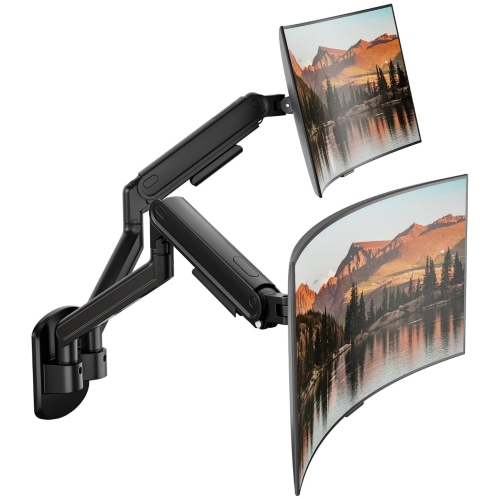
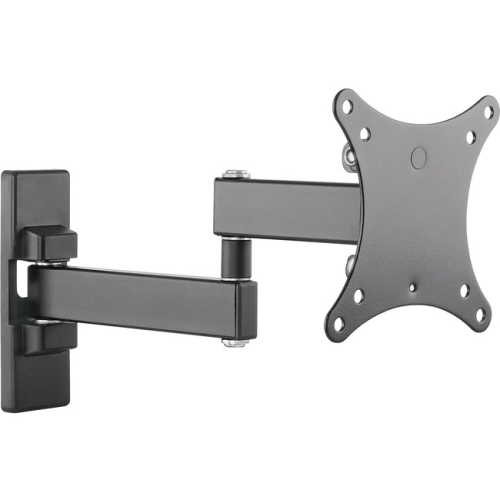
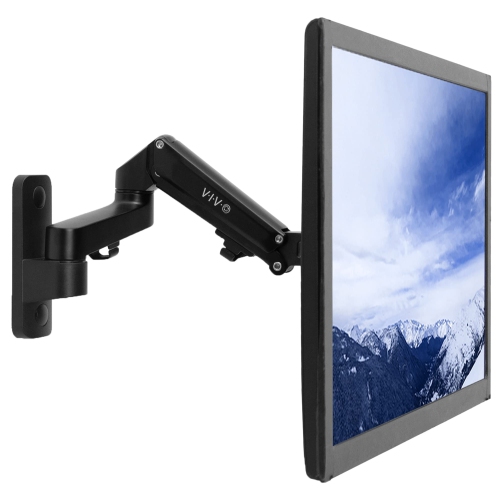
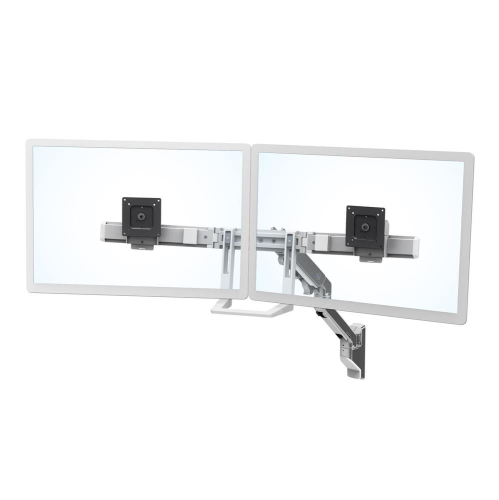
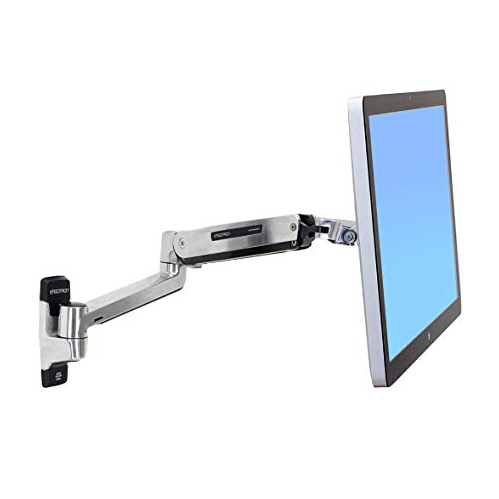
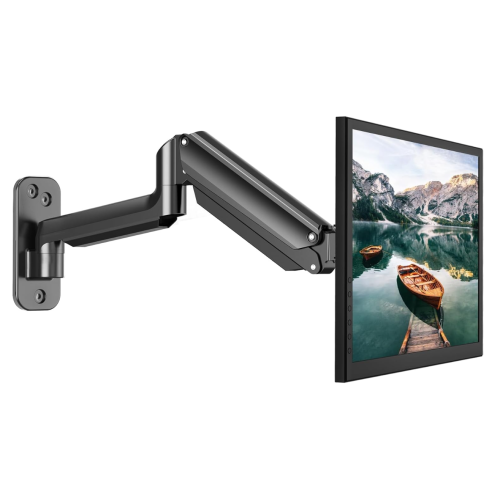
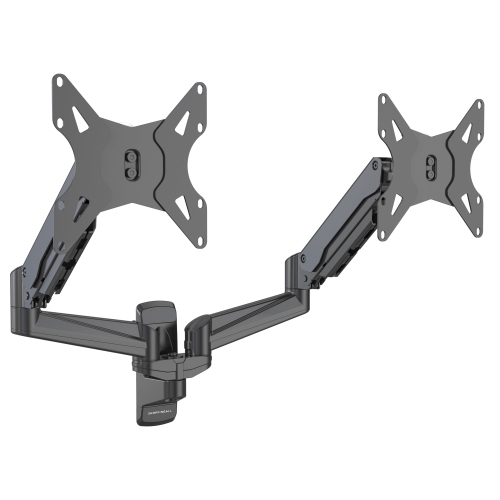
Enhance your workspace with wall-mount monitor arms; these are the perfect solution for maximizing productivity and comfort. These adjustable arms allow you to customize the height and angle of your monitor, allowing for ergonomic viewing and reducing strain on your neck and back. Here are some great options available.
Sort
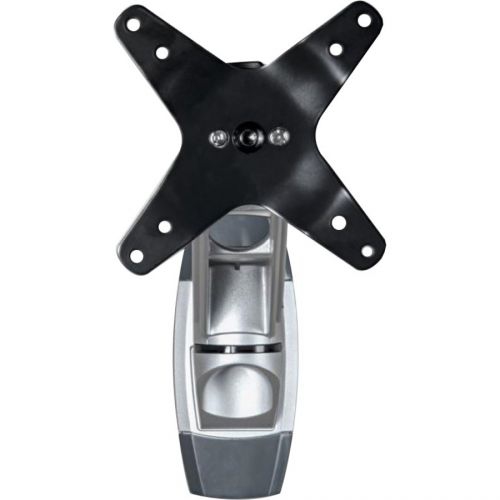
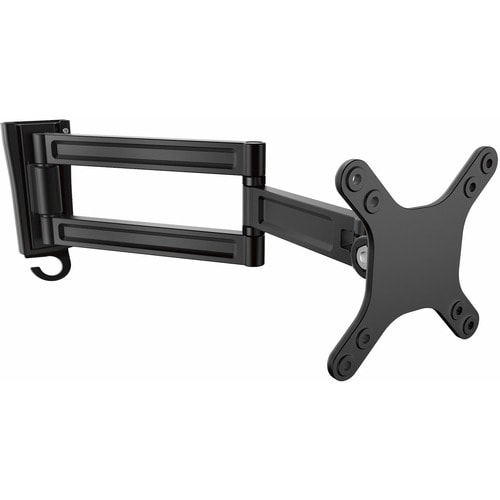
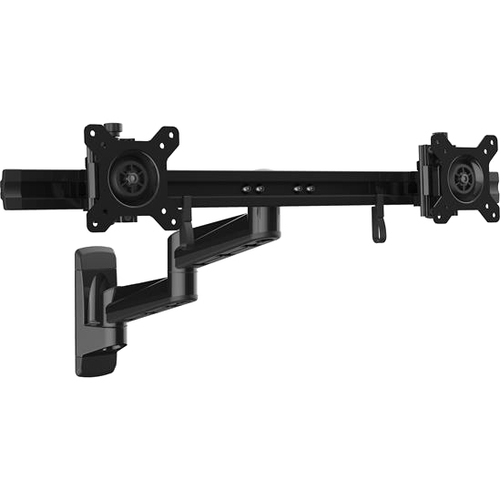
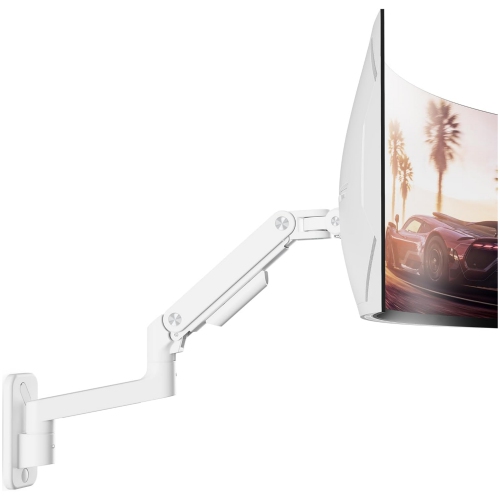
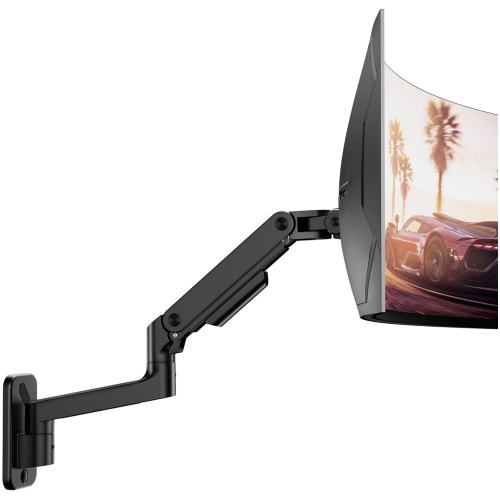
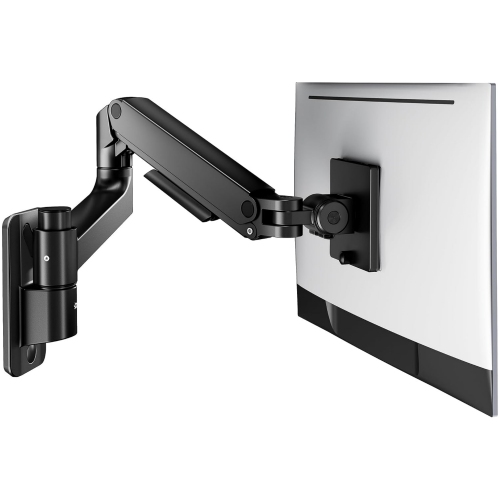
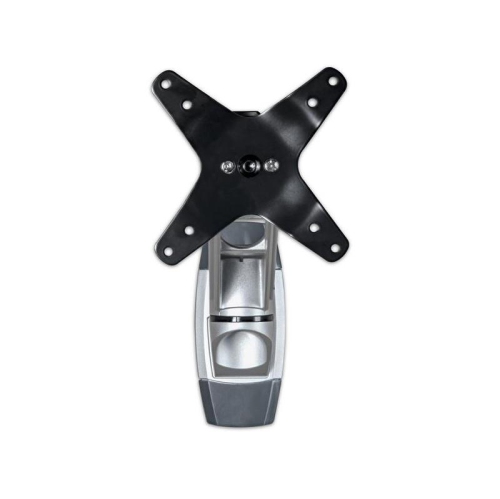
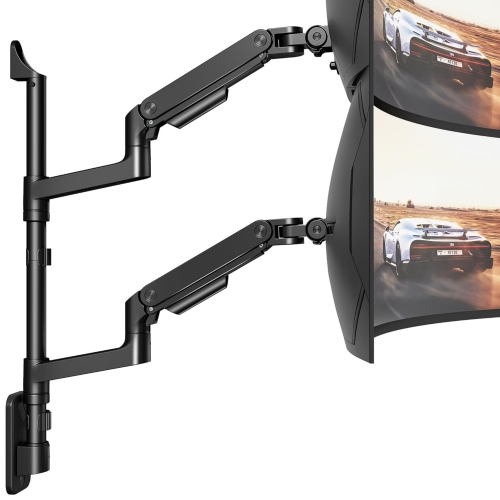
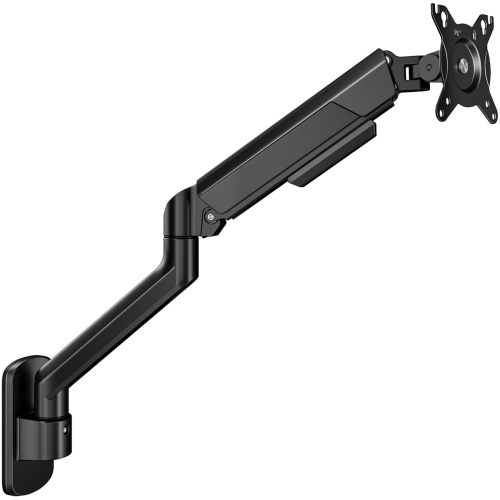
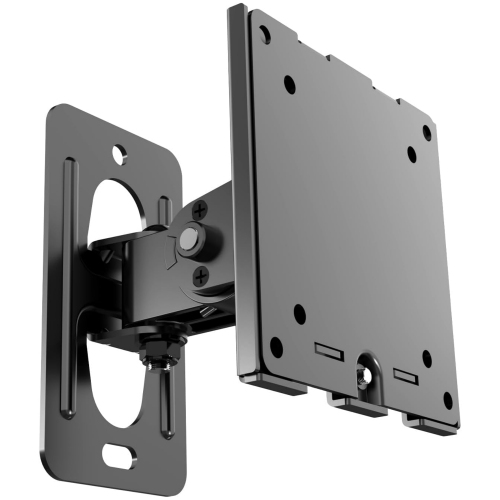
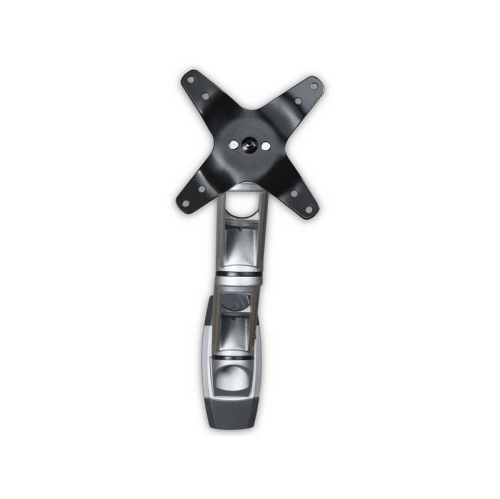
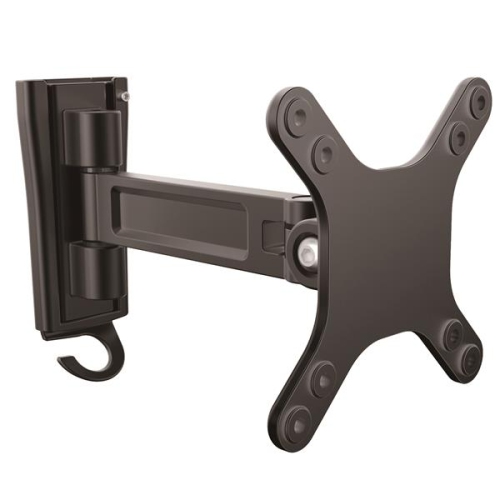
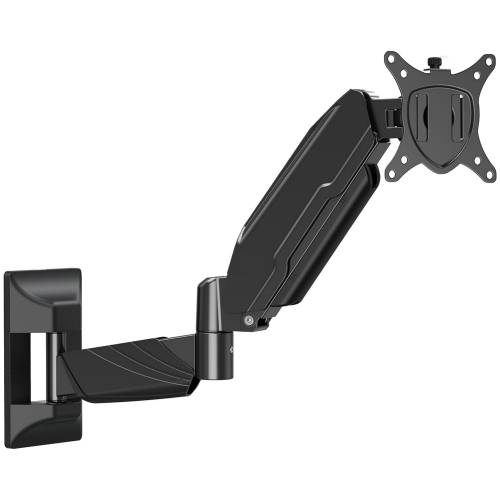
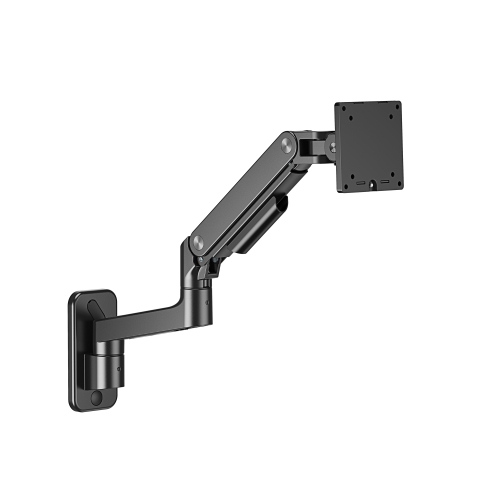
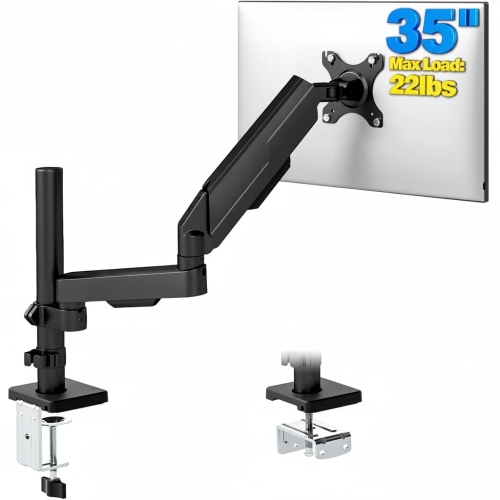
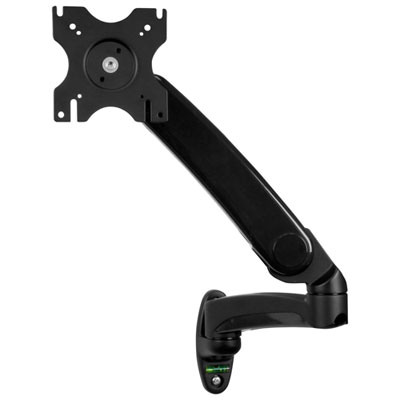
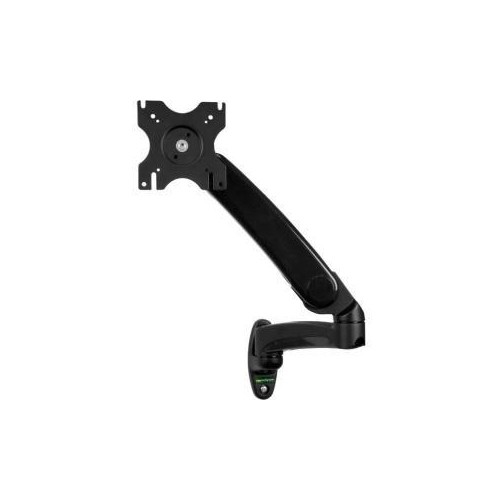
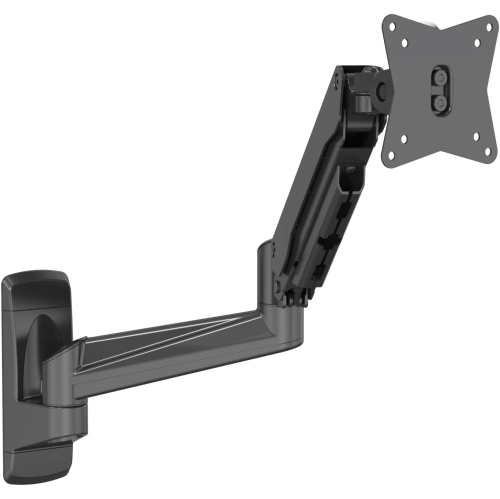
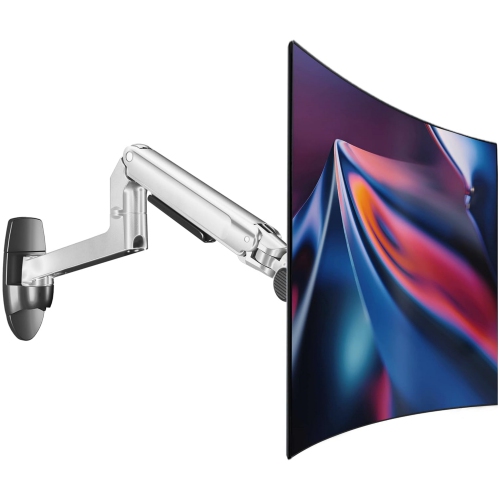
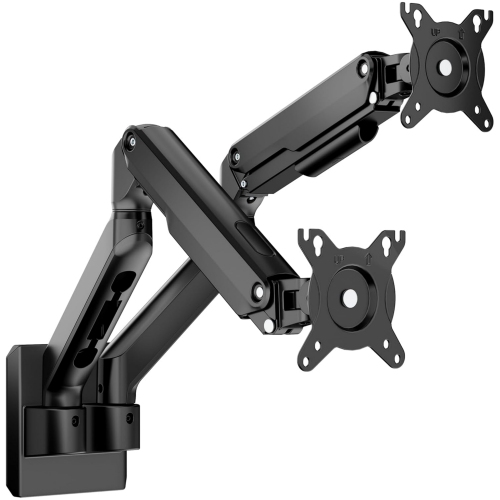
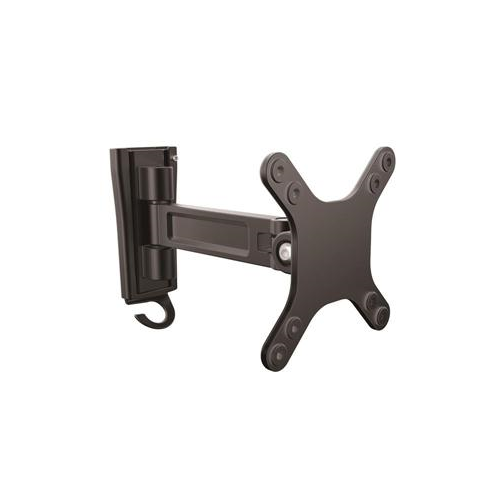
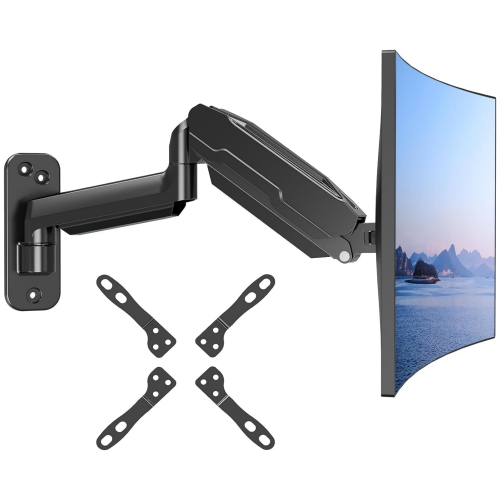
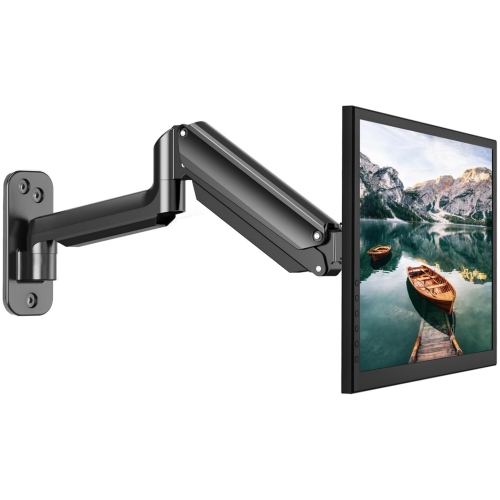
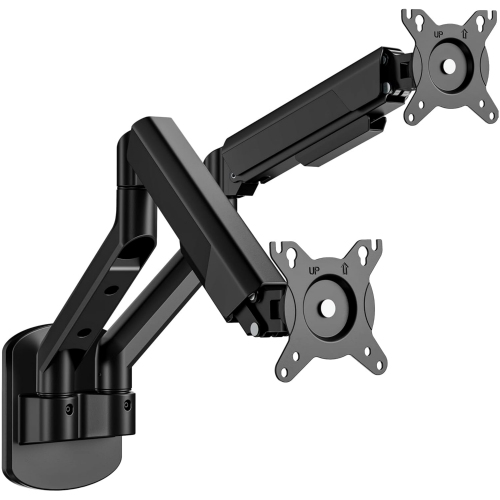
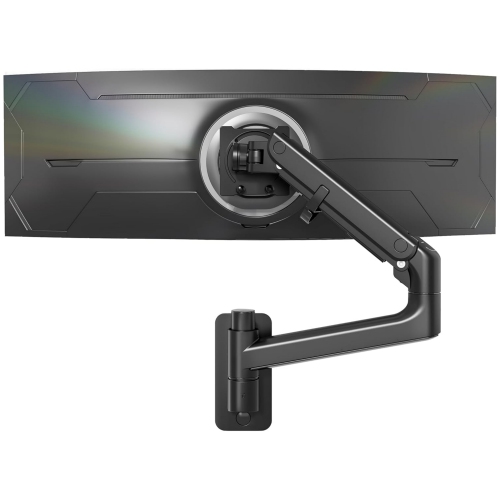
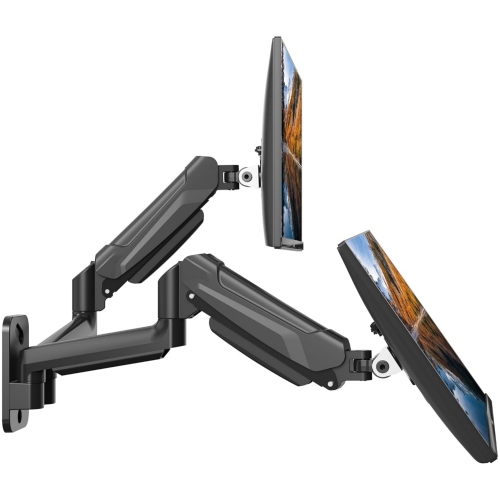
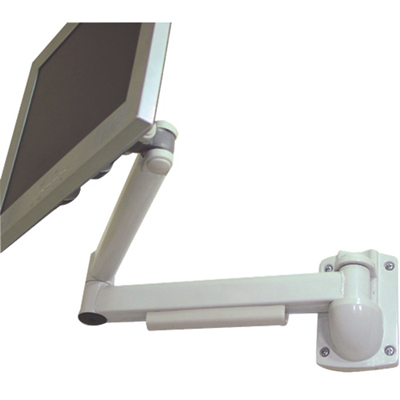
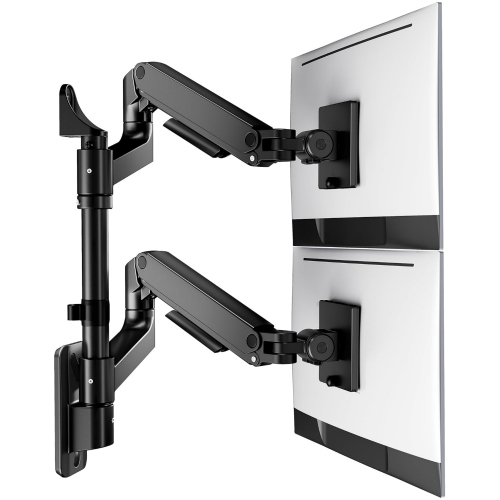
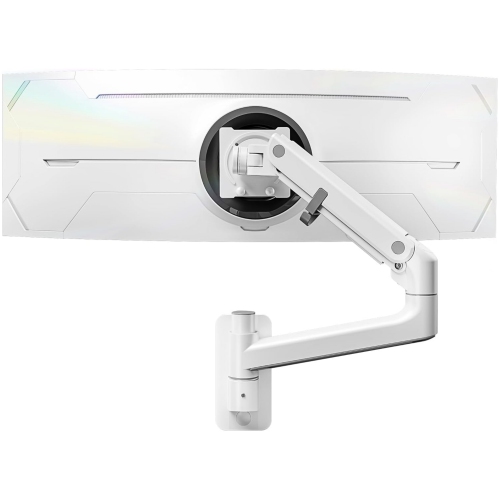
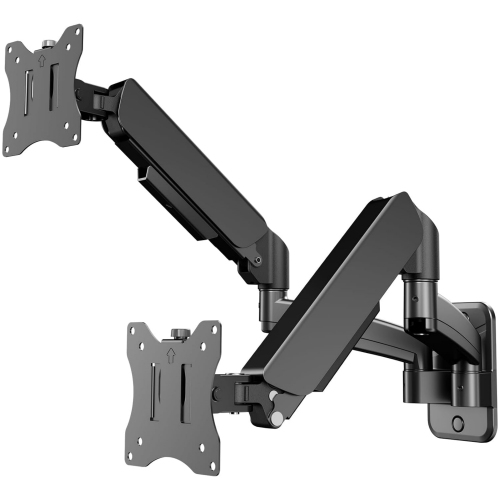
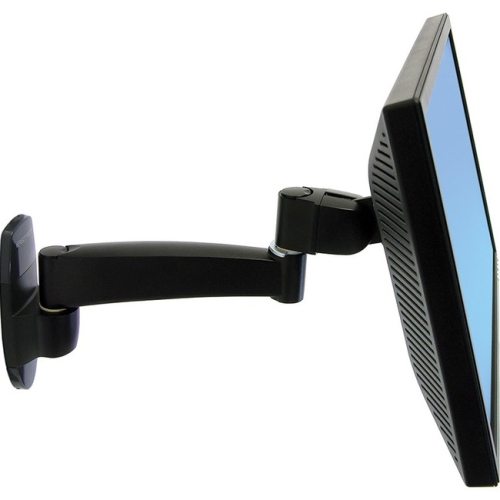
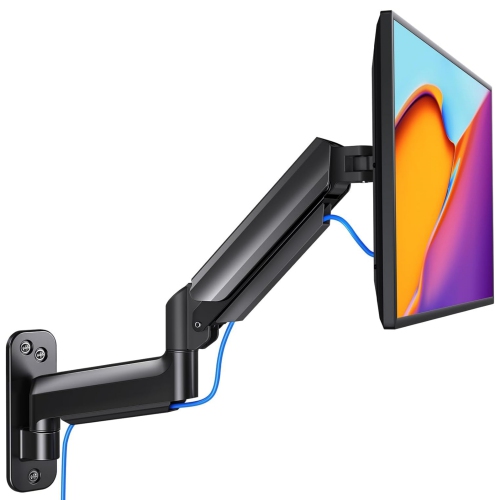
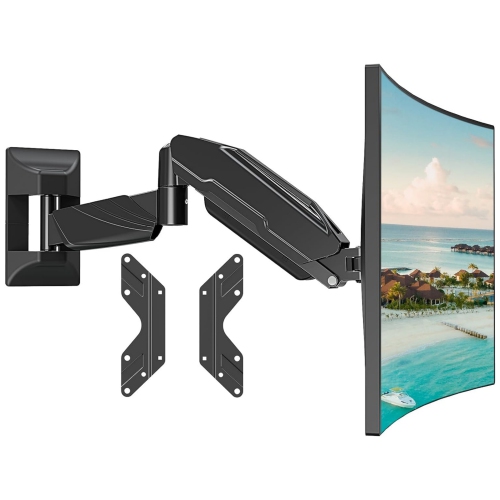
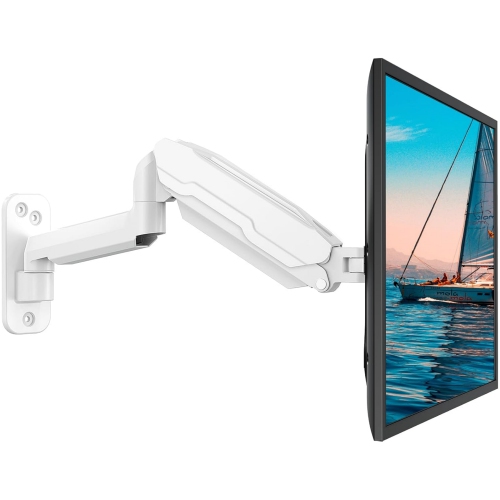
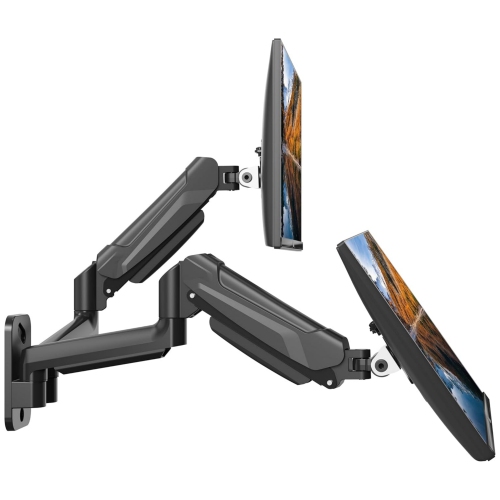
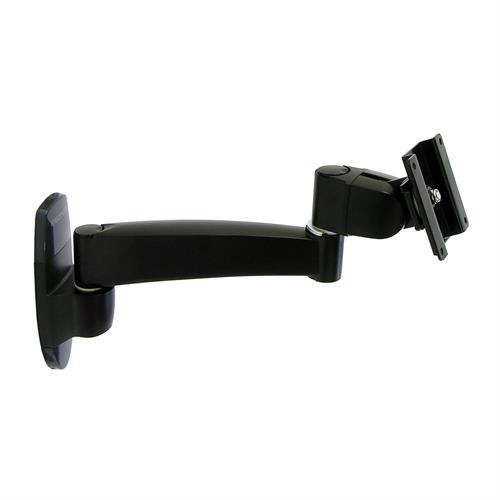
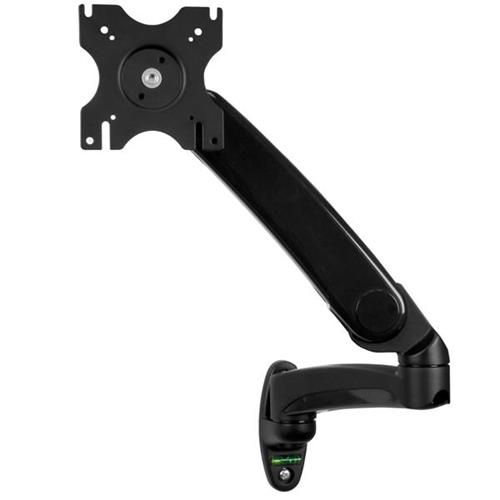
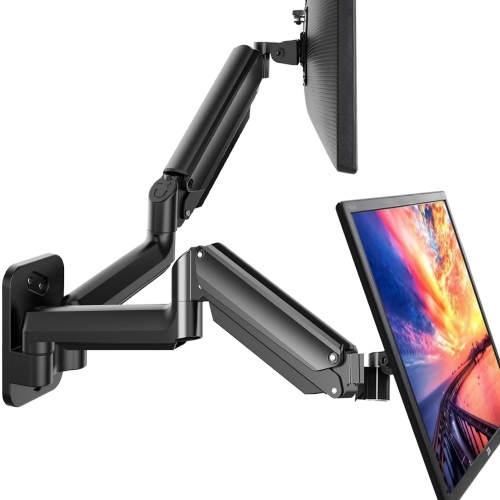
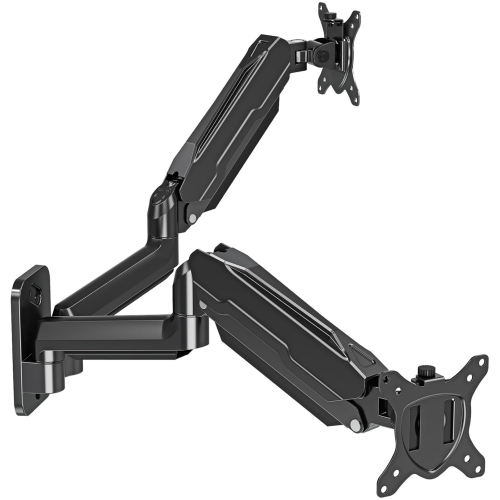
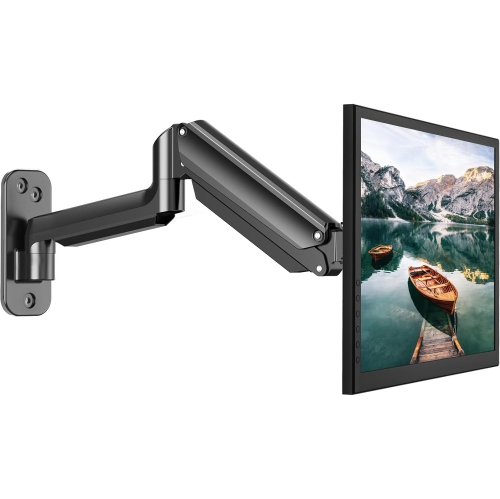
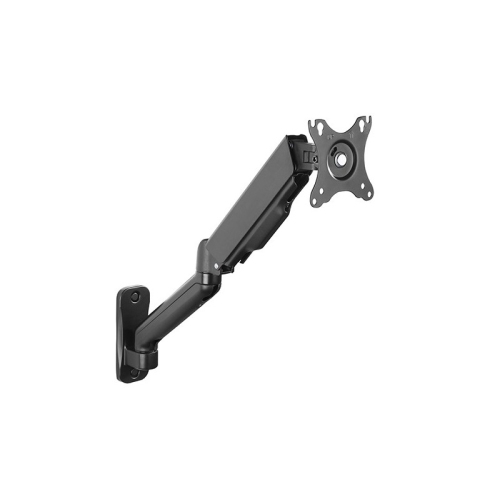
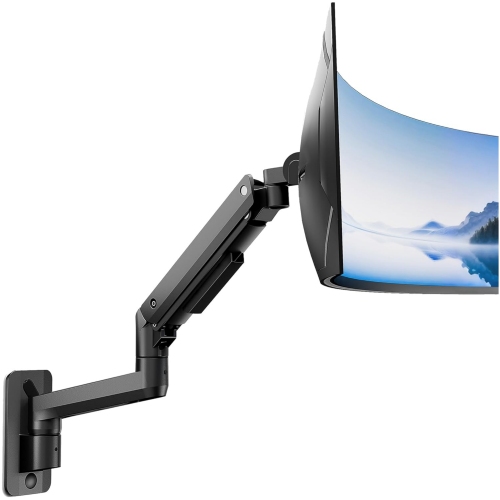
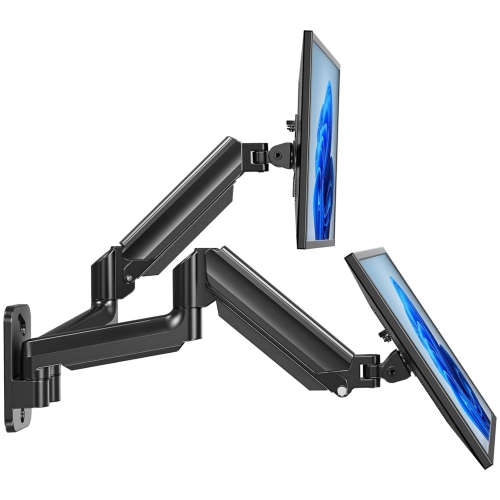
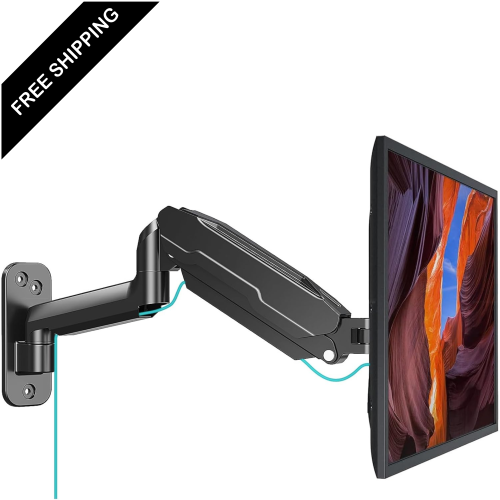
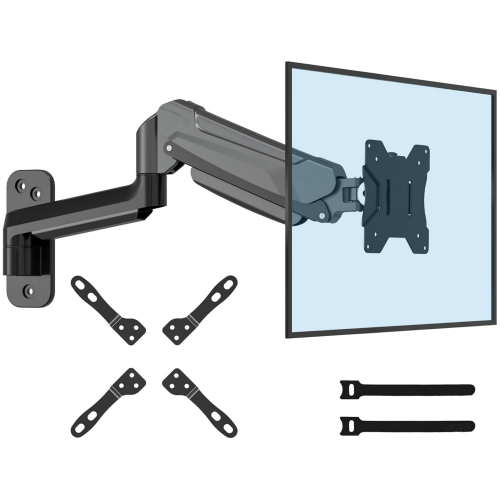
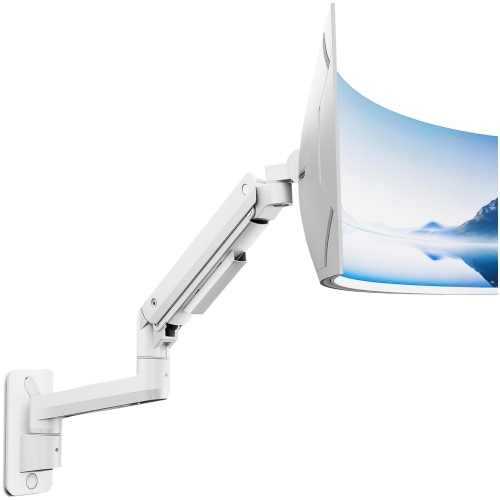
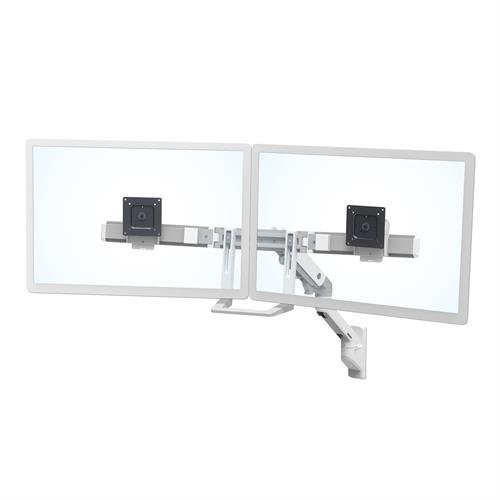
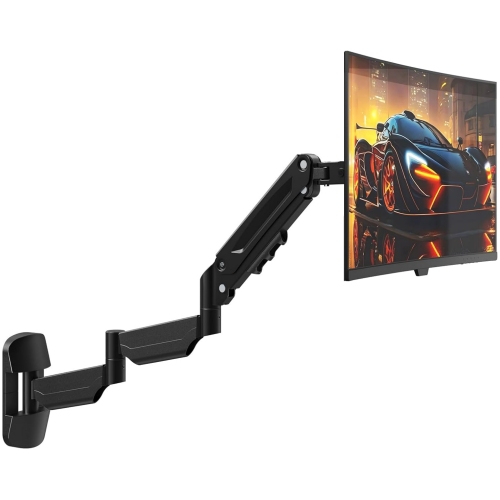
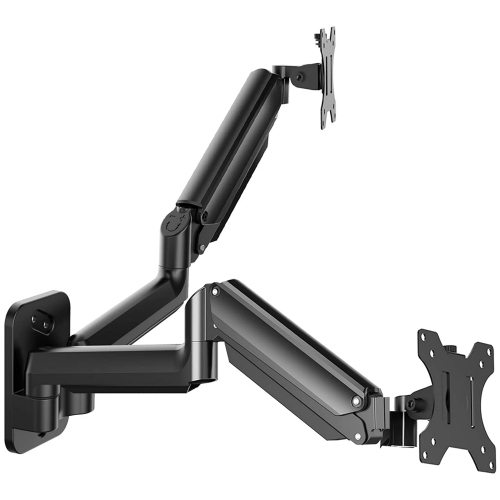
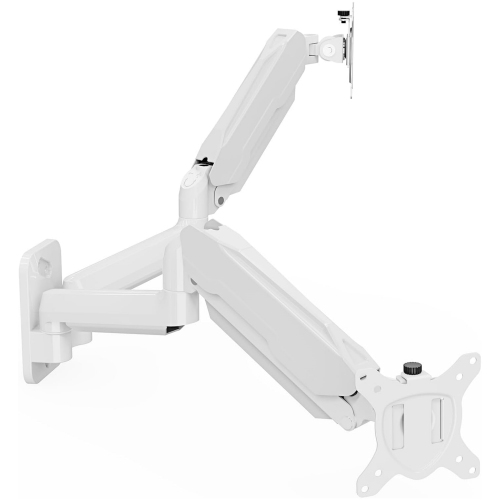
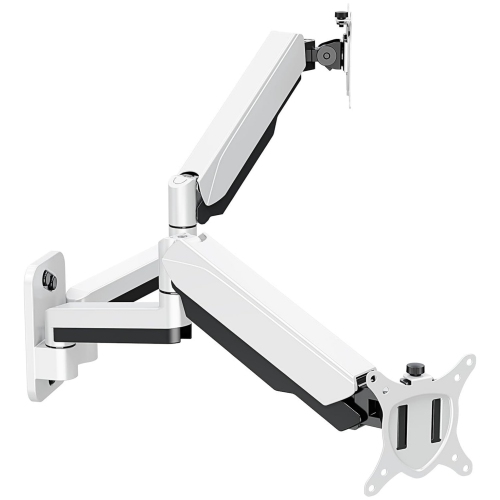
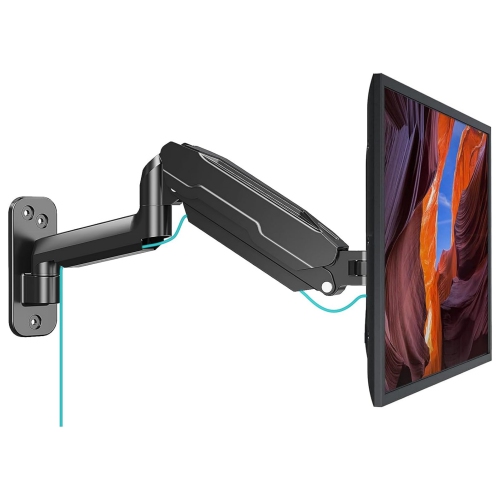
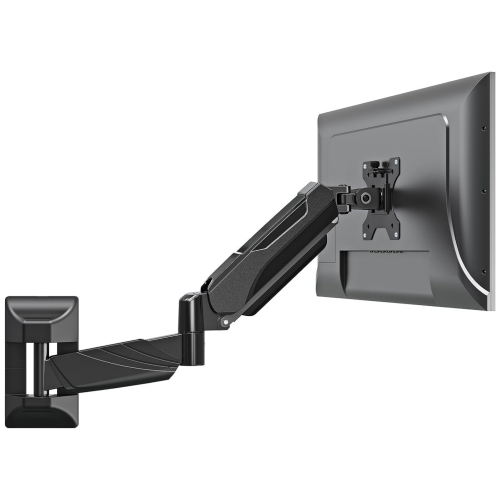
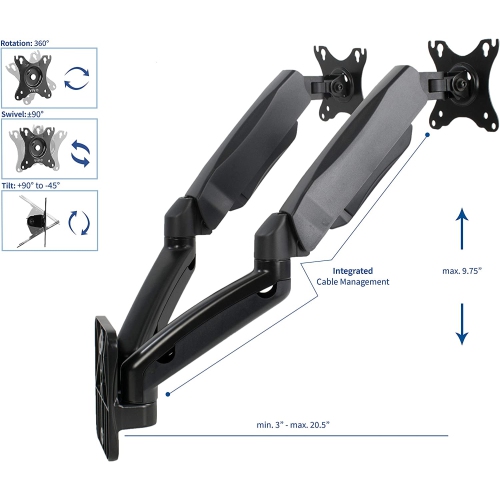
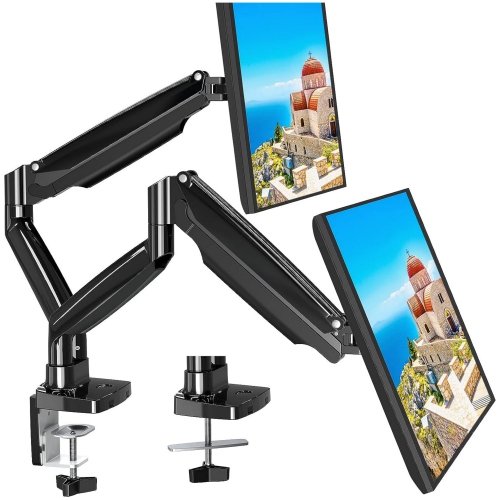
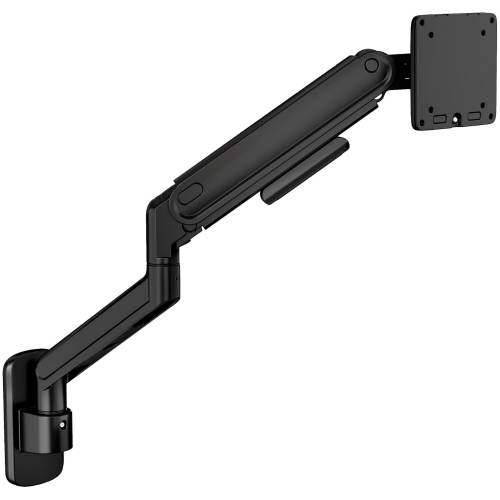
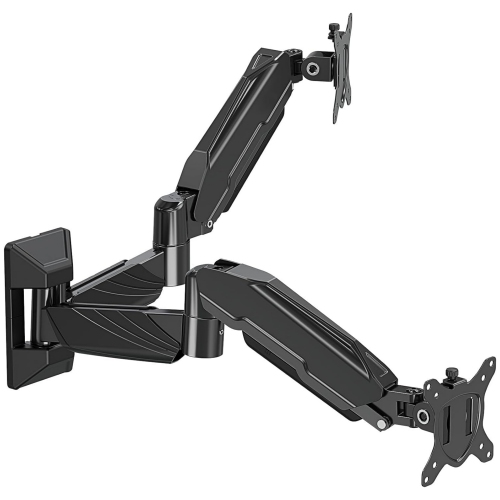

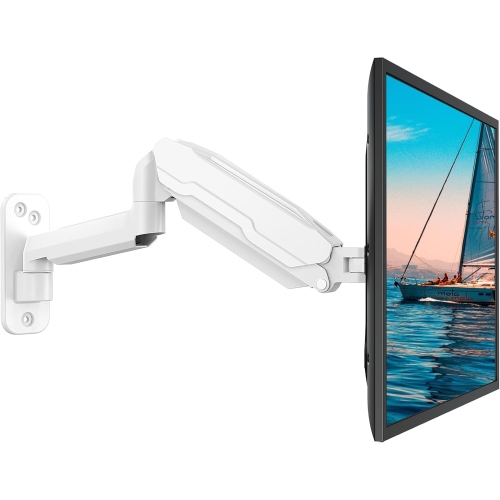
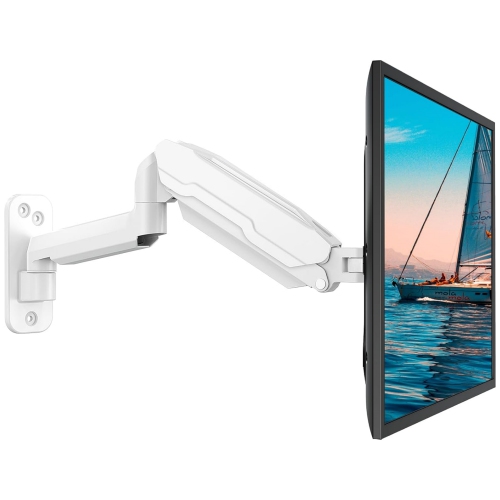
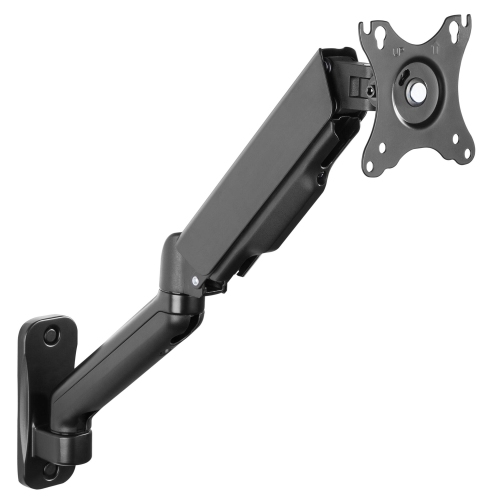
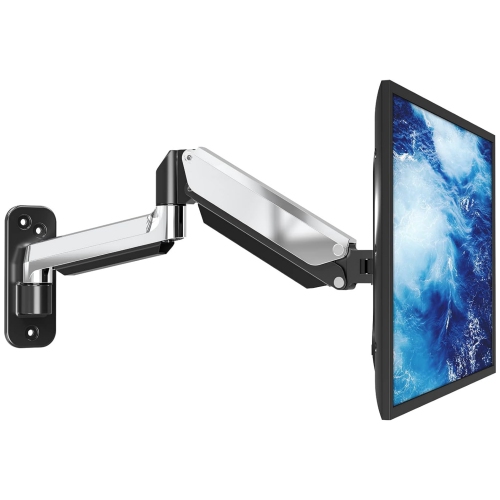

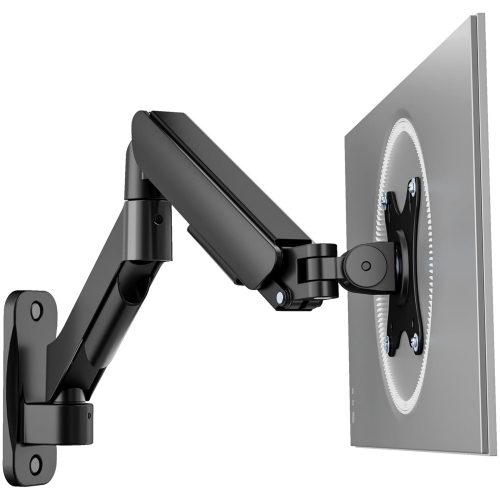
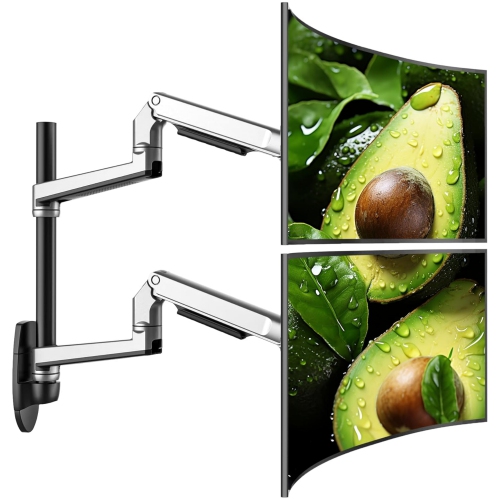
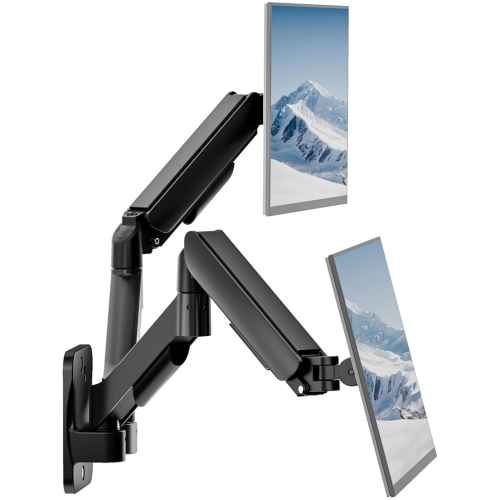
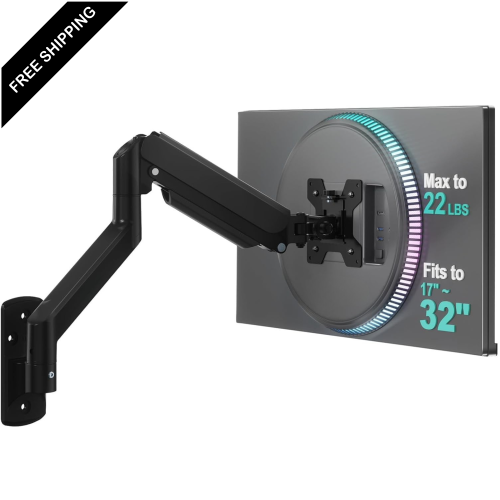
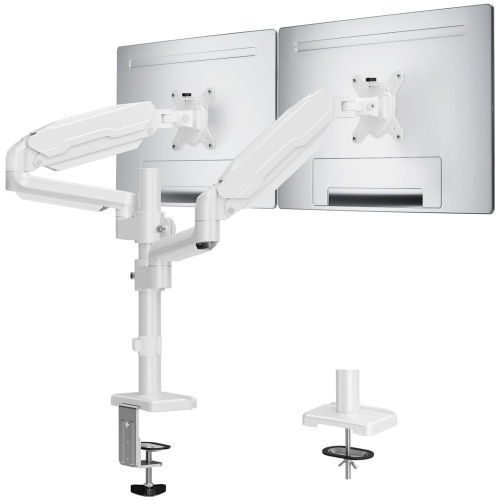
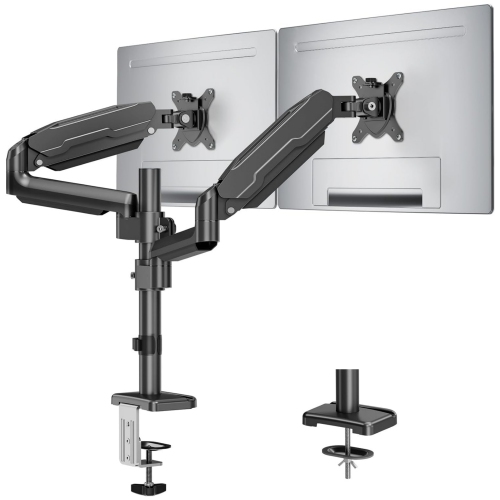
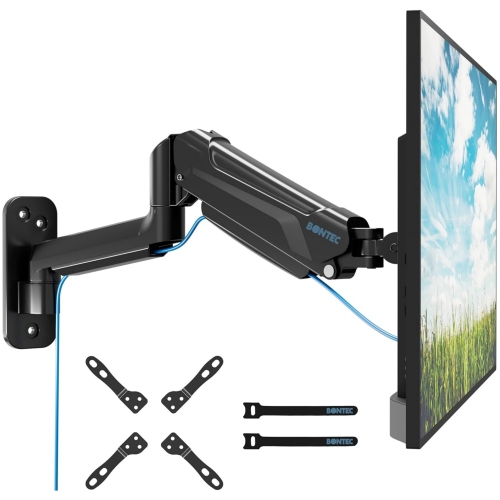
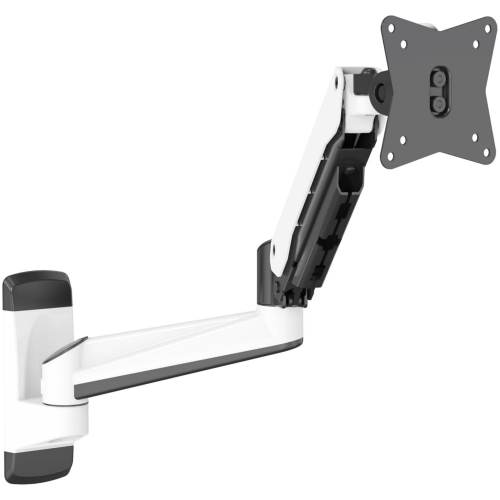
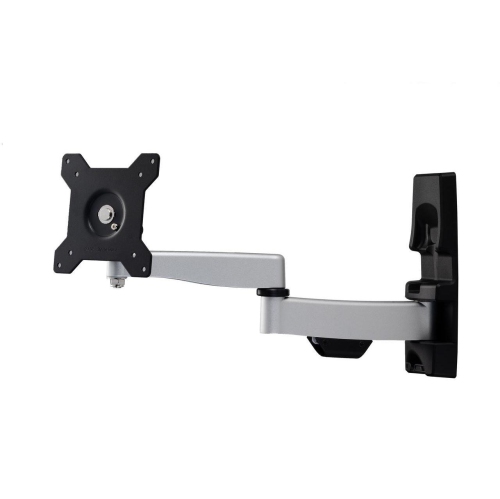
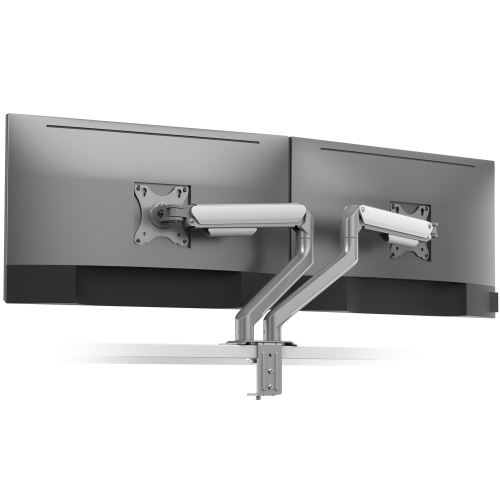
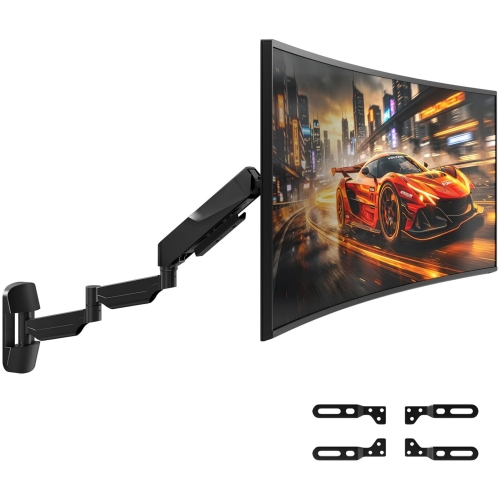
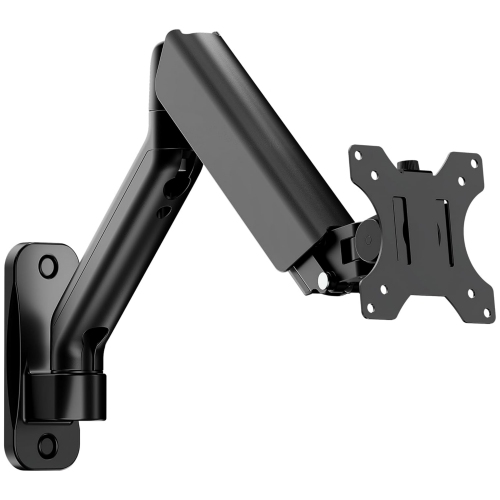
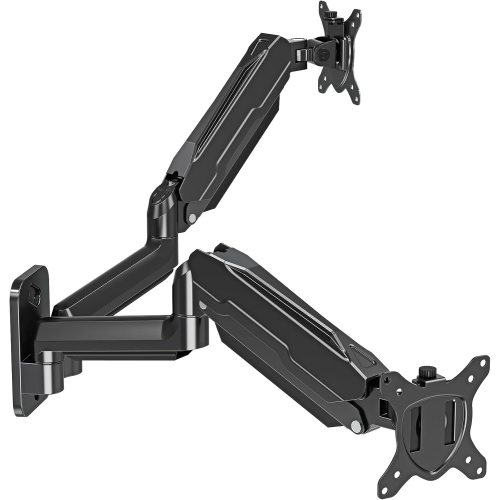
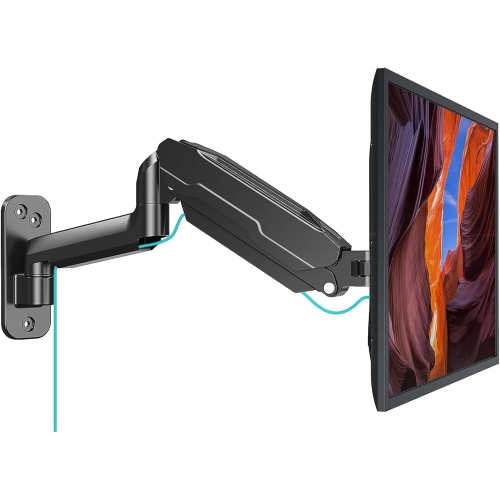
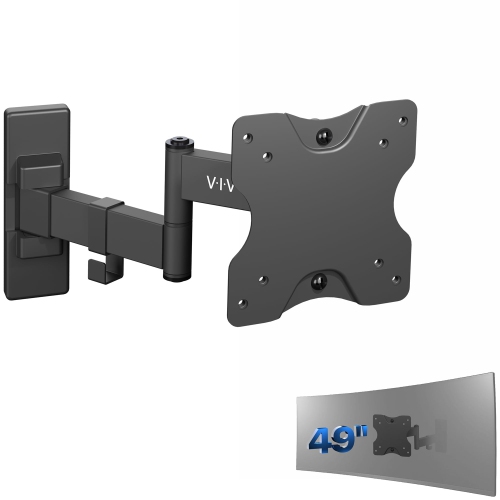
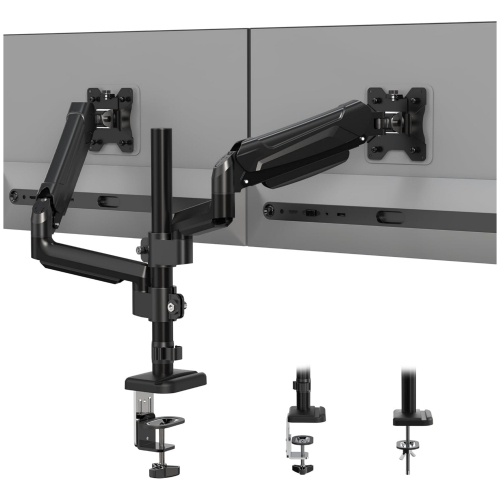
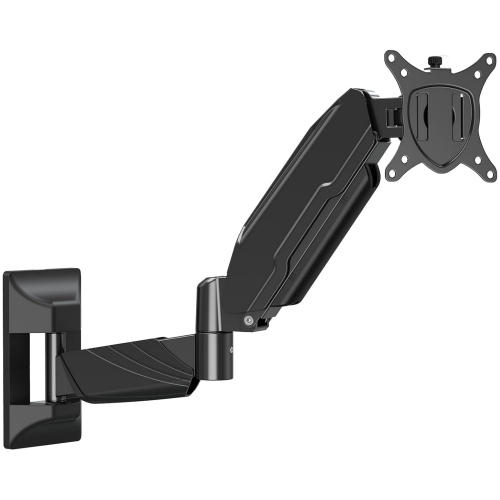
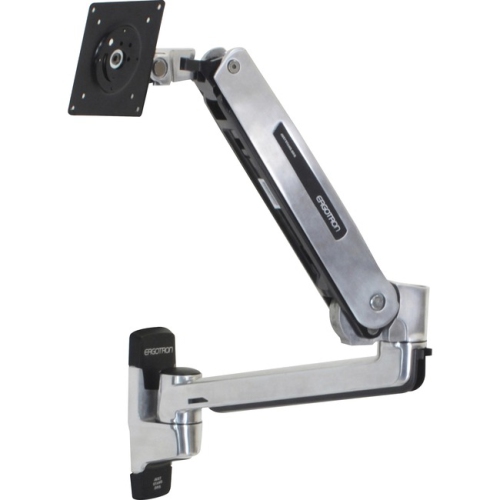
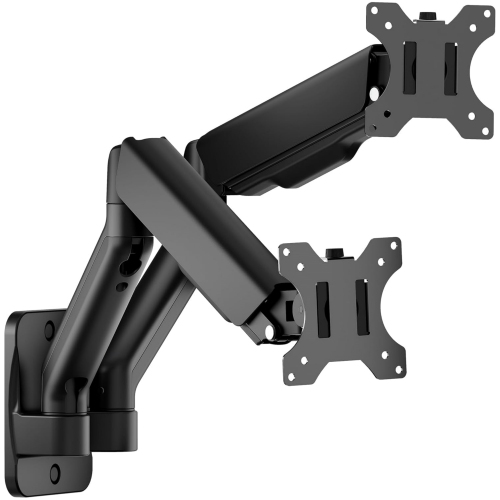
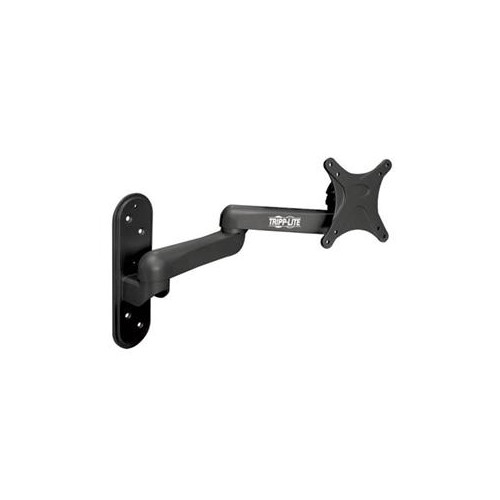
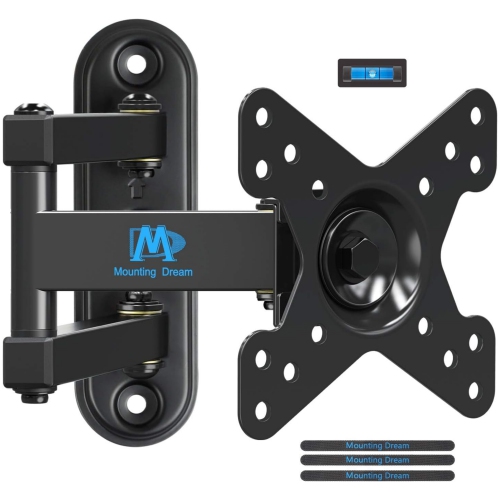
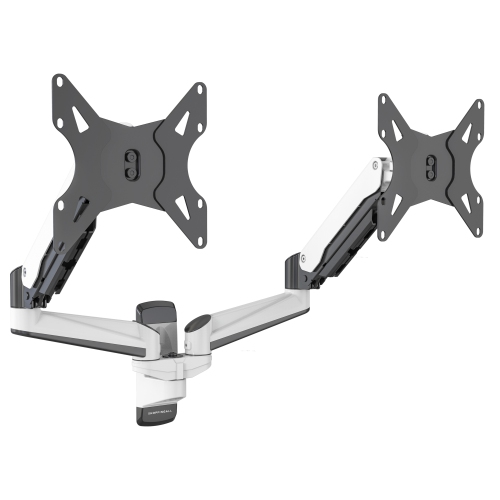
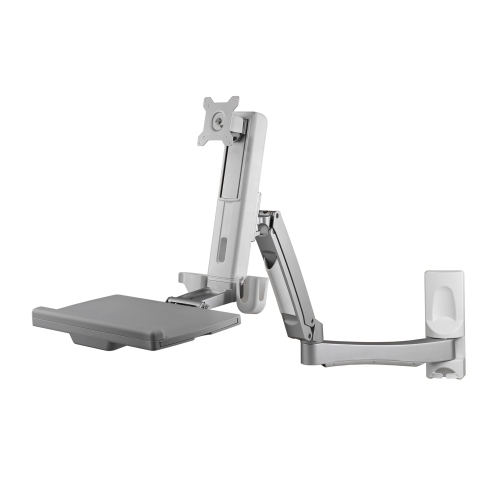
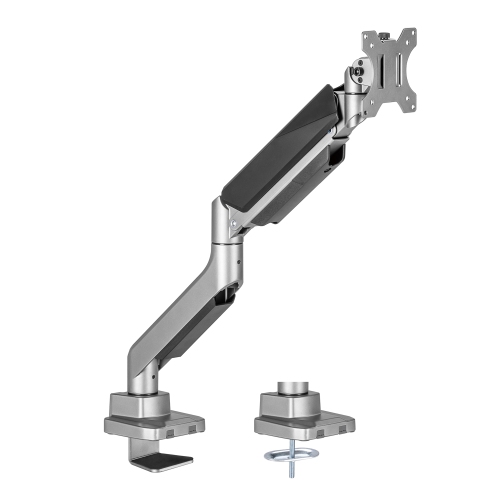
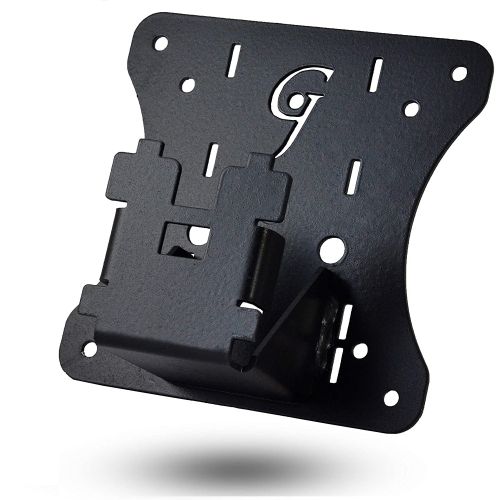
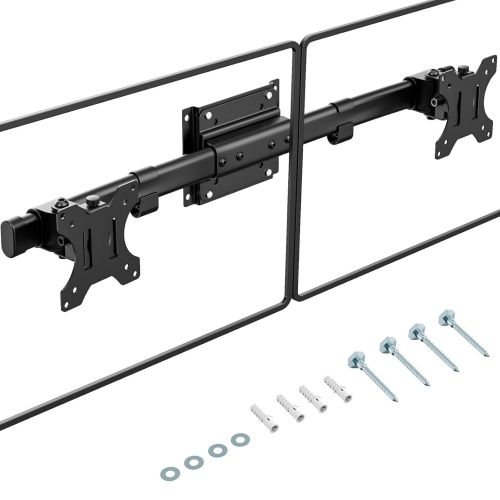
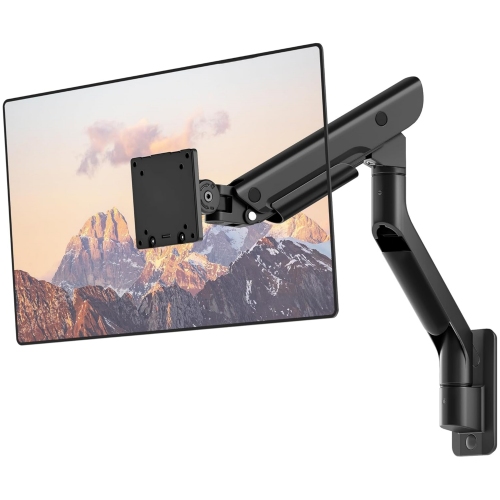
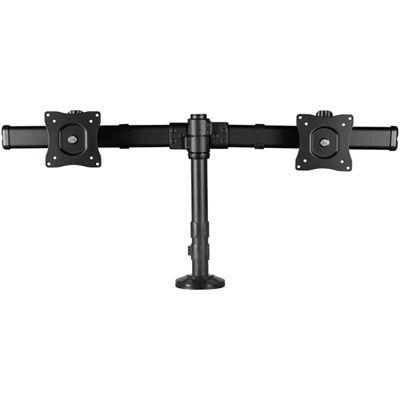
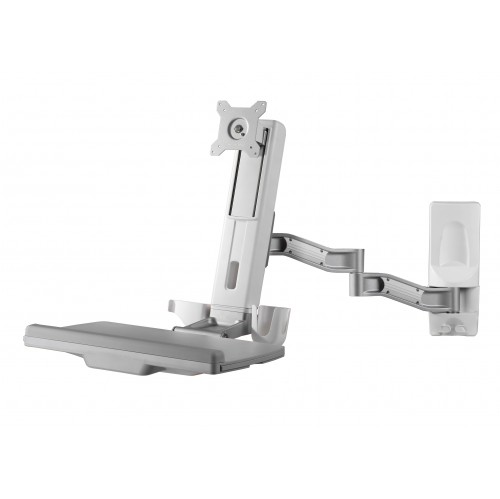
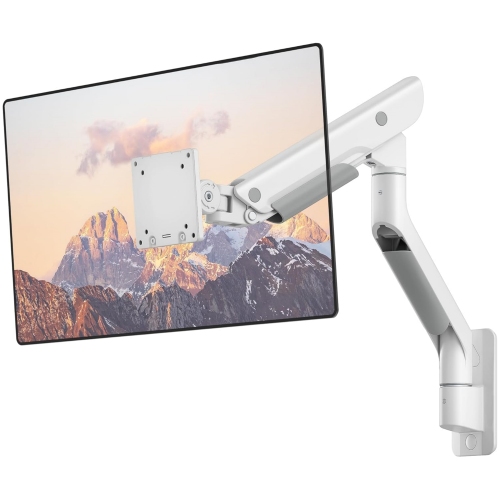
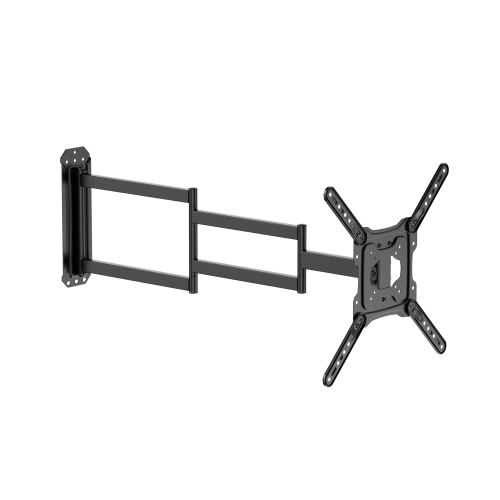
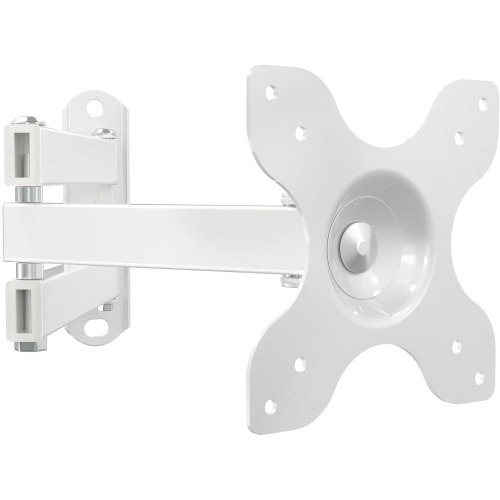
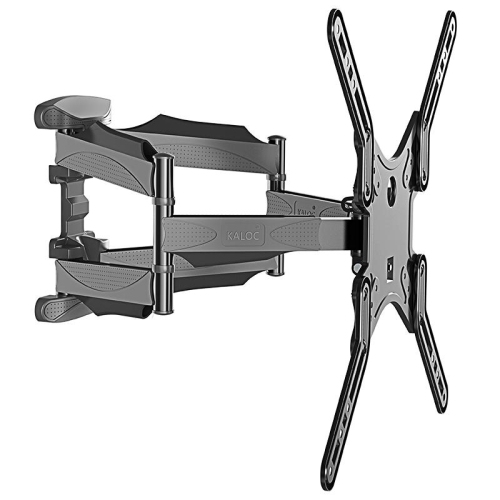
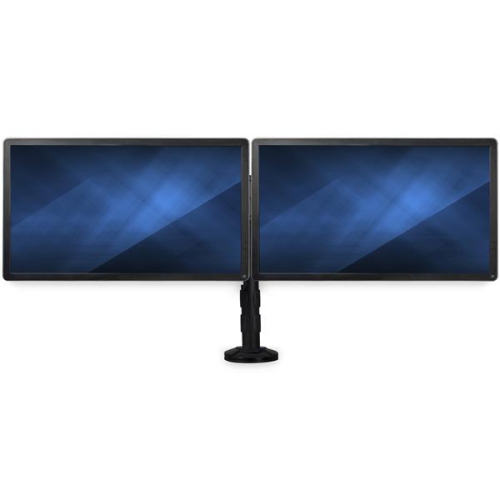
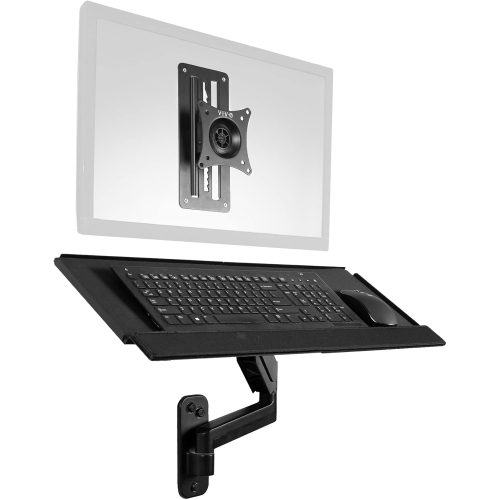
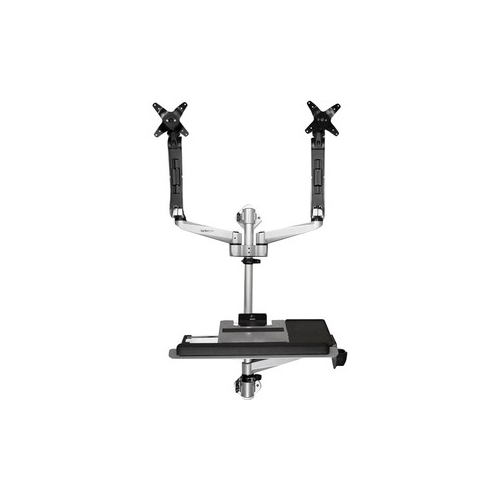
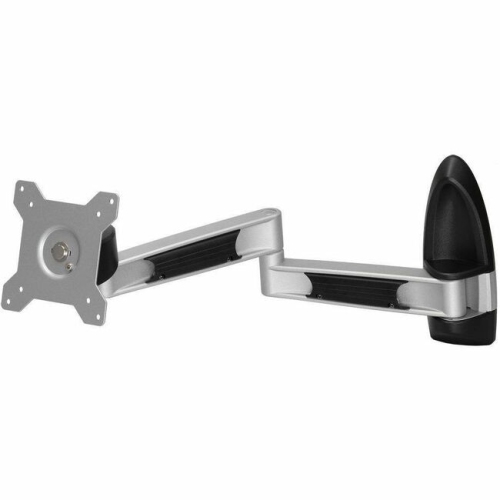
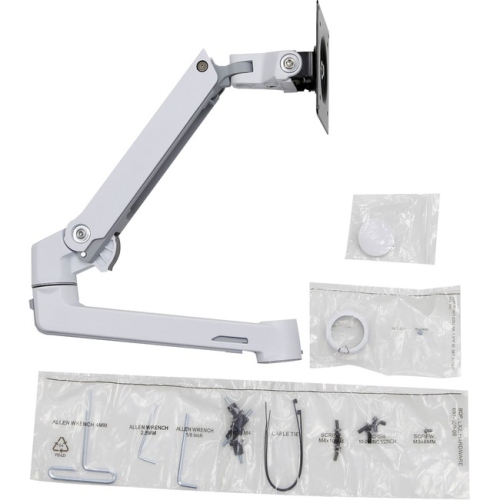
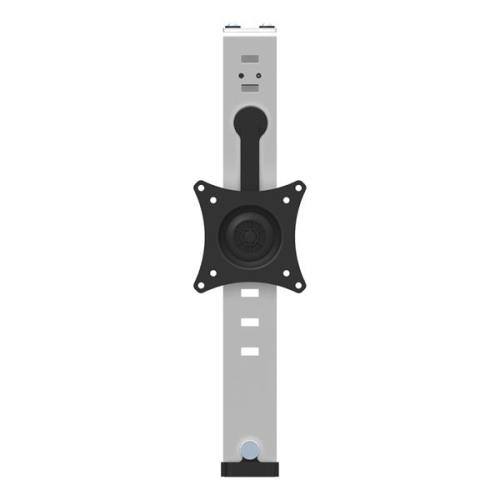
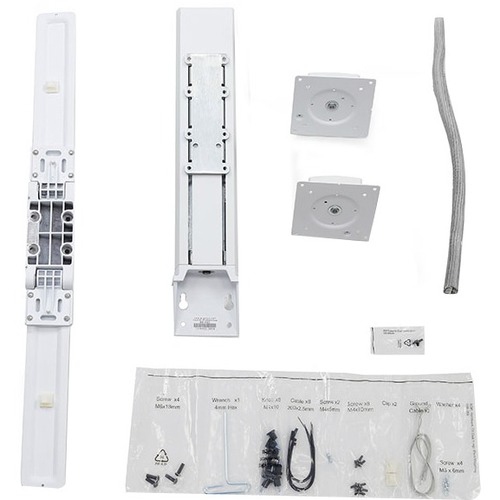
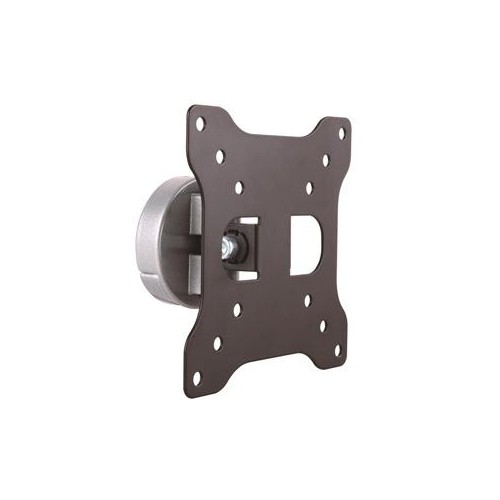
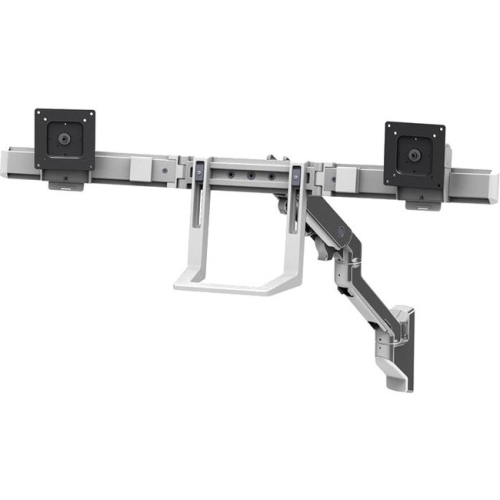


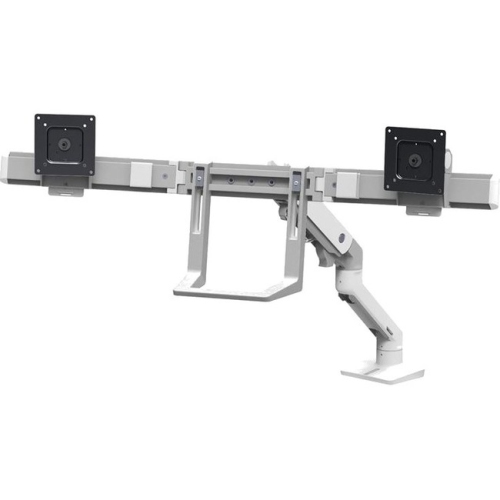
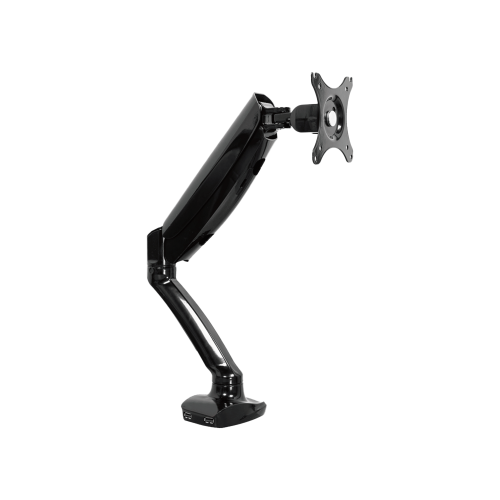


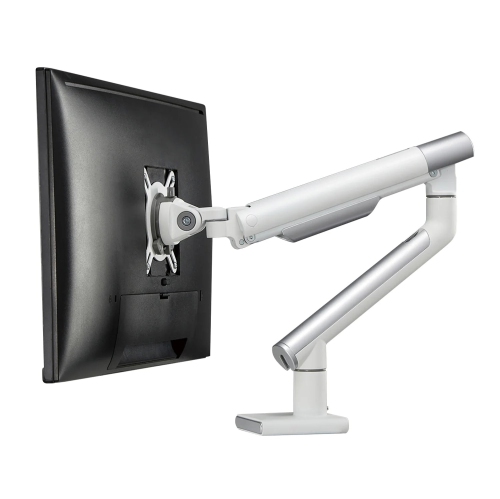
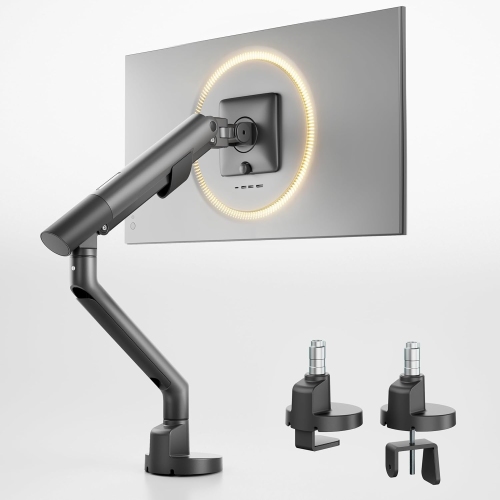
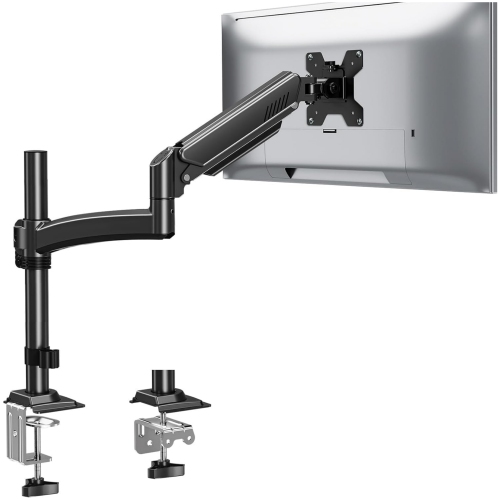
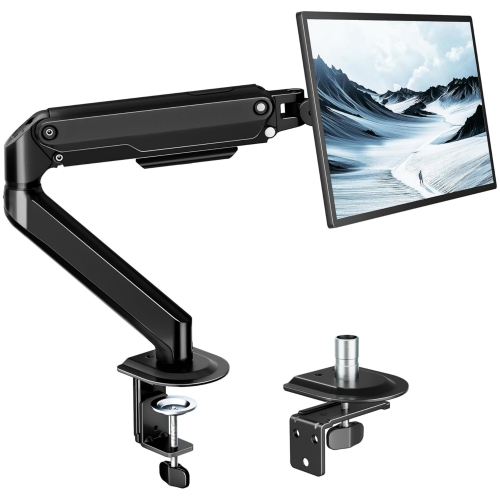
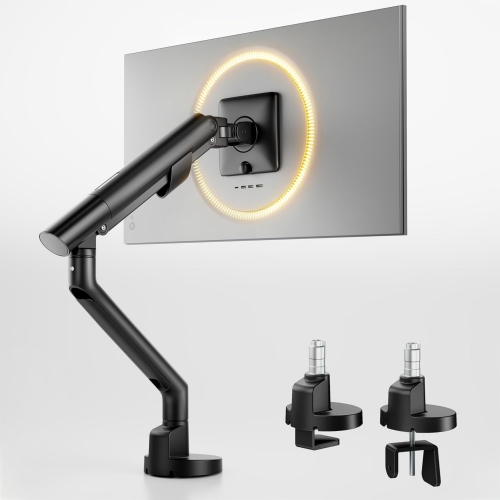
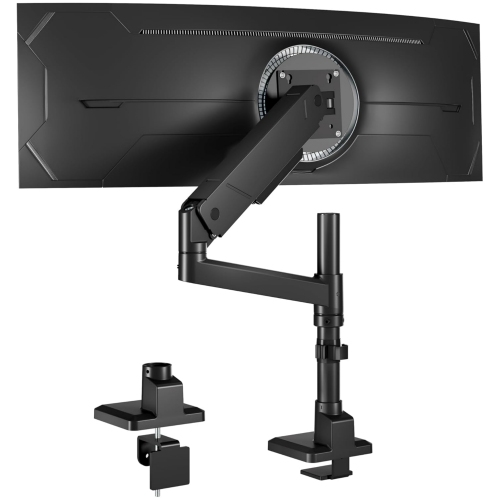
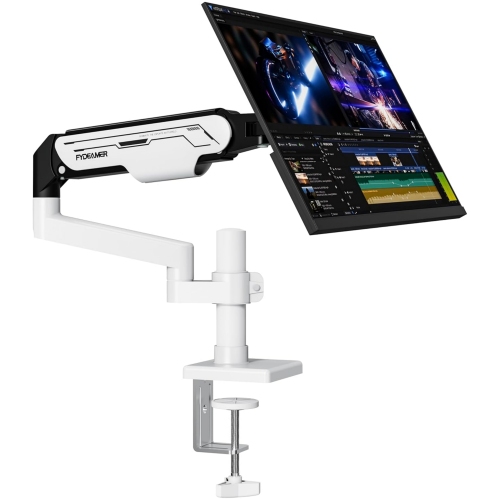
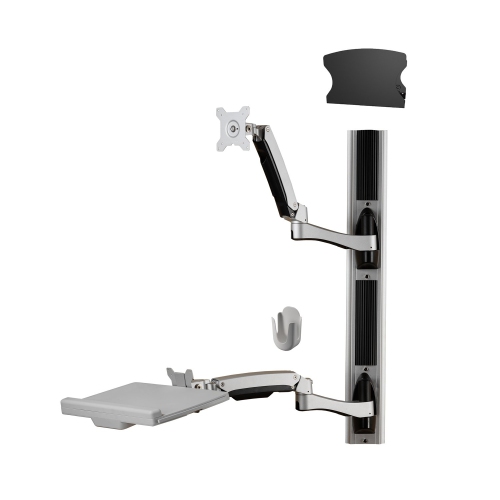
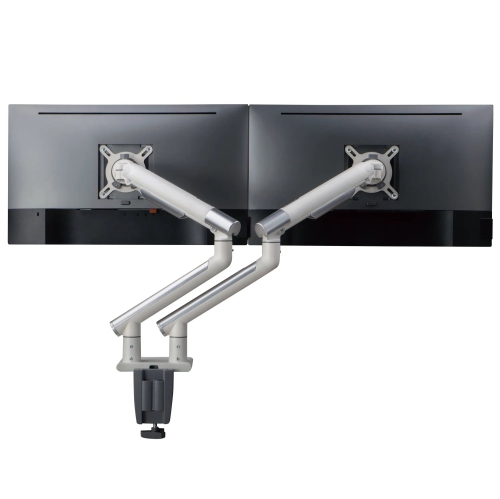
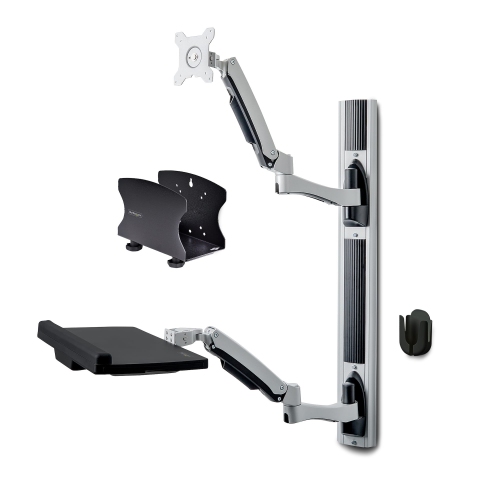
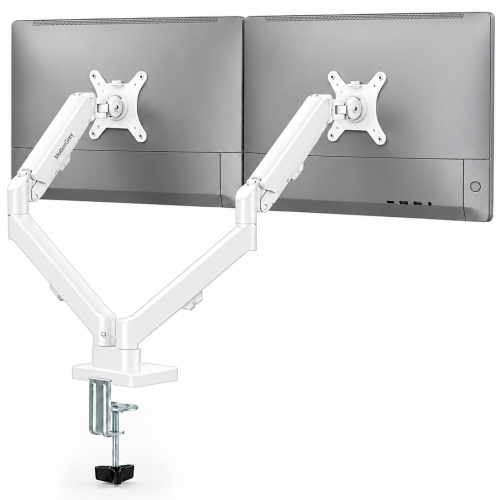
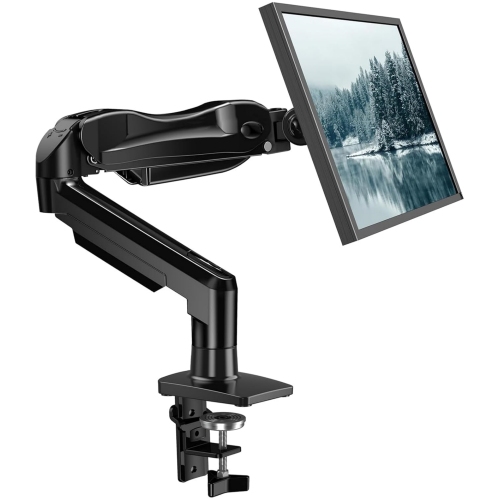
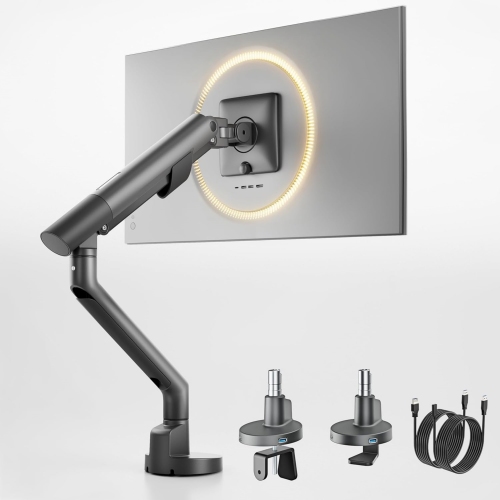
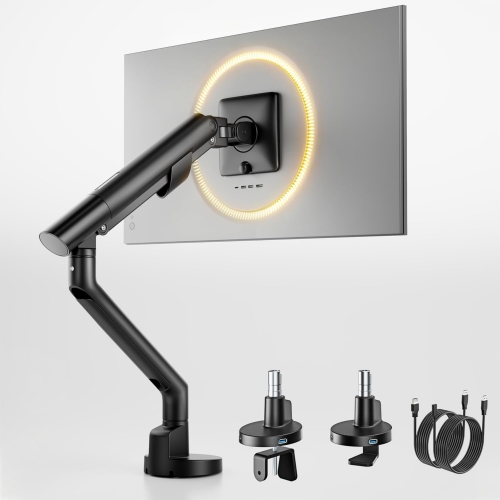
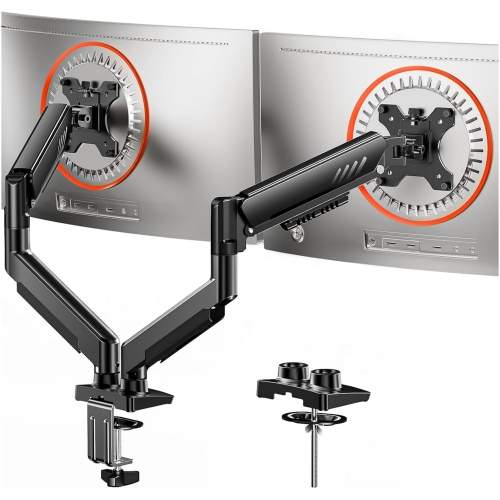
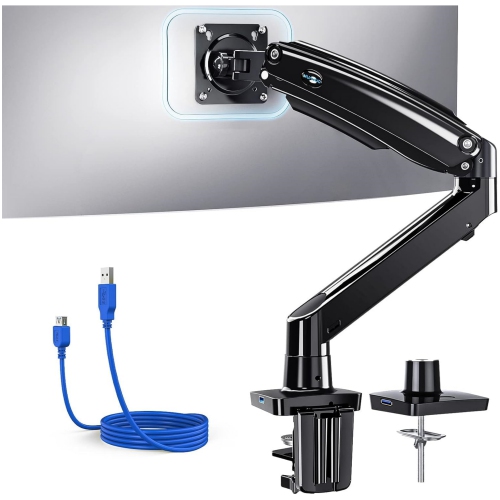
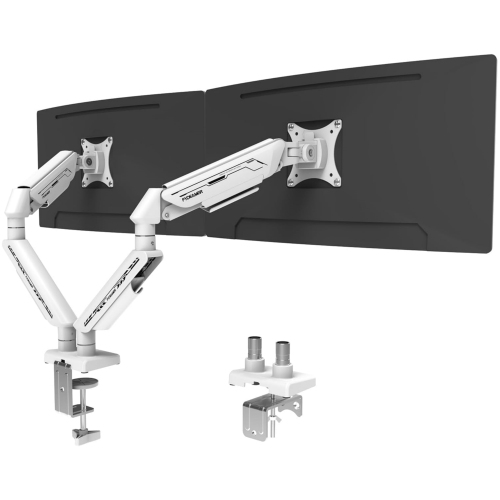
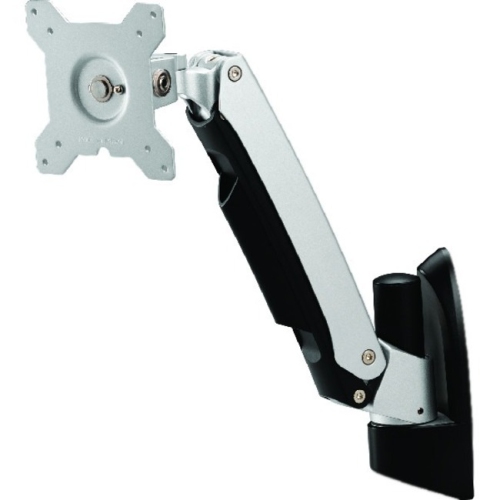
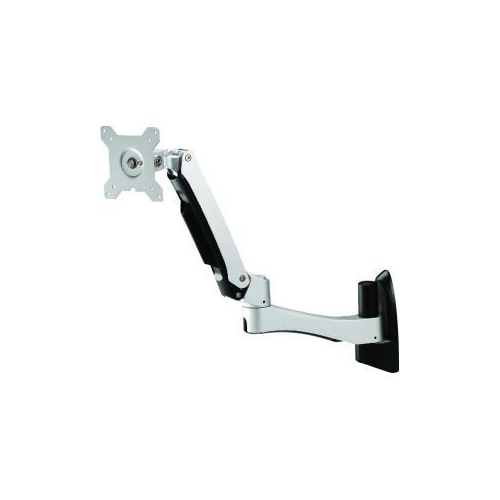
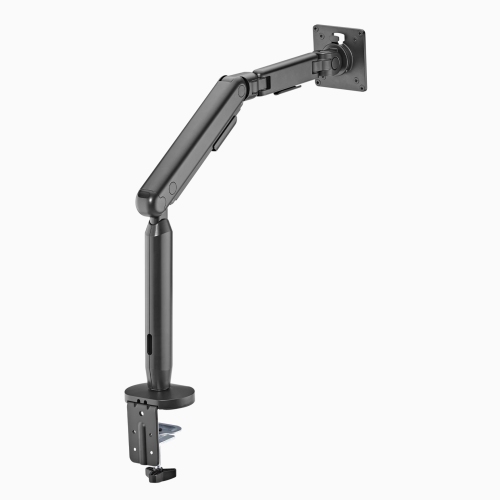
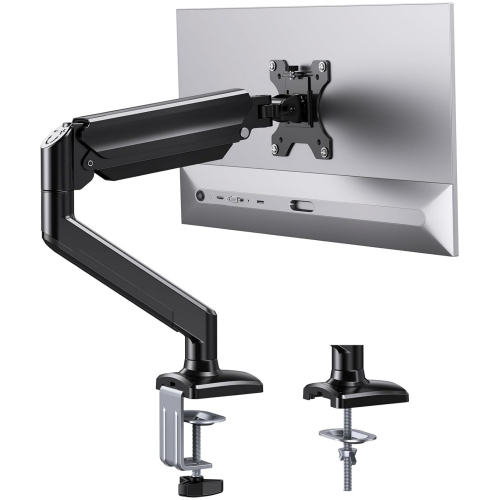
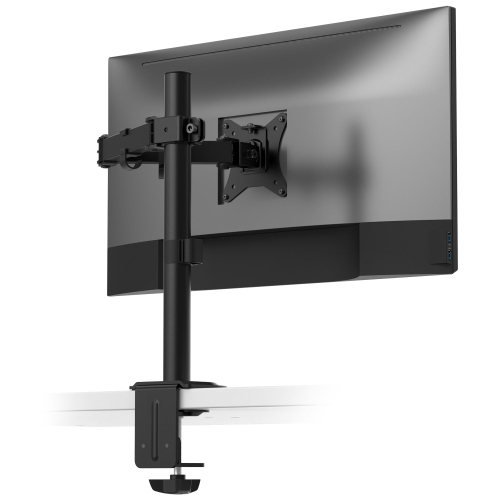
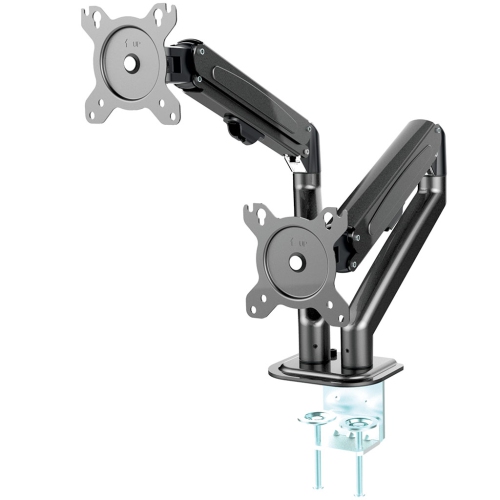
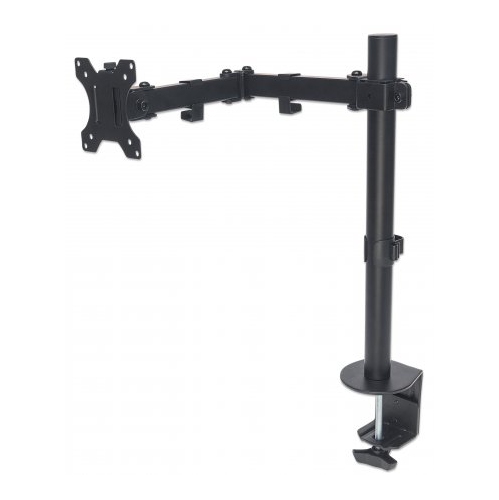
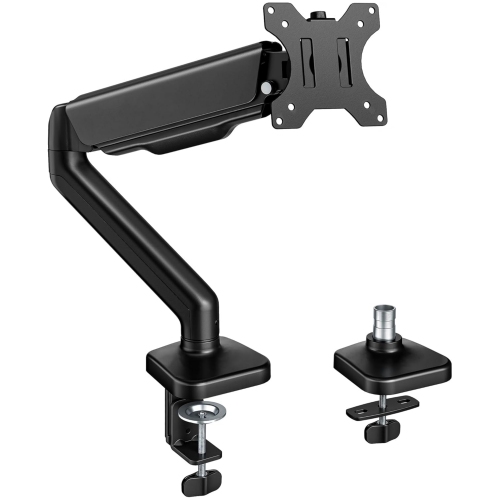
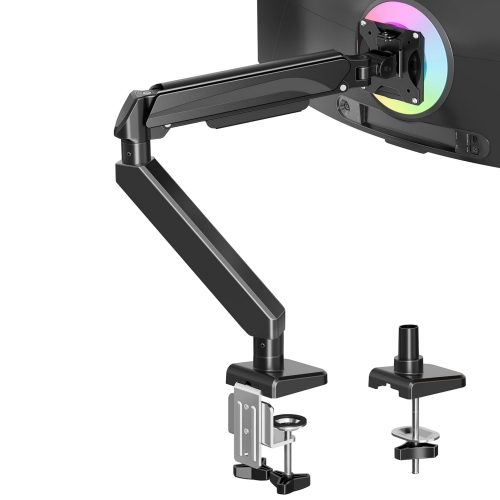
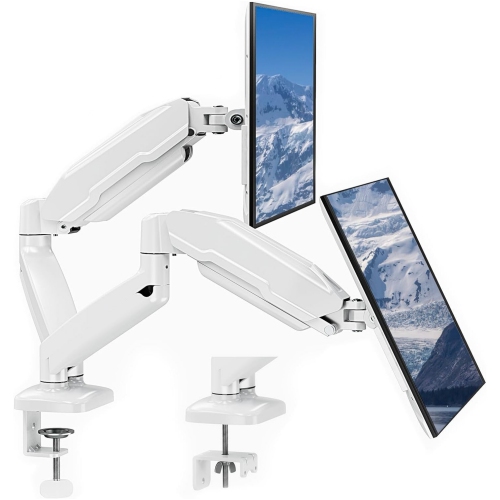
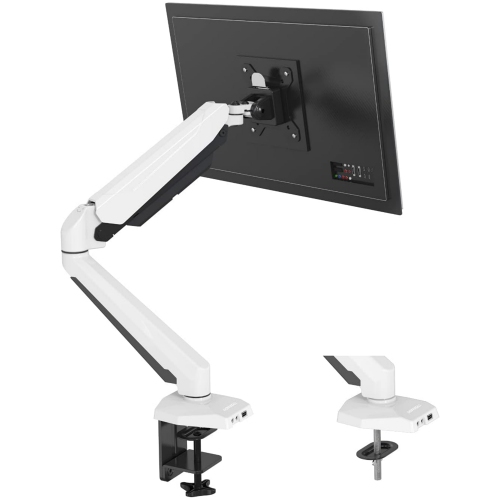
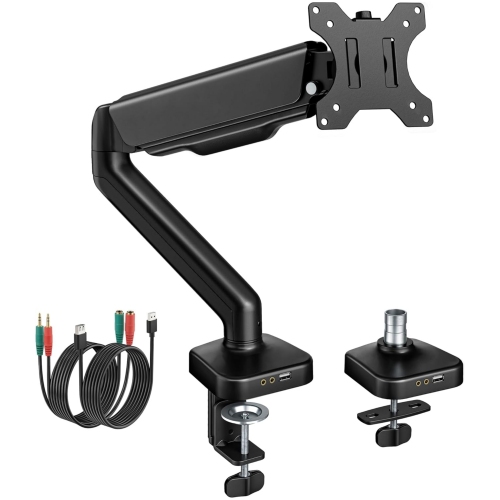
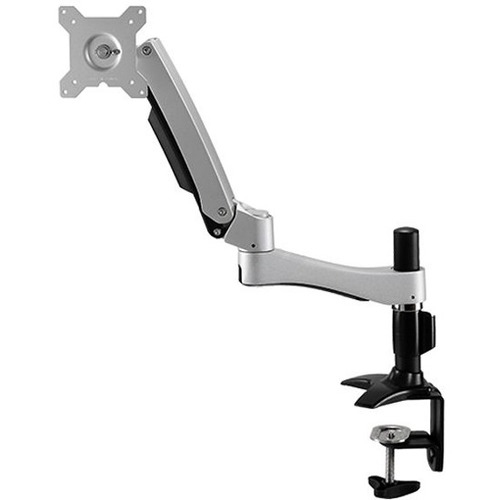
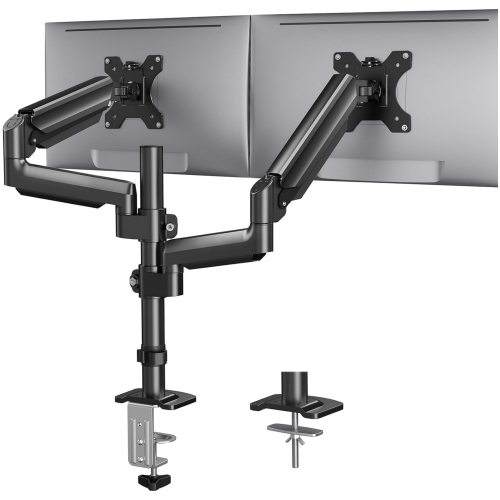
![AMER MOUNTS Dual Articulating Spring Monitor Arm [Arctic Edition] for 17"-32" Monitors 9Kg Max Weight Per Screen - Clamp And Grommet Base Mount But this one worked really great](https://multimedia.bbycastatic.ca/multimedia/products/500x500/160/16039/16039938.jpeg)
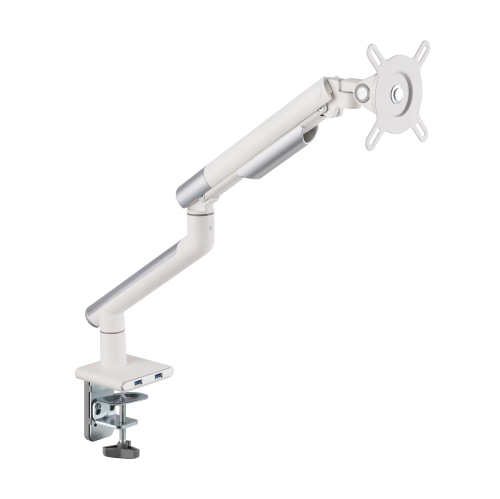
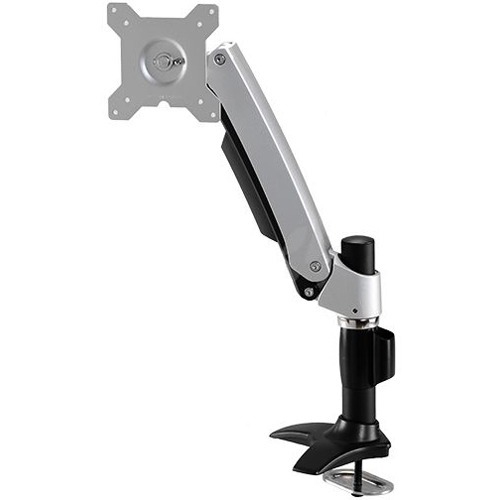
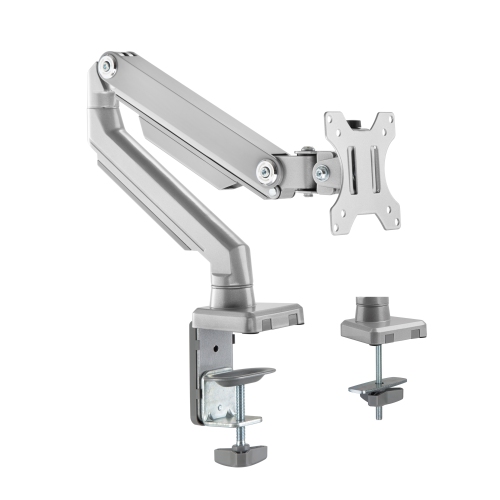
![AMER MOUNTS Single Articulating Spring Monitor Arm [Arctic Edition] for 17"-34" Monitors 9Kg Max Screen Weight - Clamp And Grommet Base Mount](https://multimedia.bbycastatic.ca/multimedia/products/500x500/160/16025/16025825.jpeg)
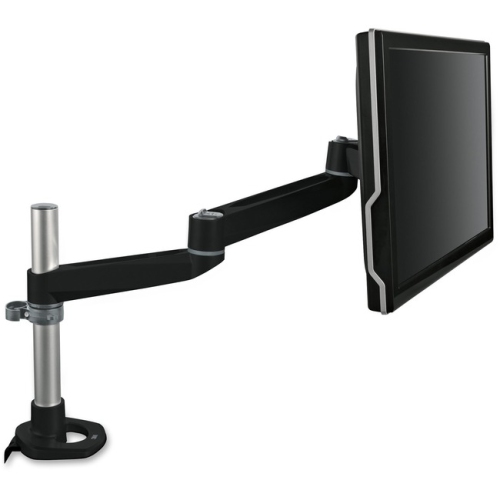
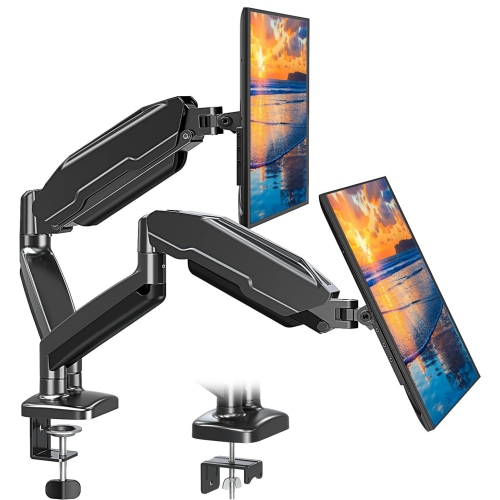
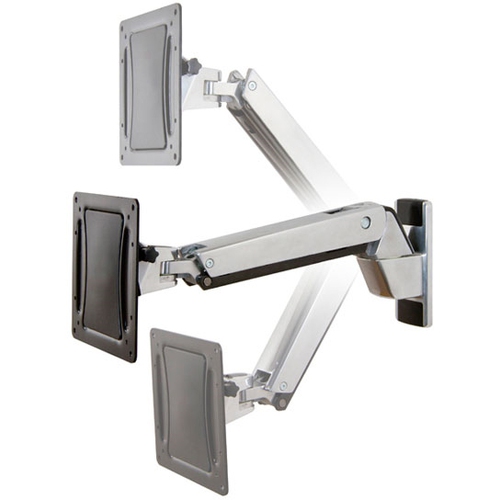
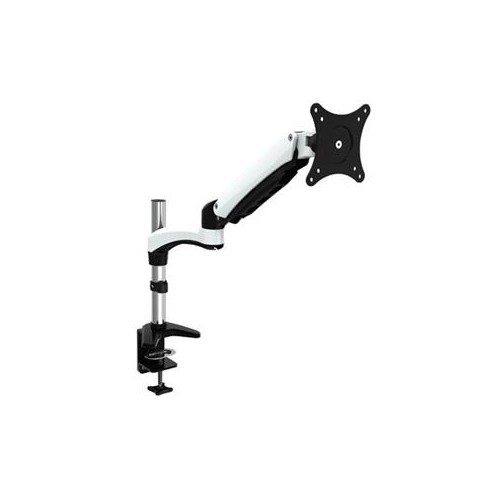
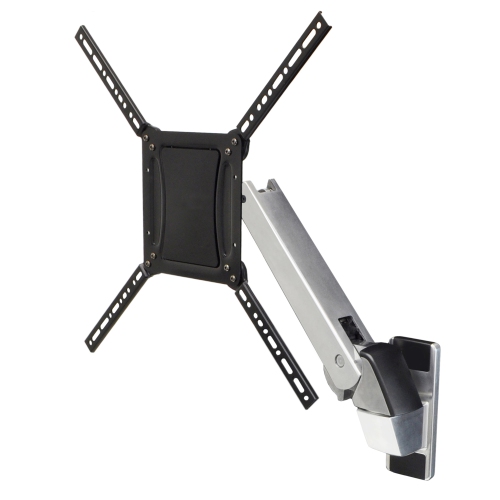
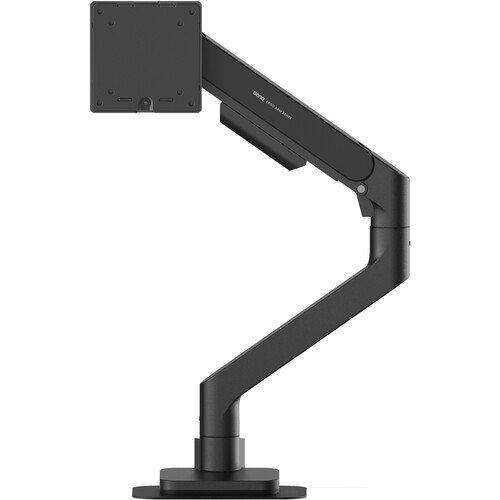
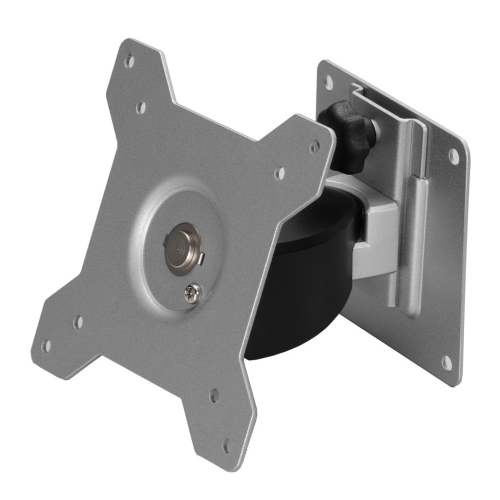
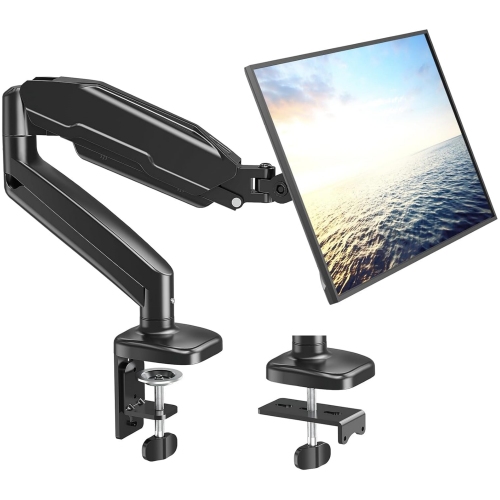
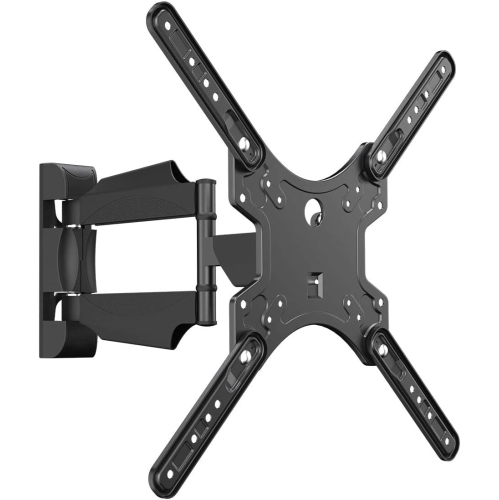
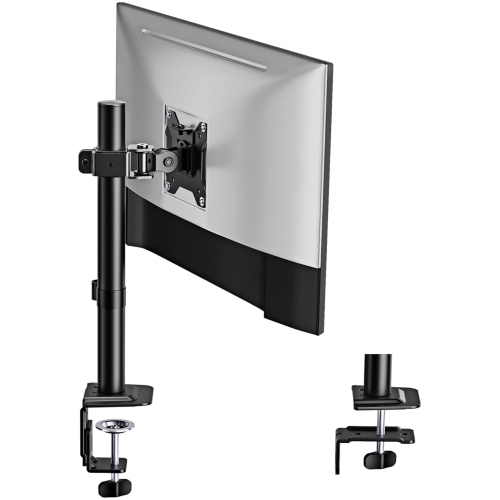
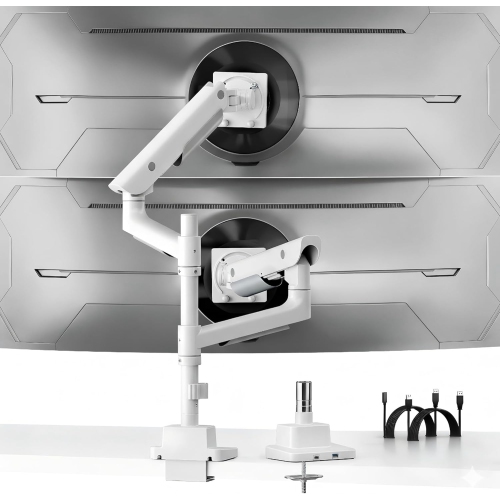
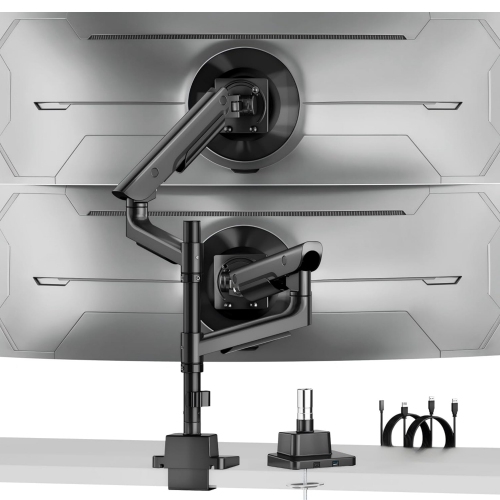
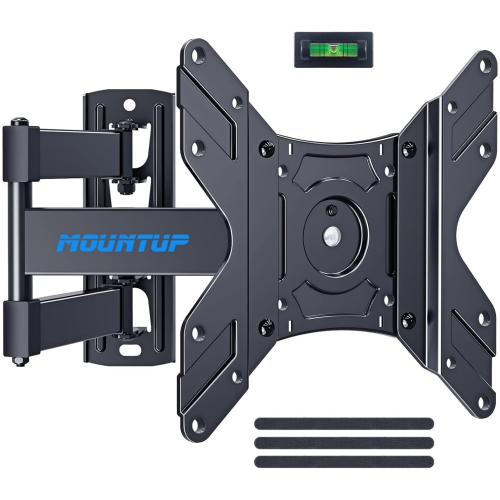
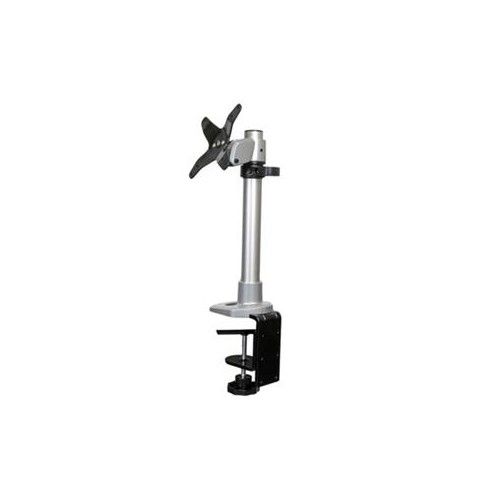
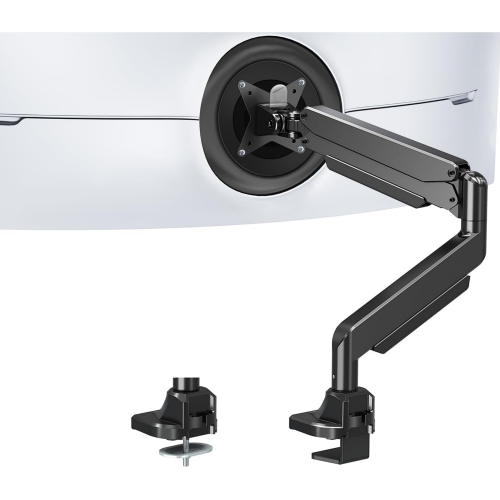
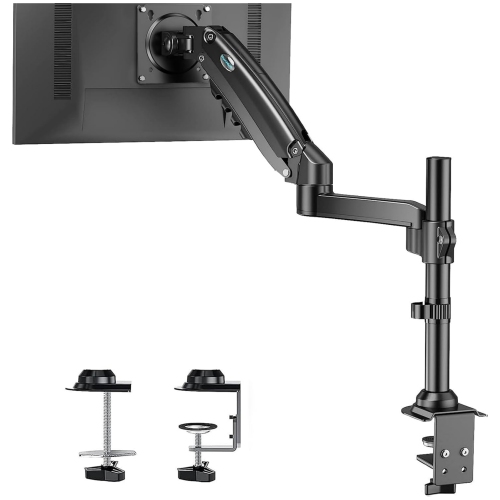
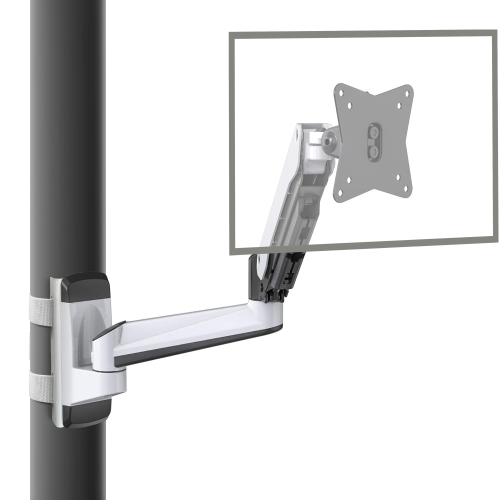
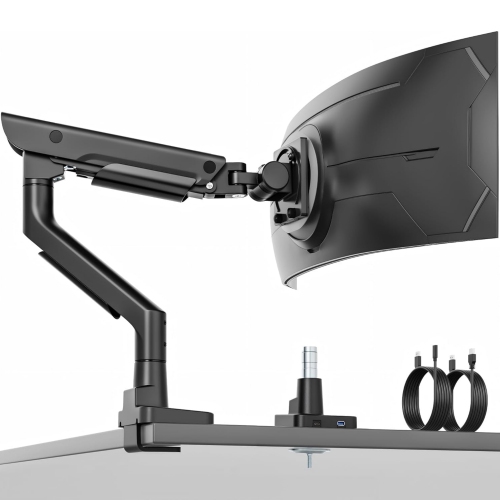
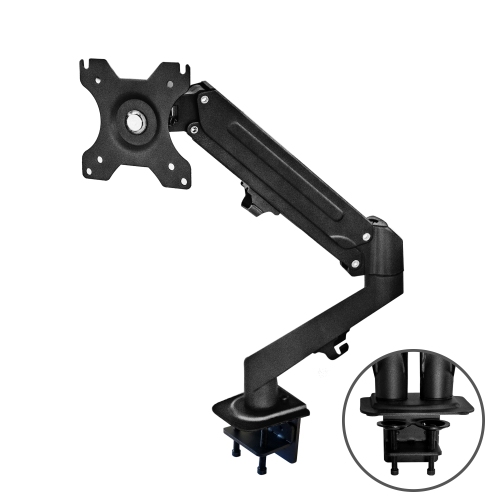
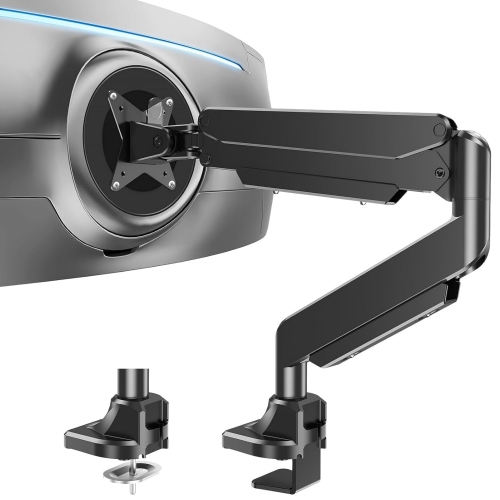
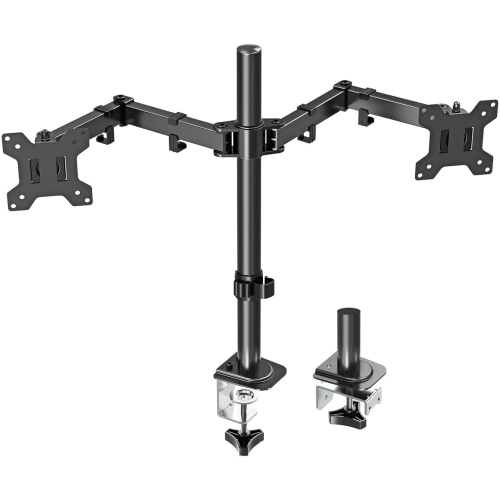
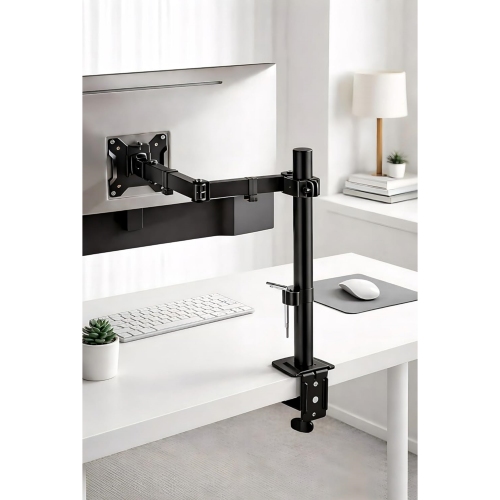
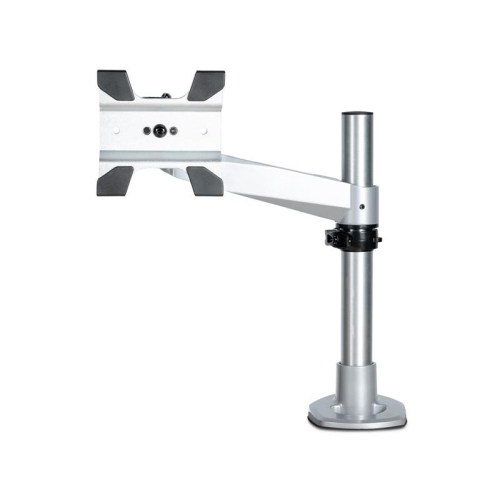
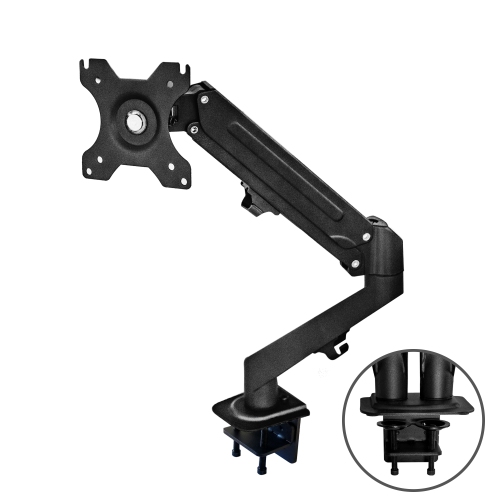
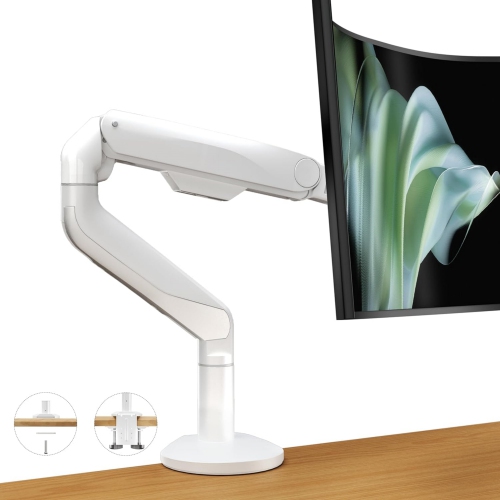
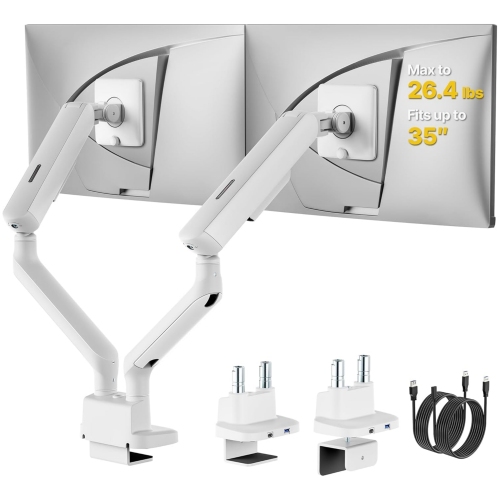

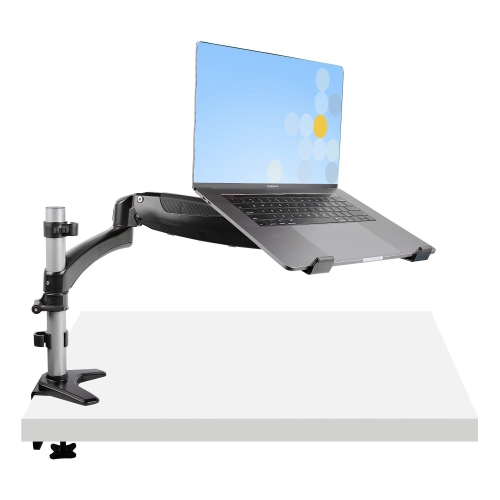
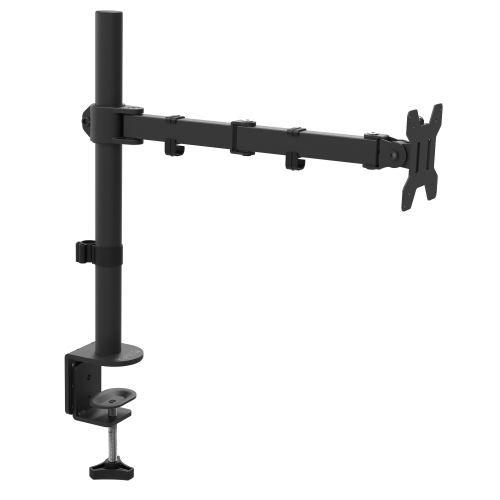
More desk space with a screen that moves
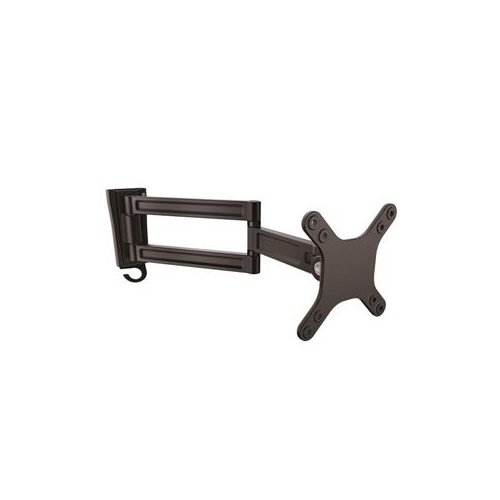
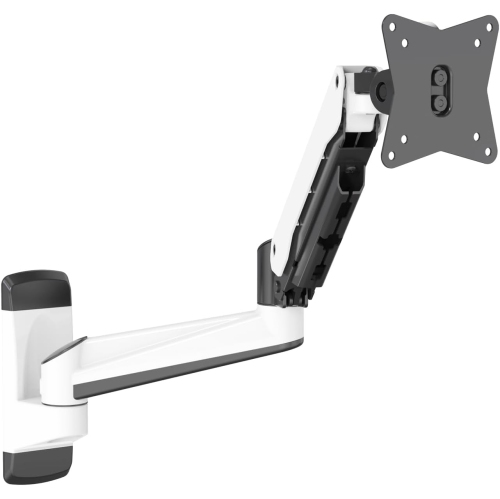
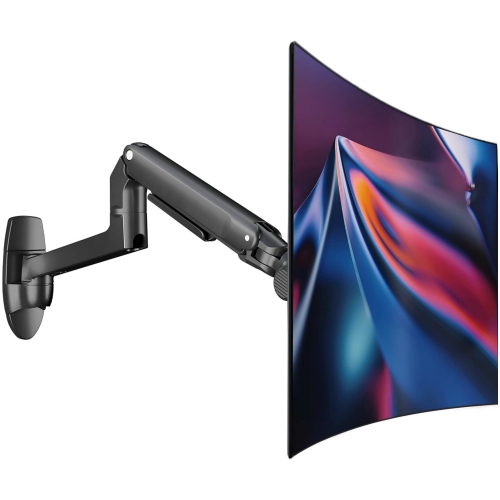
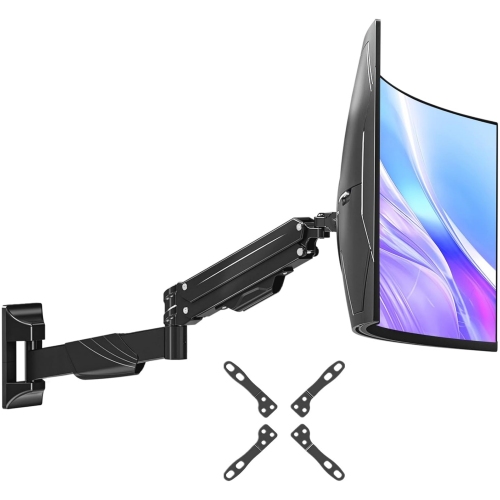
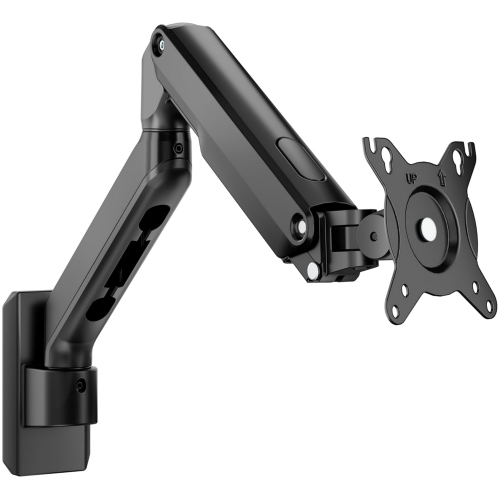
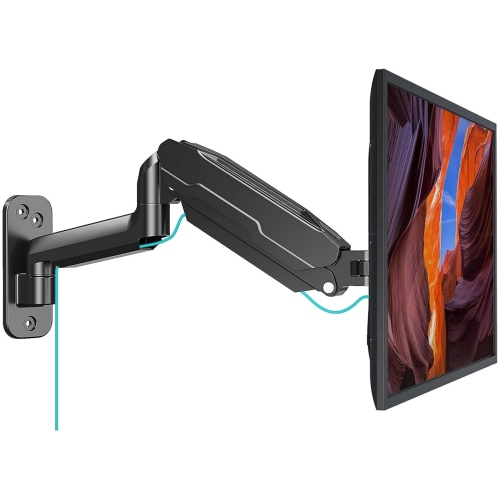
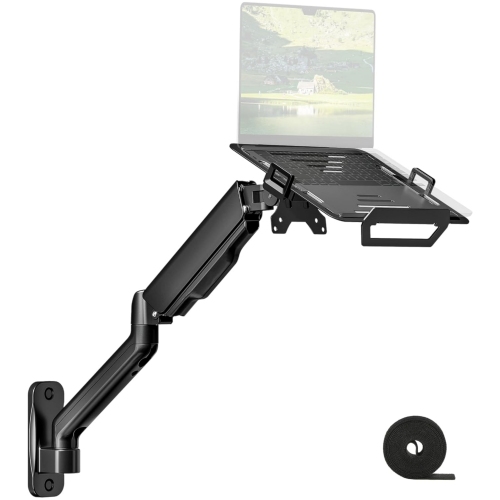
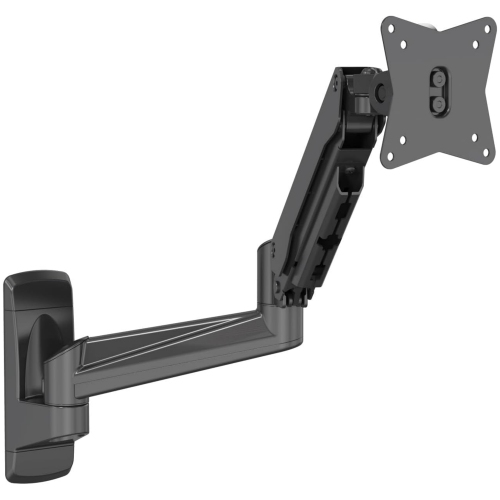
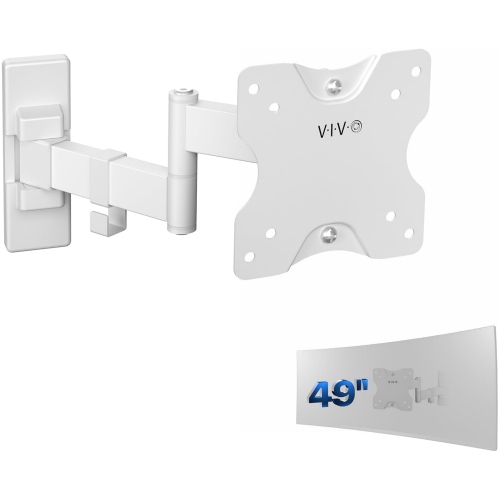
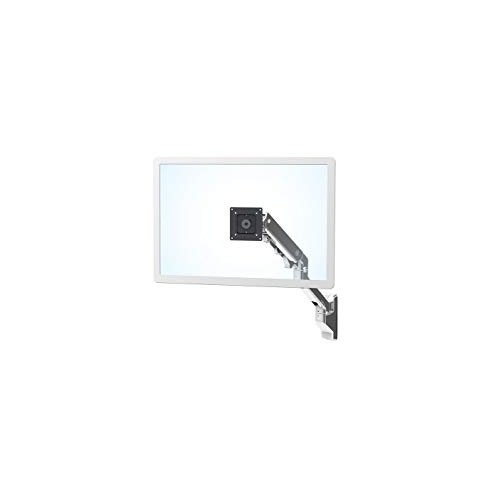
A wall mount monitor arm lifts a screen off the desktop and gives the space beneath it back to everyday essentials: a full-size keyboard, an open notebook, a drawing tablet, or simply room to move a mouse comfortably. Unlike a desk-mounted arm, it attaches to a suitable wall structure rather than relying on the edge of a work surface for support. That distinction can make a noticeable difference at a narrow workstation, a built-in counter, or a desk with a shape that does not accommodate a clamp. Wall-mounted monitor arms suit home offices, study areas, gaming setups, and shared workstations where screen position matters as much as usable desk space. Their range of movement varies considerably. A compact arm may keep a display close to the wall with modest tilt adjustment, while an articulated design can bring the screen forward, angle it towards another seat, or fold it back when the desk is needed for paperwork. Picture a student moving a screen aside to spread out course notes, or someone working from home pulling a display closer for detailed spreadsheet work before returning it to a more relaxed viewing position. An arm with suitable rotation can also support portrait viewing for long documents or programming, provided the monitor and its connections have enough clearance. For people who spend extended periods at a computer, having useful adjustment within reach makes it easier to position the display around their seating and tasks rather than leaning towards a fixed screen. A comfortable arrangement generally places the display directly ahead, with its upper edge at or slightly below eye level, though individual needs vary. The arm is only one part of that arrangement: chair height, keyboard placement, viewing distance, and room lighting all contribute to how the workstation feels. The practical appeal is a screen that sits where it is needed without a stand occupying the centre of the desk.
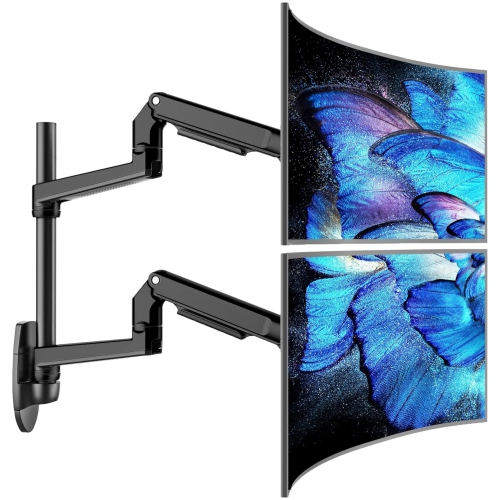
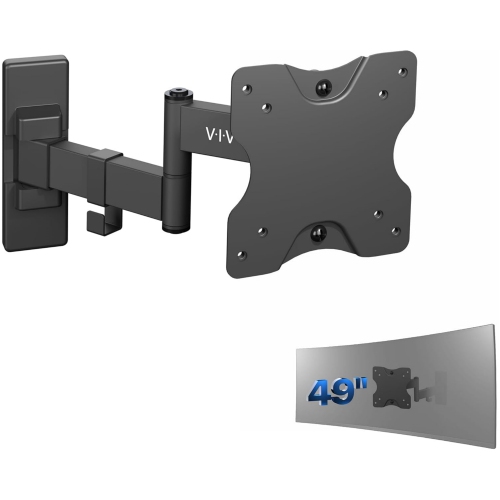
Fit involves more than the screen’s diagonal measurement. A wall mount monitor arm needs to support the display’s weight without its original stand, match its mounting interface, and provide enough clearance for the shape of its back panel. Many monitors use VESA mounting patterns, with holes arranged at standard distances such as 75 × 75 mm or 100 × 100 mm, but compatibility should always be checked against the monitor and arm specifications. A recessed mounting area, raised housing, or connections positioned near the mounting plate can affect how the two fit together. Where spacers or different screws are necessary, they must be suitable for the display and mounting hardware; a screw that is too long can damage the monitor. Screen size remains relevant because a wide or curved display may need more space to turn without touching the wall, nearby shelving, or another screen. Its depth and weight distribution can also influence compatibility, so a stated weight limit alone does not settle every fit question. Arms with spring-assisted adjustment may have both a minimum and maximum supported load, and a monitor outside that range may not hold its position properly. Wall construction is equally important. The attachment method must suit the supporting structure, whether that means suitable timber studs, masonry, or another installation expressly supported by the mounting instructions. Drywall alone should not be assumed to provide adequate support, and extending an arm increases the leverage on its wall attachment. Professional installation can be useful when the wall structure or fastening requirements are uncertain. Placement deserves attention before mounting, particularly above a shallow desk or beside a window. The screen needs room to move without hitting the wall, and its cables need enough length to follow that movement without pulling at their ports. For a shared screen setup where attaching hardware to the wall is not practical, a Desk Dual Monitor Arm offers a different mounting approach, subject to desk compatibility.
Materials, joint construction, and adjustment controls shape how a monitor arm feels in daily use. Steel and aluminium are common structural materials, while plastic covers may conceal fasteners or keep cables tucked along the arm. A durable design depends on the whole assembly rather than one material alone: secure joints, an appropriately sized wall plate, and a mounting head that holds the screen steadily all matter. Someone who rarely changes position may be well served by a simpler articulated arm with adjustments tightened into place, whereas a workstation used by people of different heights can benefit from easier movement and accessible tension controls. A seated-to-standing setup requires particular care, since not every wall-mounted arm has enough vertical travel to follow a height-adjustable desk. The available movement needs to match both working positions, with clearance between the display and the rising desktop. Cable management helps keep that movement tidy, especially when power, video, and USB leads run together. Routed cables should retain gentle slack at moving joints rather than being stretched tightly or trapped beneath a cover. This leaves room for adjustments and reduces strain on connectors. Day-to-day care is generally straightforward: remove dust with a soft cloth, keep liquid away from joints and adjustment mechanisms, and follow the manufacturer’s cleaning instructions for the finish. Mounting points and accessible fasteners should be checked as directed, particularly if the screen begins to drift, sag, or feel less steady. Tension adjustments also need to follow the arm’s instructions rather than being forced, and the display should be supported during changes where required. For a designer reviewing layouts, a gamer angling a display away from distracting reflections, or a parent sharing a compact workstation with a student, these details make the difference between an arm that merely holds a monitor and one that fits the routine. As a practical gift for someone refining a home office or study space, a monitor arm is most useful when the recipient’s display specifications, wall structure, and permission to install it are already known. The right fit brings together secure support, useful movement, and a less crowded desktop.
Fit involves more than the screen’s diagonal measurement. A wall mount monitor arm needs to support the display’s weight without its original stand, match its mounting interface, and provide enough clearance for the shape of its back panel. Many monitors use VESA mounting patterns, with holes arranged at standard distances such as 75 × 75 mm or 100 × 100 mm, but compatibility should always be checked against the monitor and arm specifications. A recessed mounting area, raised housing, or connections positioned near the mounting plate can affect how the two fit together. Where spacers or different screws are necessary, they must be suitable for the display and mounting hardware; a screw that is too long can damage the monitor. Screen size remains relevant because a wide or curved display may need more space to turn without touching the wall, nearby shelving, or another screen. Its depth and weight distribution can also influence compatibility, so a stated weight limit alone does not settle every fit question. Arms with spring-assisted adjustment may have both a minimum and maximum supported load, and a monitor outside that range may not hold its position properly. Wall construction is equally important. The attachment method must suit the supporting structure, whether that means suitable timber studs, masonry, or another installation expressly supported by the mounting instructions. Drywall alone should not be assumed to provide adequate support, and extending an arm increases the leverage on its wall attachment. Professional installation can be useful when the wall structure or fastening requirements are uncertain. Placement deserves attention before mounting, particularly above a shallow desk or beside a window. The screen needs room to move without hitting the wall, and its cables need enough length to follow that movement without pulling at their ports. For a shared screen setup where attaching hardware to the wall is not practical, a Desk Dual Monitor Arm offers a different mounting approach, subject to desk compatibility.
Materials, joint construction, and adjustment controls shape how a monitor arm feels in daily use. Steel and aluminium are common structural materials, while plastic covers may conceal fasteners or keep cables tucked along the arm. A durable design depends on the whole assembly rather than one material alone: secure joints, an appropriately sized wall plate, and a mounting head that holds the screen steadily all matter. Someone who rarely changes position may be well served by a simpler articulated arm with adjustments tightened into place, whereas a workstation used by people of different heights can benefit from easier movement and accessible tension controls. A seated-to-standing setup requires particular care, since not every wall-mounted arm has enough vertical travel to follow a height-adjustable desk. The available movement needs to match both working positions, with clearance between the display and the rising desktop. Cable management helps keep that movement tidy, especially when power, video, and USB leads run together. Routed cables should retain gentle slack at moving joints rather than being stretched tightly or trapped beneath a cover. This leaves room for adjustments and reduces strain on connectors. Day-to-day care is generally straightforward: remove dust with a soft cloth, keep liquid away from joints and adjustment mechanisms, and follow the manufacturer’s cleaning instructions for the finish. Mounting points and accessible fasteners should be checked as directed, particularly if the screen begins to drift, sag, or feel less steady. Tension adjustments also need to follow the arm’s instructions rather than being forced, and the display should be supported during changes where required. For a designer reviewing layouts, a gamer angling a display away from distracting reflections, or a parent sharing a compact workstation with a student, these details make the difference between an arm that merely holds a monitor and one that fits the routine. As a practical gift for someone refining a home office or study space, a monitor arm is most useful when the recipient’s display specifications, wall structure, and permission to install it are already known. The right fit brings together secure support, useful movement, and a less crowded desktop.
Top selling and popular products
-
 Your price for this item is $34.95
 -
 Your price for this item is $149.99
 -
 Your price for this item is $79.99
 -
 Your price for this item is $69.99
 -
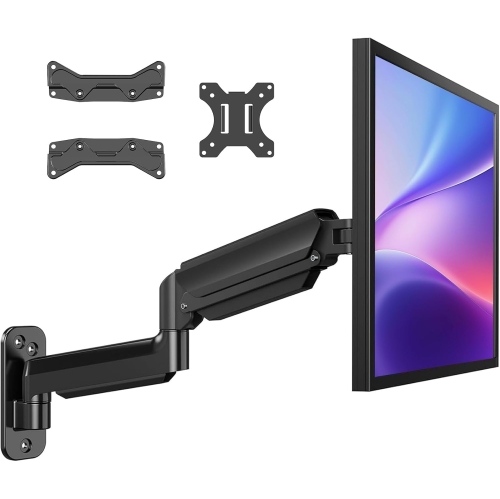 Your price for this item is $144.49
 -
 Your price for this item is $69.99
 -
 Your price for this item is $123.5
 -
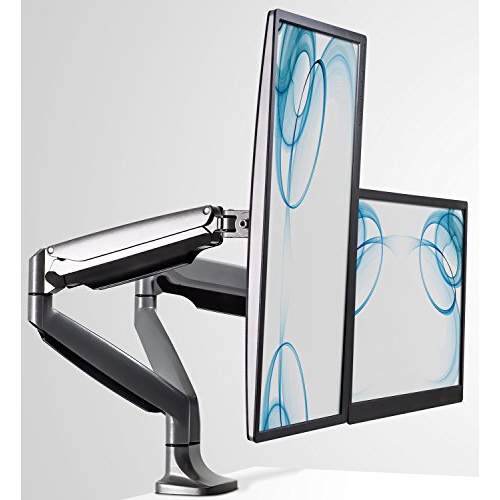 Your price for this item is $274.68
Discover more categories related to Wall Mount Monitor Arm
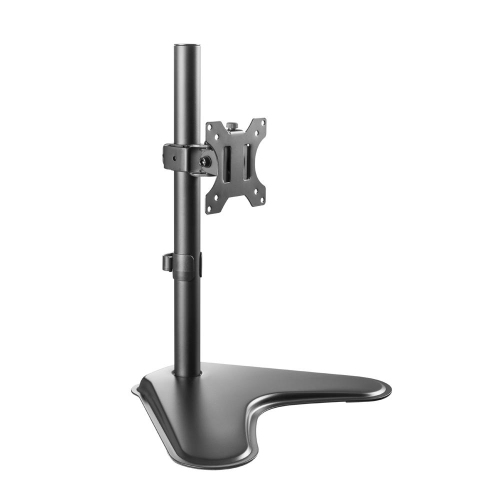

Top Collections:
Pokemon Centers, Best Cameras for Sports Photography, Kindle Devices, Samsung Galaxy Phones, Canon G7X Cameras, Pokémon 30th Celebration Cards, Refurbished Apple Laptops, iPhone 15 Apple, Laptops for Students, Budget Smartphones
Some products may be subject to Environmental Handling Fees
(EHF) depending on your province.
Learn more about EHFs.