Wall Mounts for Monitors
Elevate your workspace with our selection of wall mounts for monitors. Keep your desk clutter-free and find the perfect viewing angle for increased productivity and comfort. Whether you're setting up a home office or optimizing a gaming setup, these wall mounts offer versatility and space-saving solutions for any room. Explore a range of styles and features to find the ideal mounting solution for your monitor needs.
Sort
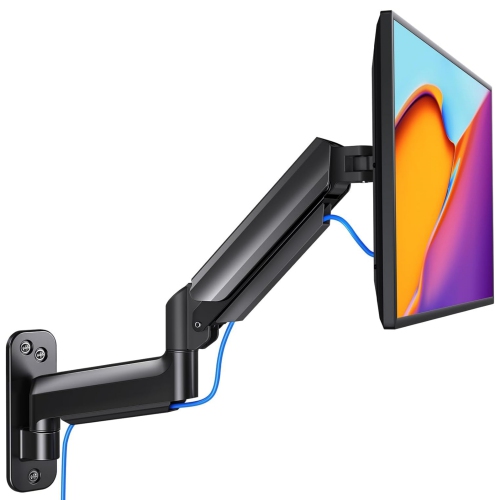
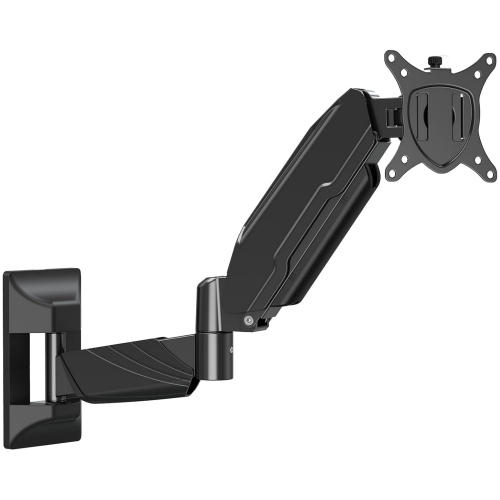
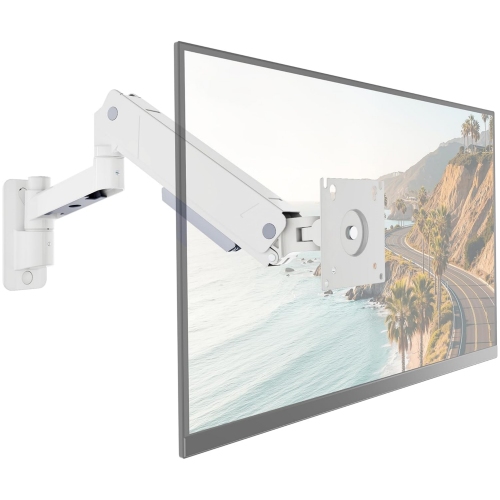
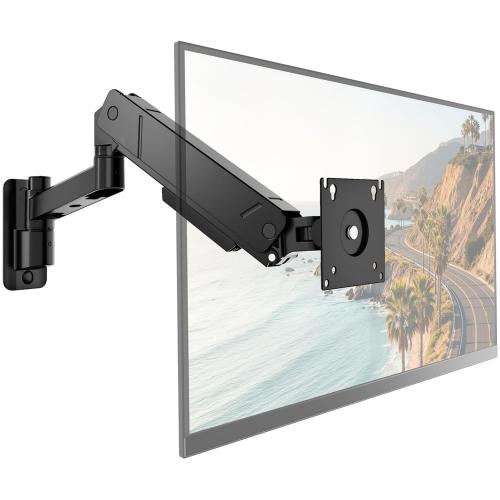
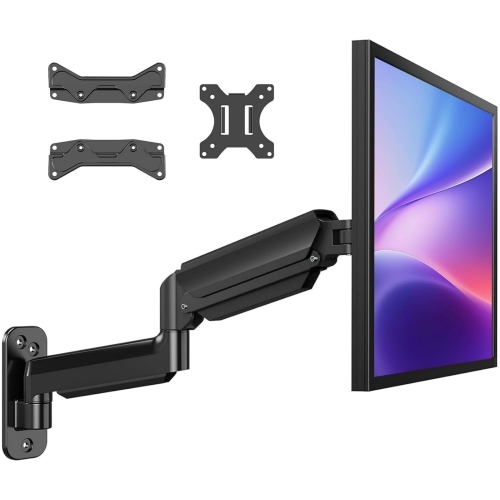
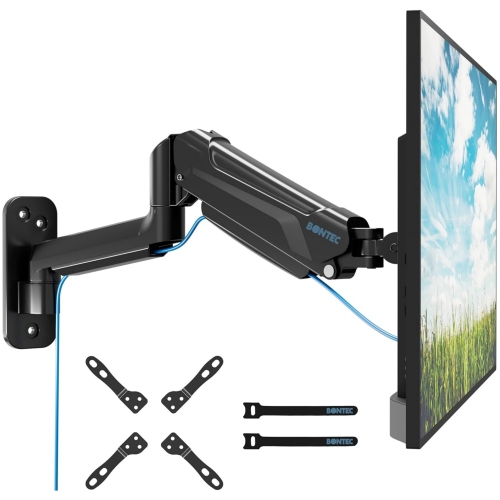
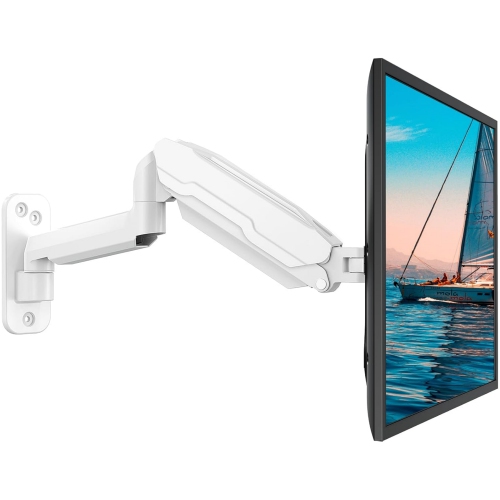
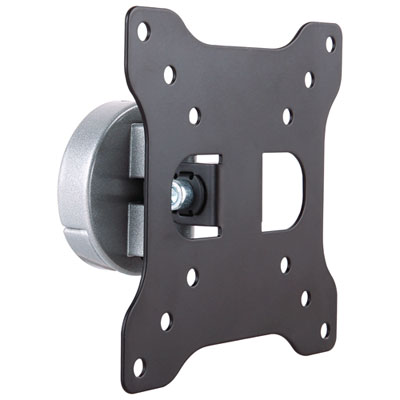
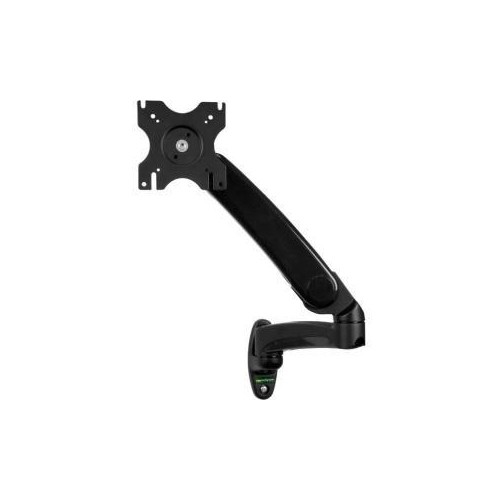
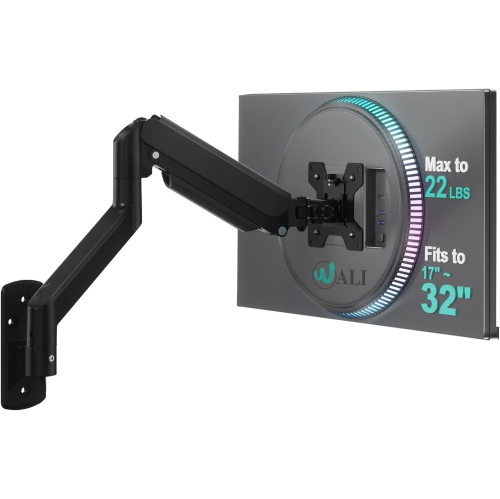
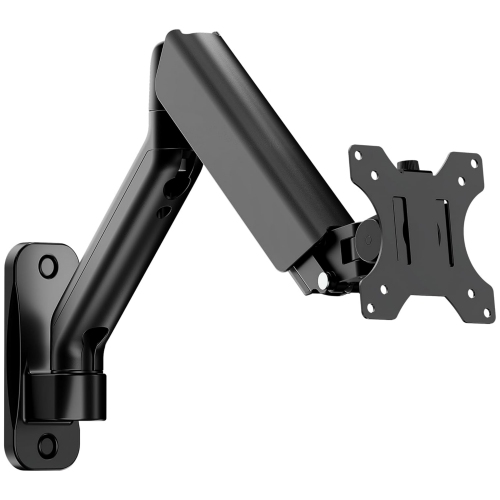
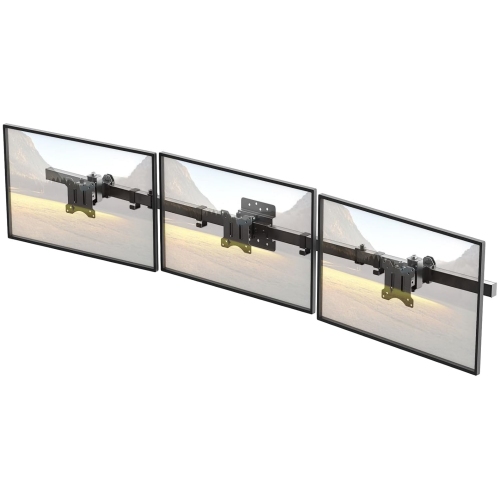
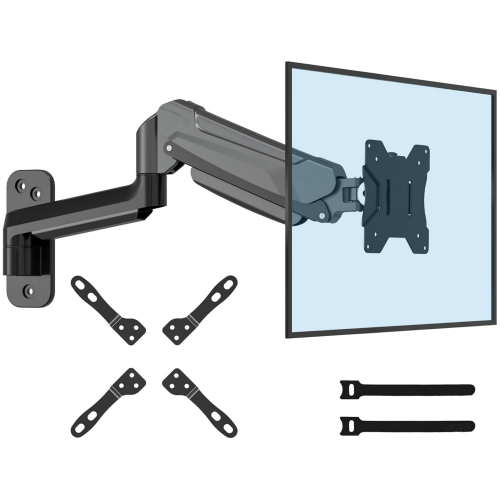
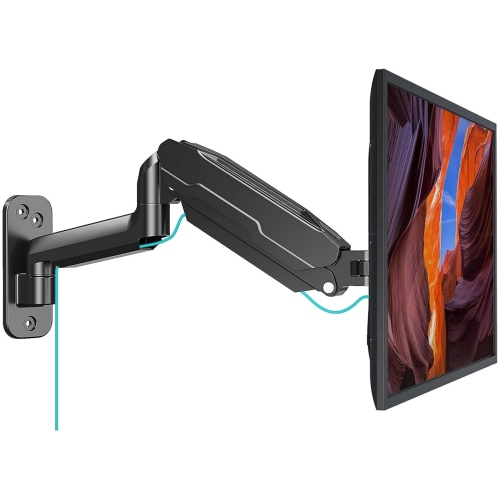
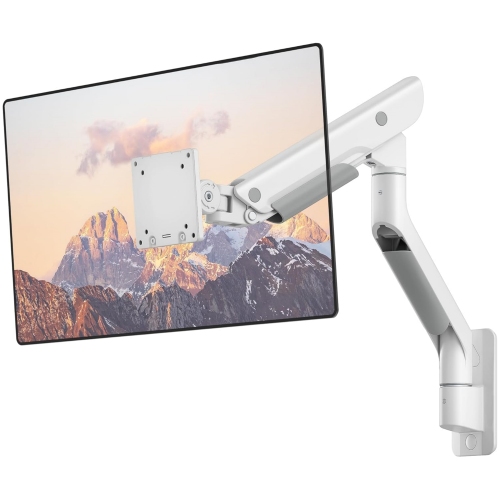
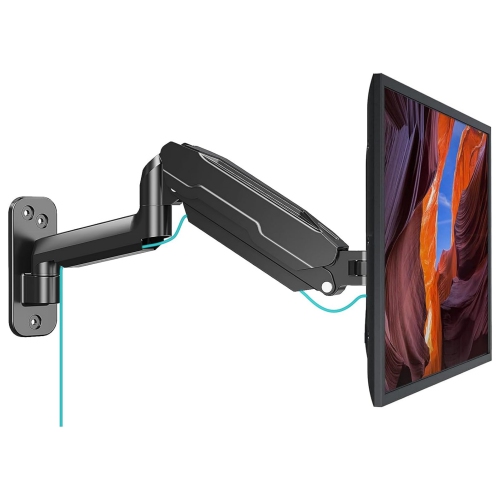
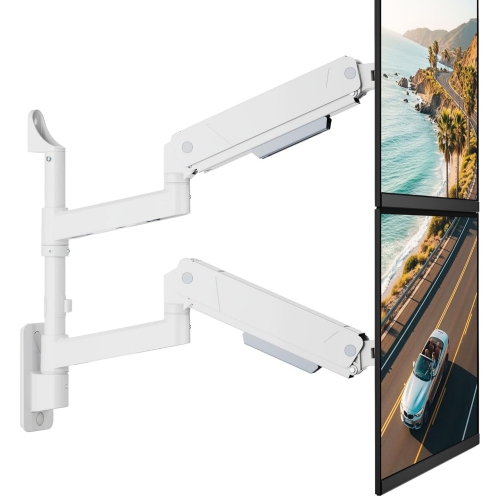
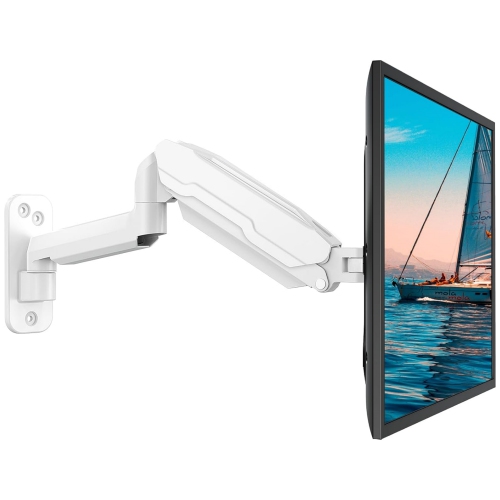
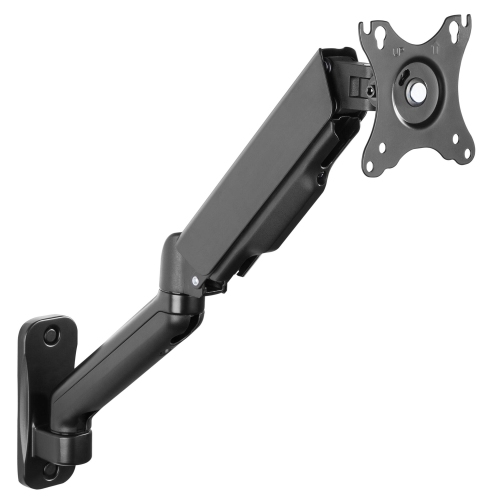
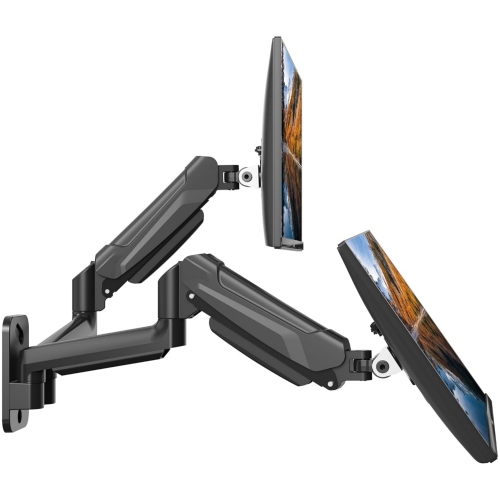
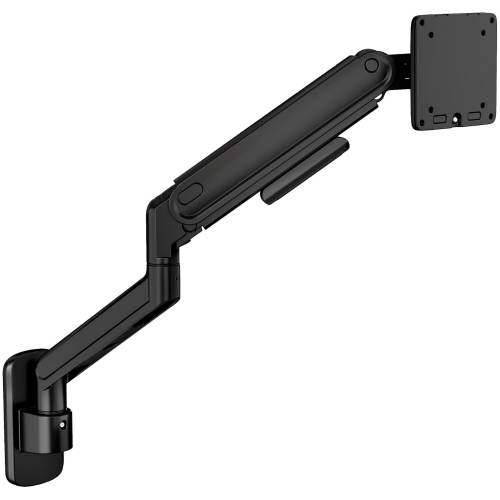
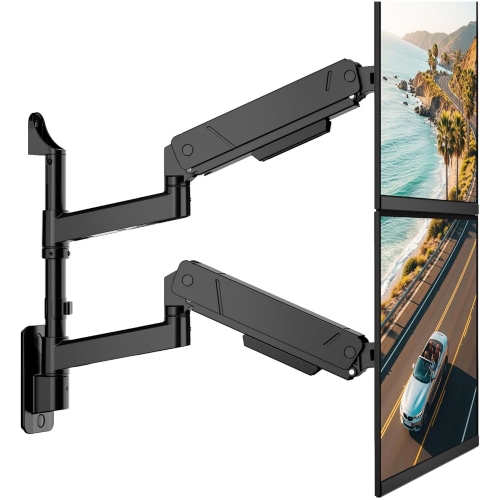
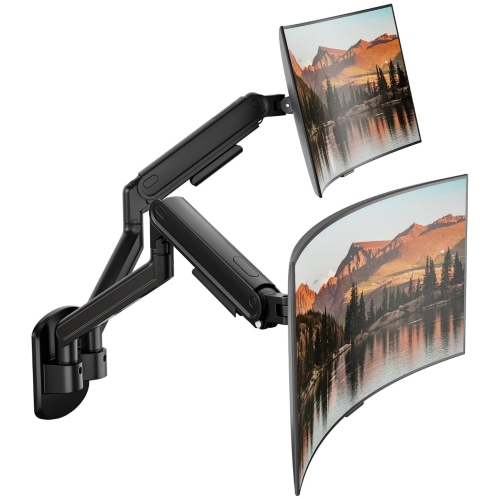
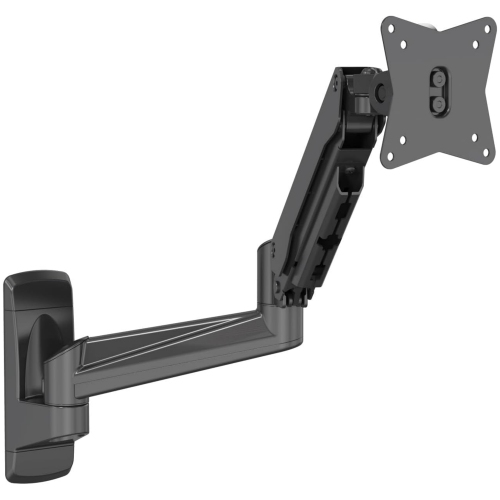
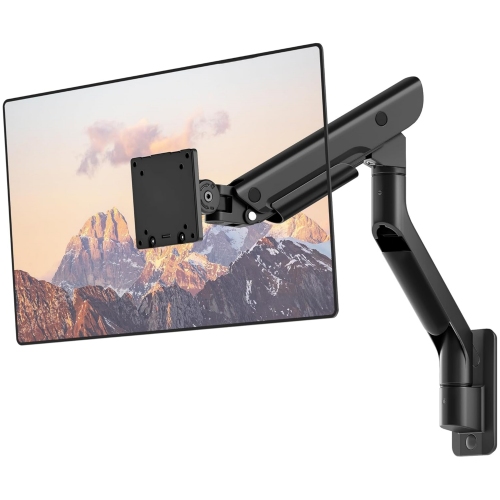
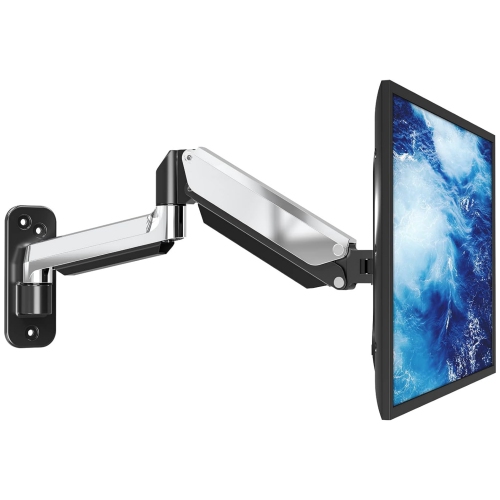
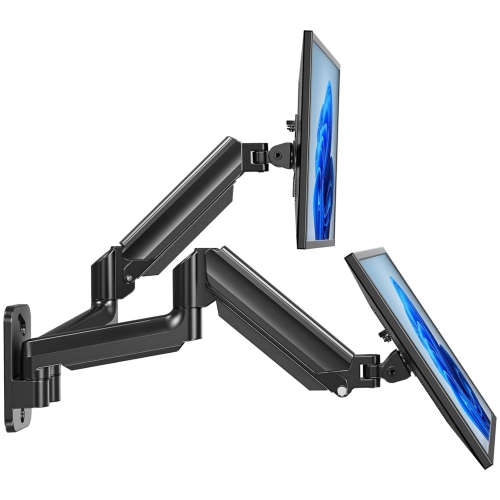
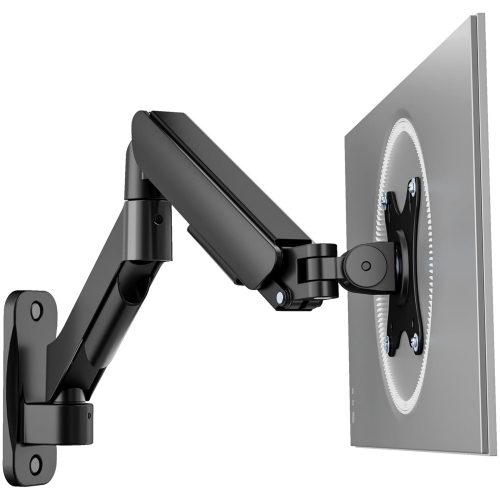
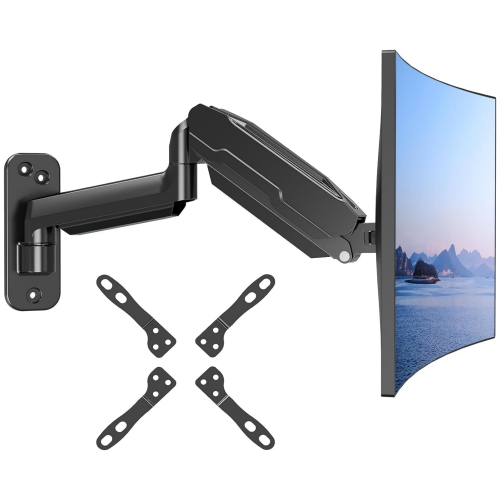
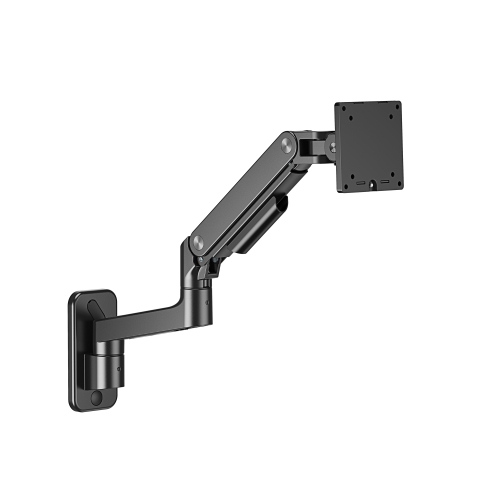
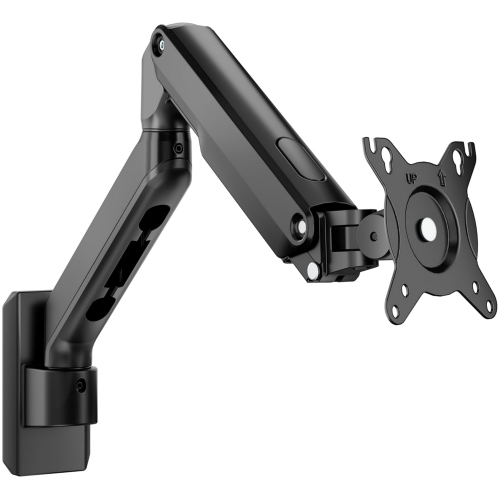
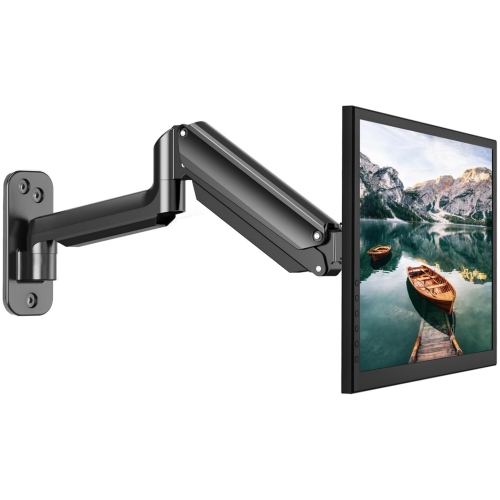
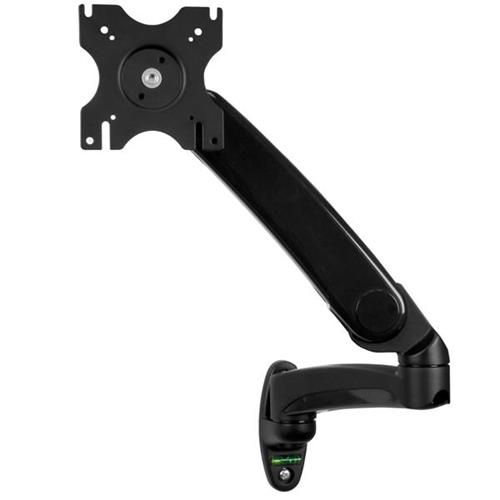
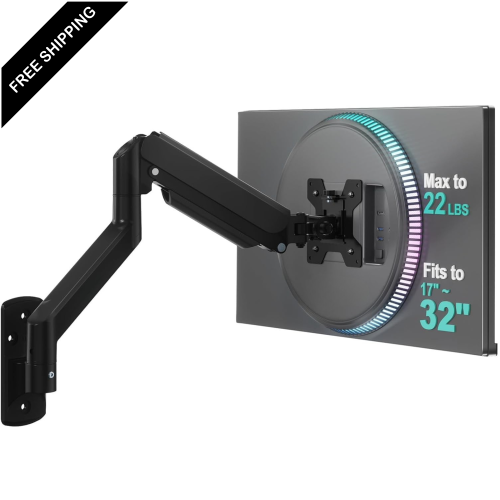
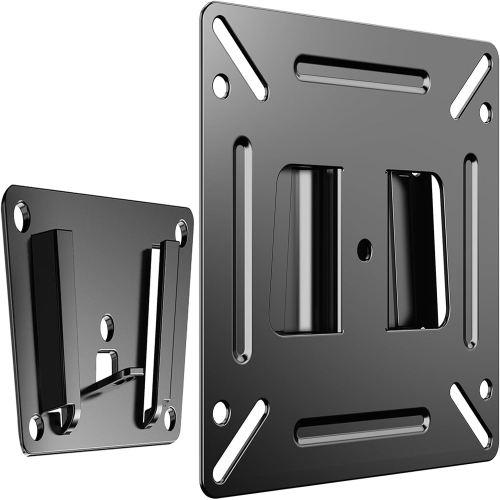
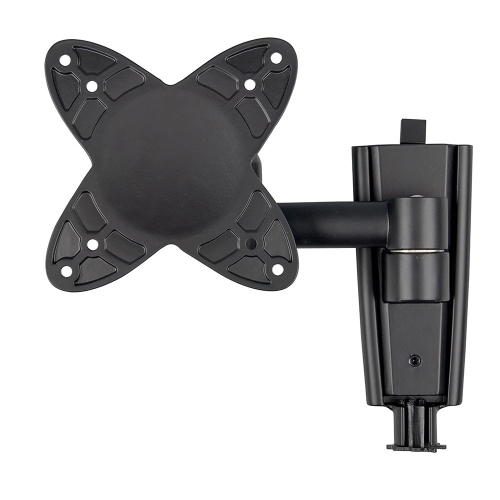
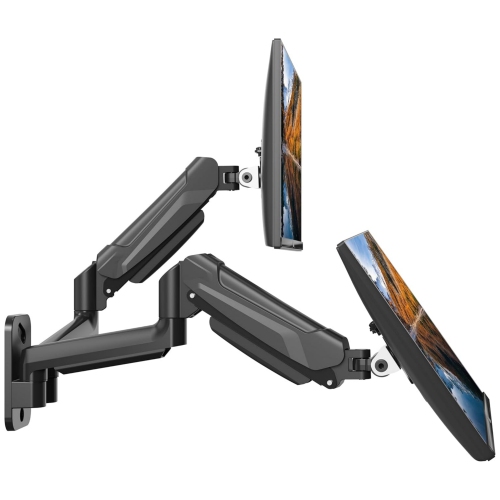
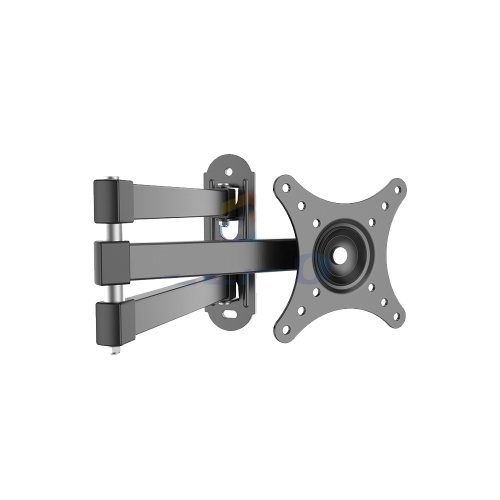
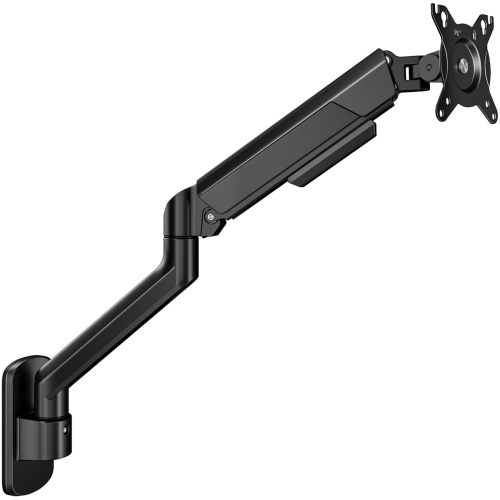
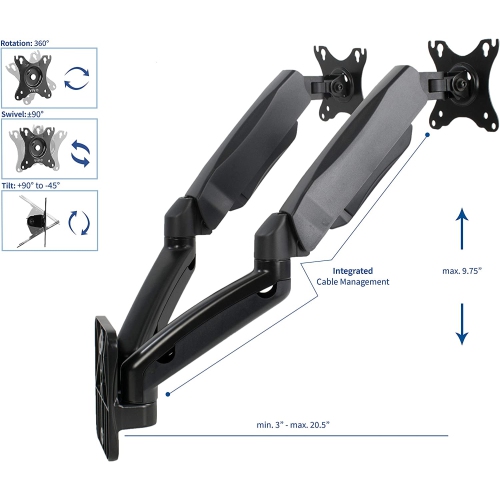
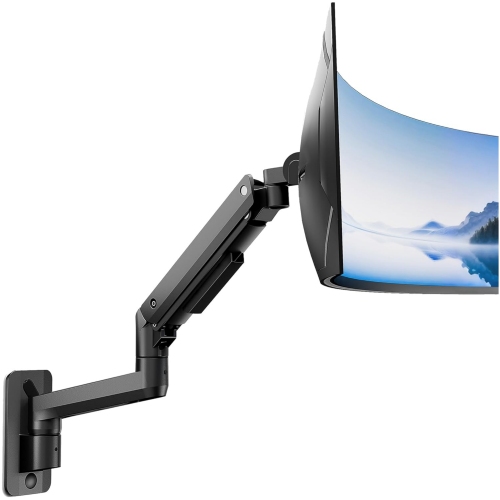
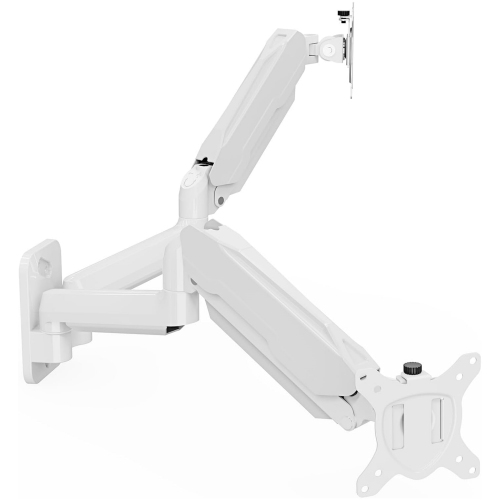
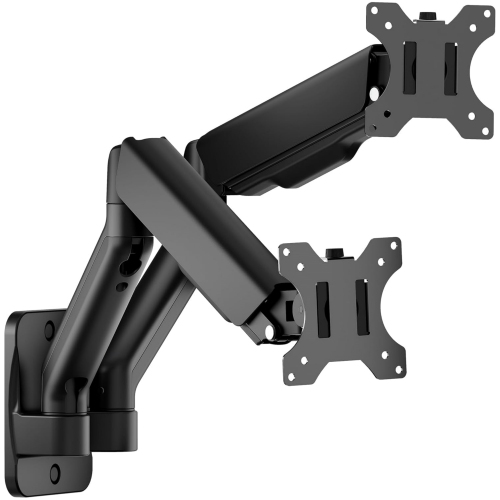
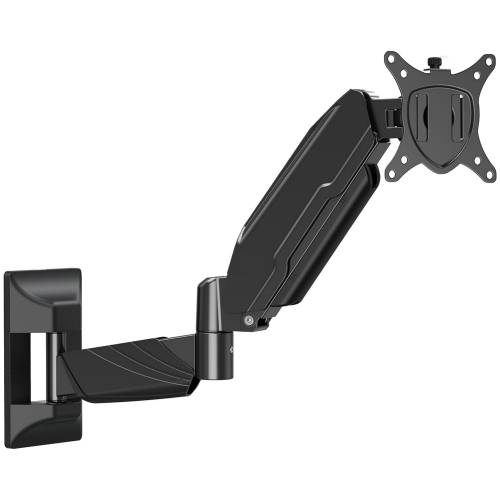

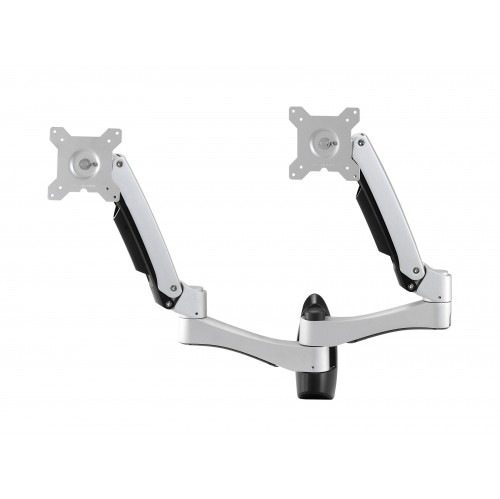
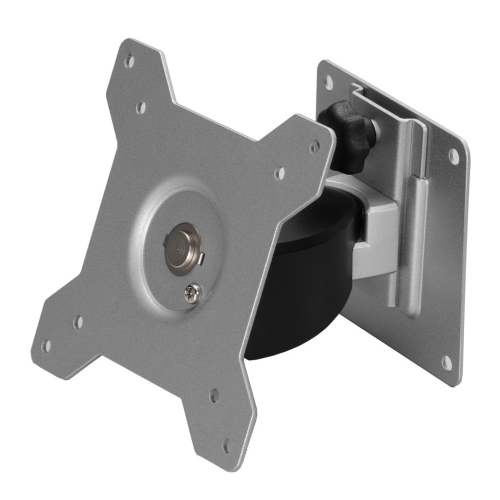
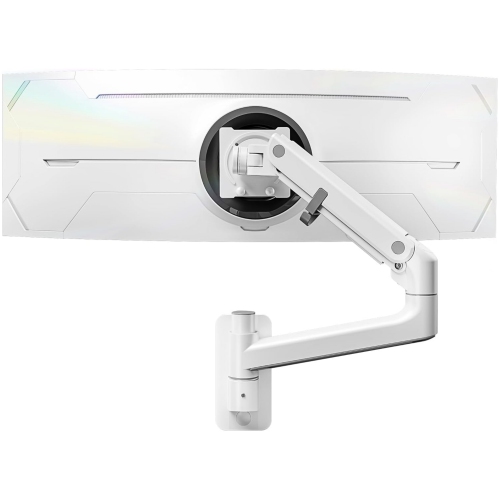
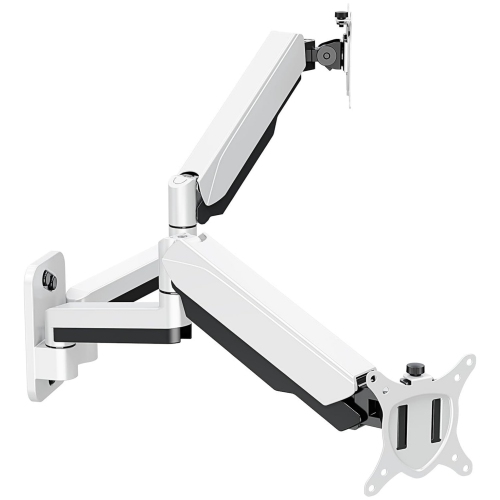
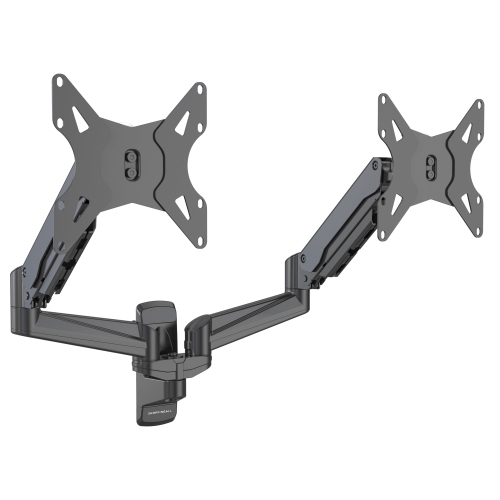
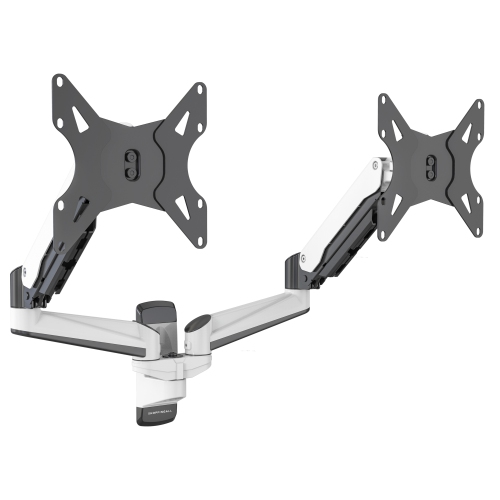
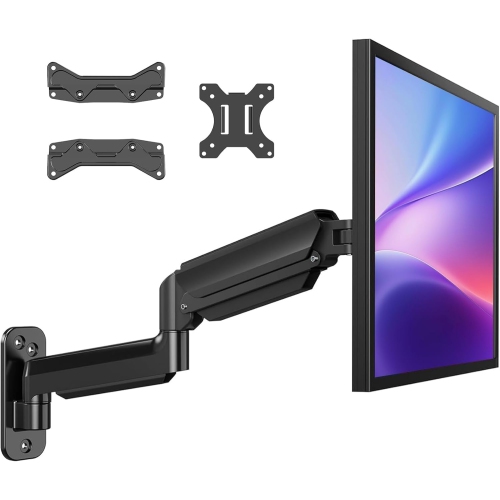
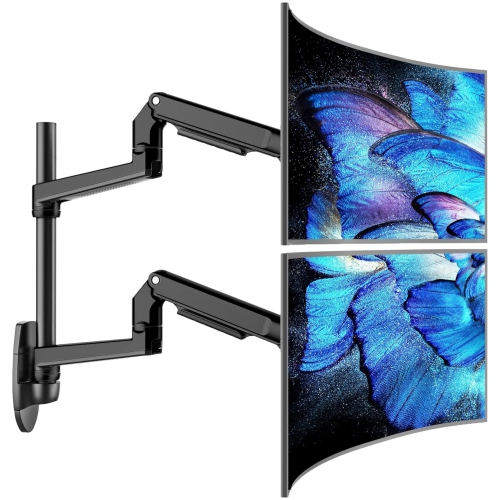
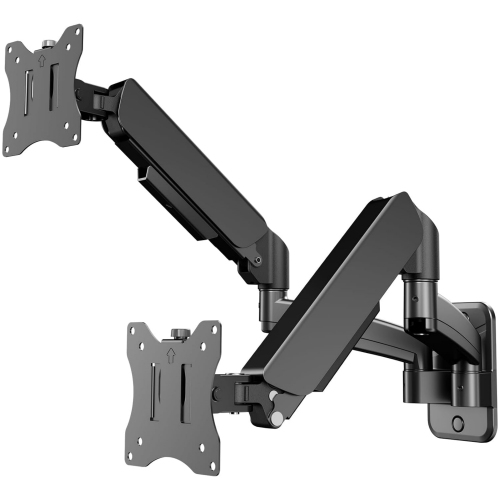
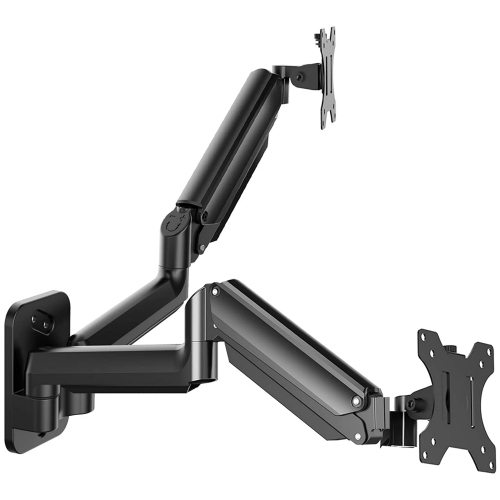
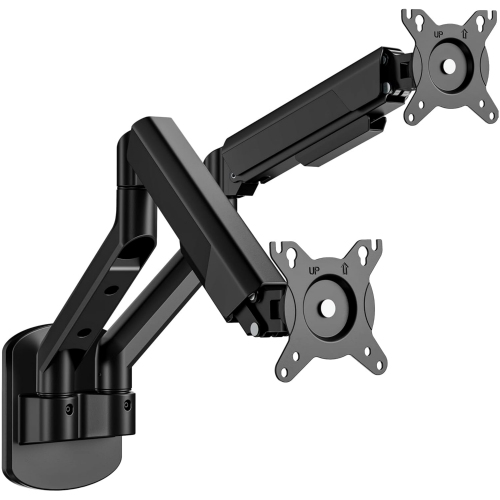
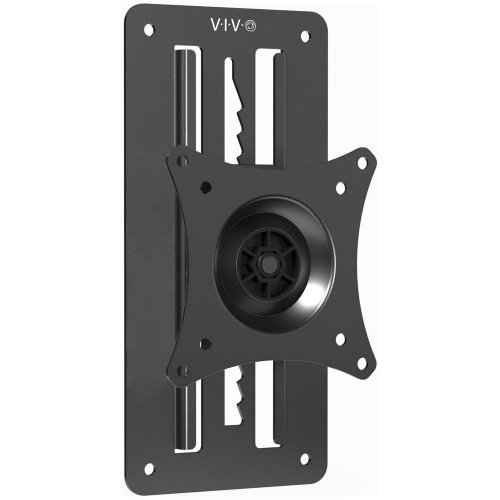

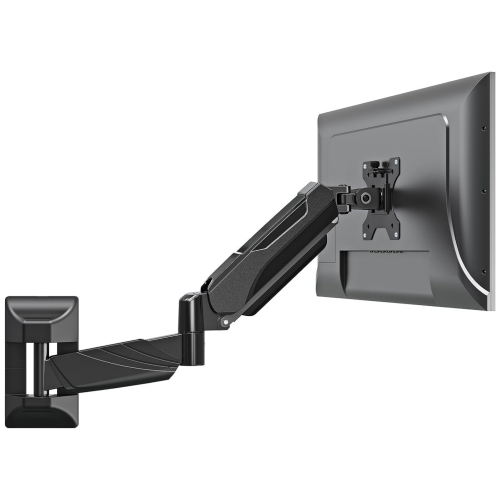
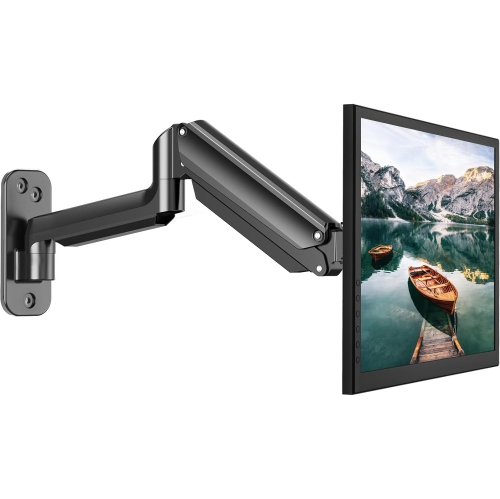
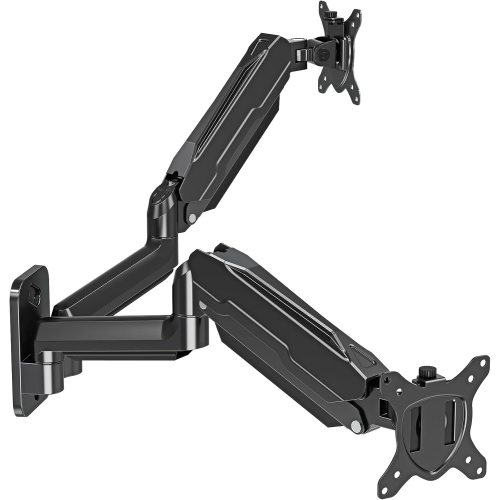
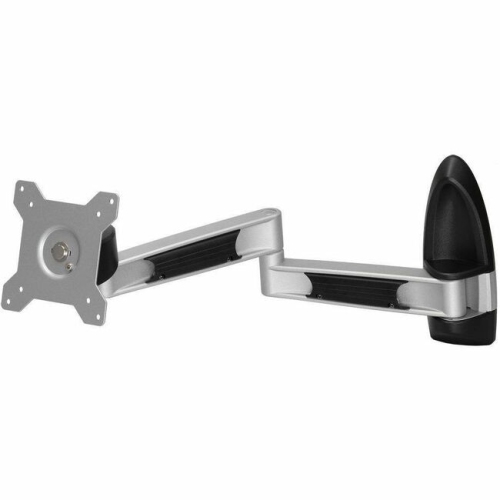
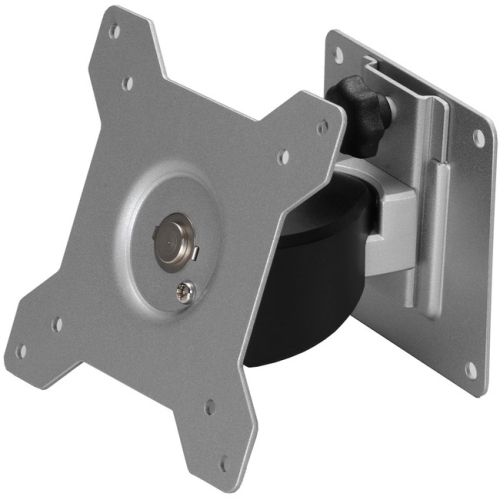
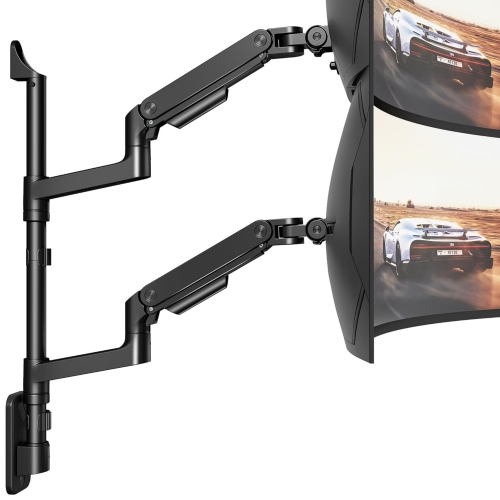
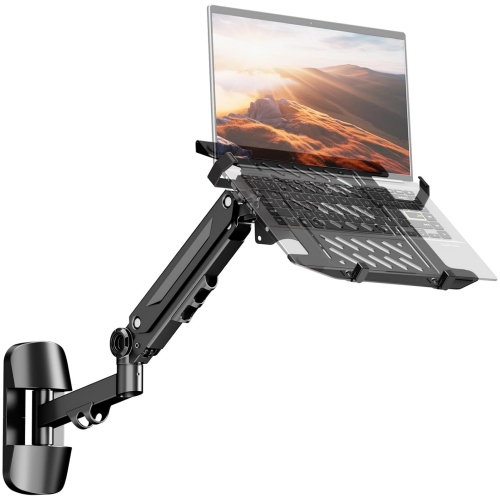
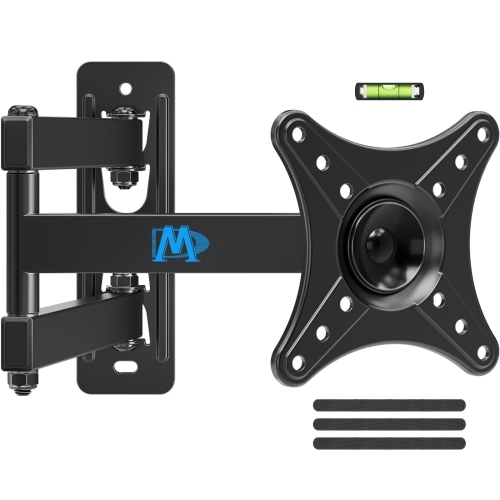
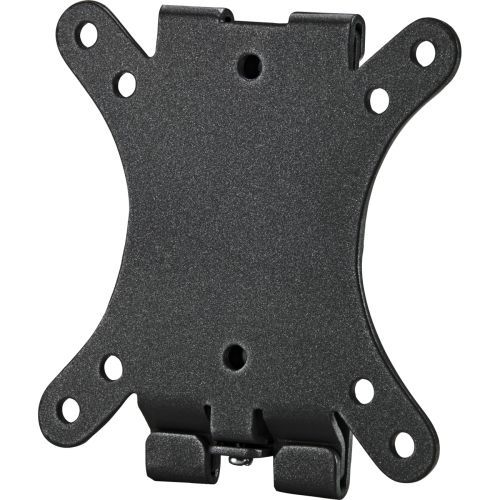
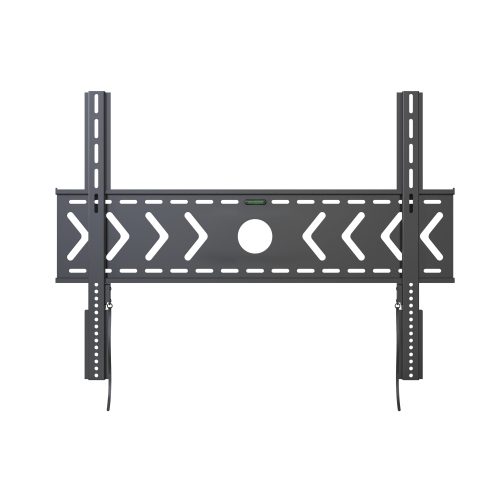
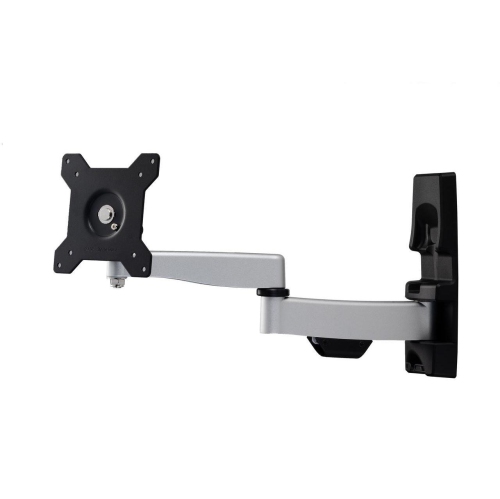
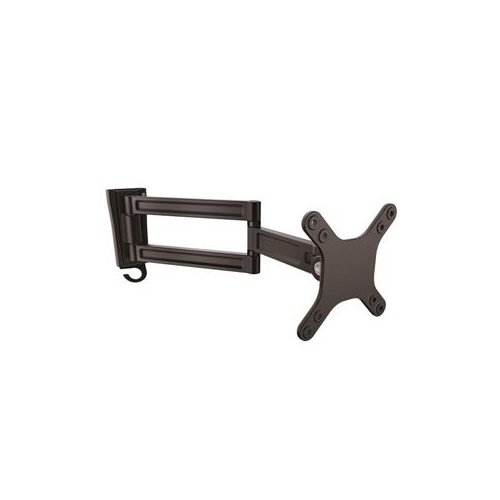
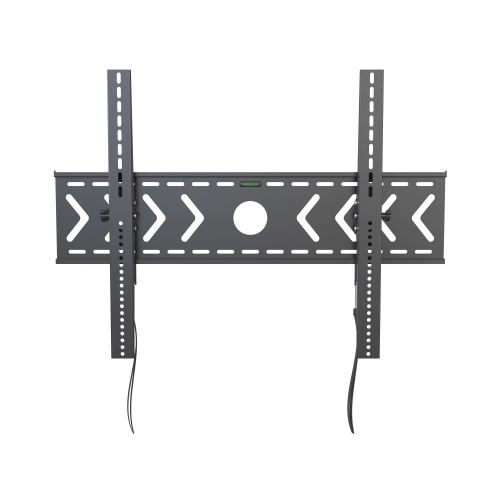
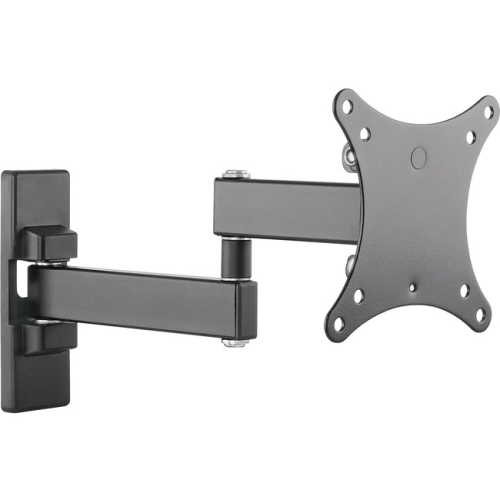
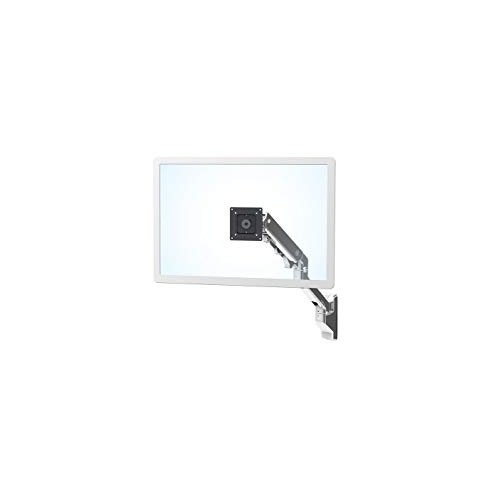
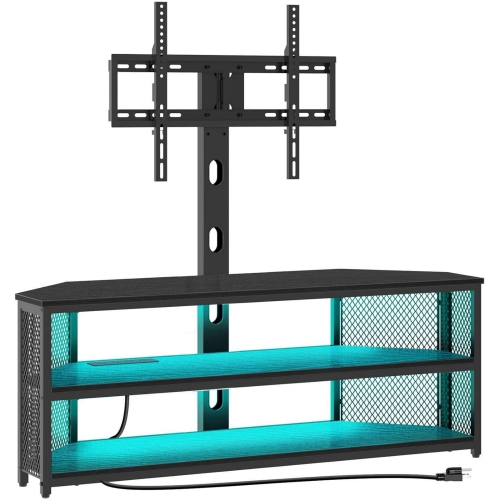
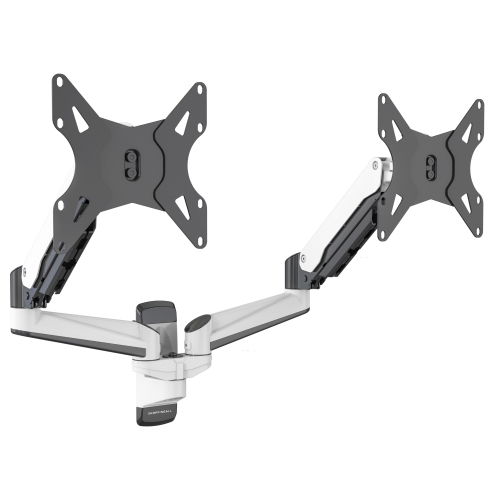
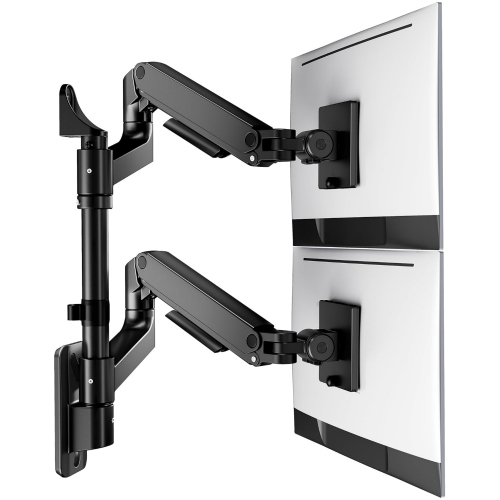
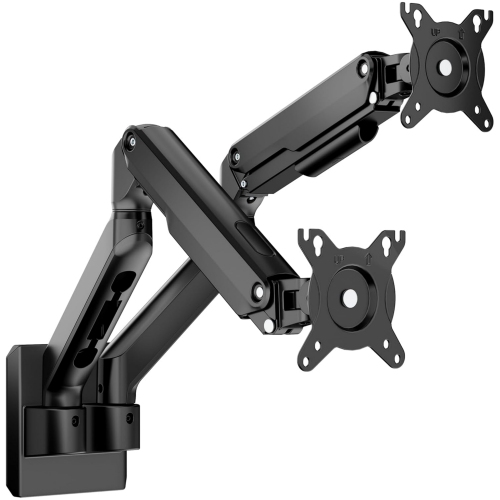

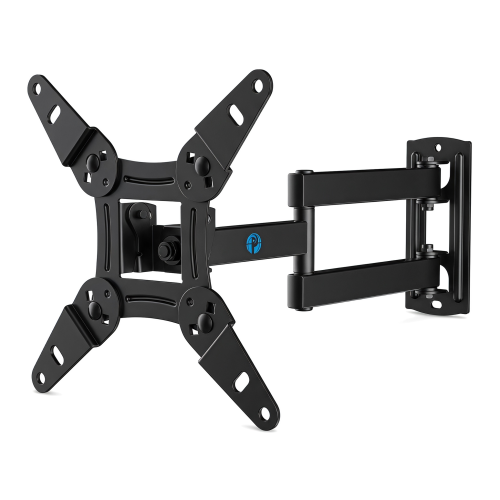
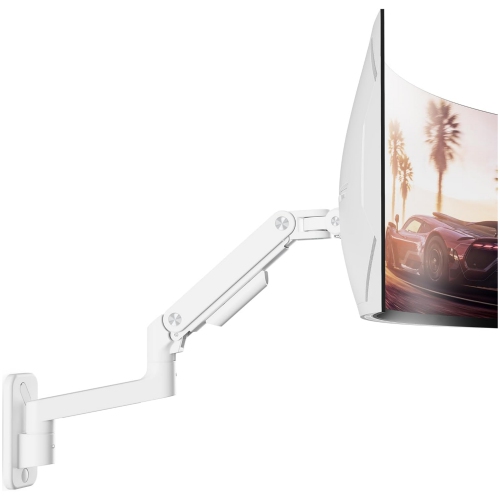
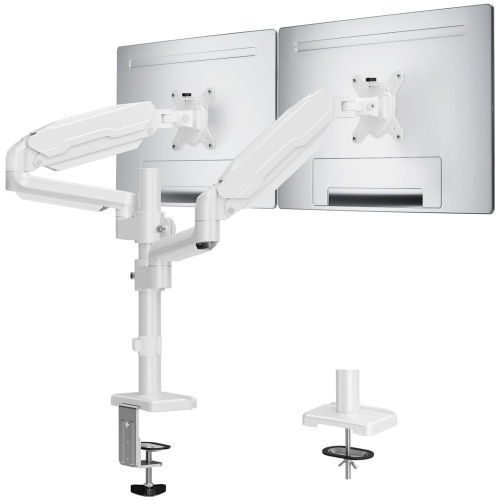
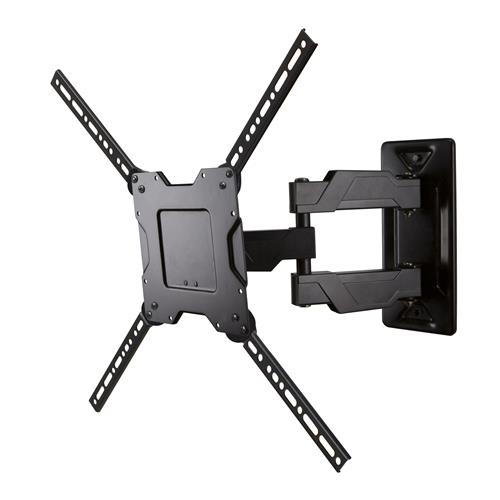
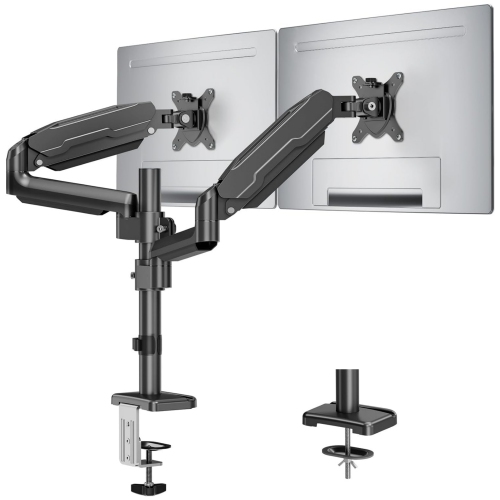
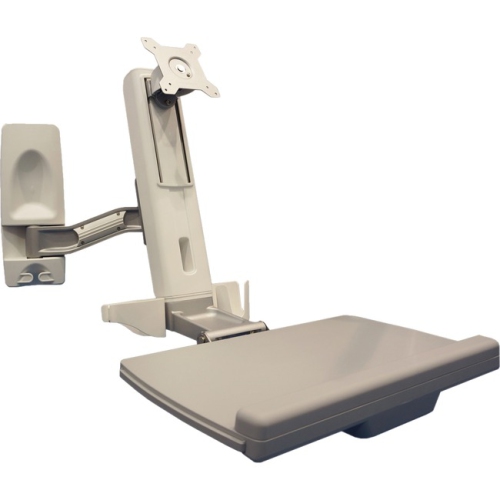
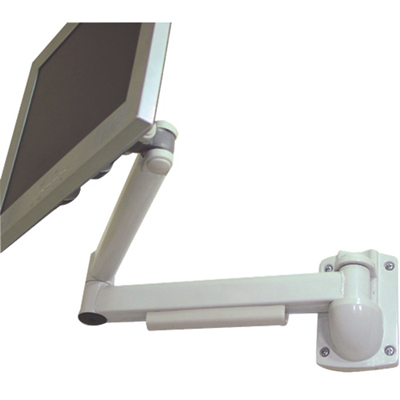
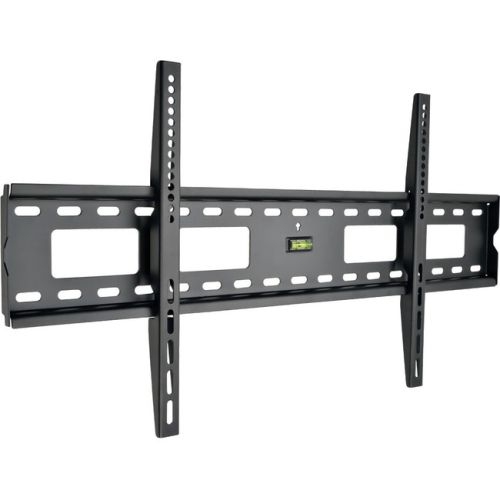
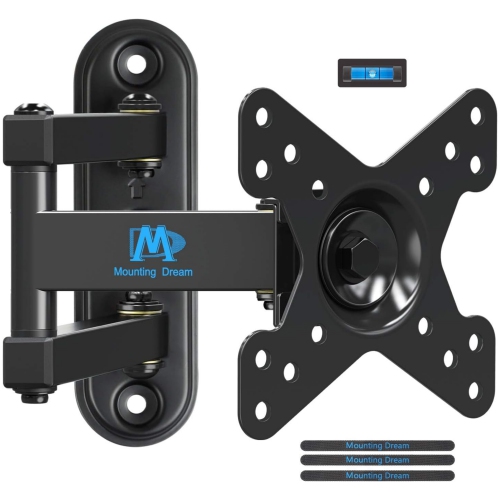
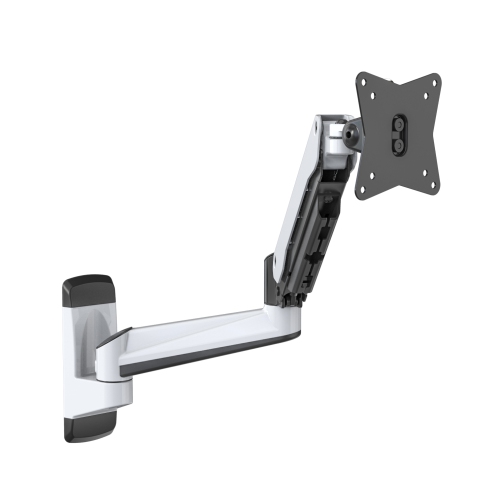
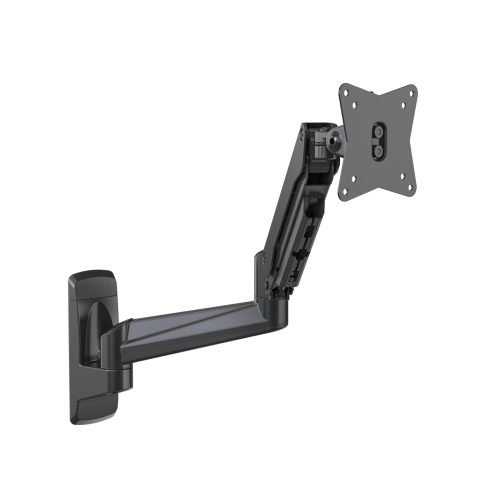
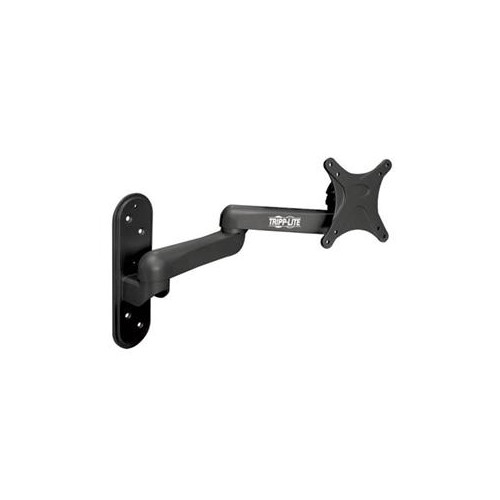
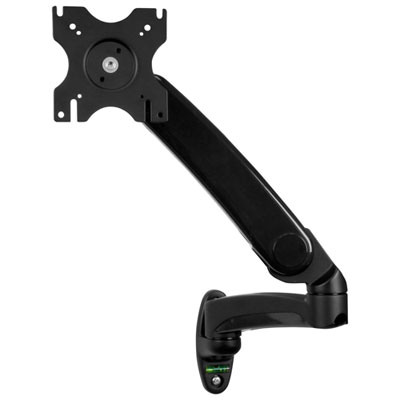
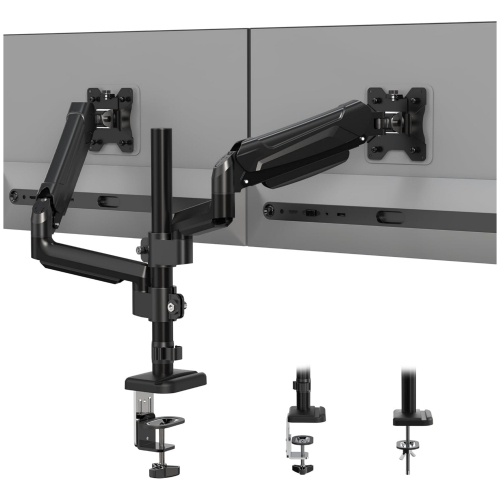
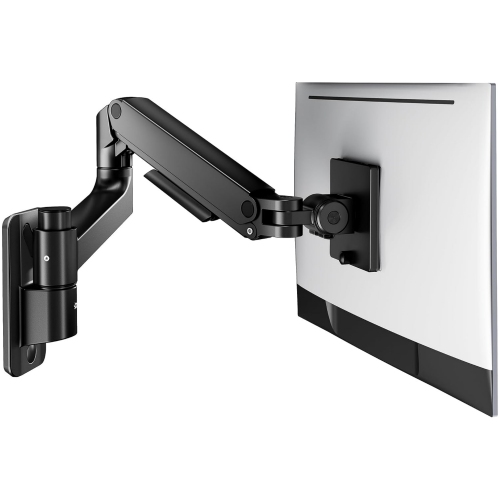
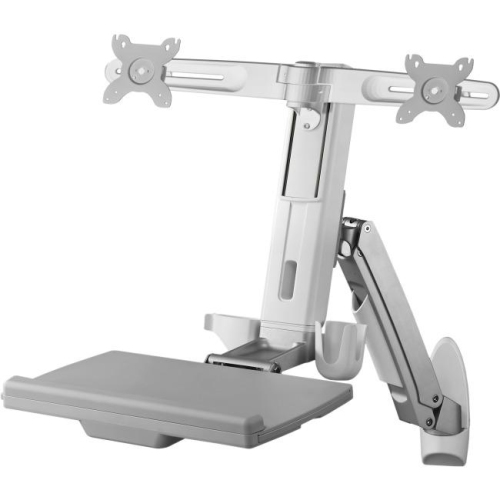
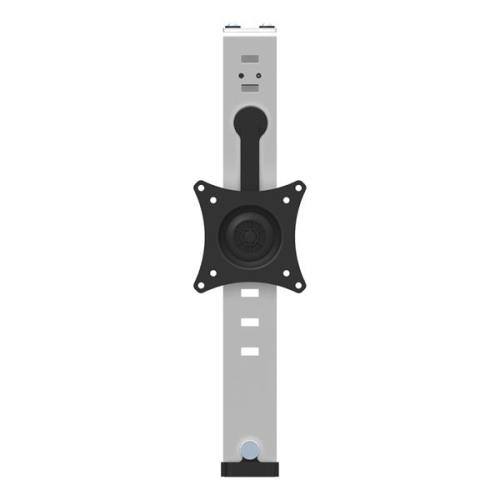
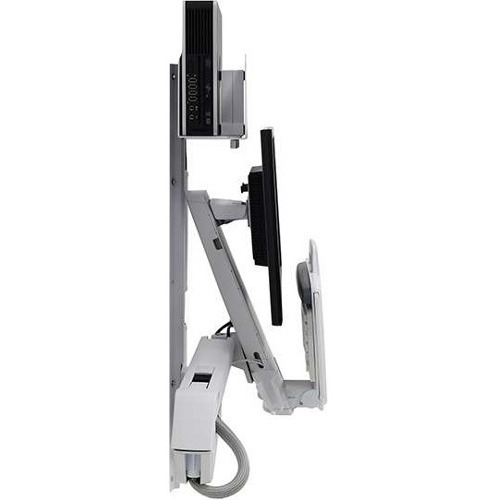
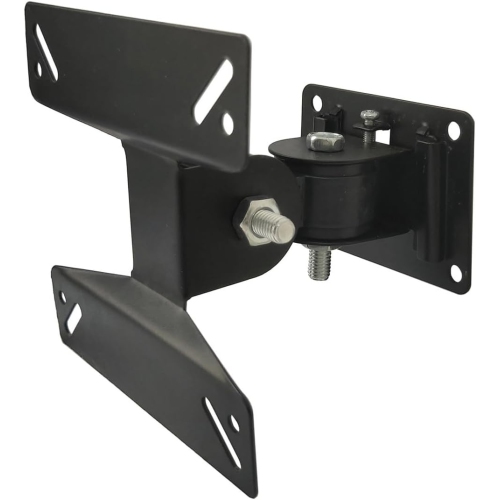
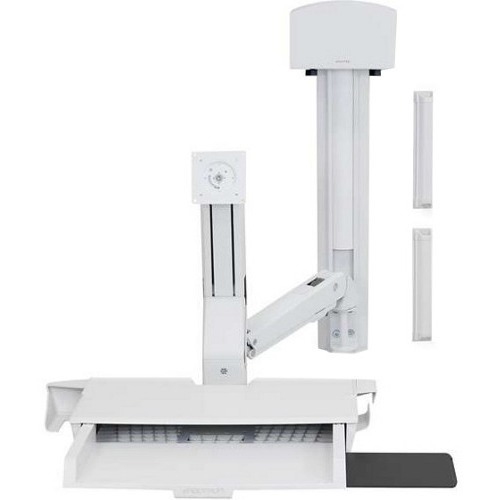
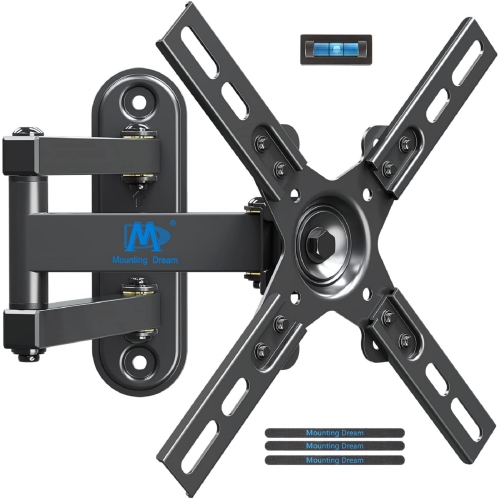


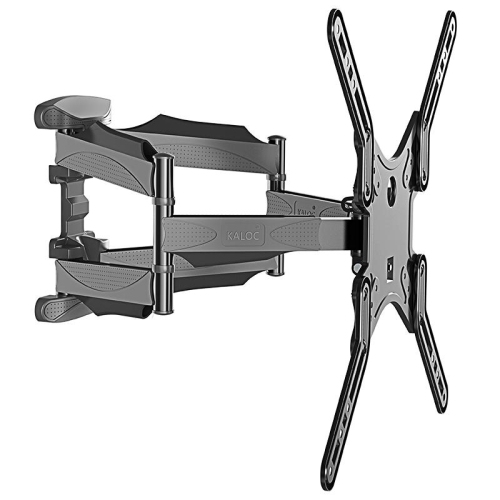
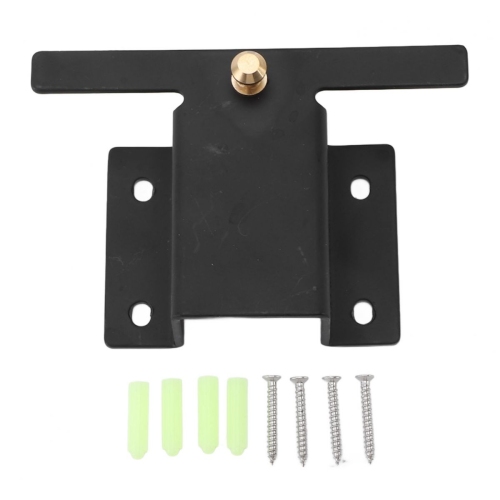
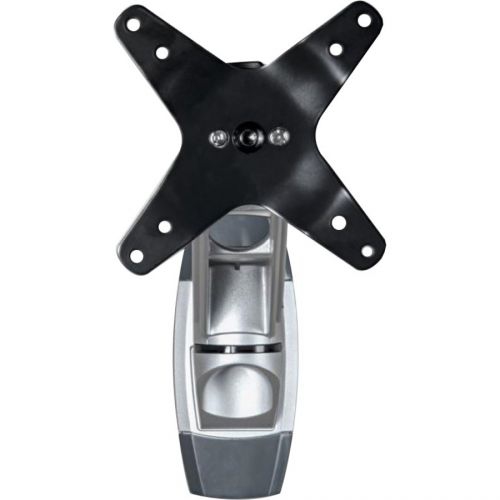
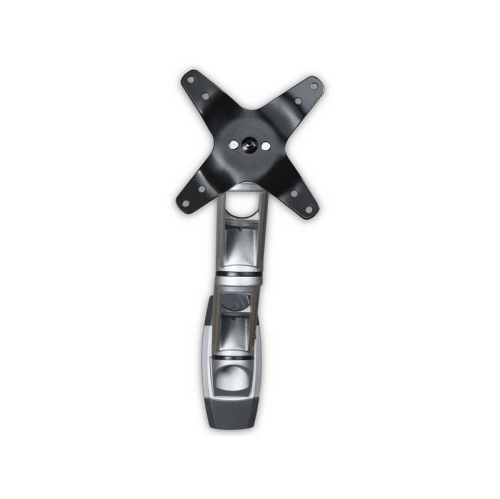
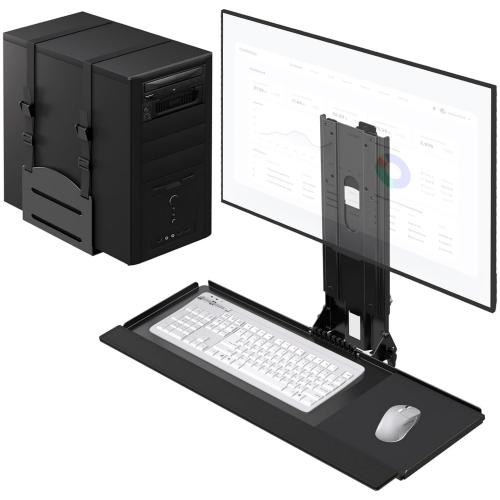
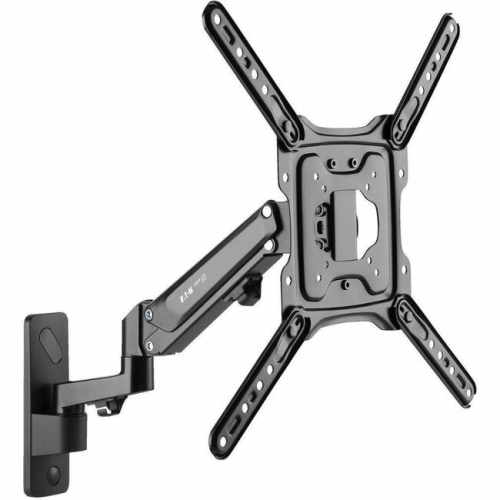
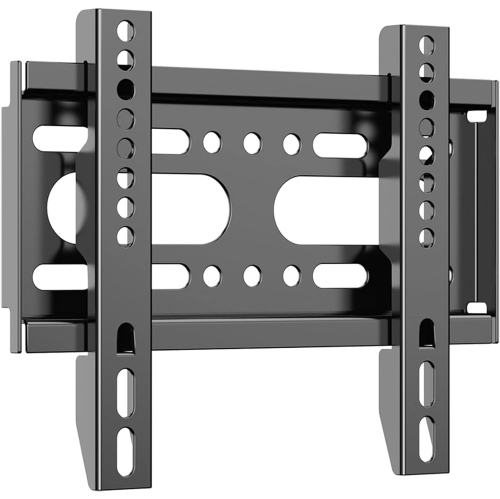
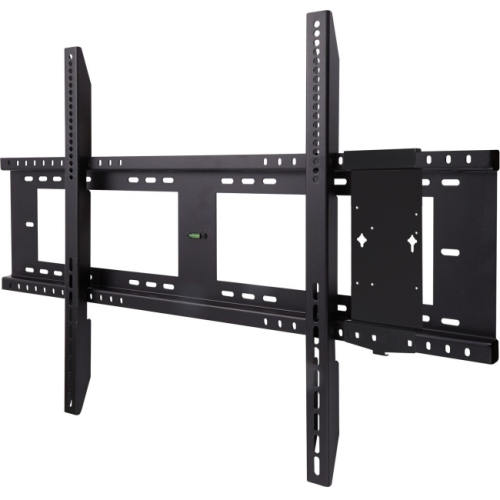
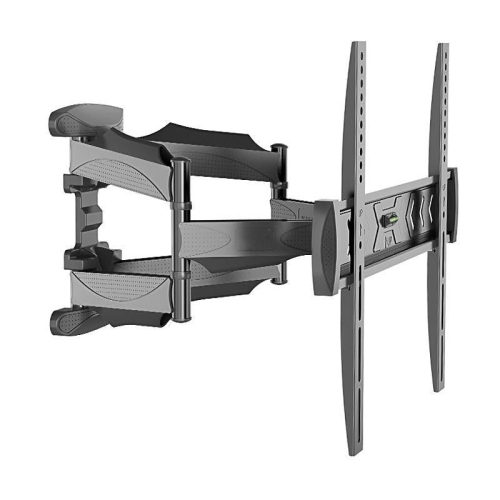
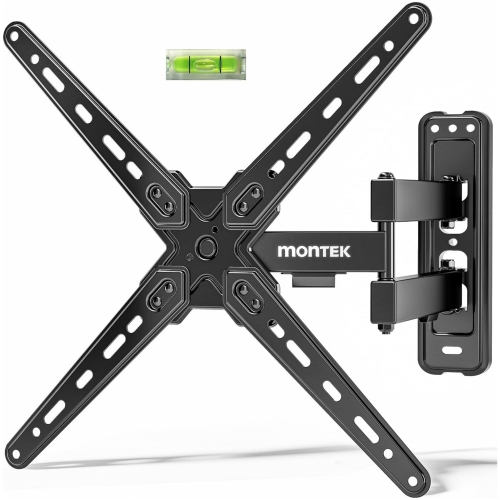
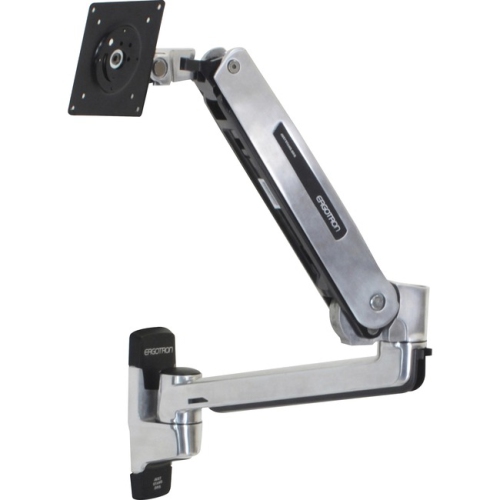
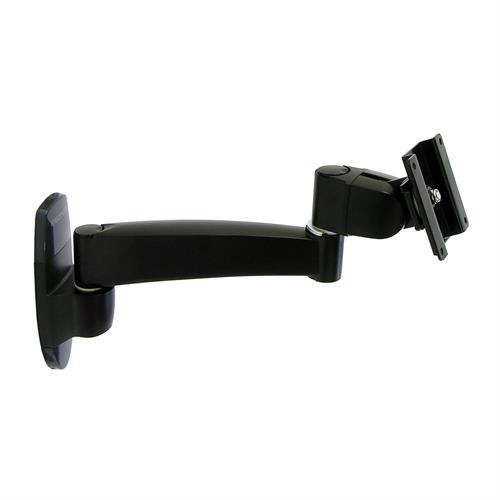
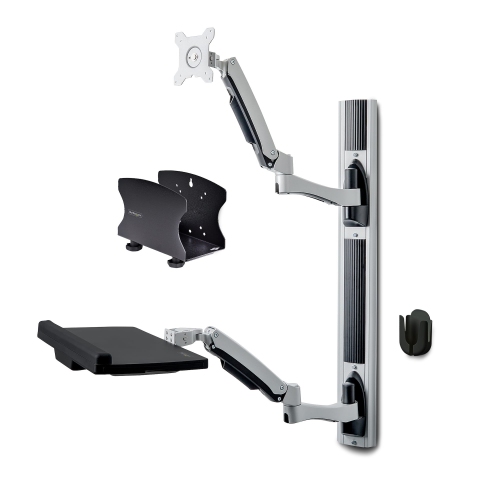
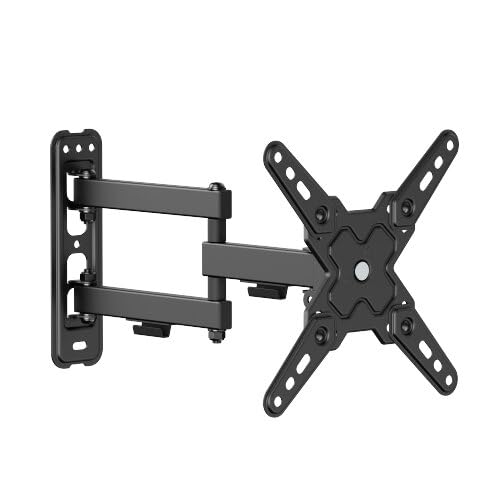
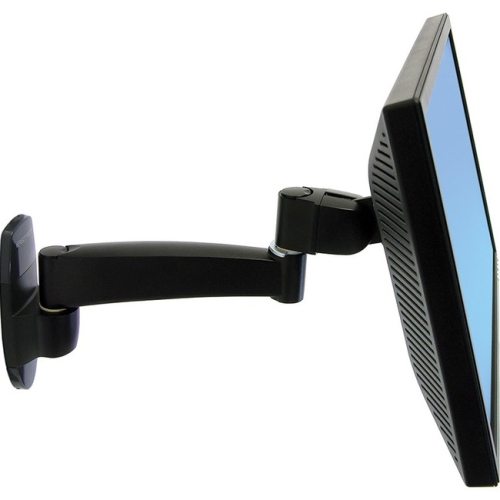
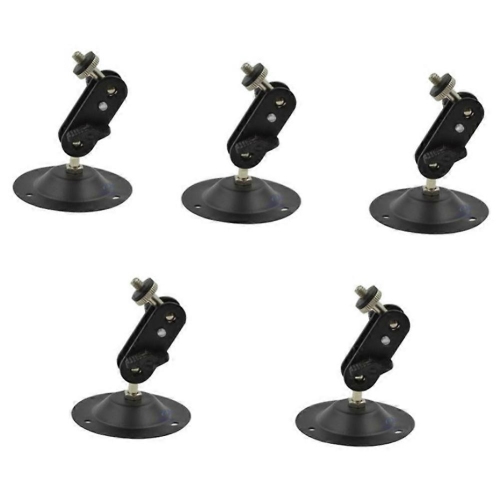
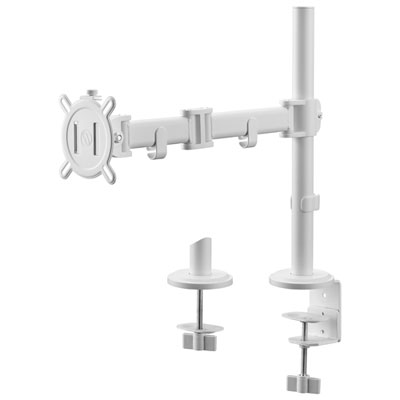
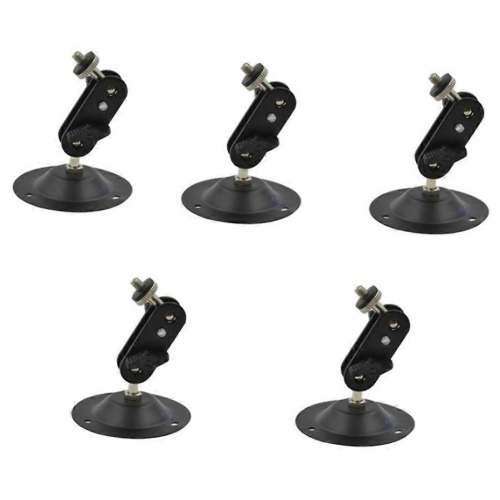
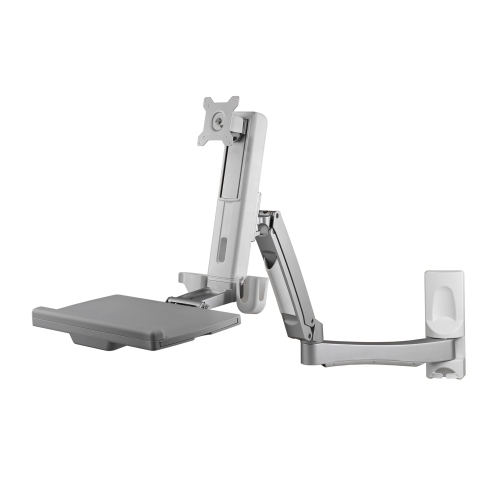
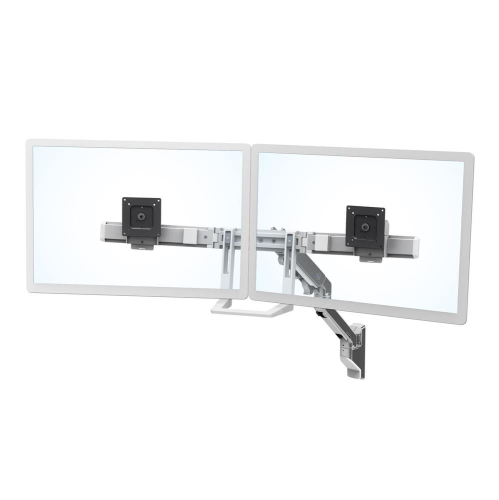

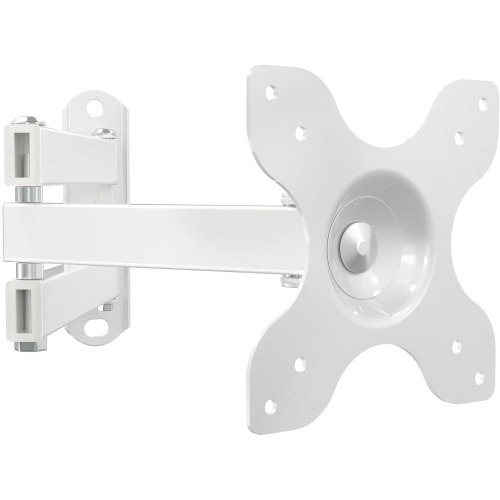
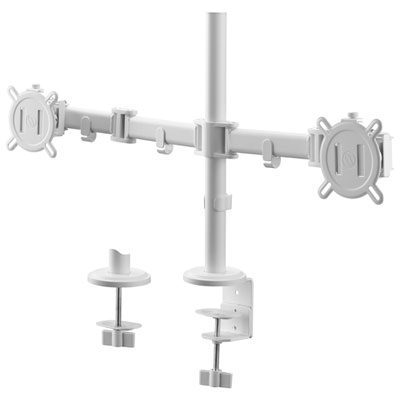
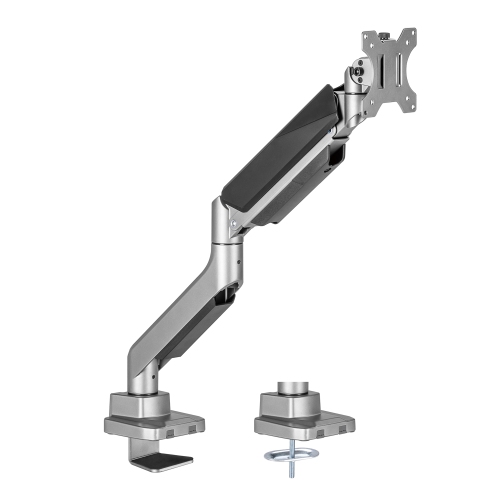
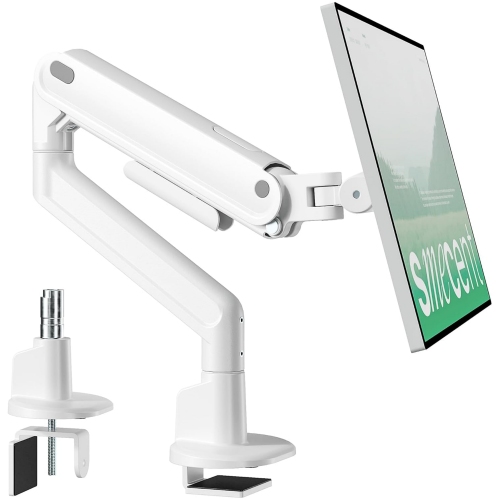
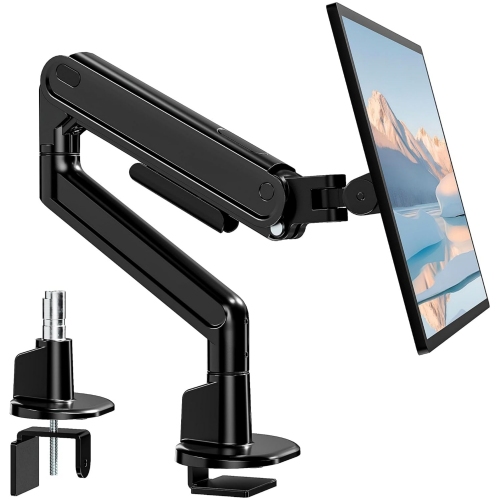
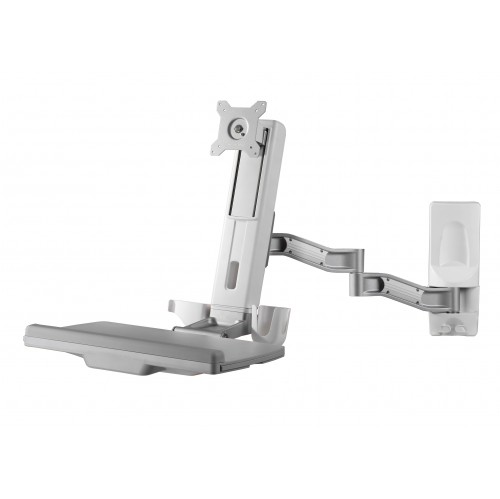
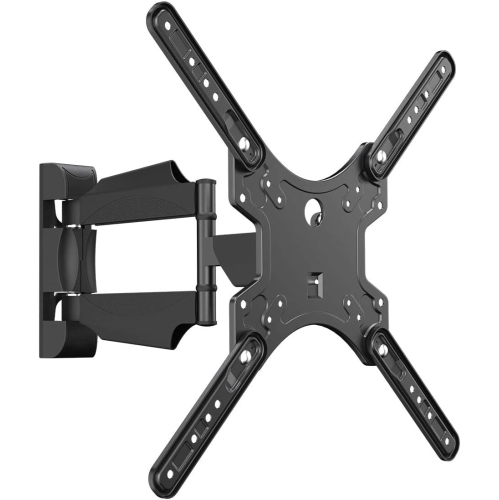
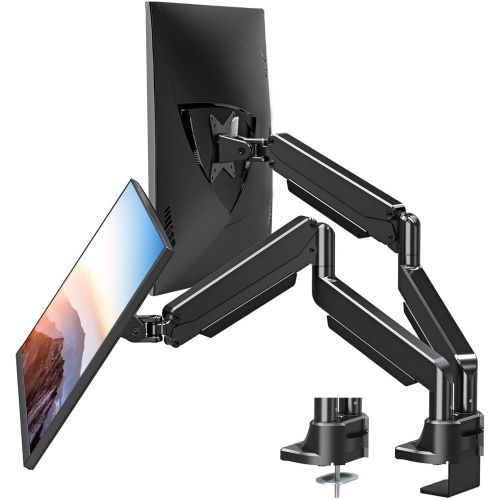
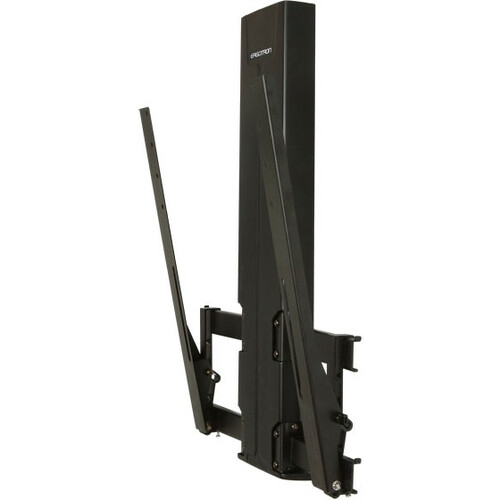
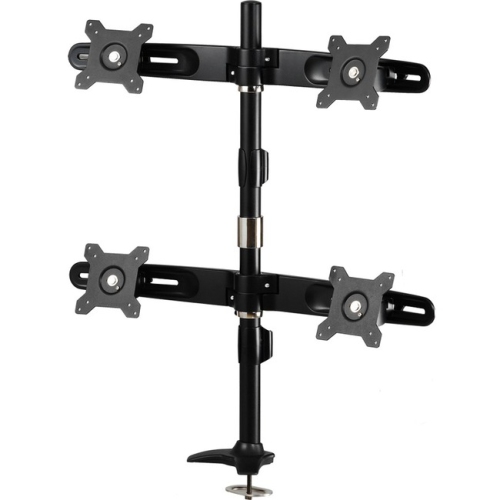
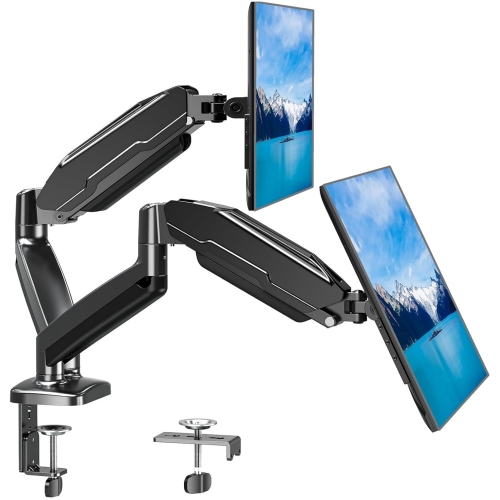
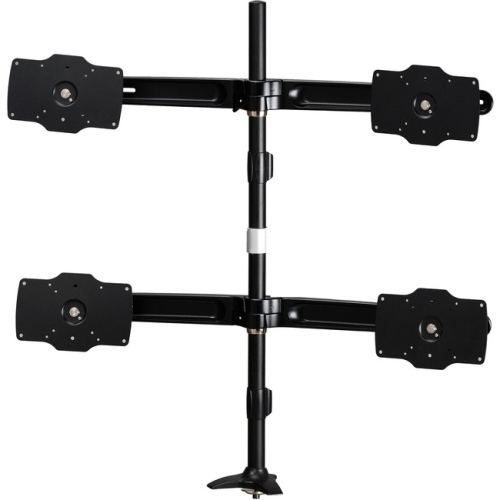
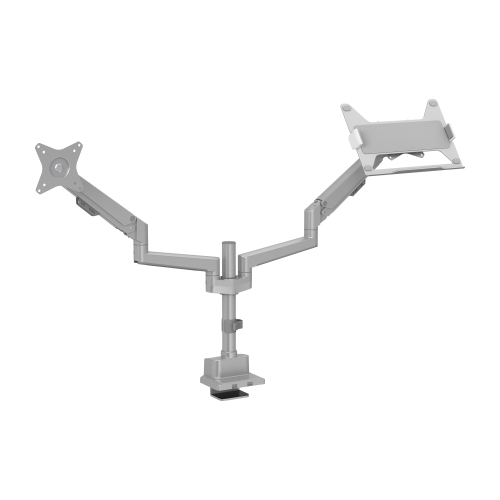
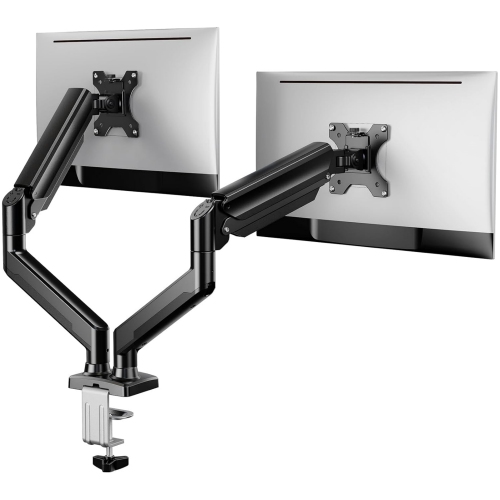
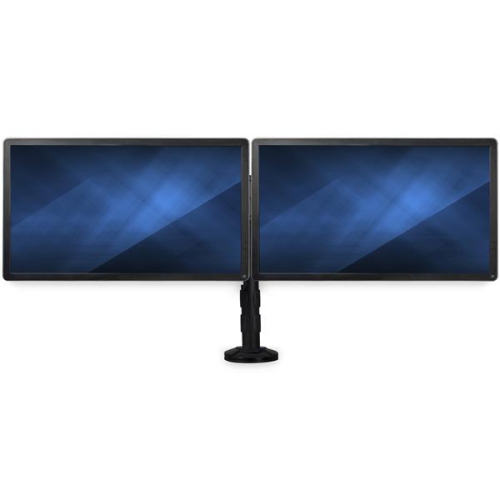
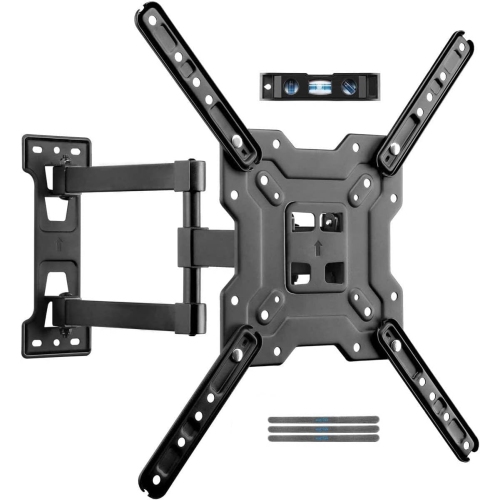

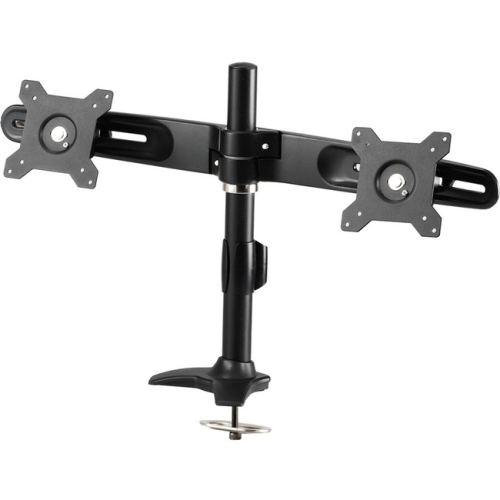
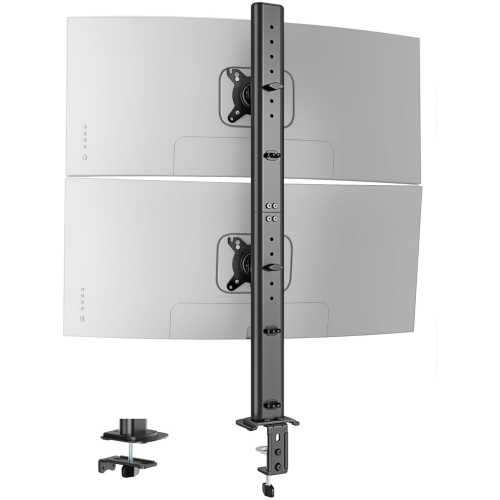
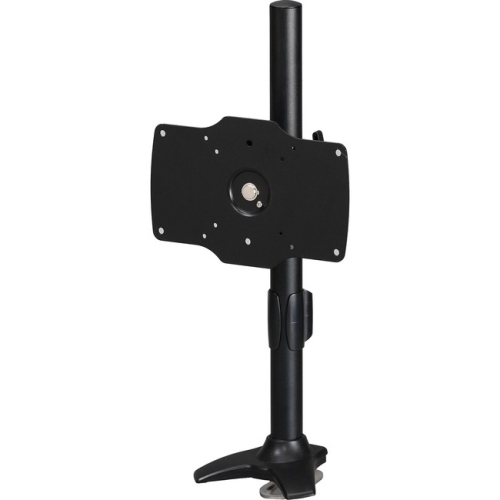

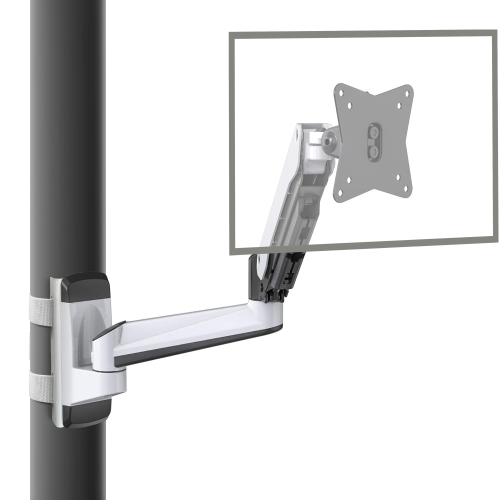
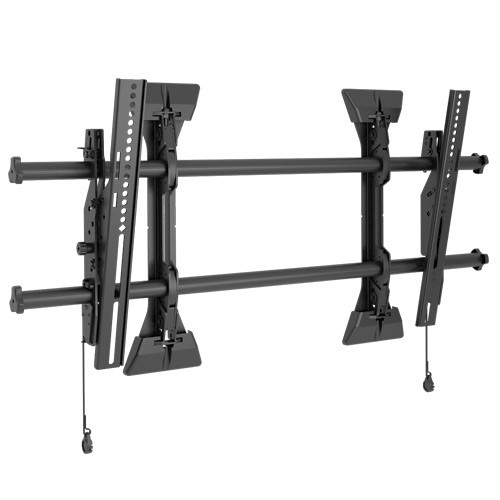
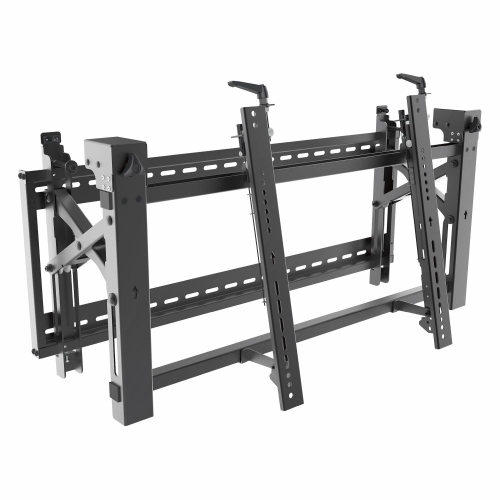
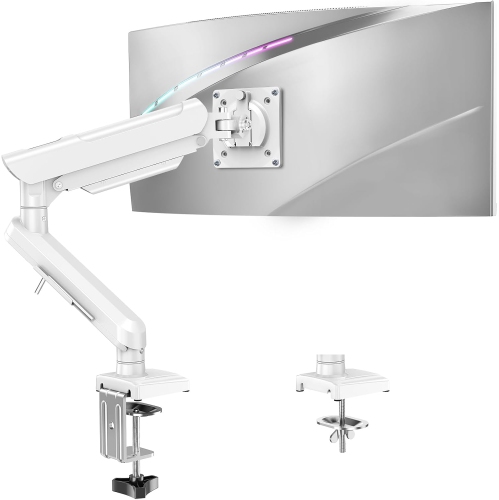
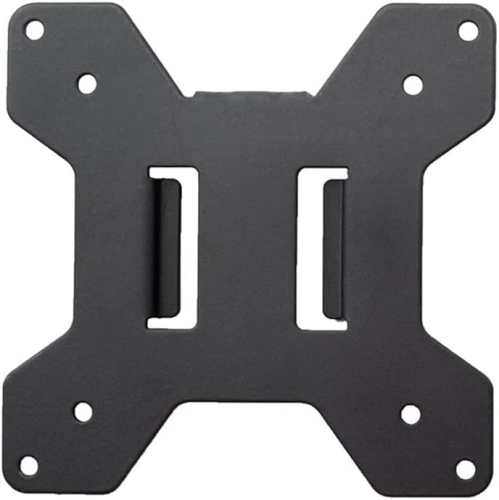
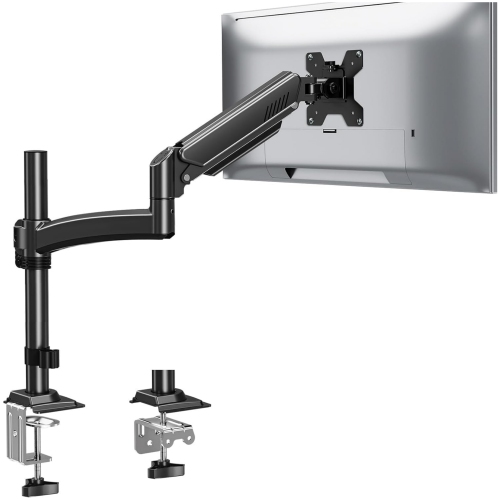
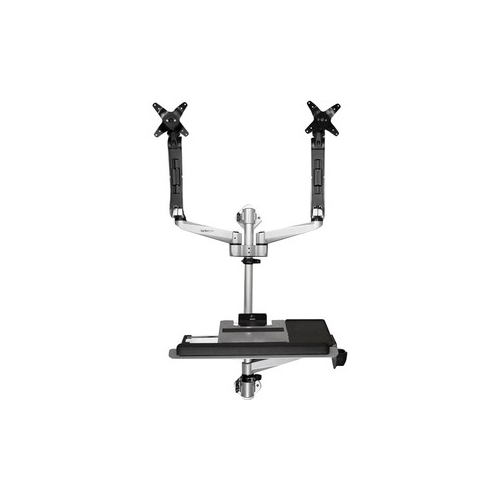
Free desk space while positioning your monitor comfortably
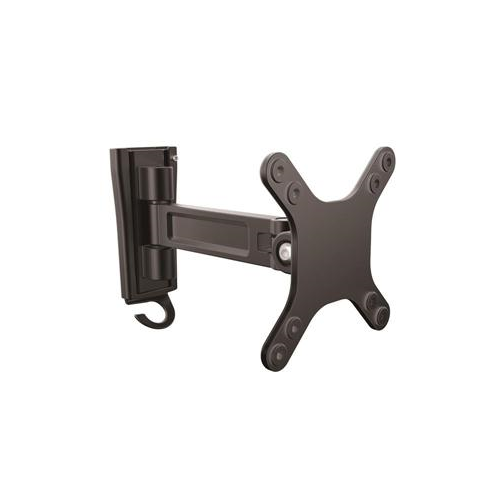
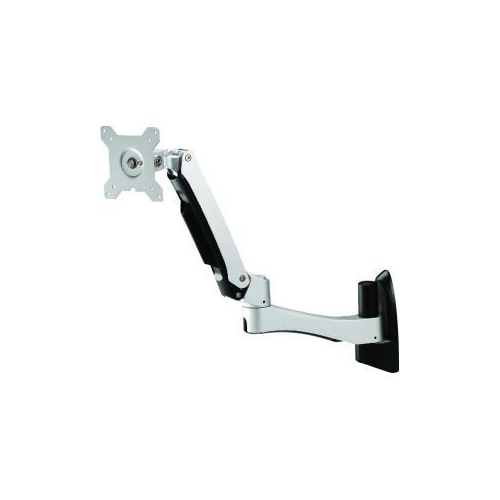
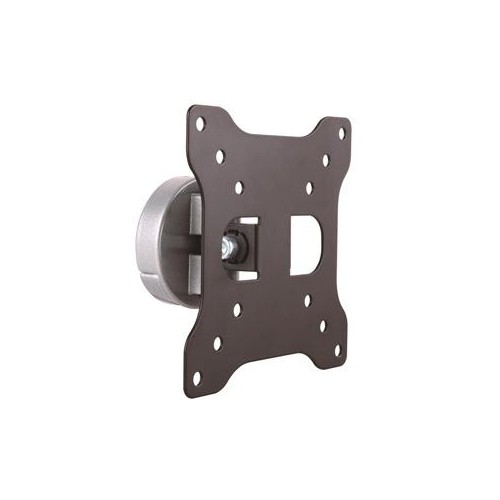
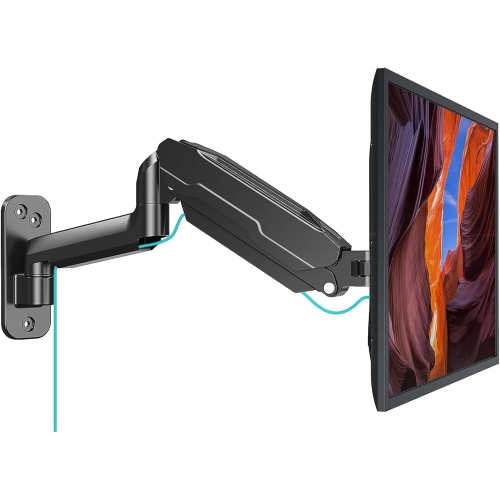
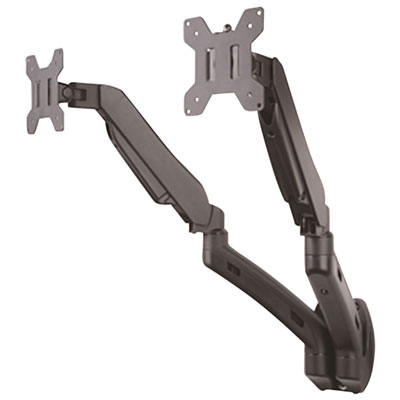
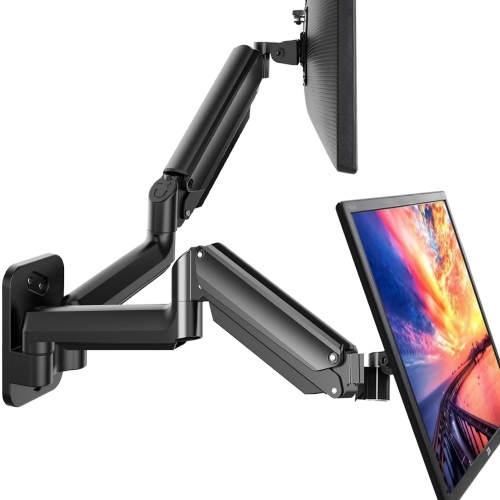
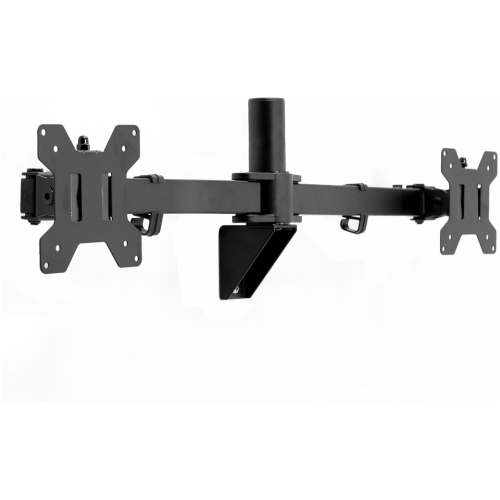
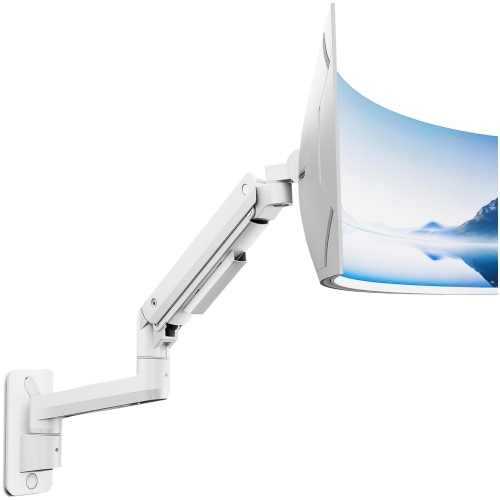
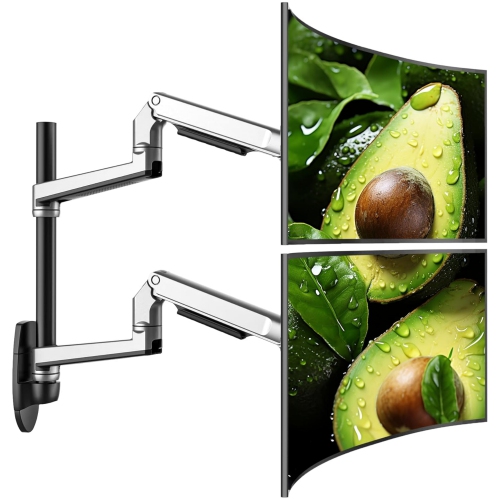
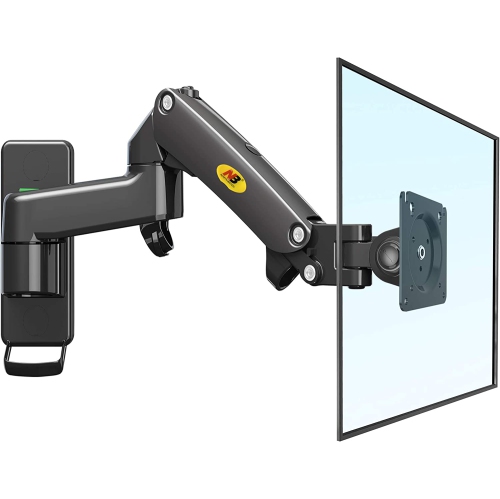
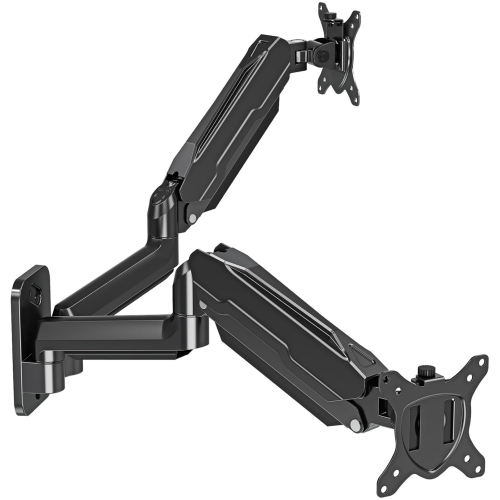
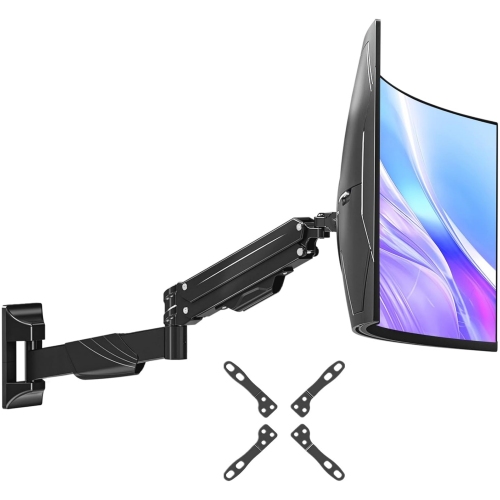
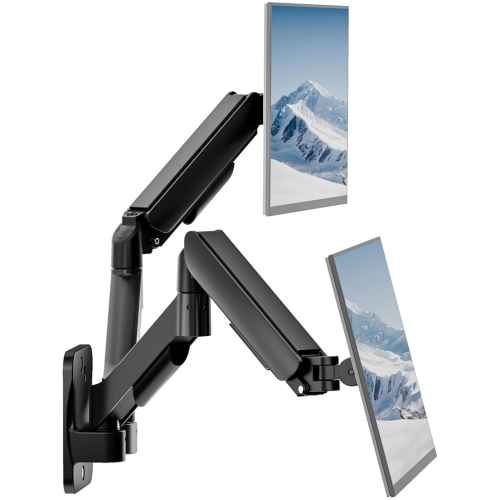
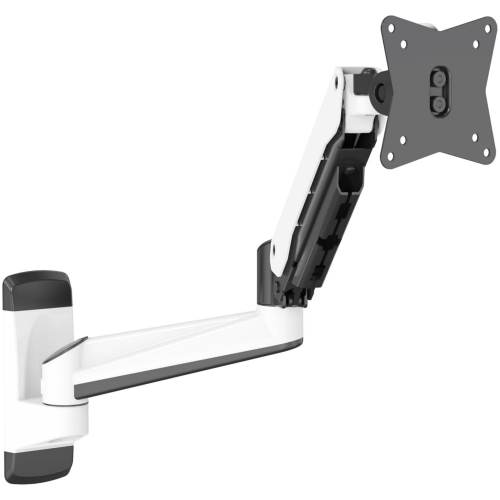
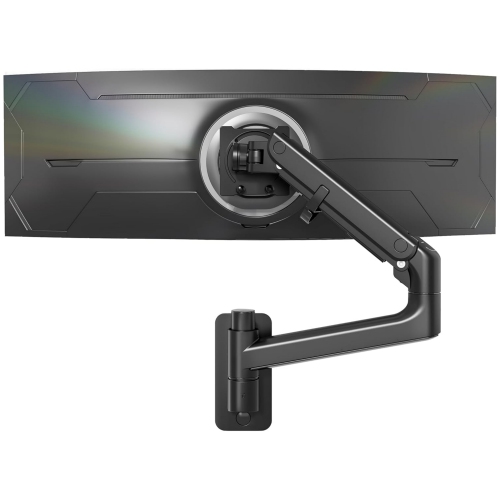
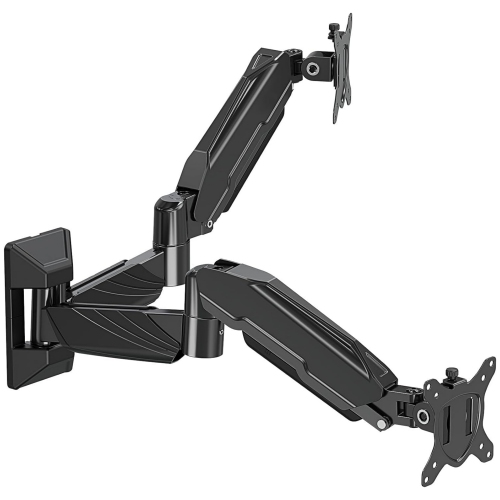
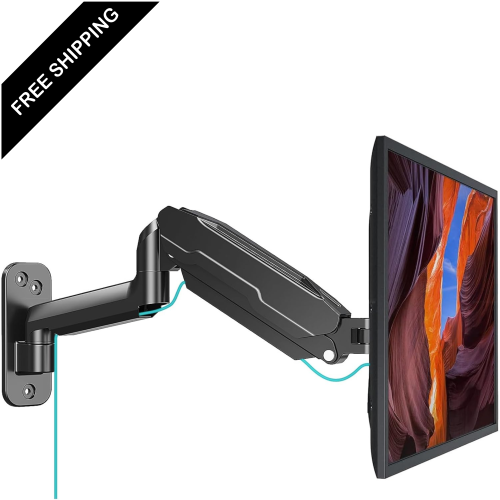
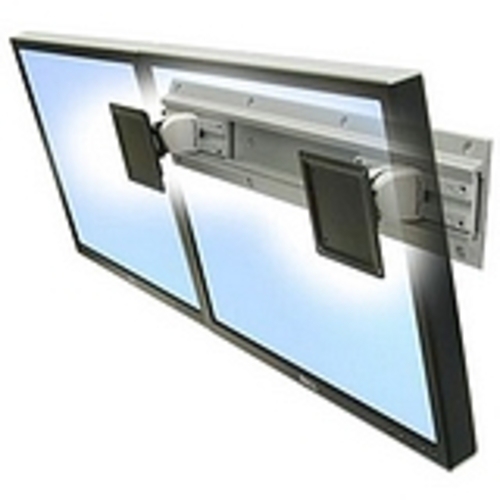
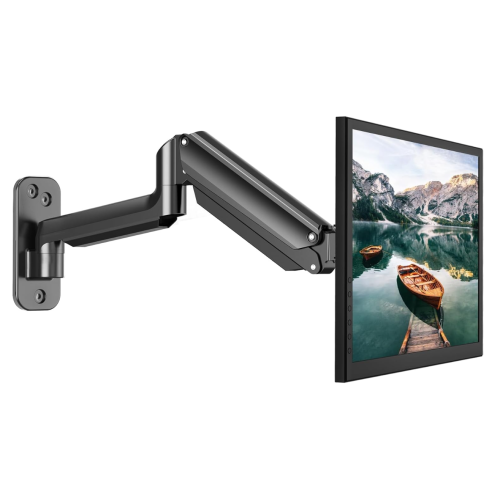
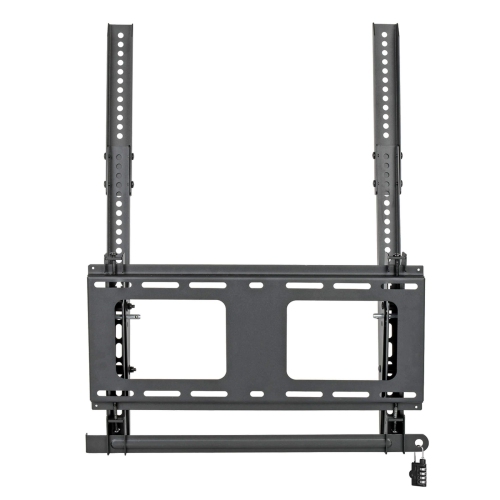
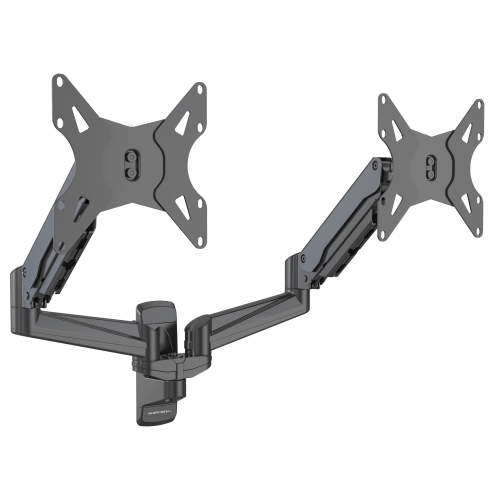
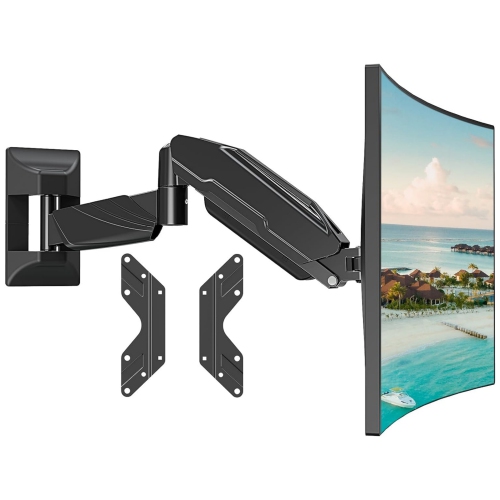
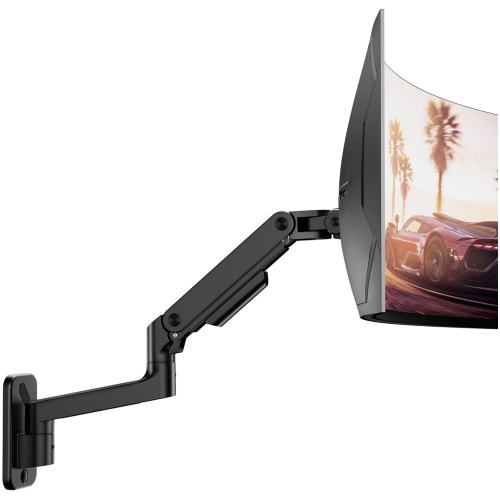
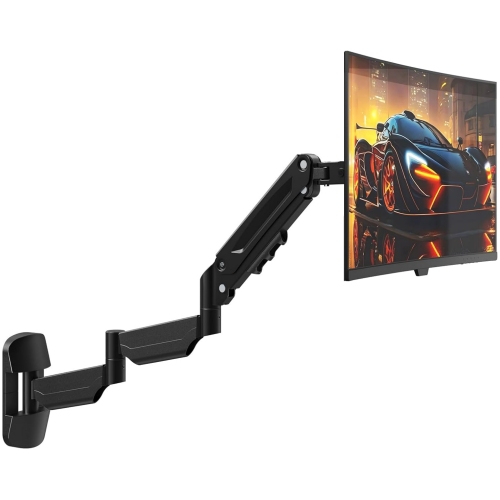
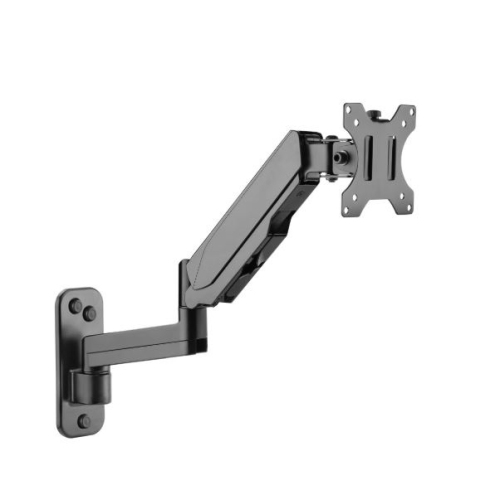
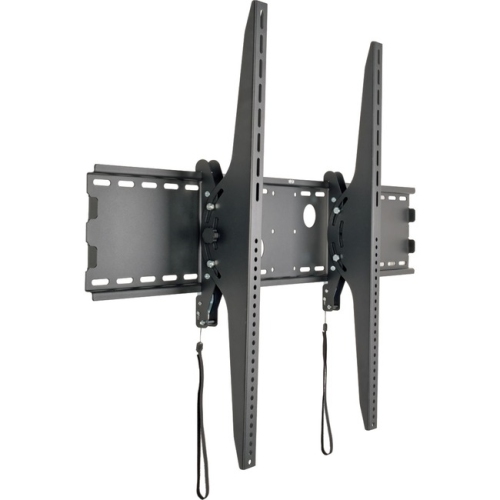
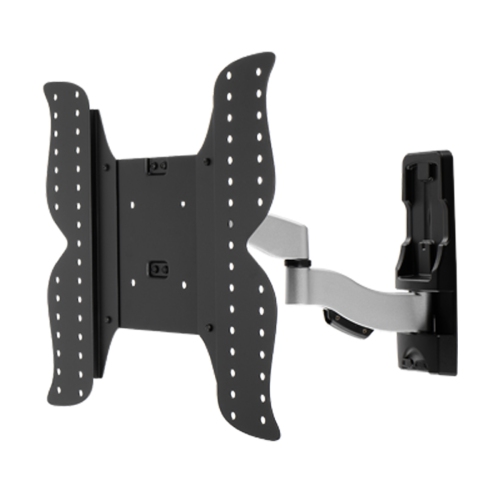
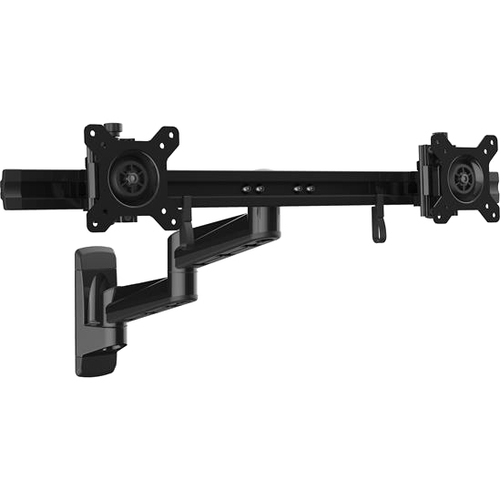
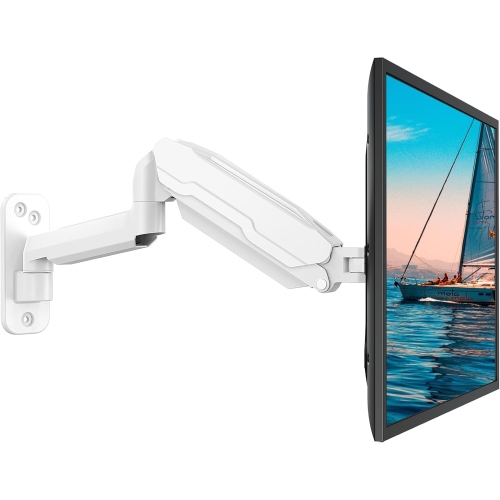
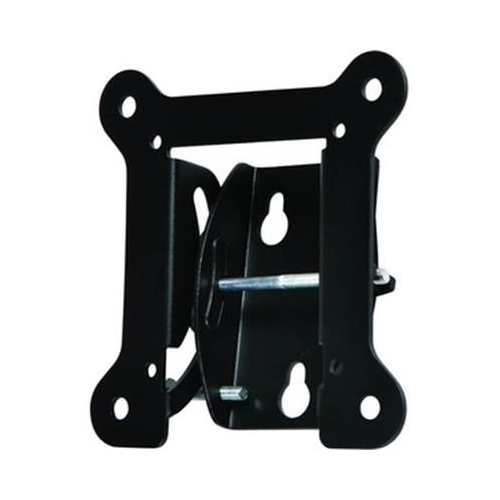
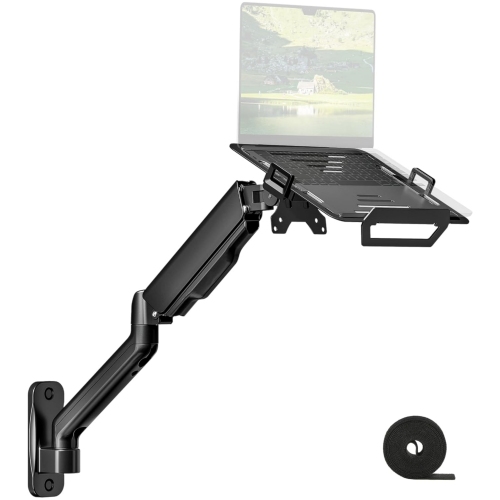
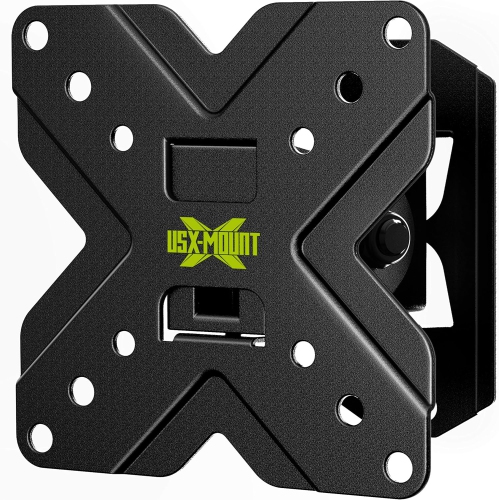
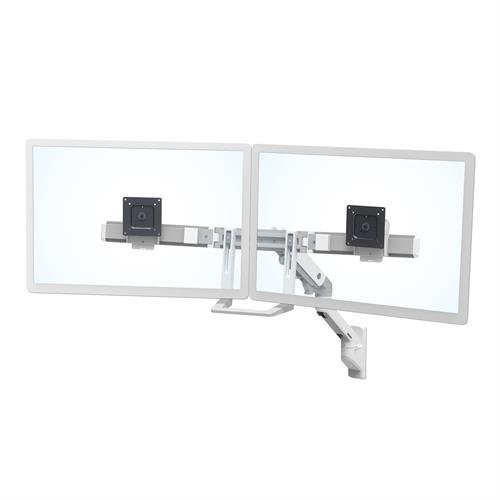
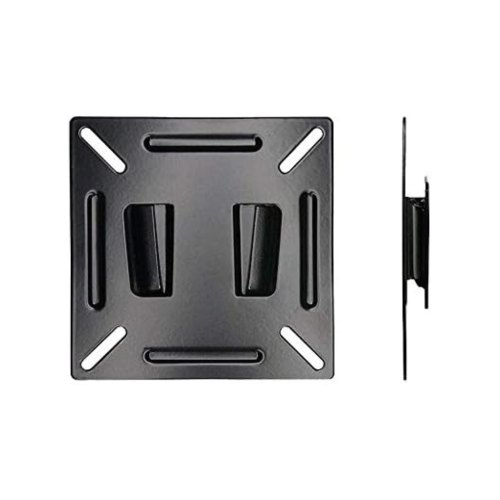
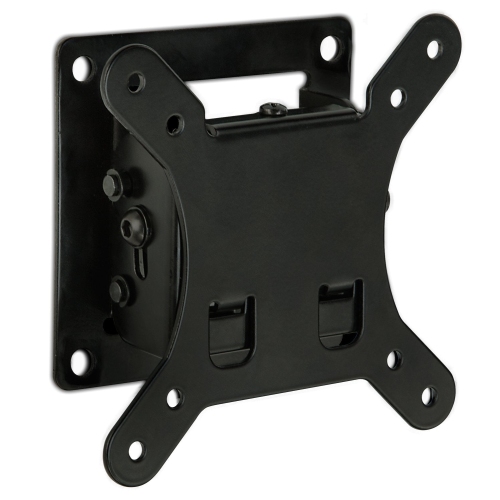
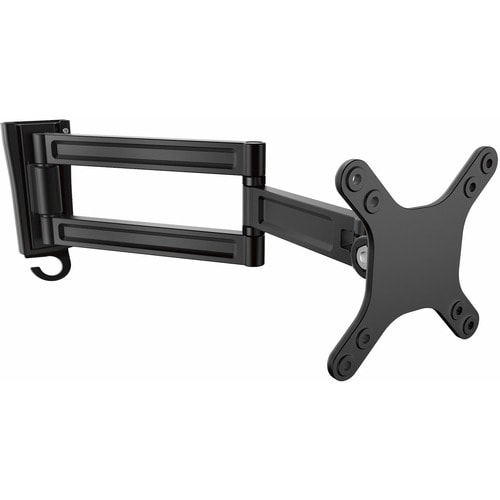
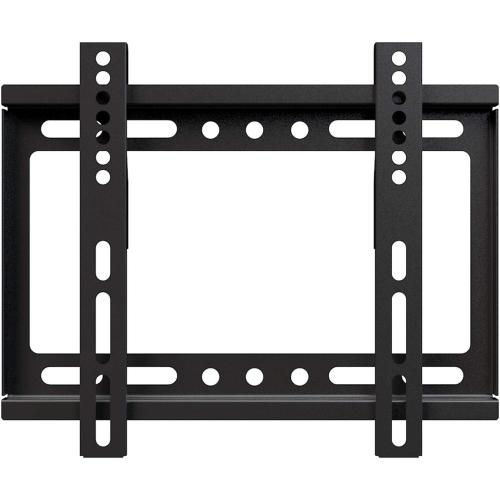
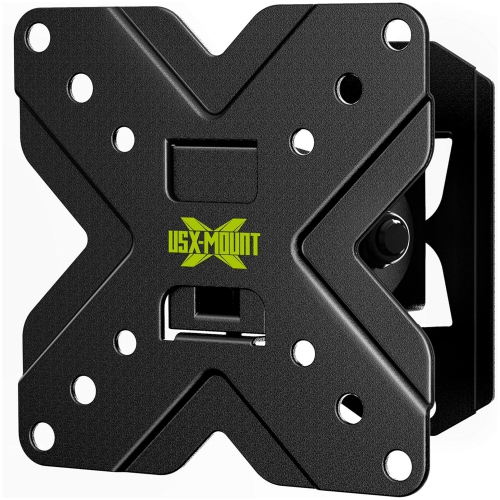
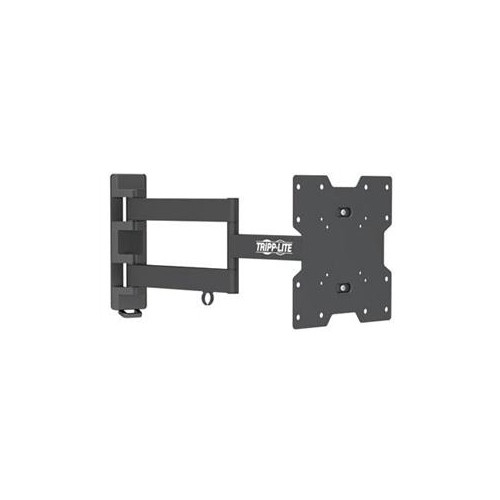
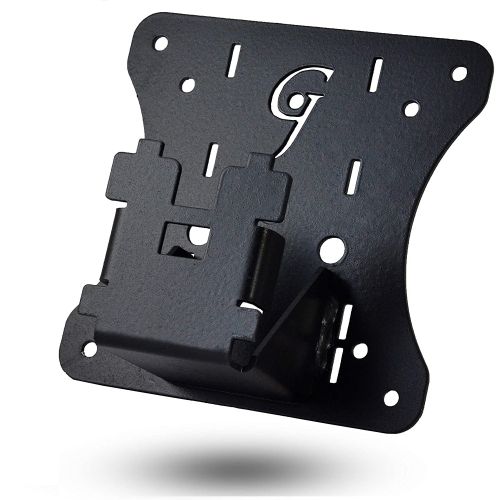
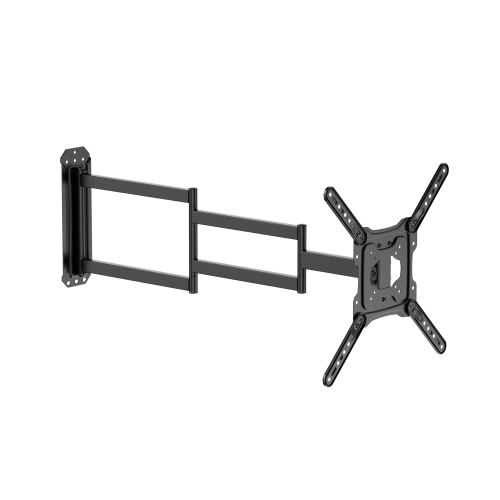
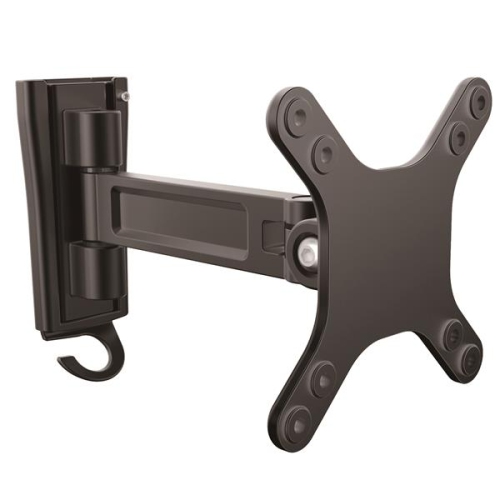
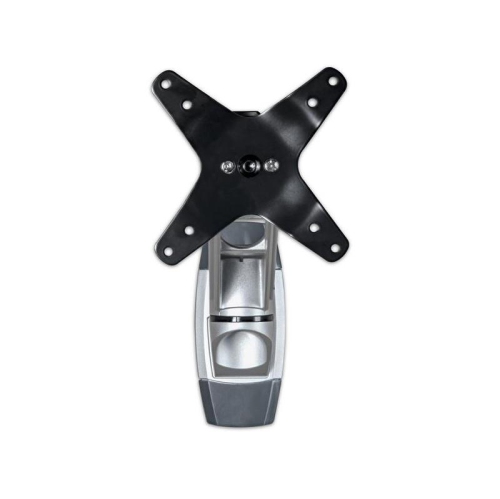
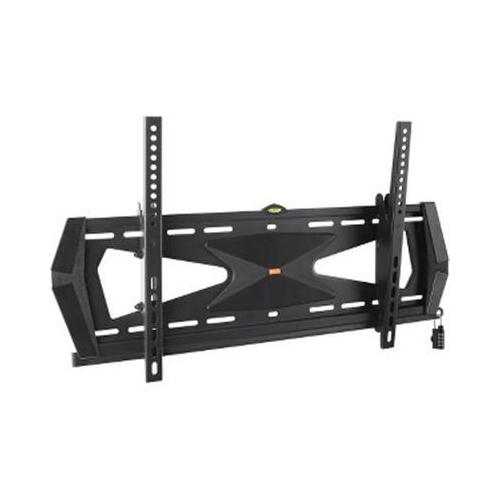
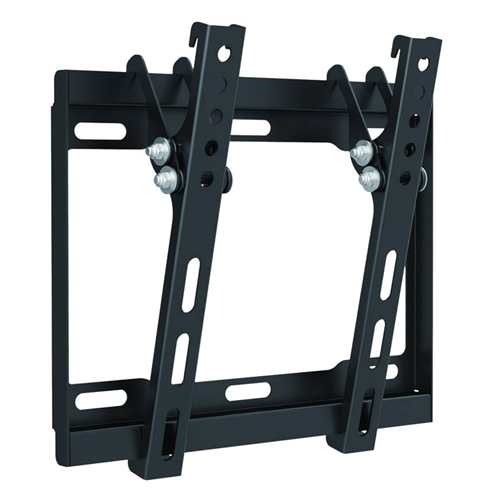
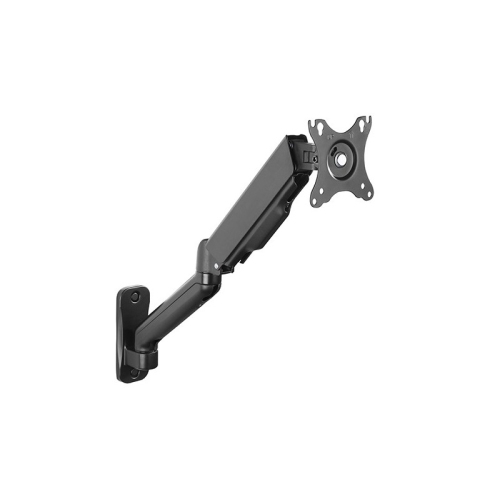
Wall mounts for monitors can make a noticeable difference in a home office, gaming room, study area, or shared workspace. By lifting a display off the desk, a wall mount creates more room for a keyboard, notebook, speakers, charging accessories, or other everyday equipment while giving the screen a cleaner, more open position. It can also help place the top of the monitor closer to eye level, which may make long work sessions more comfortable when the screen is positioned correctly. Some mounts hold a monitor flat against the wall, while others allow the display to tilt, swivel, extend outward, or rotate between landscape and portrait orientation. A fixed mount can be a practical choice for a dedicated workstation where the screen will remain in one position, while a tilting mount can help reduce glare from nearby windows or overhead lighting. Full-motion and gas-spring arms are useful when more flexibility is needed, such as moving a monitor closer for detailed work, turning it towards another seat, or pushing it back against the wall when the desk needs to be cleared. A wall-mounted monitor can suit someone working with spreadsheets and documents, a student arranging a compact study nook, a creator who needs an adjustable secondary display, or a gamer who wants to keep the screen at a comfortable viewing height. It may also be a thoughtful housewarming or home-office gift for someone setting up a new workspace, especially when the recipient values an uncluttered desk and adjustable positioning.
Compatibility is the most important place to begin. Check the monitor’s specifications for its VESA mounting pattern, which refers to the spacing between the screw holes on the rear of the display. Common patterns include 75 x 75 mm and 100 x 100 mm, although some monitors use other configurations or require a separate adapter. The mount must match the monitor’s VESA pattern, and its weight capacity must meet or exceed the actual weight of the display, including any accessories that remain attached. Screen size guidance is also worth reviewing, but size alone does not confirm compatibility; two monitors with the same diagonal measurement can have different weights, mounting patterns, or rear housings. Pay attention to the monitor’s shape and connection points as well, since a curved or unusually deep display may need additional clearance from the wall. When choosing between mounting styles, consider how often the screen will move. A fixed bracket works well when the viewing position is consistent and a low-profile appearance is preferred. A tilting bracket offers a smaller range of adjustment while helping direct the screen up or down. An articulating arm provides the most movement, but it also needs enough room to extend and fold without striking nearby shelves, walls, lamps, or other monitors. Gas-spring adjustment can be particularly convenient for changing the height and distance of the screen, though the tension may need to be adjusted to suit the monitor’s weight. It is also helpful to check whether the mount supports cable management, since guided cables can reduce tangles and keep the area around the wall and desk looking orderly. For additional options, browse Wall Mount Computer Monitor Brackets and compare the mounting style, adjustment range, supported screen size, and weight rating before making a selection.
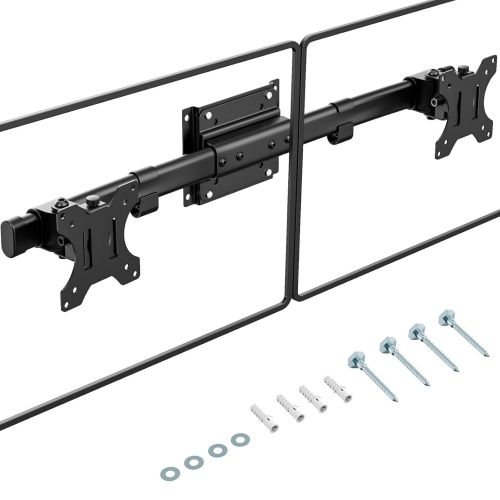
Installation deserves the same attention as the mount itself. A monitor and arm create a concentrated load, so the wall structure must be able to support it securely. For drywall installations, fasteners should be anchored directly into a wooden wall stud rather than relying solely on hollow-wall anchors. If the wall is made from brick or concrete, use fasteners designed for solid masonry and follow the mount’s installation instructions carefully. Avoid guessing where a stud is located, and confirm that the selected position leaves enough clearance for the monitor, cables, power adapter, and any movement required by the arm. Before drilling, measure the viewing distance from the chair or desk and mark the desired screen height; a few minutes with a tape measure can prevent a finished display from sitting too high, too low, or off-centre. Once installed, check that every screw and joint is secure, attach the monitor using the correct hardware, and test the full range of motion slowly. Keep cables long enough for the arm to move without pulling on ports, but avoid leaving loose loops where they can catch on the desk or chair. In a multi-monitor setup, consider the alignment of each display, the amount of wall space between them, and whether one screen needs to swivel for portrait-oriented work. A well-chosen wall mount should support the monitor confidently, suit the structure of the wall, and match the way the space is used, whether that means a permanently positioned screen for focused work or an adjustable display that changes with each task.
Compatibility is the most important place to begin. Check the monitor’s specifications for its VESA mounting pattern, which refers to the spacing between the screw holes on the rear of the display. Common patterns include 75 x 75 mm and 100 x 100 mm, although some monitors use other configurations or require a separate adapter. The mount must match the monitor’s VESA pattern, and its weight capacity must meet or exceed the actual weight of the display, including any accessories that remain attached. Screen size guidance is also worth reviewing, but size alone does not confirm compatibility; two monitors with the same diagonal measurement can have different weights, mounting patterns, or rear housings. Pay attention to the monitor’s shape and connection points as well, since a curved or unusually deep display may need additional clearance from the wall. When choosing between mounting styles, consider how often the screen will move. A fixed bracket works well when the viewing position is consistent and a low-profile appearance is preferred. A tilting bracket offers a smaller range of adjustment while helping direct the screen up or down. An articulating arm provides the most movement, but it also needs enough room to extend and fold without striking nearby shelves, walls, lamps, or other monitors. Gas-spring adjustment can be particularly convenient for changing the height and distance of the screen, though the tension may need to be adjusted to suit the monitor’s weight. It is also helpful to check whether the mount supports cable management, since guided cables can reduce tangles and keep the area around the wall and desk looking orderly. For additional options, browse Wall Mount Computer Monitor Brackets and compare the mounting style, adjustment range, supported screen size, and weight rating before making a selection.
Installation deserves the same attention as the mount itself. A monitor and arm create a concentrated load, so the wall structure must be able to support it securely. For drywall installations, fasteners should be anchored directly into a wooden wall stud rather than relying solely on hollow-wall anchors. If the wall is made from brick or concrete, use fasteners designed for solid masonry and follow the mount’s installation instructions carefully. Avoid guessing where a stud is located, and confirm that the selected position leaves enough clearance for the monitor, cables, power adapter, and any movement required by the arm. Before drilling, measure the viewing distance from the chair or desk and mark the desired screen height; a few minutes with a tape measure can prevent a finished display from sitting too high, too low, or off-centre. Once installed, check that every screw and joint is secure, attach the monitor using the correct hardware, and test the full range of motion slowly. Keep cables long enough for the arm to move without pulling on ports, but avoid leaving loose loops where they can catch on the desk or chair. In a multi-monitor setup, consider the alignment of each display, the amount of wall space between them, and whether one screen needs to swivel for portrait-oriented work. A well-chosen wall mount should support the monitor confidently, suit the structure of the wall, and match the way the space is used, whether that means a permanently positioned screen for focused work or an adjustable display that changes with each task.
Top selling and popular products
-
 Your price for this item is $34.95
 -
 Your price for this item is $149.99
 -
 Your price for this item is $79.99
 -
 Your price for this item is $69.99
 -
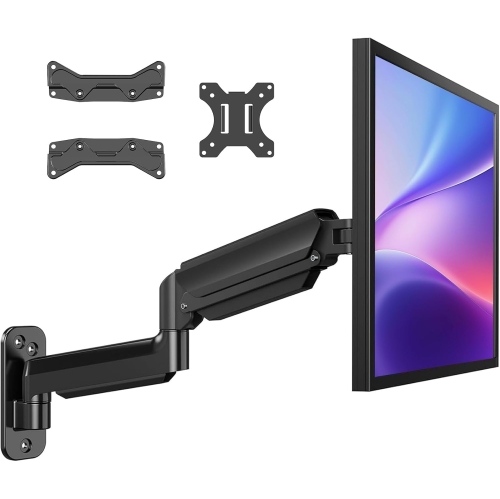 Your price for this item is $144.49
 -
 Your price for this item is $69.99
 -
 Your price for this item is $123.5
 -
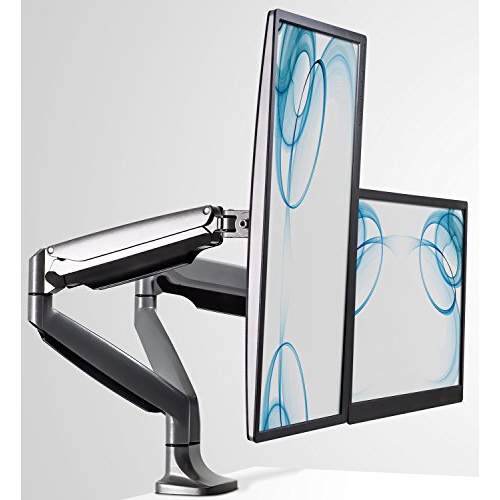 Your price for this item is $254.68
Discover more categories related to Wall Mounts for Monitors
Top Collections:
Pokemon Centers, Kindle Devices, Best Budget Office Chairs, Canon G7X Cameras, Apple iPhones 16, Samsung Galaxy Phones, Refurbished Apple Laptops, Laptops for Students, iPhone 15 Apple, Budget Smartphones
Some products may be subject to Environmental Handling Fees
(EHF) depending on your province.
Learn more about EHFs.