HP 902XL
Discover the perfect printing solution with HP 902XL options designed to keep your home or office running smoothly. Whether you’re preparing important documents or vibrant photos, HP 902XL products offer reliable performance for a variety of printing needs. Explore a selection that helps you stay productive and efficient, making it easy to tackle everyday tasks with confidence. Find the right HP 902XL for your printer and enjoy seamless results every time you print.
Sort
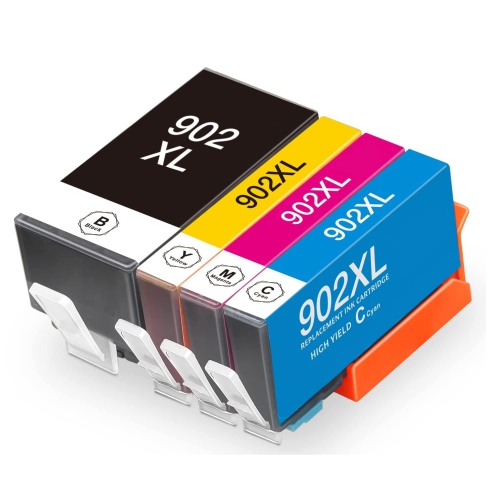
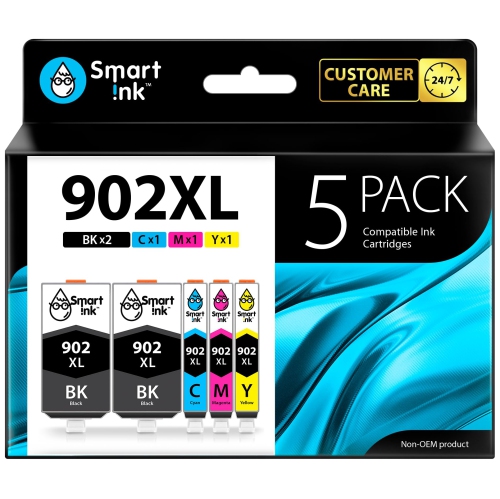
![BESTONER [New Chip] 2 Set Compatible HP 902 Xl Ink Cartridges 902Xl High Yield - HP Officejet](https://multimedia.bbycastatic.ca/multimedia/products/500x500/171/17168/17168599.jpeg)
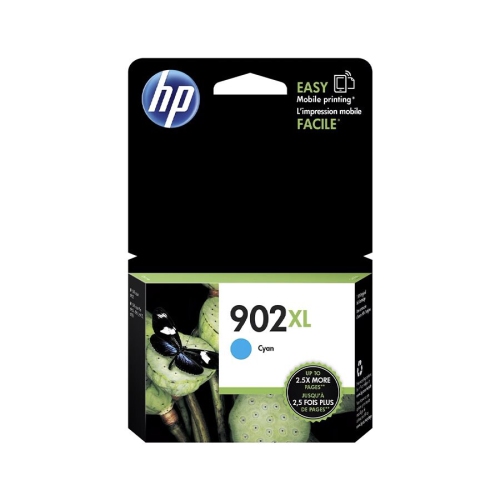
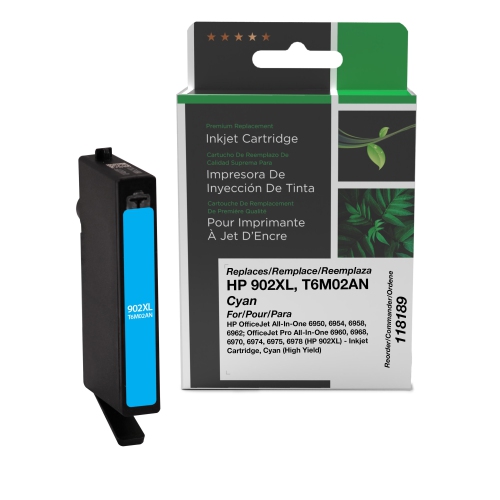

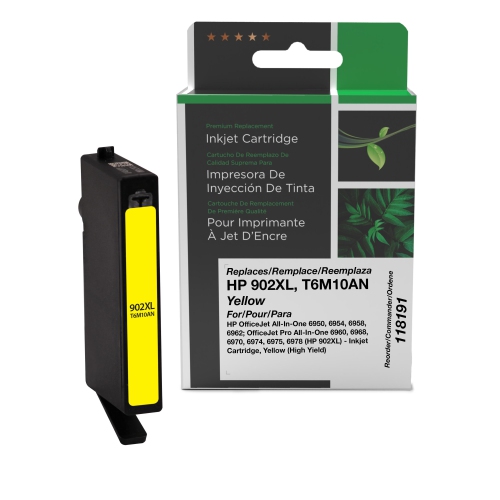
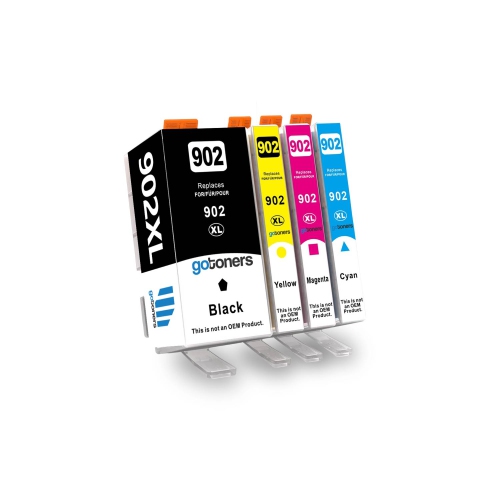
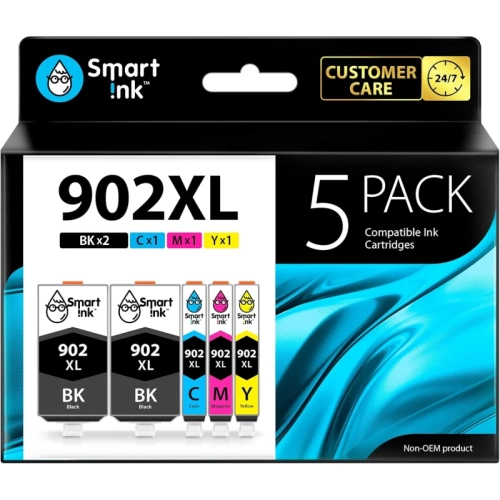
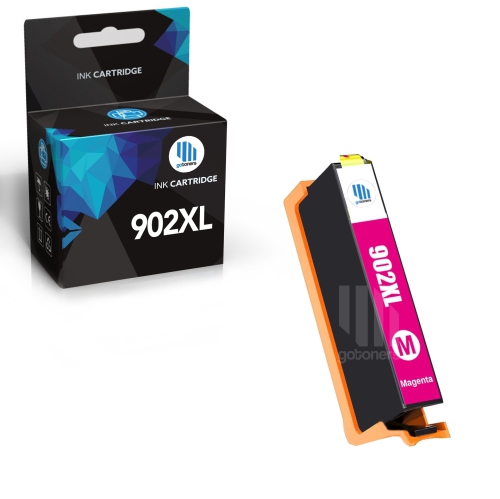
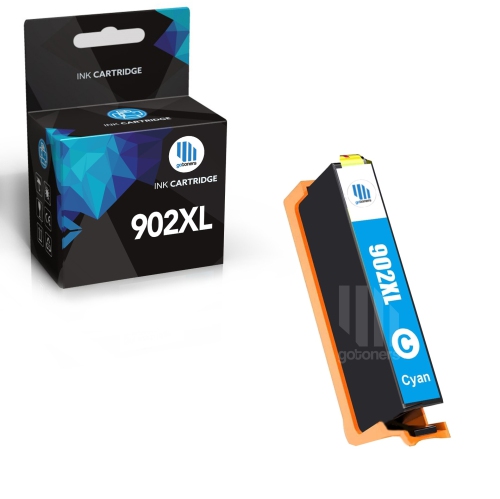
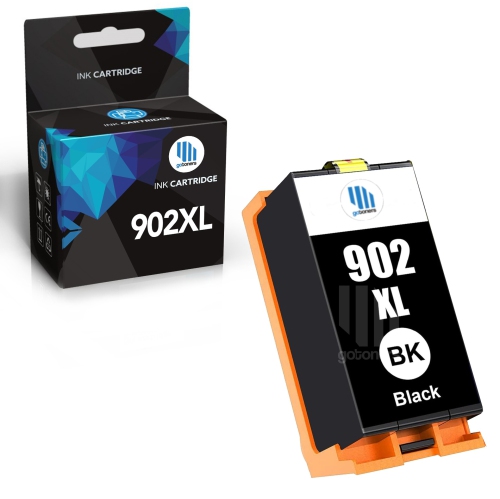
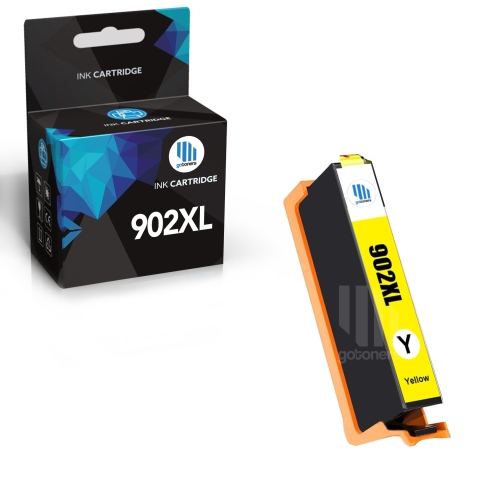
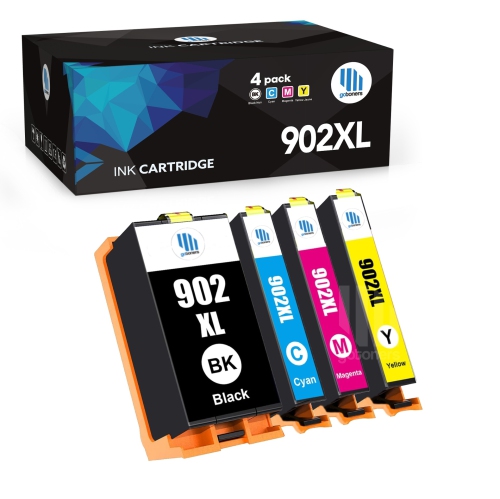
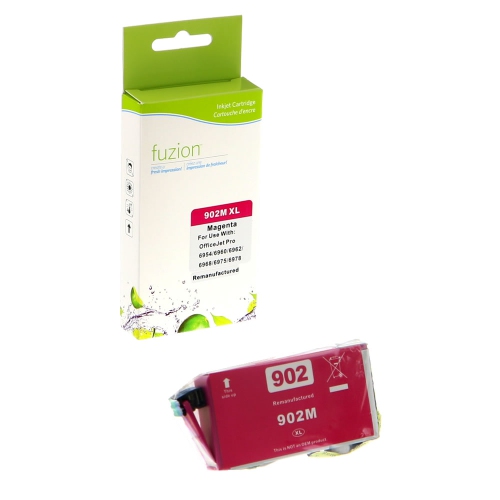
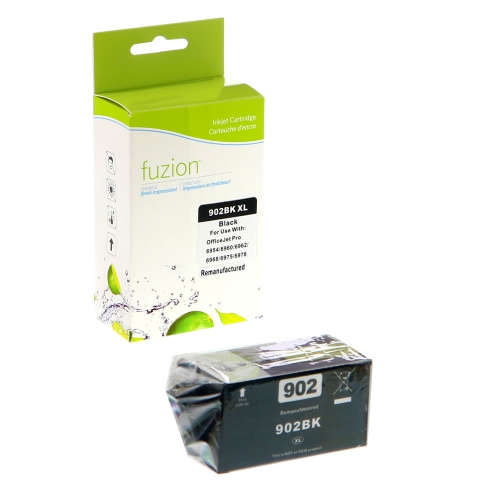
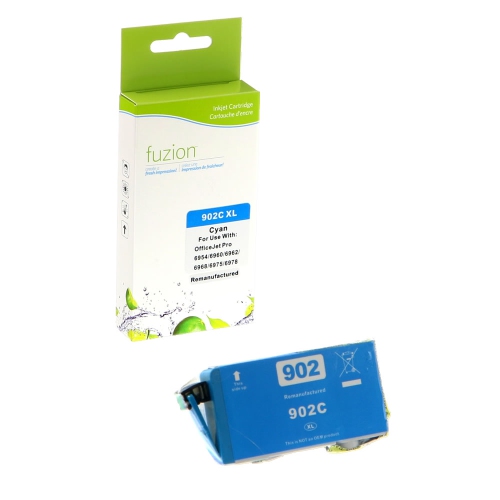
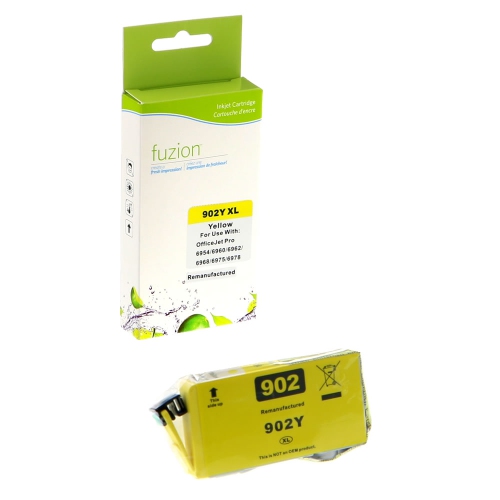
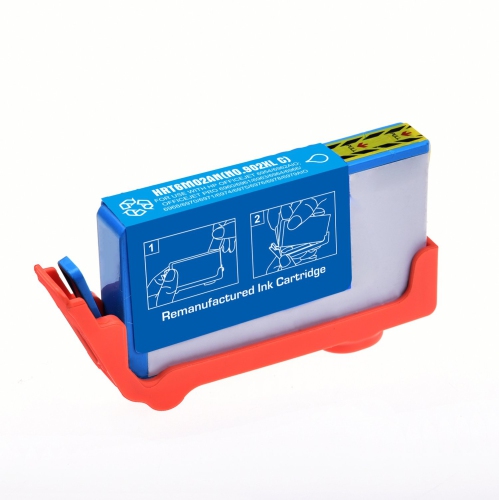
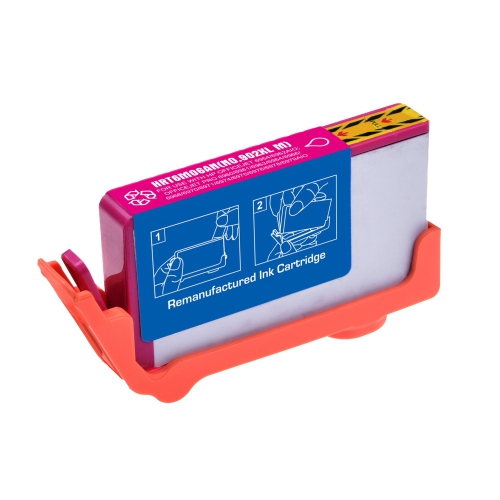
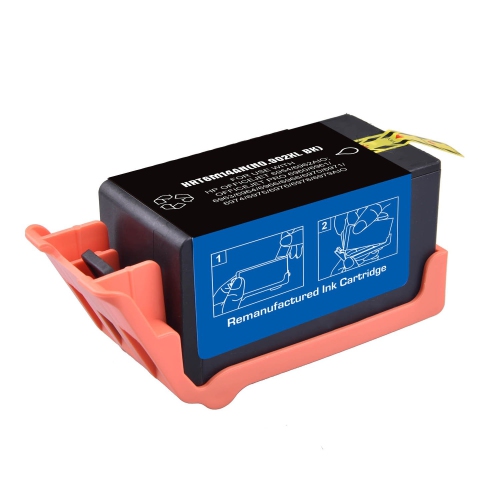
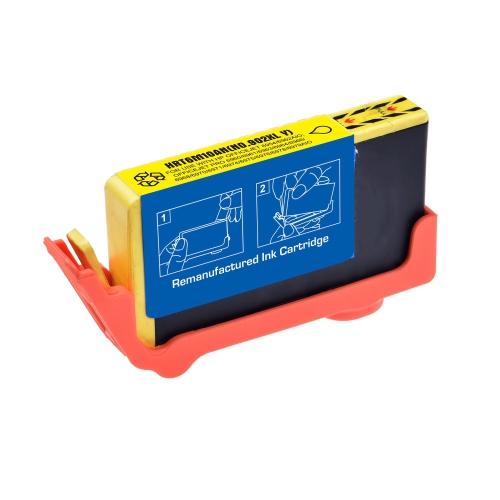
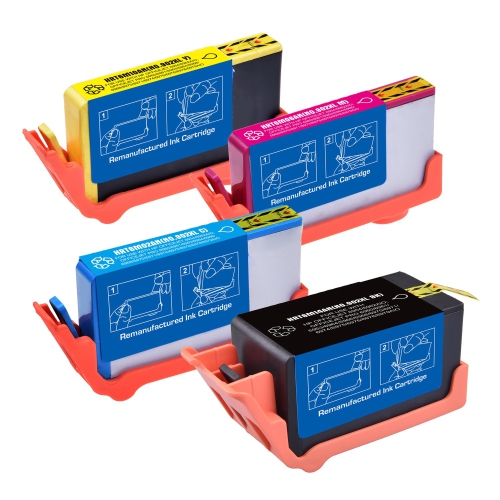
![BESTONER [New Chip] 1 Set Compatible HP 902 Xl Ink Cartridges 902Xl High Yield - HP Officejet](https://multimedia.bbycastatic.ca/multimedia/products/500x500/171/17168/17168600.jpeg)
More pages between ink replacements for everyday document printing
High-yield ink cartridges are designed for compatible inkjet printers and hold more ink than standard-capacity cartridges in the same family, allowing more printing between replacements. They suit households, home offices, students, and small businesses that regularly produce documents rather than only an occasional page. A typical individual-cartridge system separates black, cyan, magenta, and yellow, so each colour can be replaced independently as it runs out. Black ink handles much of the text in invoices, forms, reading assignments, and correspondence, while the three colours combine to create charts, illustrations, and other full-colour content. A business printing appointment sheets may use mostly black, whereas a household printing school projects and illustrated worksheets may draw more heavily on colour. The high-yield designation refers to ink capacity, not a larger paper format, faster printing, or an automatic improvement in image quality. Within a supported cartridge family, standard and high-yield versions generally fit the same designated cartridge positions, but compatibility still needs to be confirmed for the exact printer model. Published page yields provide a useful comparison under standardized test conditions; they are not a promise that every cartridge will produce that number of finished pages. Dense graphics, full-page photographs, print settings, and routine printer maintenance all affect how quickly ink is used. A page with a short paragraph and a small logo draws far less ink than a presentation handout with a solid-colour background. For anyone printing longer documents or handling repeated administrative tasks, additional capacity can mean fewer interruptions halfway through a batch. Occasional users may place more emphasis on their printing frequency and the printer’s maintenance requirements, since a larger ink supply does not eliminate the need to keep an inkjet printer in good working condition. The most useful choice reflects both the printer’s requirements and the kinds of pages that actually pass through its paper tray.
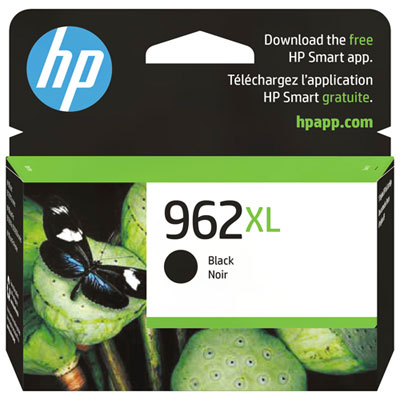
Fit is the first consideration when choosing replacement ink, and the cartridge family matters more than a similar-looking package or a familiar printer series name. Printers with nearly identical model names can require different supplies, while cartridges that appear alike can have different chips, ink formulations, or connection points. The full printer model number, the cartridge information shown in its settings, and the compatibility details on the replacement packaging help establish the correct match. Colour position matters too: a black cartridge cannot replace a colour cartridge, and a cartridge from another family should not be treated as interchangeable simply because it carries a high-yield designation. For a printer that specifies a different family, HP 962XL is a separate cartridge range whose compatibility should be checked against that printer’s requirements. Beyond fit, ink formulation influences the finished page. Pigment-based inks contain tiny suspended particles and are often used for defined text, while dye-based inks use dissolved colourants and can produce smooth colour transitions on suitable paper. The formulation varies by cartridge, so claims about water resistance, fading, or suitability for photographs should come from the stated specifications rather than assumptions about ink colour or capacity. Everyday office paper is appropriate for many forms and drafts, but its surface and absorbency influence whether fine lines stay crisp or spread slightly into the fibres. Coated inkjet paper can better support colour-heavy layouts when the printer and ink are intended for it. Matching the print setting to the loaded paper helps control ink application and drying. For double-sided reports, a paper with suitable opacity can reduce distracting show-through, while a brief drying period helps prevent fresh pages from smudging during handling. These details matter in ordinary situations: small text on a shipping label needs to remain legible, a chart needs distinct colour blocks, and a signed form should be dry before it is stacked or filed. Ink, paper, and printer settings work together to determine those results.
Cartridge construction and handling also affect dependable use. The outer housing holds the ink supply, while seals, vents, and electronic contacts help the cartridge function within the printer’s ink-delivery system. Keeping a replacement in its original sealed packaging until installation helps protect those components and limits unnecessary exposure to air. Follow the package directions for removing protective material, avoid touching the contacts or ink outlet, and insert each cartridge into its marked position without forcing it. Some printers carry out an initialization or alignment process after replacement; allowing that process to finish helps prepare the printer for normal use. If a page shows missing lines or uneven colour, the printer’s diagnostic tools can help distinguish an ink issue from a clogged printhead or an alignment problem. Repeated cleaning cycles consume ink, so following the troubleshooting sequence in the printer documentation is more useful than running cleanings indefinitely. Regular use and proper shutdown can also support printhead care, although the appropriate routine depends on the printer. Durability has two sides: the cartridge must remain suitable for use before installation, and the finished print must stand up to its intended handling. Storage directions and any date information on the packaging are relevant to the first, while paper choice, ink formulation, drying, and exposure to light or moisture influence the second. A document kept in a folder has different demands from a notice displayed near a window or a label handled repeatedly. For important records, use materials with stated performance suited to that purpose rather than assuming every inkjet print has archival qualities. Choosing between individual colours and a combined package is mainly a matter of usage: replacing one depleted colour suits uneven consumption, while a set may be convenient when several colours need replacement together. Even largely black-and-white printing can involve colour ink during maintenance or certain print modes, depending on the printer. Understanding those habits makes high-yield ink easier to match to everyday work, from neatly printed school notes to clear client documents and readable household records.
Fit is the first consideration when choosing replacement ink, and the cartridge family matters more than a similar-looking package or a familiar printer series name. Printers with nearly identical model names can require different supplies, while cartridges that appear alike can have different chips, ink formulations, or connection points. The full printer model number, the cartridge information shown in its settings, and the compatibility details on the replacement packaging help establish the correct match. Colour position matters too: a black cartridge cannot replace a colour cartridge, and a cartridge from another family should not be treated as interchangeable simply because it carries a high-yield designation. For a printer that specifies a different family, HP 962XL is a separate cartridge range whose compatibility should be checked against that printer’s requirements. Beyond fit, ink formulation influences the finished page. Pigment-based inks contain tiny suspended particles and are often used for defined text, while dye-based inks use dissolved colourants and can produce smooth colour transitions on suitable paper. The formulation varies by cartridge, so claims about water resistance, fading, or suitability for photographs should come from the stated specifications rather than assumptions about ink colour or capacity. Everyday office paper is appropriate for many forms and drafts, but its surface and absorbency influence whether fine lines stay crisp or spread slightly into the fibres. Coated inkjet paper can better support colour-heavy layouts when the printer and ink are intended for it. Matching the print setting to the loaded paper helps control ink application and drying. For double-sided reports, a paper with suitable opacity can reduce distracting show-through, while a brief drying period helps prevent fresh pages from smudging during handling. These details matter in ordinary situations: small text on a shipping label needs to remain legible, a chart needs distinct colour blocks, and a signed form should be dry before it is stacked or filed. Ink, paper, and printer settings work together to determine those results.
Cartridge construction and handling also affect dependable use. The outer housing holds the ink supply, while seals, vents, and electronic contacts help the cartridge function within the printer’s ink-delivery system. Keeping a replacement in its original sealed packaging until installation helps protect those components and limits unnecessary exposure to air. Follow the package directions for removing protective material, avoid touching the contacts or ink outlet, and insert each cartridge into its marked position without forcing it. Some printers carry out an initialization or alignment process after replacement; allowing that process to finish helps prepare the printer for normal use. If a page shows missing lines or uneven colour, the printer’s diagnostic tools can help distinguish an ink issue from a clogged printhead or an alignment problem. Repeated cleaning cycles consume ink, so following the troubleshooting sequence in the printer documentation is more useful than running cleanings indefinitely. Regular use and proper shutdown can also support printhead care, although the appropriate routine depends on the printer. Durability has two sides: the cartridge must remain suitable for use before installation, and the finished print must stand up to its intended handling. Storage directions and any date information on the packaging are relevant to the first, while paper choice, ink formulation, drying, and exposure to light or moisture influence the second. A document kept in a folder has different demands from a notice displayed near a window or a label handled repeatedly. For important records, use materials with stated performance suited to that purpose rather than assuming every inkjet print has archival qualities. Choosing between individual colours and a combined package is mainly a matter of usage: replacing one depleted colour suits uneven consumption, while a set may be convenient when several colours need replacement together. Even largely black-and-white printing can involve colour ink during maintenance or certain print modes, depending on the printer. Understanding those habits makes high-yield ink easier to match to everyday work, from neatly printed school notes to clear client documents and readable household records.
Top selling and popular products
-
 Your price for this item is $109.99
 -
 Your price for this item is $40.99
 -
 Your price for this item is $101.99
 -
 Your price for this item is $129.99
 -
 Your price for this item is $109.99
 -
 Your price for this item is $89.99
 -
 Your price for this item is $90.99
 -
 Your price for this item is $57.99
Discover more categories related to HP 902XL
Top Collections:
Pokemon Centers, Kindle Devices, Best Budget Office Chairs, Apple iPhones 16, Canon G7X Cameras, iPhone 15 Apple, Alarm Clock, Refurbished Apple Laptops, Flip Phones, Best Laptops for Writers
Some products may be subject to Environmental Handling Fees
(EHF) depending on your province.
Learn more about EHFs.