HP 952XL Black Ink Cartridges
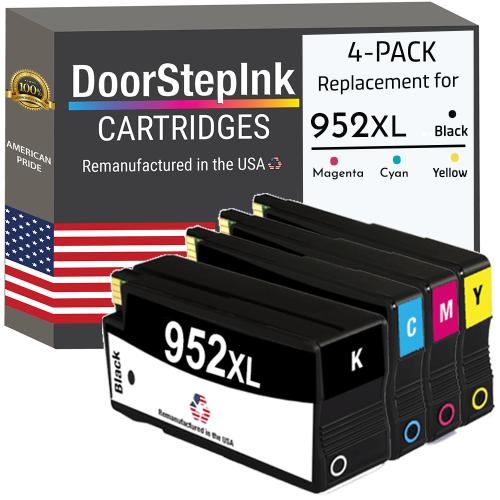
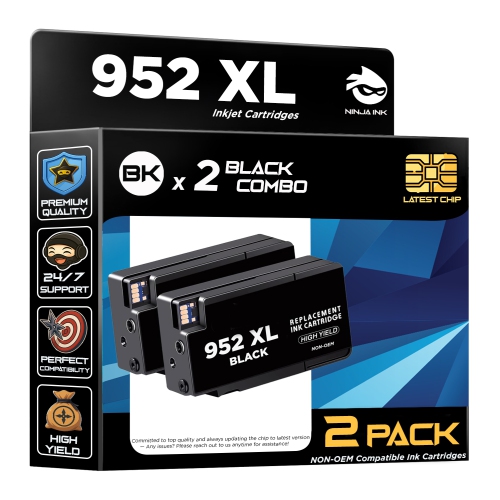
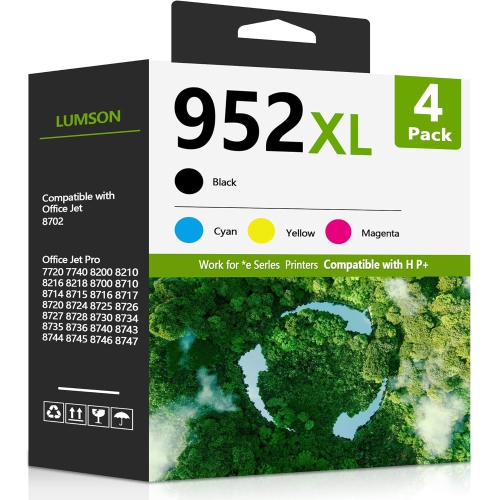
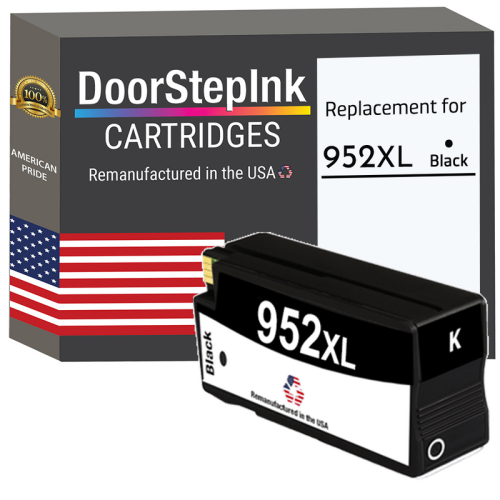
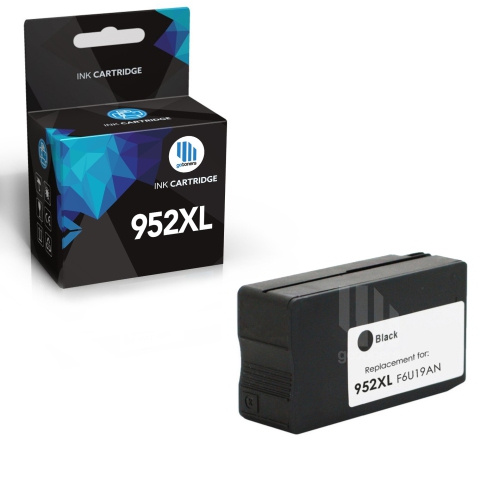
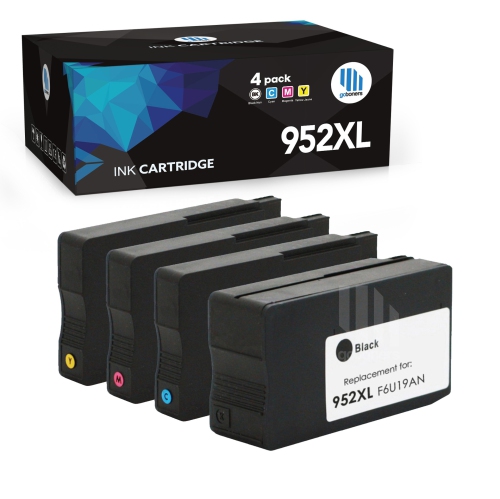
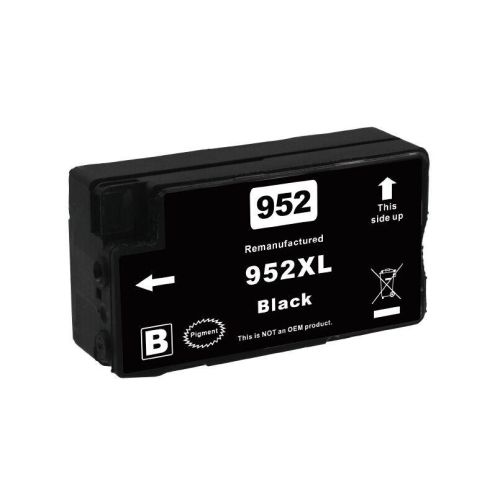
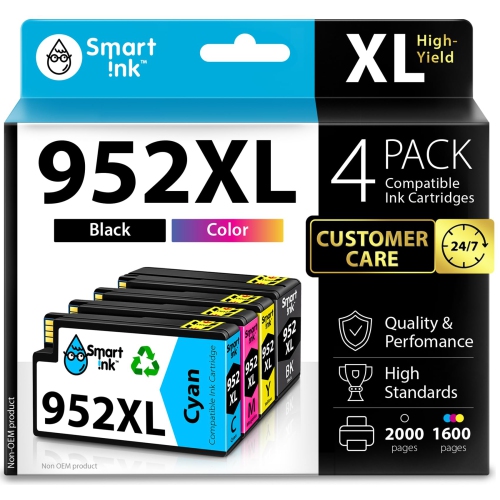
HP 952XL Black Ink Cartridges deliver reliable performance for your printing needs at home or in the office. Designed to provide consistent results, these cartridges help keep your documents looking sharp and professional. Whether you’re printing reports, forms, or important paperwork, HP 952XL Black Ink Cartridges are a dependable choice to help you stay productive. Find the right option to keep your printer running smoothly and efficiently.
Sort
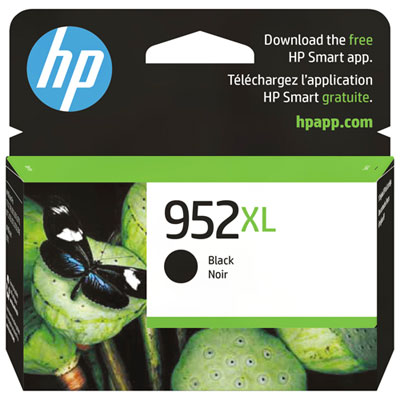
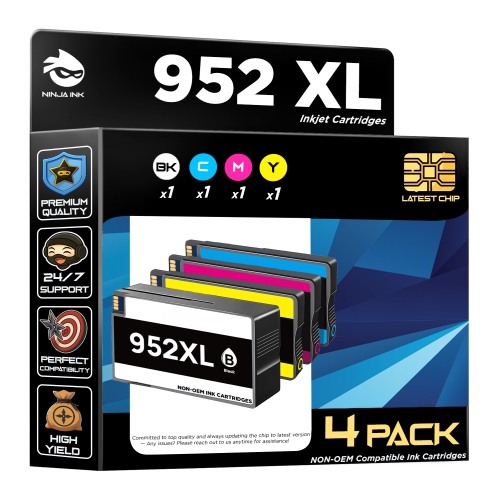
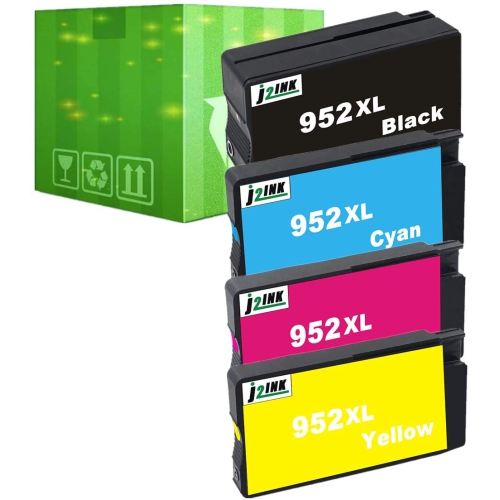

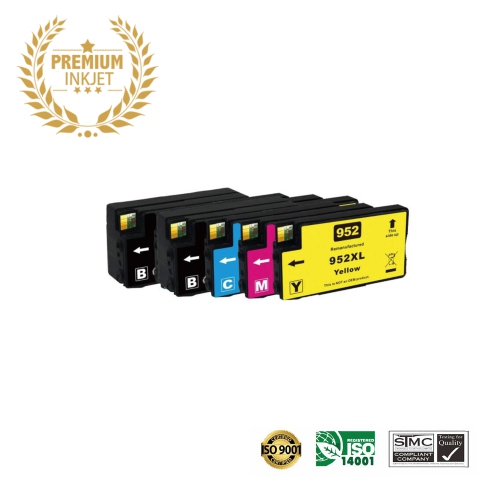
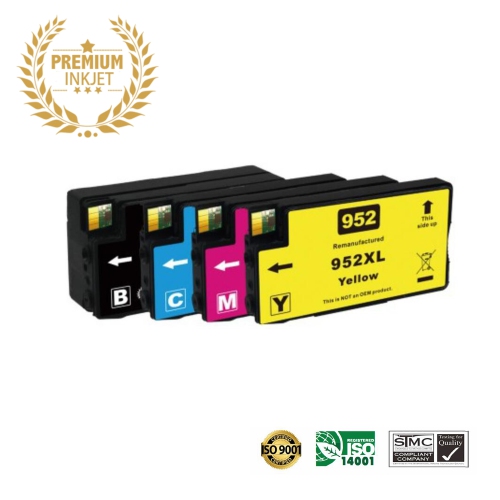
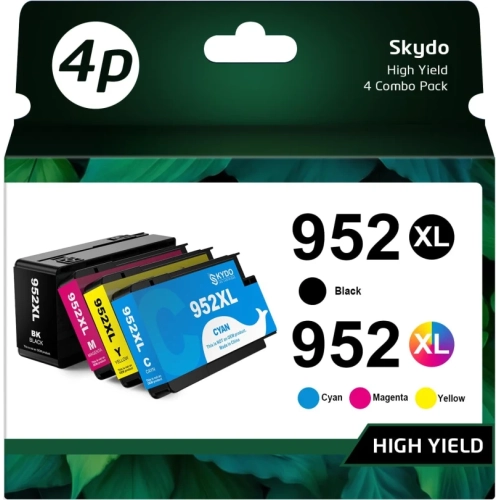
![BESTONER [New Chip] 2 Compatible HP 952 Xl Ink Cartridges 952Xl High Yield - HP Officejet 8702 7740 8715 8210 8216 7720 7730 7745 8730 8710 8727](https://multimedia.bbycastatic.ca/multimedia/products/500x500/171/17168/17168598.jpeg)
![BESTONER [New Chip] 2 Set Compatible HP 952 Xl Ink Cartridges 952Xl High Yield - HP Officejet 8702 7740 8715 8210 8216 7720 7730 7745 8730 8710 8727](https://multimedia.bbycastatic.ca/multimedia/products/500x500/171/17168/17168597.jpeg)
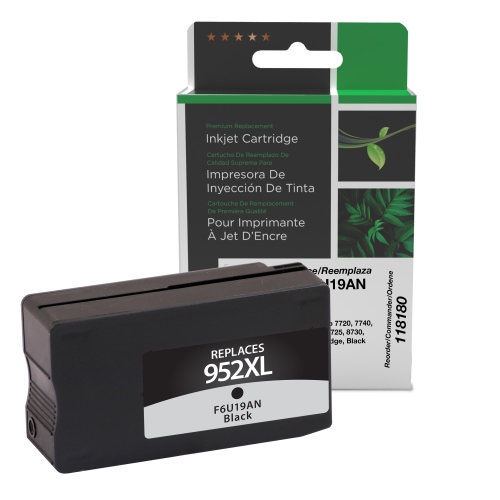
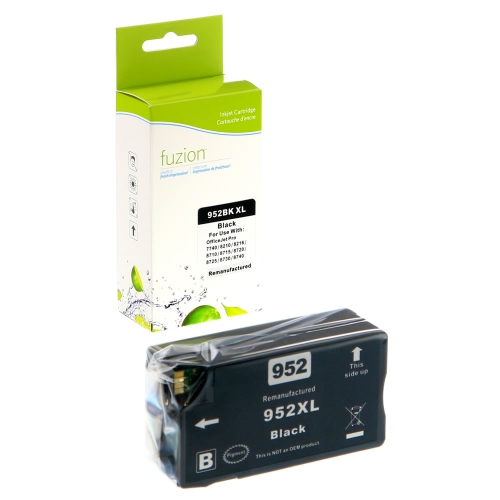

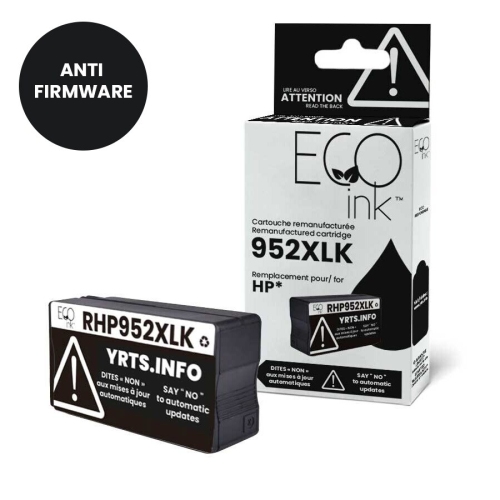
![BESTONER [New Chip] 1 Set Compatible HP 952 Xl Ink Cartridges 952Xl High Yield - HP Officejet 8702 7740 8715 8210 8216 7720 7730 7745 8730 8710 8727](https://multimedia.bbycastatic.ca/multimedia/products/500x500/198/19830/19830882.jpeg)
More pages between cartridge changes for everyday paperwork
High-yield black ink cartridges suit the everyday printing that keeps a household, home office, or small business moving: school assignments, shipping labels, appointment details, invoices, and the paperwork that needs a signature rather than another screen. Their main distinction is ink capacity. A high-yield cartridge is designed to print more pages than the corresponding standard-yield cartridge in the same compatible family, allowing longer stretches between replacements. That can be useful when a few quiet printing days are followed by a lengthy report or a stack of customer documents. The larger ink supply does not necessarily mean a physically larger cartridge, and it does not change the printer’s resolution or paper-handling abilities. Compatibility still comes first: the cartridge family, supported printer model, and sales region need to match the printer being used. Similar-looking cartridges are not automatically interchangeable, even when their packaging uses comparable names or capacity labels. For text-heavy printing, the practical appeal is clear lettering, readable small type, and consistent black coverage across paragraphs, tables, and form fields. A neatly printed résumé, a legible return label, or a contract with crisp fine print depends on the combination of suitable ink, appropriate paper, and a printer in good working order. Black ink also contributes to greyscale images and shading, although the way a printer produces grey tones varies by device and print setting. Some printers may use colour ink even when the finished page looks black and white, so selecting a black-only mode, where supported, can matter for routine text documents. High-yield formats are particularly relevant to people who print regularly enough to use the additional capacity, including students preparing coursework, remote workers handling signed documents, and small teams producing administrative records. For occasional printing, the interval between jobs matters as much as the size of the cartridge, since inkjet systems benefit from appropriate care during periods of limited use.
Cartridge fit involves more than whether the casing slides into a slot. The moulded housing, ink outlet, electrical contacts, and any identification chip must work with the printer’s cartridge system. The printer model shown on the device or in its settings is a more dependable reference than the appearance of an old cartridge alone. Packaging and compatibility details should identify the supported models, while the yield designation distinguishes capacity within that compatible range. For related cartridge options, HP 952XL High Yield Ink Cartridges provides a focused page for comparing the same family. When assessing cartridge descriptions, it helps to distinguish ink capacity from the number of cartridges in a package; a multipack and a high-yield cartridge describe different things. Stated page yields are typically based on standardized testing, not a promise that every household or office will print the same number of sheets. A page with a short letter uses less ink than one filled with heavy headings, dark graphics, and dense tables. Cleaning cycles, print settings, and the frequency of use can also affect the usable output. Duplex printing reduces the number of sheets needed for a document, but both printed sides still use ink. Paper choice has its own effect on the finished result. Smooth paper intended for inkjet use can help keep character edges defined, while unsuitable or highly absorbent sheets may allow ink to spread into the fibres. Where a cartridge uses pigment-based black ink, the pigment particles generally remain closer to the paper’s surface, supporting crisp document text. Resistance to moisture and handling depends on the formulation, paper, and drying time, so ordinary printed pages should not be assumed to be waterproof. For labels, forms, and documents that pass through several hands, matching the paper or label material to the printer helps make the most of the ink’s intended performance.
Good storage and handling help protect a black ink cartridge before and during use. An unopened cartridge is best kept in its original packaging, within the temperature range stated by the manufacturer, away from direct sunlight and sources of heat. A cupboard in a regularly heated room is generally a better place than a windowsill, a vehicle, or an unheated storage area during the cooler months. Packaging protects the cartridge’s seals and sensitive surfaces; opening it only when it is needed limits unnecessary exposure to air. During installation, removing only the specified protective tape or cap and avoiding contact with electrical contacts and ink outlets can help prevent recognition or ink-flow issues. Installation methods differ between printers, so the device’s own directions remain the right reference for seating the cartridge and completing any required alignment. Once installed, regular use and the printer’s normal maintenance routines support consistent output. Powering the printer down through its power button, rather than abruptly disconnecting it, allows models with a parking or capping routine to complete that process. Faint lines, gaps in text, or uneven coverage do not always mean a cartridge is empty; paper settings, a blocked nozzle, or an alignment issue can produce similar symptoms. A built-in print-quality test can help identify the problem before repeated cleaning cycles consume additional ink. For everyday use, a draft setting may be suitable for a shopping list or a document that is still being revised, while a standard or higher-quality text setting may better suit a final report. Freshly printed sheets also benefit from a little drying time before highlighting, stacking tightly, or sliding into a plastic sleeve. The value of a high-yield black cartridge is most apparent in a steady routine: readable handouts for a class, tidy invoices for a local business, or household records filed without smudged text. With the correct fit, suitable paper, and sensible care, it supports the practical document printing that remains useful alongside digital files.
Cartridge fit involves more than whether the casing slides into a slot. The moulded housing, ink outlet, electrical contacts, and any identification chip must work with the printer’s cartridge system. The printer model shown on the device or in its settings is a more dependable reference than the appearance of an old cartridge alone. Packaging and compatibility details should identify the supported models, while the yield designation distinguishes capacity within that compatible range. For related cartridge options, HP 952XL High Yield Ink Cartridges provides a focused page for comparing the same family. When assessing cartridge descriptions, it helps to distinguish ink capacity from the number of cartridges in a package; a multipack and a high-yield cartridge describe different things. Stated page yields are typically based on standardized testing, not a promise that every household or office will print the same number of sheets. A page with a short letter uses less ink than one filled with heavy headings, dark graphics, and dense tables. Cleaning cycles, print settings, and the frequency of use can also affect the usable output. Duplex printing reduces the number of sheets needed for a document, but both printed sides still use ink. Paper choice has its own effect on the finished result. Smooth paper intended for inkjet use can help keep character edges defined, while unsuitable or highly absorbent sheets may allow ink to spread into the fibres. Where a cartridge uses pigment-based black ink, the pigment particles generally remain closer to the paper’s surface, supporting crisp document text. Resistance to moisture and handling depends on the formulation, paper, and drying time, so ordinary printed pages should not be assumed to be waterproof. For labels, forms, and documents that pass through several hands, matching the paper or label material to the printer helps make the most of the ink’s intended performance.
Good storage and handling help protect a black ink cartridge before and during use. An unopened cartridge is best kept in its original packaging, within the temperature range stated by the manufacturer, away from direct sunlight and sources of heat. A cupboard in a regularly heated room is generally a better place than a windowsill, a vehicle, or an unheated storage area during the cooler months. Packaging protects the cartridge’s seals and sensitive surfaces; opening it only when it is needed limits unnecessary exposure to air. During installation, removing only the specified protective tape or cap and avoiding contact with electrical contacts and ink outlets can help prevent recognition or ink-flow issues. Installation methods differ between printers, so the device’s own directions remain the right reference for seating the cartridge and completing any required alignment. Once installed, regular use and the printer’s normal maintenance routines support consistent output. Powering the printer down through its power button, rather than abruptly disconnecting it, allows models with a parking or capping routine to complete that process. Faint lines, gaps in text, or uneven coverage do not always mean a cartridge is empty; paper settings, a blocked nozzle, or an alignment issue can produce similar symptoms. A built-in print-quality test can help identify the problem before repeated cleaning cycles consume additional ink. For everyday use, a draft setting may be suitable for a shopping list or a document that is still being revised, while a standard or higher-quality text setting may better suit a final report. Freshly printed sheets also benefit from a little drying time before highlighting, stacking tightly, or sliding into a plastic sleeve. The value of a high-yield black cartridge is most apparent in a steady routine: readable handouts for a class, tidy invoices for a local business, or household records filed without smudged text. With the correct fit, suitable paper, and sensible care, it supports the practical document printing that remains useful alongside digital files.
Top selling and popular products
-
 Your price for this item is $109.99
 -
 Your price for this item is $40.99
 -
 Your price for this item is $101.99
 -
 Your price for this item is $129.99
 -
 Your price for this item is $109.99
 -
 Your price for this item is $89.99
 -
 Your price for this item is $90.99
 -
 Your price for this item is $57.99
Discover more categories related to HP 952XL Black Ink Cartridges
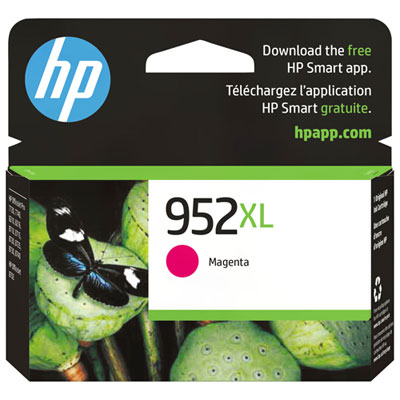
Top Collections:
Pokemon Centers, Kindle Devices, Best Budget Office Chairs, Apple iPhones 16, Canon G7X Cameras, iPhone 15 Apple, Alarm Clock, Refurbished Apple Laptops, Flip Phones, Best Laptops for Writers
Some products may be subject to Environmental Handling Fees
(EHF) depending on your province.
Learn more about EHFs.