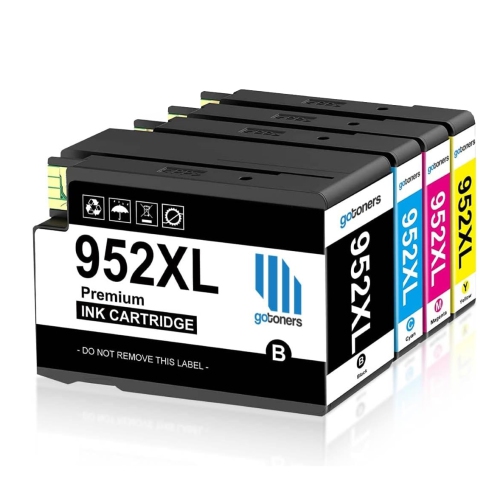
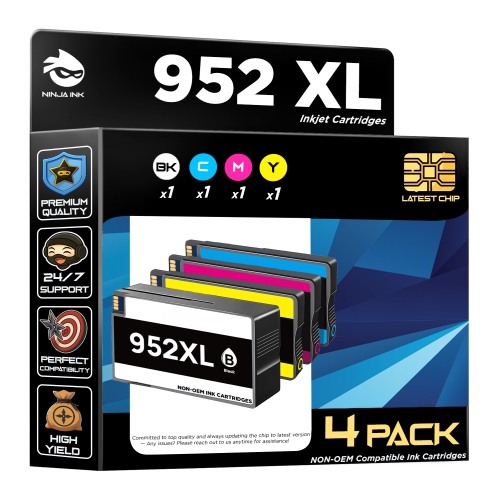
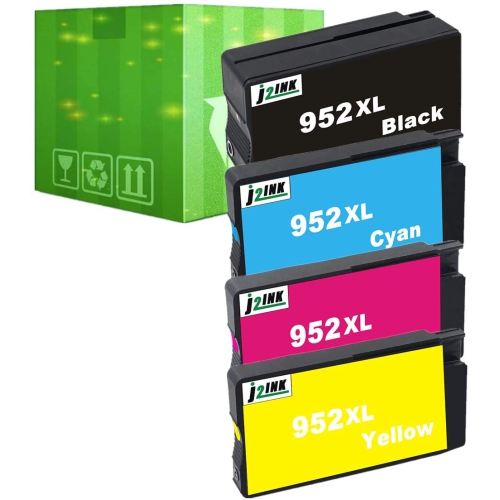
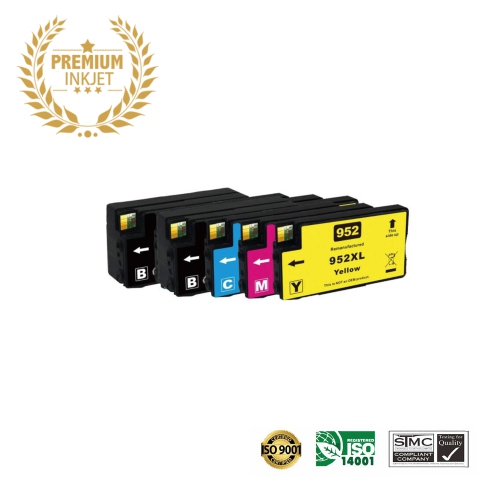
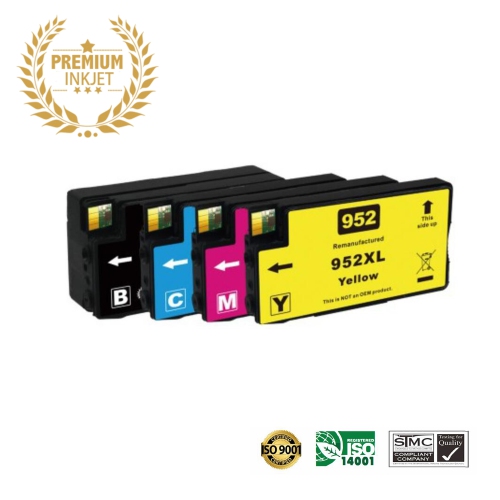
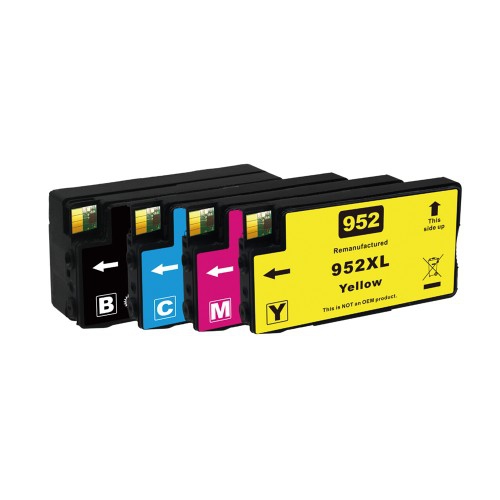
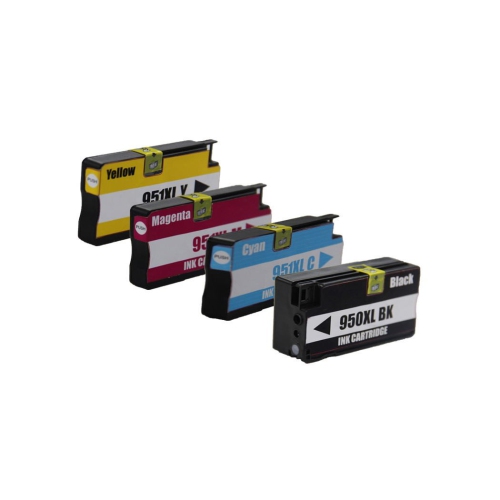
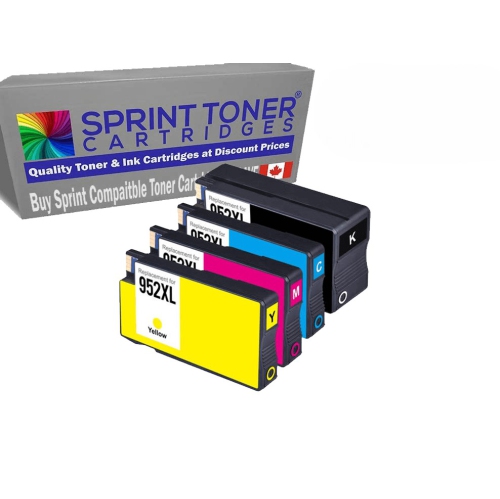
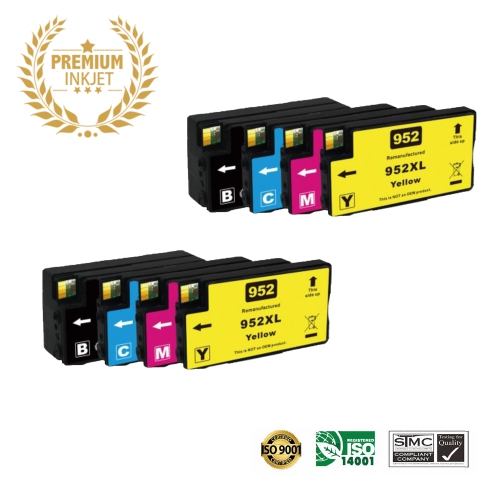
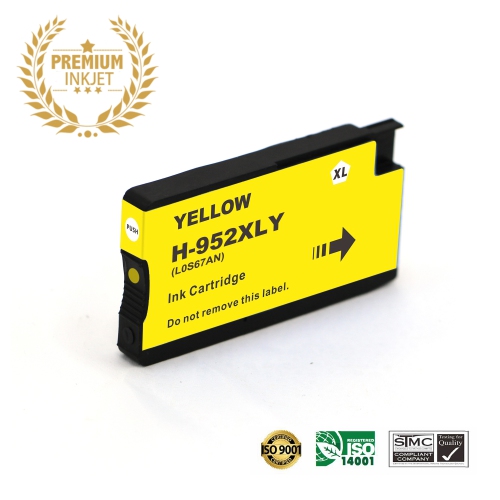
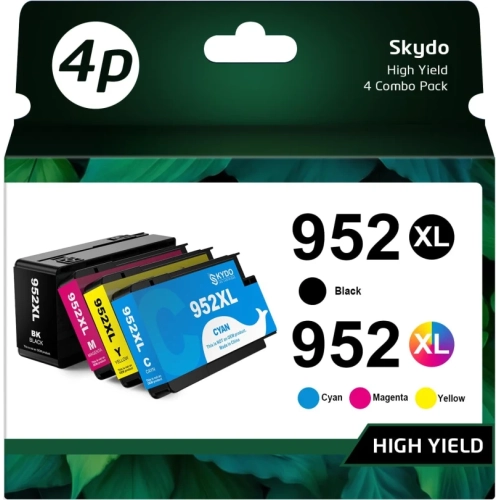
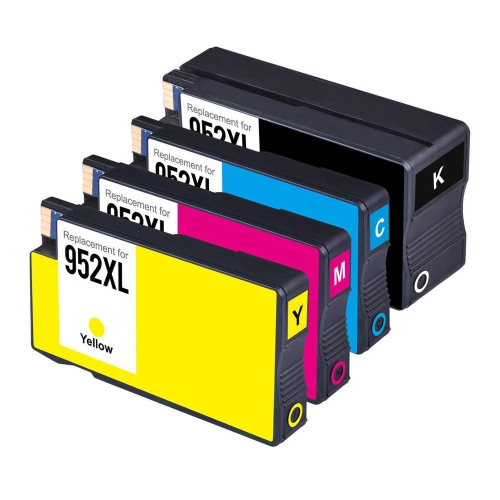
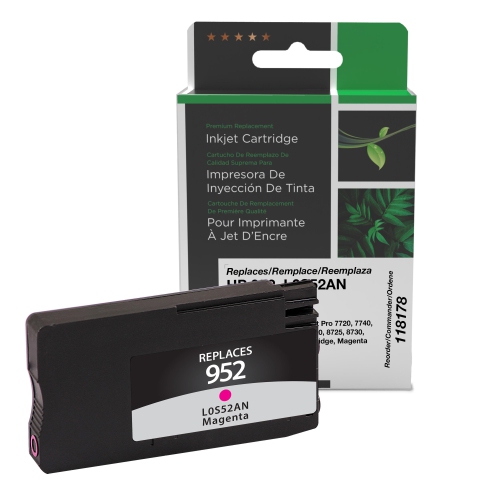
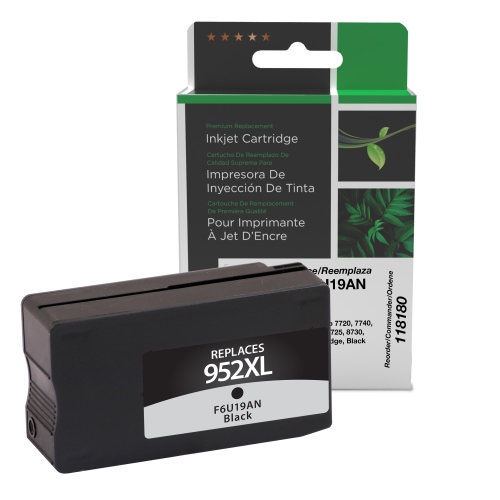
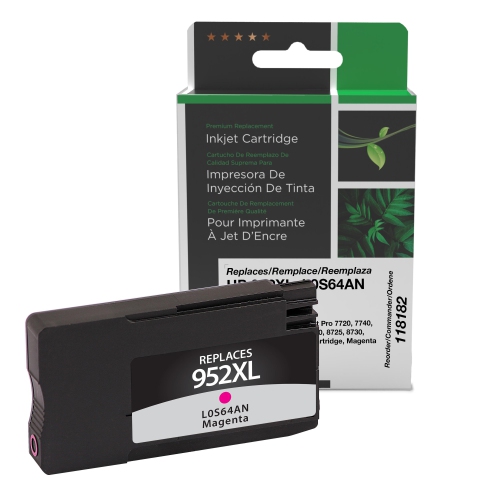
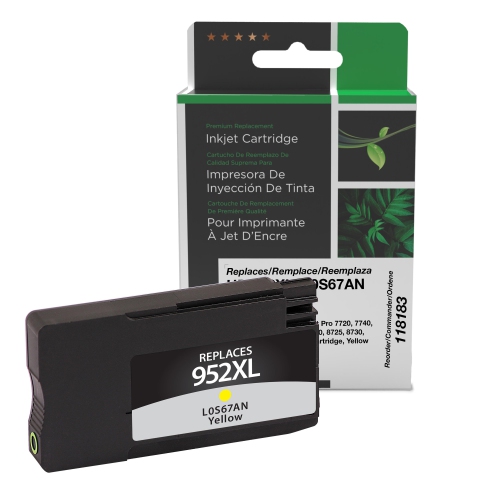
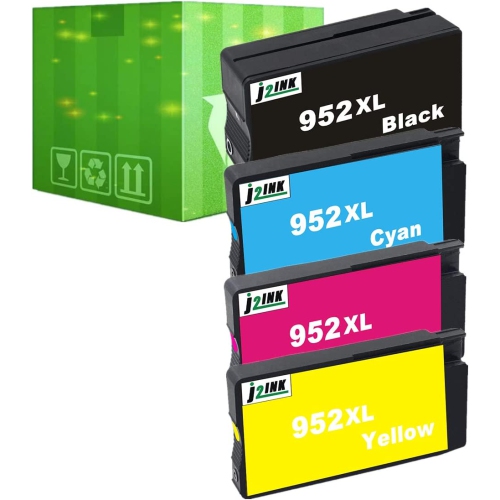
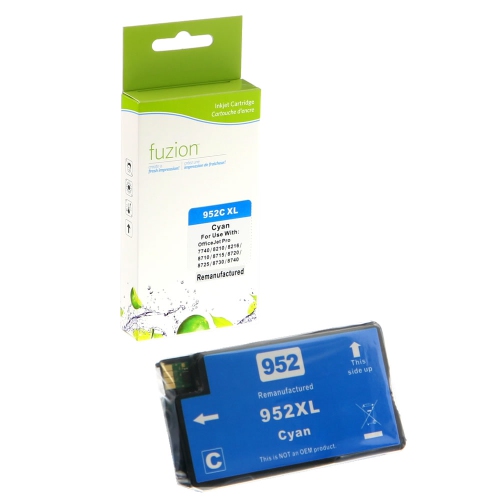
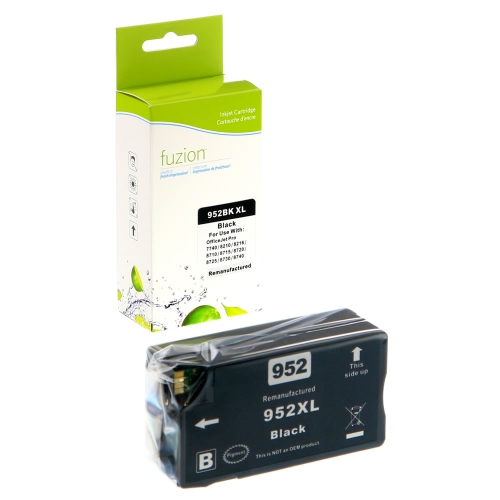
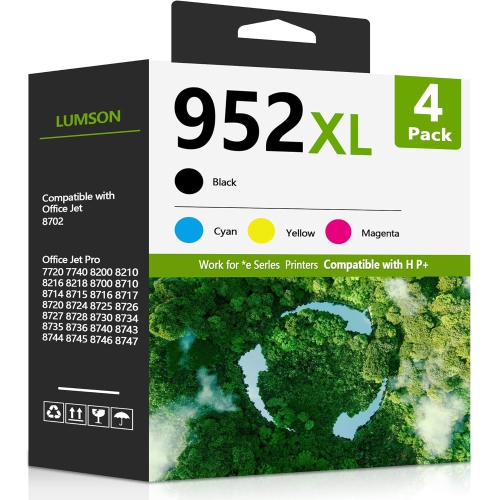
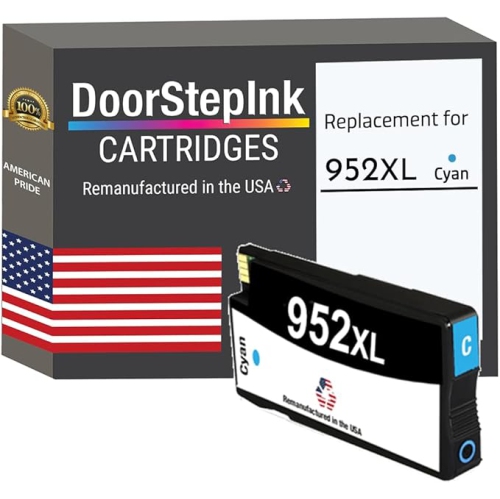
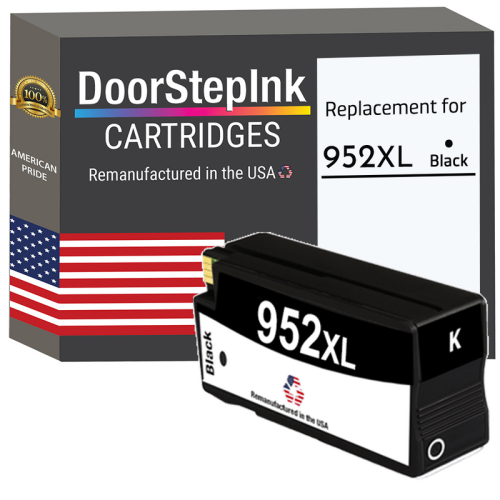
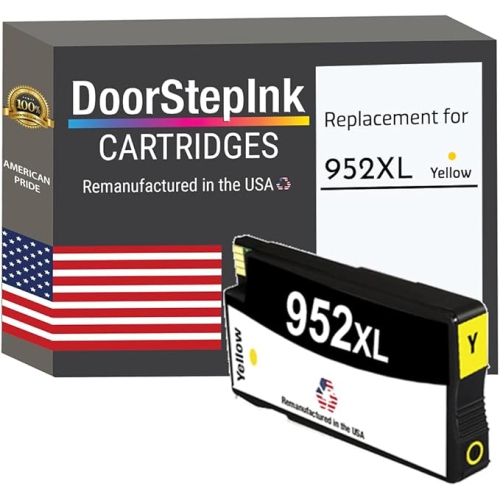
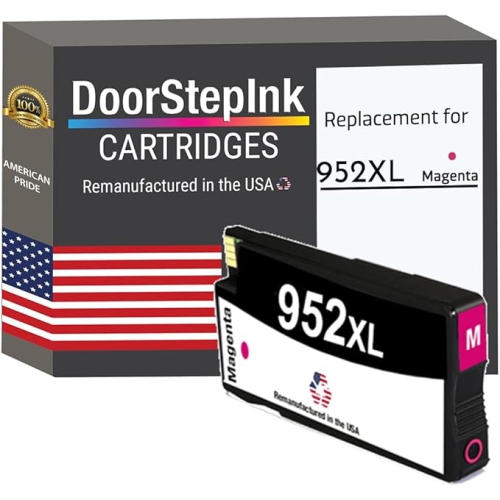
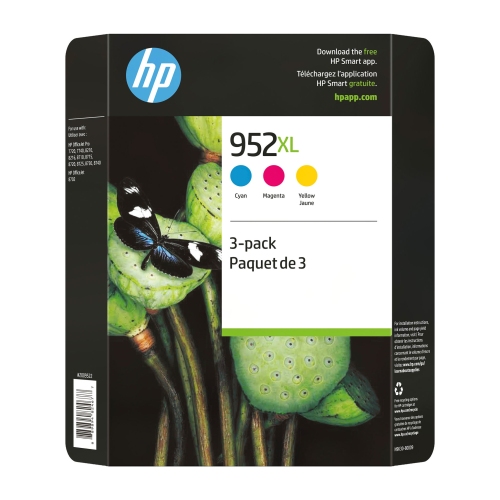
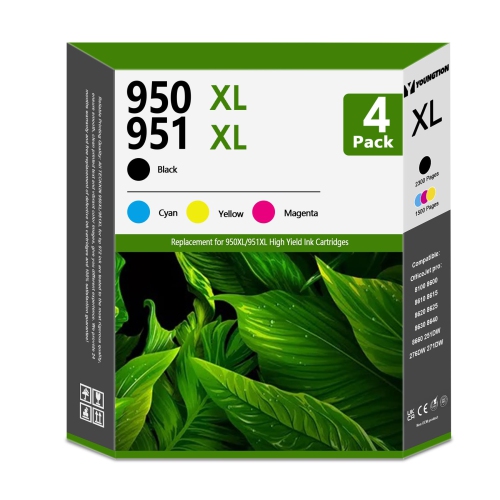
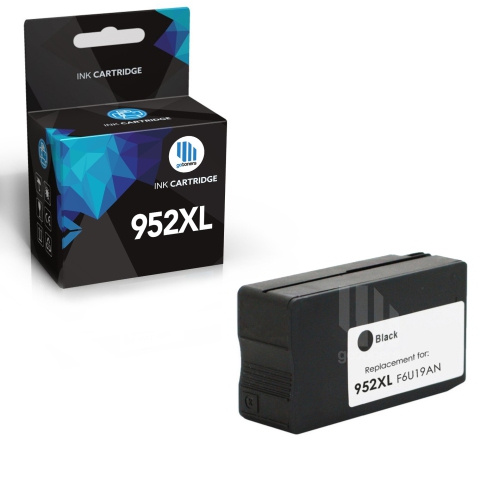
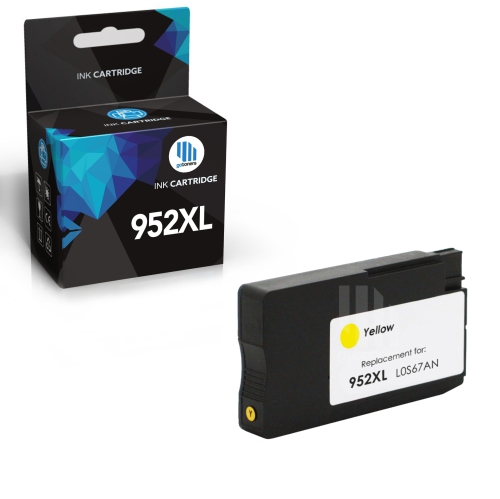
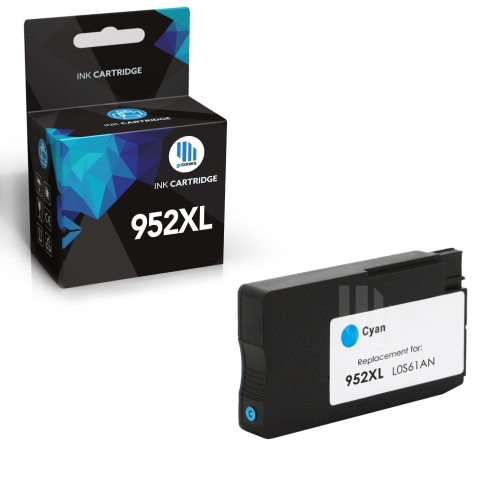
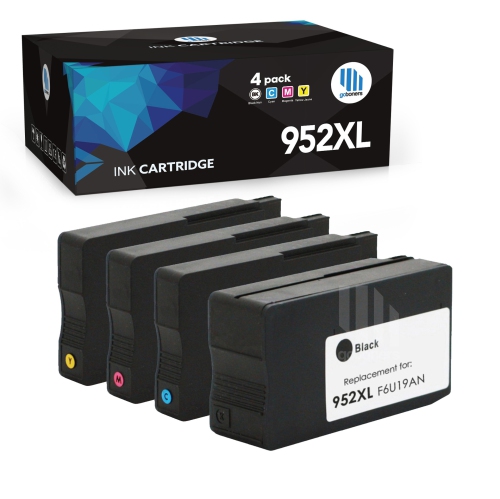
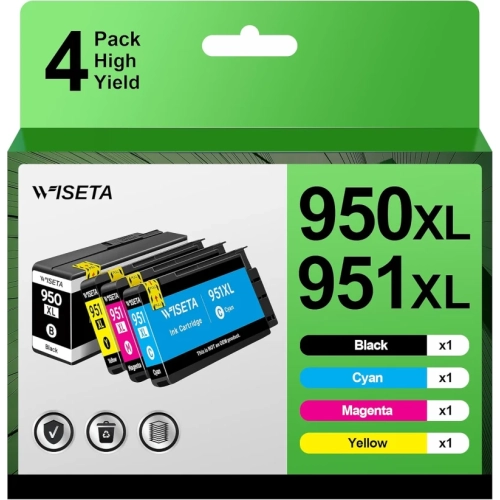
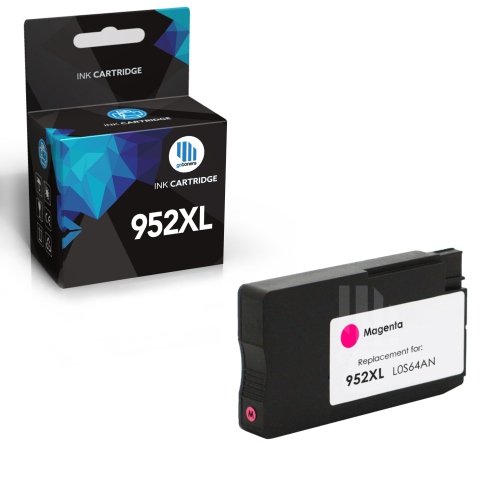
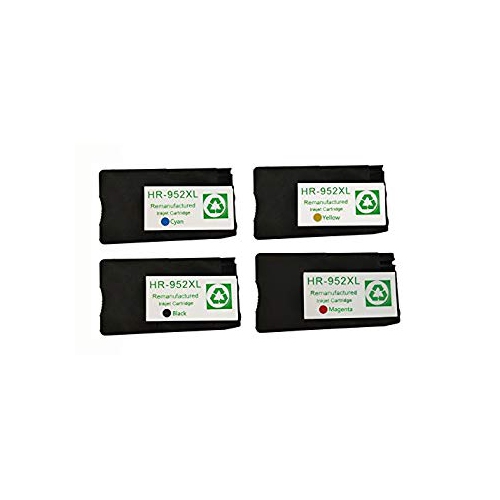
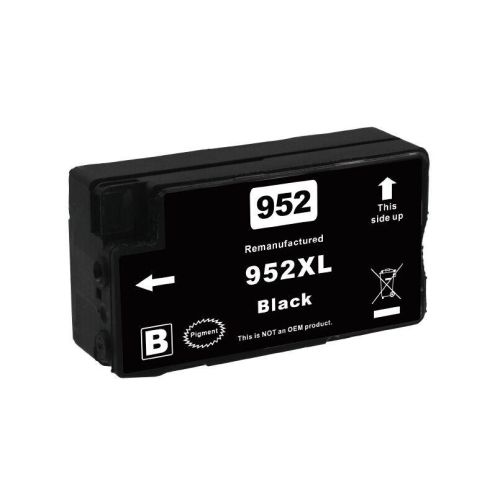
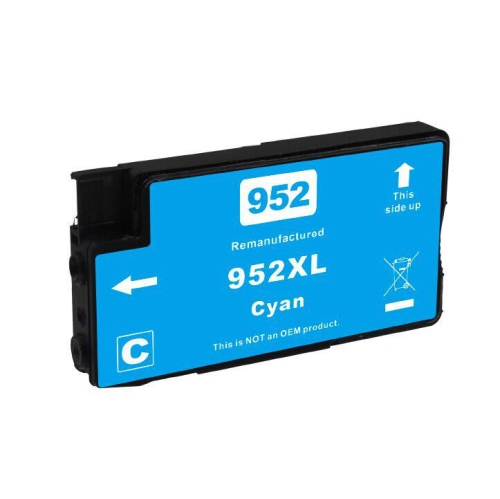
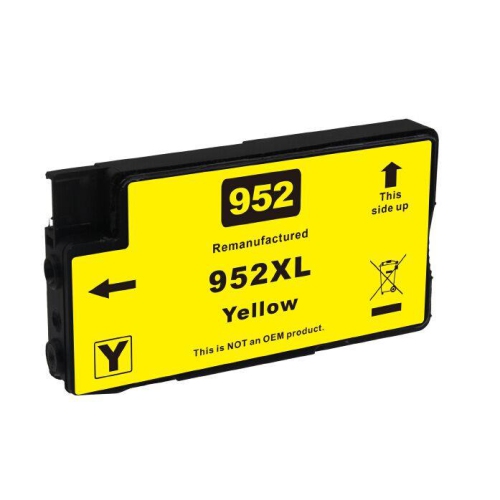
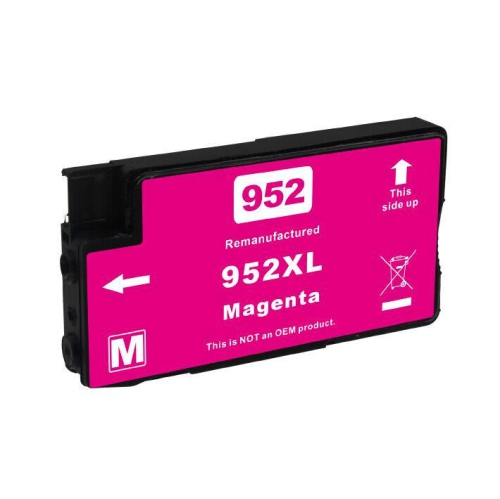
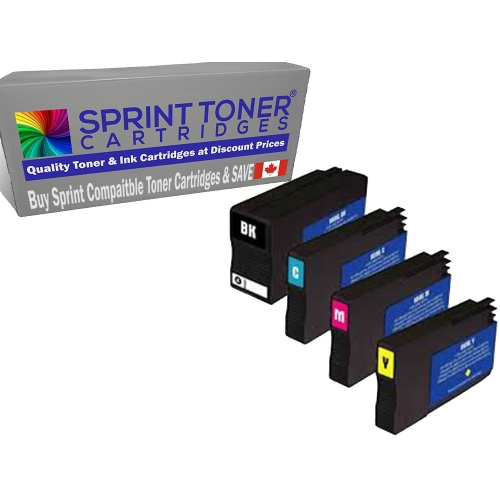
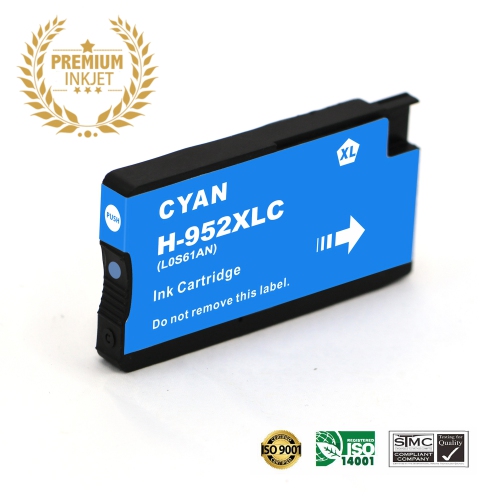
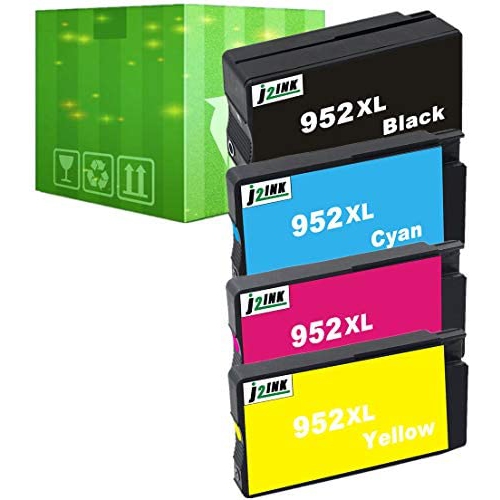
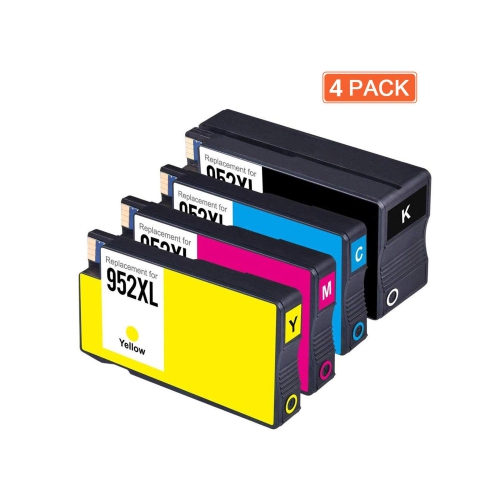
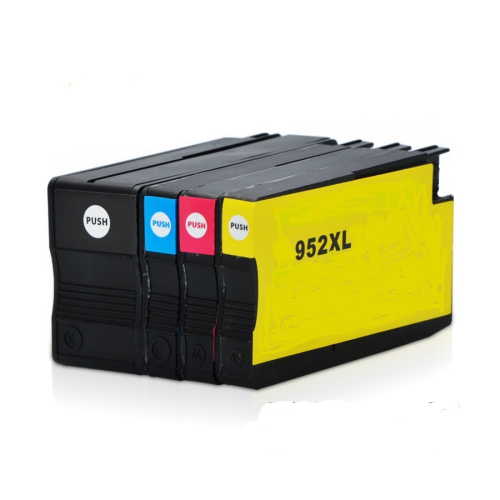
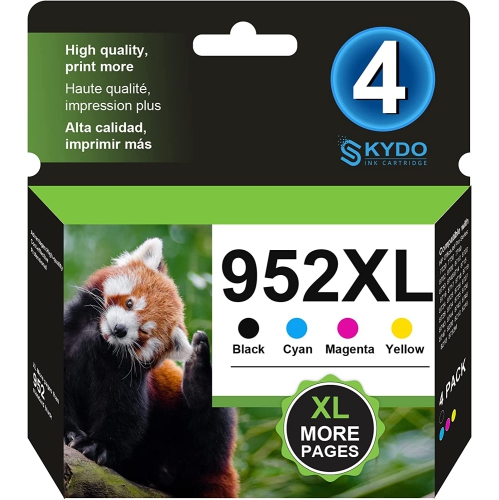
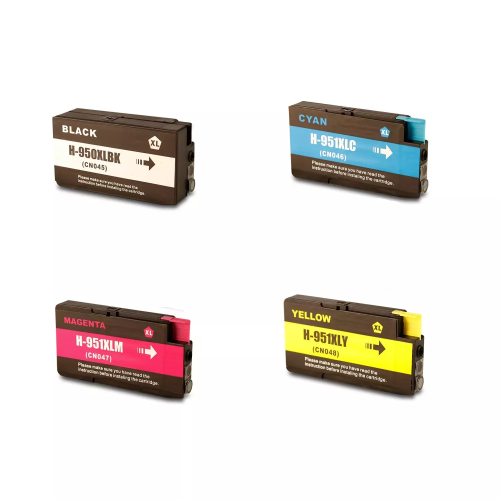
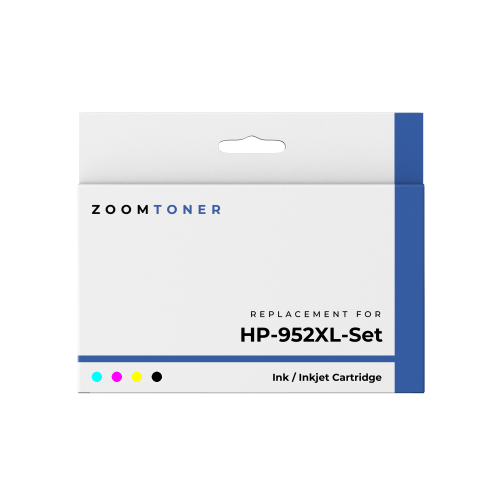
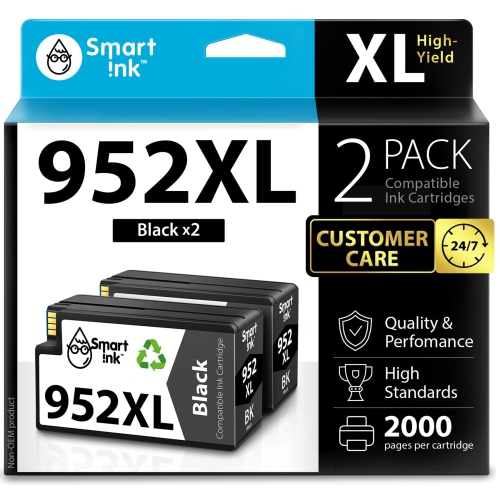
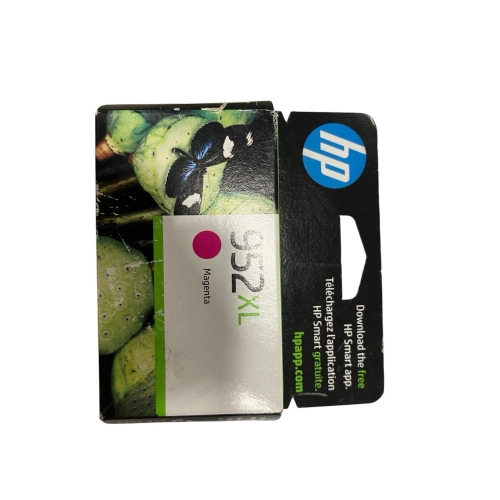
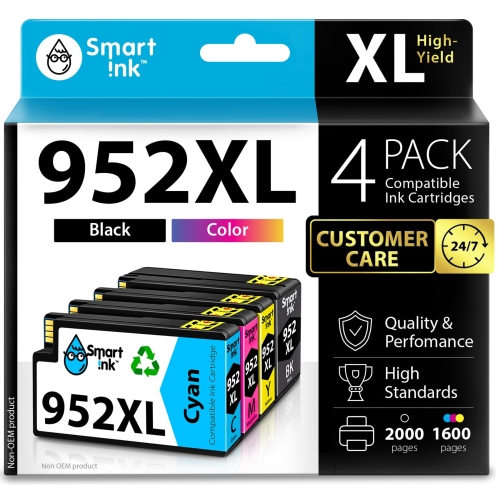
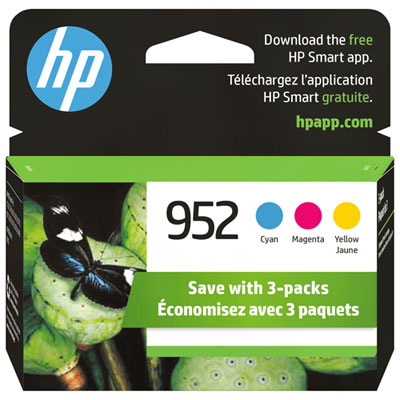
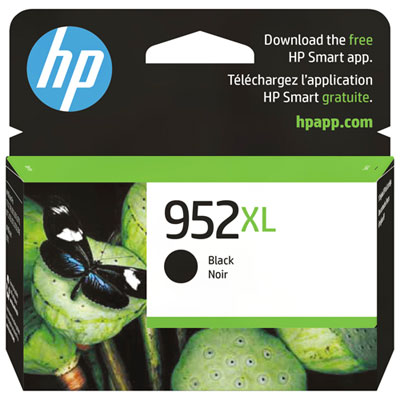
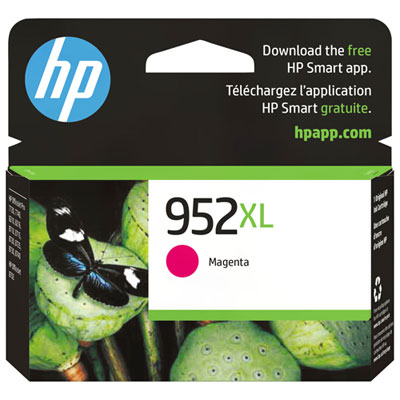
HP 952XL Printer Ink Cartridges

Find HP 952XL printer ink cartridges for your compatible HP printer, whether you need to replace a single colour or stock up on ink. Compare high-yield cartridge options by colour and pack size, and check the supported printer models to make sure you choose the right replacement.
Read More

Sort

More pages between cartridge changes for document-heavy routines

High-yield printer ink cartridges suit document-heavy routines, from a home office producing invoices and shipping labels to a shared workspace printing reports, schedules, and client presentations. Their main distinction is ink capacity: a high-yield cartridge generally contains more ink than the standard-yield version in the same compatible cartridge family, allowing more pages to be printed before replacement. That additional capacity does not mean the cartridge requires a larger printer or produces darker text. Print quality still depends on the ink formulation, paper, printer settings, and condition of the printhead. Black ink handles much of the everyday workload, including correspondence, forms, and text-based assignments, while cyan, magenta, and yellow work together to produce colour illustrations, charts, and images. In printers with separate colour cartridges, each colour can be replaced individually when needed. This is useful when printing habits draw more heavily on one colour, such as a recurring blue header on business documents or yellow highlights throughout classroom materials. Published page yield is a standardized estimate rather than a promise that every cartridge will print that exact number of sheets. A short letter with generous margins uses far less ink than a full-page graphic, and pages with dense colour coverage can bring replacement sooner than the stated yield suggests. Printer maintenance also consumes some ink, so actual output varies with both the documents and the way the printer is used. For someone printing regularly, higher capacity can mean fewer interruptions during a large batch of paperwork. For occasional printing, capacity is only one consideration alongside compatibility and the length of time ink may remain installed. The most useful match is a cartridge suited to the printer and the workload, whether that means crisp black text for administrative tasks or dependable colour for documents that need clear visual distinctions.

Compatibility is the essential fit consideration for replacement ink cartridges. Similar-looking cartridges are not necessarily interchangeable, and a shared printer series name does not guarantee that every model uses the same supplies. The complete printer model number, including any relevant suffix, provides a more reliable reference than appearance alone. A cartridge compatibility list should explicitly include that model; matching only the cartridge colour or choosing a familiar-looking package is not enough. The printer’s cartridge compartment, software, or documentation may also identify the required cartridge family. Within a compatible family, standard- and high-yield versions are often designed for the same cartridge slots, but this should be confirmed rather than assumed. Regional compatibility can matter as well, particularly for a printer purchased outside Canada. Cartridge housings combine a shaped body, an ink outlet, and electronic contacts or a chip that communicates with the printer, making both physical fit and electronic recognition important. Original-manufacturer, compatible, and remanufactured cartridges describe different supply types, not different levels of ink capacity. A remanufactured cartridge typically uses a previously used housing that has been prepared and refilled, while a compatible cartridge is made by a supplier other than the printer manufacturer. Recognition and performance can vary, and some printers use security features that affect which cartridge chips they accept. Firmware requirements, ink-level reporting, and stated compatibility therefore deserve attention alongside capacity. The related HP 952XL High Yield Ink Cartridges page offers another way to browse this cartridge category, with the printer’s exact model remaining the deciding factor for fit. Pack contents matter too: an individual black cartridge serves a different replacement need from a colour set or a pack combining black and colour. Separate cartridges do not always run out together, and some printers require usable ink in every installed cartridge even when the document is primarily black text. Understanding those requirements helps keep a routine print job from stopping unexpectedly.

Ink formulation and paper choice shape how a finished document looks and holds up to handling. Pigment-based inks use fine particles suspended in liquid and are commonly used for sharp office text, while dye-based inks use dissolved colourants and may be suited to different printing applications. The cartridge’s specifications are the best reference for its formulation and intended use; high yield alone says nothing about resistance to smudging, water, or fading. Ordinary office paper works well for many everyday documents, but its surface and absorbency can affect the sharpness of small lettering and the evenness of solid colour. Paper intended for inkjet printing can make a noticeable difference when a report includes photographs, shaded tables, or large blocks of colour. Heavier coverage may need more drying time before sheets are stacked, placed in a folder, or marked with a highlighter. For double-sided documents, paper opacity also matters because text and graphics may show through thinner sheets. Care begins before installation: cartridges are best kept sealed in their original packaging until needed, away from direct sunlight and excessive heat, with any storage dates or handling directions on the package taken into account. Shelf life varies, so a broad estimate should not replace the manufacturer’s information. During installation, avoiding contact with the ink outlet and electronic contacts helps prevent contamination or connection problems. Protective seals should be removed only as directed, and the cartridge should seat securely without being forced. Once installed, occasional printing can help keep ink moving through the system, while the printer’s normal shutdown process allows the printhead to park as intended. If text develops gaps or colours appear uneven, a nozzle check can help distinguish a printhead issue from an empty cartridge; repeated cleaning cycles without checking the result may consume ink unnecessarily. These practical details matter for households managing school forms, small businesses preparing customer paperwork, and anyone relying on readable, well-presented documents. A correctly matched cartridge, suitable paper, and routine printer care work together to support consistent output, whether the task is a single signed letter or a substantial stack of meeting handouts.
Read More

FAQ

Some products may be subject to Environmental Handling Fees (EHF) depending on your province. Learn more about EHFs.