Magenta Ink Cartridge
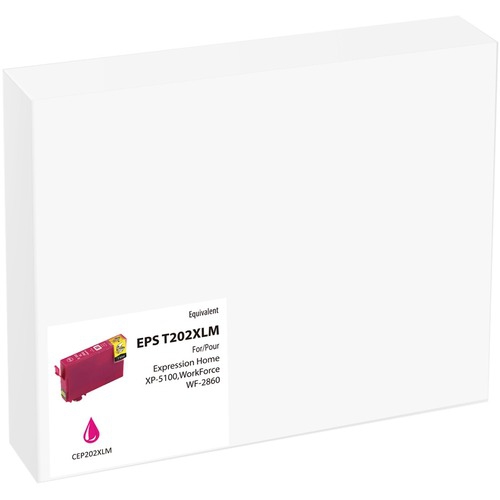
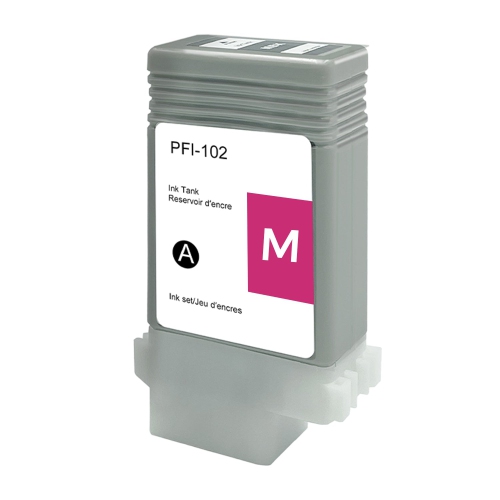
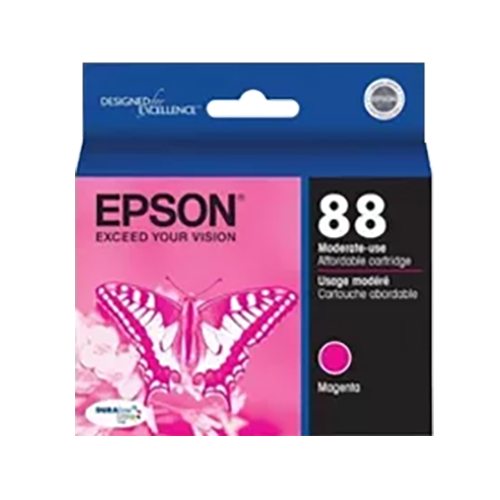
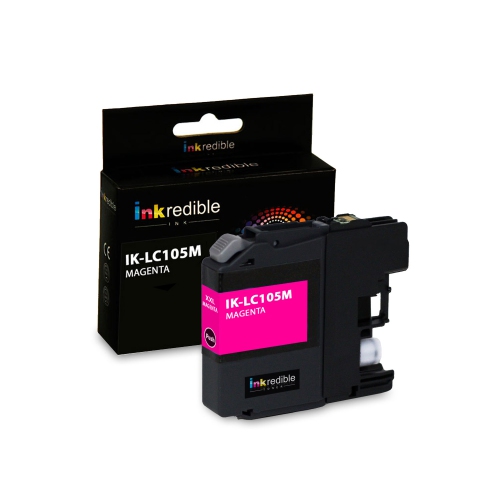
Magenta ink is a type of ink that is used in the printing of documents and pictures. It is one of the four primary colors, along with yellow, cyan, and blue. Magenta ink is used in many different types of printers, including laser printers, inkjet printers, and even copiers. Here are some great magenta ink cartridge options available on the market.
Sort
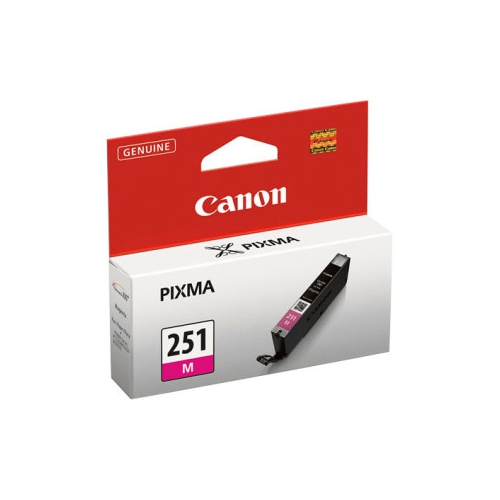
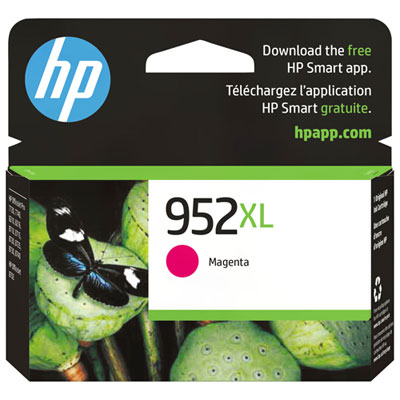
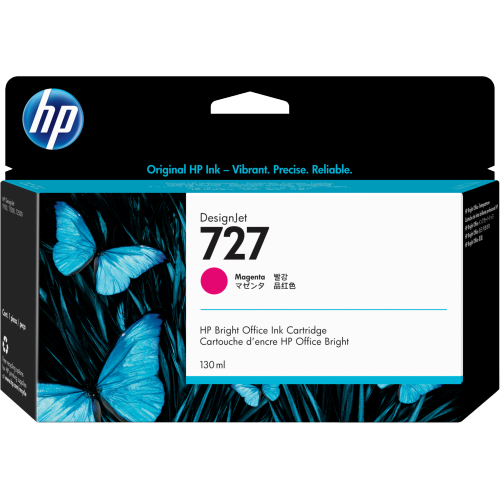
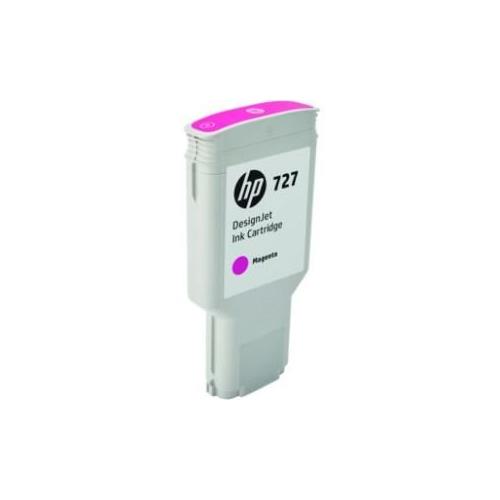
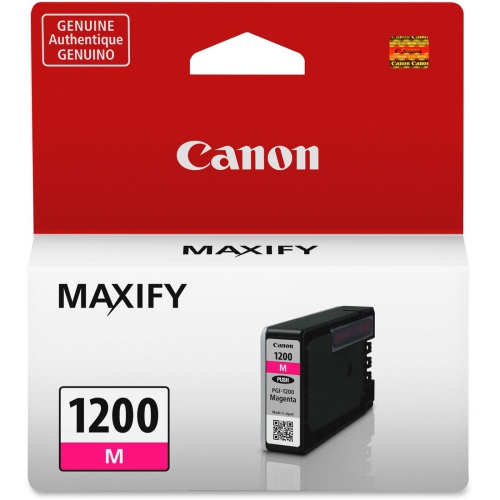
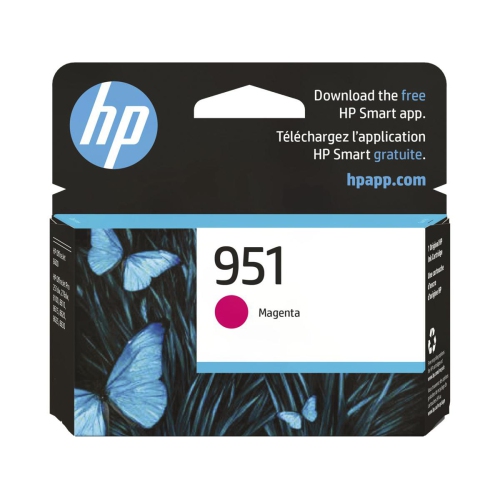
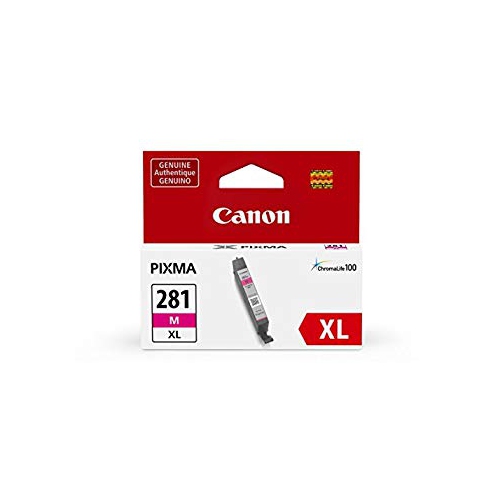
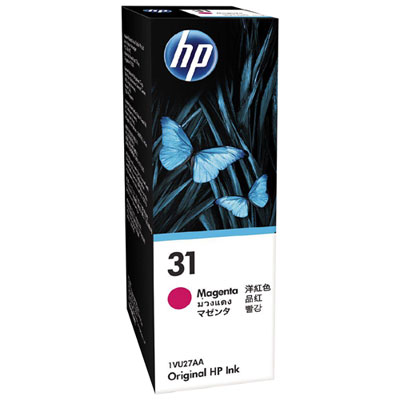

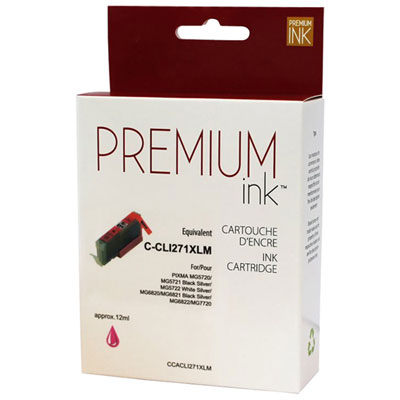
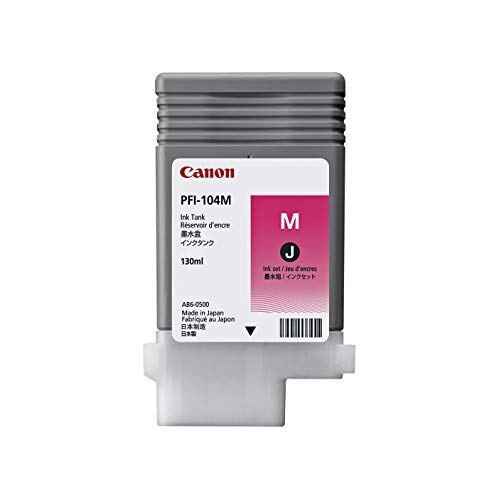
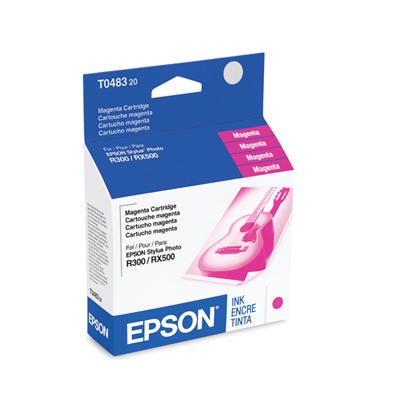

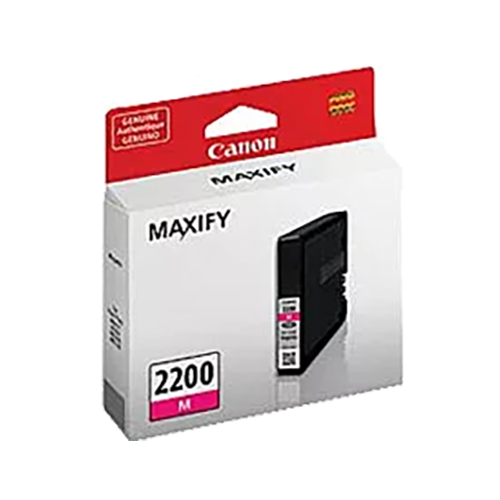
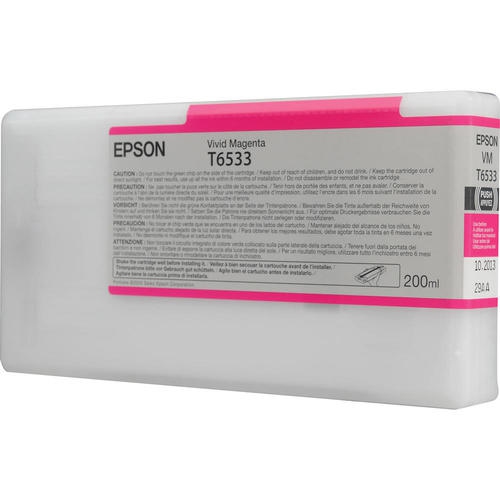
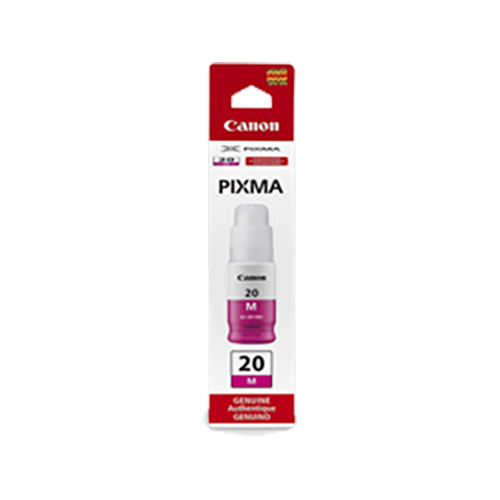
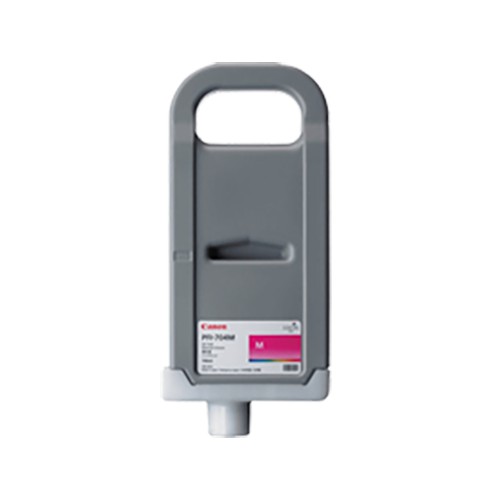
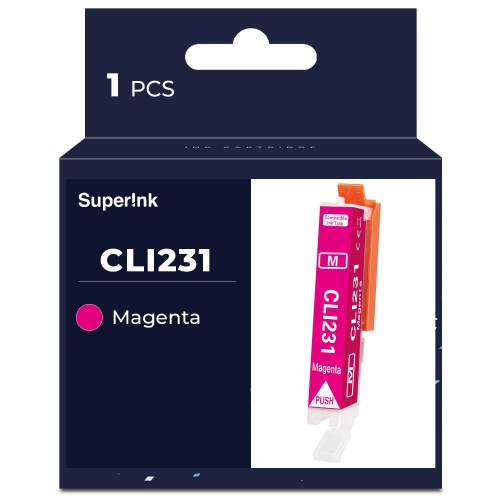
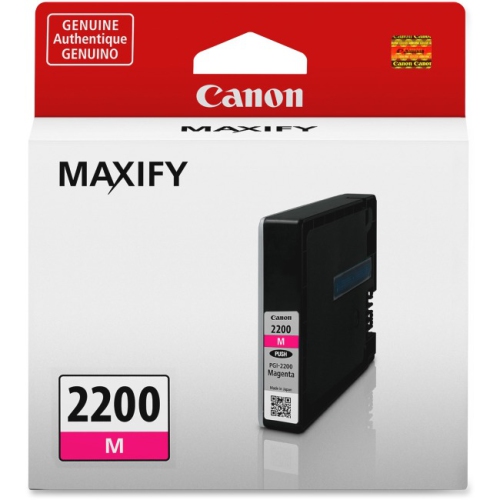
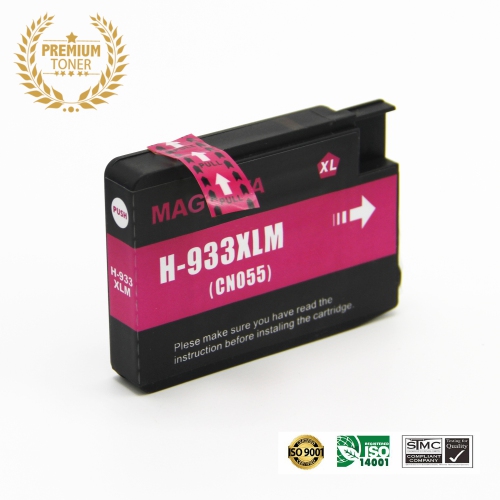
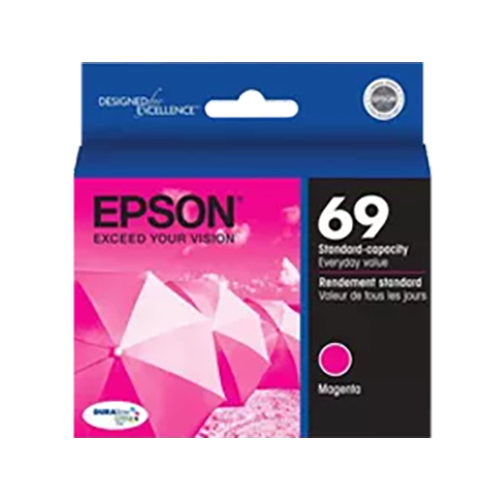

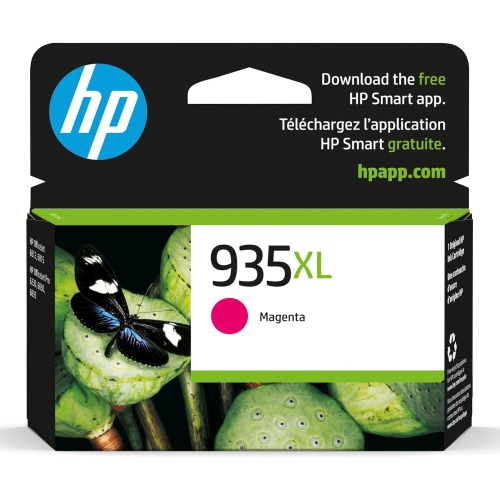
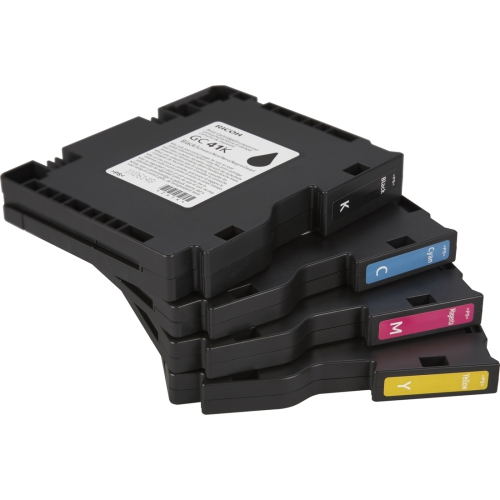
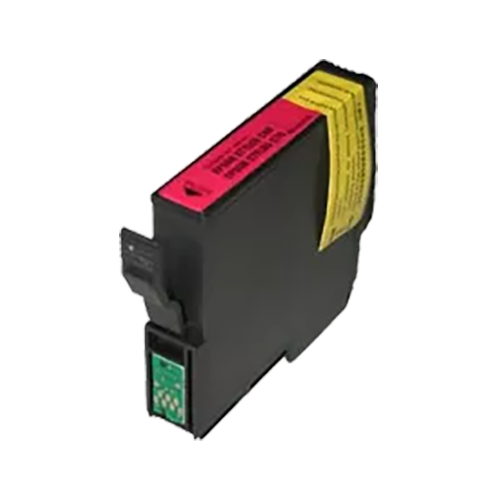
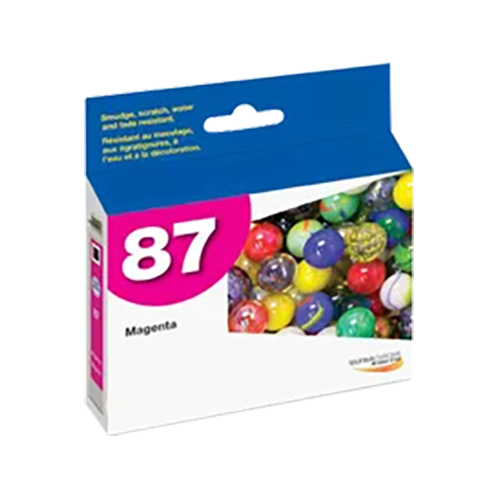
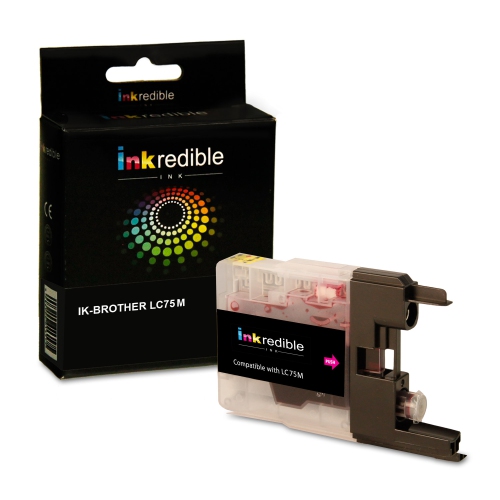
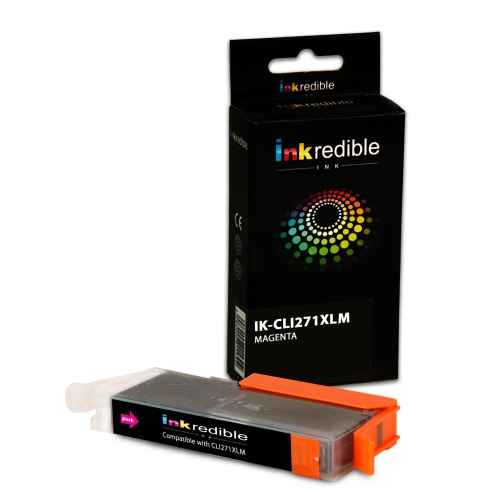
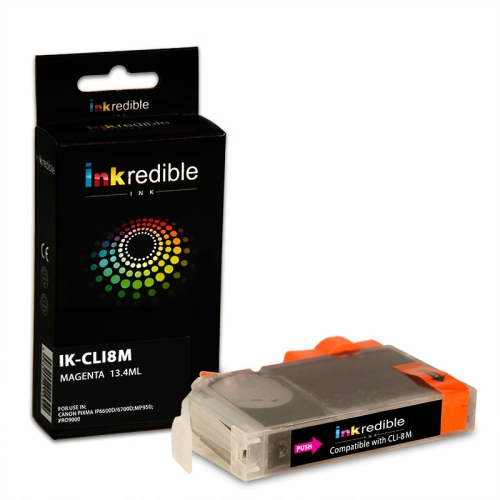
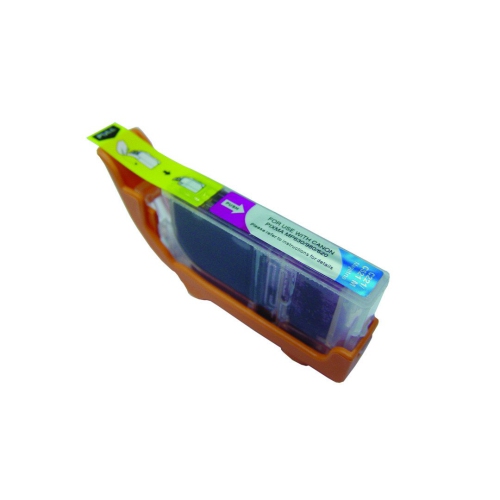

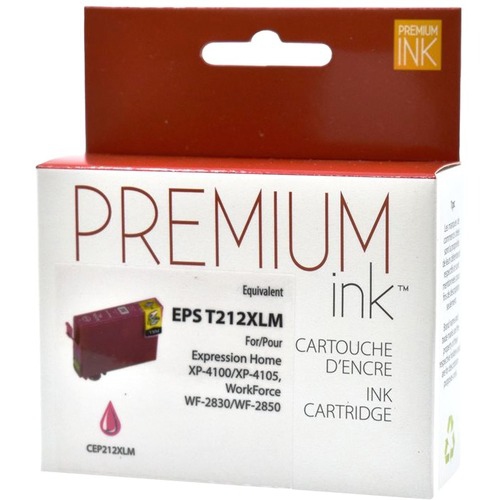
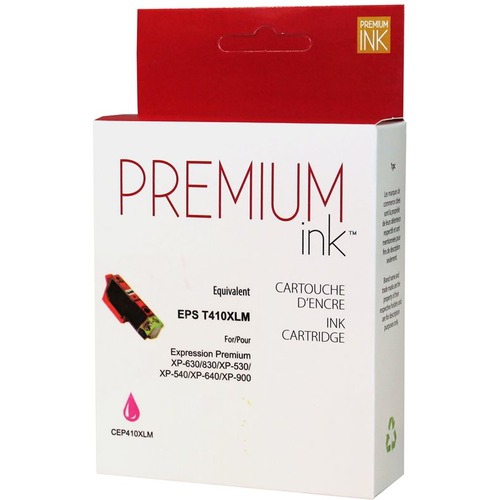
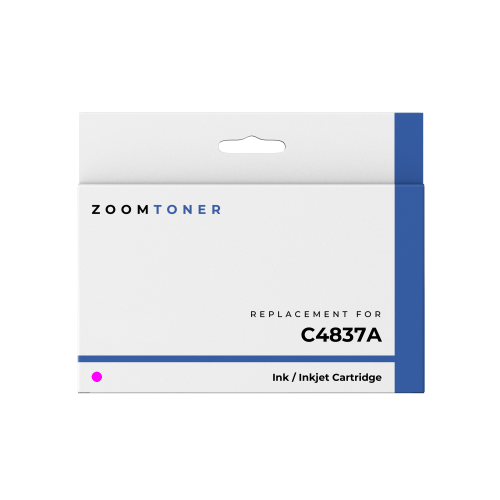
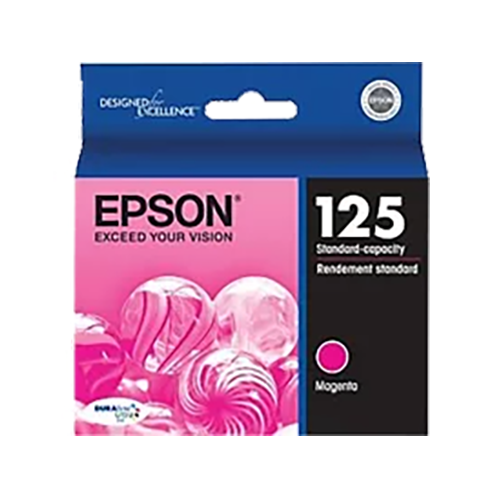
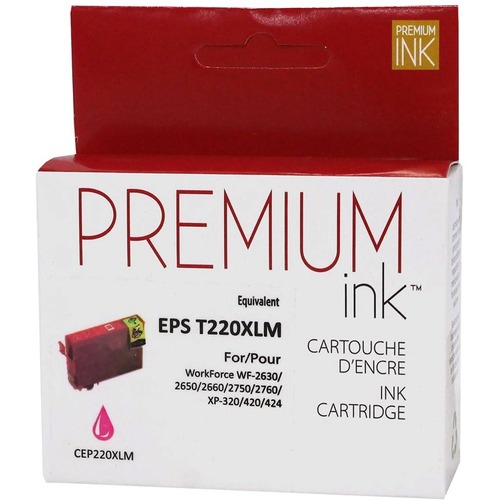

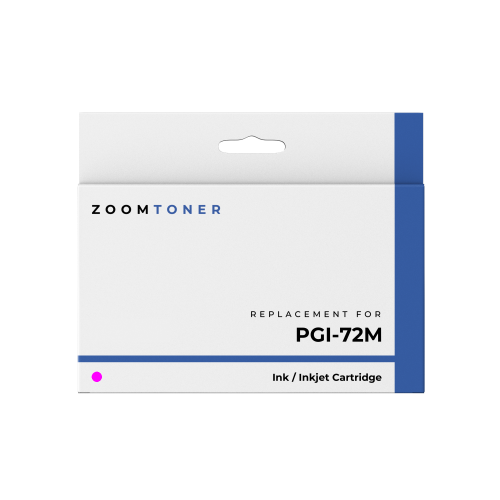
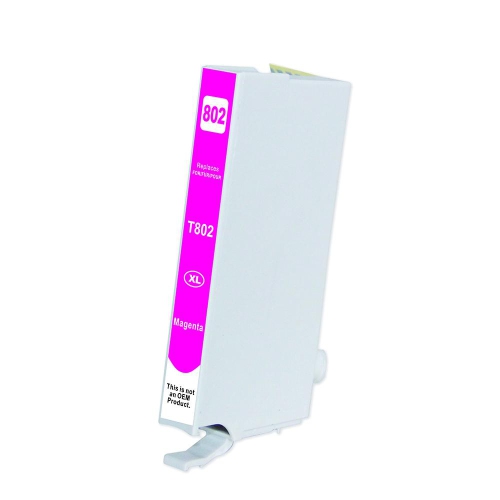
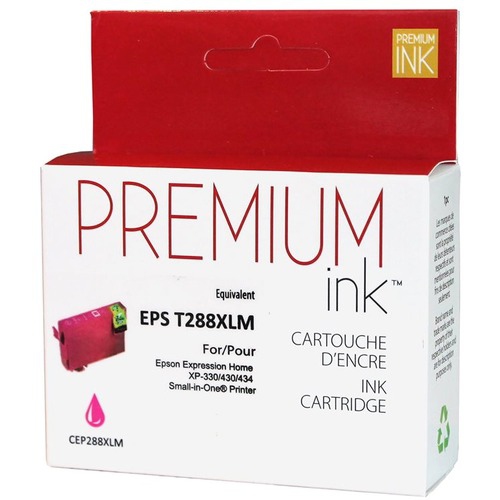

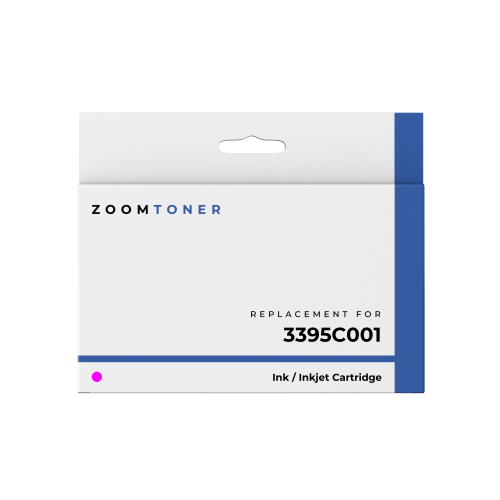

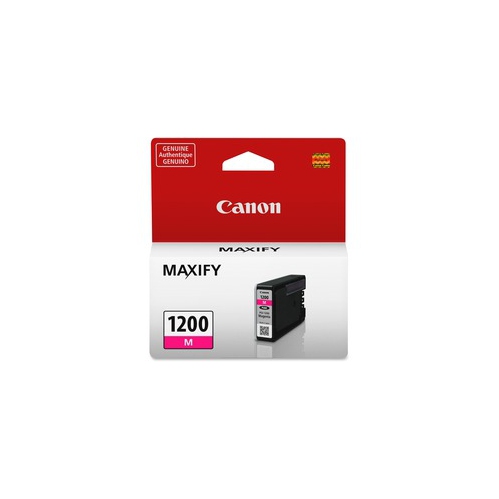
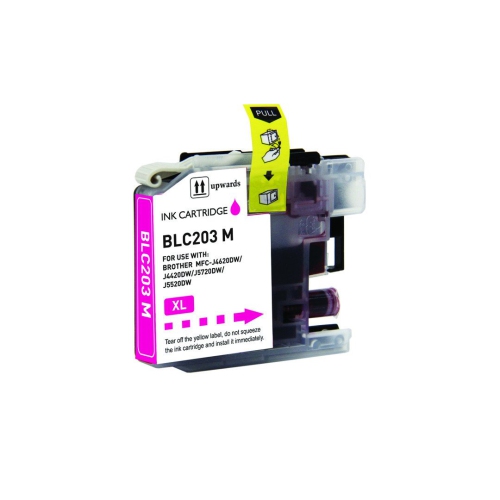
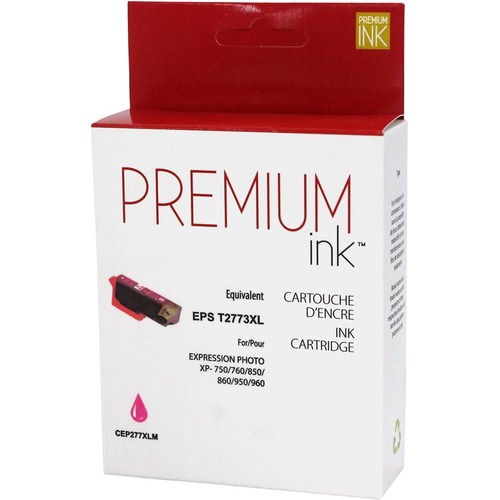
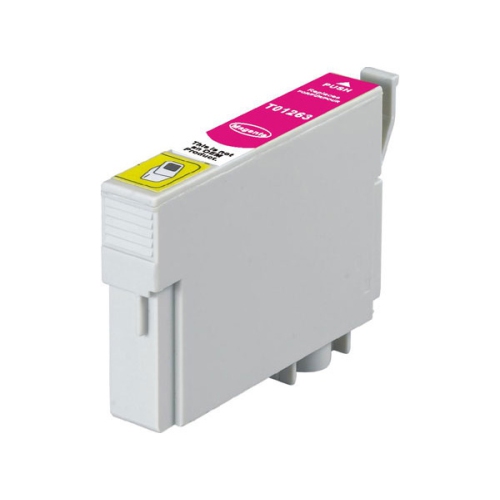
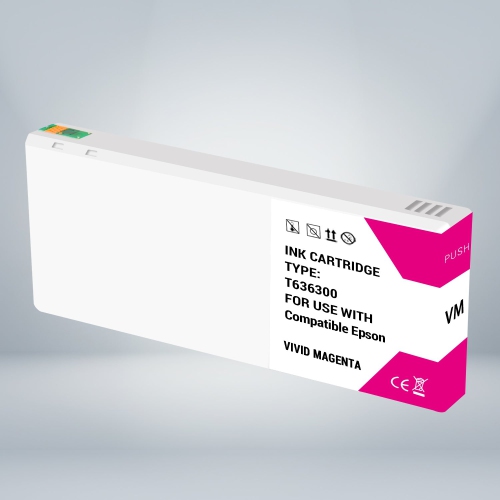
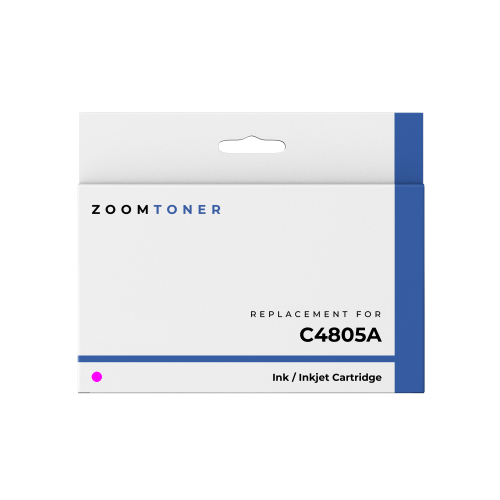

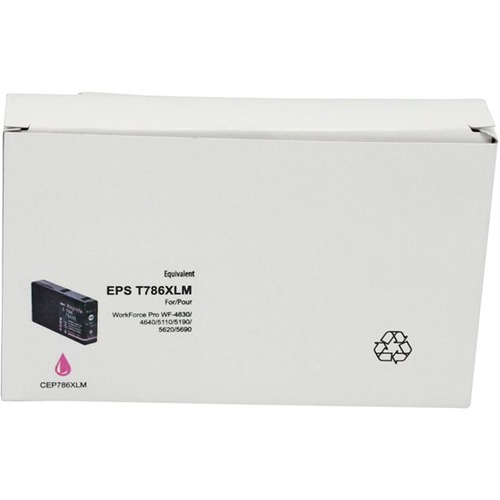
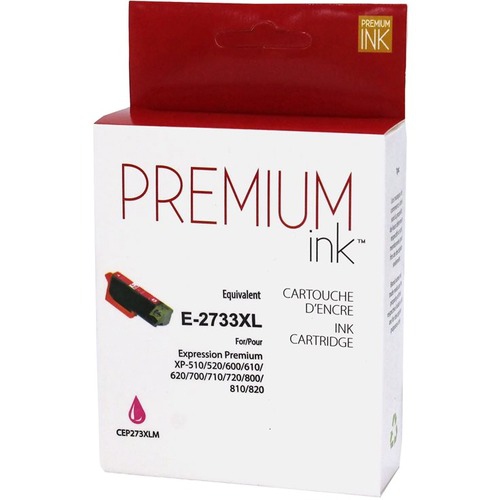
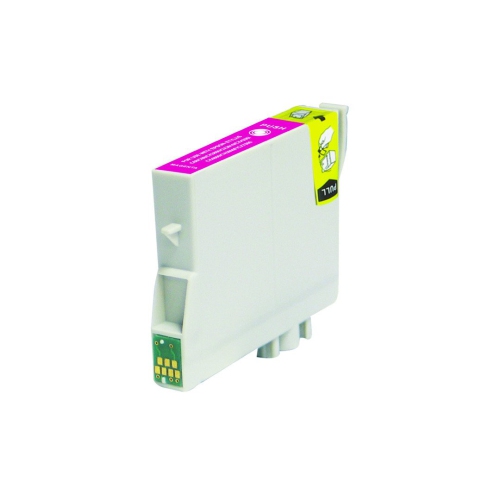
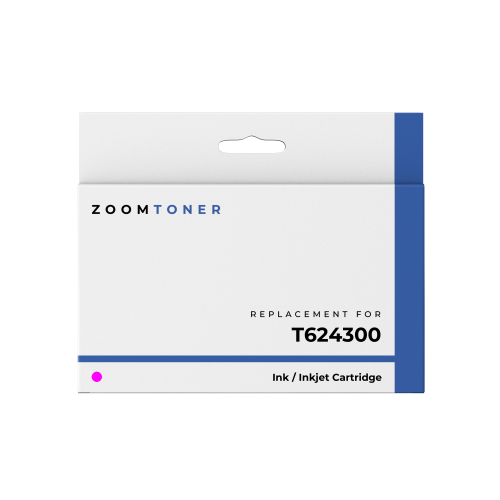
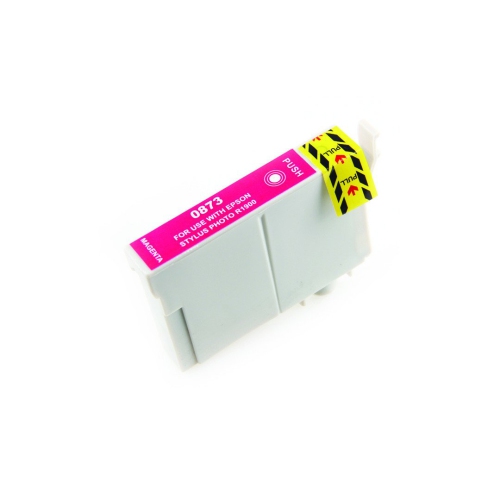
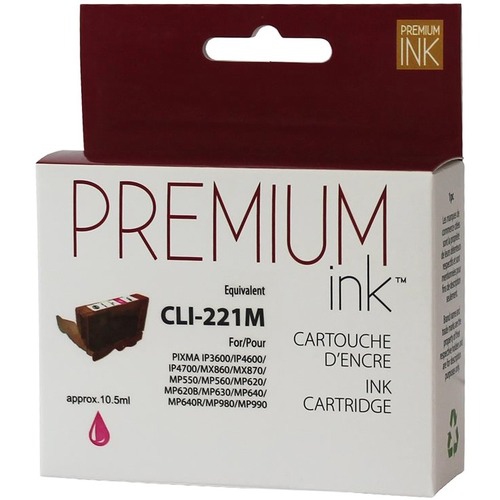
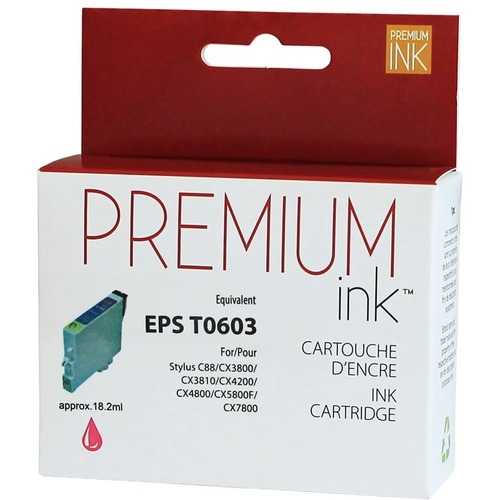
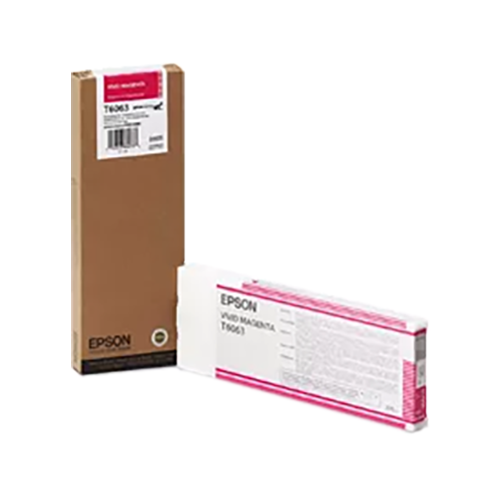
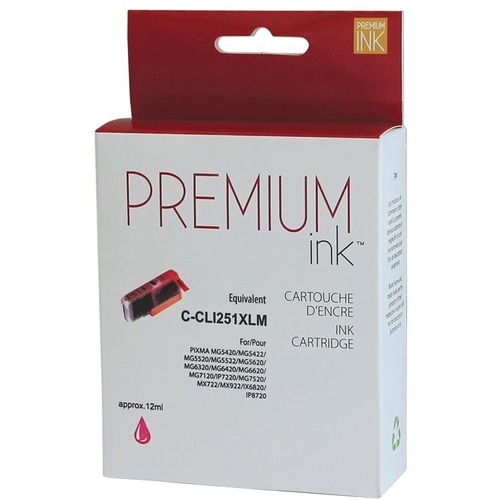
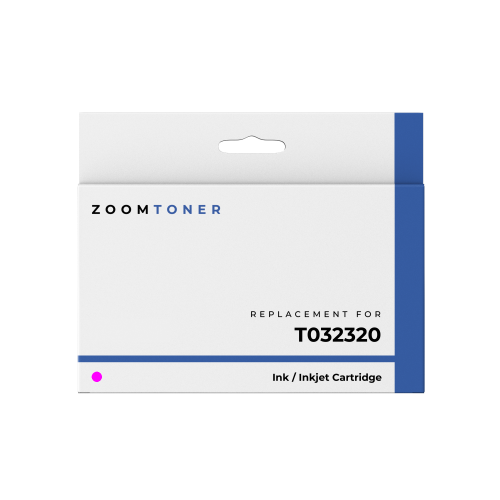
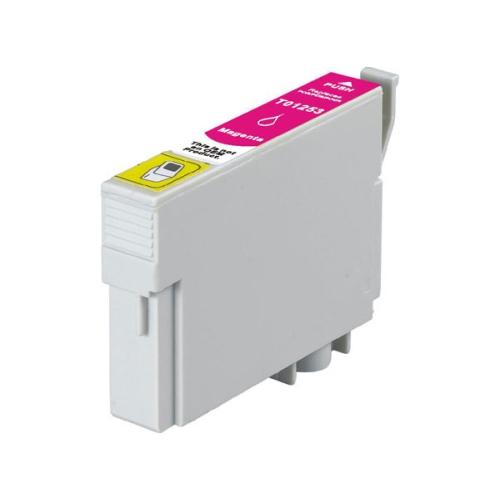
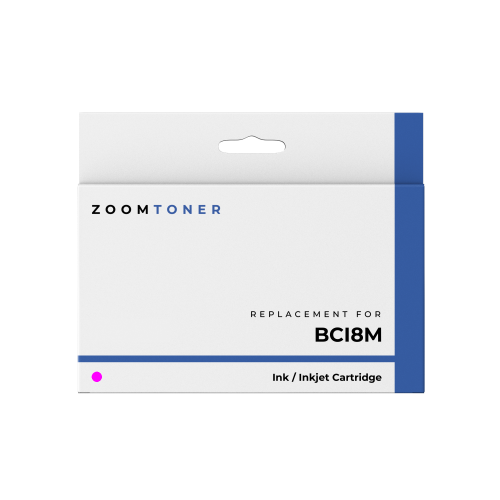
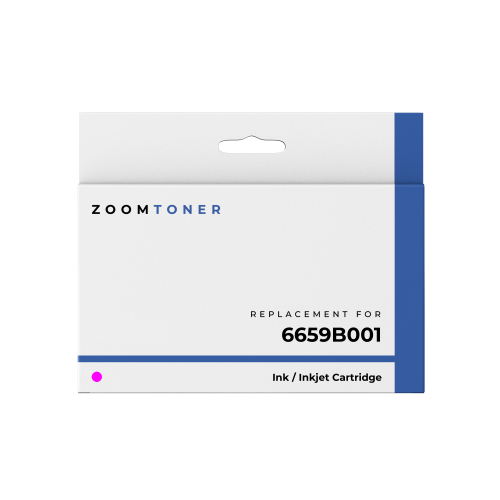
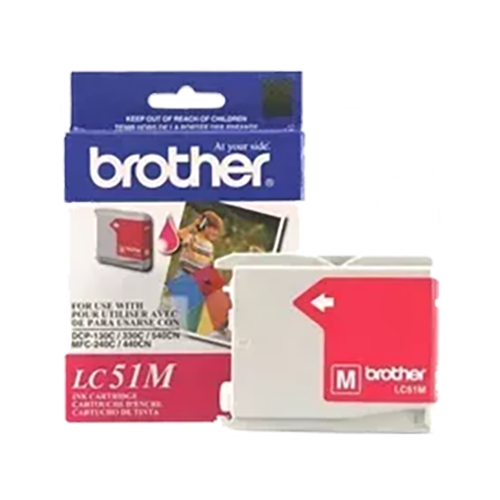
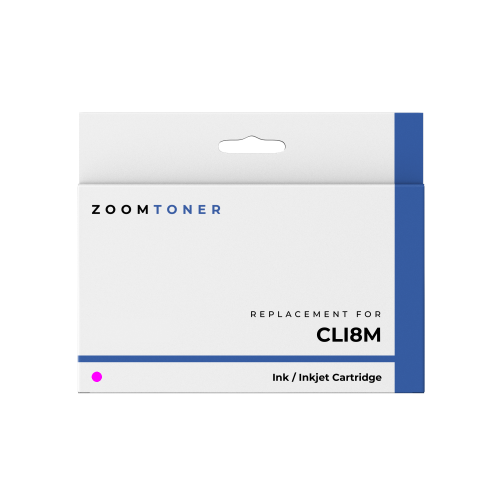

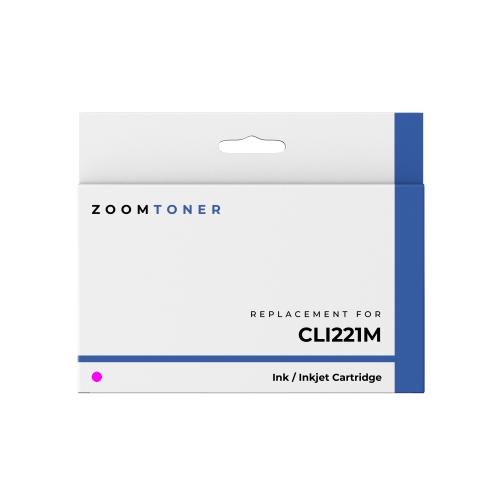
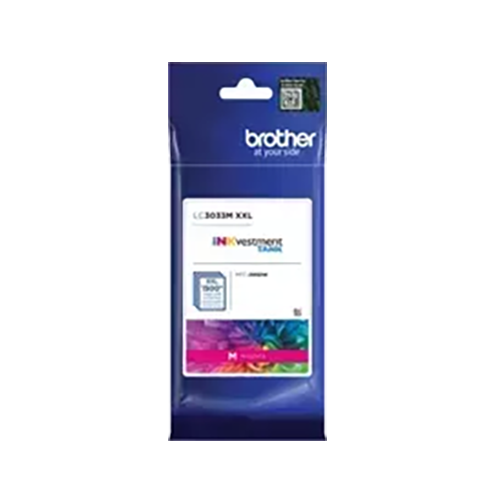
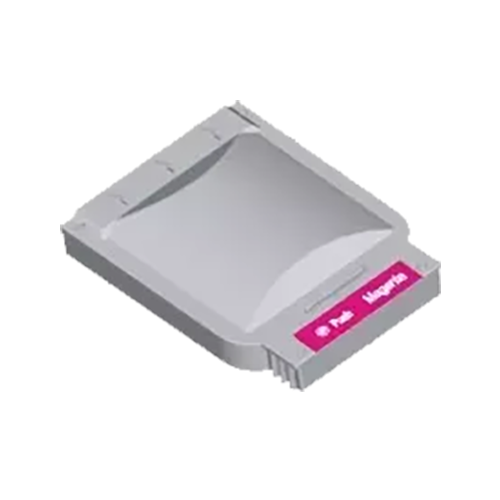
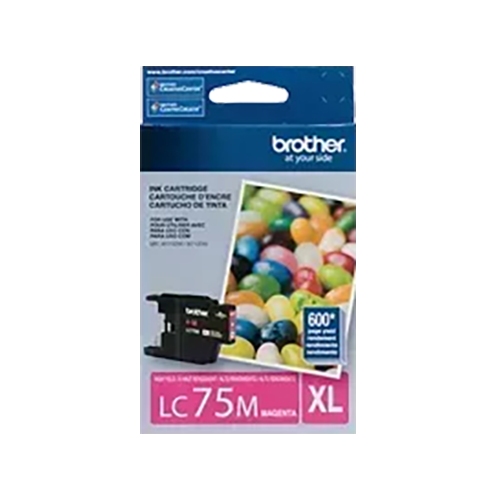
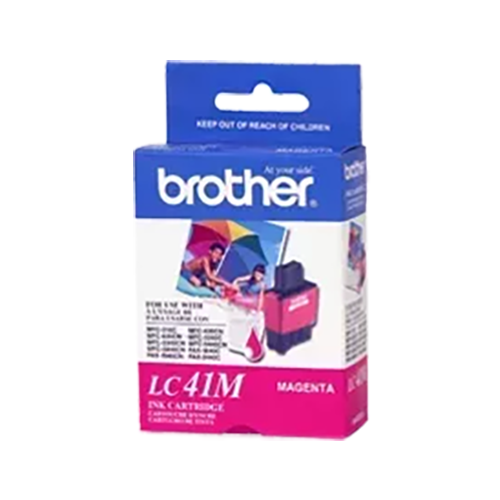
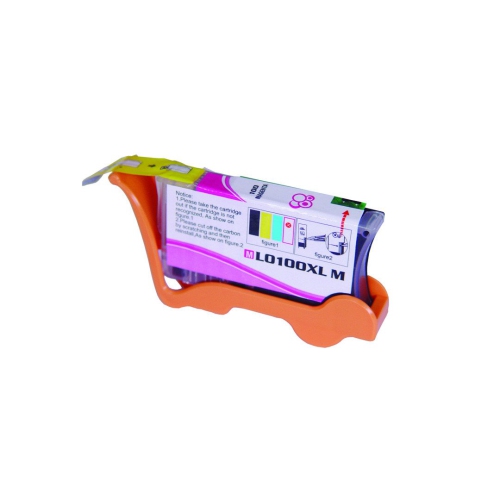

Why magenta matters for natural colour in prints
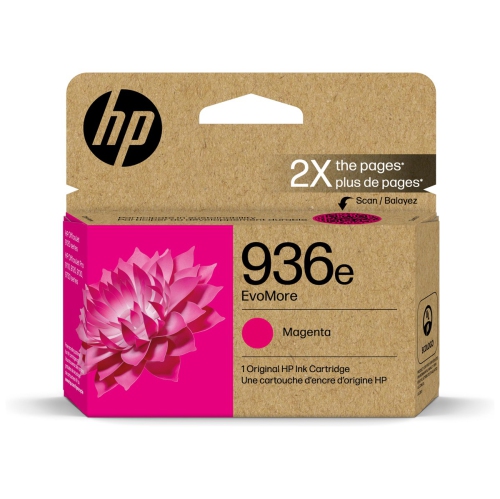
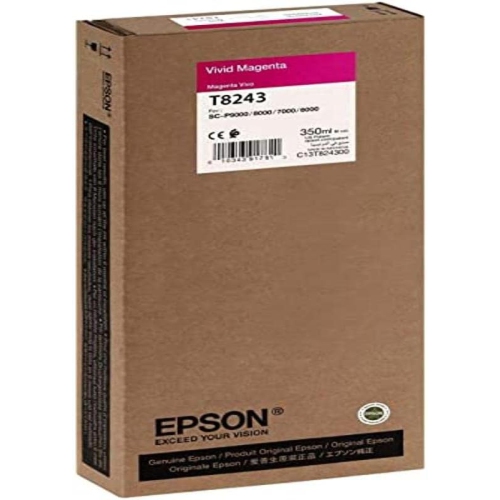
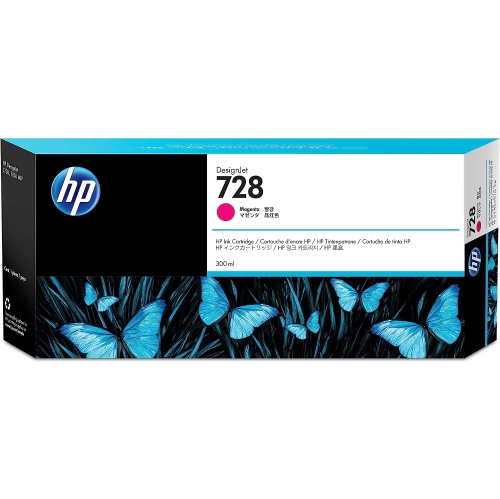
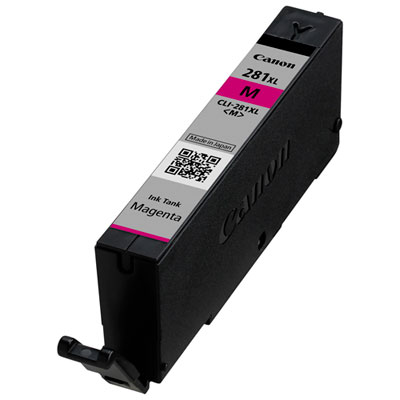
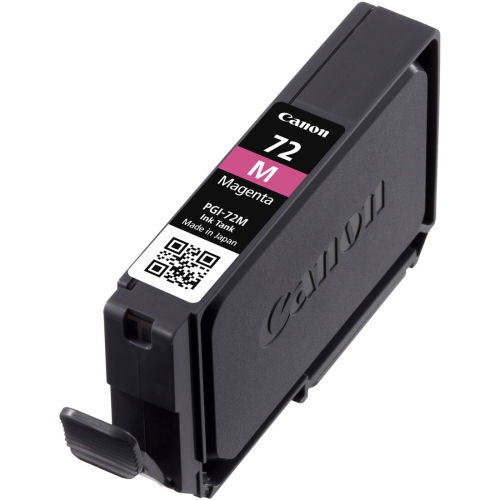
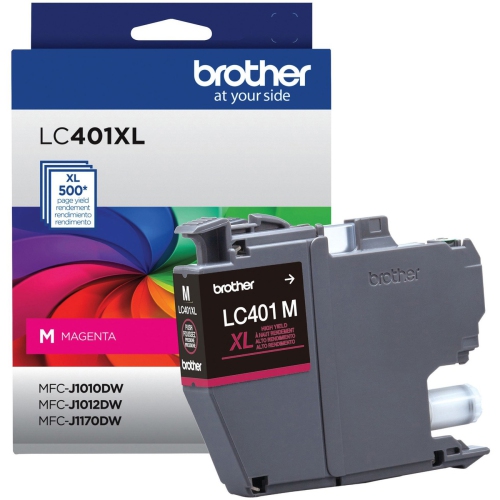
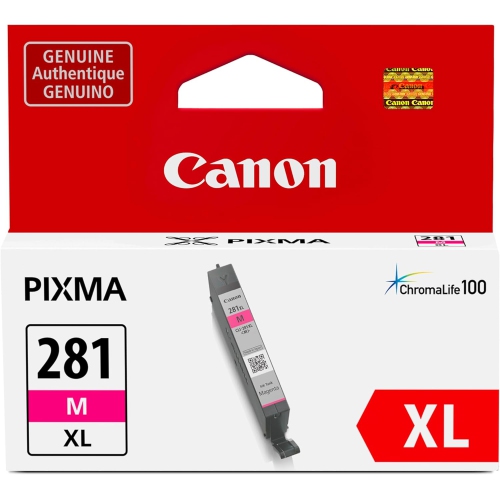
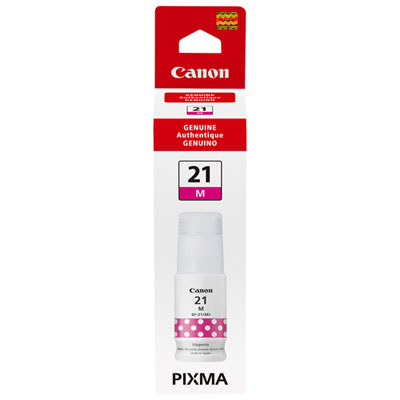
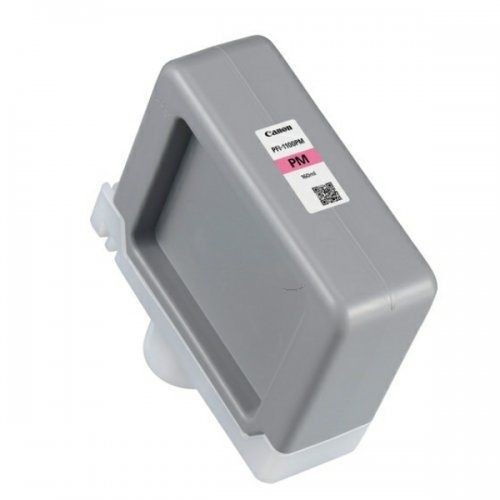
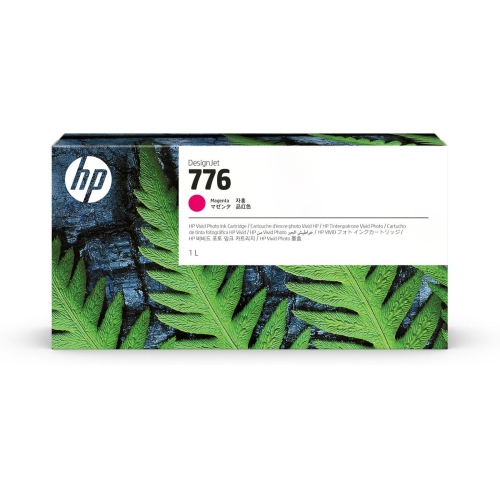
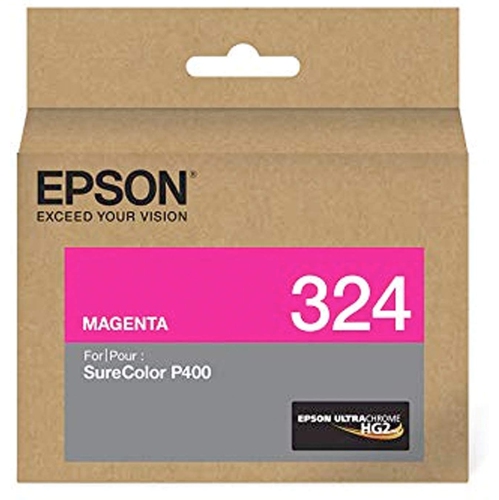
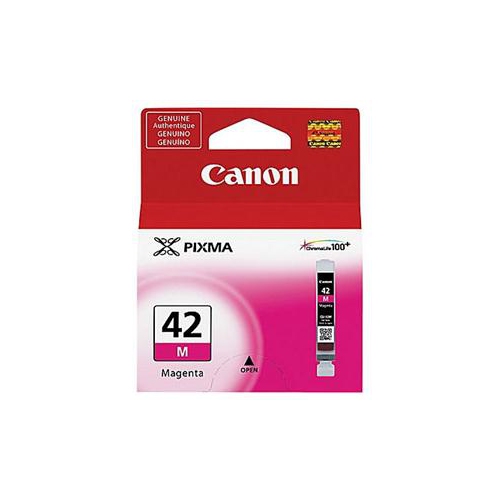
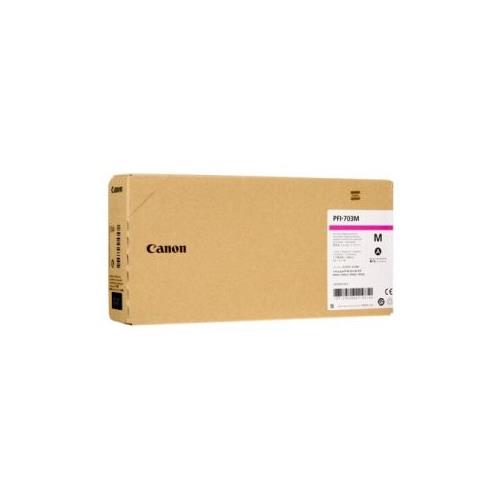
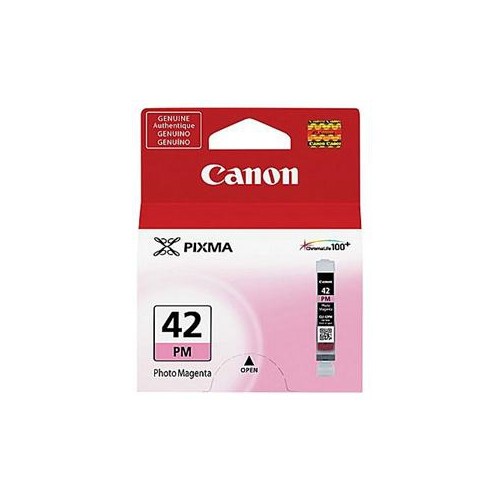
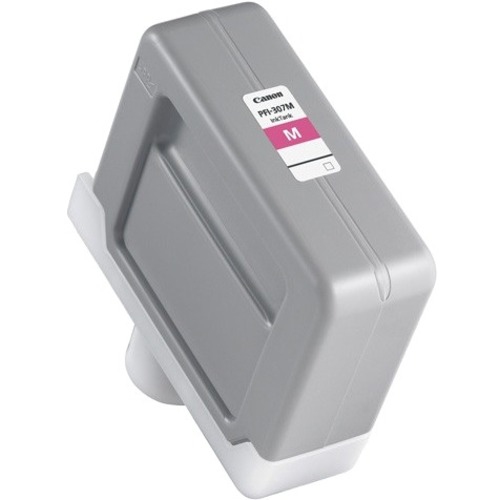
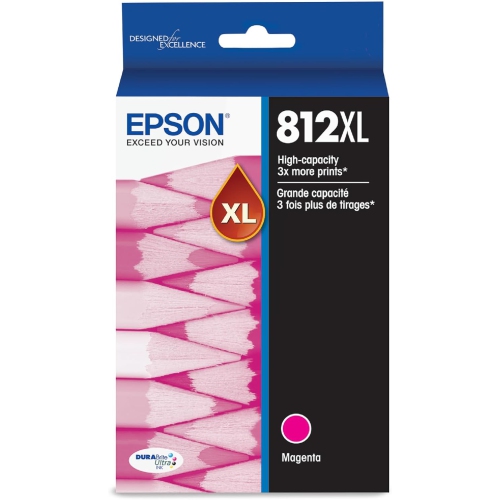
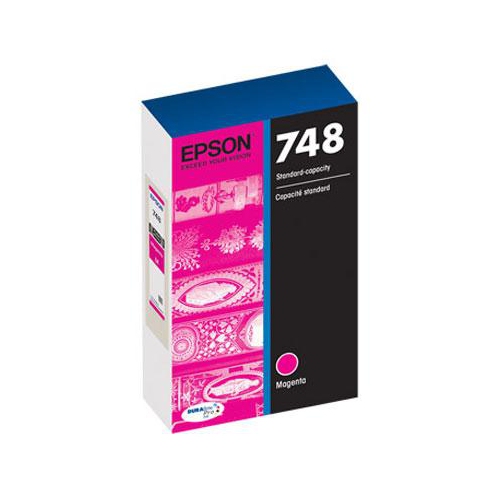
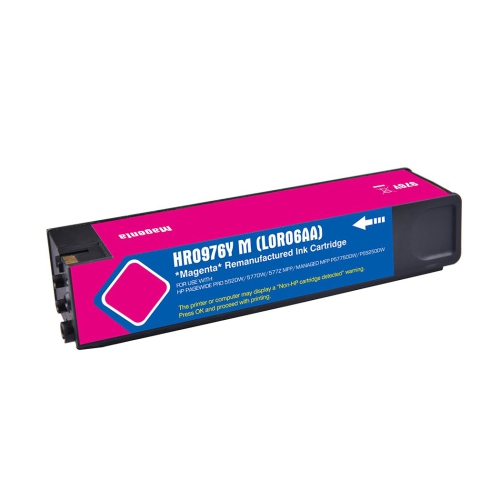
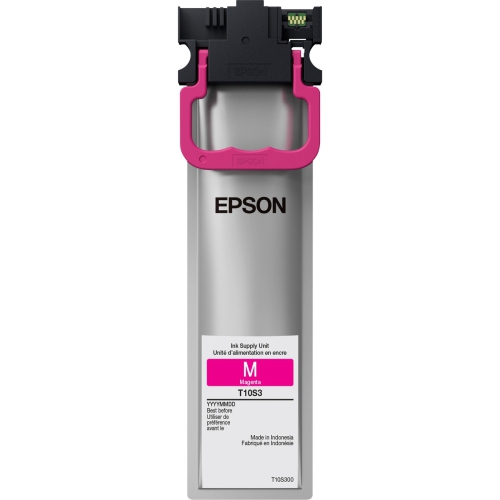
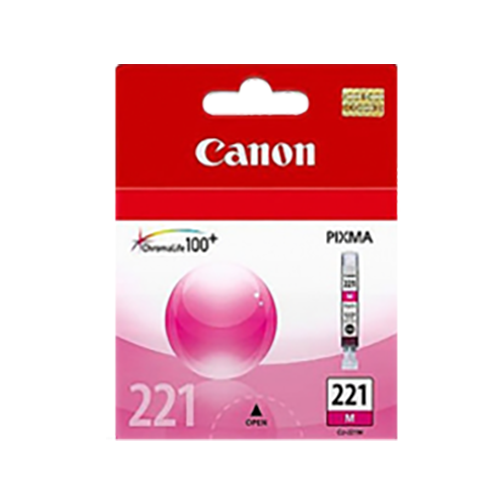
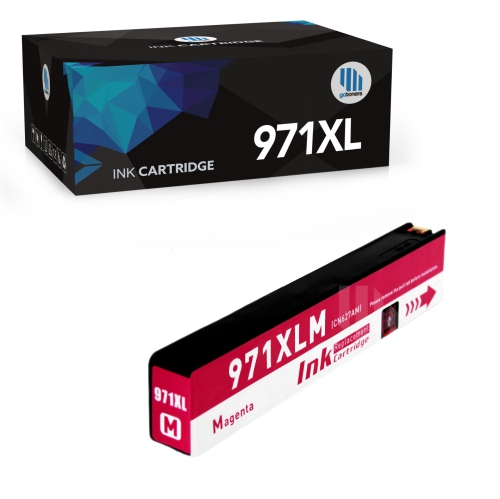
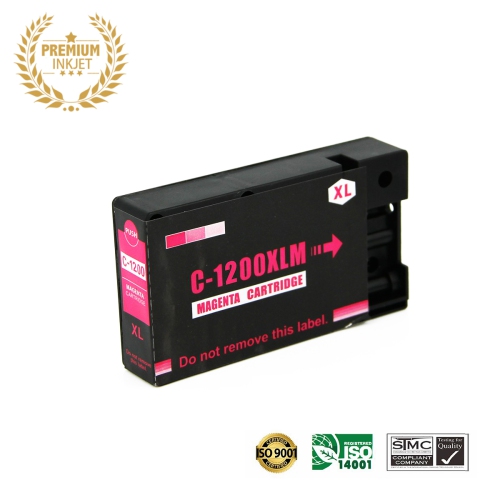
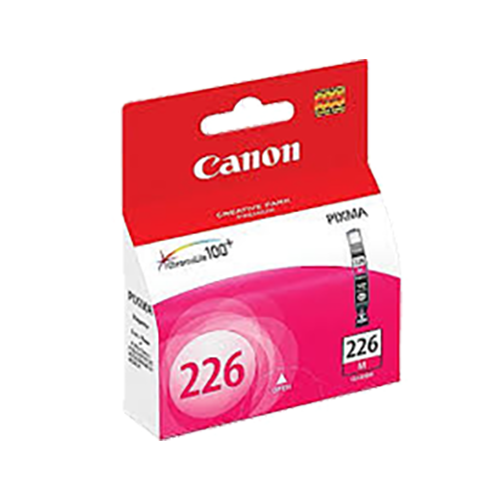
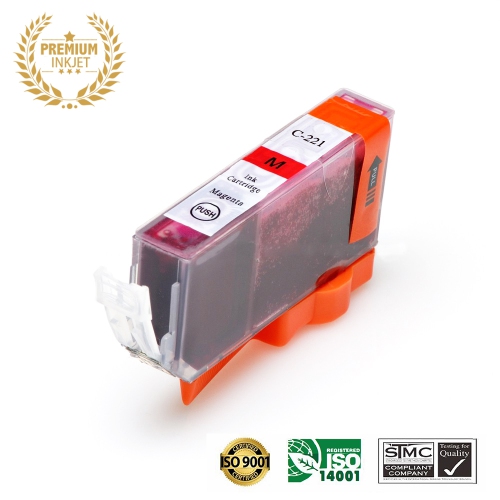
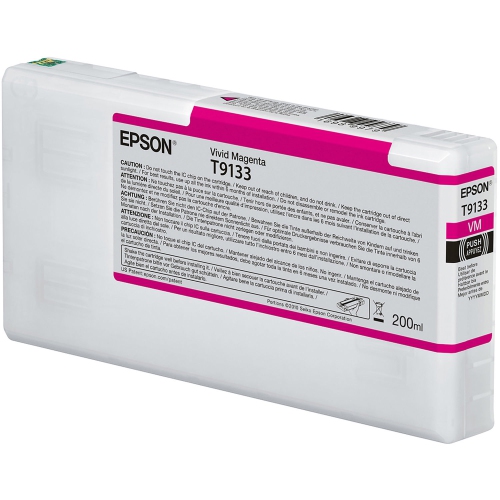
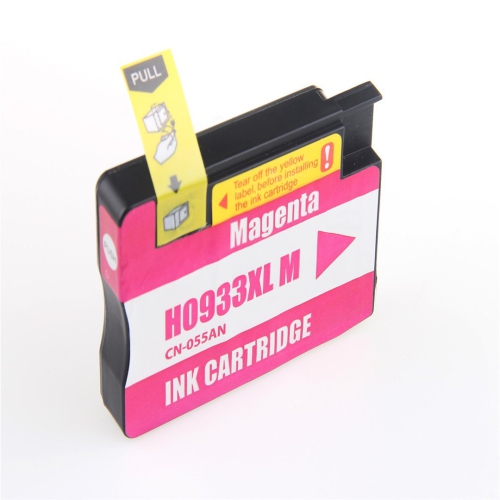
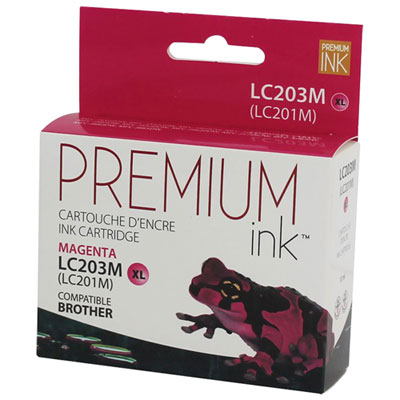
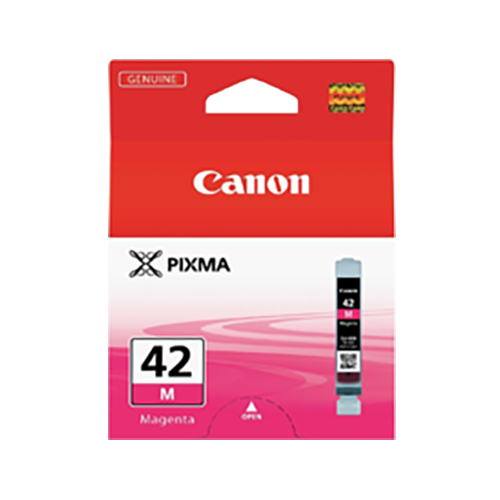
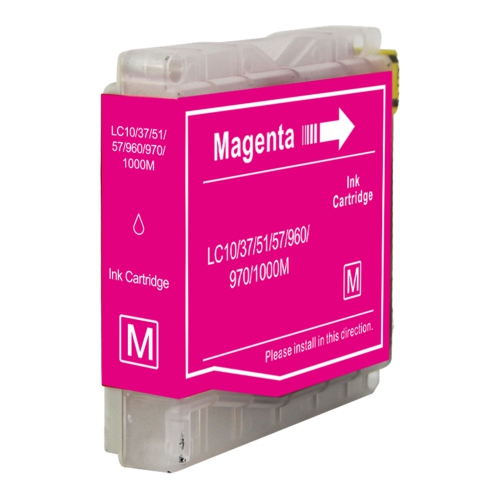
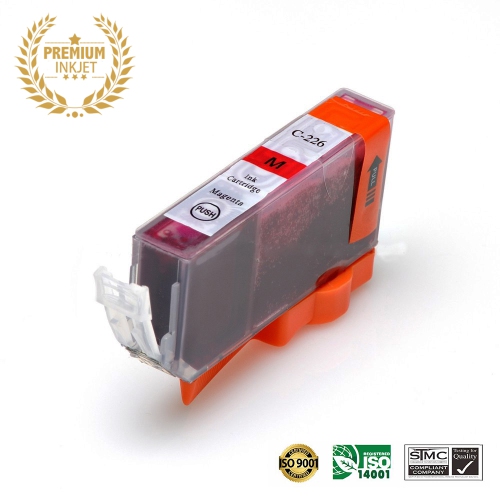
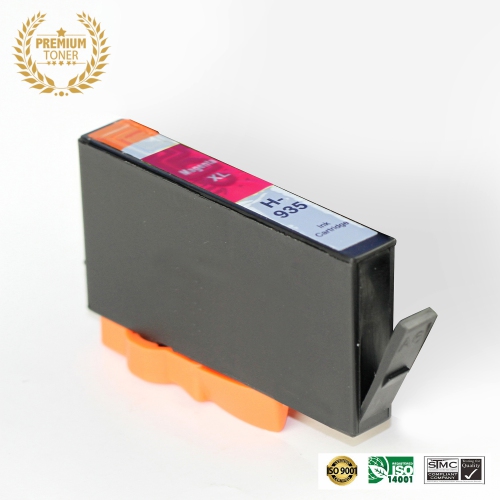
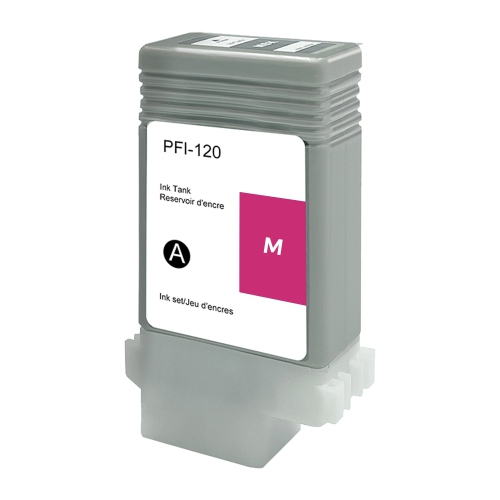
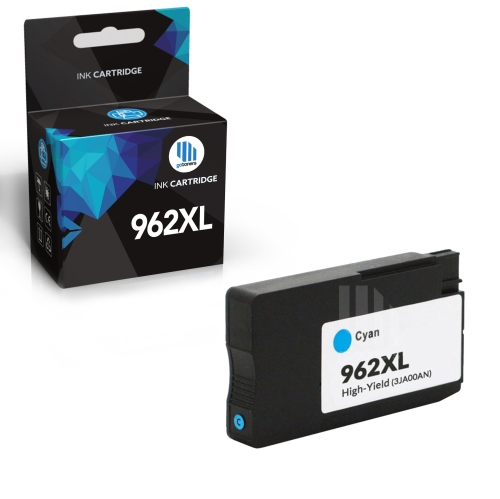
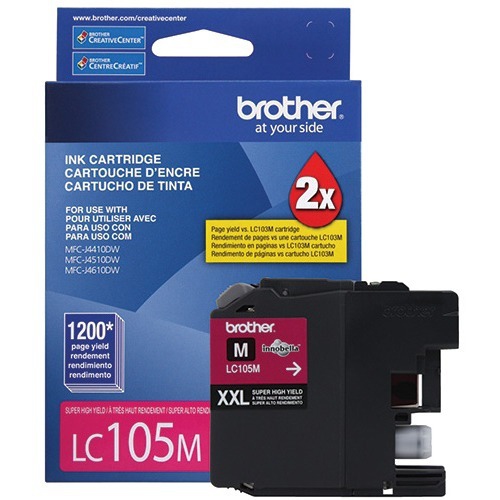
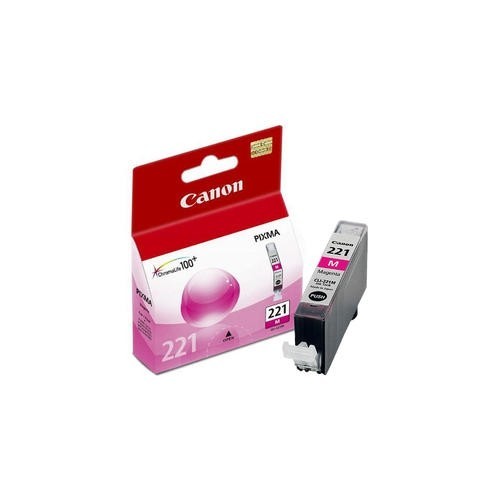
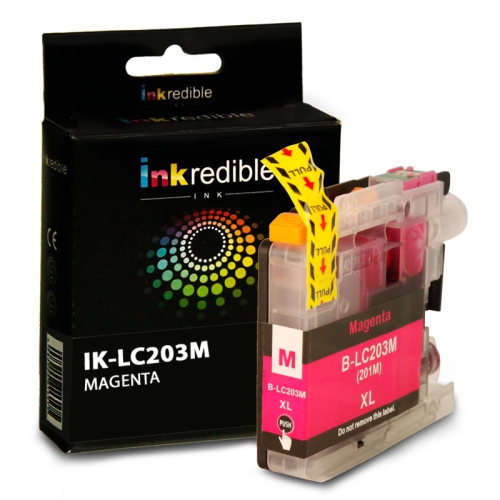
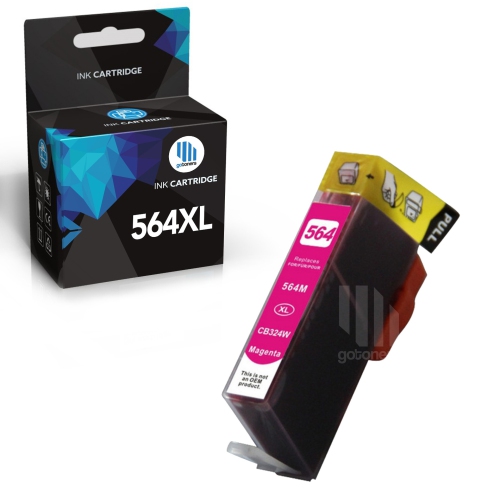
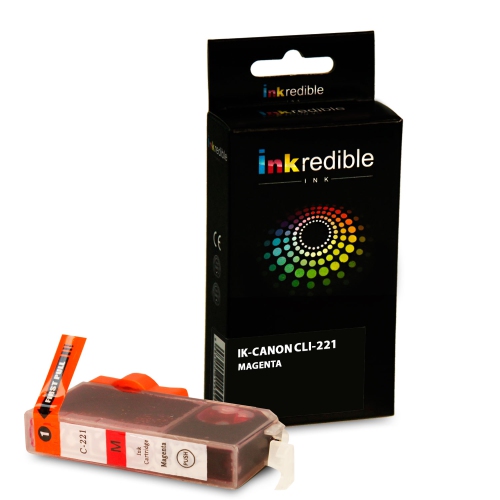
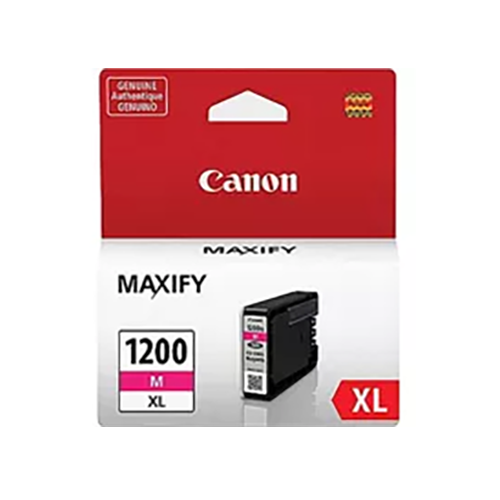
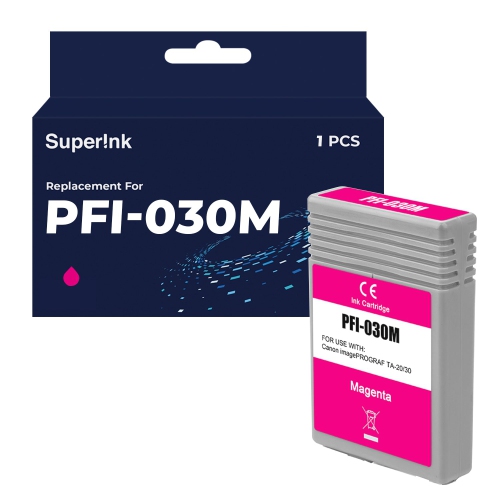
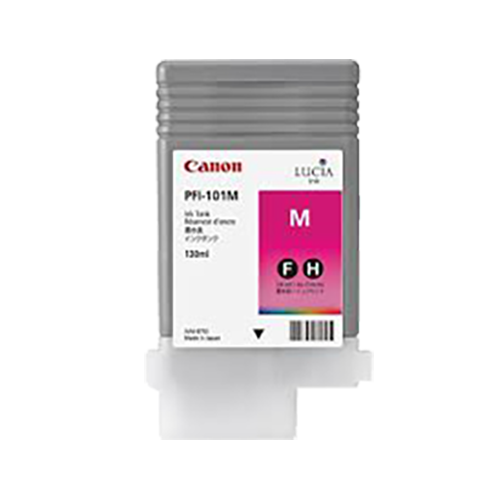
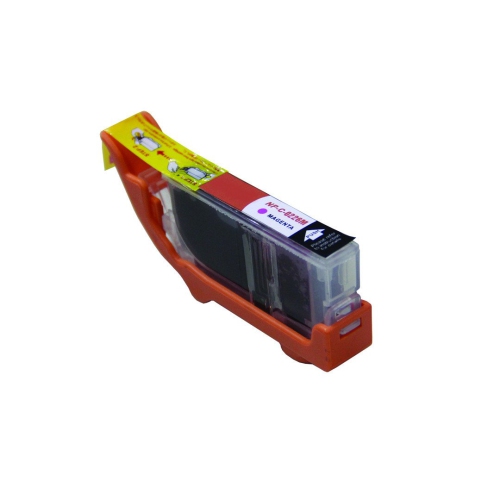
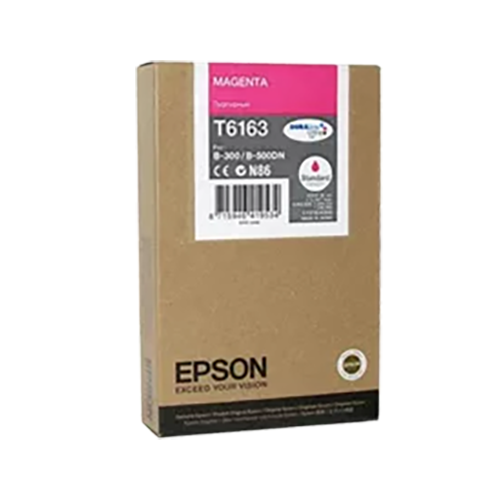
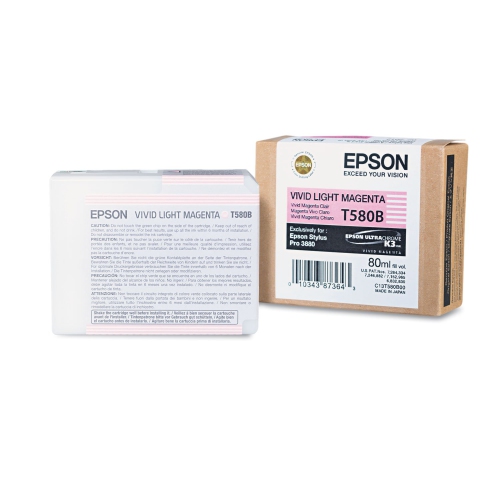
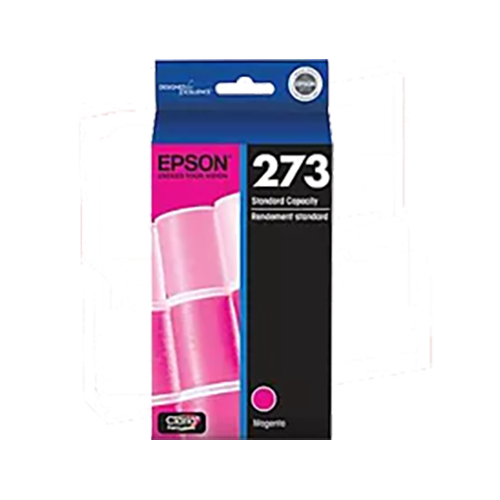
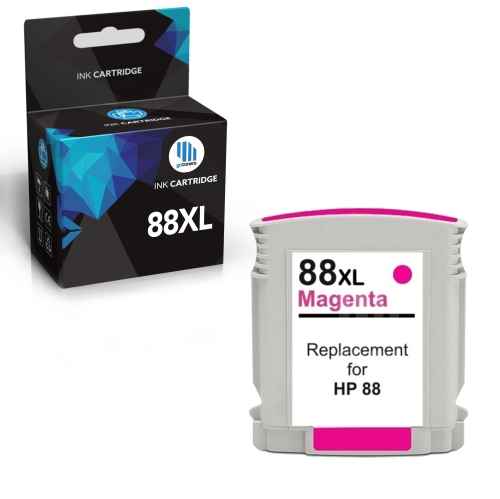
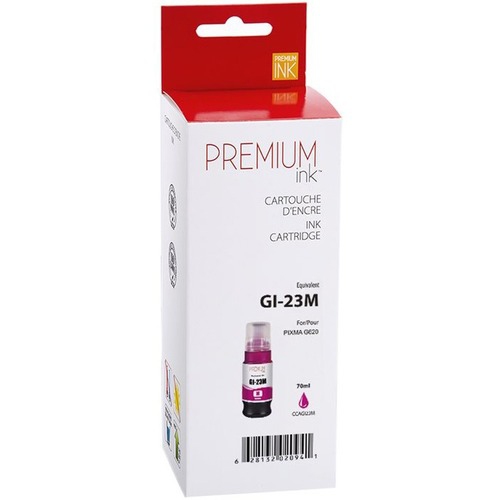
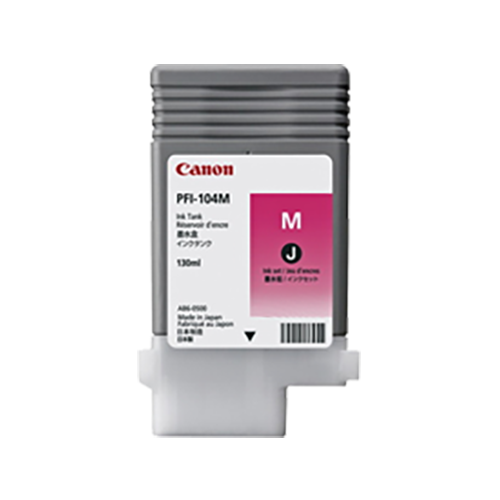
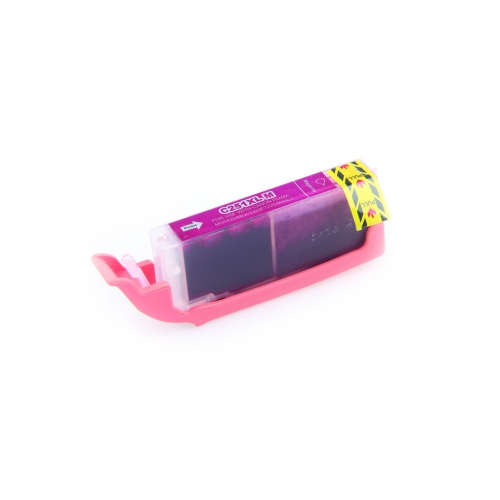
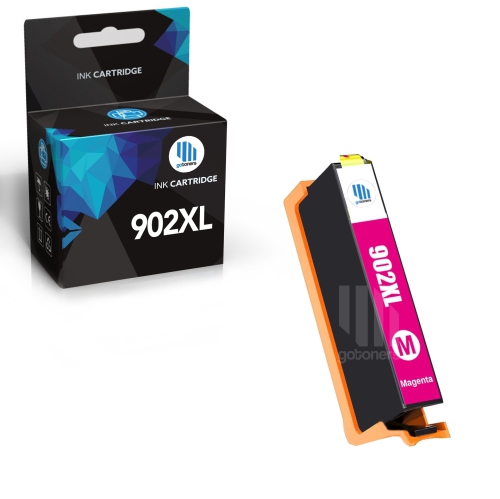
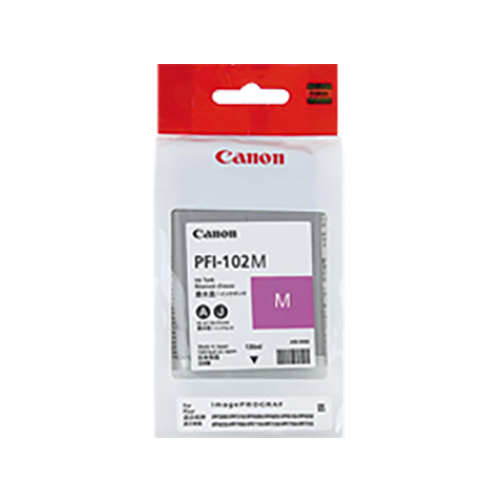
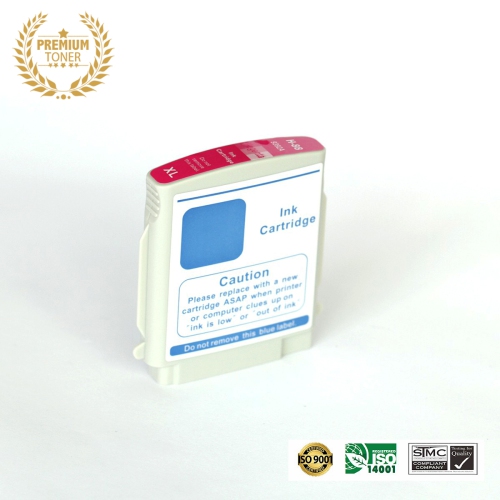
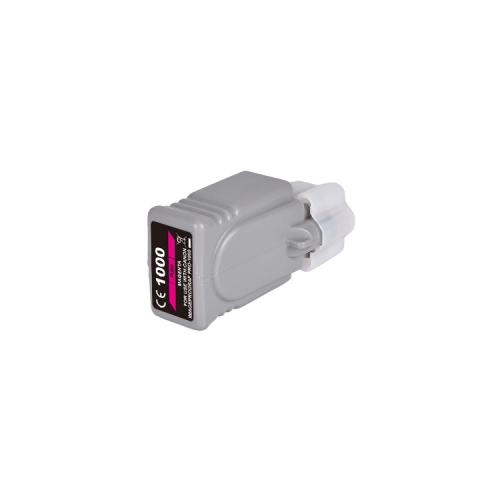
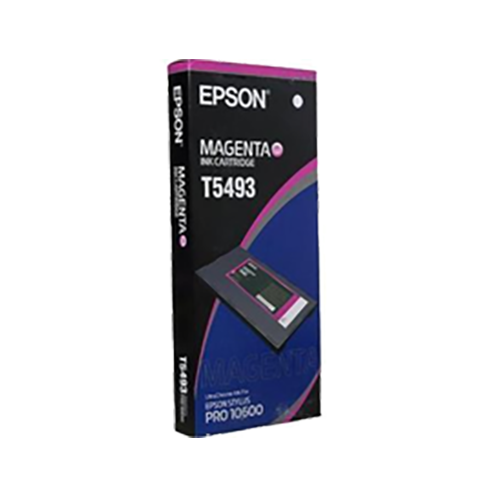
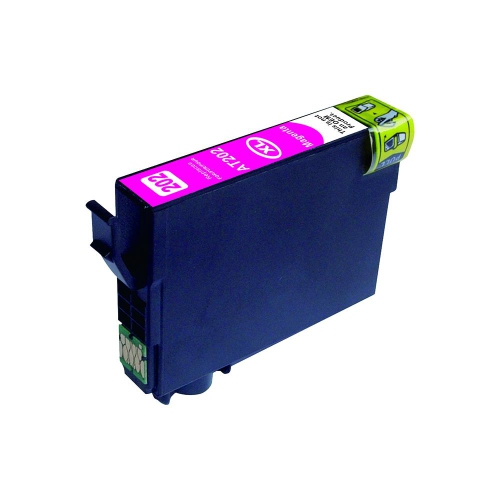
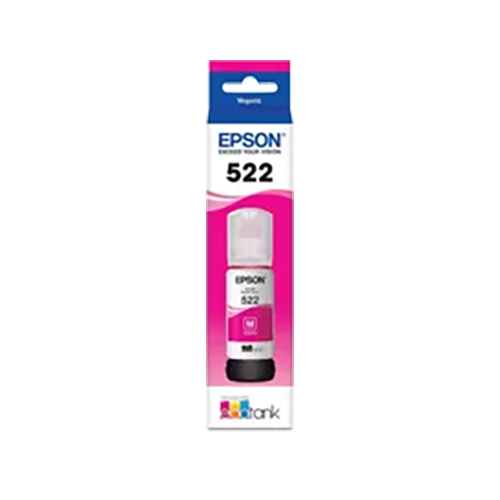
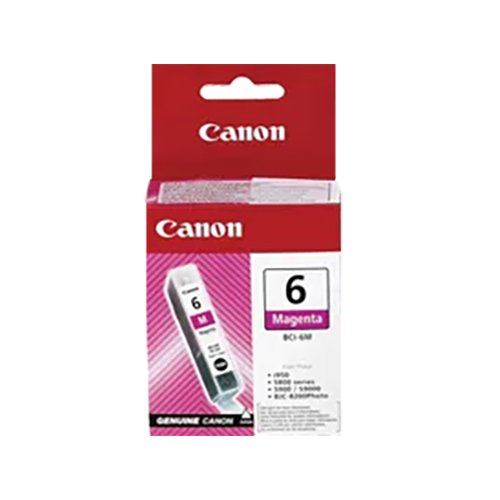
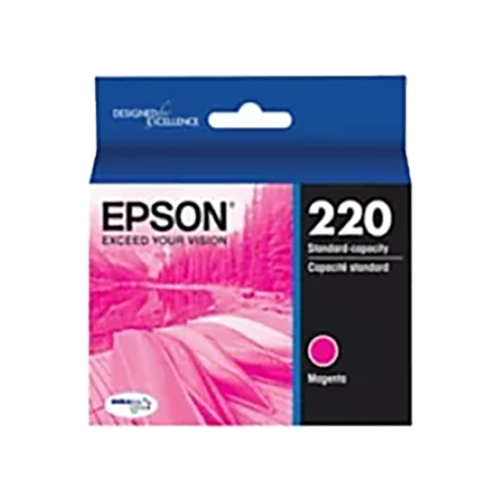
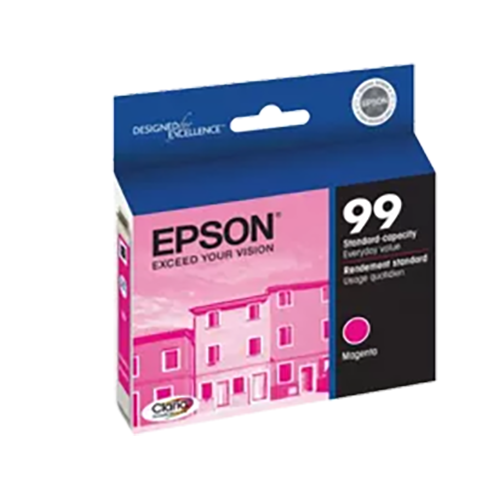
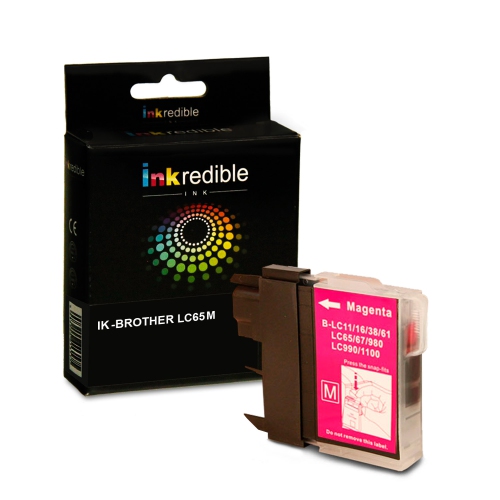
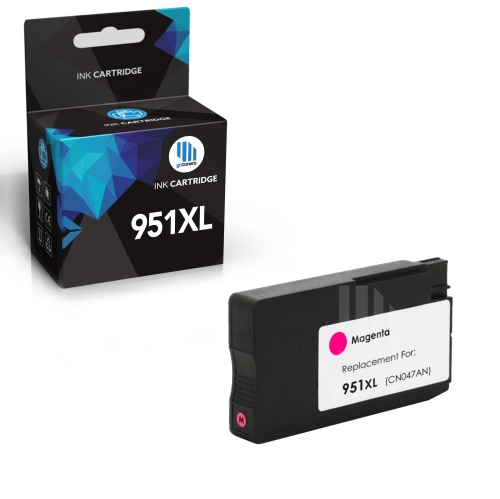
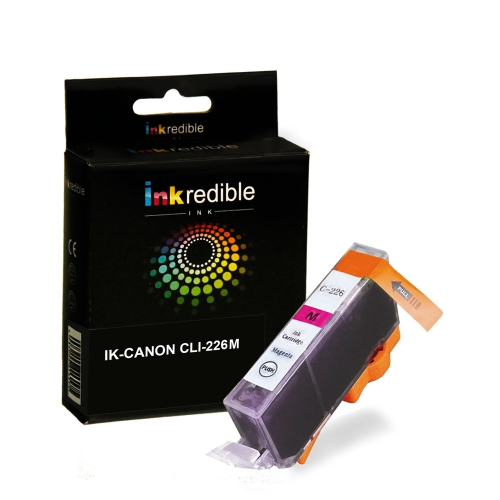
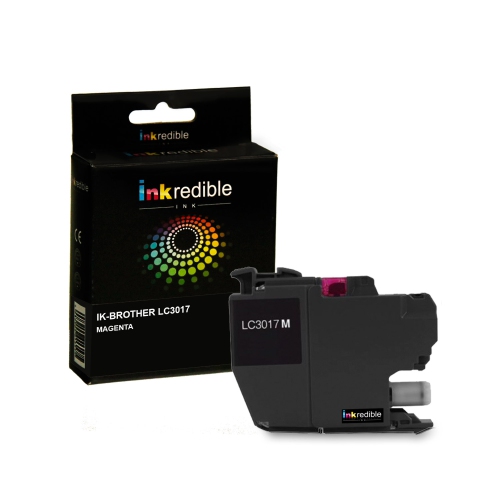
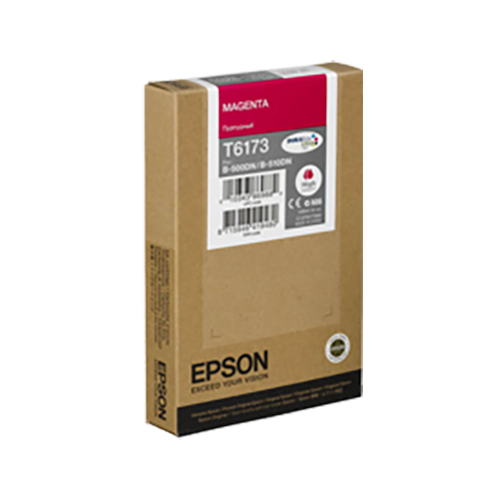
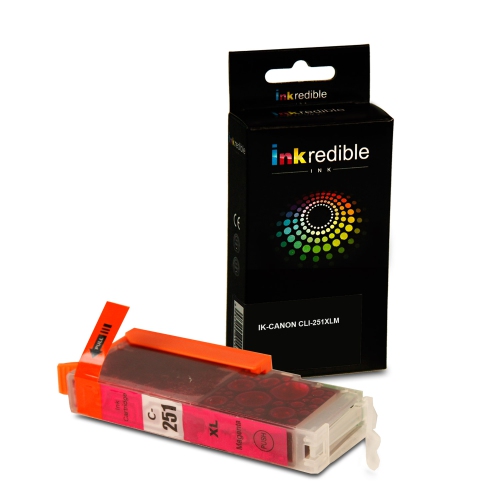
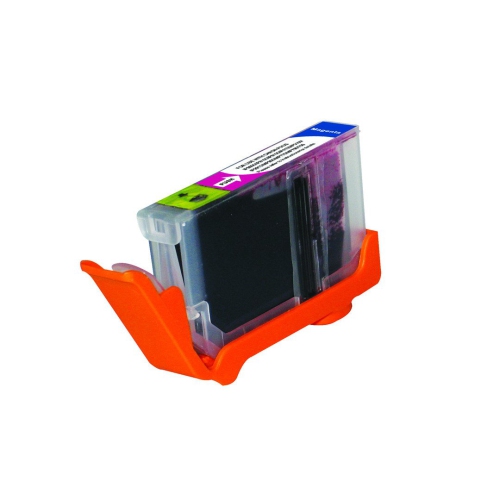
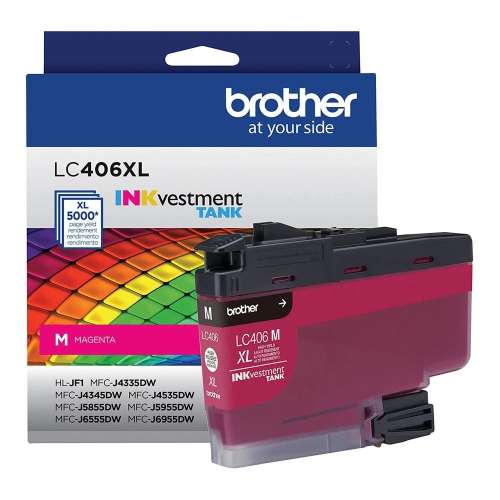
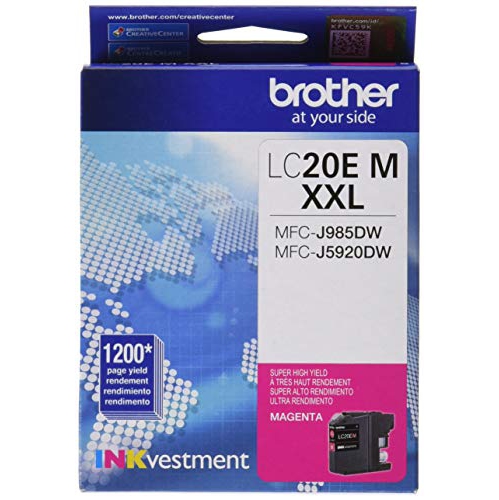
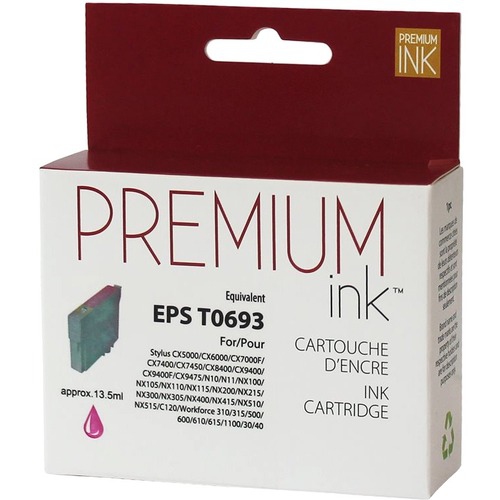
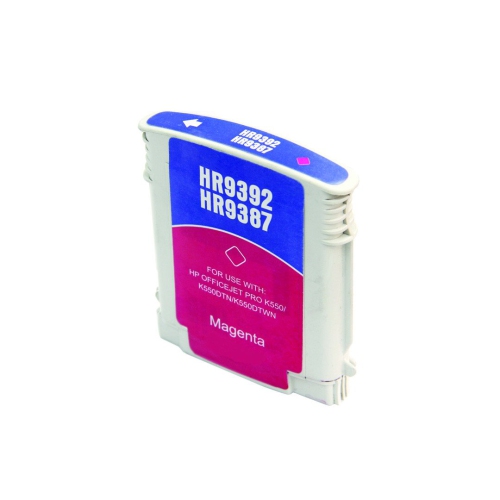
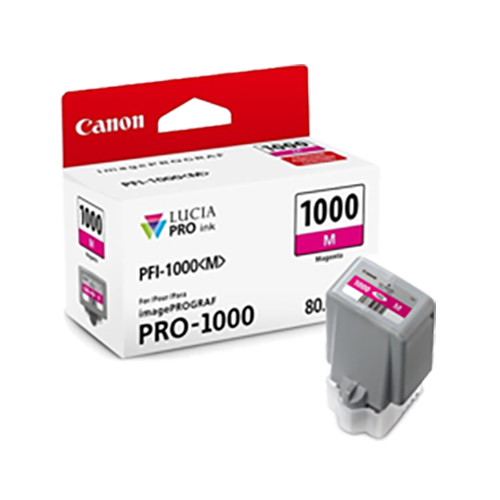
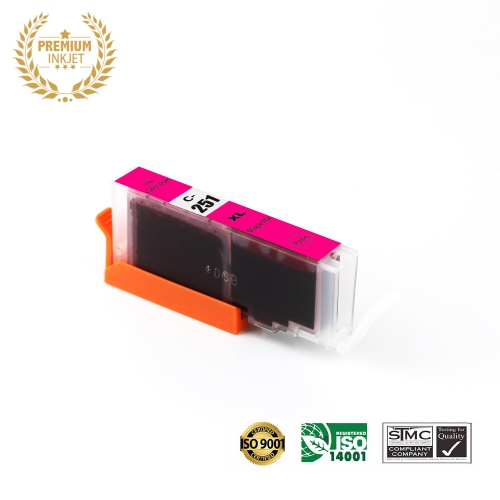
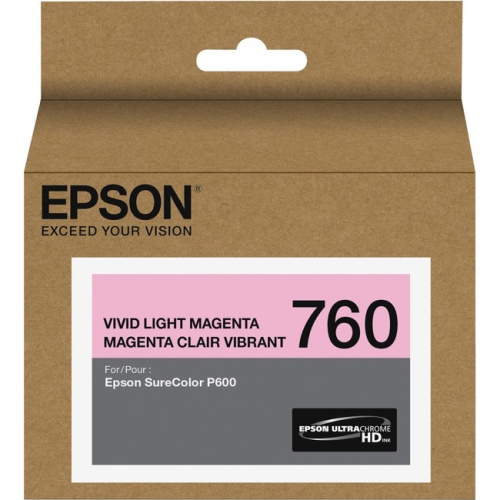
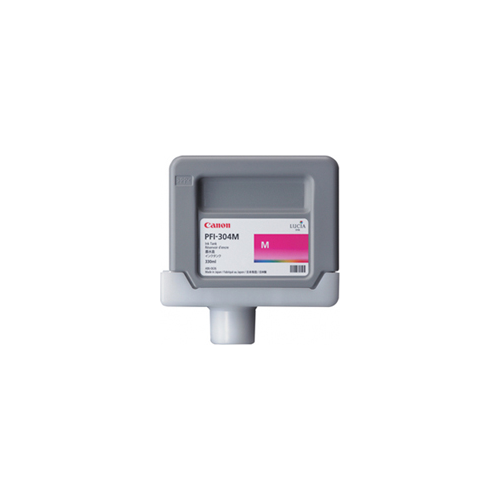
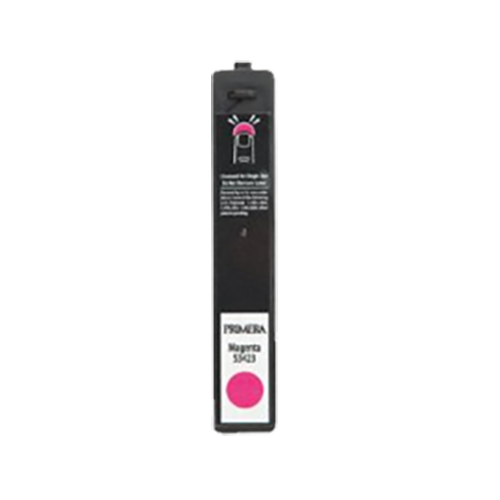
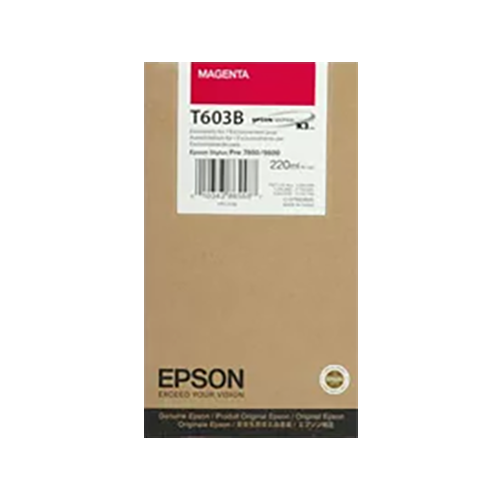
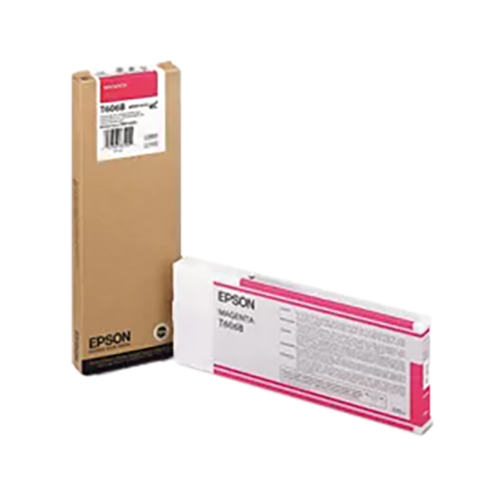
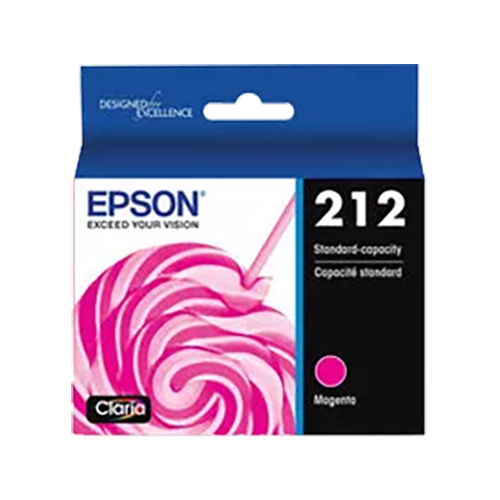
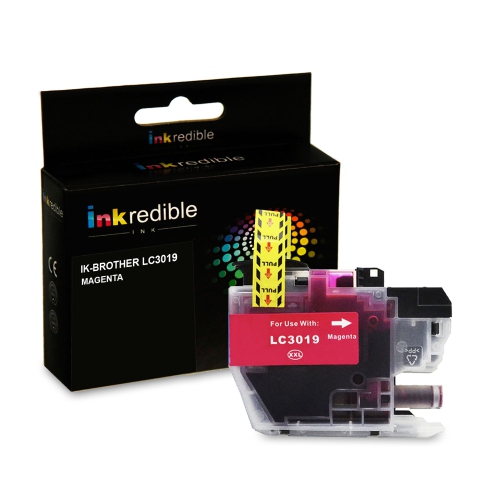
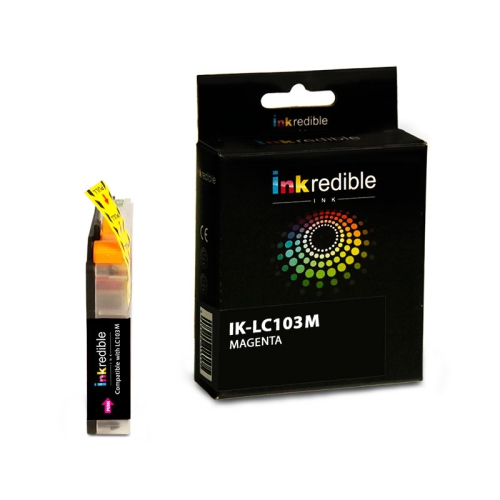
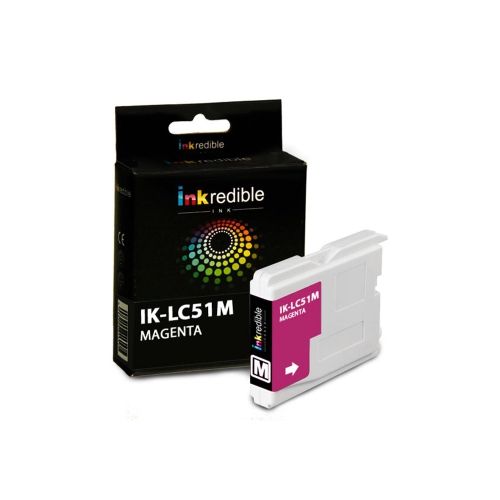
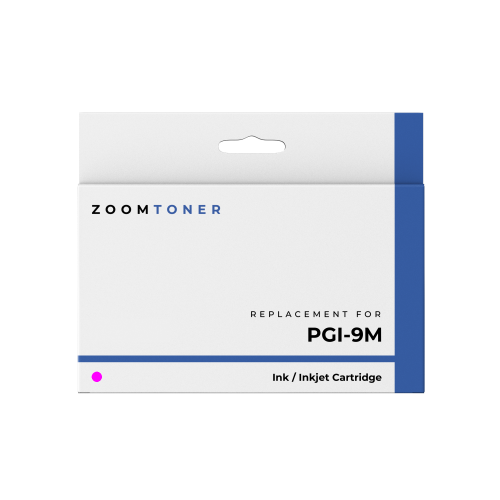
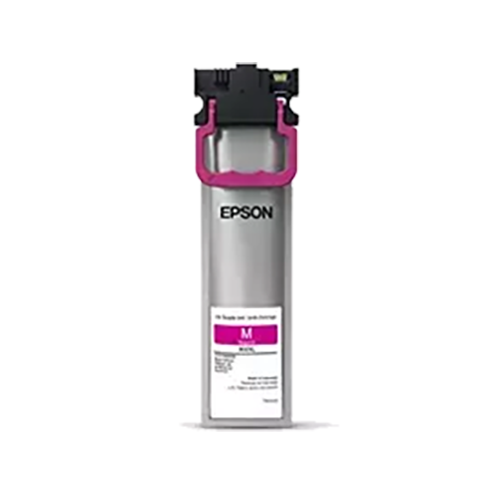
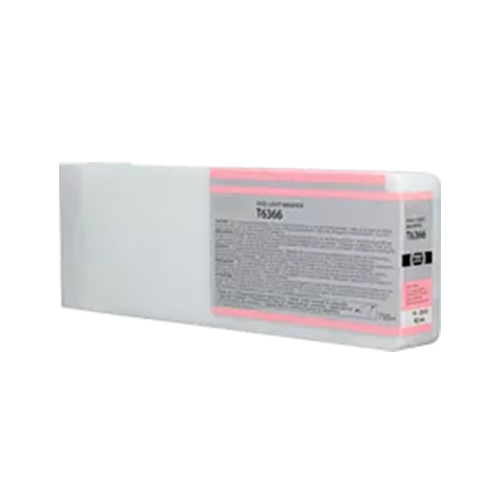
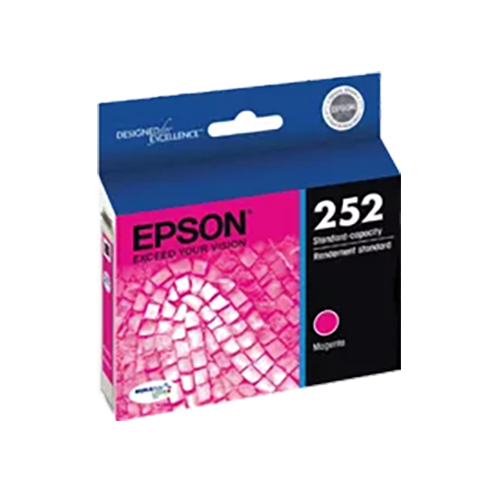
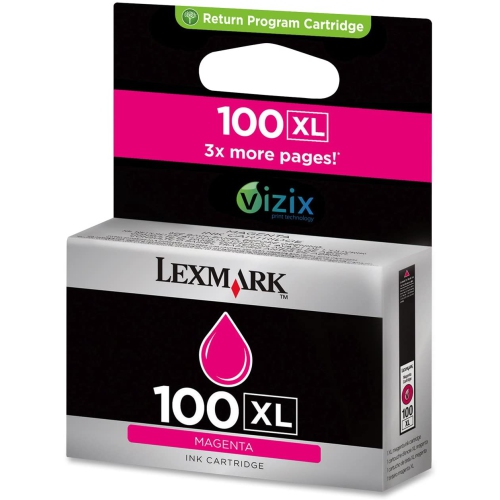
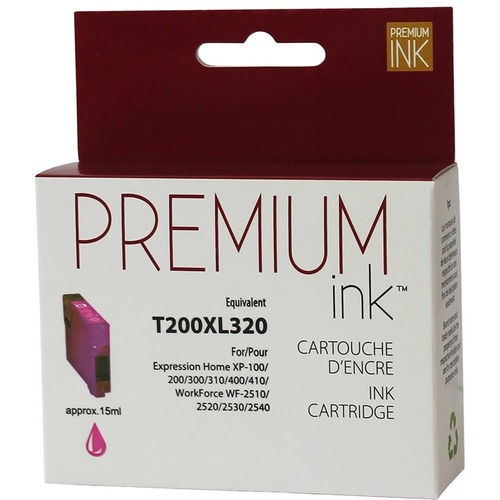
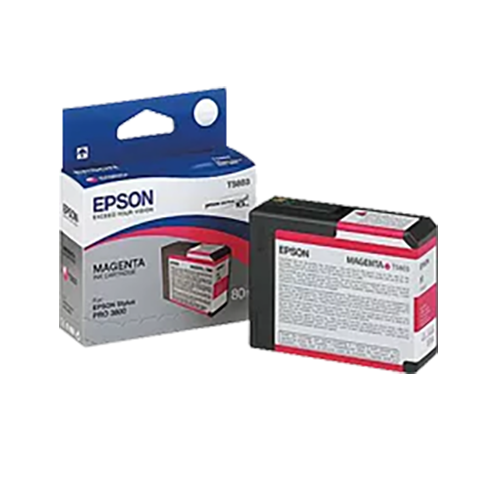
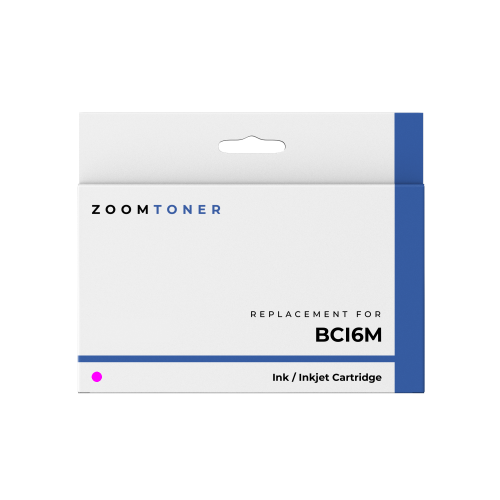
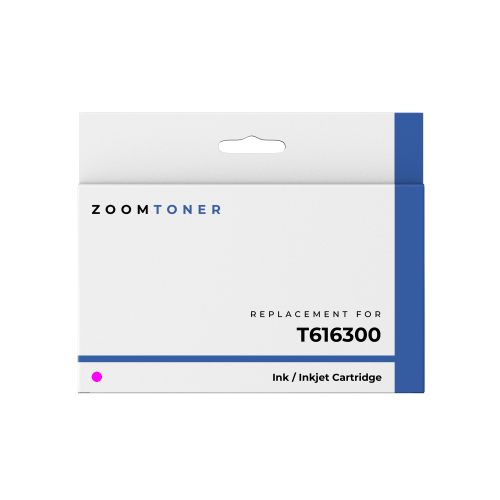
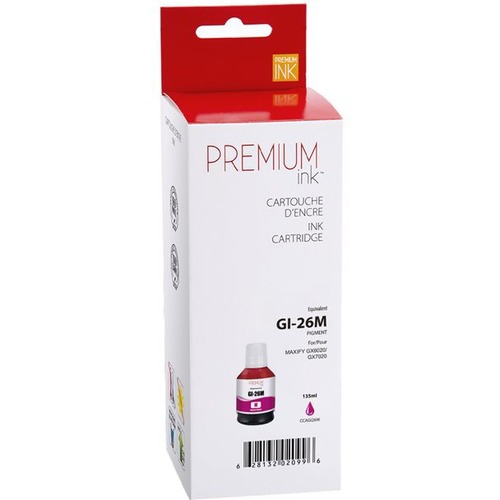
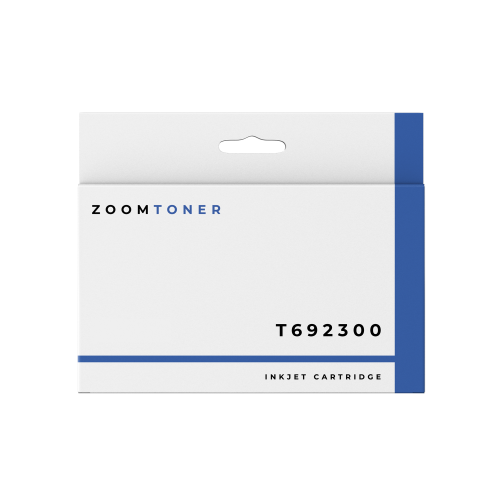
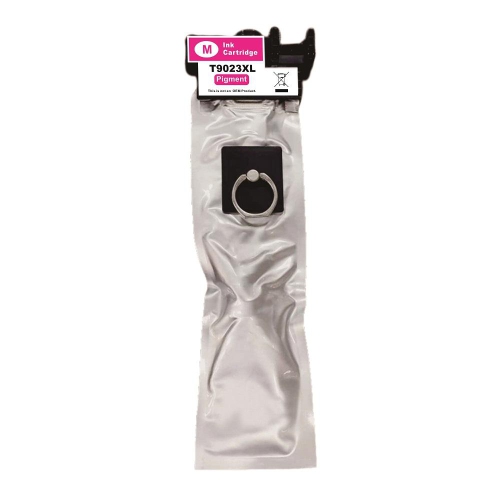
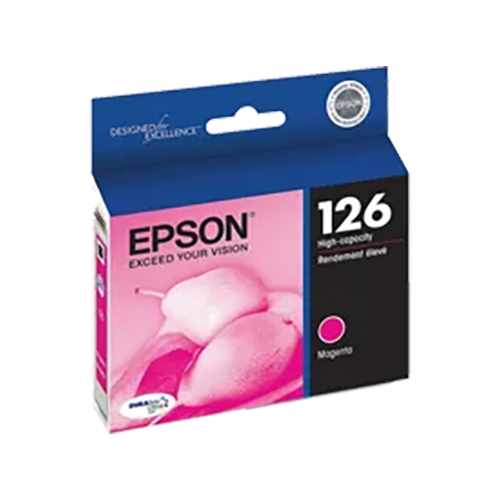
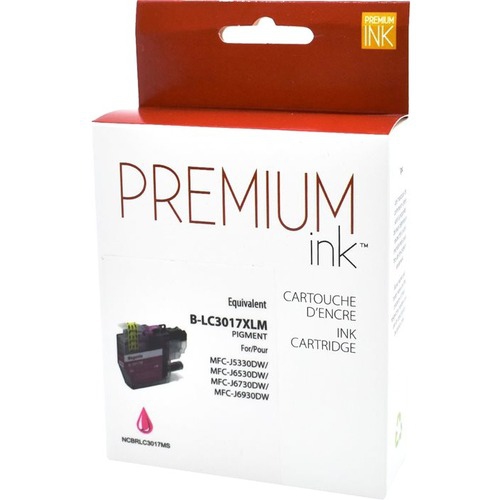
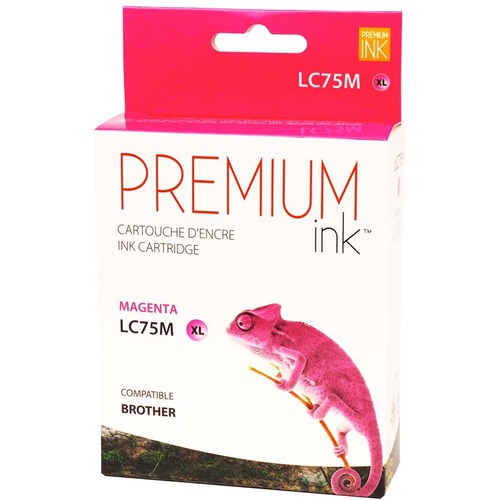
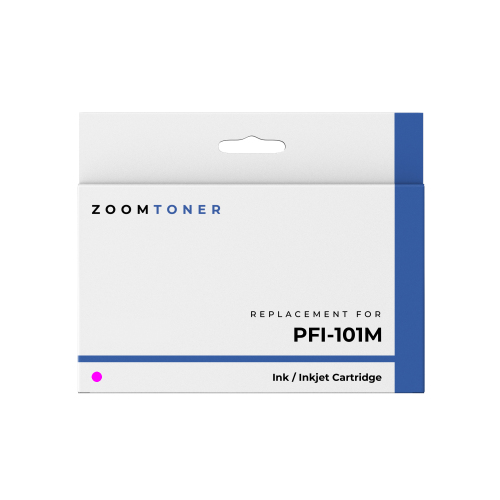
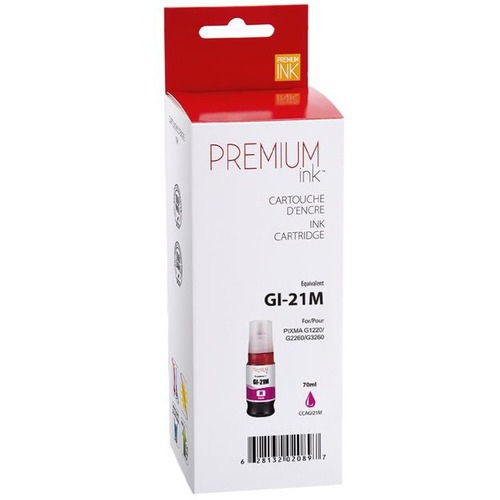
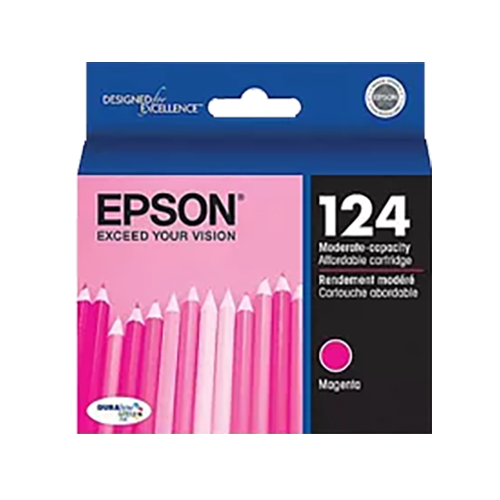
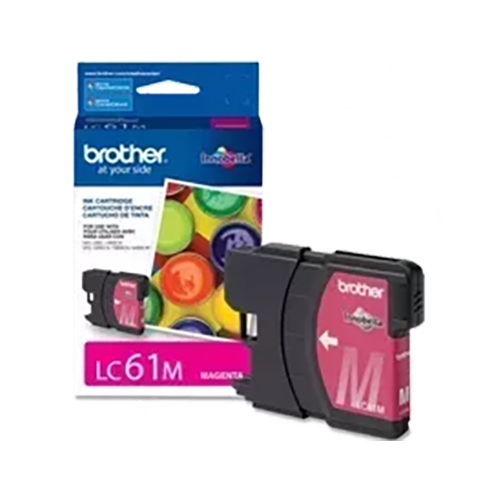
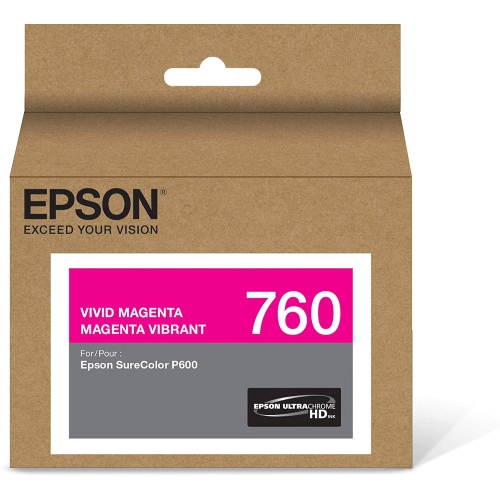
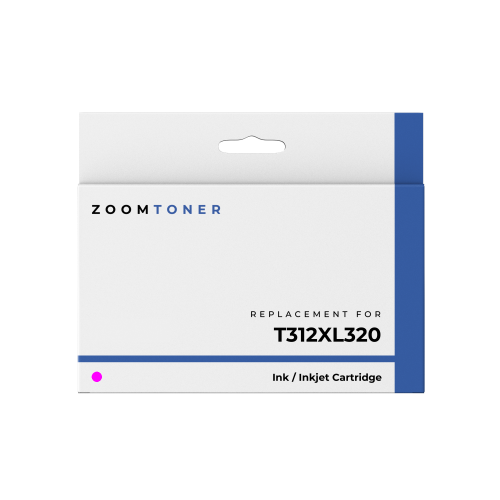
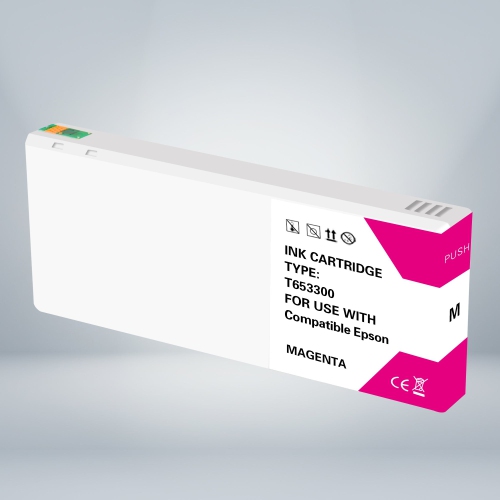
Magenta ink cartridges supply one of the core colours used by inkjet printers to produce full-colour documents and photographs. Working alongside cyan, yellow and, in many systems, black, magenta helps create everything from a bright red heading to the soft purple shadows in a landscape photograph. Its contribution is easy to overlook until the colour starts running low: skin tones may appear unnatural, reds can lose their warmth, and images may take on a greenish cast. A replacement magenta ink cartridge is relevant to a wide range of everyday printing, including school assignments, presentation charts, recipe cards, family photographs and small-business materials. For a home office, consistent colour helps keep a logo looking familiar across letters and handouts. For a student, it can make the difference between clearly separated lines on a graph and colours that are difficult to tell apart. Compatibility is the essential starting point, because cartridges that look similar may have different fittings, ink formulations or electronic contacts. The exact printer model and its supported cartridge number provide a more dependable match than cartridge colour or shape alone. Even printers within the same series can use different supplies, and cartridge compatibility can also vary by region. Some printers hold magenta in an individual cartridge, while others include it in a combined colour cartridge with cyan and yellow. An individual-colour system allows magenta to be replaced separately when it runs out; a combined cartridge replaces those colours together. Refillable ink-tank printers generally use designated bottled ink rather than replacement cartridges, while laser printers use toner, so these supplies are not interchangeable. The right fit therefore means more than finding a magenta label: it means matching the printing technology, cartridge format and supported ink system to the machine that will use it. That match supports predictable installation and helps the printer deliver the colour balance its ink system was designed to produce.
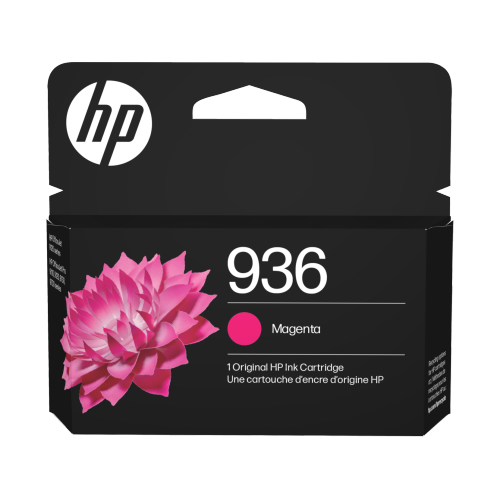
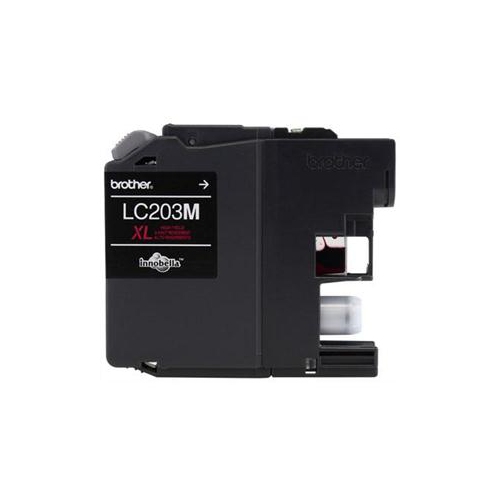
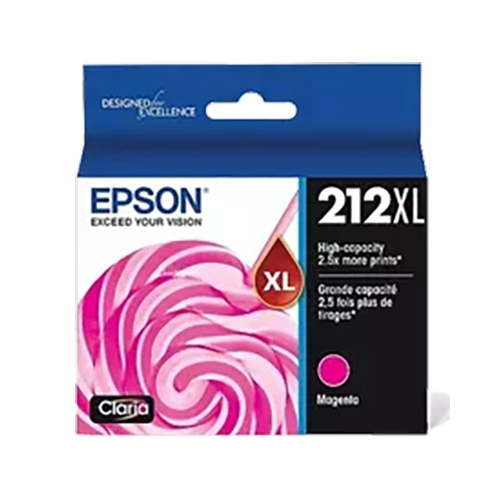
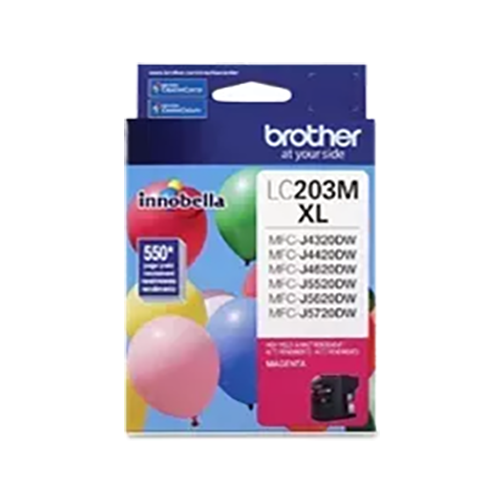
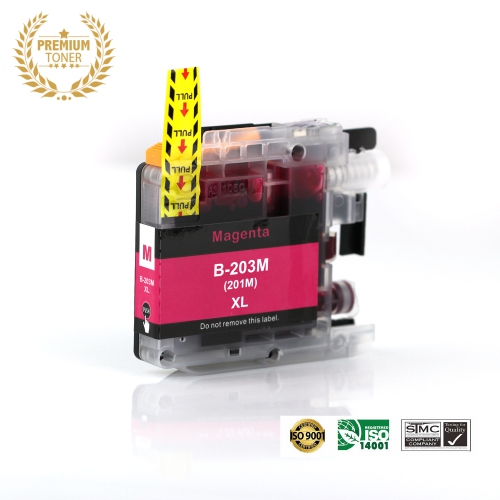
Inside a magenta cartridge, the ink formulation influences how colour looks on the page and how it holds up during handling. Dye-based inks contain dissolved colourants and are often used for vivid photographs and smooth tonal transitions, especially on compatible coated photo paper. Pigment-based inks use fine colourant particles and may offer stronger resistance to moisture or fading, depending on the formulation, paper and exposure conditions. Neither description guarantees a particular result on every surface. A glossy photo sheet, a matte presentation sheet and ordinary copy paper absorb or hold ink differently, which can affect saturation, edge definition and drying time. A deep pink flower printed on suitable photo paper may show subtle petal shading that appears flatter on plain paper. For charts and classroom handouts, legible labels and distinct colour blocks may matter more than a glossy finish. Selecting the matching paper type in the printer settings helps the machine apply ink appropriately, while a suitable print-quality setting balances detail with the needs of the task. Cartridge capacity is another practical consideration. Standard-yield cartridges can suit occasional colour documents, whereas high-yield versions hold more ink when that option is supported by the printer. An XL designation does not make a cartridge universally compatible, and it does not necessarily indicate better image quality; it usually refers to capacity within a particular cartridge family. Stated page yields come from defined testing conditions rather than a promise of identical results for every household or office. A page with a small coloured heading uses ink differently from a full-page photograph, and cleaning cycles can consume ink as part of normal printer maintenance. Someone printing illustrated worksheets several times a week will have different usage patterns from someone producing a few photographs between long pauses. Original-manufacturer and third-party compatible cartridges also differ in their sourcing and design. For either type, clear compatibility information matters, including any stated limitations involving printer software, ink-level reporting or required account-based printing features.
Good handling and storage help a magenta ink cartridge perform as intended throughout its usable life. Cartridges commonly combine a moulded plastic housing with seals, an ink reservoir and, depending on the design, electronic contacts or an integrated printhead. Those parts need to remain clean and intact for the cartridge to seat correctly and supply ink properly. An unopened cartridge is best kept in its sealed packaging, within the storage conditions specified by its manufacturer, away from direct sunlight and excessive heat or cold. Any marked use-by information is worth checking, particularly when printing is infrequent. Once opened, a cartridge should be installed as directed rather than left exposed for an extended period. Removing only the designated protective tape or cap, keeping fingers away from contacts and nozzles, and avoiding force during installation can prevent common handling problems. Shaking is appropriate only when the cartridge instructions call for it. Some printers need an alignment step after replacement, while others complete their checks automatically. If a fresh cartridge produces missing colour or streaks, the printer’s nozzle check and maintenance functions can help identify the issue; repeatedly running deep-cleaning cycles without checking the result can use substantial ink. Regular use may help reduce drying at the nozzles, and switching the printer off with its own power button allows models with automatic capping systems to park the printhead properly. Care also extends to the finished page. Fresh prints need time to dry before stacking or placing them in sleeves, with drying time affected by paper, ink coverage and room conditions. Photographs intended for display benefit from suitable paper and protection from moisture and prolonged direct light, though long-term durability depends on the complete ink-and-paper combination. For printers in the relevant family, HP Magenta Ink provides a more focused category to explore, with exact model compatibility still the deciding factor. Whether the task is a carefully edited portrait, a colourful project cover or a set of client handouts, a correctly matched magenta cartridge supports the rich reds, balanced purples and natural-looking colour that make printed work useful and enjoyable to share.
Inside a magenta cartridge, the ink formulation influences how colour looks on the page and how it holds up during handling. Dye-based inks contain dissolved colourants and are often used for vivid photographs and smooth tonal transitions, especially on compatible coated photo paper. Pigment-based inks use fine colourant particles and may offer stronger resistance to moisture or fading, depending on the formulation, paper and exposure conditions. Neither description guarantees a particular result on every surface. A glossy photo sheet, a matte presentation sheet and ordinary copy paper absorb or hold ink differently, which can affect saturation, edge definition and drying time. A deep pink flower printed on suitable photo paper may show subtle petal shading that appears flatter on plain paper. For charts and classroom handouts, legible labels and distinct colour blocks may matter more than a glossy finish. Selecting the matching paper type in the printer settings helps the machine apply ink appropriately, while a suitable print-quality setting balances detail with the needs of the task. Cartridge capacity is another practical consideration. Standard-yield cartridges can suit occasional colour documents, whereas high-yield versions hold more ink when that option is supported by the printer. An XL designation does not make a cartridge universally compatible, and it does not necessarily indicate better image quality; it usually refers to capacity within a particular cartridge family. Stated page yields come from defined testing conditions rather than a promise of identical results for every household or office. A page with a small coloured heading uses ink differently from a full-page photograph, and cleaning cycles can consume ink as part of normal printer maintenance. Someone printing illustrated worksheets several times a week will have different usage patterns from someone producing a few photographs between long pauses. Original-manufacturer and third-party compatible cartridges also differ in their sourcing and design. For either type, clear compatibility information matters, including any stated limitations involving printer software, ink-level reporting or required account-based printing features.
Good handling and storage help a magenta ink cartridge perform as intended throughout its usable life. Cartridges commonly combine a moulded plastic housing with seals, an ink reservoir and, depending on the design, electronic contacts or an integrated printhead. Those parts need to remain clean and intact for the cartridge to seat correctly and supply ink properly. An unopened cartridge is best kept in its sealed packaging, within the storage conditions specified by its manufacturer, away from direct sunlight and excessive heat or cold. Any marked use-by information is worth checking, particularly when printing is infrequent. Once opened, a cartridge should be installed as directed rather than left exposed for an extended period. Removing only the designated protective tape or cap, keeping fingers away from contacts and nozzles, and avoiding force during installation can prevent common handling problems. Shaking is appropriate only when the cartridge instructions call for it. Some printers need an alignment step after replacement, while others complete their checks automatically. If a fresh cartridge produces missing colour or streaks, the printer’s nozzle check and maintenance functions can help identify the issue; repeatedly running deep-cleaning cycles without checking the result can use substantial ink. Regular use may help reduce drying at the nozzles, and switching the printer off with its own power button allows models with automatic capping systems to park the printhead properly. Care also extends to the finished page. Fresh prints need time to dry before stacking or placing them in sleeves, with drying time affected by paper, ink coverage and room conditions. Photographs intended for display benefit from suitable paper and protection from moisture and prolonged direct light, though long-term durability depends on the complete ink-and-paper combination. For printers in the relevant family, HP Magenta Ink provides a more focused category to explore, with exact model compatibility still the deciding factor. Whether the task is a carefully edited portrait, a colourful project cover or a set of client handouts, a correctly matched magenta cartridge supports the rich reds, balanced purples and natural-looking colour that make printed work useful and enjoyable to share.
Top selling and popular products
-
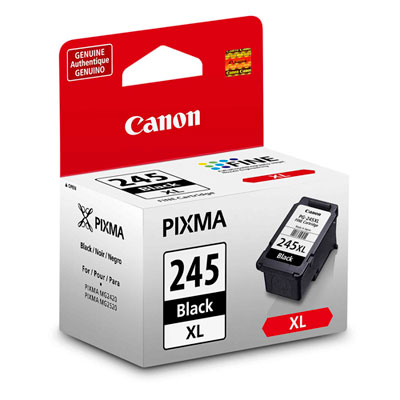 Your price for this item is $82.99
 -
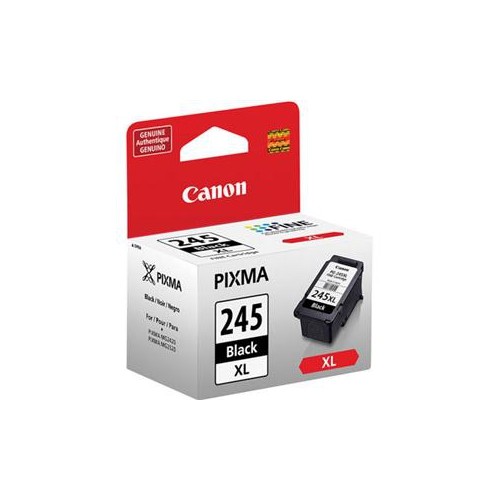 Your price for this item is $53.37
 -
 Your price for this item is $56.68
 -
 Your price for this item is $44.99
 -
 Your price for this item is $53.68
 -
 Your price for this item is $36.68
 -
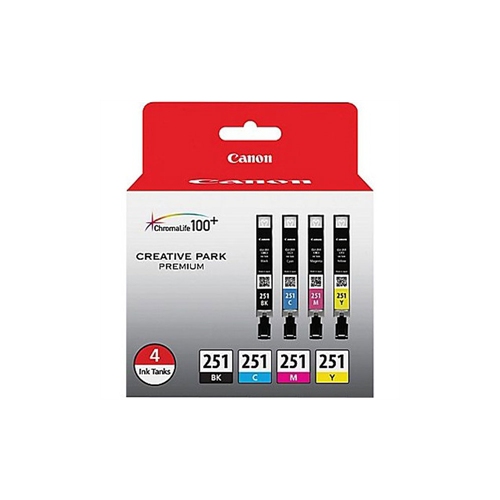 Your price for this item is $81.99
 -
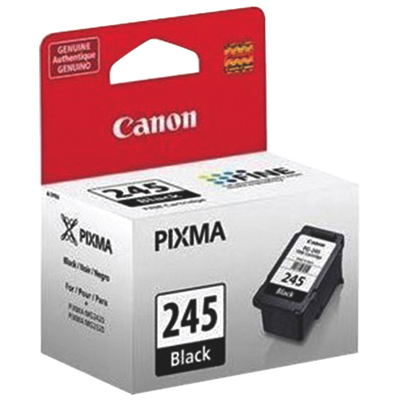 Your price for this item is $34.99
Discover more categories related to Magenta Ink Cartridge
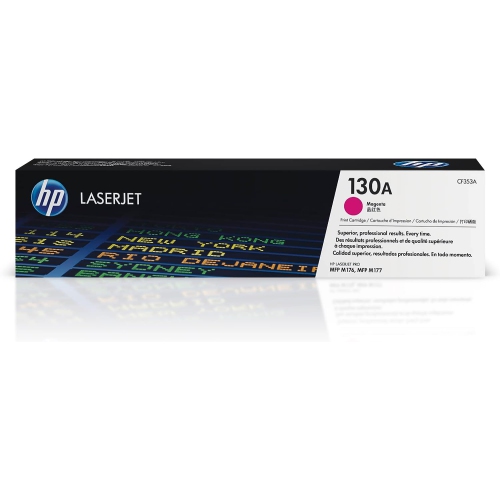
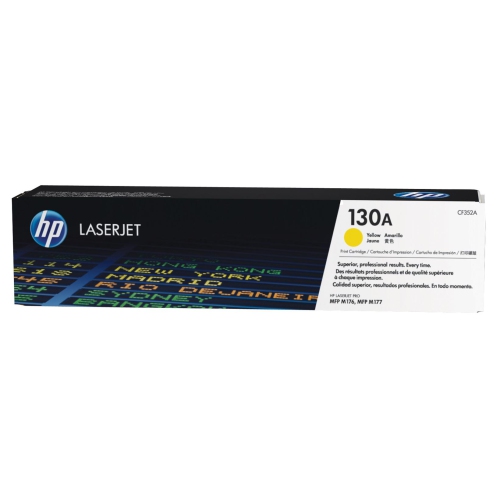
Top Collections:
Pokemon Centers, Kindle Devices, Best Budget Office Chairs, Canon G7X Cameras, Apple iPhones 16, Samsung Galaxy Phones, Refurbished Apple Laptops, Laptops for Students, iPhone 15 Apple, Budget Smartphones
Some products may be subject to Environmental Handling Fees
(EHF) depending on your province.
Learn more about EHFs.