HP Magenta Ink
Looking to add a pop of vibrant color to your prints? Look no further than magenta inks from HP! Whether you're printing important documents, stunning photographs, or eye-catching graphics, magenta ink can bring your creations to life with its rich and bold hue. With its ability to capture intricate details and deliver exceptional print quality, magenta ink is a must-have for almost any printing enthusiast. Explore the world of magenta ink and discover how it can elevate your printing experience to new heights.
Sort
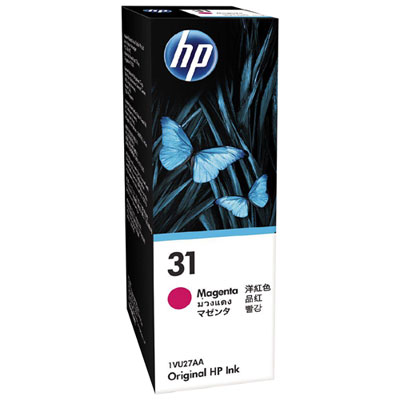
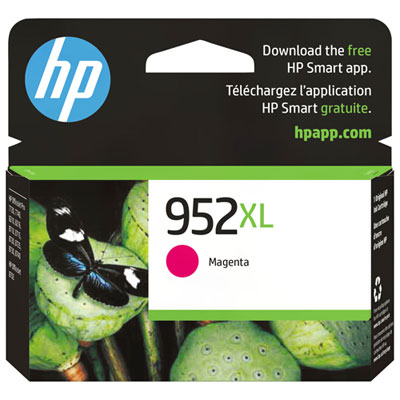
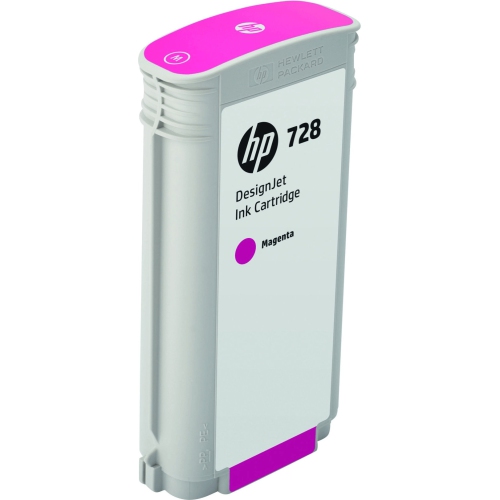
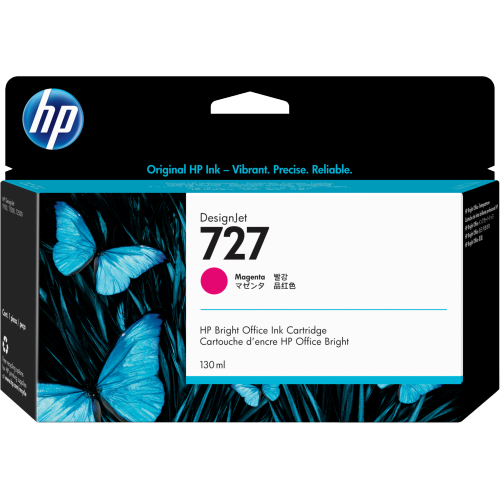
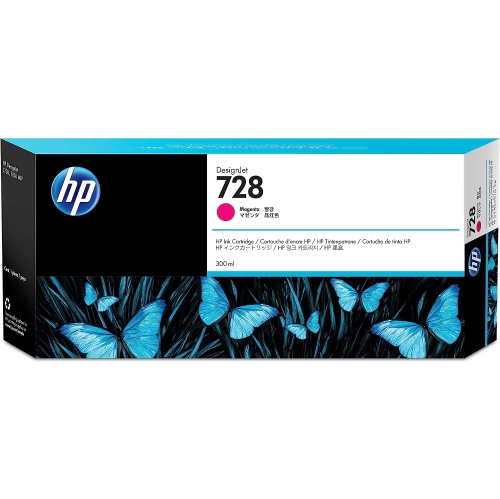
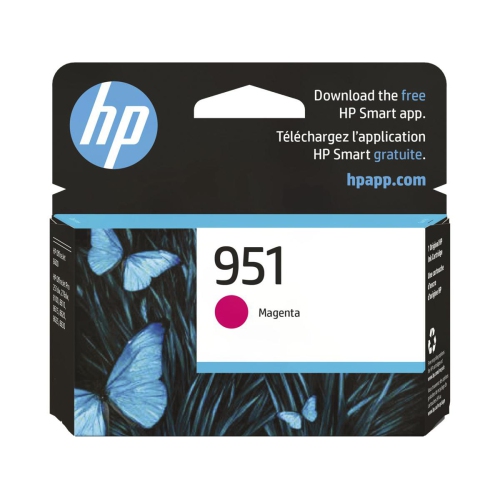
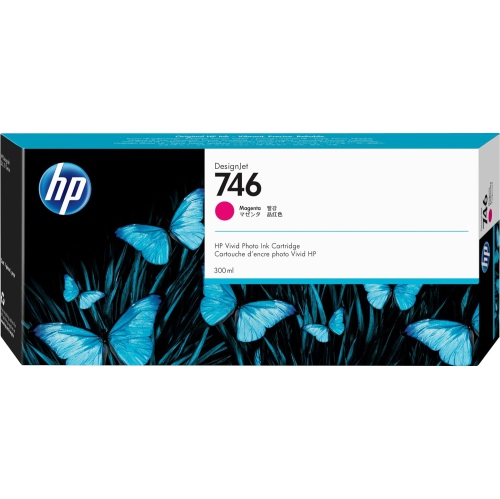
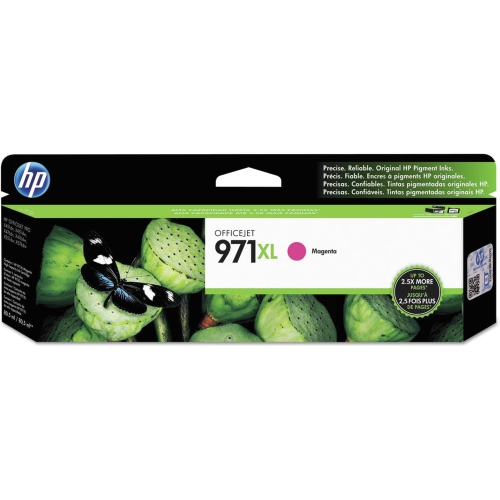
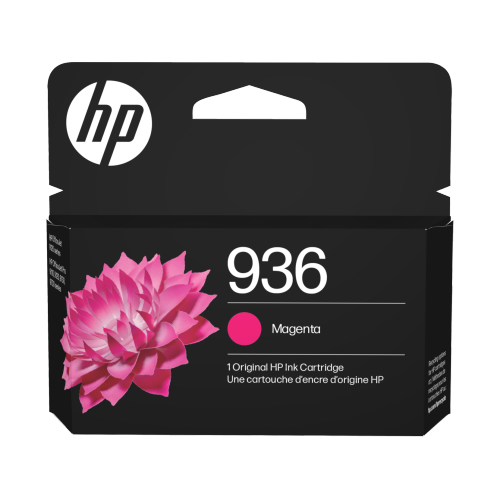
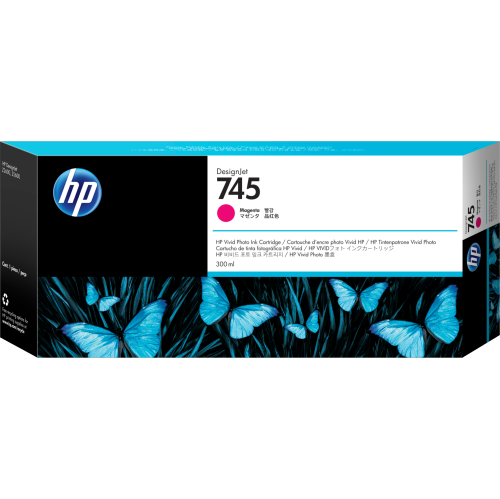
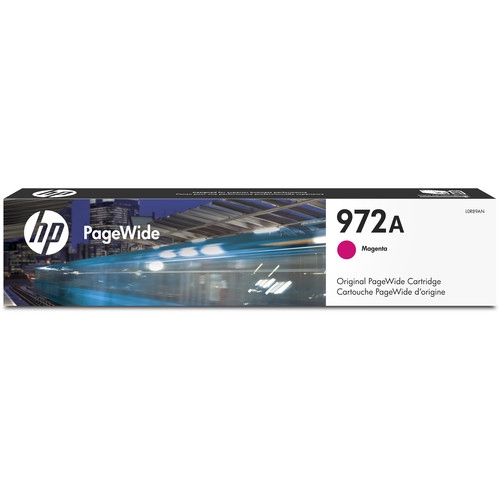
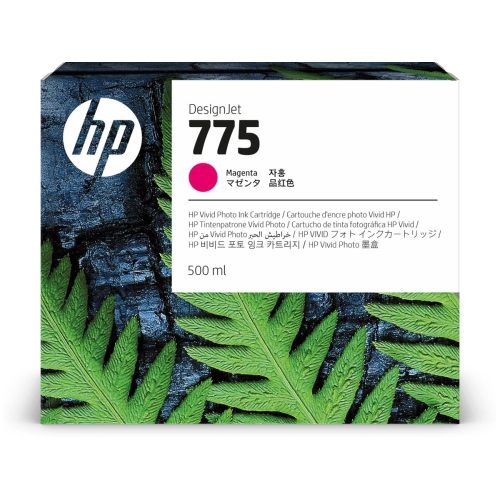
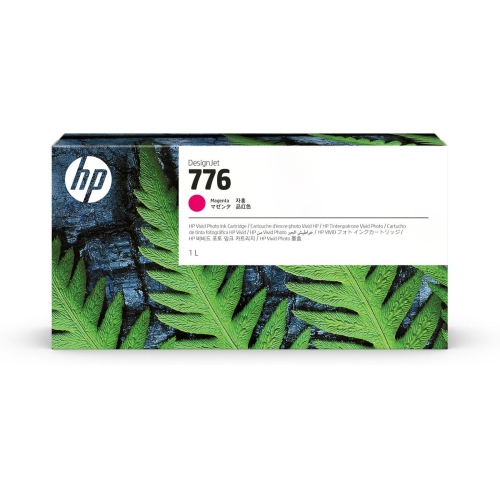
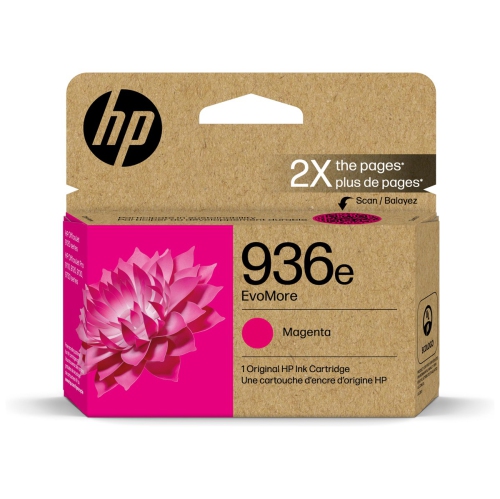
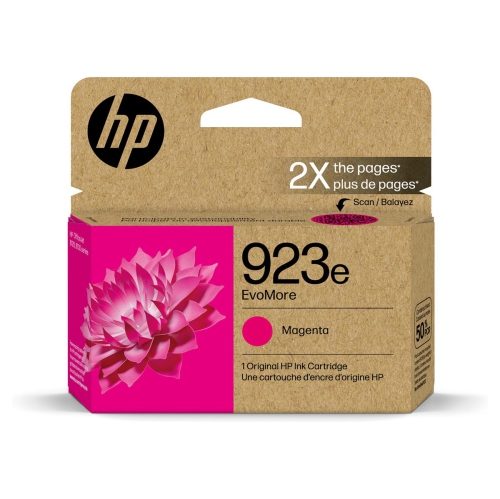
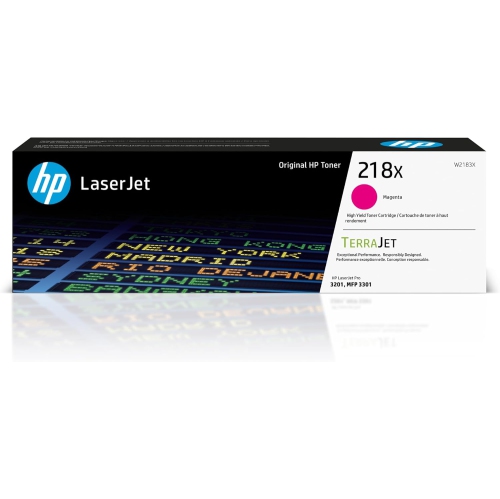

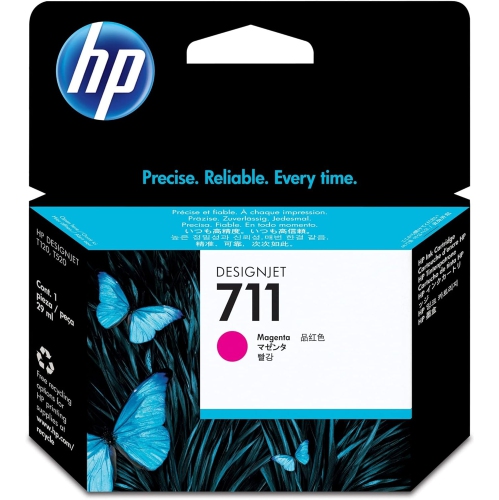
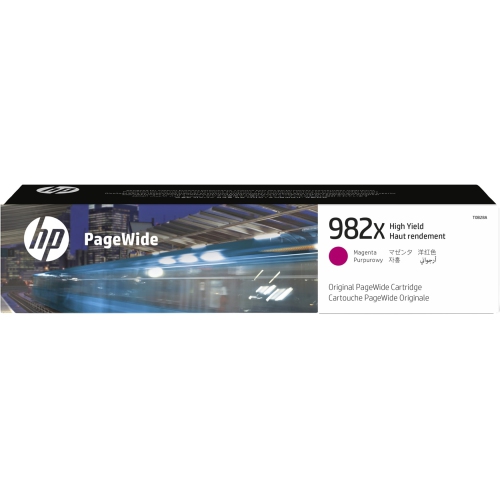
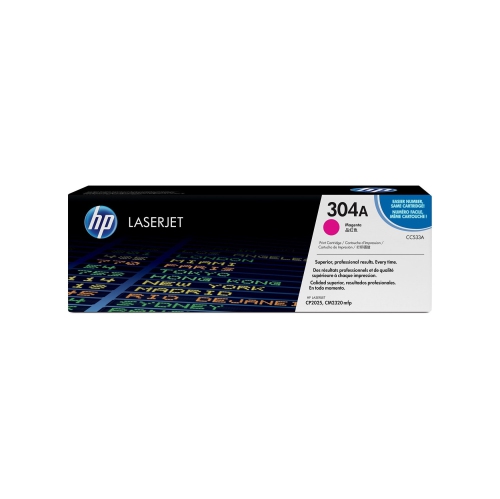
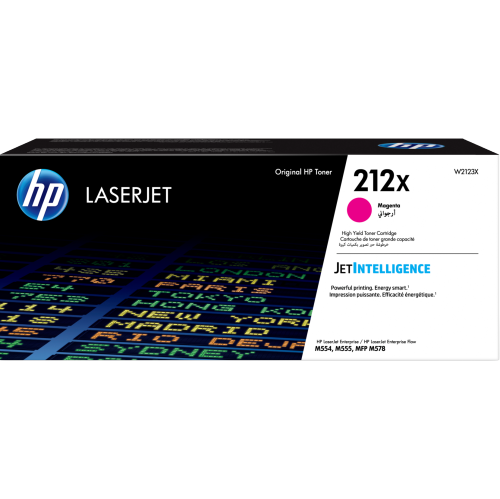
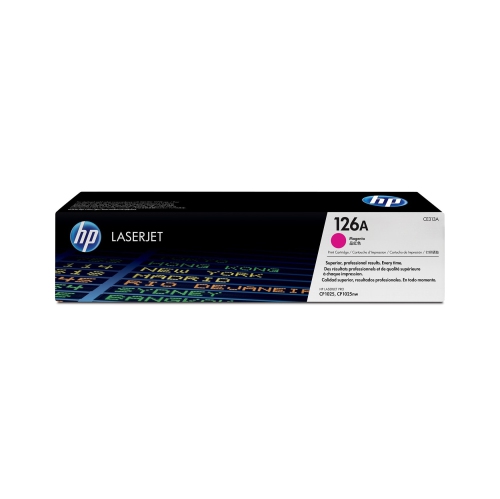
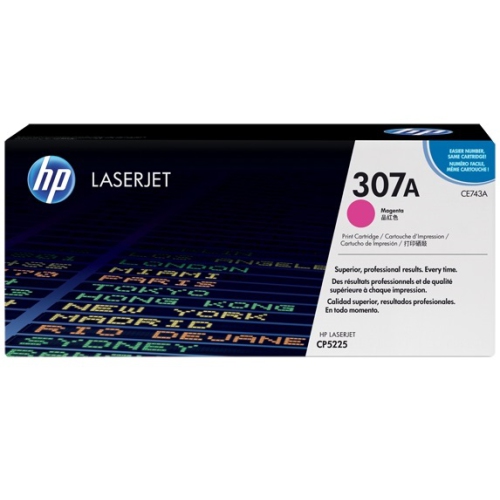
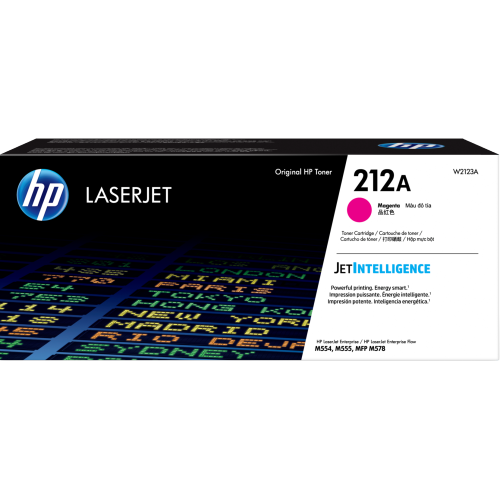
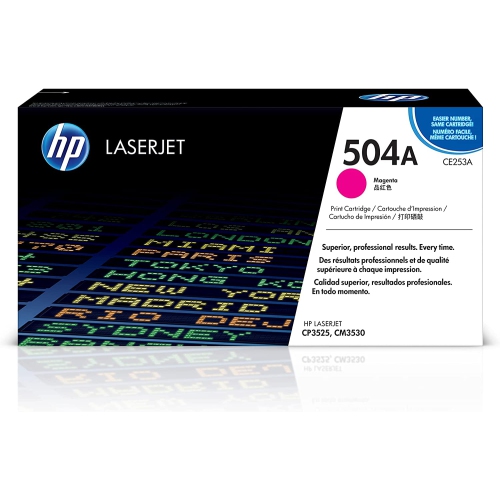
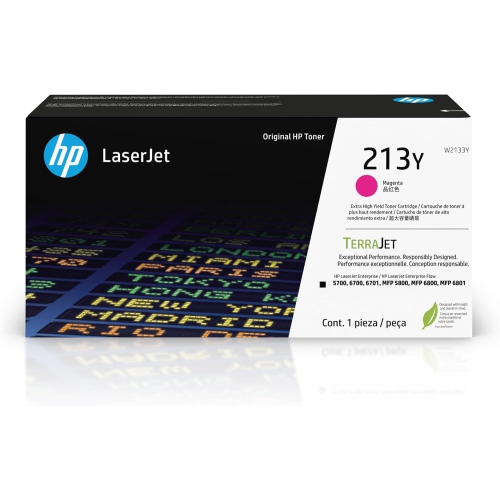


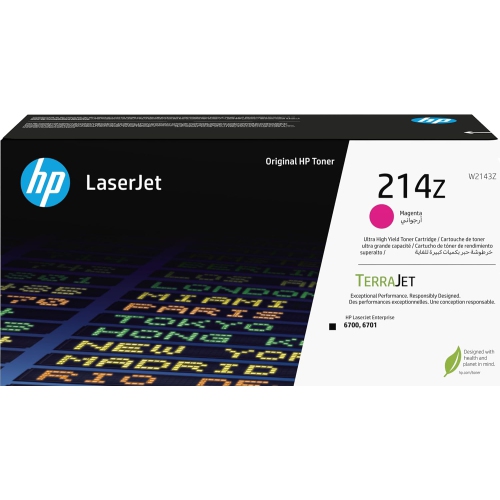
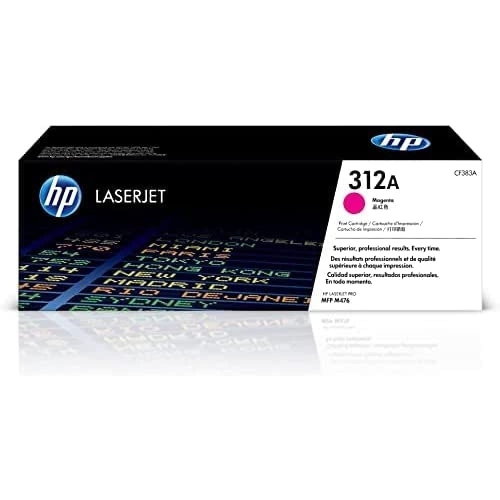
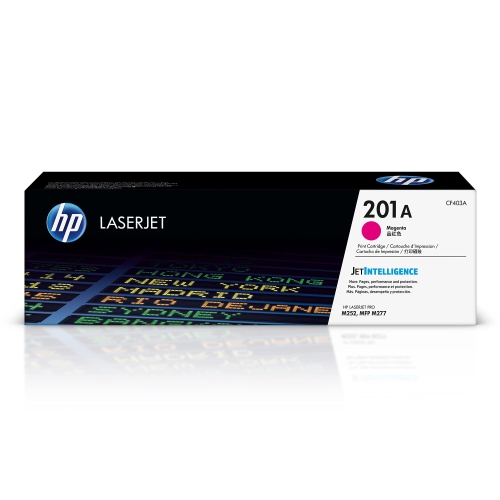
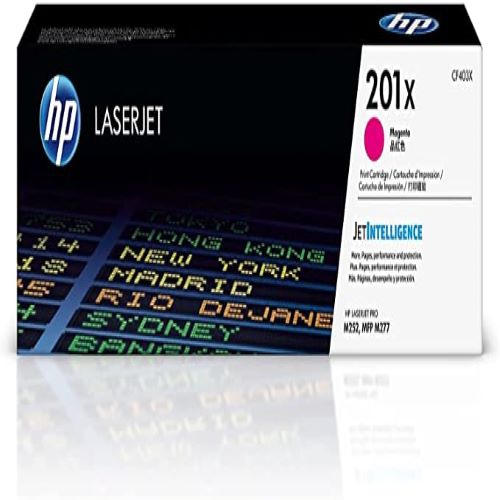
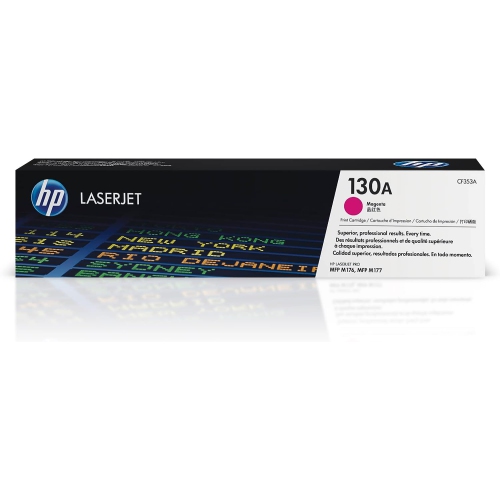
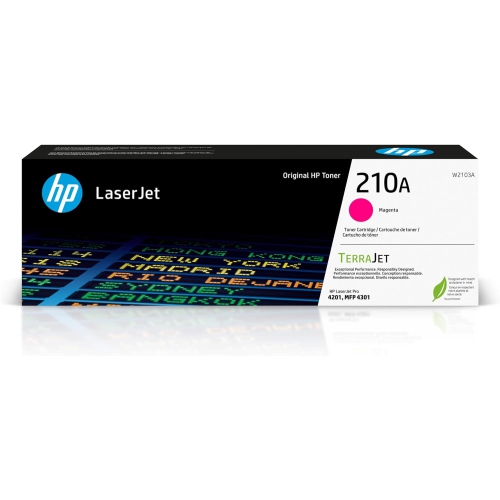

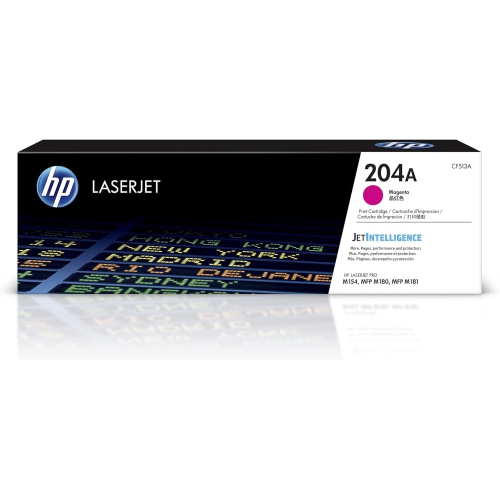
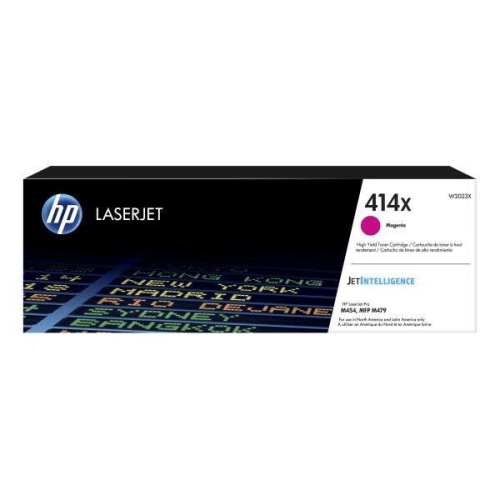
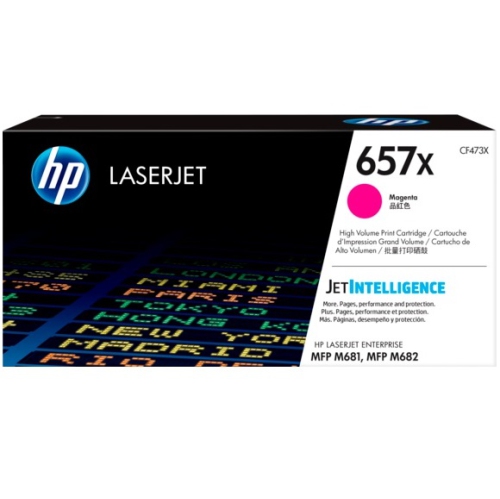
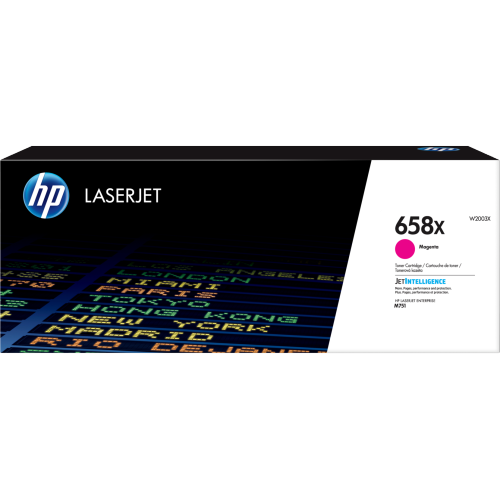
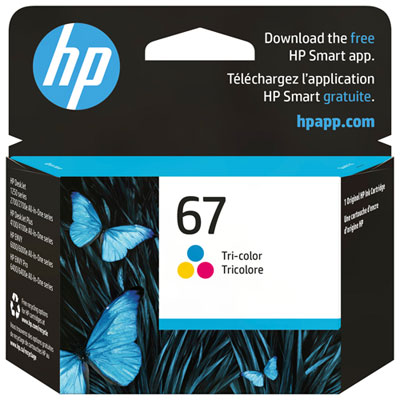
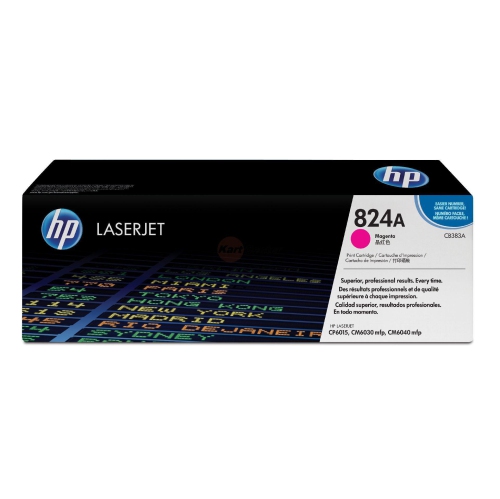
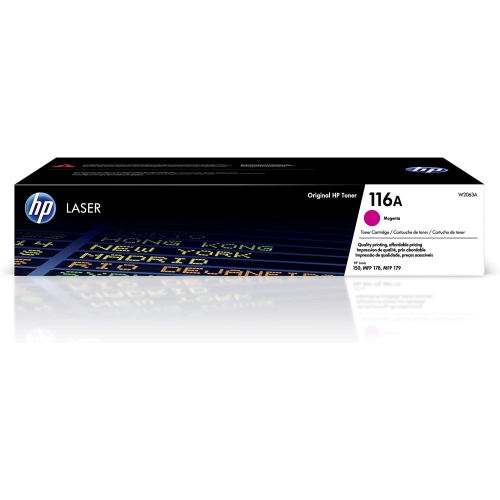
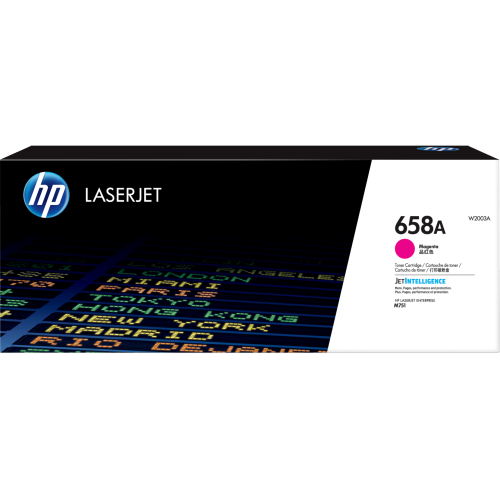
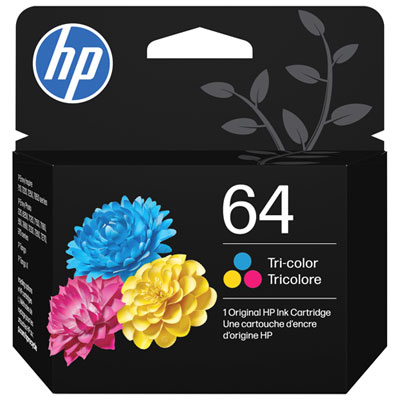
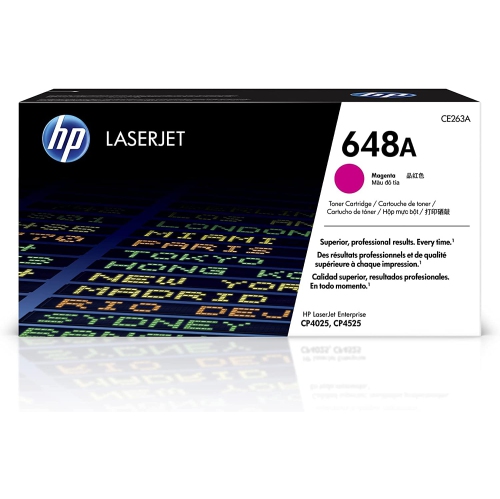
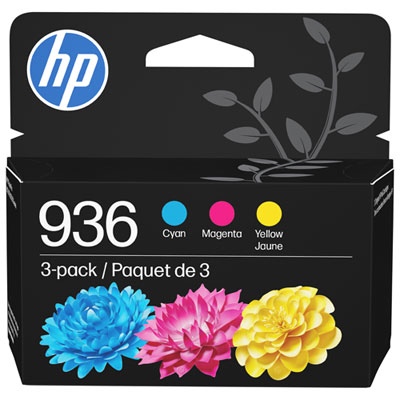
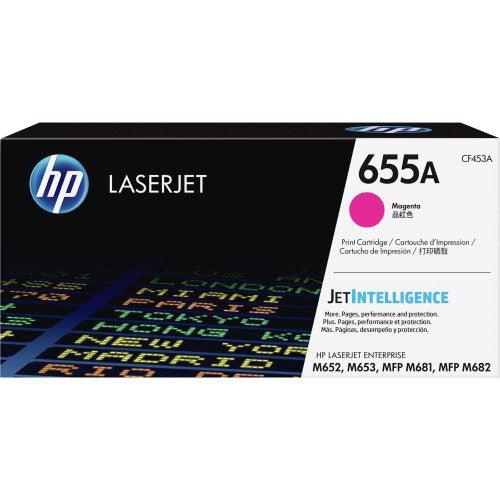
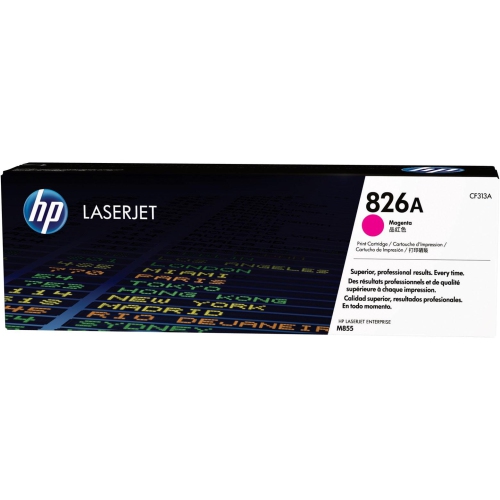
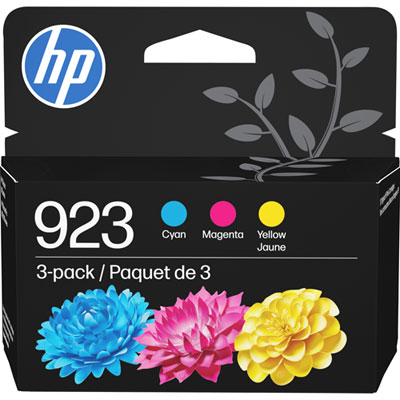
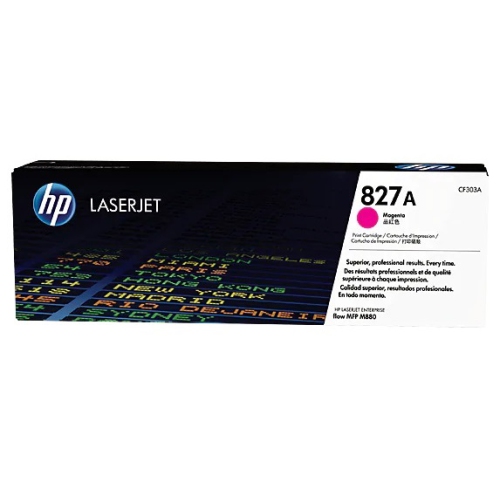
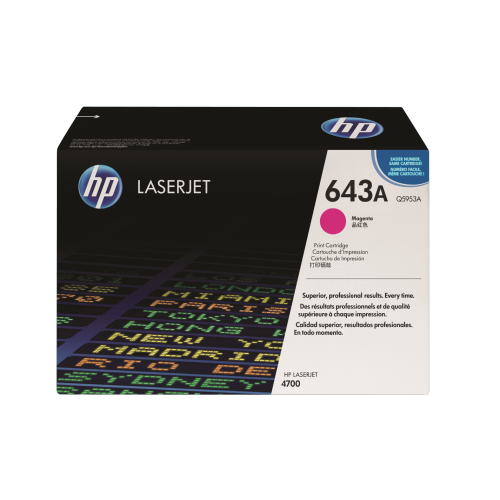
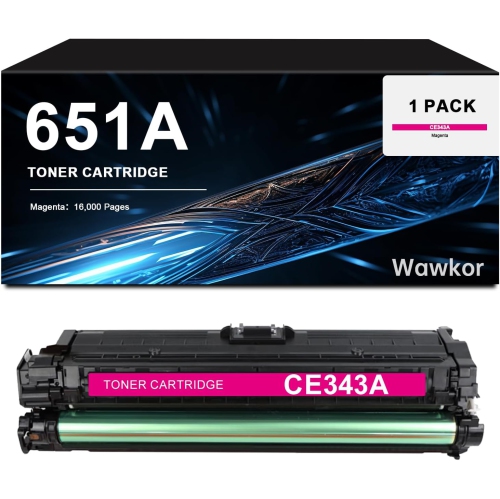

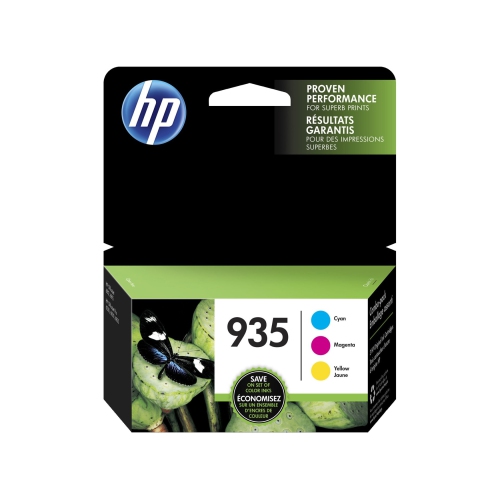
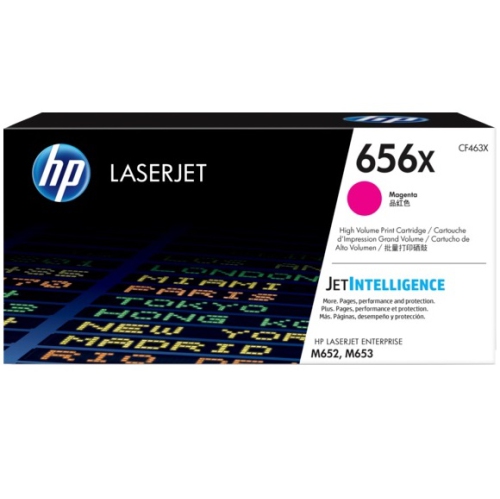
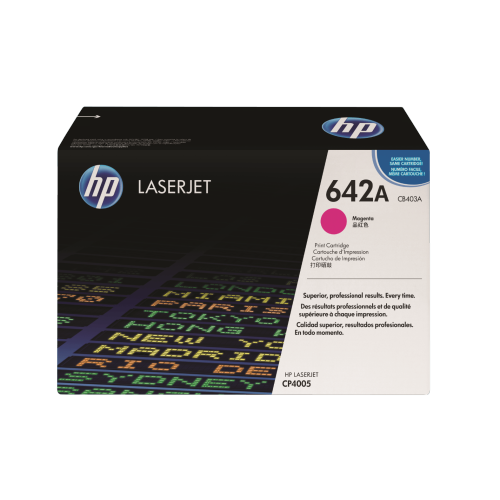
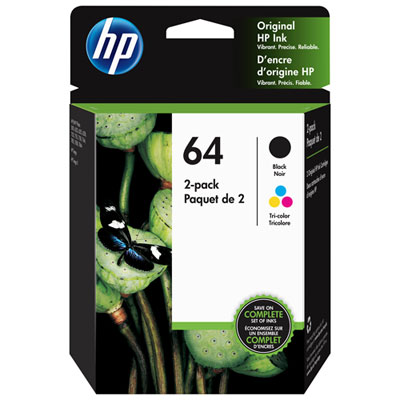
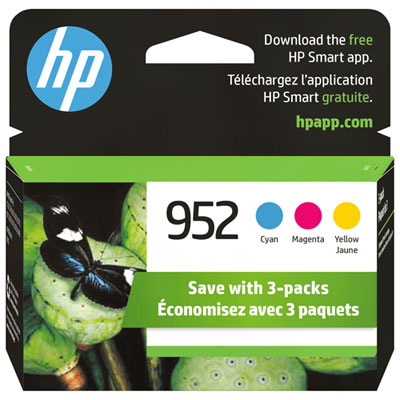
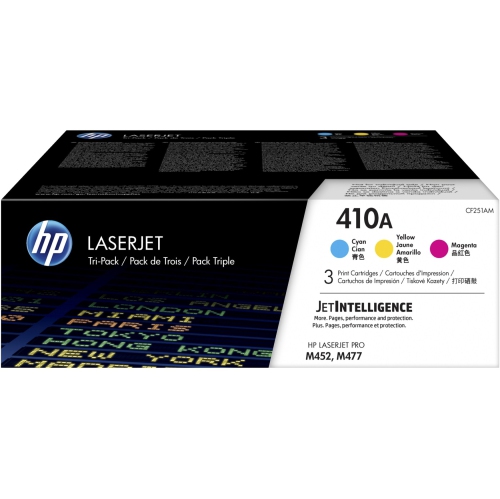
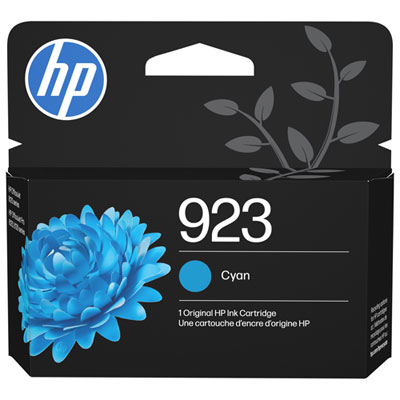
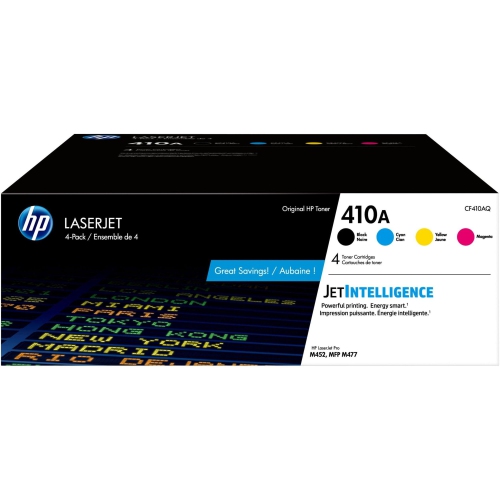
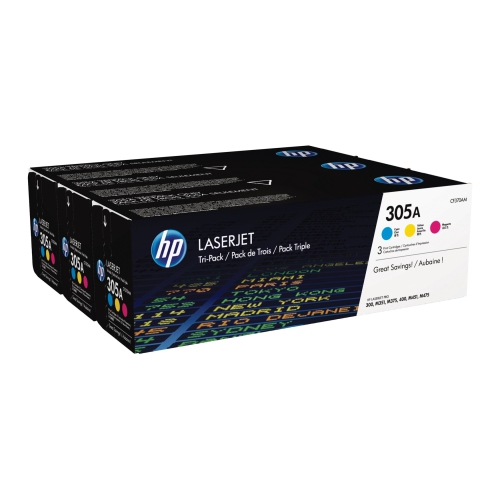
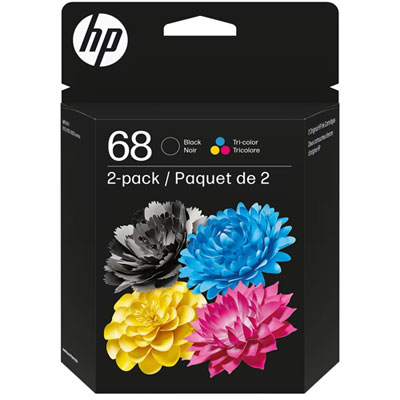
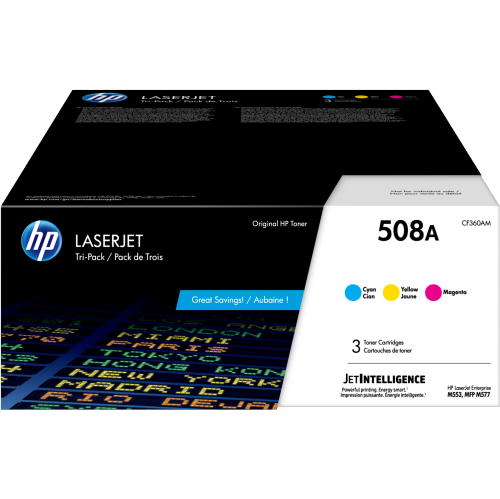
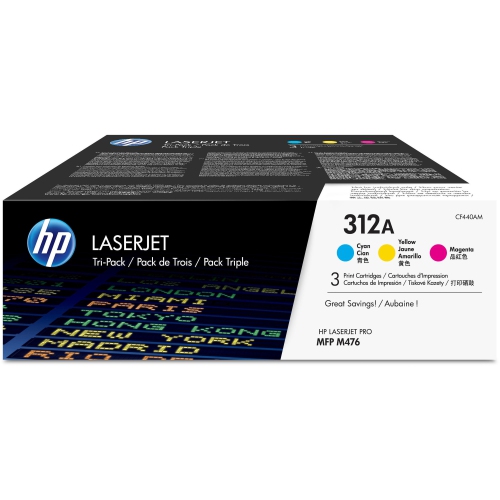
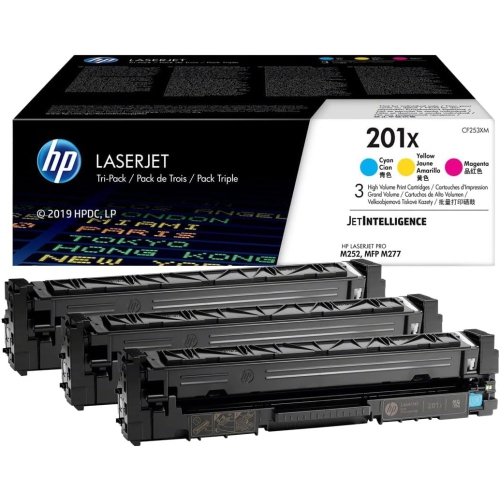
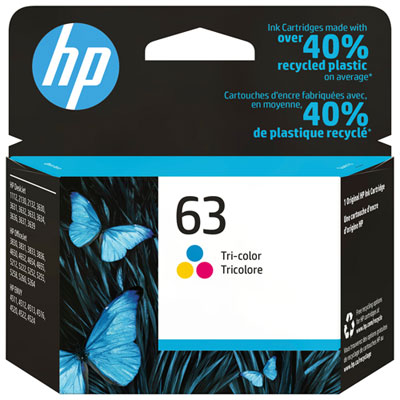
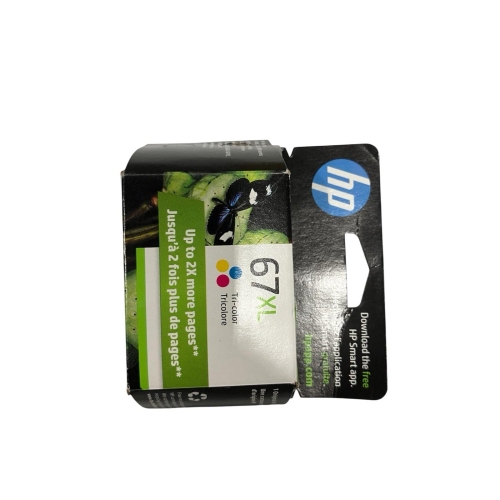
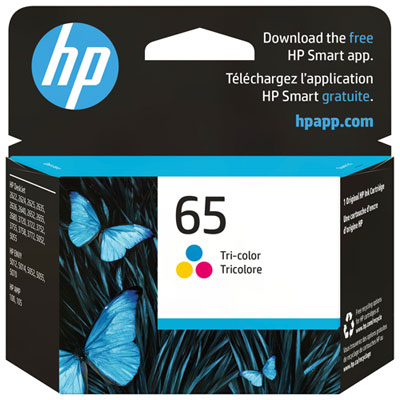
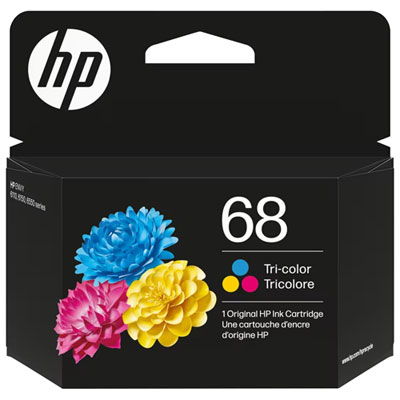
Accurate colours depend on compatible cartridge choices
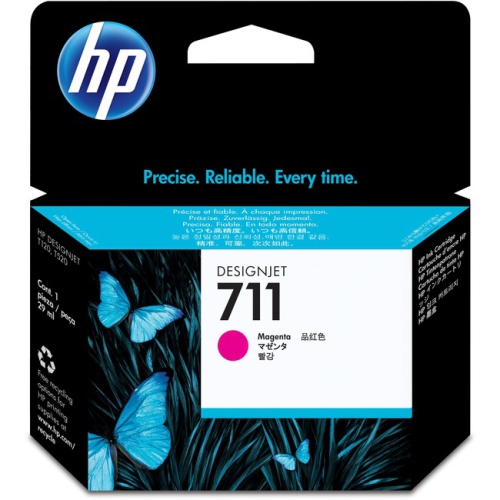
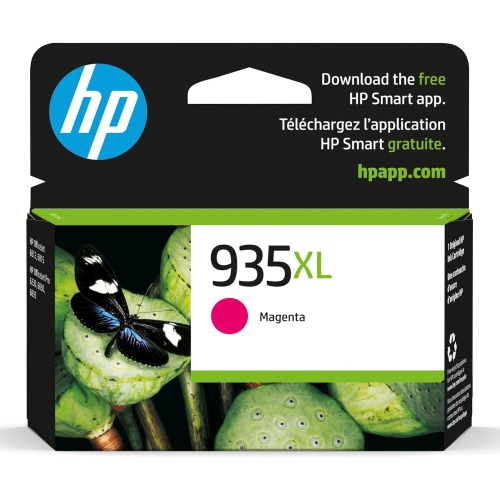
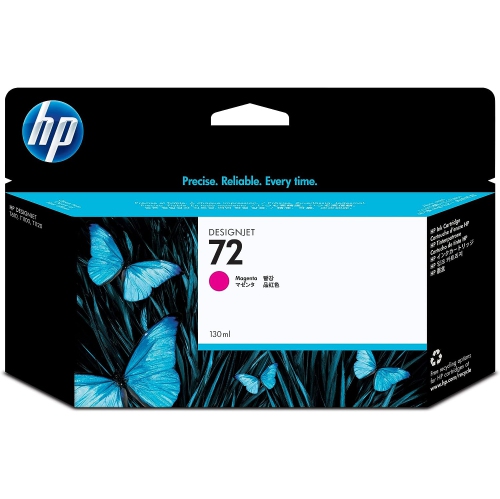
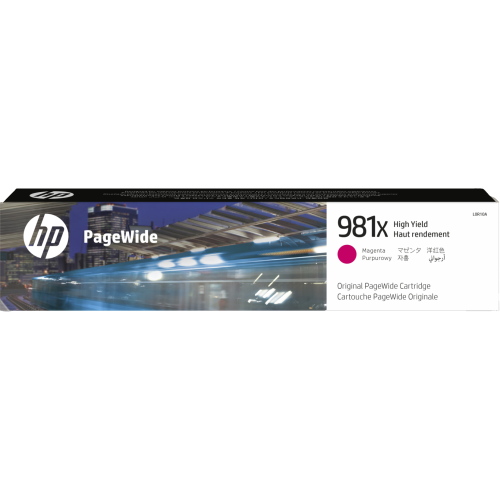
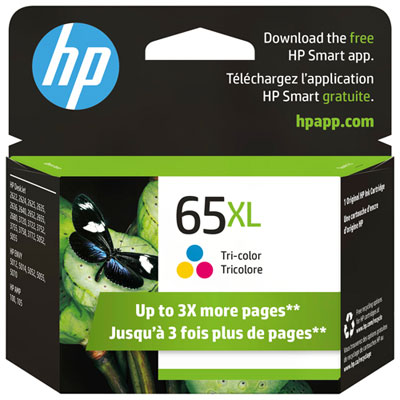
HP magenta ink is designed to add rich pink, red, purple, and violet tones to printed pages, making it an important part of a colour printing setup. It is commonly used for school assignments, home-office documents, craft projects, invitations, photographs, presentations, flyers, labels, and other materials where accurate colour makes a noticeable difference. Although magenta is only one colour in a typical ink system, it works with cyan, yellow, and black to create a broad range of shades. A cartridge that is running low can affect more than pink areas alone; reds may look muted, purples can shift towards blue, and skin tones or colourful graphics may appear less natural. Keeping a compatible magenta cartridge on hand can help prevent interruptions when printing is needed for an upcoming presentation, a child’s project, a home business order, or a stack of family photos. Before placing an order, check the printer’s exact model and the cartridge number listed in its manual, on the existing cartridge, or in the printer’s settings. Ink cartridges are not universally interchangeable, even when they have a similar appearance, and the correct fit is essential for reliable installation and clear results. It is also worth confirming whether the printer uses individual colour cartridges, a tri-colour cartridge, or an ink-tank system, since each format is intended for a different type of printer. Shoppers comparing HP Magenta Ink options may see standard-yield and high-yield cartridges, as well as refill bottles for compatible ink-tank printers. Standard-yield options can suit occasional printing, such as a household that produces a few pages at a time, while high-yield cartridges may be a better match for busy home offices, students, creators, or small businesses that print colour materials regularly. Page yields are estimates based on testing conditions, so the number of pages produced can change according to coverage, image quality, paper type, and how often cleaning cycles are required. A document with a small coloured logo uses far less ink than a full-page photograph or a densely illustrated poster.
When choosing magenta ink, start with compatibility rather than colour description or package size. The printer’s model number is the most useful reference, and it should be matched carefully with the cartridge designation shown for that printer. If several versions are available, consider how frequently the printer is used and what is usually being printed. A household printer used for occasional forms and homework may not need the largest capacity, while a home-based seller printing product inserts, thank-you cards, or colourful packaging may appreciate a cartridge designed for a higher page count. People who print photographs or detailed graphics should also pay attention to the type of paper being used. Inkjet photo paper can produce more vivid results than plain copy paper, but it may require additional drying time and careful handling to avoid smudging. Store unopened cartridges in their original packaging in a cool, dry place away from direct sunlight, and avoid opening a replacement until it is needed. When installing a cartridge, follow the printer’s on-screen instructions, remove protective tape only when directed, and avoid touching the copper-coloured contacts or ink nozzles. If the printer has been idle during the cooler months, a short alignment or cleaning cycle may help restore consistent output, though repeated cleaning can use ink. A test page is a simple way to check whether magenta is printing evenly before starting a larger job. Faint lines, missing sections, or unexpected colour shifts can indicate that the cartridge is low, the nozzles need cleaning, the paper setting is incorrect, or the cartridge is not seated properly. Reviewing print settings can also make a difference: draft mode may be suitable for internal documents, while normal or high-quality mode is better for photographs, client-facing materials, and polished school work. For households that need more than one colour, shoppers may also find it useful to browse HP Tri Color Ink to compare options that combine multiple colours in a single cartridge.
Magenta ink can be a practical addition to a home office, study area, shared family workspace, or small creative studio. It is also a useful gift for someone setting up a first apartment, returning to school, organizing a home business, or preparing printed materials for community activities. Unlike a decorative gift that may not suit the recipient’s taste, a compatible ink cartridge can be immediately useful when the printer is part of everyday life. During the transition from warmer days to cooler months, printed materials often become more prominent indoors, from lesson plans and event notices to recipes, travel documents, calendars, and colourful projects for children. Buying a replacement before the existing cartridge is completely empty can be especially helpful for anyone who relies on a printer for forms, shipping labels, invoices, or appointment information. For occasional users, it is wise to verify the cartridge’s package details and storage recommendations before keeping a spare for an extended period. For frequent users, comparing page yield and cost per page can provide a clearer picture than looking only at the purchase price. A high-yield option may offer better value when colour pages are part of a regular routine, while a standard-yield option can make sense when printing is light or occasional. Ink-tank users should confirm that a bottle is intended for their specific system and that the colour designation matches magenta. Whether the goal is to reproduce bright graphics, preserve family memories in print, or keep routine paperwork moving, the right magenta ink should fit the printer, match the household’s printing habits, and deliver dependable colour from the first page through the last.
When choosing magenta ink, start with compatibility rather than colour description or package size. The printer’s model number is the most useful reference, and it should be matched carefully with the cartridge designation shown for that printer. If several versions are available, consider how frequently the printer is used and what is usually being printed. A household printer used for occasional forms and homework may not need the largest capacity, while a home-based seller printing product inserts, thank-you cards, or colourful packaging may appreciate a cartridge designed for a higher page count. People who print photographs or detailed graphics should also pay attention to the type of paper being used. Inkjet photo paper can produce more vivid results than plain copy paper, but it may require additional drying time and careful handling to avoid smudging. Store unopened cartridges in their original packaging in a cool, dry place away from direct sunlight, and avoid opening a replacement until it is needed. When installing a cartridge, follow the printer’s on-screen instructions, remove protective tape only when directed, and avoid touching the copper-coloured contacts or ink nozzles. If the printer has been idle during the cooler months, a short alignment or cleaning cycle may help restore consistent output, though repeated cleaning can use ink. A test page is a simple way to check whether magenta is printing evenly before starting a larger job. Faint lines, missing sections, or unexpected colour shifts can indicate that the cartridge is low, the nozzles need cleaning, the paper setting is incorrect, or the cartridge is not seated properly. Reviewing print settings can also make a difference: draft mode may be suitable for internal documents, while normal or high-quality mode is better for photographs, client-facing materials, and polished school work. For households that need more than one colour, shoppers may also find it useful to browse HP Tri Color Ink to compare options that combine multiple colours in a single cartridge.
Magenta ink can be a practical addition to a home office, study area, shared family workspace, or small creative studio. It is also a useful gift for someone setting up a first apartment, returning to school, organizing a home business, or preparing printed materials for community activities. Unlike a decorative gift that may not suit the recipient’s taste, a compatible ink cartridge can be immediately useful when the printer is part of everyday life. During the transition from warmer days to cooler months, printed materials often become more prominent indoors, from lesson plans and event notices to recipes, travel documents, calendars, and colourful projects for children. Buying a replacement before the existing cartridge is completely empty can be especially helpful for anyone who relies on a printer for forms, shipping labels, invoices, or appointment information. For occasional users, it is wise to verify the cartridge’s package details and storage recommendations before keeping a spare for an extended period. For frequent users, comparing page yield and cost per page can provide a clearer picture than looking only at the purchase price. A high-yield option may offer better value when colour pages are part of a regular routine, while a standard-yield option can make sense when printing is light or occasional. Ink-tank users should confirm that a bottle is intended for their specific system and that the colour designation matches magenta. Whether the goal is to reproduce bright graphics, preserve family memories in print, or keep routine paperwork moving, the right magenta ink should fit the printer, match the household’s printing habits, and deliver dependable colour from the first page through the last.
Top selling and popular products
-
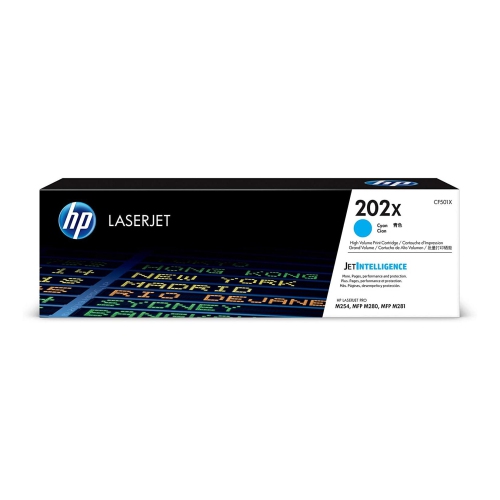 Your price for this item is $184.99
 -
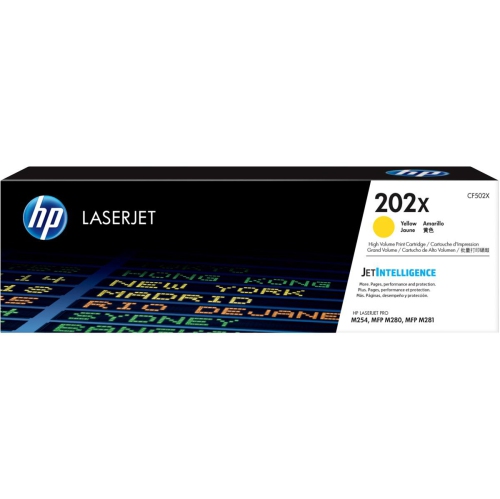 Your price for this item is $184.99
 -
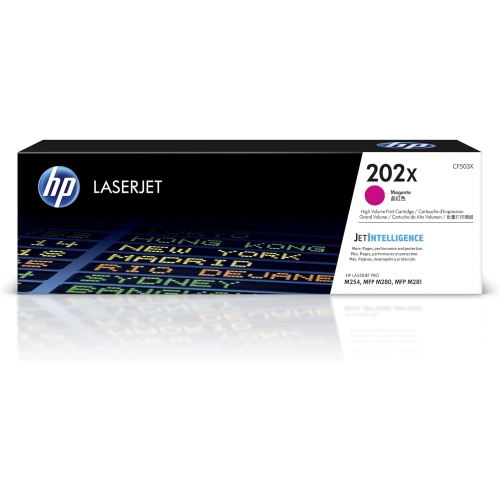 Your price for this item is $184.99
 -
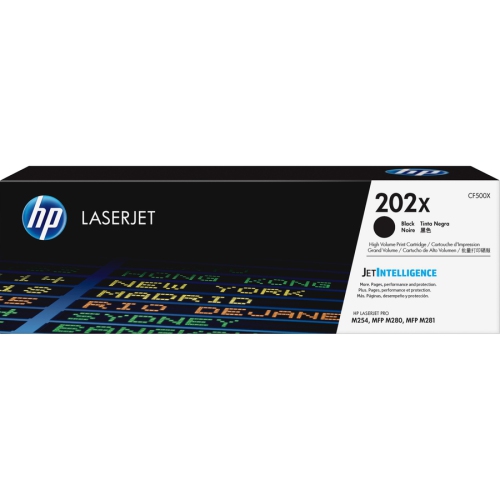 Your price for this item is $176.99
 -
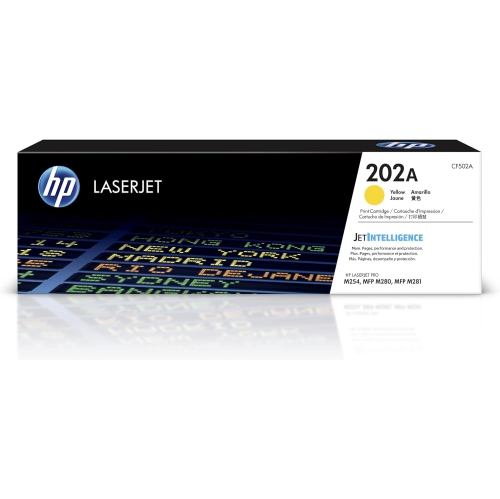 Your price for this item is $139.99
 -
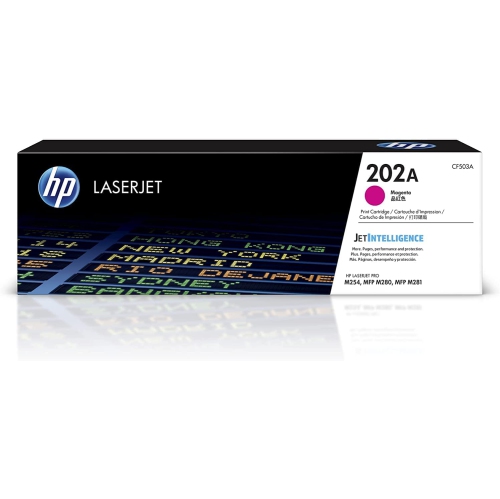 Your price for this item is $139.99
 -
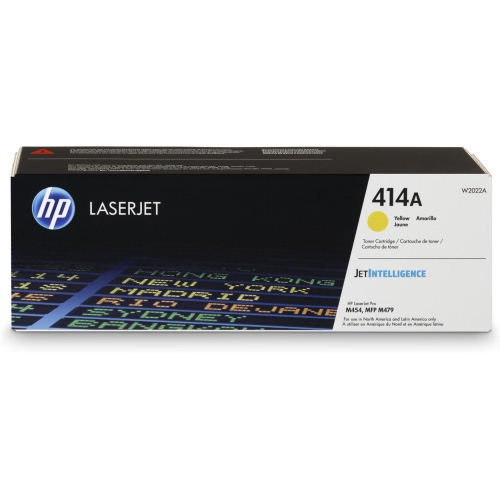 Your price for this item is $230.82
 -
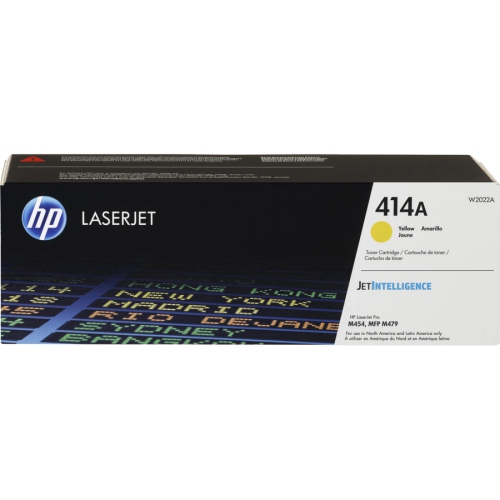 Your price for this item is $197.99
Discover more categories related to HP Magenta Ink
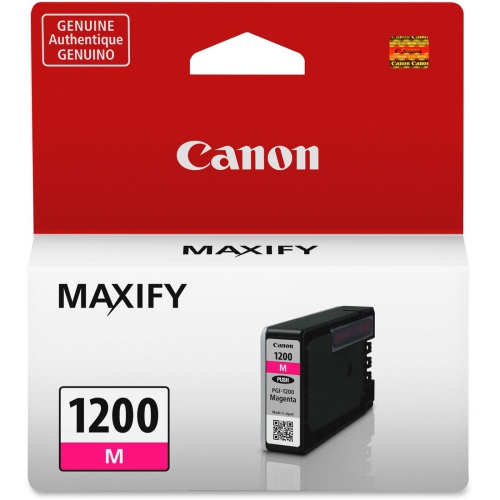
Top Collections:
Pokemon Centers, Best Cameras for Sports Photography, Kindle Devices, Samsung Galaxy Phones, Canon G7X Cameras, Pokémon 30th Celebration Cards, Refurbished Apple Laptops, iPhone 15 Apple, Laptops for Students, Budget Smartphones
Some products may be subject to Environmental Handling Fees
(EHF) depending on your province.
Learn more about EHFs.