Ink Cartridges for Epson Stylus Photo R300
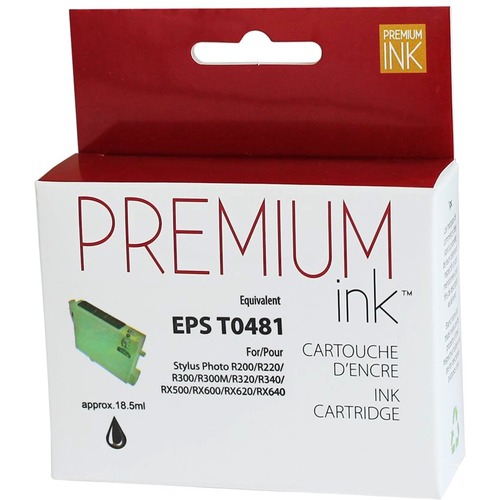
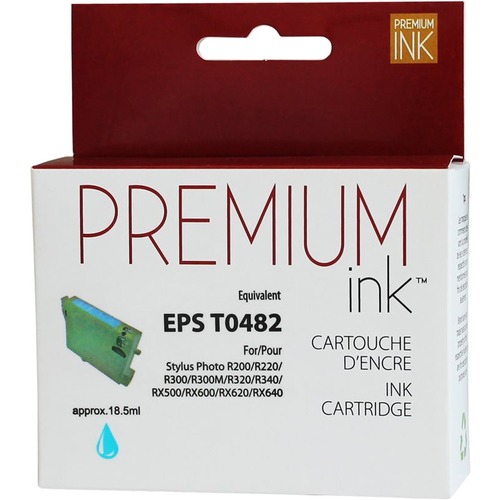
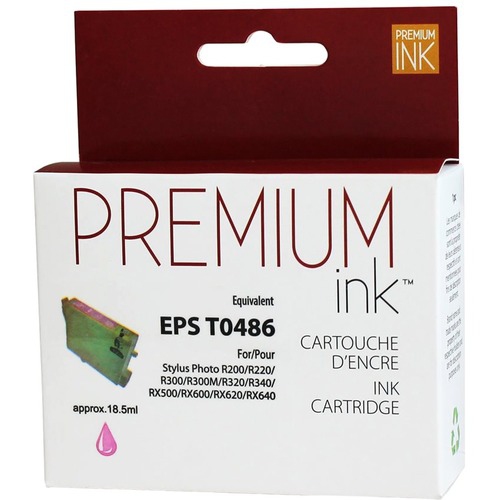
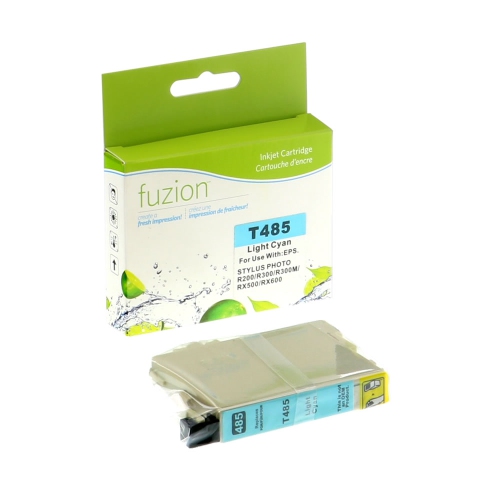
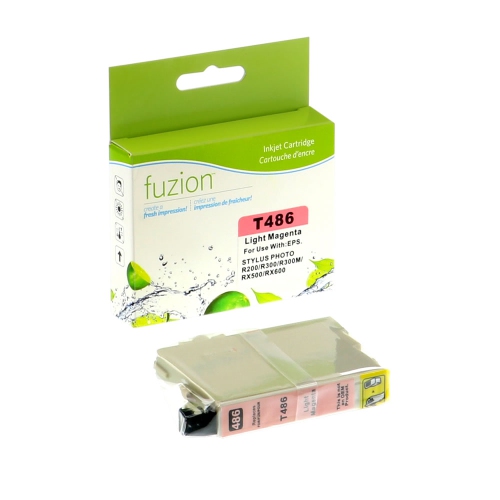
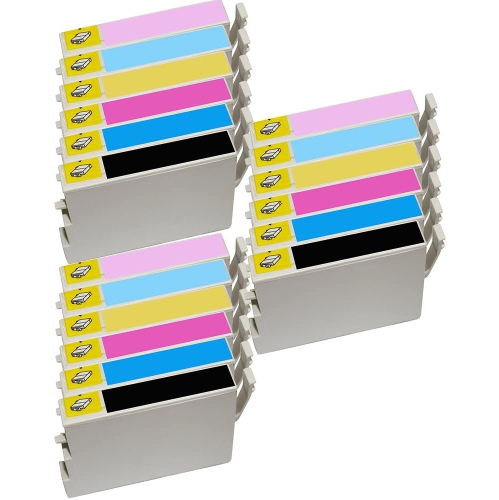
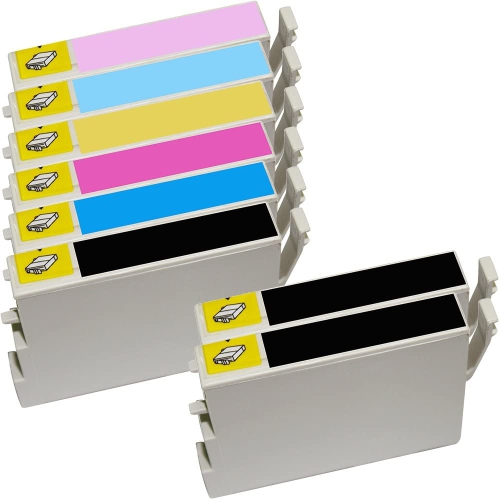
Find ink cartridges for Epson Stylus Photo R300 printers to replace depleted ink and keep printing photos and documents. Browse the selection and check each cartridge’s listed printer compatibility, colour, and pack contents to choose the right replacement for your printer.
FAQ
Check that the cartridge packaging or compatibility list explicitly names the Epson Stylus Photo R300. A cartridge intended for another Epson Stylus printer is not necessarily compatible, even if it looks similar.
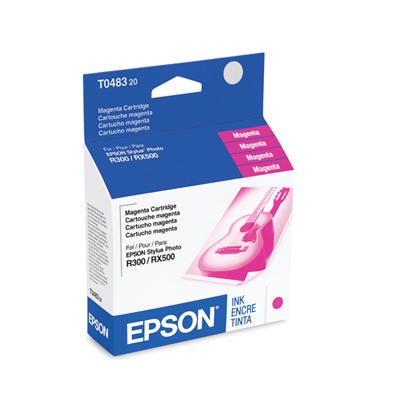
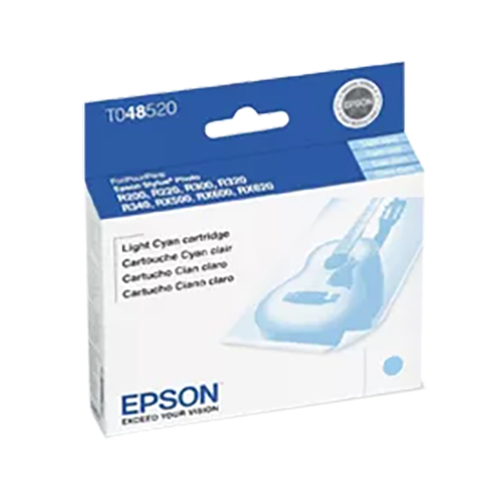
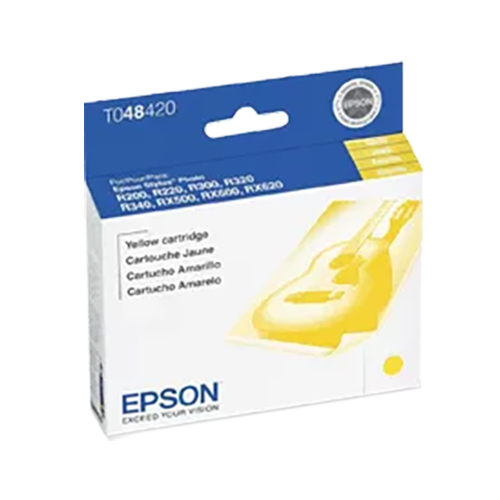
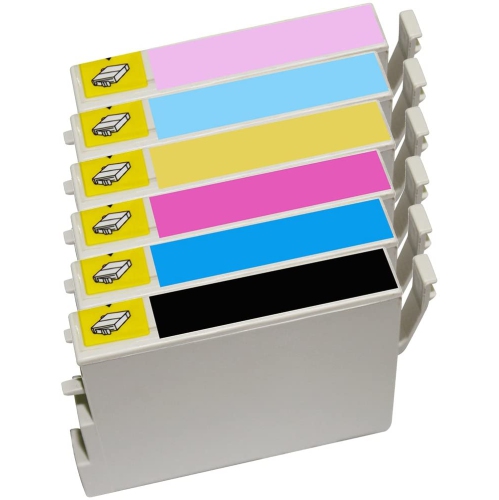
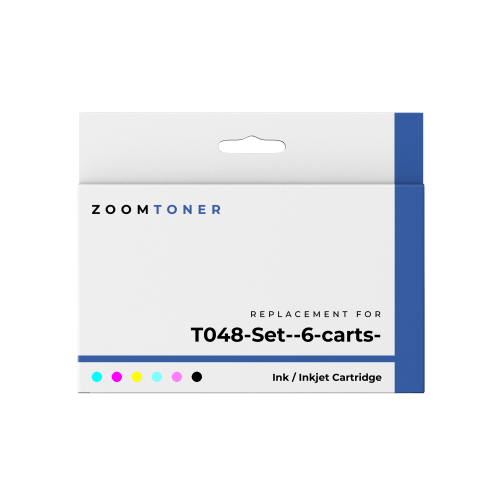
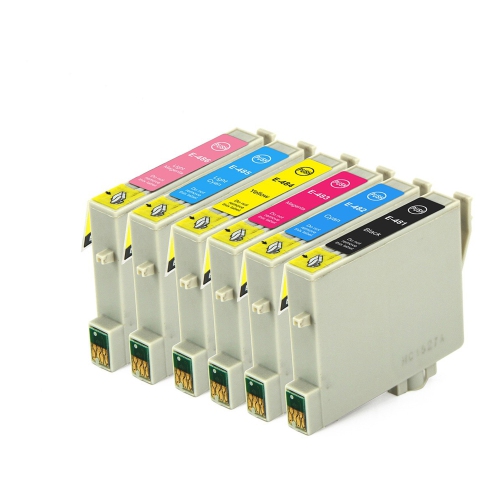
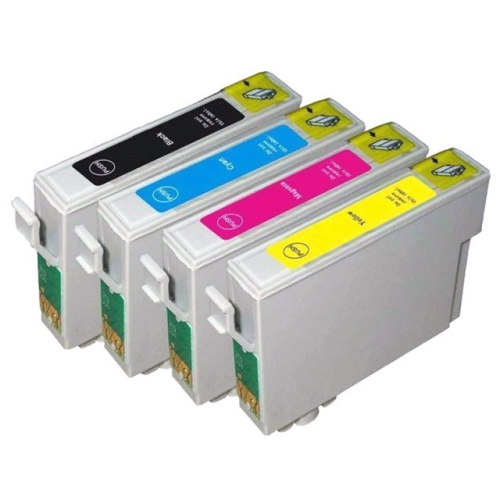
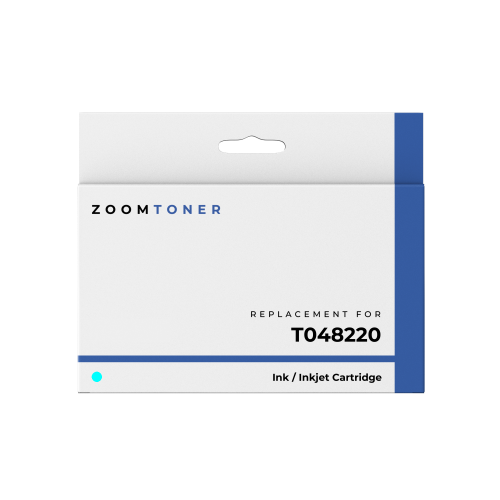
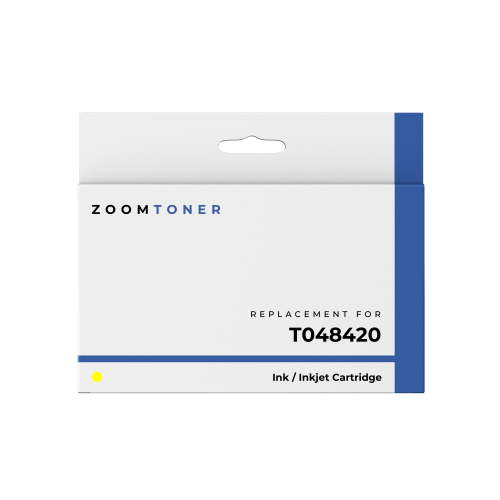
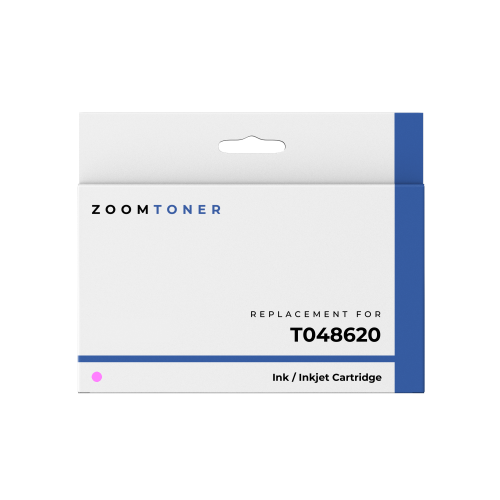
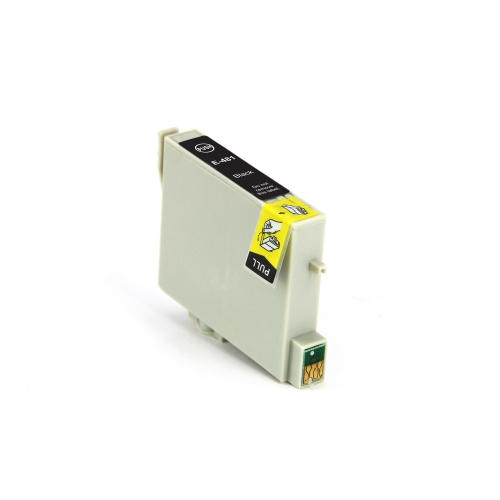
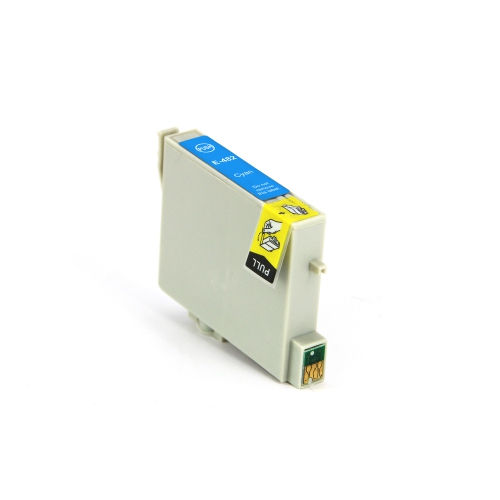
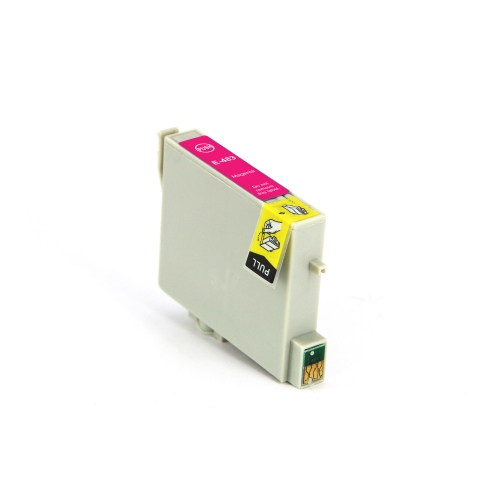
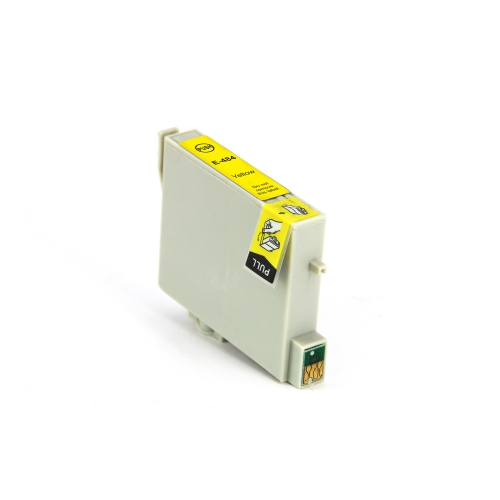
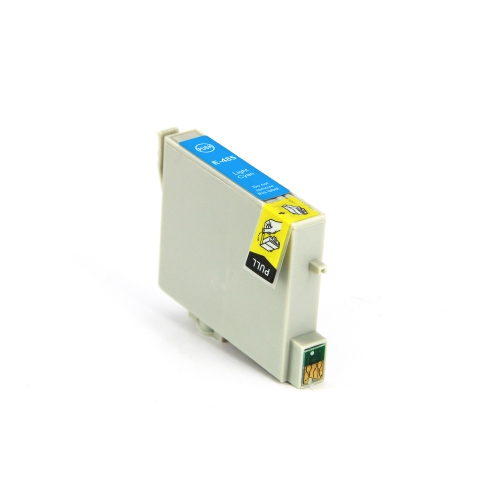
The printer uses six separate ink cartridges: black, cyan, magenta, yellow, light cyan, and light magenta. Light cyan and light magenta are distinct cartridges, not substitutes for standard cyan and magenta.
No. The Epson Stylus Photo R300 uses individual cartridges, so you can replace only the colour that has run out. All six cartridge positions must remain filled for normal printing.
The printer was designed for dye-based ink across all six colours. When choosing replacement cartridges, check both the ink type and the stated printer compatibility rather than selecting by colour alone.
Check the printer’s control-panel display or the Epson printer utility on your connected computer for ink status. Depending on your operating system and installed software, the utility may show estimated levels for each cartridge.
Top selling and popular products
Discover more categories related to Ink Cartridges for Epson Stylus Photo R300
Some products may be subject to Environmental Handling Fees (EHF) depending on your province. Learn more about EHFs.