Ink Cartridges for Epson Stylus Photo RX500
Find the right ink cartridges for Epson Stylus Photo RX500 to keep your printer running smoothly and producing high-quality prints. Explore a wide selection designed to fit your device, offering reliable performance for all your printing needs. Whether you are replenishing your home office supplies or stocking up for creative projects, discover ink cartridges for Epson Stylus Photo RX500 that help deliver consistent results every time. Shop options that suit your preferences and enjoy convenient shopping with fast delivery.
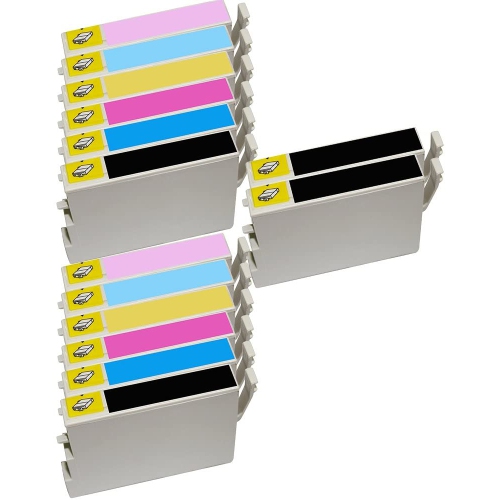
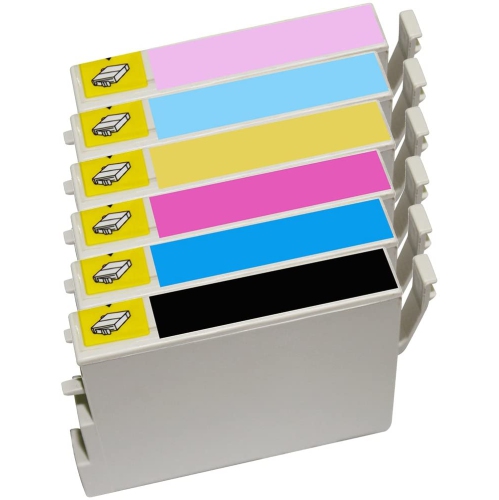
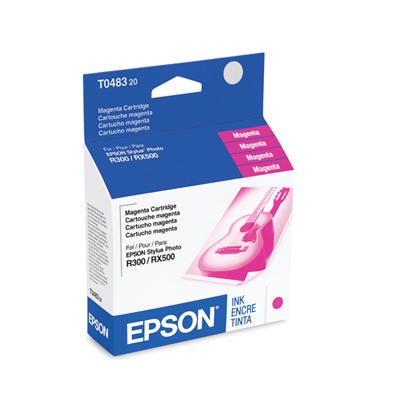
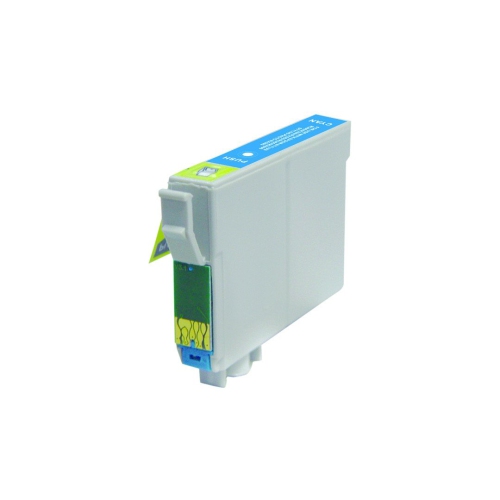
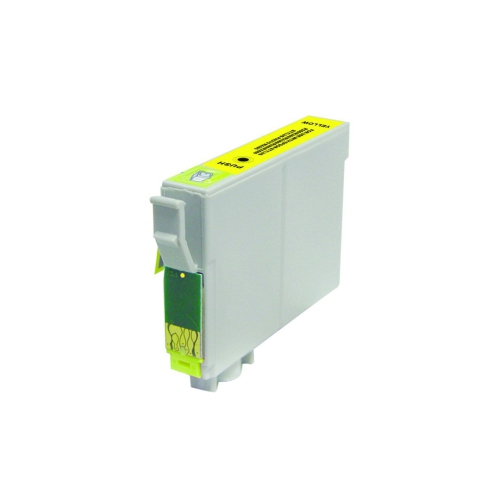
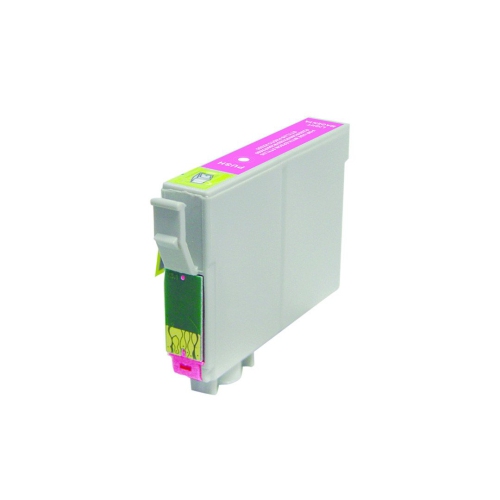
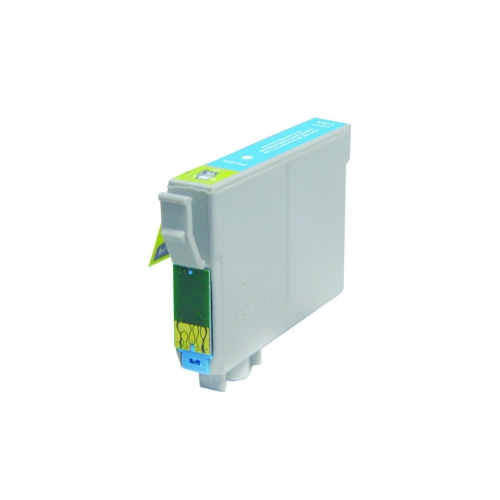
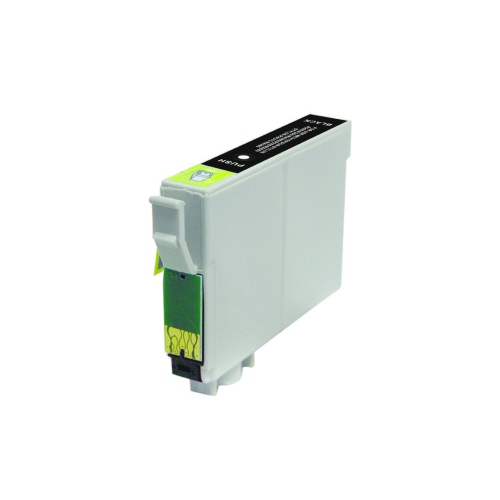
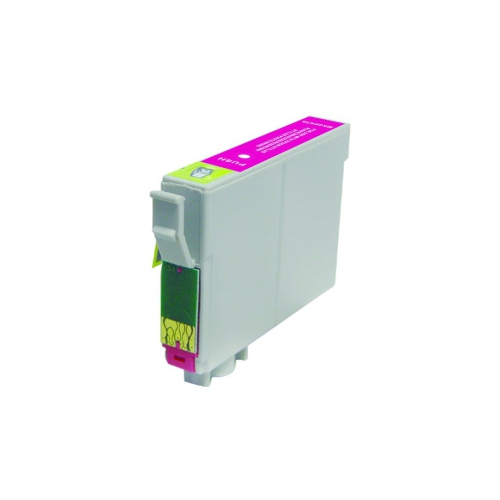
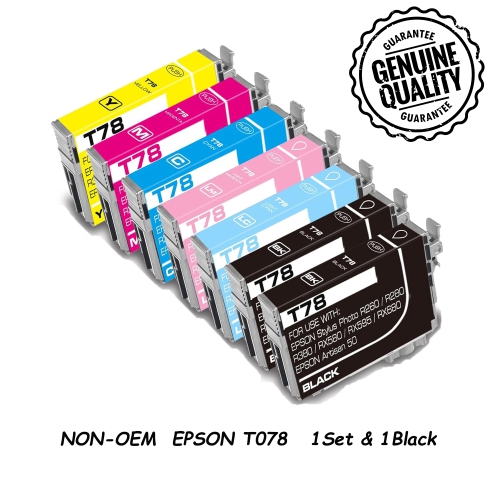
Reliable ink for photos, projects, and everyday printing
Many people who use the Epson Stylus Photo RX500 appreciate its versatility and the way it fits seamlessly into everyday routines. For those who enjoy crafting, scrapbooking, or creating personalized gifts, having fresh ink on hand means you won’t be caught off guard when inspiration strikes. Parents might use the printer to create photo albums of family adventures or print school projects with professional-looking results. Professionals working from home or managing small businesses rely on consistent ink performance for everything from invoices to marketing materials. As autumn approaches and schedules become busier, having dependable ink cartridges ensures you’re ready for last-minute print jobs, whether it’s a child’s art project or an important work document. Ink cartridges also make practical, thoughtful gifts for students heading off to college, hobbyists who love printing their artwork, or anyone setting up a new workspace at home.
When choosing ink cartridges for the Epson Stylus Photo RX500, it’s helpful to think about your printing habits and the types of projects you tackle most often. High-yield cartridges are ideal for frequent users, while standard options may suit occasional printing needs. It’s worth considering the convenience of stocking up in advance, especially if you anticipate a busy season filled with creative projects, school assignments, or special events. For those with multiple Epson printers at home or in the office, you may also want to explore compatible options for other models, such as the Ink Cartridges for Epson Stylus Photo R200, to ensure you’re always prepared. No matter how you use your Epson Stylus Photo RX500, choosing the right ink cartridges helps you enjoy every print—whether you’re capturing the colours of a family picnic, preparing business materials, or simply making everyday moments a little more vibrant.
FAQ
What types of ink cartridges are compatible with the Epson Stylus Photo RX500?
The Epson Stylus Photo RX500 uses specific ink cartridges designed for this model, typically including both black and multiple color cartridges. Always check your printer’s manual or the cartridge packaging to ensure compatibility.
How do I install new ink cartridges in my Epson Stylus Photo RX500?
To install new ink cartridges, open the printer cover, wait for the cartridge holder to stop moving, then gently press the tab on the old cartridge to release it. Insert the new cartridge into the correct slot until it clicks into place, then close the cover and follow any on-screen prompts.
Can I use remanufactured or third-party ink cartridges with my Epson Stylus Photo RX500?
Many users choose remanufactured or third-party ink cartridges as an alternative to original Epson cartridges. While these can be compatible, it's important to ensure they are specifically designed for the RX500 model to avoid potential issues.
How should I store unused ink cartridges for my Epson Stylus Photo RX500?
Store unused ink cartridges in a cool, dry place away from direct sunlight. Keep them sealed in their original packaging until you are ready to use them to prevent drying out or damage.
Why does my Epson Stylus Photo RX500 require multiple color cartridges?
The Epson Stylus Photo RX500 uses individual color cartridges to produce high-quality photo prints with accurate colors. This system allows you to replace only the color that runs out, which can be more efficient and cost-effective over time.
Top selling and popular products
-
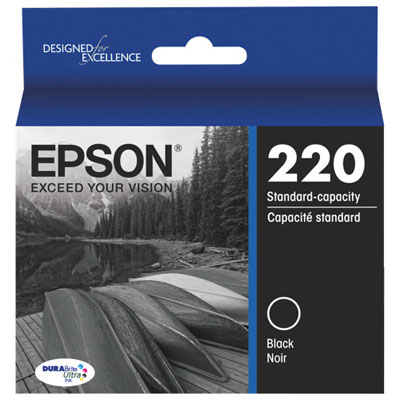 Your price for this item is $22.99
 -
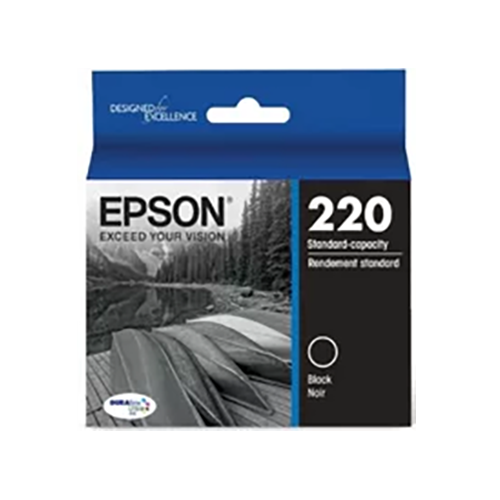 Your price for this item is $39.95
 -
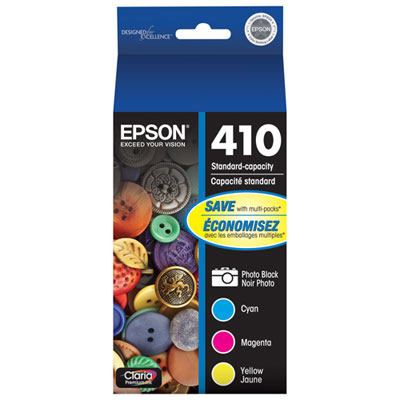 Your price for this item is $109.99
 -
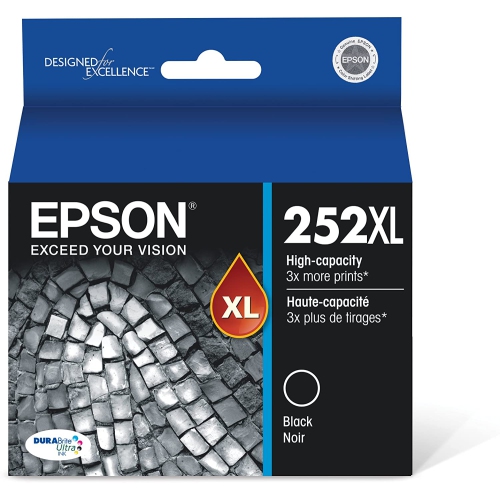 Your price for this item is $101.54
 -
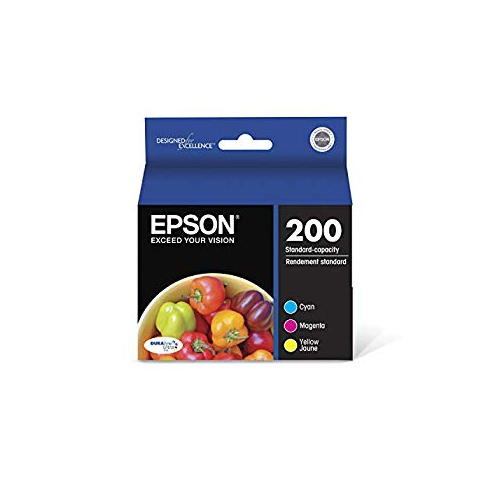 Your price for this item is $34.99
 -
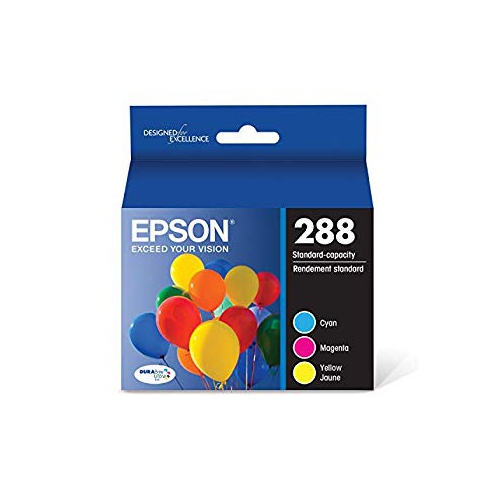 Your price for this item is $62.68
 -
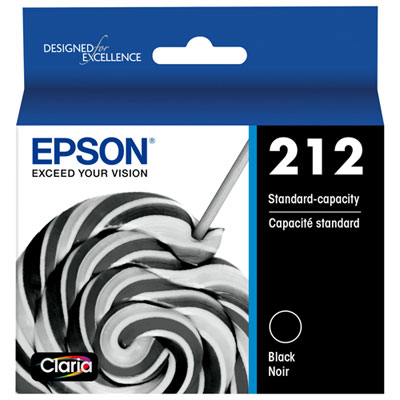 Your price for this item is $34.99
 -
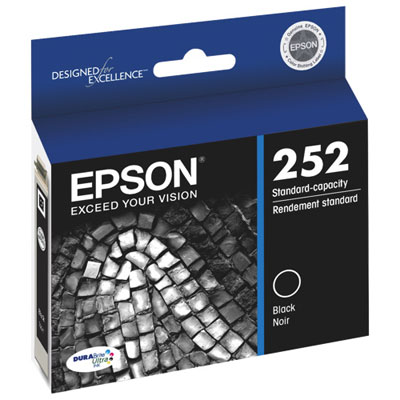 Your price for this item is $30.99