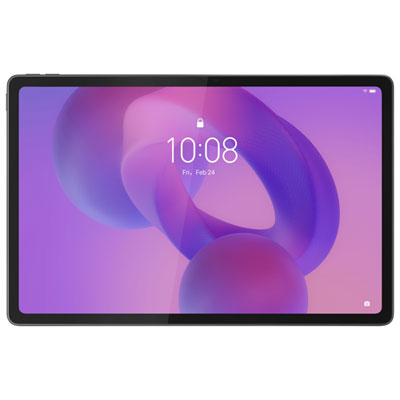
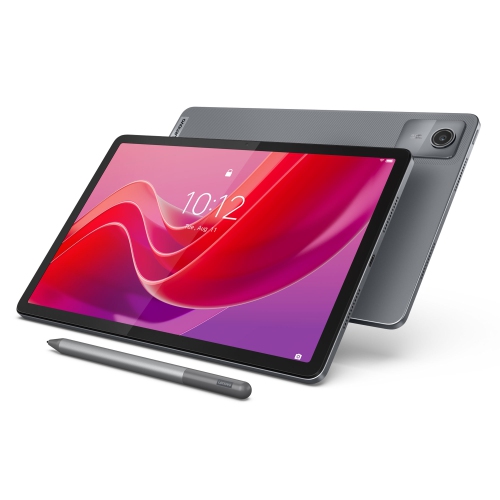
Labour Day Sale On Sketch Tablets
Labour Day Sale on Sketch Tablets is the perfect opportunity to upgrade your creative workspace and enjoy incredible savings. Whether you’re a professional artist, a student, or exploring digital drawing for the first time, you’ll find a wide selection of sketch tablets at great prices. Take advantage of limited-time offers and discover the ideal device to bring your ideas to life during the Labour Day Sale on Sketch Tablets.
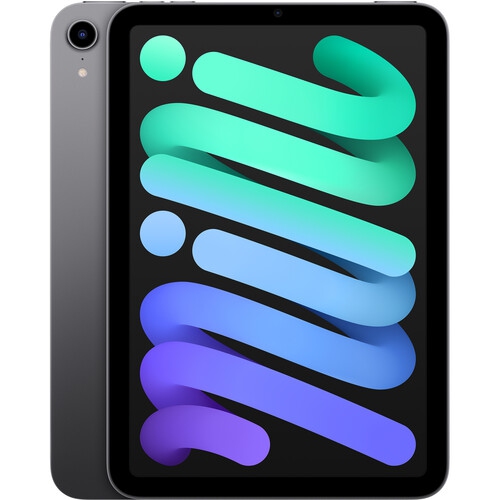

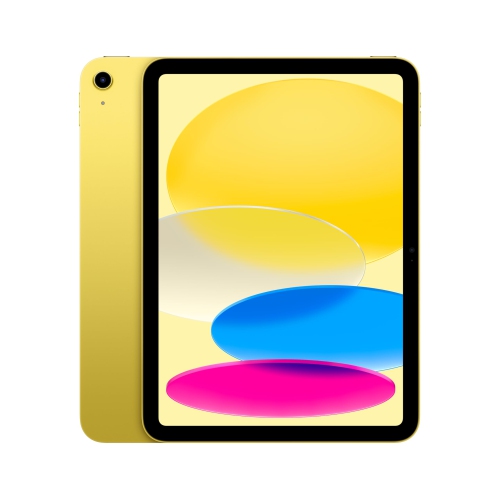

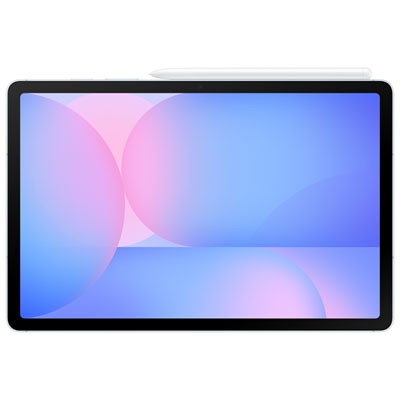
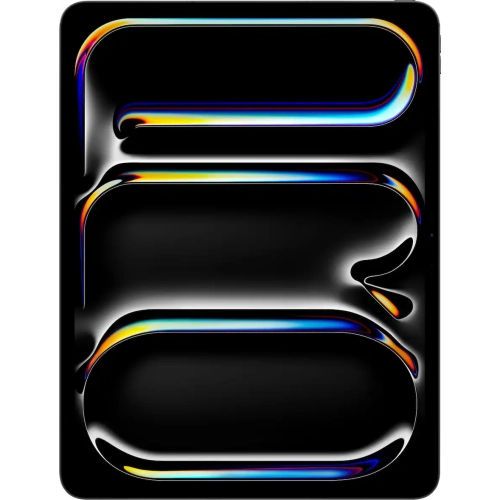
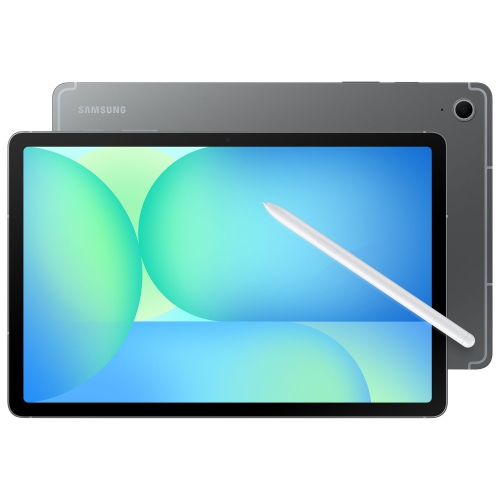
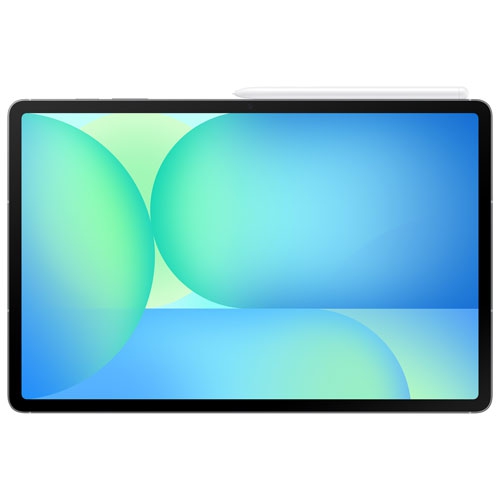
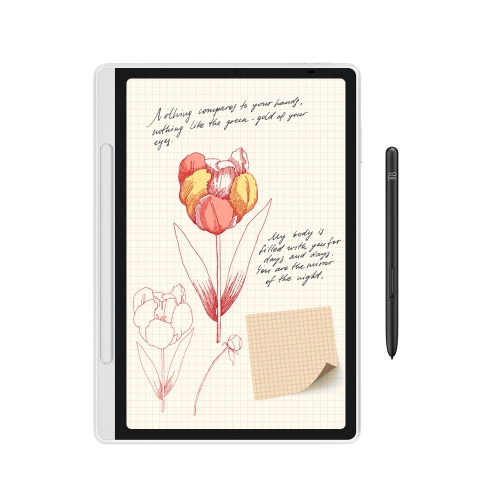
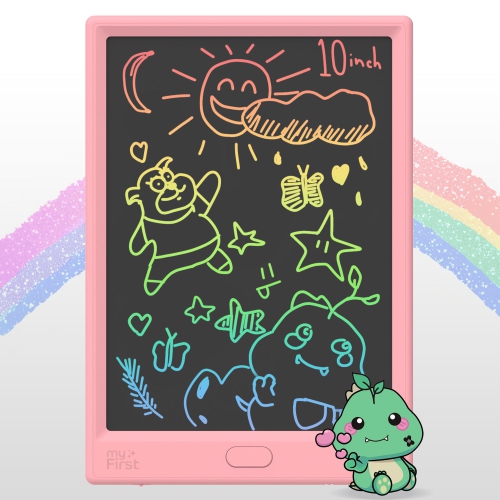
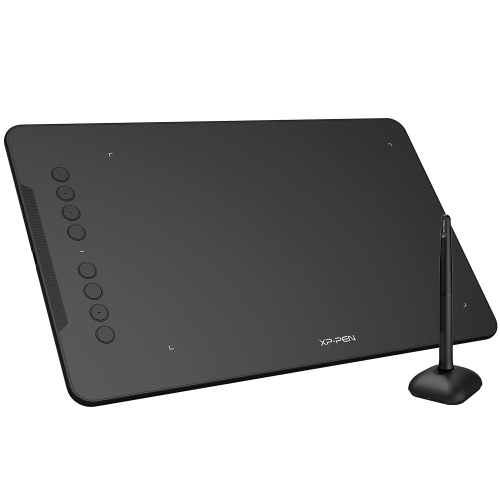
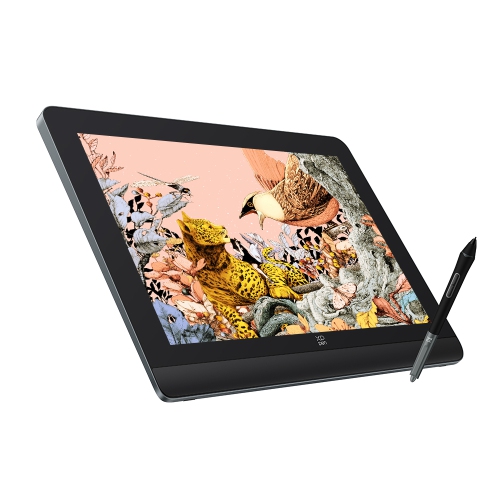
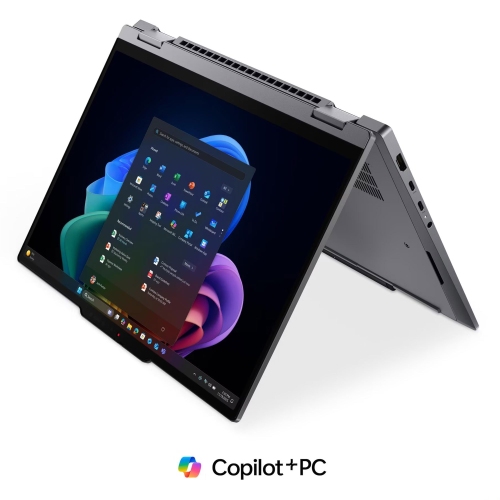
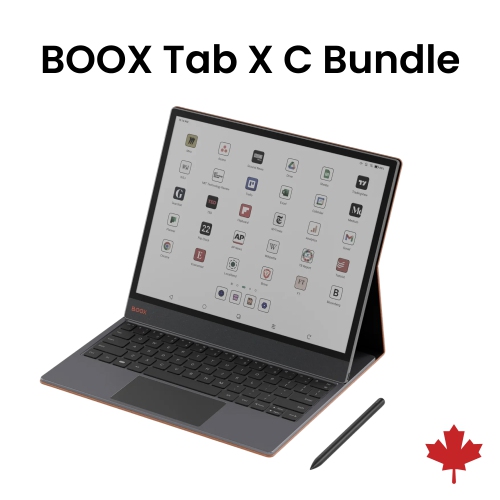

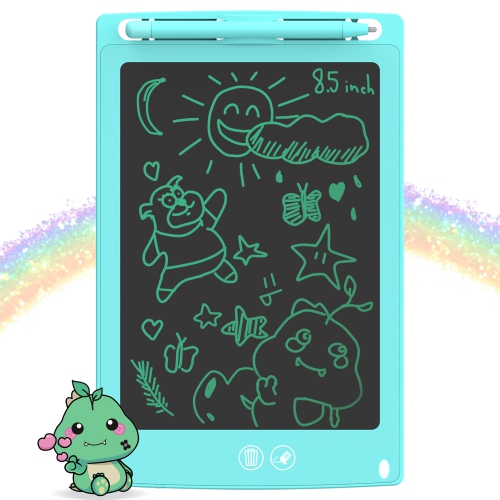

Seasonal savings for creativity, study, and everyday workflows
When browsing the selection during the Labour Day Sale, there are several factors to keep in mind to ensure you find the best sketch tablet for your needs. Display size and resolution are key considerations; a larger, high-resolution screen can offer more workspace and finer detail, while compact models are perfect for portability and working on the go. Pressure sensitivity and responsiveness are crucial for artists who want their digital brushstrokes to mimic the feel of traditional media, while programmable buttons and ergonomic styluses can make long sessions more comfortable and efficient. Connectivity options, such as USB-C, Bluetooth, or compatibility with various operating systems, can dictate how seamlessly a tablet integrates with your existing setup. For students or professionals who often move between locations, battery life and weight may be top priorities. For those just starting out, user-friendly interfaces and included creative software can make the learning curve smoother and more enjoyable. With so many options available, it’s worth considering how you plan to use your sketch tablet most—whether it’s for intricate digital painting, quick sketches, annotating documents, or collaborating with others in virtual meetings.
Sketch tablets are also at the heart of many creative communities, serving as a bridge between imagination and finished artwork. They are equally at home in bustling design studios, quiet home offices, and lively classrooms. Gifting a sketch tablet can be a meaningful gesture, whether for a student embarking on a new academic year, a family member starting a creative side project, or a friend looking to transition from traditional to digital art. These devices often become companions in the creative process, capturing fleeting ideas during a walk in the park, helping designers meet tight deadlines, or enabling artists to share their work with a global audience. As you explore the options available in the Labour Day Sale, you might also be interested in our Labour Day Sale On Graphic Design Drawing Pads for even more ways to elevate your digital artistry. With the right sketch tablet, you can transform inspiration into reality, whether you’re sketching under the summer sun or refining your craft during the cooler evenings of fall.
FAQ
What features should I look for when choosing a sketch tablet during a Labour Day sale?
When shopping for a sketch tablet, consider factors such as pressure sensitivity, screen resolution, compatibility with your operating system, included software, and connectivity options like USB or Bluetooth. These features can enhance your digital art experience.
Are sketch tablets suitable for beginners as well as professionals?
Yes, sketch tablets are available in a range of models designed for both beginners and professionals. Entry-level tablets often offer user-friendly interfaces and essential features, while advanced models provide higher sensitivity and more customization options for experienced artists.
Can sketch tablets be used for tasks other than drawing?
Absolutely! In addition to drawing and illustration, sketch tablets can be used for photo editing, graphic design, note-taking, animation, and even online teaching or presentations.
Do I need special software to use a sketch tablet?
Most sketch tablets are compatible with popular creative software such as Adobe Photoshop, Illustrator, Corel Painter, and free programs like Krita or GIMP. Some tablets also come bundled with proprietary software to help you get started.
How do I connect a sketch tablet to my computer or device?
Sketch tablets typically connect via USB cable or wirelessly through Bluetooth. Many models are plug-and-play, meaning they work right out of the box after installing any necessary drivers provided by the manufacturer.
Top selling and popular products
-
 Your price for this item is $89.99
 -
 Your price for this item is $116.98
 -
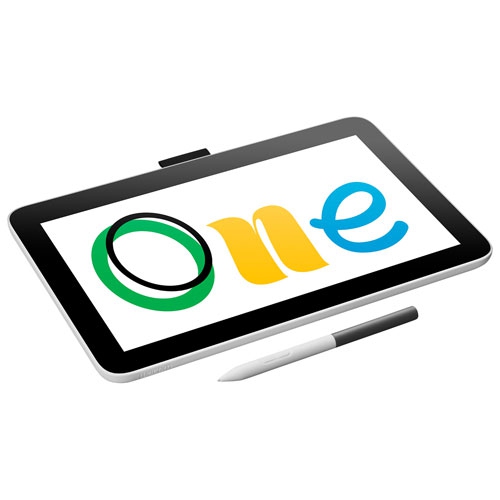 Your price for this item is $319.99
 -
 Your price for this item is $699.99
 -
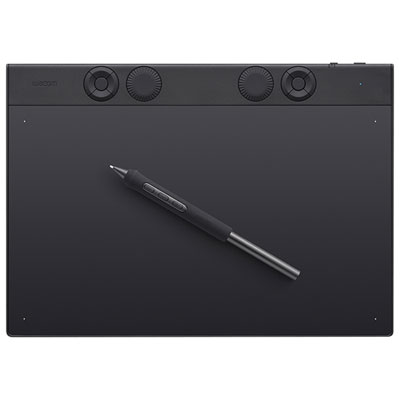 Your price for this item is $395.98
 -
 Your price for this item is $74.83
 -
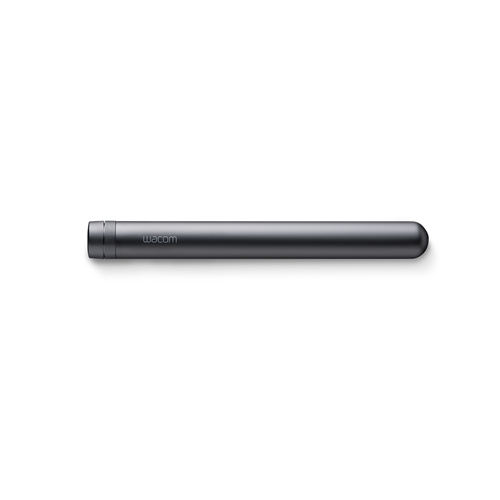 Your price for this item is $120
 -
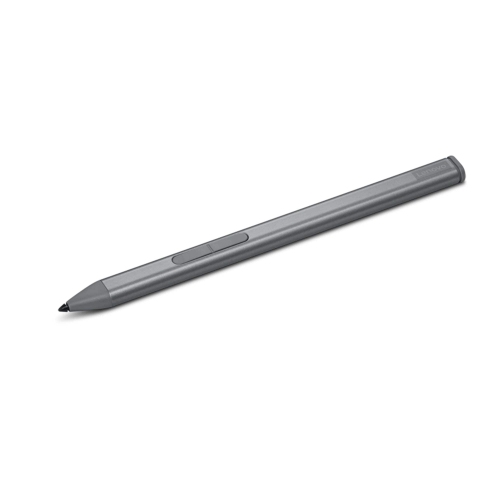 Your price for this item is $64.99