Laptop for Online Classes and Meetings
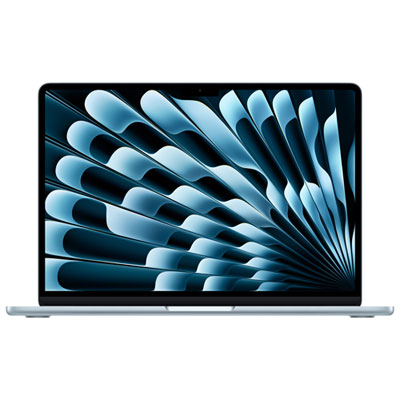
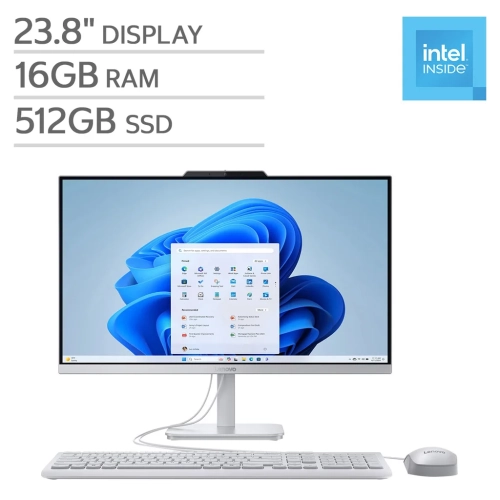
Finding the right Laptop For Online Classes And Meetings is essential for staying connected, productive, and organized throughout your day. Whether you’re attending virtual lectures, participating in video calls, or collaborating on group projects, the right device can make all the difference. Explore a wide selection of laptops designed to help you manage coursework, communicate seamlessly, and keep up with your schedule from anywhere. Choose from models that offer the performance and convenience needed to support your online learning and meeting needs.
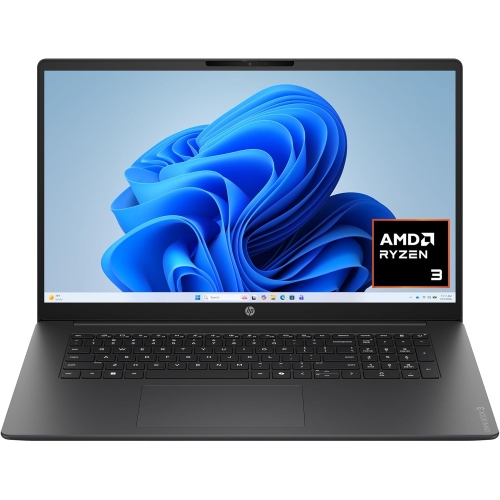
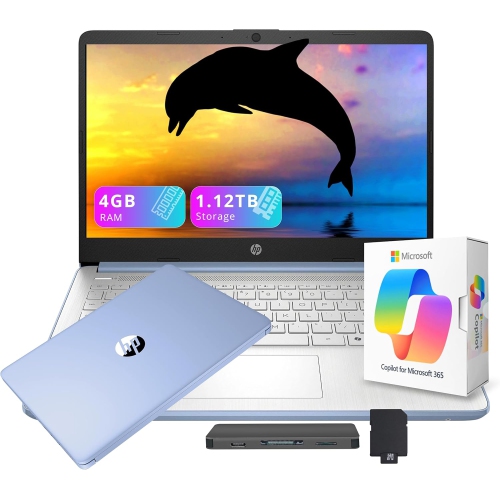
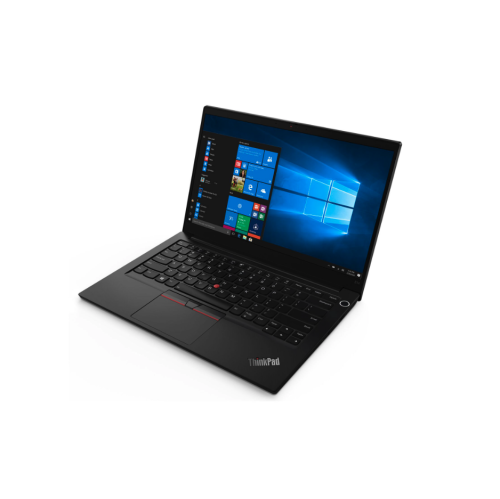
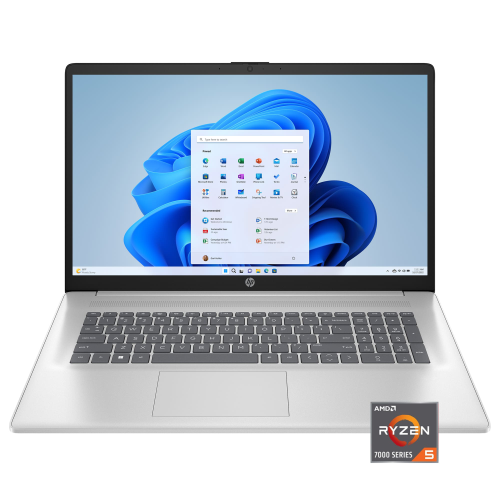



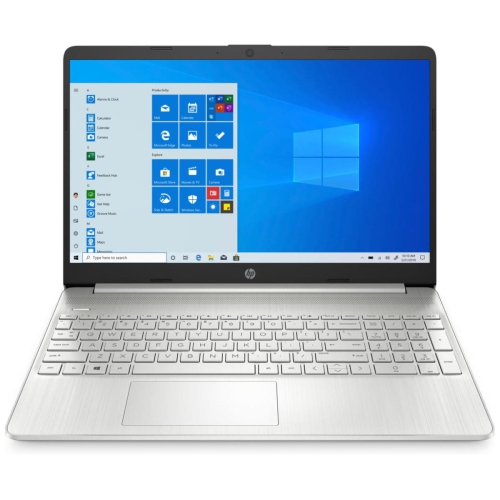
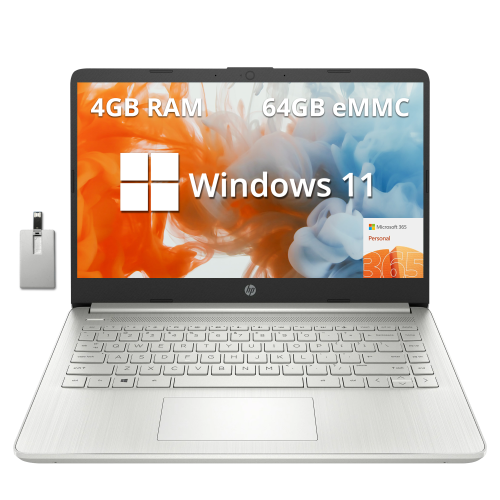
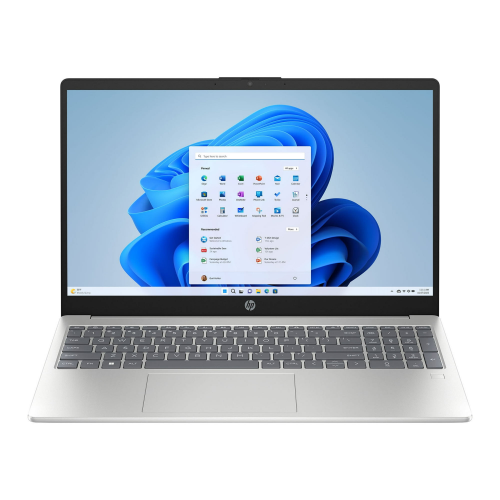
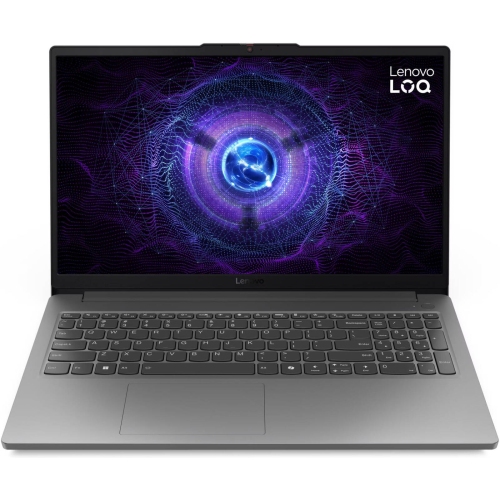
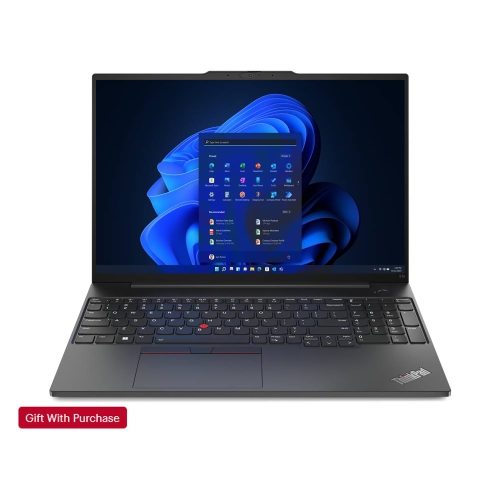
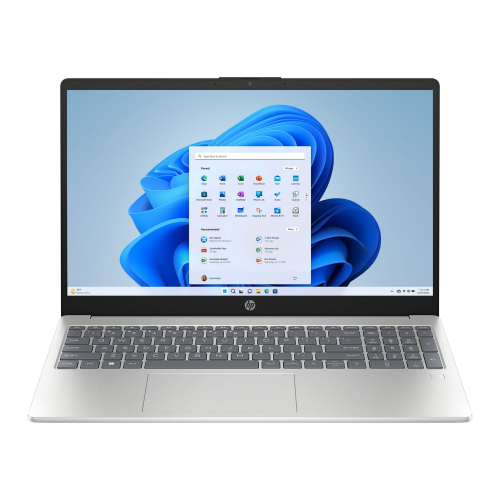
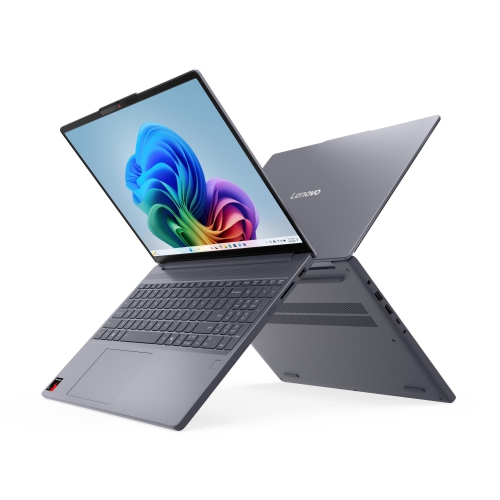
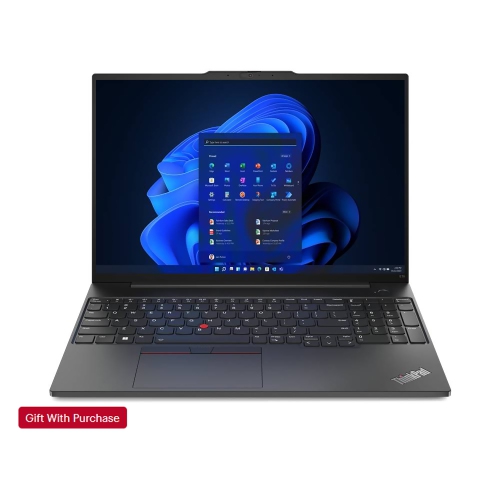
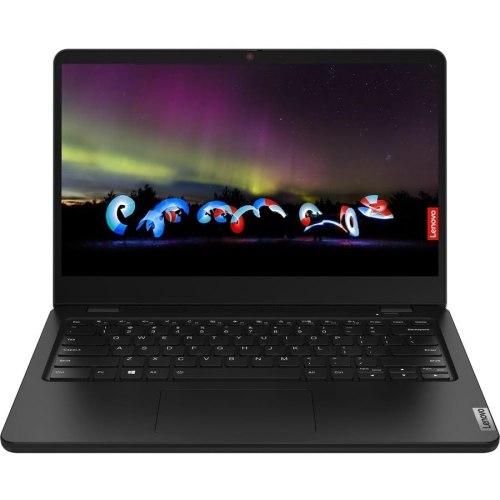
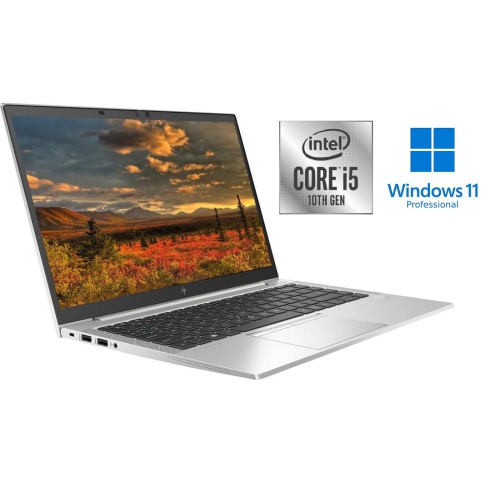

Features that support learning, collaboration, and flexible work
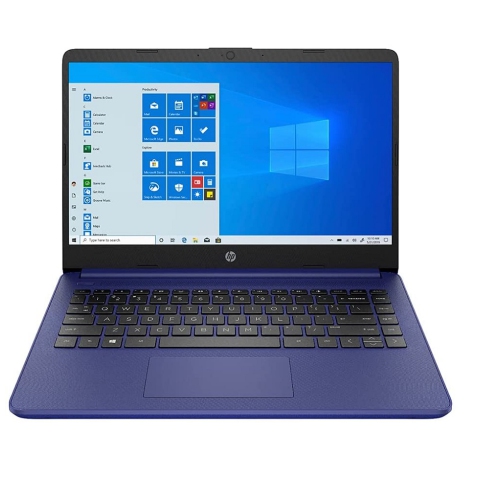
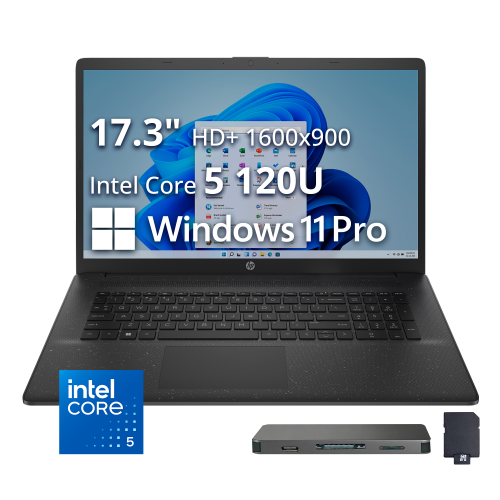
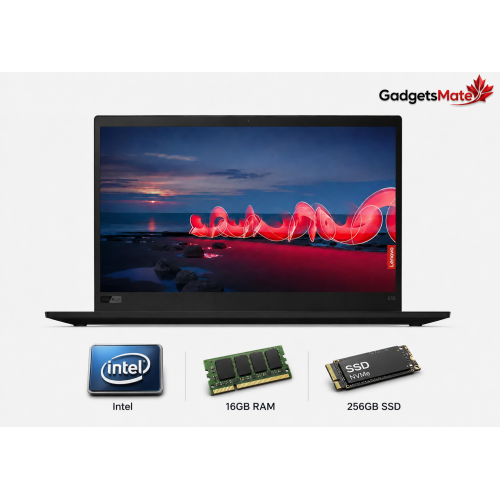
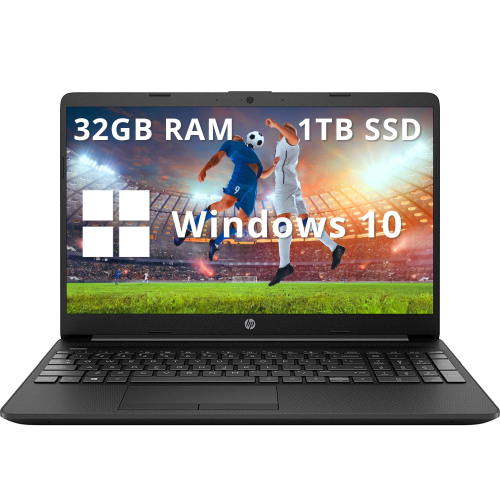
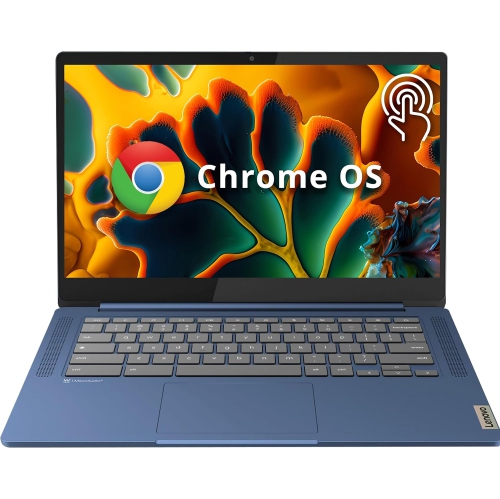
Choosing a laptop for online classes and meetings involves considering several key features that enhance the experience for both learning and collaboration. A high-quality webcam and microphone are crucial for clear communication, while a vibrant display helps minimize eye strain during extended study sessions or back-to-back meetings. Battery life becomes especially important as routines become more mobile, allowing users to move from the kitchen table to the backyard patio or a quiet corner of the library without searching for an outlet. Lightweight designs and slim profiles make it easier to carry your laptop between classes, coffee shops, or co-working spaces, while robust connectivity options—like Wi-Fi 6 and multiple USB ports—ensure seamless integration with accessories and peripherals. For those who teach or present online, additional features such as noise-cancelling microphones, fast processors, and ample storage space can make screen sharing, editing documents, and managing large files effortless. If you’re looking for devices tailored specifically for educators or presenters, the selection of Laptops for Online Teaching offers even more specialized options.
Laptops for online classes and meetings are not just practical, but also adaptable to a wide range of lifestyles and learning environments. From students joining virtual summer camps or enrichment courses to professionals attending webinars or remote interviews, a dependable laptop supports growth, connection, and creativity. Families may find themselves sharing a device among siblings for homework and group projects, while university students appreciate laptops that can transition smoothly from lecture halls to late-night study sessions. As the weather warms and outdoor spaces become inviting, the portability of a laptop allows users to take their work or studies outside, enjoying fresh air while staying on top of assignments and meetings. Ultimately, the right laptop becomes a trusted companion—one that empowers users to navigate the demands of online learning and remote collaboration with confidence and ease, no matter where the season takes them.
FAQ
What features should I look for in a laptop for online classes and meetings?
When choosing a laptop for online classes and meetings, consider features such as a reliable webcam, clear microphone, long battery life, fast Wi-Fi connectivity, and sufficient RAM (at least 8GB) to handle video conferencing software smoothly.
Is an integrated webcam sufficient for virtual meetings?
Most modern laptops come with integrated webcams that are suitable for virtual meetings. However, if you require higher video quality or often attend professional presentations, you may consider an external HD webcam.
How important is battery life for students attending online classes?
Battery life is very important for students who need to attend classes throughout the day without frequent charging. Look for laptops that offer at least 8 hours of battery life to ensure uninterrupted participation in online sessions.
Do I need a dedicated graphics card for online learning and meetings?
A dedicated graphics card is not necessary for most online classes and meetings. Integrated graphics found in most laptops are sufficient unless you plan on using graphic-intensive applications or gaming.
Can I use any operating system for online classes and meetings?
Yes, most major operating systems like Windows, macOS, and Chrome OS support popular video conferencing platforms such as Zoom, Microsoft Teams, and Google Meet. Choose the one you are most comfortable with or required by your institution.
Top selling and popular products
-
 Your price for this item is $449
-
 Your price for this item is $3099
-
 Your price for this item is $449.99
-
 Your price for this item is $664.05
-
 Your price for this item is $869.99
-
 Your price for this item is $2960.48
-
 Your price for this item is $489.7
-
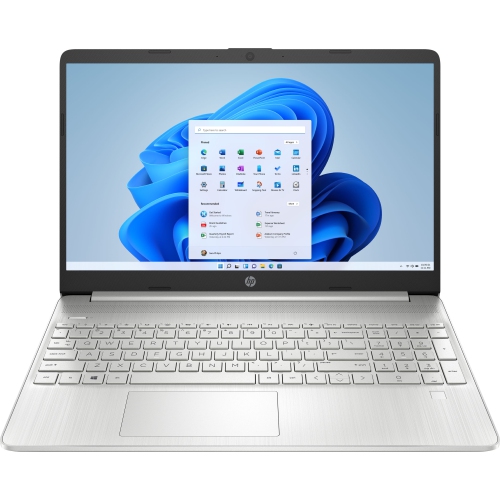 Your price for this item is $829