Lenovo Laptop Accessories
Lenovo is one of the world's largest PC makers, and it has been for years. The company's laptops are popular with consumers for their durability and reliability. But if you want to take full advantage of your Lenovo laptop, you'll need accessories to help you get the most out of it. Here are some of the best Lenovo laptop accessories available today.
Sort

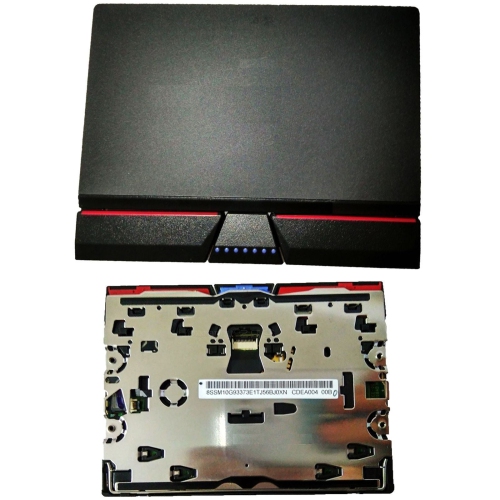
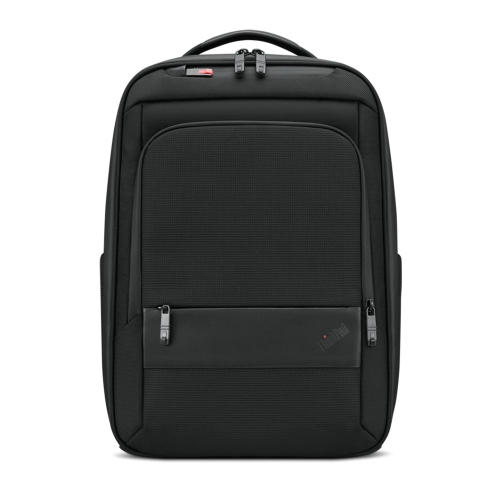
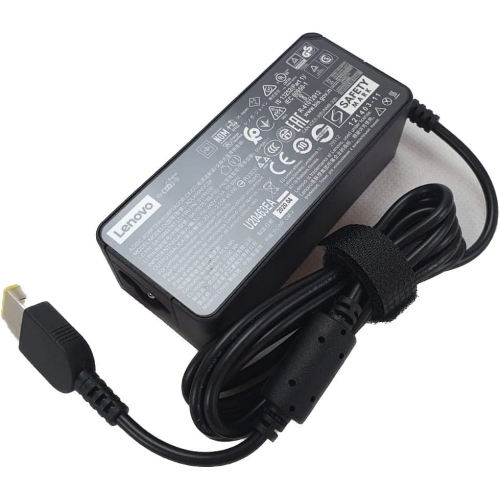
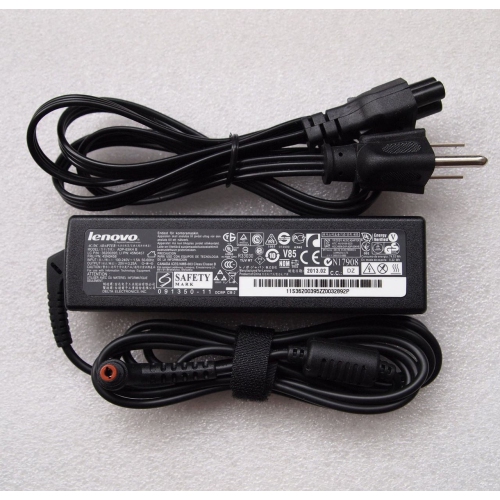
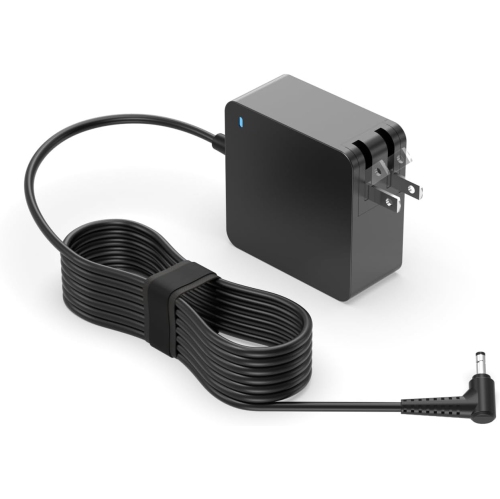
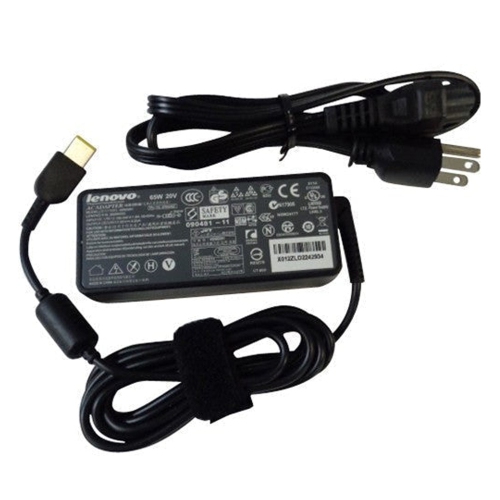
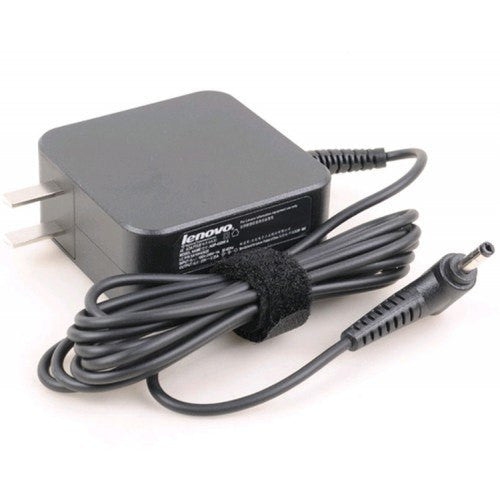
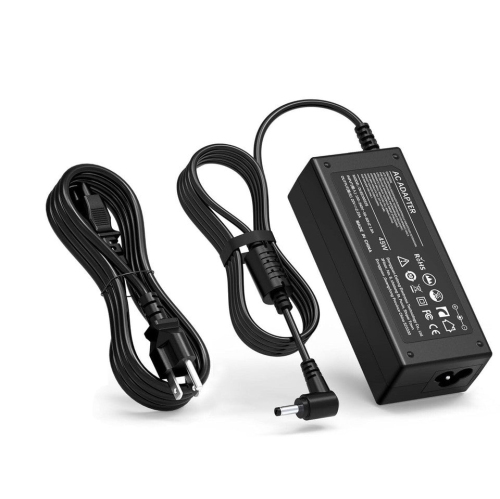
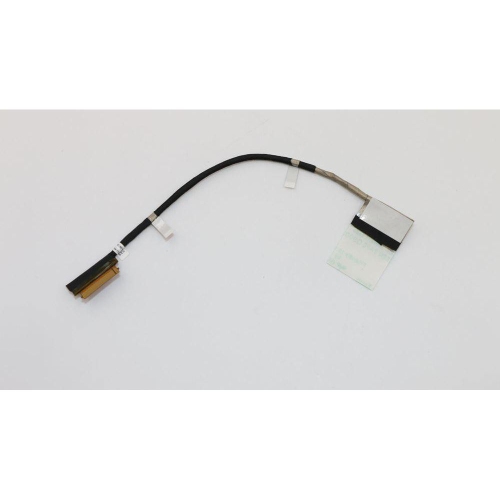
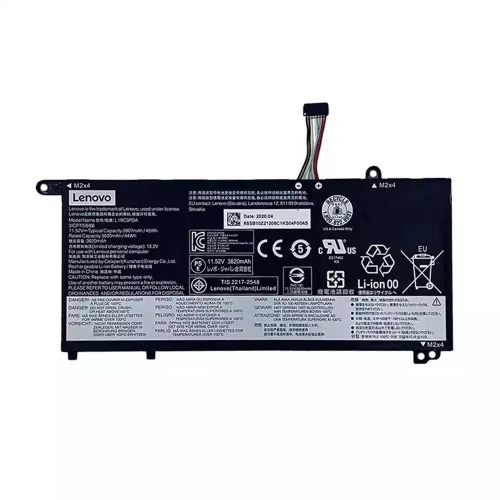
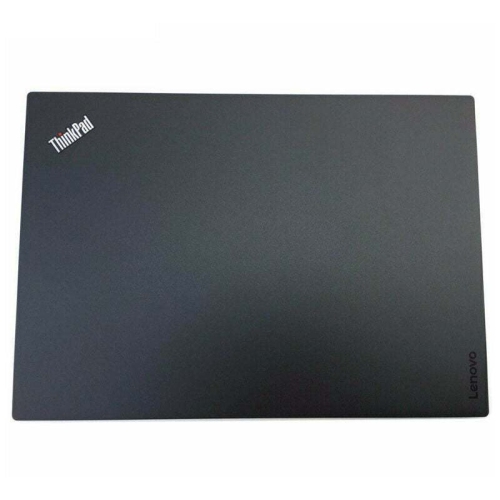
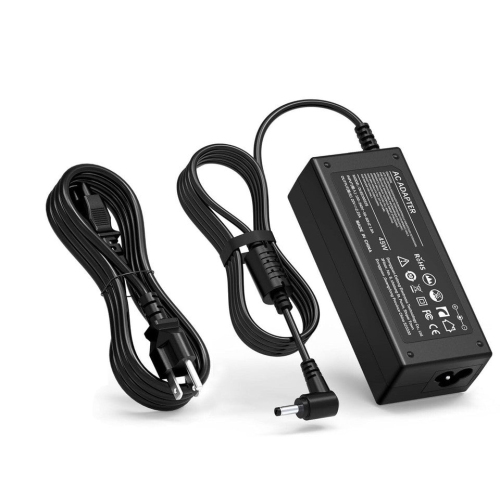




Why laptop accessory compatibility goes beyond matching connectors
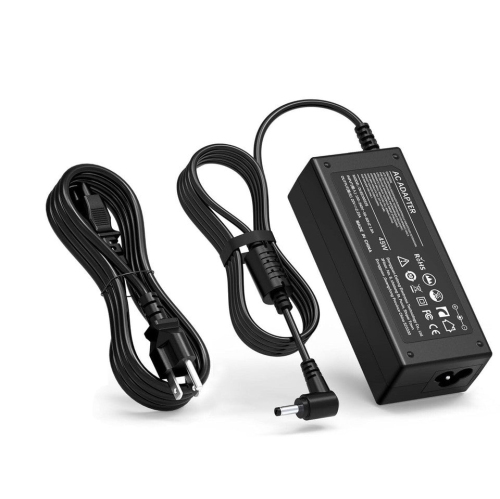
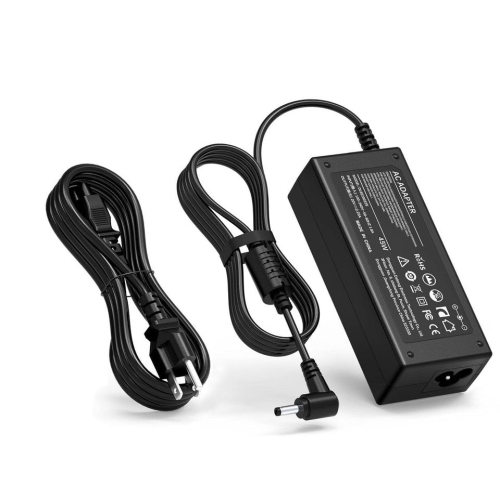
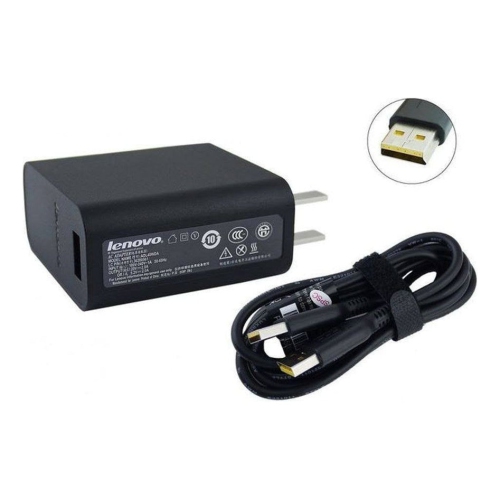
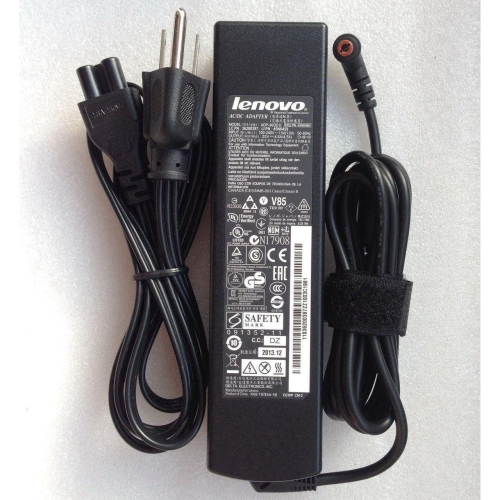
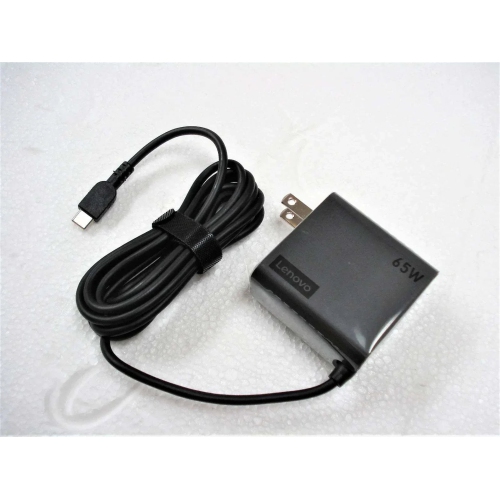
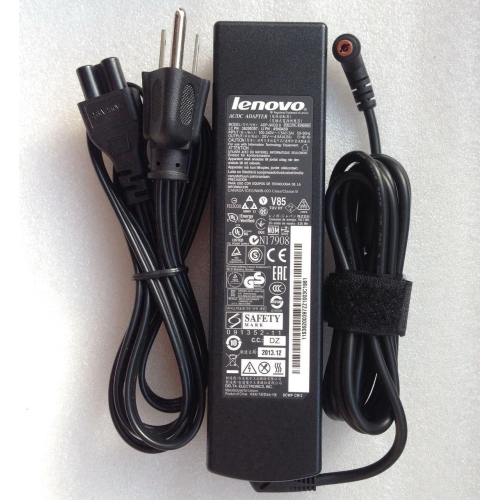
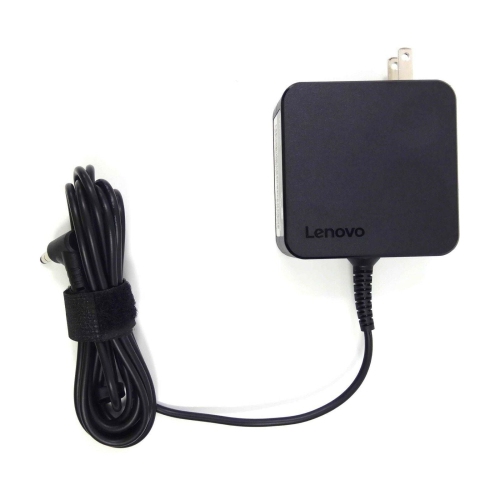
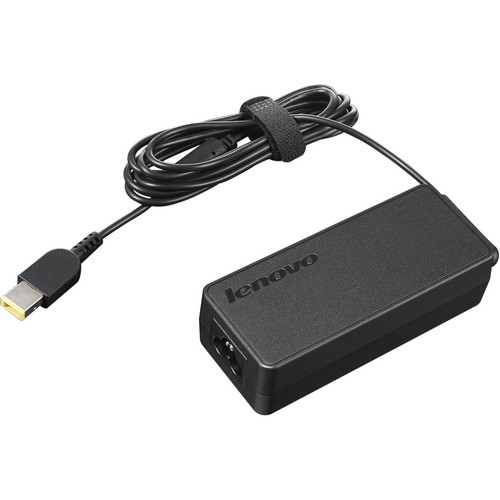
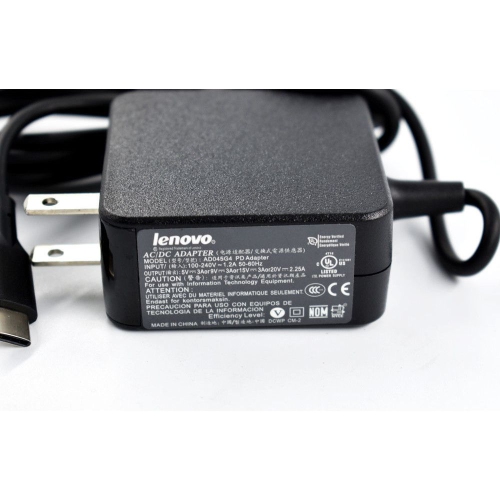
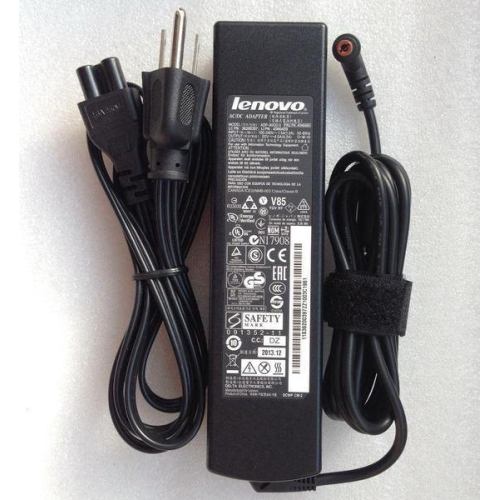
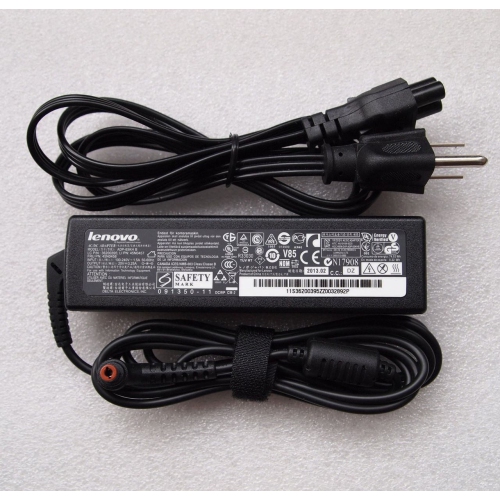
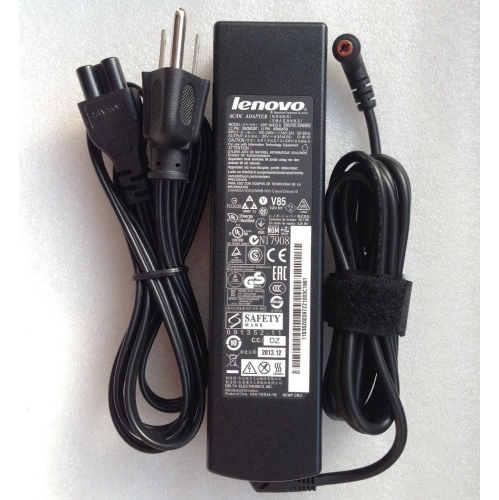
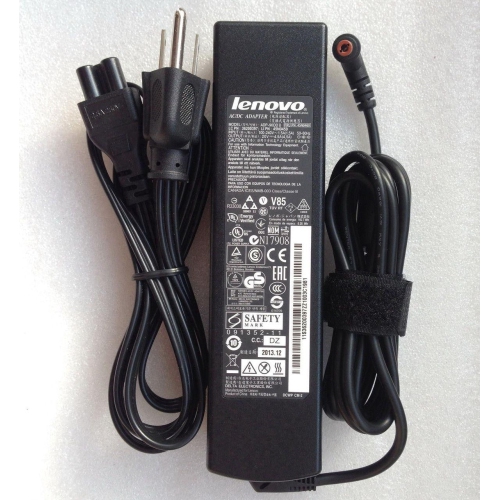
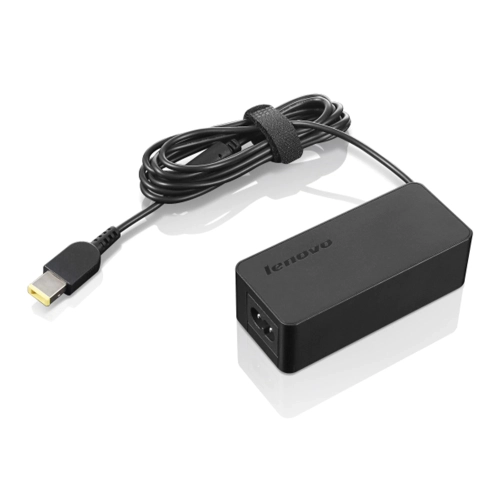
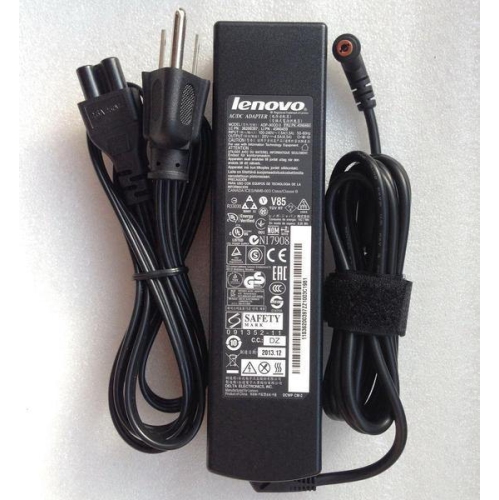
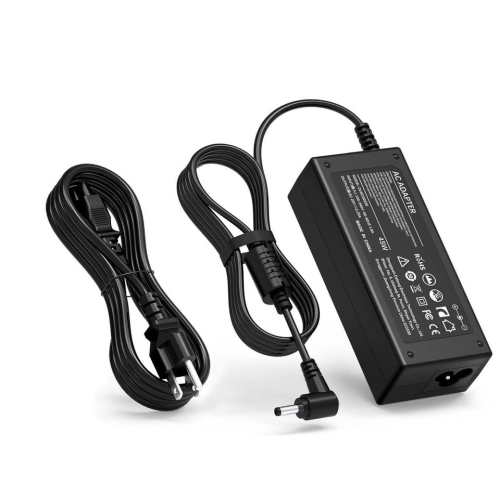
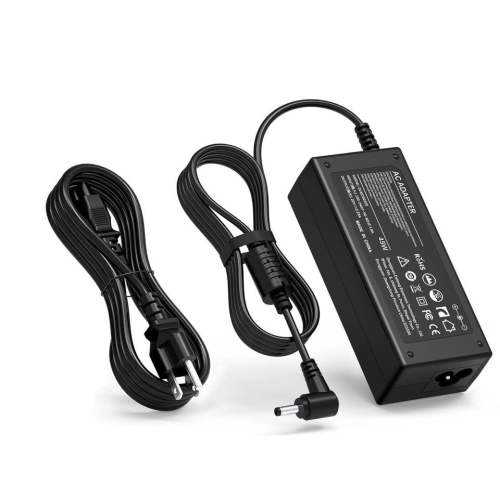
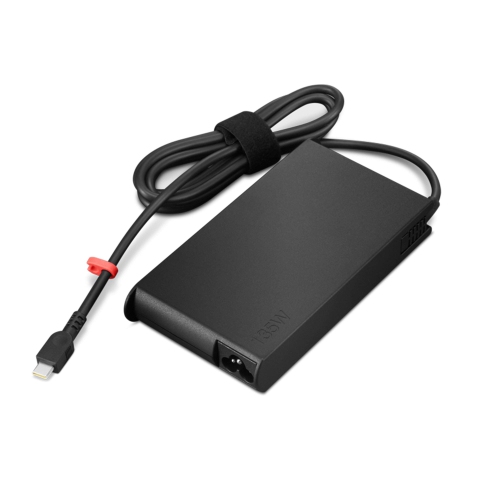
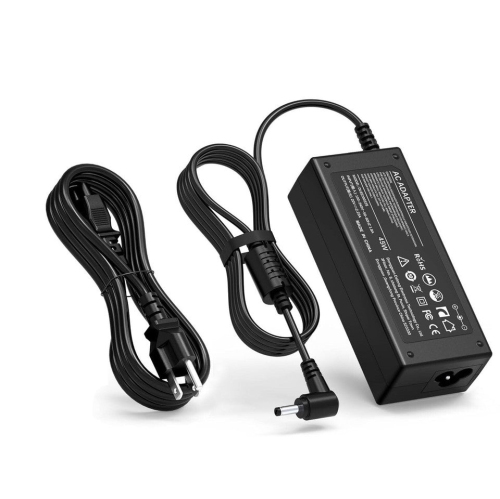
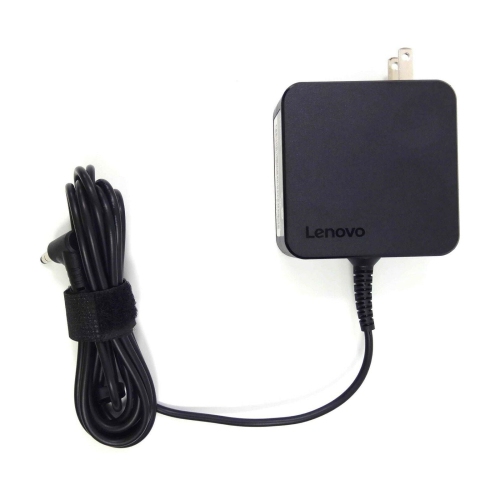
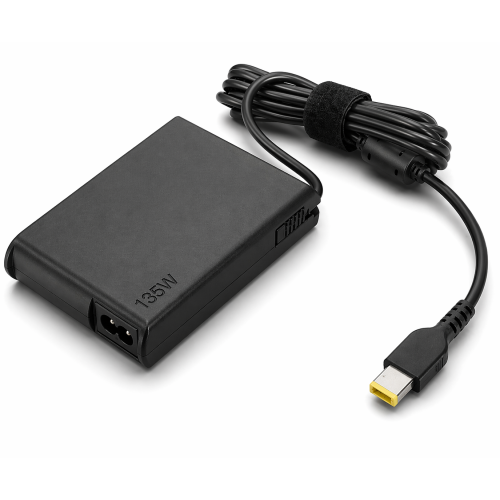
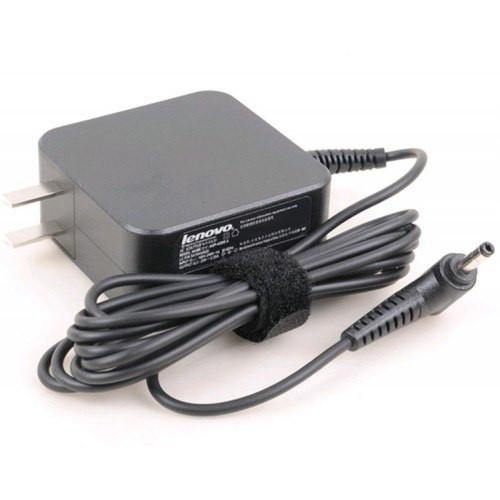
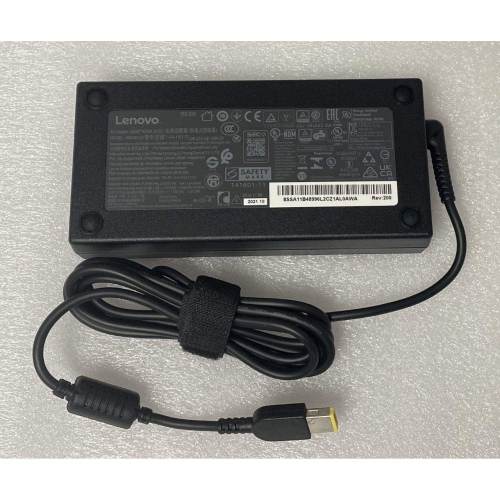
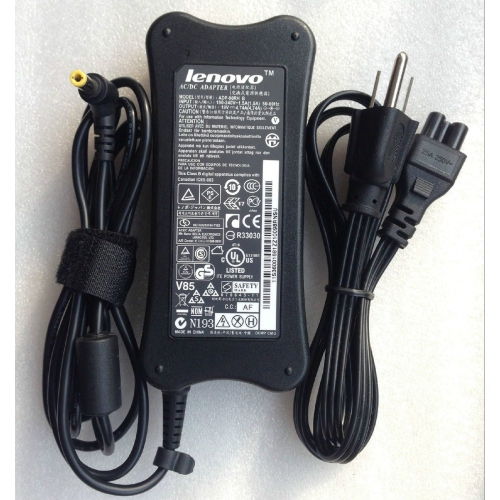
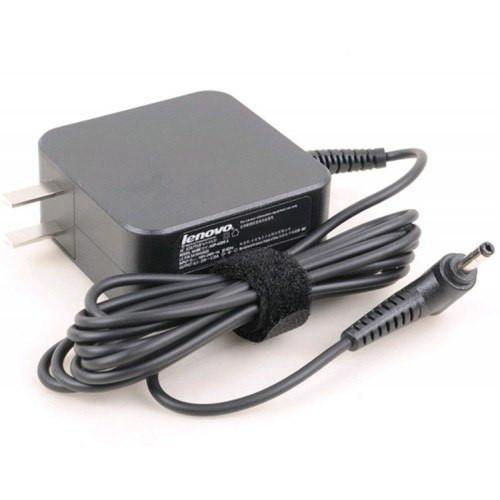
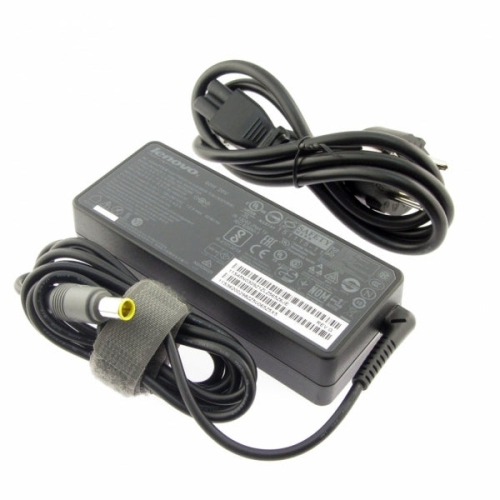
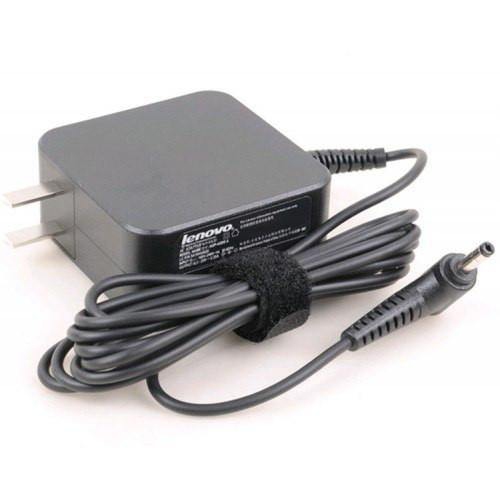
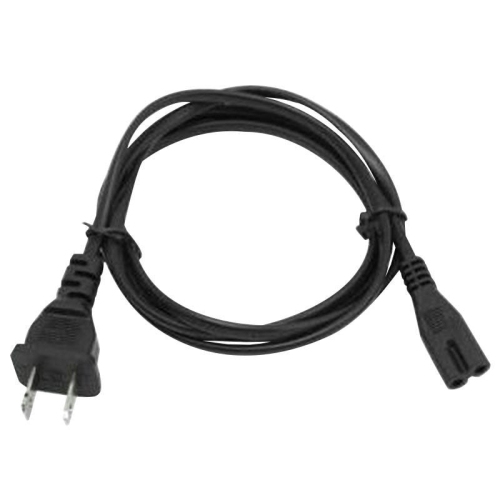
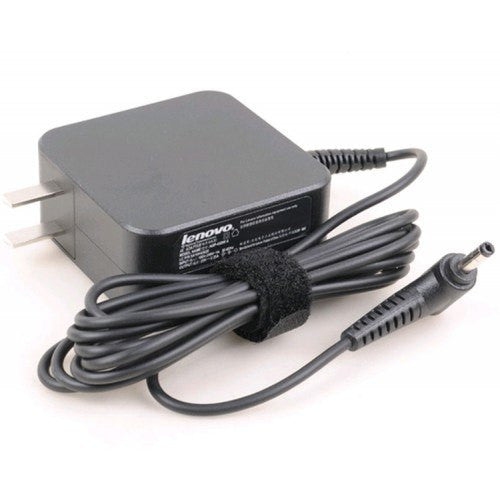
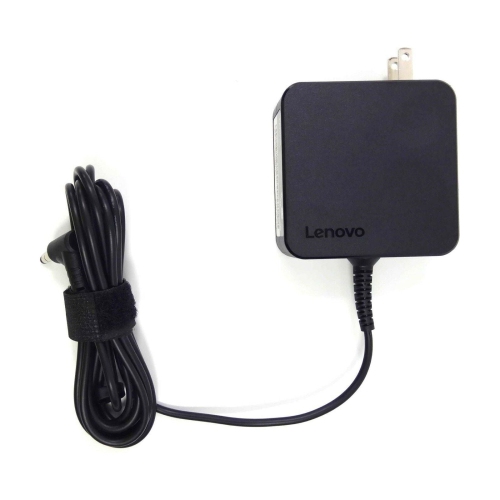
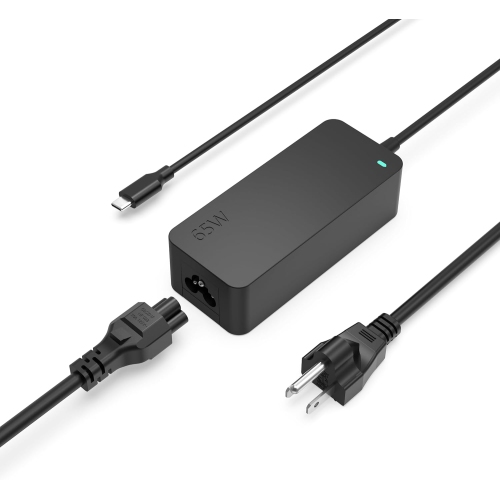
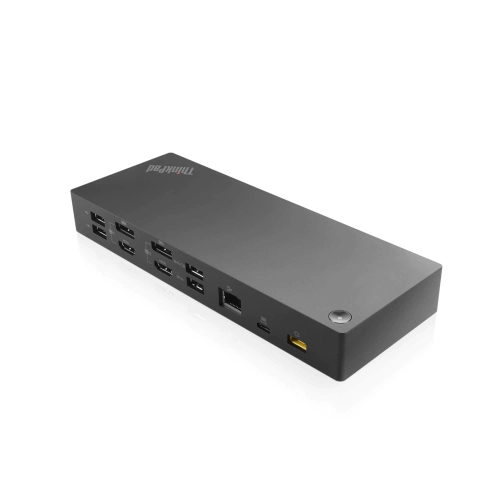
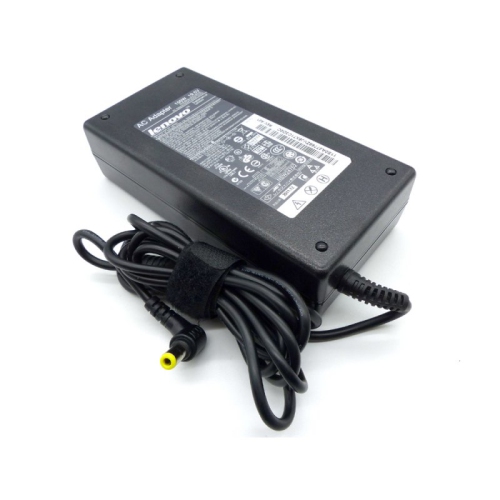
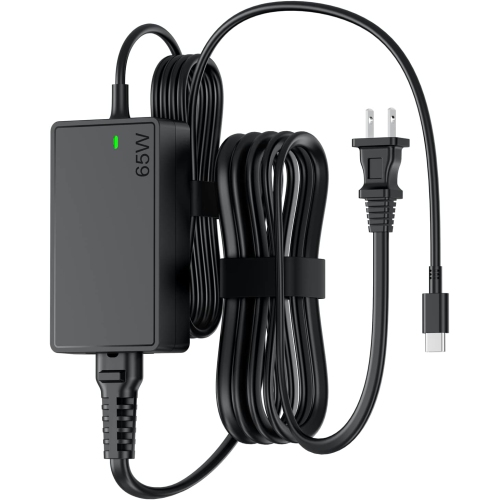
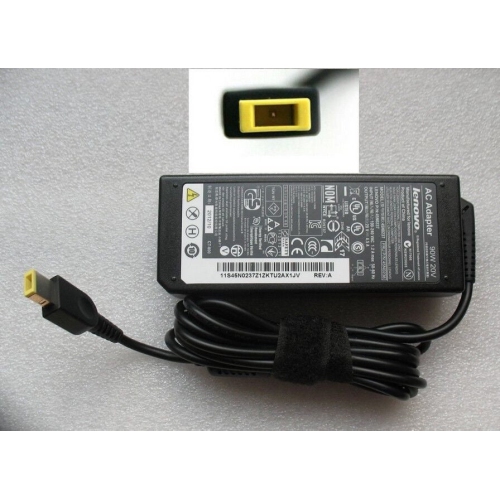
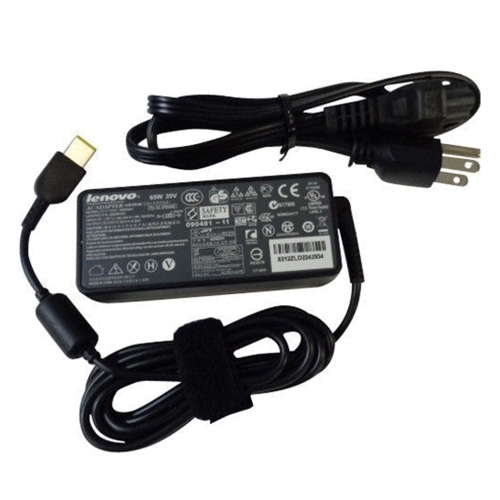
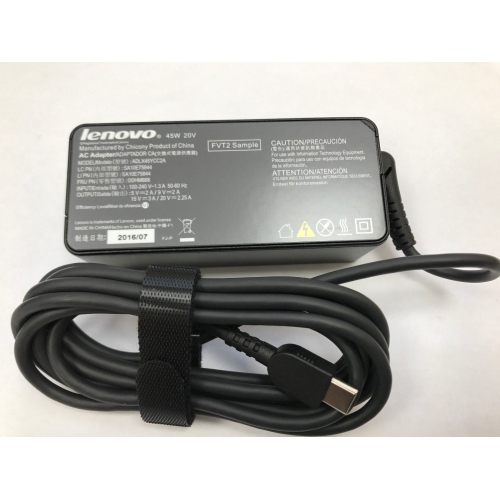
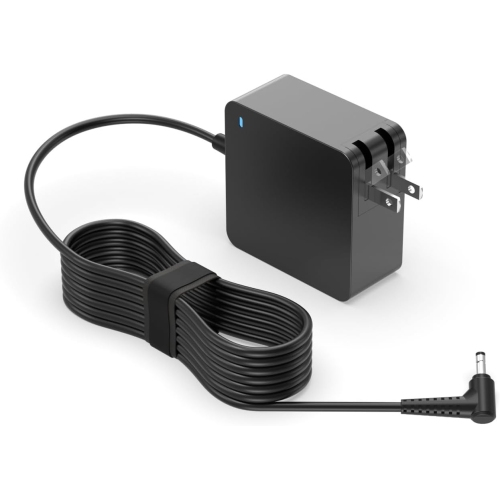
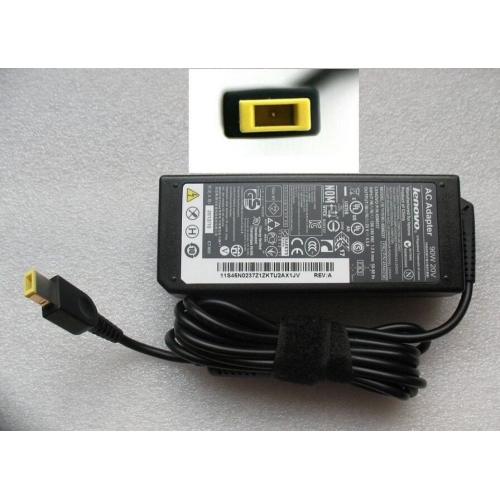
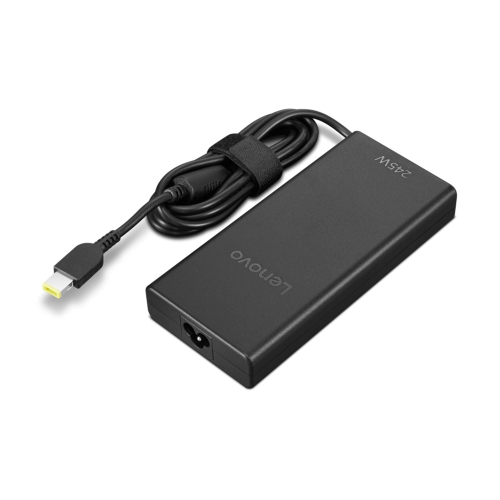
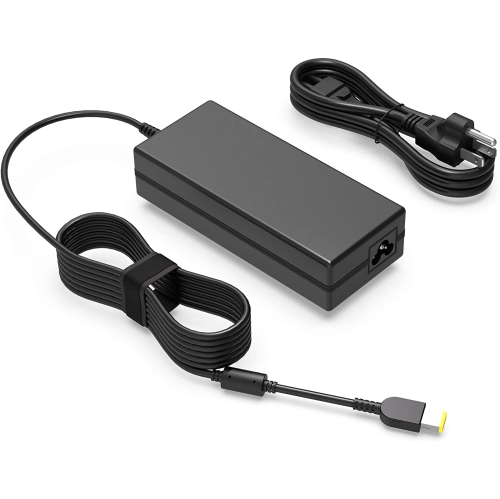
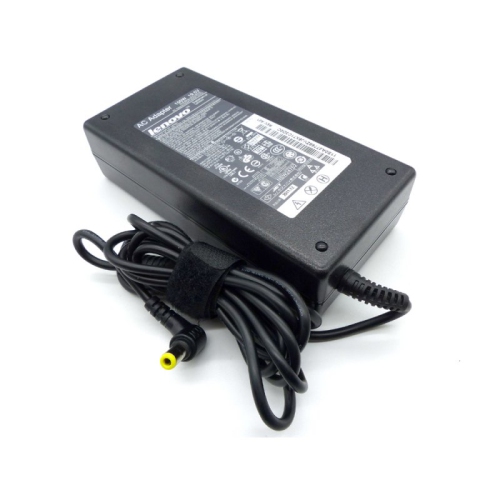
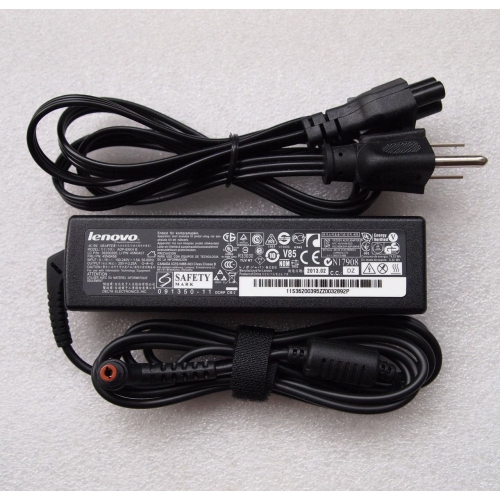
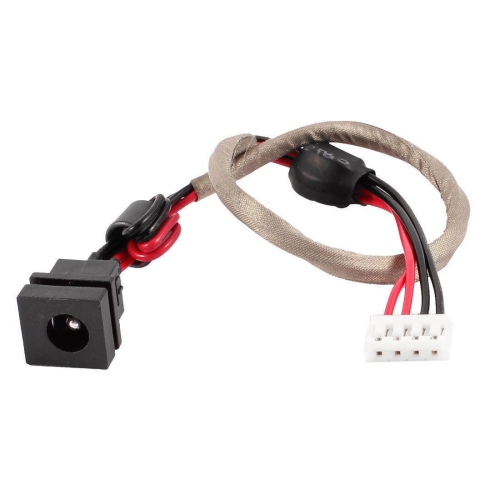
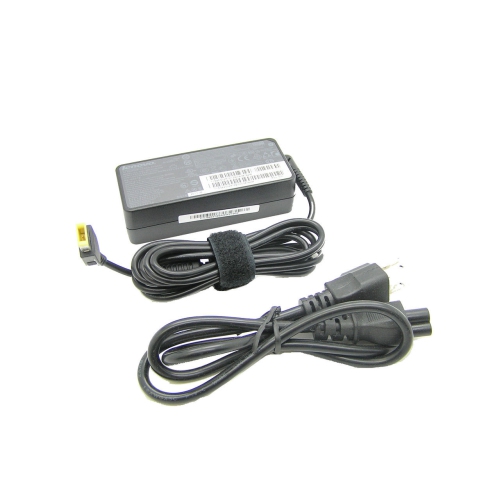
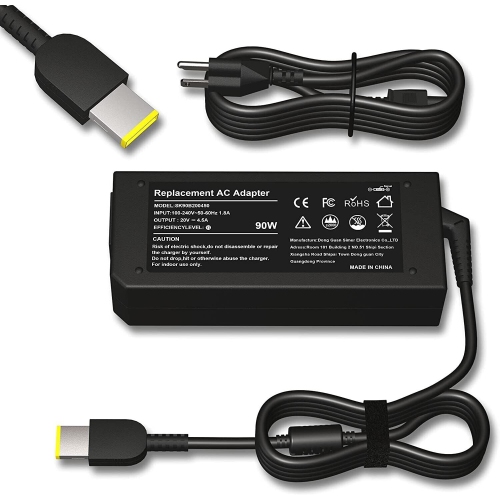
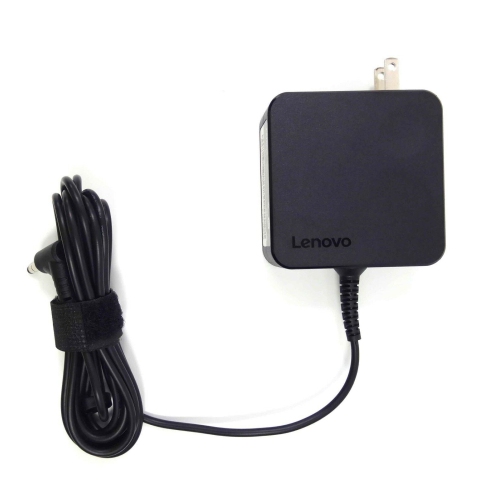
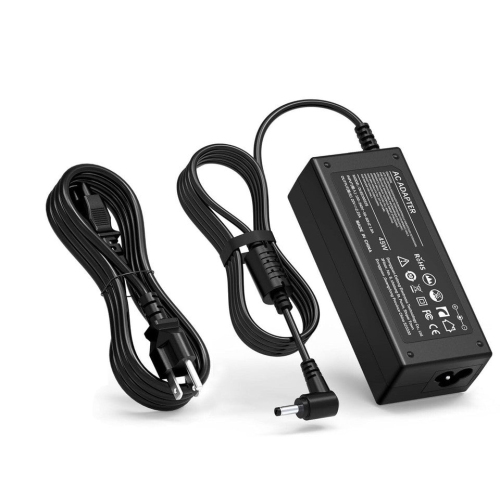
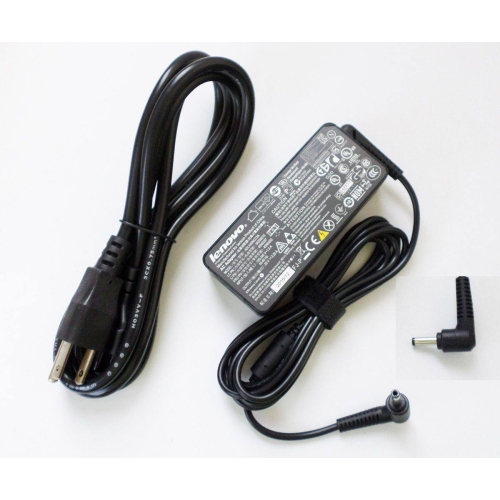
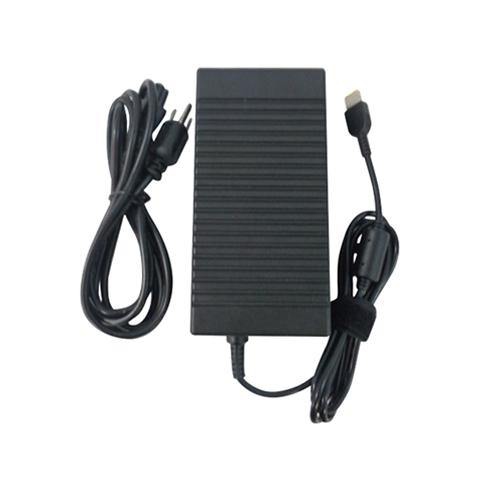
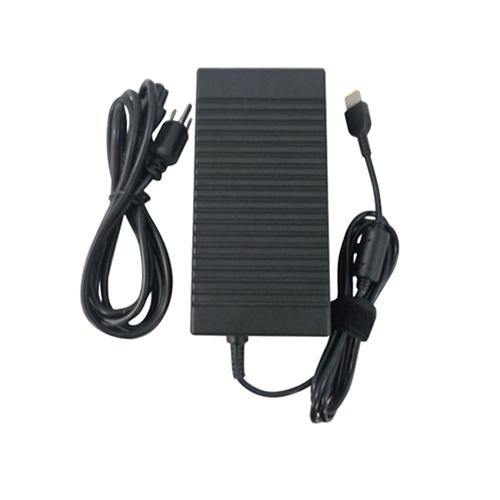
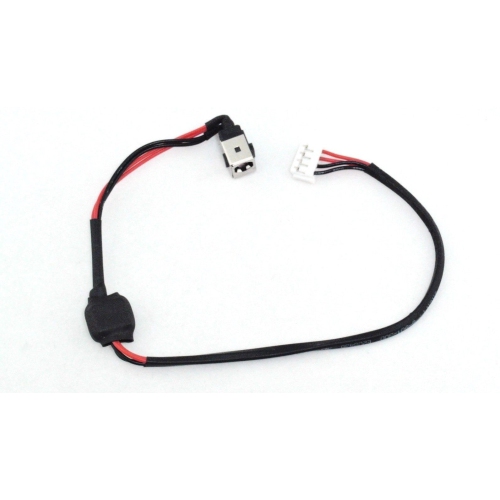
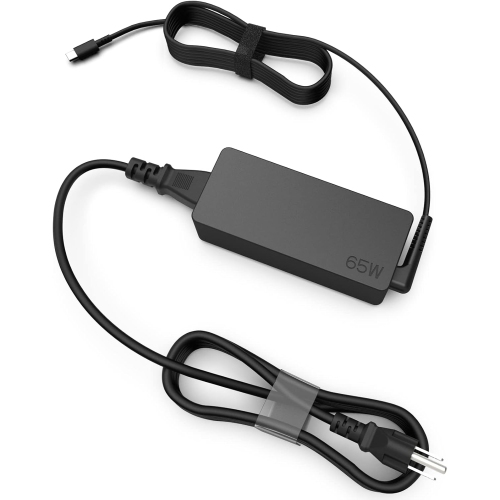
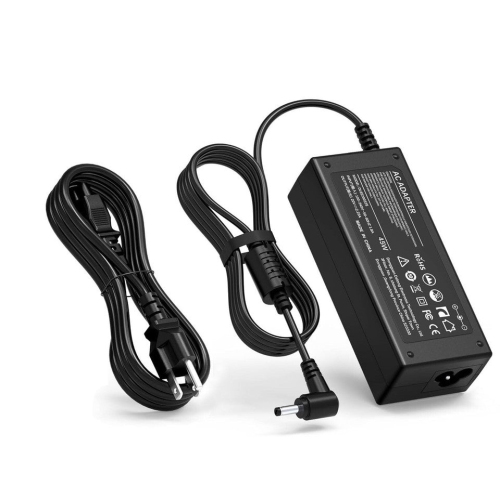
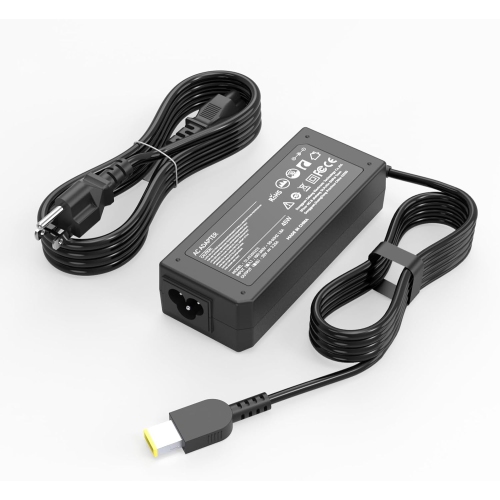
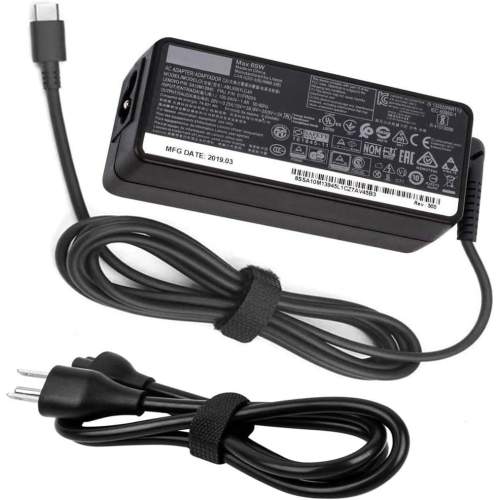
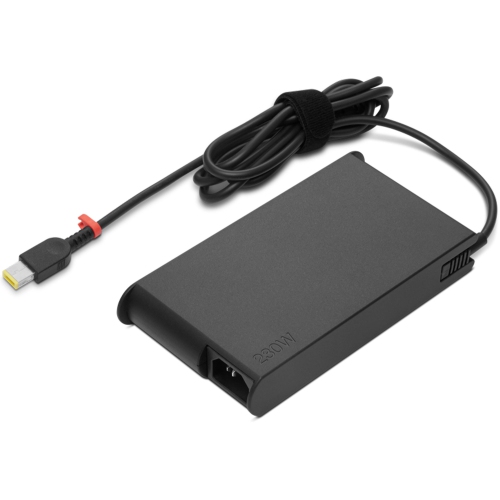
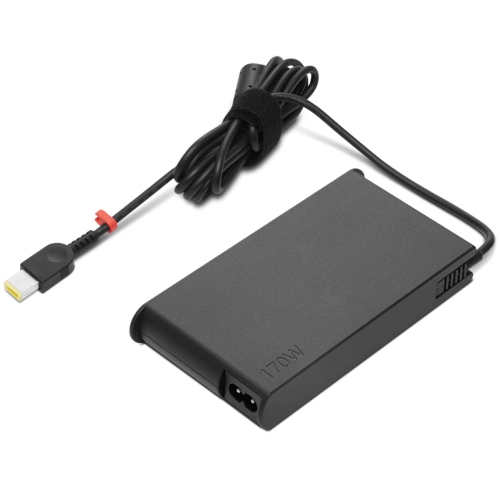
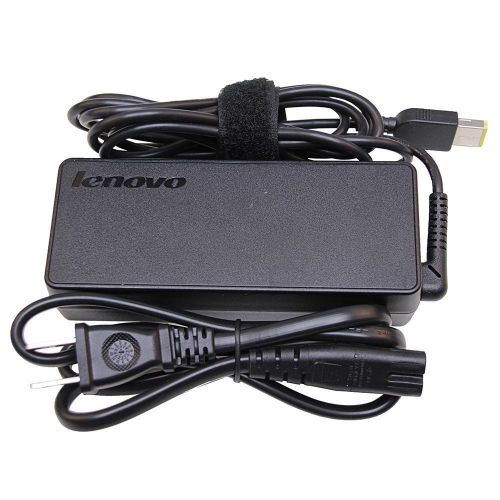
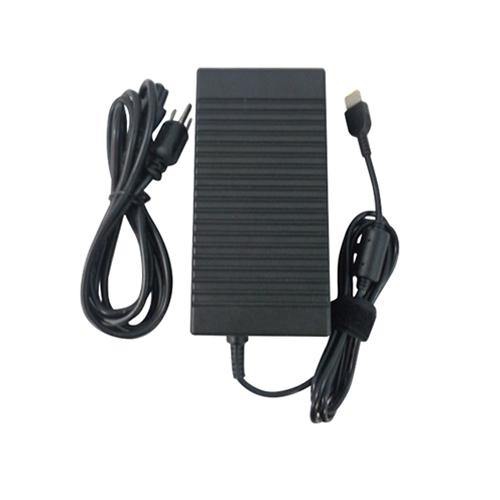
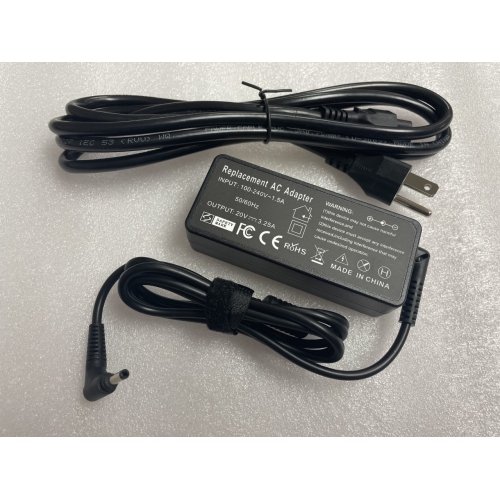
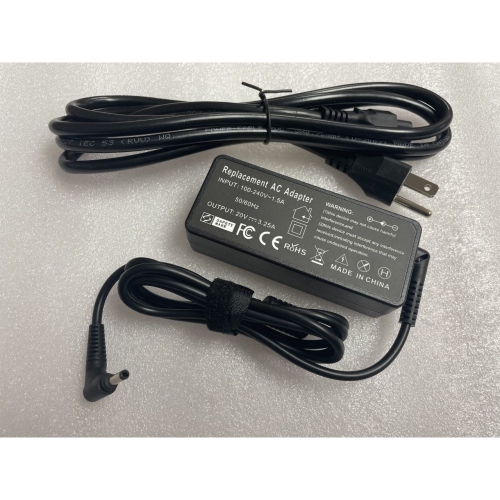
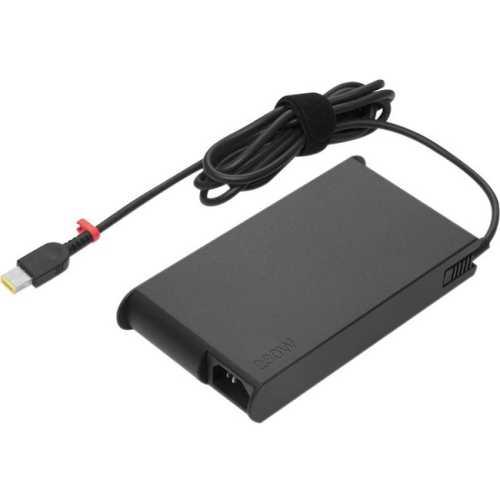
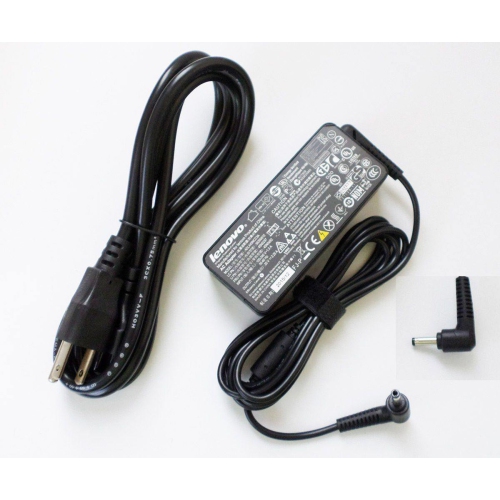
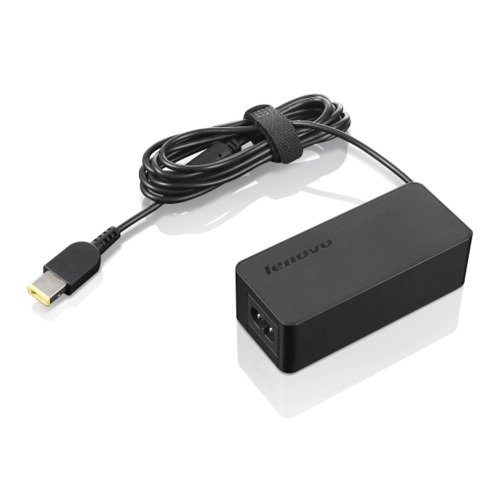
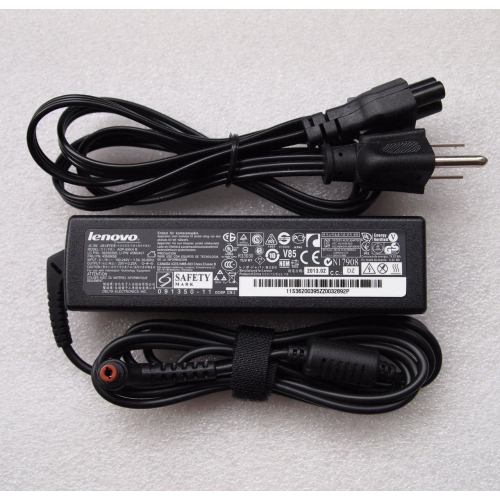
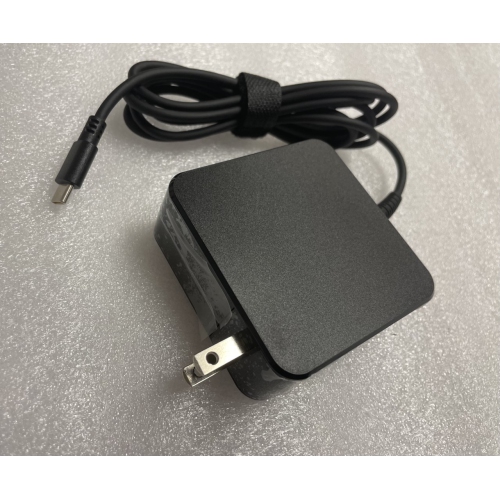
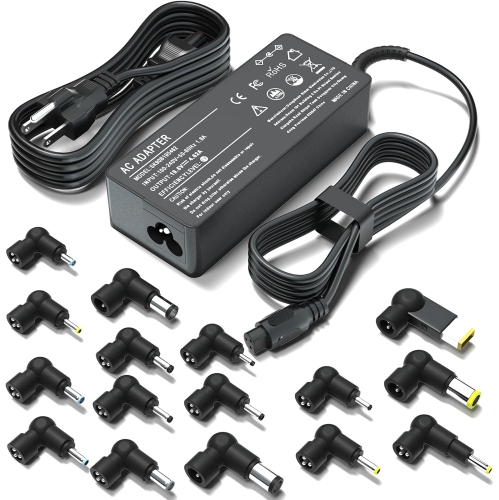
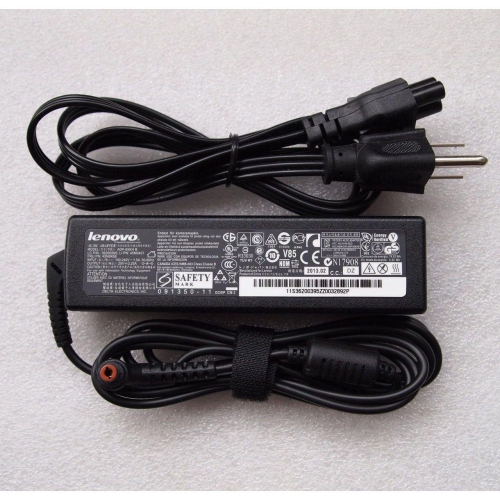
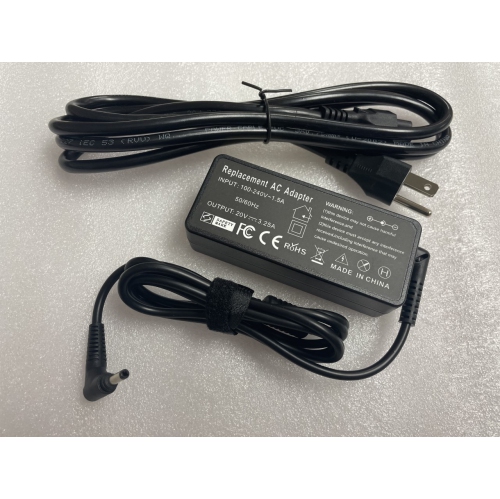
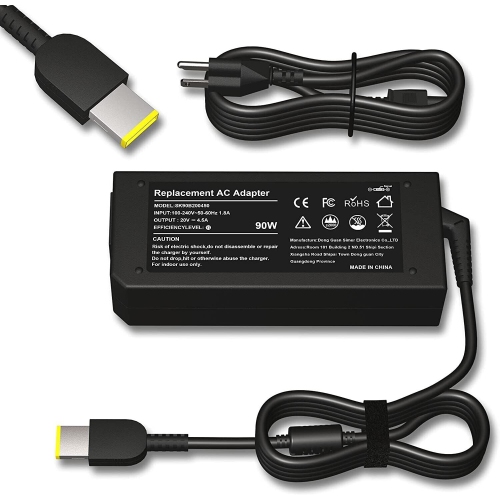
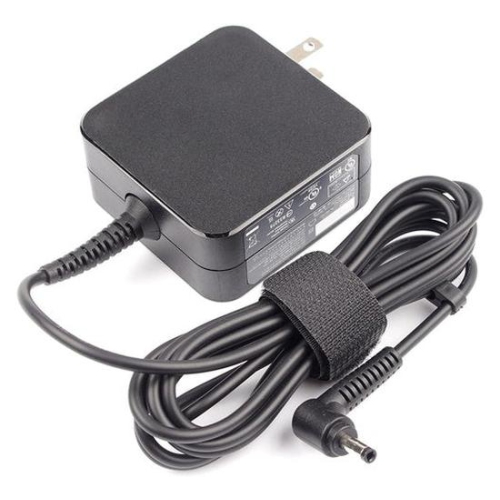
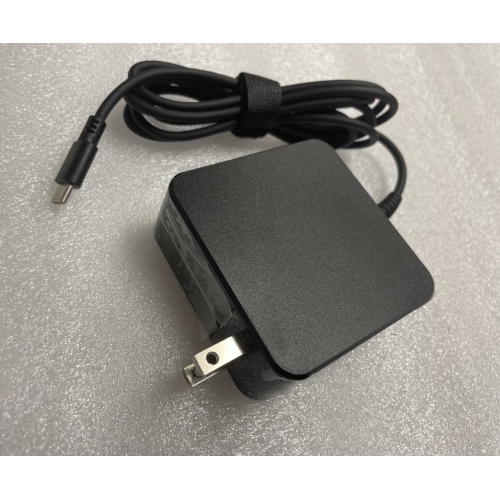
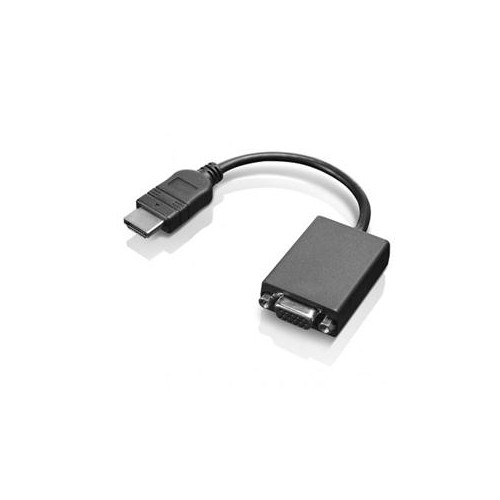
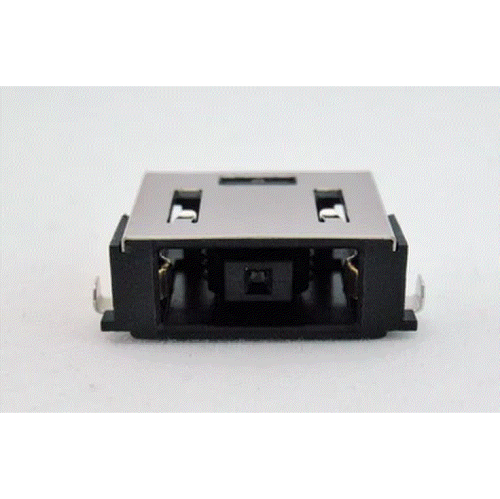
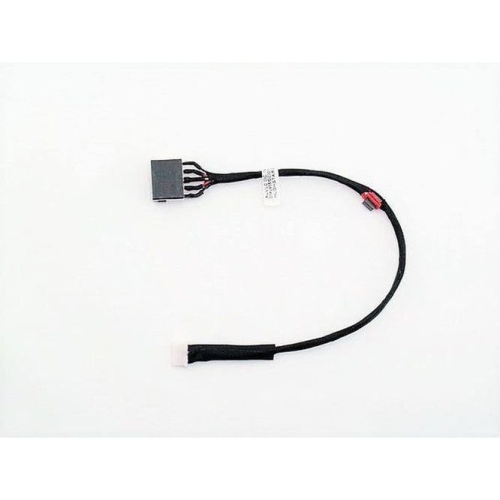
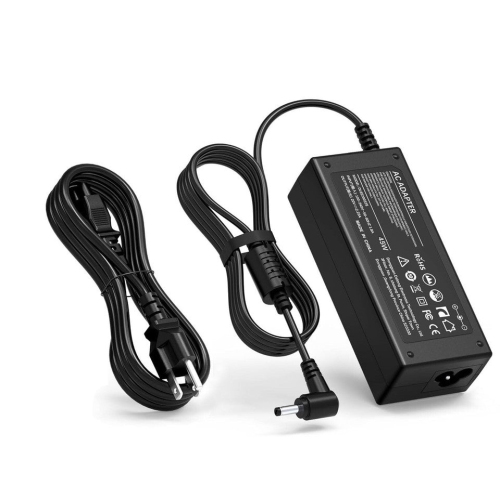
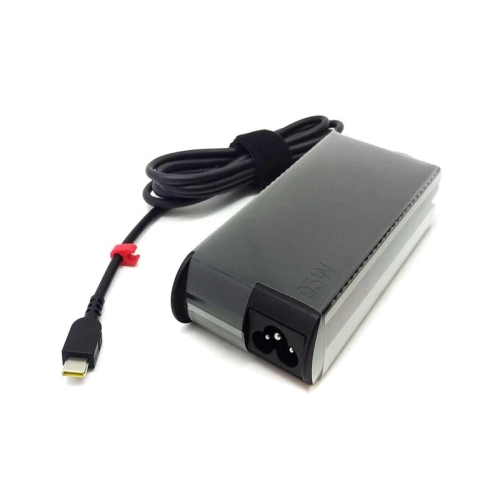
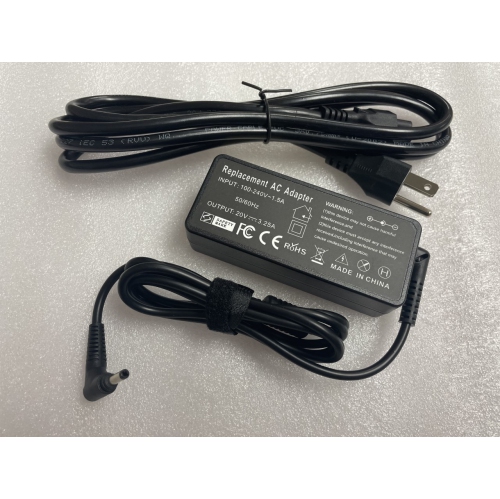
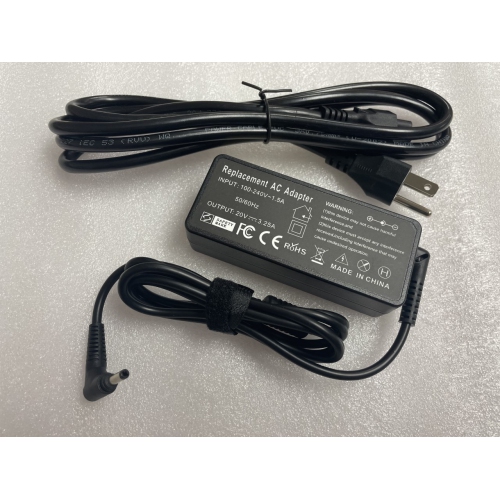
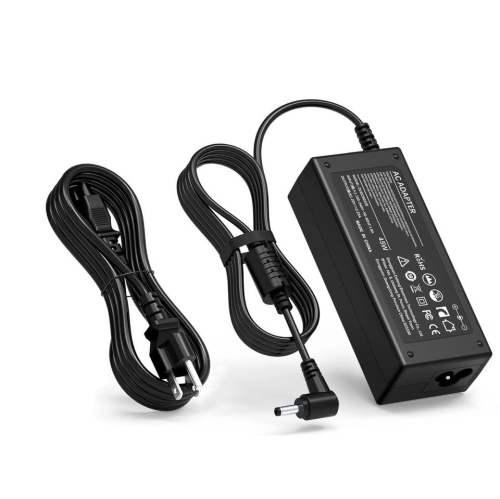
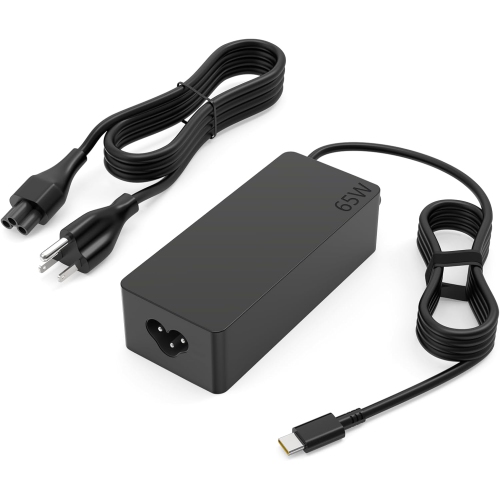
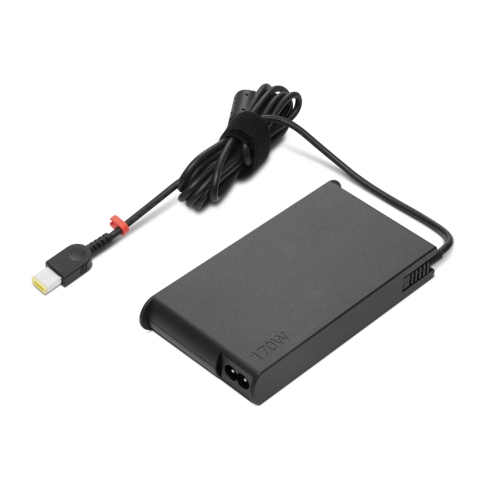
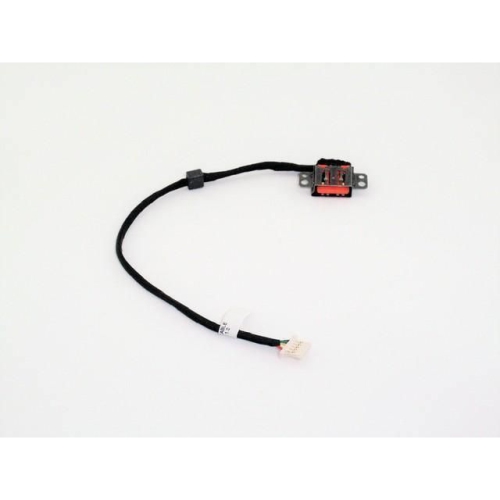
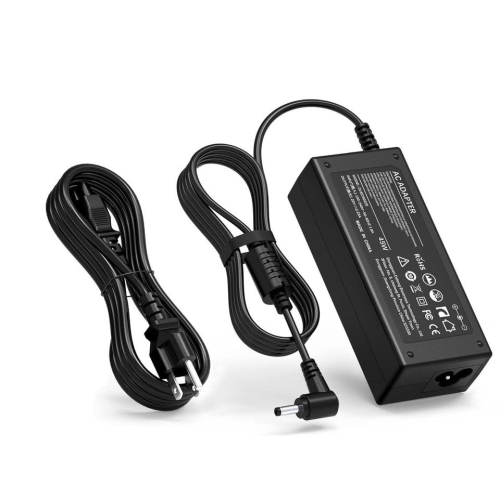
Laptop accessories support everyday computing with charging, connectivity, protection, and more comfortable ways to work. Chargers, docking stations, hubs, carrying bags, keyboards, and mice serve different purposes, but their usefulness starts with compatibility. A laptop’s exact model, port capabilities, dimensions, and power requirements matter more than a connector’s appearance alone. USB-C ports, for example, do not all support the same combination of charging, video output, and data transfer. A compact hub can provide connections for a presentation display, a storage drive, and a wired mouse, while a compatible docking station can bring several desk connections together through one cable. For someone moving between a shared workspace and a home desk, that can mean fewer connections to make at the start and end of the day. Display support depends on the laptop, dock, cable, and monitor working together, including the resolution and refresh rate required. Multiple-monitor arrangements also depend on the computer’s hardware and operating system, so the number of sockets on a dock does not tell the whole story. Charging accessories require similar attention: the correct connector, supported charging standard, and suitable power output all contribute to reliable operation. A charger with insufficient output may charge slowly or struggle to keep up while the laptop is under a heavy workload. The cable must also support the required power level. Where a dock provides power to connected devices as well as the laptop, its total power rating may differ from the amount delivered to the computer. These distinctions matter for students connecting classroom equipment, professionals working with spreadsheets across several screens, and people who want a tidy desk without repeatedly reaching behind a monitor. Cable length is another practical consideration: enough reach keeps connections relaxed, while excessive slack can crowd a small surface. Clearly identified ports and an accessible layout make frequently used connections easier to manage.
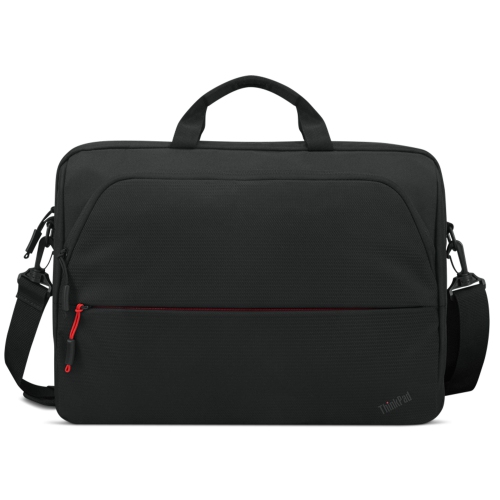
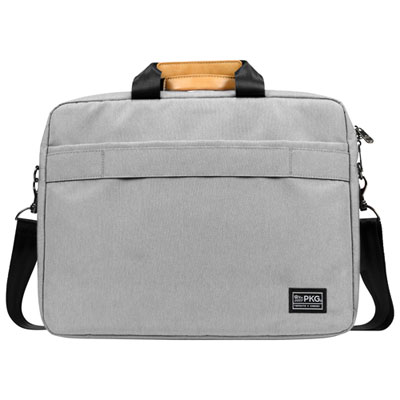
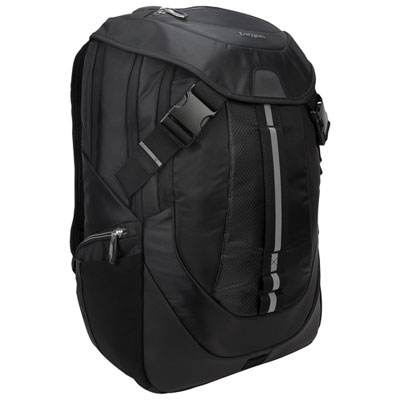
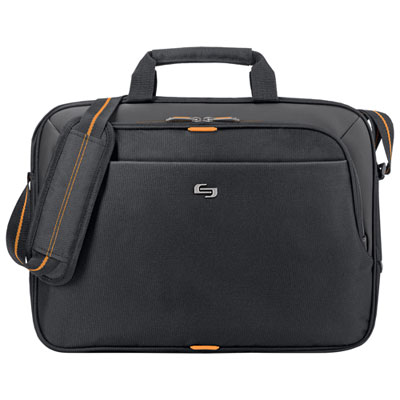
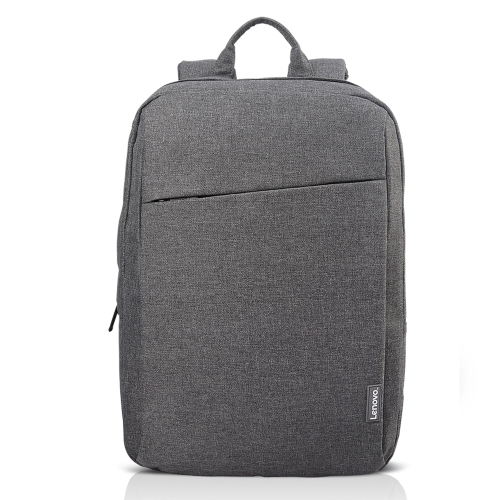
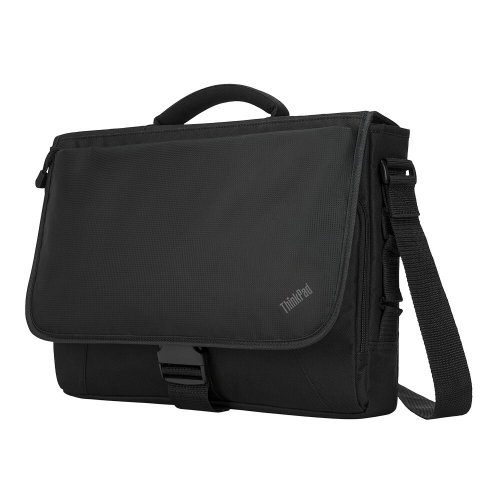
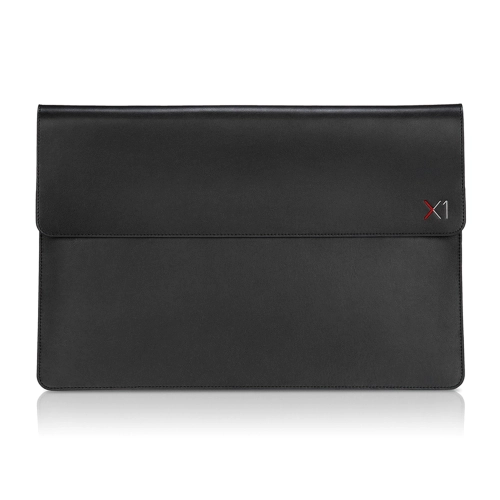
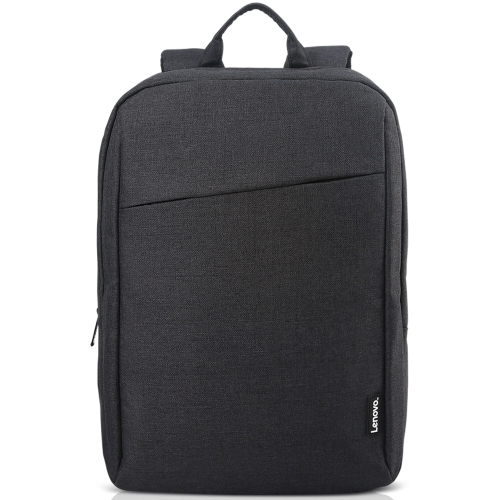
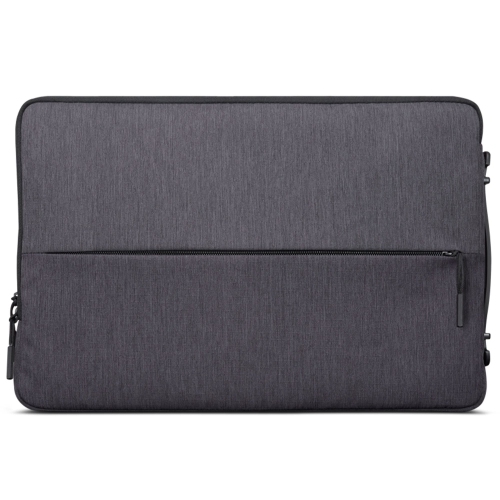
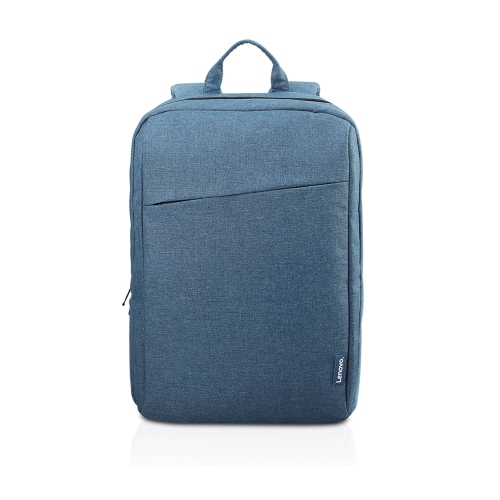
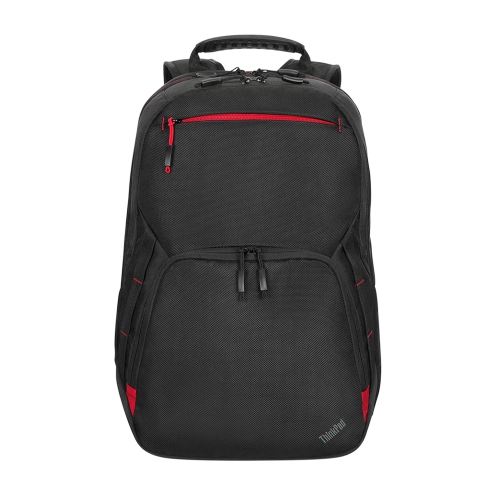
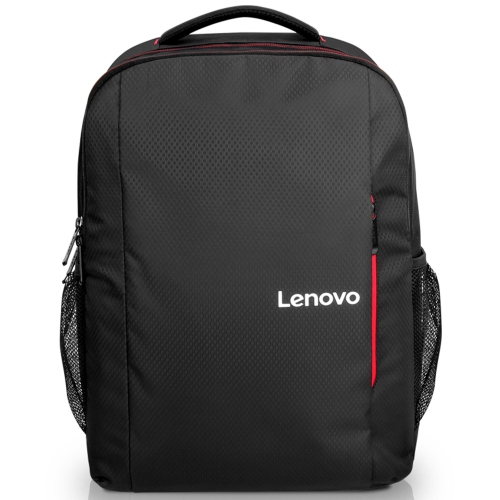
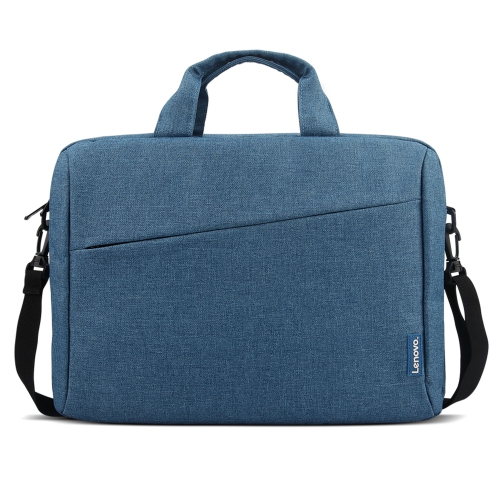
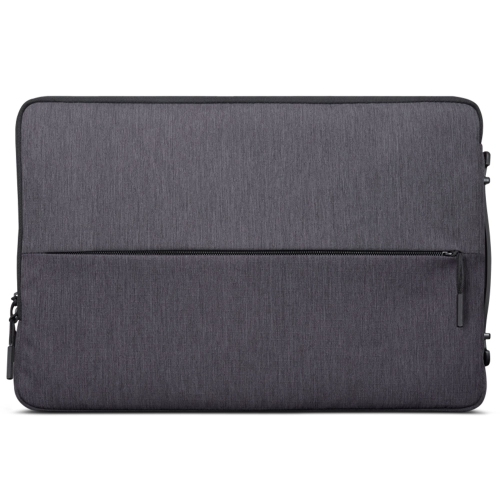
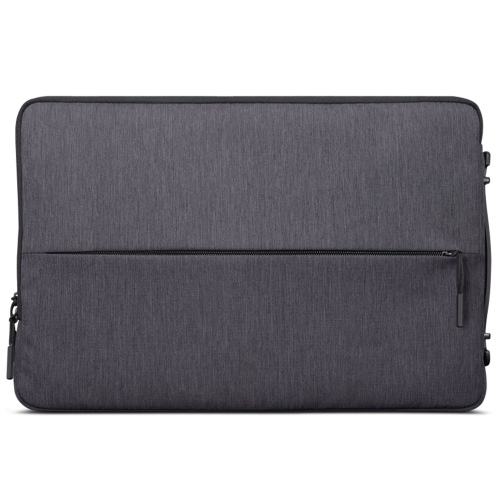
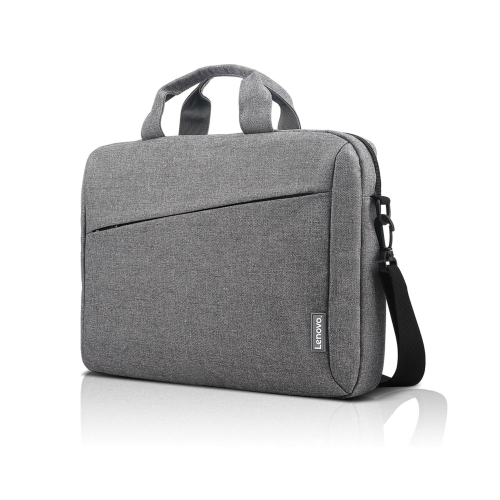
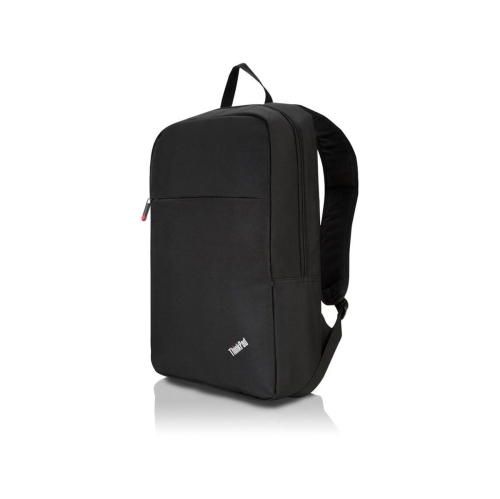
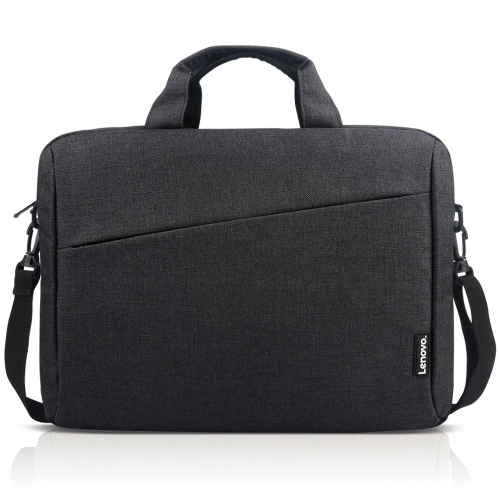
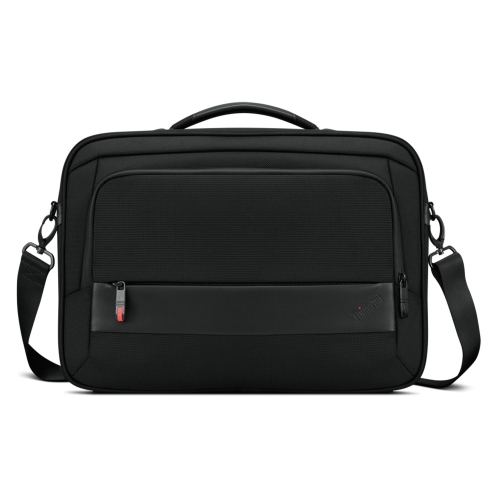
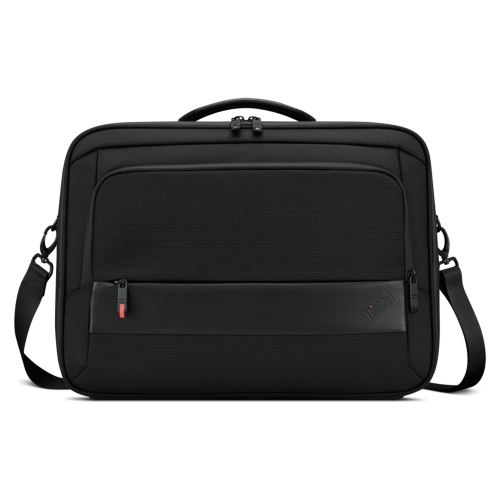
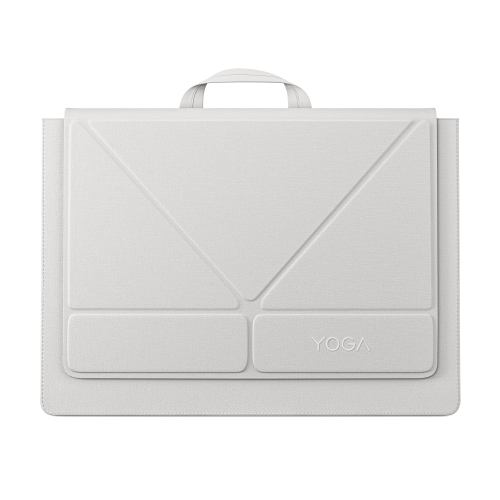
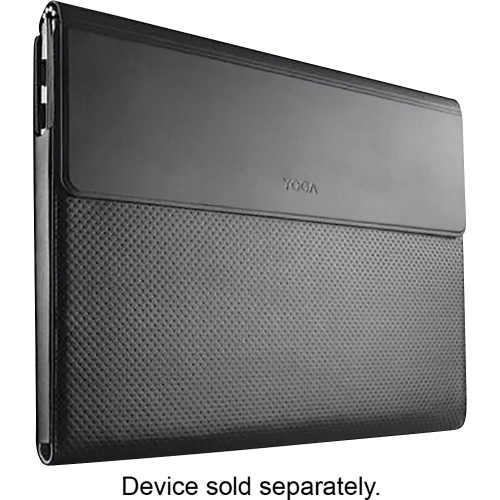
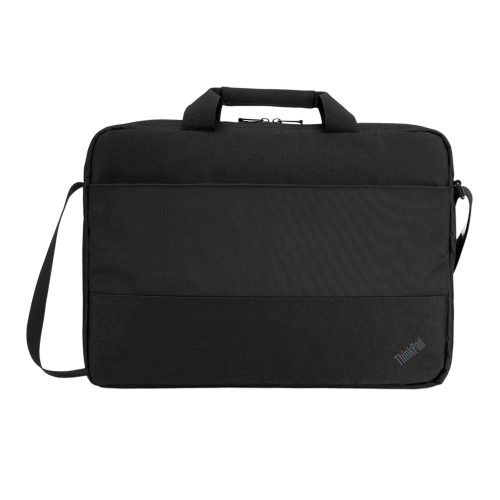
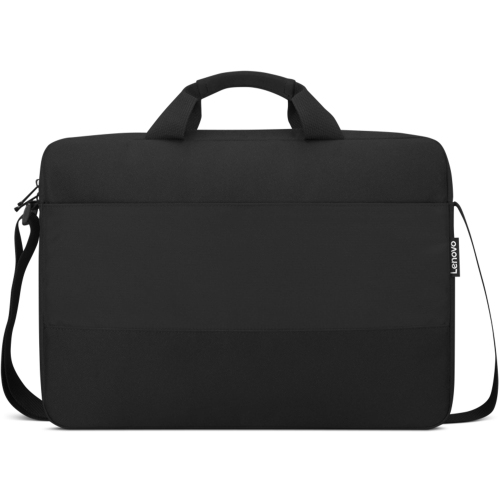
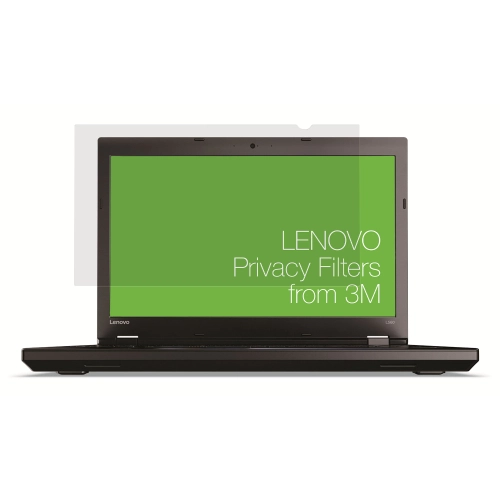
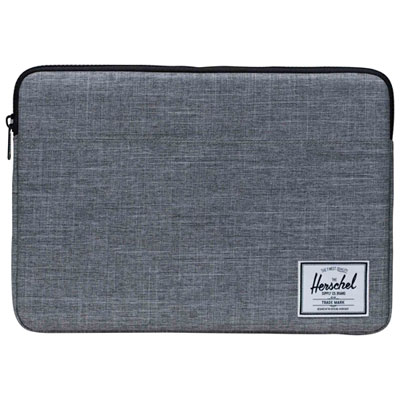
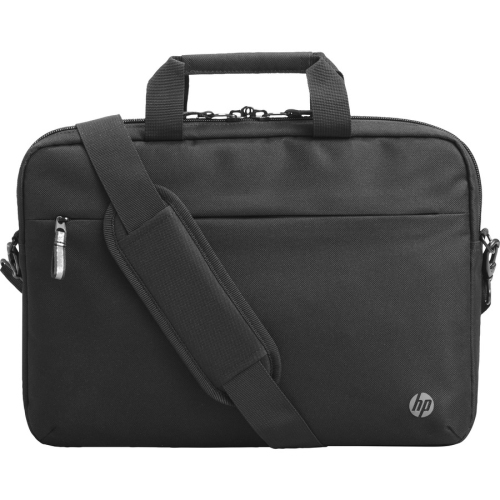
Carrying accessories protect a laptop while making the rest of a daily kit easier to organize. Sleeves provide a close-fitting layer around the computer and can slip inside a larger bag, while shoulder bags and backpacks offer room for charging cables, notebooks, headphones, and other essentials. Fit is best understood through the laptop’s actual width, depth, and thickness rather than screen size alone. Two computers with the same screen measurement can have different footprints, and a fitted shell or protective cover can add bulk. A padded compartment should hold the device securely without pressing tightly against its edges or leaving it free to slide around. For a commute involving stairs, transit, and a walk through a large building, comfortable shoulder straps and a balanced load can matter as much as storage capacity. Someone carrying a laptop between meeting rooms may prefer a slim profile and an easy-to-grip handle. Materials shape how these accessories feel and hold up: woven nylon and polyester are common choices for flexible carrying bags, while structured panels can help a compartment retain its shape. Reinforced seams, securely attached handles, smooth-running zippers, and padding at the base are useful details in a bag that sees frequent use. Water-resistant fabric can help with small splashes, but it should not be confused with waterproof construction. Separate pockets also keep a charger’s hard edges from rubbing against the laptop and prevent small adapters from disappearing beneath larger belongings. Care generally involves removing loose debris, cleaning marks according to the material’s care instructions, and allowing damp fabric to dry fully before storing electronics inside. A sleeve or bag can be a thoughtful gift for a student or someone starting a new role, particularly when the laptop’s measurements and the recipient’s preferred carrying style are known. Neutral colours, useful compartments, and comfortable straps often have more lasting value than decorative details alone.
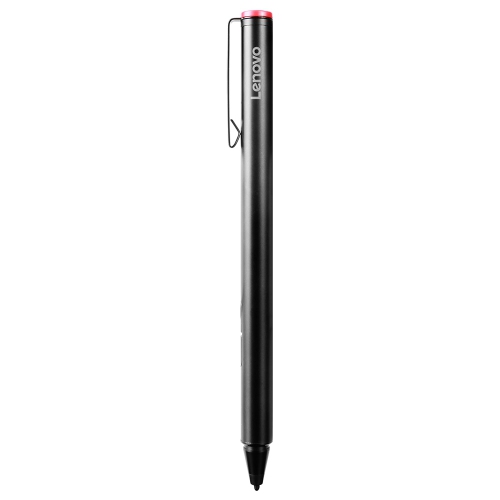
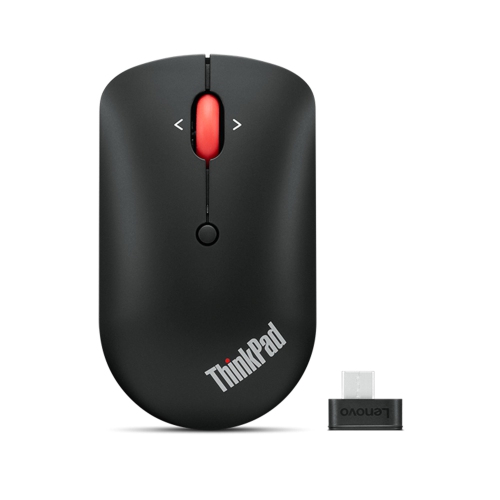
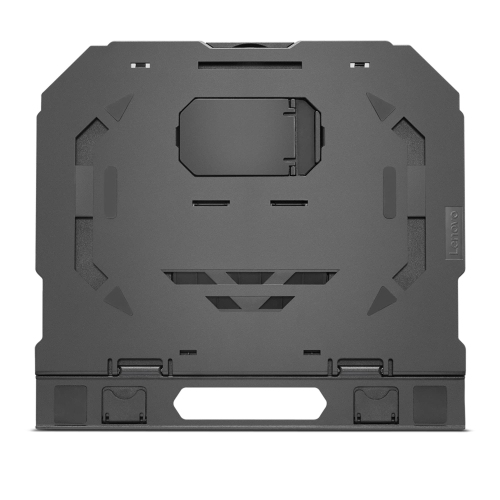
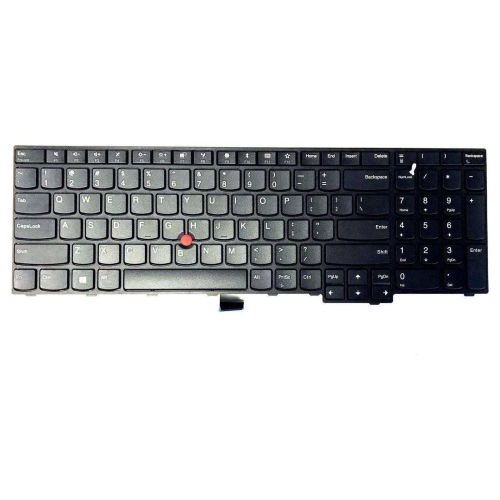
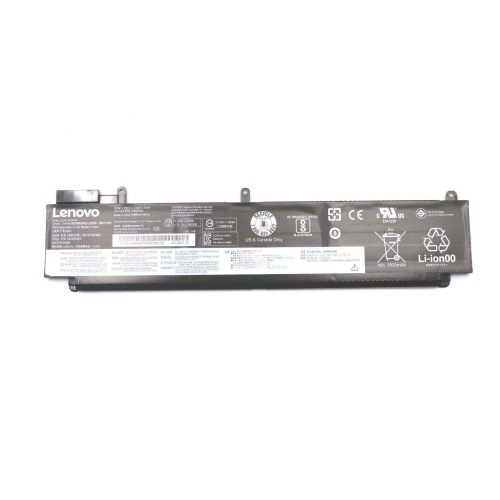
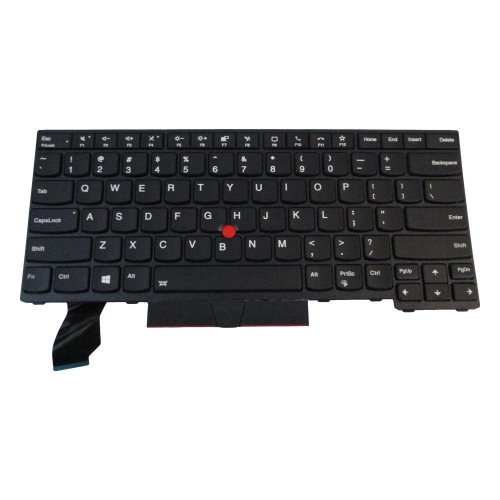
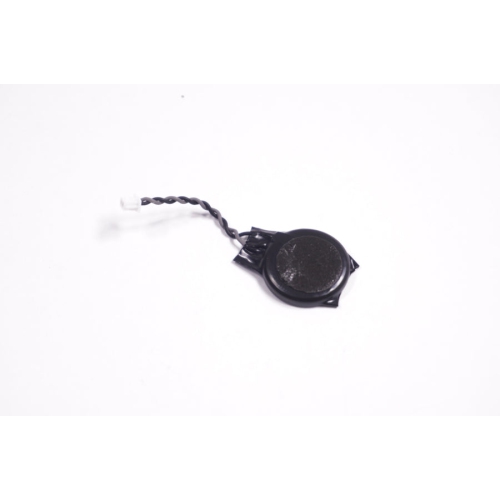
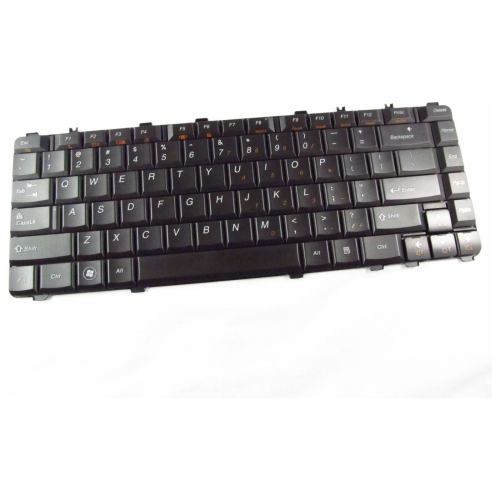
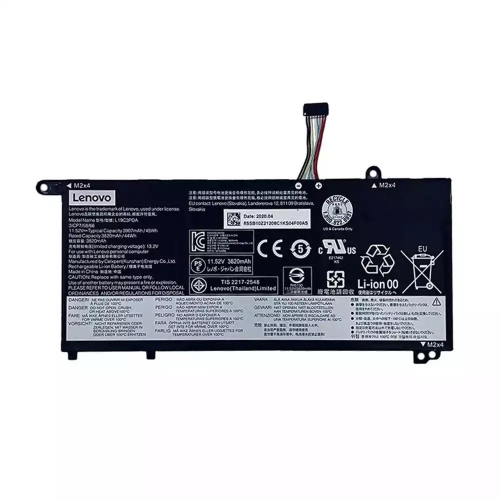
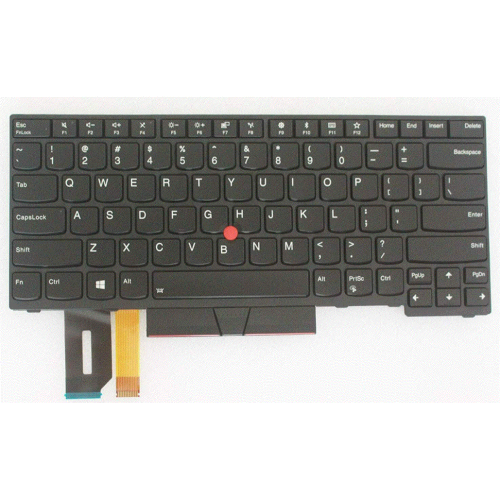
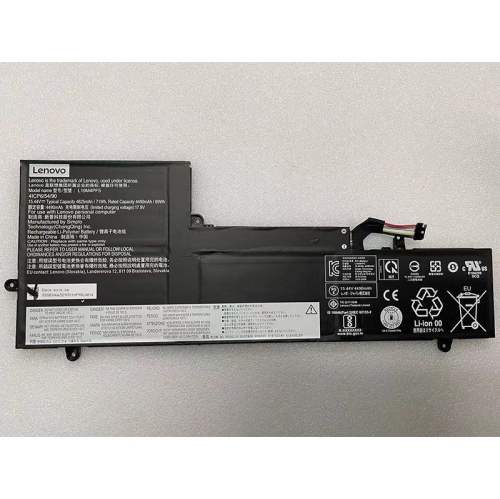
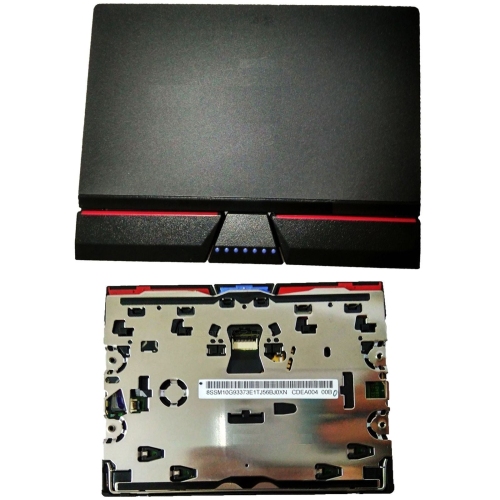
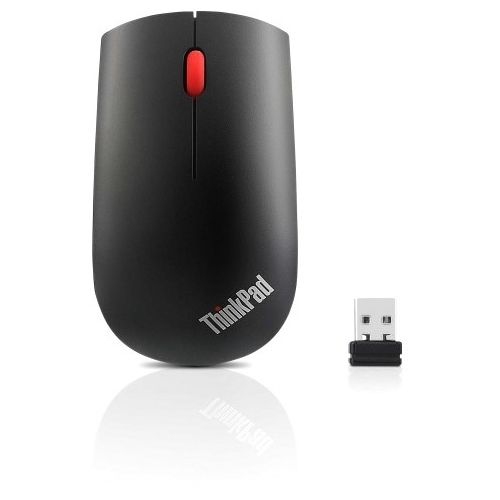
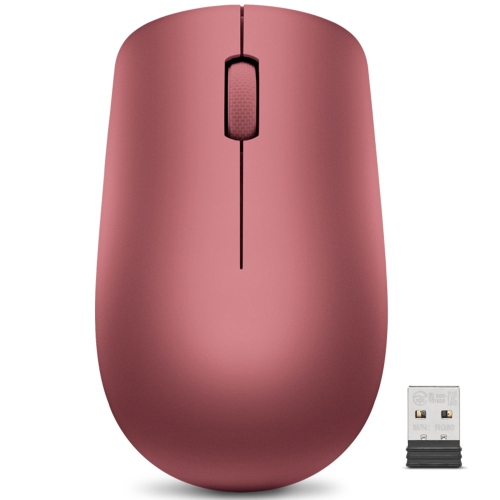
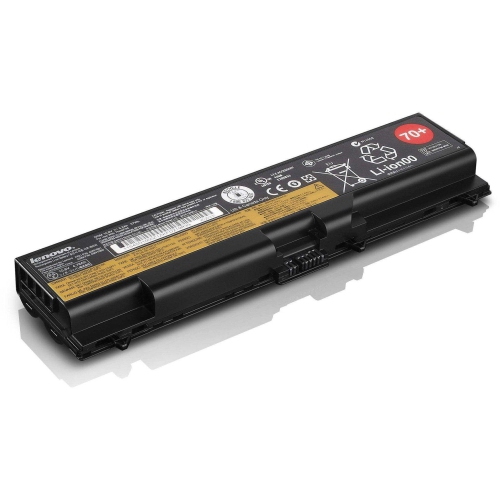
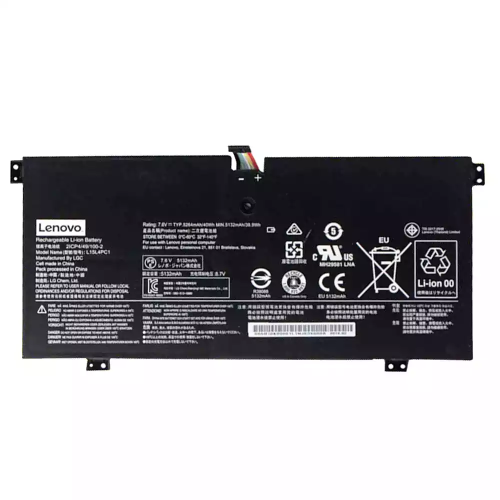
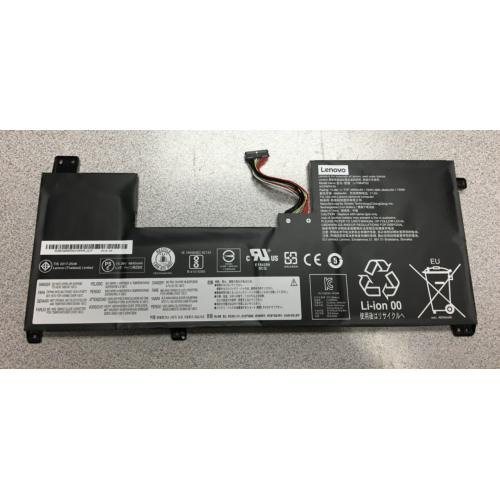
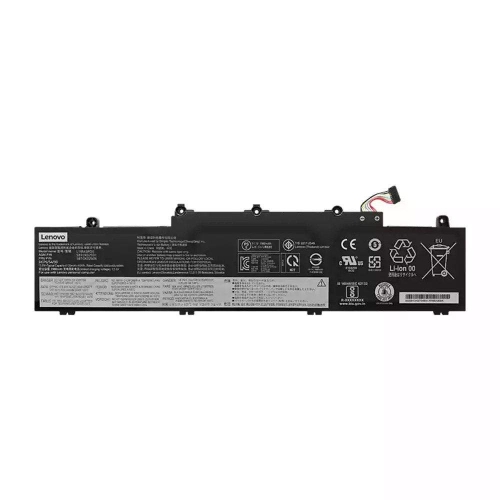
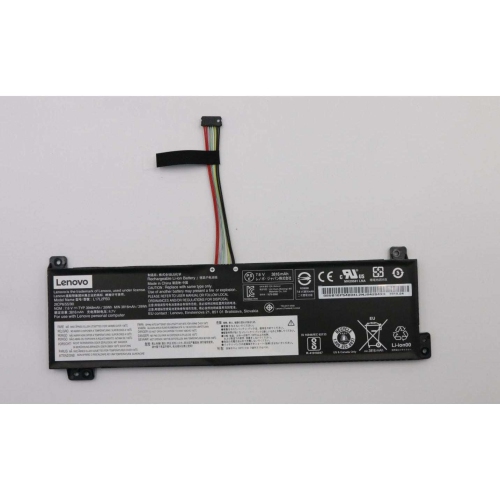
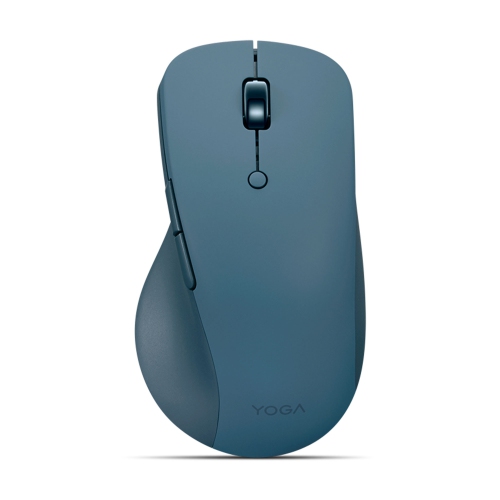
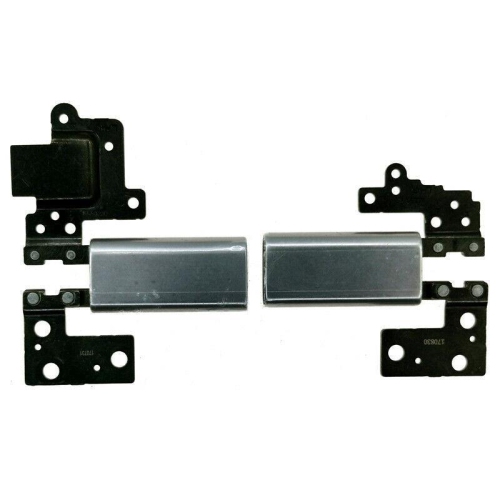
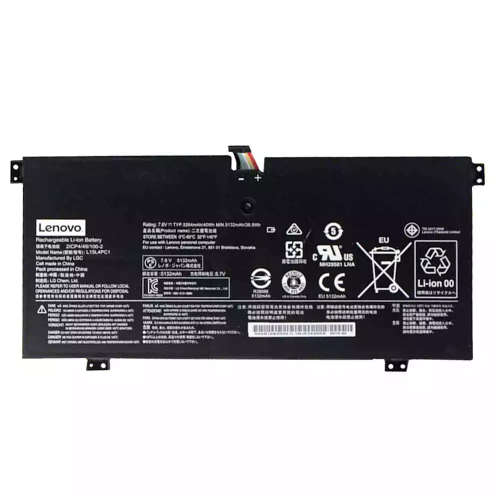
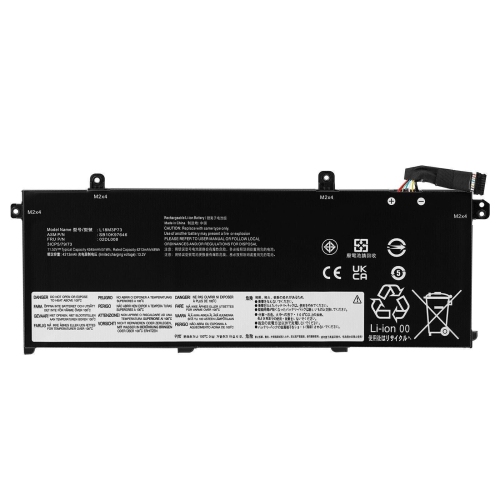
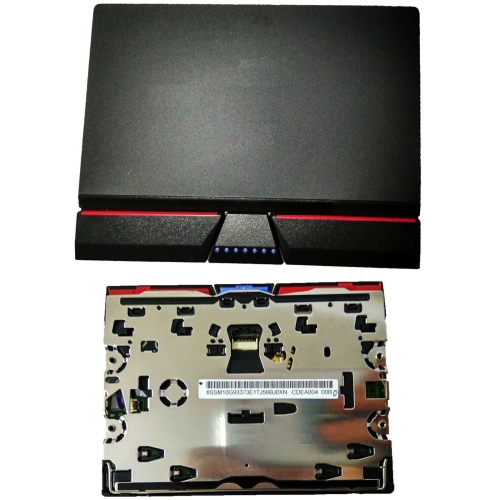
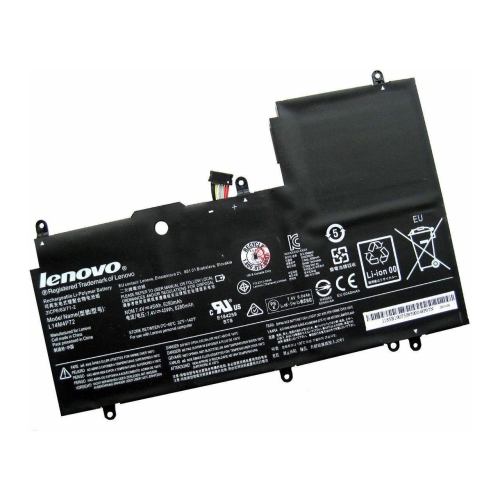
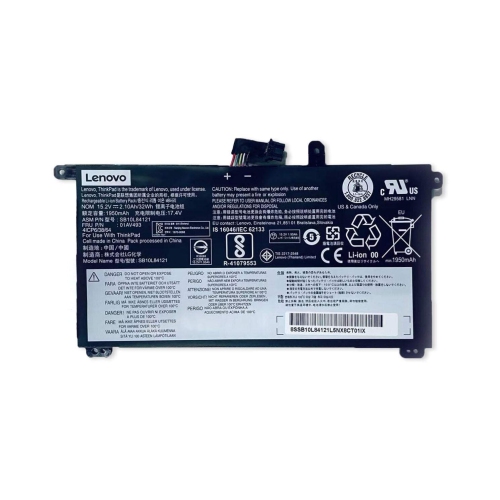
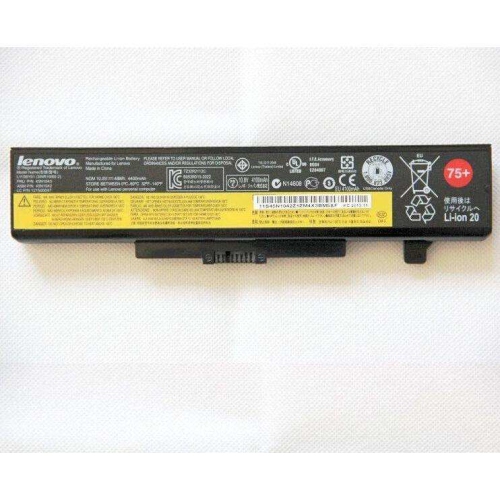
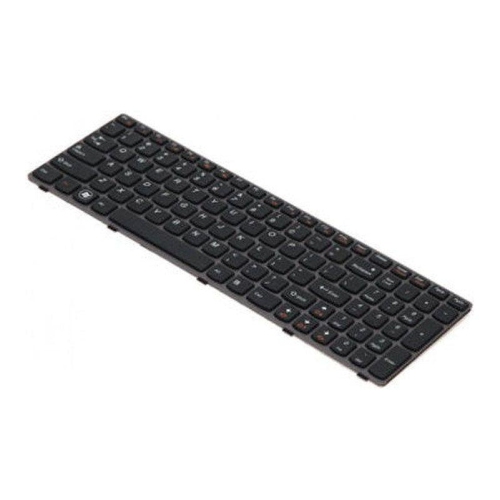
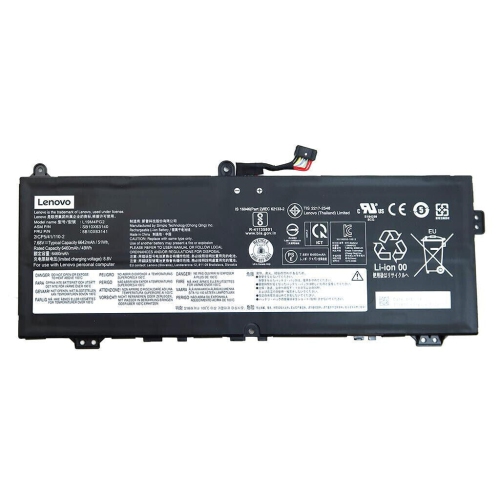
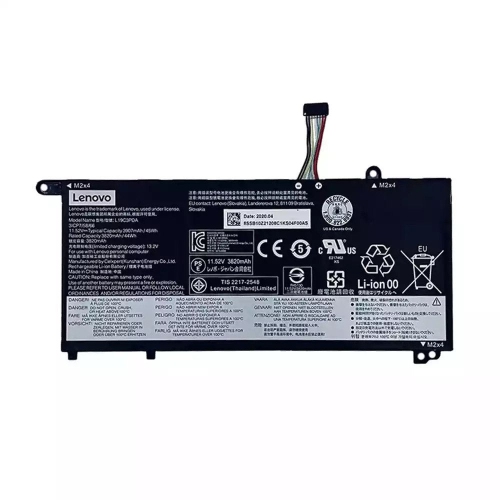
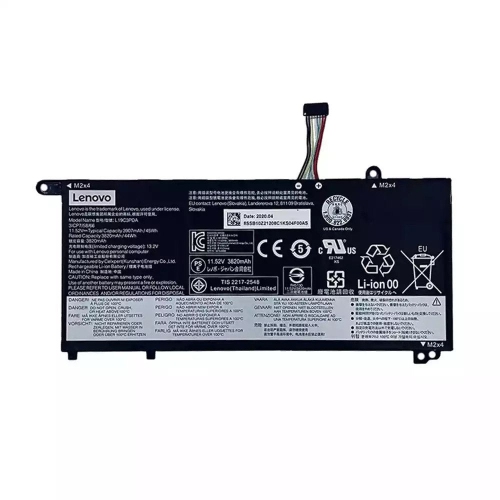
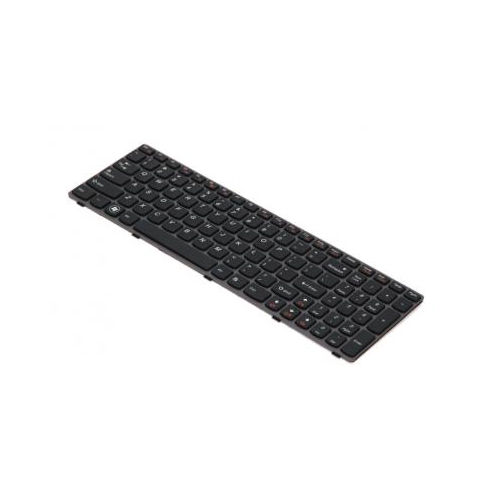
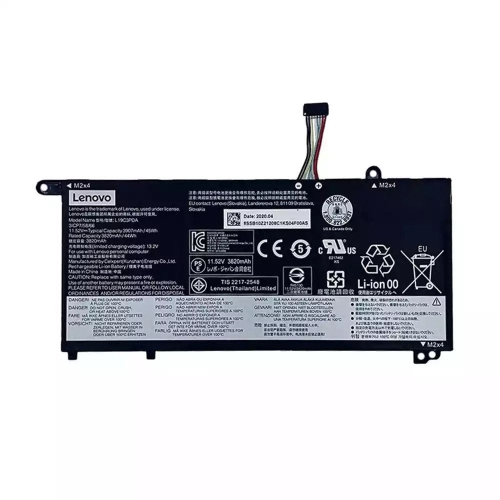
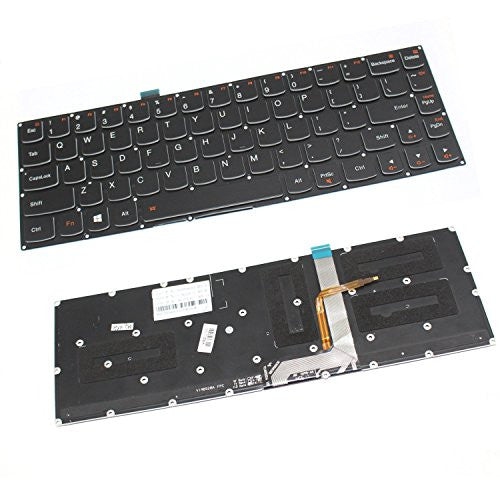
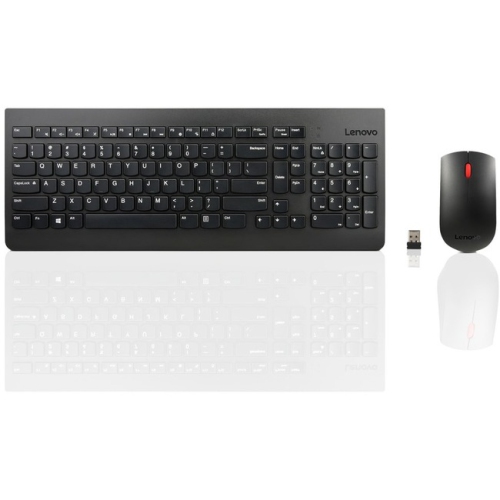
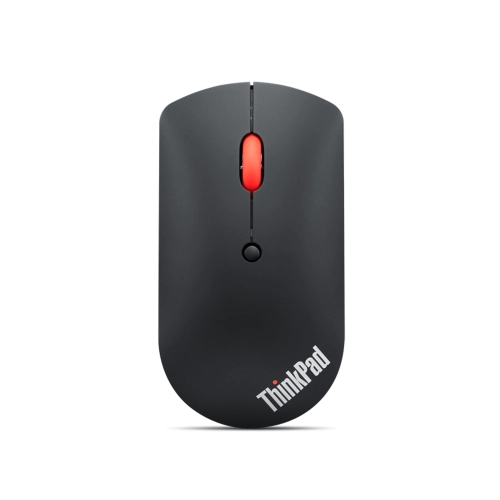
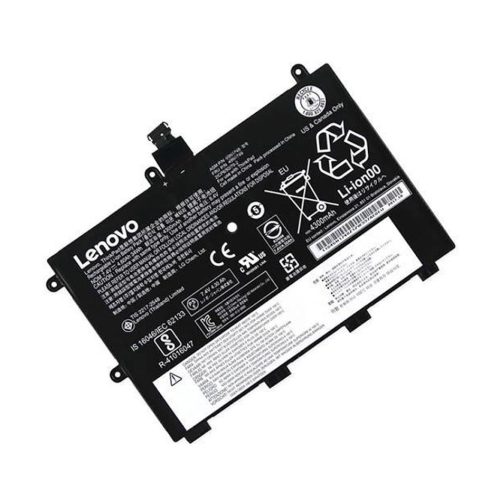
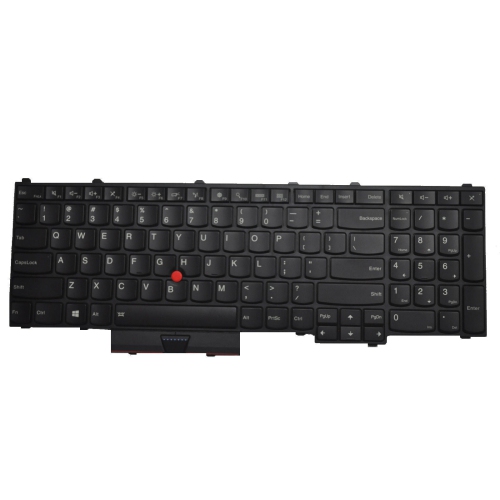
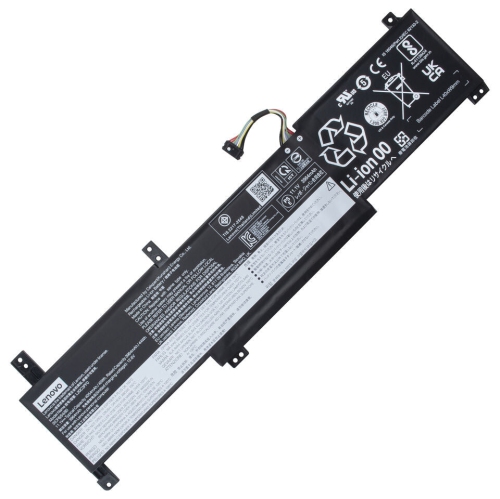
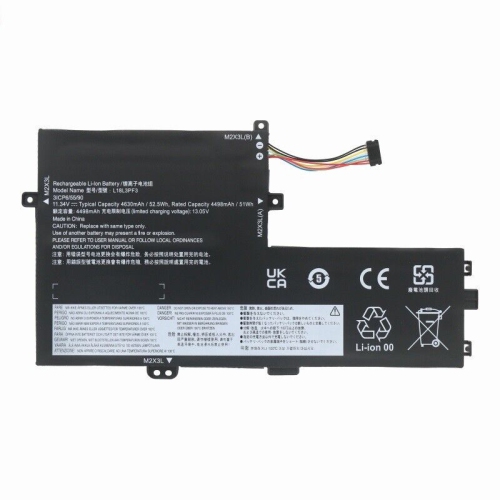
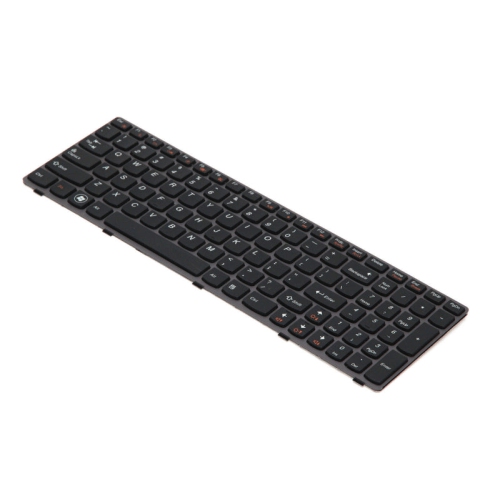
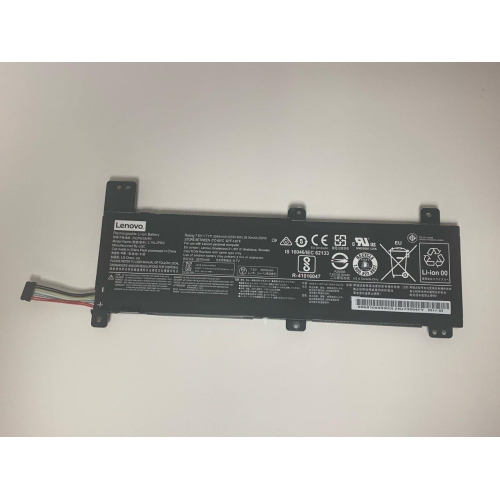
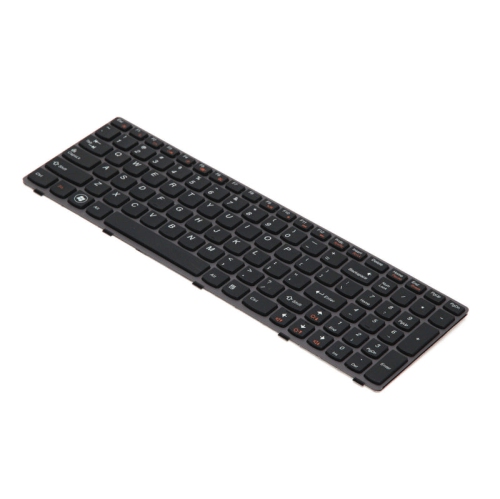
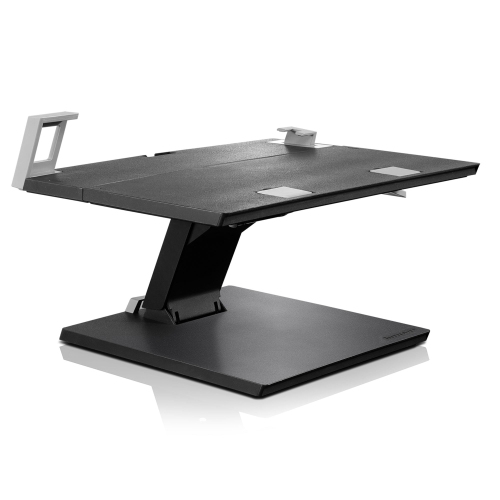
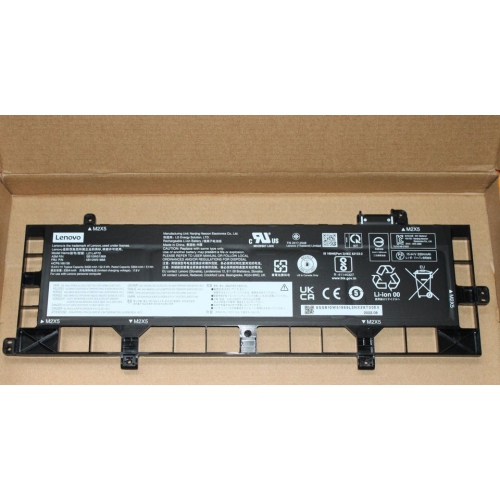
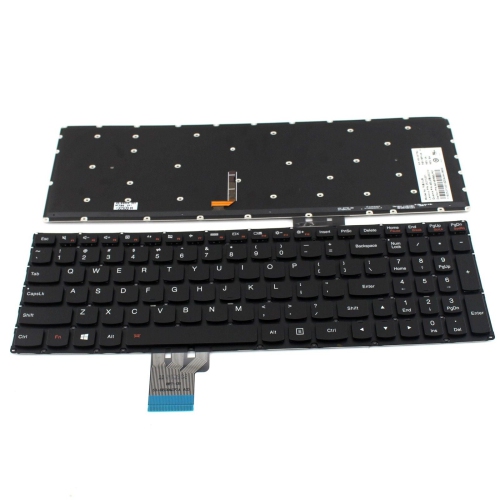
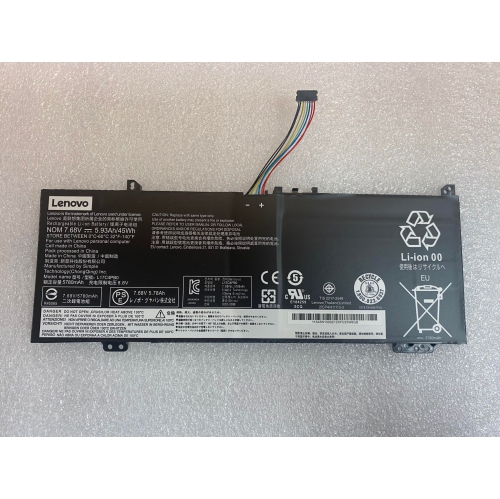
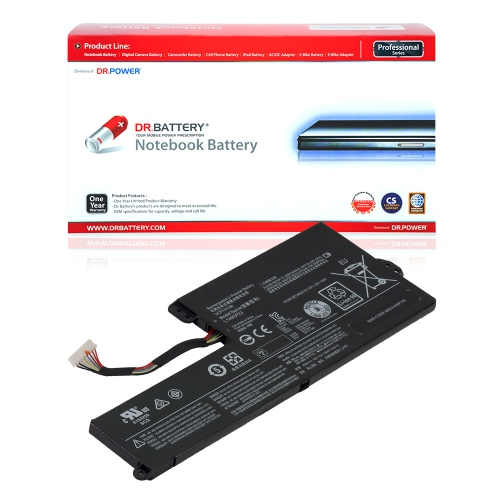
Desk accessories can make a laptop setup better suited to long writing sessions, detailed navigation, video calls, and shared workspaces. An external keyboard gives the hands more room when the screen is raised on a stand, while a separate mouse allows movement away from the laptop’s built-in touchpad. Keyboard size affects the space left for the mouse: a compact layout suits a narrow desk, whereas a numeric keypad can be useful for frequent data entry. Key feel, typing sound, and familiar key placement influence everyday comfort, especially in a shared room. Mouse shape and size are similarly personal; a travel-friendly design takes up little bag space, while a fuller shape may feel more supportive during extended desk use. Bluetooth connections can leave a USB port free, although the laptop must support the connection and any required software. Wireless accessories that use a receiver need an appropriate port, and wired options provide a direct connection without separate battery charging. Adjustable stands offer flexibility in screen positioning, but a secure base, suitable weight capacity, and unobstructed ventilation are essential. Aluminium, steel, and rigid plastic each bring different combinations of weight, stiffness, and portability, with hinges and contact pads contributing to stability. Raising the laptop screen is most useful when paired with separate input devices, so the keyboard does not become awkward to reach. Power needs also extend beyond the desk. Compatibility is especially important for Lenovo Laptop Batteries, since replacement batteries must match the supported laptop model and electrical specifications rather than simply fit a similar-looking space. Internal replacements may require professional installation, depending on the computer’s design. Across a complete setup, routine care helps preserve useful performance: dust can be removed with an appropriate soft cloth, cables can be stored without sharp bends, and connectors should remain free of debris. Accessories chosen around actual habits—regular travel, concentrated desk work, study, or occasional presentations—are more likely to remain useful than additions that duplicate functions already working well.
Carrying accessories protect a laptop while making the rest of a daily kit easier to organize. Sleeves provide a close-fitting layer around the computer and can slip inside a larger bag, while shoulder bags and backpacks offer room for charging cables, notebooks, headphones, and other essentials. Fit is best understood through the laptop’s actual width, depth, and thickness rather than screen size alone. Two computers with the same screen measurement can have different footprints, and a fitted shell or protective cover can add bulk. A padded compartment should hold the device securely without pressing tightly against its edges or leaving it free to slide around. For a commute involving stairs, transit, and a walk through a large building, comfortable shoulder straps and a balanced load can matter as much as storage capacity. Someone carrying a laptop between meeting rooms may prefer a slim profile and an easy-to-grip handle. Materials shape how these accessories feel and hold up: woven nylon and polyester are common choices for flexible carrying bags, while structured panels can help a compartment retain its shape. Reinforced seams, securely attached handles, smooth-running zippers, and padding at the base are useful details in a bag that sees frequent use. Water-resistant fabric can help with small splashes, but it should not be confused with waterproof construction. Separate pockets also keep a charger’s hard edges from rubbing against the laptop and prevent small adapters from disappearing beneath larger belongings. Care generally involves removing loose debris, cleaning marks according to the material’s care instructions, and allowing damp fabric to dry fully before storing electronics inside. A sleeve or bag can be a thoughtful gift for a student or someone starting a new role, particularly when the laptop’s measurements and the recipient’s preferred carrying style are known. Neutral colours, useful compartments, and comfortable straps often have more lasting value than decorative details alone.
Desk accessories can make a laptop setup better suited to long writing sessions, detailed navigation, video calls, and shared workspaces. An external keyboard gives the hands more room when the screen is raised on a stand, while a separate mouse allows movement away from the laptop’s built-in touchpad. Keyboard size affects the space left for the mouse: a compact layout suits a narrow desk, whereas a numeric keypad can be useful for frequent data entry. Key feel, typing sound, and familiar key placement influence everyday comfort, especially in a shared room. Mouse shape and size are similarly personal; a travel-friendly design takes up little bag space, while a fuller shape may feel more supportive during extended desk use. Bluetooth connections can leave a USB port free, although the laptop must support the connection and any required software. Wireless accessories that use a receiver need an appropriate port, and wired options provide a direct connection without separate battery charging. Adjustable stands offer flexibility in screen positioning, but a secure base, suitable weight capacity, and unobstructed ventilation are essential. Aluminium, steel, and rigid plastic each bring different combinations of weight, stiffness, and portability, with hinges and contact pads contributing to stability. Raising the laptop screen is most useful when paired with separate input devices, so the keyboard does not become awkward to reach. Power needs also extend beyond the desk. Compatibility is especially important for Lenovo Laptop Batteries, since replacement batteries must match the supported laptop model and electrical specifications rather than simply fit a similar-looking space. Internal replacements may require professional installation, depending on the computer’s design. Across a complete setup, routine care helps preserve useful performance: dust can be removed with an appropriate soft cloth, cables can be stored without sharp bends, and connectors should remain free of debris. Accessories chosen around actual habits—regular travel, concentrated desk work, study, or occasional presentations—are more likely to remain useful than additions that duplicate functions already working well.
Top selling and popular products
-
 Your price for this item is $69.99
 -
 Your price for this item is $133.58
 -
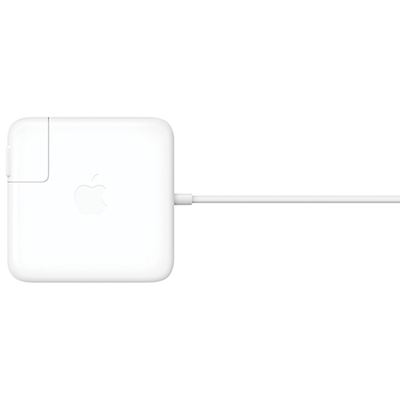 Your price for this item is $95
 -
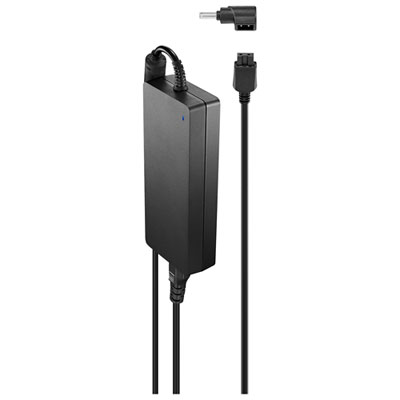 Your price for this item is $109.99
 -
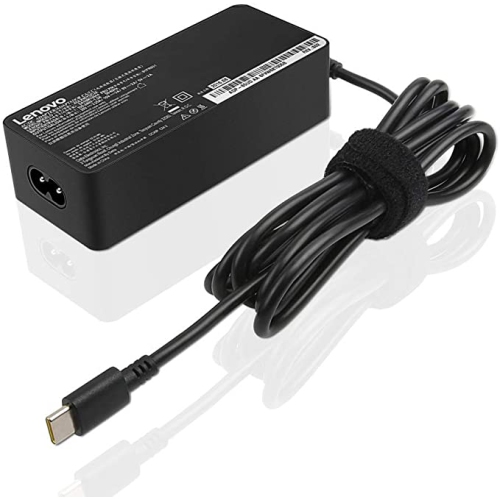 Your price for this item is $67
 -
 Your price for this item is $49.99
 -
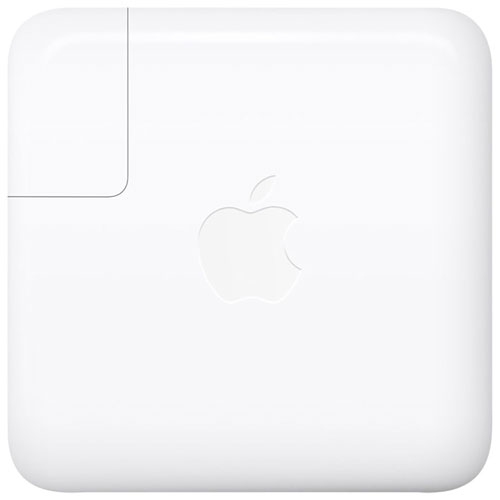 Your price for this item is $71
 -
 Your price for this item is $51.99
Discover more categories related to Lenovo Laptop Accessories
Top Collections:
Pokemon Centers, Best Cameras for Sports Photography, Kindle Devices, Samsung Galaxy Phones, Canon G7X Cameras, Pokémon 30th Celebration Cards, Refurbished Apple Laptops, iPhone 15 Apple, Laptops for Students, Budget Smartphones
Some products may be subject to Environmental Handling Fees
(EHF) depending on your province.
Learn more about EHFs.