The Best Touch Screen Laptops
The best touch screen laptops pair everyday computing power with intuitive, hands-on control. Whether you’re taking notes, browsing, or working on creative projects, a responsive touch screen gives you another way to interact with your content. Explore the laptops below, ranked by user review ratings, to find an option that fits your needs.
What to look for in the best touch screen laptops
1. Display Quality and Touch Support
2. Performance and Storage
3. Design and Portability
4. Battery Life and Charging
-
1

LENOVO Ideapad 5-15Alc05 82Ln New Lcd Touch Screen Nv156Fhm-T07 for Enhanced Viewing Experience
About this product
A high-quality LCD touch screen offering vibrant visuals and responsive touch for seamless laptop use.
$149.98 Your price for this item is $149.98 -
2
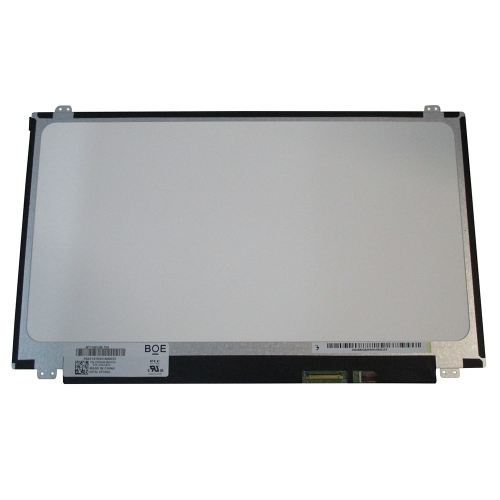
DELL 15.6" Fhd Lcd Touch Screen Panel Nt156Fhm-T00 for Enhanced Laptop Experience
About this product
A vibrant FHD LCD touch screen panel delivering responsive visuals and seamless compatibility for laptop upgrades.
$139.98 Your price for this item is $139.98 -
3
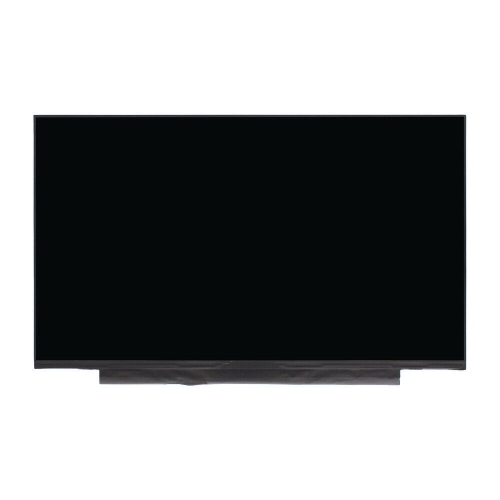
LENOVO 14 Inch Lcd Touch Screen Display B140Hak03.2 - Brand New, High Quality
About this product
A high-quality 14-inch LCD touchscreen display delivering vibrant visuals and responsive touch for versatile use.
$165.99 Your price for this item is $165.99 -
4
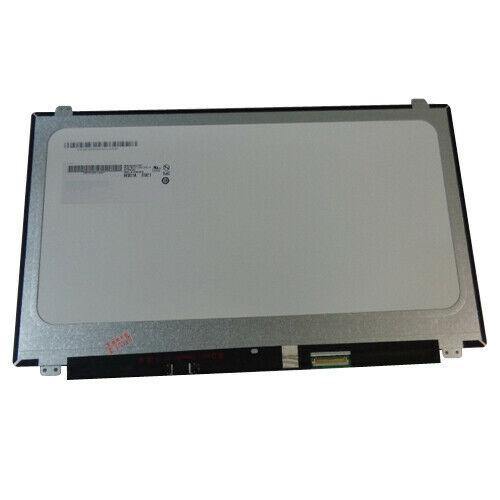
LG New Led Lcd Replacement Touch Screen 0K2V59 K2V59 0Hxnnj Hxnnj
About this product
A high-quality LED LCD replacement touch screen designed for compatible LG laptops and tablets.
$177.99 Your price for this item is $177.99 -
5
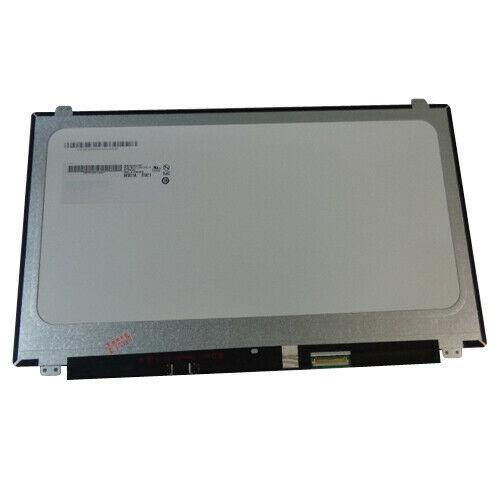
LG New Led Lcd Replacement Touch Screen B156Xtk01 N156Bgn-E41 Ltn156At40 D02
About this product
A replacement LED LCD touch screen compatible with select laptop models for clear, responsive display performance.
$177.99 Your price for this item is $177.99 -
6
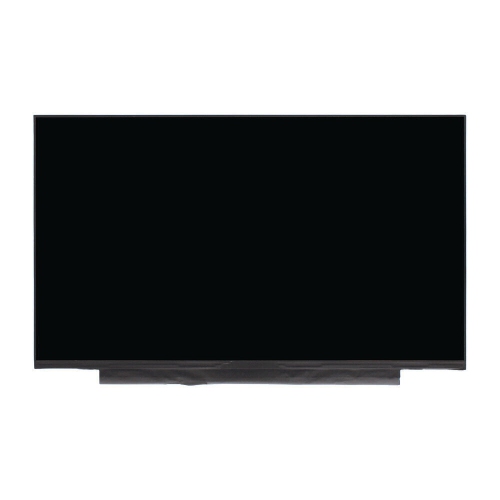
LENOVO Brand New 14" Ips Lcd Touch Screen Assembly for Enhanced Laptop Performance
About this product
An IPS LCD touch screen assembly delivering vibrant visuals and responsive touch for compatible Lenovo laptops.
$165.99 Your price for this item is $165.99 -
7
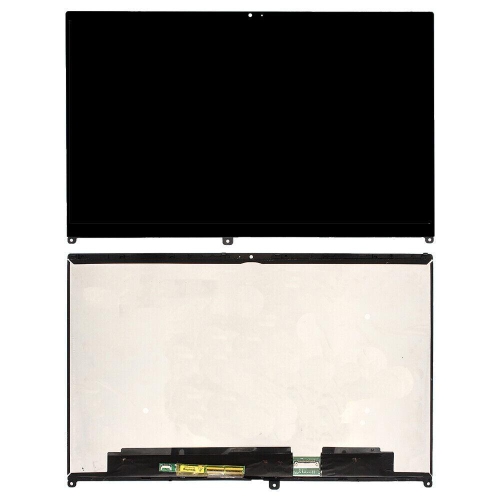
LENOVO Ideapad Flex 5 14Iil05 Fhd Lcd Touch Screen Assembly - Brand New Replacement Screen
About this product
A brand new FHD LCD touch screen assembly offering vibrant visuals and responsive touch functionality.
$195.98 Your price for this item is $195.98
FAQ
A touch screen laptop lets you interact with the display by tapping and swiping, but it may have a traditional fixed-hinge design. A 2-in-1 laptop adds a convertible hinge or detachable keyboard so you can switch between laptop and tablet modes.
Stylus support varies by laptop. Some touch screens accept basic capacitive styluses, while others support compatible active pens with features such as pressure sensitivity and programmable buttons. Check the laptop’s pen compatibility, as active pens are not universal and may be sold separately.
Yes. Touch input is an additional option, not a replacement for the keyboard and touchpad. You can switch between these controls or connect a compatible mouse. On some convertible laptops, the built-in keyboard and touchpad are disabled when the device is folded into tablet mode.
Common gestures include tapping to select, swiping to scroll, pinching to zoom, and pressing and holding to open a context menu. Available gestures depend on the operating system and app, and some systems let you adjust touch settings.
Touch screen laptops can have glossy or matte displays, though glossy finishes are common. Some models also include anti-glare or anti-reflective treatments. Review the display specifications to identify the finish, since touch support alone does not indicate the screen’s surface treatment.
Top selling and popular products
Discover more categories related to The Best Touch Screen Laptops
Some products may be subject to Environmental Handling Fees (EHF) depending on your province. Learn more about EHFs.