Top Laptops
Searching for the perfect laptop to suit your needs can be an exciting yet daunting task. Whether you're a student, professional, gamer, or creative, finding the right balance of performance, portability, and design is essential. Our curated selection of top laptops showcases the best options available, ensuring you have access to cutting-edge technology and innovative features that cater to various lifestyles and requirements. Explore our diverse range of top laptops to discover the ideal device that will enhance your productivity and elevate your digital experience.
Sort
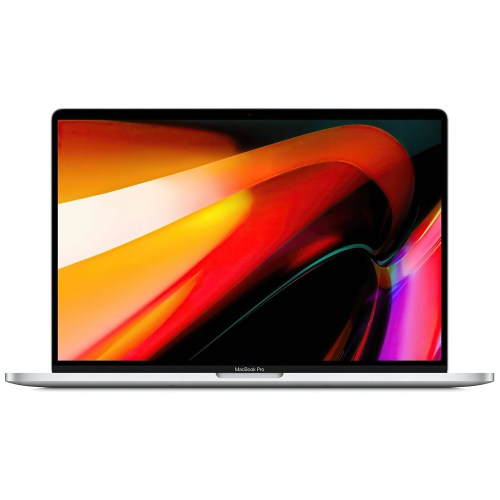
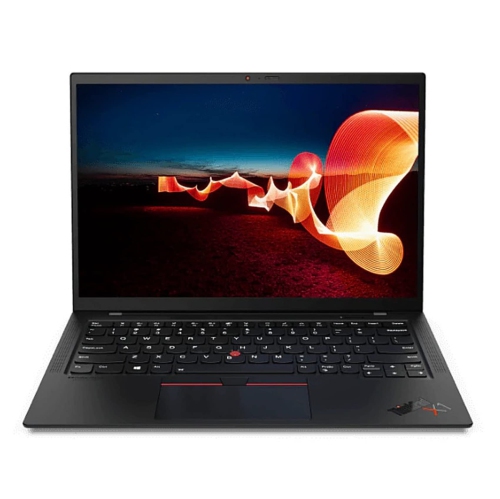
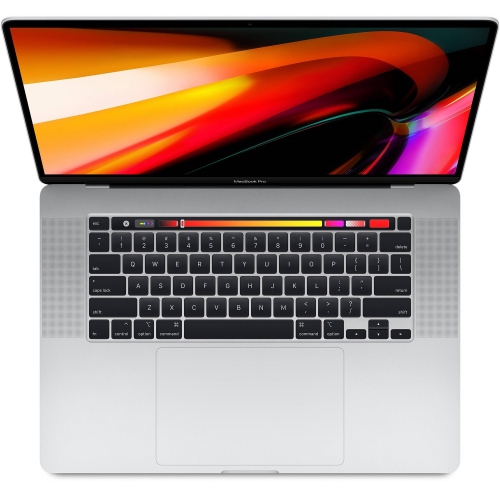
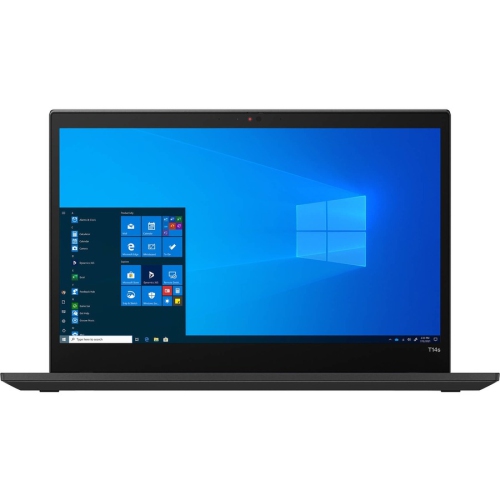
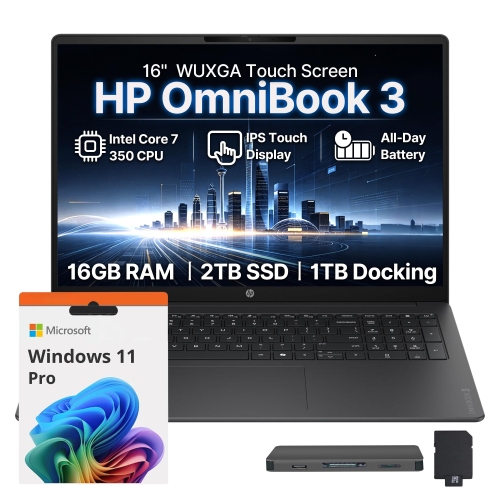
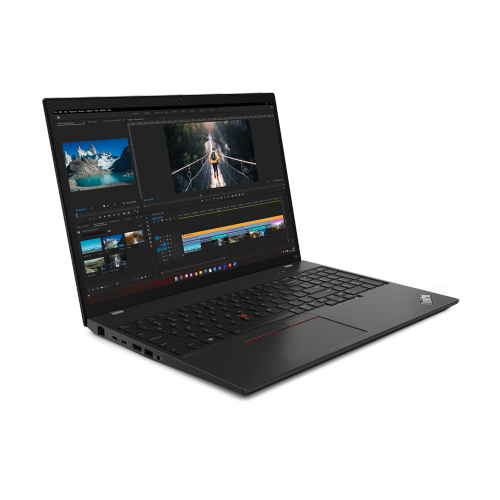
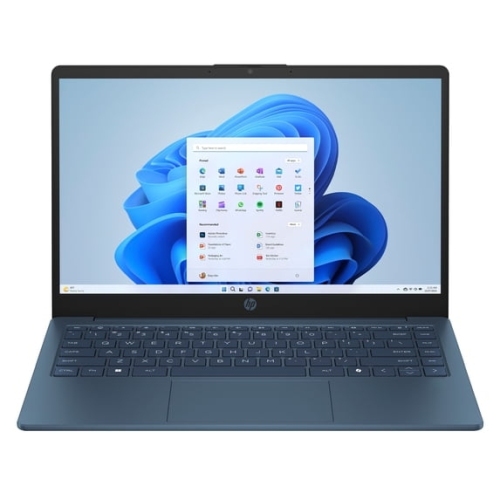
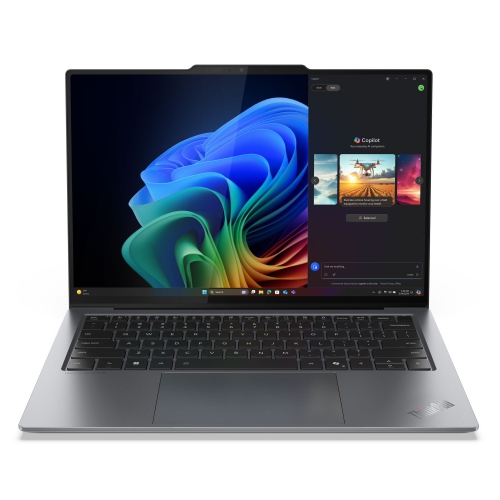

Why laptop comfort matters as much as performance
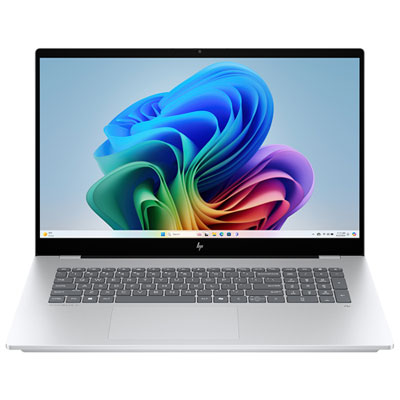
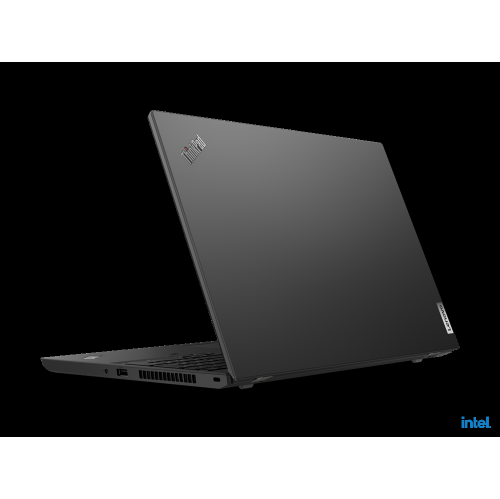
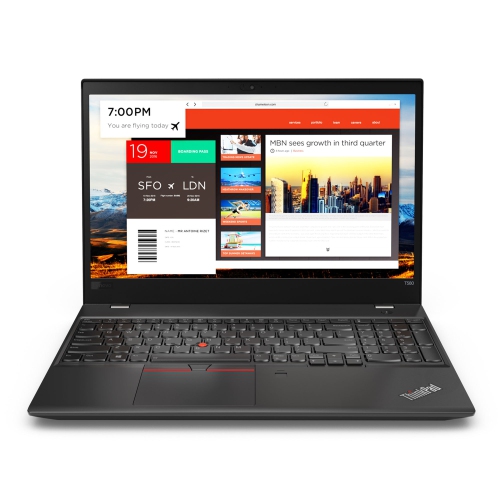
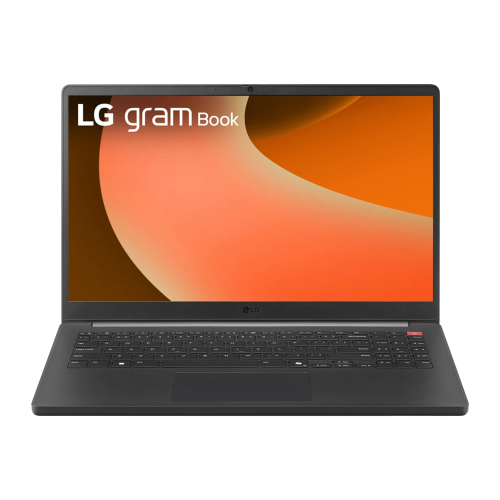
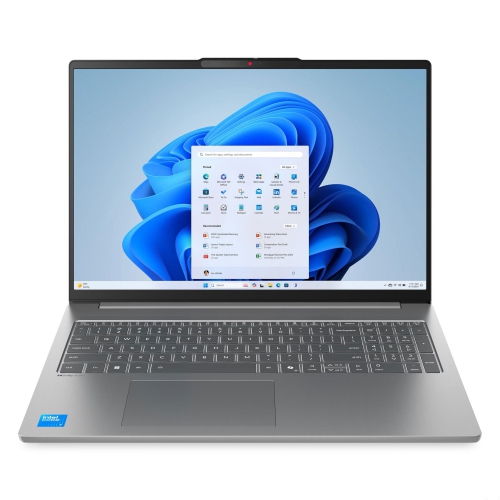
Top laptops combine responsive performance, a comfortable design, and features that suit the way they will be used. The best laptop for everyday browsing and schoolwork may be different from one used for video editing, demanding games, or frequent business travel. For general use, a balanced combination of processing power, memory, solid-state storage, and battery life matters more than any single specification. A student moving between lectures needs a computer that slips easily into a backpack and opens quickly for notes, while someone working at a desk may prefer a larger screen and more connection options. Compact 13-inch and 14-inch laptops tend to suit commuting and smaller work surfaces; larger displays provide more room for spreadsheets, side-by-side documents, and detailed projects. Screen size alone does not determine portability, though. Overall dimensions, weight, and the size of the power adapter all affect what it feels like to carry a laptop throughout the day. Aluminium chassis can provide a firm, refined feel, while well-built plastic designs can also offer practical durability. The keyboard should leave enough room for comfortable typing, and a responsive touchpad makes a difference when there is no space for a mouse. Backlit keys help with visibility in dim rooms, while a dedicated number pad can be useful for frequent data entry. Inside, memory helps a laptop manage several applications at once. For many people who regularly combine browser tabs, documents, video calls, and other applications, 16GB of memory offers useful breathing room, although requirements vary by software and workload. Solid-state storage supports quick start-up and file access, with capacity determining how much room is left for applications, photos, and downloaded files. Processor performance also depends on cooling and power settings, so a thin chassis and a powerful processor name do not tell the whole story. A good everyday laptop feels responsive across the tasks that actually fill the day, without making its owner work around an awkward keyboard, cramped screen, or unsuitable software.
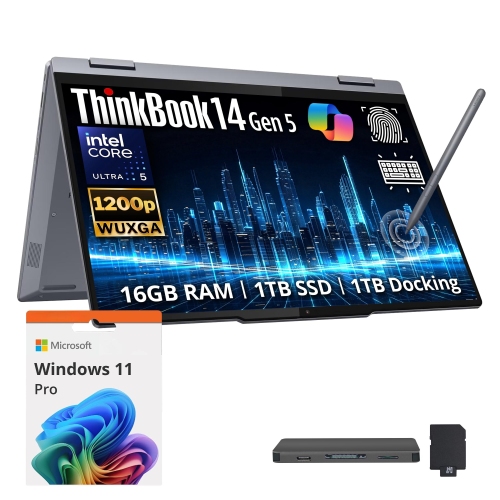
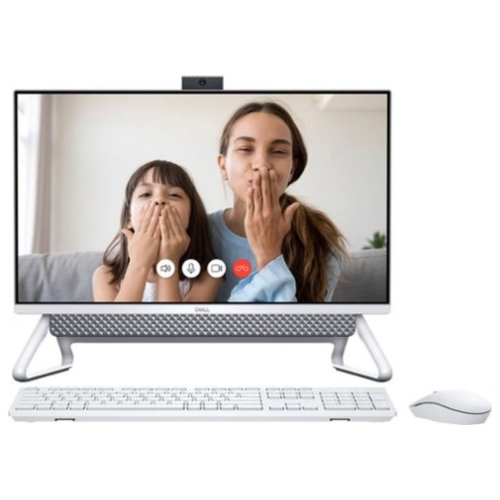
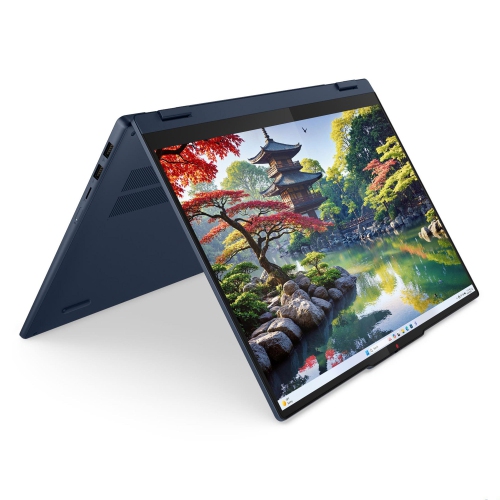
Display quality becomes especially important when a laptop is used for long reading sessions, creative work, or entertainment. Resolution affects the detail visible in text and images, but brightness, contrast, colour accuracy, and reflections also influence the experience. A matte screen can help reduce distracting reflections near a window, while a glossy display may have a different visual finish that some people prefer for photos and films. Touchscreens offer another way to scroll, select, and interact with applications, and convertible laptops with folding hinges can support presentations, handwritten notes, or drawing when paired with a compatible pen. These features are most useful when the software and daily routine support them; a conventional laptop can be a better fit for someone who mainly types. For photography, video production, design, and technical applications, the best laptop configurations depend on the demands of the software. Higher-resolution footage, large image files, and complex models can require more memory, greater storage capacity, and stronger graphics performance than routine office tasks. Dedicated graphics can support demanding games and certain creative workloads, but may also increase weight, fan noise, and power consumption. Gaming laptops often combine stronger graphics with higher-refresh-rate displays, which can make motion look smoother when the system delivers sufficient frame rates. Comfort still matters during extended sessions: the position of the keyboard, the feel of the palm rest, and the placement of cooling vents all affect day-to-day use. Connections deserve similar attention. USB ports, a display output, and a memory card reader can simplify workflows involving external drives, monitors, or camera files, depending on the laptop. Not every USB-C port supports the same charging, display, or data functions, and a docking station needs to match the computer’s capabilities. Reliable Wi-Fi, a clear webcam, and microphones that capture speech intelligibly are useful for remote classes and meetings. Speakers and headphone connections also influence how comfortably a laptop handles calls, films, and shared viewing, whether it is used on its own or as part of a larger desk setup.
Battery life, construction, and care help determine how well a laptop fits into regular use beyond its headline specifications. Battery estimates are usually based on particular test conditions; video calls, games, screen brightness, and intensive applications can change the time between charges considerably. Someone taking notes away from an outlet may value long battery life and convenient charging more than maximum graphics power, while a desk-based user may accept a larger charger for stronger sustained performance. Solid hinges, a lid that closes securely, and a chassis with minimal flex contribute to a reassuring feel, but ordinary laptops still need protection from drops, spills, and pressure inside a bag. A padded sleeve or a backpack compartment sized to the laptop can help prevent scuffs and knocks during transport. Keeping vents unobstructed is important for cooling, especially when a computer is running demanding applications. Soft furnishings can block airflow, so a firm surface is a better place for extended use. Cleaning methods should follow the manufacturer’s recommendations, with liquids kept away from openings and abrasive cleaners avoided. Repair options and upgradeability vary: some laptops allow storage or memory changes, while others have components that are not readily replaceable. For work, software compatibility, account security, and support requirements can be just as important as speed. A fingerprint reader, camera privacy shutter, or compatible docking setup may make daily routines more convenient, depending on the model and the workplace’s requirements. Laptops intended for professional use bring these considerations together, and The Best Business Laptops offers a related selection for work-focused needs. A laptop can also be a useful gift for someone beginning post-secondary studies, building a home office, or pursuing a creative interest, particularly when its operating system and specifications suit the applications they need. Across everyday, portable, gaming, and professional designs, the strongest match is a laptop that balances the required performance with comfortable handling, practical connections, and a form that fits the owner’s routine.
Top selling and popular products
-
 Your price for this item is $449
-
 Your price for this item is $3099
-
 Your price for this item is $1800.68
-
 Your price for this item is $664.05
-
 Your price for this item is $869.99
-
 Your price for this item is $2960.48
-
 Your price for this item is $499.68
-
 Your price for this item is $1951.79
Discover more categories related to Top Laptops
Top Collections:
Best Black Friday Deals This Year, Best Black Friday Deals On Electronics, Kindle Devices, Pokemon Centers, Best Black Friday Deals On Apple Products, Best Cameras for Sports Photography, Dyson Airwrap, Pokémon 30th Celebration Cards, Apple iPhone 17 Pro, Canon G7X Cameras
Some products may be subject to Environmental Handling Fees
(EHF) depending on your province.
Learn more about EHFs.