Latest Printers for Office Use
Finding the perfect printer for your office can make a significant difference in productivity and efficiency. The latest printer for office use offers advanced technology designed to handle high-volume tasks with ease, ensuring seamless operation in any professional environment. Whether you need fast printing speeds, wireless connectivity, or robust security features, these printers are equipped to meet the demands of modern workplaces. Explore our selection at Best Buy to discover the ideal solution that will keep your business running smoothly and efficiently.
Sort
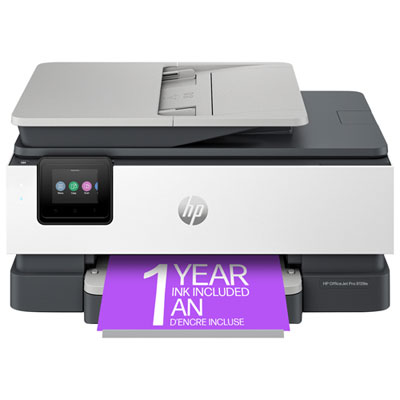
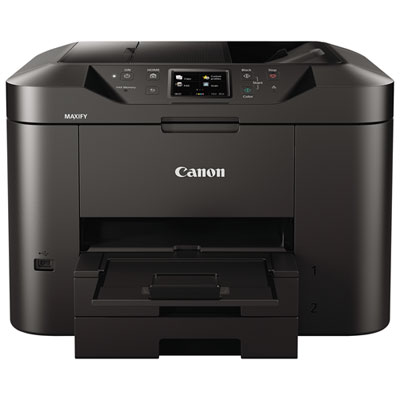
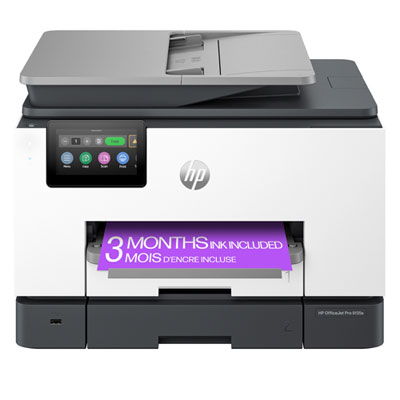
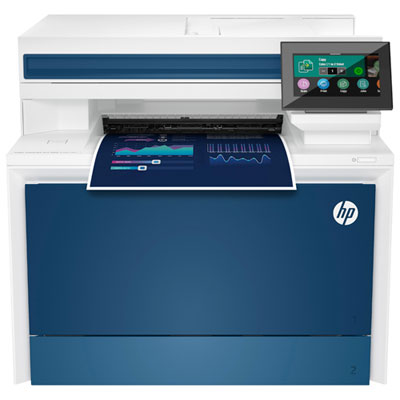


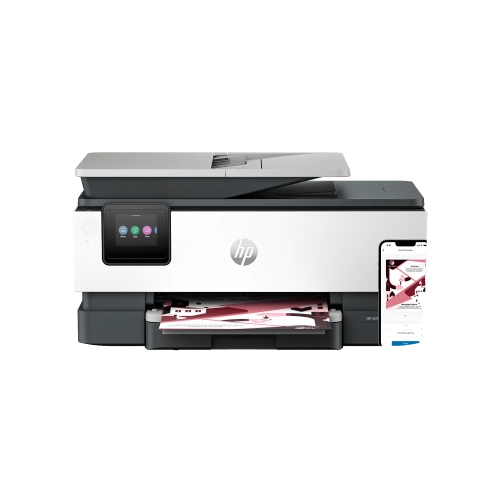
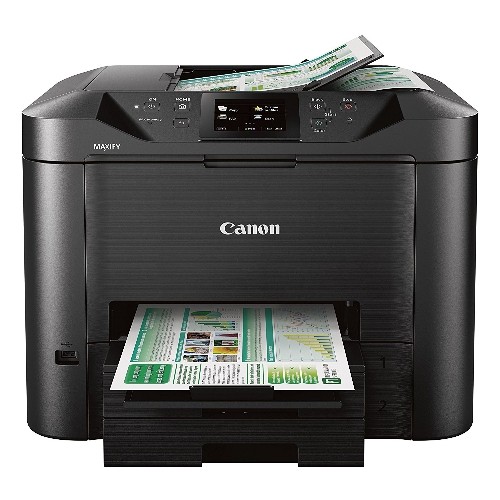
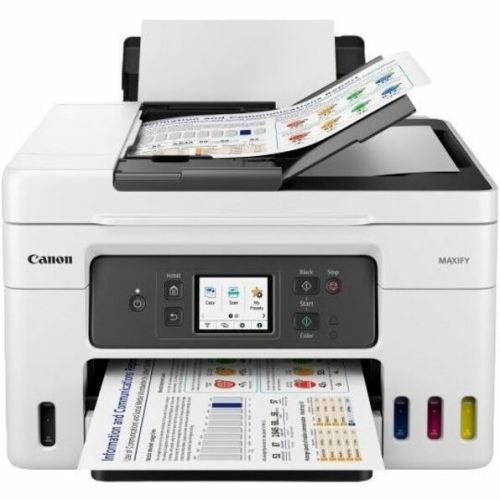
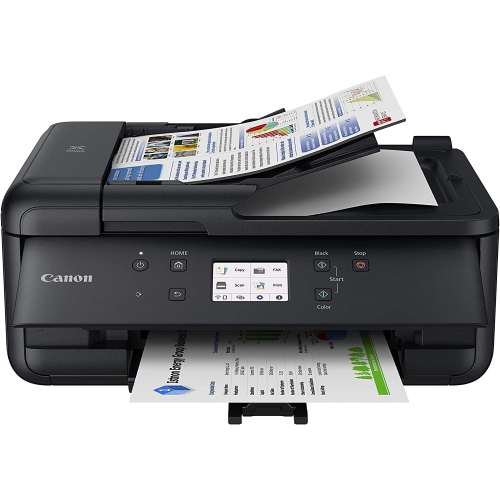
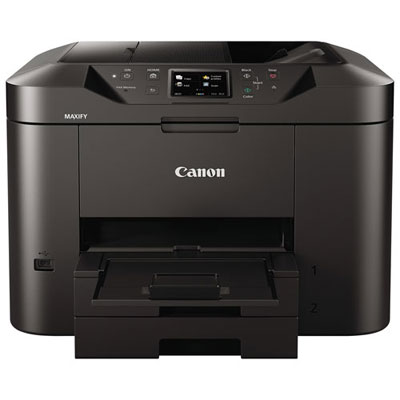
What matters for office printer performance and value
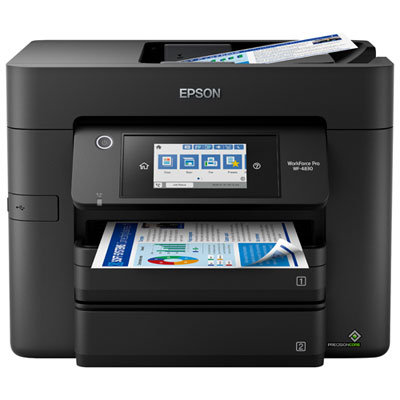
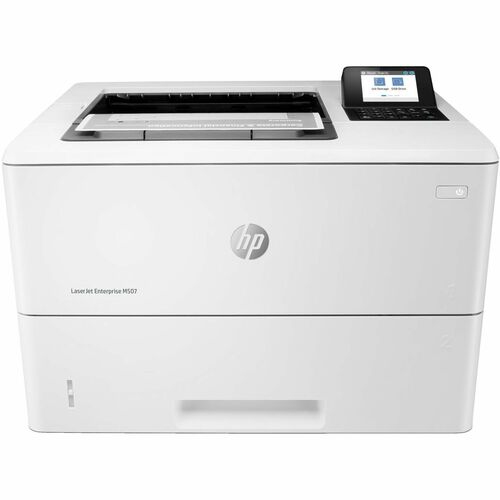
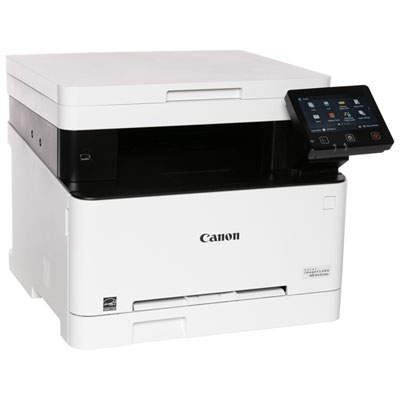
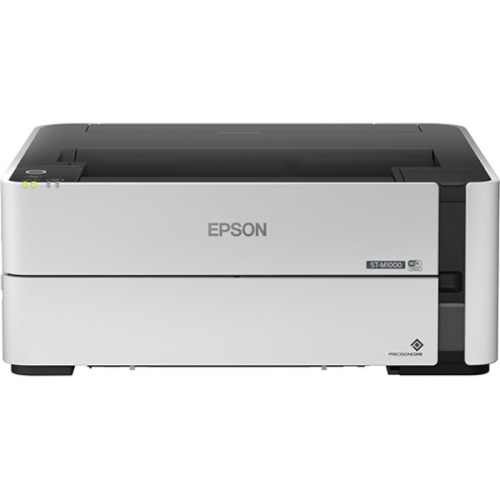
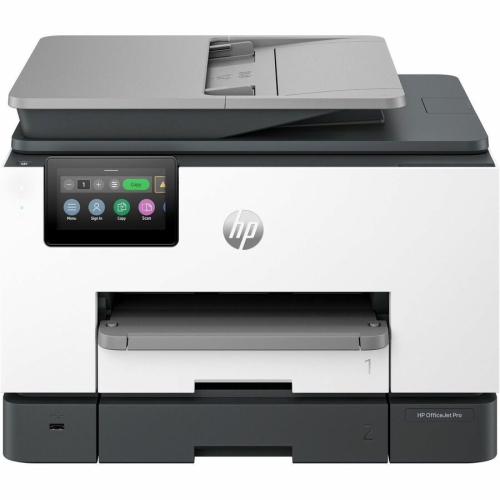
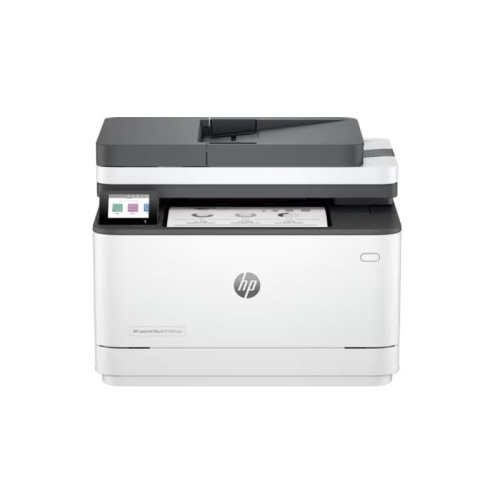
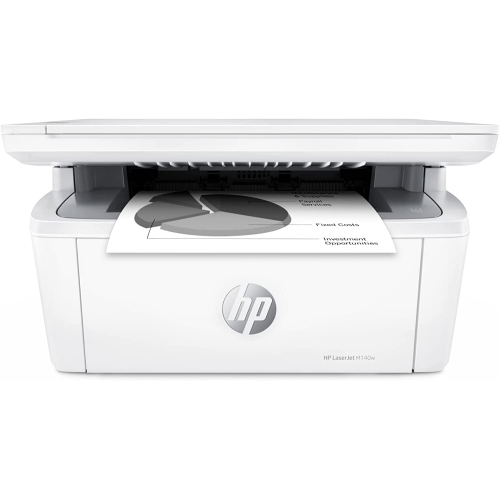
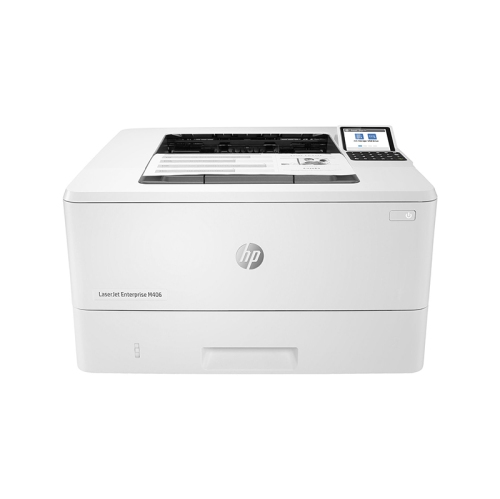
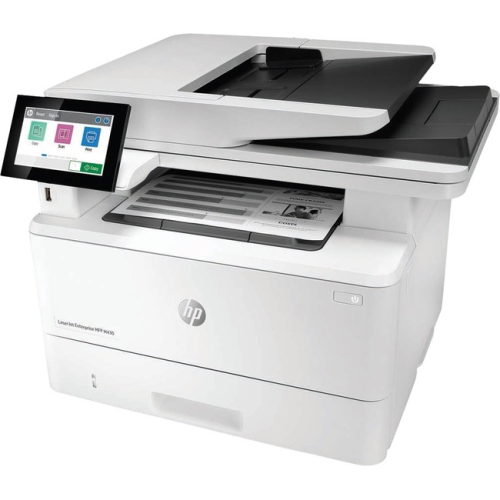
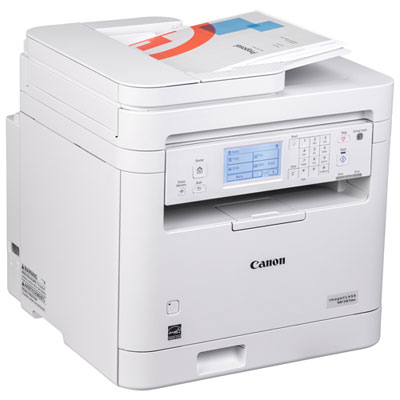
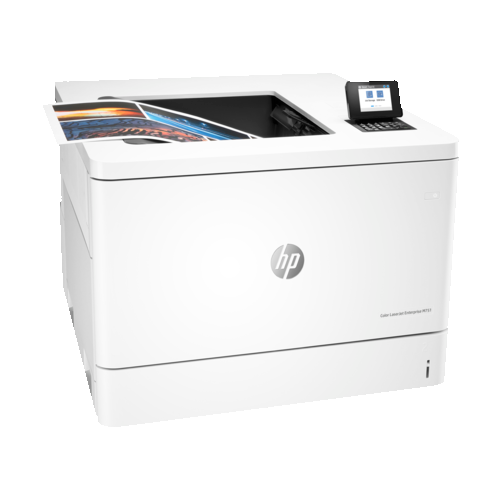
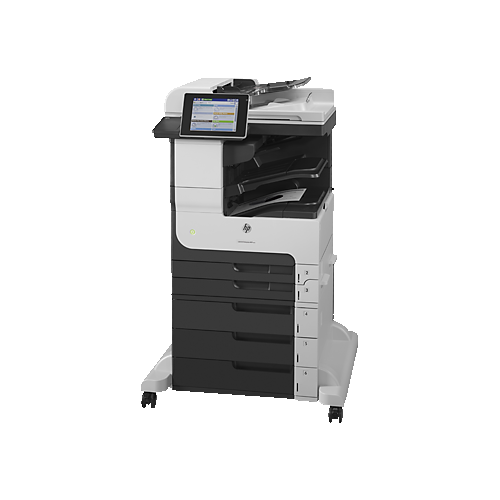
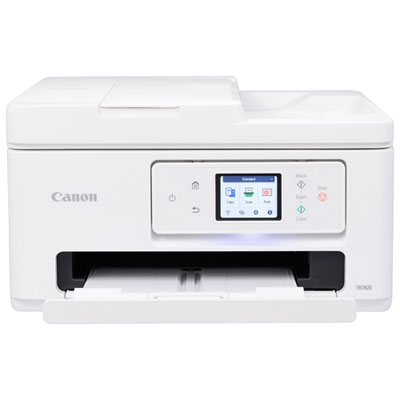
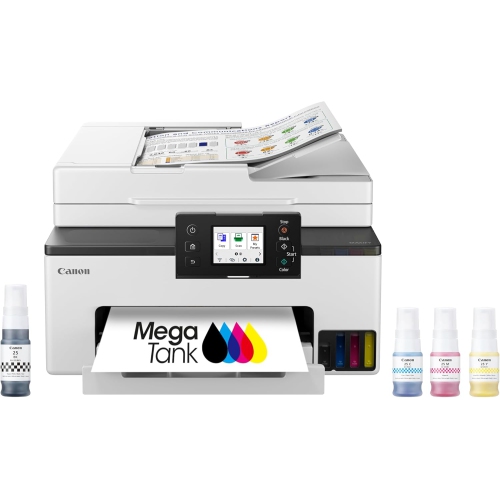
The latest printers for office use are designed to make everyday document work faster, more organised, and easier to manage across a busy workplace. Whether you are outfitting a small business, refreshing a home office, or adding a dependable printer to a shared workspace, start by considering how much you print and what you print most often. A compact monochrome laser printer can be a practical choice for invoices, forms, reports, shipping labels, and other text-heavy documents, while a colour laser printer adds crisp charts, presentations, marketing materials, and graphics to the mix. Inkjet printers can be a strong fit for offices that need vivid colour, occasional photo-quality output, or flexible all-in-one functionality. Refillable ink tank models are suited to users who print frequently and want to spend less time replacing cartridges, while traditional cartridge models may appeal to offices with more varied or moderate print demands. Print speed, measured in pages per minute, matters when several people are waiting for contracts, meeting handouts, or client documents, but speed should be considered alongside warm-up time, paper capacity, and the printer’s ability to handle multiple jobs without frequent intervention. For a closer look at office-focused options, browse Canon Printers for Office.
Connectivity is another important consideration when selecting a printer for office use. Wi-Fi printing lets employees send documents from laptops, tablets, and smartphones without running a cable across the room, while Ethernet connectivity can provide a stable connection for a shared office network. Some printers also support convenient mobile printing services, allowing a user to print a boarding pass, signed form, presentation, or receipt directly from a compatible device. Look for a clear control panel and straightforward setup if the printer will be used by people with different levels of technical experience. An all-in-one model with print, scan, copy, and fax functions can help reduce the number of devices taking up valuable desk or counter space. Automatic document feeders are especially helpful for scanning or copying multi-page contracts, expense reports, applications, and client records, while automatic two-sided printing can reduce paper use and make longer documents easier to handle. Paper trays with higher capacities are useful in reception areas, classrooms, studios, and small businesses where the printer may be shared throughout the day. It is also worth checking supported paper sizes and media types if you plan to print envelopes, labels, cardstock, brochures, or specialised forms. For offices that handle confidential information, built-in security features such as user authentication, PIN-protected printing, encrypted connections, and secure data storage can provide an added layer of control. Quiet operation and a compact footprint may matter just as much in a home office or open-plan workspace, particularly during the cooler months when more work may take place indoors.
Running costs can have a major effect on the value of an office printer over time, so compare the price and expected yield of replacement toner, ink cartridges, or refill bottles before making a decision. High-yield supplies can be convenient for offices that print regularly, since they reduce the frequency of supply changes and help keep routine tasks moving. Printers with separate colour cartridges allow you to replace only the colour that has run out, while monochrome models may be more economical for businesses that rarely need colour. Check the recommended monthly duty cycle and choose a printer that suits your normal workload rather than relying solely on the maximum number listed in the specifications. A printer that is technically capable of handling heavy output may not be the right fit if it takes up too much space, uses more supplies than needed, or offers features your team will rarely use. Think about where the printer will sit, who will access it, and whether documents need to be printed from several rooms or locations. A small business owner may prioritise speed, scanning, and secure sharing; a busy household office may value simple wireless printing and reliable colour; a student or remote worker may prefer a compact unit with affordable supplies and an easy-to-use app. Printers can also be a thoughtful practical gift for someone setting up a new home office, starting a small side business, or preparing a study area, especially when paired with the right paper and extra supplies. As routines shift between busy workdays, school projects, and indoor administrative tasks, the right office printer can help turn digital files into polished, ready-to-use documents with less interruption.
Connectivity is another important consideration when selecting a printer for office use. Wi-Fi printing lets employees send documents from laptops, tablets, and smartphones without running a cable across the room, while Ethernet connectivity can provide a stable connection for a shared office network. Some printers also support convenient mobile printing services, allowing a user to print a boarding pass, signed form, presentation, or receipt directly from a compatible device. Look for a clear control panel and straightforward setup if the printer will be used by people with different levels of technical experience. An all-in-one model with print, scan, copy, and fax functions can help reduce the number of devices taking up valuable desk or counter space. Automatic document feeders are especially helpful for scanning or copying multi-page contracts, expense reports, applications, and client records, while automatic two-sided printing can reduce paper use and make longer documents easier to handle. Paper trays with higher capacities are useful in reception areas, classrooms, studios, and small businesses where the printer may be shared throughout the day. It is also worth checking supported paper sizes and media types if you plan to print envelopes, labels, cardstock, brochures, or specialised forms. For offices that handle confidential information, built-in security features such as user authentication, PIN-protected printing, encrypted connections, and secure data storage can provide an added layer of control. Quiet operation and a compact footprint may matter just as much in a home office or open-plan workspace, particularly during the cooler months when more work may take place indoors.
Running costs can have a major effect on the value of an office printer over time, so compare the price and expected yield of replacement toner, ink cartridges, or refill bottles before making a decision. High-yield supplies can be convenient for offices that print regularly, since they reduce the frequency of supply changes and help keep routine tasks moving. Printers with separate colour cartridges allow you to replace only the colour that has run out, while monochrome models may be more economical for businesses that rarely need colour. Check the recommended monthly duty cycle and choose a printer that suits your normal workload rather than relying solely on the maximum number listed in the specifications. A printer that is technically capable of handling heavy output may not be the right fit if it takes up too much space, uses more supplies than needed, or offers features your team will rarely use. Think about where the printer will sit, who will access it, and whether documents need to be printed from several rooms or locations. A small business owner may prioritise speed, scanning, and secure sharing; a busy household office may value simple wireless printing and reliable colour; a student or remote worker may prefer a compact unit with affordable supplies and an easy-to-use app. Printers can also be a thoughtful practical gift for someone setting up a new home office, starting a small side business, or preparing a study area, especially when paired with the right paper and extra supplies. As routines shift between busy workdays, school projects, and indoor administrative tasks, the right office printer can help turn digital files into polished, ready-to-use documents with less interruption.
Top selling and popular products
-
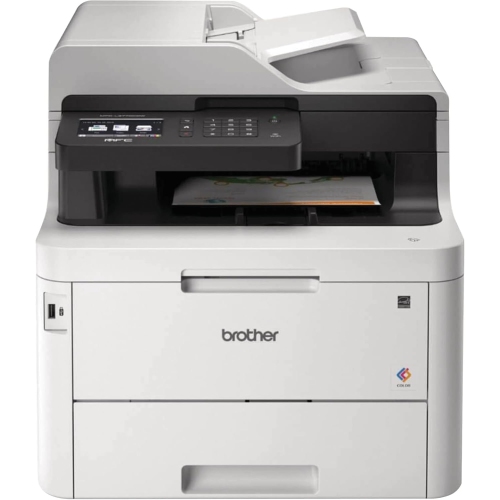 Your price for this item is $799
 -
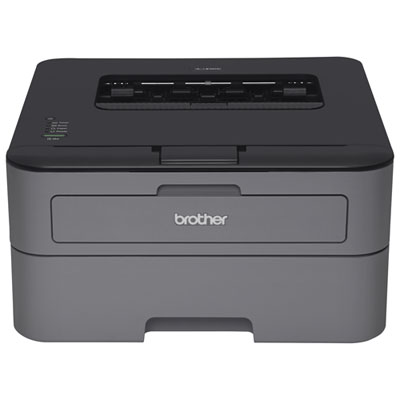 Your price for this item is $149.99
 -
 Your price for this item is $929.89
 -
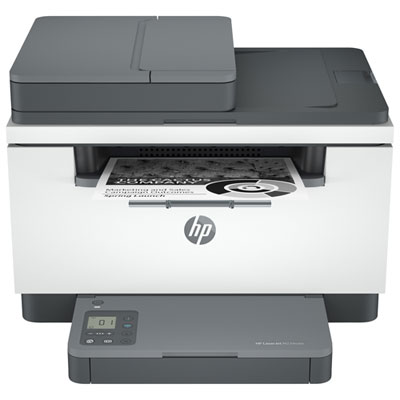 Your price for this item is $209.99
 -
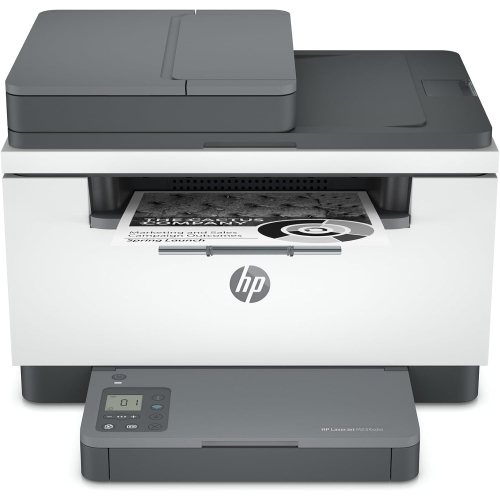 Your price for this item is $371.83
 -
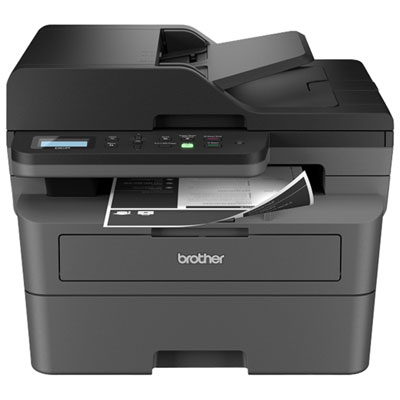 Your price for this item is $219.99
 -
 Your price for this item is $477.68
 -
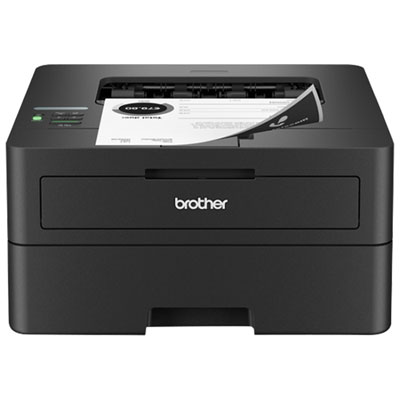 Your price for this item is $249.99
Discover more categories related to Latest Printers for Office Use
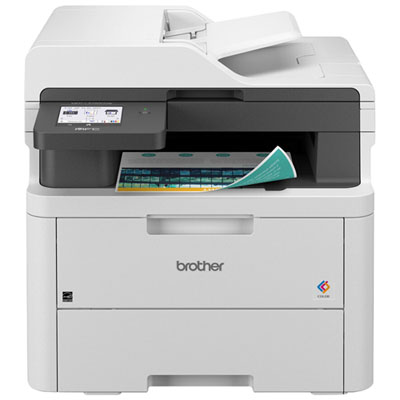
Top Collections:
Pokemon Centers, Best Budget Office Chairs, Budget 4K TVs, Kindle Devices, Best Laptops for Writers, Canon G7X Cameras, Apple iPhones 16, iPhone 15 Apple, Laptops for Business Work, Xiaomi Phones
Some products may be subject to Environmental Handling Fees
(EHF) depending on your province.
Learn more about EHFs.