Canon Printers for Office Use
If you're looking for a printer that can handle all your office needs, whether it's printing, scanning, or copying, we've got you covered. These printers have a sleek design and are easy to use. These also have a variety of connectivity options so you can connect them to your computer easily. Here are some of the best options available for Canon printers perfect for office use.
Sort
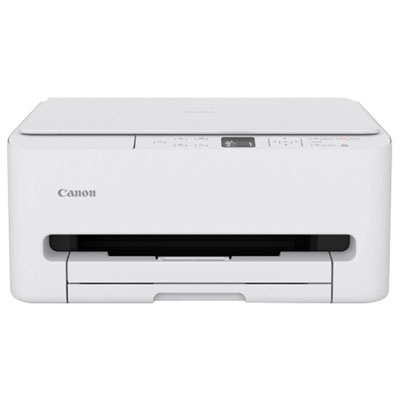
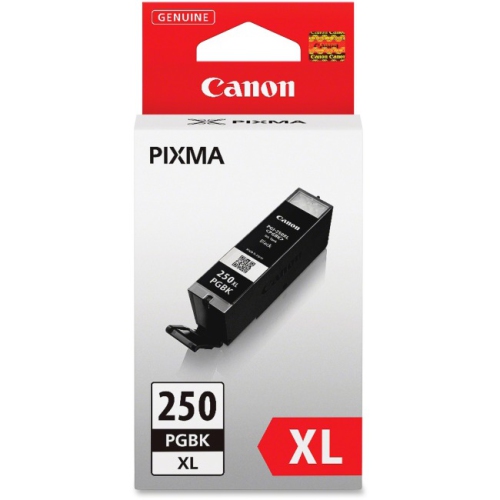
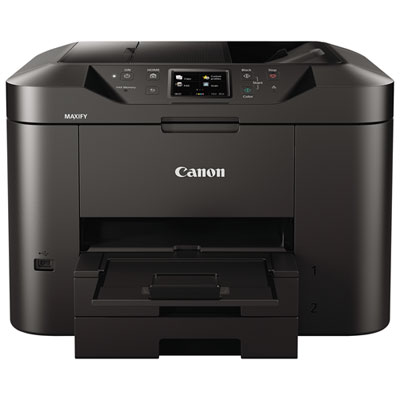
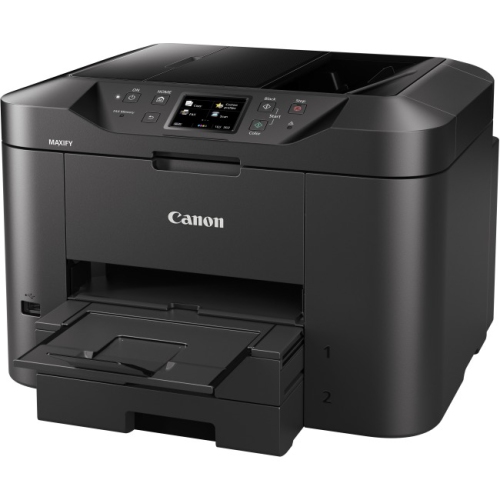
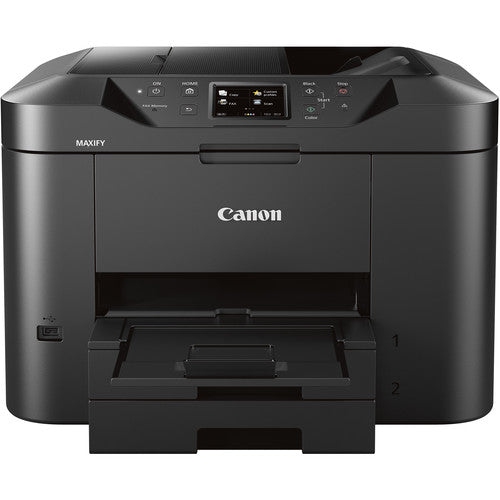
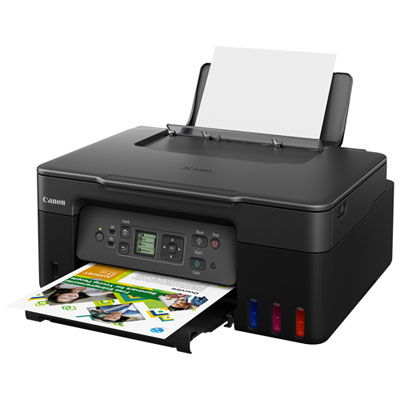

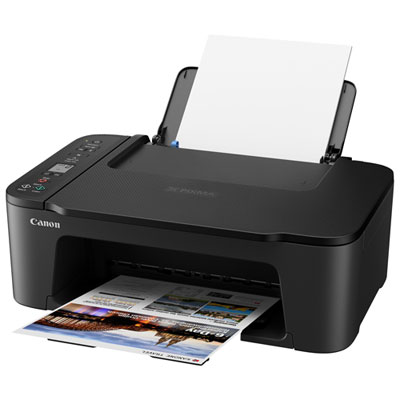
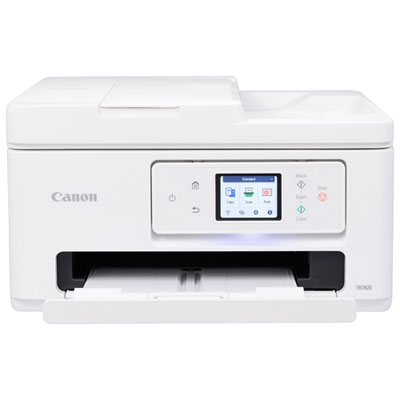
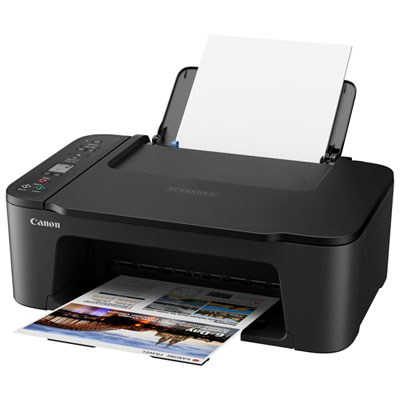
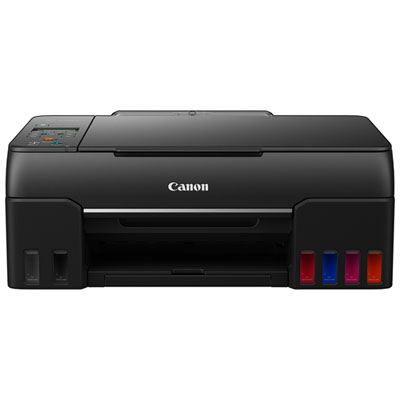
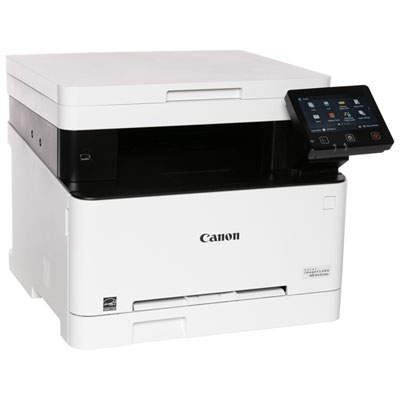
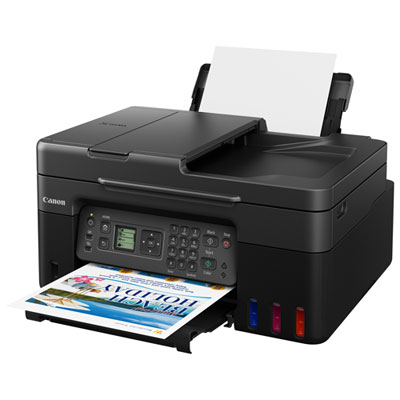
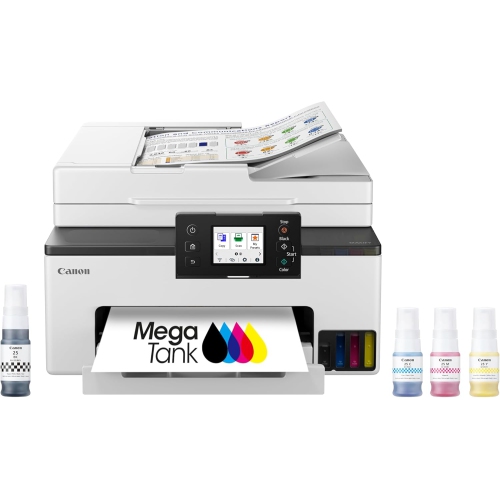
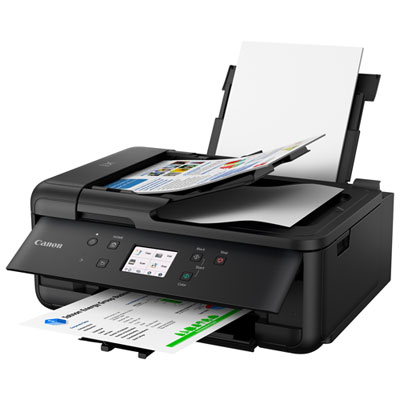
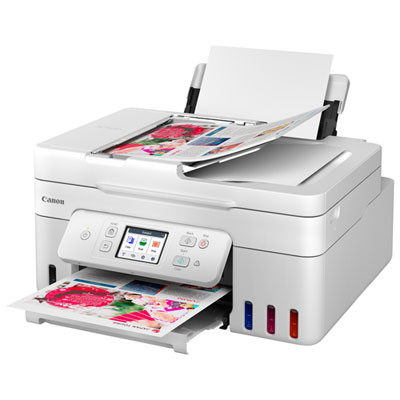
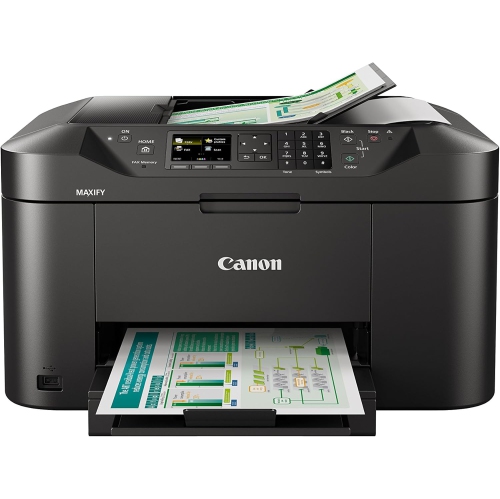
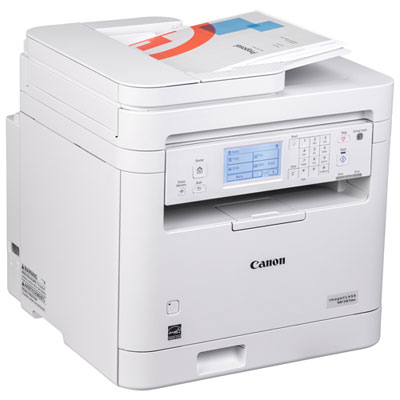
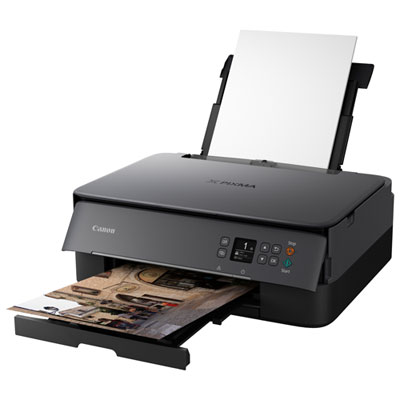
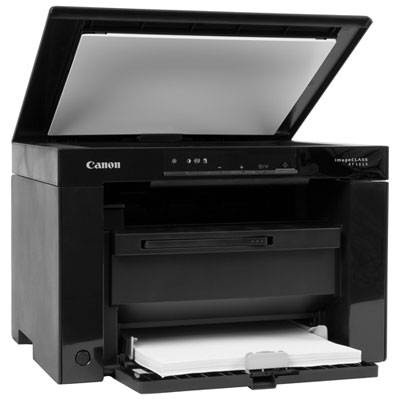
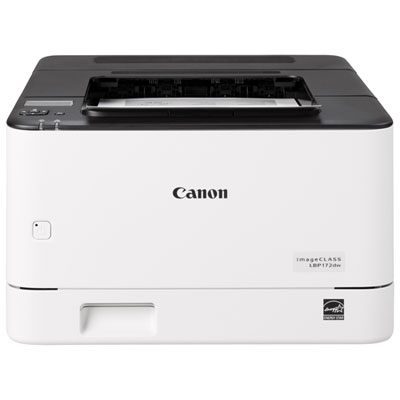
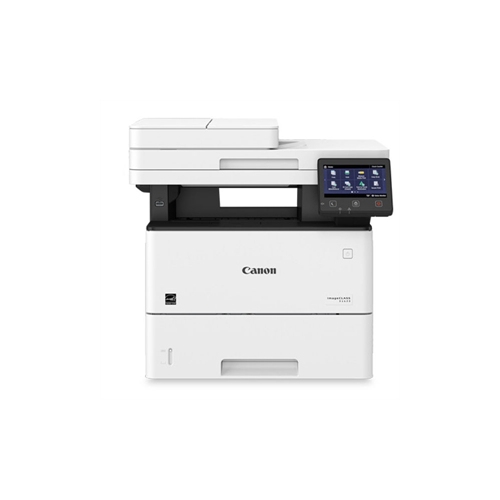
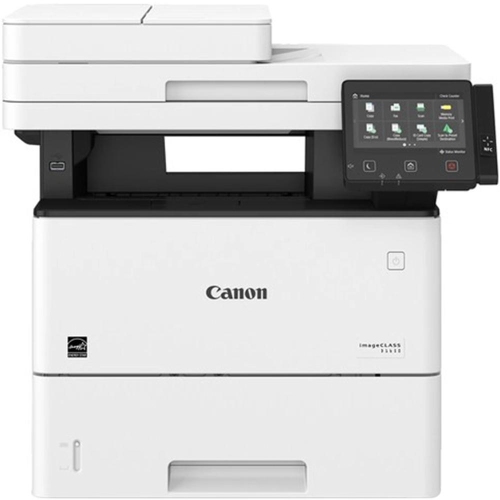
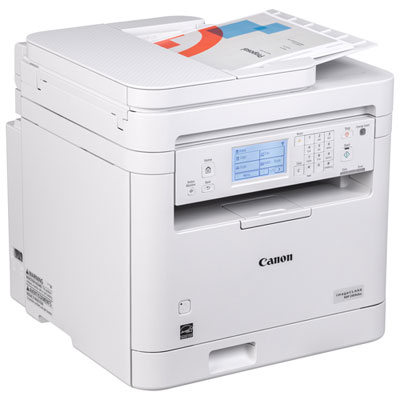
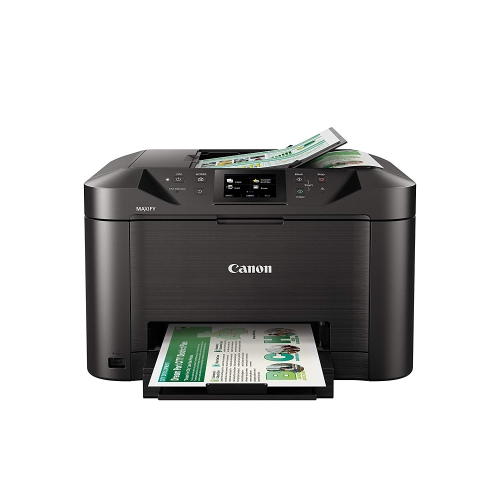
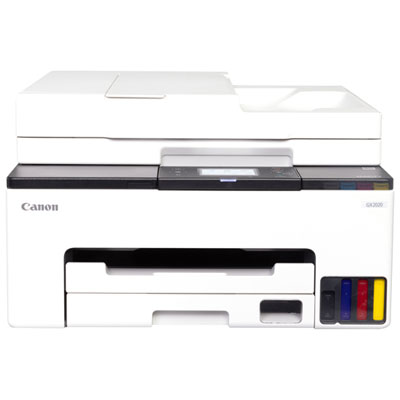
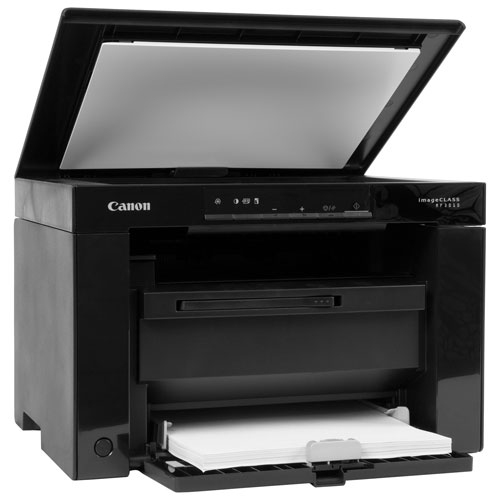
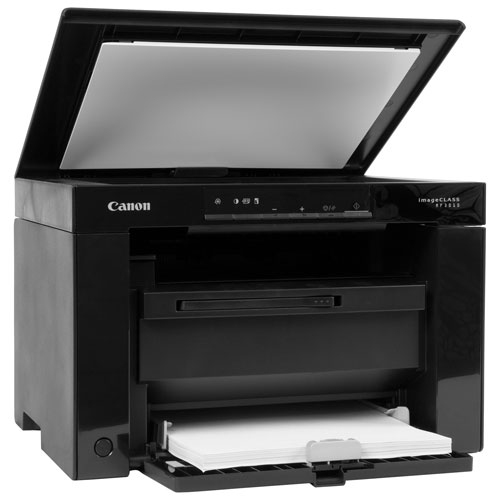
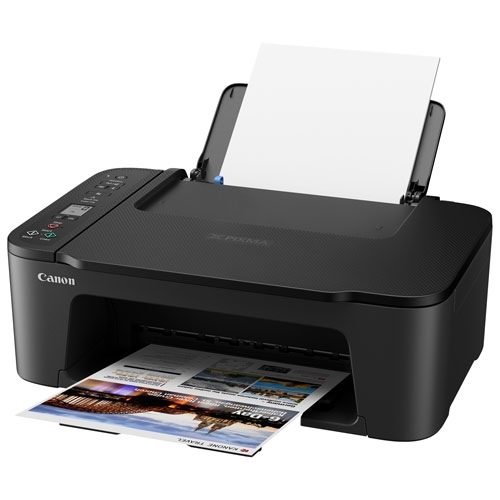
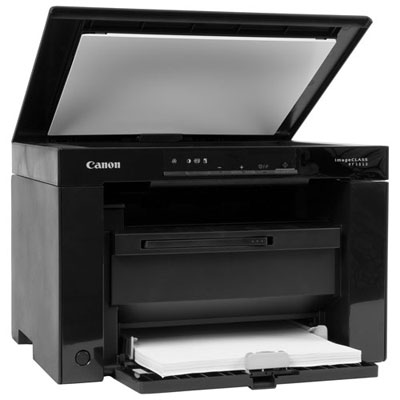
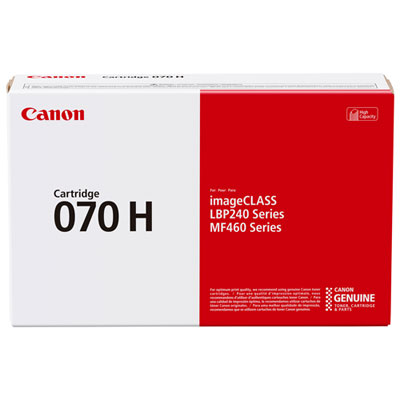
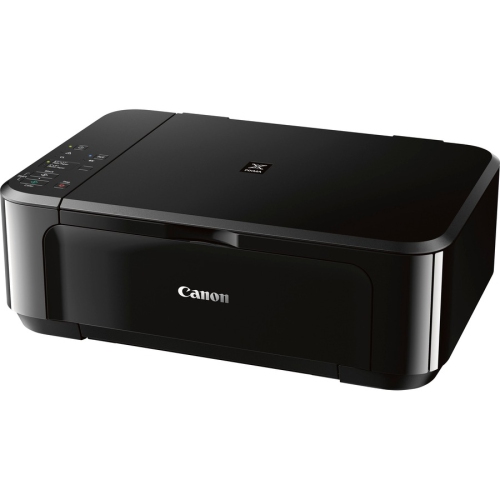
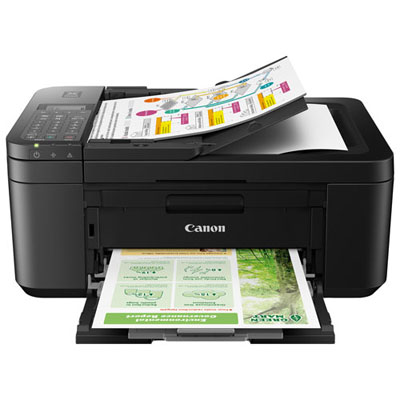
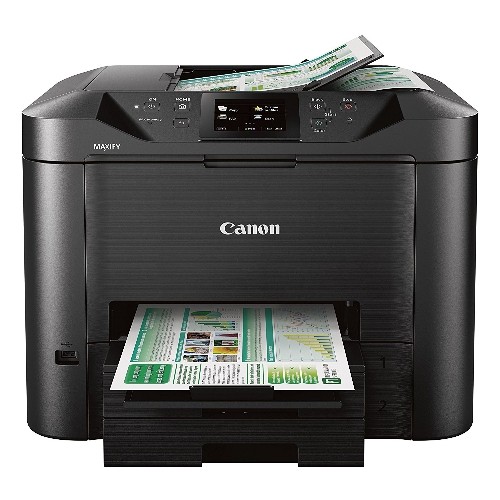
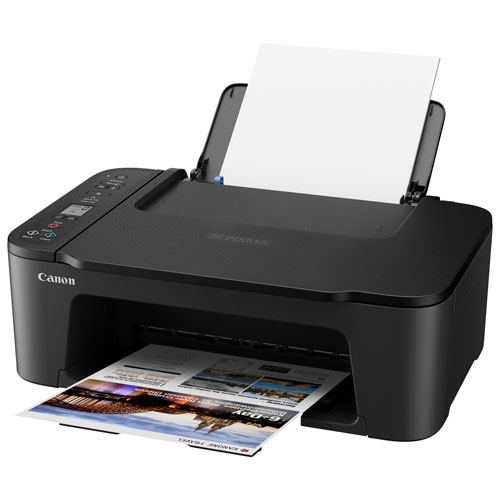
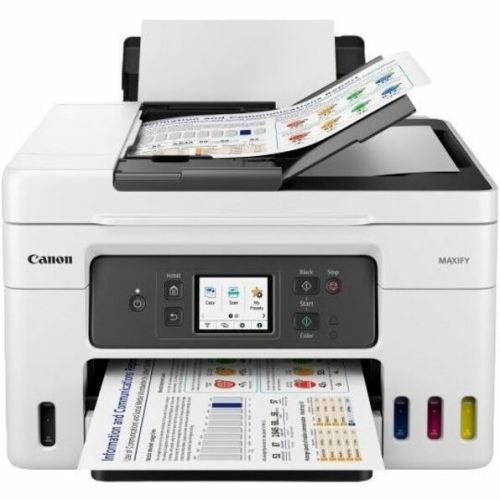
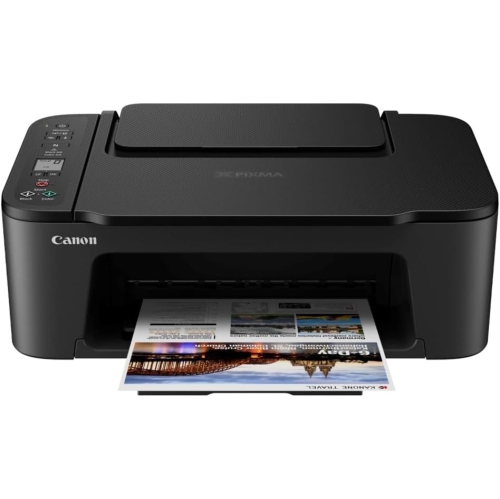
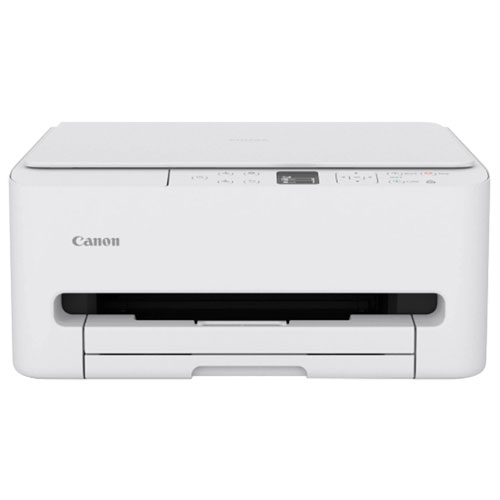
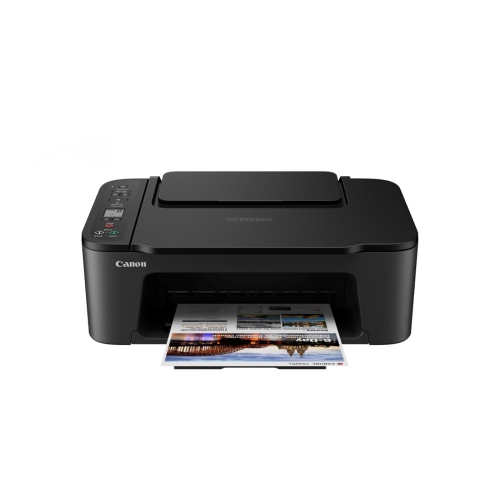
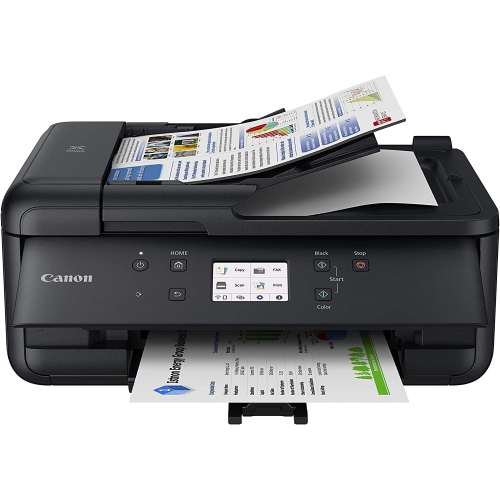
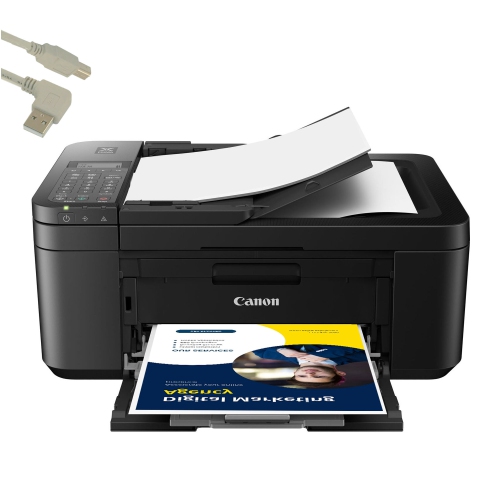
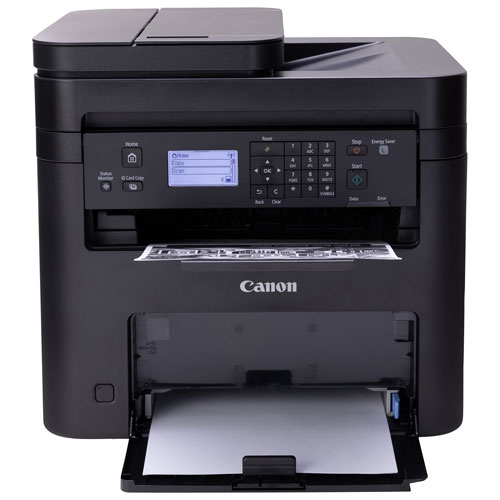
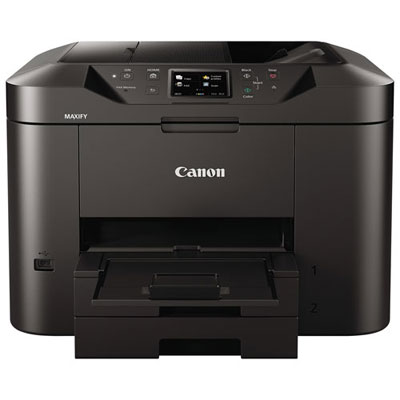
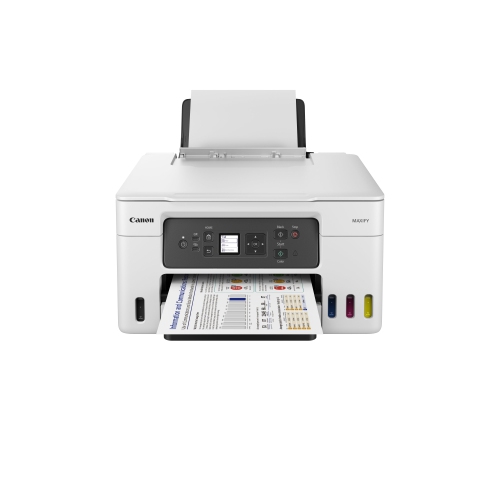
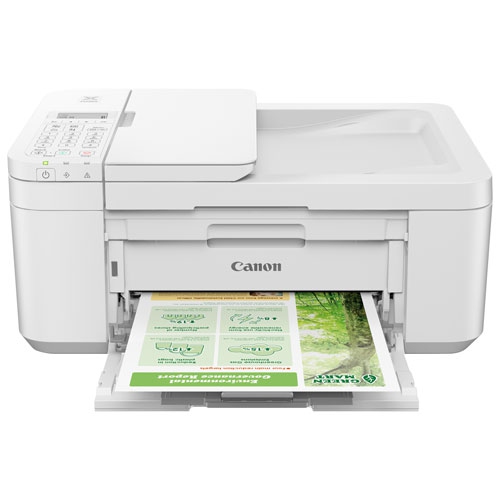

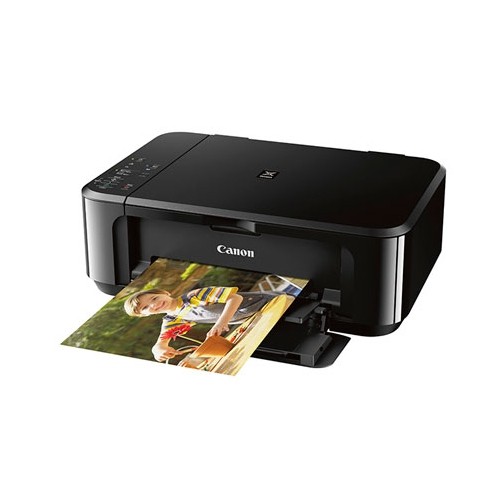
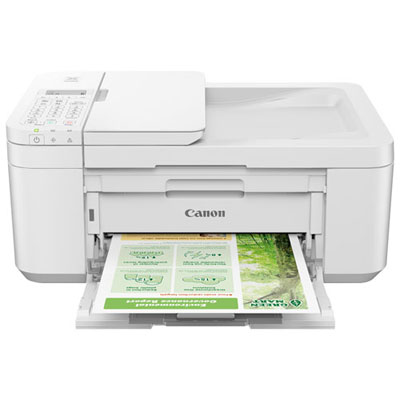
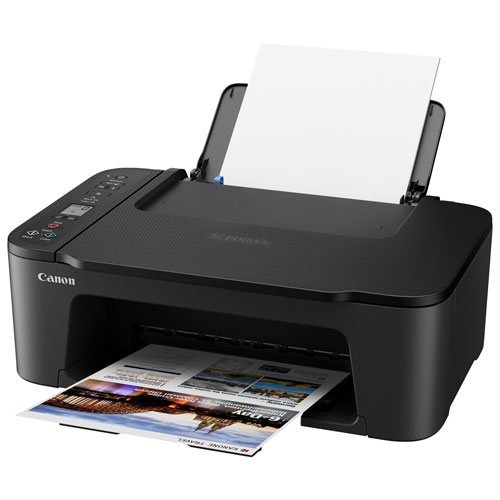
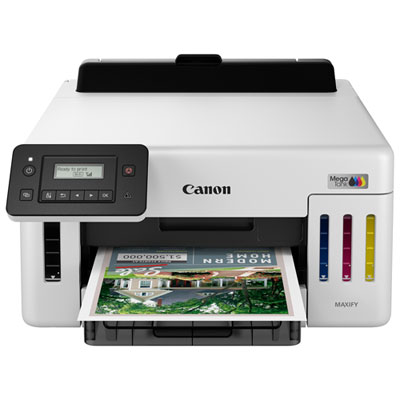
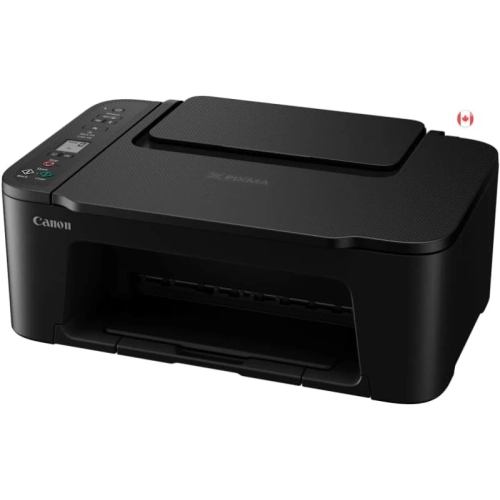
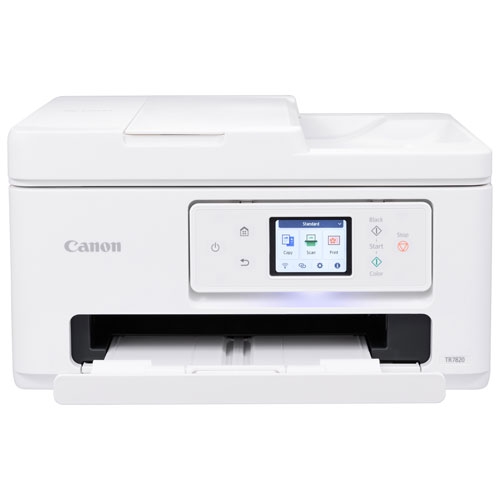

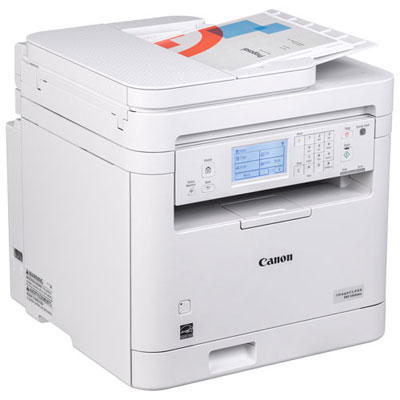
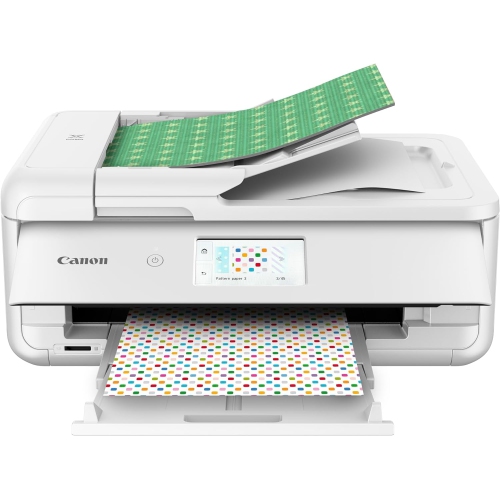
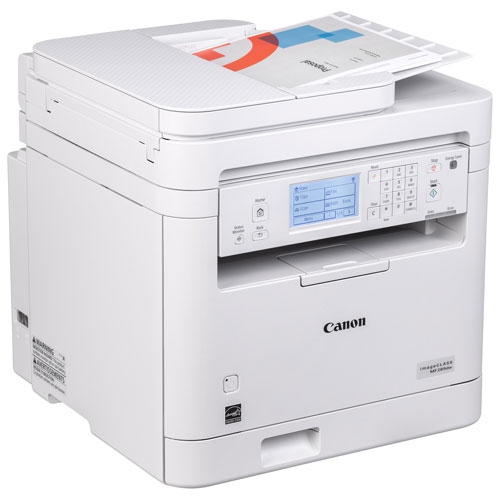
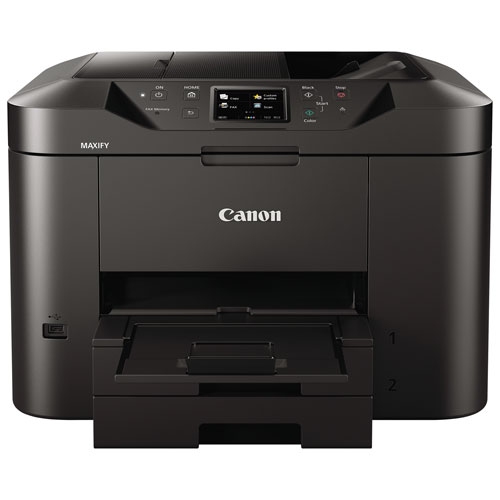

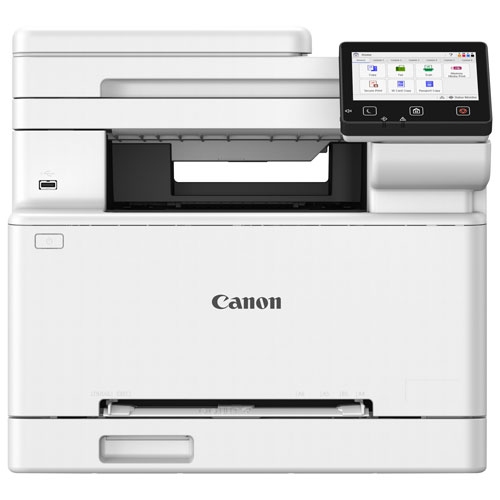
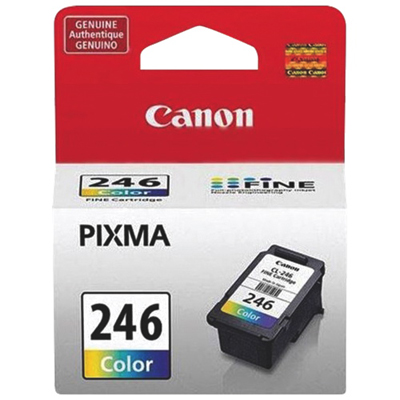
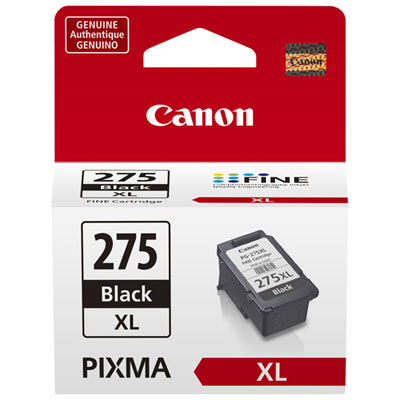
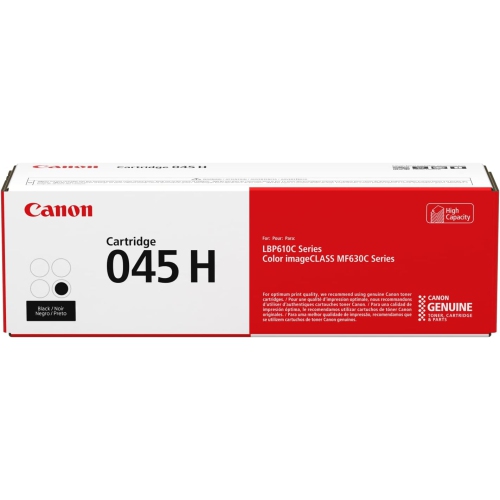
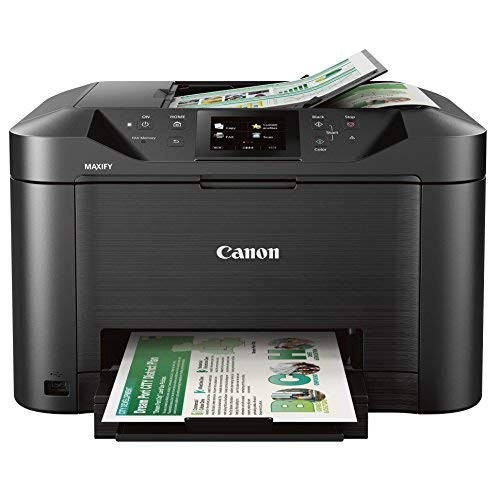
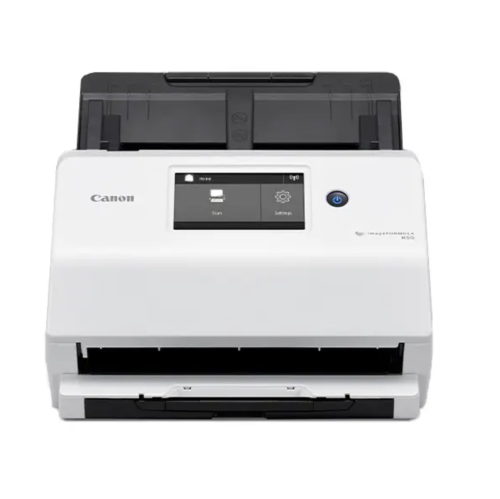
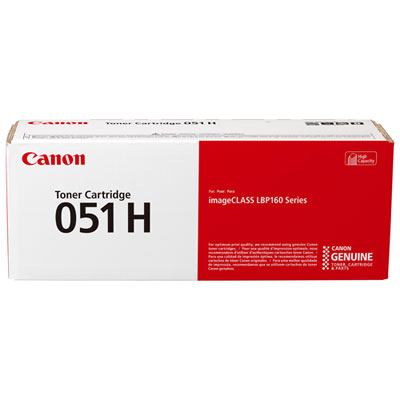
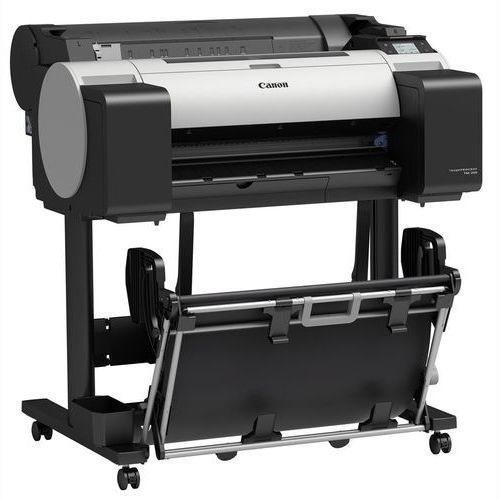
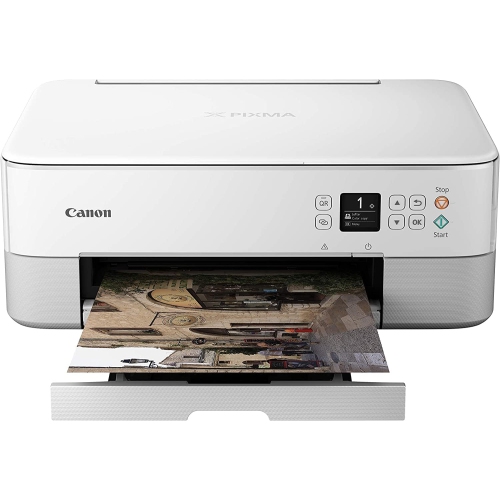
Match your office’s print volume, workflow, and connectivity needs
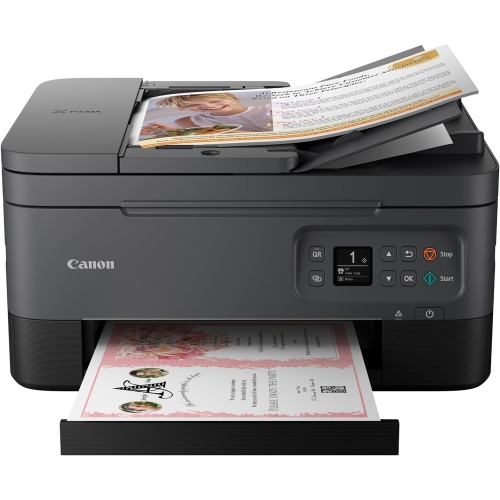
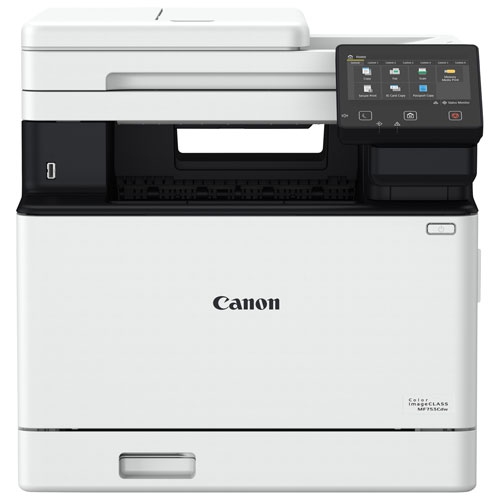
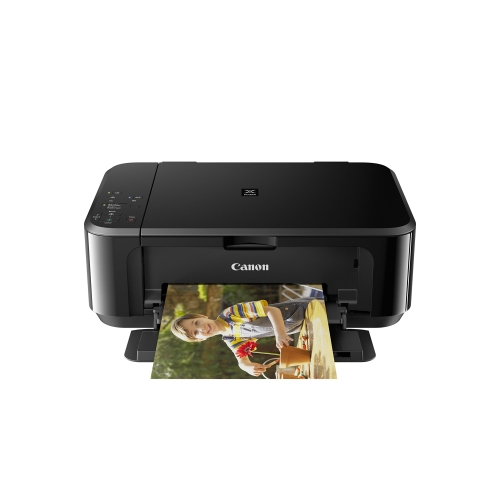
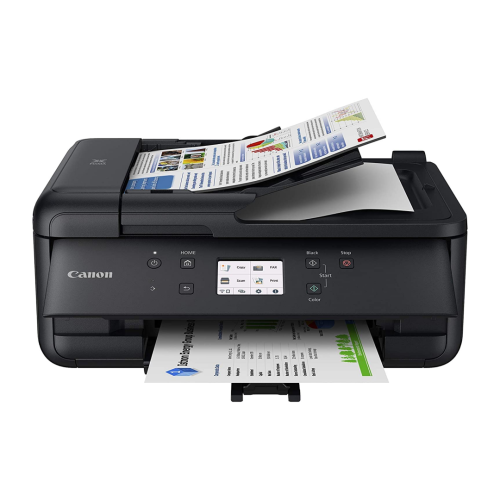
Canon printers for office use are designed to support the everyday rhythm of a workplace, from quick black-and-white forms and invoices to polished colour presentations, client handouts, reports, and internal documents. The right choice depends first on how your office prints. Monochrome laser printers are well suited to businesses that produce mostly text, especially when speed, sharp lettering, and dependable performance matter more than colour. They can be a practical fit for reception desks, accounting departments, property management offices, clinics, classrooms, and small workgroups that print contracts, shipping labels, schedules, statements, or administrative paperwork throughout the day. Laser printing is also helpful in offices that may go through quieter periods, since toner does not dry out in the same way as liquid ink. Colour inkjet printers, including models with refillable ink tanks, are a strong option for offices that regularly create colourful documents, presentations, charts, menus, promotional materials, lesson plans, or product sheets. They can deliver rich colour while keeping replacement ink costs manageable over a high volume of pages. A colour laser printer may be preferable for workgroups that need fast, crisp colour output with a more polished finish for business graphics and marketing materials. When comparing office printers, look beyond the headline print speed and consider the type of pages you produce, the number of people sharing the printer, and how often you expect to refill consumables. A printer rated for higher monthly volumes can help keep busy teams moving, while a compact desktop model may be a better match for a home office, consultation room, or small business with more moderate needs.
Many office printers combine printing, scanning, copying, and faxing in one device, which can save valuable desk space and reduce the need to walk between separate machines. An all-in-one printer with an automatic document feeder can scan or copy multi-page contracts, receipts, applications, and invoices with less hands-on work, while automatic two-sided printing helps produce professional-looking documents and reduce paper use. A generous paper cassette is useful when your team prints frequently, because it means fewer interruptions to reload standard sheets. Some offices also benefit from a second tray for letterhead, envelopes, labels, or alternate paper sizes. Wireless connectivity makes it easier for employees to print from laptops, phones, and tablets, while Ethernet networking can provide a dependable connection for a shared printer in a larger office. Look for compatibility with the computers and mobile devices your team already uses, as well as straightforward setup and an easy-to-read display. Security deserves attention too, particularly when a printer handles payroll information, customer records, financial documents, or confidential proposals. Features such as user authentication, secure print release, PIN-protected jobs, and administrator controls can help keep sensitive pages from sitting unattended in the output tray. For a small business owner setting up a first dedicated workspace, a printer that scans signed paperwork and copies identification documents can become an everyday business tool rather than an occasional accessory. Explore Canon Printers for Small Business for options that can suit a growing team, a home-based operation, or a professional office with limited space.
Before choosing a printer, estimate your typical monthly page count and separate black-and-white pages from colour pages. A busy office that prints dozens of text-heavy pages each day may value a fast monochrome laser printer with a larger input tray and a short warm-up time. A design studio, real estate office, school, or event-planning business may place greater importance on colour accuracy, borderless printing, and the ability to handle graphics on different paper types. If print volume is high, check the expected yield of toner or ink and compare the cost of replacement supplies rather than focusing only on the initial purchase price. Refillable tank systems can be appealing for frequent colour printing, while traditional cartridge-based systems may suit offices that print less regularly or prefer simple replacement. Consider the space around the printer as well: allow room to open trays, replace supplies, load envelopes, and scan larger documents comfortably. Noise level may matter in a shared workspace, home office, or quiet reception area, while a faster first-page output can be useful when employees often need a single document in a hurry. During the warmer months and cooler months alike, reliable office printing helps teams prepare client packages, organize records, process orders, and keep daily work on schedule. Whether it will serve one person at a desk or several employees across a shared network, the best office printer is one that matches your document mix, workload, connectivity needs, and available space without adding unnecessary complexity.
Many office printers combine printing, scanning, copying, and faxing in one device, which can save valuable desk space and reduce the need to walk between separate machines. An all-in-one printer with an automatic document feeder can scan or copy multi-page contracts, receipts, applications, and invoices with less hands-on work, while automatic two-sided printing helps produce professional-looking documents and reduce paper use. A generous paper cassette is useful when your team prints frequently, because it means fewer interruptions to reload standard sheets. Some offices also benefit from a second tray for letterhead, envelopes, labels, or alternate paper sizes. Wireless connectivity makes it easier for employees to print from laptops, phones, and tablets, while Ethernet networking can provide a dependable connection for a shared printer in a larger office. Look for compatibility with the computers and mobile devices your team already uses, as well as straightforward setup and an easy-to-read display. Security deserves attention too, particularly when a printer handles payroll information, customer records, financial documents, or confidential proposals. Features such as user authentication, secure print release, PIN-protected jobs, and administrator controls can help keep sensitive pages from sitting unattended in the output tray. For a small business owner setting up a first dedicated workspace, a printer that scans signed paperwork and copies identification documents can become an everyday business tool rather than an occasional accessory. Explore Canon Printers for Small Business for options that can suit a growing team, a home-based operation, or a professional office with limited space.
Before choosing a printer, estimate your typical monthly page count and separate black-and-white pages from colour pages. A busy office that prints dozens of text-heavy pages each day may value a fast monochrome laser printer with a larger input tray and a short warm-up time. A design studio, real estate office, school, or event-planning business may place greater importance on colour accuracy, borderless printing, and the ability to handle graphics on different paper types. If print volume is high, check the expected yield of toner or ink and compare the cost of replacement supplies rather than focusing only on the initial purchase price. Refillable tank systems can be appealing for frequent colour printing, while traditional cartridge-based systems may suit offices that print less regularly or prefer simple replacement. Consider the space around the printer as well: allow room to open trays, replace supplies, load envelopes, and scan larger documents comfortably. Noise level may matter in a shared workspace, home office, or quiet reception area, while a faster first-page output can be useful when employees often need a single document in a hurry. During the warmer months and cooler months alike, reliable office printing helps teams prepare client packages, organize records, process orders, and keep daily work on schedule. Whether it will serve one person at a desk or several employees across a shared network, the best office printer is one that matches your document mix, workload, connectivity needs, and available space without adding unnecessary complexity.
Top selling and popular products
-
 Your price for this item is $249.99
 -
 Your price for this item is $137.68
 -
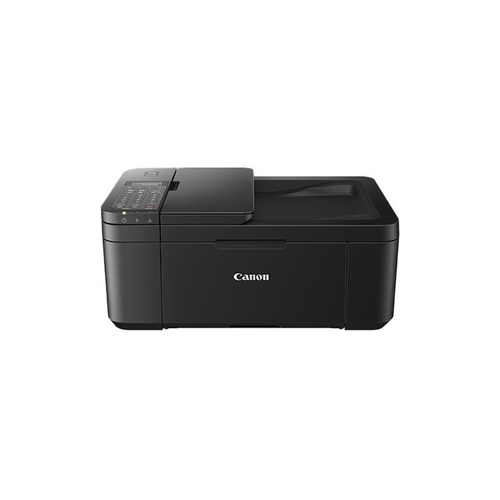 Your price for this item is $247.92
 -
 Your price for this item is $59.99
 -
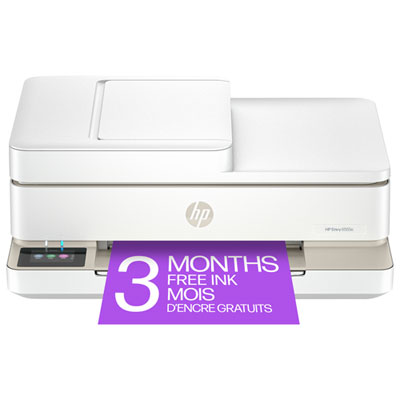 Your price for this item is $149.95
 -
 Your price for this item is $199.99
 -
 Your price for this item is $214.99
 -
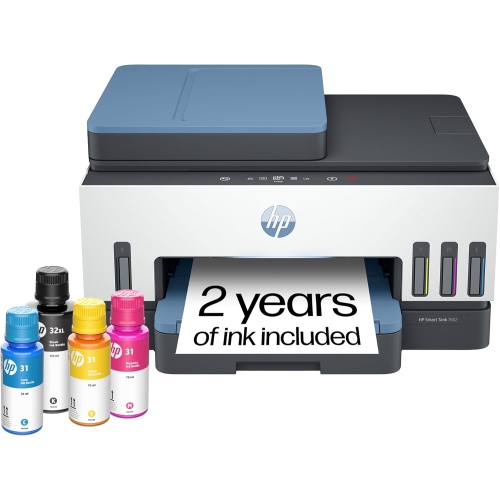 Your price for this item is $569.89
Discover more categories related to Canon Printers for Office Use
Top Collections:
Pokemon Centers, Best Budget Office Chairs, Budget 4K TVs, Kindle Devices, Best Laptops for Writers, Canon G7X Cameras, Apple iPhones 16, iPhone 15 Apple, Laptops for Business Work, Xiaomi Phones
Some products may be subject to Environmental Handling Fees
(EHF) depending on your province.
Learn more about EHFs.