Colour Printers for Office Use
Transform your workspace with a colour printer for office use, designed to meet the diverse needs of any professional environment. Whether you're printing vibrant marketing materials or essential documents, these printers offer the versatility and quality that modern offices demand. Explore a range of options that deliver efficiency and reliability, ensuring your team stays productive and your output remains impressive. With advanced technology and user-friendly interfaces, finding the perfect colour printer for office use has never been easier. Elevate your printing experience and keep your business running smoothly with this curated selection tailored for office excellence.
Sort
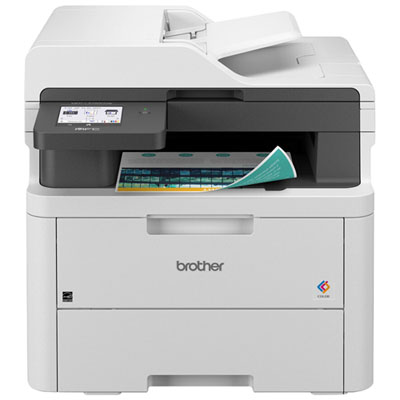
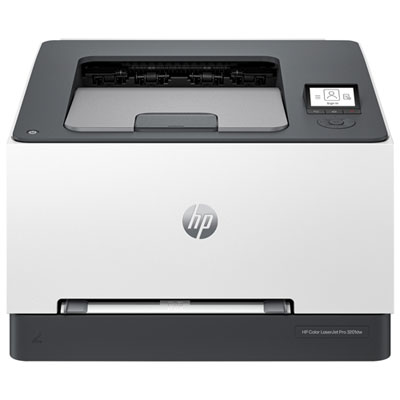
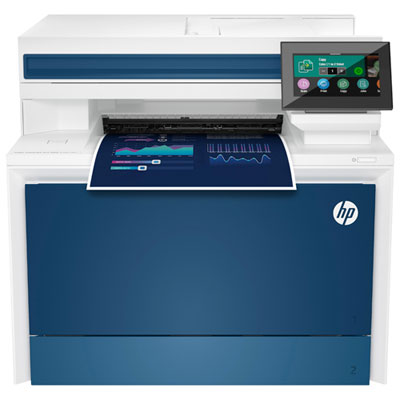
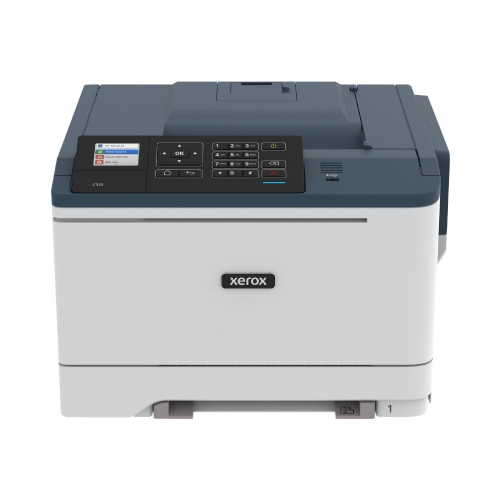
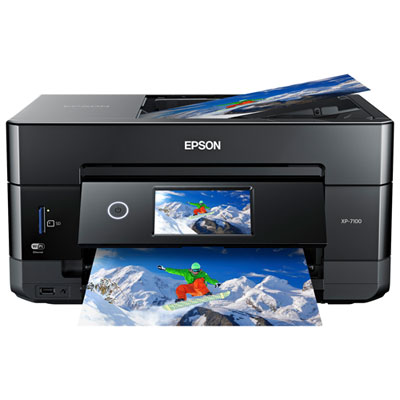
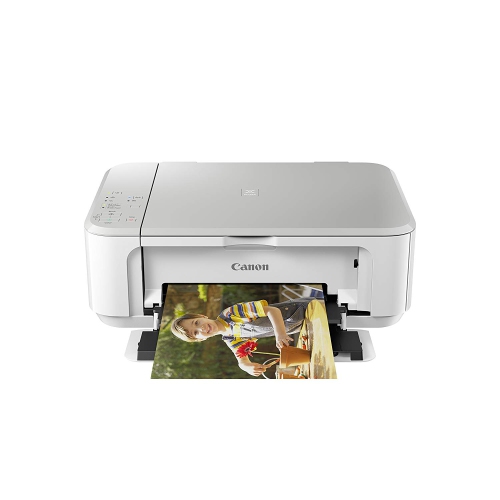
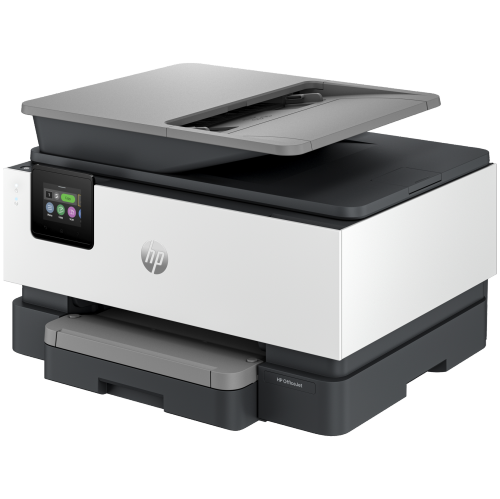
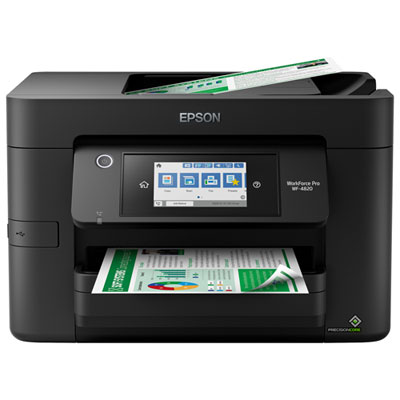
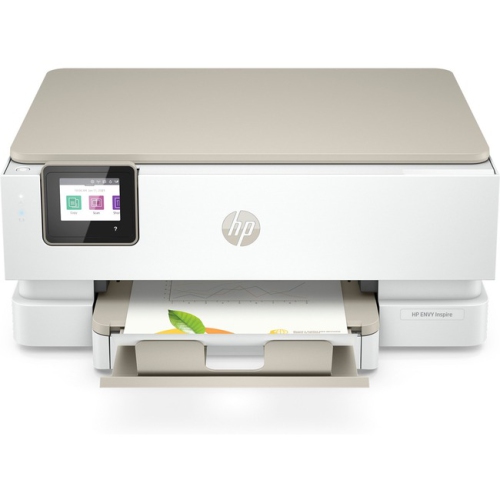
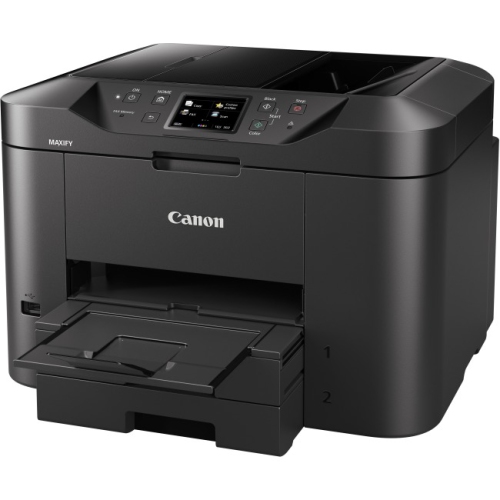
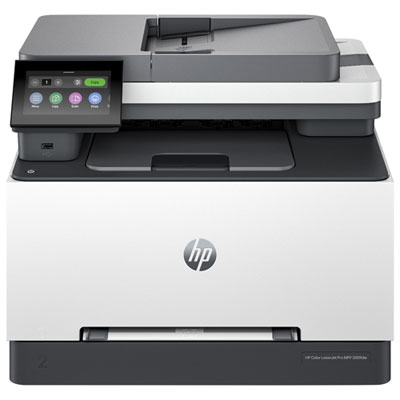
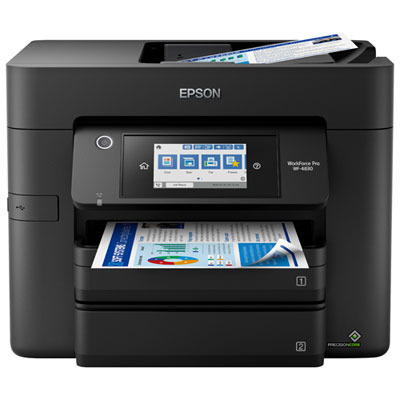
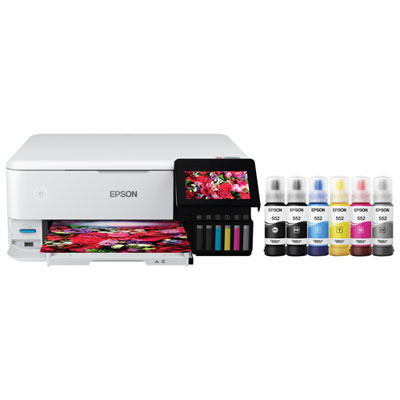
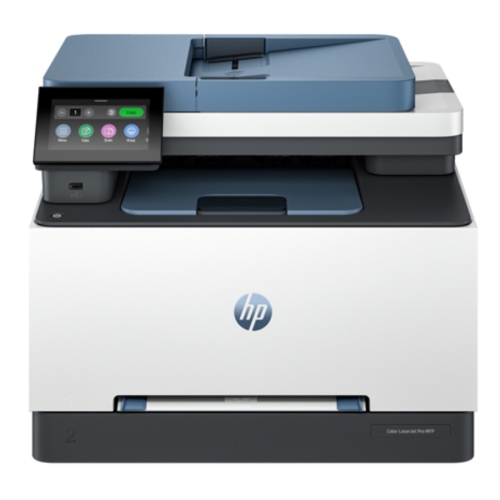
Polished proposals start with clear text and crisp charts
Colour printers for office use bring clear text, useful detail, and visual consistency to the documents a business handles every day. A spreadsheet with distinct colour-coded columns is easier to follow across a meeting table, while a proposal with crisp charts and a well-rendered logo can look polished without relying on elaborate design. These printers suit a range of workplaces, from a home-based consultancy producing client reports to a busy reception desk printing forms, schedules, and handouts. The most useful capabilities depend on the balance of everyday paperwork and more presentation-focused work. Colour laser printers are often a good fit for teams producing regular batches of text-heavy documents with graphics, while inkjet printers can suit mixed document work that includes detailed images, illustrations, and occasional photographs. Output quality depends on more than the stated resolution: paper, print settings, and the original file all influence how sharp small text appears and how smoothly colours blend. For internal drafts, standard settings may provide all the detail needed; a client-facing presentation may benefit from higher-quality settings and paper designed for the printer’s technology. Businesses printing branded materials may also value consistent colour across repeated jobs, though screen colours and printed colours do not always match exactly. Multifunction colour printers add copying and scanning to everyday printing, with some also supporting faxing for offices that still use it. A flatbed scanner accommodates individual sheets and bound pages that fit within its specifications, while an automatic document feeder is useful for a stack of signed forms or a multipage agreement. Automatic two-sided scanning is a separate capability from automatic two-sided printing, so the two features serve different parts of a document workflow. For small teams, having these functions together can keep routine administration in one place and reduce trips between separate machines. Dedicated print-only designs remain relevant where scanning and copying are already handled elsewhere and the main priority is dependable document output.
The right physical fit matters as much as the printed result, particularly when a colour printer shares space with a workstation, filing cabinet, or reception counter. Its listed dimensions describe only part of the space it may need: paper trays, output supports, scanner lids, and access panels can extend beyond the main body. Clearance around ventilation openings and room to replace supplies help keep everyday use straightforward. Larger office printers may be better suited to a stable cabinet or dedicated printer stand than a compact desktop, and their weight matters when planning placement. The sturdiness of trays, hinges, and access doors is especially relevant in shared workspaces where several people load paper and collect documents throughout the day. Paper handling also shapes how smoothly a printer fits into office routines. A higher-capacity input tray can mean fewer interruptions during a batch of training materials, while a separate multipurpose tray can make occasional envelopes or letterhead easier to manage. Support for legal-size documents, labels, cardstock, or other media varies by model, as do the permitted paper weights and feed methods. Paper intended for inkjet printing is not automatically suitable for a laser printer, particularly when coatings or adhesive materials are involved. Automatic two-sided printing helps keep long reports manageable, but not every supported paper type can use the duplex path. Output capacity deserves attention alongside input capacity, since a full tray can interrupt a large job. Print speed is useful context for shared use, although published speeds may reflect particular test settings rather than a complex colour presentation. First-page time can matter just as much to someone printing a single invoice between appointments. Recommended monthly print volume is generally a more practical measure of everyday suitability than the maximum duty cycle, which describes a different limit. Offices with several regular users may benefit from a printer designed for their combined workload rather than one sized only for occasional individual printing.
Connectivity determines how easily an office colour printer becomes part of the working day. USB can suit a printer used by one nearby computer, while Ethernet provides a wired network connection for supported shared setups. Wi-Fi offers more flexibility in placement, provided the printer has a reliable signal and supports the office network’s configuration. Mobile printing can be helpful when a colleague needs to print a document from a phone or tablet, but supported apps, operating systems, and network requirements vary. Compatibility with the computers and software already in use is particularly important in offices with a mix of devices. Scanning destinations also differ: some multifunction printers can send files to email, a network folder, or a connected storage device, while others depend on software installed on a computer. Searchable document creation may require separate software or a particular subscription, rather than being included with every scanning function. For shared printers handling employee records, contracts, or client information, features such as authenticated access and secure print release can help limit unattended documents in the output tray when supported and properly configured. Routine care supports consistent results over time. Paper stored flat and dry feeds more reliably than curled or damaged sheets, and keeping dust away from trays and scanner glass helps prevent avoidable marks and feeding problems. Inkjet printers may need periodic printhead maintenance, especially after long gaps between jobs; laser printers have their own maintenance requirements, which can include replacing imaging components as well as toner. Access to the paper path makes clearing an occasional jam less disruptive, while clear supply indicators help teams plan routine replacements. A quieter operating mode may also be useful near a reception desk or a workstation used for calls, although it can affect speed. For a workspace centred on household paperwork rather than shared business tasks, Color Printers for Home offers a related category to explore. Office use places particular emphasis on repeatable output, manageable paper handling, and connections that support the people who use the printer each day.
Top selling and popular products
-
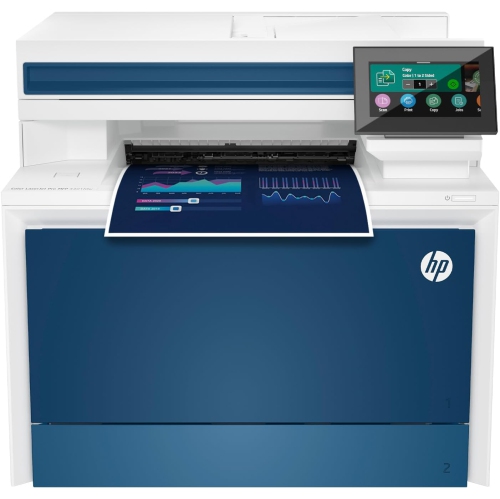 Your price for this item is $714.99
-
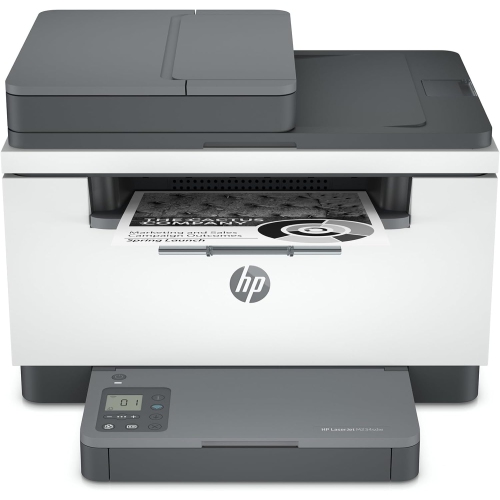 Your price for this item is $371.83
-
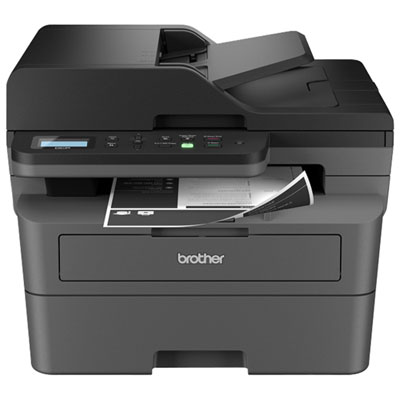 Your price for this item is $319.99
-
 Your price for this item is $477.68
-
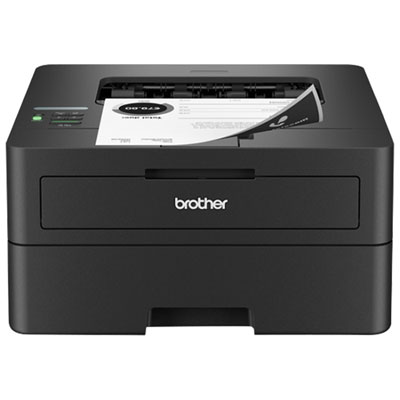 Your price for this item is $249.99
-
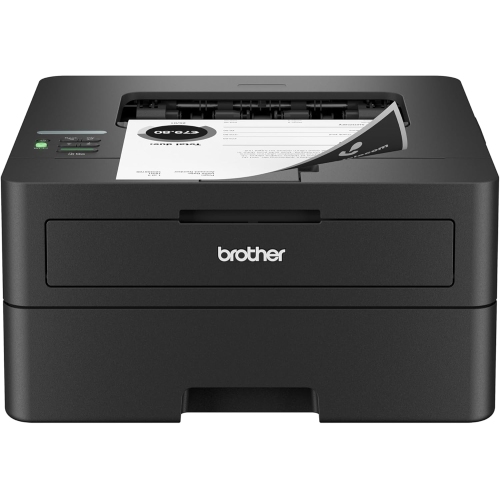 Your price for this item is $249.99
-
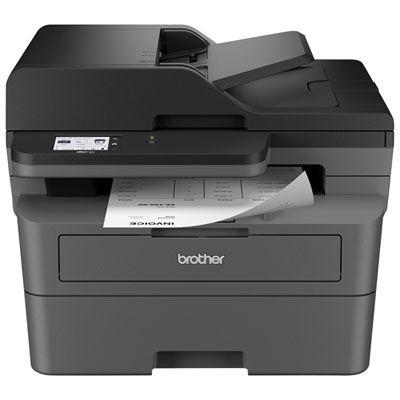 Your price for this item is $379.99
-
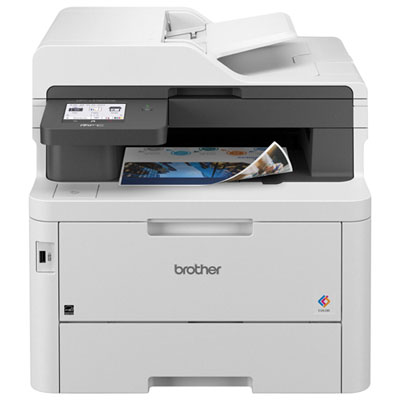 Your price for this item is $779.99
Discover more categories related to Colour Printers for Office Use
Top Collections:
Best Black Friday Deals This Year, Best Black Friday Deals On Electronics, Kindle Devices, Pokemon Centers, Best Black Friday Deals On Apple Products, Best Cameras for Sports Photography, Dyson Airwrap, Pokémon 30th Celebration Cards, Apple iPhone 17 Pro, Canon G7X Cameras
Some products may be subject to Environmental Handling Fees
(EHF) depending on your province.
Learn more about EHFs.