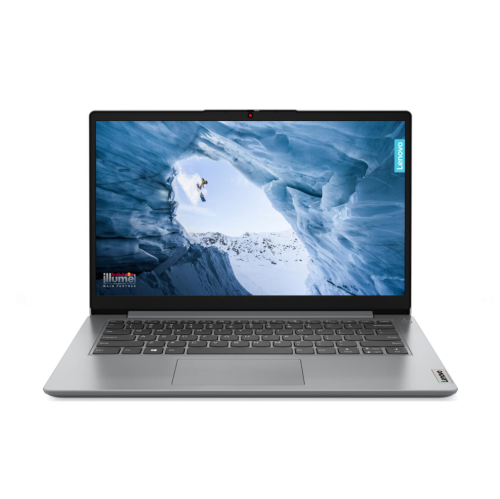
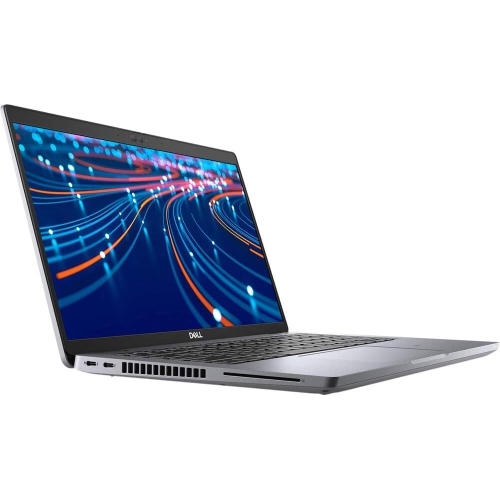
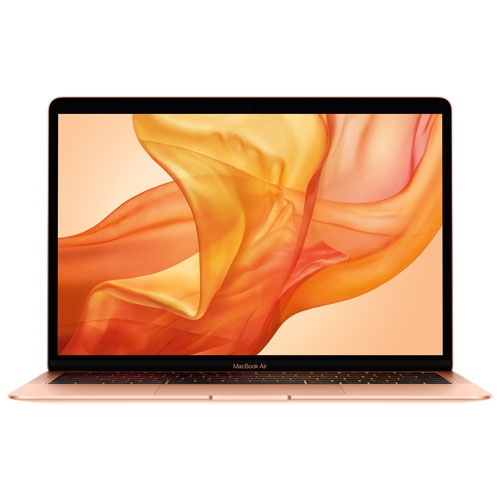
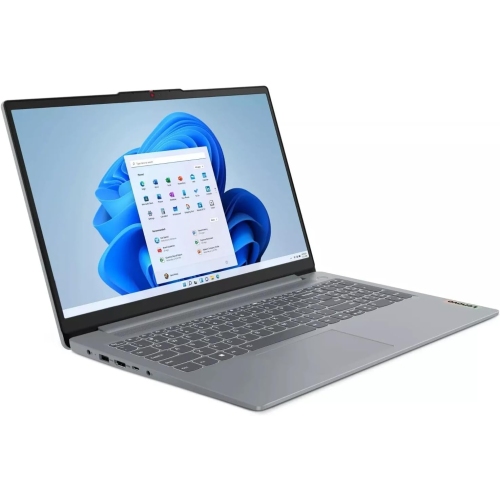
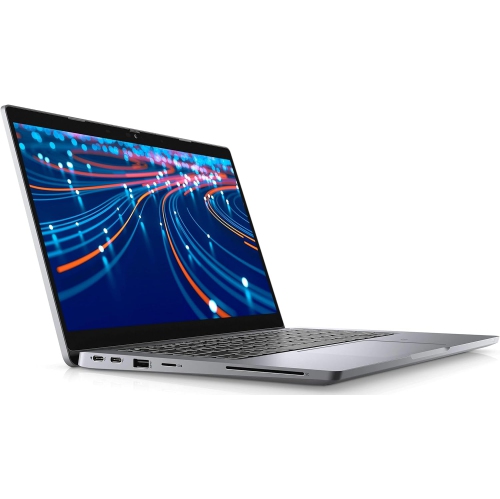
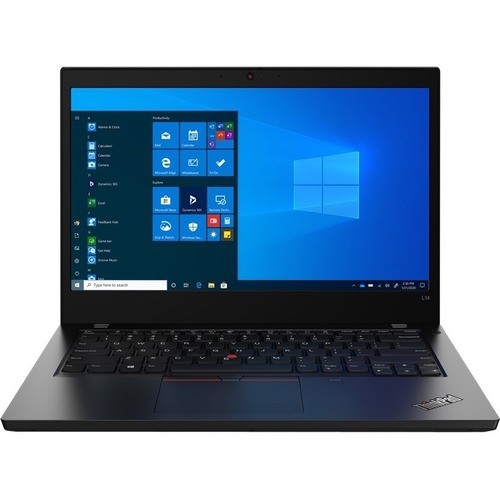
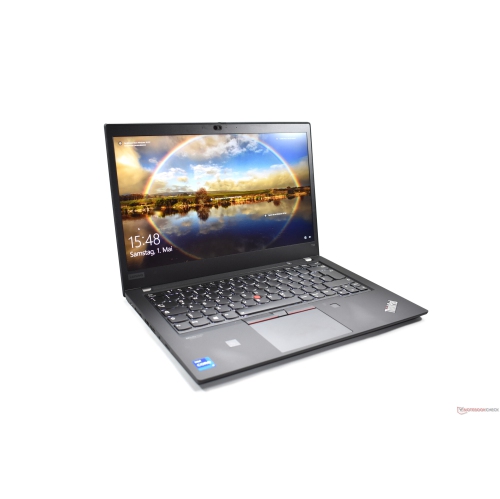
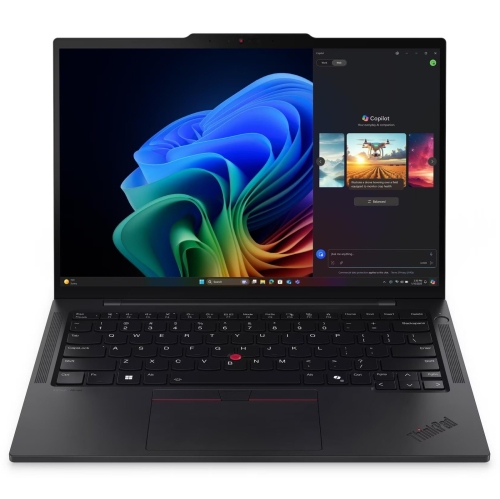
Latest Refurbished Laptops

Browse the latest refurbished laptops to find an option that fits your computing needs and budget. Compare specifications such as processor, memory, storage, and screen size, and check each listing for condition and warranty details before you choose.

Sort

There’s more to refurbished laptops than the label

Refurbished laptops are previously owned or returned notebook computers that have been assessed and prepared for resale, with repairs or component replacement where needed. Refurbishment may involve hardware testing, cleaning, data removal and software setup, although the work performed depends on the seller and the individual computer. The latest refurbished laptops are not necessarily the newest laptop designs: release year, processor generation and operating system support are more useful indicators of how recent a computer is than the refurbished label alone. This distinction matters because a well-matched laptop should suit the way it will be used, whether that means writing assignments, managing spreadsheets, joining video calls or editing family photos. For a student moving between lectures, a compact chassis and comfortable keyboard may matter more than a large display. Someone working mostly at a desk might prefer a larger screen that leaves room for a document beside a browser window. A laptop used for household tasks needs enough responsiveness for banking, forms, streaming and everyday browsing without feeling cumbersome to carry from room to room. Screen size, weight and construction all shape that experience. A 13- or 14-inch display generally suits frequent travel, while a 15- or 16-inch display provides more space for reading and multitasking. Overall dimensions still matter, particularly when fitting a computer into a backpack or onto a small work surface. Aluminium and magnesium chassis can offer a rigid feel, while plastic construction varies considerably in weight and sturdiness. Neither material alone establishes durability; hinge condition, panel fit and the state of the keyboard and ports are also important. A matte screen can reduce distracting reflections, and a clear, well-positioned webcam makes calls more comfortable. For longer writing sessions, keyboard spacing, a responsive touchpad and a screen that adjusts to a useful viewing angle often make a greater everyday difference than a slim profile.
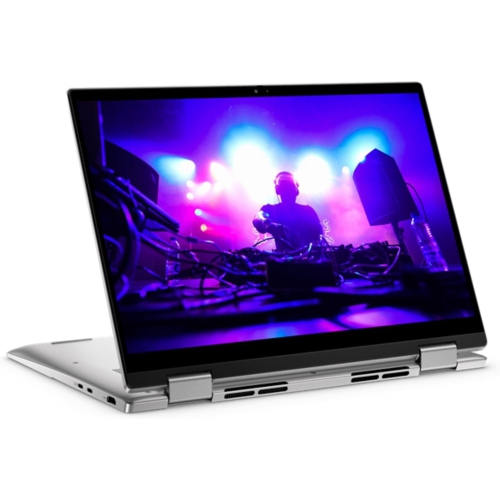
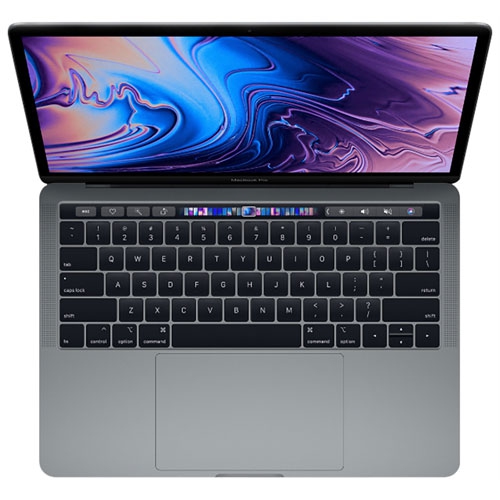
Performance in a refurbished laptop depends on the combination of processor, memory, storage and graphics, rather than any single specification. Processor generation matters alongside the processor family, since similarly named chips from different years can have different capabilities. Everyday tasks such as email, document editing and video streaming have different demands from compiling code, processing large photo libraries or running complex design software. Memory gives active programs room to work: 8 GB may suit lighter use, while 16 GB provides more flexibility for multiple applications, numerous browser tabs and video meetings running together. More demanding creative or technical work may benefit from additional memory, provided the rest of the computer also meets the software requirements. Some laptops have memory fixed to the main board, so future upgrades should never be assumed. Solid-state storage helps with startup times, opening applications and moving files, but capacity deserves separate attention. A person who mainly works with online documents may have different storage needs from someone keeping years of photos or large project files on the computer. Graphics requirements are similarly specific. Integrated graphics can handle many everyday tasks, while certain games, editing programs and design applications benefit from dedicated graphics hardware. Compatibility is especially important for specialized software, accessories and features that depend on a particular operating system or processor architecture. Connections also influence how easily a laptop fits into an existing setup. USB-C ports can look identical while supporting different charging, display and data functions, and an HDMI port may simplify connecting a monitor or television. A headset socket, memory card reader or wired network connection can be useful for particular routines. Wi-Fi capability matters for wireless connections, but the router and internet service also affect the experience. For remote work or study, dependable microphone pickup, clear speakers and practical external-display support can be just as valuable as faster processing.

Condition is another part of choosing refurbished laptops, and it is separate from computing performance. Cosmetic grades describe appearance according to the seller’s criteria; they do not, by themselves, establish processor speed, battery health or how recently a laptop was released. Descriptions may distinguish between light surface marks, visible wear and more noticeable scratches, so the stated grading standard is more informative than the label alone. For shoppers who place particular importance on appearance, Excellent Refurbished Laptops provides a related category to consider alongside the condition details for each computer. Battery condition deserves attention because rechargeable batteries lose capacity with use and age, and refurbishment does not automatically mean a new battery has been installed. Actual unplugged running time depends on remaining battery capacity, screen brightness, applications and power settings. The original battery-life claim for a new laptop may therefore be a poor guide to a refurbished unit. Charger inclusion and compatibility also matter, particularly for computers that require a specific power rating. Warranty coverage, return terms, operating system licensing and any stated testing standards help clarify what accompanies the computer, without implying that every refurbished laptop receives the same treatment. Ongoing operating system support is important for access to security updates and compatible software. Once a laptop is in regular use, straightforward care helps protect its working condition. A padded sleeve limits scuffs during transport, while a bag with a separate laptop compartment reduces contact with keys and other hard objects. Using the computer on a firm, flat work surface keeps ventilation openings clear; bedding and soft cushions can obstruct airflow. A clean microfibre cloth is useful for routine wiping, with cleaning methods matched to the manufacturer’s directions rather than liquid sprayed directly onto the screen or keyboard. Carrying the laptop with its lid closed, avoiding pressure on the display and keeping drinks away from ports and keys also help prevent damage. Together, appropriate specifications, clearly described condition and careful everyday handling make a refurbished laptop a practical fit for work, study and personal projects.

FAQ

Some products may be subject to Environmental Handling Fees (EHF) depending on your province. Learn more about EHFs.