Lenovo Travel Laptops

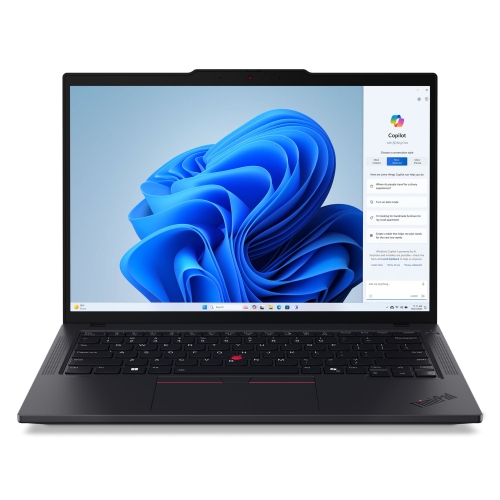
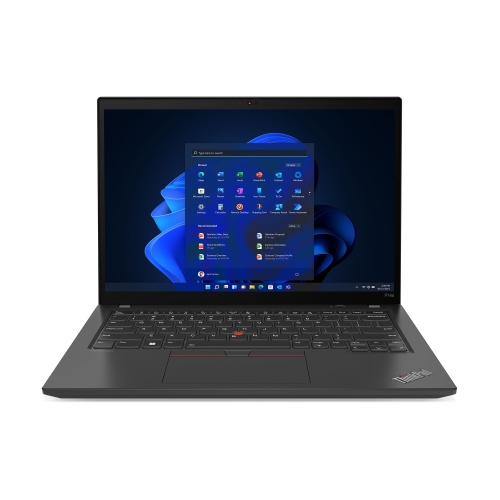
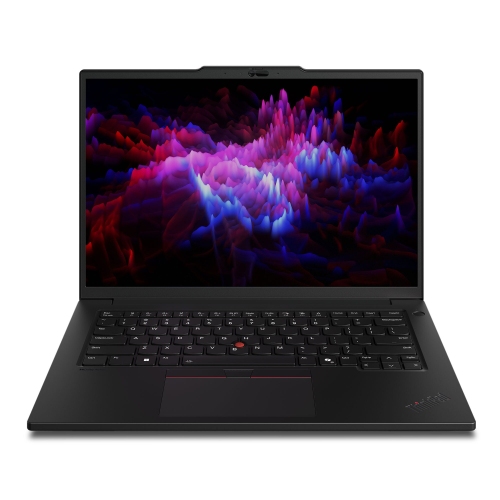
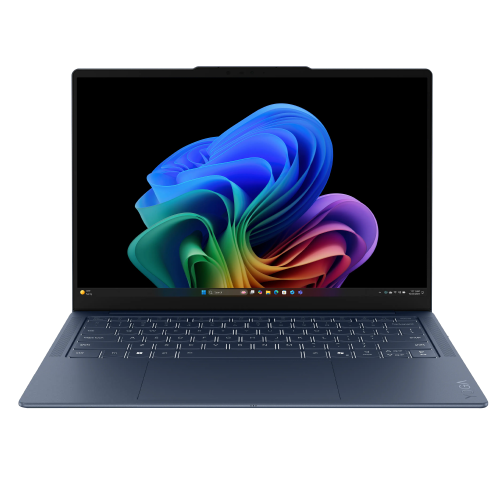
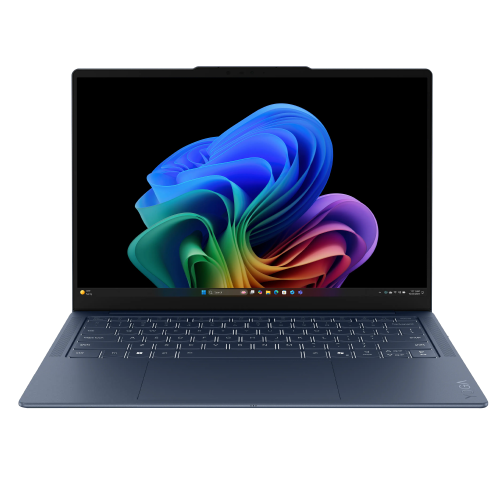
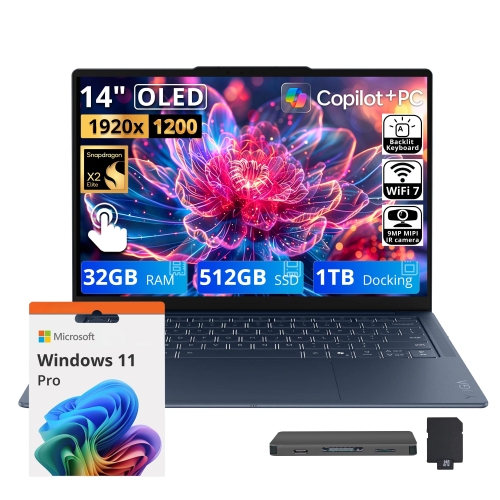
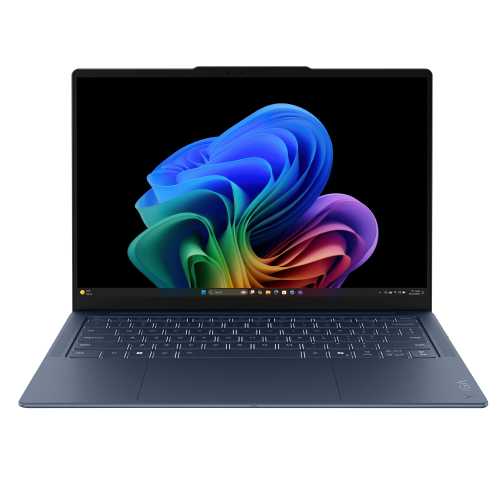
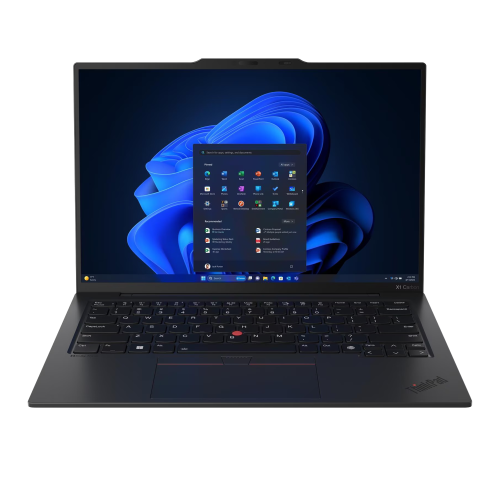
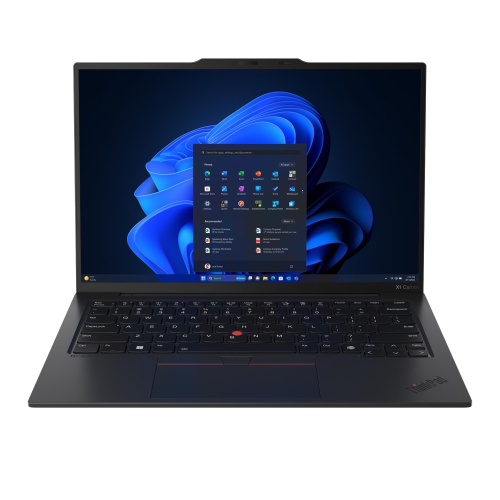
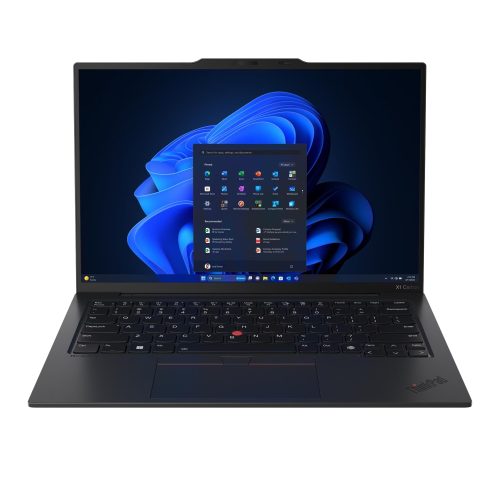
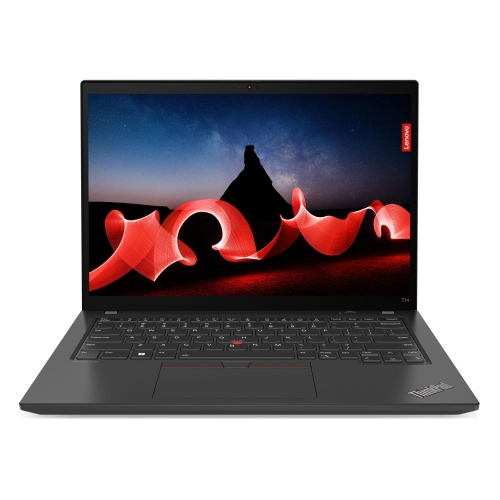
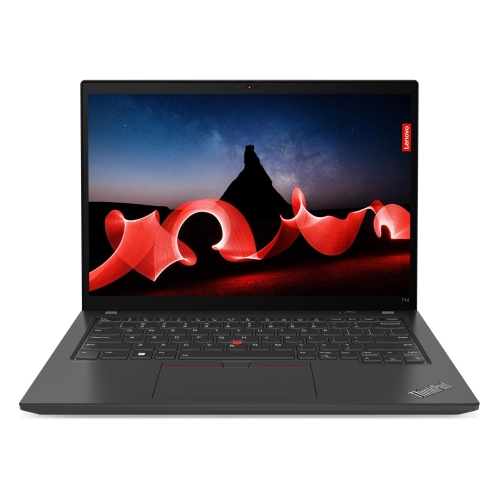
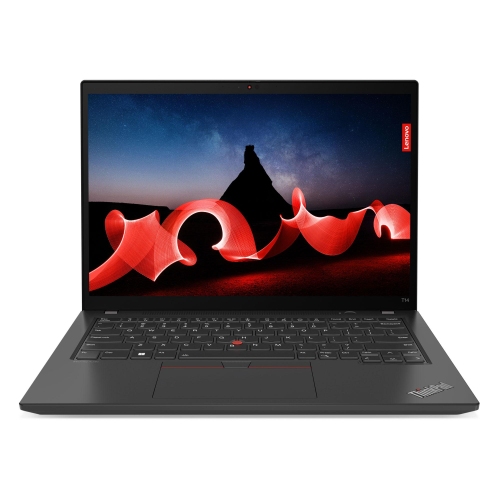
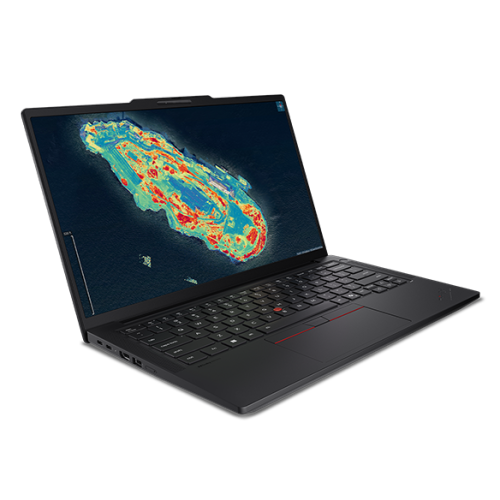
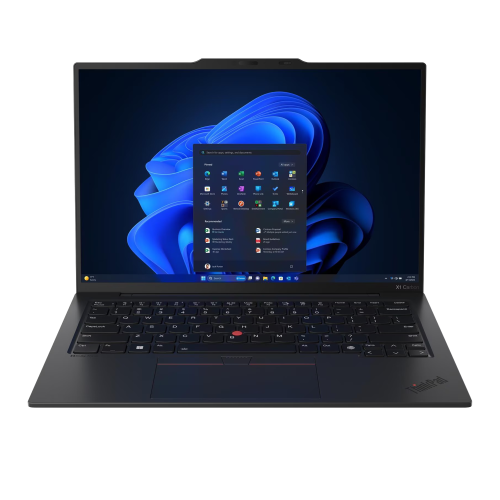
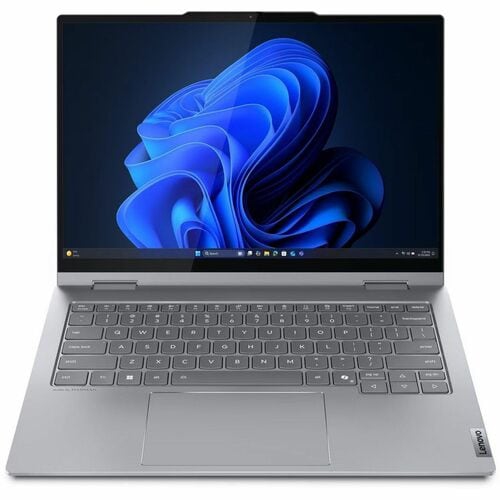
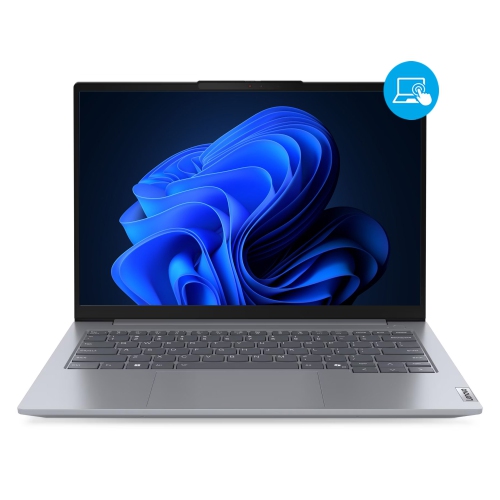
Find Lenovo travel laptops for work and everyday tasks on the go. Compare screen size and weight to find a comfortable fit for your bag, then check listed battery life, performance specifications, and available ports to choose a laptop that suits your travel routine.
Sort

Why portability means more than a lightweight laptop

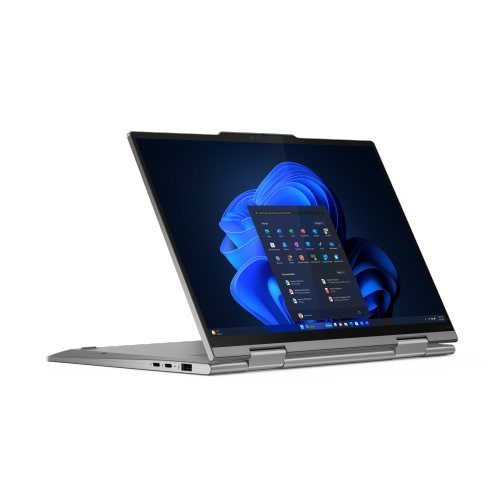
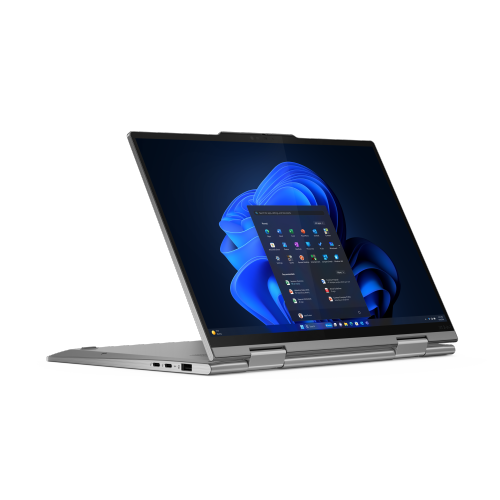
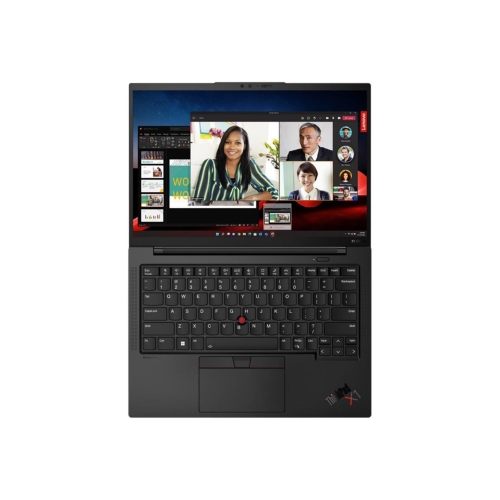
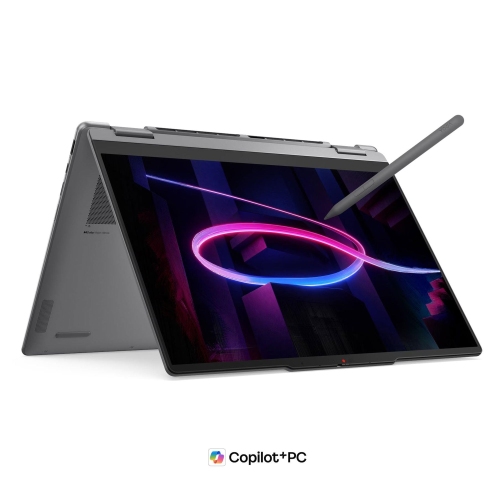
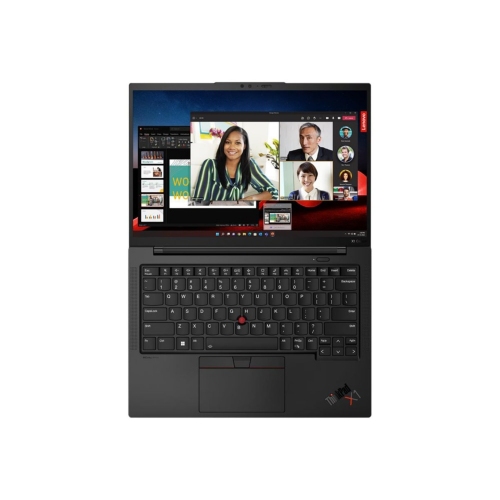
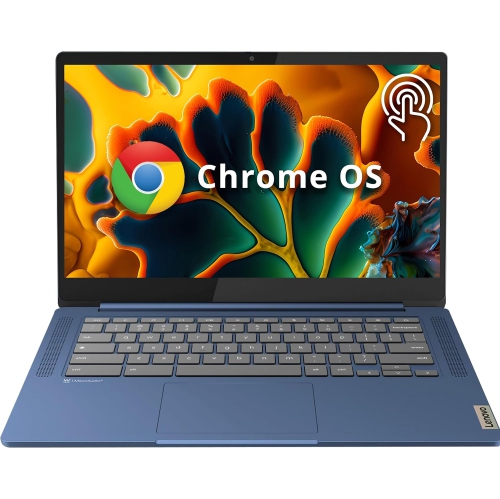
Travel laptops bring everyday computing into a form that is easier to carry between home, work, campus, and destinations farther afield. Their appeal comes from the balance of manageable weight, useful battery life, and enough screen and keyboard space to get things done comfortably. A compact laptop can turn a café table into a place to finish a presentation, keep travel documents close at hand, or make a video call from a hotel room without taking up an entire desk. Portability involves more than the device’s weight alone: the charger, protective sleeve, and any adapters also contribute to what goes into a bag. Models with a 13-inch or 14-inch display often suit smaller backpacks and briefcases, while a larger screen may be worthwhile for travellers who spend longer stretches reviewing spreadsheets or working across multiple windows. Slim bezels can help keep the overall footprint compact without reducing the viewing area. Screen shape matters, too, with taller displays providing more vertical room for documents and web pages. A matte finish can help reduce distracting reflections under overhead lighting, while a glossy touchscreen offers a different feel for tapping, scrolling, and handwritten notes when compatible pen support is included. Traditional clamshell designs provide a familiar typing setup, whereas convertible designs can fold into different positions for reading or watching downloaded entertainment. Materials such as aluminium and reinforced plastics contribute differently to weight, rigidity, and surface feel, but construction quality matters as much as the material name. A firm keyboard deck, a hinge that holds the screen steadily, and a lid that feels secure in transit all contribute to daily usability. A comfortable keyboard and responsive touchpad are especially valuable when there is no room for a separate mouse. These details become noticeable during an early departure, a crowded connection, or an afternoon spent moving between meeting rooms, when a laptop needs to fit naturally into the journey rather than demand extra space and attention.

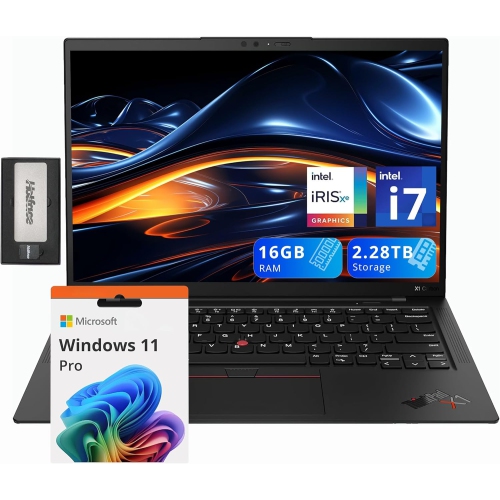
Performance in a travel laptop is most useful when it matches the work that travels with it. Email, browser-based tools, streaming, and document editing have different demands from photo editing, software development, or large data files. A processor suited to routine productivity can keep everyday tasks moving smoothly, while more demanding work may benefit from additional processing power, memory, and cooling capacity. Memory helps determine how comfortably a laptop handles several applications at once; 16 GB is a practical consideration for people who regularly combine video meetings, multiple browser tabs, and office documents. Storage capacity matters for downloaded presentations, photos, project folders, and entertainment saved before a trip. A solid-state drive supports responsive file access and has no moving drive mechanism, although it does not make the laptop immune to damage. Battery life deserves similar context. Published estimates depend on testing conditions, and actual runtime changes with display brightness, video calls, background applications, and other settings. Long stretches away from an outlet call for a balance between battery capacity and the weight carried throughout the day. USB-C charging can simplify a travel setup when the laptop supports it, but the charger and cable must meet the device’s power requirements; not every USB-C port accepts power or supports an external display. Port selection can also affect how many accessories need to come along. USB-A may be useful for an existing mouse or presentation remote, HDMI can help with a meeting-room display, and a memory card slot may suit photography workflows. Wi-Fi capability supports wireless connections, while connection quality still depends on the network being used. Offline access to essential files remains useful wherever connectivity is limited. For video calls, a clear webcam, well-positioned microphones, and speakers that make voices easy to understand can matter more than a small difference in processing speed. A webcam shutter or fingerprint reader, where included, adds convenience to routines that involve opening the laptop in shared spaces.

A travel laptop also needs to fit the bag, workspace, and habits of the person carrying it. The device’s full dimensions are more useful than screen size alone when matching it to a padded compartment, particularly if a sleeve adds extra thickness. A snug protective sleeve helps limit scuffs from zippers and other contents, while a dedicated laptop compartment keeps the device separate from loose cables and small accessories. Protection is still important with a rigid chassis: a thin display panel and exposed ports can be vulnerable to pressure, impacts, and spills. Carrying a laptop closed, keeping heavy objects from pressing against the lid, and avoiding crowded compartments can reduce unnecessary strain. Routine care is straightforward. A soft, lint-free cloth helps remove marks, and cleaning methods should follow the manufacturer’s recommendations, especially for coated displays and touchscreens. Clear ventilation openings help the cooling system work as intended, so a firm surface is preferable to a blanket or cushion during use. Reliable backups are another practical part of travelling with important files; a damaged or misplaced device should not mean losing the only copy of a project or a trip’s photographs. For commuters, portability may mean an easier daily walk between transit and the office. For students, it can mean carrying lecture notes and assignments between classrooms without adding unnecessary bulk. Frequent business travellers may place greater value on typing comfort and meeting-ready connections, while leisure travellers may favour a compact design for planning routes, organizing photos, and watching films. A laptop can also be a thoughtful gift for a student or someone whose work involves regular travel, provided its operating system, software compatibility, and physical layout suit their routine. The Best Lenovo Laptops collection offers a broader view of laptop choices. For travel-focused use, the strongest fit is a device that remains comfortable to carry and practical to use throughout the journey.

FAQ

Some products may be subject to Environmental Handling Fees (EHF) depending on your province. Learn more about EHFs.