LG Bluetooth Soundbars
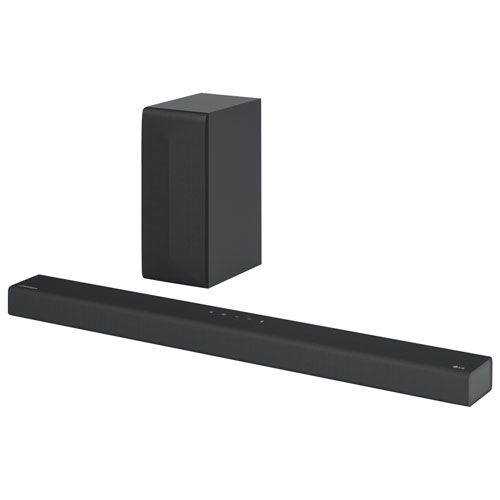
Explore LG Bluetooth soundbars for TV audio and wireless music streaming from compatible devices. Compare dimensions, TV connection options, and audio features to find a model that fits your space and works with your existing setup.


FAQ
Select the soundbar’s Bluetooth input and activate pairing mode as directed in its manual. Open Bluetooth settings on your phone or tablet, then select the soundbar from the available devices. Pairing controls can vary by model.
Yes, if the TV supports Bluetooth audio output and is compatible with the soundbar. Put the soundbar in pairing mode, then select it through the TV’s sound output settings. A TV with Bluetooth does not necessarily support Bluetooth audio output, so check its specifications.
Bluetooth sends audio wirelessly from a compatible device. HDMI ARC or eARC uses a cable to carry audio from a compatible TV and may support additional audio formats and TV remote controls. Available connections and features depend on the soundbar and TV.
Some models can remember multiple paired devices, but remembering devices is different from maintaining simultaneous connections. To switch sources, you may need to disconnect the current device before connecting another. Check the model’s manual for its pairing and connection options.
Some LG soundbars support a companion app for functions such as input selection, volume adjustment and sound settings. App compatibility and available controls vary by model, and some features may require a Wi-Fi connection rather than Bluetooth.
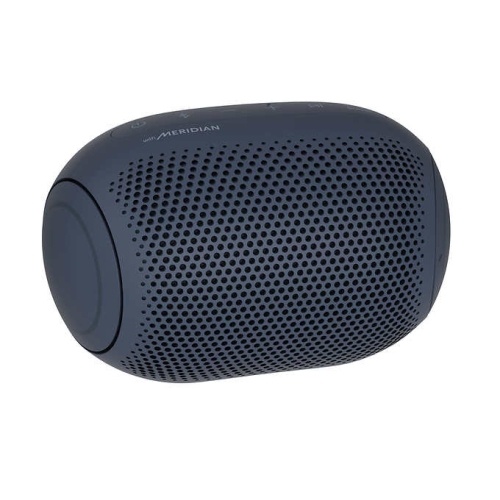
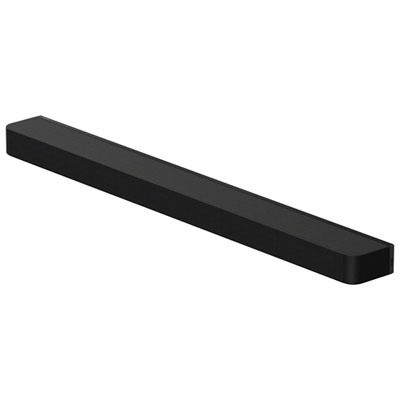
Top selling and popular products
Discover more categories related to LG Bluetooth Soundbars
Some products may be subject to Environmental Handling Fees (EHF) depending on your province. Learn more about EHFs.